Glorious Model O 2 Mini Wireless Software & Lighting
While the Glorious Model O 2 Mini Wireless will work without any software, if you want to do any type of customization you’ll need to download the Glorious Core software. Opening up the software for the first time you’ll find a list of your connected Glorious devices.

Once we click into the mouse itself we can see its battery level, the firmware version and if it needs to be updated, as well as the three profiles on the mouse. If you sign-up to Glorious ID you can have cloud profiles as well.

Moving over to the Settings tab we can set the polling rate, lift off distance, and debounce time.

The next tab is Lighting. We can set the effect (there is only 1 lighting zone), and we can also set different brightness levels for when you have the mouse connected wired vs wirelessly. This is a good thing as you likely want to keep the brightness down when in wireless mode so you have a longer battery life.

When it comes to lighting on the mouse itself we have the two lighting bars on either side of the mouse. These shine through the holes on the mouse a little bit as well.
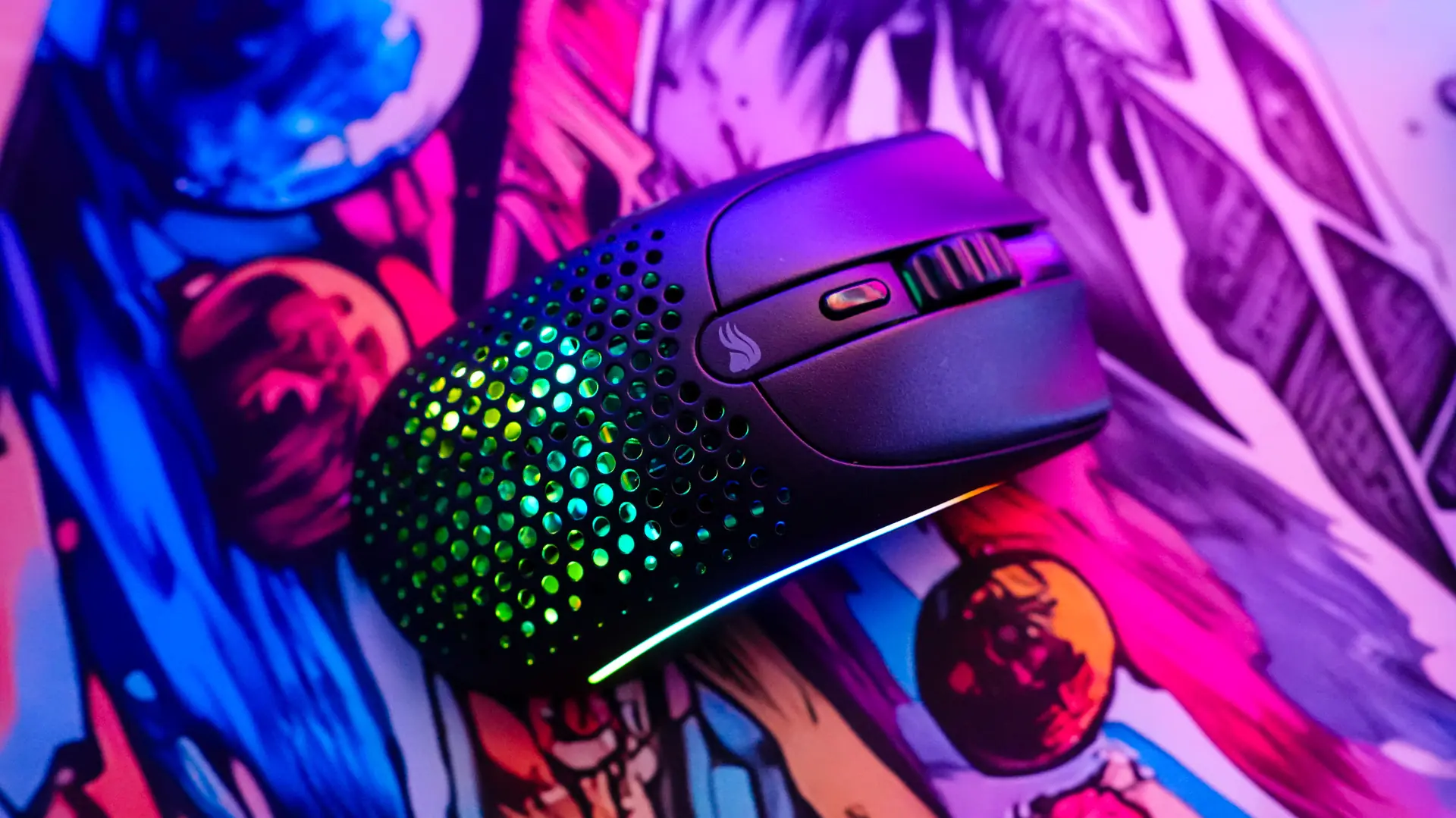
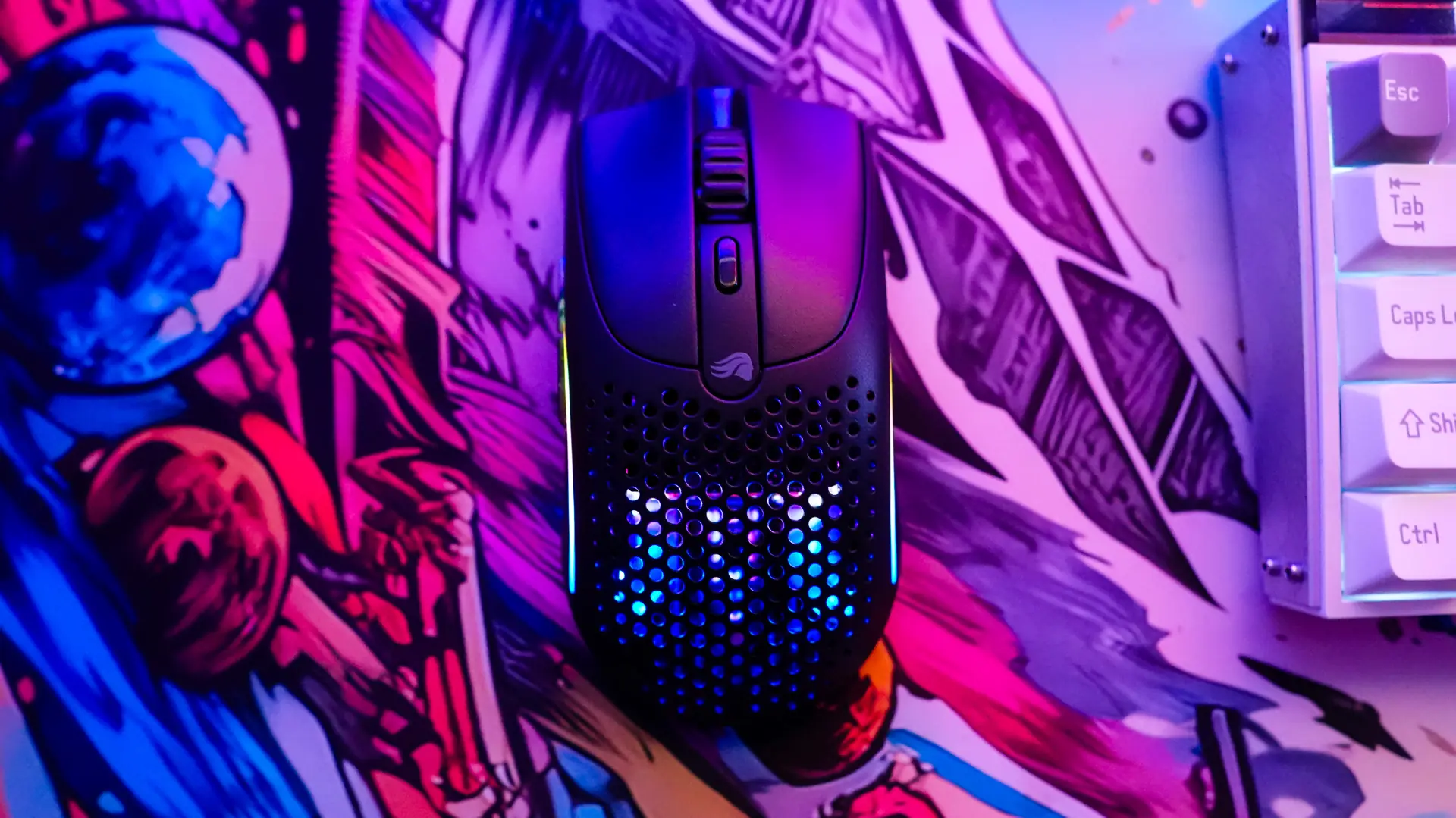
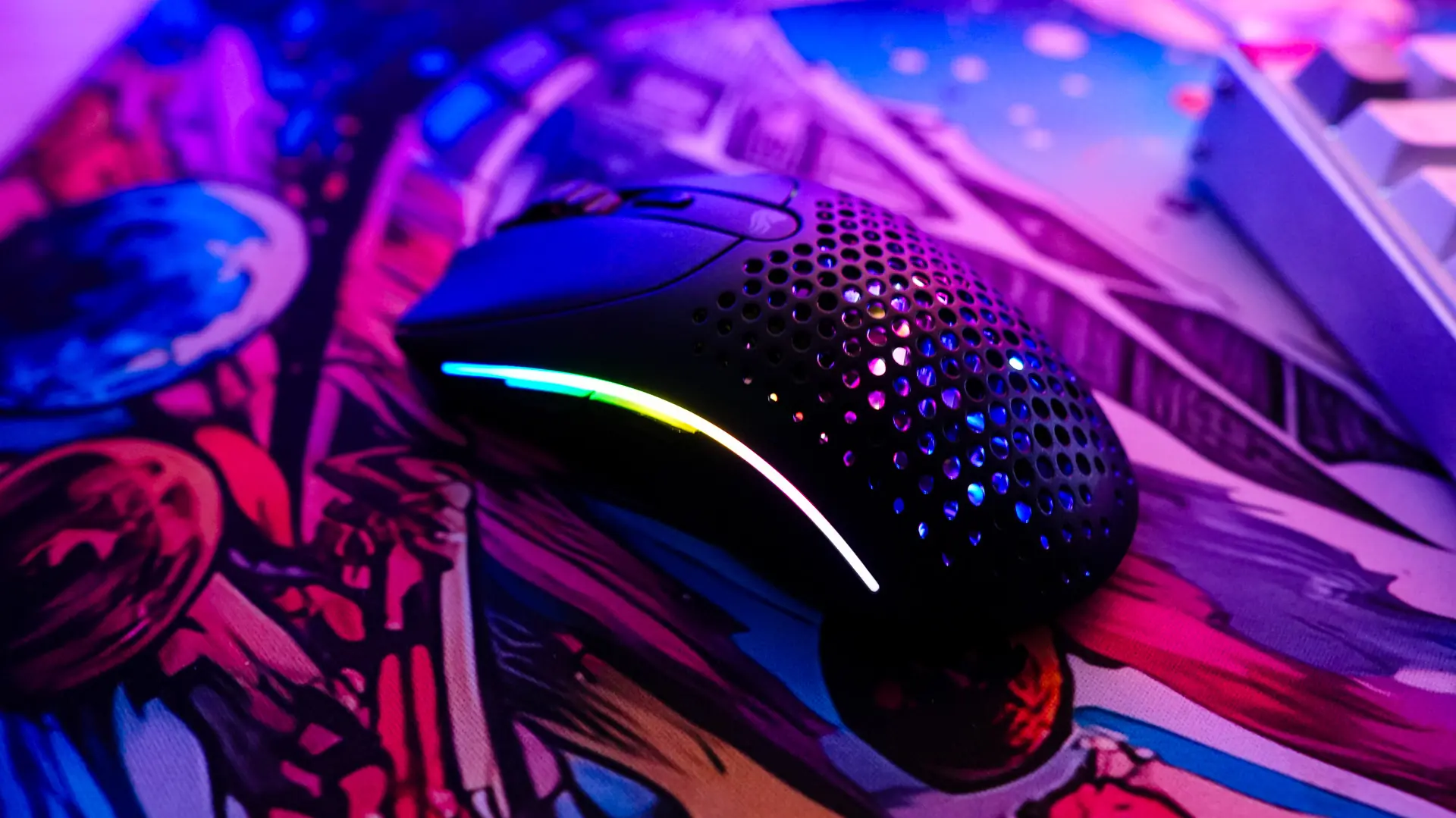
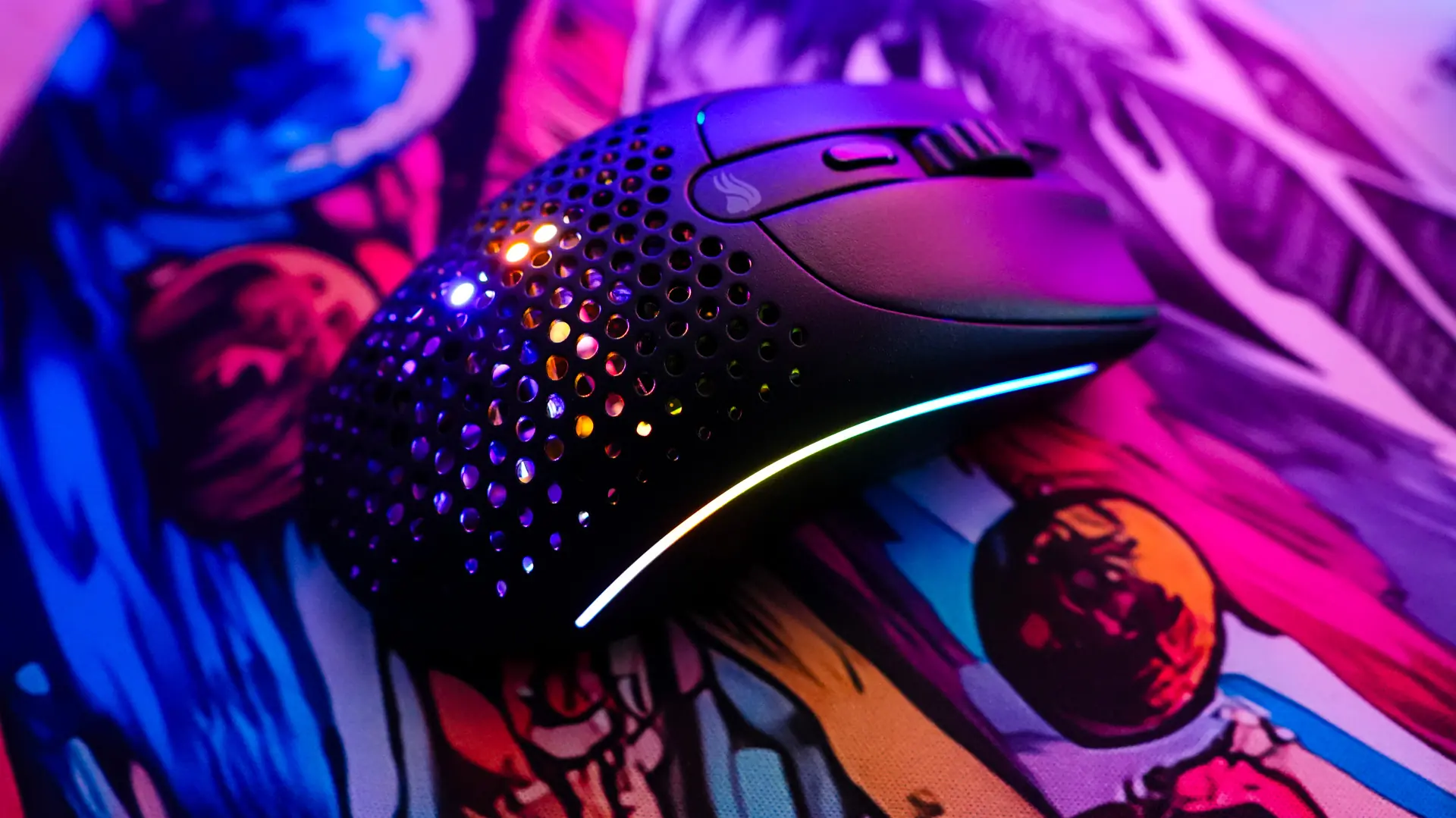
After lighting is the DPI tab. Here we can set 5 different DPI levels from 100 to 26000. Each DPI level has a corresponding color which is the color the LED on the bottom of the mouse lights up when you lift the mouse up. This is an easy indication to see which DPI level you are on.

The last tab we have here is Keybinding. Here we can remap all six of the buttons on the mouse. They can be remapped to a simple keystroke, keyboard function, mouse function, DPI switch, macro, multimedia control, a shortcut, or you can disable the button completely.