All the way back in 2019 I took a look at the original Model O gaming mouse from Glorious and since then I’ve never really gone back to a heavy mouse as my daily driver. Glorious was at the forefront of the lightweight gaming mouse movement back then and have been making mice, keyboards, and more ever since! Today we are taking a look at one of their latest mice, the Model O 2 Mini Wireless which has been designed for gamers with small to medium-sized hands. It offers a symmetrical shape, lightweight design at only 57 grams, dual wireless connectivity, and up to 210 hours of battery life. Is this the new lightweight gaming mouse you need? Read on as we find out!
Special thanks to Glorious for providing us with the Model O 2 Mini Wireless Gaming Mouse to review.
Specifications of the Glorious Model O 2 Mini Wireless Gaming Mouse

Packaging of the Glorious Model O 2 Mini Wireless Gaming Mouse
The Model O 2 Mini Wireless comes in a retail box that is not much larger than the mouse itself. On the front we have a graphic of the mouse itself and it does let us know that it weighs only 57g.
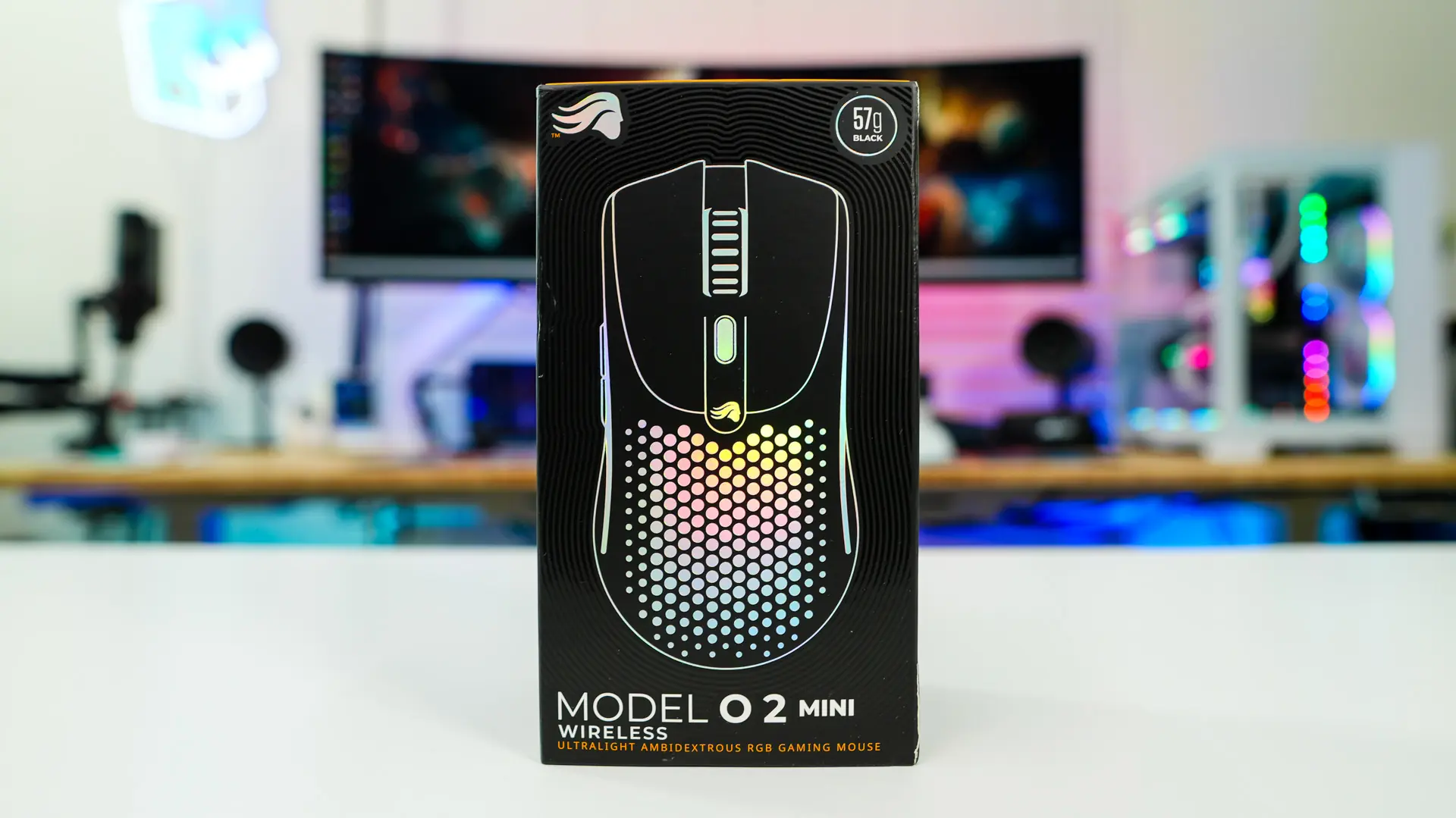
Flipping over to the back many of the features of the mouse are detailed and we have a run-down of the specifications.

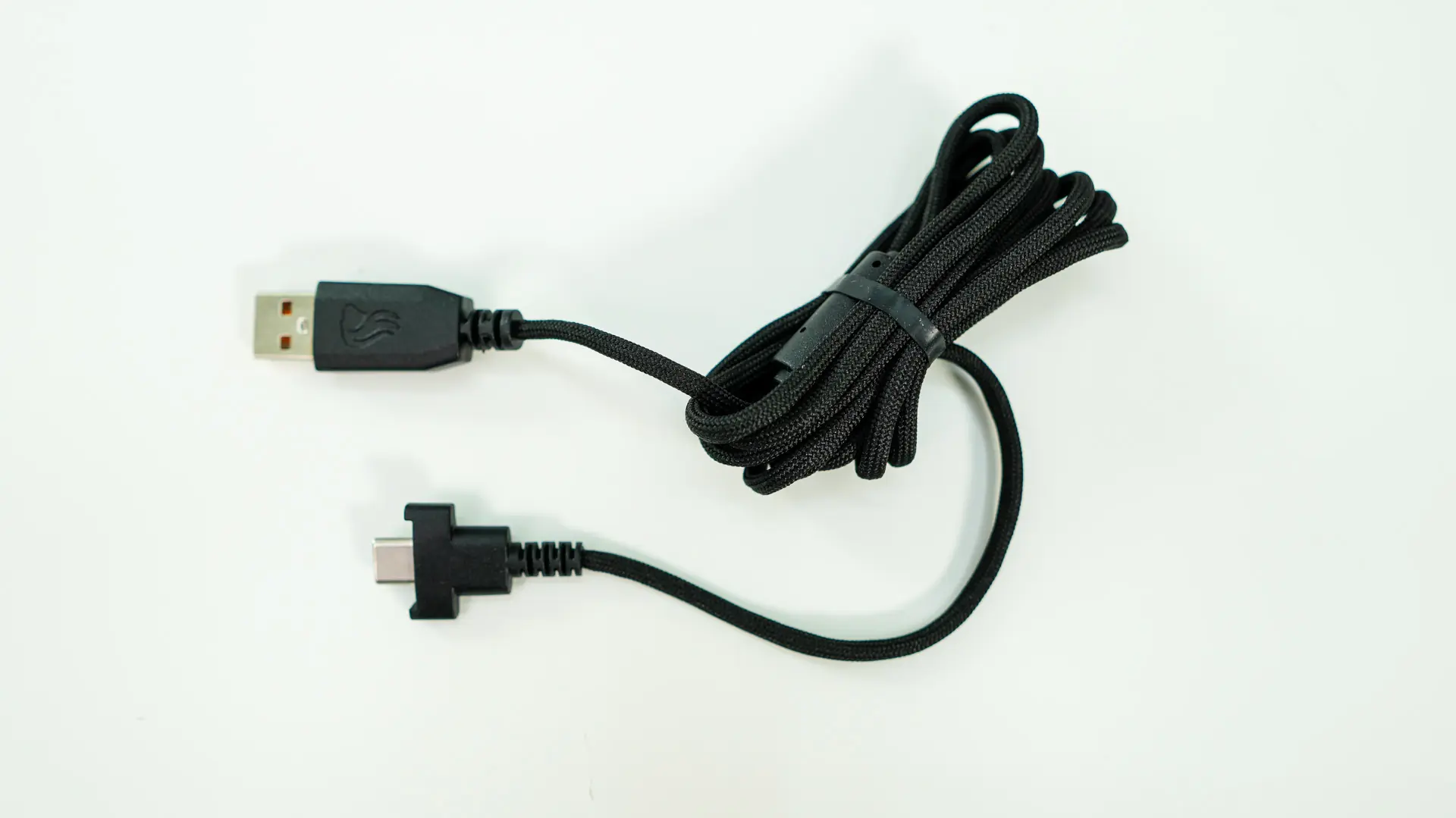
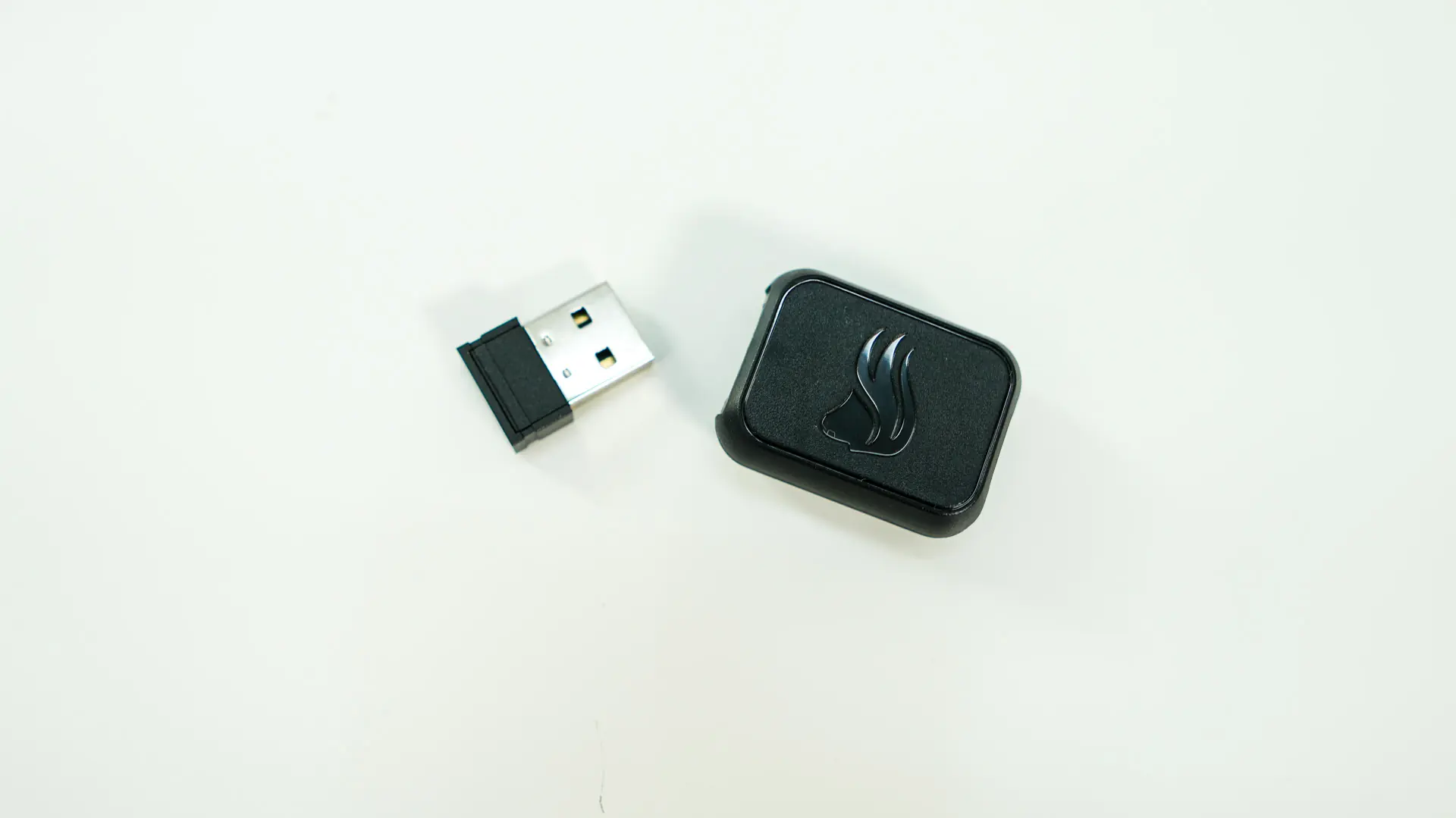
Opening the box up inside we find the Model O 2 Mini Wireless mouse, a USB-A to USB-C cable, the wireless dongle (USB-A), dongle adapter (USB-C to USB-A) and a user’s guide.

The included USB-A to USB-C cable is not a standard cable. The USB-C side has a special connector on the end so it is easier to plug into the mouse and dongle adapter, sadly you really can’t use this cable with any other USB-C device. The dongle adapter is quite small and has a USB-A connection on one side for the actual dongle and the special cut-out USB-C connection for the included cable. If you are wondering why you would need a dongle adapter it is to get the USB dongle as close to your mouse as possible and so you have less interference from the actual USB port on your motherboard.