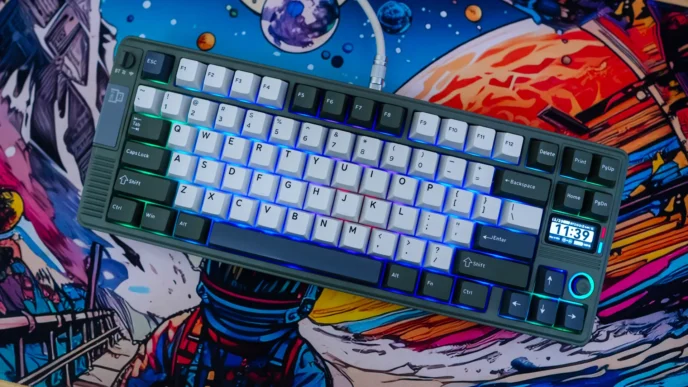
GravaStar Mercury K1 Pro Gaming Keyboard Overview
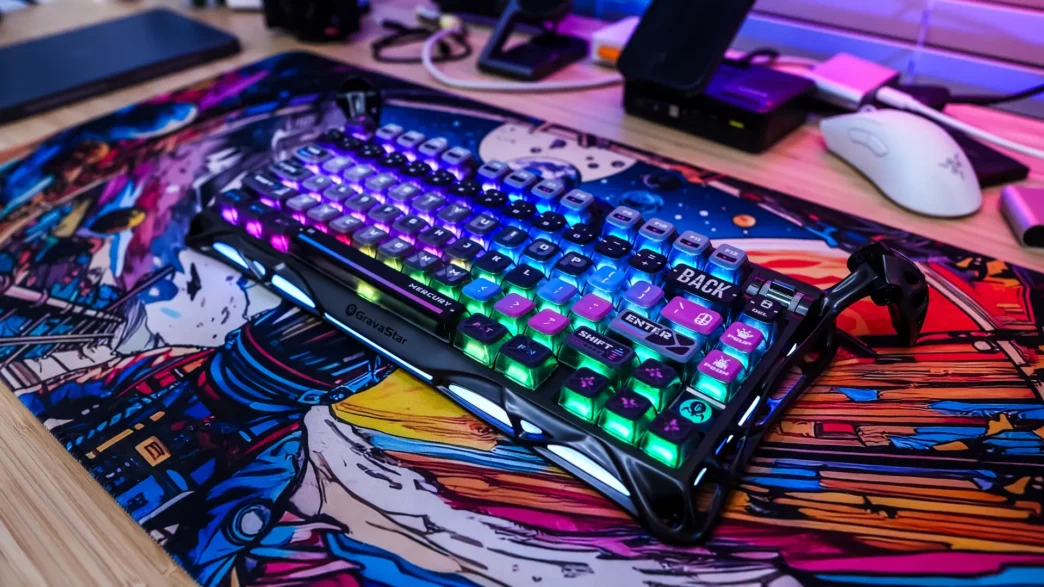
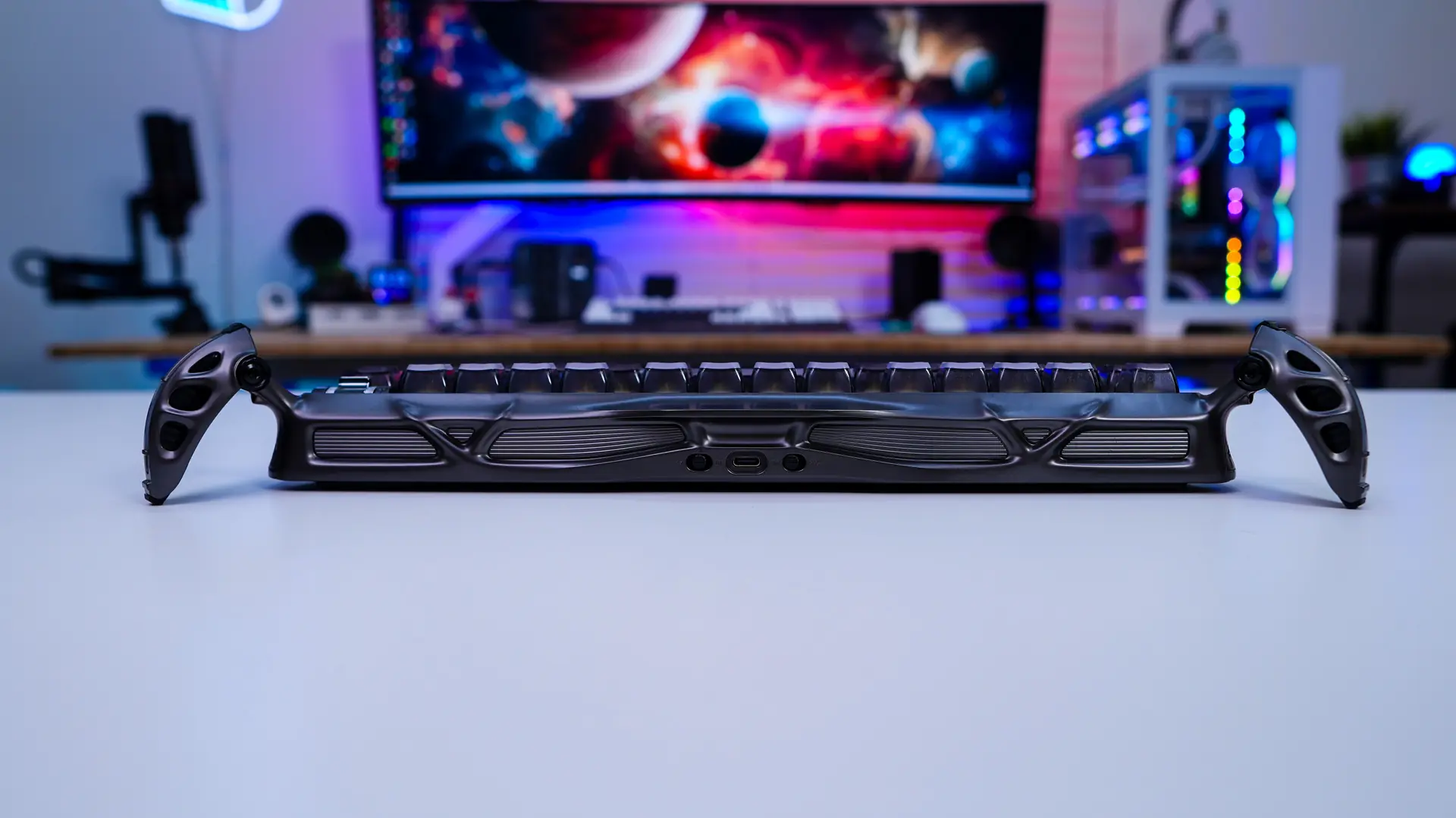
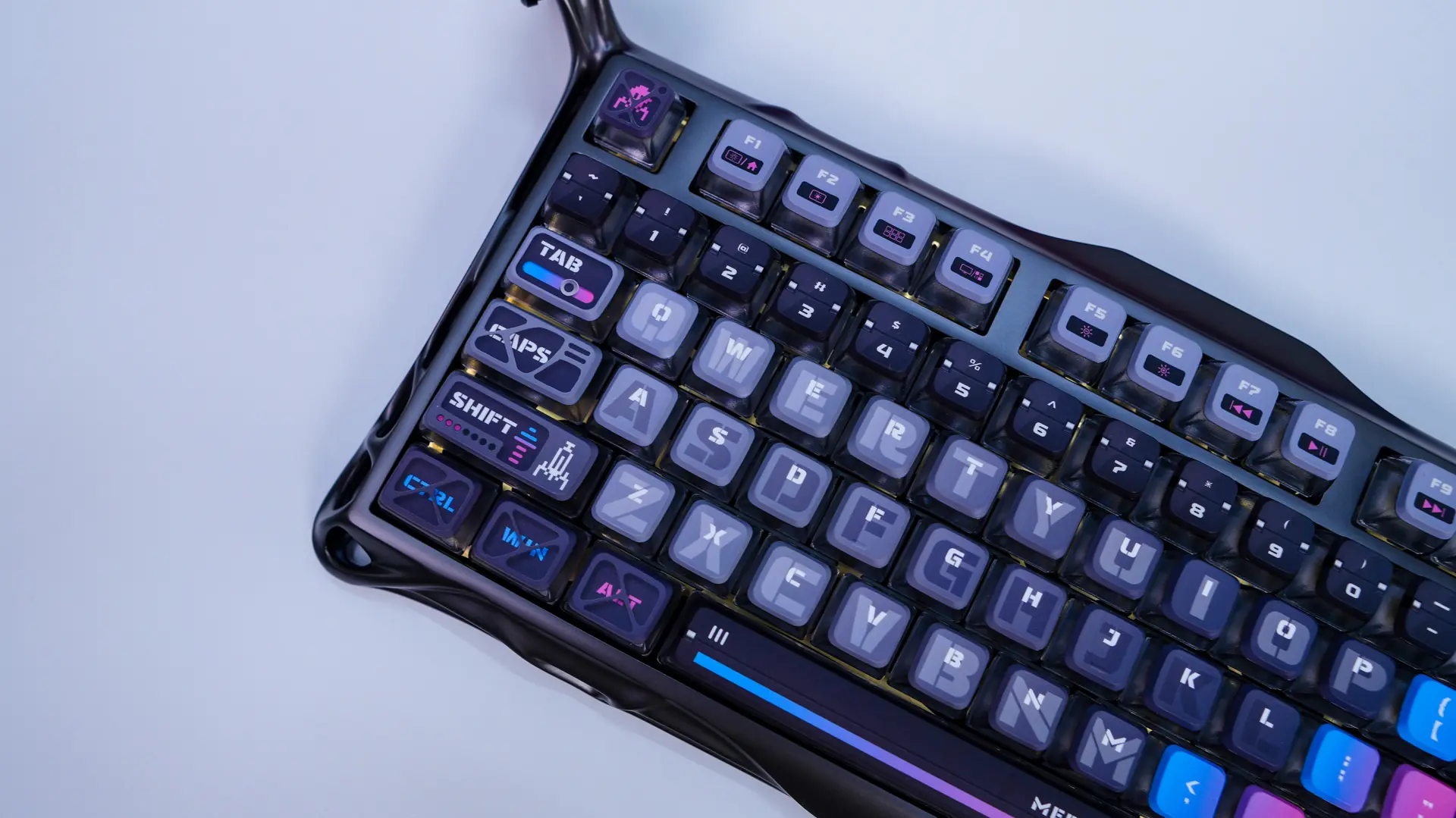
So the Mercury K1 Pro is not going to look like any keyboard that you’ve seen before. As I mentioned it has this sort of futuristic and alien-like design which starts with out outer frame of the keyboard. The only way I can really describe it is like an exoskeleton, but this exoskeleton is not cheap plastic, it is made of aluminum. The color of this exoskeleton is gunmetal, which I think looks great.
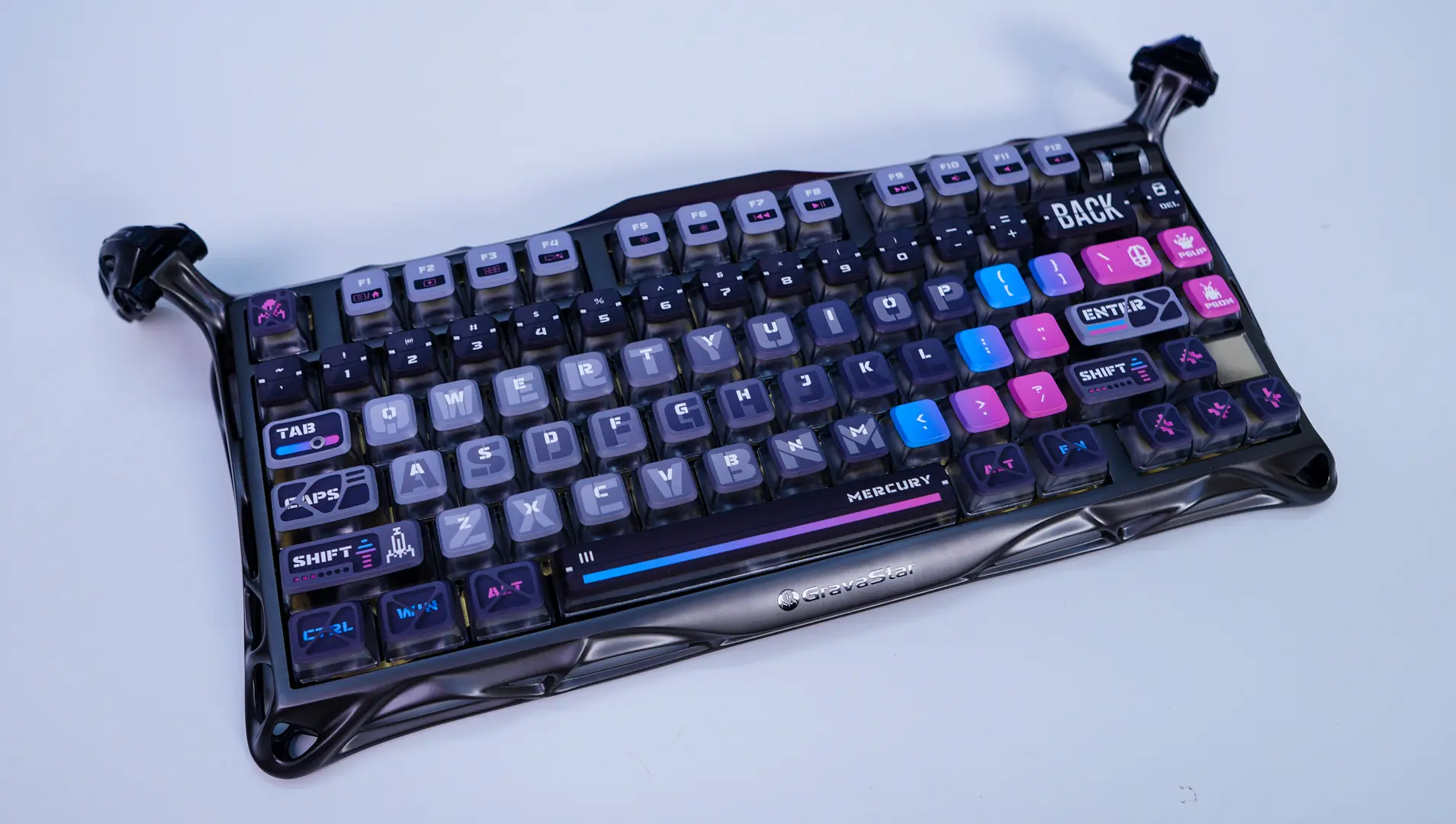
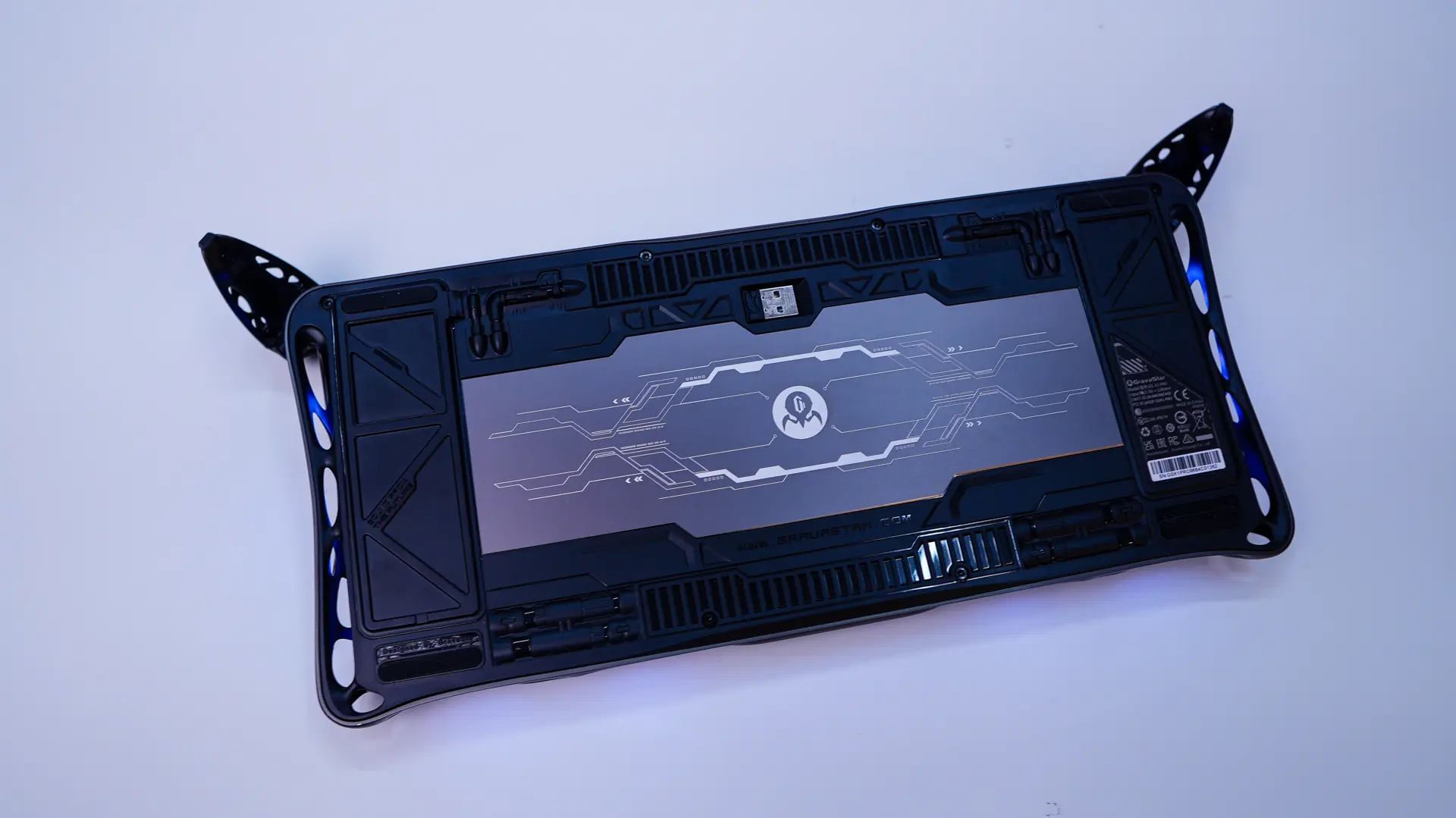
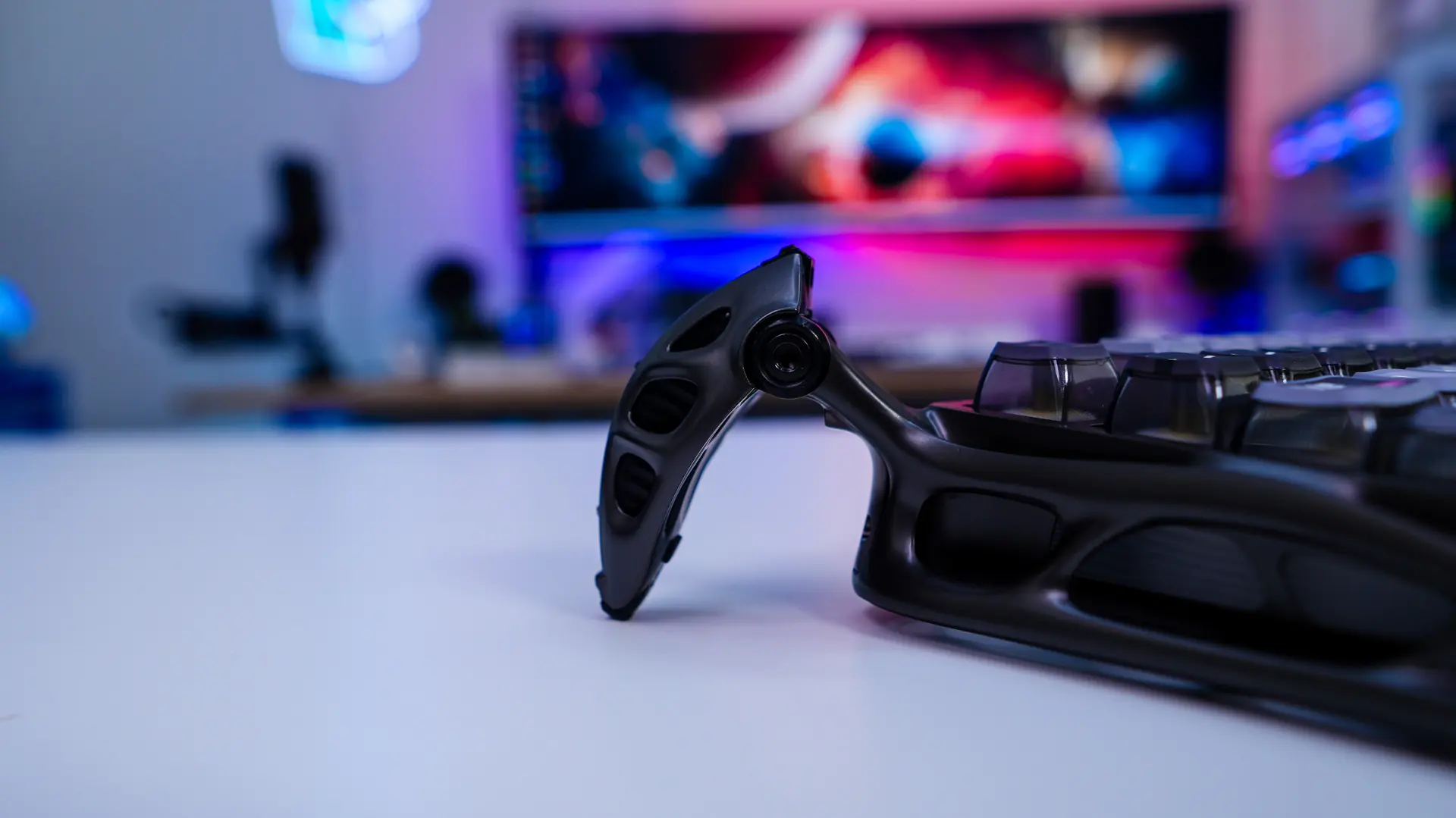
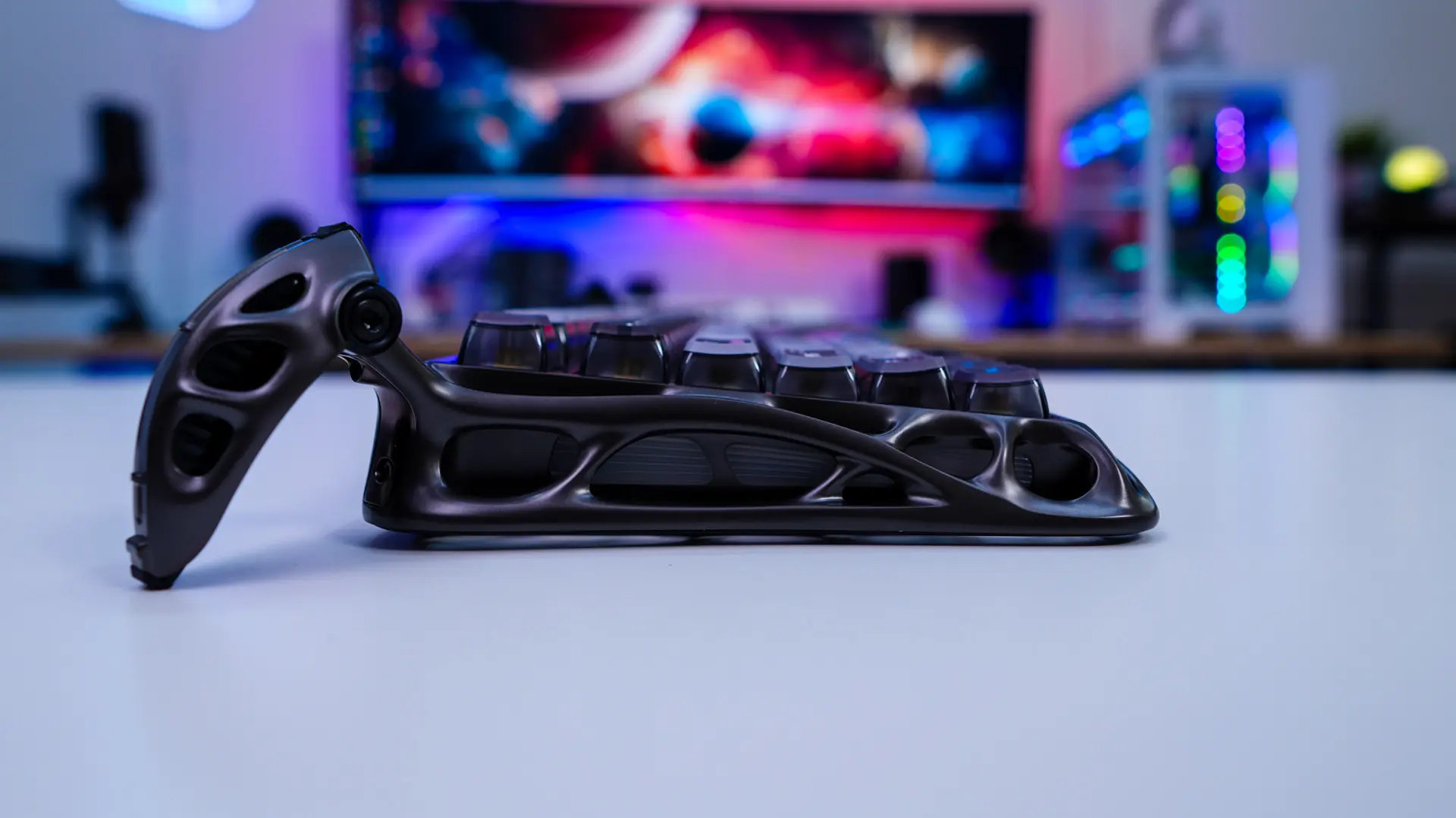
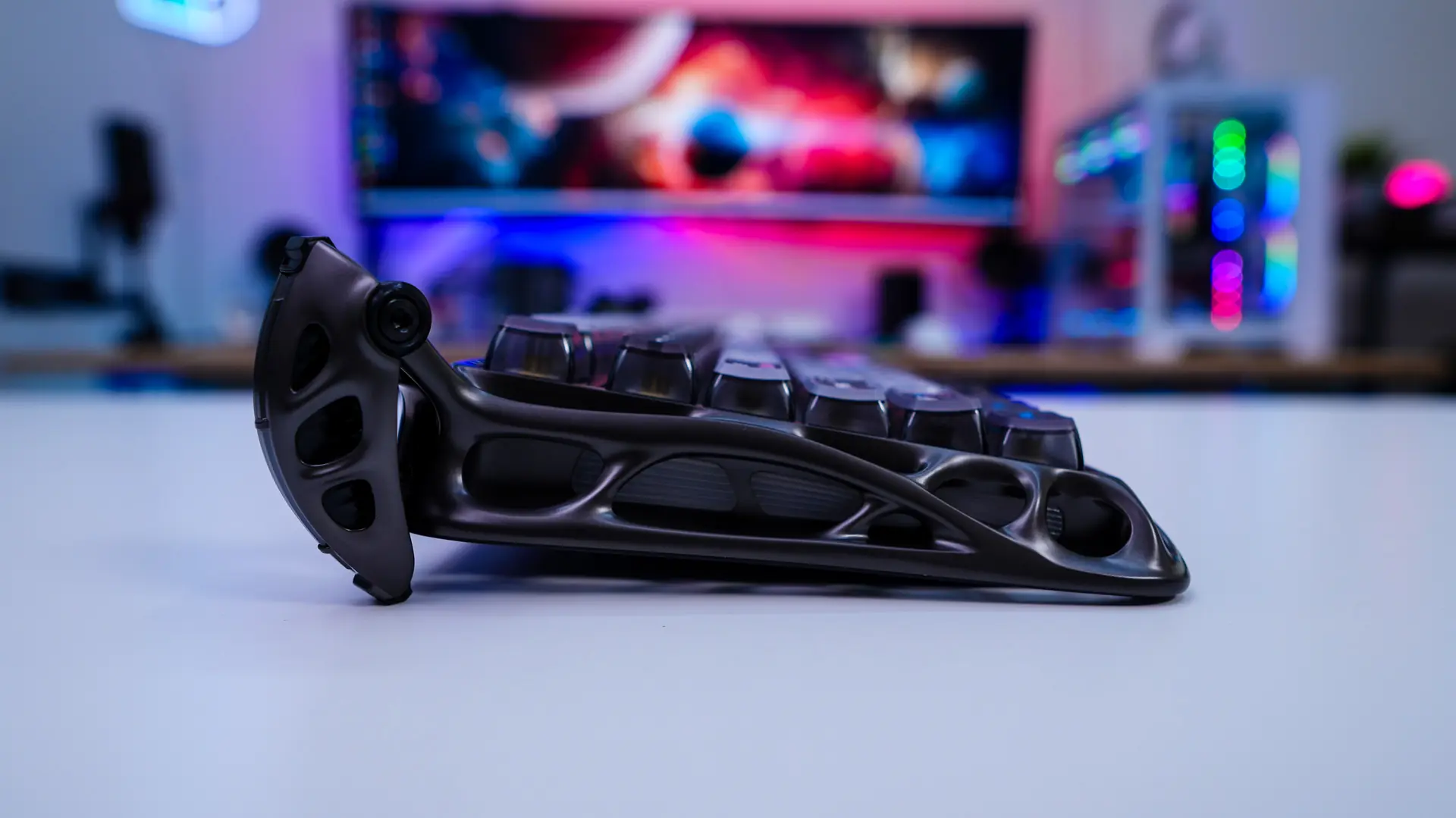
The second part of this futuristic design is actually going to be the feet of the keyboard. Typically we see pop-out feet on the bottom of the keyboard, but the ones we have here extend out from the top-edge of the keyboard and look like some sort of alien mechanical feet. This not only adds to the overall look of the keyboard on your desk, but there are actually the feet you use to adjust your typing angle. So extended fully out the keyboard sits at a more flat angle, but move them in and you have a more inclined angle. Also if we look at the keyboard from the side we can really see that exoskeleton again, I have to say this really is a beautiful keyboard.
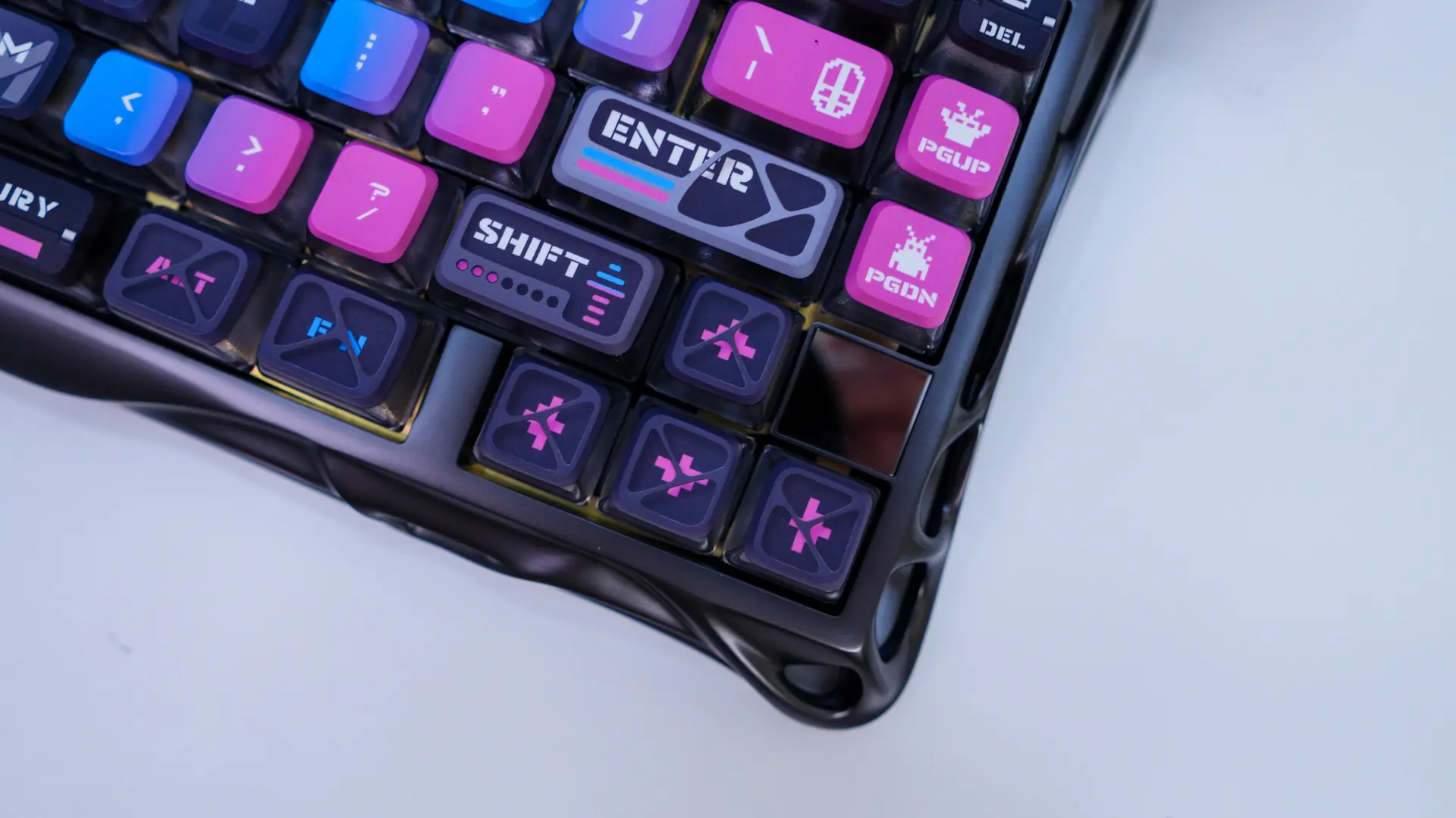
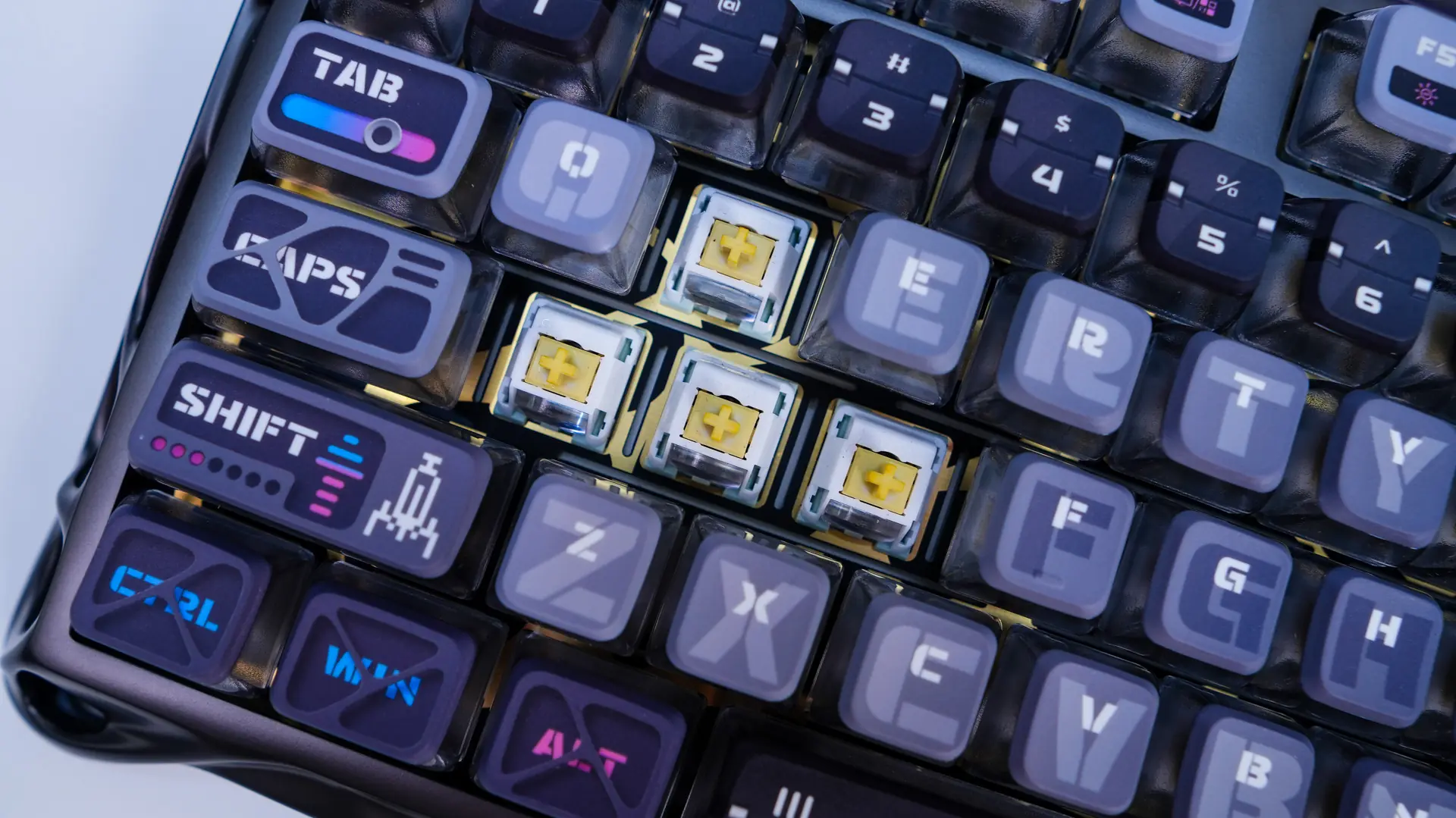
Beyond the gunmetal exoskeleton GravaStar calls the colorway on this keyboard “Cyberpunk” and you can really see why. The keycaps and even hard to describe, but we have a mixture of grey, light blue, dark blue, pink, and black. It is definitely one of the more over-the-top keycap sets that I’ve seen, but I do feel it matches the keyboard quite well.
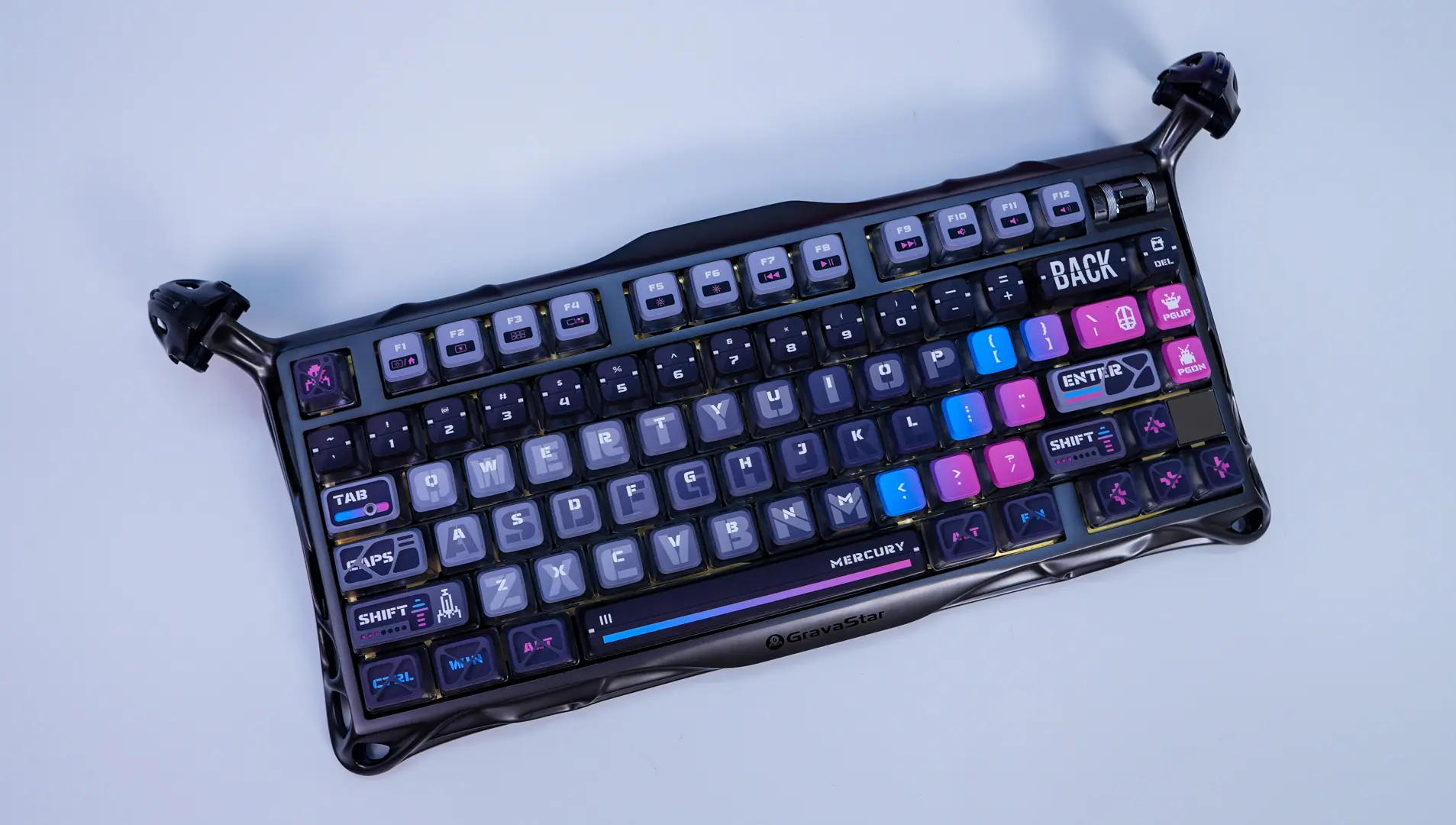
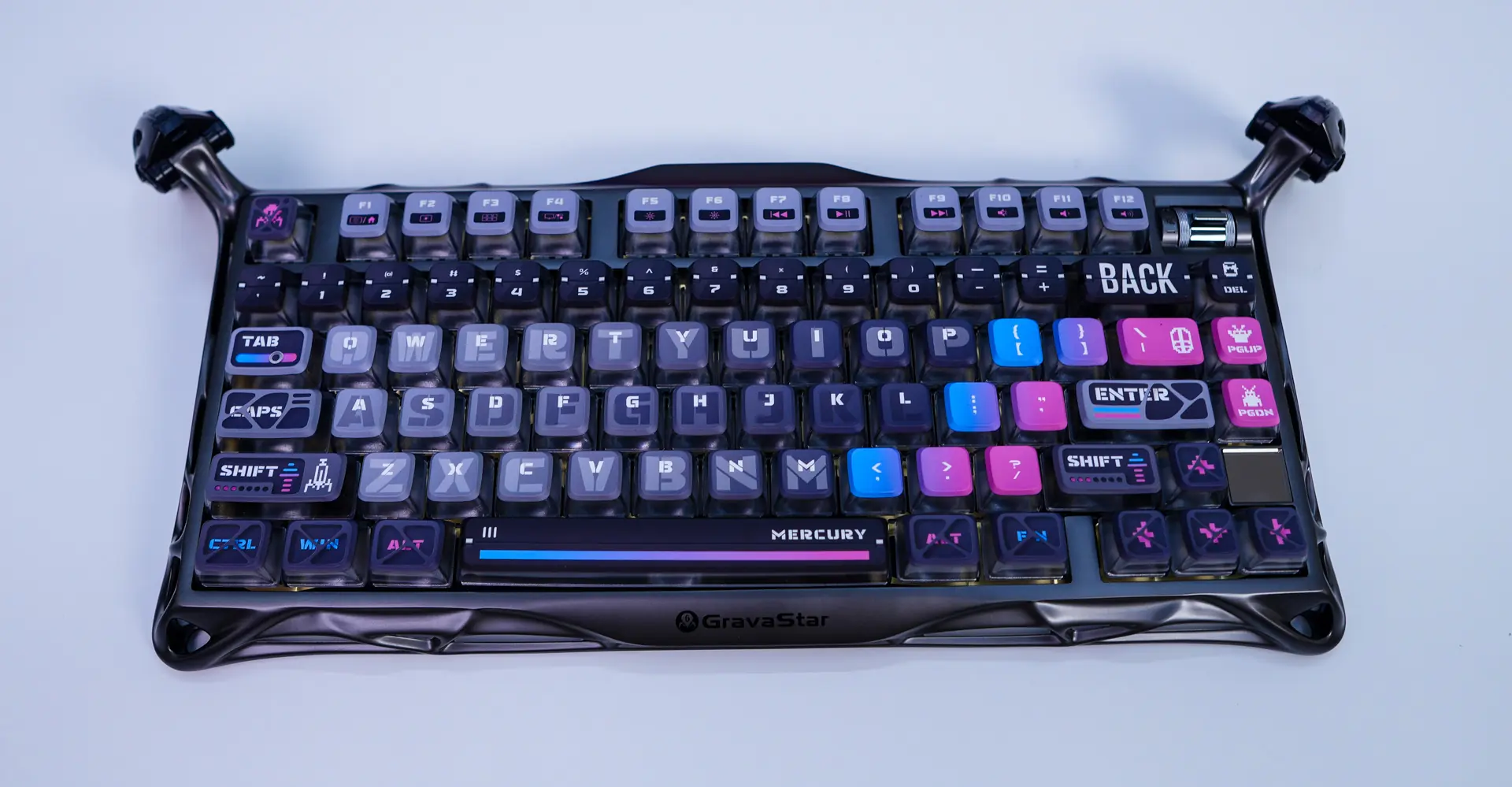
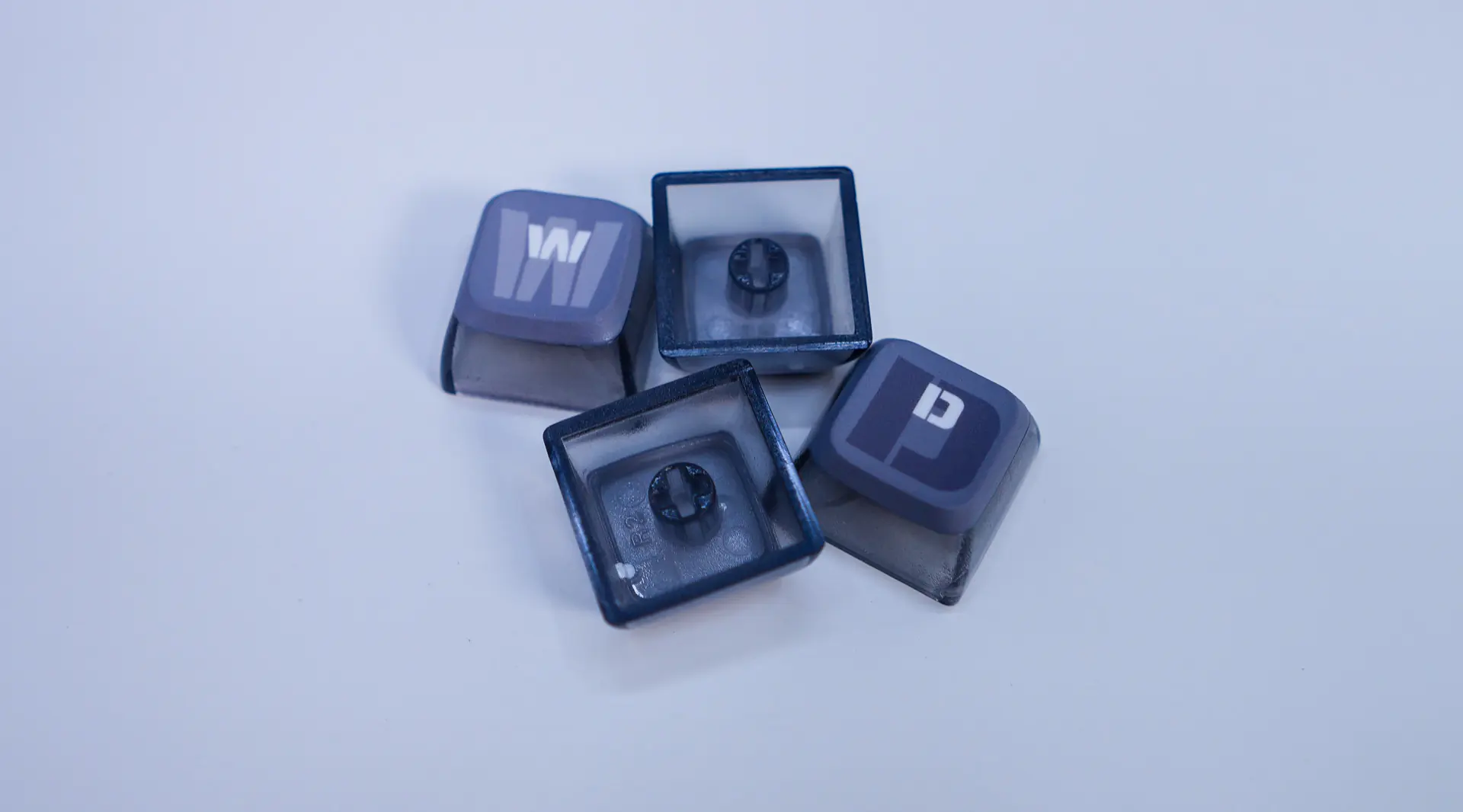
The keycaps are going to be PBT, but they are pudding style, which we’ll see more of once we go over the lighting. PBT is going be to better than your normal ABS keycaps as these will not show any shine or wear over time. We do not have see-through legends, but they legends on the keys are mostly white. We do have some pretty interesting keys as well especially like our arrow keys, enter, shift, and more.
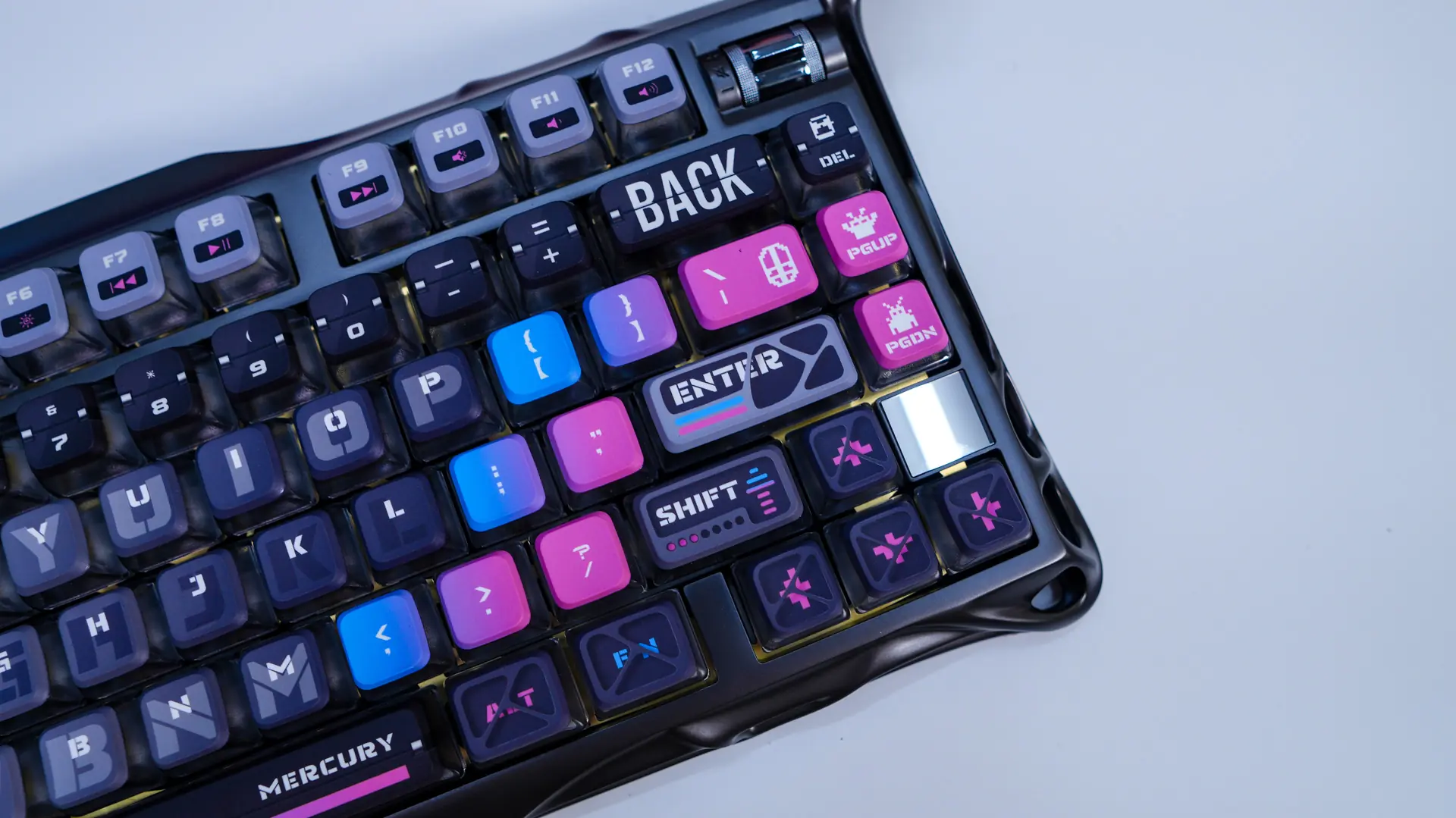
In the top right corner of the board you will find a little volume control dial. Pretty it up to increase your volume, down to decrease your volume, and finally press it in to mute.
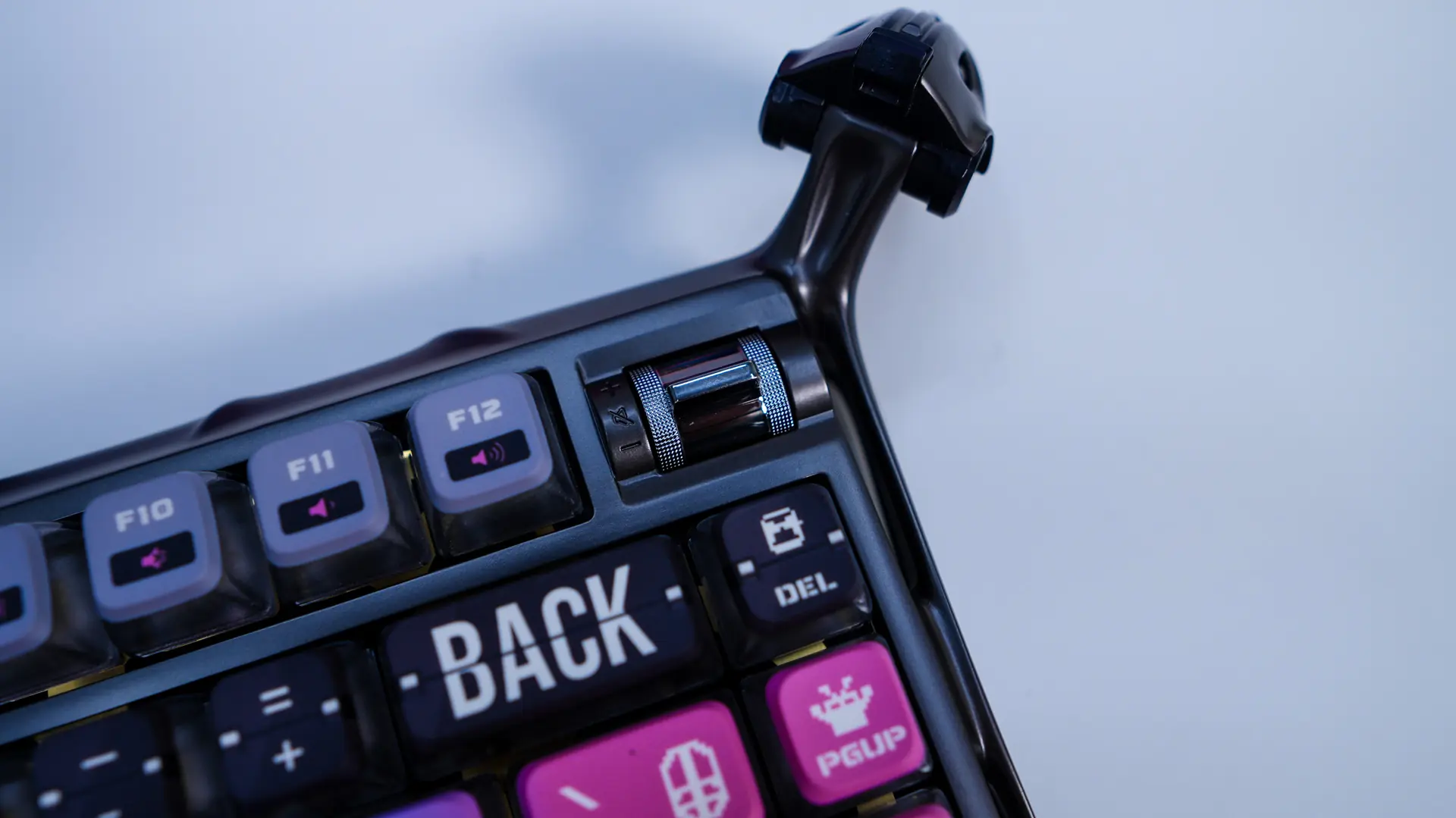
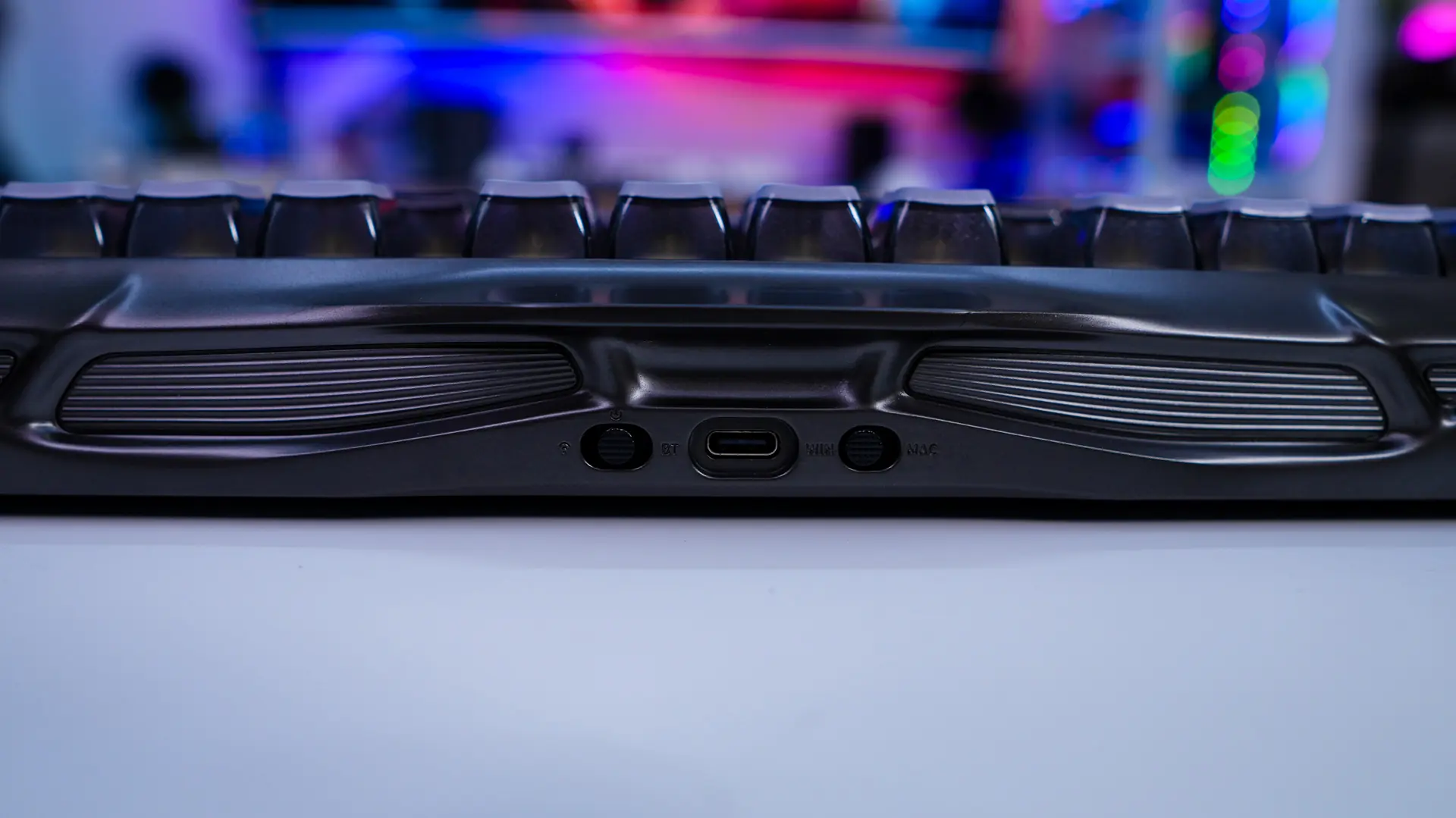
The top-edge of the keyboard is where you’ll find your USB-C connection to use the keyboard in wired more or to charge it. Talking about that this keyboard offers an 8000 mAh rechargeable battery for wireless use. On either side of the USB-C connection you’ll find toggle switches. One is to switch between modes (wired, Bluetooth, 2.4 GHz), while the other switches the keyboard layout from PC to Mac.
When it comes to switches on the keyboard we have the GravaStar x Kailh Speedy Mint linear switches which have a 45gf actuation force, 1.2mm pre-travel and 3.5mm of total travel. The switches on this keyboard are also going to be hot-swappable so if you ever wanted to change them down the line you can.
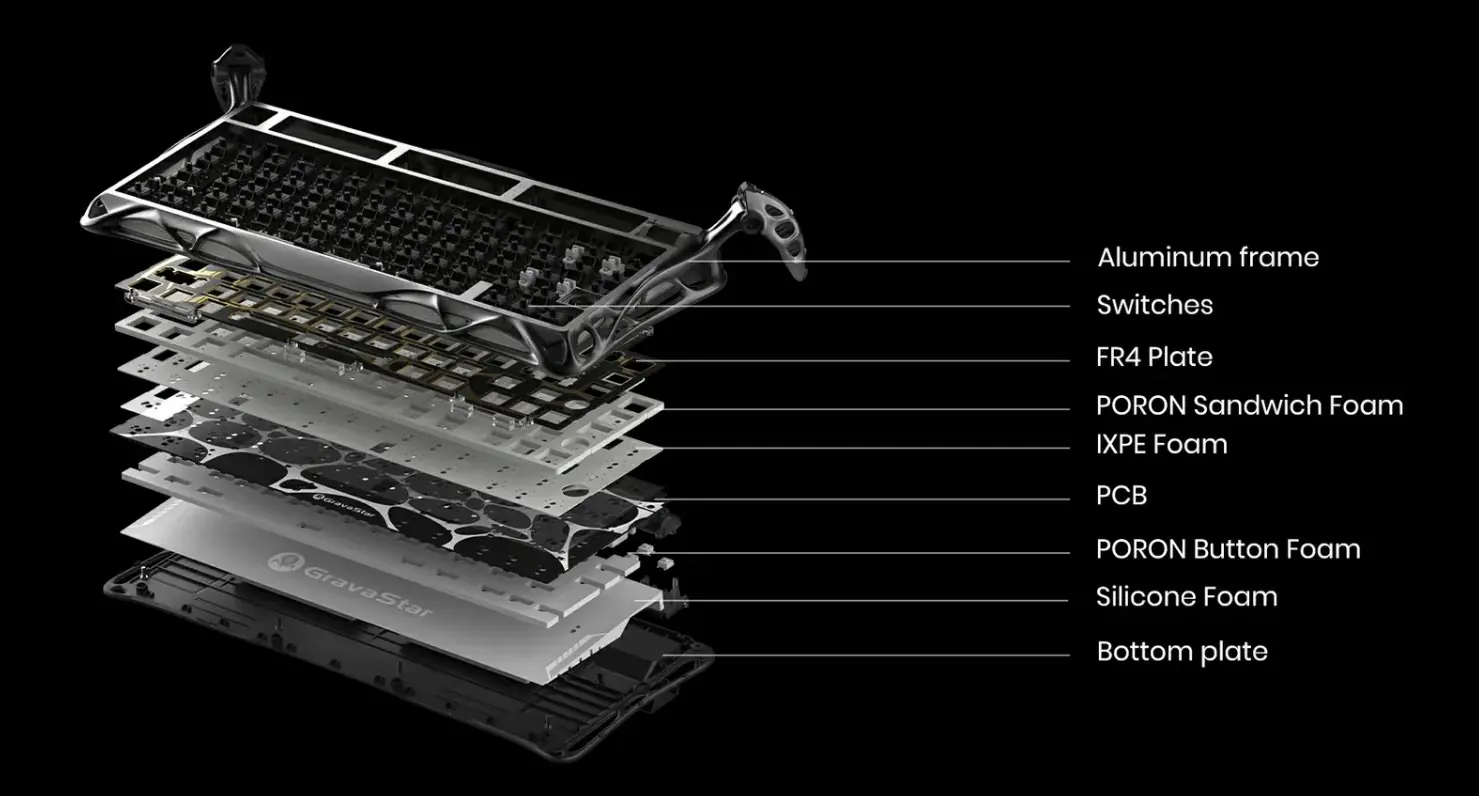
This keyboard does make use of a gasket-mount design and you do get 5-layers of foam dampening.
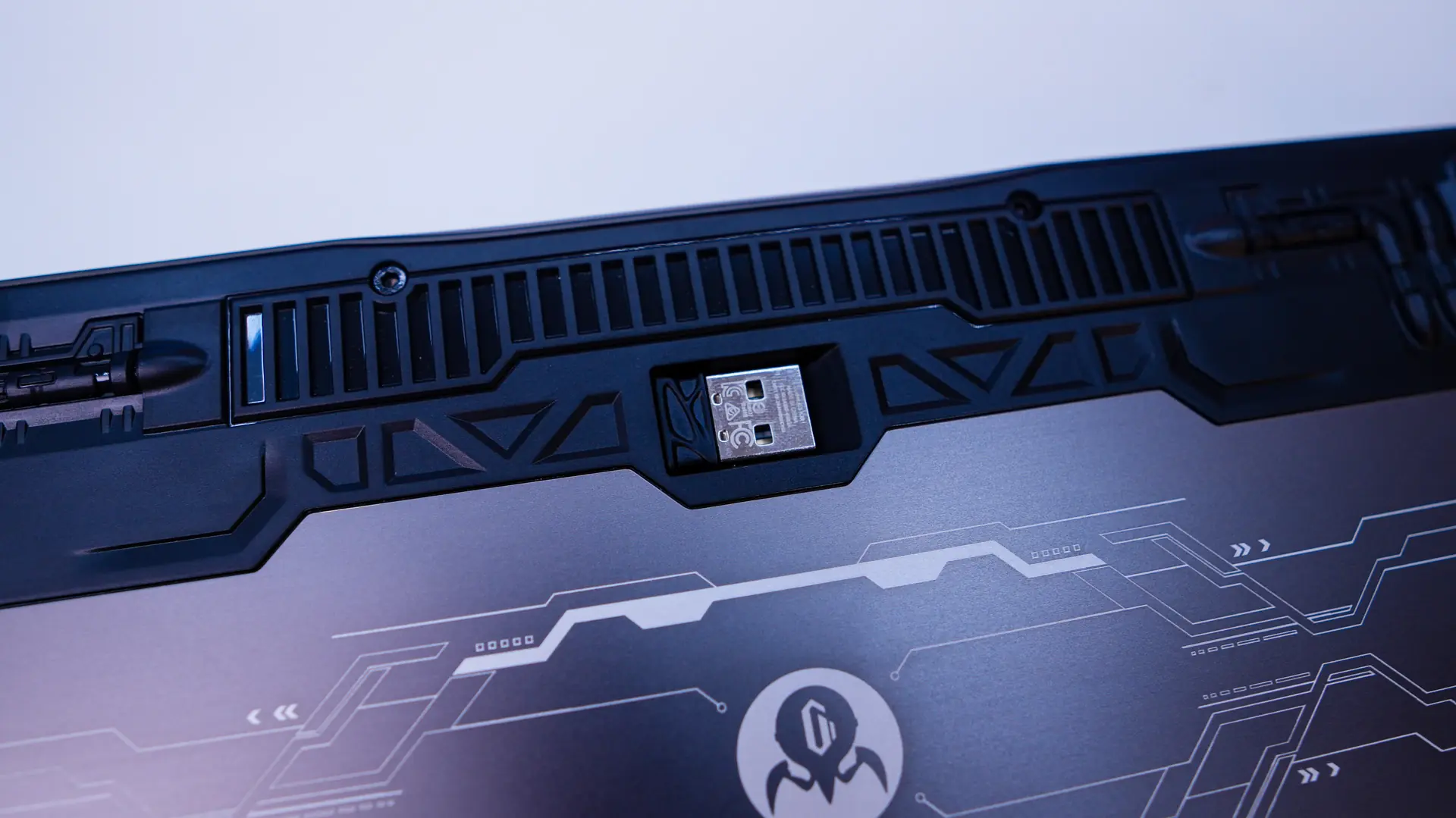
Flipping the keyboard over the bottom is plastic, but does have rubber feet to keep the keyboard in place on your desk. Also there is a small spot in the bottom of the keyboard that houses the 2.4 GHz dongle, which is your standard small USB dongle.