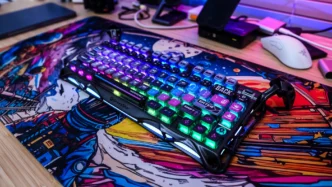
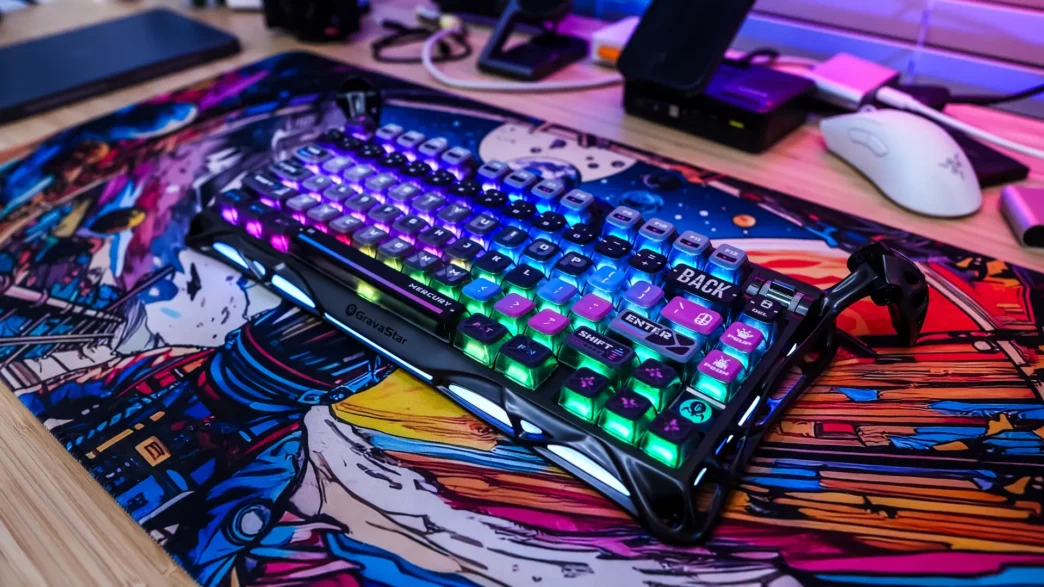
Lighting on the GravaStar Mercury K1 Pro Gaming Keyboard
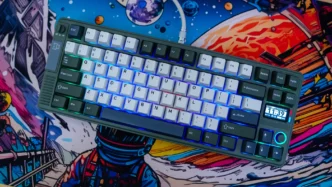
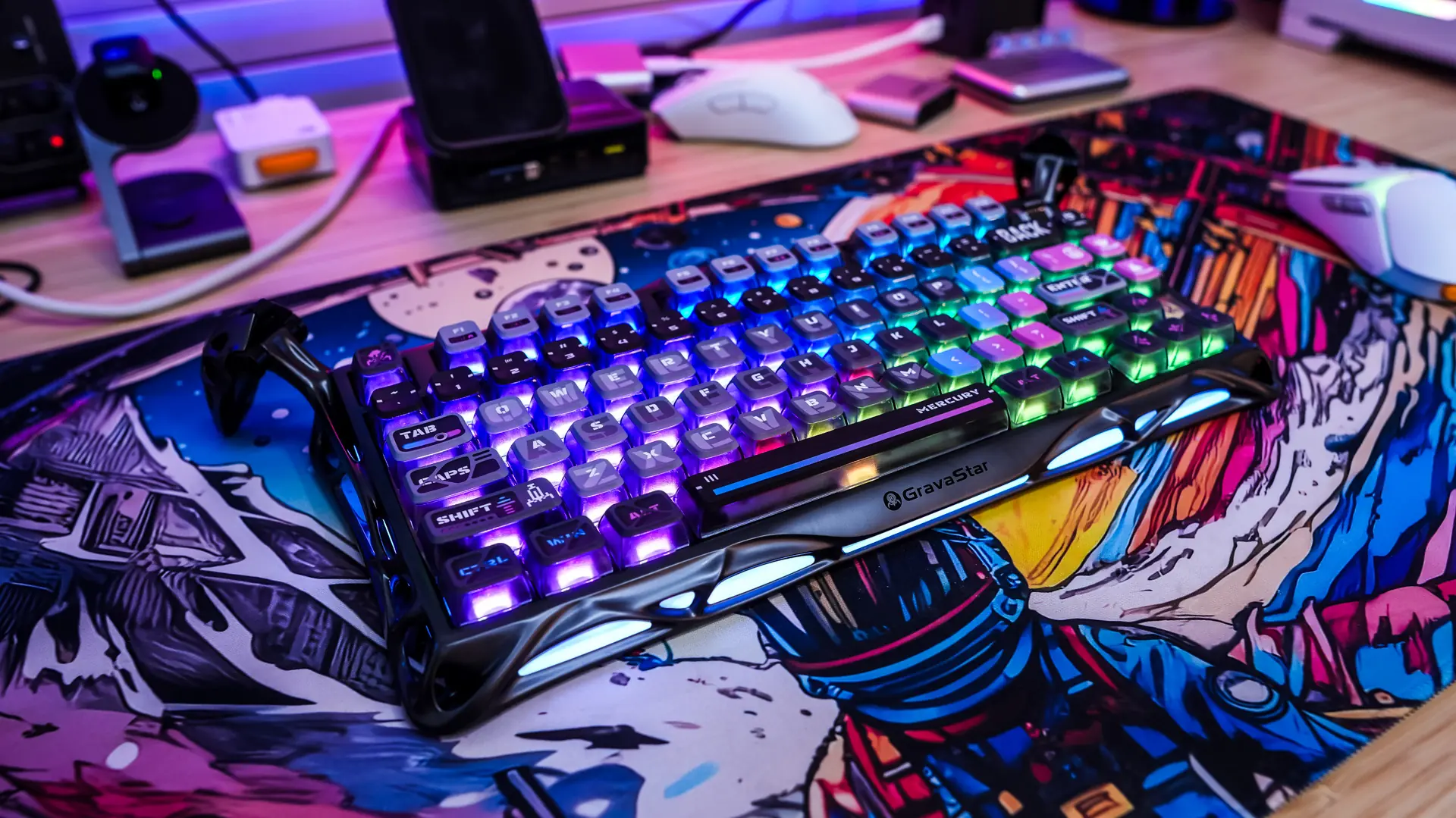
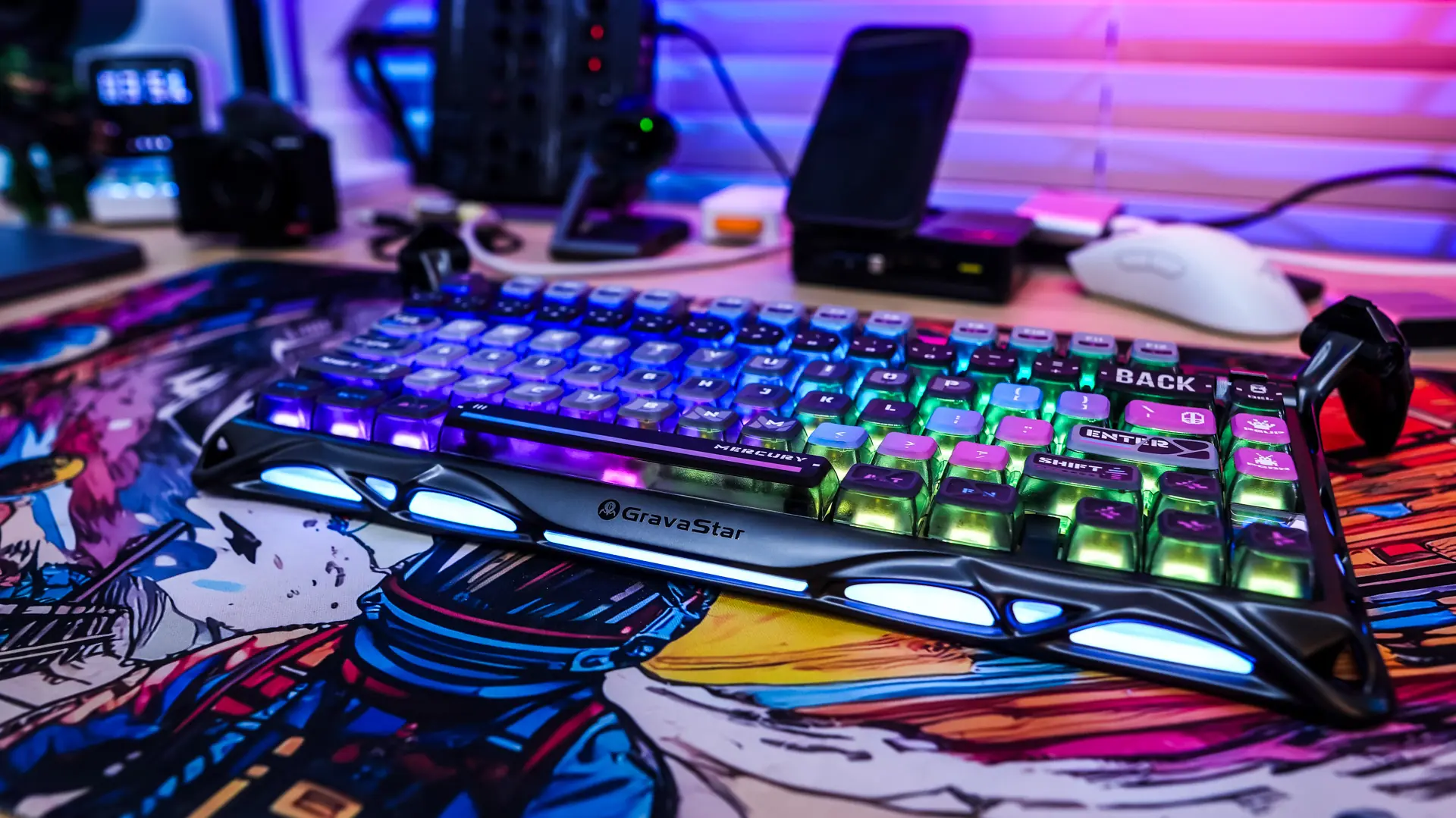
When it comes to lighting on this keyboard you do get per-key RGB lighting. Now we do not have see-through legends on the keycaps, but because they are pudding style keycaps we can see the lighting quite nicely.
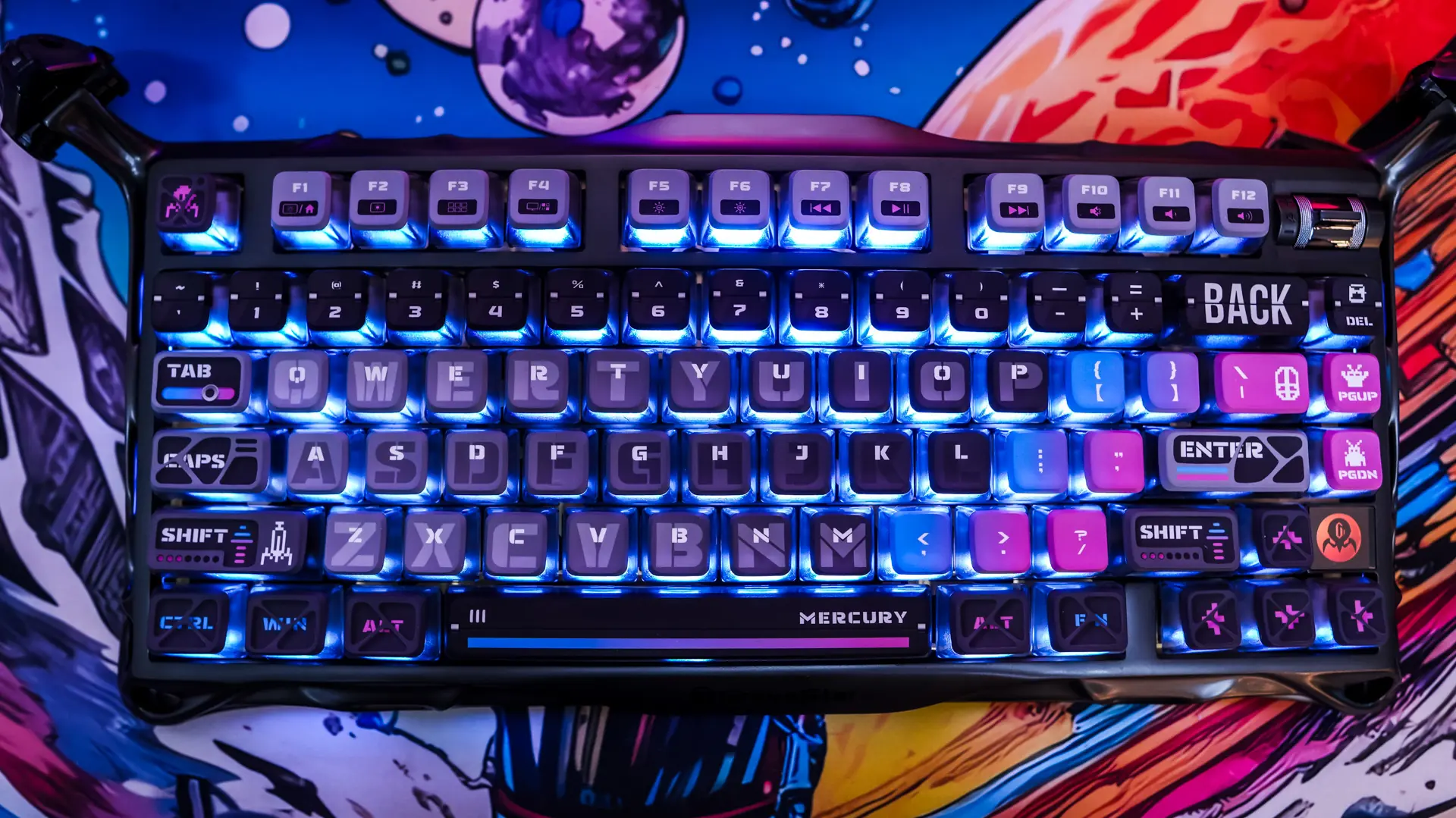
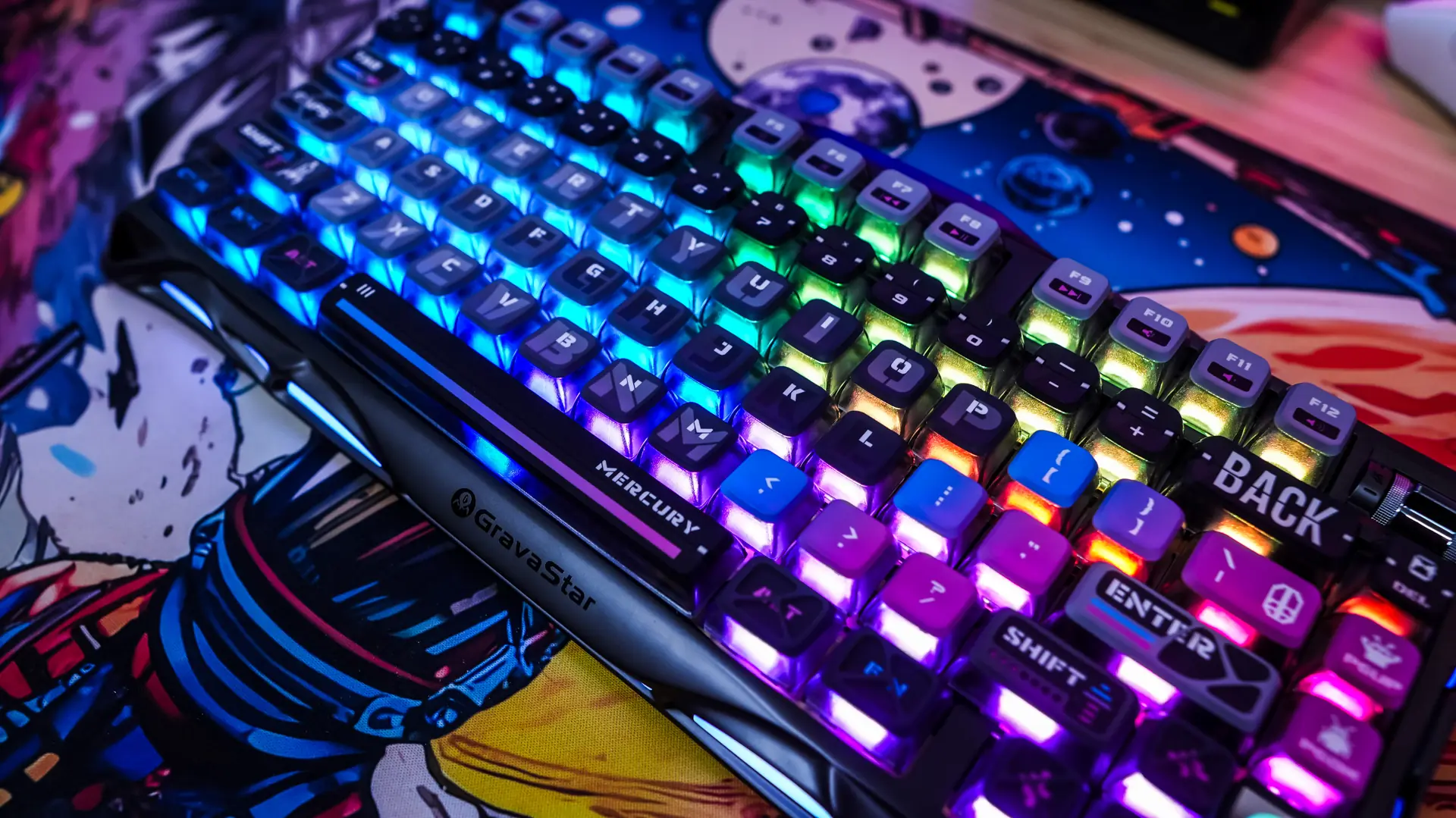
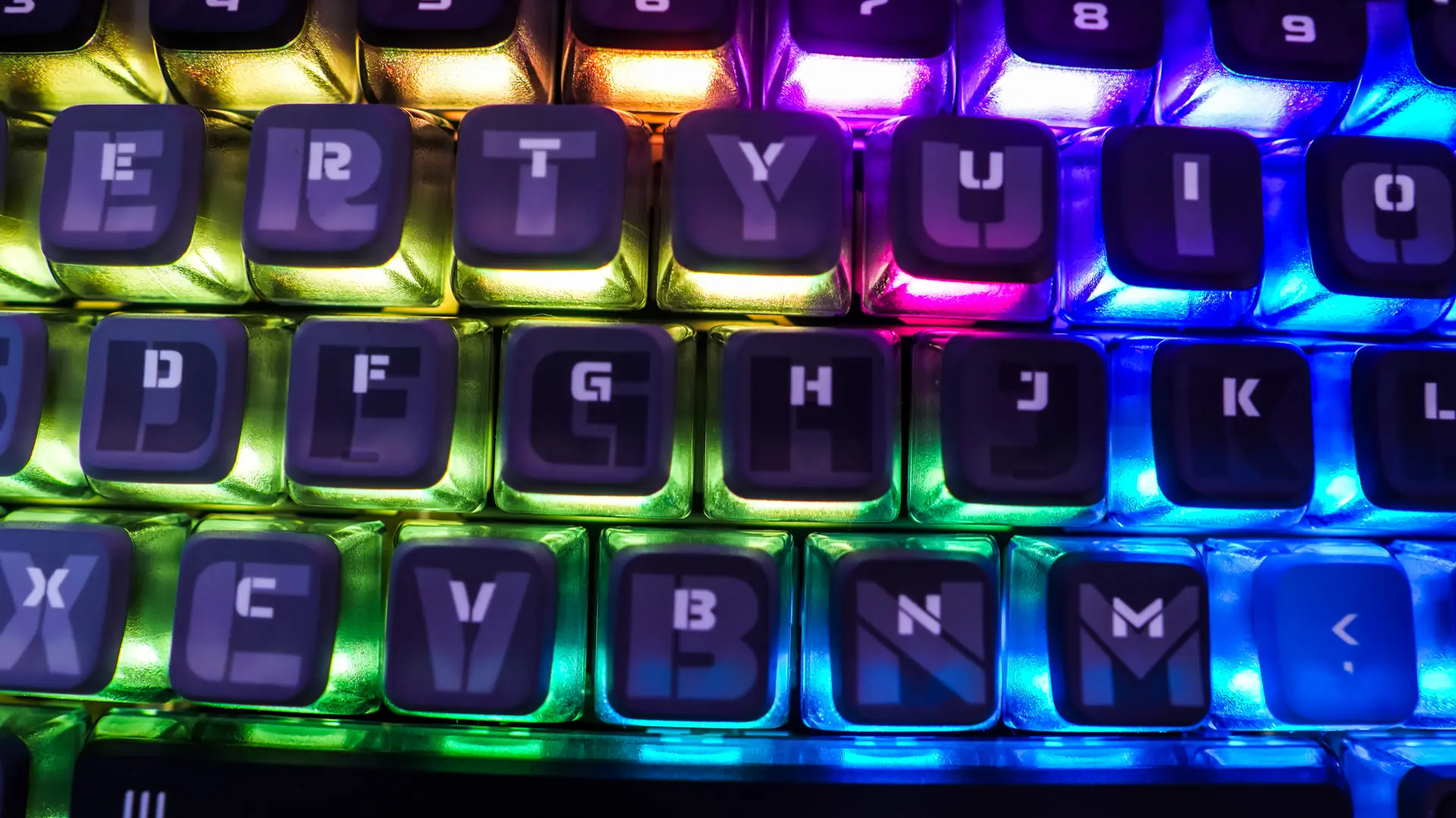
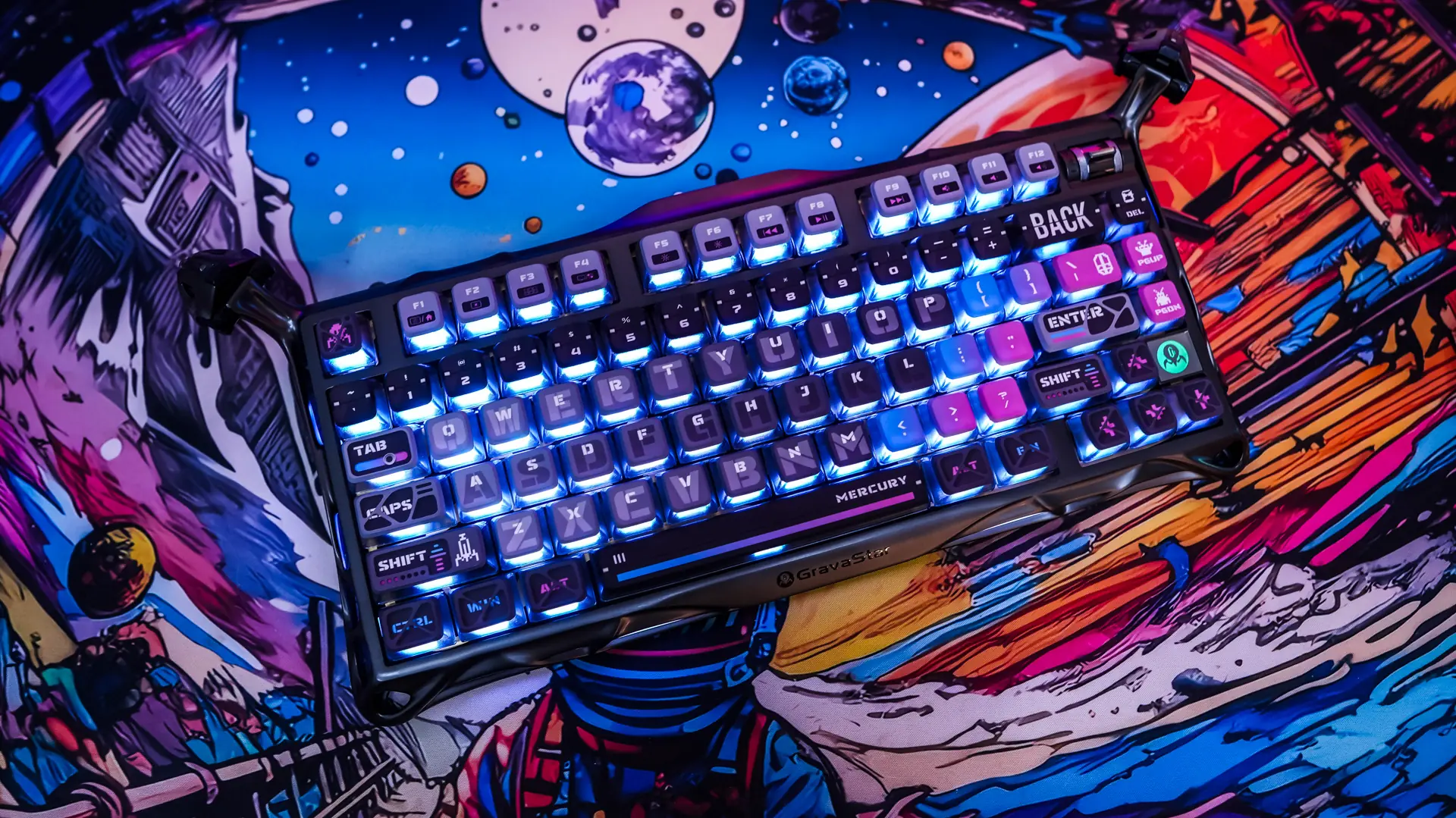
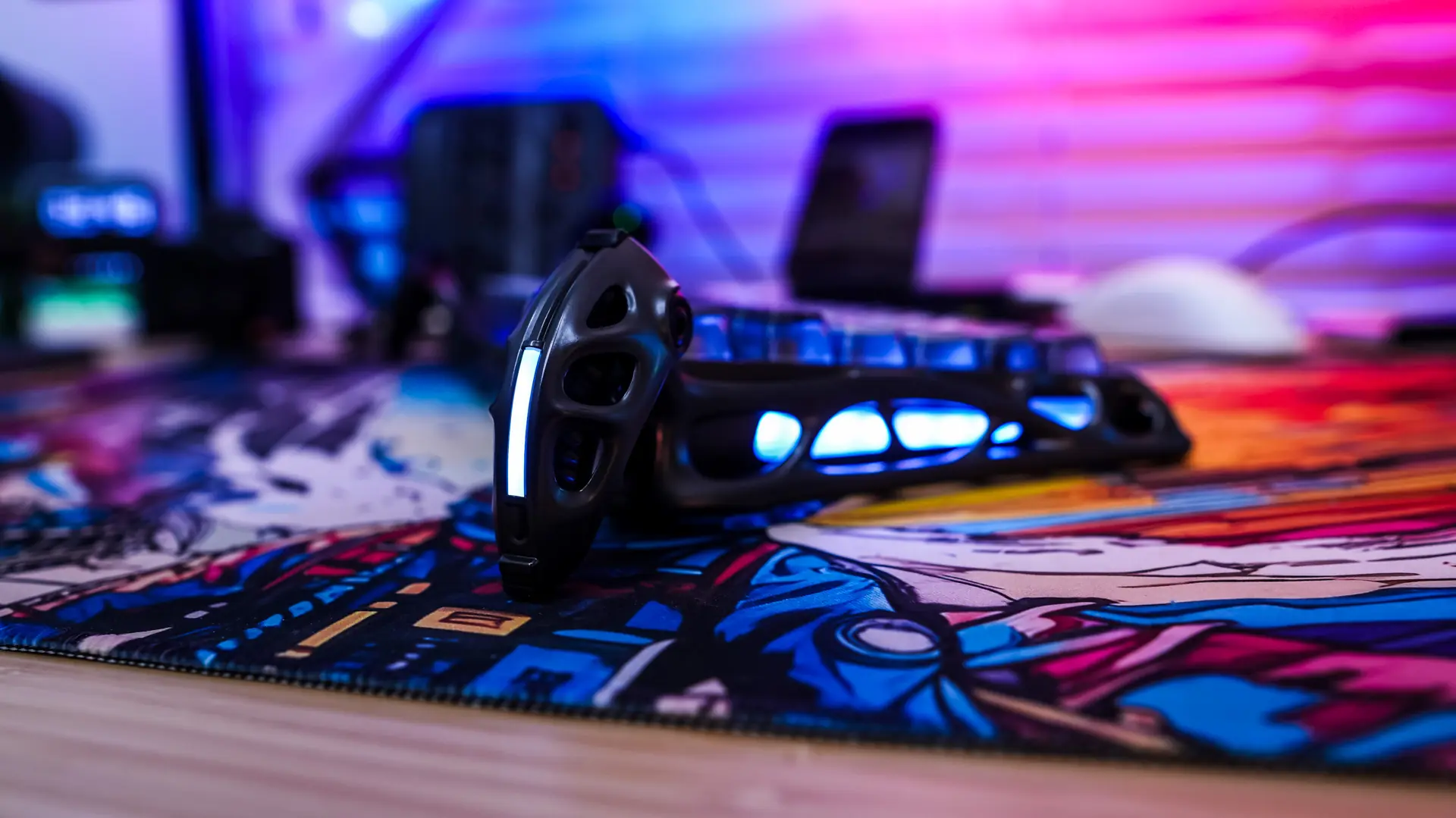
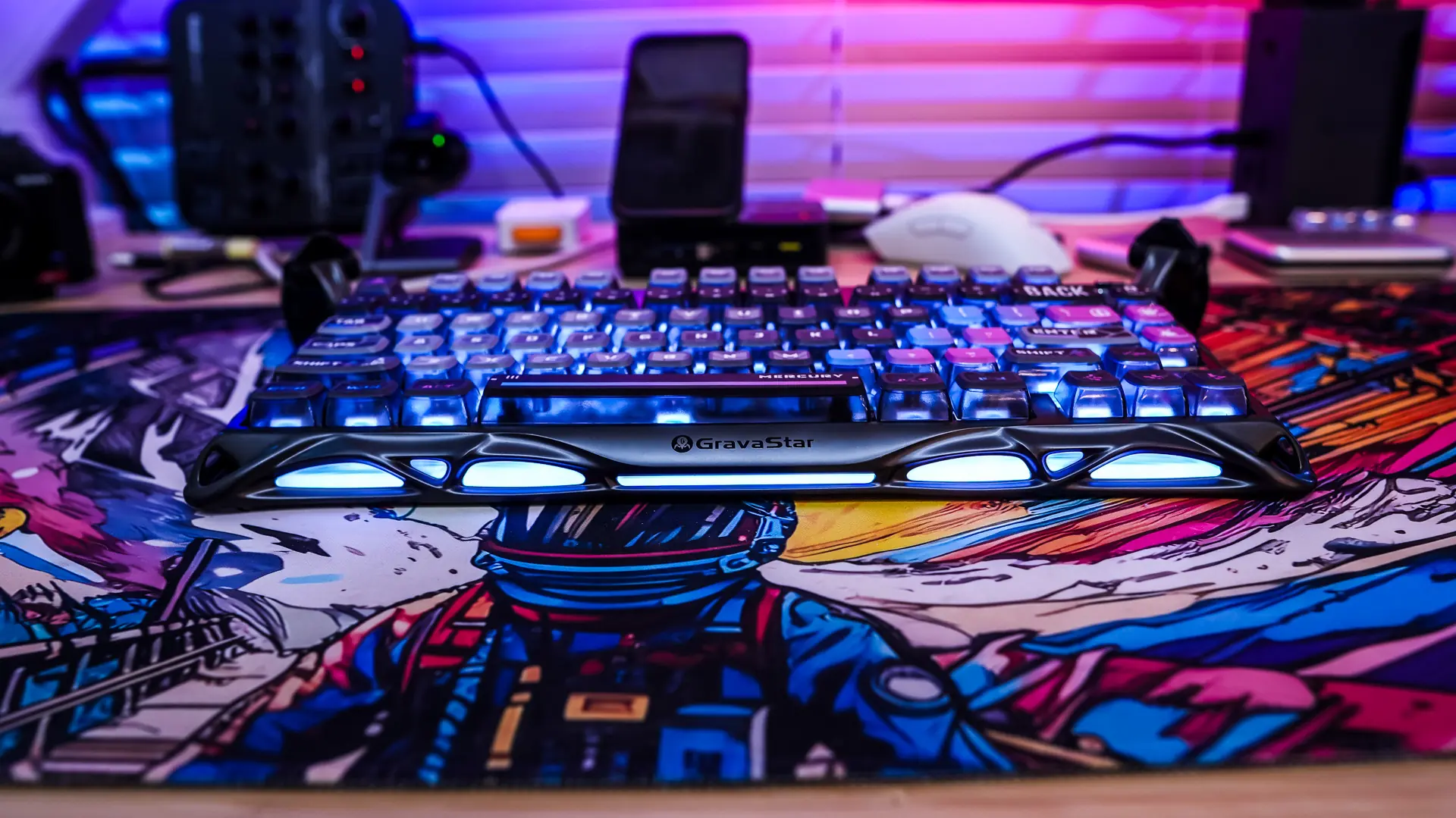
Also the outer edge of the keyboard lights up nicely too, although this lighting is going to be white only and you cannot configure any effects. With the design of the keyboard and the lighting it is really going to stand out on your desk that’s for sure!
Software on the GravaStar Mercury K1 Pro Gaming Keyboard
You can download the configuration software for the Mercury K1 Pro from the GravaStar website. It is worth noting that you can use the software and configure your keyboard in BOTH wired and wireless modes.
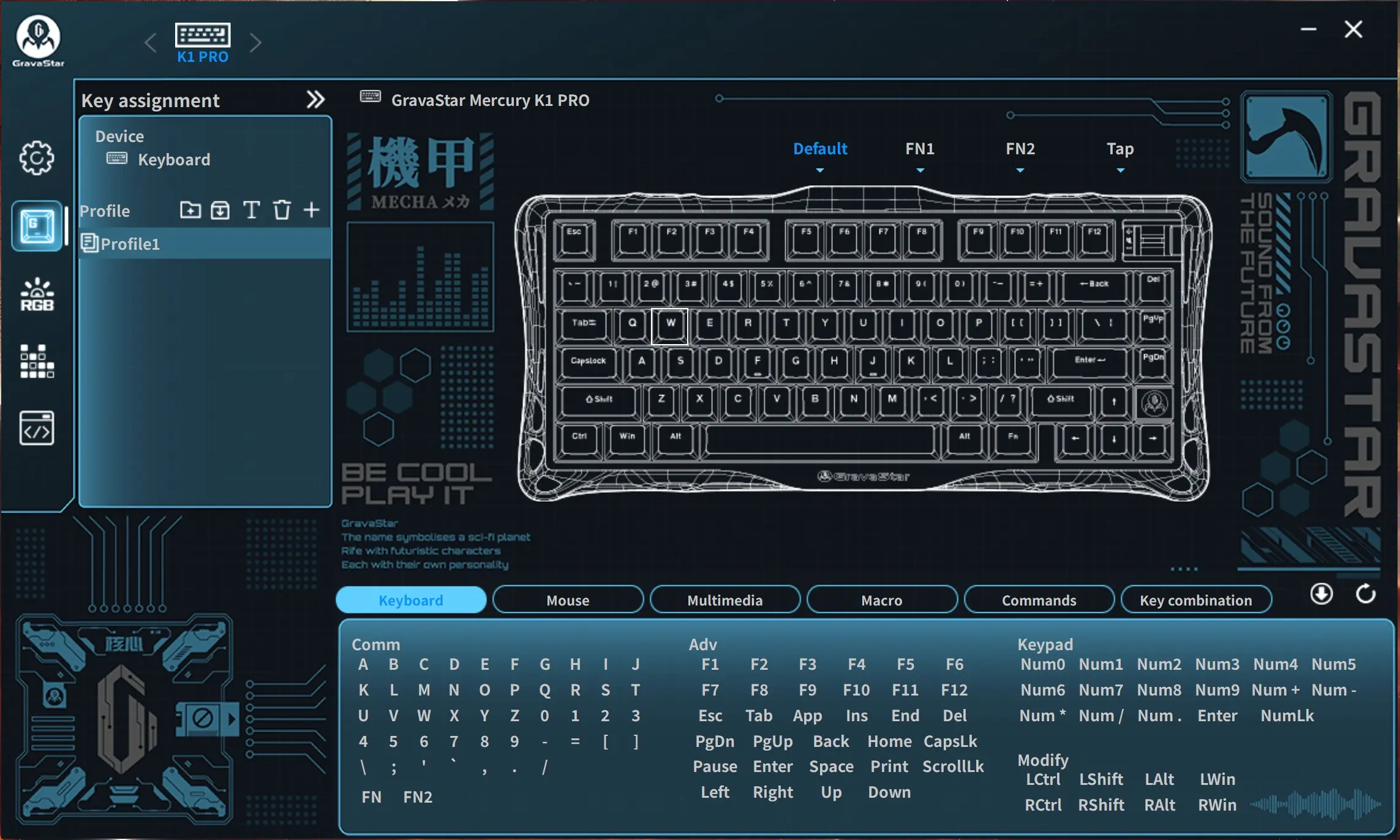
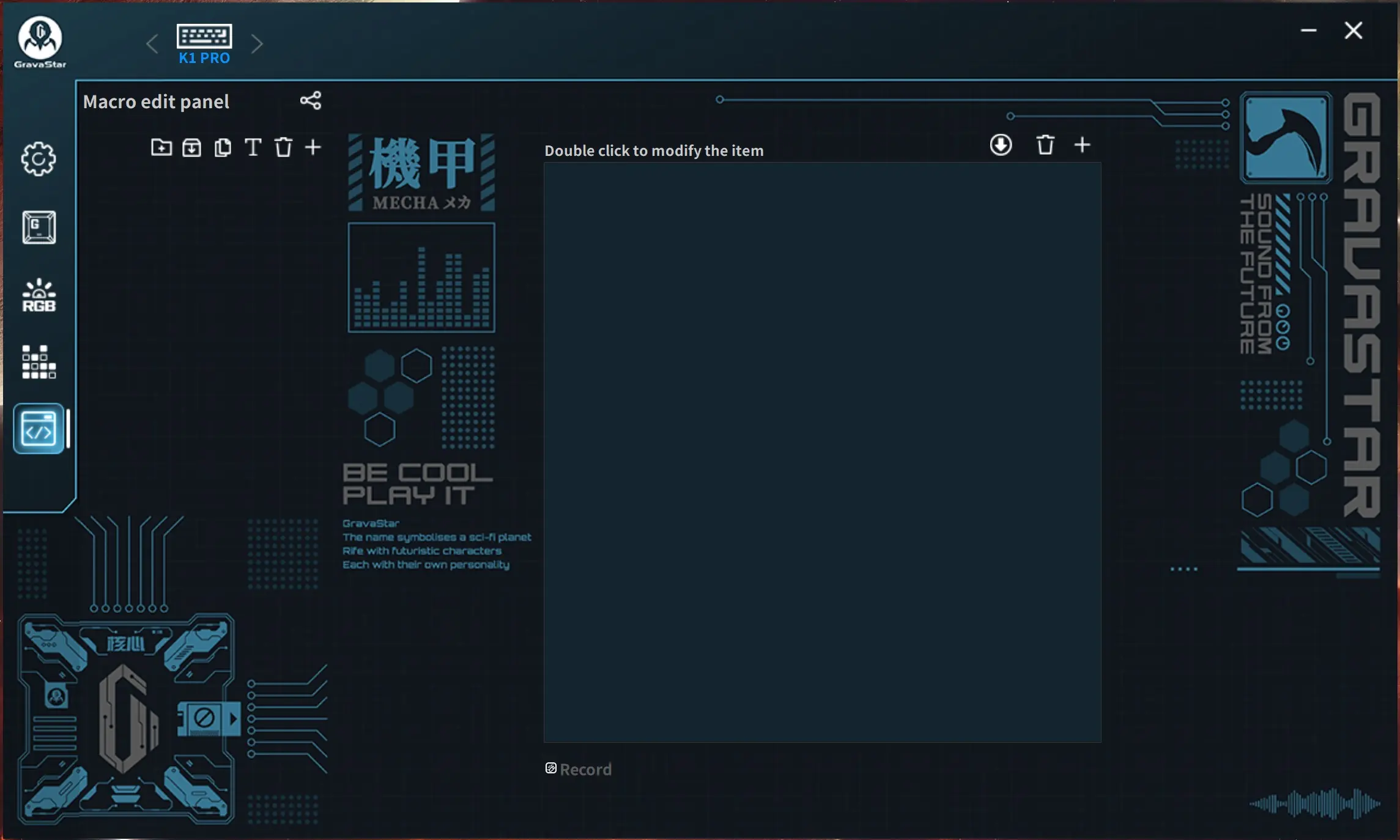
Once installed the software is pretty simple. When you get into the software you’ll be dropped into the key assignment section. Here is where you can fully reprogram the keyboard. There is also a full macro editor in the software.
The next two tabs are for RGB, one is where you’ll find the normal effects and the second is for reactive effects to audio.
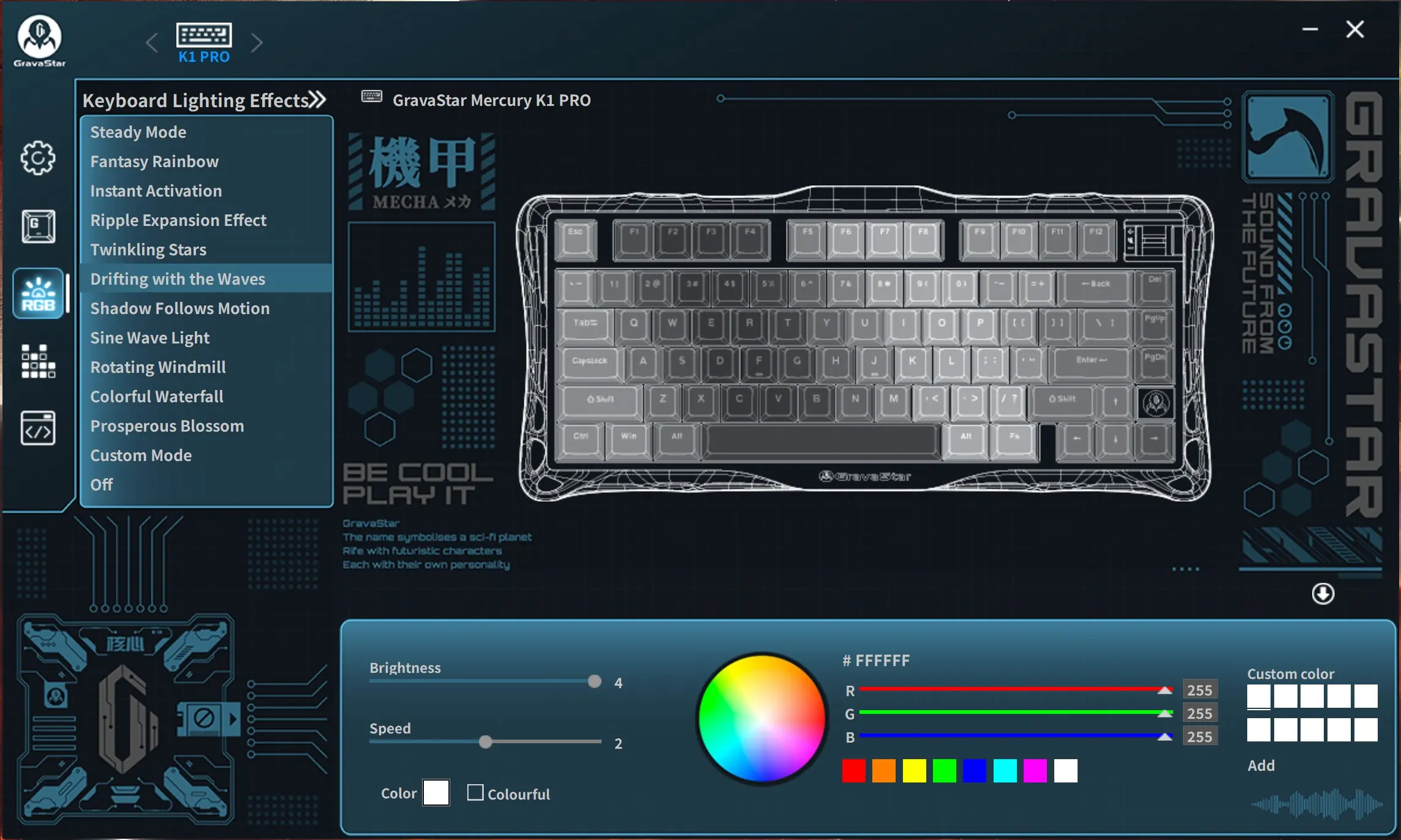
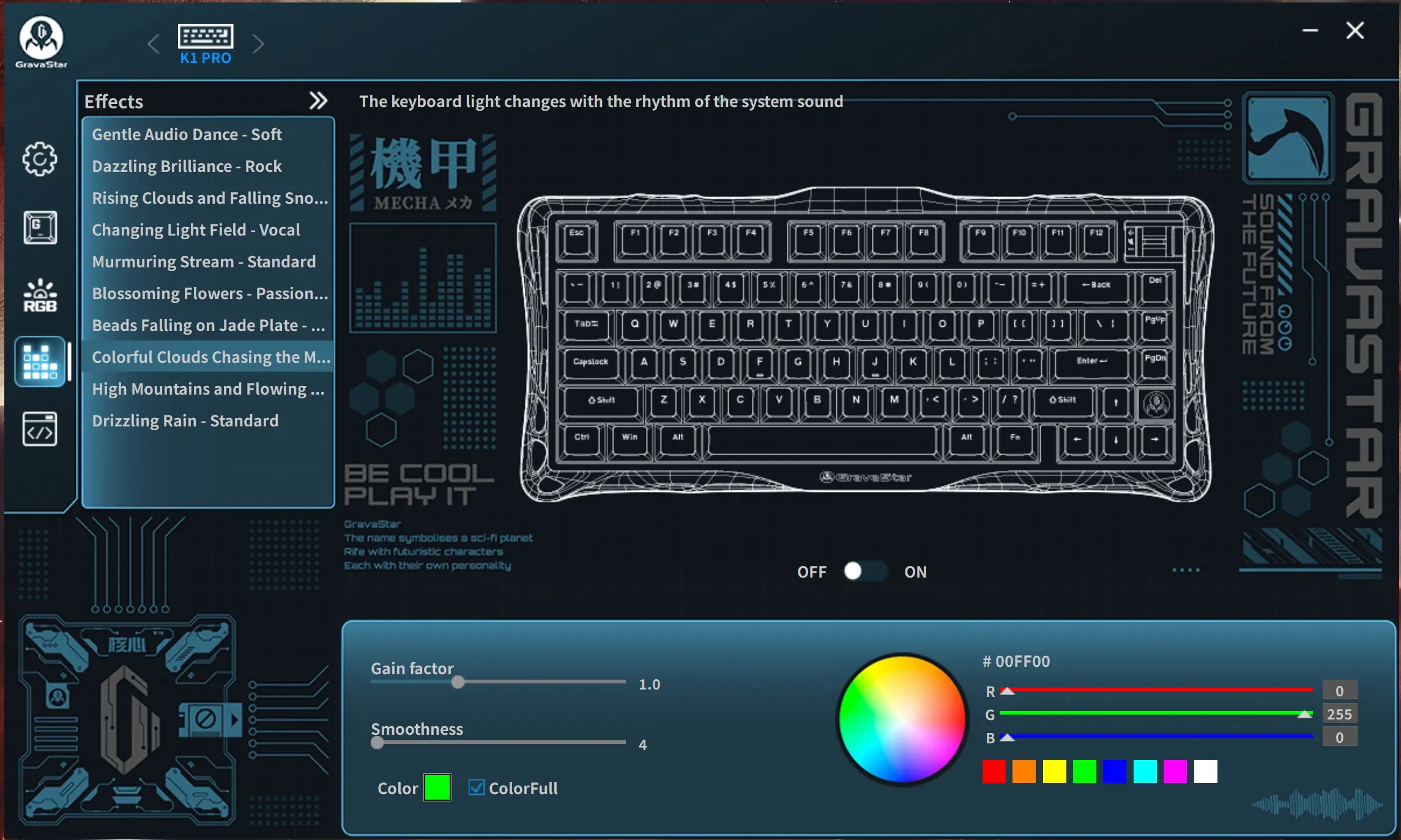
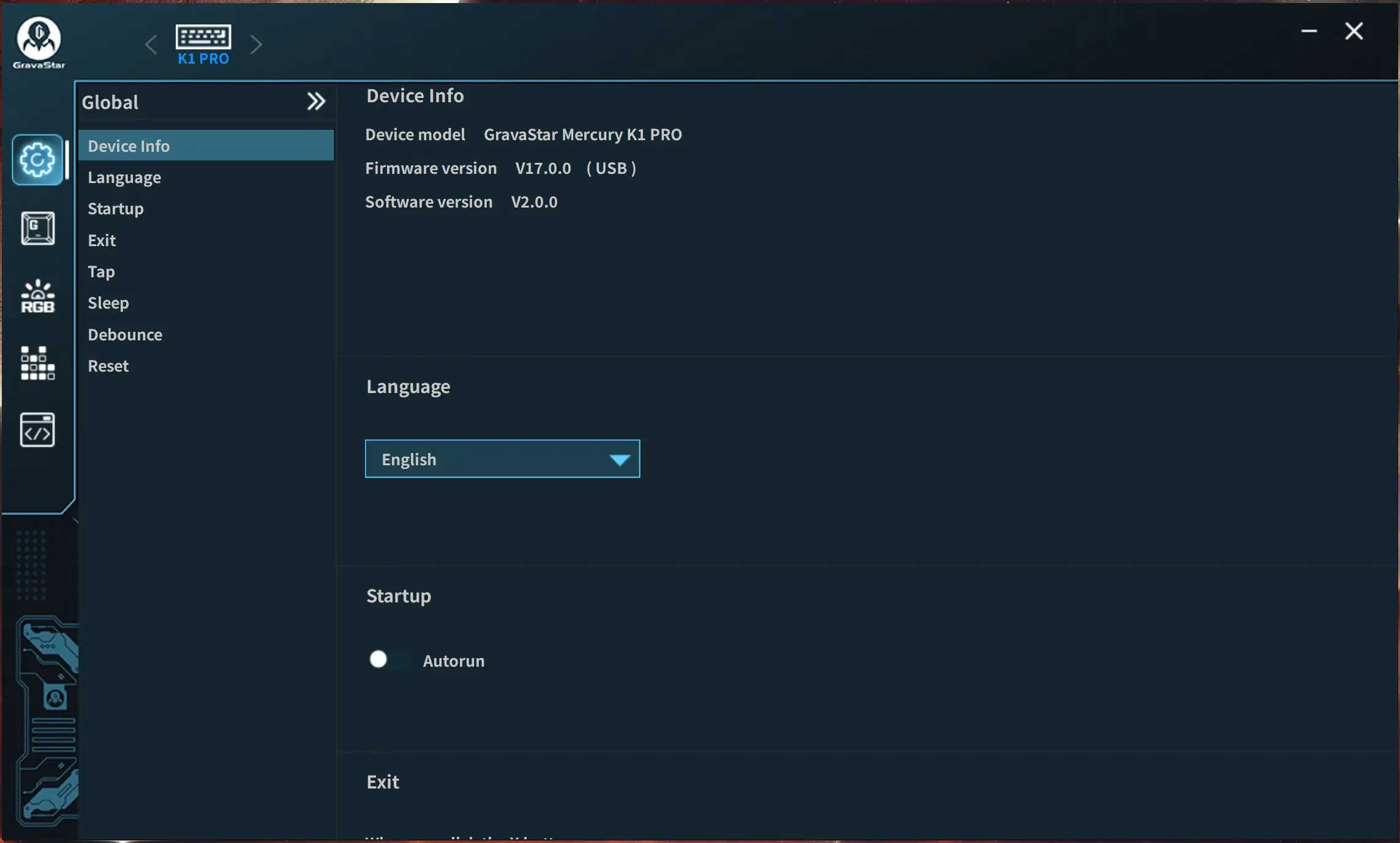
Finally there is a large settings menu. Here is where you’ll essentially find everything else. It was nice to see that we do have the ability to set a sleep timer for when the keyboard goes to sleep in wireless mode.