HyperX Pulsefire Haste 2 Pro Overview
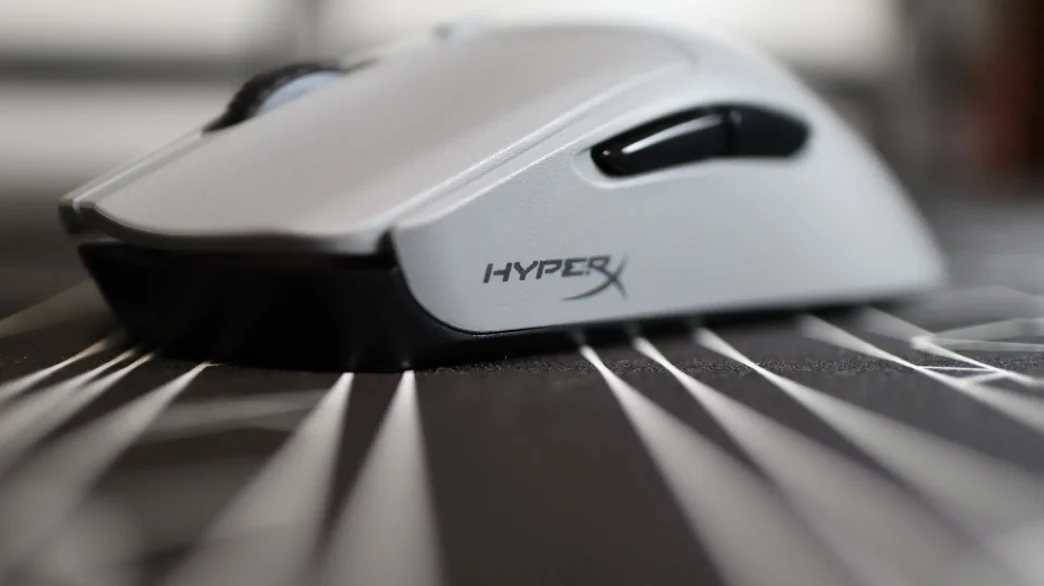
For all intents and purposes, the HyperX Pulsefire Haste 2 Pro is essentially an updated version of the original Haste 2. There are a few tweaks here and there, but aside from the color options, they are all inside the mouse itself. Just like the Haste 2, the Haste 2 Pro doesn’t have any visible cutouts on the body of the mouse – just smooth surfaces all around. That doesn’t mean that HyperX hasn’t utilized cutouts, it is just that they are somewhat hidden, but I will reveal where later on. The cutouts on lightweight mice are something of a love it or hate it situation in the gaming community, each side with their fair reasonings from comfort and structural integrity, to internal maintenance and caution with regards to debris affecting their mouse. Just like the previous Haste 2, the Pro still weighs just 61g.
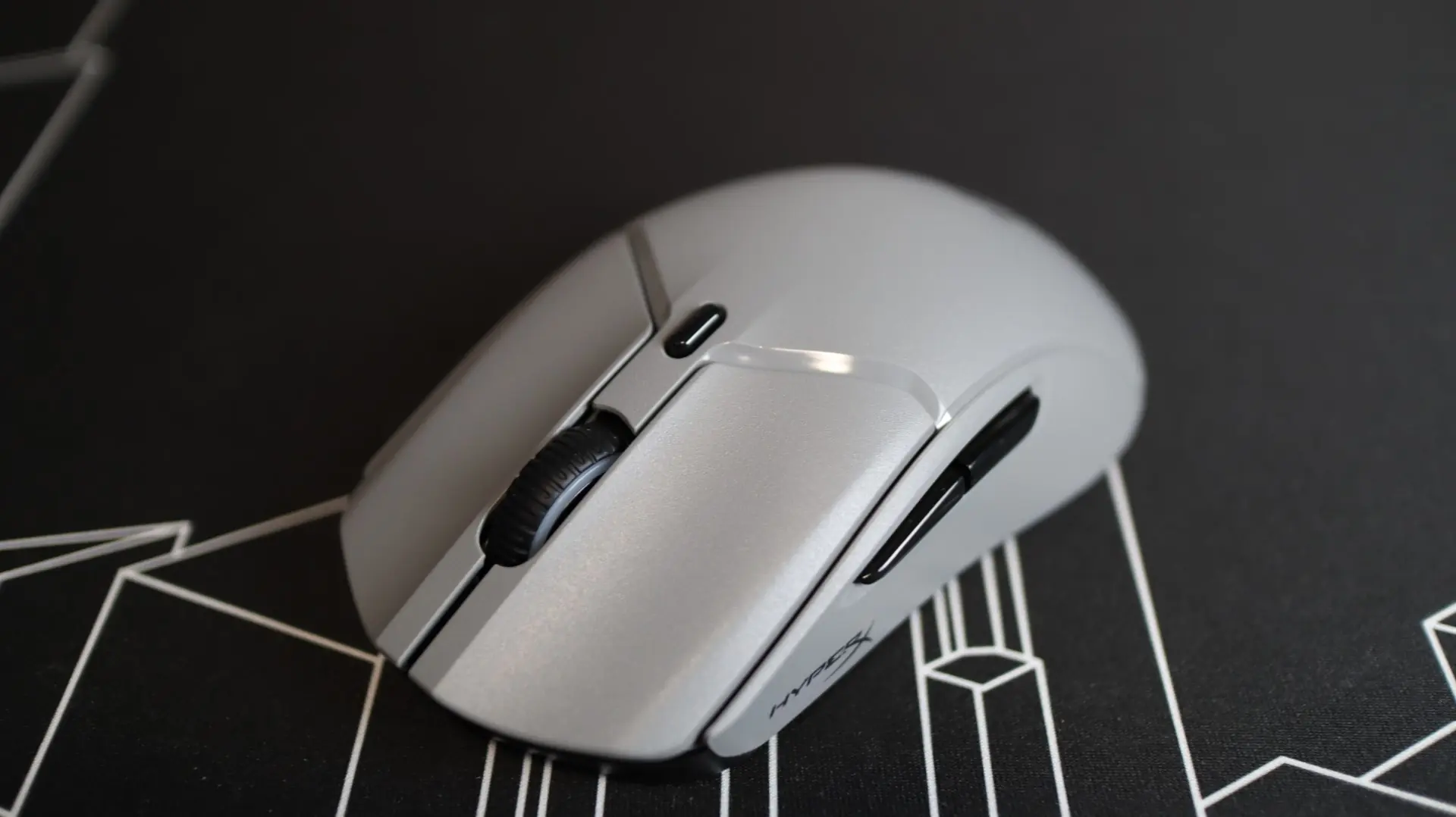
The overall shape of the Haste 2 Pro remains exactly the same, and could be considered ambidextrous, but the lack of buttons on the right side set this up to be a right-handed mouse.
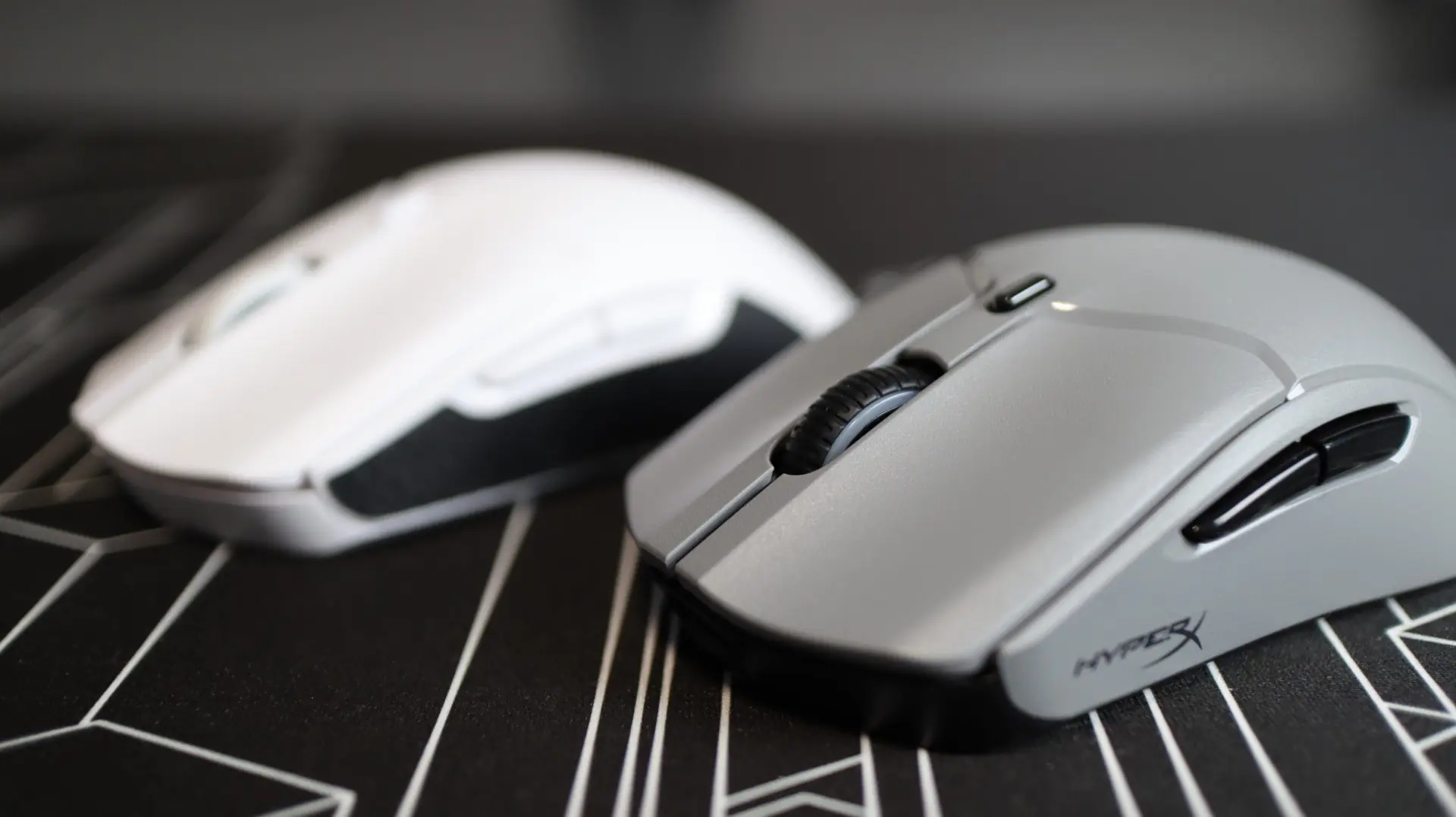
Both the left and right mouse buttons feature slightly concaved surfaces for your fingers to rest in, and just beneath each button are HyperX optical switches, changed over from HyperX’s mechanical switches, though we haven’t been able to find out much information about them. That said, they should offer improved accuracy of click registrations due to the lack of debounce that you can experience with traditional switches.
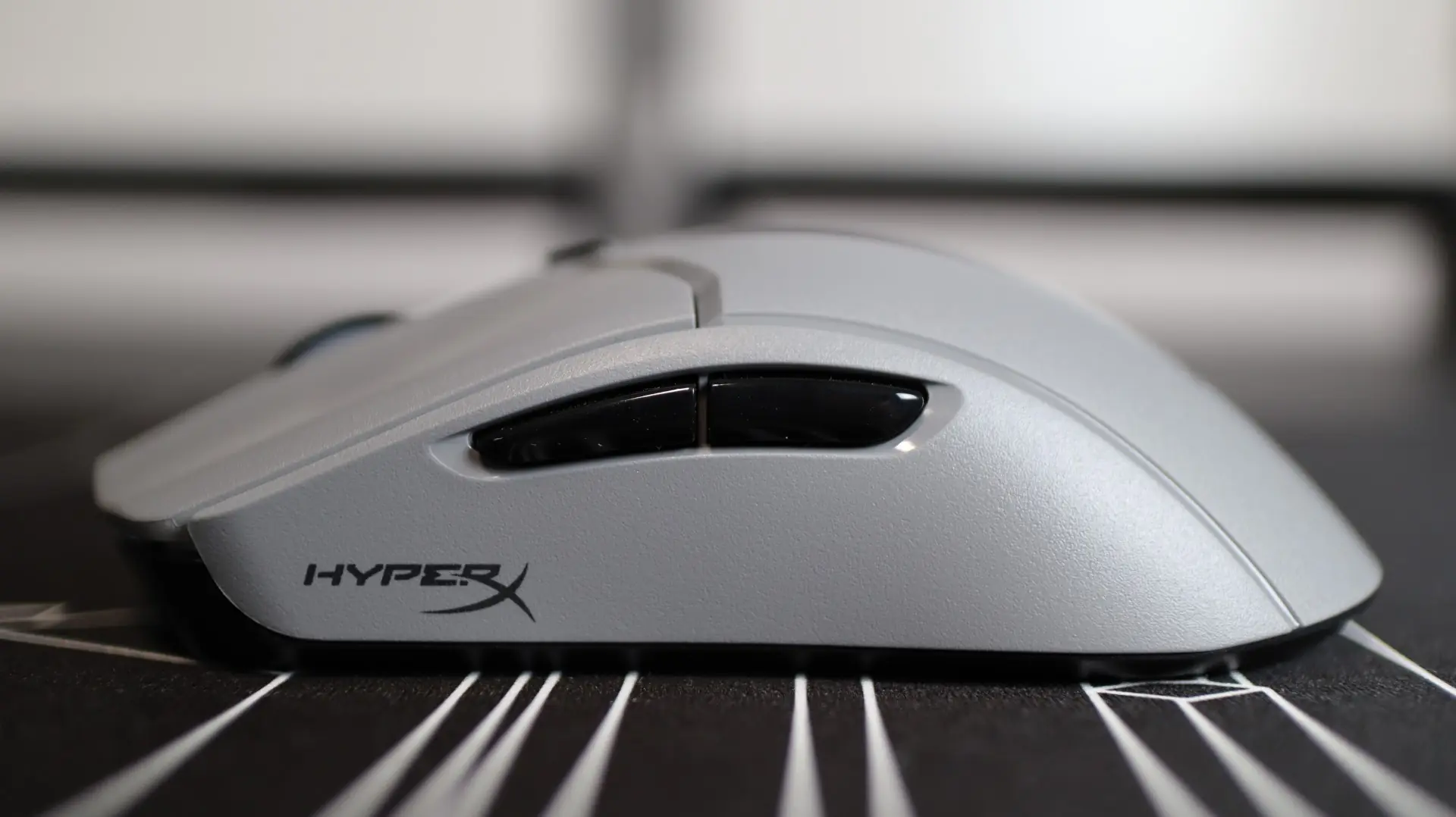
Looking at the left side of the mouse, we see a pretty standard layout, with a plain plastic side and two thumb buttons. Aside from a HyperX logo, there is not much to say about this side of the mouse, until you factor in the included accessories, which we will discuss later on.
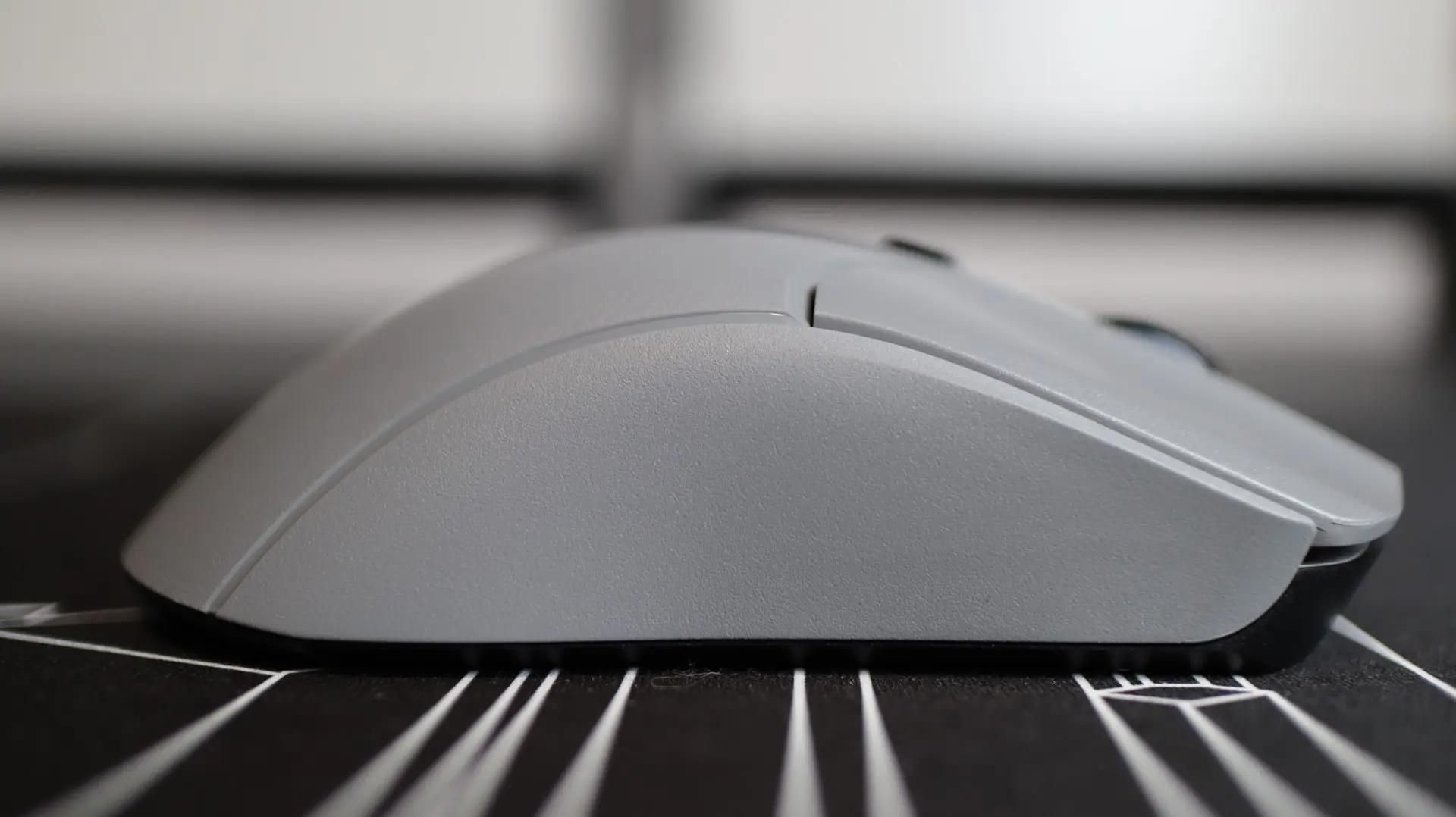
Moving to the right side of the mouse, we find another plain layout, void of any buttons or embellishments. Again, this will change once we get to the accessories.
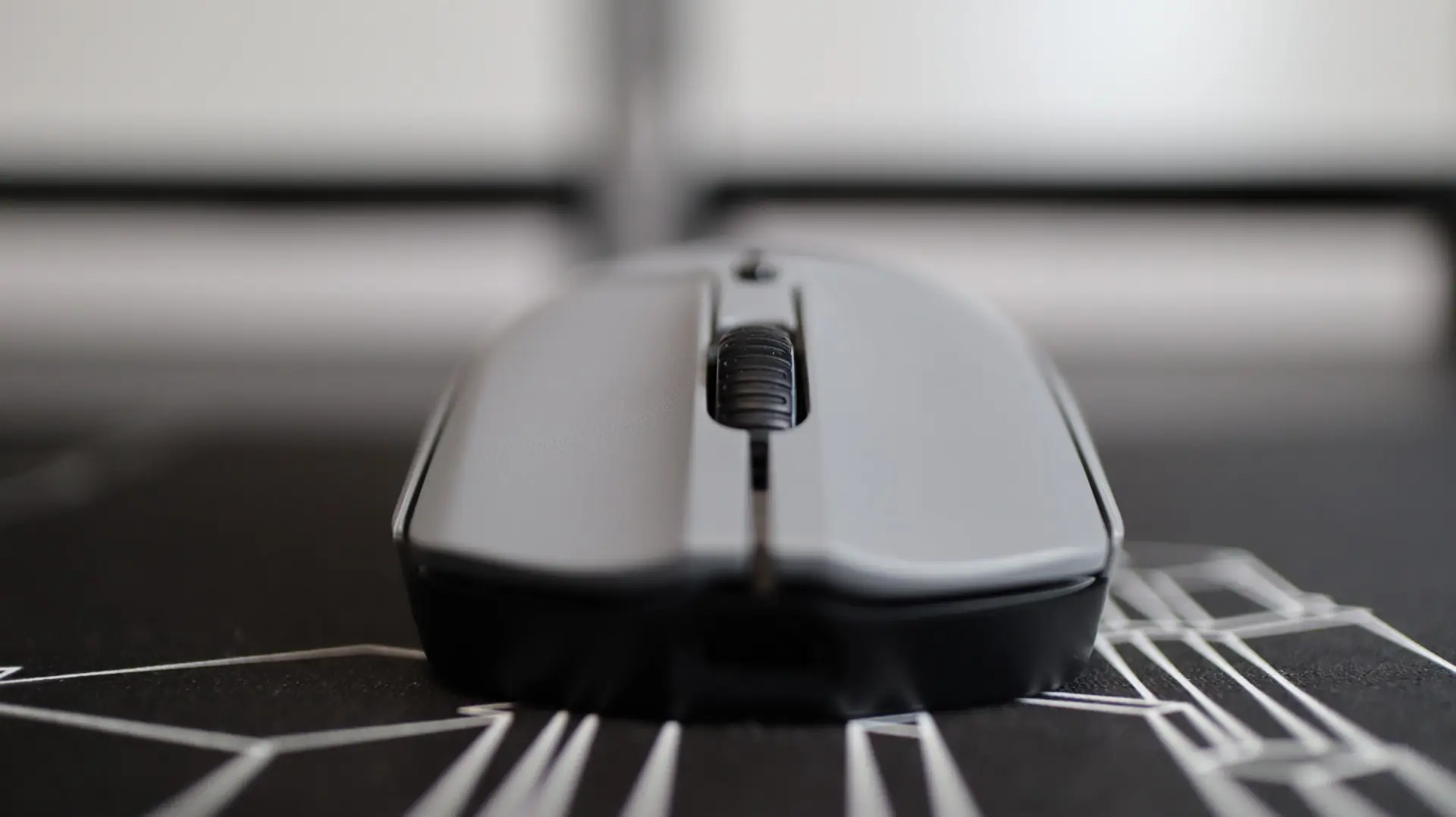
From the top down, we find a rubberized mouse wheel, identical to the previous Haste 2, centered between the left and right mouse buttons. While the original Haste had a solid plastic divider between the left and right mouse buttons, the Haste 2 has no separator, but instead each button is just a little bit wider.
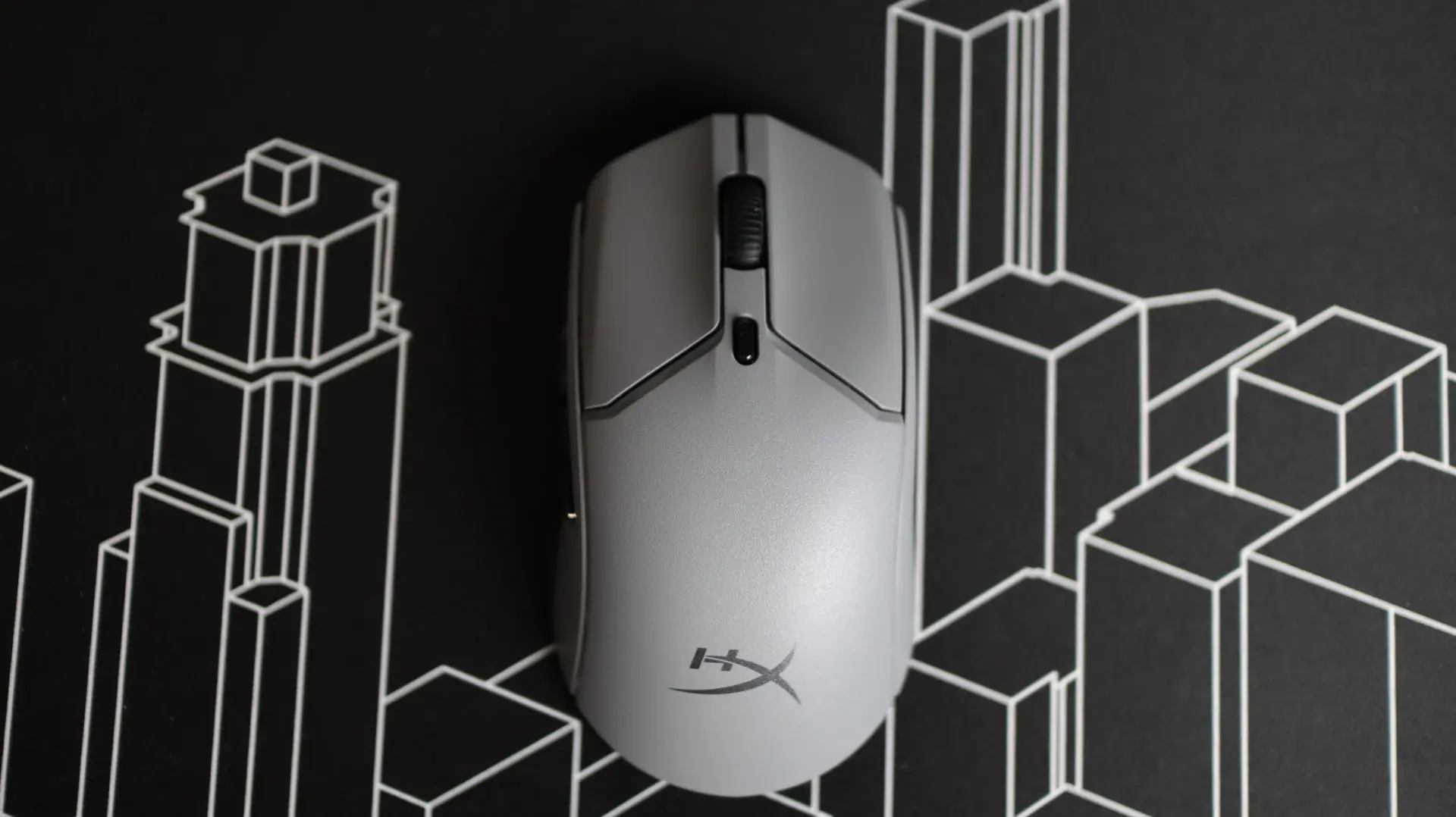
The mouse wheel has a slightly textured pattern to it, and each side is trimmed in a semi-transparent ring, illuminated by the mouse’s only RGB lighting.
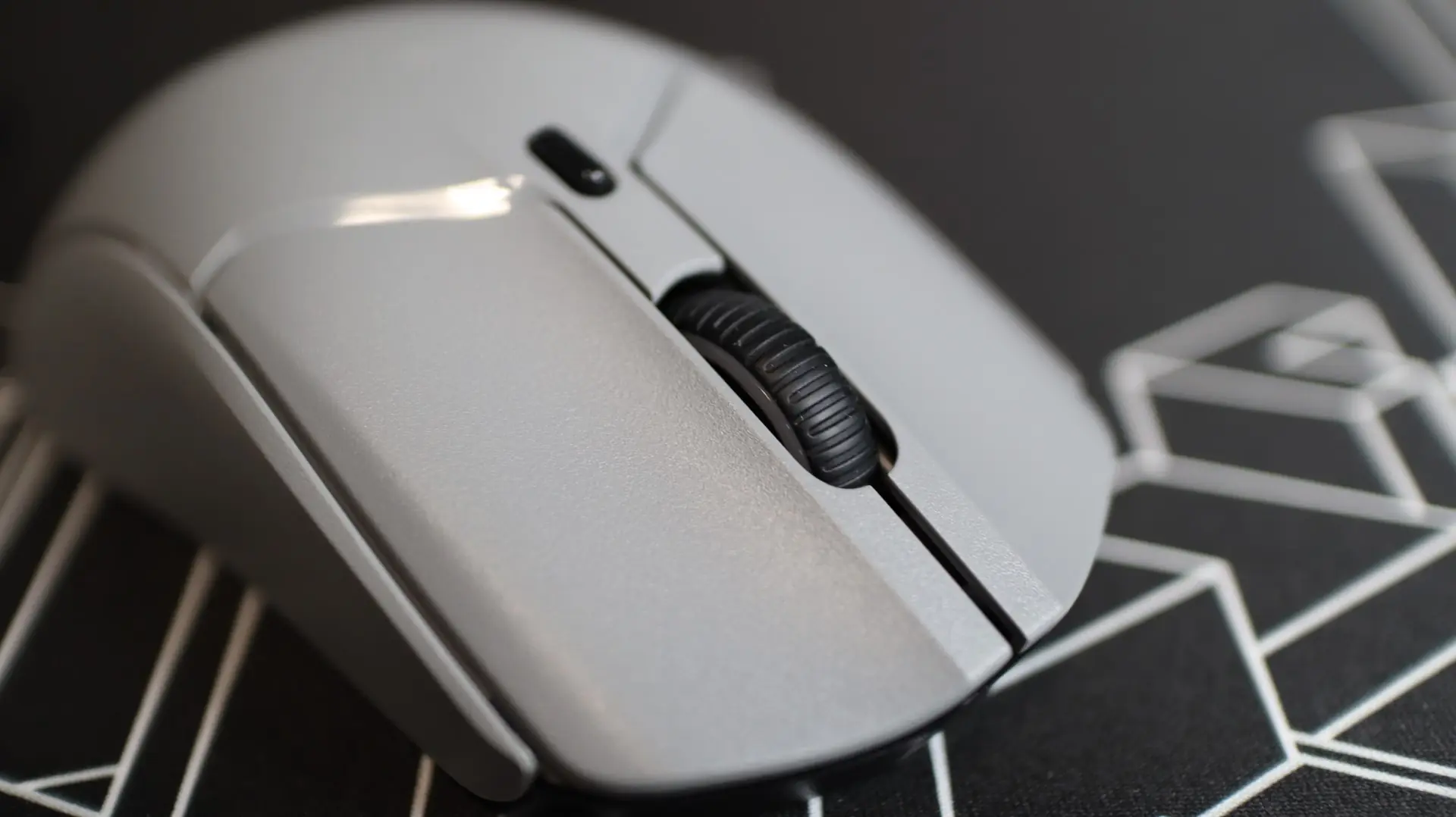
Just behind the wheel is a small button that can be programmed for a variety of functions, the default of which is DPI level cycling.
Flipping the mouse over we find that a large section of the lower panel is where the aforementioned weight-saving cutouts reside, though they are covered up by a large sticker.
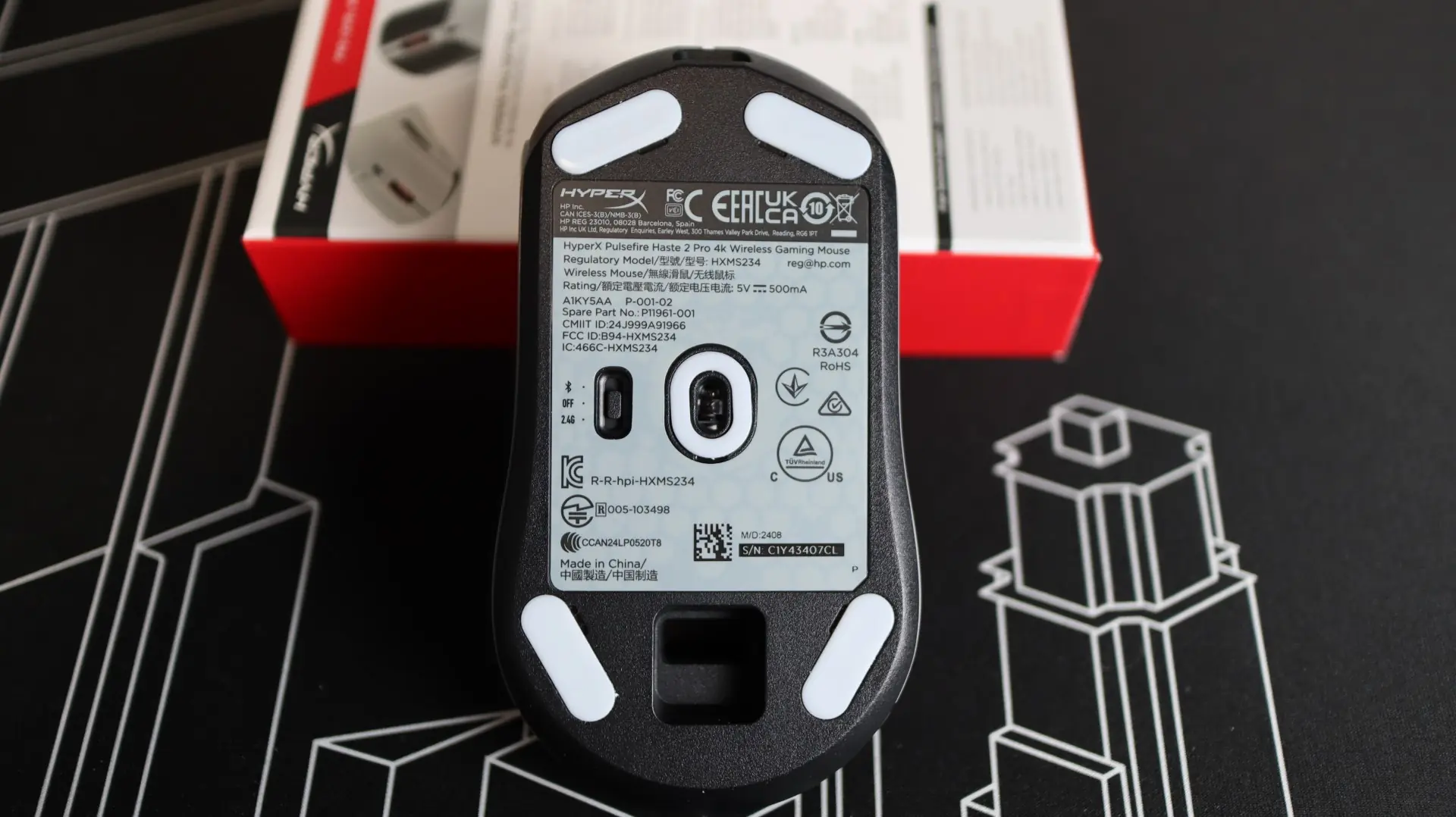
This weight-savings technique is appreciated, and goes to show that HyperX has not fully moved away from reducing weight via reductions in materials. Centered in the mouse base is the same 26K DPI HyperX optical sensor (really a PixArt 3395) found on the previous Haste 2.
Also found on the bottom of the Haste 2 is a small three-way switch to select between Bluetooth, Off (wired), or 2.4GHz wireless modes.
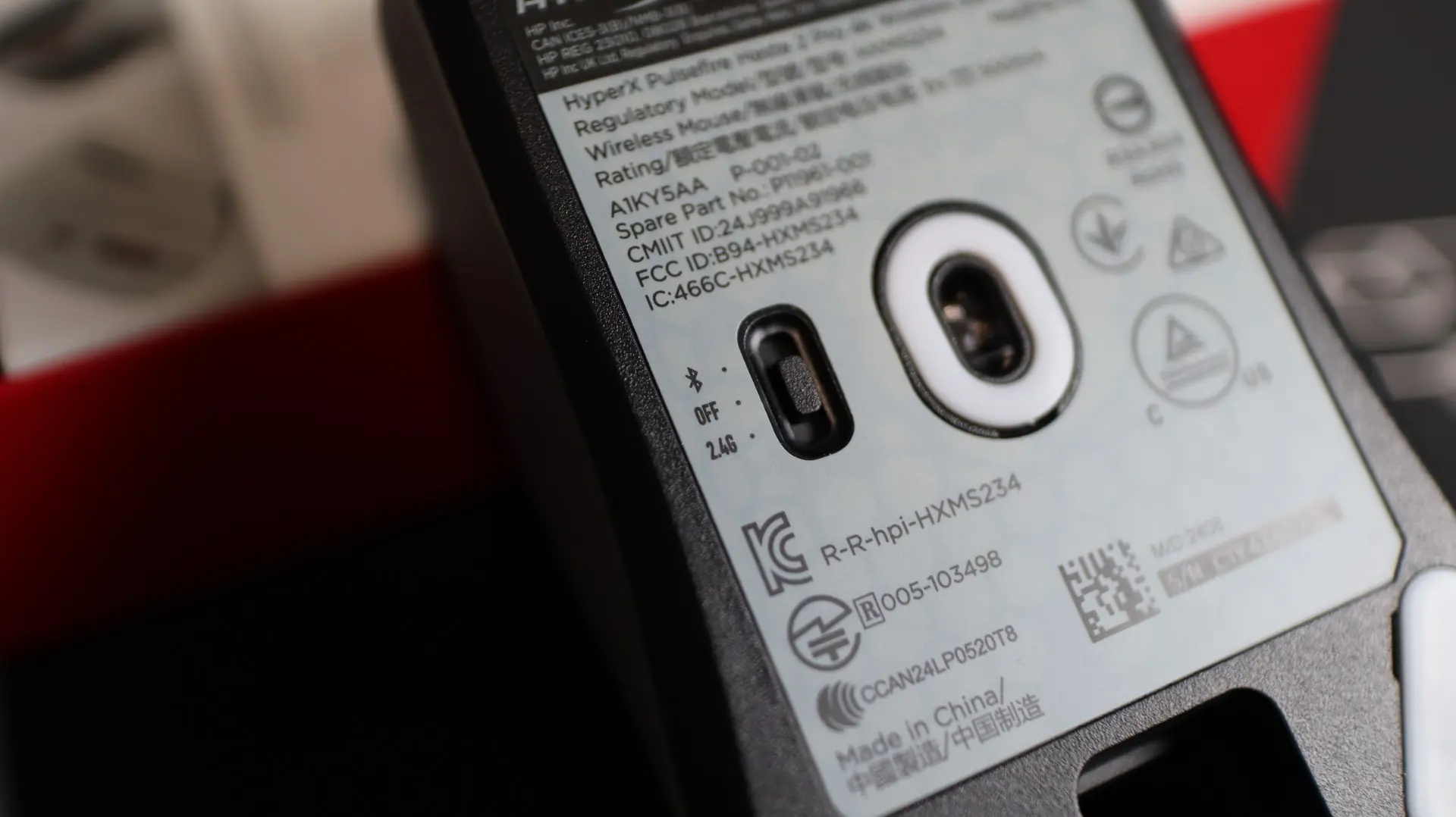
Located towards the back of the bottom of the mouse is a small opening that allows you to store the included 2.4GHz USB wireless dongle when on the go.
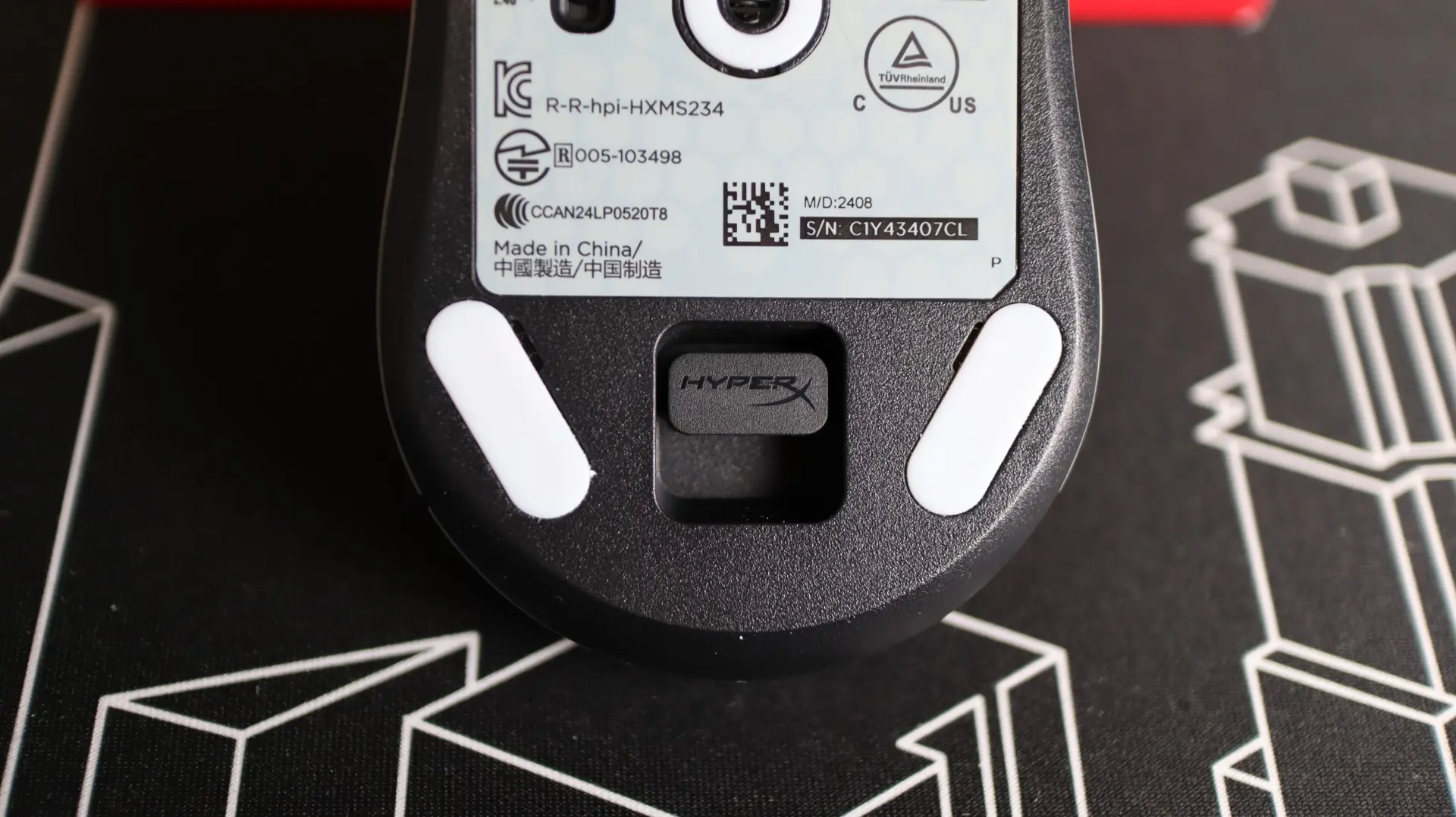
Angled in each corner of the mouse base and surrounding the optical sensor opening, are low-friction, 100% PTFE skates, which is the most common material found on modern gaming mice. As mentioned previously, an extra set of skates are included with the Haste 2 Pro should you need to replace the original set.
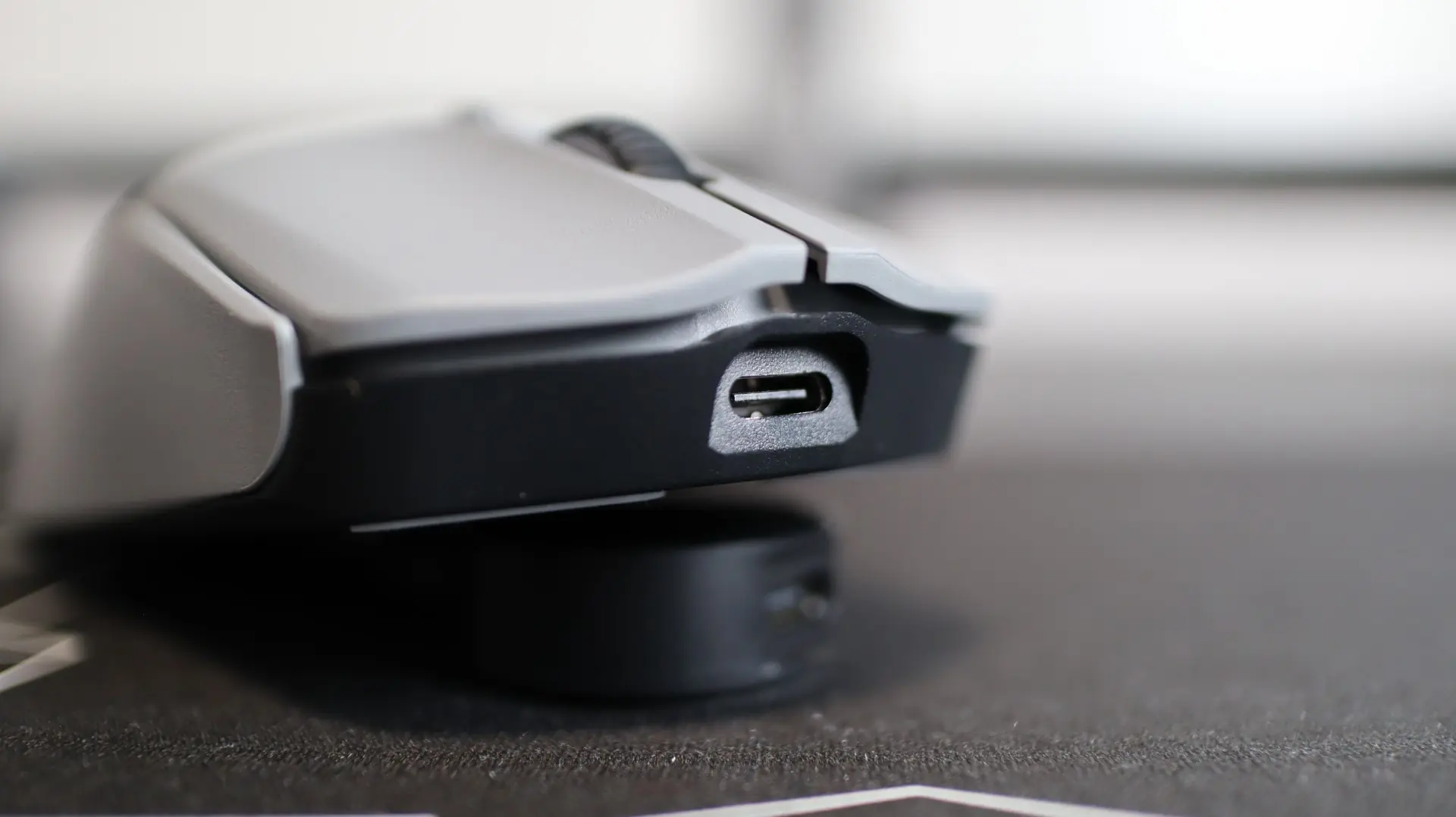
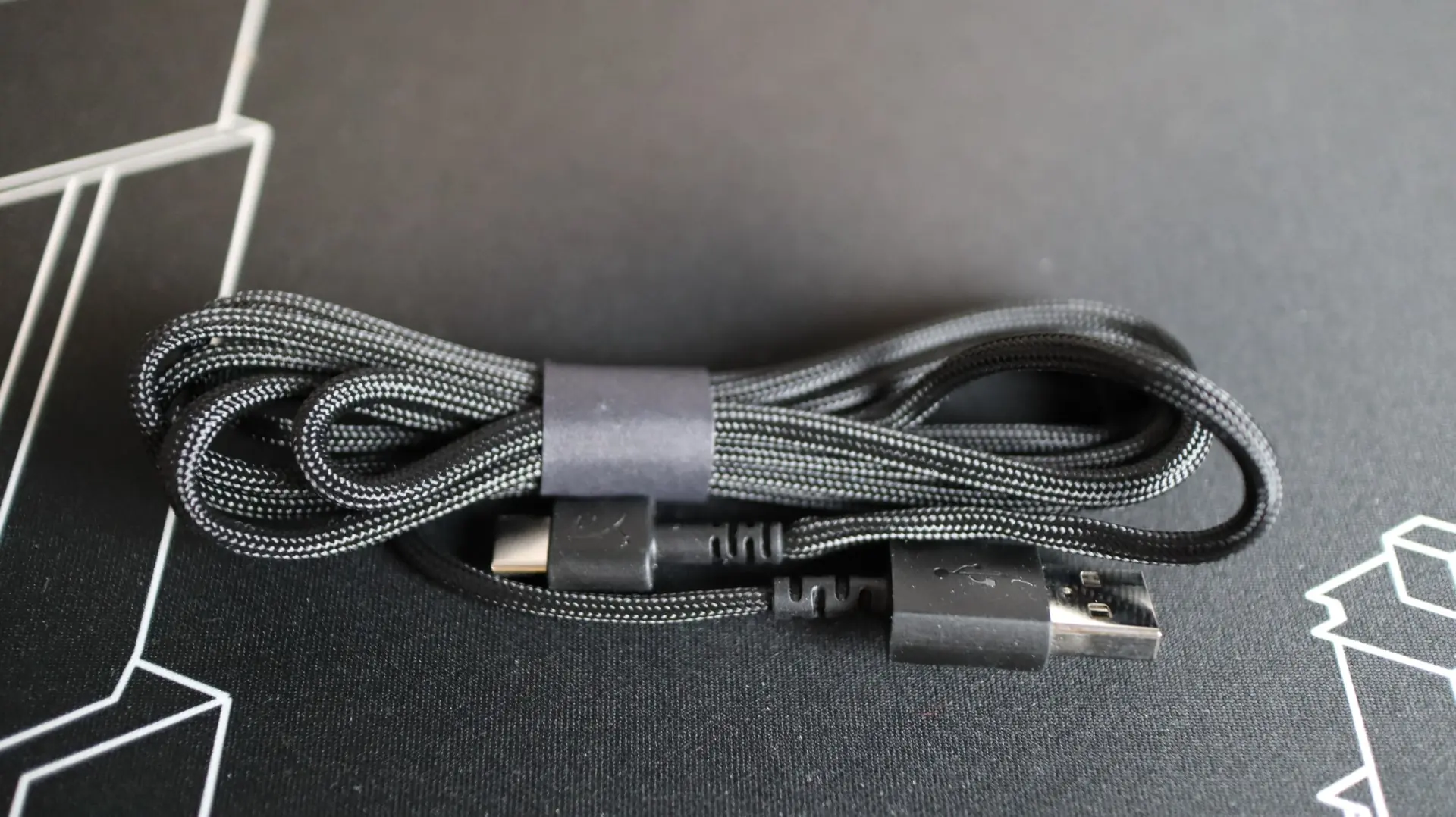
At the front of the mouse we find a USB Type-C connection which allows for the included lightweight HyperFlex 2 USB cable to connect to the Haste 2 Pro for charging and wired use. The HyperFlex 2 cabling found on the Pulsefire Haste 2 Pro is just like the cable found on the previous versions of the mouse, and the HyperFlex 2 cable is so light weight and flexible that it almost feels like you are using a wireless mouse when it is plugged in. One of my biggest pet peeves is having my mouse cord snagging or bumping into an object on my desk, and having that interfere with my gaming. This cable takes away all of that trouble during those times when you are using the mouse with the cable because you forgot to charge it.
Accessories for the HyperX Pulsefire Haste 2 Pro
Included with the HAste 2 Pro are a few additional accessories, and I really appreciate their inclusion. First up is an additional set of PTFE feet should the original feet become worn out or damaged. This is a really nice touch that probably doesn’t add much to the cost, but will extend the mouse’s life.
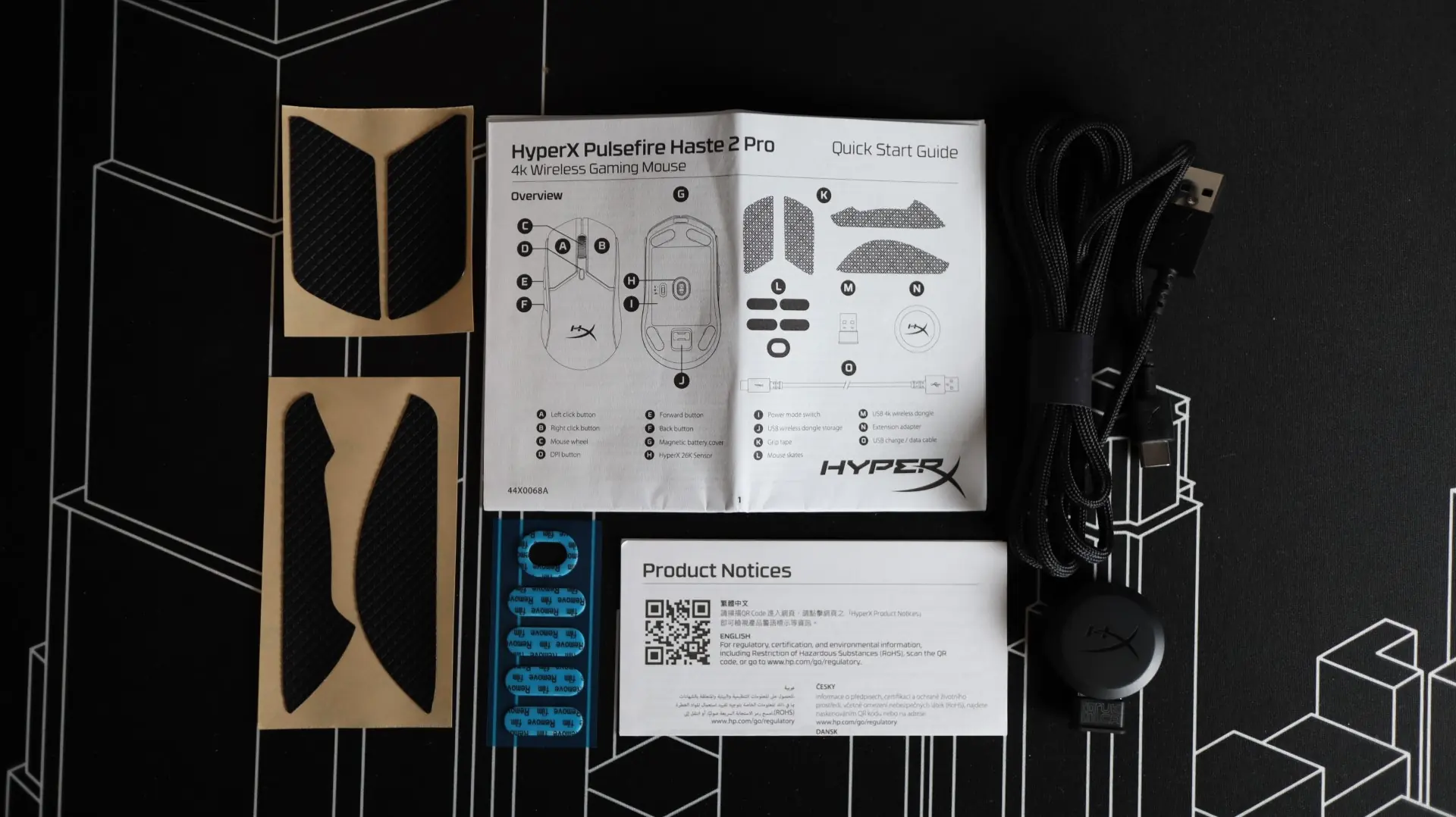
The second accessory, which I think is the most important, is the inclusion of four optional grips for the mouse body. Both the left and right sides of the mouse, as well as the left mouse button can be outfitted with adhesive grips for better control and comfort. This grip material has more of a rubber feeling to it compared to the almost foam feeling the previous generation had. While I wasn’t a fan of the change from softer grips on the original Haste to the rubber-style on the Haste 2, I have grown to like them quite a bit over the years, and applied them to the body of the mouse just shortly after taking the review images.
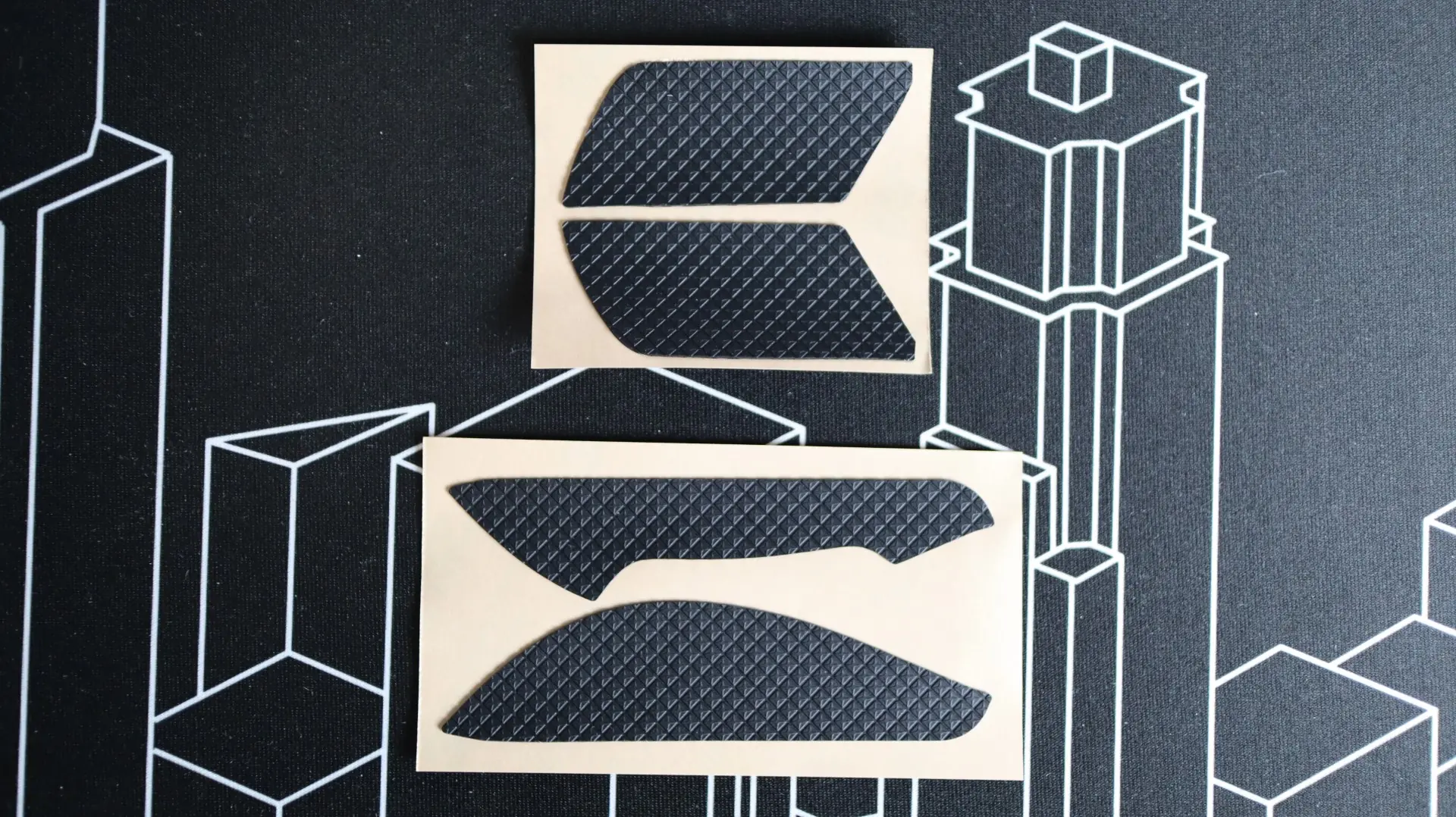
Being a wireless mouse, the Pulsefire Haste 2 Pro comes with a few more accessory items than your standard wired mouse. First up is the included HyperFlex 2 cable with USB Type-A connectivity for your PC, and USB Type-C for use with the mouse. This lightweight cable is great for reducing any drag that you might feel with non-lightweight cords.
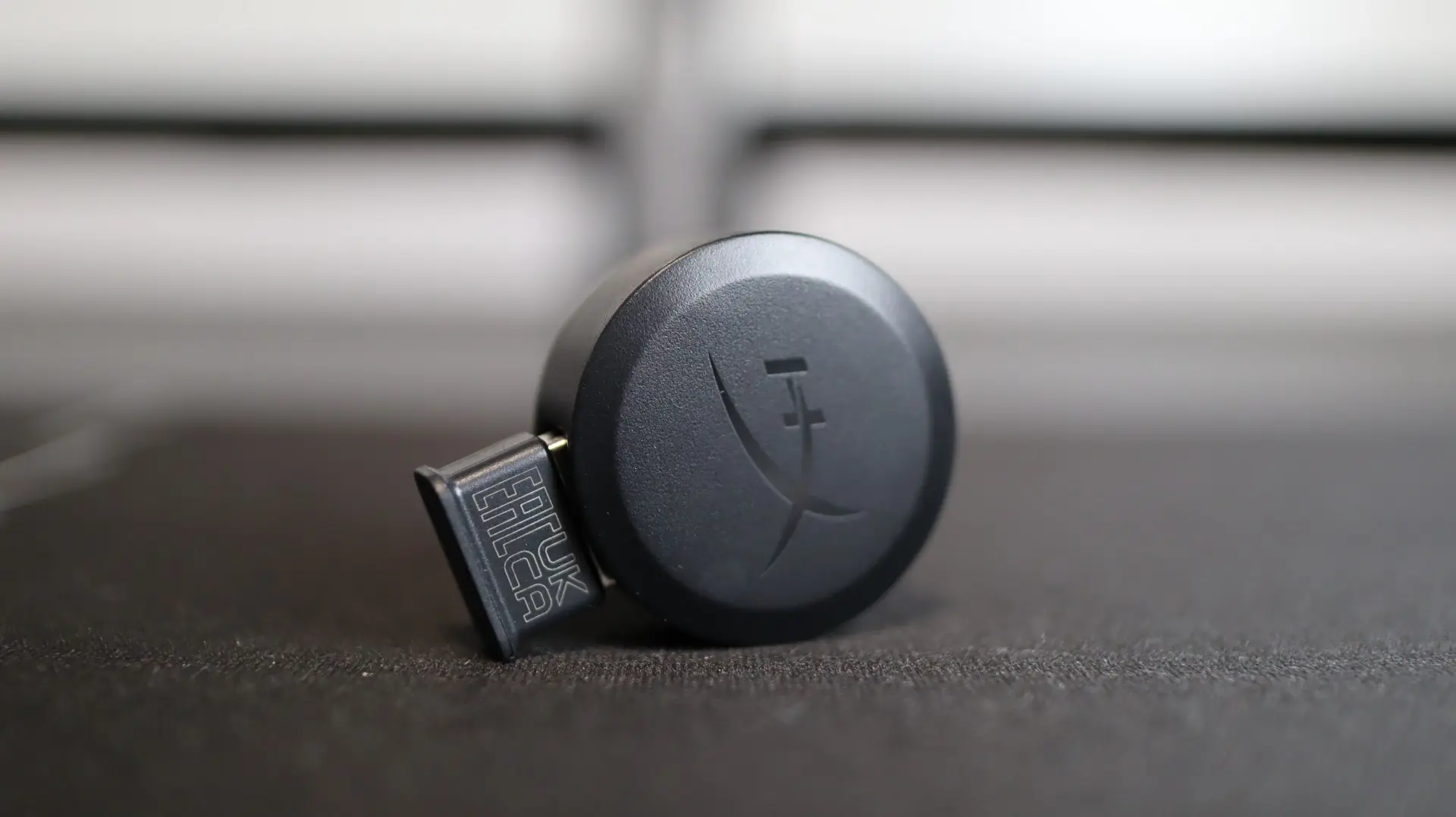
In order to support the 2.4GHz wireless connection, a small USB Type-A dongle is included with the Haste 2 Pro. Paired up with this dongle is a weighted wireless adapter that allows you to extend the positioning of the wireless dongle to your desk or another location. This adapter, when used with the HyperFlex 2 cable, makes having a charging cable available that much easier, while providing a line of sight shot for 2.4GHz communications.