Usage of the HyperX Pulsefire Haste 2 Pro
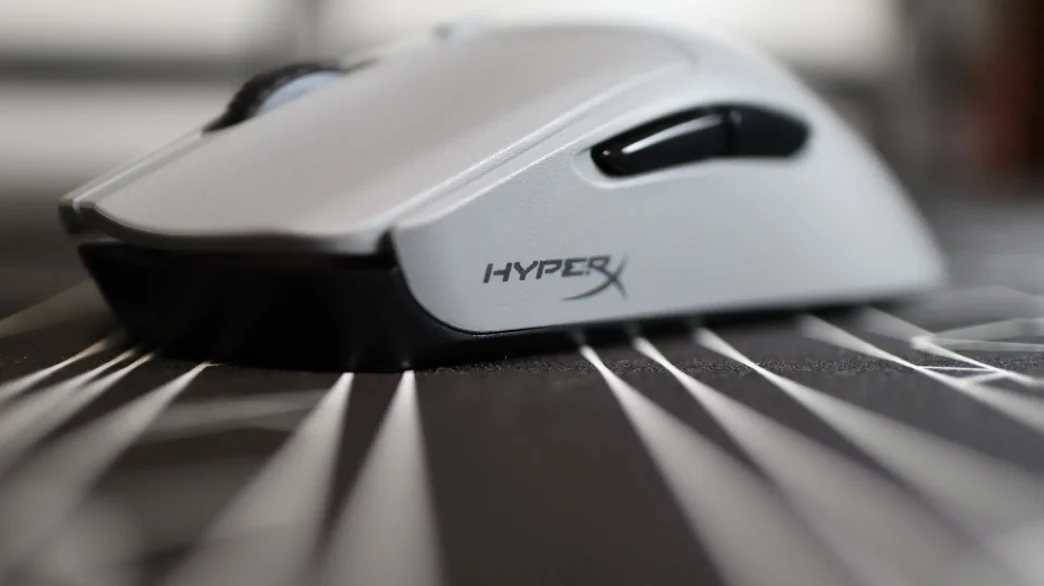
I have spent my time with the HyperX Pulsefire Haste 2 Pro using it as my main mouse in both daily computing work, as well as while gaming. In both environments, it was exactly the same as with the Haste 2, which has been my daily-use mouse for two years, and I find it to be very comfortable. Since the previous Haste 2 had been my go-to mouse, the Haste 2 Pro was very easily swapped out, and took no time to adjust to – it is essentially the exact same mouse as far as form and feel go. The Pulsefire Haste 2 Pro fits my hand nicely, and with the left and right grip pads installed, it really stayed in place quite well. I did use the mouse for a bit without the grip pads, but I was once again not a fan of the mouse without the grips. The plastic body just didn’t have enough built-in grip for my liking, though I didn’t feel like I noticed it as much as with the previous version – it could be due to the gray colorway feeling like it has just a bit more texture to it. Either way, as soon as I had the left and right pads on the mouse, things were great. I once again decided not to use the button grip pads, as I found that my fingers were almost getting “stuck” in place when moving over to the scroll wheel or when adjusting my finger placement slightly. The build quality of the Pulsefire Haste 2 Pro continues to be great, and I didn’t experience any signs of the mouse body flexing due to weight saving measures implemented by HyperX.
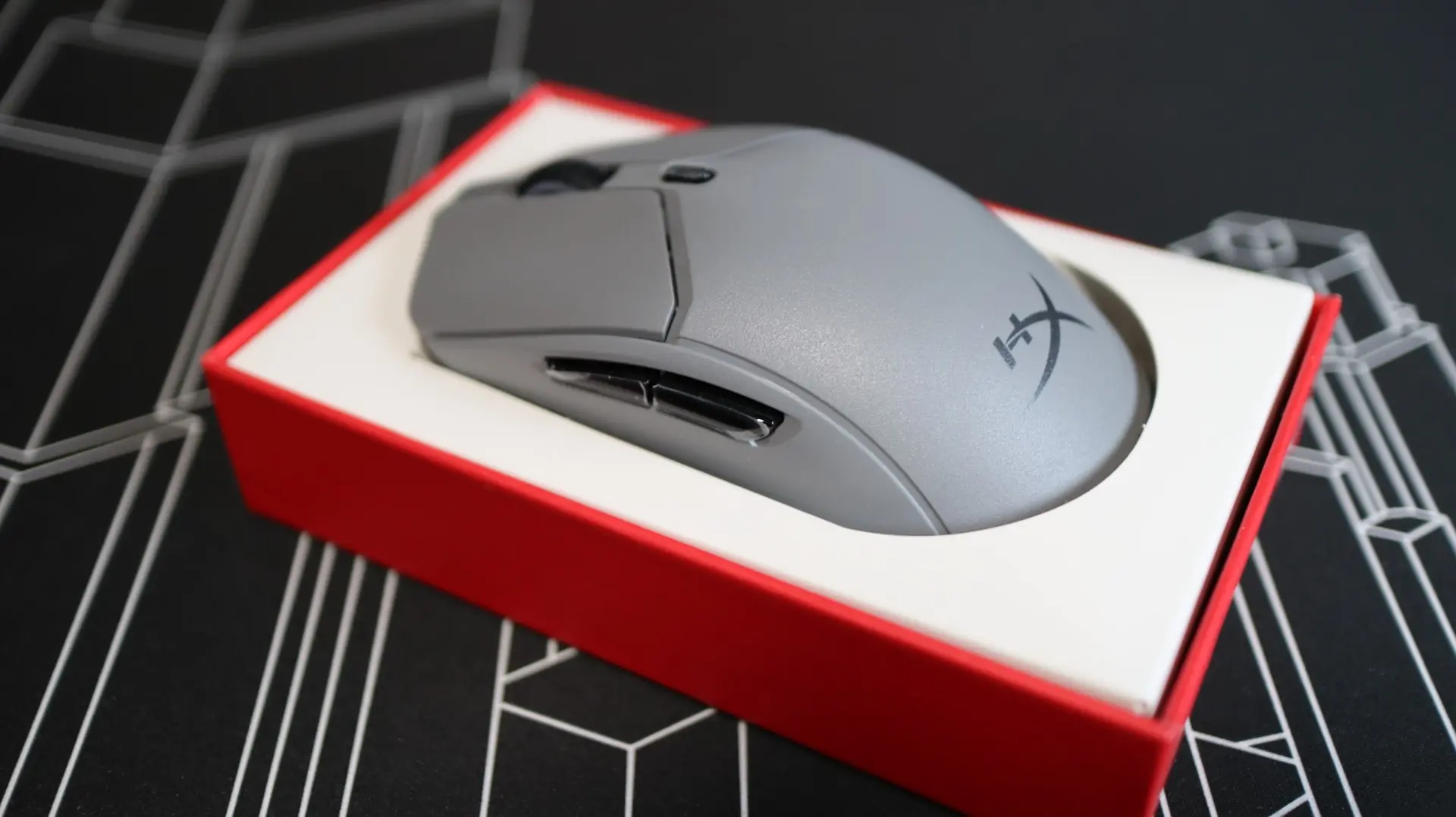
I have been using the Pulsefire Haste 2 Pro to game a ton, as I am currently loving Marvel Rivals (while still spending a decent amount of time with Apex Legends as well). Both wired and wireless modes have treated me well, and I tried multiple placement locations with the wireless dongle, and no matter where I placed it, the mouse performed just fine. With the included HyperFlex 2 cable connected to the front of the mouse, I could notice just the slightest amount of cord drag, but certainly much less than with previously used mice and their cabling solutions. That is a success in my book. Going back to wireless mode made me really appreciate the work that HyperX has done to keep the weight of the Pulsefire Haste 2 Pro down. At just 61g, you get up to 90 hours of use out of the battery with the polling rate set to 1,000Hz, while it does dip down to 30 hours if you want to take advantage of the 4,000Hz polling rate.
I did notice right away a difference between the Haste 2 and Haste 2 Pro with regards to the sound and feel of the left and right mouse buttons. The new Haste 2 Pro has a much more solid sound and feel compared to the Haste 2’s higher-pitched clicking sound and feel. This is most certainly related to the change from traditional mechanical switches to the optical versions HyperX implemented with the Haste 2 Pro. This was a definite improvement for me personally, as I like the quieter operation of the mouse, though some might find that the feel is a bit mushier and less snappy than the Haste 2.
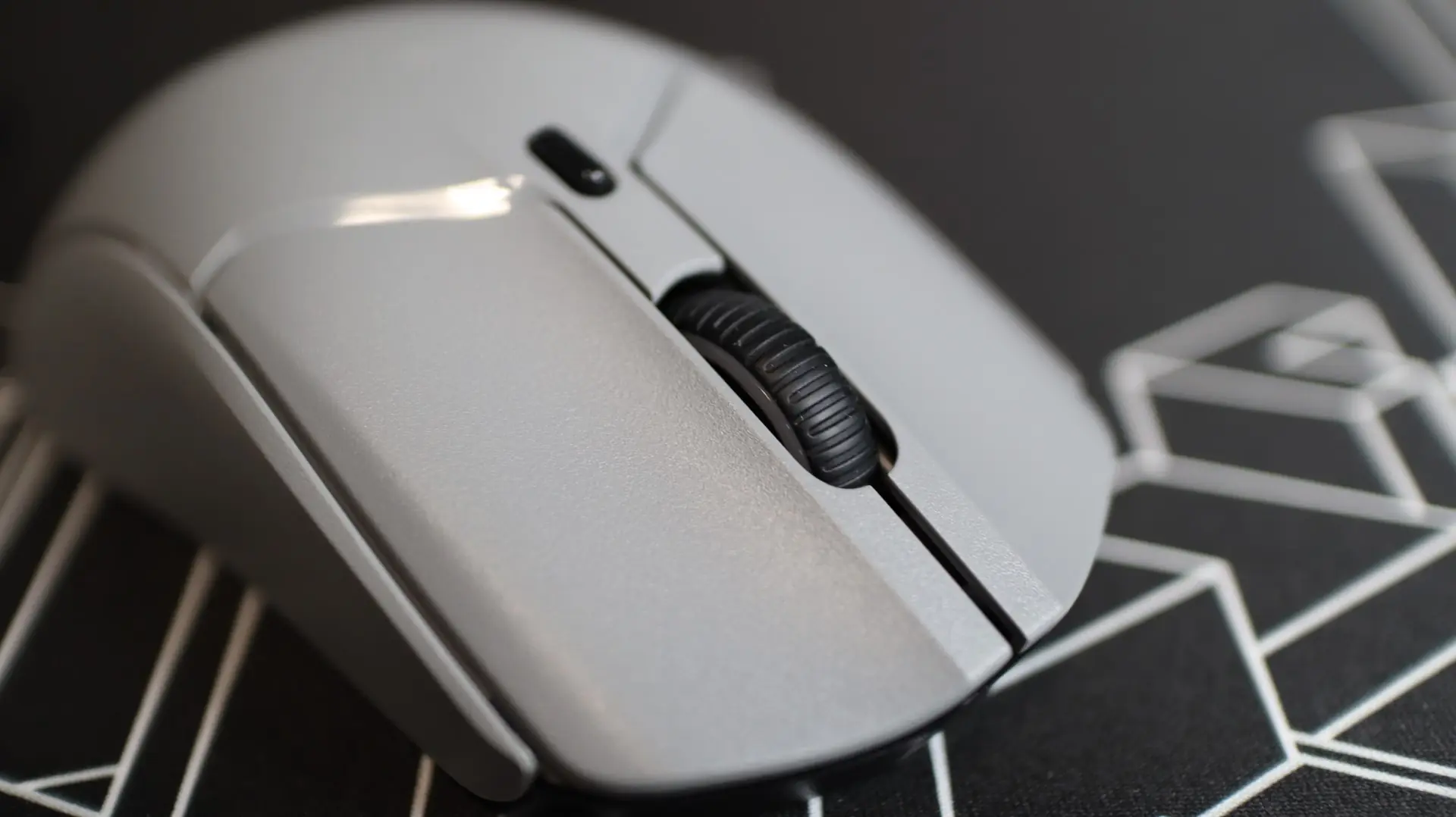
I adjusted the two thumb buttons for different abilities in-game, which is standard for my Apex Legends gaming, and they worked as they should, without any issues. The accuracy of the 26K DPI HyperX sensor felt great (using my standard 1600 DPI setting), and at no time did I notice any sensor-related issues with the mouse, across multiple mouse surfaces.
Final Thoughts on the HyperX Pulsefire Haste 2 Pro
Going into this review, I knew that I would most likely find the Pulsefire Haste 2 Pro to be a formidable gaming mouse, based on my previous experience with the Haste lineup. It turns out my intuition was on-point. Honestly, there really aren’t many differences between the Haste 2 Pro and the standard Haste 2. The biggest differences are the change to optical switches and the availability of 4KHz polling. Outside of those, the mouse body has the exact same shape, the buttons are all in the same places, the weight is the same, and all of the included accessories are essentially the same. And I think all of that is just fine. After all, this is the Haste 2 Pro, a revision of the original Haste 2. This isn’t the Haste 3 – if it were, I would be a lot more critical of it for being more of a revision than anything else.
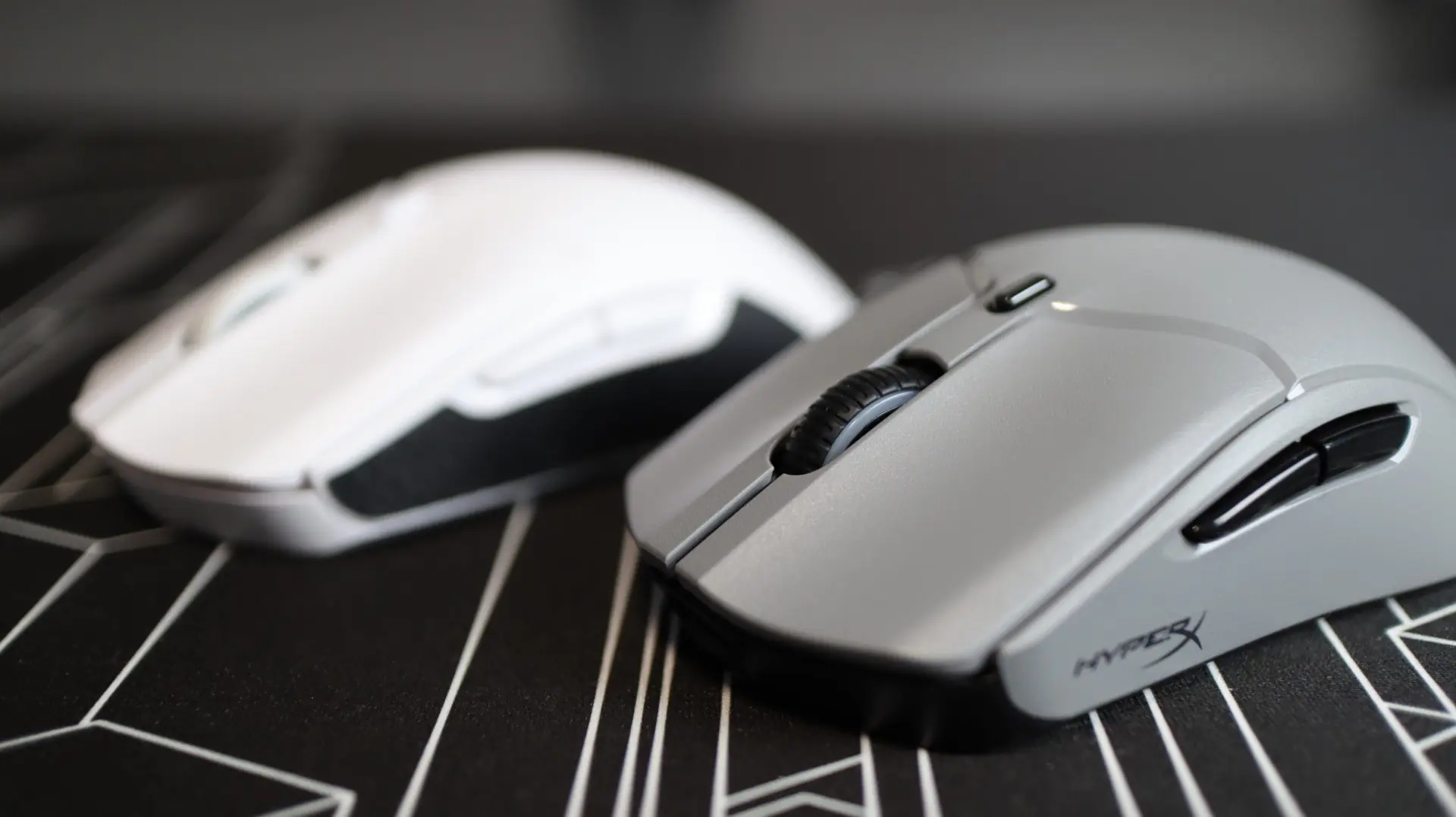
If you know about the Haste 2, you essentially know everything there is to know about the Haste 2 Pro. Just know that the optical switches on the Haste 2 Pro will offer improved actuation response, and remove any debounce that may have been present on previous mechanical switches. The optional 4KHz polling rate is also an improvement, and can be adjusted in HyperX’s NGENUITY software. You still get the same great options for connection to your devices – 2.4GHz via a USB dongle, Bluetooth, and wired. You can even pair the Haste 2 Pro with HP OMEN gaming laptops thanks to their built-in 2.4GHz connectivity.

Honestly, there isn’t really much else to say about the HyperX Pulsefire Haste 2 Pro – it is just a solid, lightweight gaming mouse that offers a good set of features and doesn’t overload itself with the bells and whistles that can bog it down. This mouse won’t break the bank either, with current pricing of $99.99 at our favorite online retailer. Improvements to an already great mouse keep up HyperX’s great track record with the Pulsefire Haste 2 Pro, earning it another 10 out of 10 and the ThinkComputers Recommended Award!


Pros:
- Solid Build Quality
- Ultra-Lightweight – 61g
- 4KHz Polling Option
- 26K DPI Optical Sensor
- Optical Switches
- HyperFlex 2 Cable
- Grips & Extra PTFE Feet Included
- NGENUITY Compatible
- Great Wired and Wireless Performance
Cons:
- Single RGB Zone