


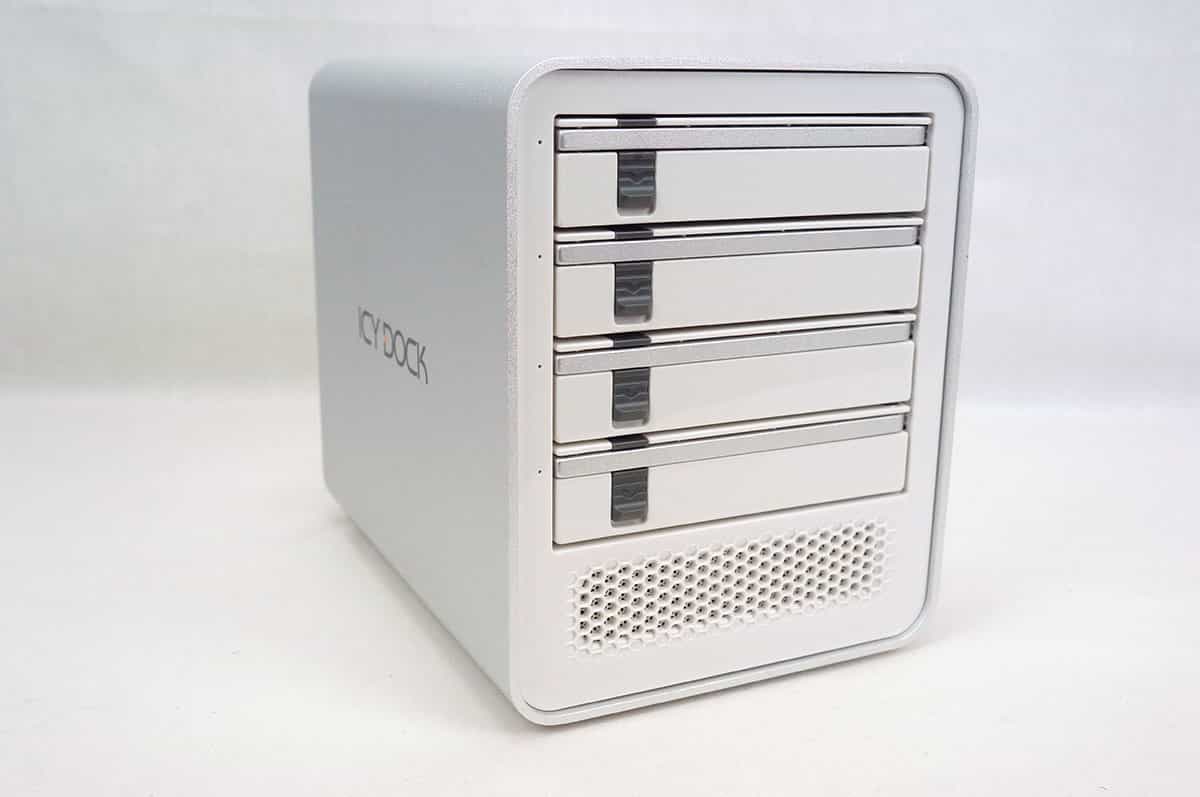
ICYCube MB561U3S-4S Overview
The ICYCube MB561U3S-4S has the same design many of ICY DOCK’s external hard drive enclosures. A single piece of aluminum makes up the outer chassis of the unit. We received the white / silver version of the unit, but it also comes in black.
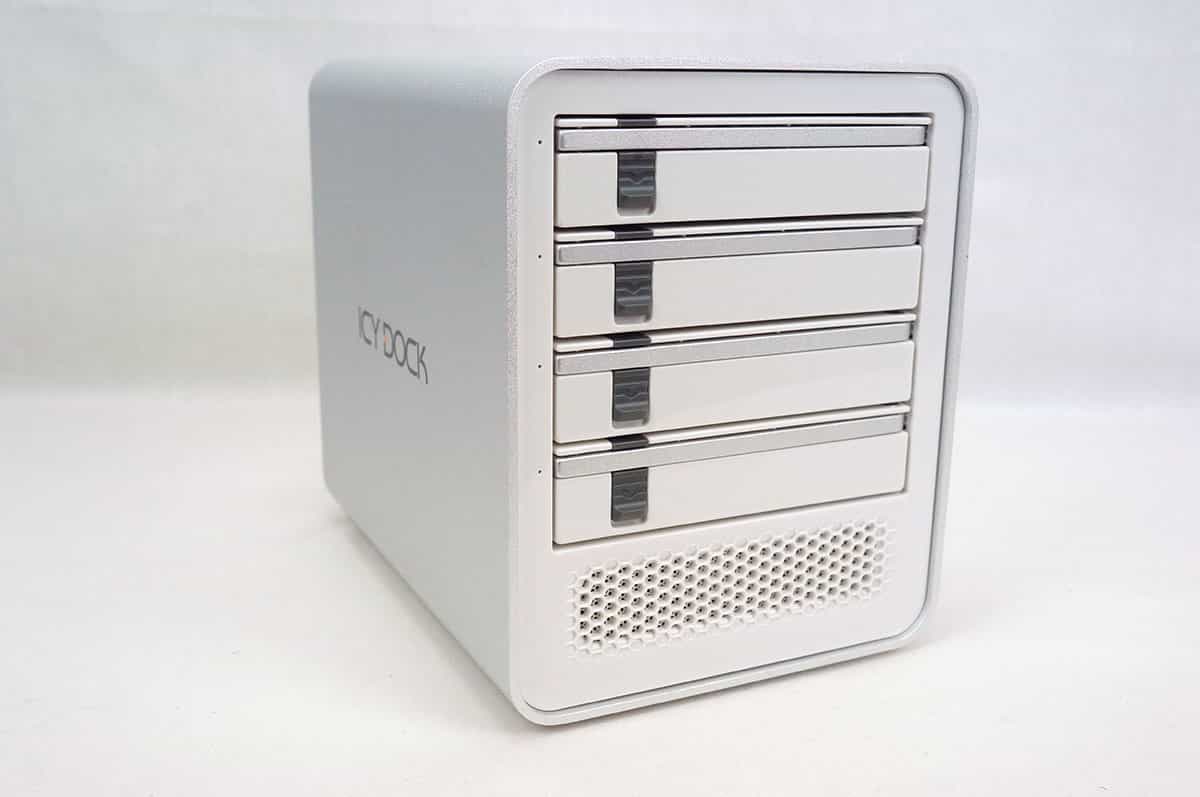
On the front of the unit you have your four removable hard drive trays. Each bay has a small little activity LED on the left side. Towards the bottom of the unit is a ventilation section to help keep everything cool.
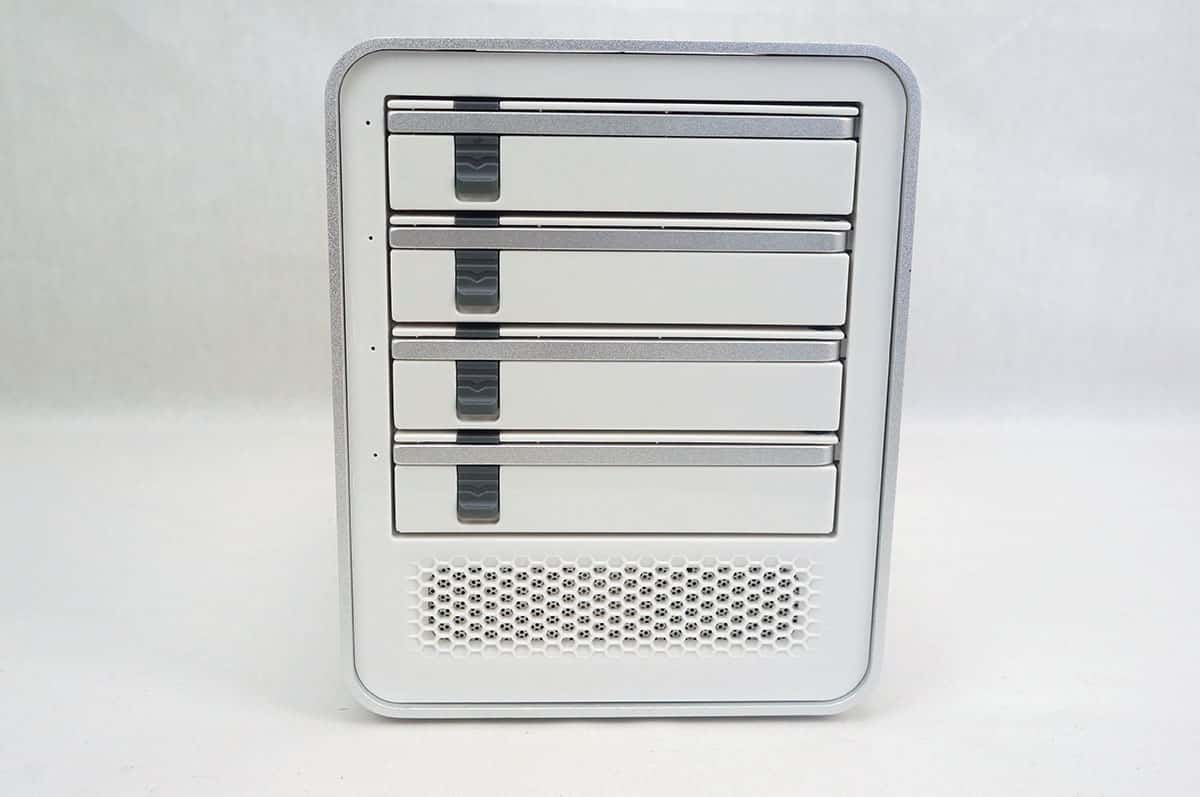
To release the removable drive trays all you have to do is press down on the button on the front of the tray. This will release a metal bar that you can use to pull out each tray.

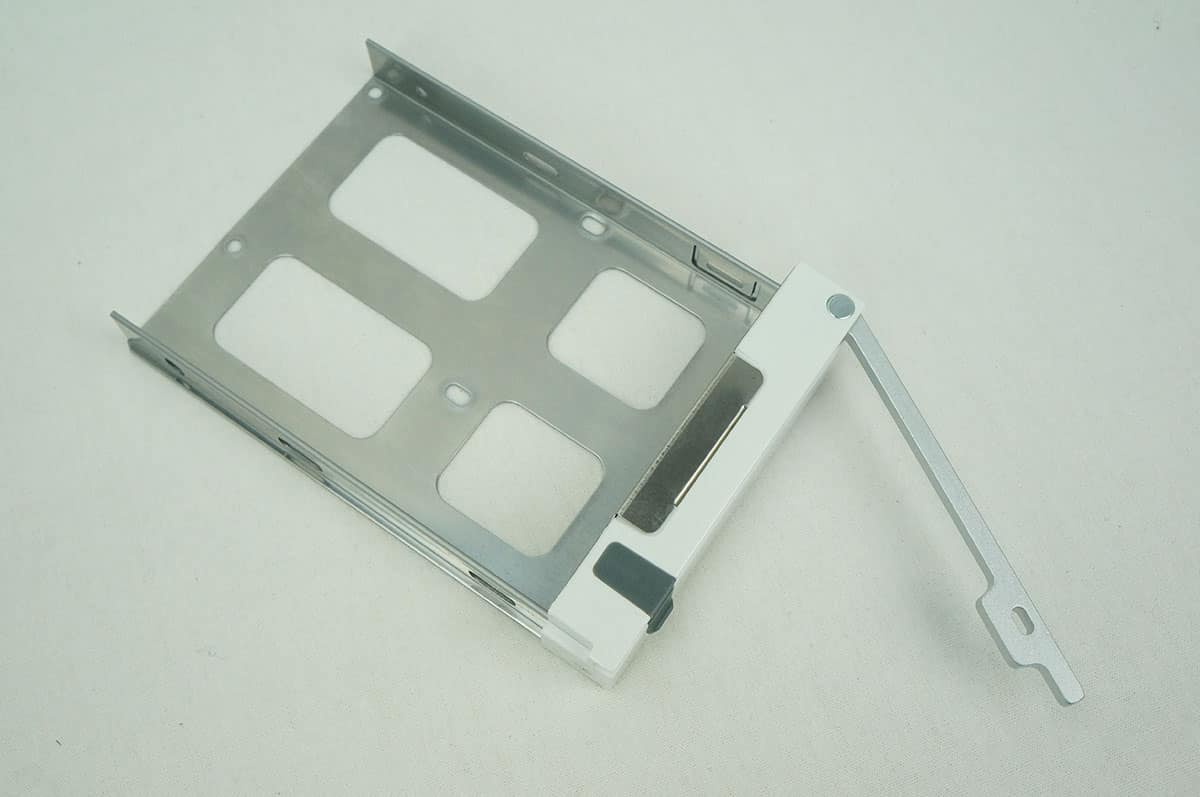
Getting a closer look at the trays they are mostly made of metal including the metal bar that you use to remove them. The trays will support both 2.5-inch and 3.5-inch hard drives.
Taking a look inside we can see a SATA backplane that connects to your drives once they are installed.

Both sides of the unit carry the ICY DOCK logo.

The back of the unit is where you are going to find all of your connections and controls. First there is a large 80 mm fan to keep your drives nice and cool inside during operation. This fan does have a high, low, and auto setting. On the far left is your power connection as well as power button. On the right are your two connections which are USB 3.0 and eSATA.
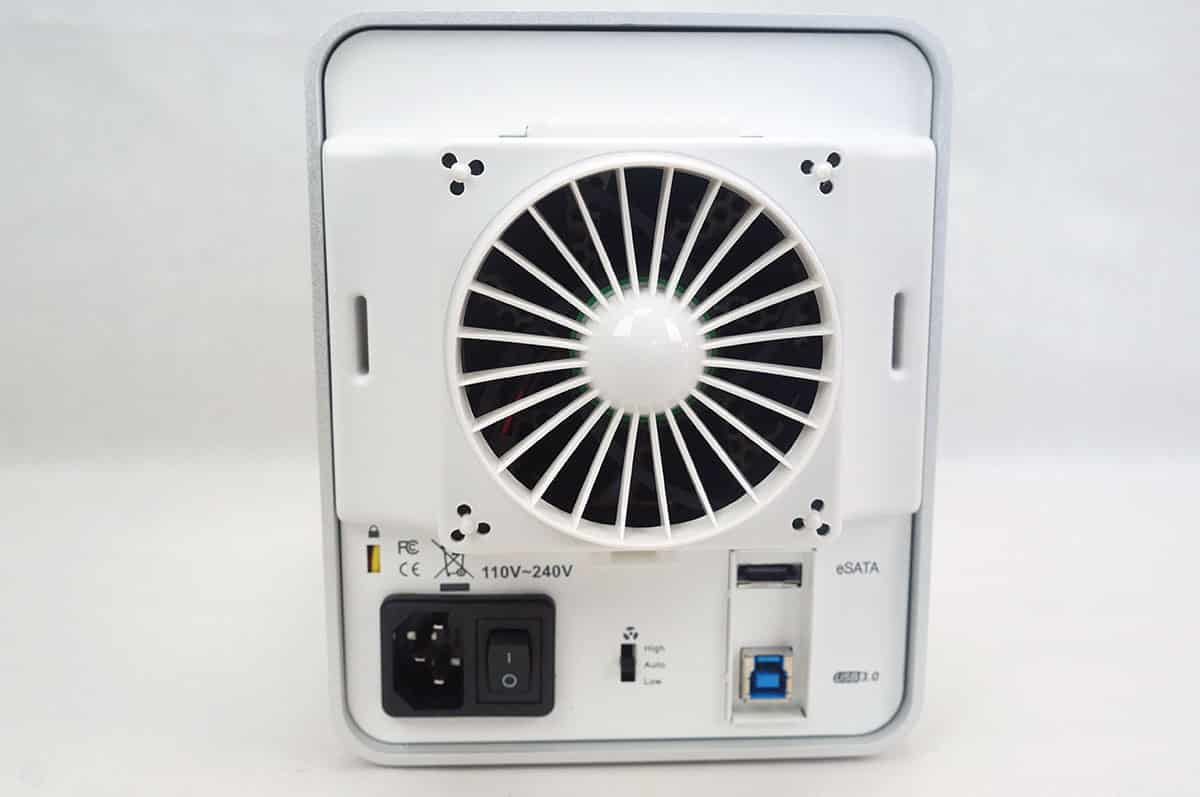
As I did mention the fan is removable if you happen to need to clean it or it needs repaired.


Four 175MB/sec drives in the unit and you could only read at 248 MB/sec with RAID 0? You should be seeing over 600 MB/sec. It sounds like ICY might be misrepresenting the capabilities of their array… I bet they only have a 3 Gb/sec SATA port multiplier in there, which would max out at a little under 300 MB/sec.