Keychron K8 HE Wireless Special Edition Keyboard Overview
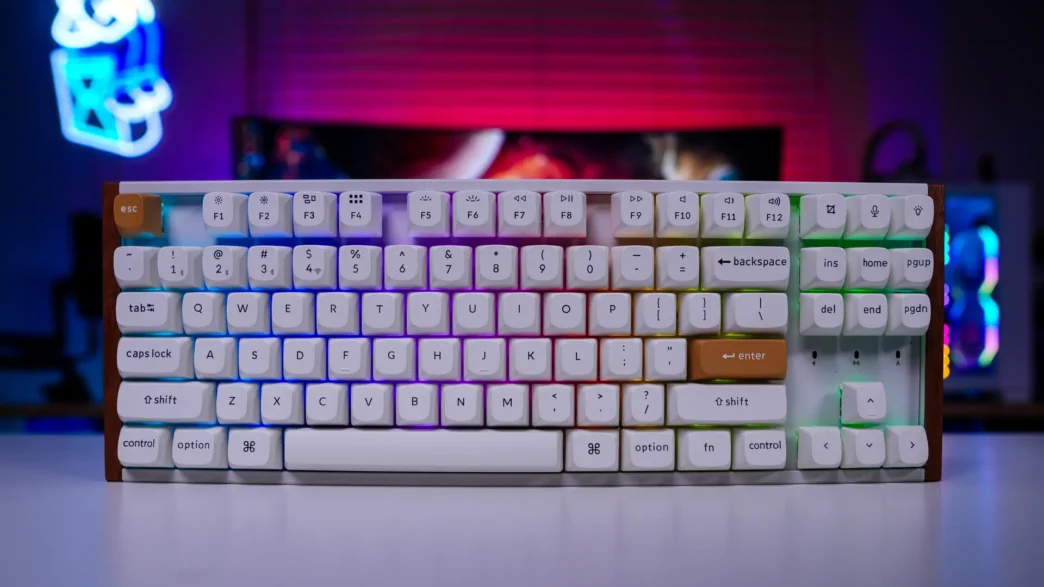
As I mentioned this is the Special Edition of the K8 HE Wireless so it has a really unique design, which I would call mid-century modern. You can get the Special Edition in either a white or black colorway, we have the white. The white features a mainly white chassis with white keycaps, two accept keycaps, and then you have natural rosewood accents on each end of the keyboard. I absolutely love this design and for those who want the performance of a gaming keyboard without the gamer look, this is definitely it!
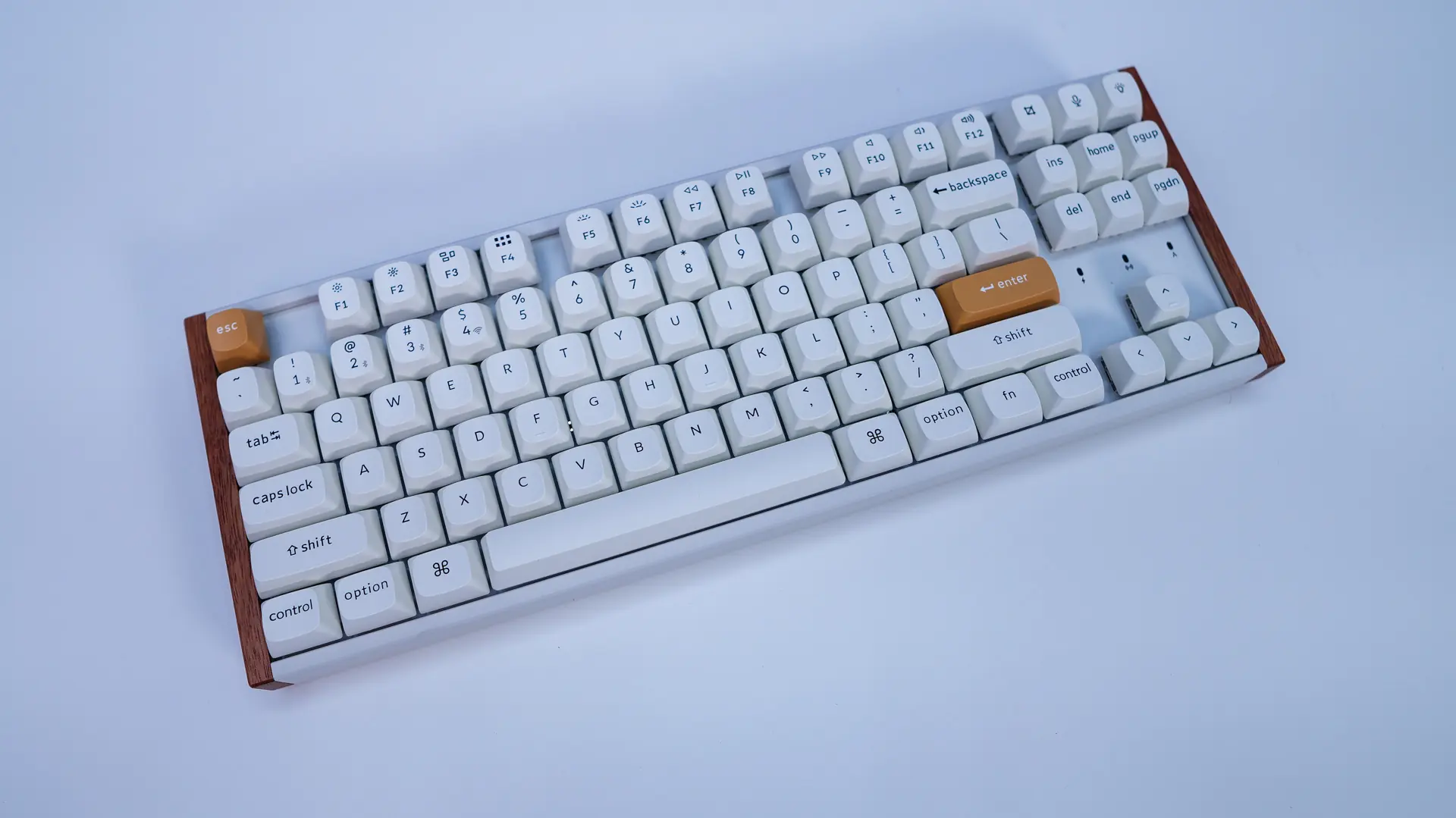
This is a tenkeyless or TKL keyboard, so think of it as a full-size keyboard without the number pad. Most gamers tend to prefer a TKL as it gives them the most functionality without taking up as much space as a full-size keyboard.
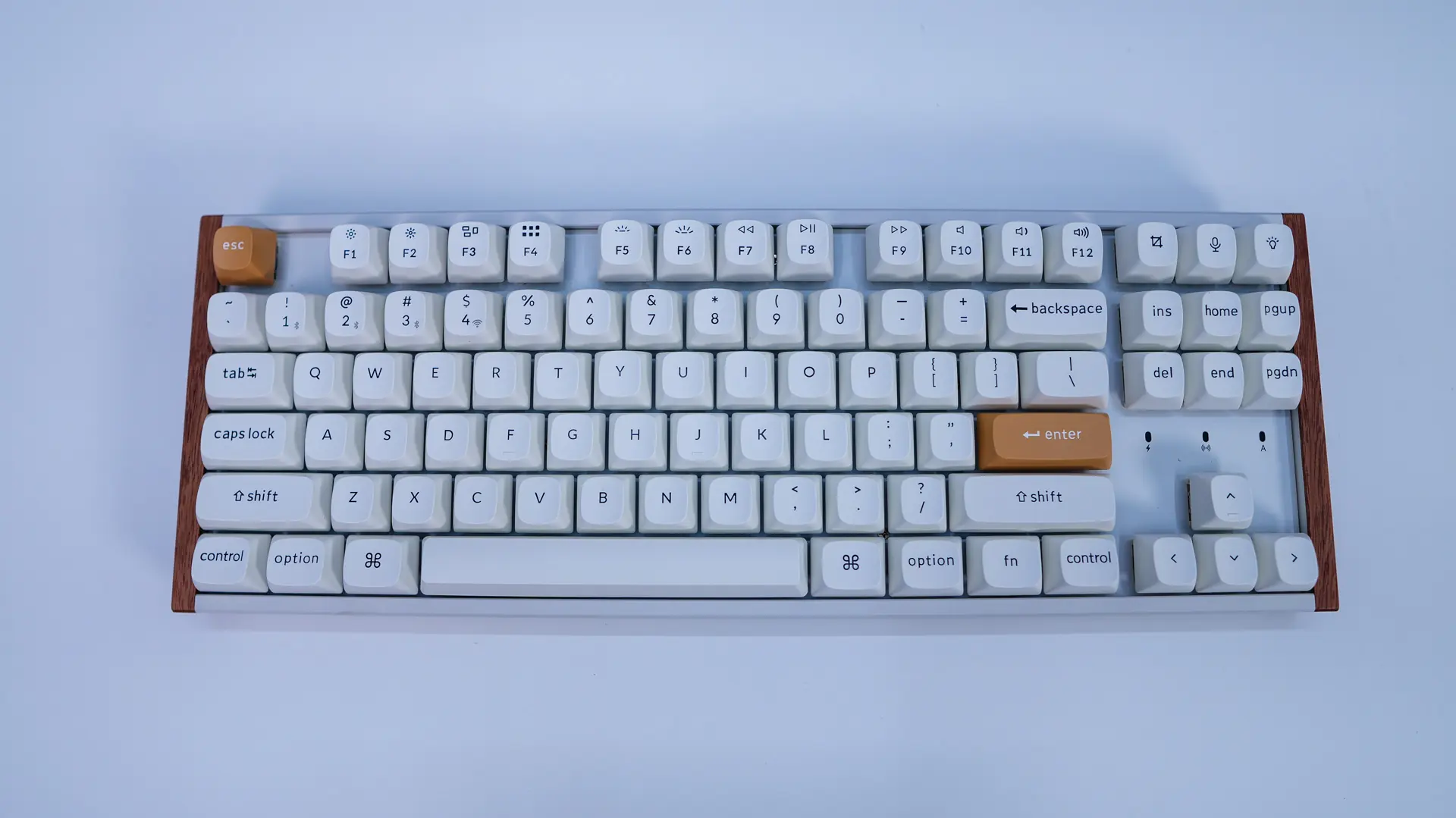
As I mentioned we have white keycaps on most of the keyboard. These will feature black legends. The keycaps themselves are double-shot PBT keycaps in an OSA profile. If you are not familiar with OSA they are a medium-height keycap with a spherical top. The arrow keys are slightly spaced apart from the rest of the keyboard and right above them you’ll find indication LEDs for charging, wireless connectivity, and caps lock.
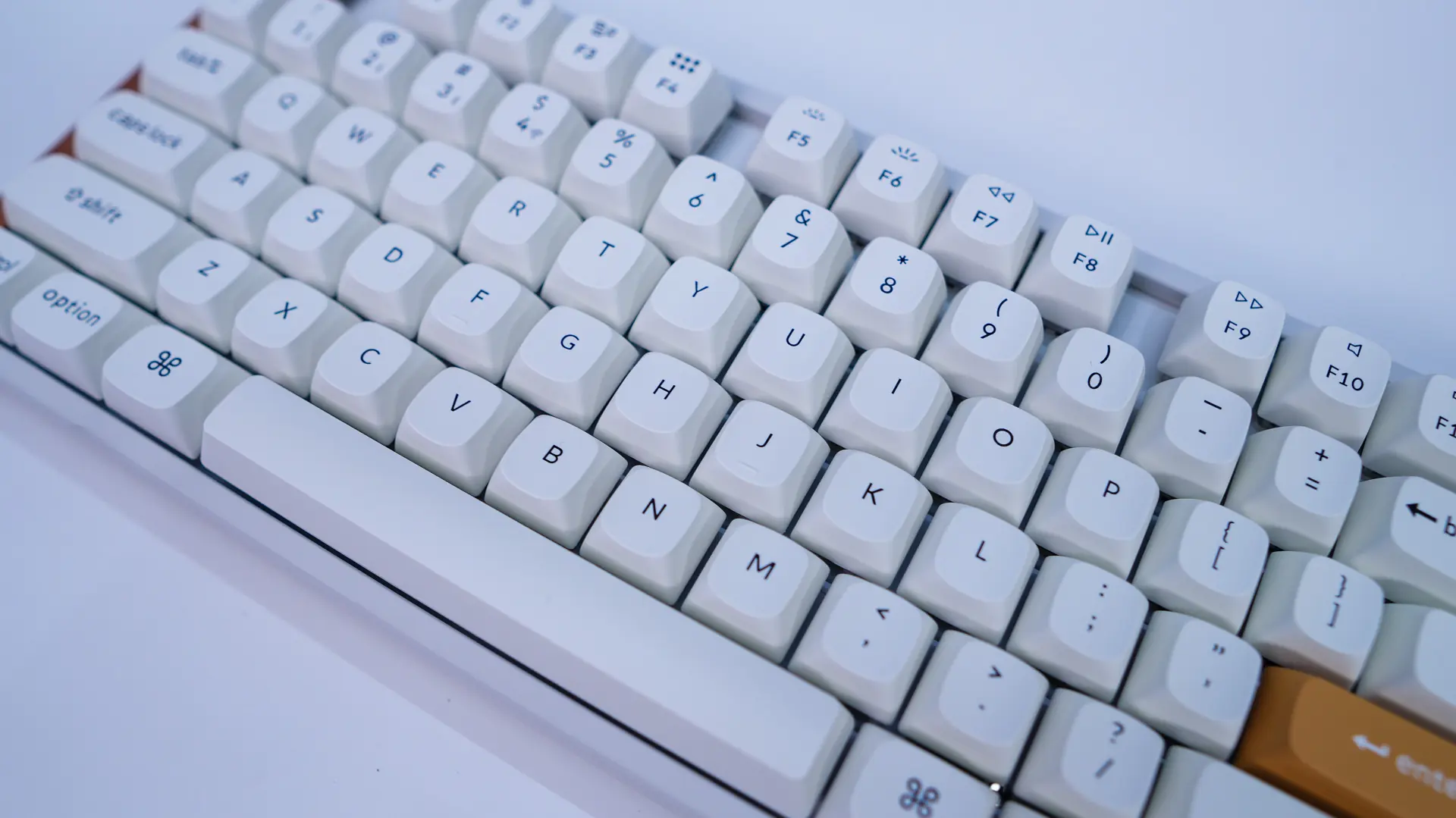
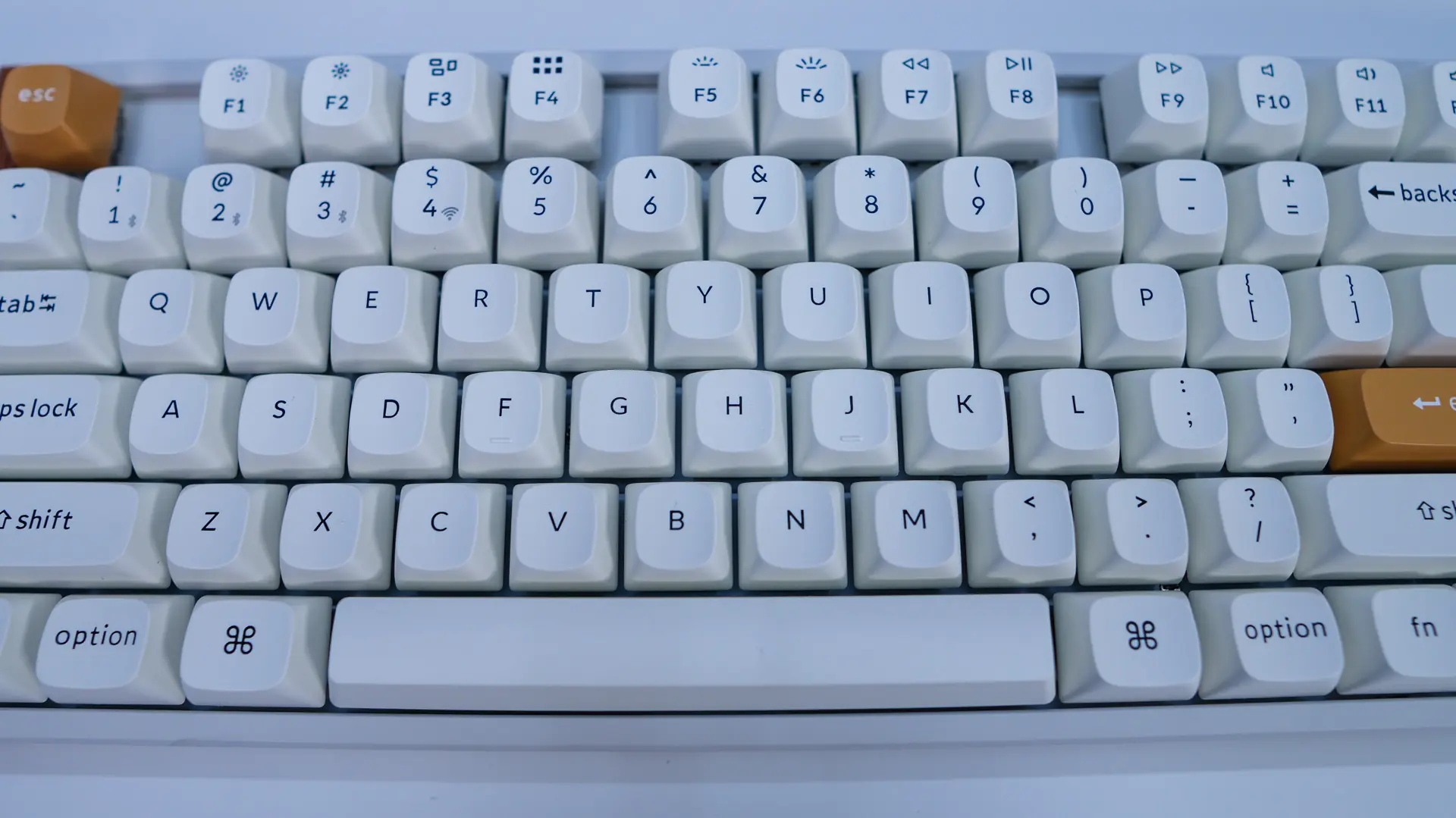
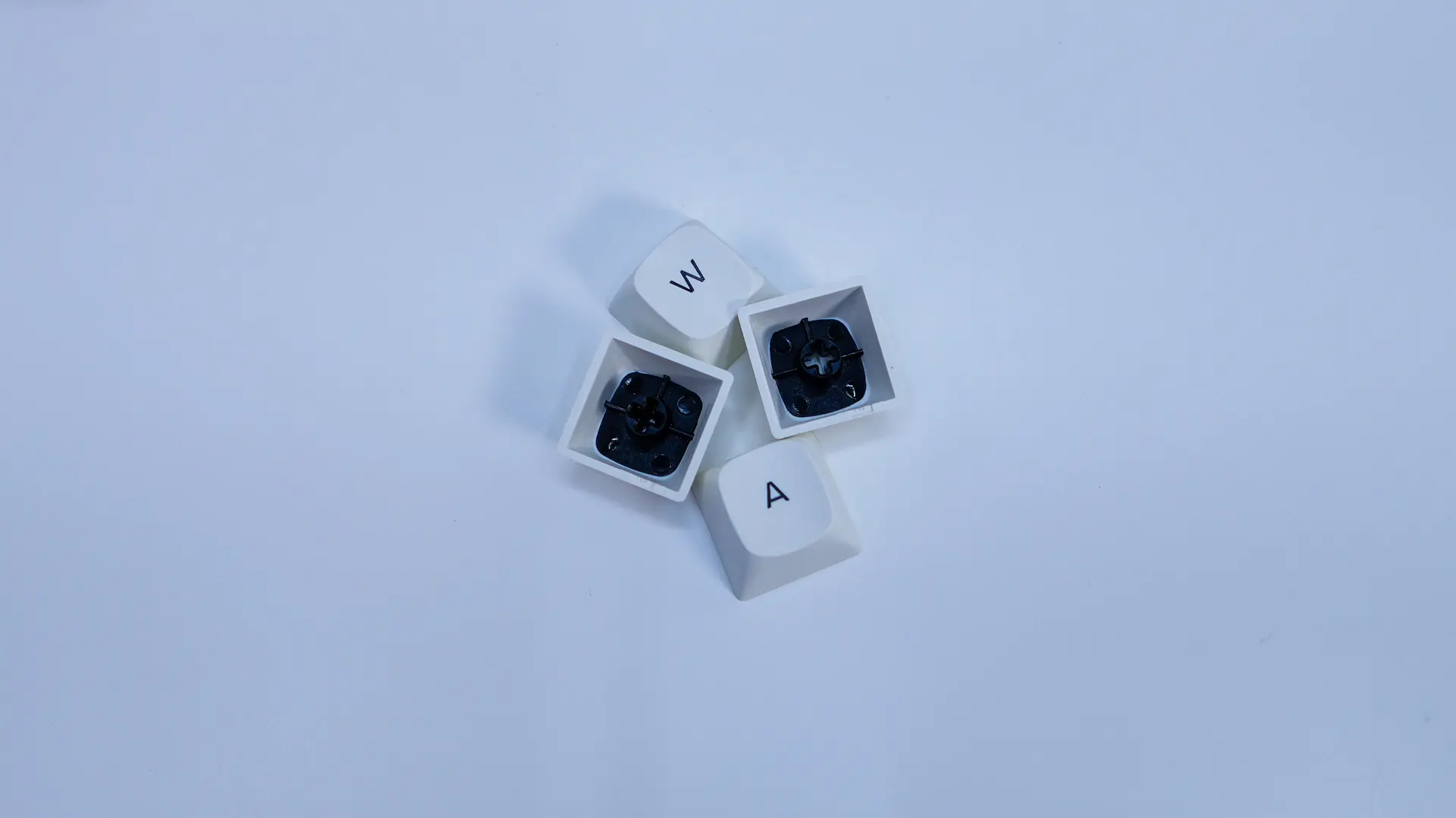
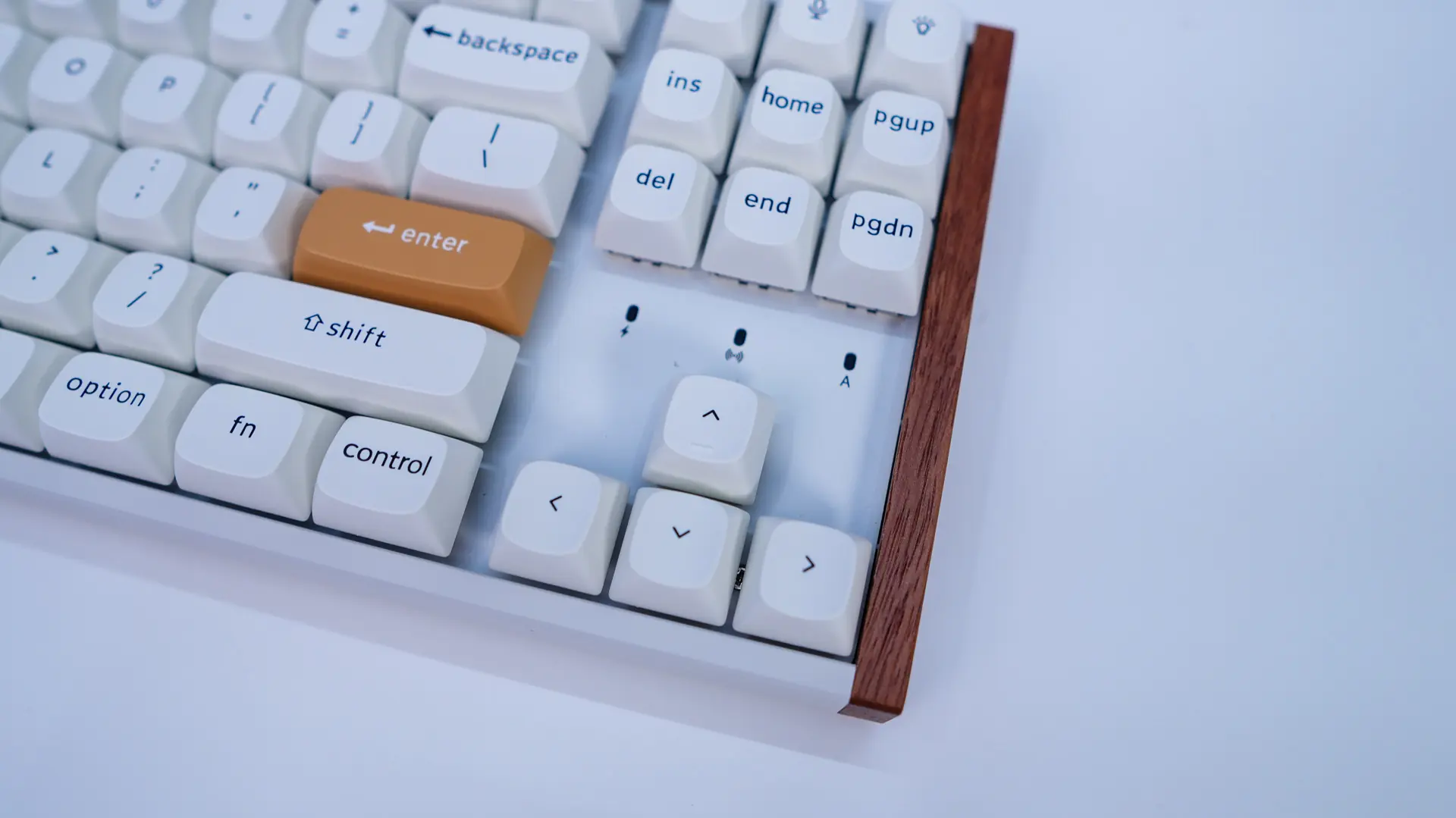
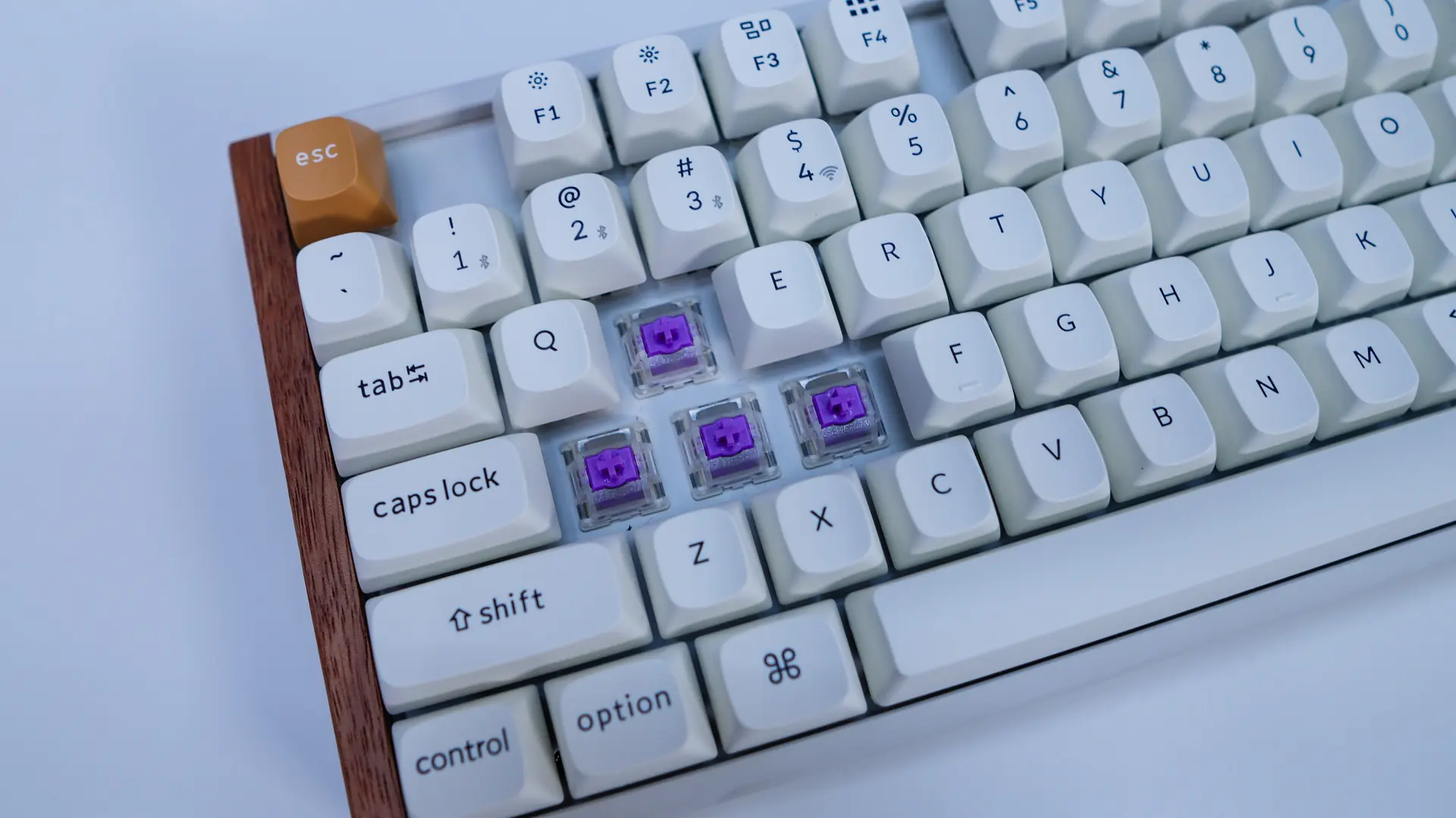
Under the keycaps you’ll find your switches which are the pre-lubed Gateron double-rail magnetic switches. These are a linear switch with a start force of 40g and and end force of 60g. Your actuation range can get set from 0.2mm – 3.8mm. This is the only switch option available for this keyboard.
As far as what is going on under the hood of the keyboard below is an exploded view showing the different layers and sound dampening materials.

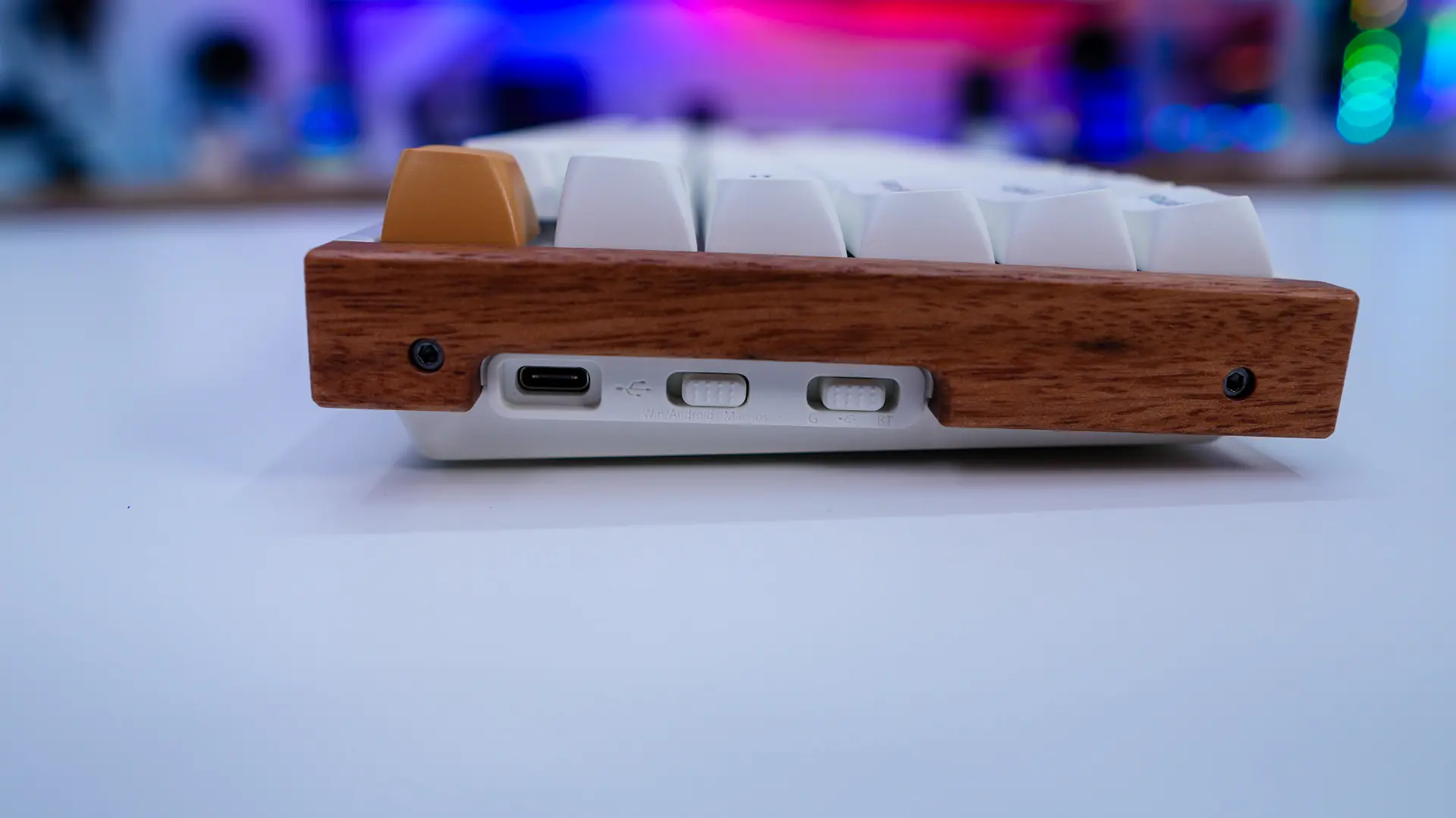
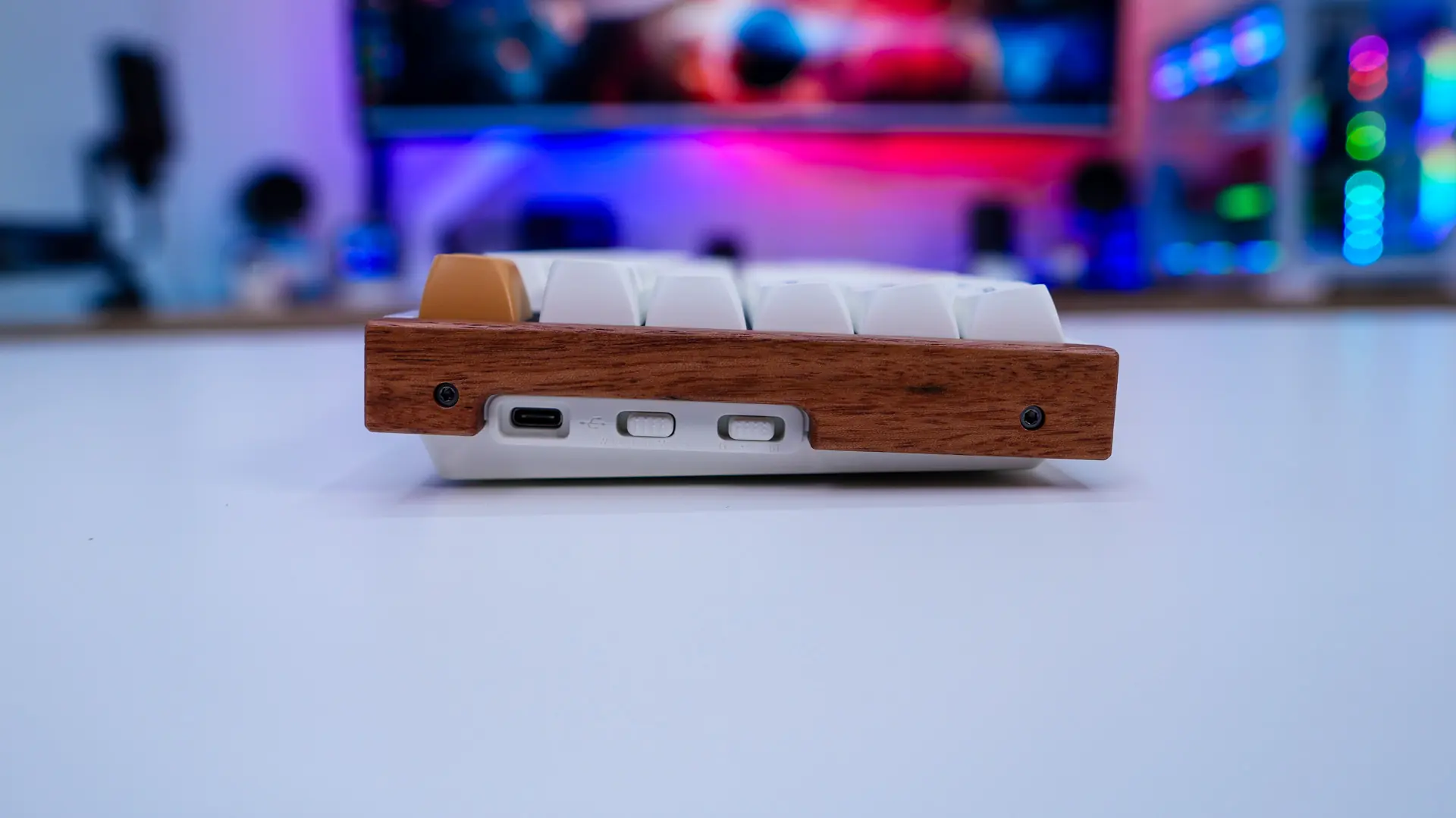
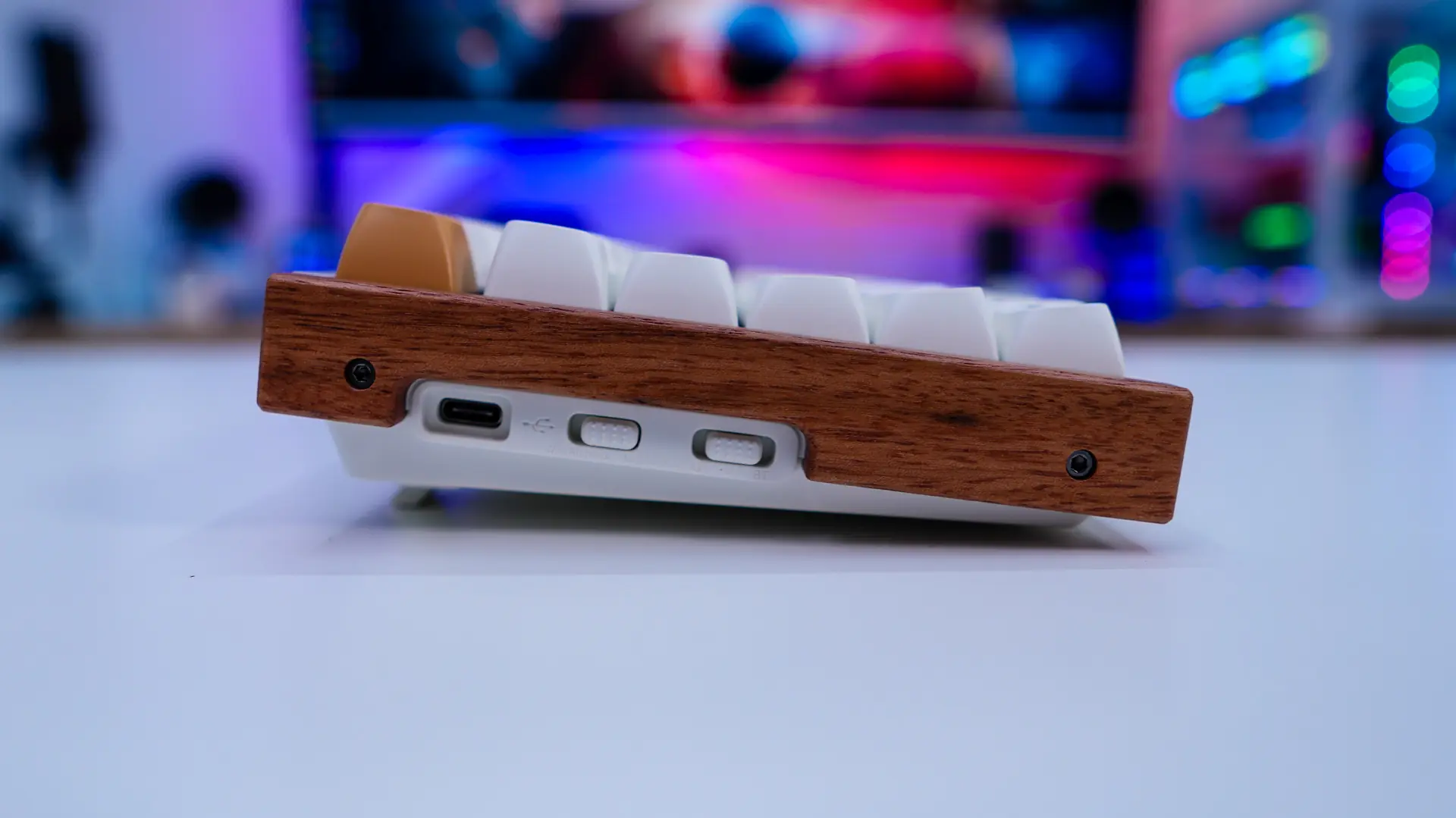
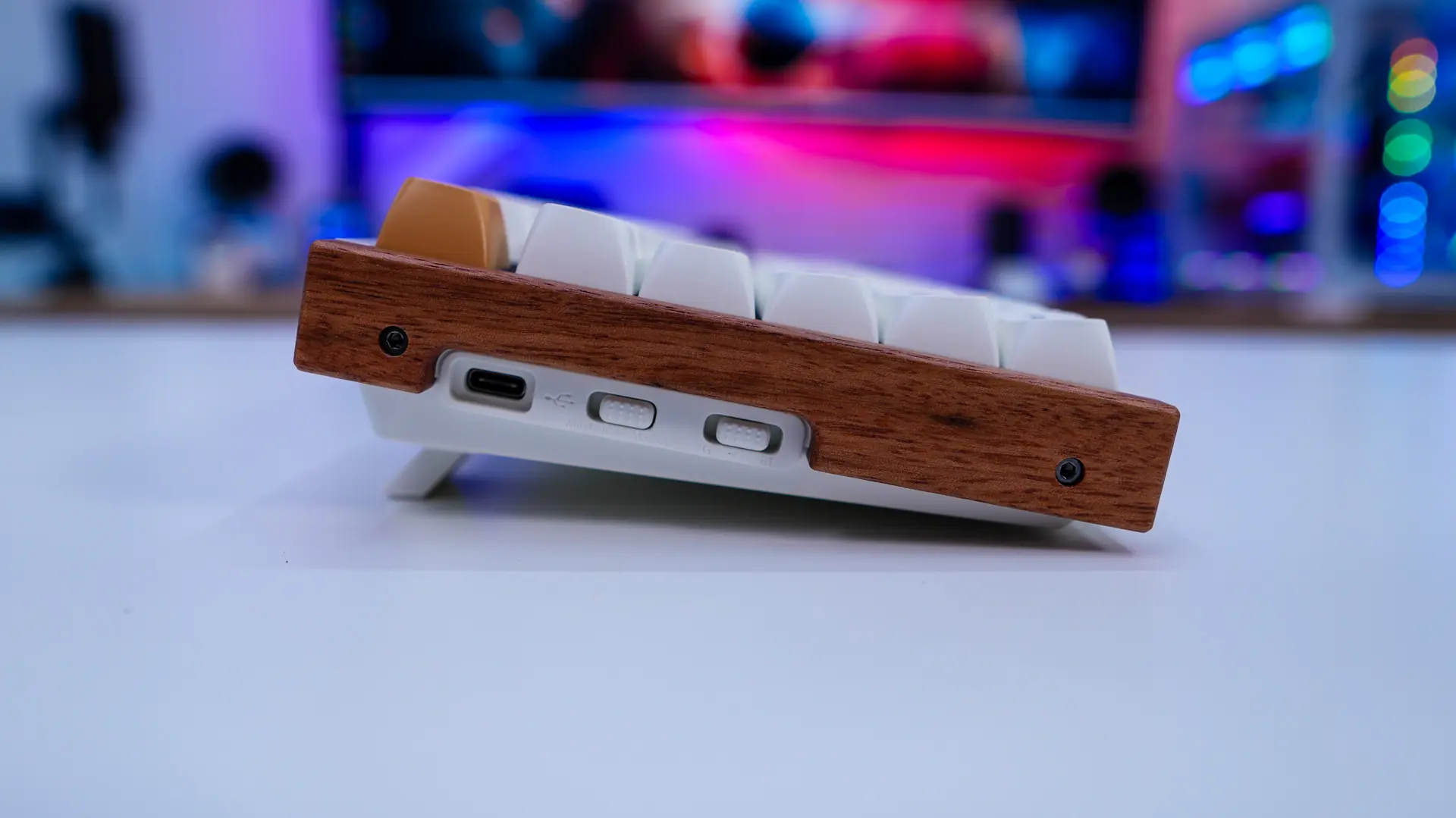
Moving on to the side of the keyboard here is where you’ll find the real wood accents. These look quite nice and as I said give the keyboards its mid-century modern look. On the right side of the keyboard is where you’ll find your USB-C connection, and two different toggle switches. These switches allow you to choose between Windows or a Mac layout and the connection mode (wired, Bluetooth, 2.4 GHz).
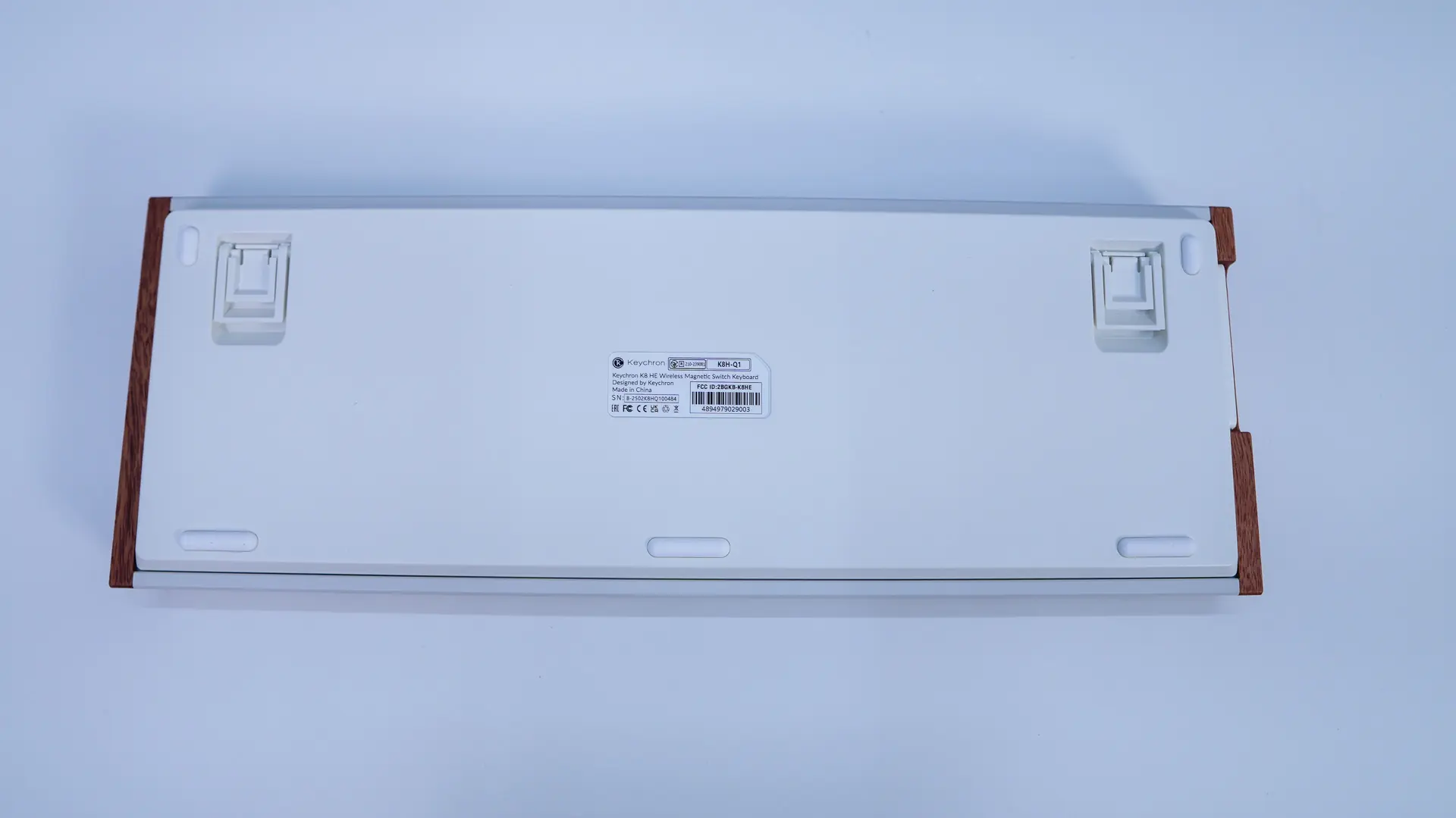
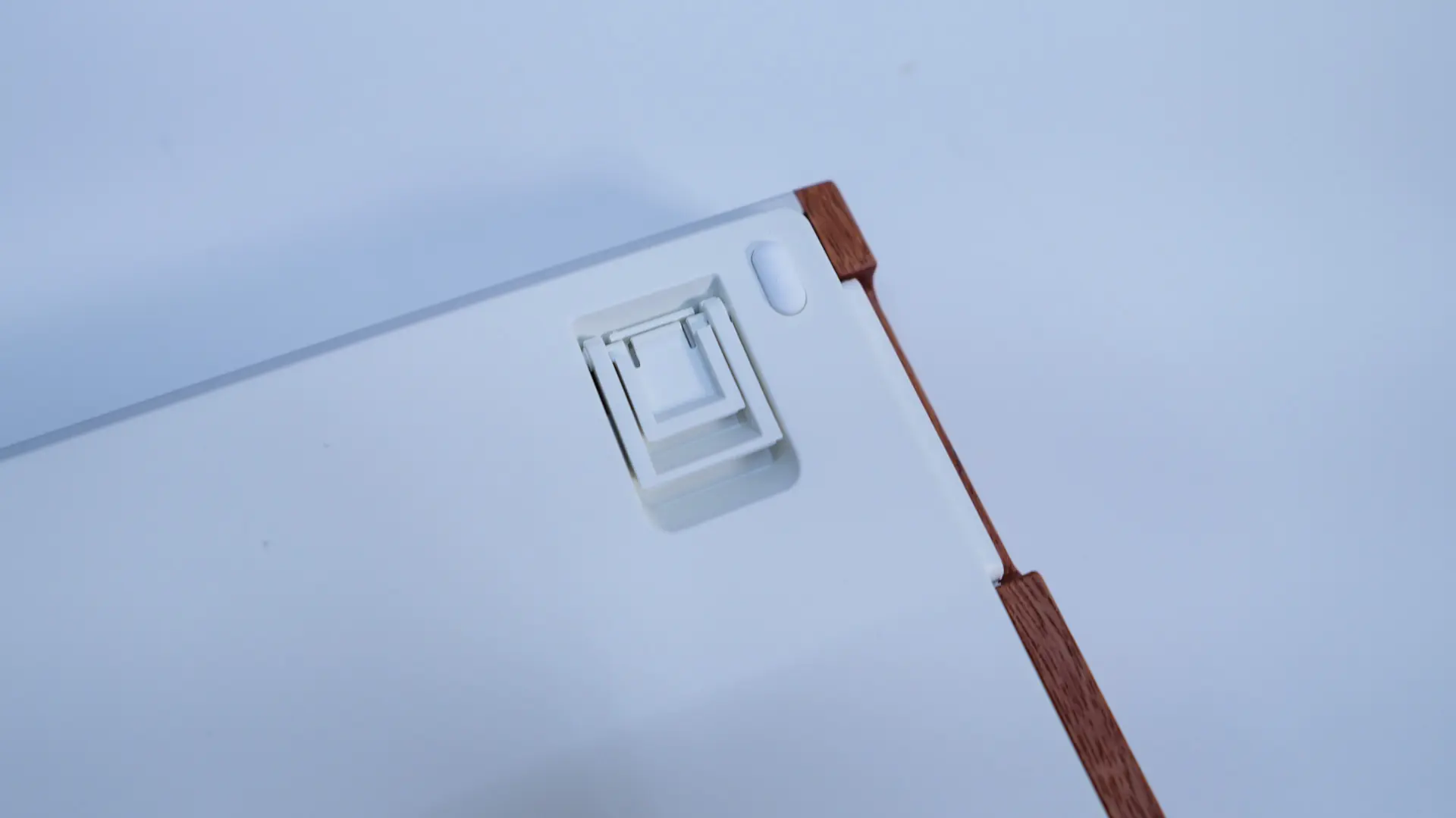
The keyboard sits at a slight angle, but you have the ability to adjust the angle with the pop-out feet. There are two different height adjustments.
Flipping the keyboard over we can see those pop-out feet as well as a handful of rubber feet to keep the keyboard in place on your desk.