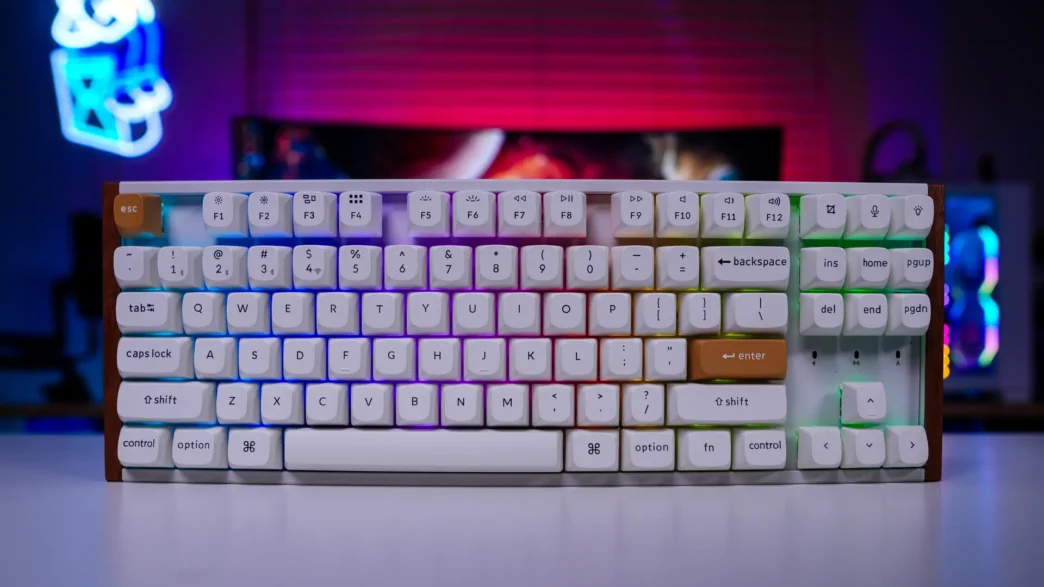
Lighting on the Keychron K8 HE Wireless Special Edition Keyboard
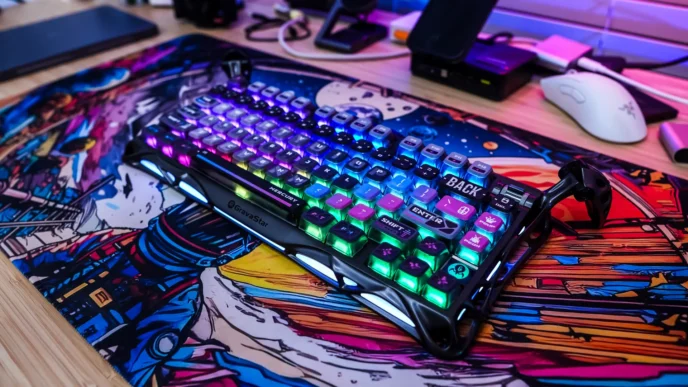
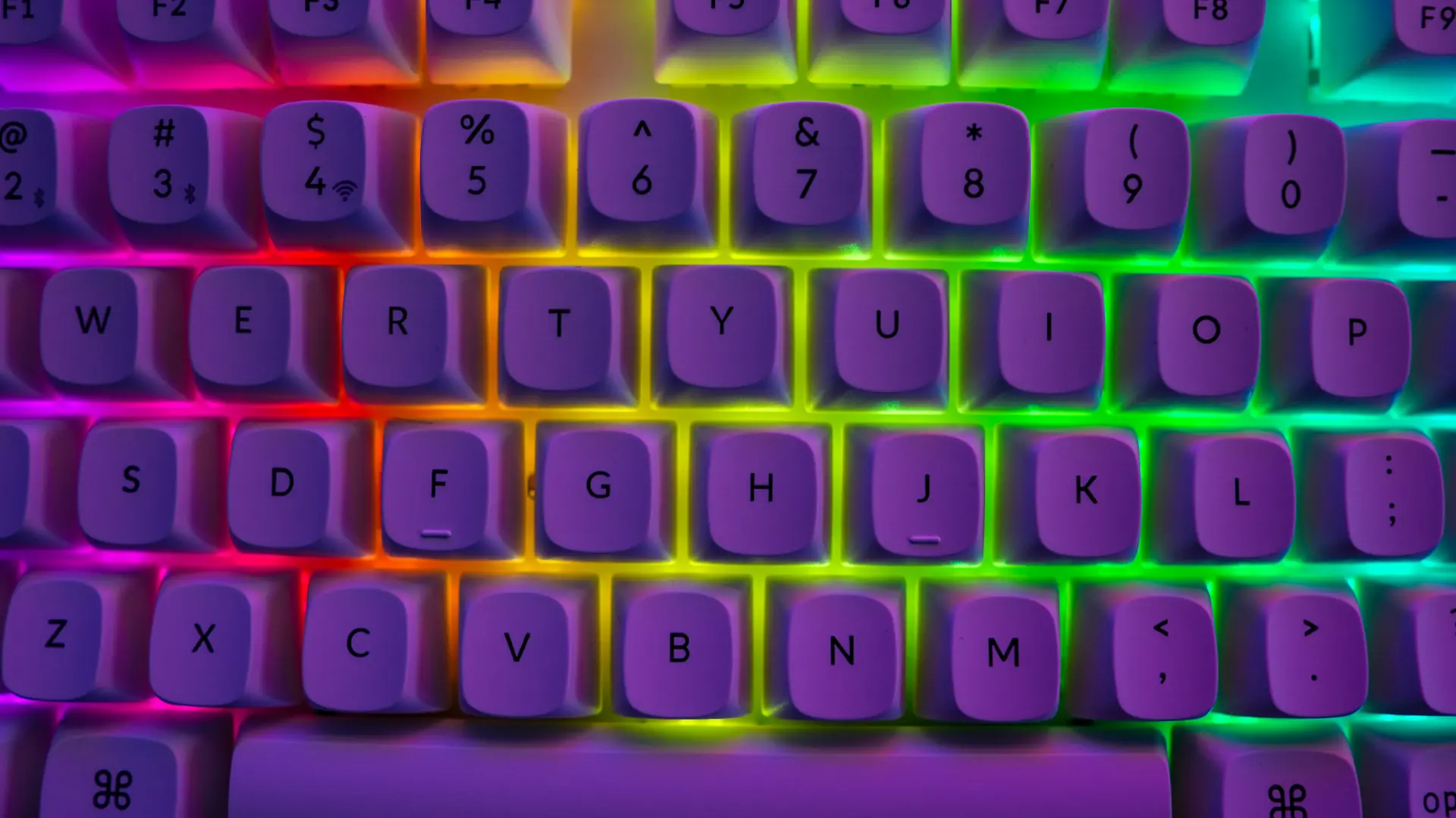
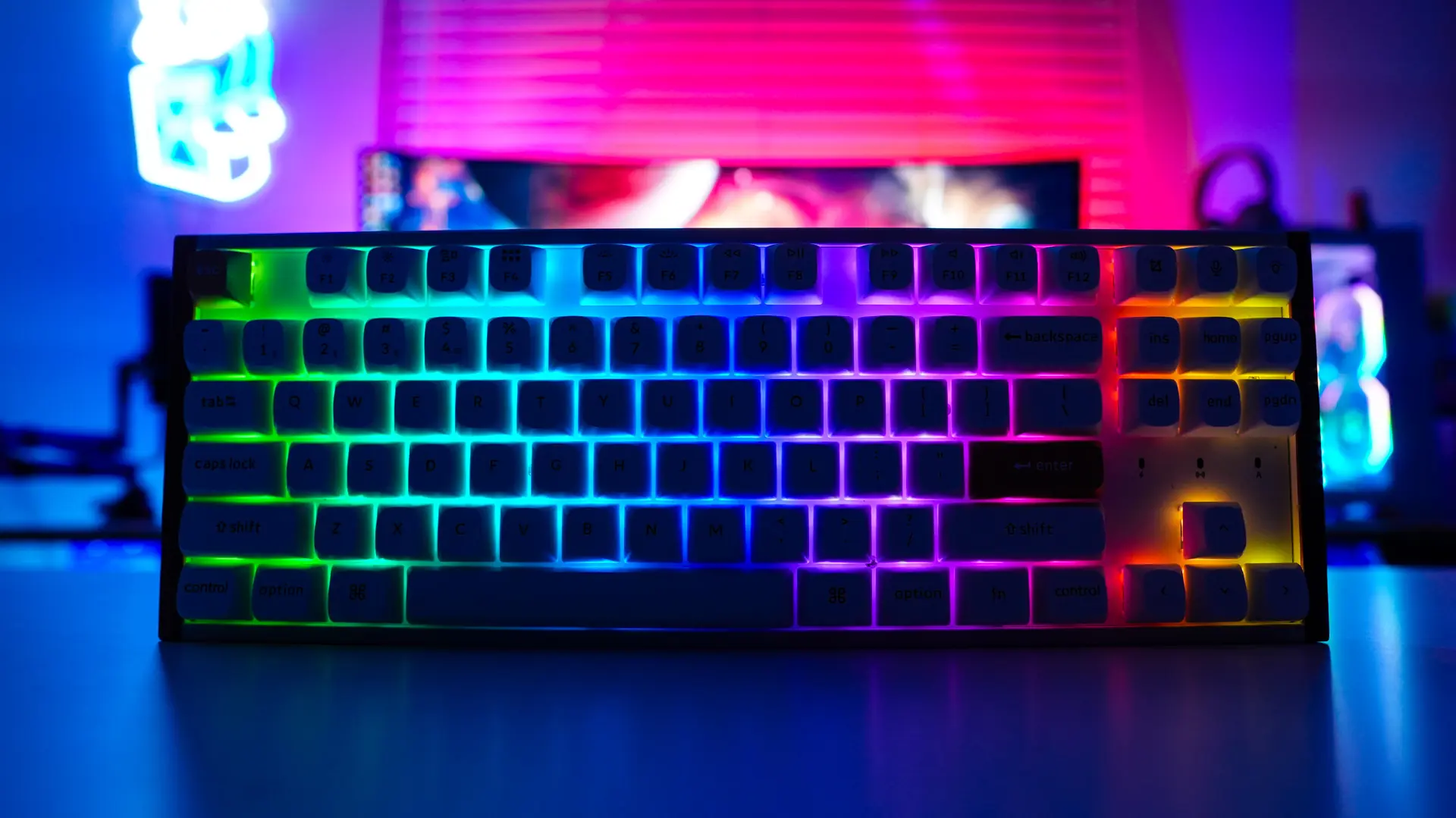
When it comes to lighting on the keyboard you are going to get full per-key RGB backlighting. Now we do not have see-through legends here, but because of the keycap spacing you are going to get some shine-through. Overall it does look pretty good.
Usage & Final Thoughts on the Keychron K8 HE Wireless Special Edition Keyboard
I’ve been using this keyboard for the past few weeks as my daily driver and I have to say that I am really impressed. Not only do you get a great typing and gaming experience, but the sound profile of the keyboard is excellent as well. This of course has to do with the multiple layers of sound dampening that Keychron has used. Below is a sound test so you can hear what it sounds like to type on this keyboard.
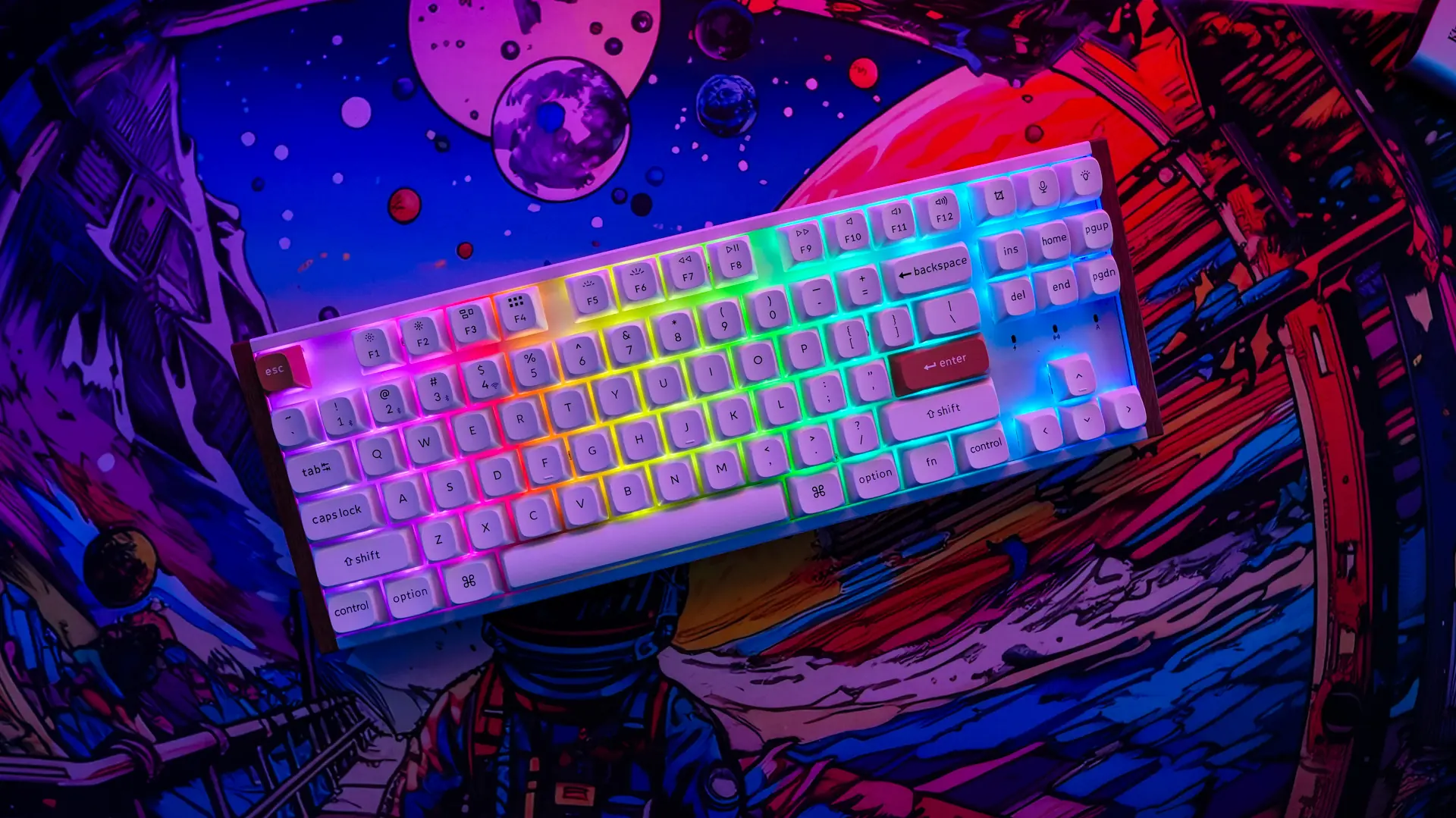
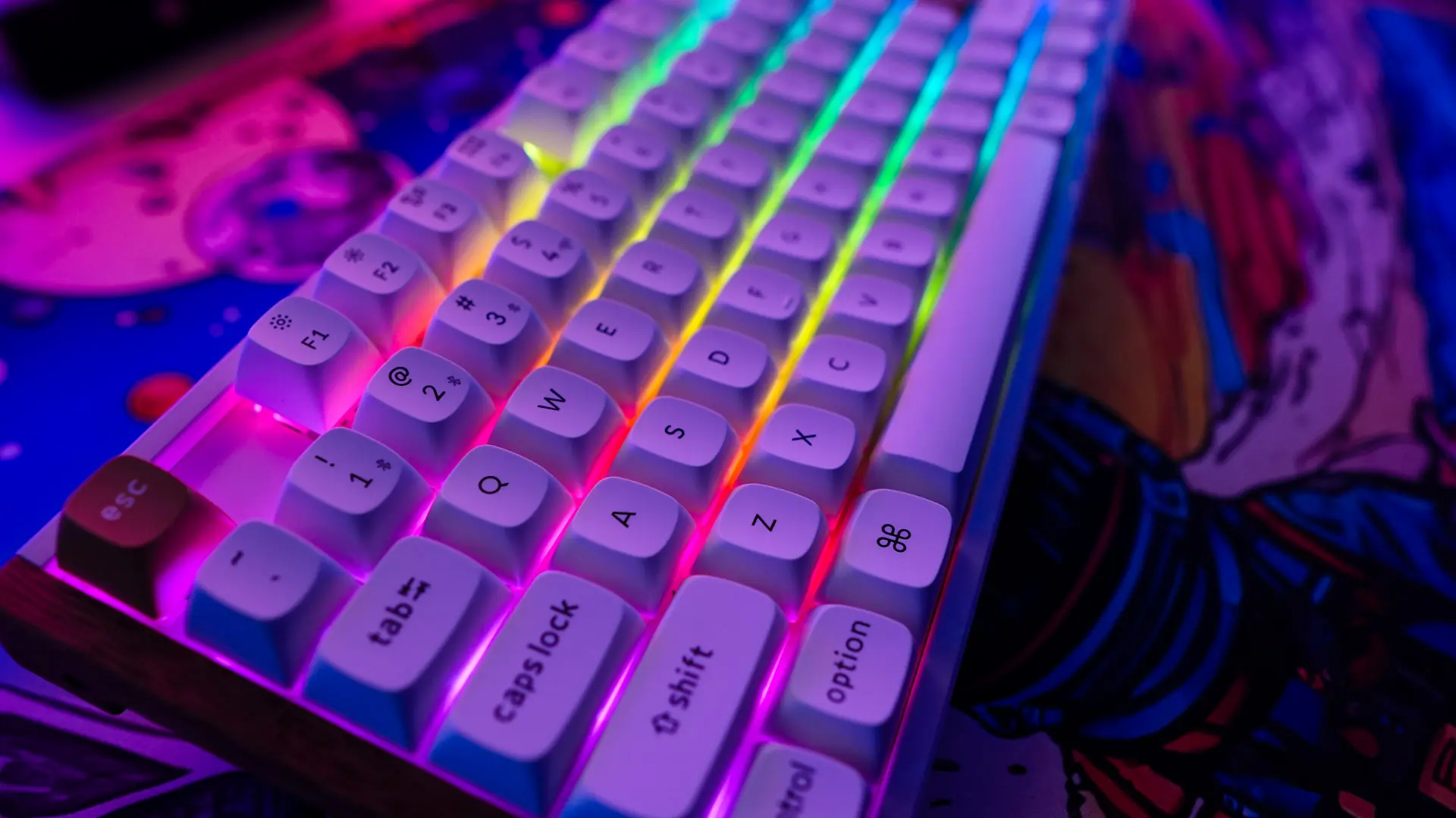
Beyond just being comfortable and sounding good this keyboard really sets itself apart from other keyboards with its excellent design. You really aren’t going to find that many keyboards that look like this. As I said earlier in the review this keyboard gives those mid-century modern vibes and would totally look the part in a modern office, not your gaming setup. The real wood accents on each side of the keyboard are the real kicker.
Being that this is a magnetic switch keyboard you are going to get all of the bells and whistles that come with that. So you can set your own actuation point for each key, have dynamic keystroke (multiple actions per key), rapid trigger, last key priority, and snap click. All of these really give you that fine-tune customization and a competitive advantage in games. Remember a normal mechanical keyboard does not offer these and you have to wait till each mechanical key switch resets before you can pretty actuate it again. If you are a serious gamer you need to be using a magnetic switch keyboard.
Now not everything is perfect about this keyboard. First the included USB cable is just short, probably the shortest cable I’ve seen come with a keyboard. I also didn’t like having the USB-C connection on the side of the keyboard. This really eliminates using a aftermarket cable. Talking about that short cable you can only configure the keyboard using Keychron’s launcher in wired mode. I also didn’t find any setting on when the keyboard goes to sleep in wireless mode.
All in all I do think this is a pretty excellent keyboard. You are going to have a great gaming and typing experience with it and it is going to look quite sleek sitting on your desk. Right now you can pick it up at our favorite online retailer for $139.99, which I think is an excellent price. Overall ThinkComputers gives the Keychron K8 HE Wireless Special Edition Keyboard a 9 out of 10 score.

Pros:
– Great performance
– Tri-mode connectivity
– Unique design with real wood accents
– Thocky sound profile
– You can set your own actuation point for each individual switch
– Web-based configuration software
– QMK compatible
Cons:
– USB cable super short
– USB port on the side of the keyboard
– Software can only be used in wired mode
– No setting on when the keyboard goes to sleep in wireless mode