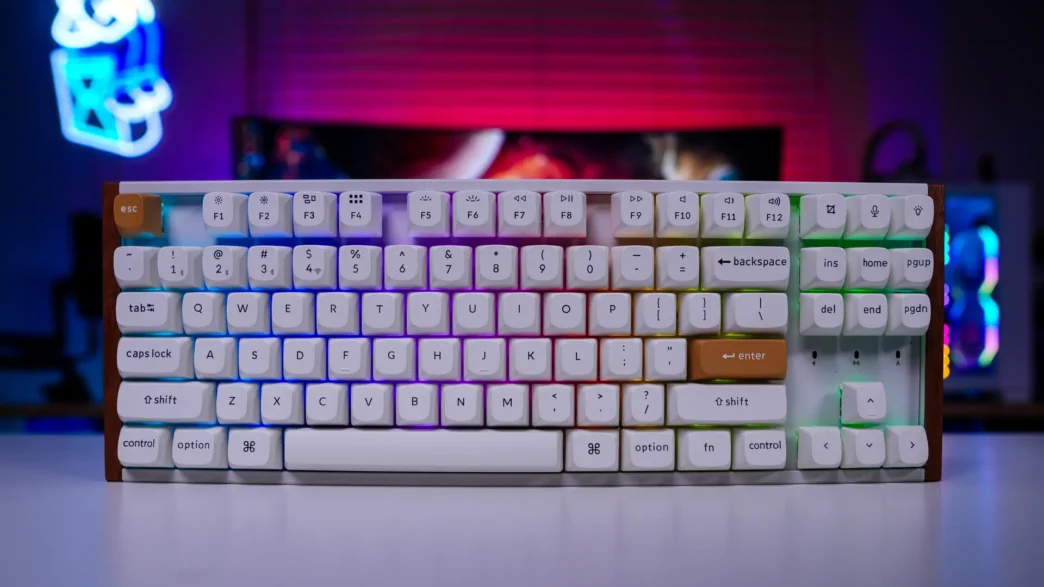
Setup & Software on the Keychron K8 HE Wireless Special Edition Keyboard
Getting the keyboard set up and running is quite easy. If you want to use the keyboard wired just use the supplied USB cable. It is worth mentioning that the included USB cable is probably the shortest cable that I’ve seen come with a keyboard. My tower sits to my right on my desk and this cable couldn’t even make it over there. If you want to use this keyboard wirelessly via the 2.4 GHz dongle just plug it in (I would suggest using the extension adapter) and then turn the switch on the keyboard to 2.4 GHz. The keyboard will be detected and you’ll be good to go.
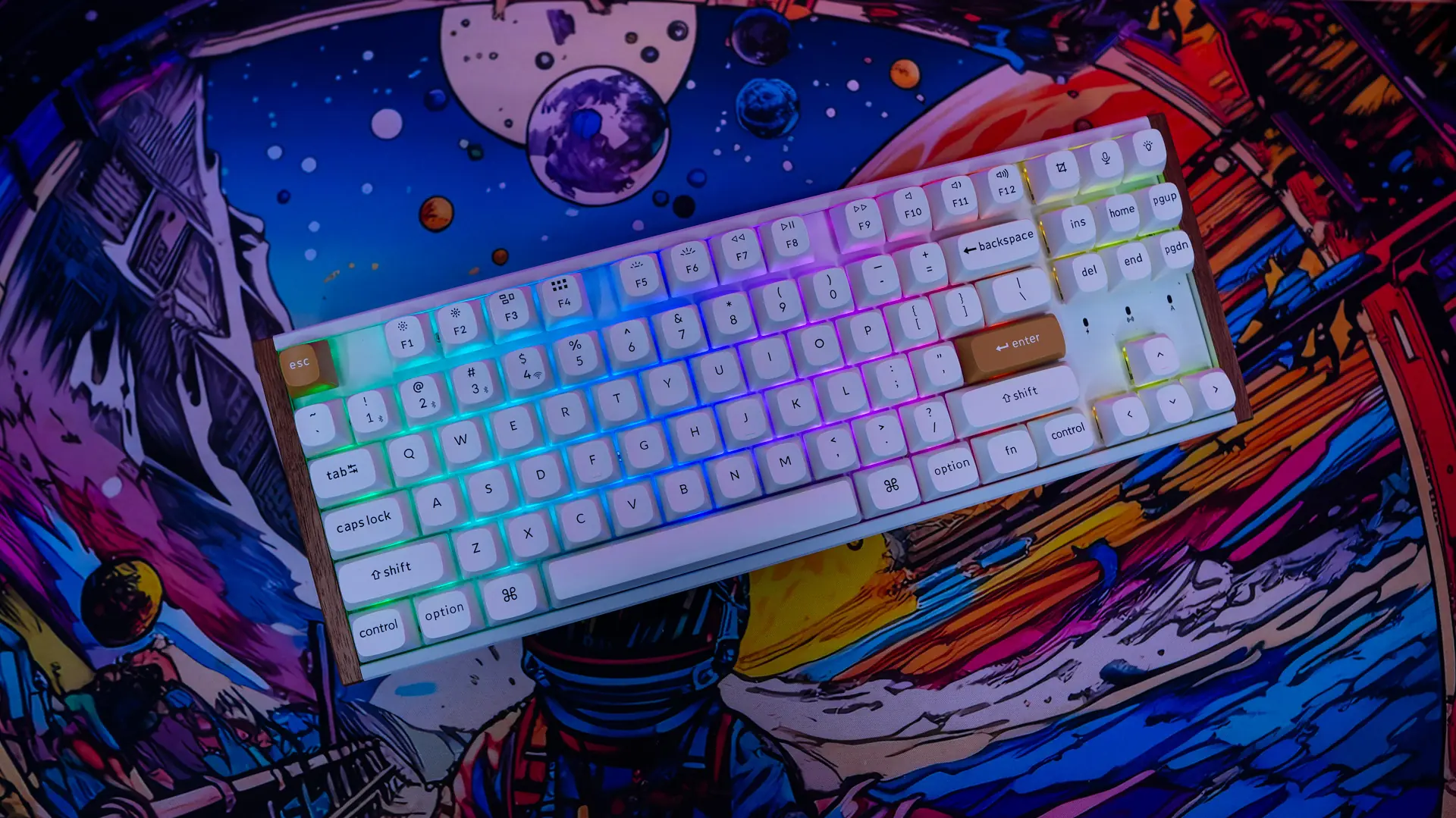
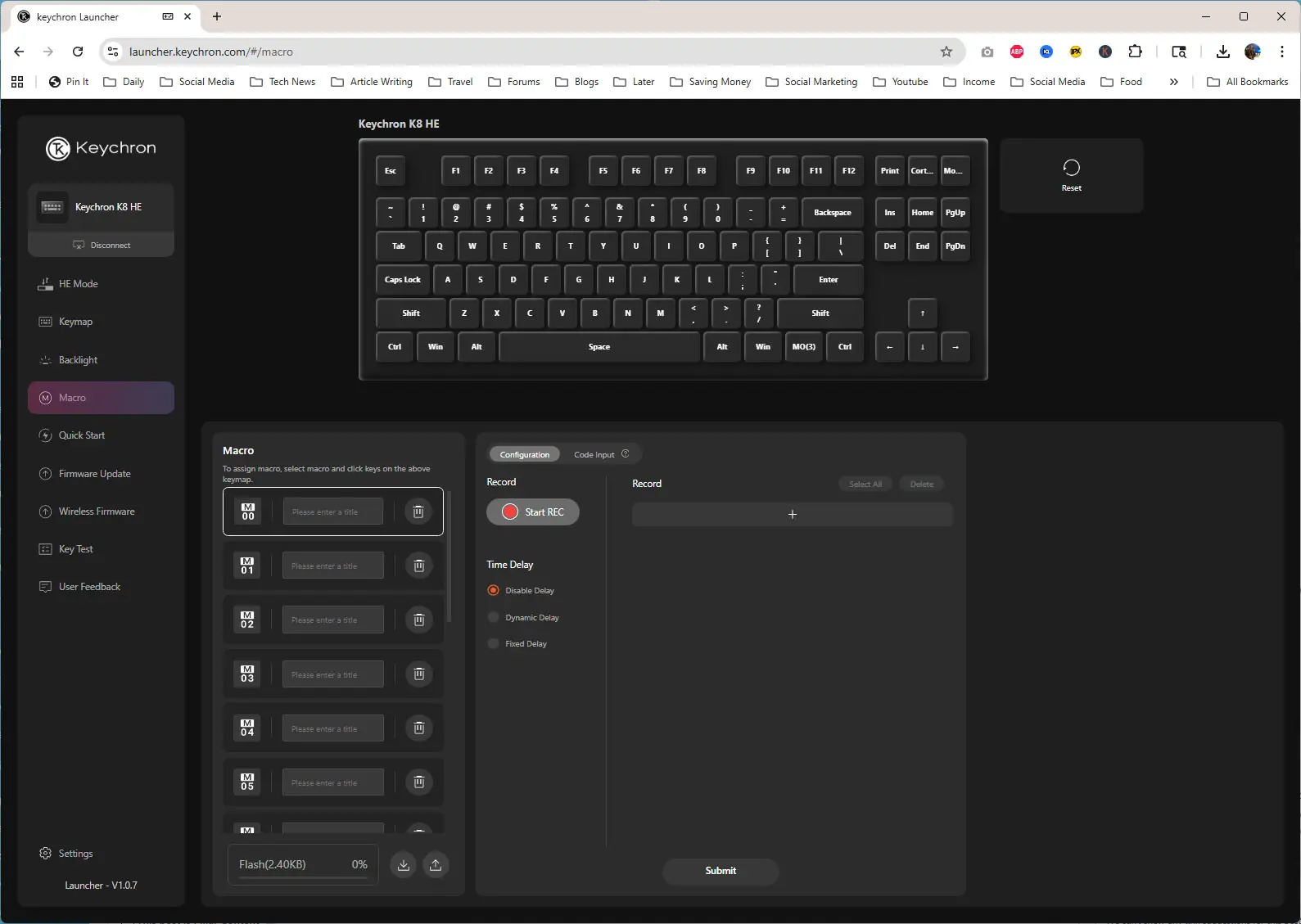
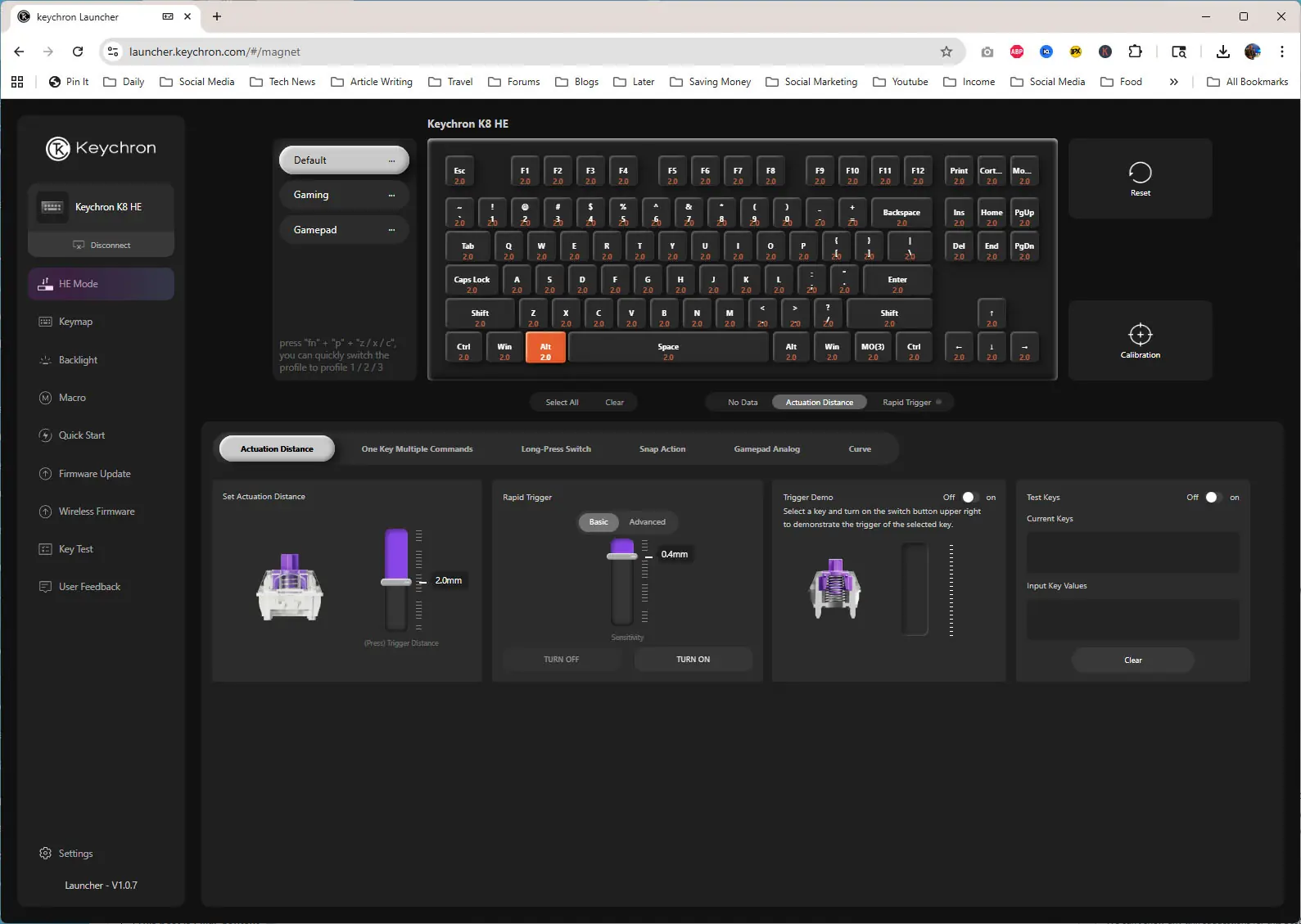
This keyboard will support QMK for customization, but Keychron also has their own web-based Launcher that you can access here. It is worth noting that the Launcher only works in wired mode. There is quite a lot of options on the first tab. Here you can set the actuation point for each key, rapid trigger, dynamic keystroke, snap actions, and so much more.
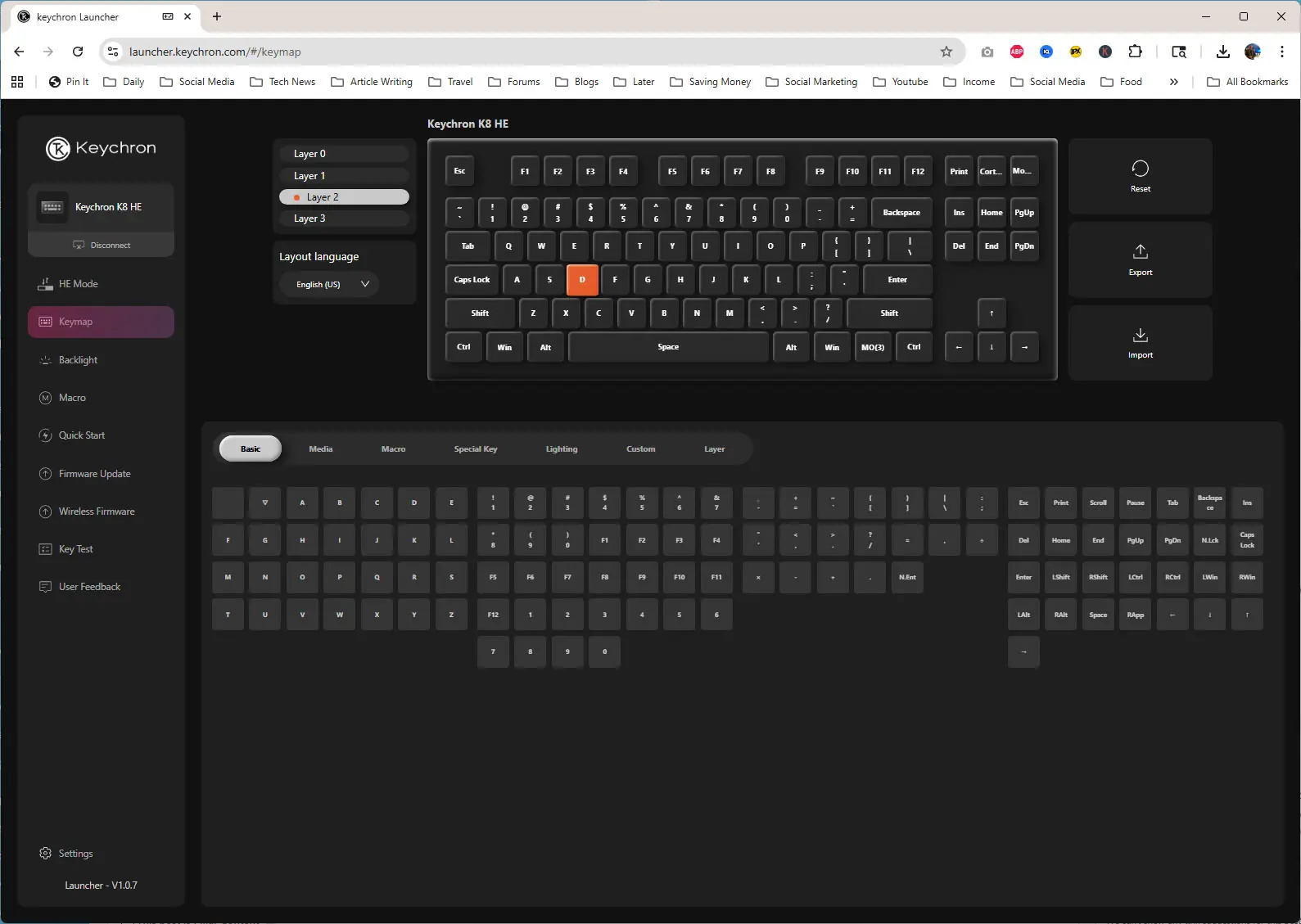
The next tab is where you can reprogram the keyboard.
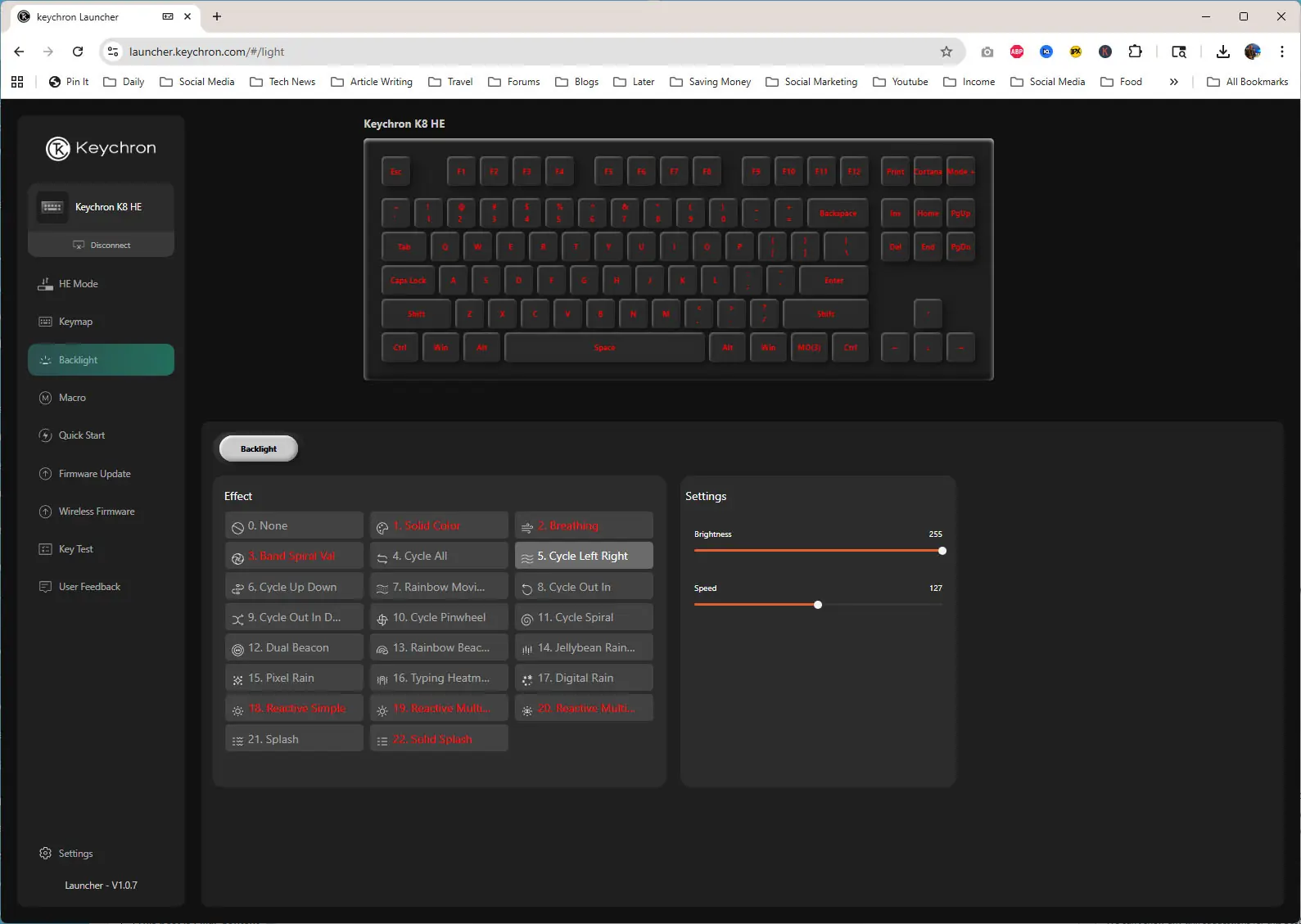
After that is backlight, which is where you’ll find all of your lighting settings.
Finally there is Macro, which is your full-on macro editor.