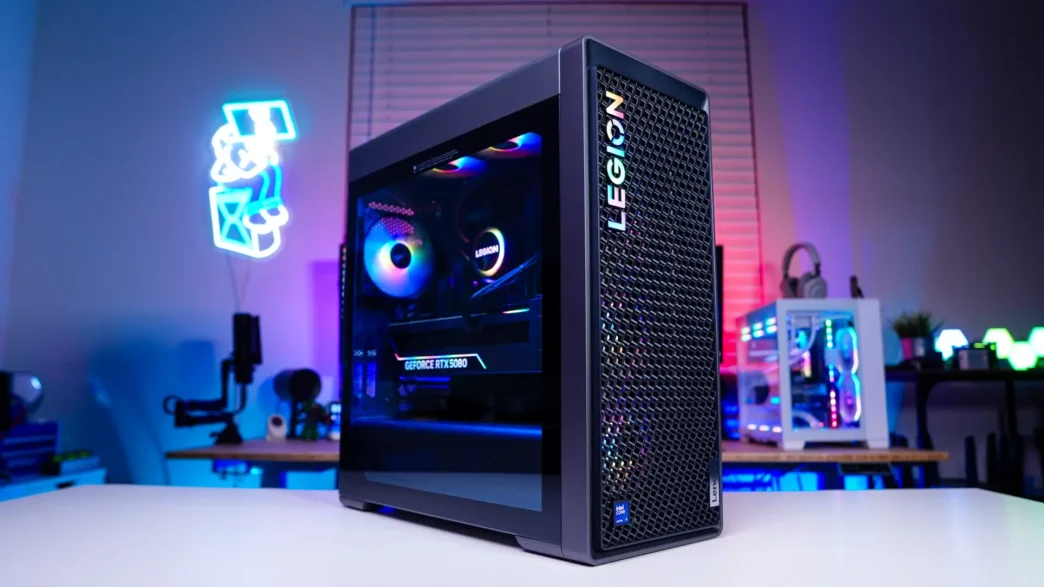
Lenovo Legion Tower 7i (Gen 10) Desktop PC Overview
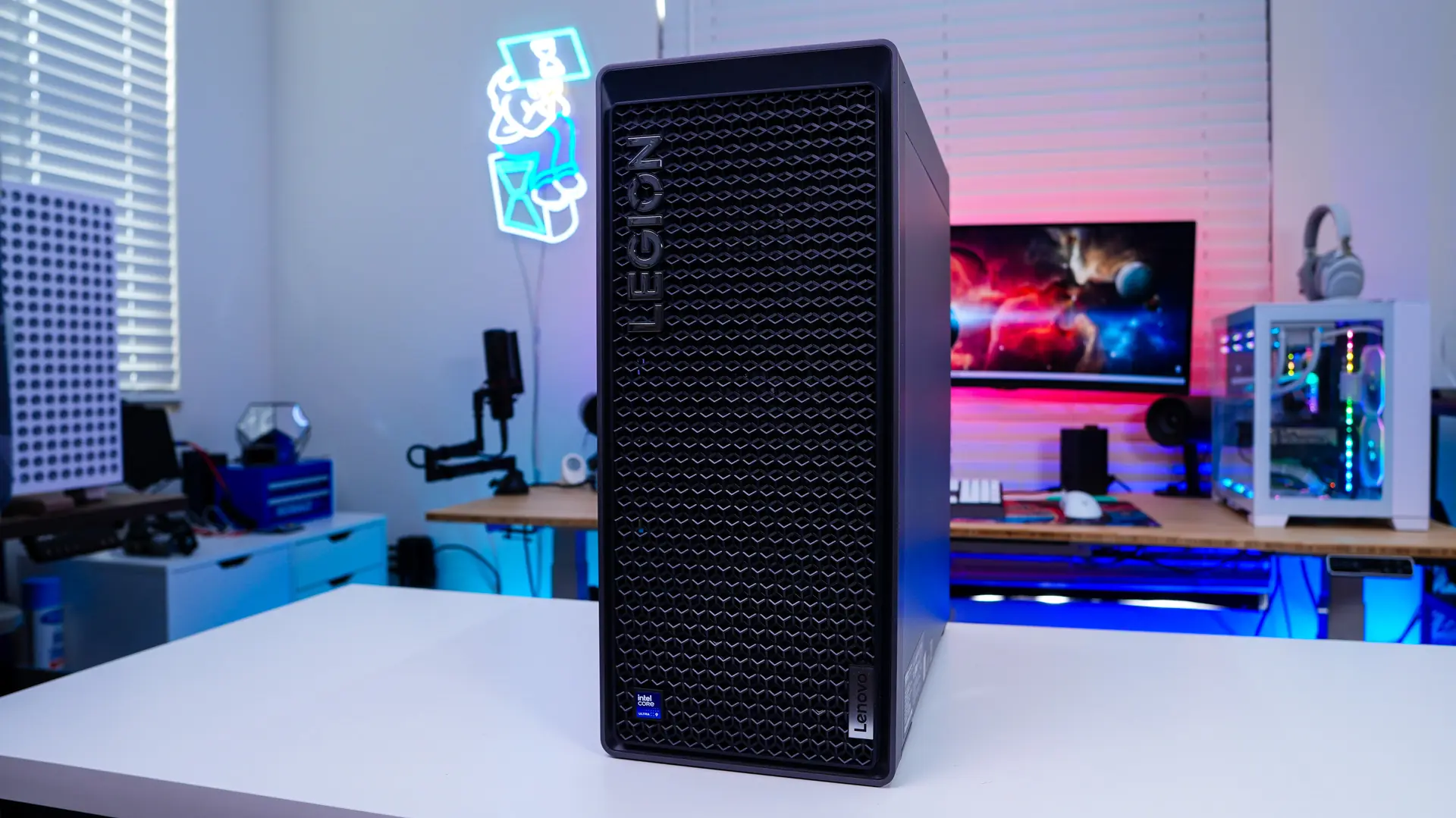
While we’ve seen pre-builds over the year take on different shapes the Legion Tower 7i definitely looks like your standard “tower” PC. The official dimensions are 477.4mm x 211mm x 415.1mm and it weighs around 35 lbs. Picking it up it definitely feels like a tank! Size-wise it is about the same size as your standard mid-tower. I had it next to our CPU cooler test system, which is in the Corsair iCUE LINK 3500X RGB and they are about the same size.
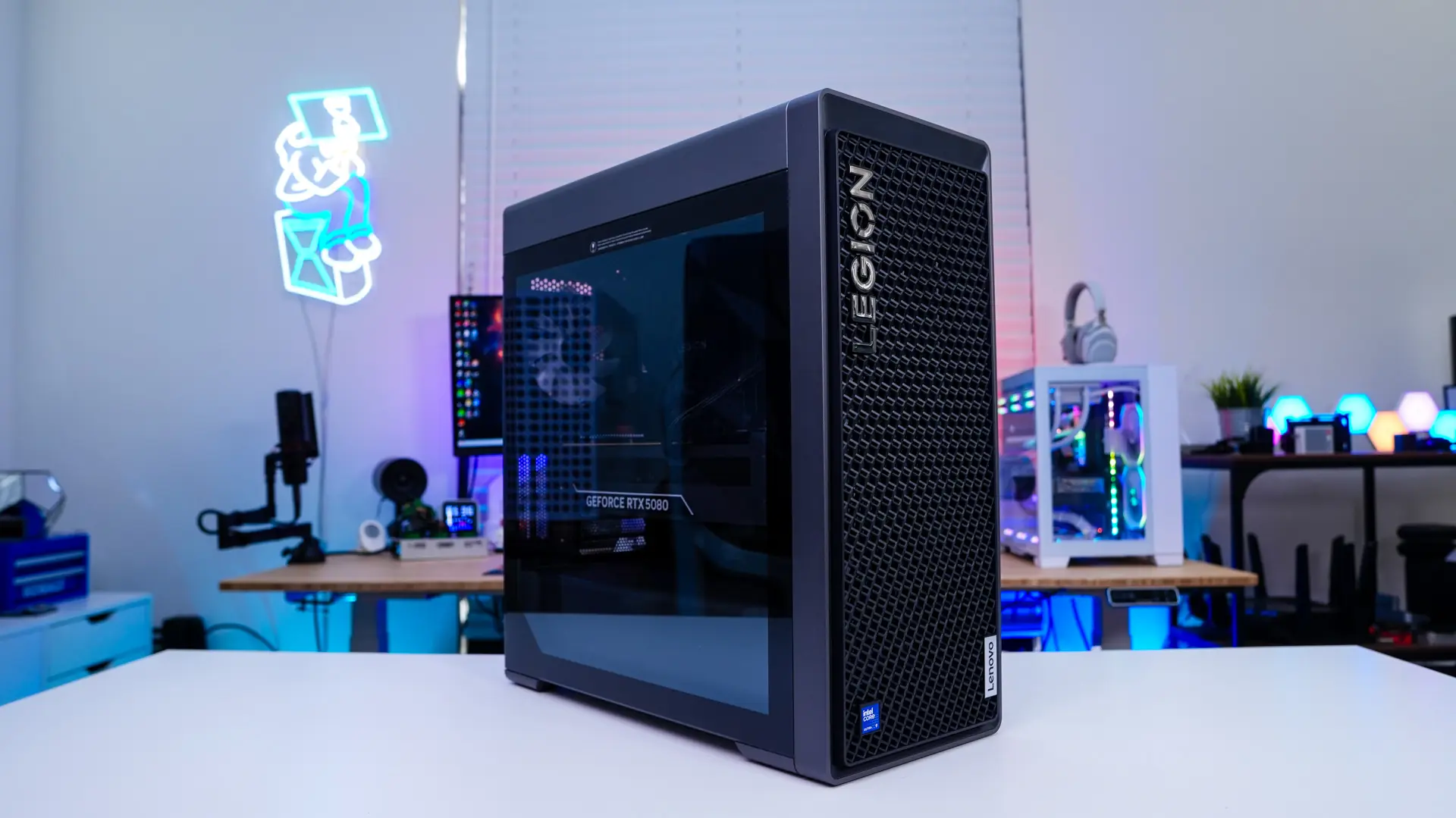
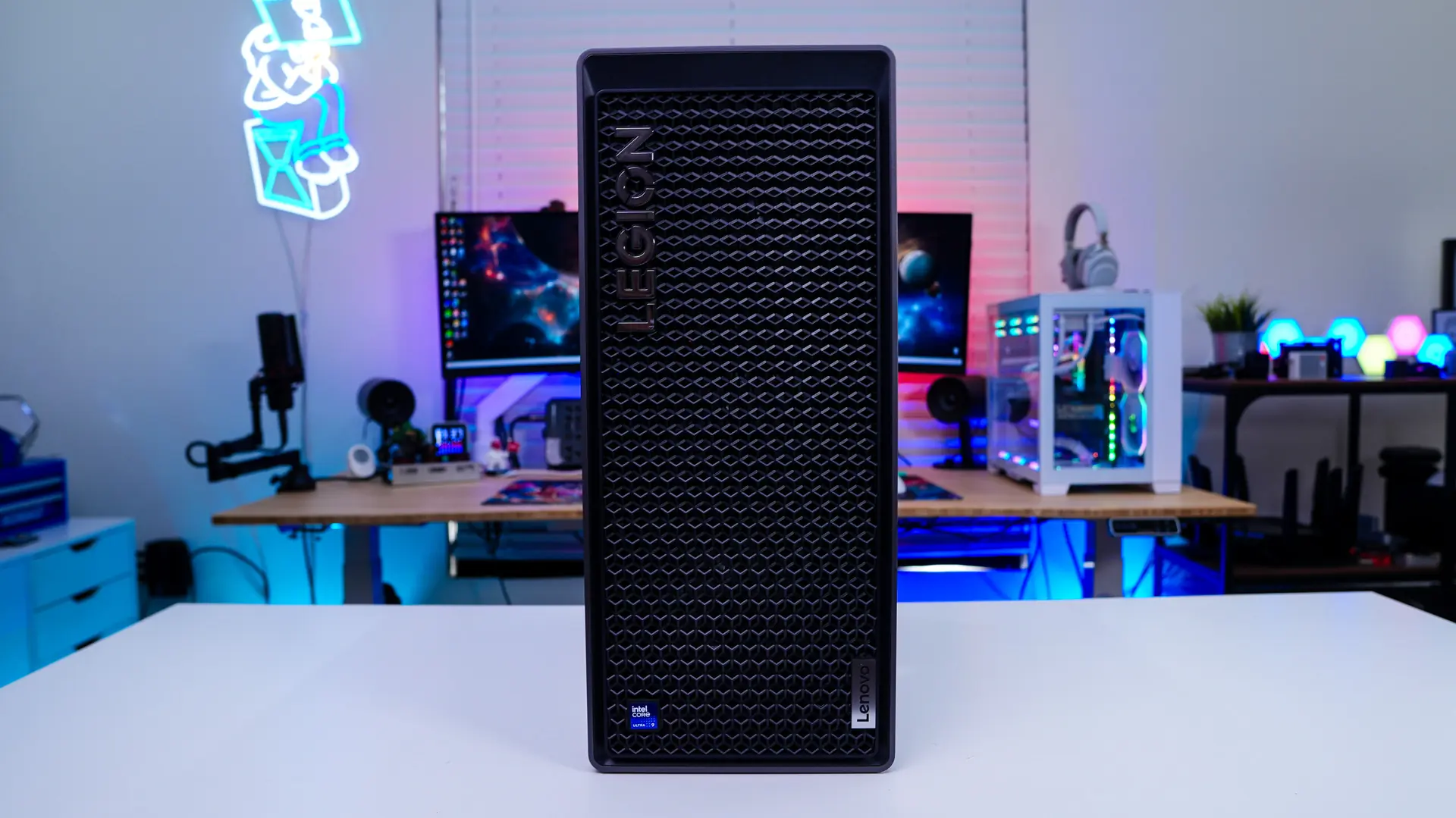
The front of the case has this really cool geometric design on it which looks quite cool. Behind this you’ll find three fans which are attached to the radiator of the all-in-one liquid cooling solution, but more on that in a bit. There is also a large Legion logo, which will actually light up when you have the system powered on.
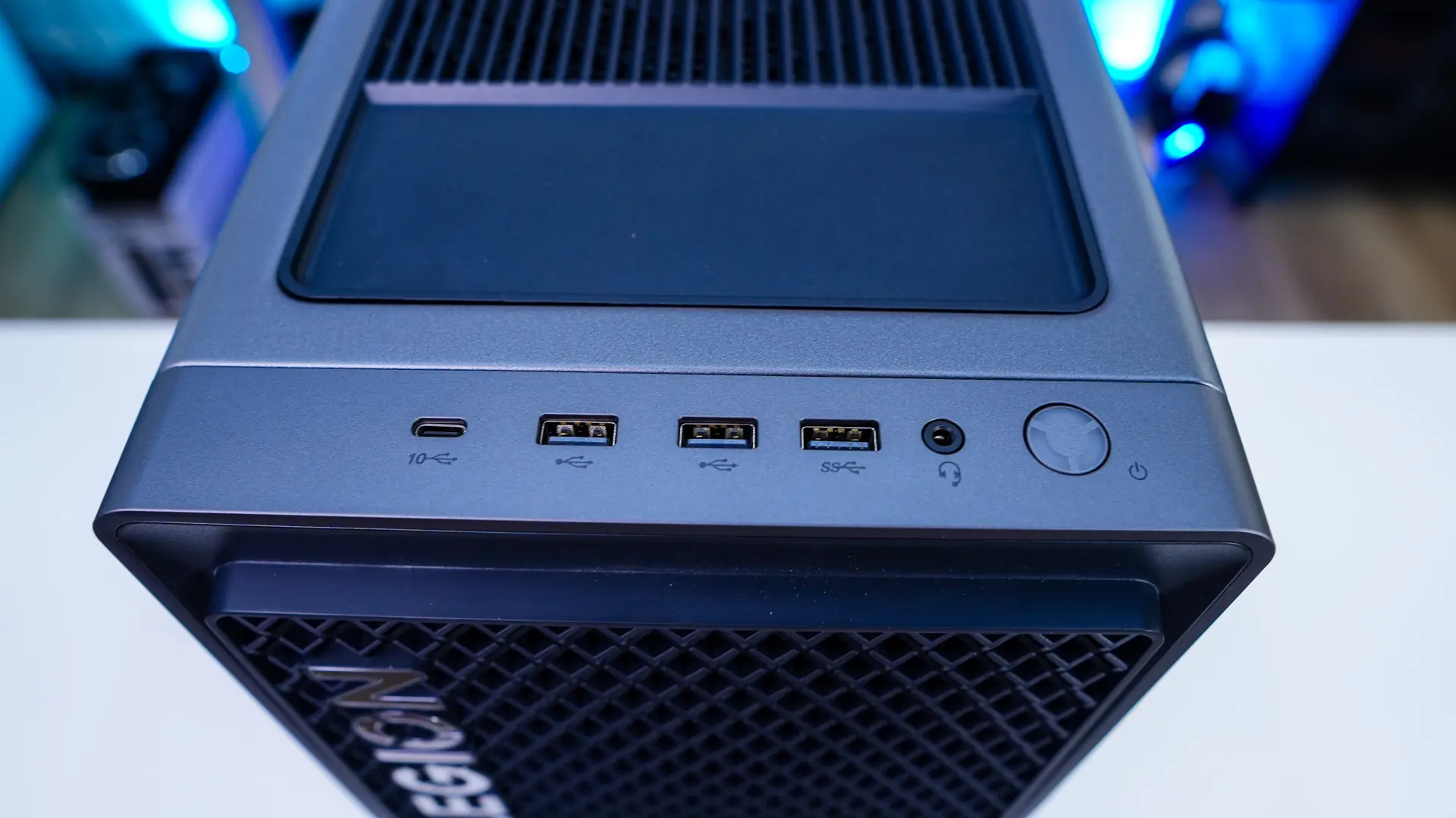
At the top of the system you’ll find your ports and connections which are made up of a large power button, combination headphone / microphone jack, a USB 3.2 gen 2 Type-A port, two USB 3.2 gen 1 Type-A ports, and a USB 3.2 gen 1 Type-C port. The rest of the top of the case is mostly ventilated, although there is a section towards the top where you could put your phone or keys. Under the ventilation are two more cooling fans.
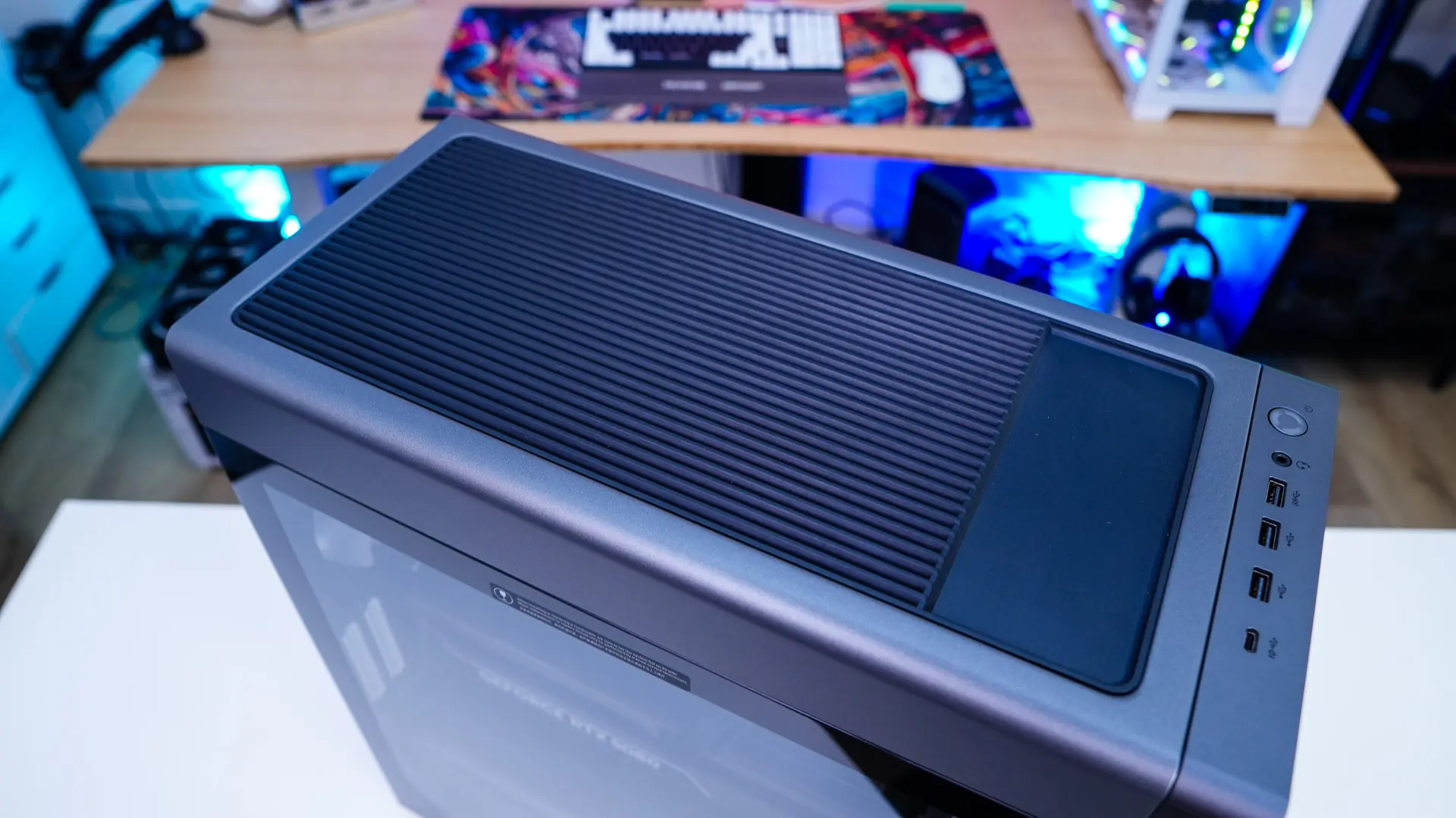
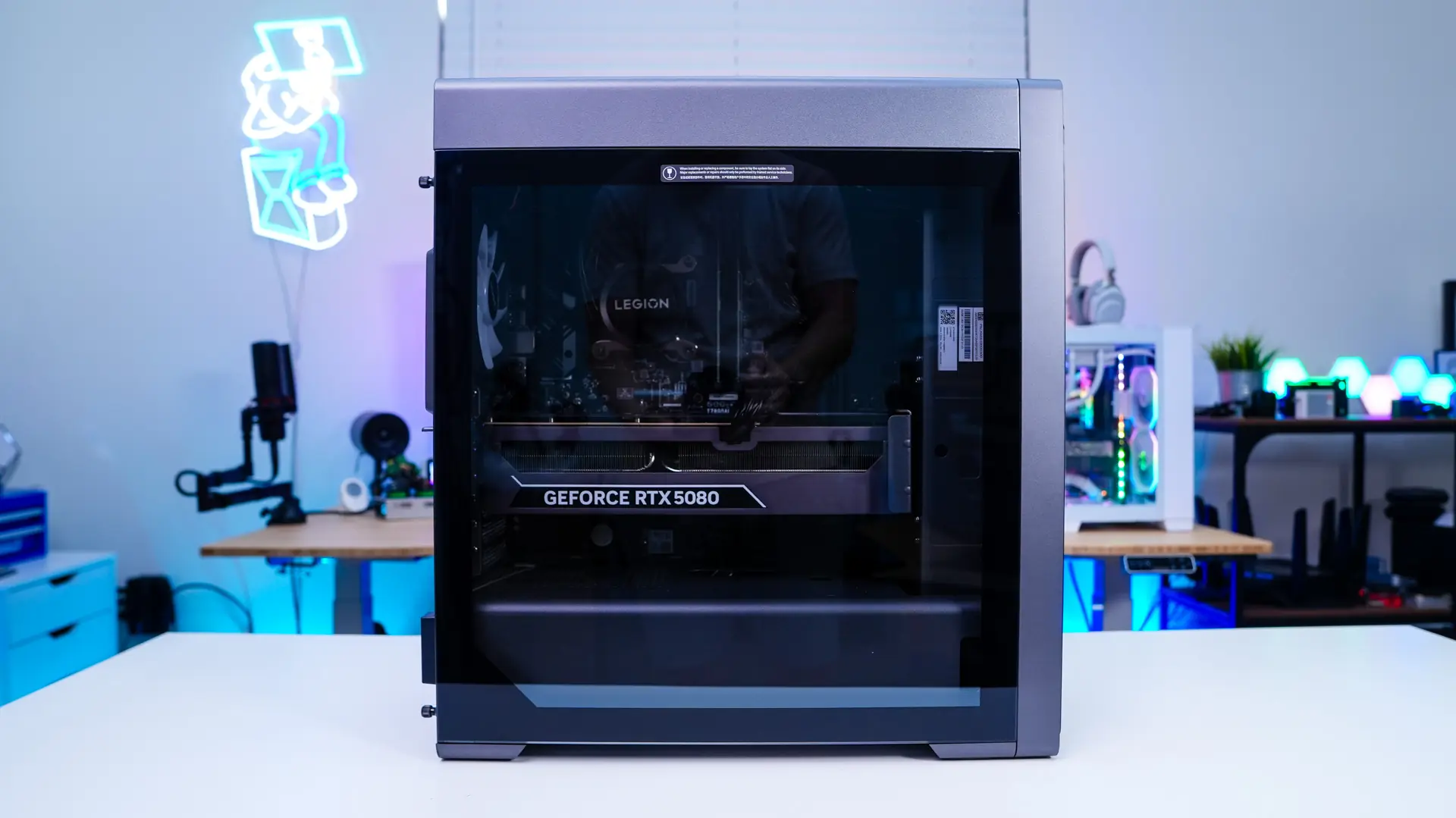
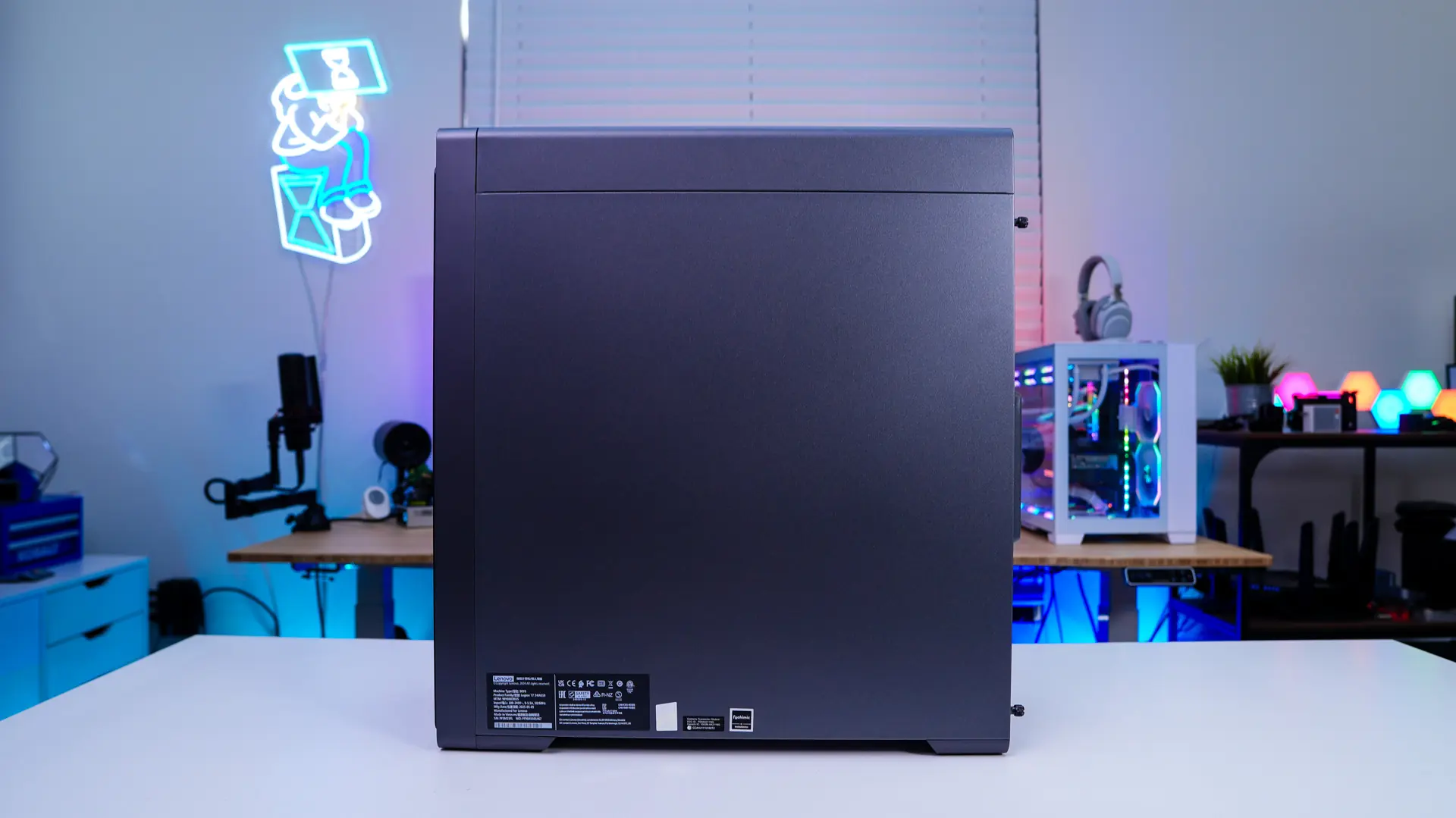
The main side of the case has a tempered glass side panel so you can get a look at your system. The opposite side panel is your typical steel panel. Both side panels are held into place with thumbscrews so you can easily open the system up for maintenance and upgrades.
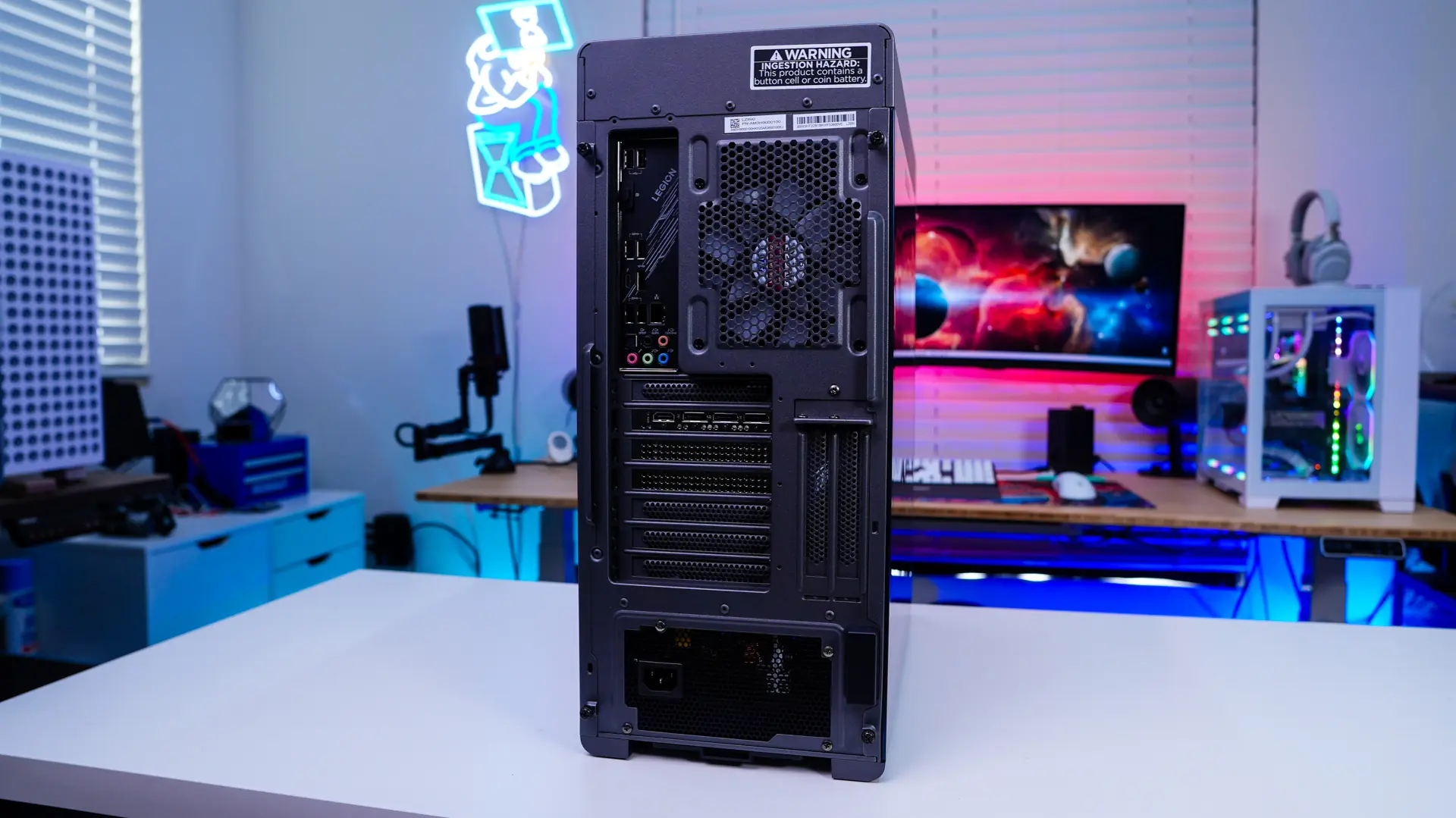
The back of the system is just like any other system we have all of our connections, a rear fan, and our power supply mounted on the bottom. As far as connections on the motherboard go you’ll get two USB 2.0, four USB 3.2 gen 1 (Type-A), a USB 3.2 gen 2 (Type-A), a single USB4 (Type-C), 2.5G Ethernet, DisplayPort, and your audio connections.
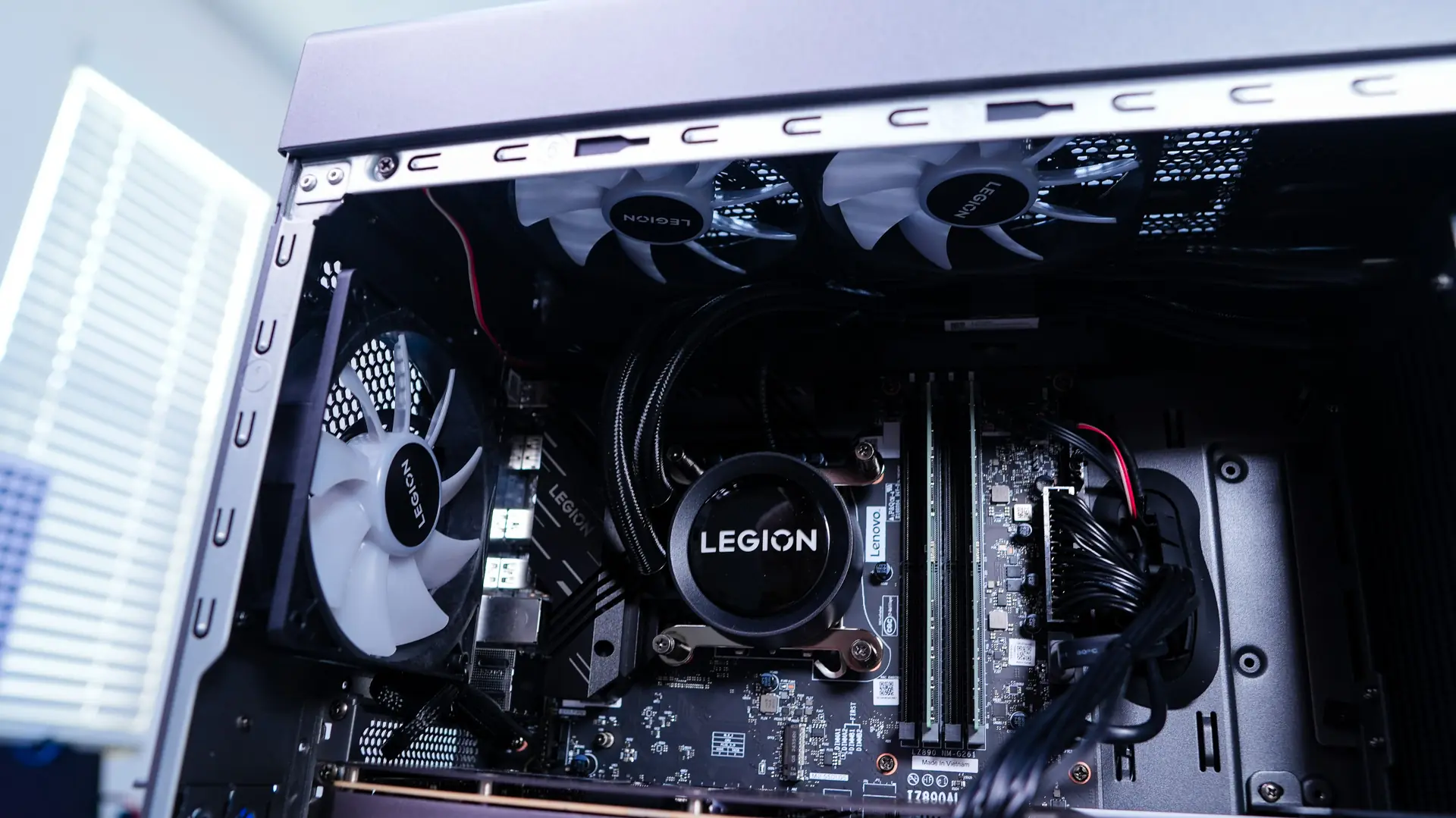
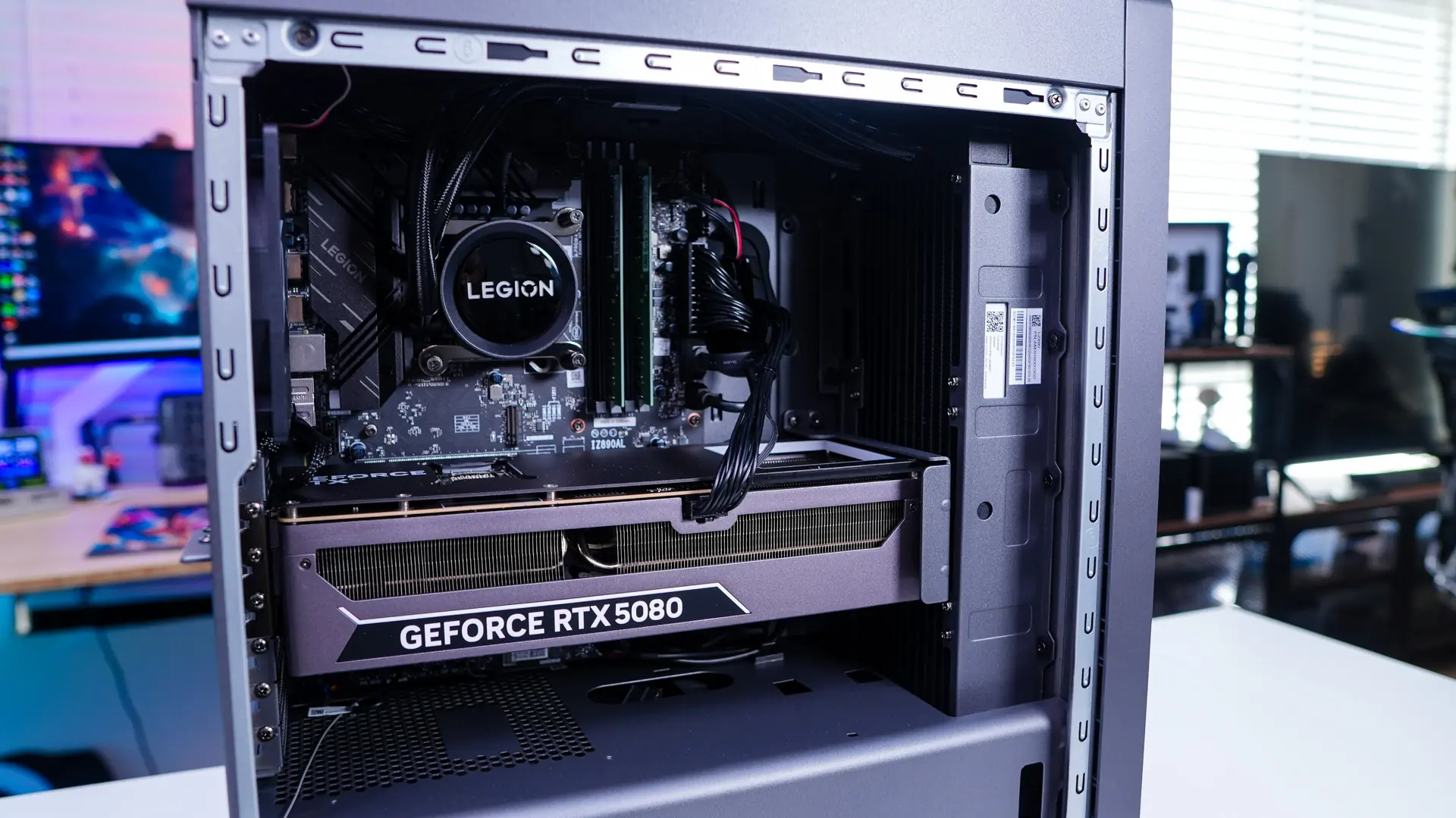
Opening the system up and getting a closer look at everything you can see we have an RTX 5080. This is actually a Lenovo-branded RTX 5080. Lenovo does not sell these individually, they only come in their pre-built systems. The GPU does make use of support bracket so you won’t have any GPU sag.
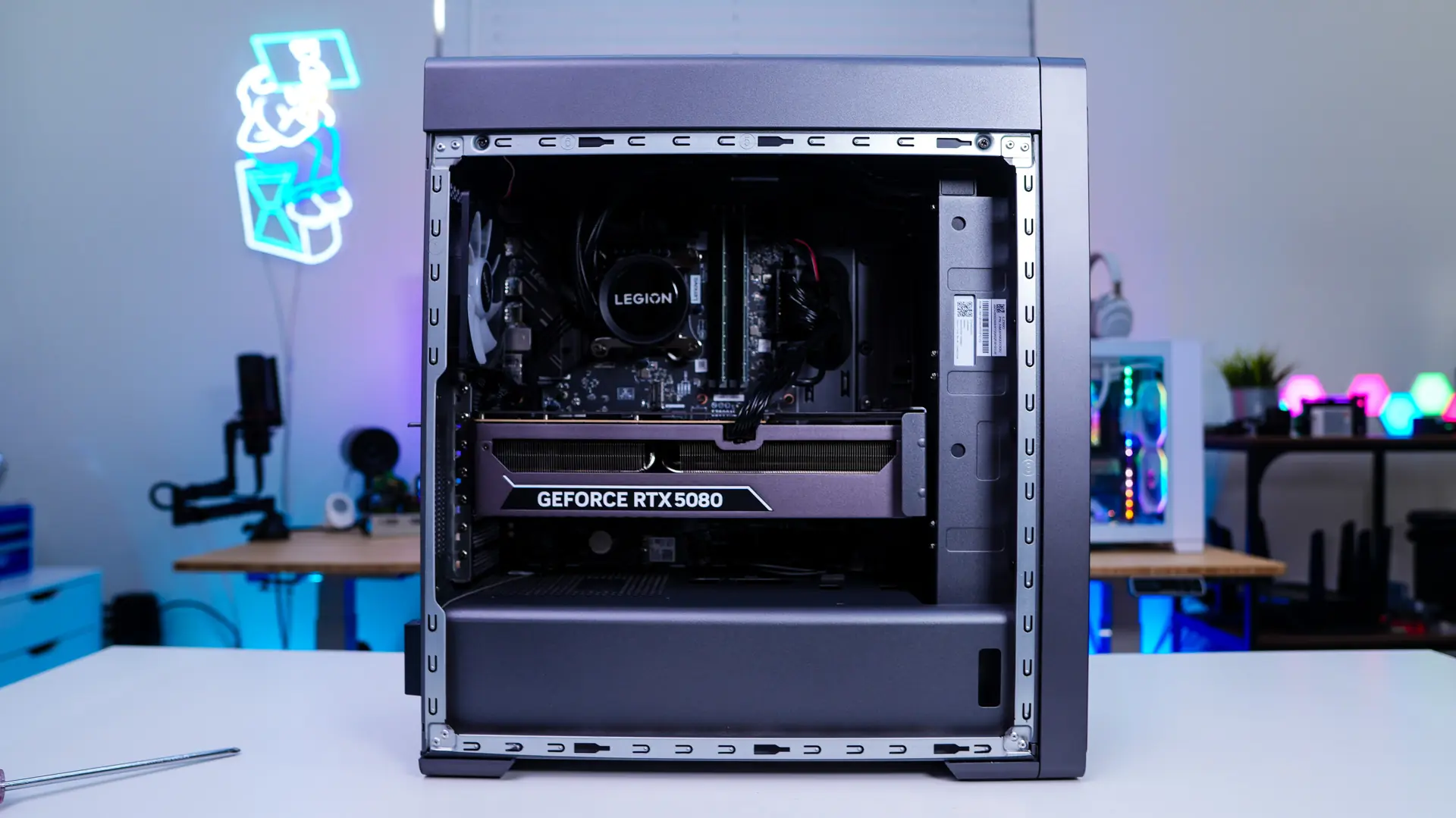
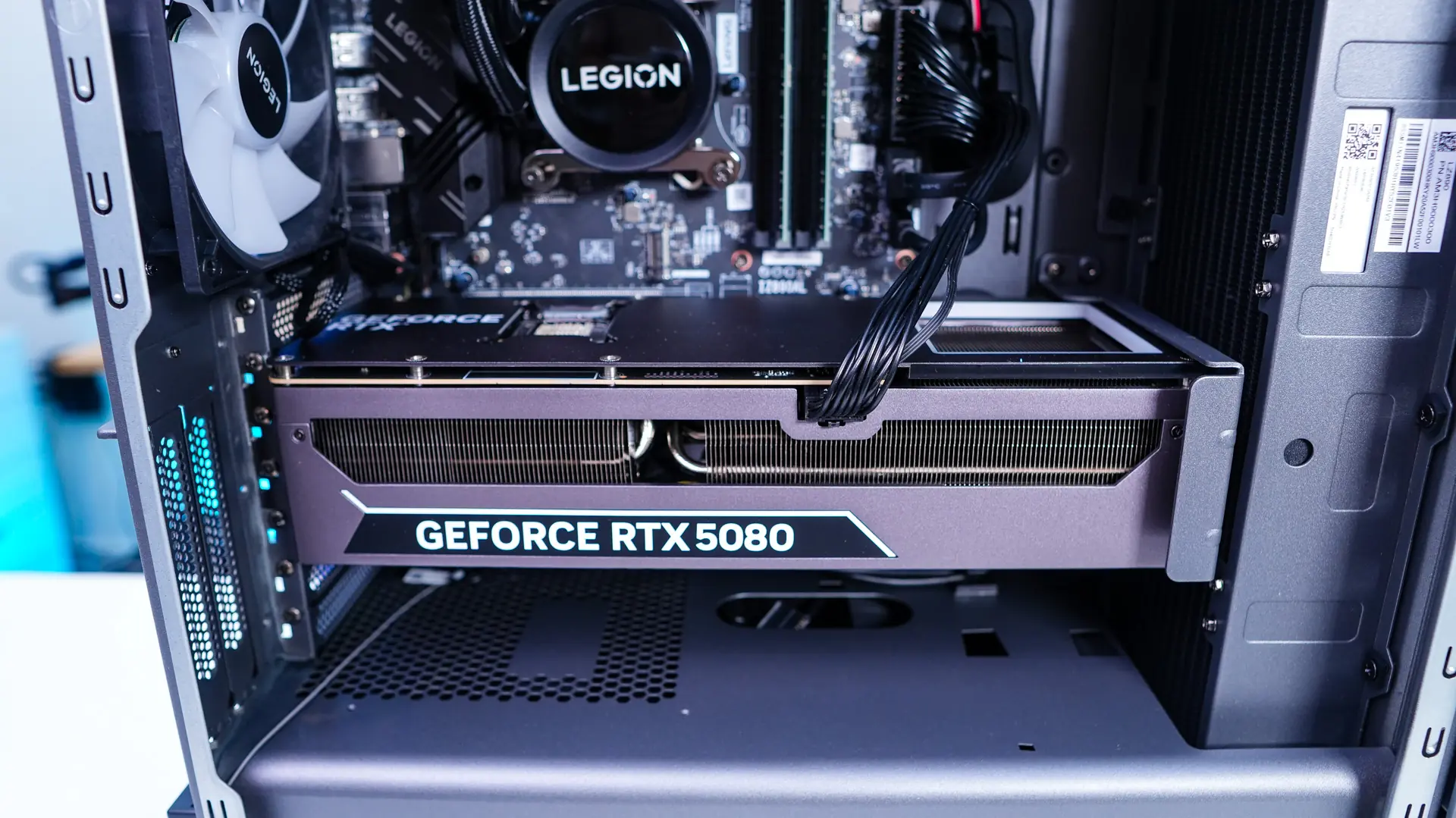
As you can see the CPU is going to be liquid-cooled by an all-in-one unit that is mounted to the front of the case. It does look like your standard 27mm-thick radiator. Our memory is very basic and does not even feature heatspreaders or RGB lighting. Which is a bit odd as the pictures on the Lenovo website show RGB memory.
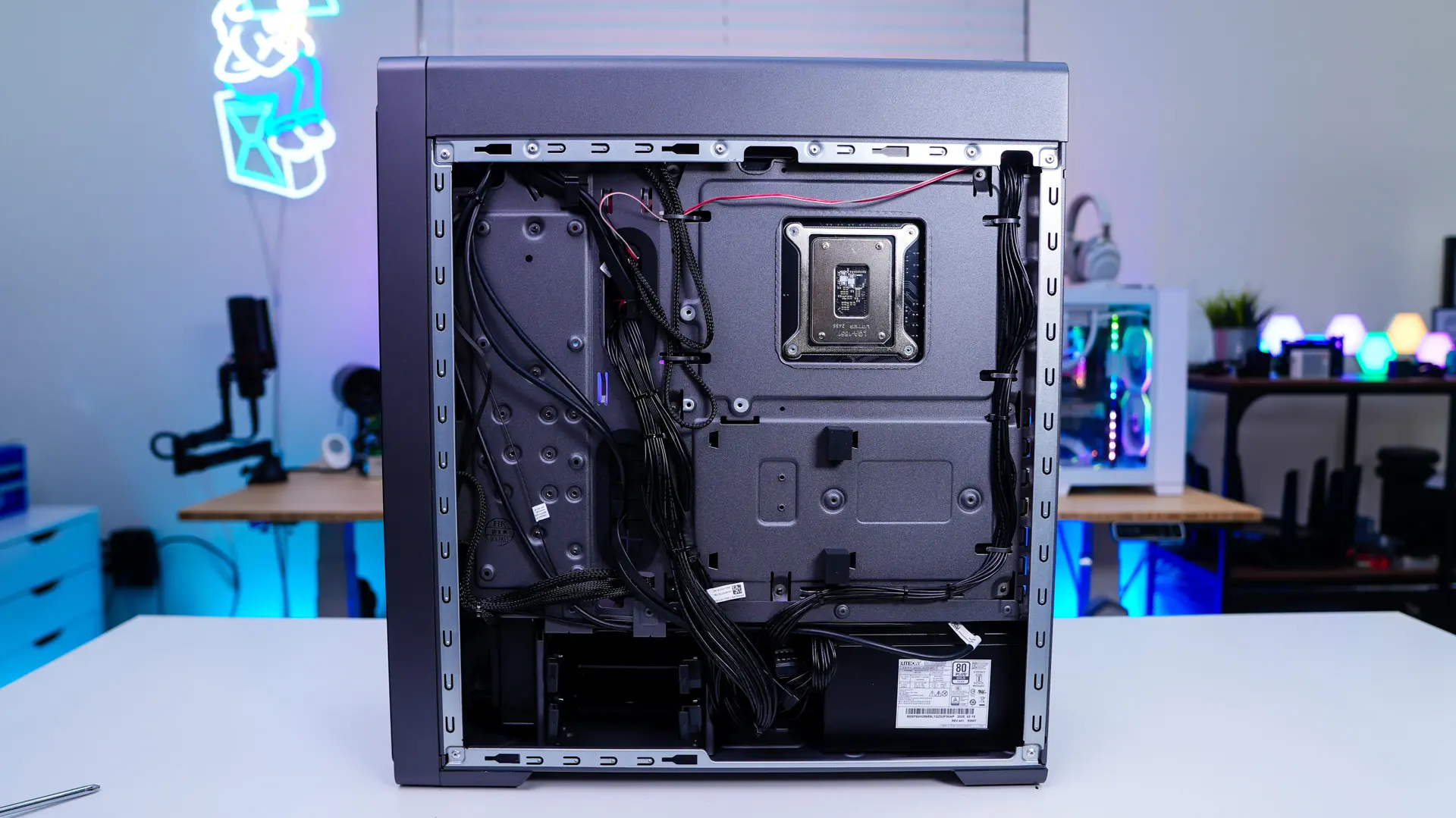
Removing the opposite side panel we can see how the rest of the system is wired up. It is worth noting that the case does support two 3.5-inch / 2.5-inch drives so adding extra storage wouldn’t be hard at all. If you are wondering the power supply is from LiteOn and is a 80PLUS Gold unit.