Lighting, Temperatures & Software on the Lenovo Legion Tower 7i (Gen 10)
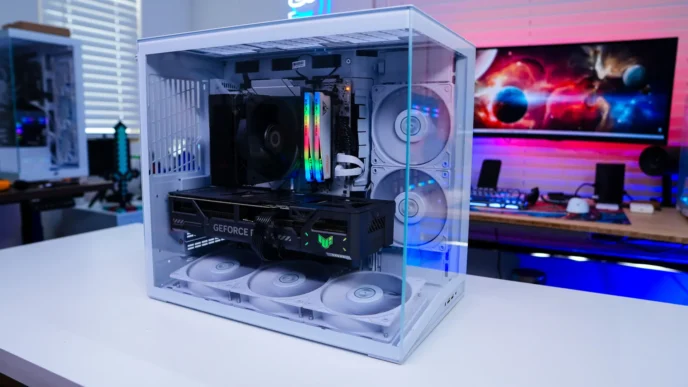
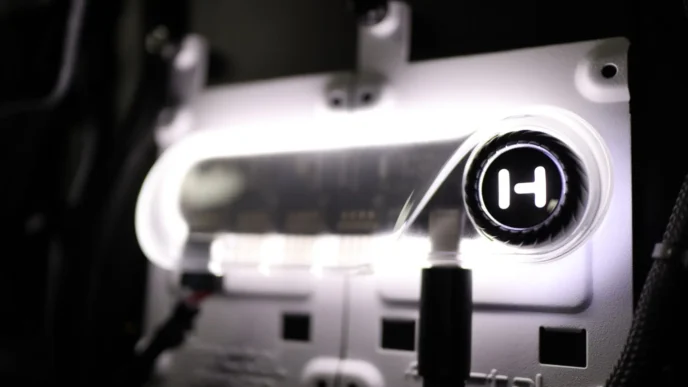
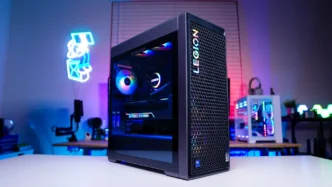
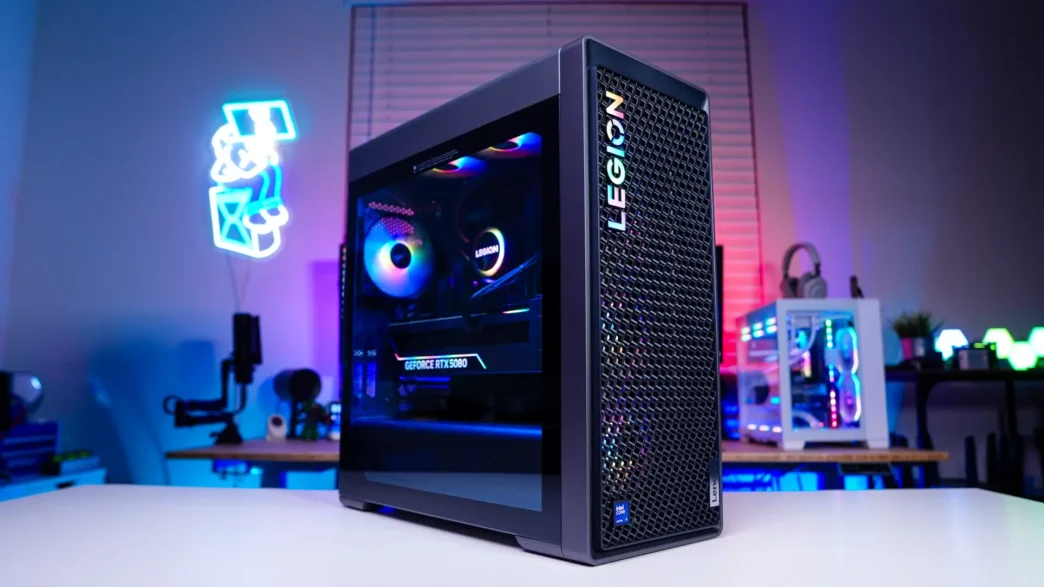
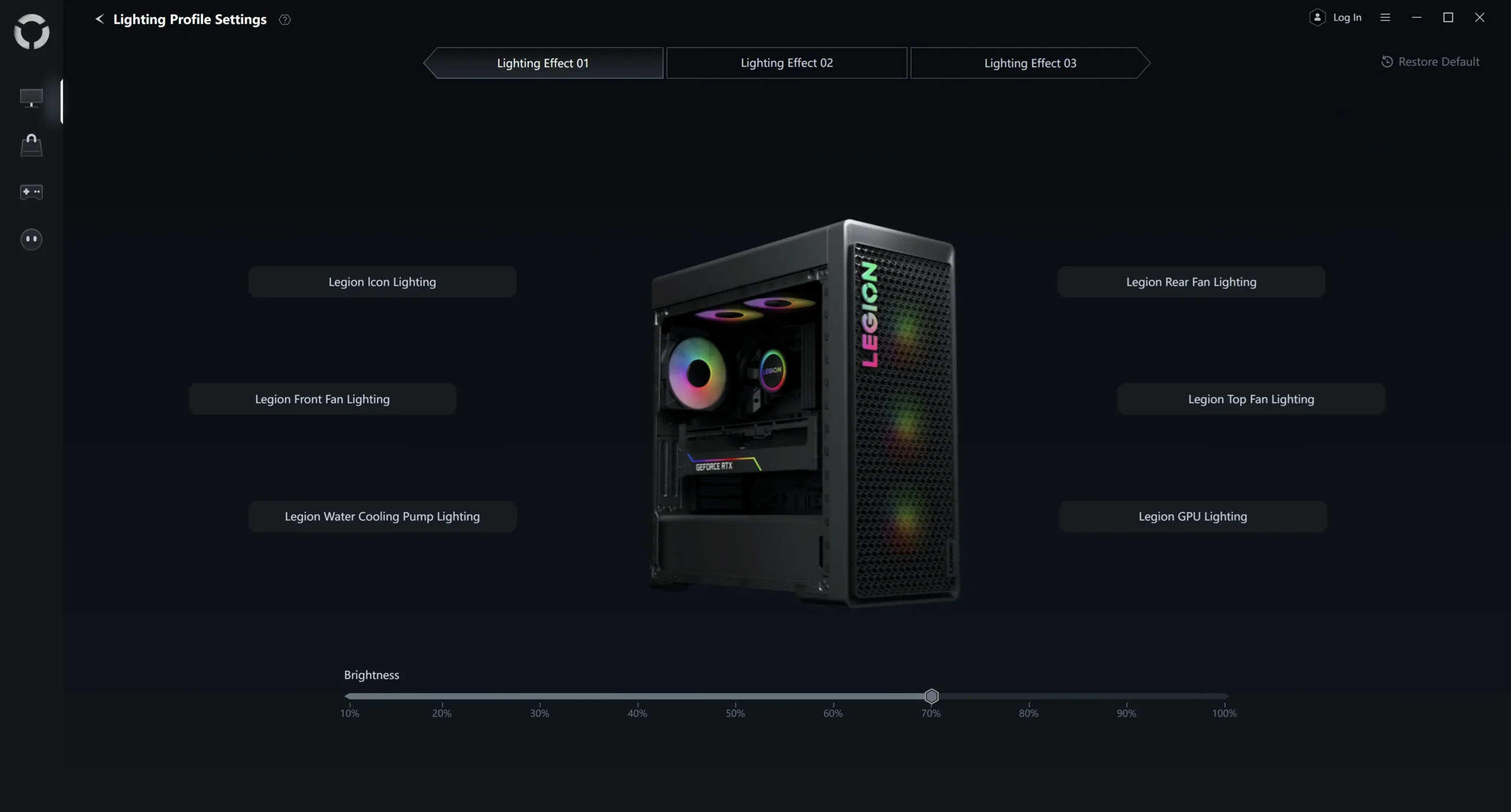
When you first turn the Legion Tower 7i on you’ll notice it lights up nicely with RGB lighting. So you are going to have RGB lighting on all of the fans, the Legion logo on the front of the case, on the graphics card, and on the pump block of the CPU cooler. There is also a lighting strip inside the case that really lights everything up. You can control all of the lighting with Lenovo’s software.
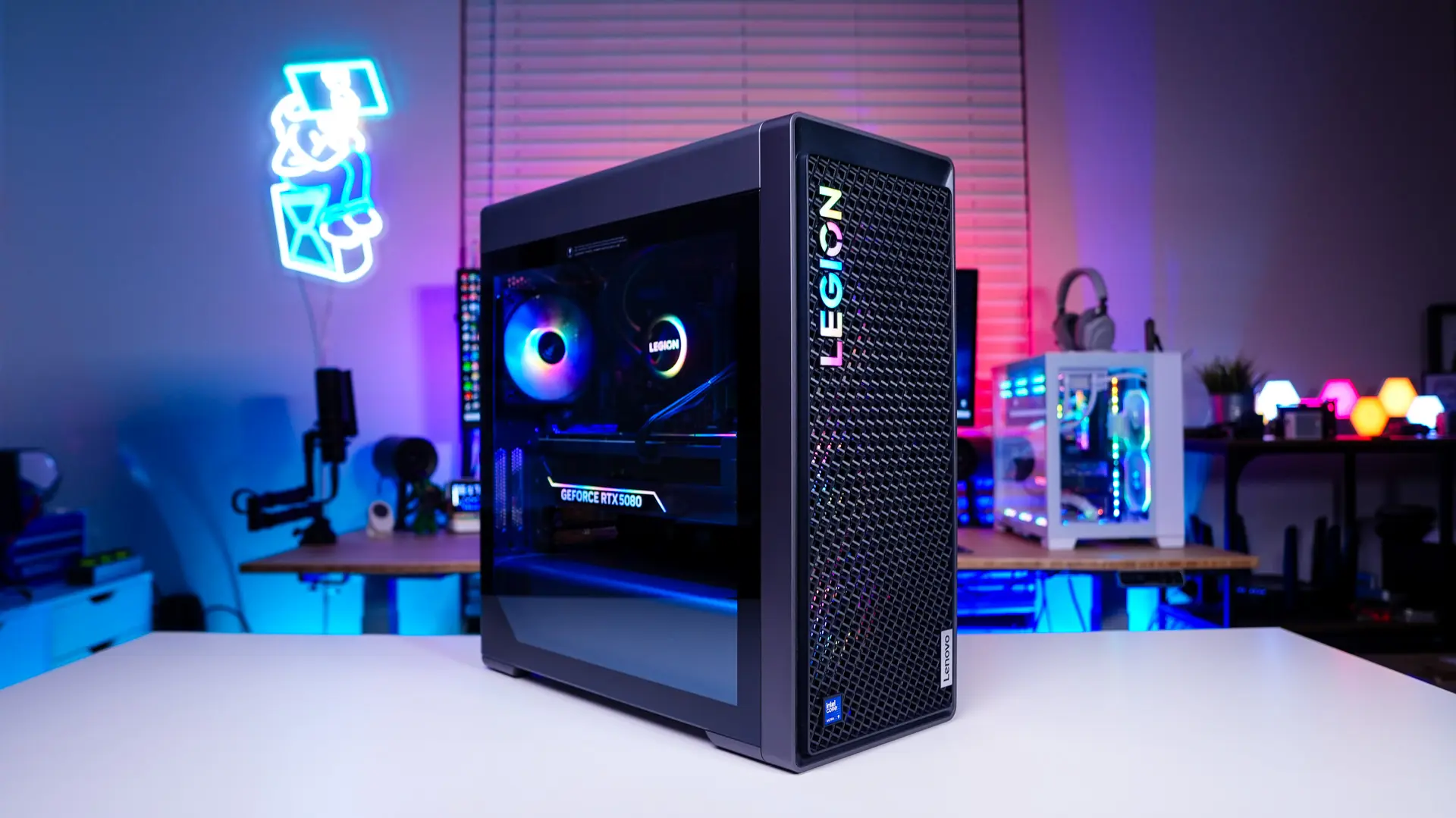
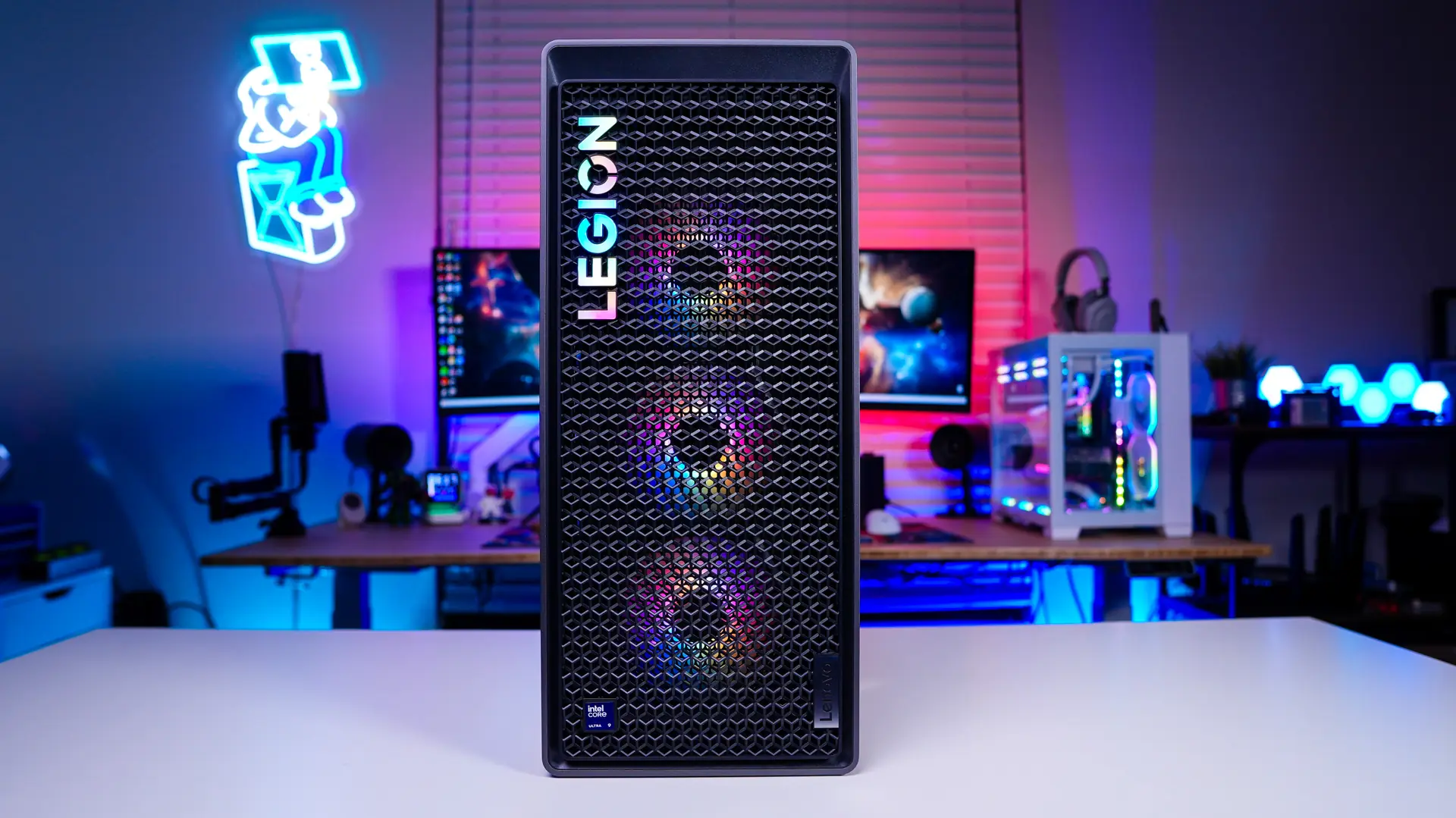
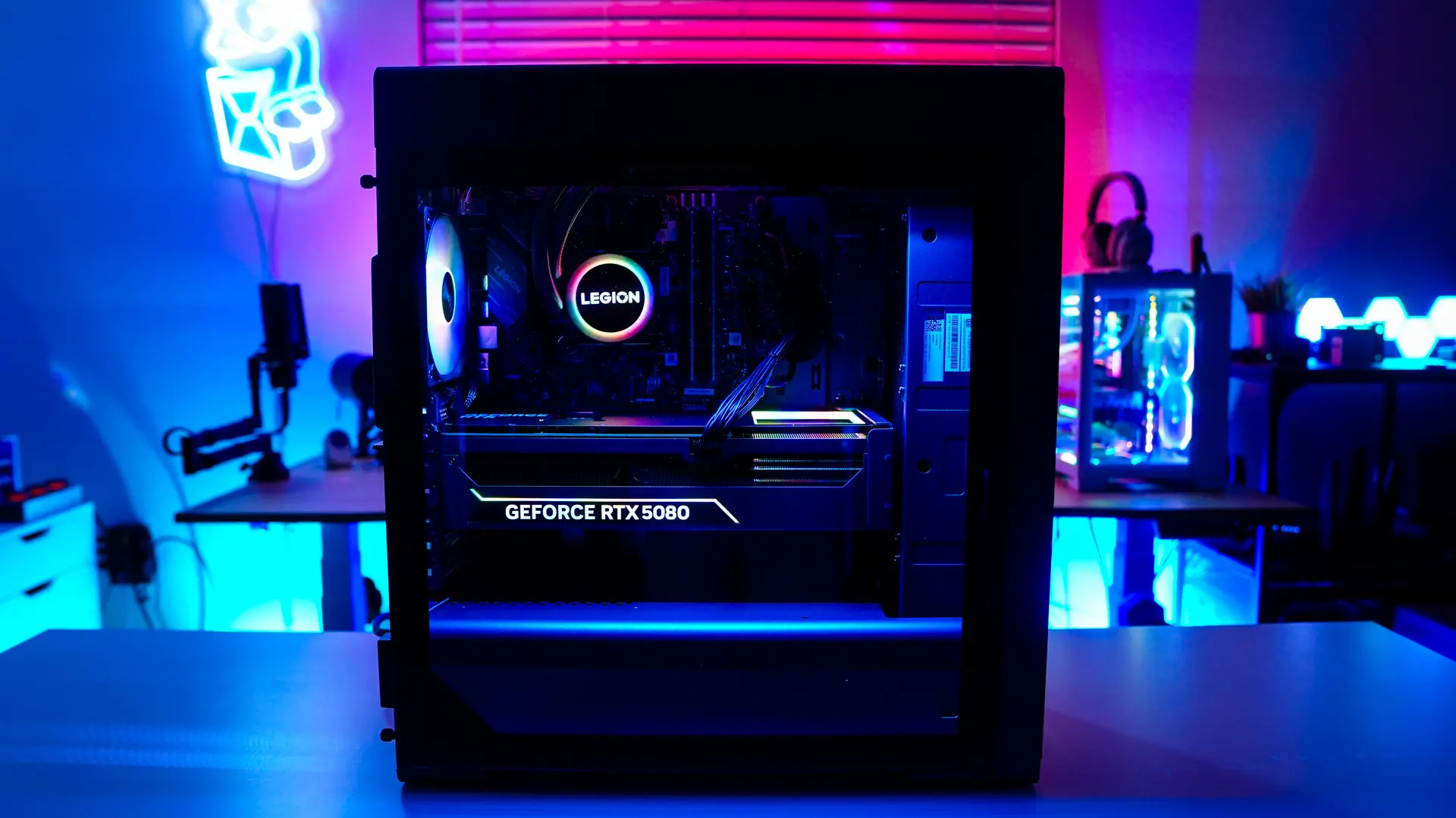
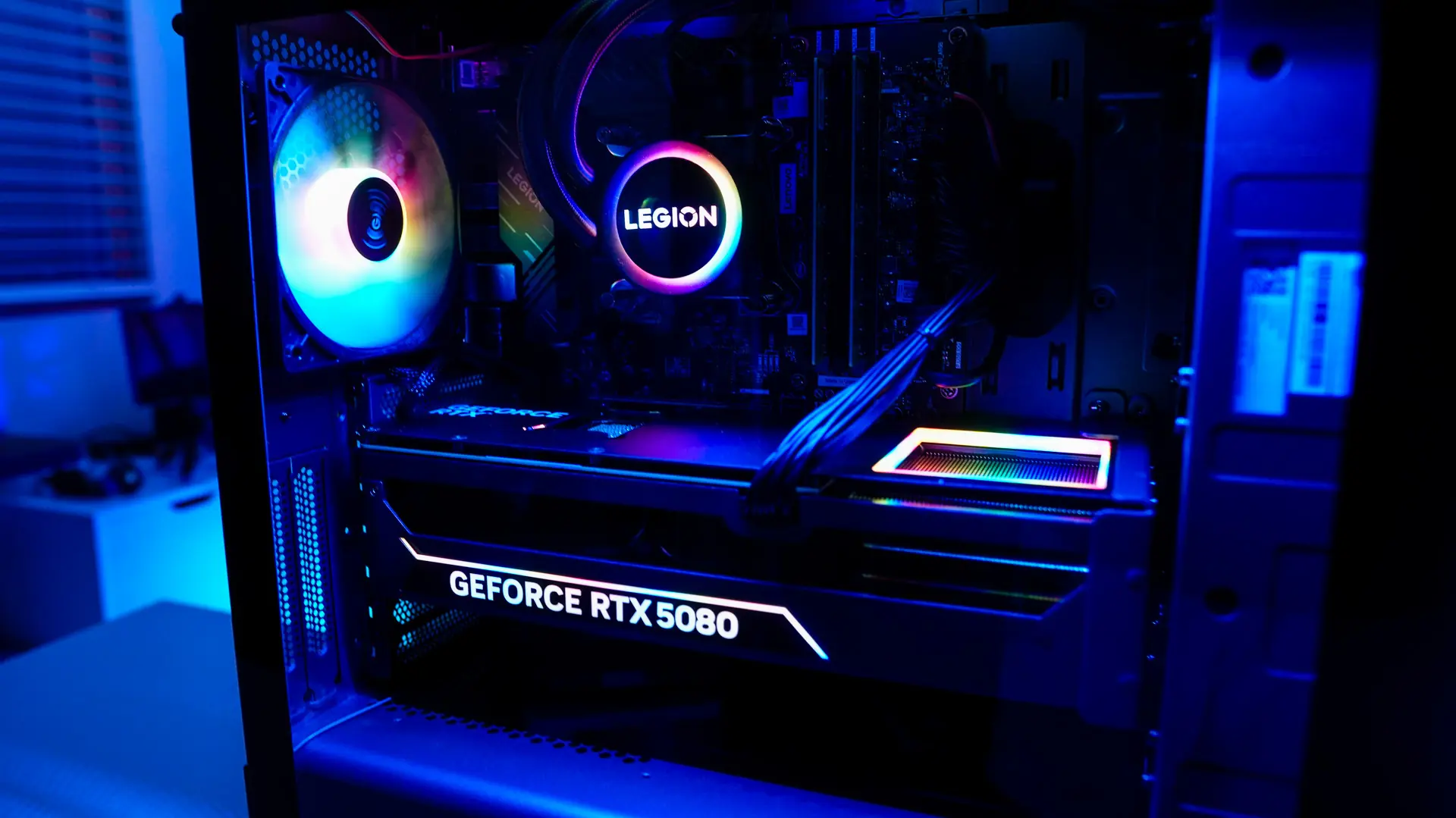
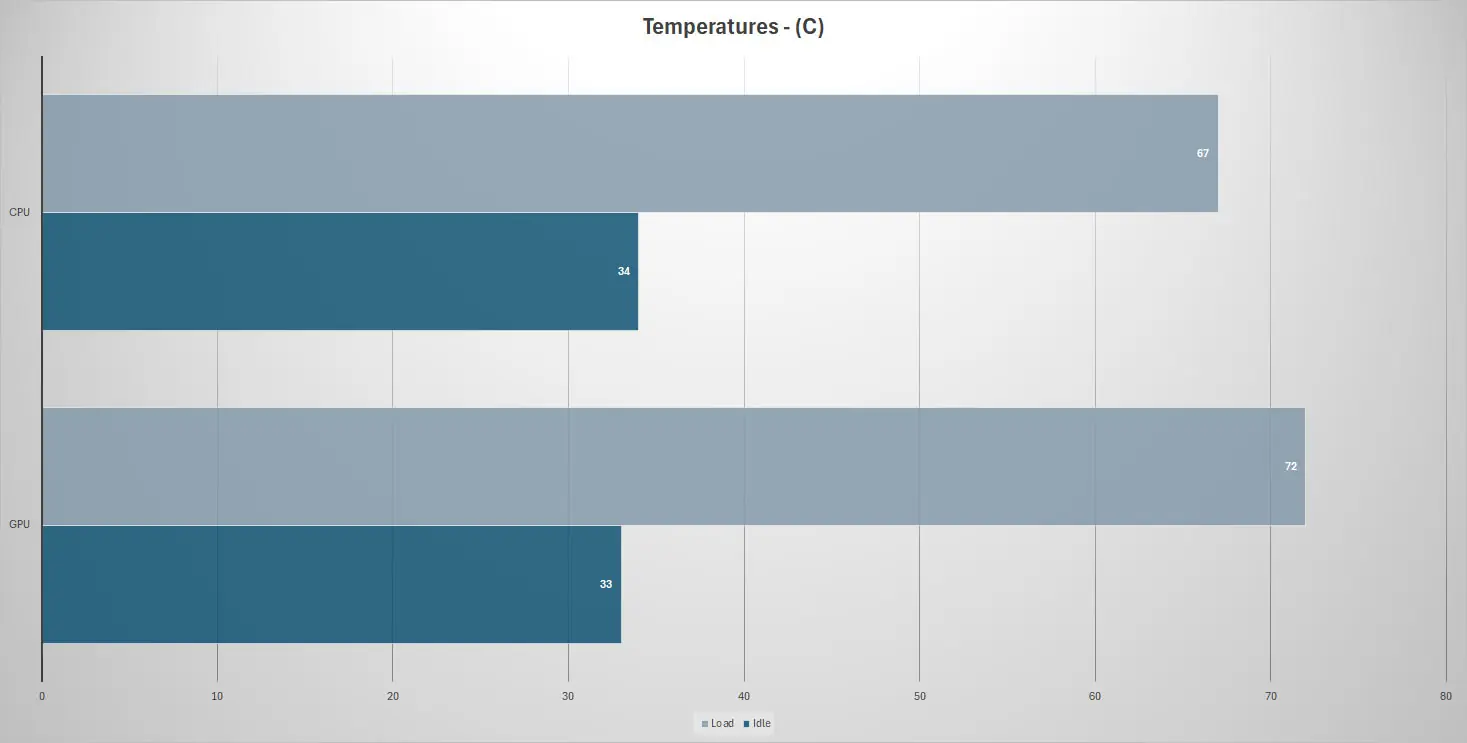
Lenovo Legion Tower 7i makes use of six total fans and of course the all-in-one liquid cooler for the CPU. We used AIDA64 to put full load on both the CPU and GPU to see what the temperatures were like.
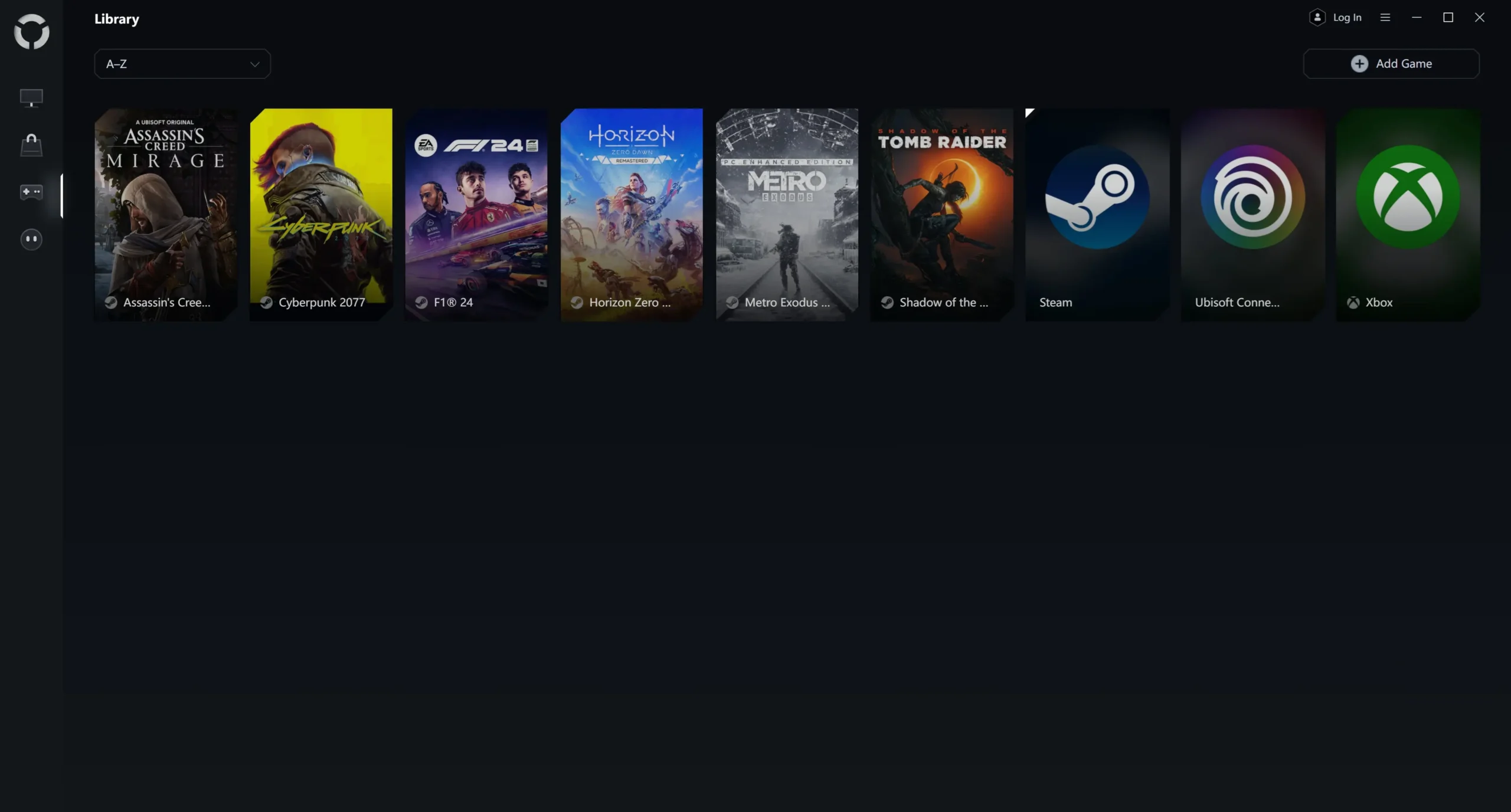
When it comes to pre-installed software this is a pretty clean install actually. Now you will get McAfee for security and antivirus and to customize things with the system you’ll get the LegionSpace app. Opening the app up we can see we have a live view of our CPU memory and GPU. We can also set a performance pre-set (Quiet, Balance, Performance). It is set on Balance by default.
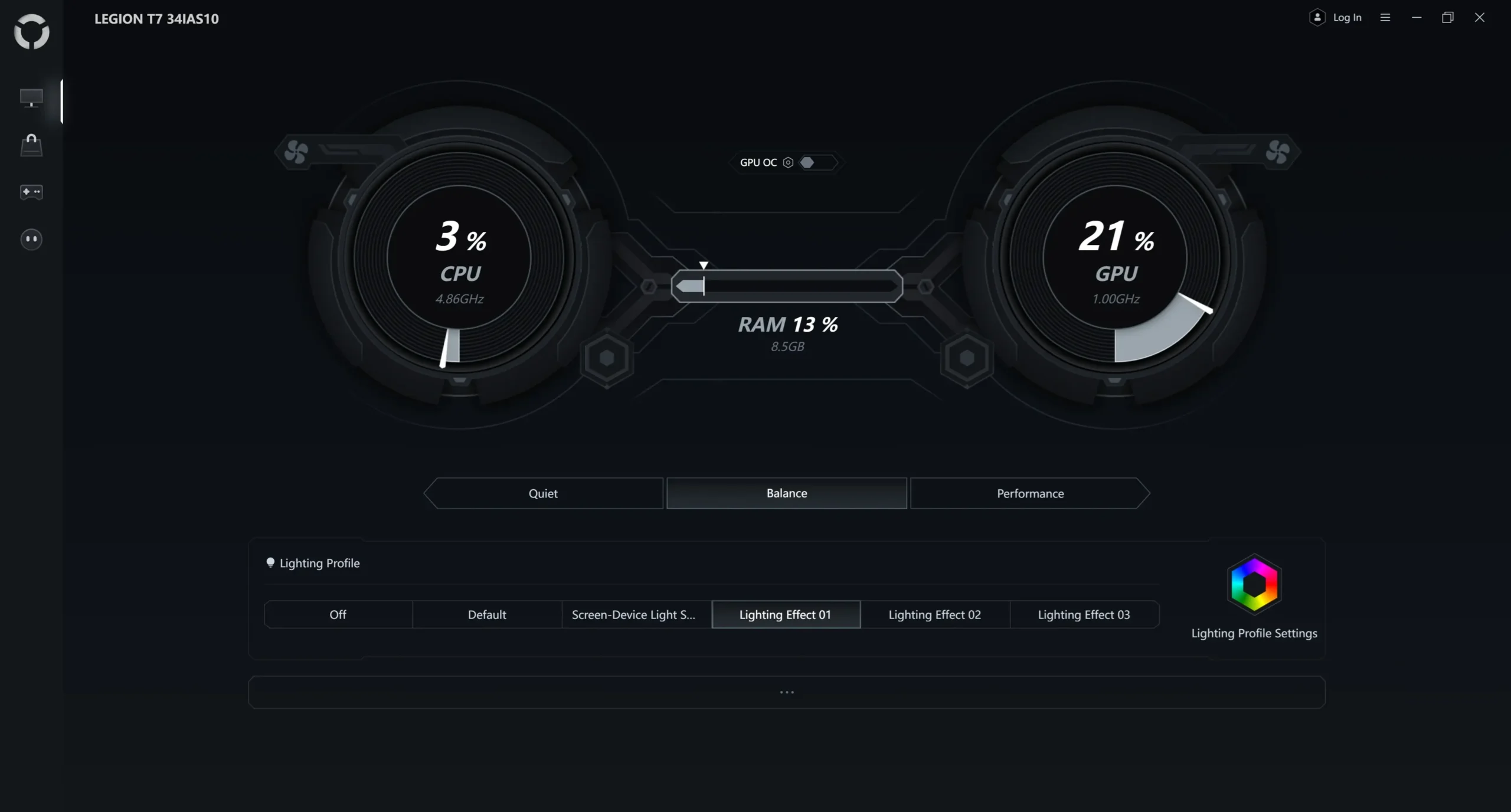
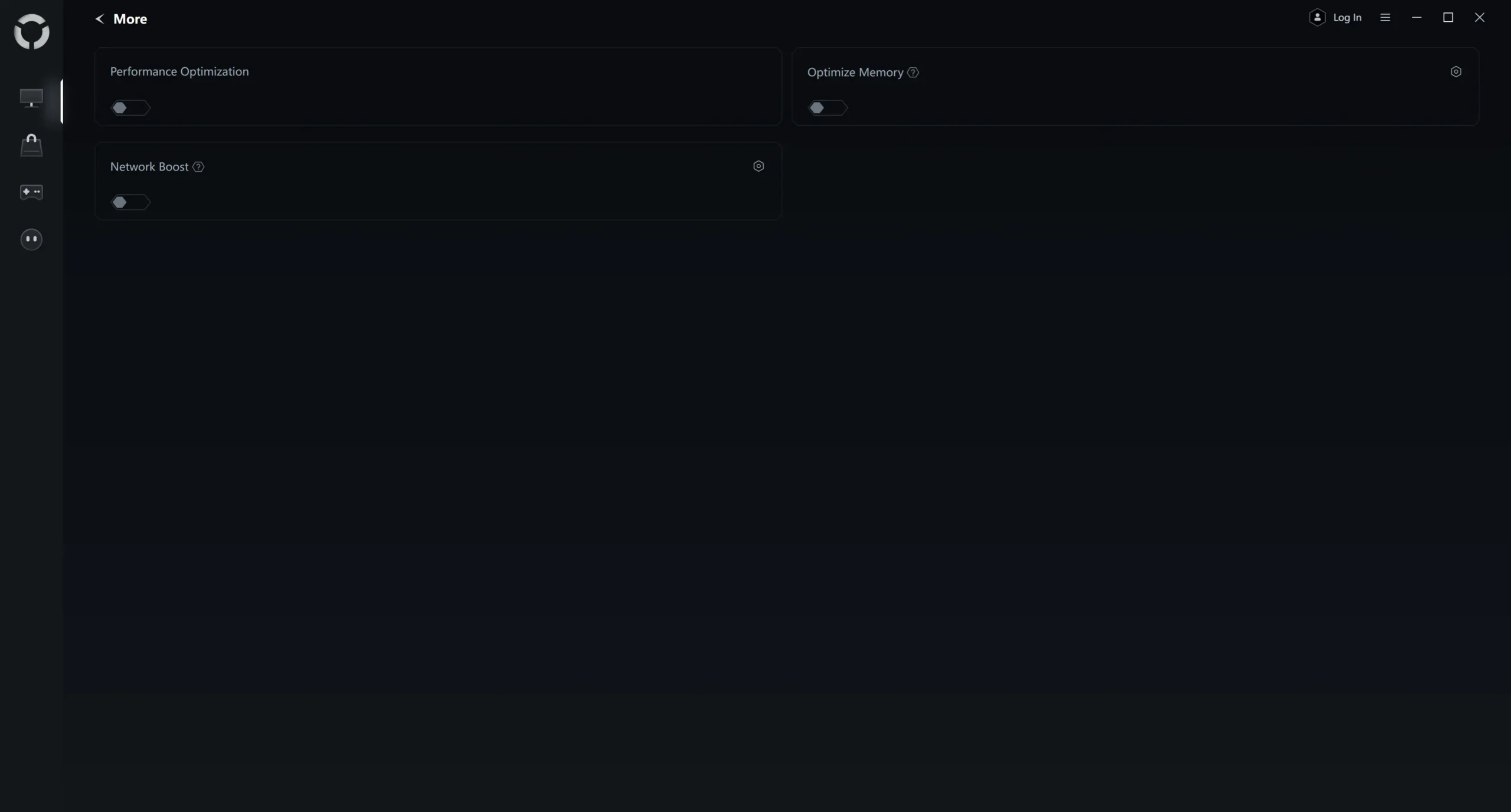
There are also a few other settings and this is where you can find the lighting settings as well.
You also have the ability to buy games from this app and have a full-on gaming library that will pull from your other game launchers (Steam, Ubisoft, EA, etc).