


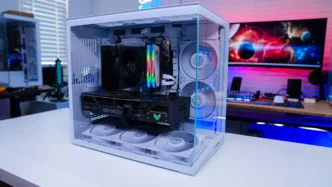

Installation in the Lian Li O11 Dynamic Mini V2 Flow
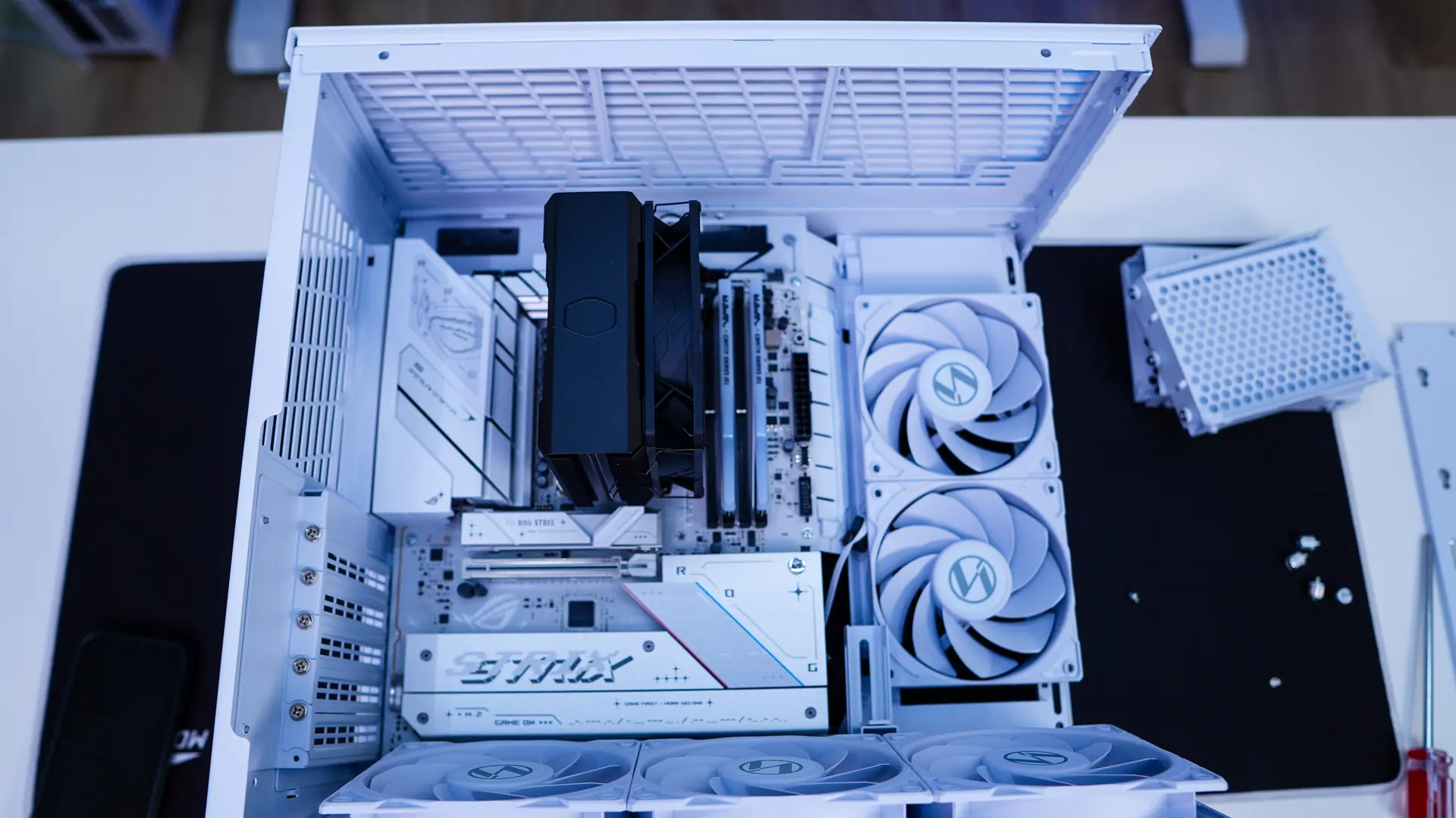
Installation in the Lian Li O11 Dynamic Mini V2 Flow is pretty straight-forward, but there are some thing you are going to want to make sure you do before you start installation. We have to remember that the bottom PCI-E slot on our motherboard will be covered by the fans, this also means all of the headers and connections on our motherboard. So you are going to want to pre-wire these before you get started as they will be quite difficult to connect once you get your motherboard mounted.
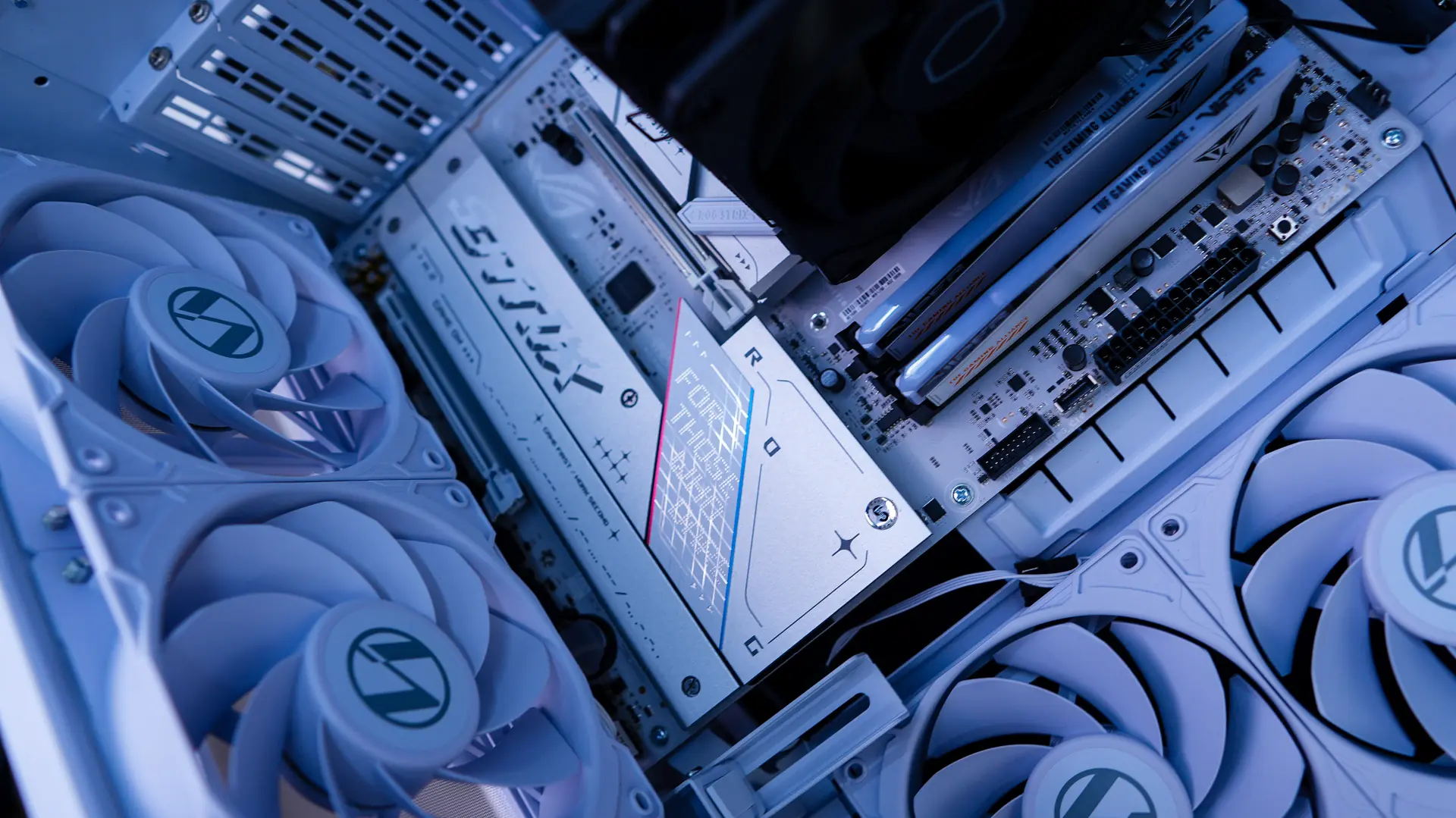
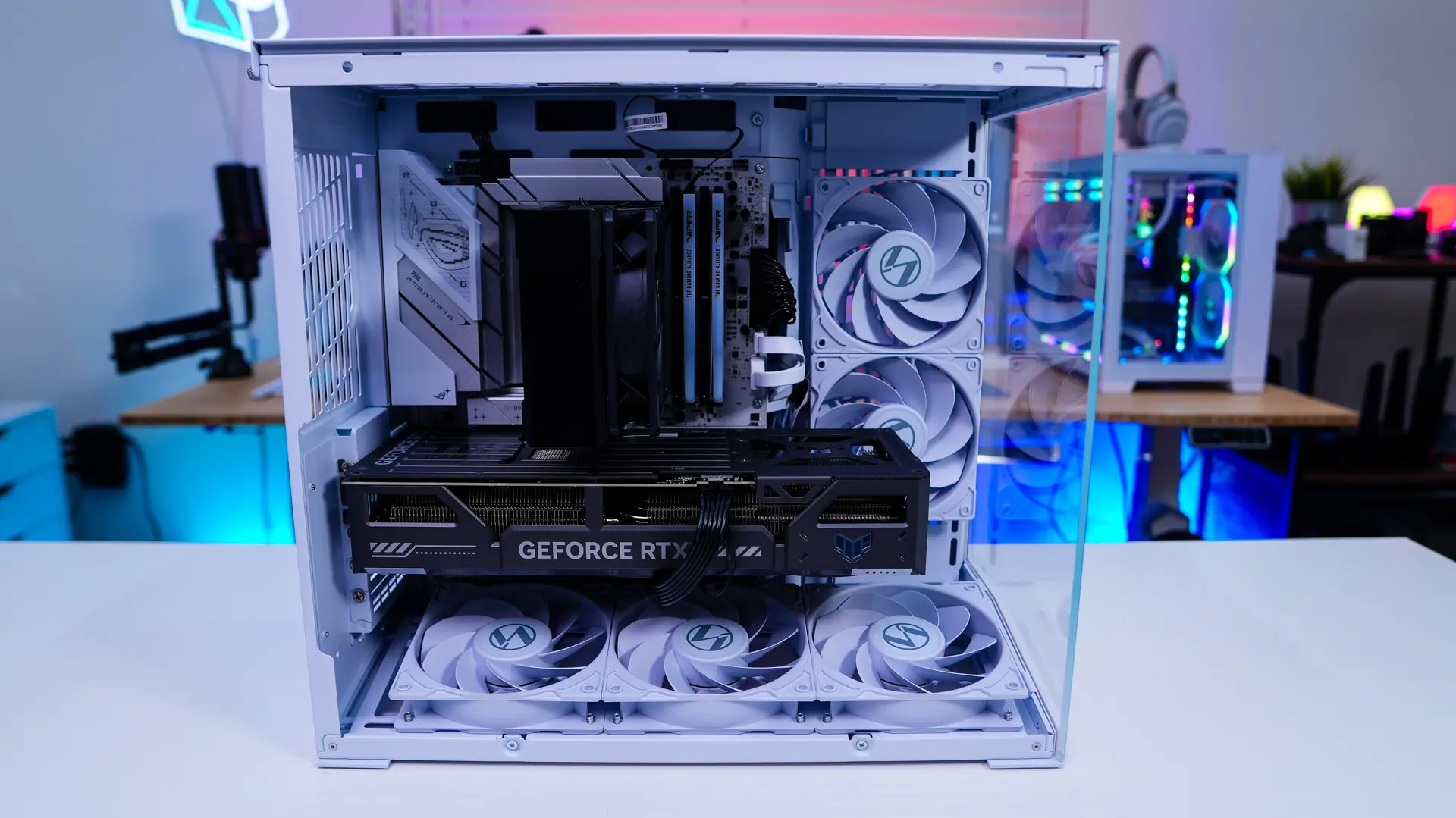
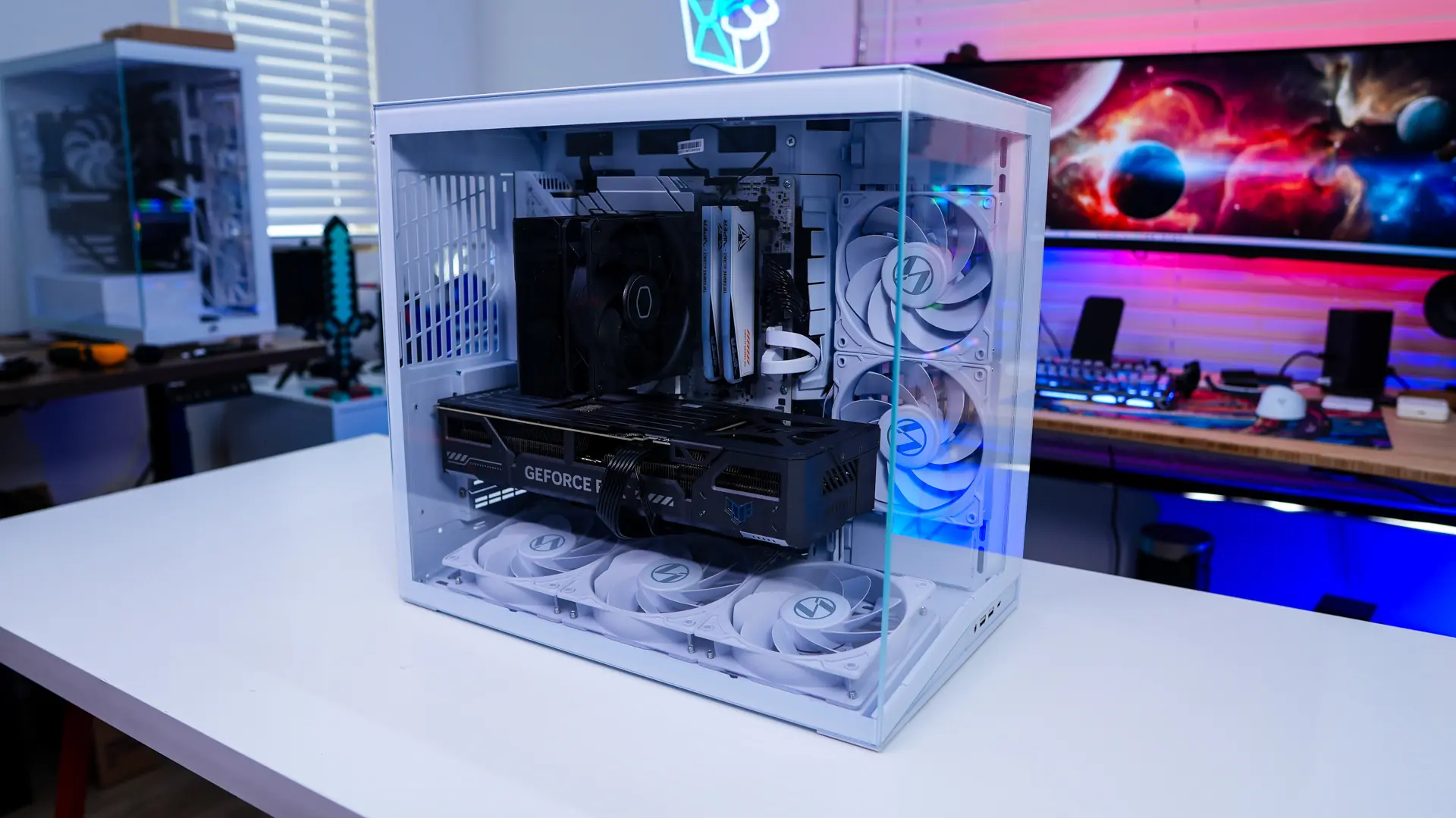
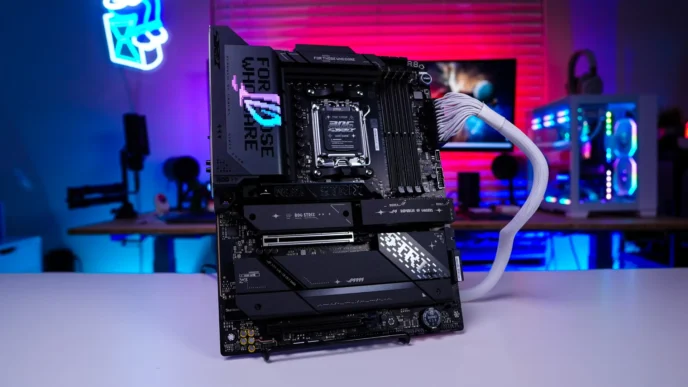
The first thing we installed is our motherboard. With the front panel and side panel removed it goes in no problem. Even with a full-size ATX motherboard things did not really seem cramped. You can also see how the fan mount does block that bottom PCI-E slot and access to the bottom headers on our motherboard.
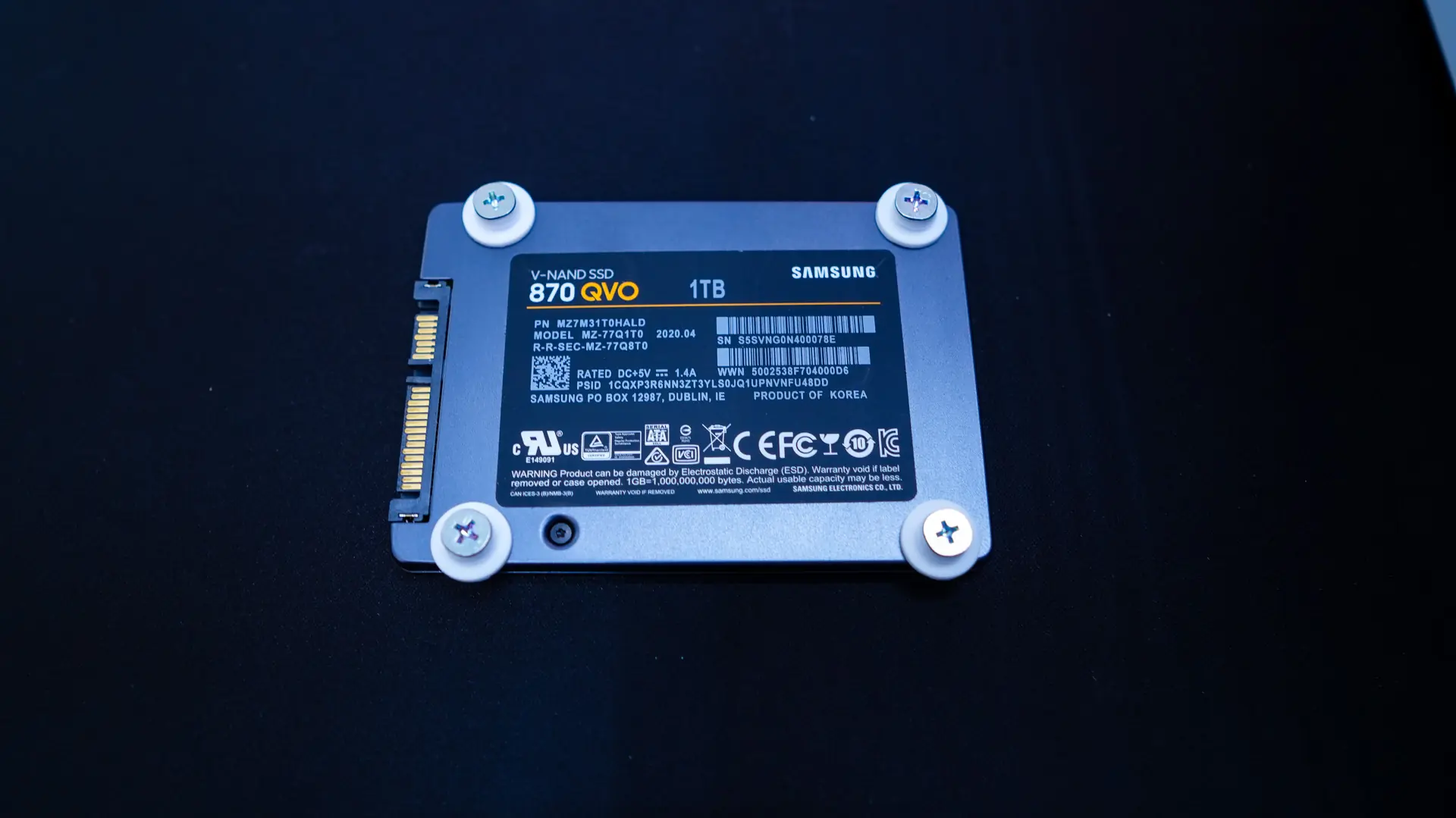
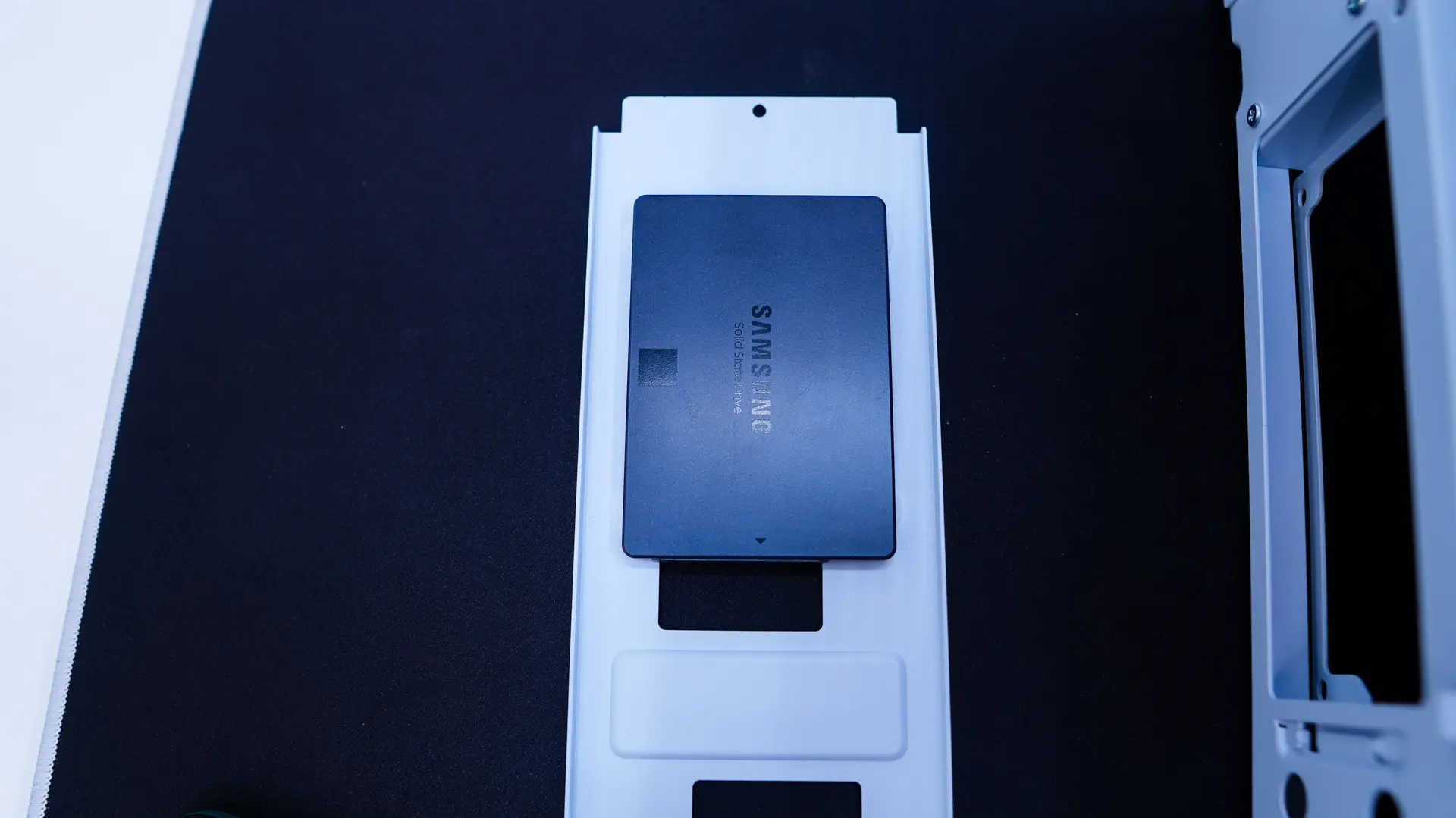
For our 2.5-inch SSD I decided I was going to install it on the removable storage bracket. So you install the rubber standoffs with screws and then slide it in to the storage bracket. We’ll re-install the storage bracket a bit later on during installation.
Our graphics card is next and again no issues as this case will support longer graphics cards. Depending on your card you may need to route your graphics card power cables down through the bottom of the case. There is a large grommeted section which does make this pretty easy.
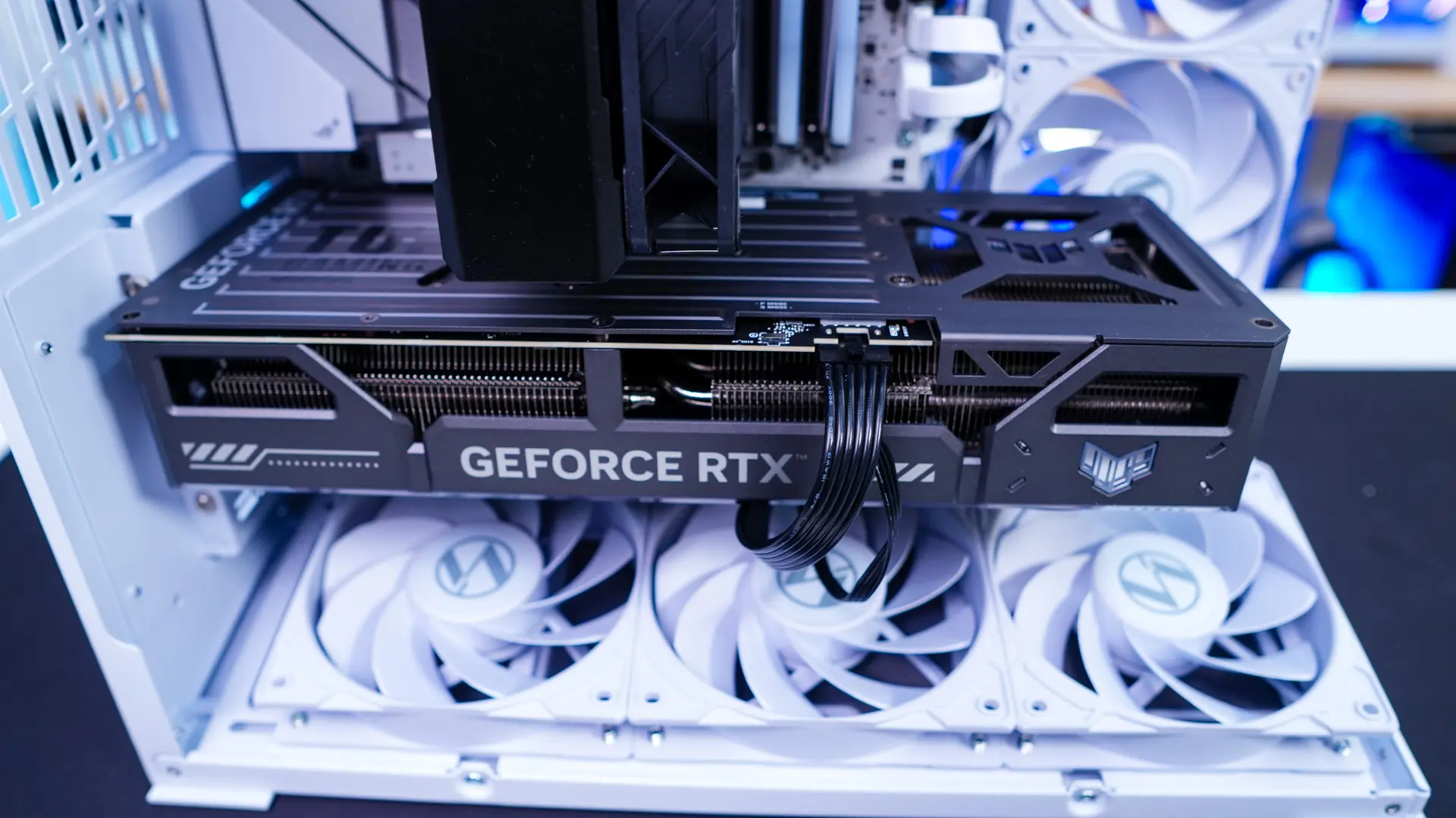
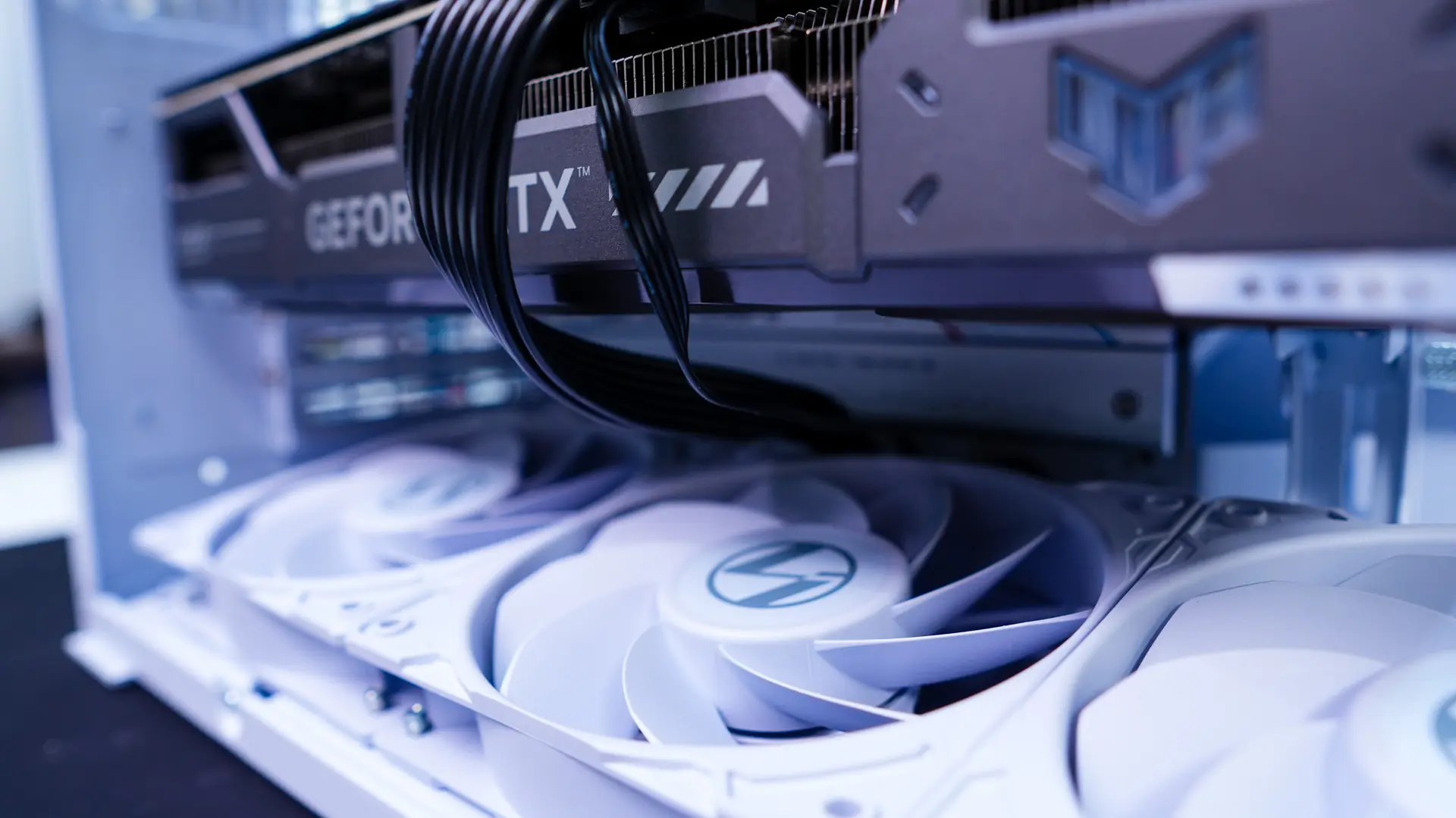
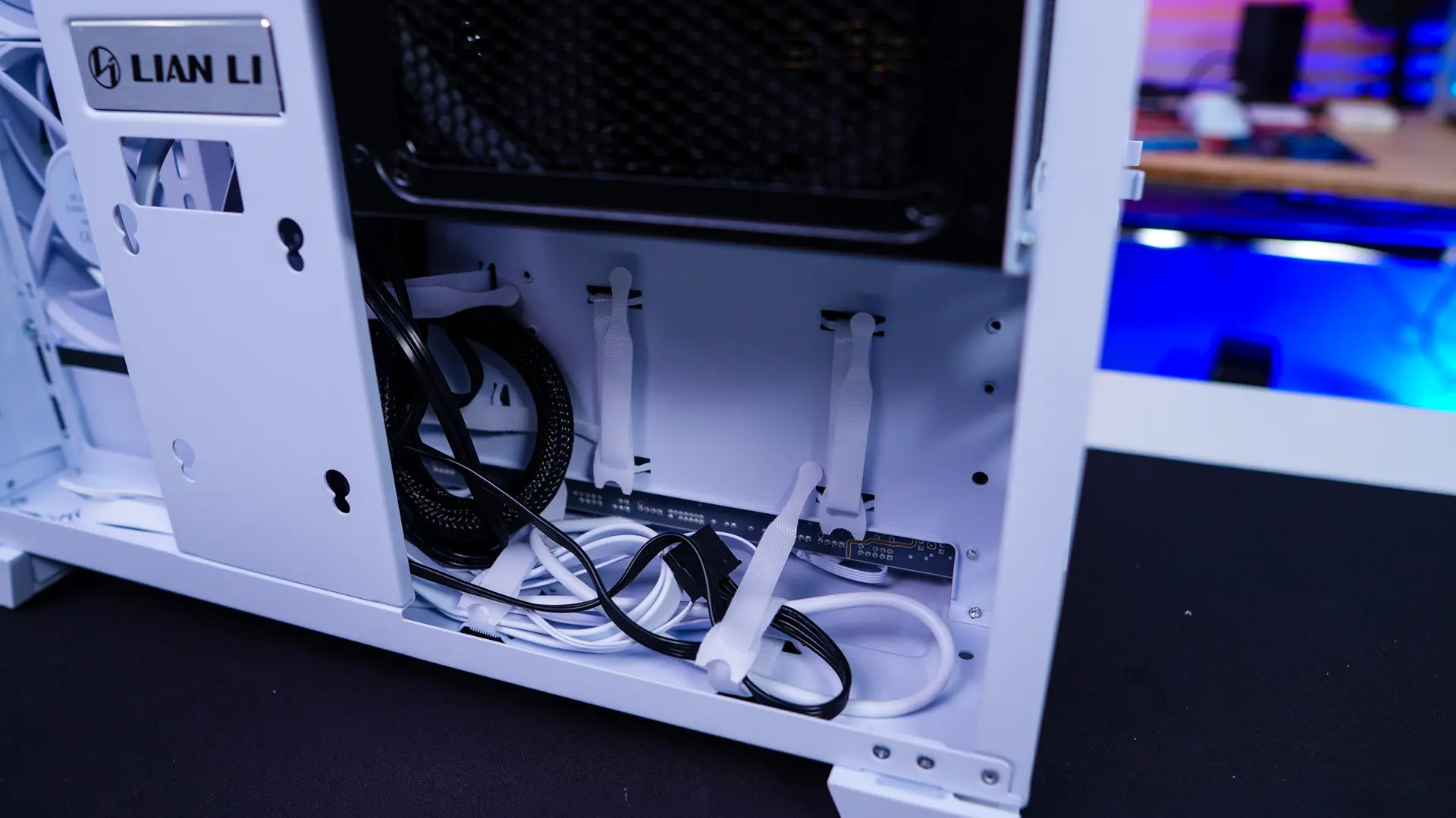
Now it is time to wire everything up and of course reinstall the storage bracket. All of the velcro ties and cable routing holes made organizing our cables quite easy. Since I did not make use of the two storage trays I ended up removing them completely. With everything installed we have a very clean build!
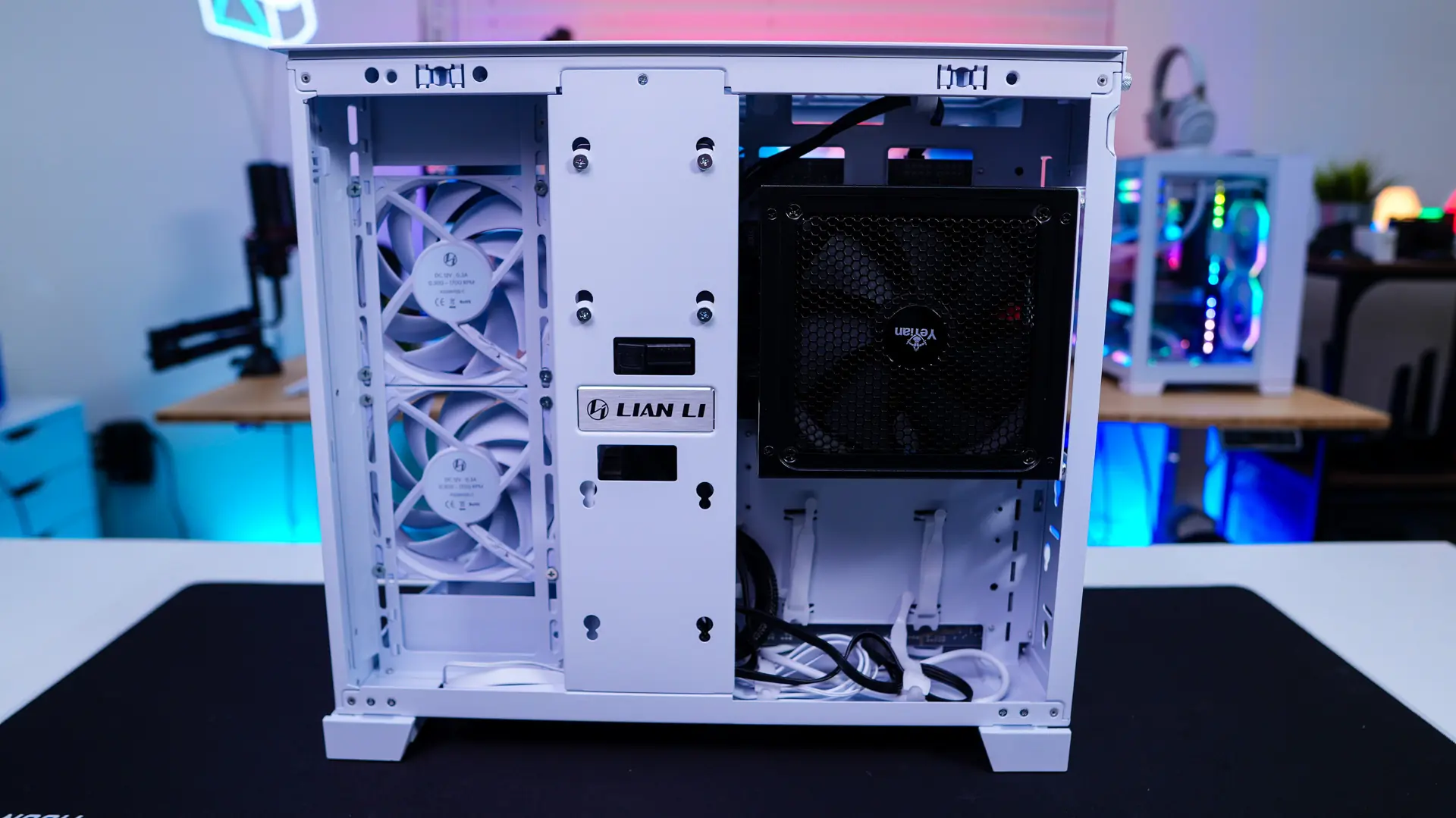
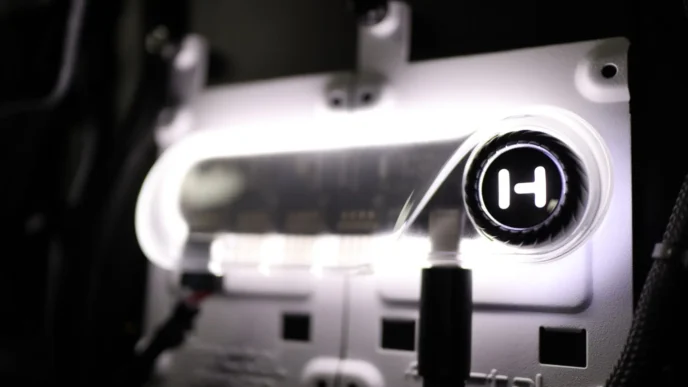
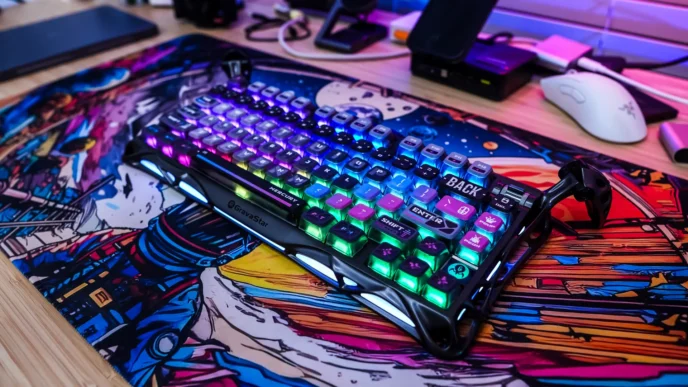
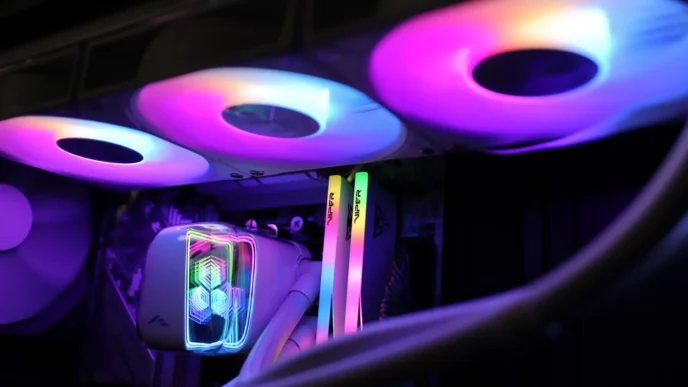
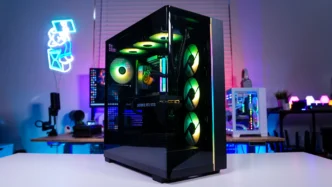
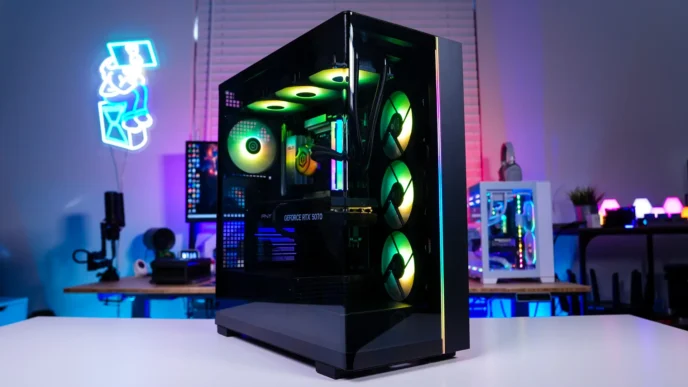
A minor problem is that they don’t sell any matching fans yet so you can’t fill out the back and top fan slots with matching fans.
There also needs to be a clear understanding that the case does not support anything mounted in the traditional #1 slot (the one between the middle mounting screws) found on older motherboards. Many newer motherboard have dropped the #1 slot and use the space for m.2 mounts so the gpu goes in the #2 slot. But there are still some motherboards out there that have a #1 slot and that doesn’t work with this case.