Logitech PRO X SUPERLIGHT 2 DEX Overview
When it comes to a mouse it is all about shape and Logitech is using a new shape here with the PRO X SUPERLIGHT 2 DEX. To me the front really feels like a symmetrical mouse while the back gives me that ergonomic feel. So for me it’s like the best of both worlds really.
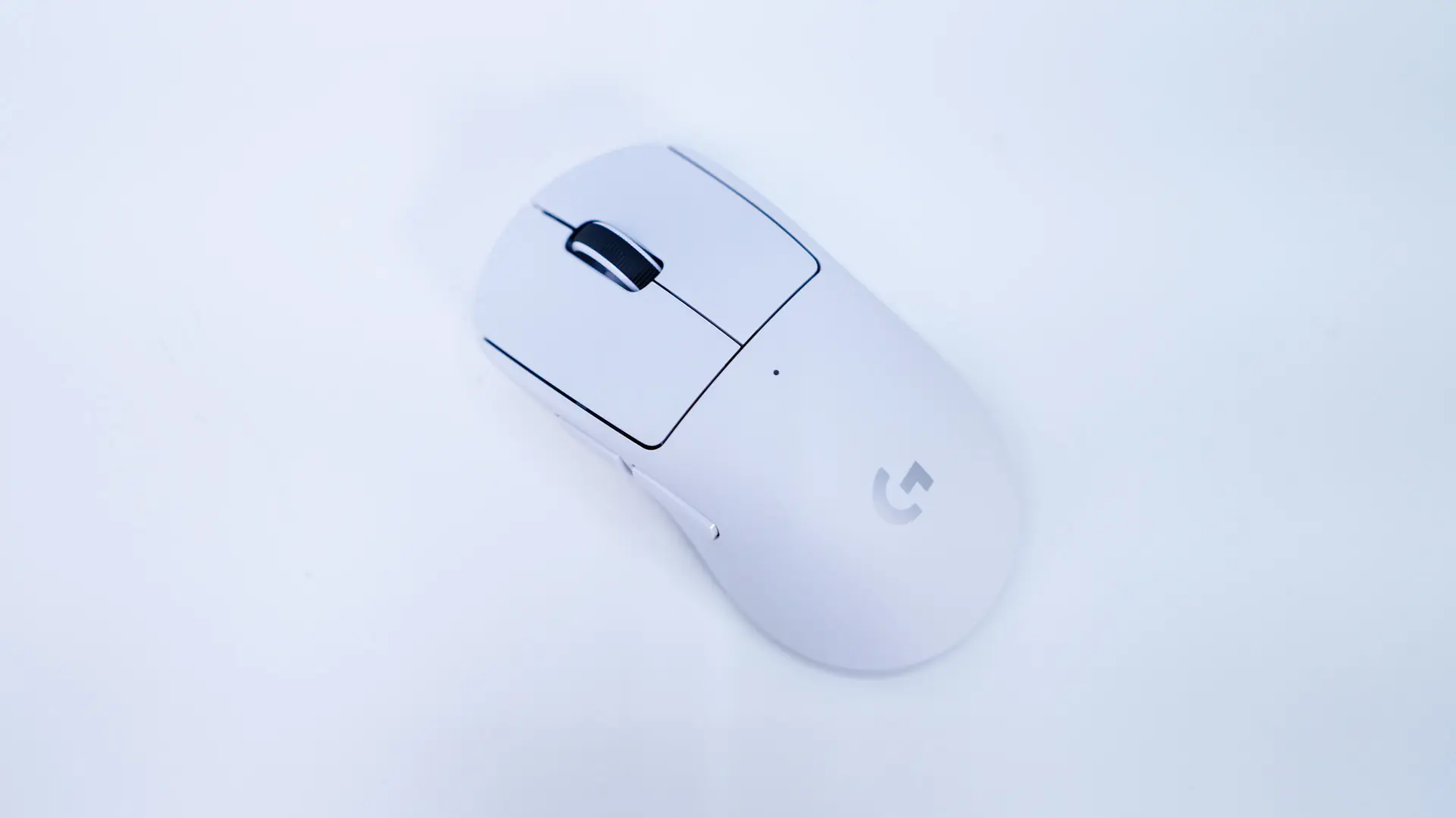
As you can see I received the white version of the mouse, but like most Logitech products these days you can also get it in Black and Pink variants. The Logitech G logo is on the palm of the mouse and is grey.
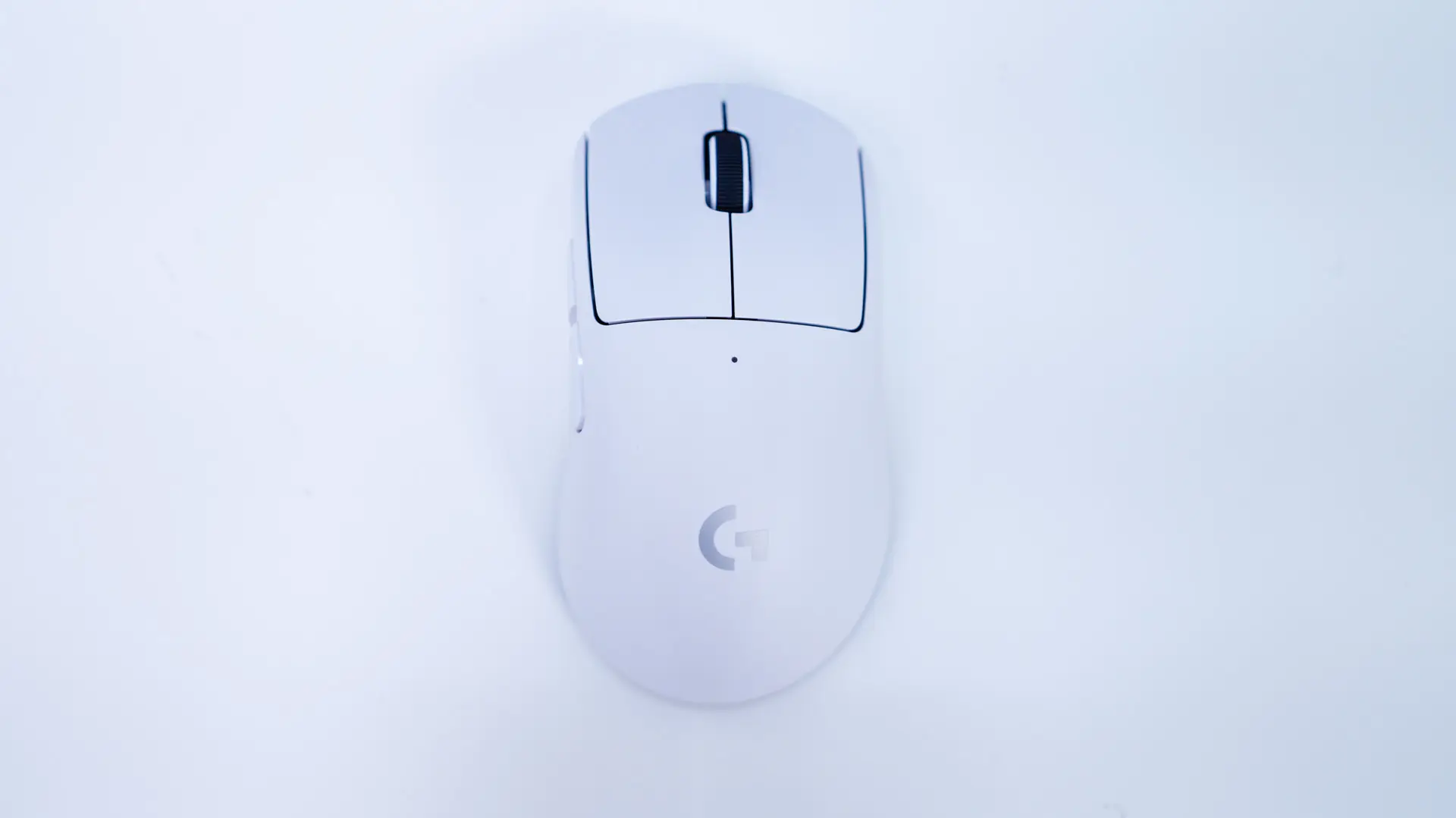
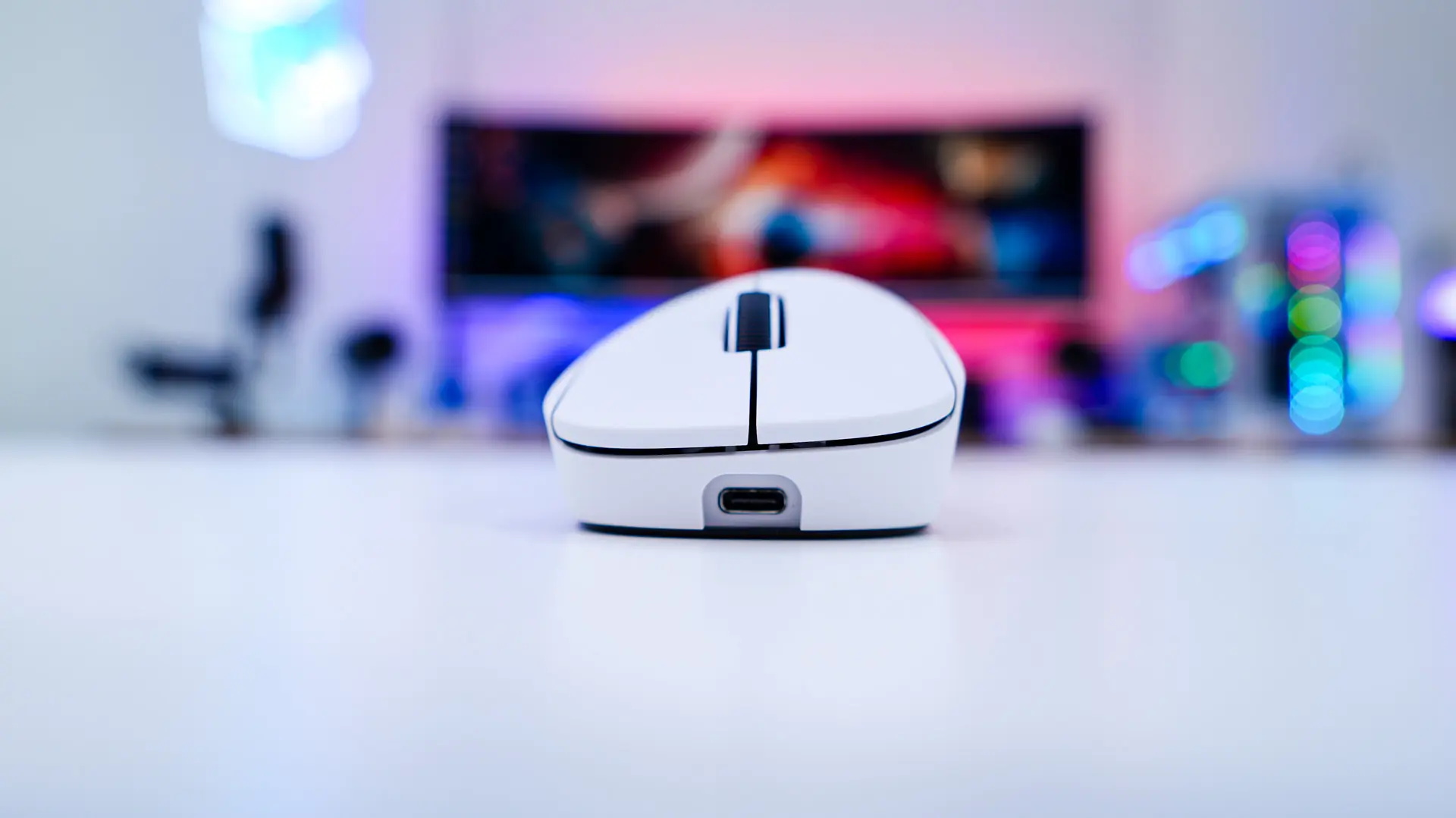
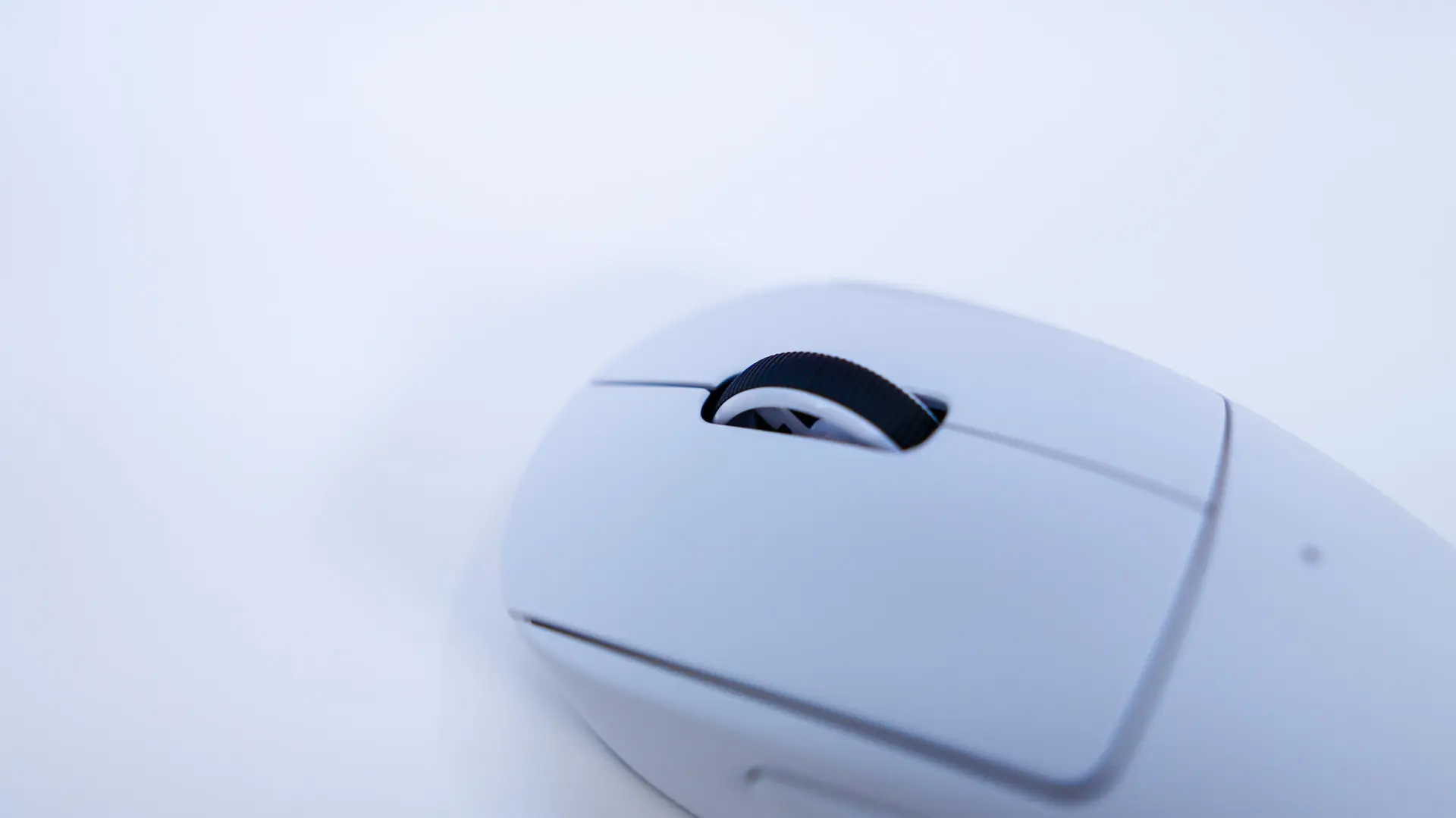
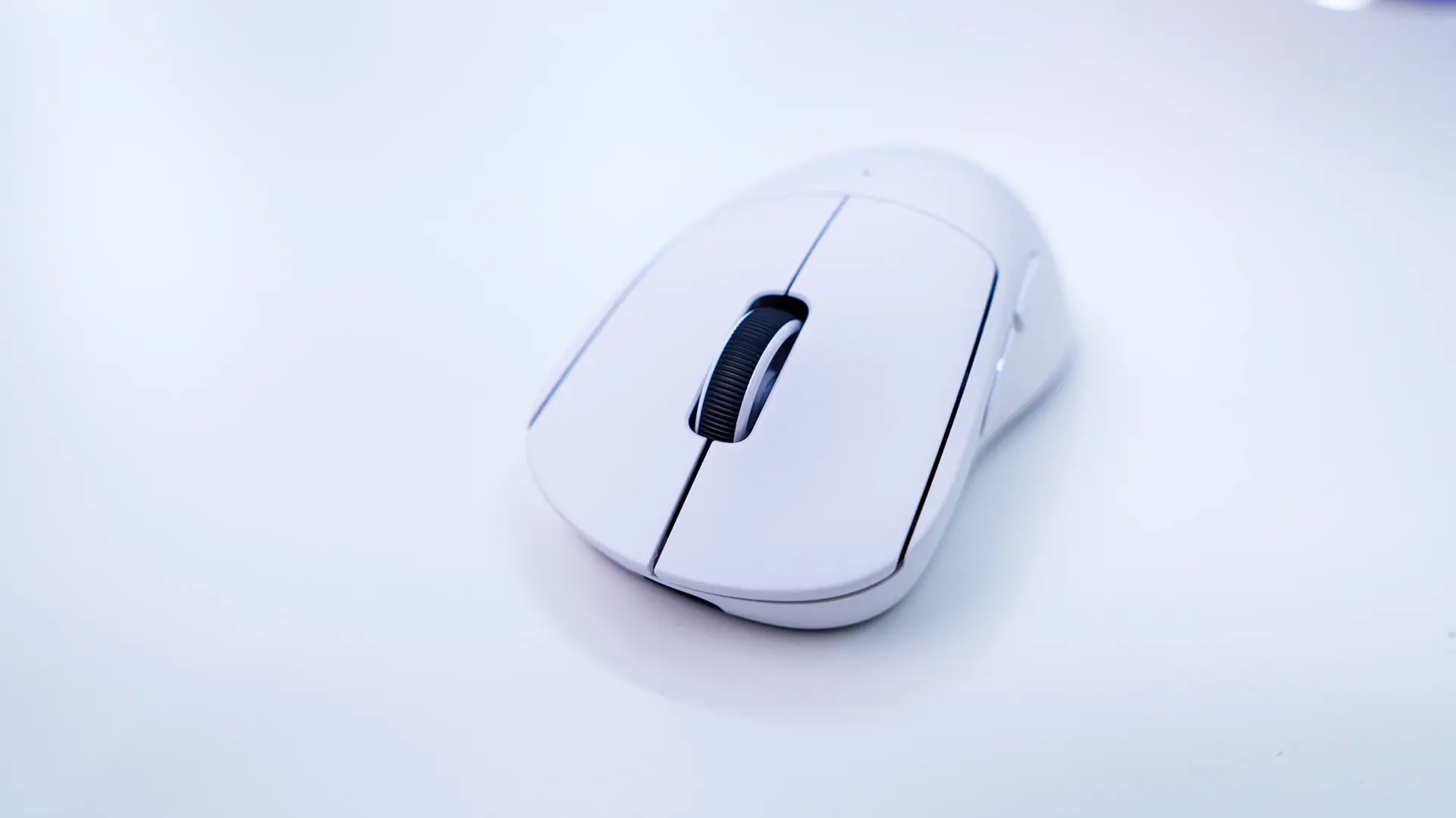
When it comes to the mouse buttons these are powered by Logitech’s LIGHTFORCE hybrid optical mechanical switches. These were made in collaboration with OMRON and have an optical component as well as a mechanical component. The second image below shows you the slope of these buttons if you were wondering. Also at the front of the mouse we find the USB-C connection for charging or using the mouse in wired mode.
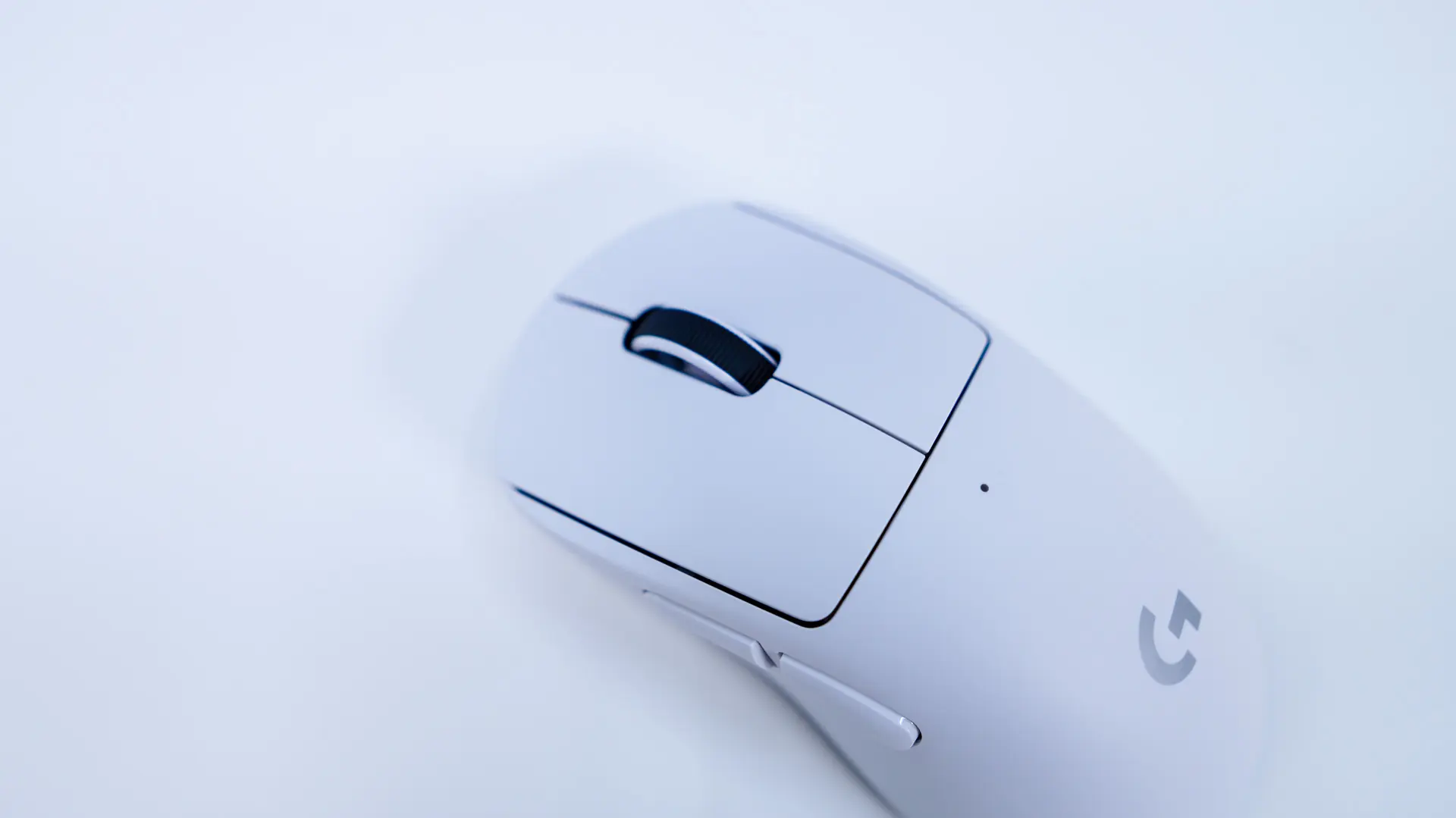
Sitting between those buttons is your scroll wheel. This scroll wheel is wrapped in rubber for a better grip and has a pretty good feel to it overall.
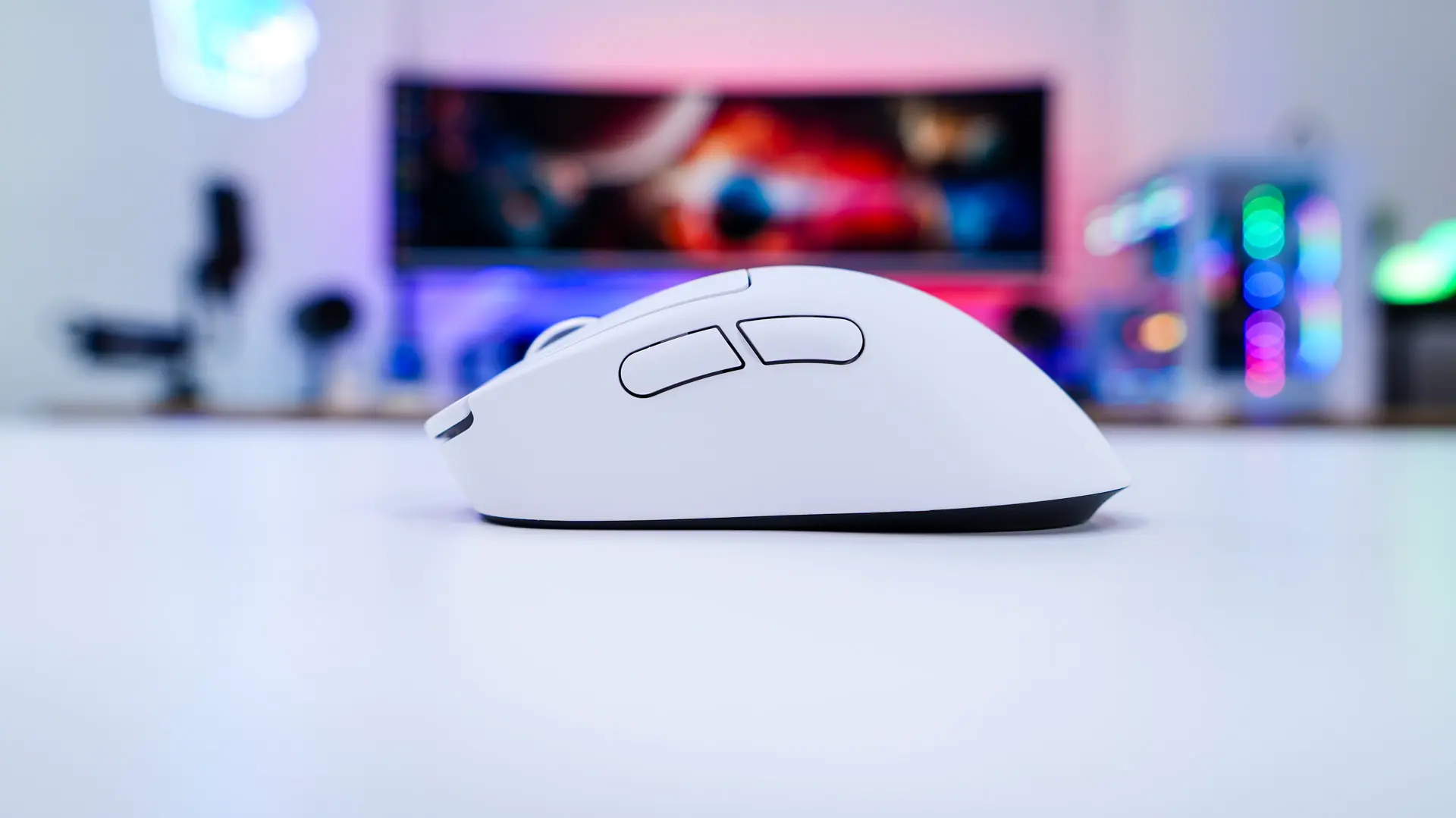
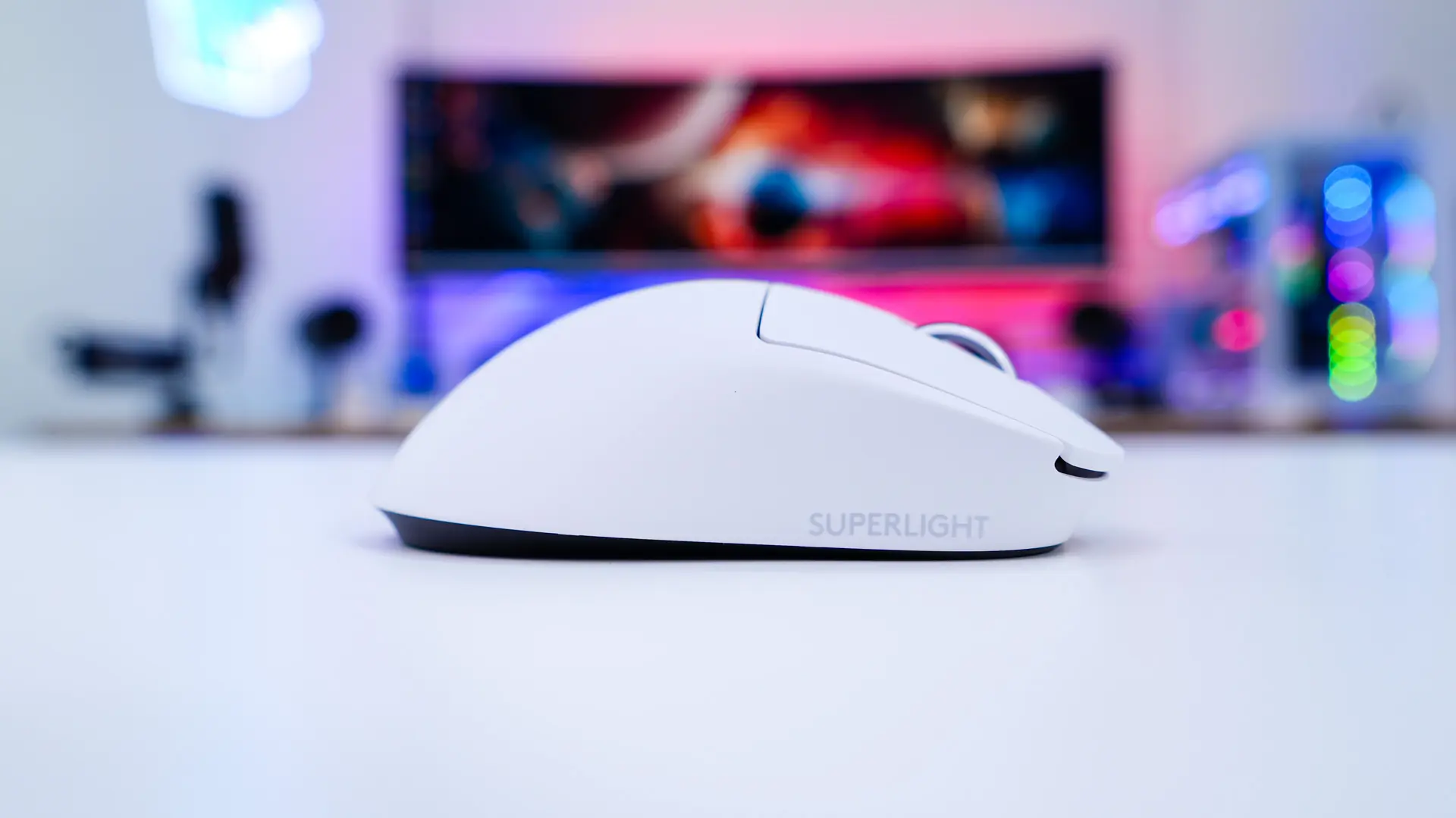
Looking at the mouse from the side we get a better idea of the shape, more specifically the “hump”. On the right side we find back and forward buttons. The left side does not have any buttons, but there is a small SUPERLIGHT logo. There are no grips or different textures on the sides of the mouse, but remember Logitech does provide grip tape if you need it.
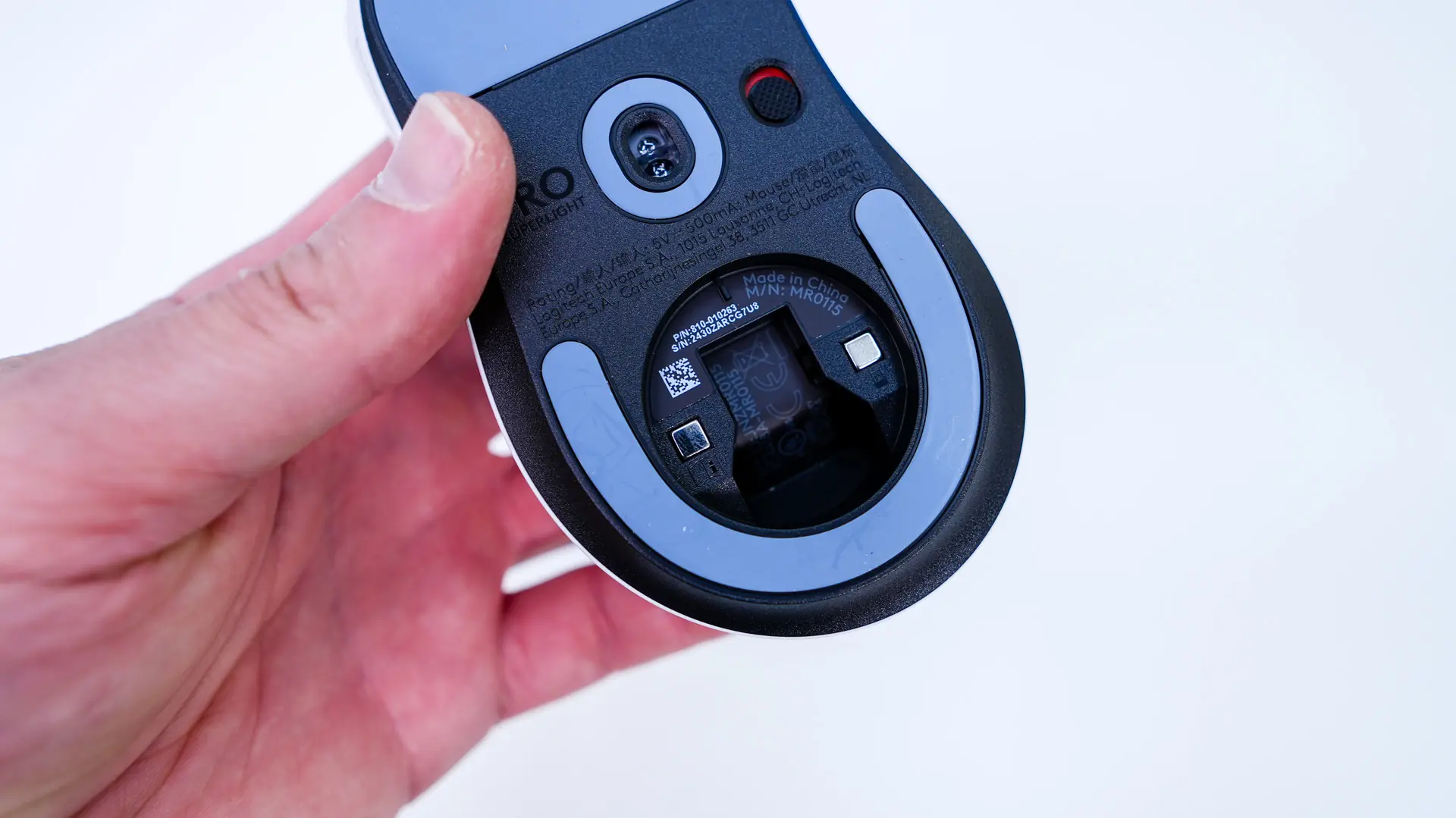
Flipping the mouse over we find some very large mouse feet, especially towards the top of the mouse. In the center of the mouse is of course the sensor, which is the LOGITECH HERO 2 sensor that offers tracking at over 888 IPS, 88 G, and up to 44,000 DPI. Right next to it is a mode button to turn the mouse on.
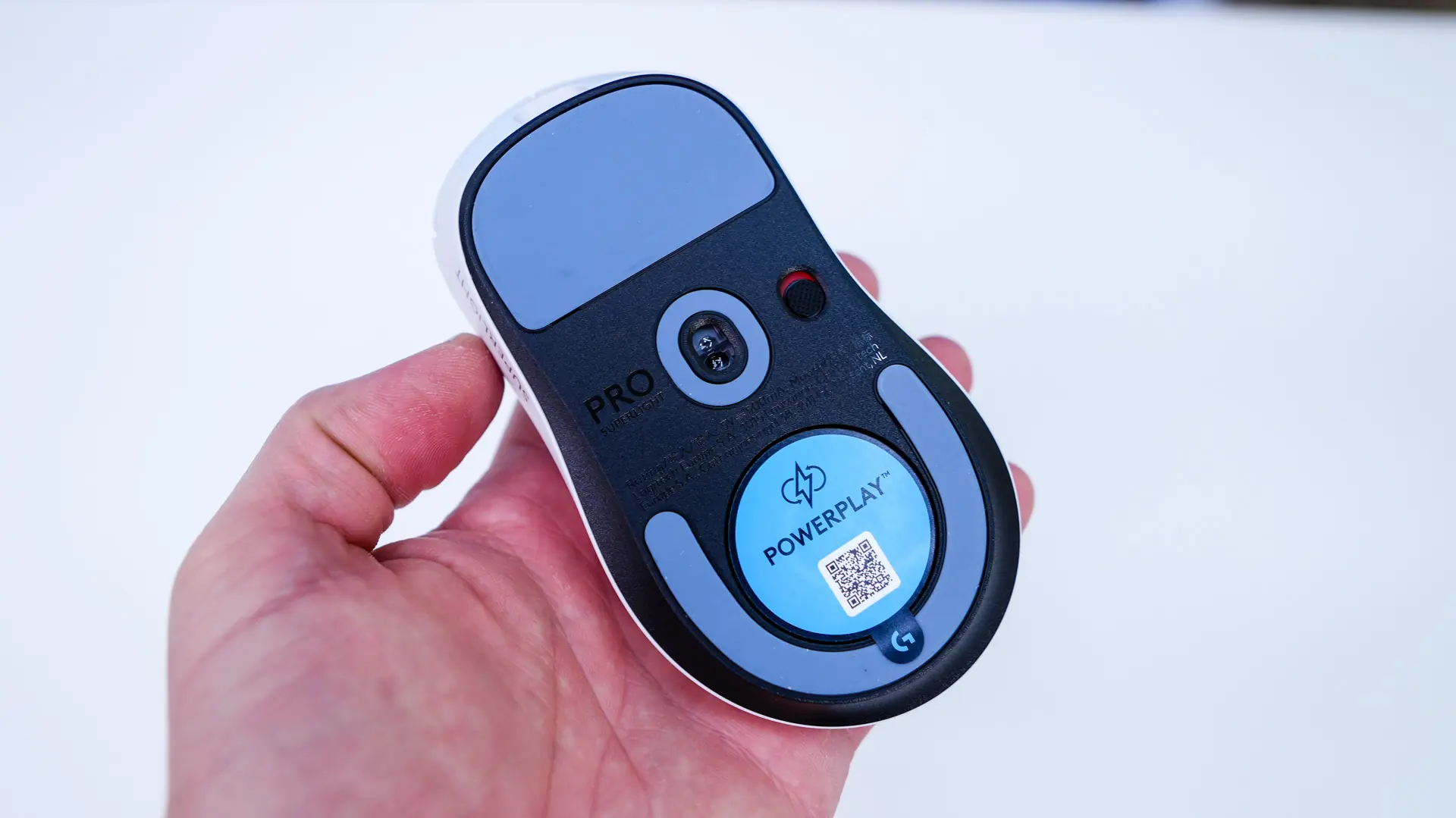
There is a door on the bottom of the mouse that can be removed. Inside you’ll find a spot for the USB receiver.