MCHOSE x Unbox Therapy UT98 Mechanical Keyboard Overview
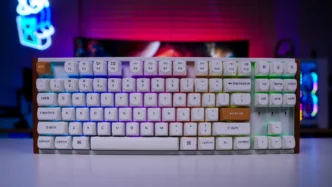
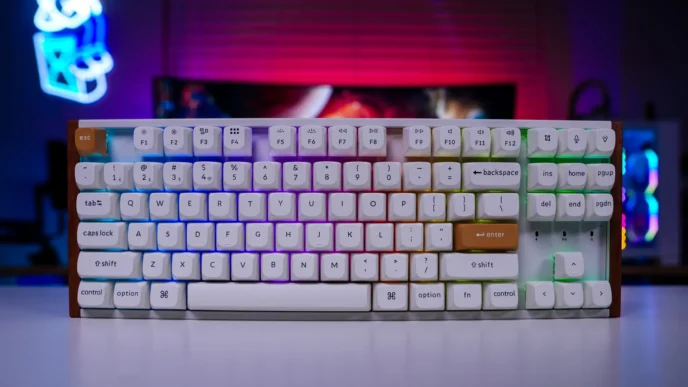
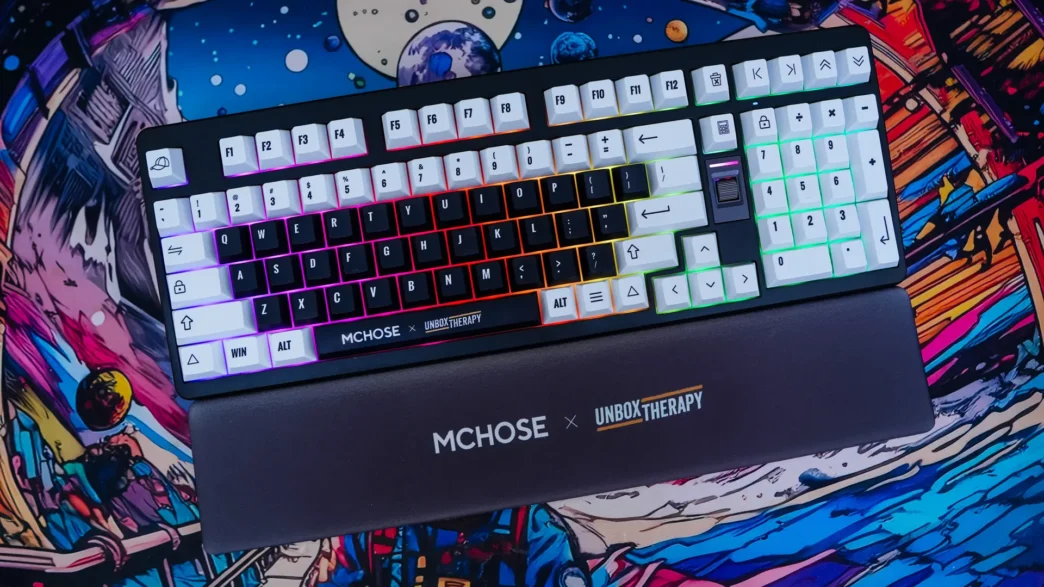
To start things off we received the “Classic Therapy” colorway of the keyboard. This colorway has a black chassis with a combination of black and white keycaps. The other colorway that you can choose from is the “Retro Therapy” that has a white chassis with a combination of grey, orange, and black keycaps.

The keyboard itself has a 98% layout, so it is essentially a full-size keyboard, but MCHOSE is using a compact layout so many of the unimportant keys have been removed and the numberpad has been moved closer to the main area of the keyboard. Notable things that are a bit different about this keyboard are the volume slider that is between the main part of the keyboard and the numberpad, the dedicated calculator key that is right above it, a dedicated delete key above that, and the home, end, page up, and page down keys, which sit above the numberpad. Based on their keycaps I actually though these were multimedia keys at first.
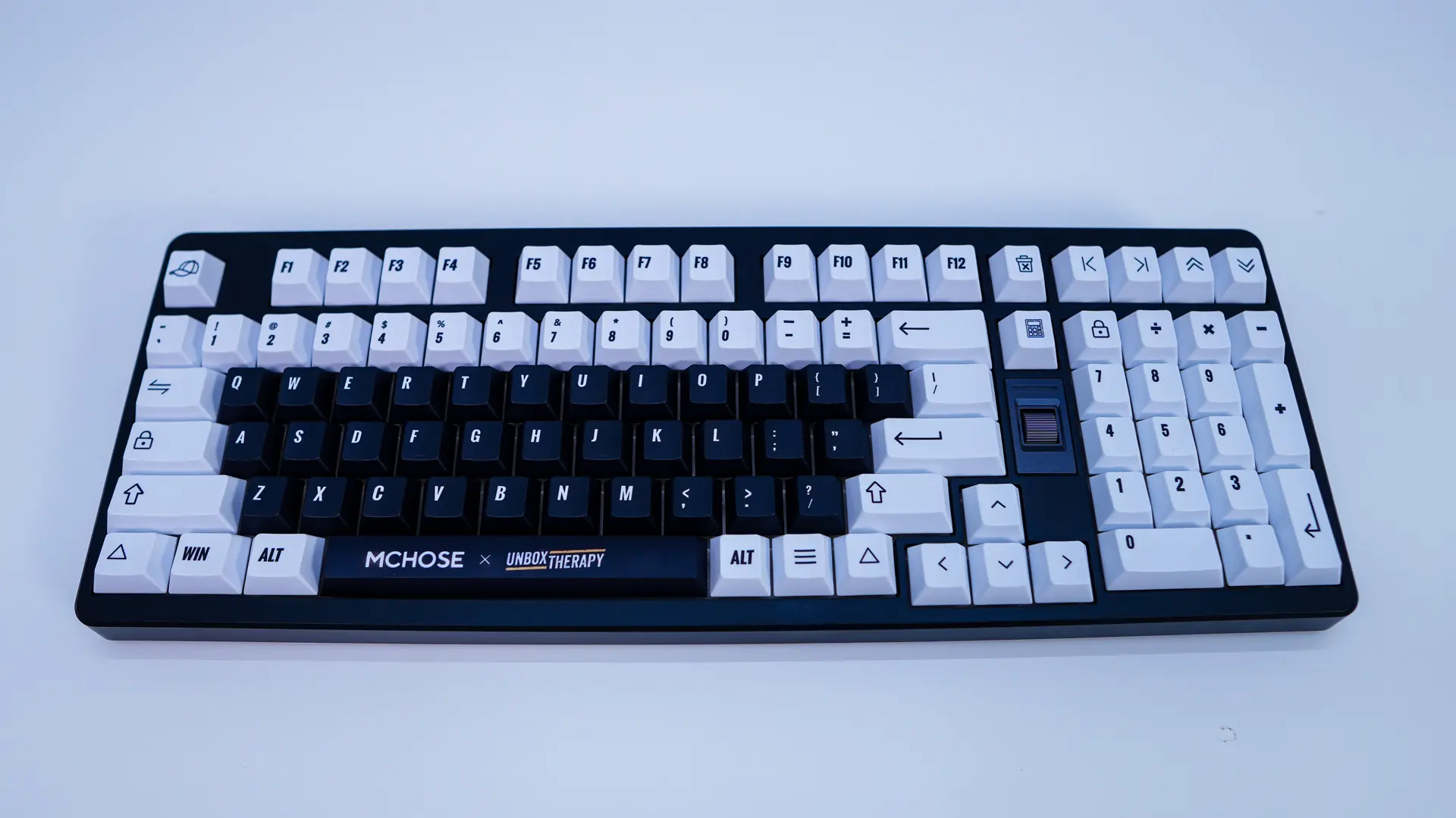
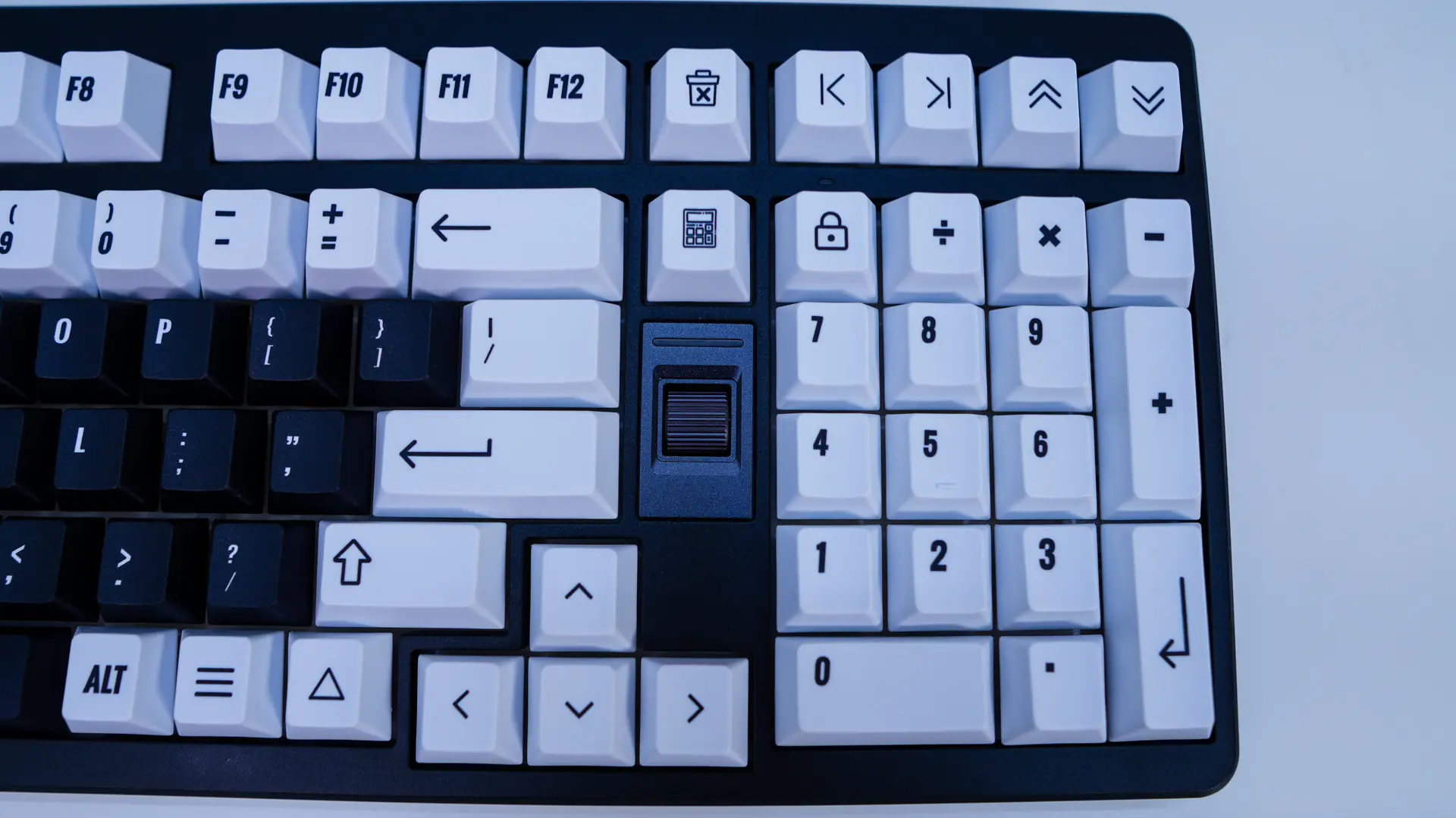
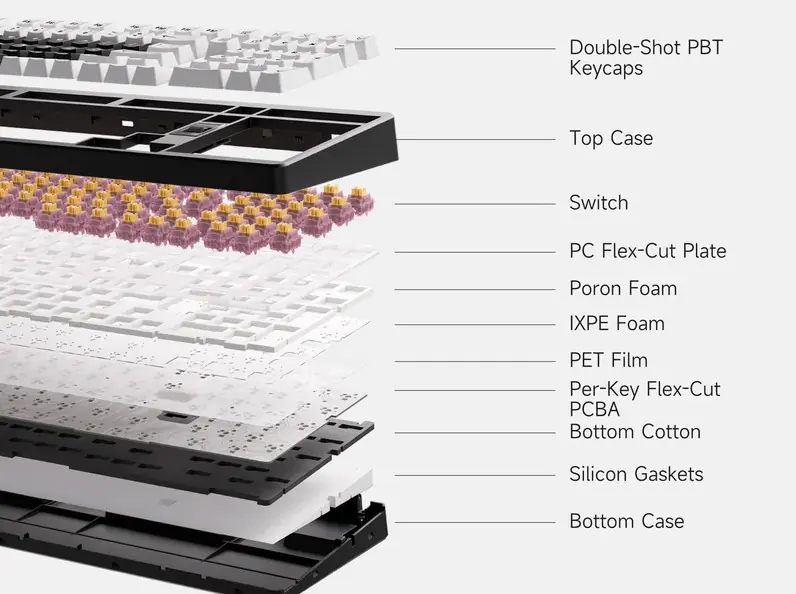
The keycaps themselves are in a Cherry profile, which most people know pretty well. Your outer keycaps are going to be white, with the inner keycaps being black. The keycaps are double-shot PBT, but have a smooth finish. They feature printed legends which have the same typeface as the Unbox Therapy logo and you’ll find that the ESC keycap has a hat on it and the spacebar has the Unbox Therapy logo.
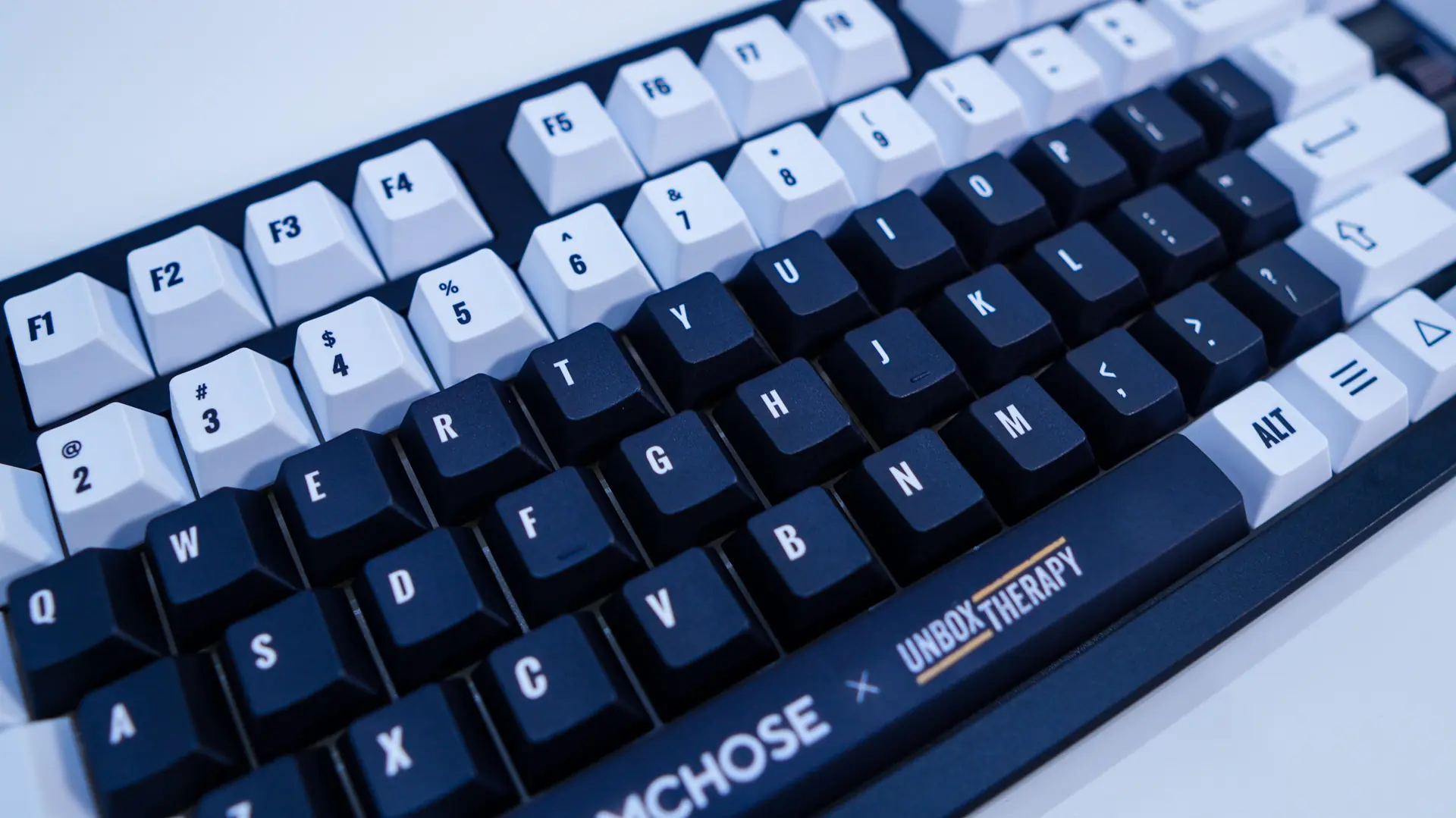
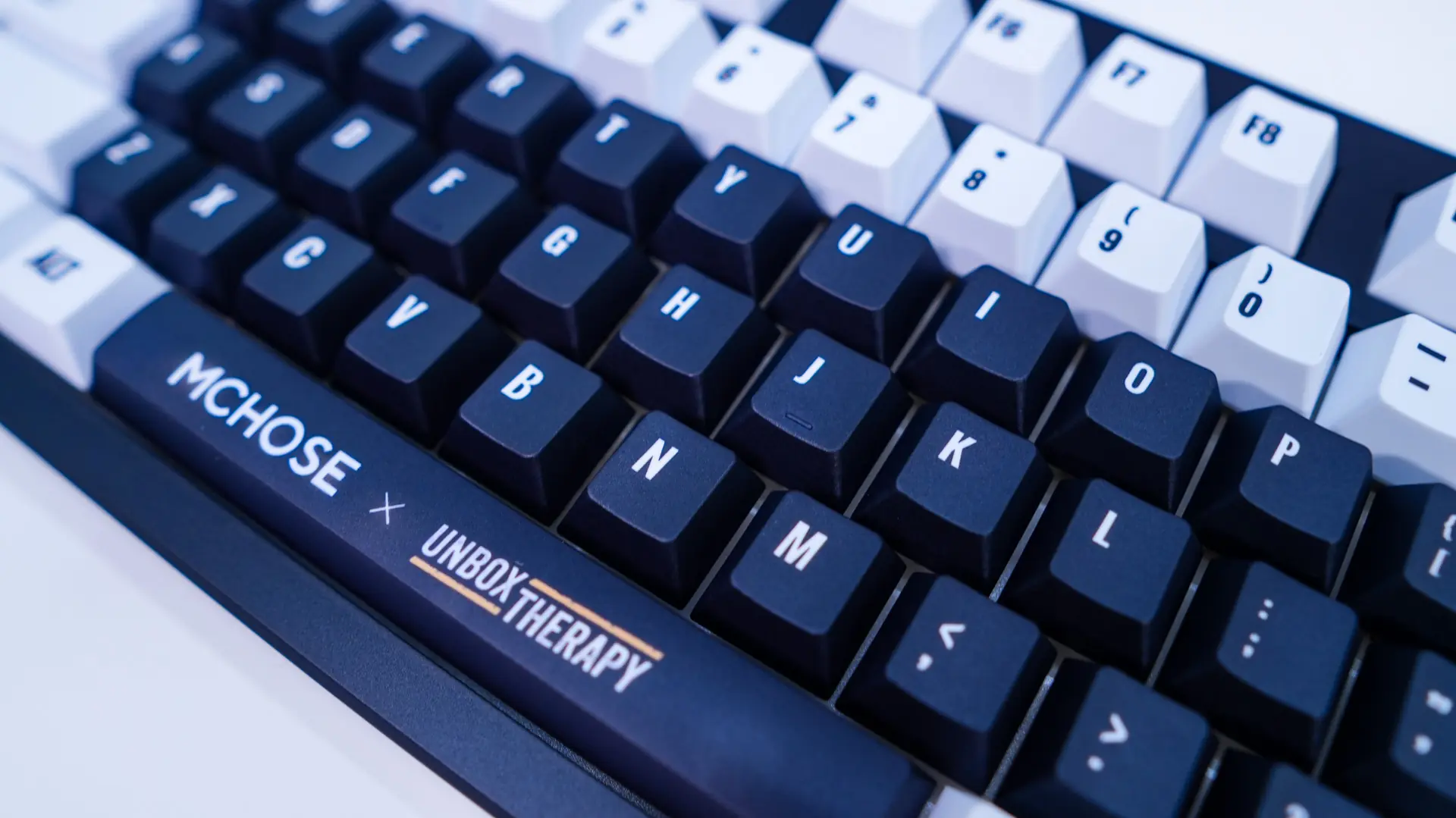
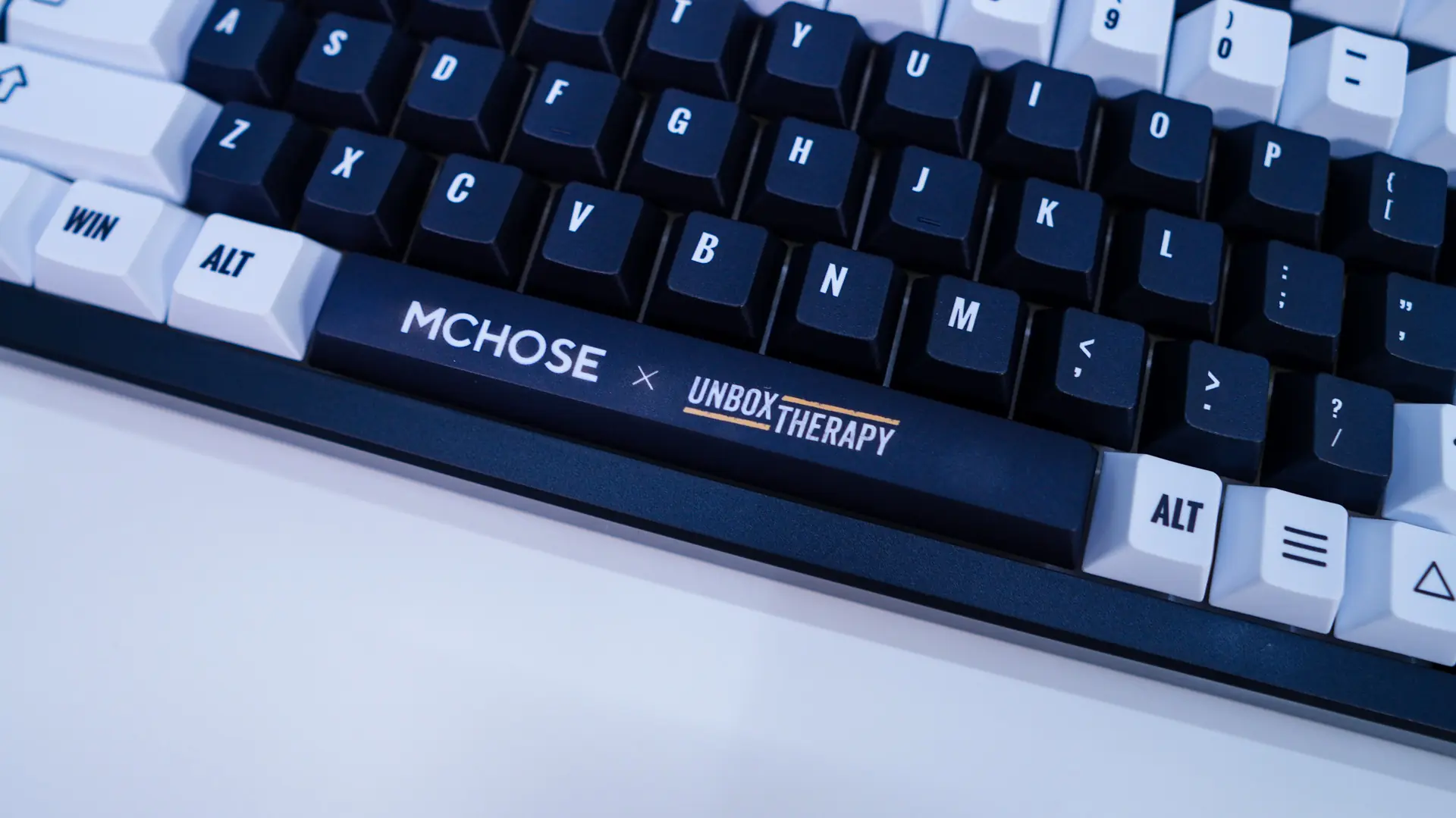

Under the keycaps are going to be your mechanical key switches, which in our case are going to be the Icy Creamsicle Switch. This is a linear switch with an operating force of 42g, pre-travel of 1.3mm, and total travel of 3.5mm. The keyboard is hot-swappable if you ever wanted to swap out the switches down the line.

Under the hood you are going to find a gasket-mount design with five layers of sound-dampening to reduce vibration, soften impact, and deliver a satisfying typing sound.
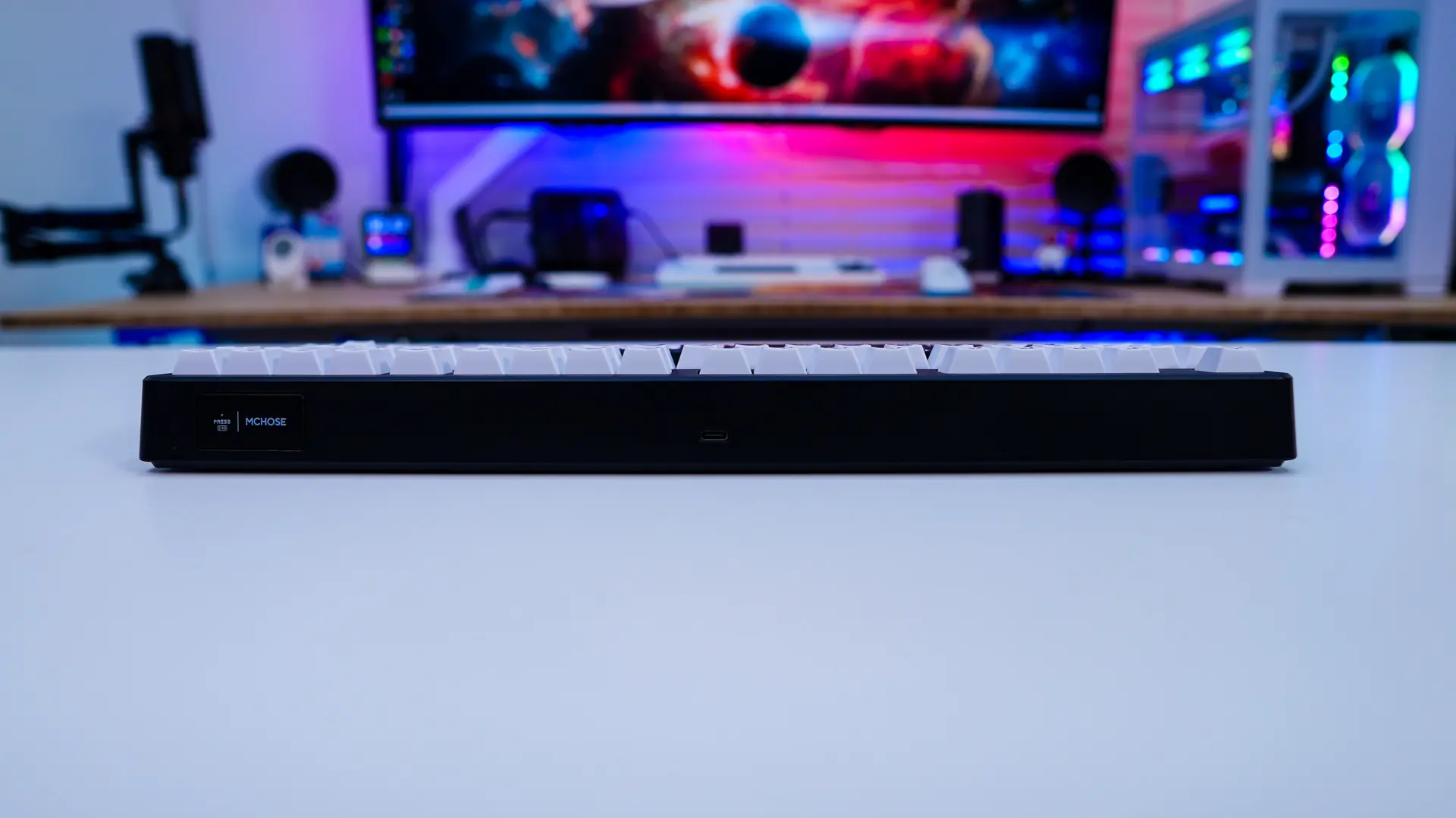
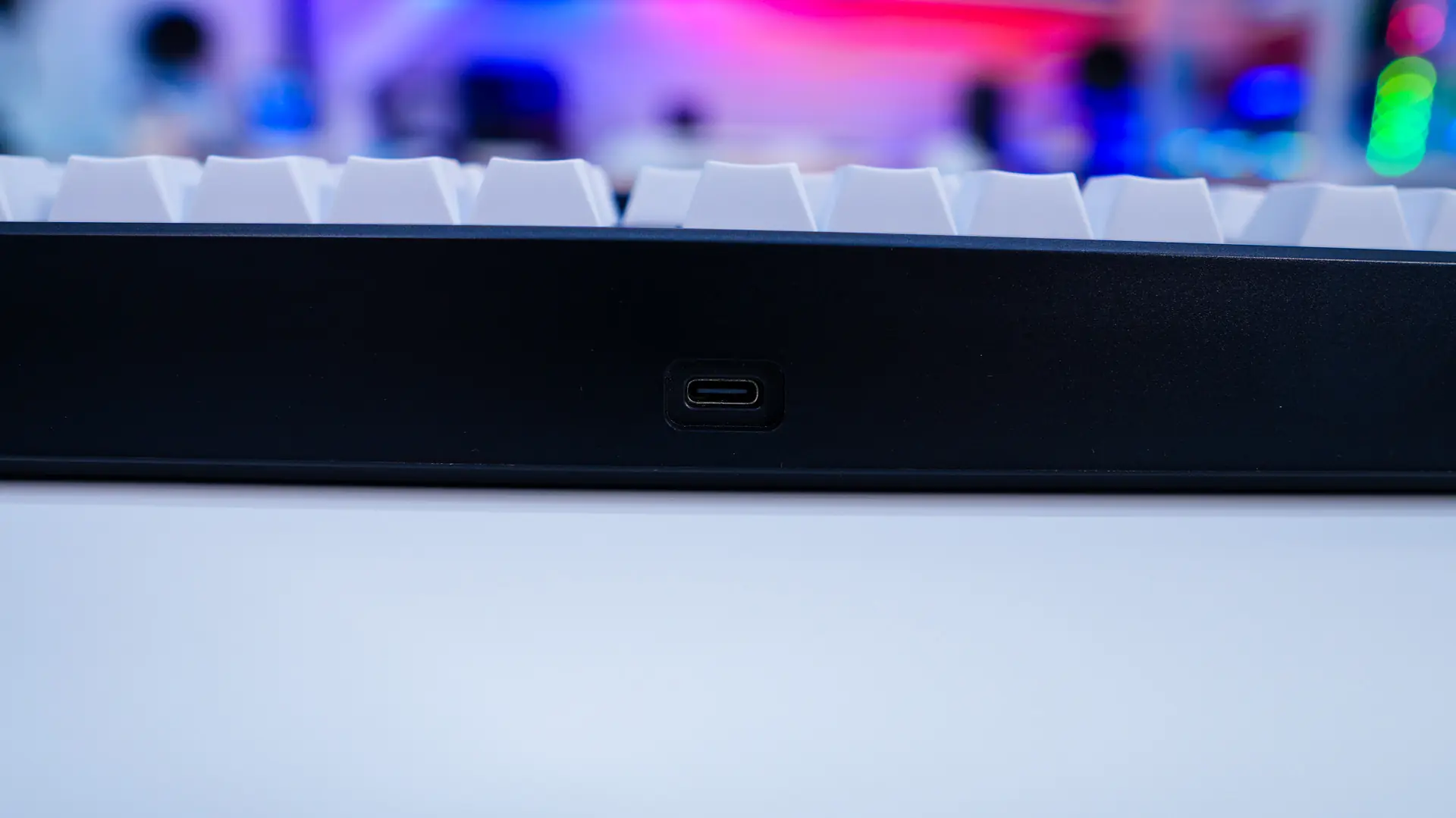
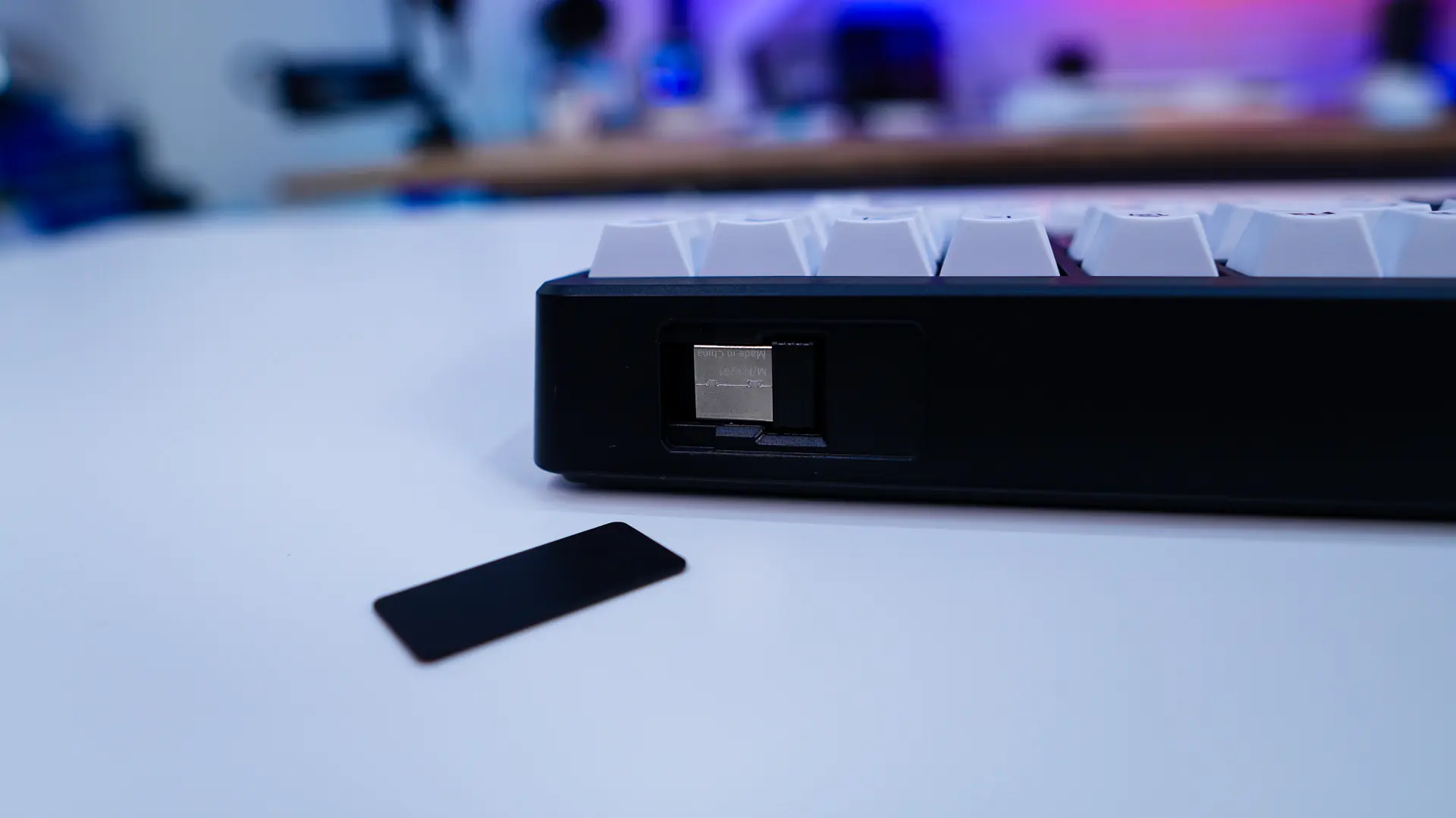
On the top-edge of the keyboard you will find a USB-C connection to use with the supplied cable. There is also a small magnetic door, which once you remove it reveals the 2.4 GHz dongle. I always like when wireless keyboards actually have a place to hold the 2.4 GHz dongle as they are quite easy to misplace. This is of course a tri-mode keyboard so you can use it wired, wireless via Bluetooth, and wireless with the 2.4 GHz dongle.
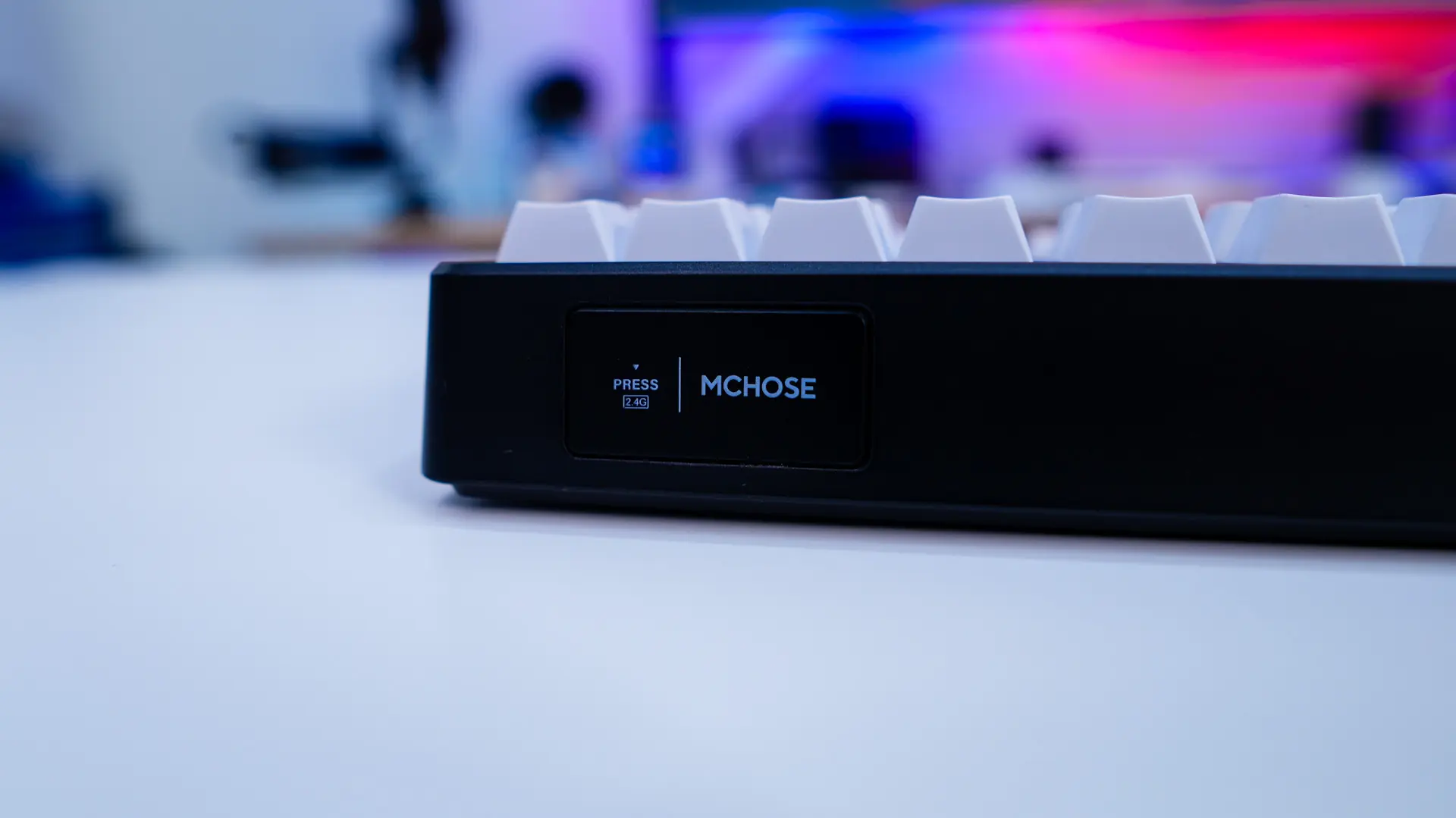
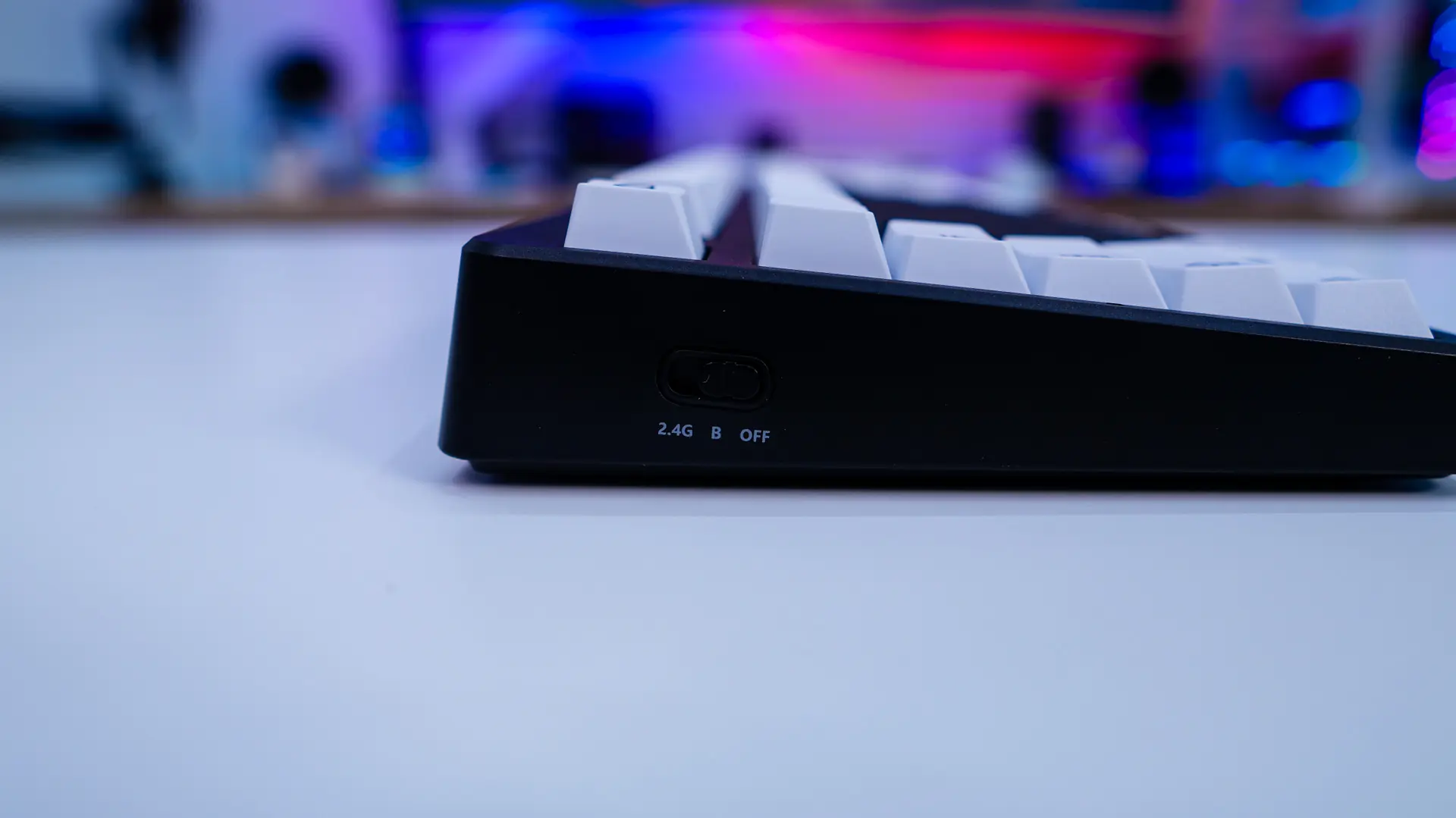
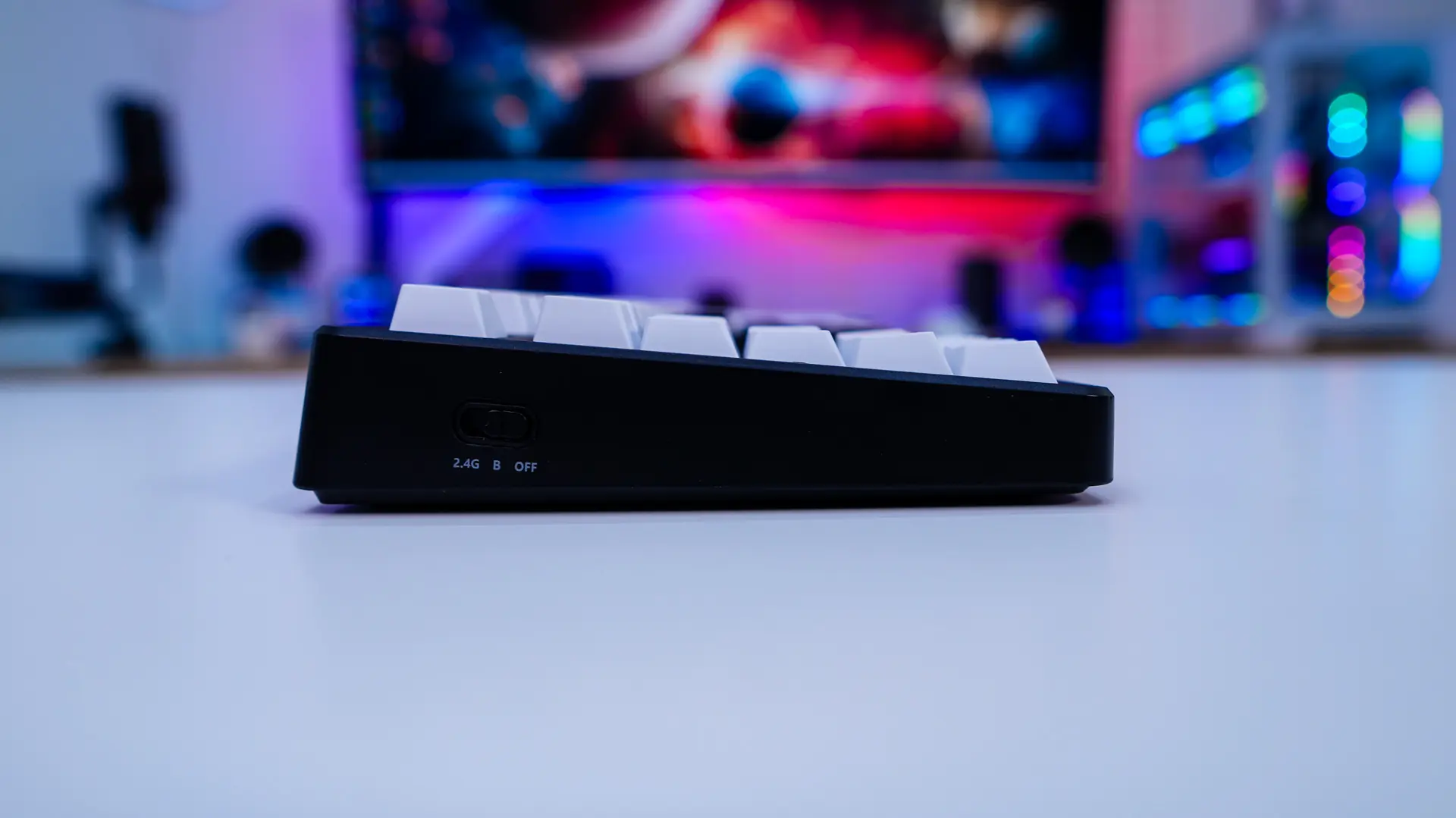
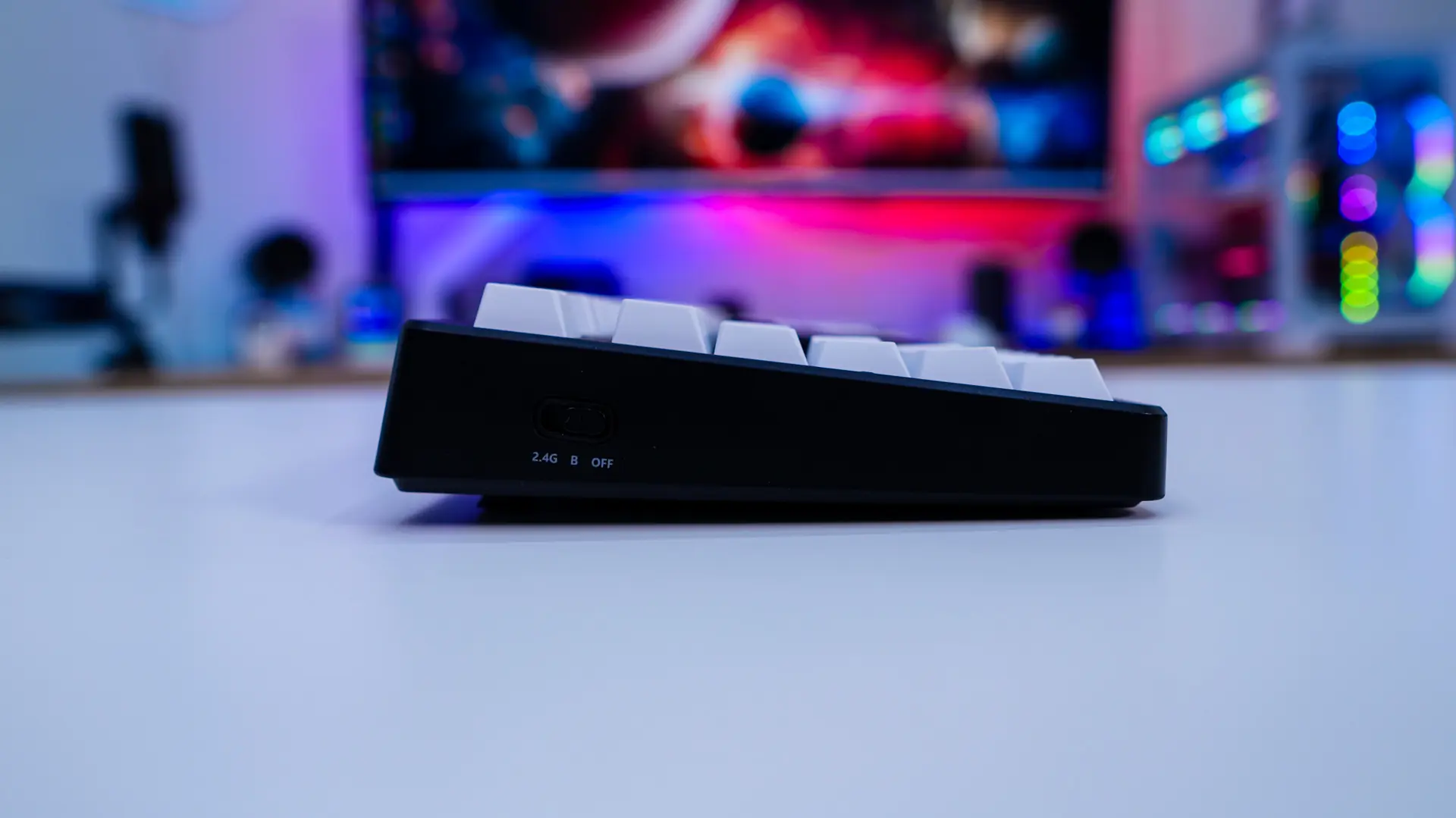
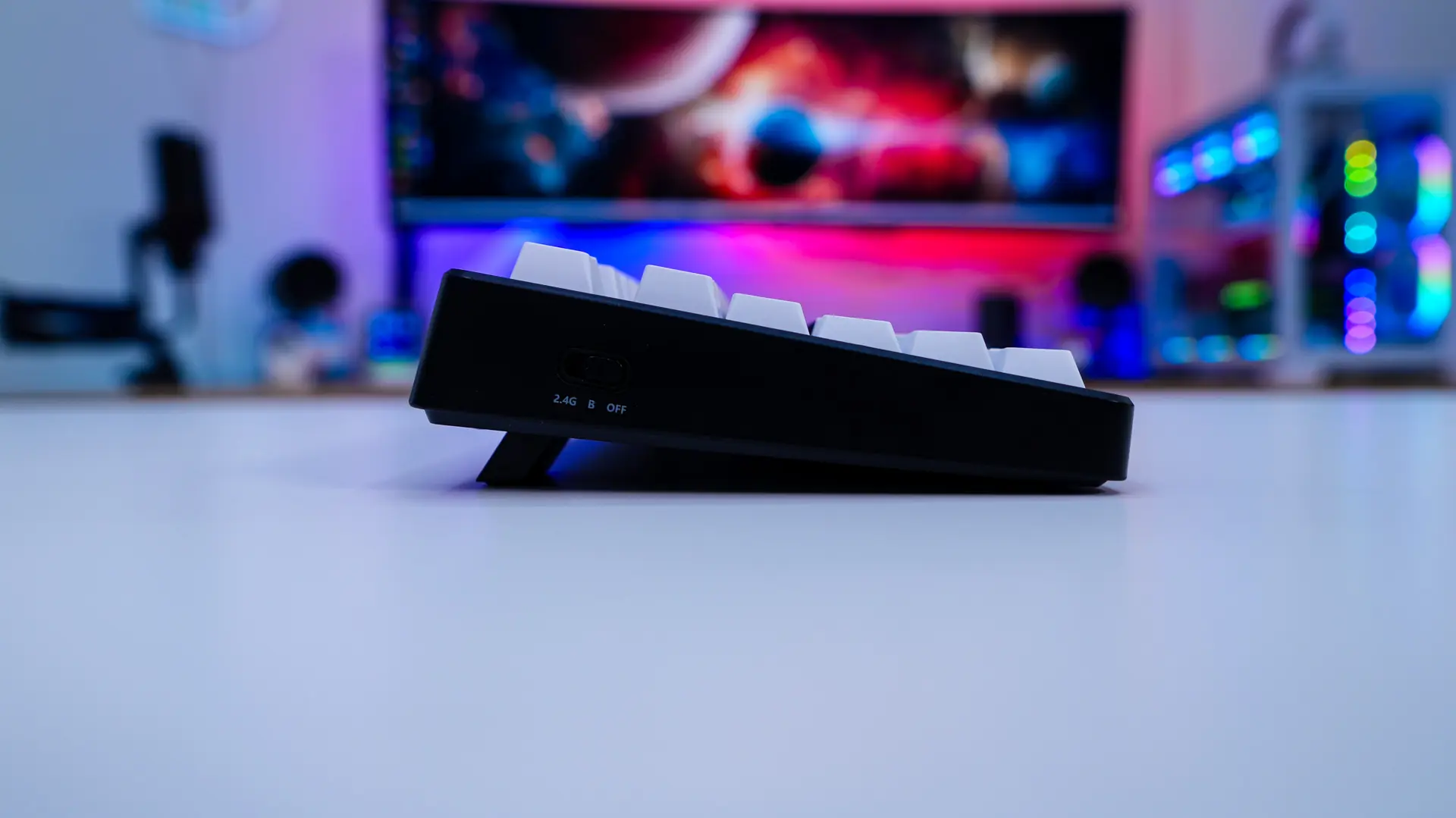
Looking at the keyboard from the side we can actually see the physical switch that allows you to switch between the different modes. The keyboard will sit at a slight angle, but with the pop-out feet you get two more angle adjustments.
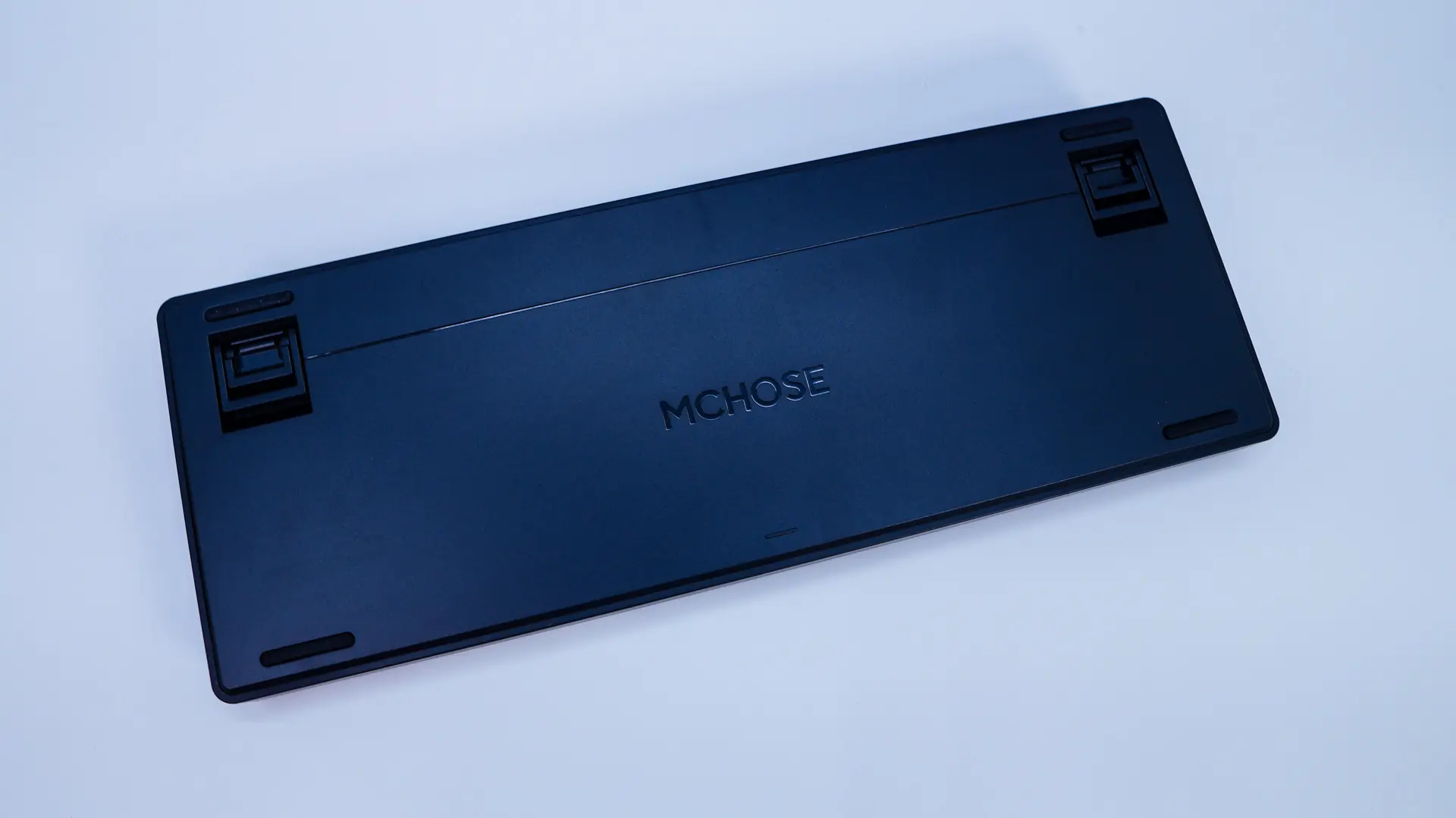
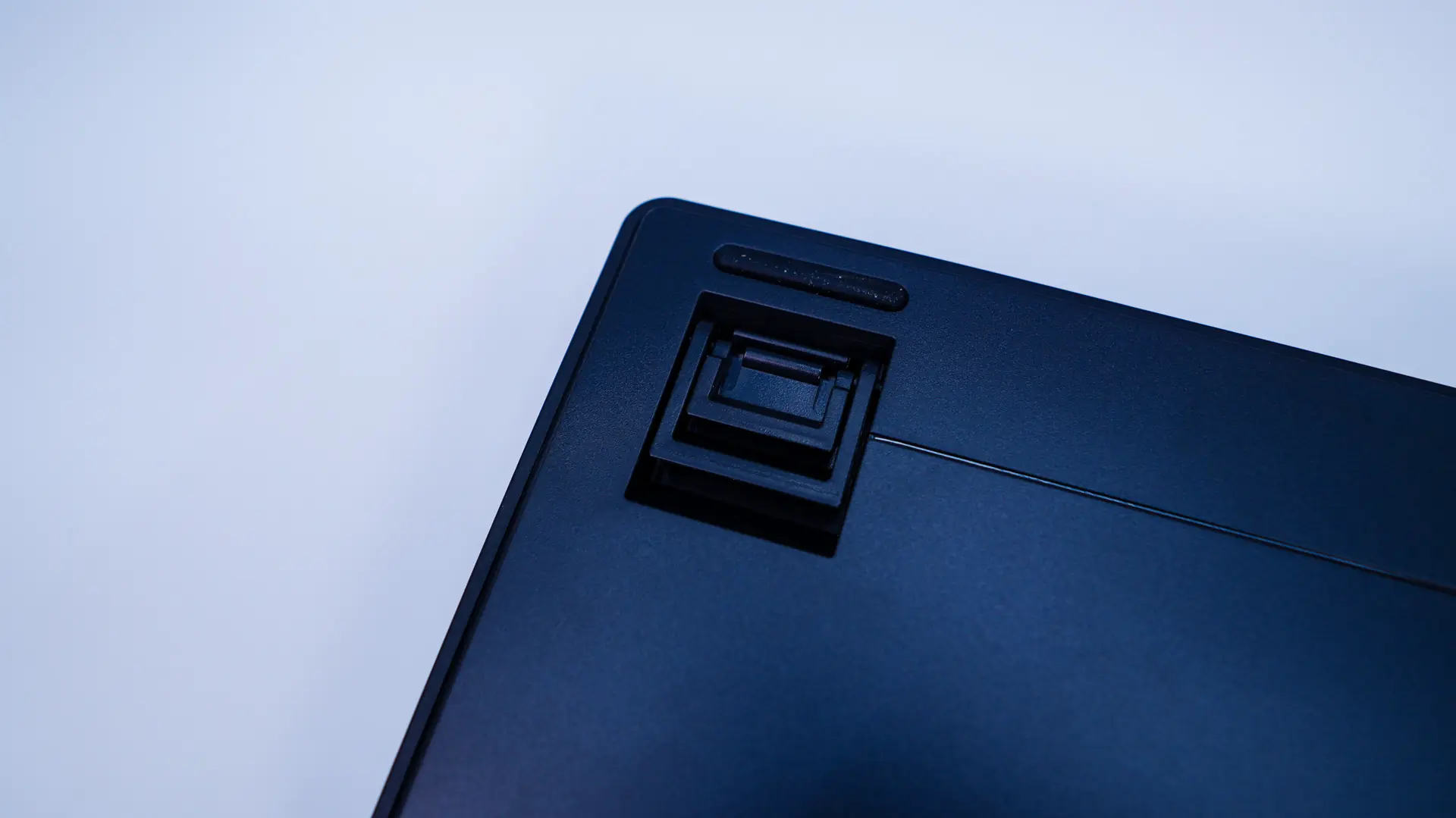
Flipping the keyboard over you’ll find those pop-out feet as well as for rubber feet to keep the keyboard from moving around on your desk.