Microsoft is finally overhauling one of the most persistent UI inconsistencies in Windows: the File Explorer is receiving full dark mode treatment across multiple Windows versions, addressing a decade-long demand from users for a visually cohesive experience throughout the operating system.
Key Takeaways
- Microsoft is extending dark mode to all aspects of File Explorer in Windows 10 and 11.
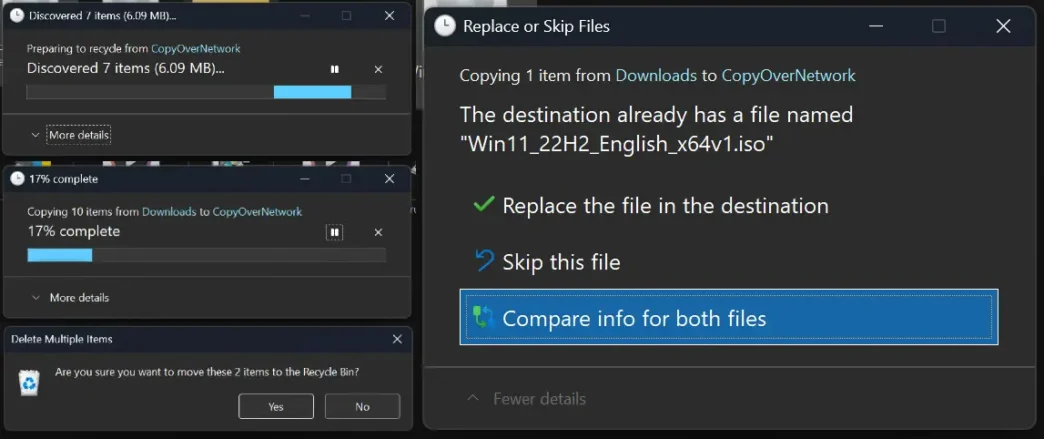
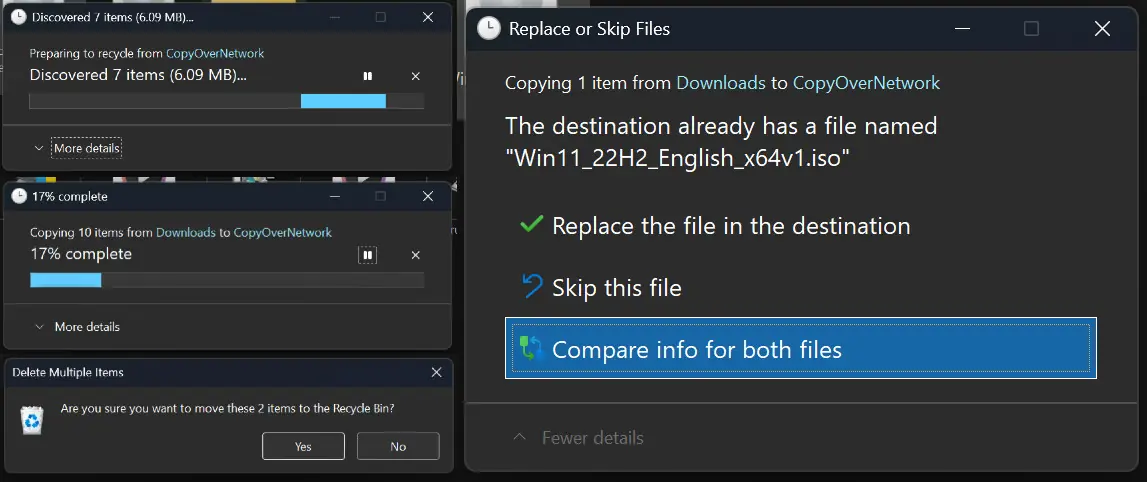
- Dialogs for file transfers, deletions, confirmations, and context menus now support dark mode.
- This update is available first to Windows Insider testers and will roll out to wider audiences later.
- Some legacy components, such as Control Panel and the Run dialog, still remain unaffected.
Visual Consistency Finally Achieved
With the new updates introduced in recent Windows Insider Preview builds, Microsoft is addressing a well-known pain point. While the main File Explorer interface could be set to dark, various action dialogs—such as those for copying, moving, or deleting files—remained stubbornly bright, often clashing with the overall UI theme. The new update ensures these windows, progress bars, and prompts all align with the selected system theme, offering a more unified and less jarring experience, particularly during extended work sessions in low-light environments.
Where It’s Rolling Out and How to Try It
The new and improved dark mode is now included in the latest Windows 11 Insider Dev Channel builds (notably build 26220 and later) and has been discovered in earlier beta builds as well. This means eager users willing to experiment can test the enhancements now, while mainstream users can expect availability in upcoming stable releases. Power users can also enable the feature manually using configuration tools, but for most, waiting for the public update is advised.
User Response and Ongoing Limitations
The update has been largely welcomed by users, who have long criticized Windows for its patchwork of modern and legacy design elements. Many appreciate the step toward a more visually harmonious interface. However, some are quick to point out that not all system components yet embrace the dark theme. Elements like classic Properties windows, parts of the Control Panel, and utility dialogs still appear in bright colors, highlighting the need for continued modernization.
Outlook: A Step Toward Modernization
While File Explorer’s dark mode now feels more complete, Microsoft acknowledges that achieving full visual cohesion across the OS is an ongoing effort. As some legacy components remain, further updates are expected over the coming months. For now, the latest update marks significant progress in bringing Windows’ appearance up to modern expectations, especially for users prioritizing eye comfort and interface consistency.
Via Windows Blog