


A Look Inside the MSI MAG Pano 100L PZ Case
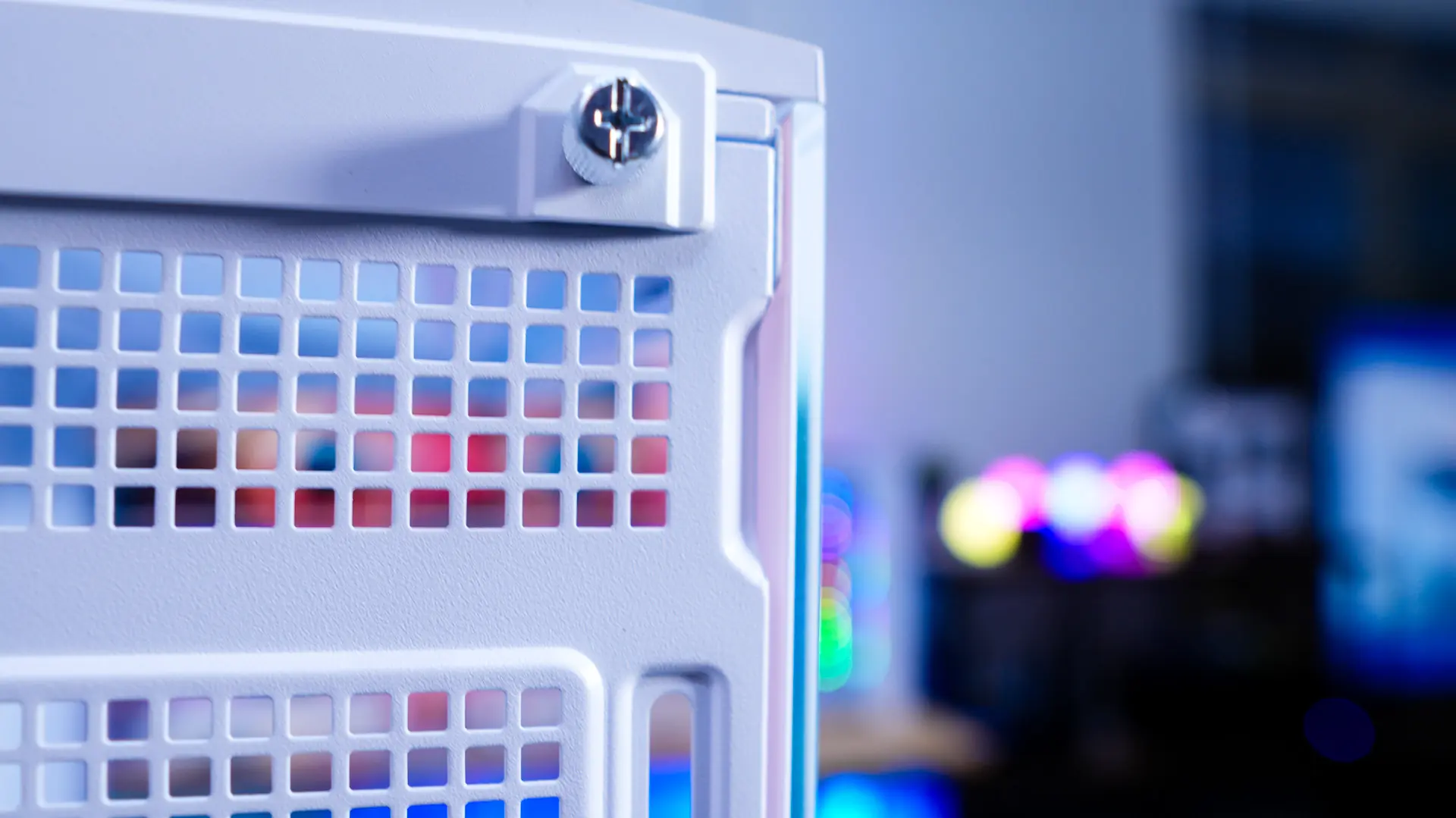
Getting inside the MAG Pano 100L PZ is quite easy. On the back of the case towards the top you’ll find an indent by each panel that allows you to pop off each panel.
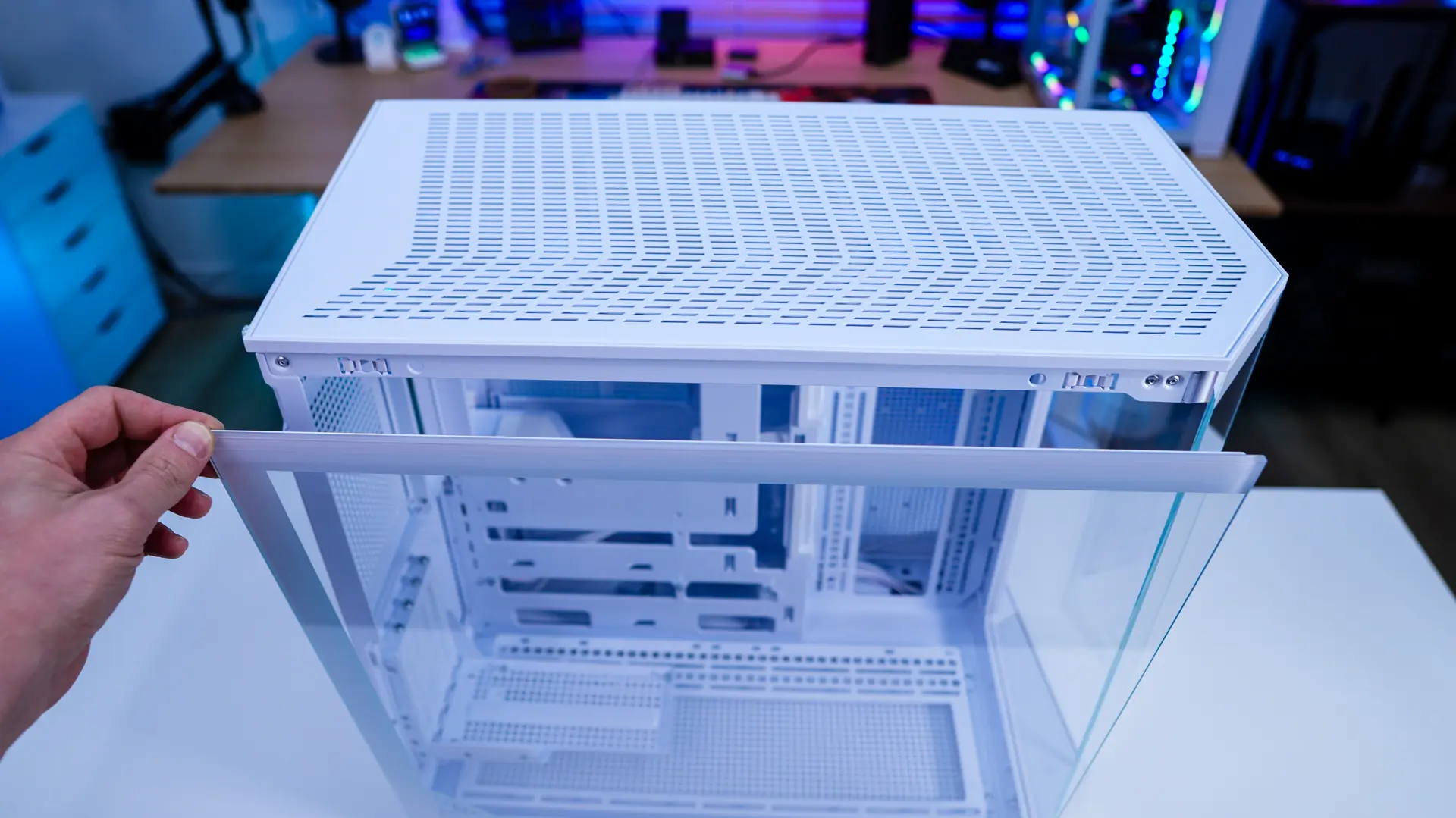
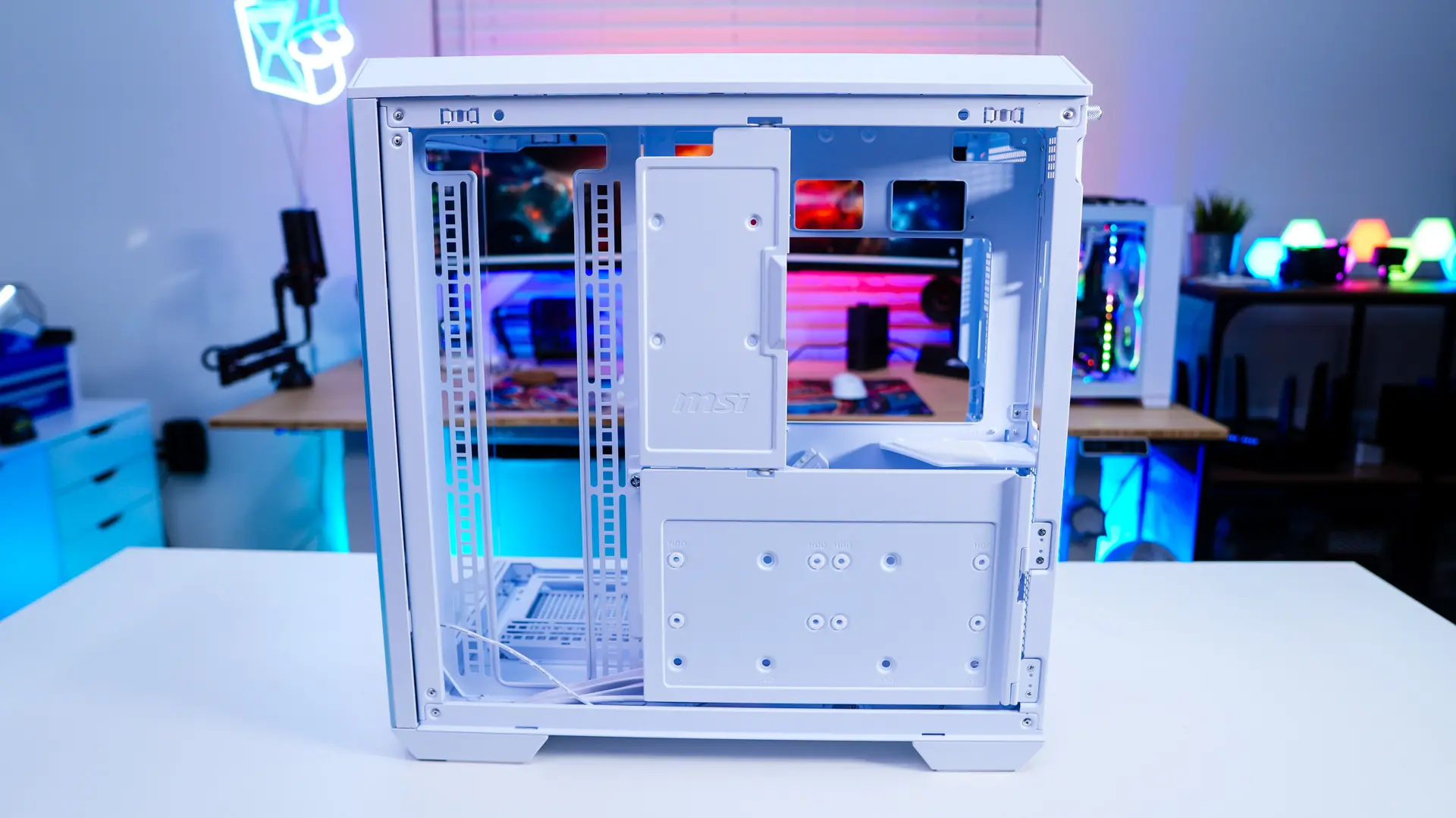
With the main panel removed we can see how the MAG Pano 100L PZ is designed. The inside of the case is all white, so if you were planning for an all white build this is going to be the perfect case. As far as motherboard support you can install mini-ITX, Micro-ATX, and ATX motherboards. There are multiple cut-outs in the motherboard tray as you do have support for back connect motherboards like MSI’s own Project Zero and ASUS BTF.
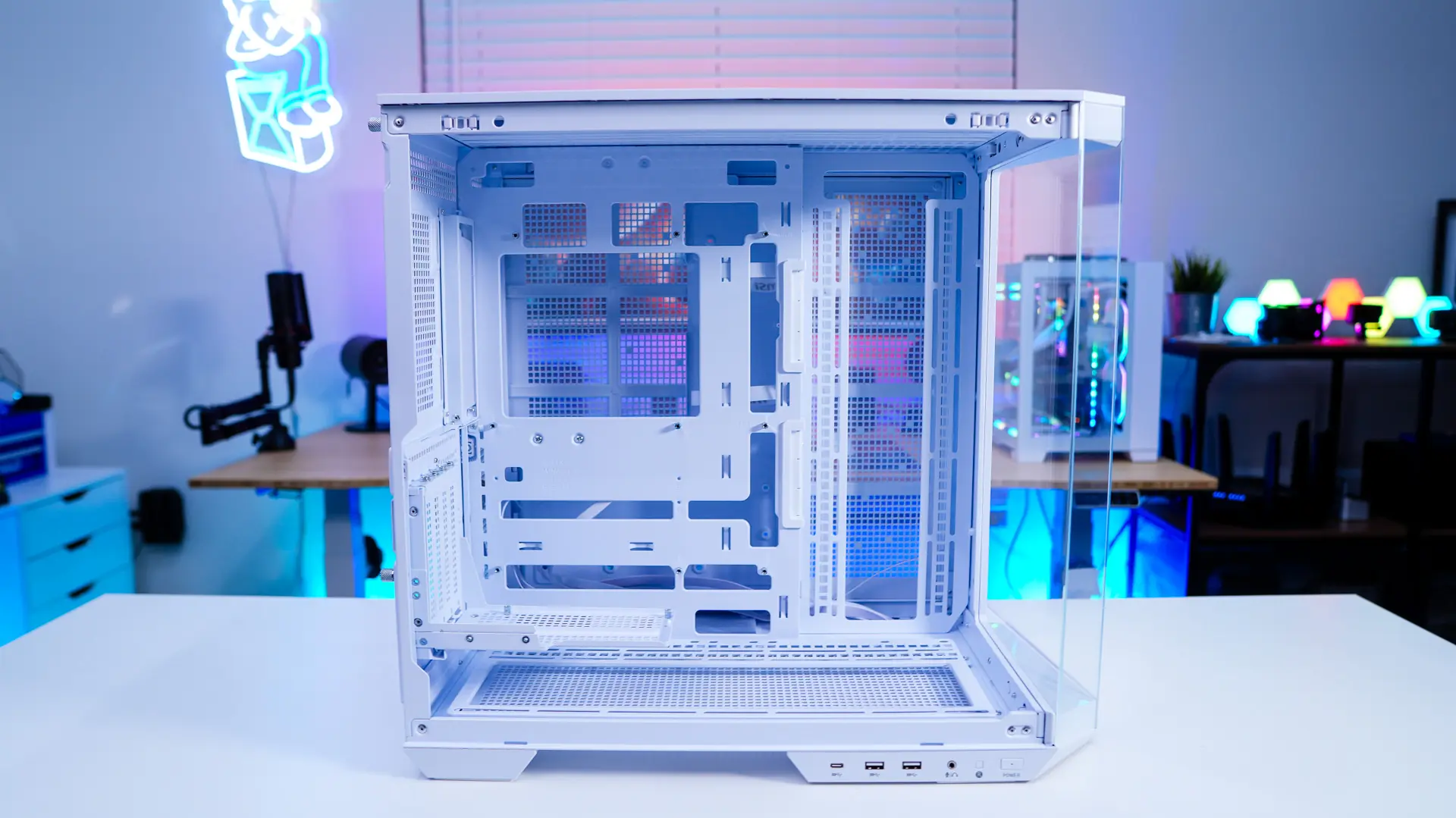
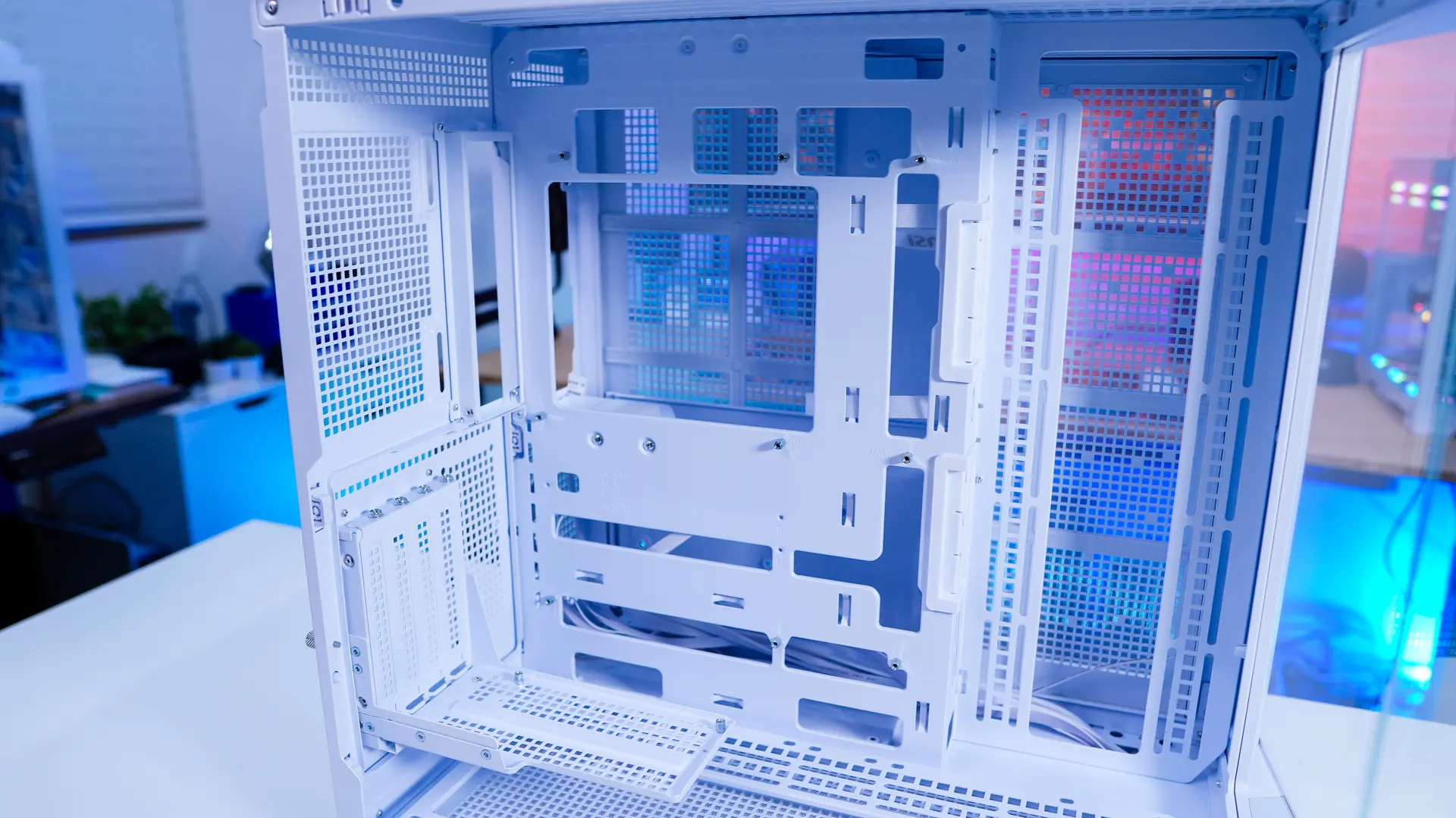
The entire bottom of the case is ventilated and there is a cooling bracket that extends the bottom of the case. Unlike the top cooling bracket, this one is removable. This cooling bracket supports three 120mm fans, two 140mm fans or two 160mm fans. Of course there is support for 360mm radiators as well.
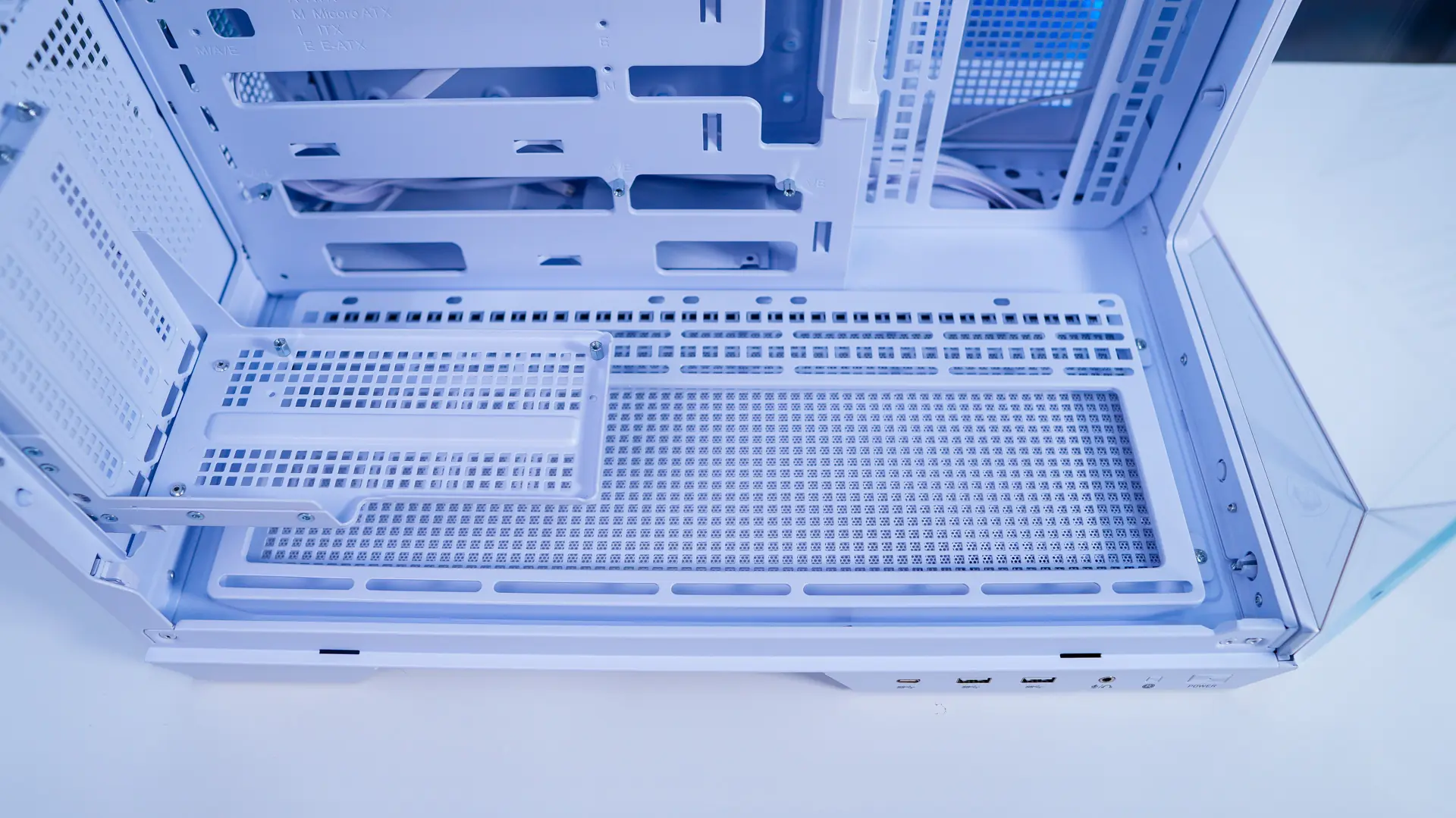
The vertical GPU bracket is a 4-slot bracket so it is going to be able to support the largest graphics cards like the RTX 4090 / RTX 5090.
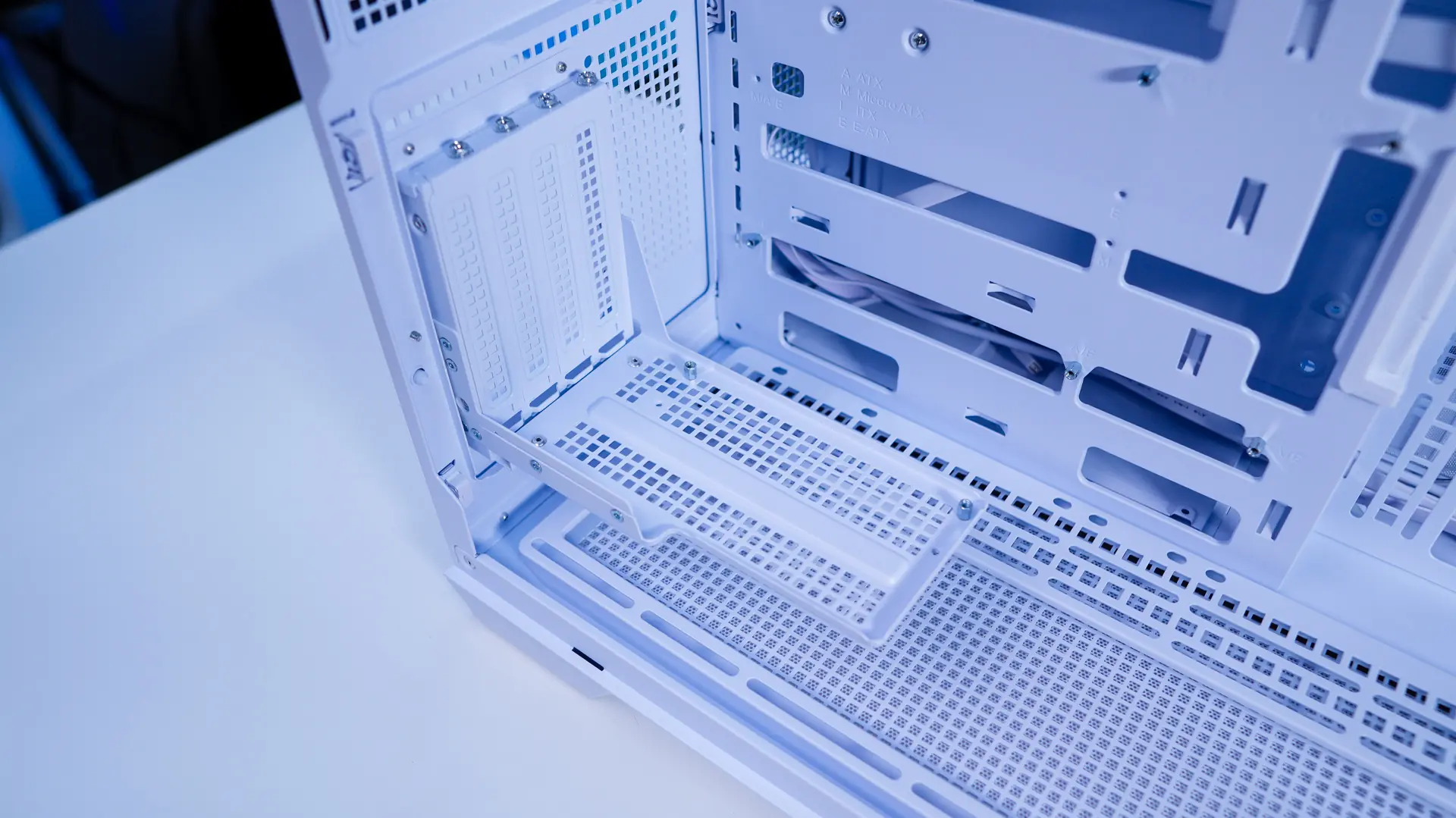
Towards the front of the case there is a side-mount cooling bracket. This will support three 120mm fans or two 140mm fans as well as radiators up to 360mm. At the back of the case there is an exhaust fan mount that supports a single 120mm fan.
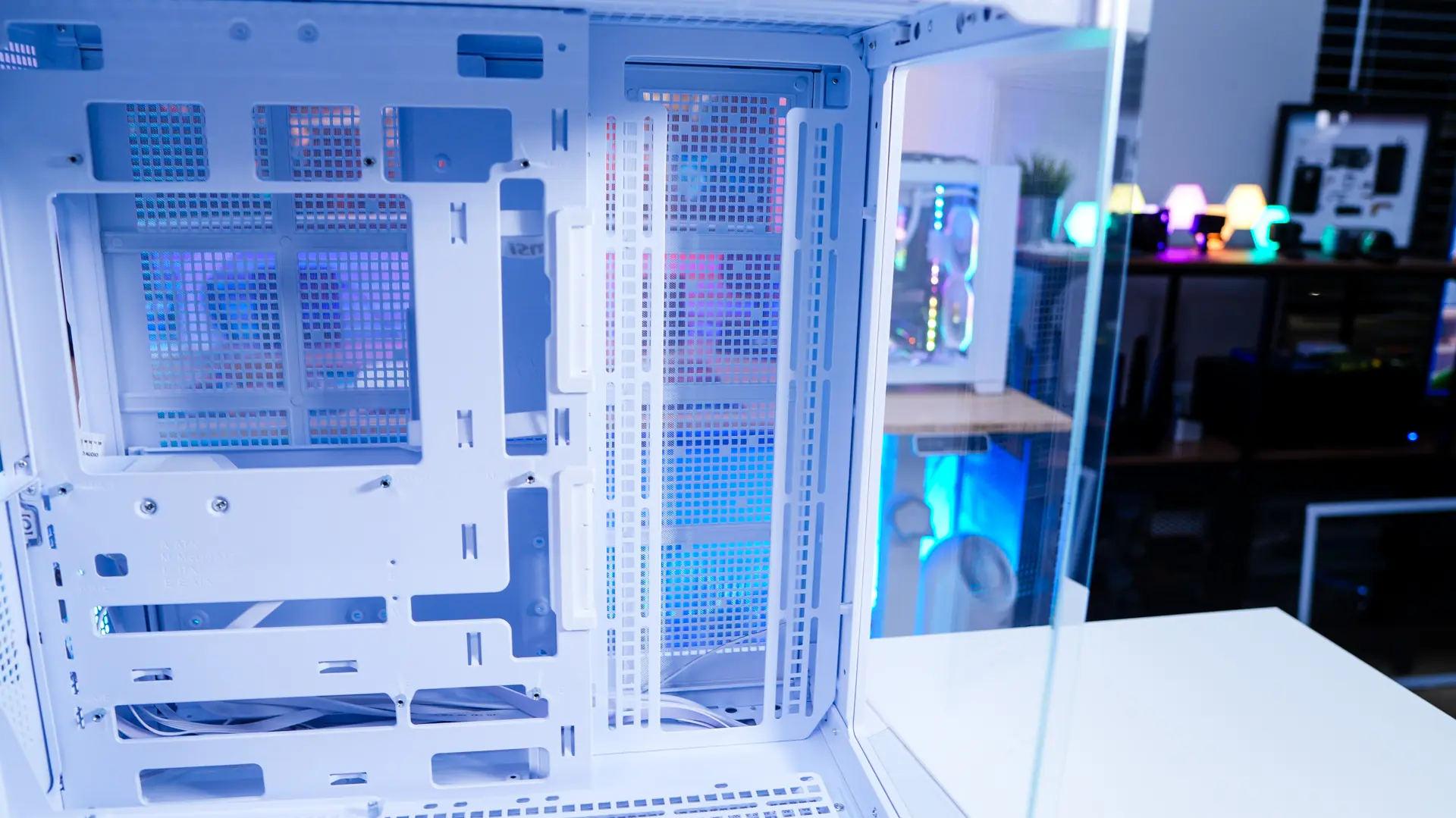
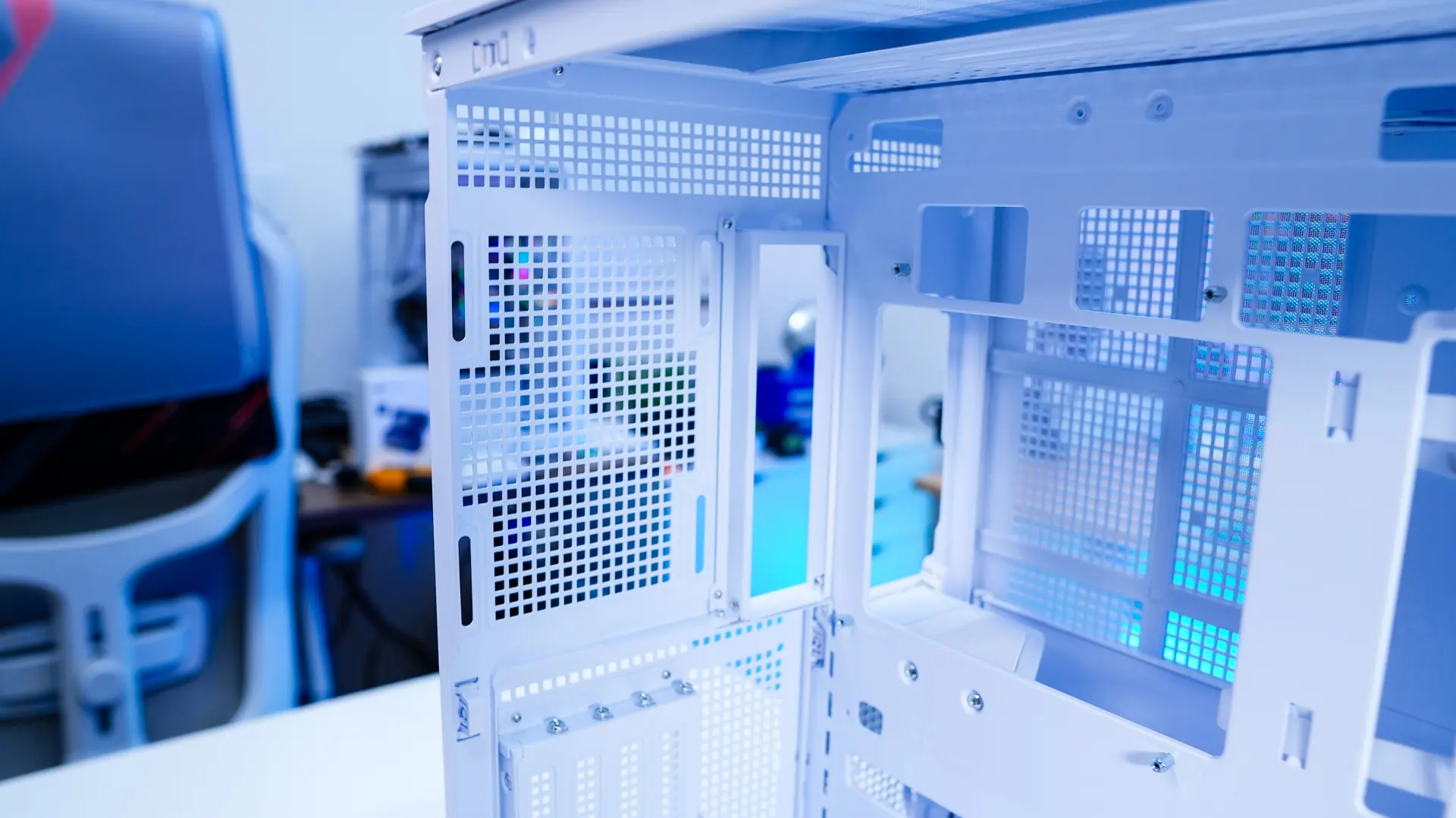
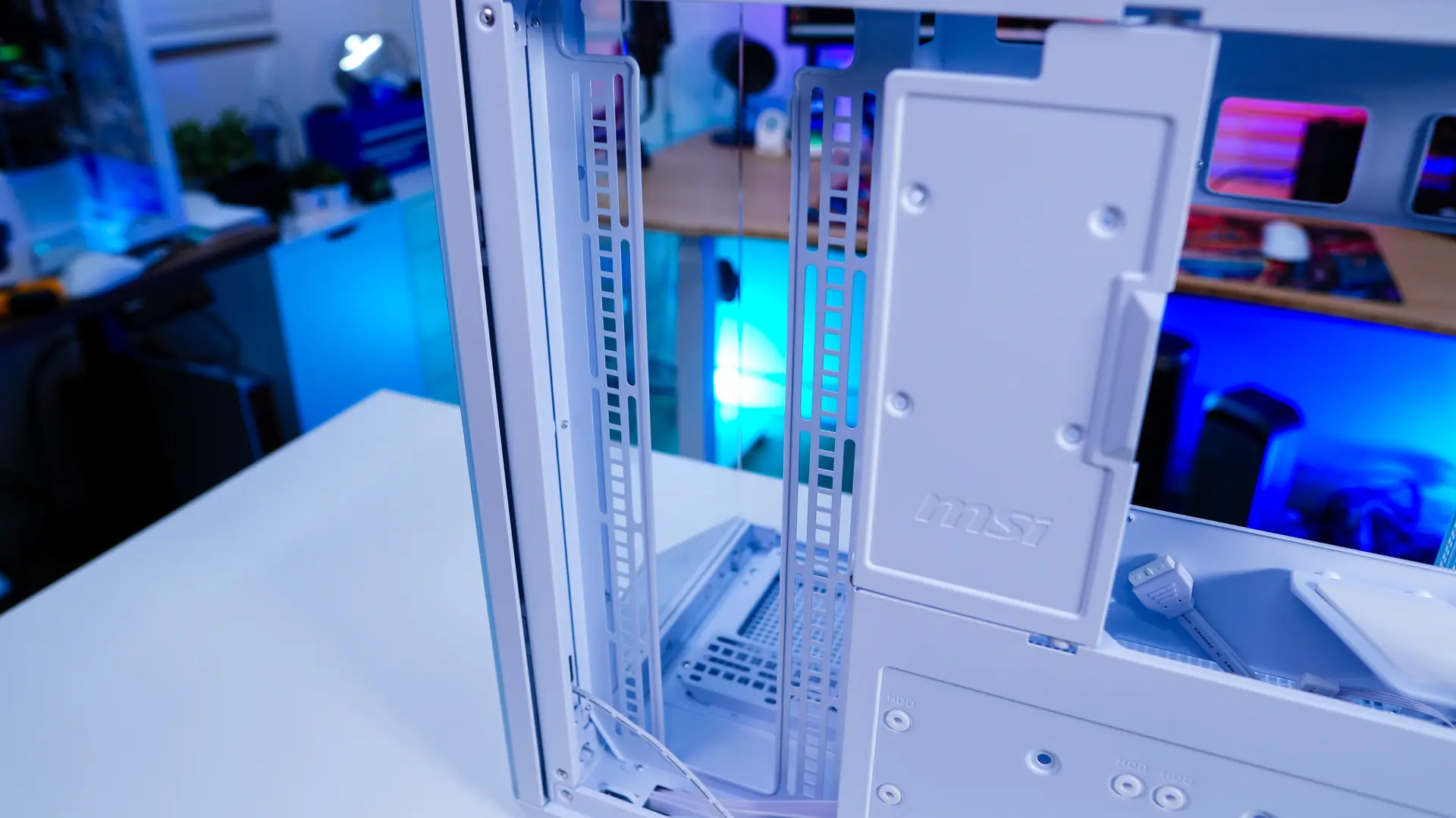
Moving to the opposite side of the case we can see that MSI is making use of some covers to keep things clean back here. These also can house hard drives. So the top smaller cover supports a single 2.5-inch SSD, while the larger cover will support two 2.5-inch SSDs or 3.5-inch hard drives. These are of course installed on the inside of each panel.
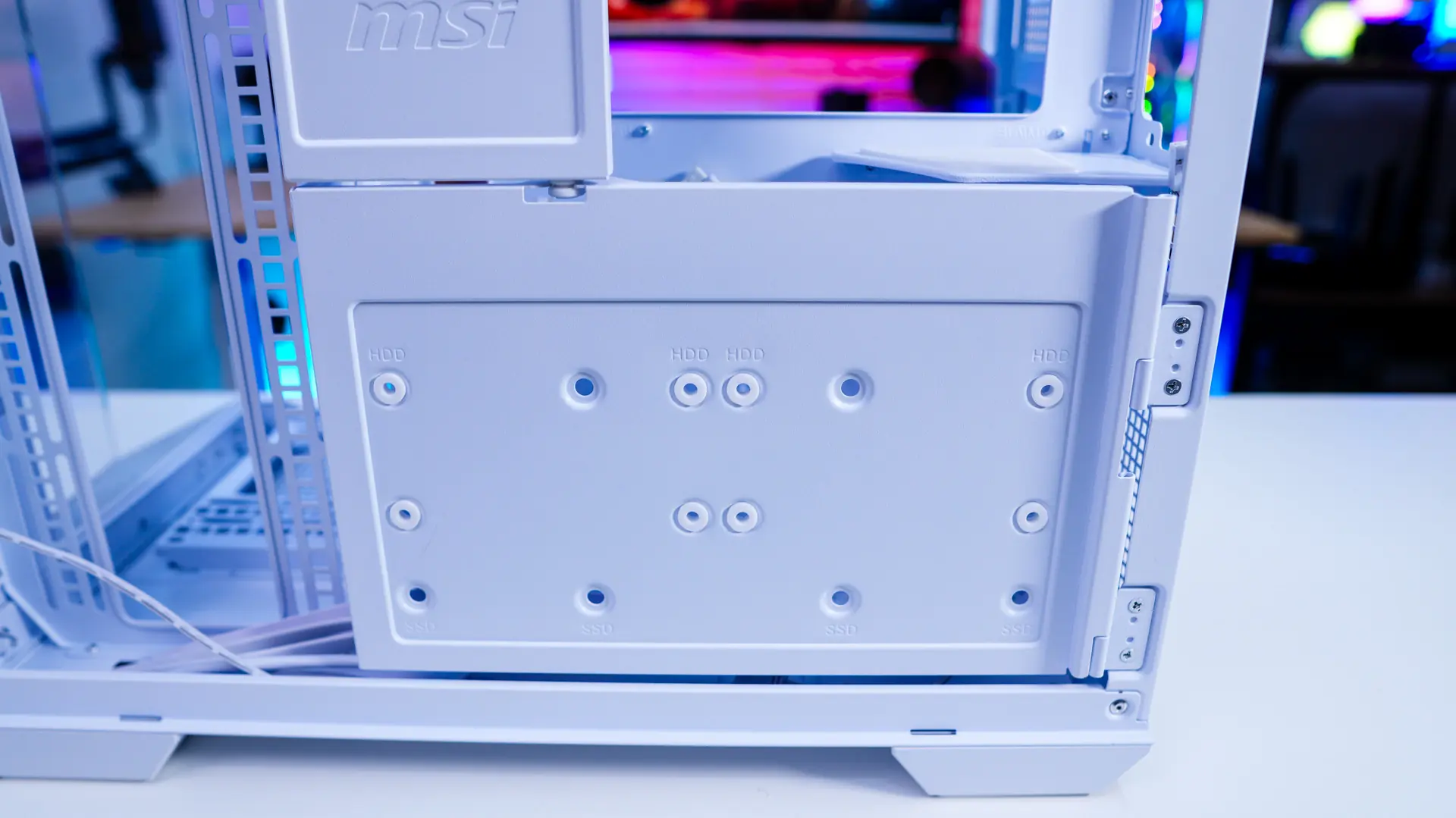
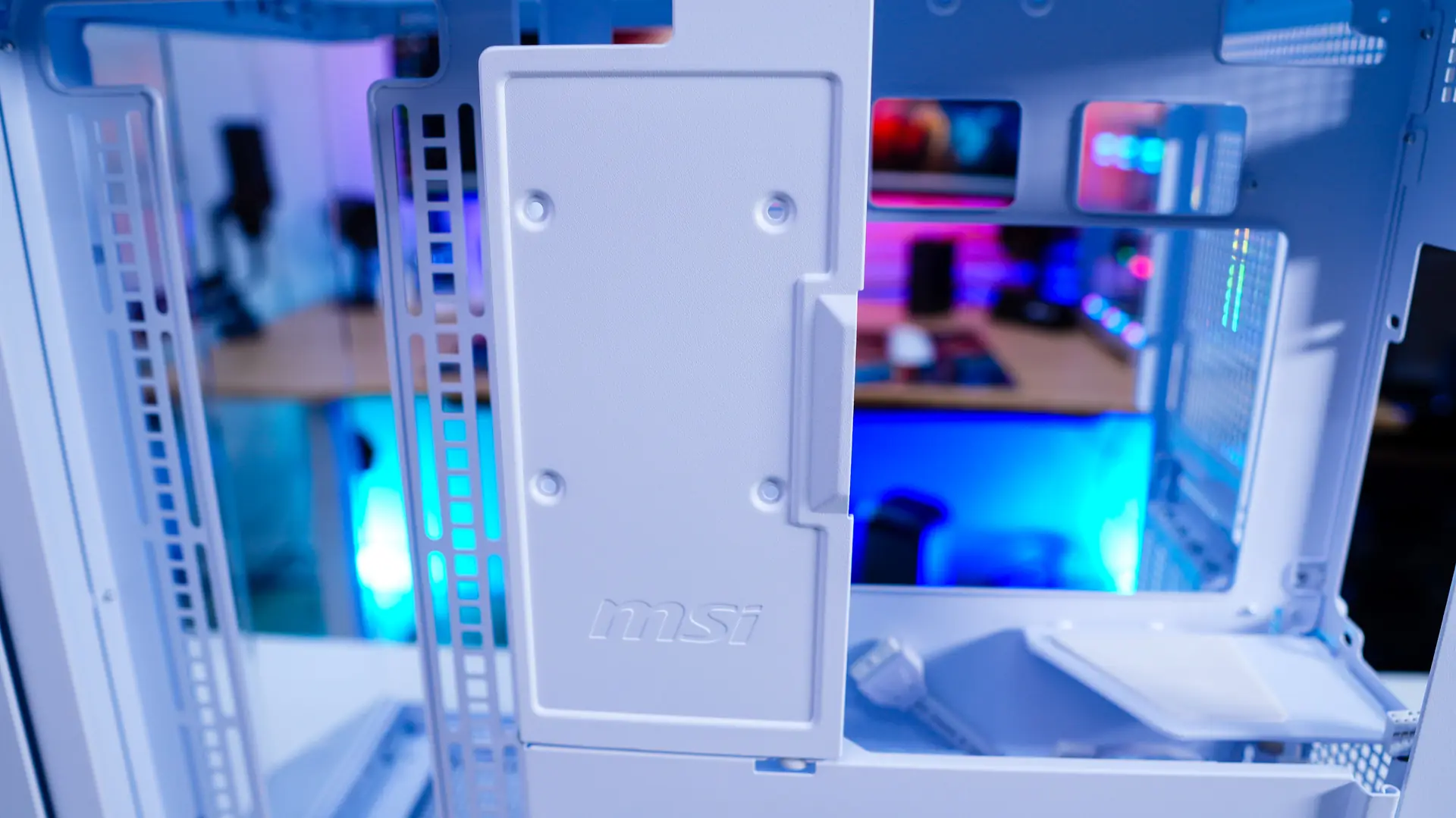
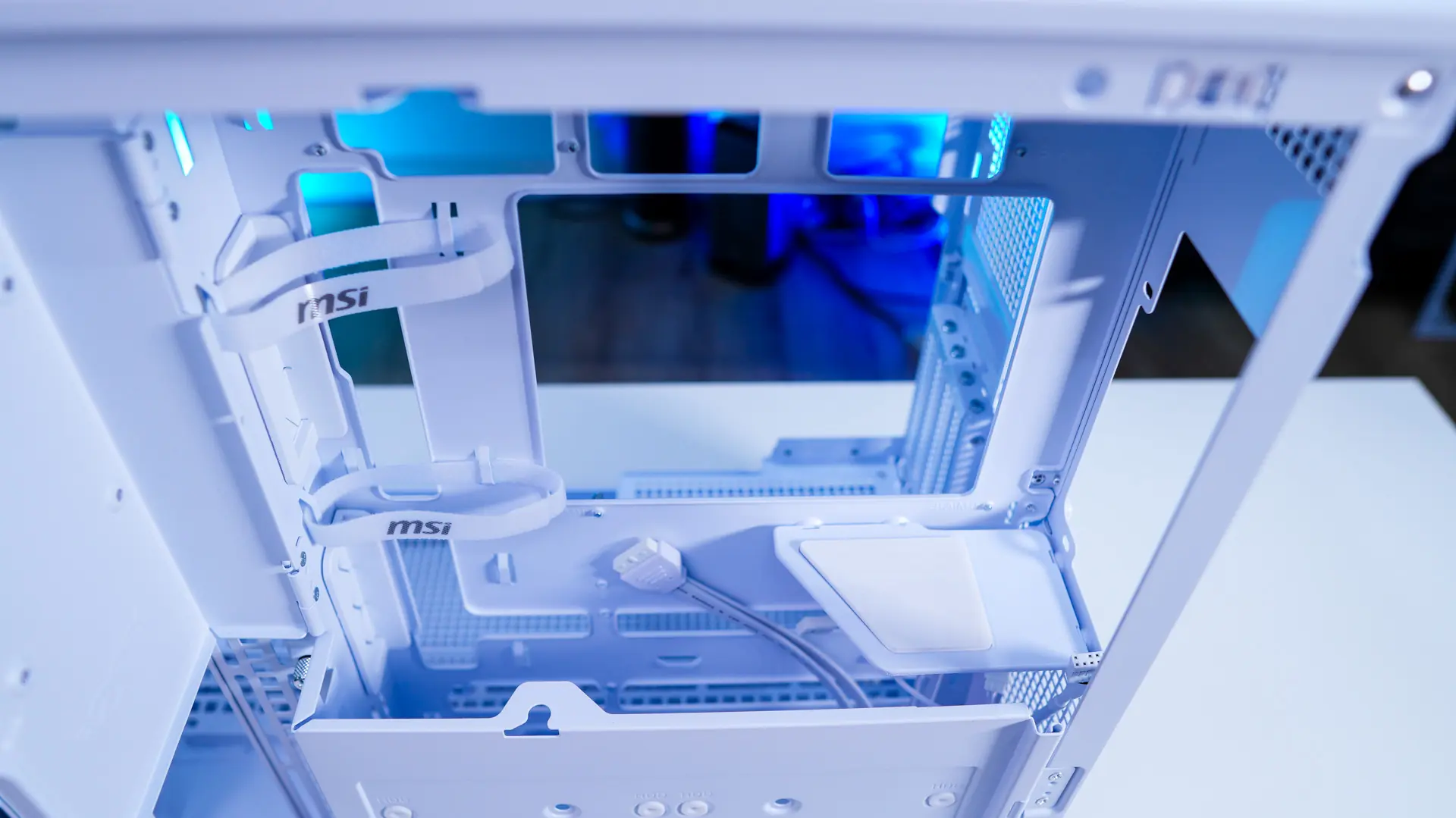
The smaller cover easily opens to reveal the spot to install your power supply. This case does support full size ATX power supplies. We can also see some integrated cable routing cables in this top section. Removing a single thumbscrew the bottom cover opens up. Down here we find two more 2.5-inch SSD mounts, which are removable.
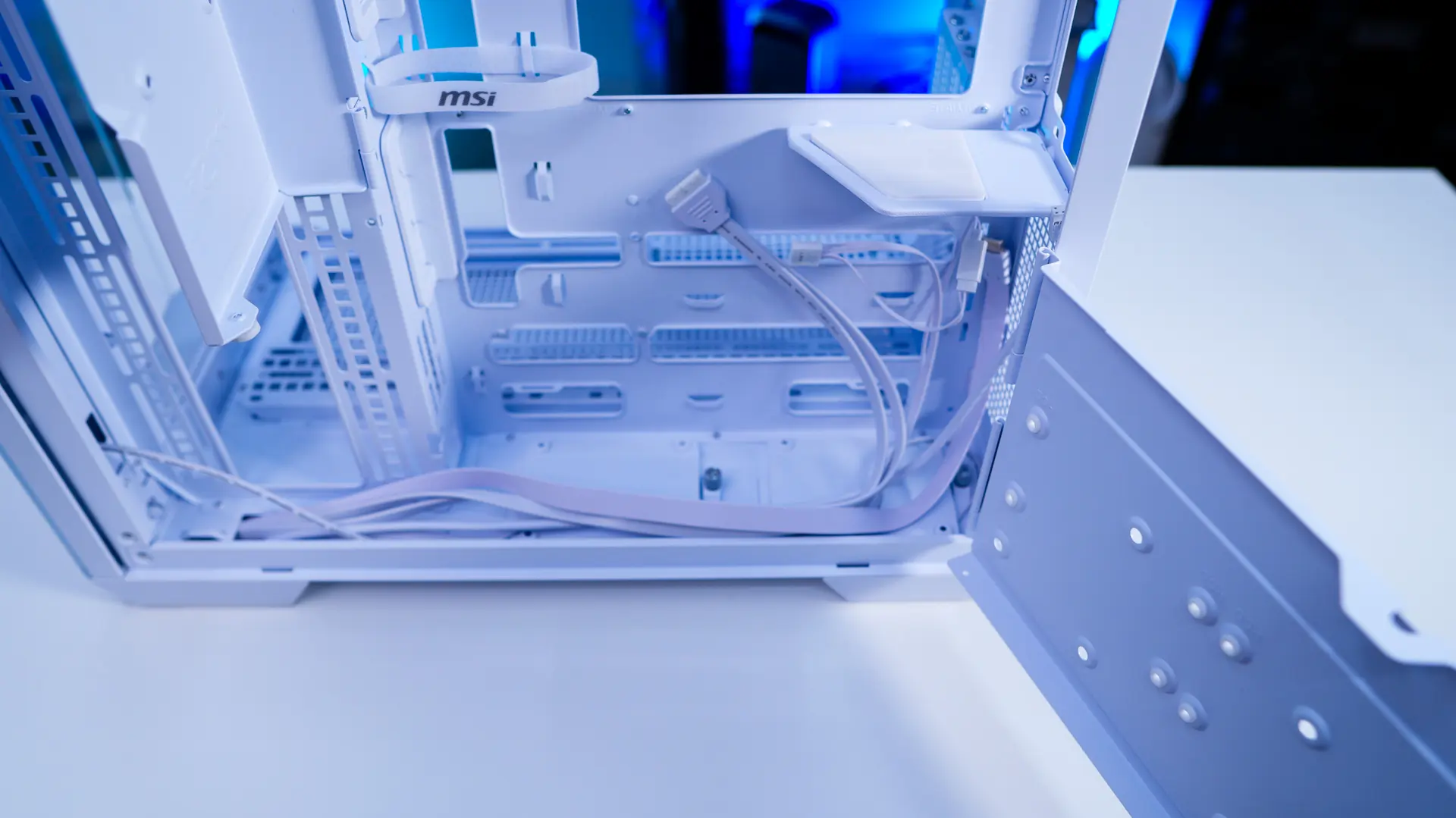
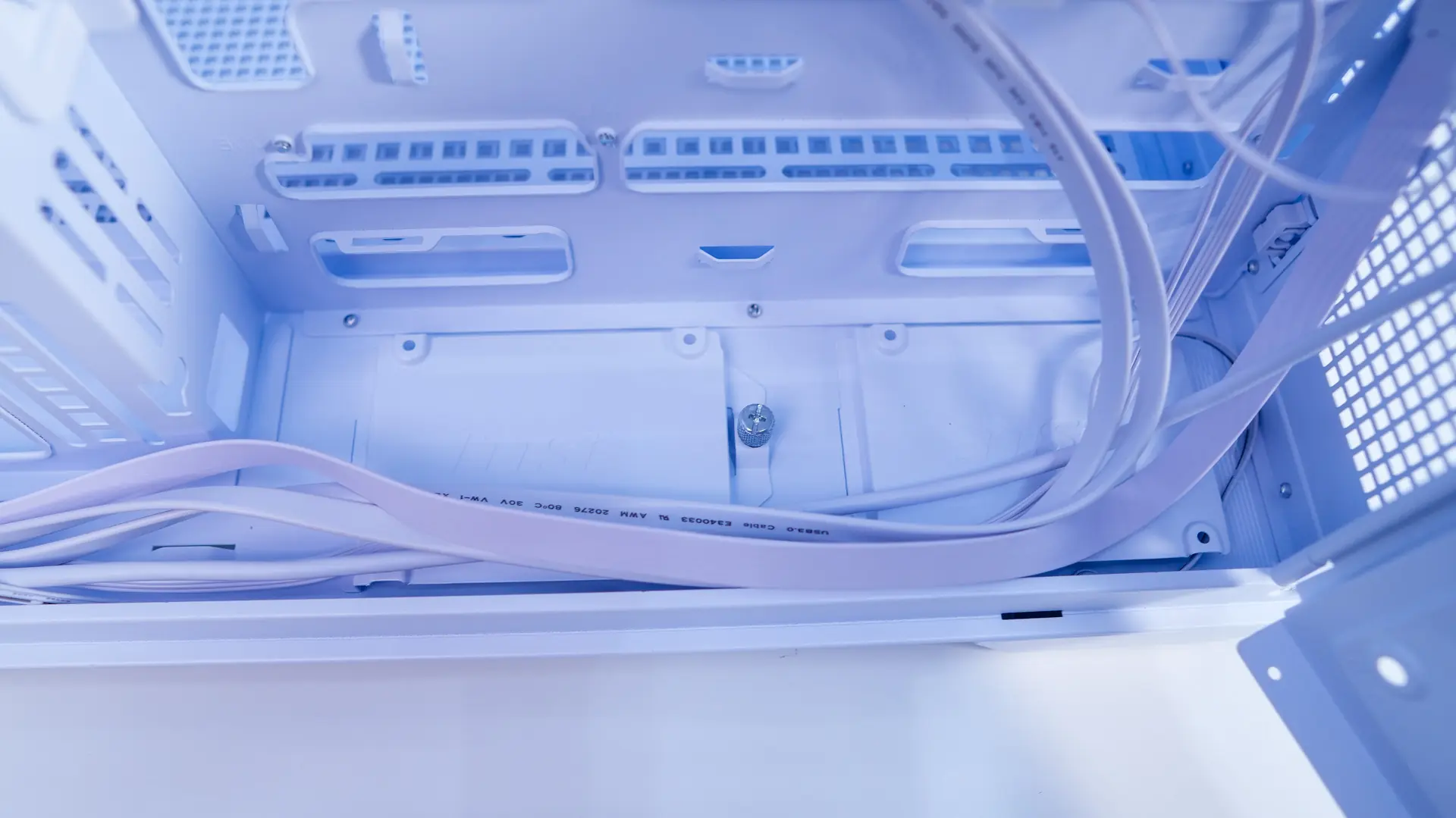
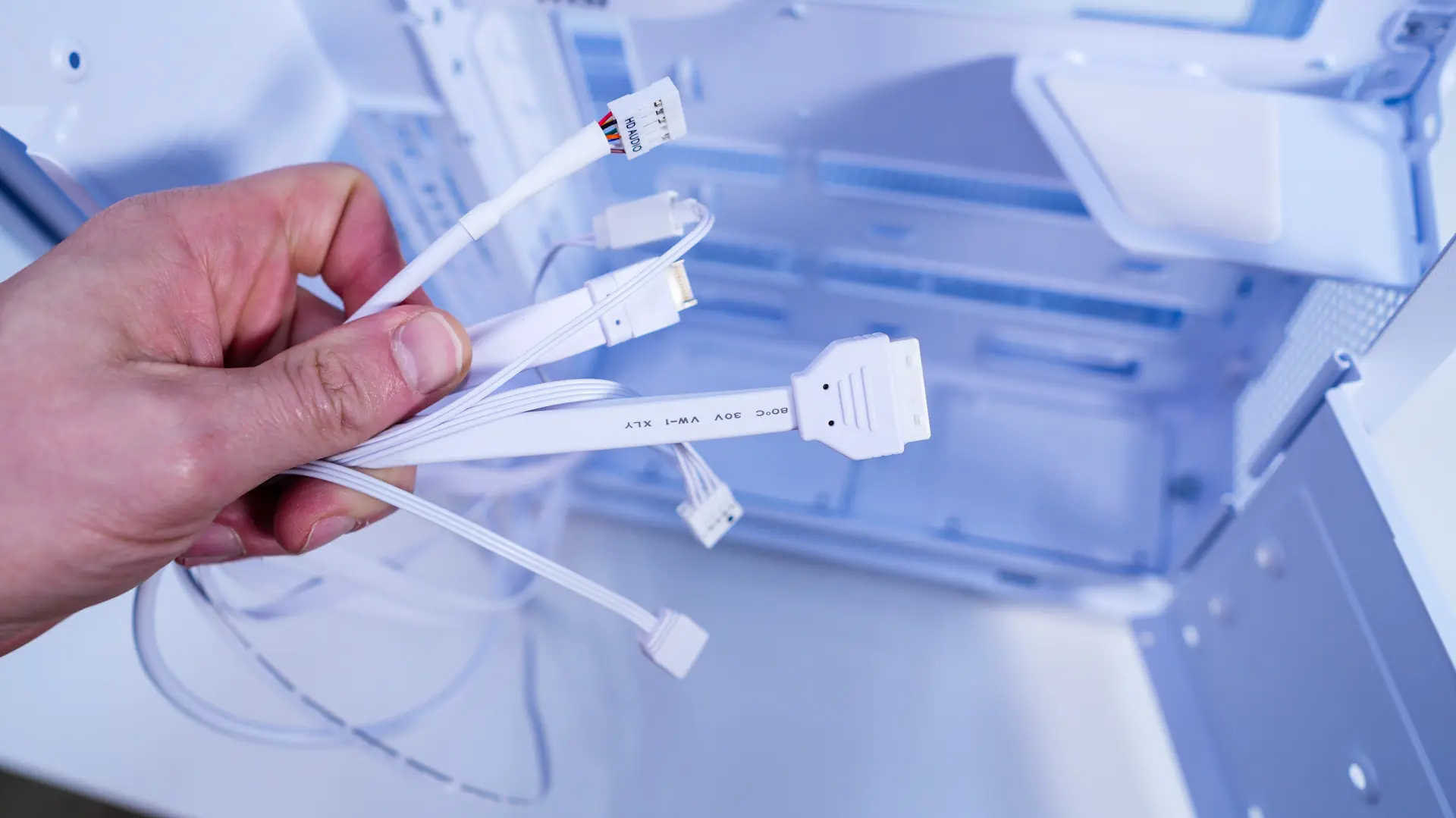
It is also worth noting that the side cooling mount does not sit flush with the back of the case so you could indeed do a push-pull configuration here. All of the included cables with the case are white, which shows MSI’s attention to detail.





This case is singlehandedly one of the best looking micro atx white cases of all time with its project zero support I could create the prettiest PC and it was my first PC build in my life