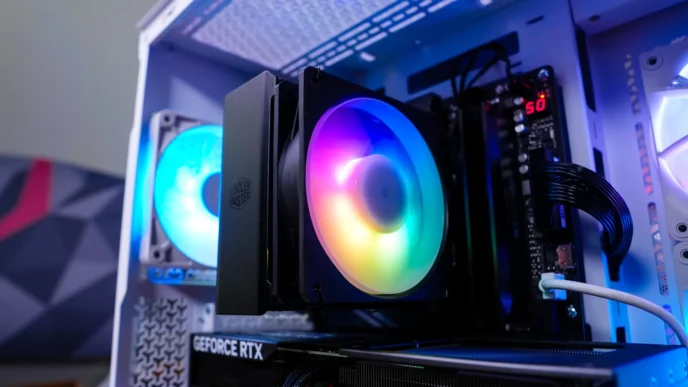

MSI MPG CORELIQUID P13 Overview
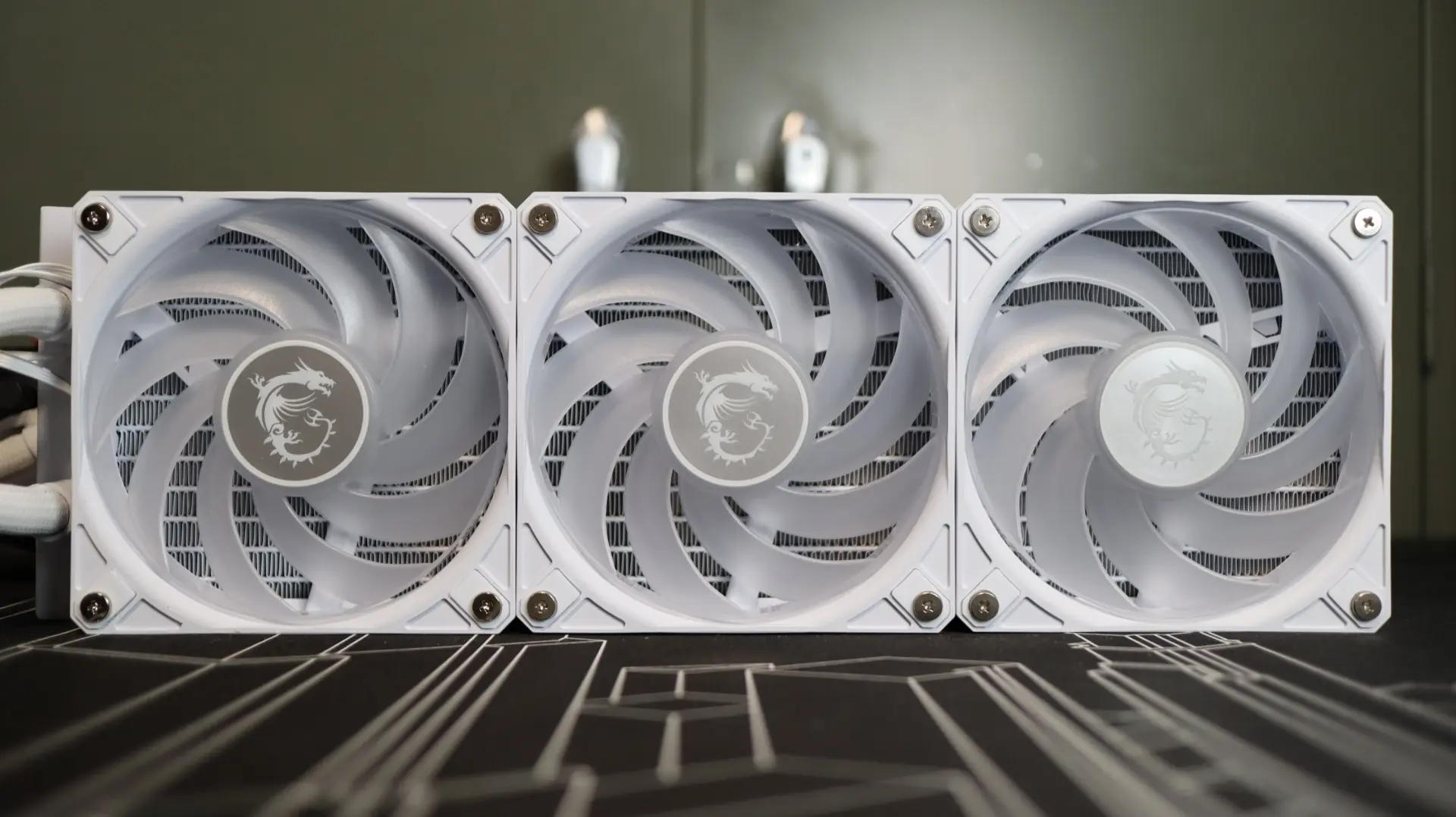
Available in both black and white versions, our review sample of the P13 came to us in the white colorway. The P13 is a 360mm cooler, and out of the box it is a pretty standard looking modern AIO. For air movement you have three 120mm ARGB fans attached to a 27.2mm thick 360mm radiator, and a pump housing with a 2.1″ circular LCD display just beneath a rounded dome cover.
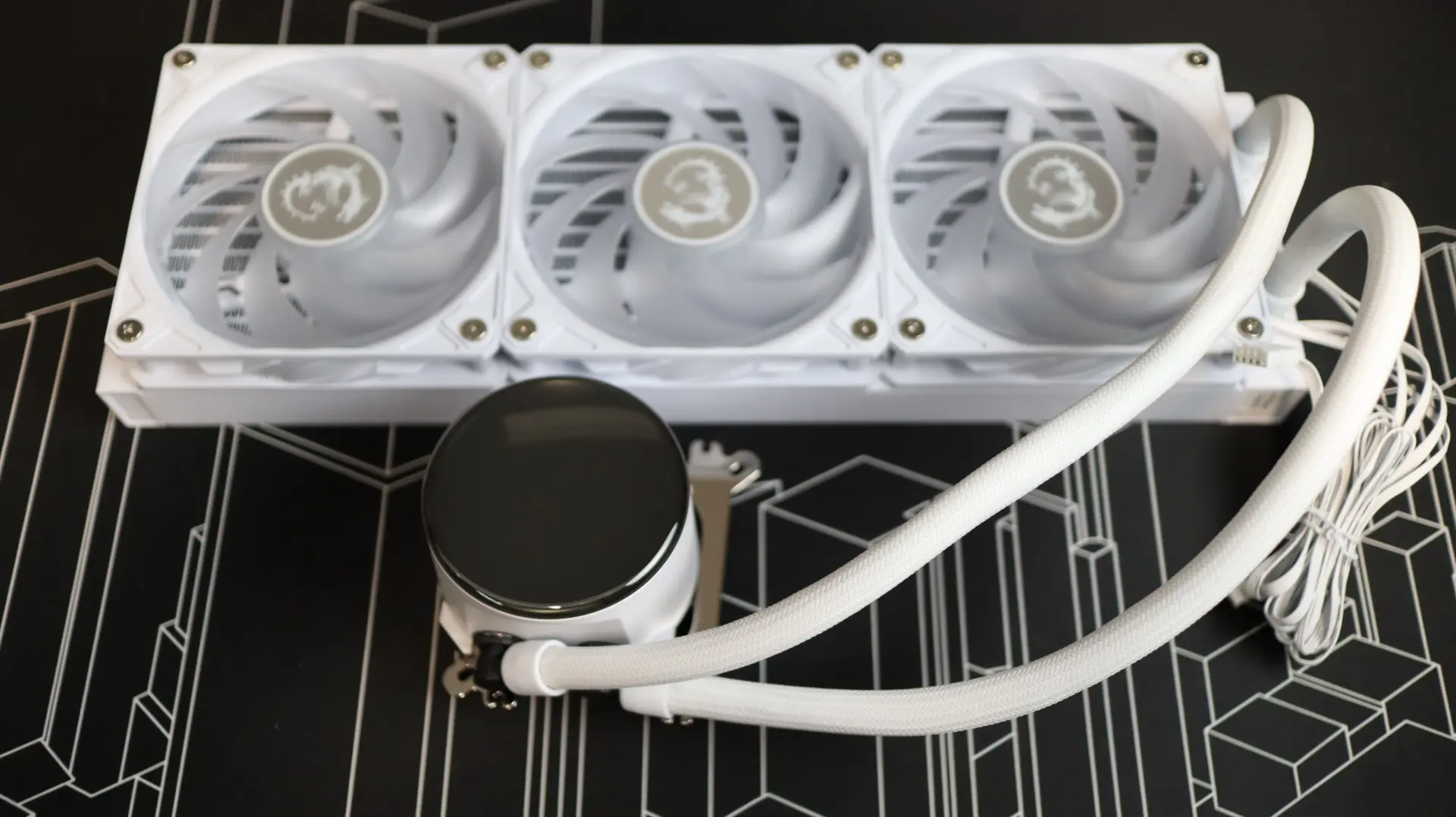
The first component up in our overview is the 360mm aluminum radiator. This radiator is very straight forward in it’s design, with a white paint job and a surprising lack of any MSI branding along the sides.
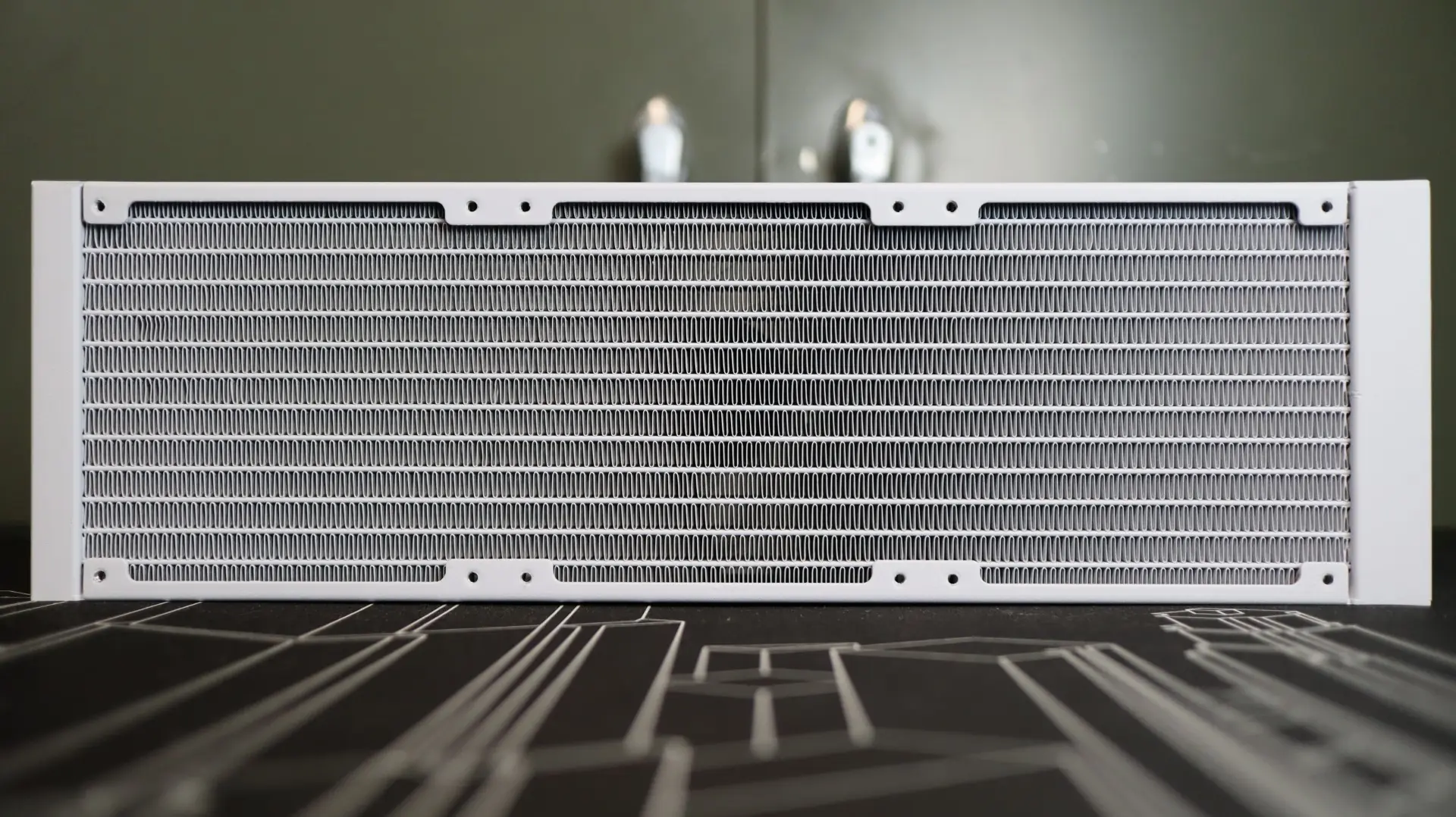
The 27.2mm thickness is right in line with the standard size we see on most AIOS, and should work quite well specs-wise with the included pre-installed fans.
With 20 fins-per-inch, the included 120mm CycloBlade 9 ARGB PWM fans are a bit of a wildcard for getting air through a dense fin array, based on their limited specifications that we will cover later on. These fans are a bit of a hybrid design, optimized with both airflow and static pressure in mind. This combination of feature-focus will be interesting when it comes time to test.
The nylon-braided EPDM cooling lines exit from one end of the radiator’s end cap, and connect to the radiator via crimped connectors. These lines are definitely the most flexible I have ever encountered in my years of reviewing AIOs, and it was such a nice feature during installation – I just wish they were a bit longer.
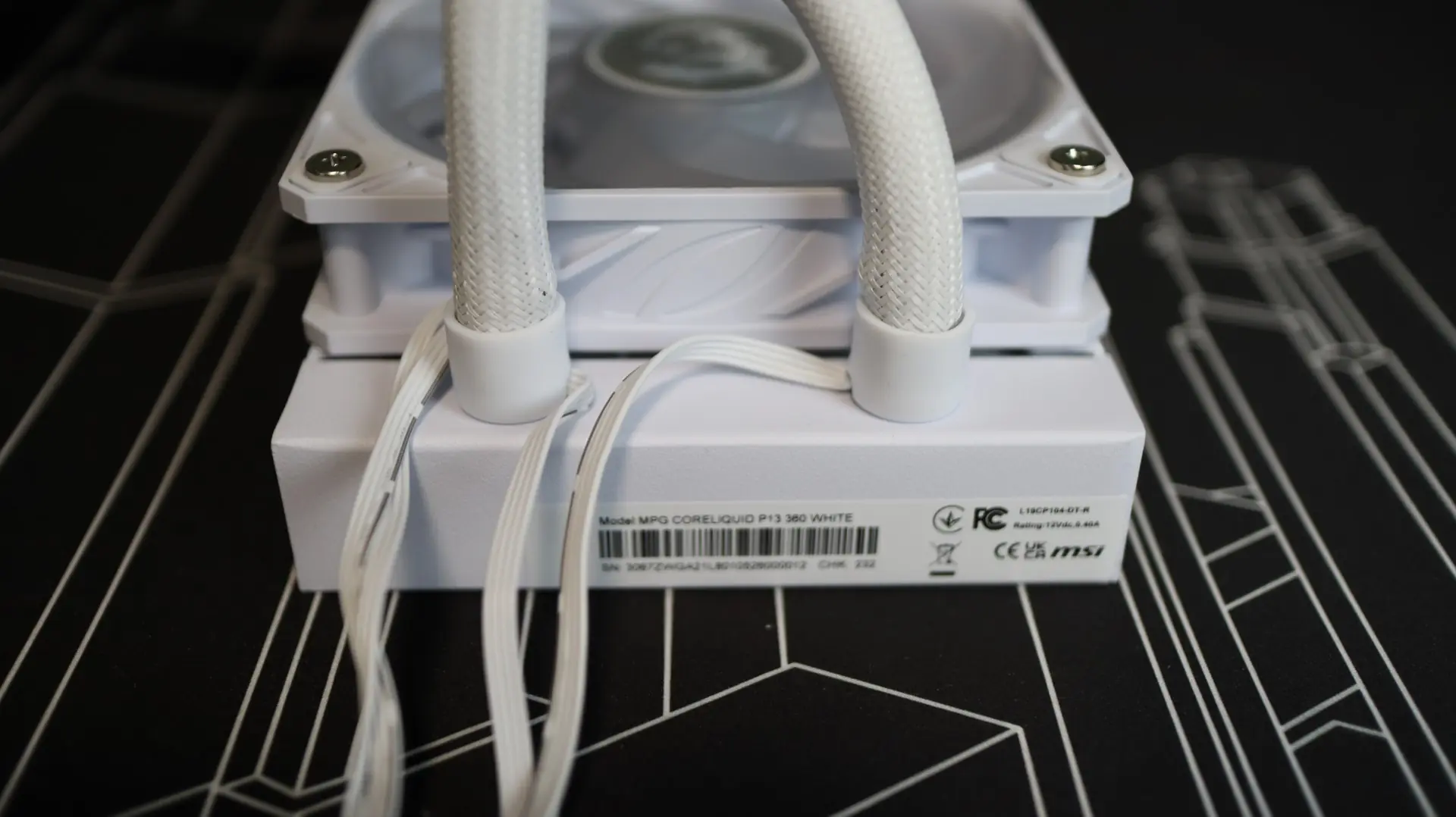
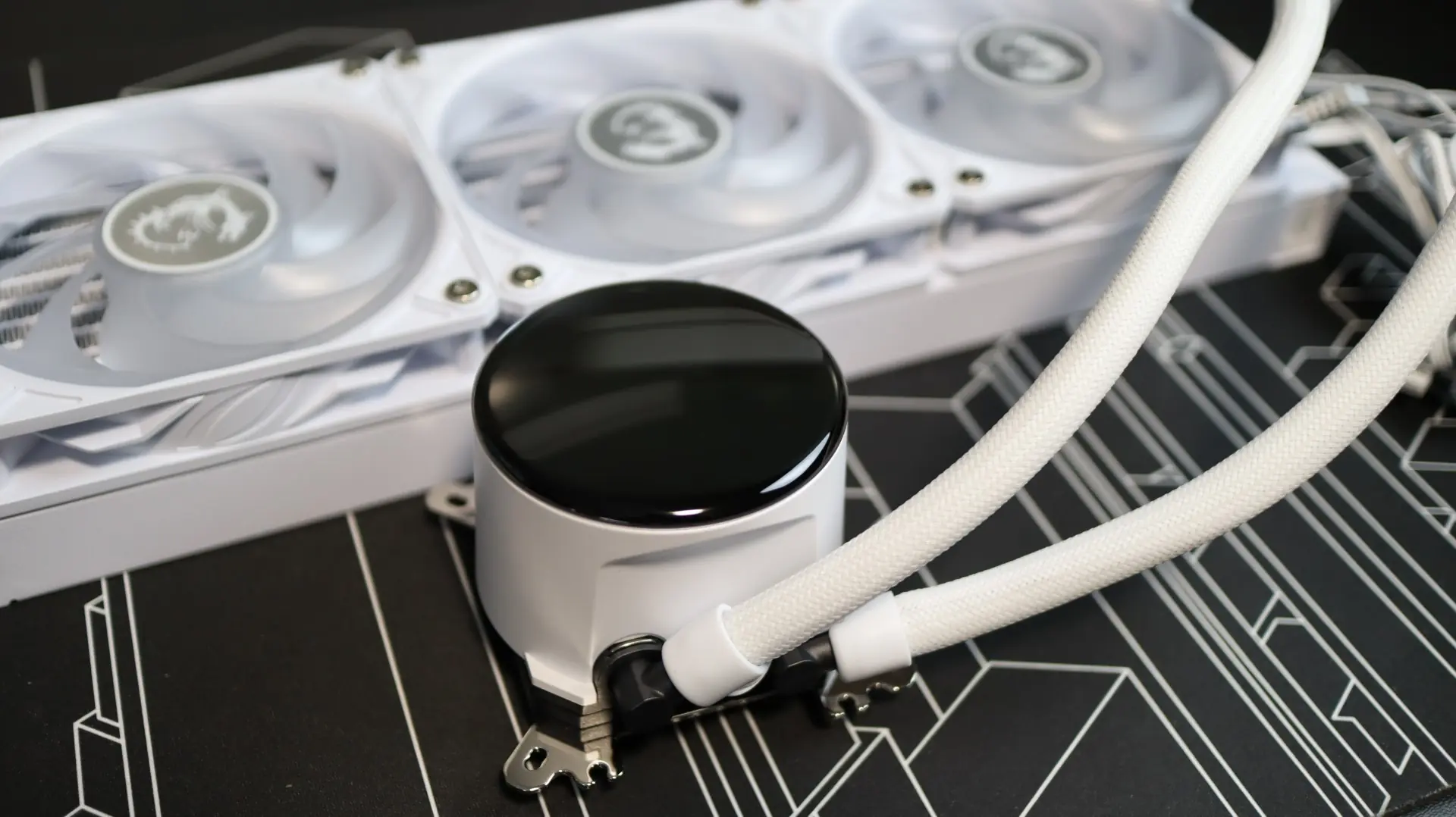
Moving over to the pump housing is where we see the standout feature of the CORELIQUID P13 – a 2.1″ LCD display with a 480 x 480 resolution, sitting beneath a domed cover. This round screen and dome design transfers along to the body of the pump housing, as it is a circular design like we have seen in many other AIOs.

Moving around to the sides we find the two cooling lines exiting from the bottom side of the pump housing. Each line is paired up with a swiveling fitting to make installation and fitment much easier than with fixed connections. Internally, the pump provides an operating speed of 3400 RPM, with an average noise rating of just 20 dBA.
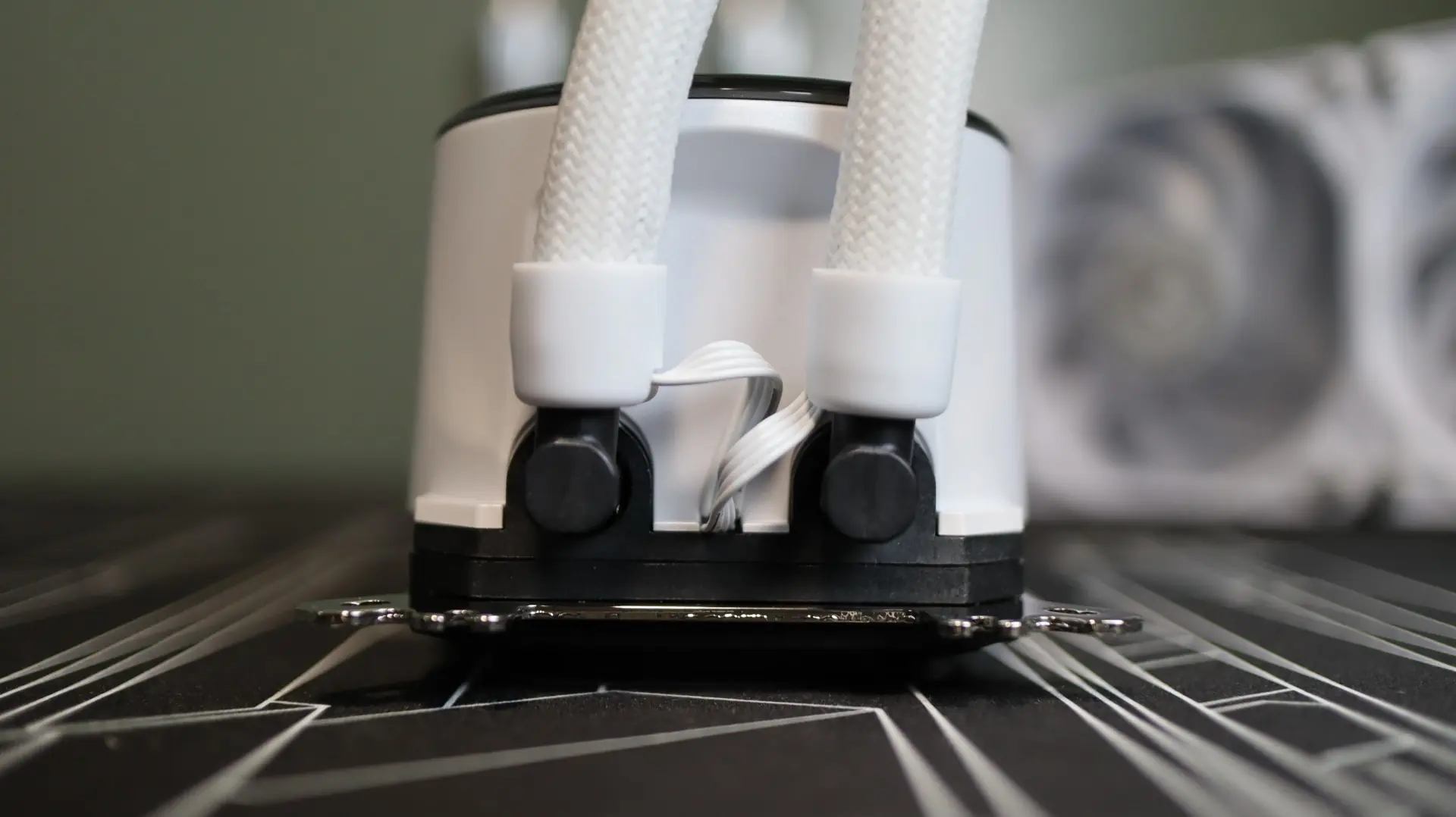
The other sides of the pump housing are free from any features, simply providing a seamless curved surface that adds to the sleek look of the housing. Both a PWM and USB 2.0 header cable exit from the pump housing from in between the two fittings for the pump and LCD display, respectively. That said, MSI has utilized their Streamline feature to route these cables alongside the tubing, beneath the nylon sheath. This adds for a very clean and stealthy look, while still providing power and control to the associated components.

Taking a look at the base of the cooler, we find a large copper base, free from any pre-applied thermal material. We also find that there are no visible screws or components holding the copper plate to the pump, a feature that MSI says helps with sealing the unit and providing reliable operation. MSI includes a small syringe of thermal paste for installation needs.
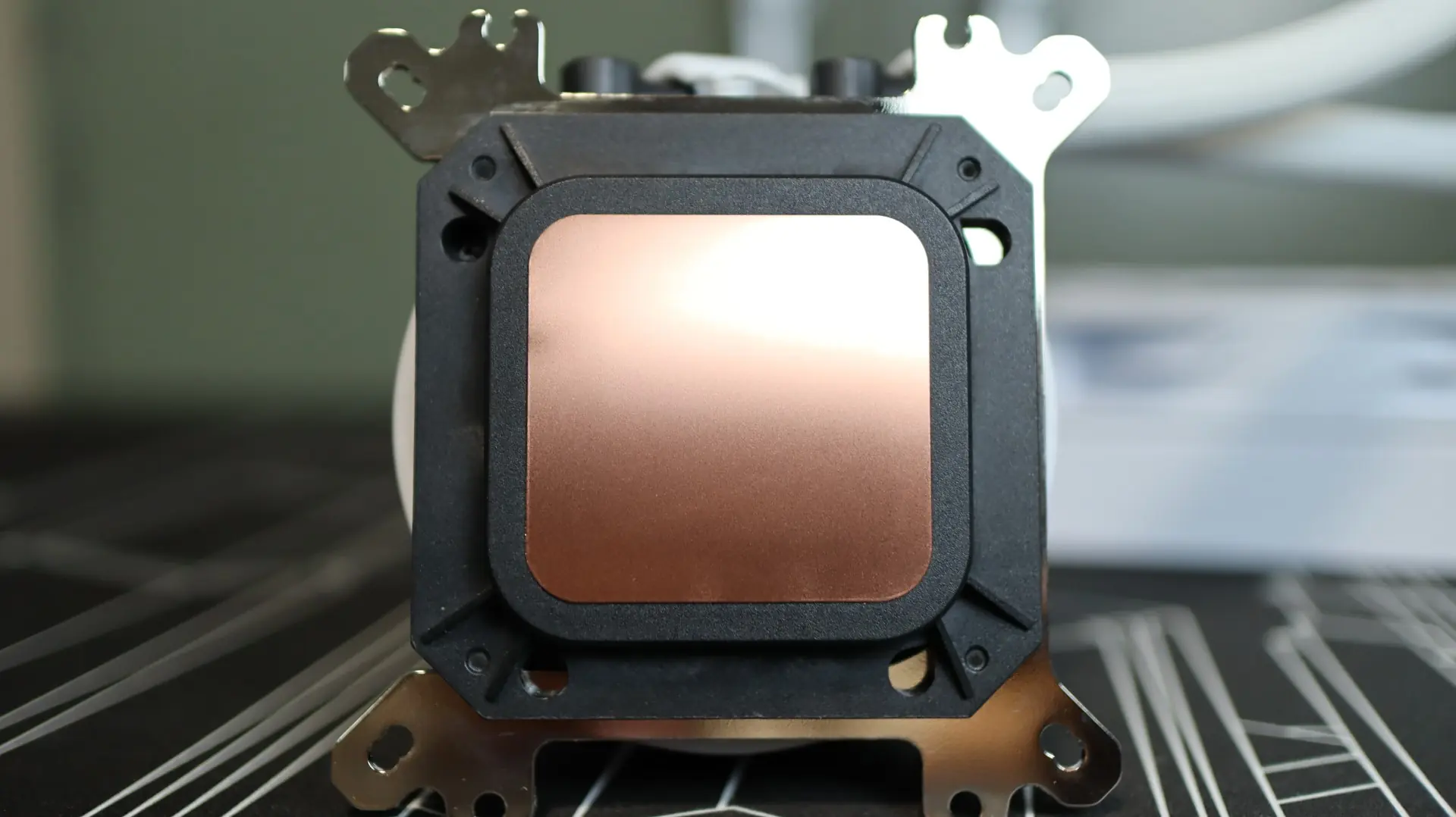
A universal mounting bracket for both AMD and Intel installations is slotted into the pump housing body, which just requires you to make sure you have the appropriate motherboard brackets installed during installation.
As far as the included fans go, MSI has provided three of their 120mm CycloBlade 9 ARGB fans that provide up to 64.898 CFM of airflow at their full speed of 2,050 RPM. And while MSI does not provide any specifications regarding static pressure, other reviews indicate that these fans can provide up to 2.59mm-H2O. These fan specifications don’t necessarily convey much ability to efficiently move air through the radiator’s 20 FPI density, though we have seen in other recent reviews that these specification numbers don’t always equate to higher or lower performance alone.
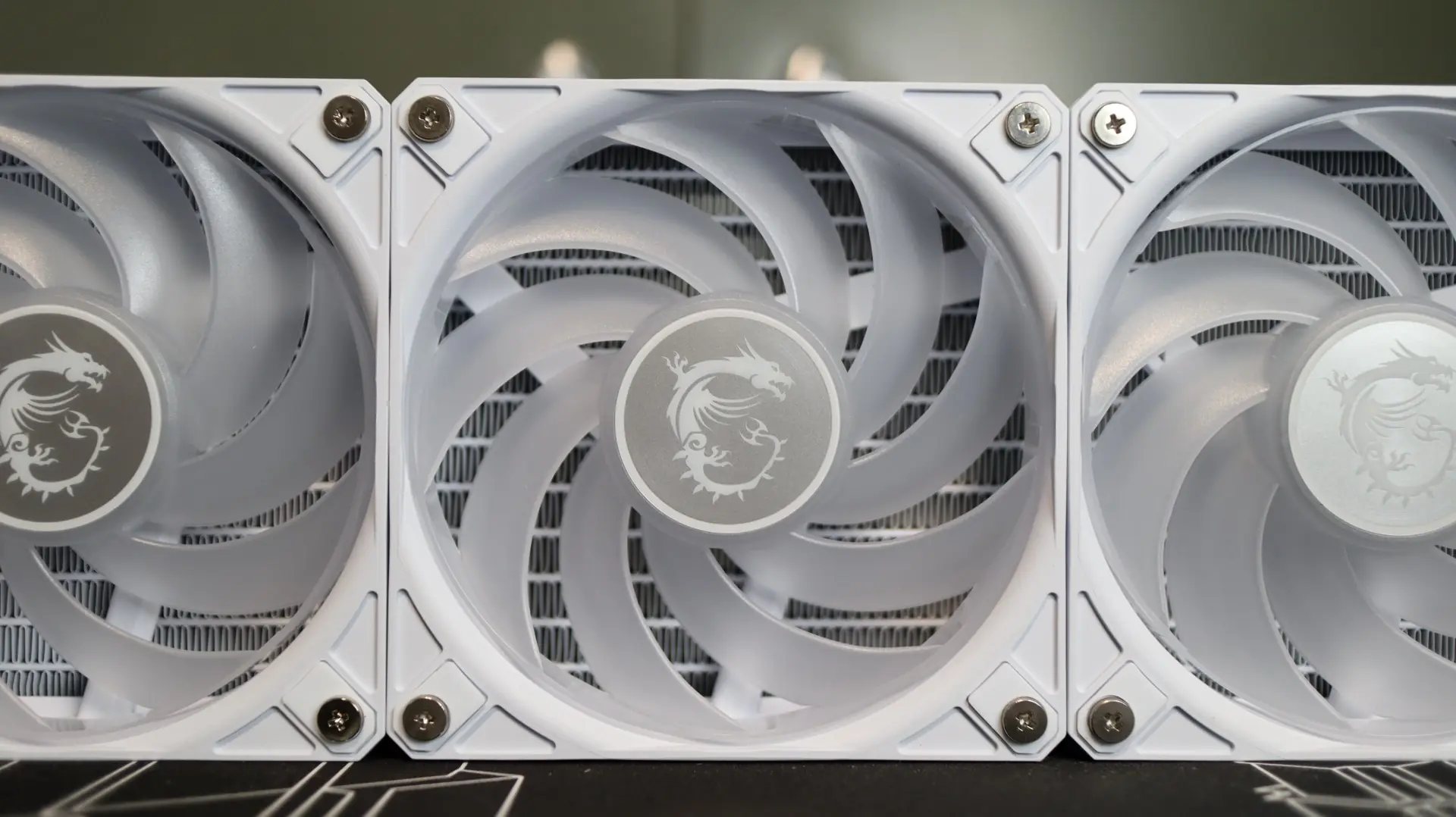
The rubber feet at each corner help isolate any vibrations that may come from the nine fan blades, which is always a welcome feature. Speaking of the number of blades, the use of nine blades is typically associated with a high airflow fan, whereas seven are typically found on higher static pressure fans. That said, the ends of the blades on the CycloBlade 9 fans are all connected via a single ring, which helps guide all of the airflow through the radiator and not out across the edges of the blades.
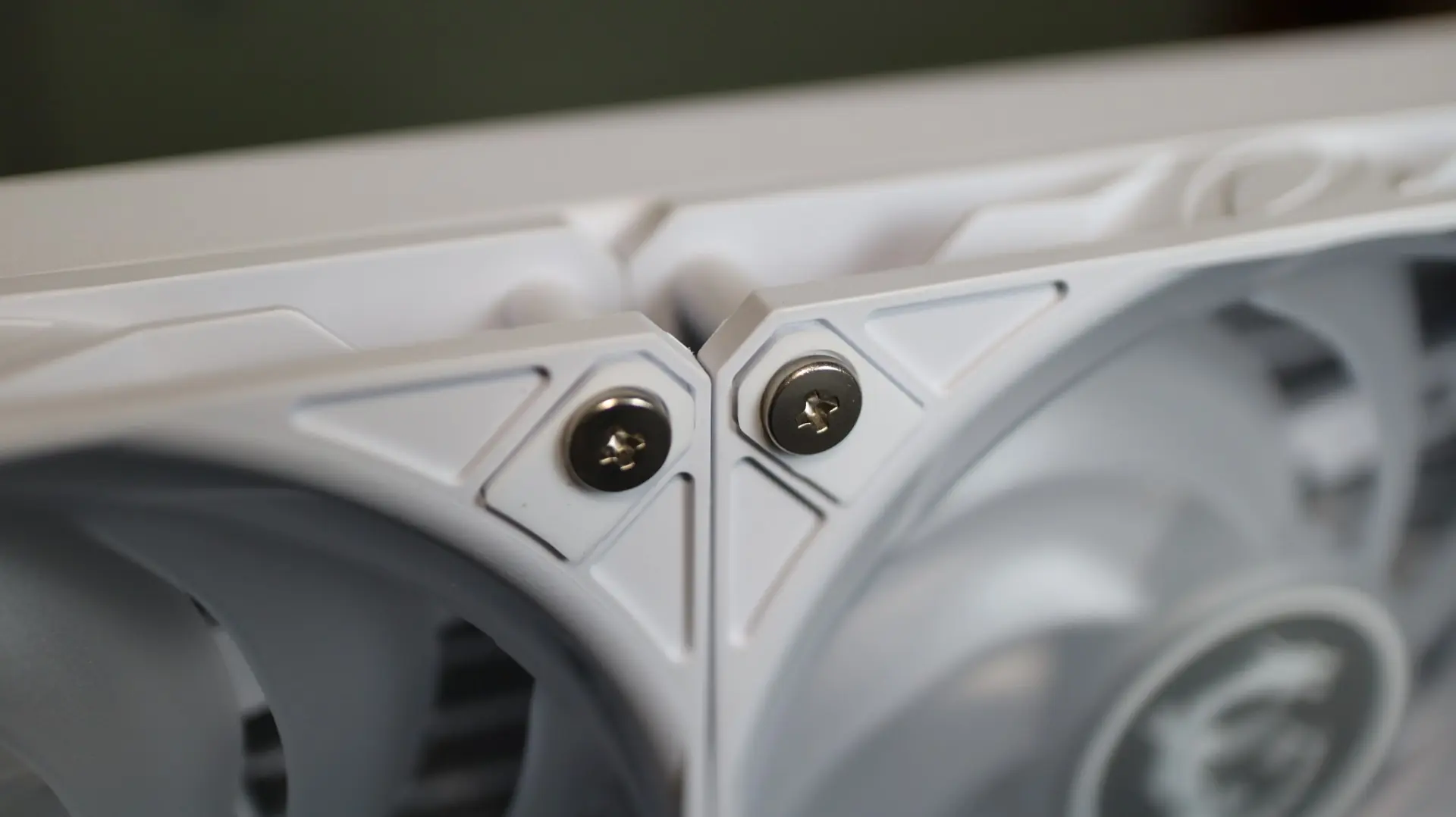
MSI has already mounted these fans to the radiator from the factory, which is another welcome feature, and the fact that they also chain to each other without any external cabling will really help reduce cable clutter and installation headaches that can come from trying to wrangle the power and lighting cabling from each cable.