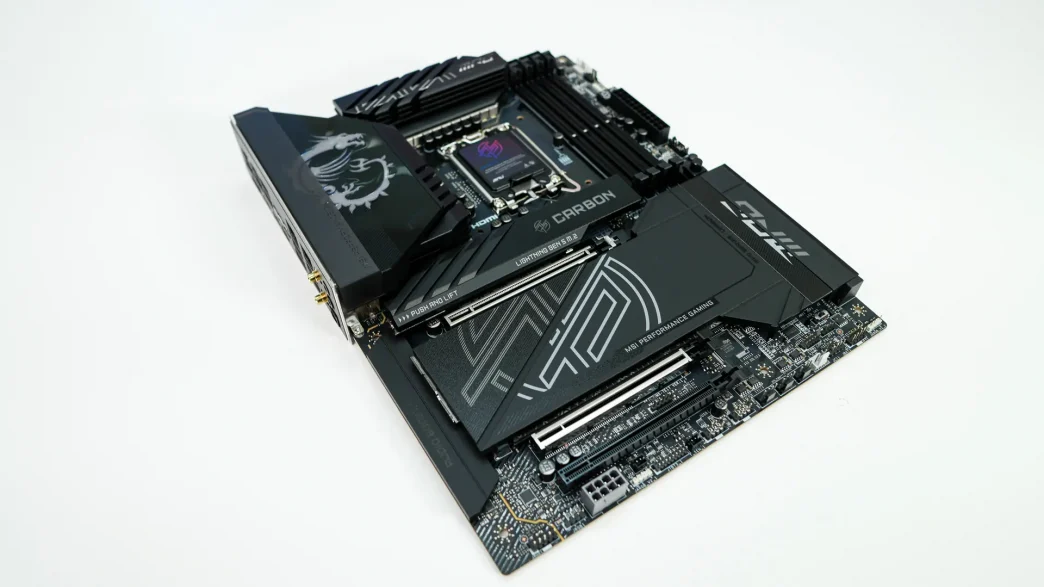
MSI MPG Z890 Carbon WiFi Motherboard Overview
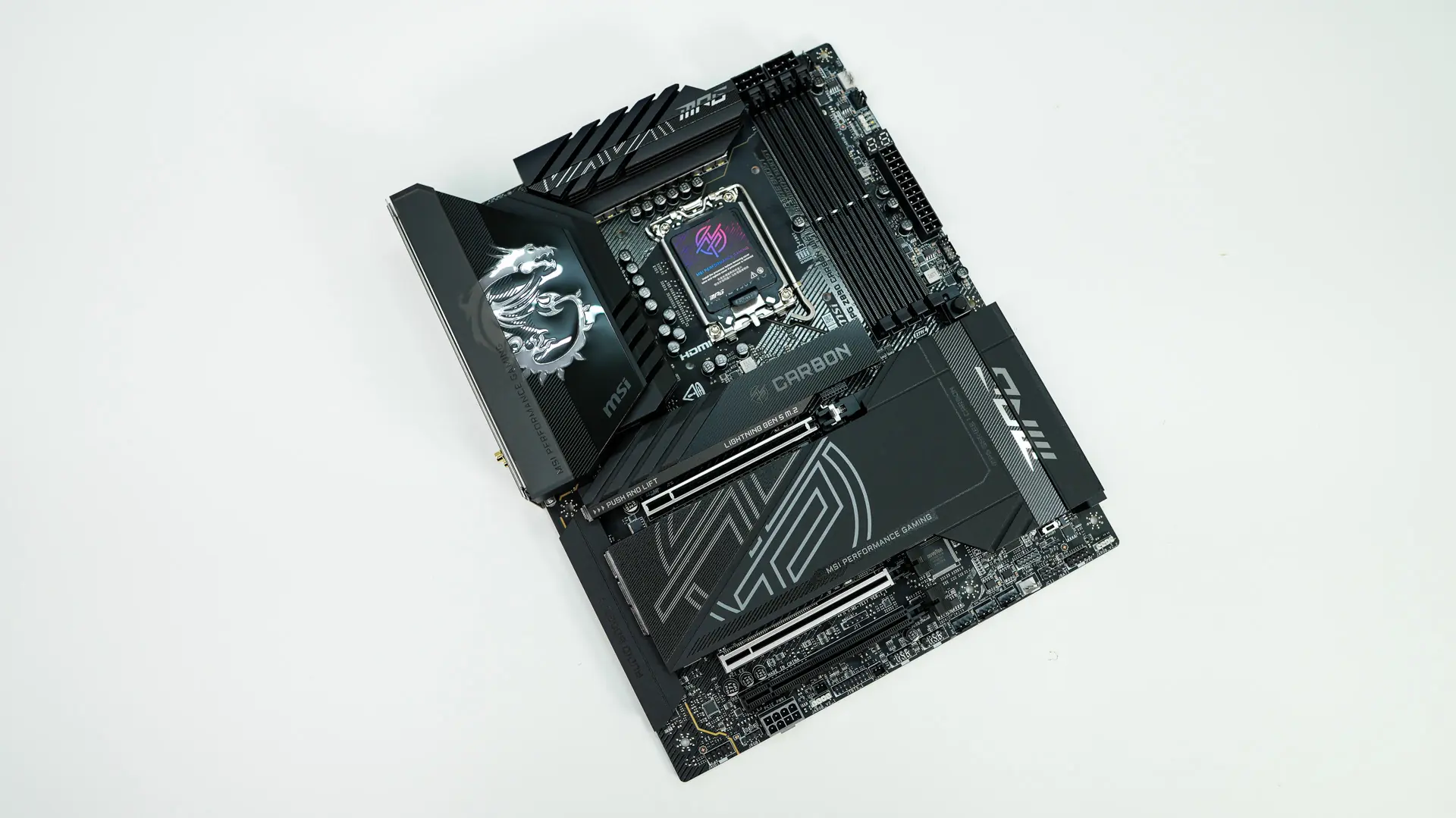
As we take a first look at the MPG Z890 Carbon WiFi we have a very sleek board, although the “Carbon” has been a bit toned back compared to previous generations with only a little bit of carbon on the heatsinks. The board itself has a black PCB with black heatsinks and silver accents.
Starting at the CPU socket we have the new LGA 1851 socket, which currently only supports the new Core Ultra processors. This socket has the same dimensions and the same center-to-center distance for the mounting holes as LGA 1700, so LGA 1700-compatible CPU coolers will work on this socket. It is worth noting that the release latch on the socket is flat, which makes it easier to press down. There is also a hole in the center of the socket for a thermal probe..
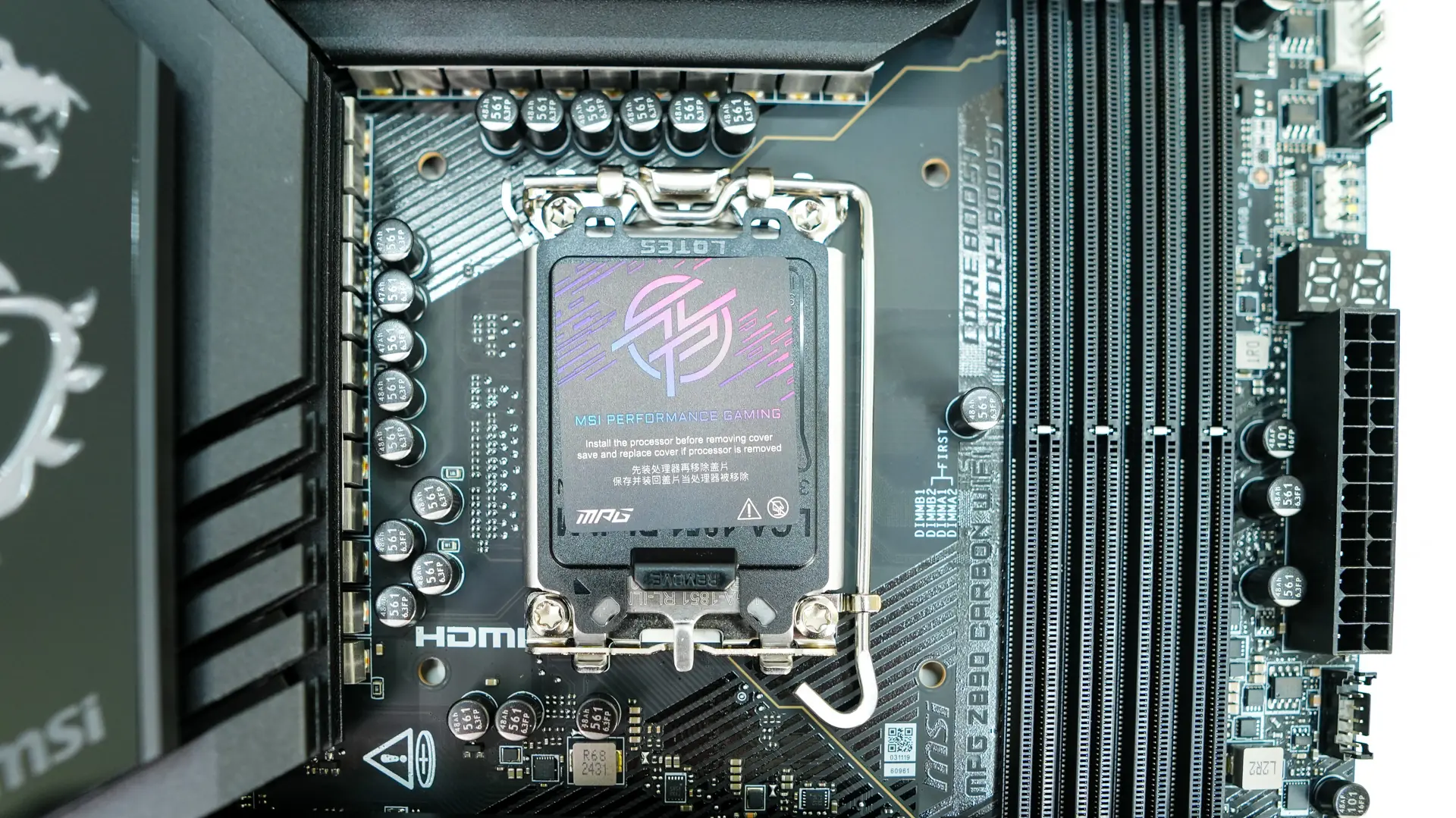
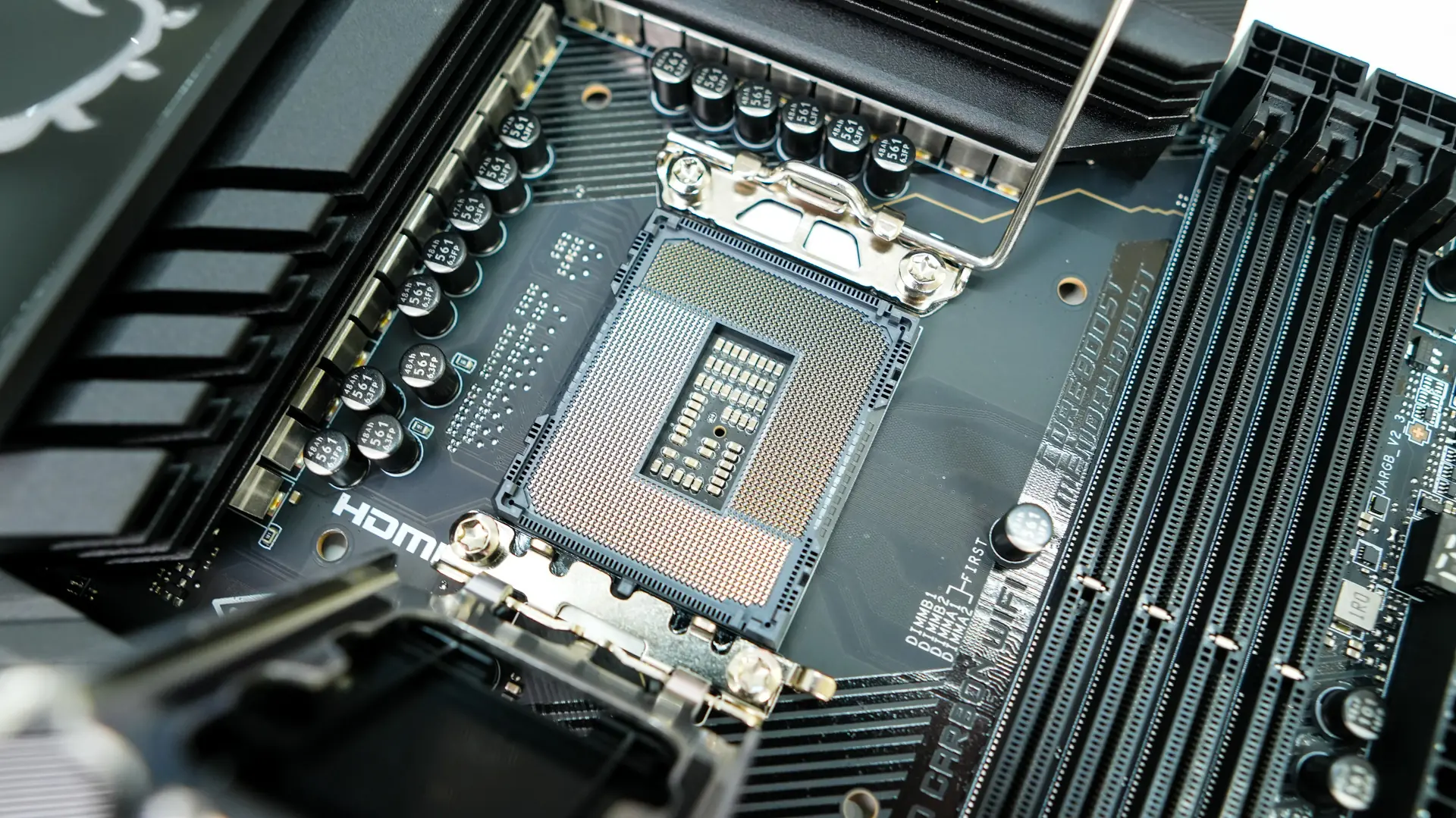
Surrounding the CPU socket we have our power delivery components and MSI is making use of a 20+1+1+1 power design. The power stages for the CPU are 110A, although MSI does not mention what the others are, we can assume they are 90A. The power delivery components are covered by two large heatsinks and the rear I/O cover, which brings the top of the board together and looks quite nice. The rear I/O cover has the MSI dragon logo on it and will light up with RGB lighting when you power your system on.
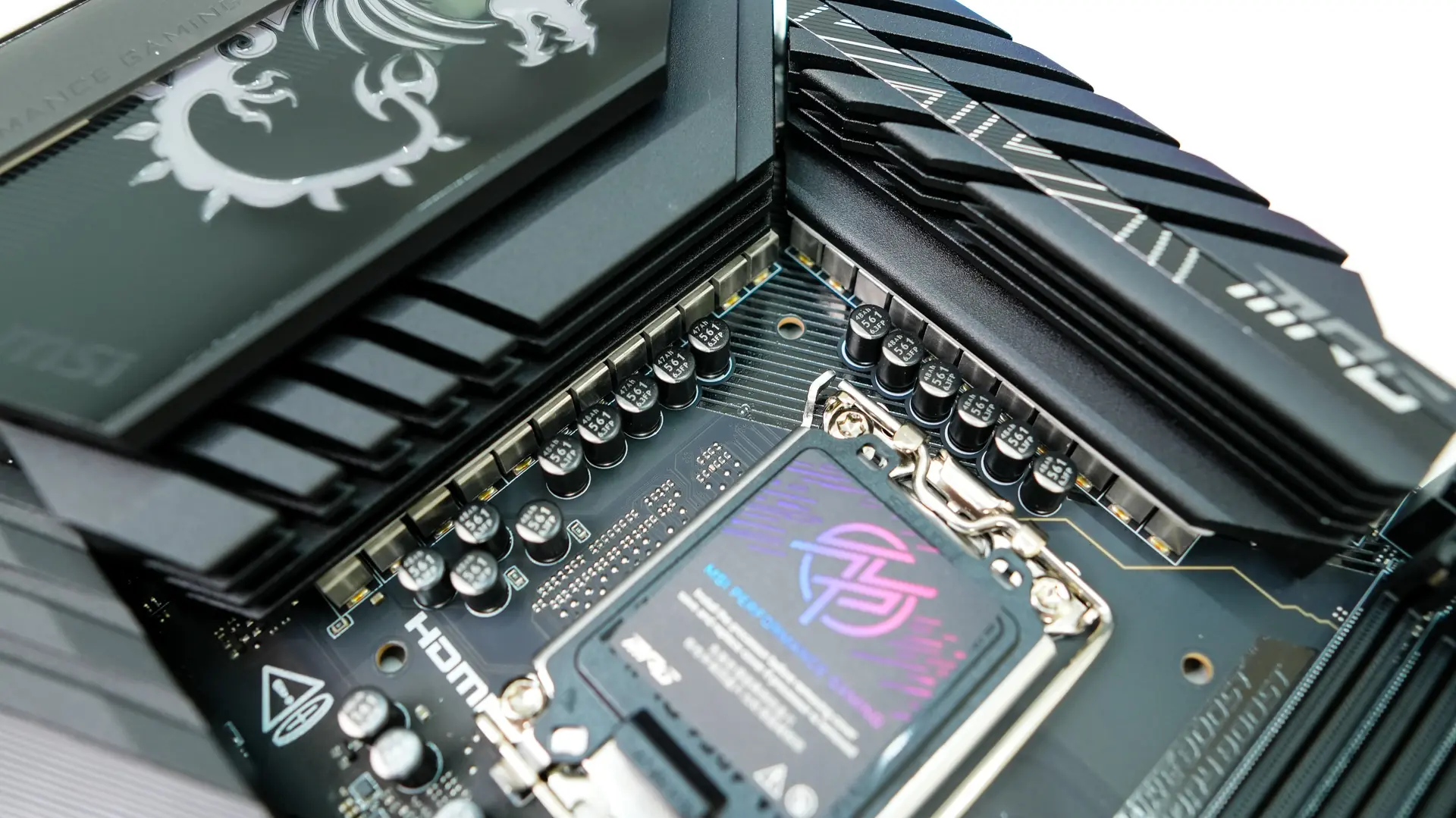
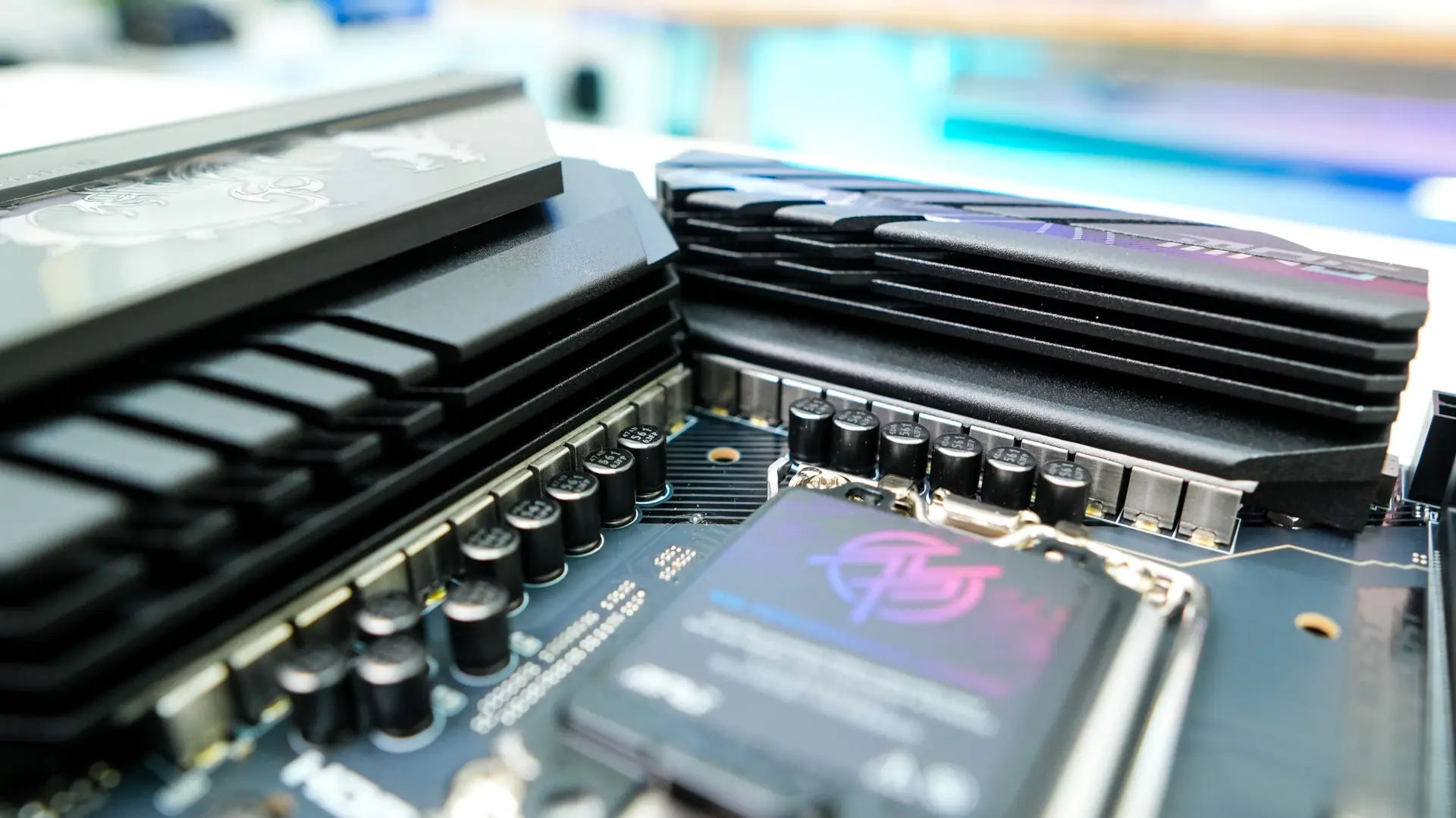
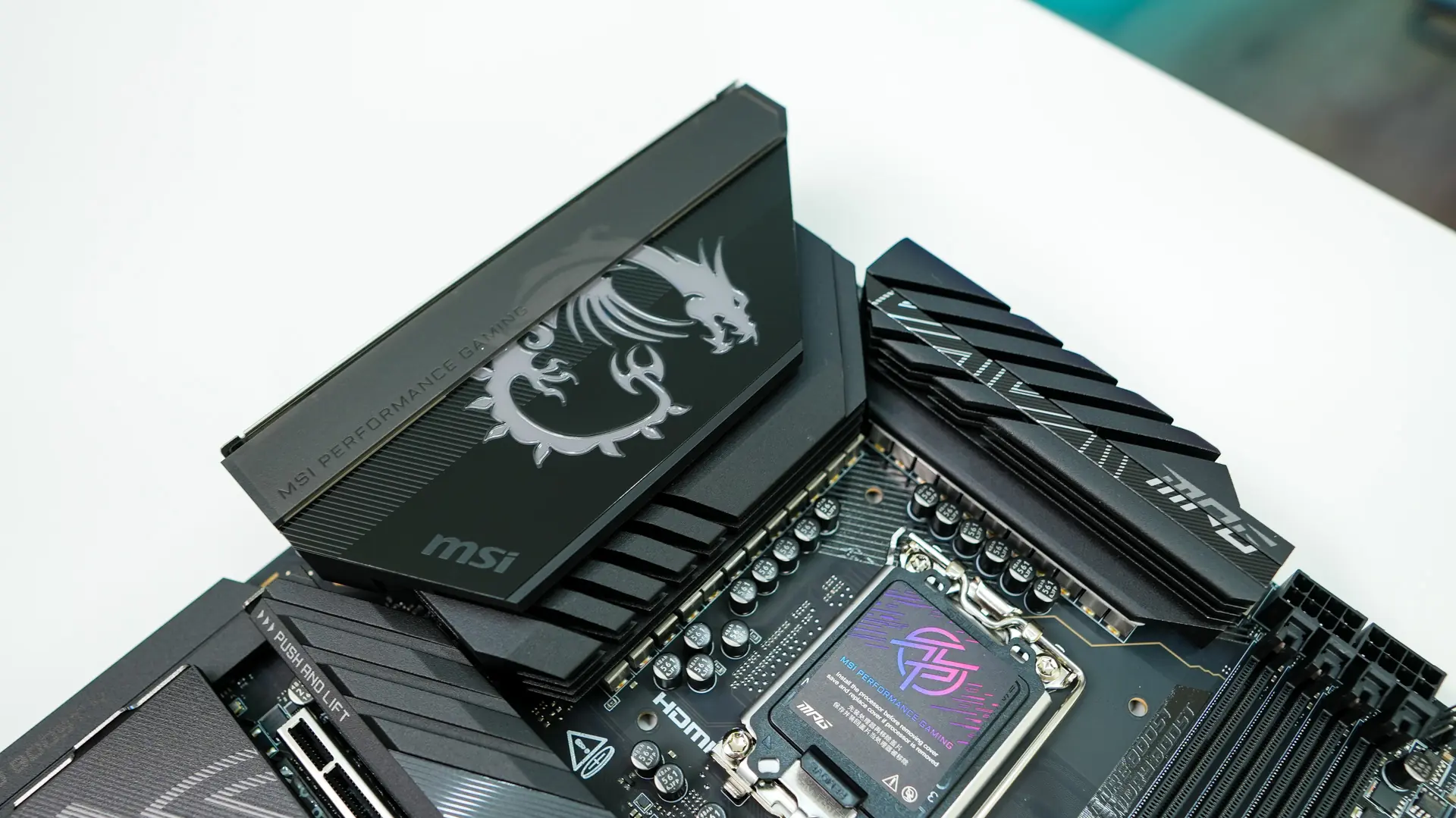
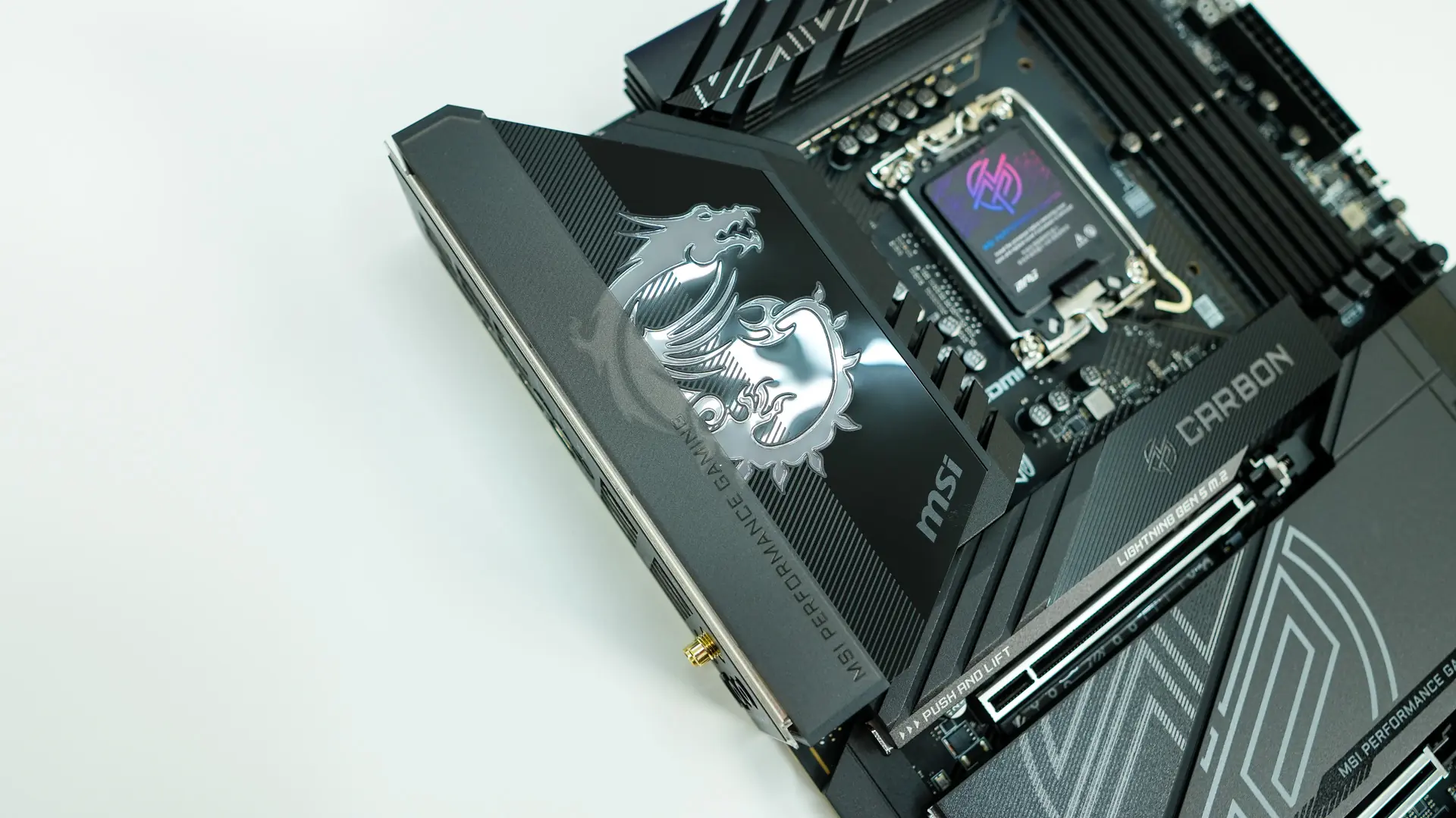
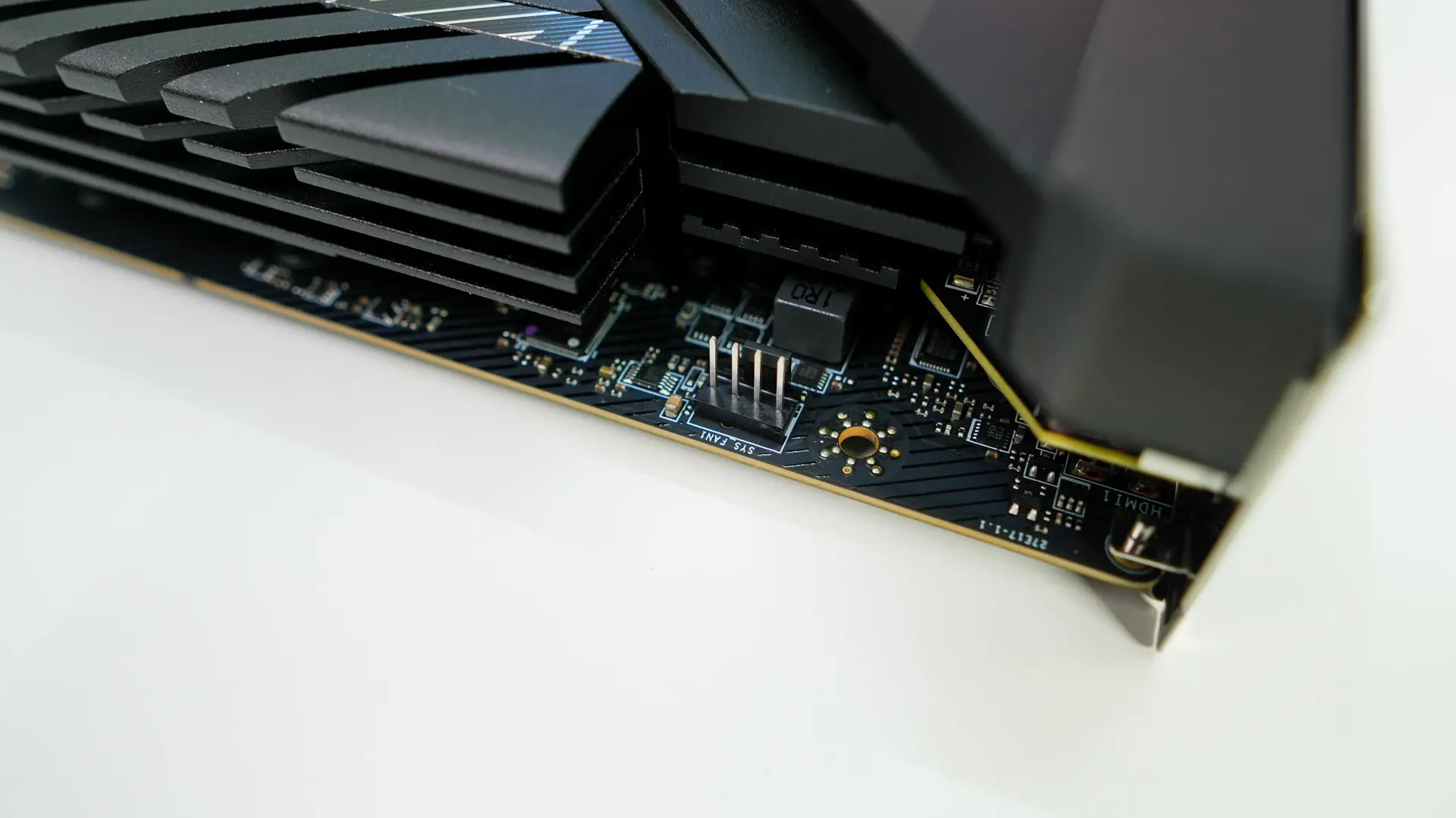
In the top corner of the board where we normally would find our 8-pin EPS connectors there is just a single 4-pin fan header. This is great for a rear exhaust fan in your case. Moving across the top of the board we do find those two 8-pin EPS connectors and our CPU fan header. The CPU fan header is pretty far away from the CPU socket, maybe MSI’s though here is making it easier to access once you have your CPU cooler installed.
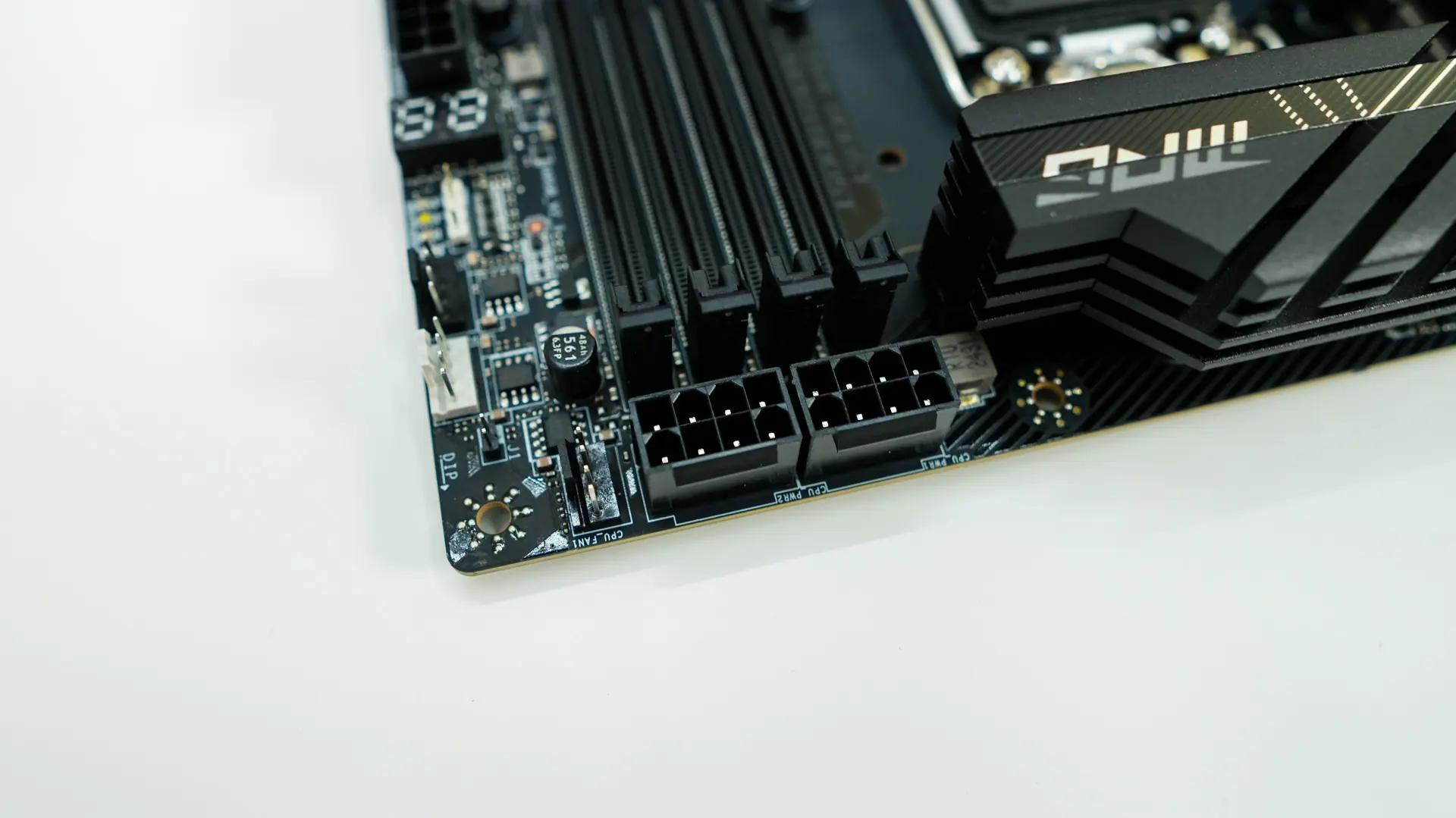
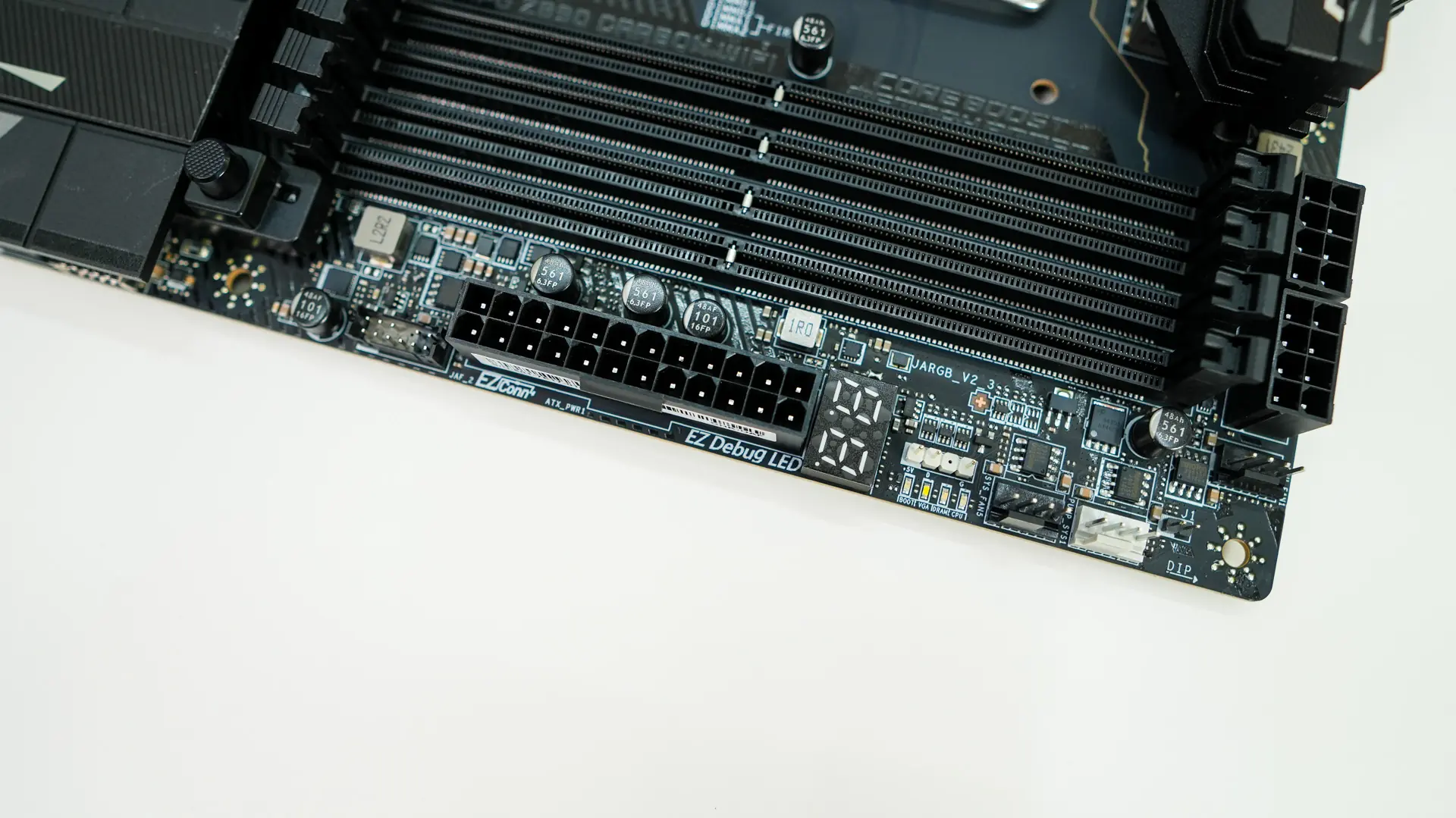
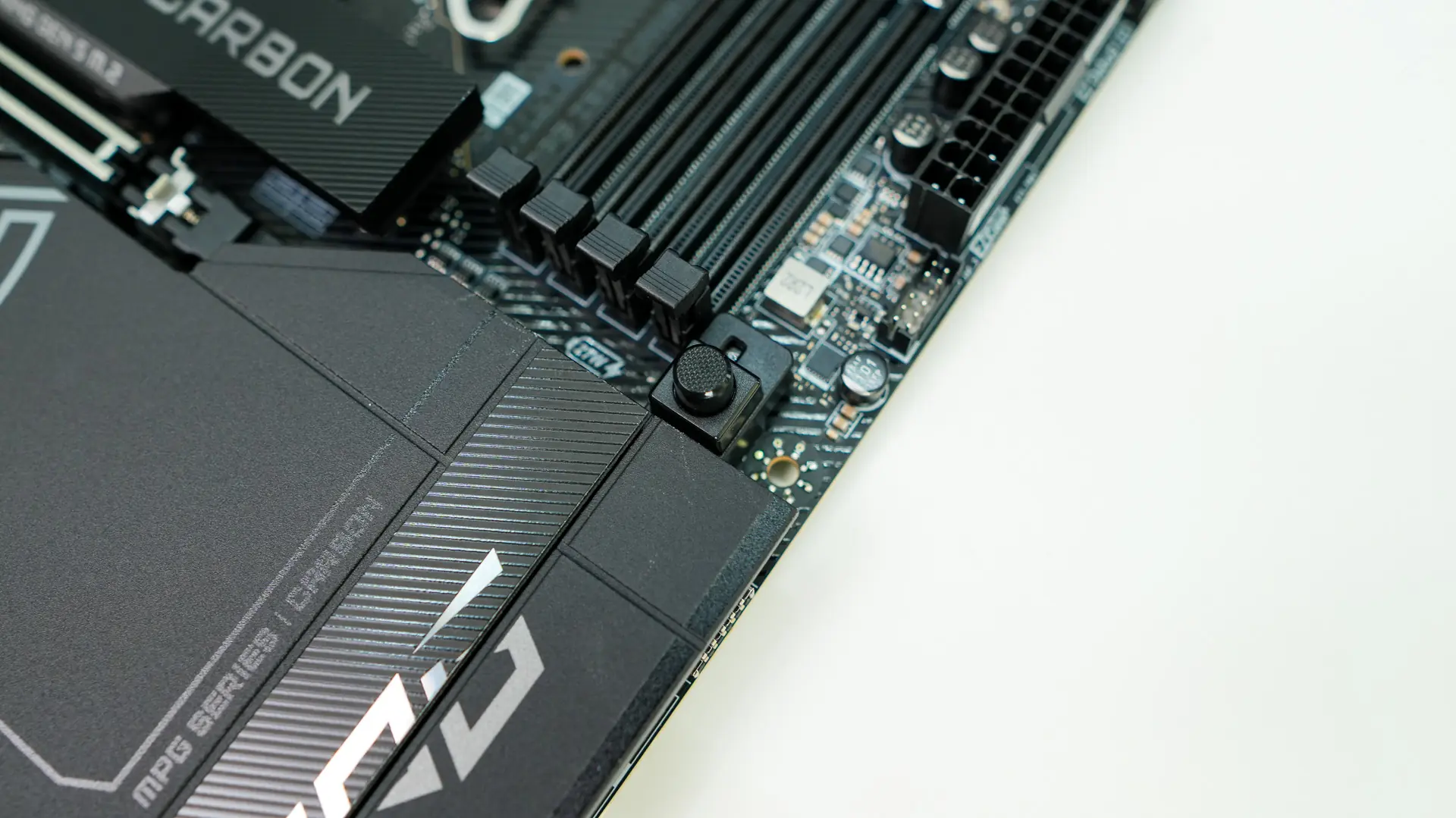
When it comes to memory slots we have four DDR5 DIMM slots which support up to 256GB of DDR5-9200 memory. These slots do not have locks on the top, likely because of the placement of the 8-pin EPS connectors.
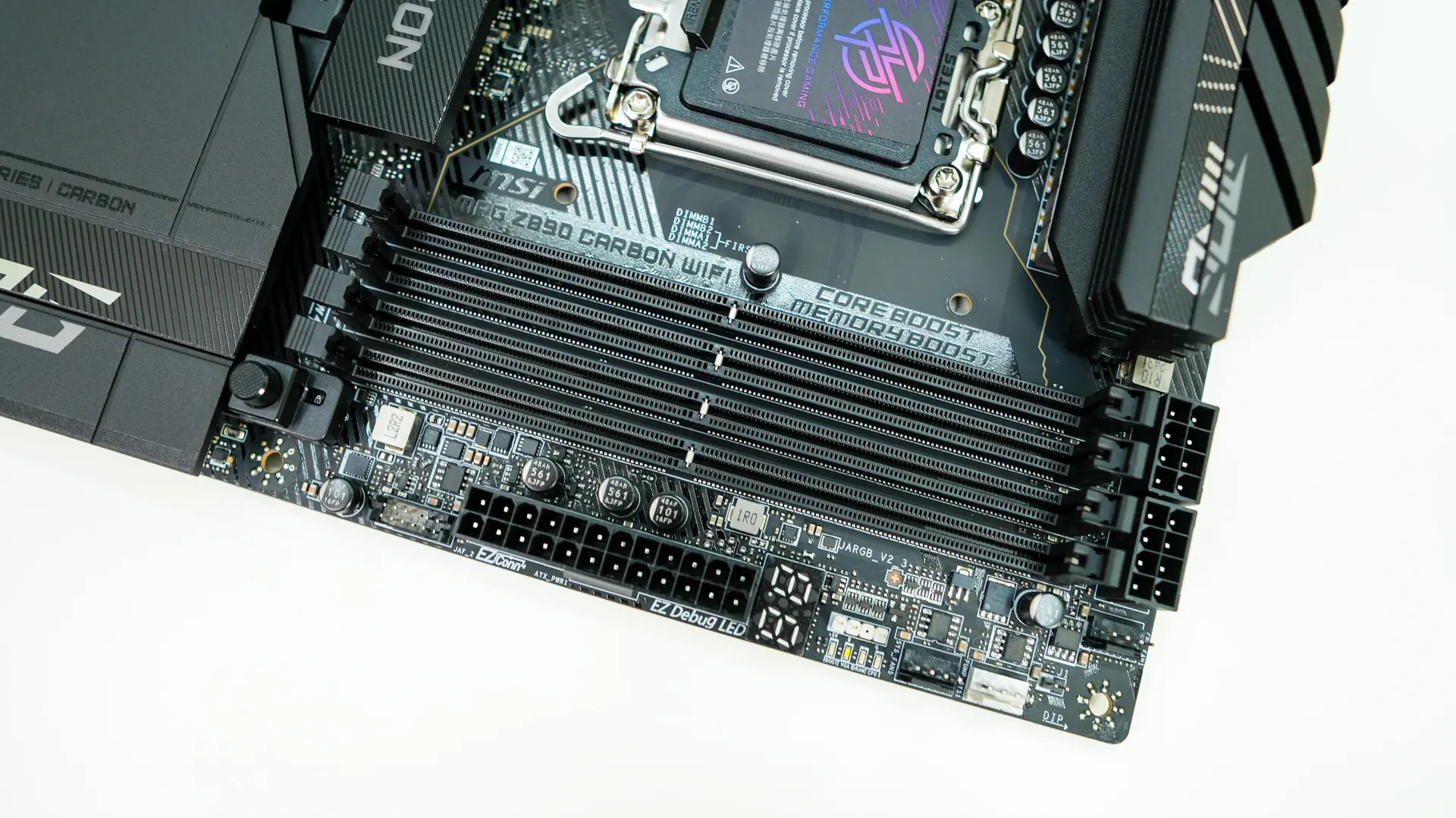
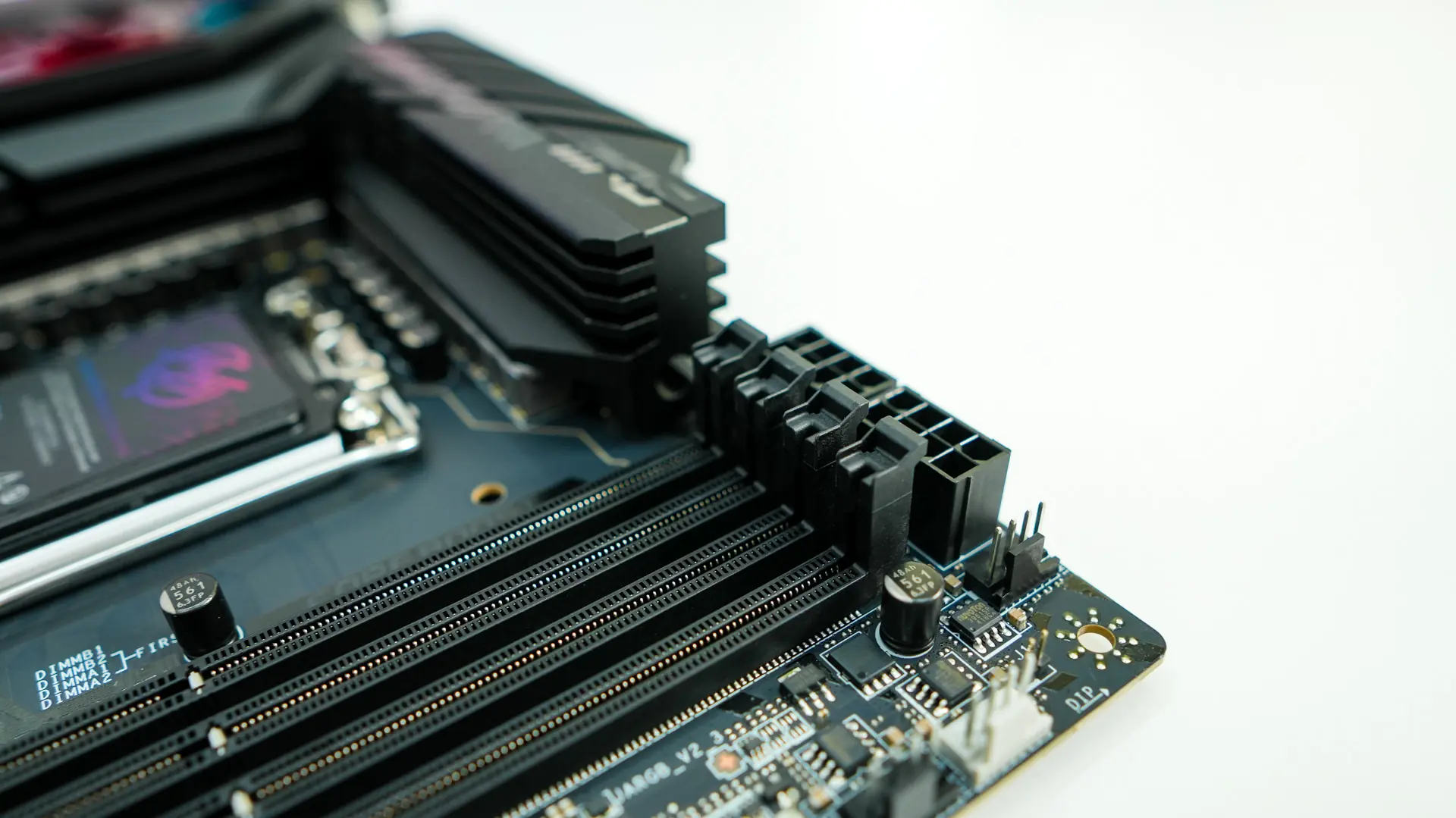
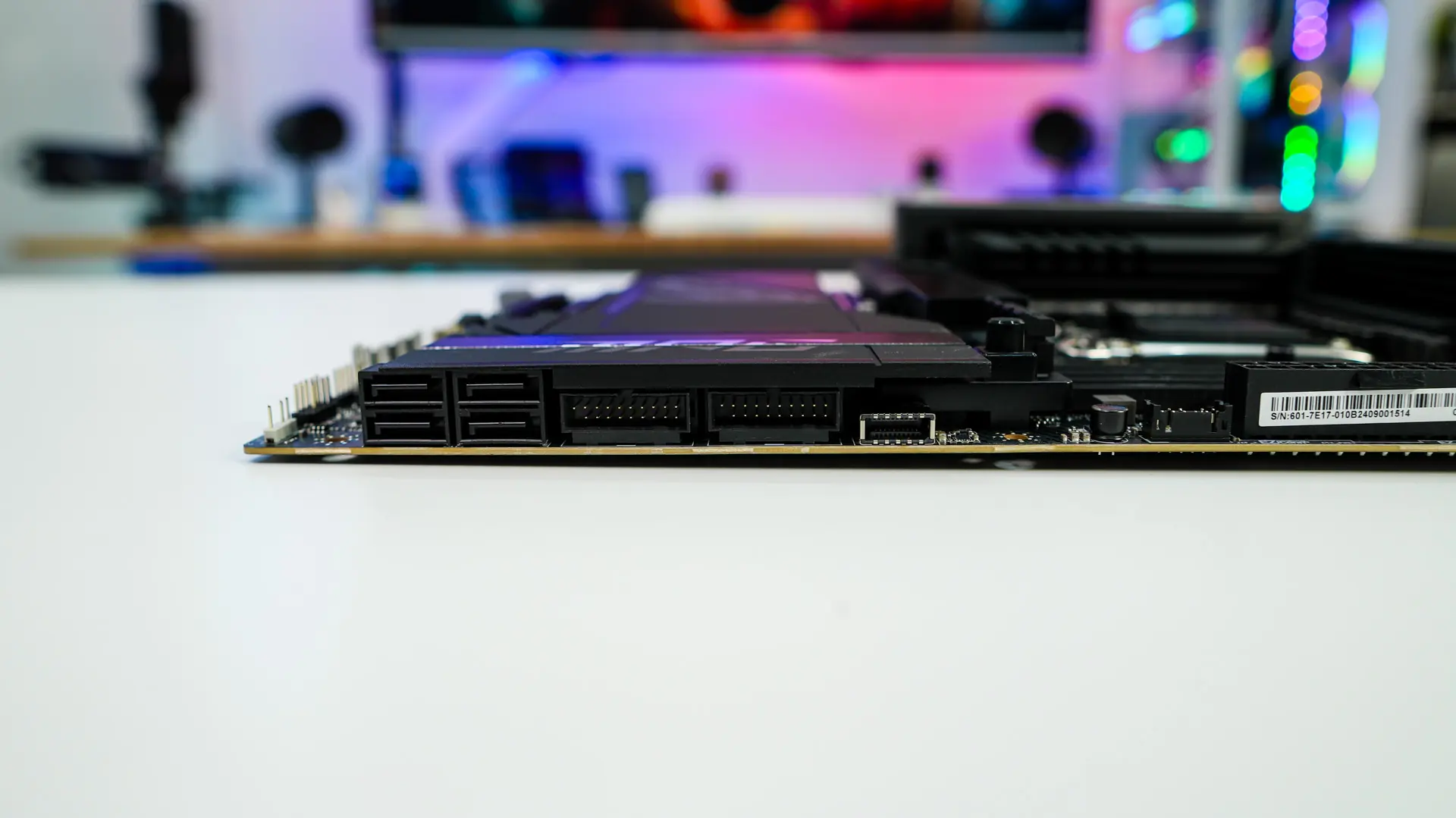
Coming over to the edge of the board you’ll find two more 4-pin fan headers (1 pump, 1 system fan), 3-pin addressable RGB header, post code display, and a 24-pin ATX power connection. As we move down the board at a 90-degree angle we find a USB 3.2 gen 2×2 header, two USB 3.2 gen 1 headers, and four SATA 6GB/s ports.
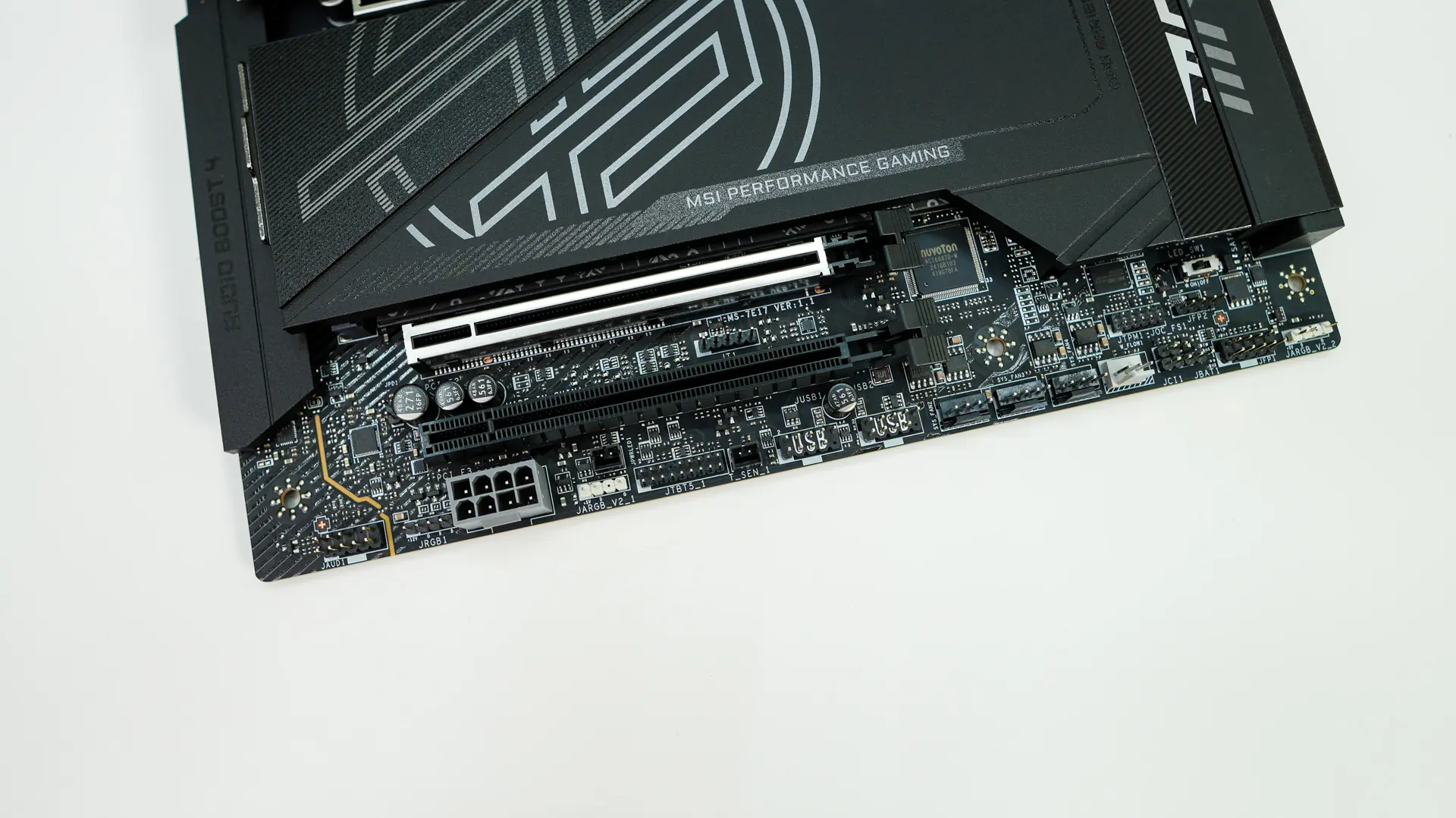
At the bottom of the board you’ll find the rest of your headers and connections. From left to right you have your HD audio header, 4-pin standard RGB header, 8-pin PCIe connection for extra board power, 3-pin addressable RGB header, Thunderbolt header, sensor header, two USB 2.0 headers, three 4-pin fan headers, a 3-pin flow header, front panel headers, and another 3-pin addressable RGB header. There is also a physical LED switch which will completely turn off all the lights on the board.
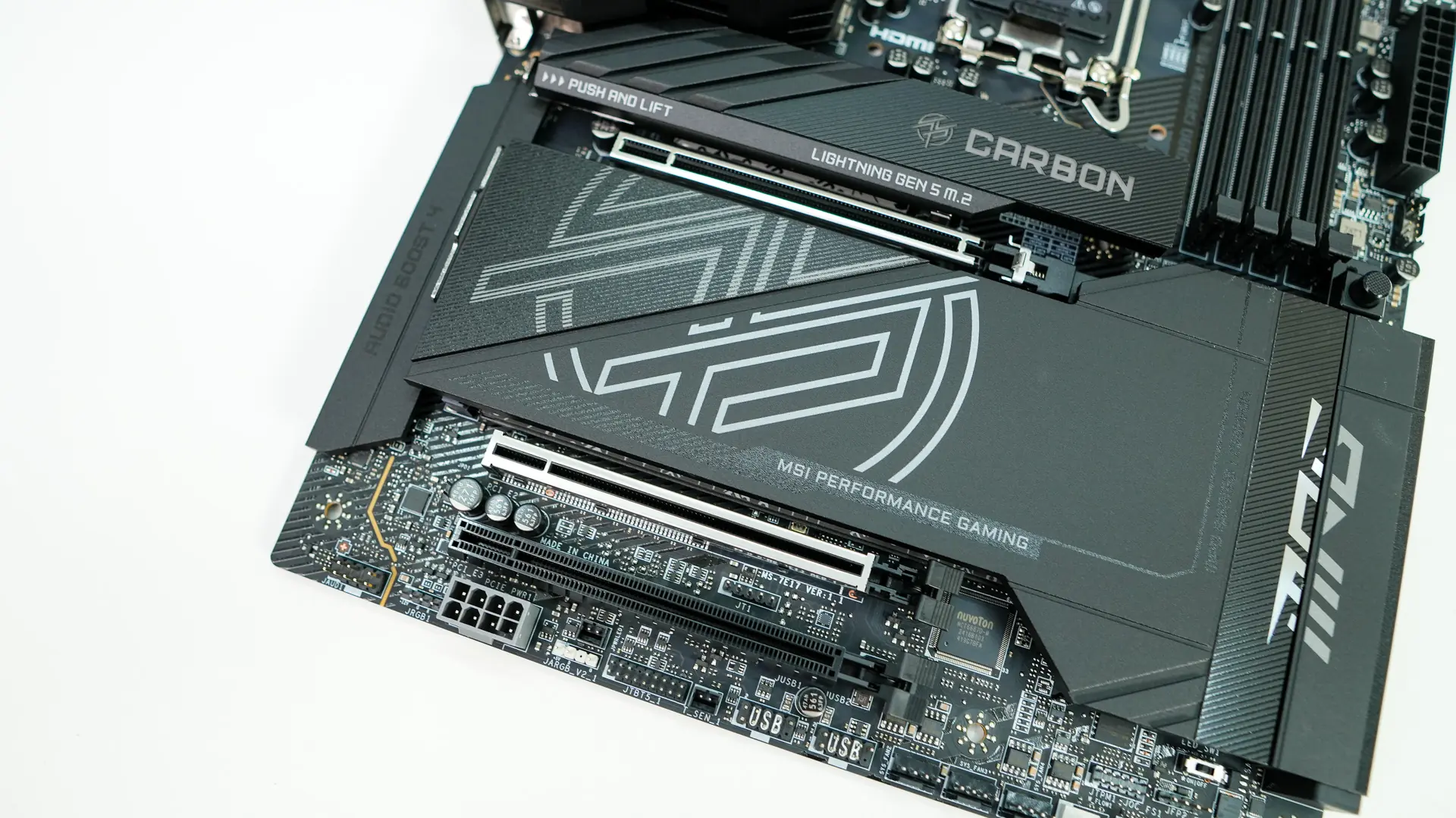
Like most boards these days the bottom half of this board is made up of heatsinks. These heatsinks have tabs on the end which when you press them in release the heatsinks. Removing both heatsinks we find five M.2 slots. The top slot is directly connected to the CPU and is a PCIe 5.0 slot, while the remaining 4 slots are PCIe 4.0 with M.2_5 also supporting SATA M.2 drives. The top slot makes use of MSI’s older tool-less system, while the remaining 4 make use of their EZ M.2 Clip II, which essentially allows you to simply press your drive down and it will lock into place.
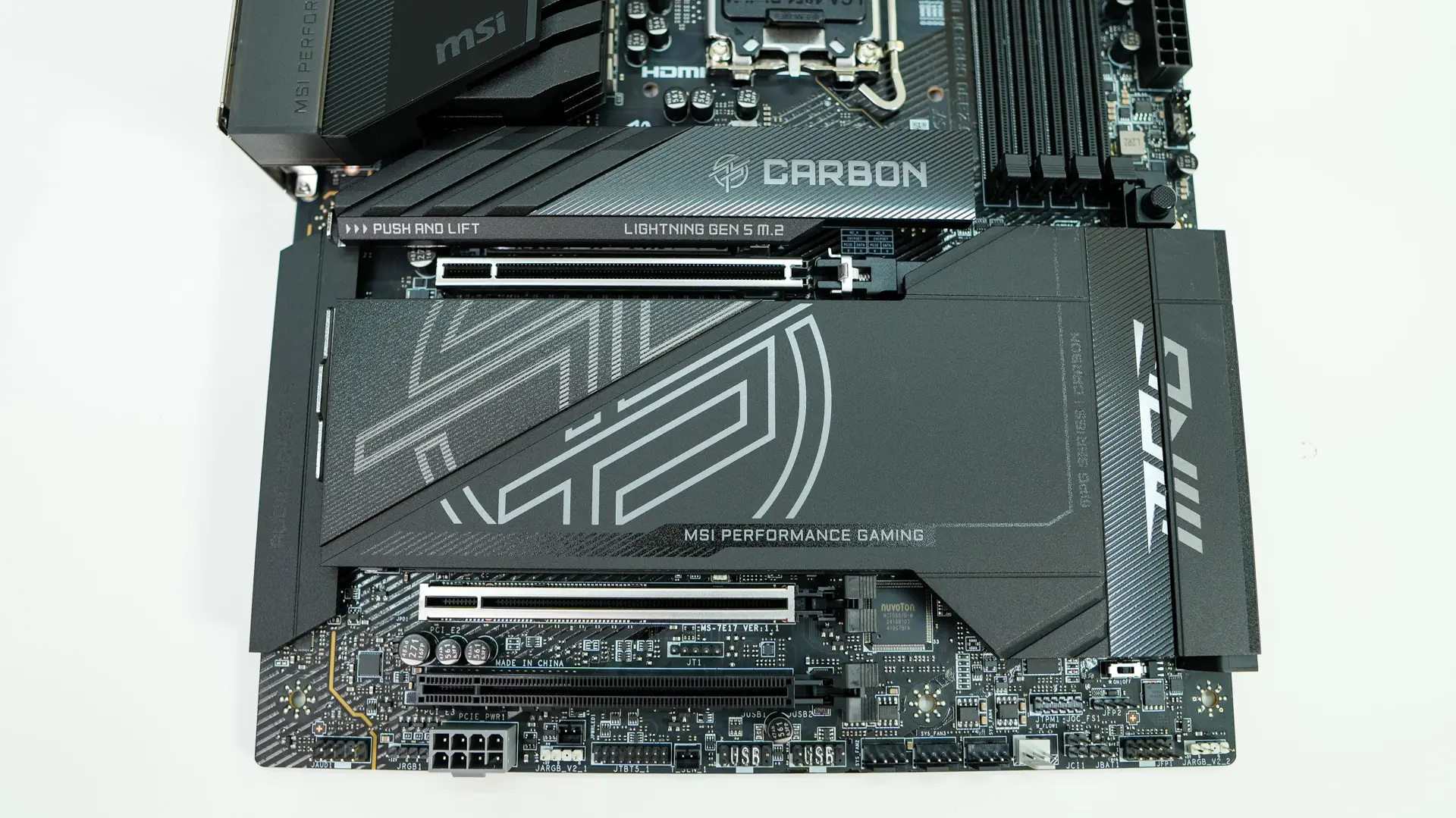
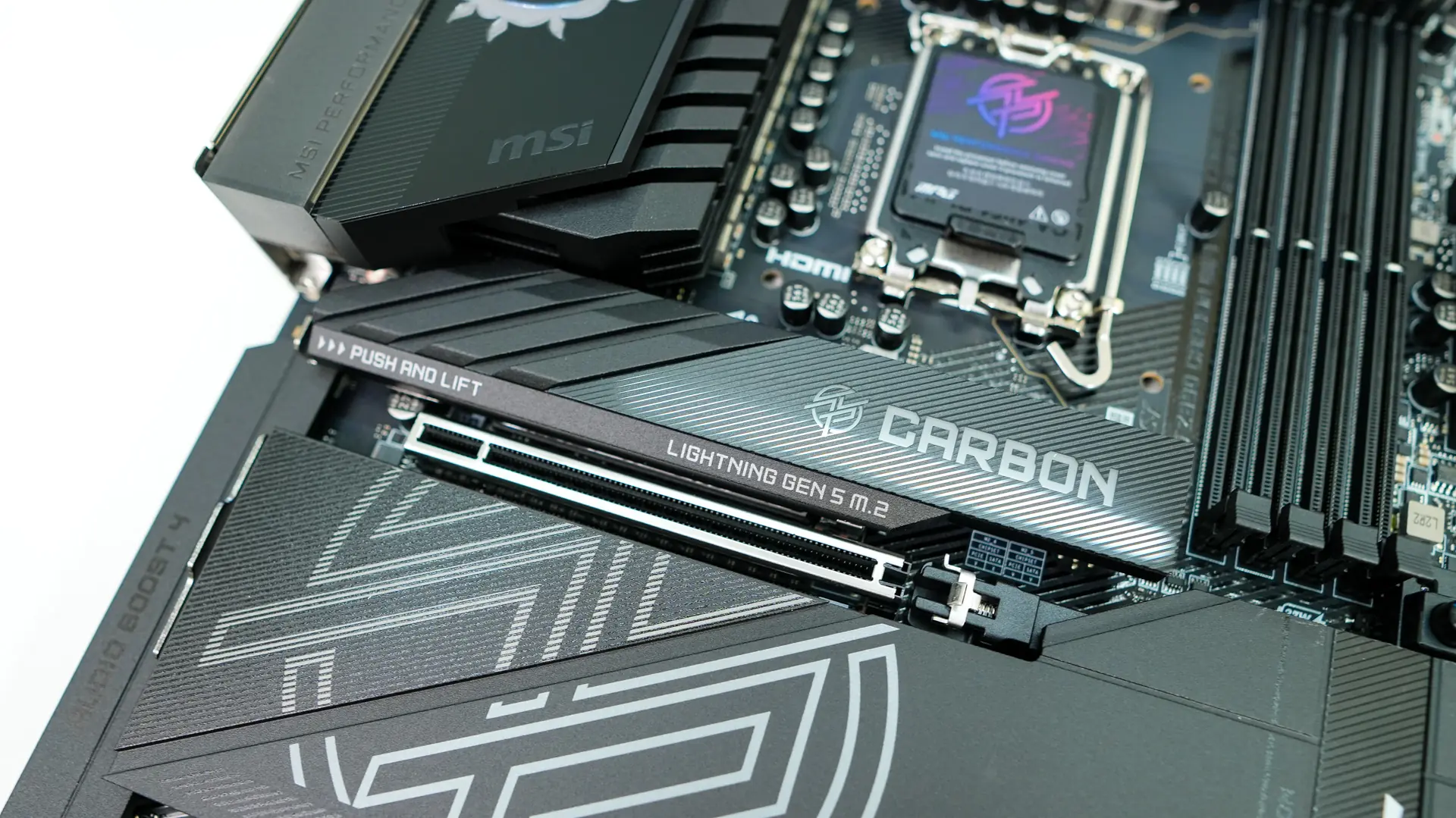
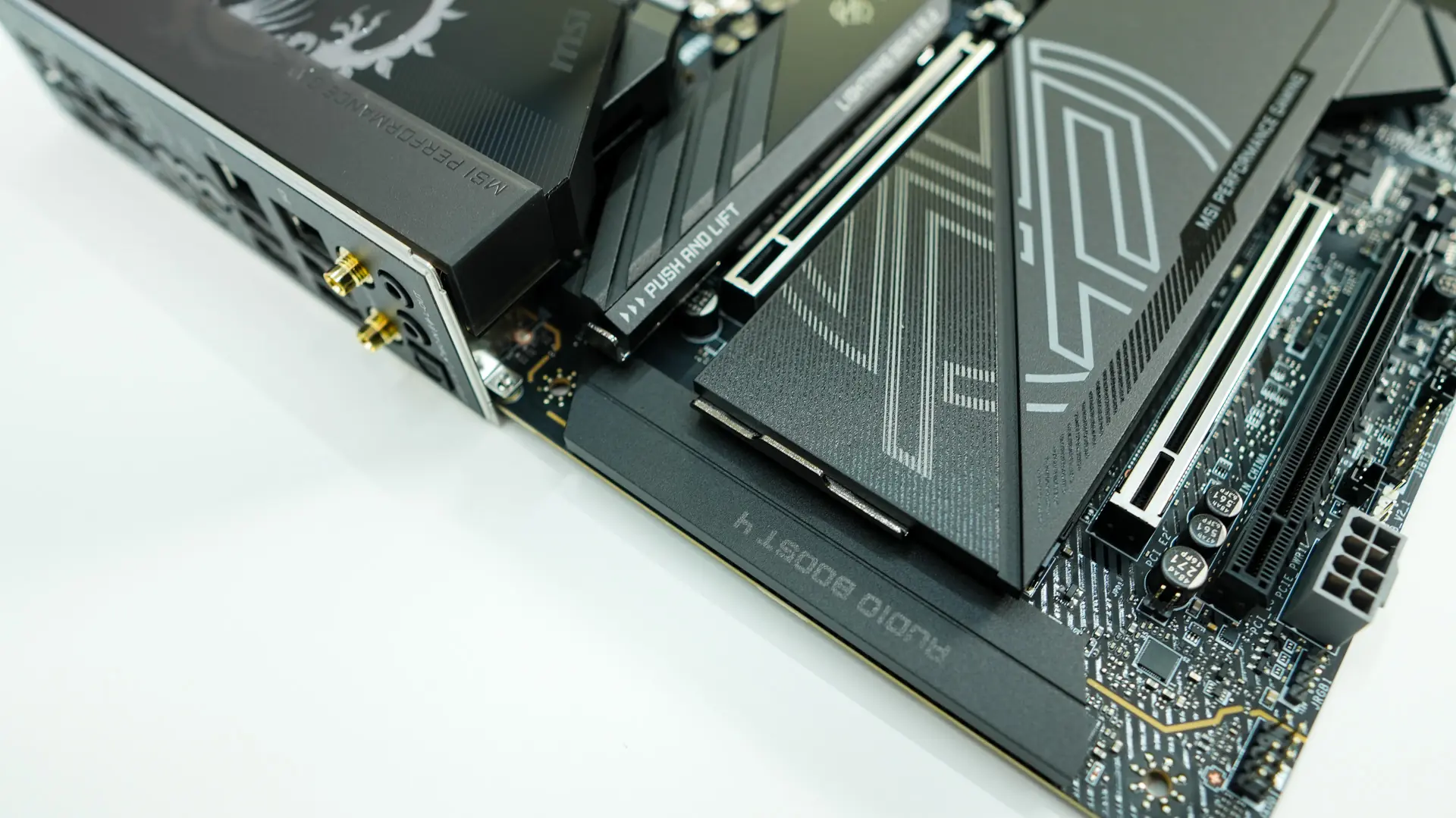
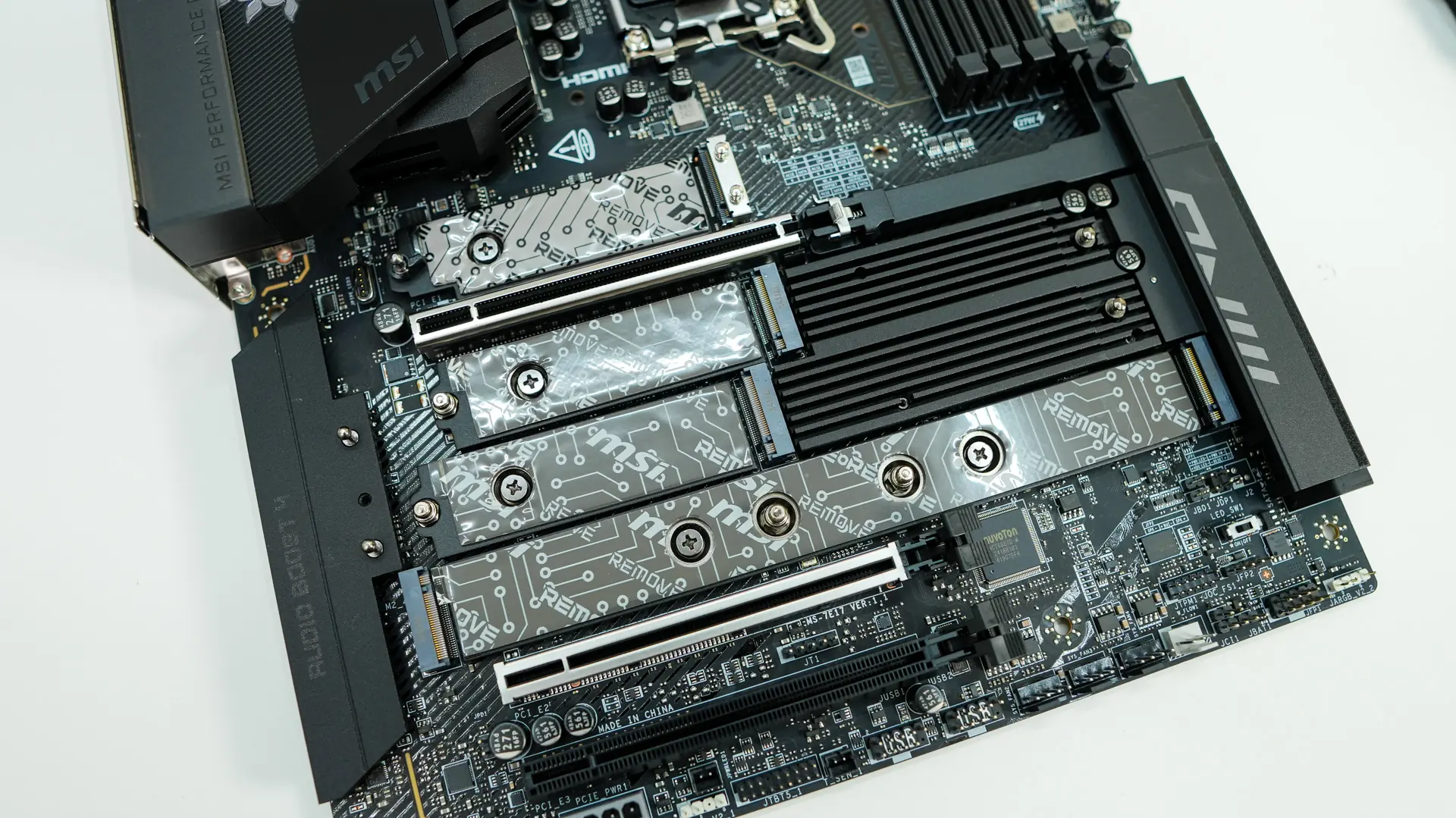
When it comes to expansion slots there are three PCIe x16 slots. The top slot two slots are directly connected to the CPU and are PCIe 5.0 slots. The top slot is x16 electrical, while the second slot is x8 electrical. These two slots are metal reinforced and there is a button towards the edge of the board that will release the top slot for easy removal of your graphics card. The bottom slot is a PCIe 4.0 slot and is x4 electrical.
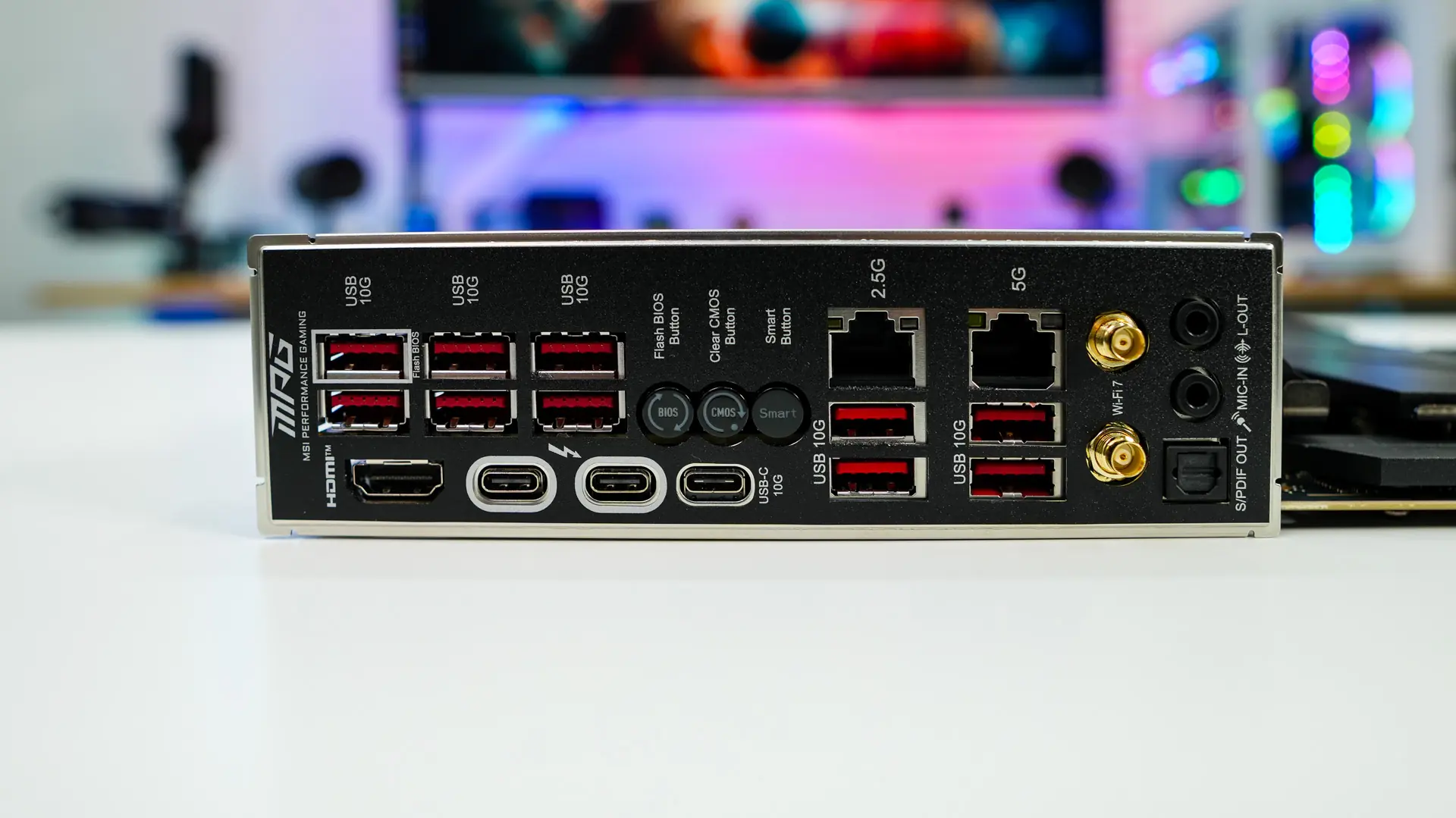
The rear I/O has an integrated I/O shield, which is all but standard these days. When it comes to connections and buttons you have six USB 3.2 gen 2 ports, HDMI, two Thunderbolt Type-C ports, a single USB 3.2 gen 2 Type-C port, BIOS flash, clear CMOS, and Smart buttons, 2.5G LAN, 5G LAN, four more USB 3.2 gen 2 ports, WiFi antenna connections and your audio connections.