Lighting on the MSI MPG Z890 Carbon WiFi Motherboard
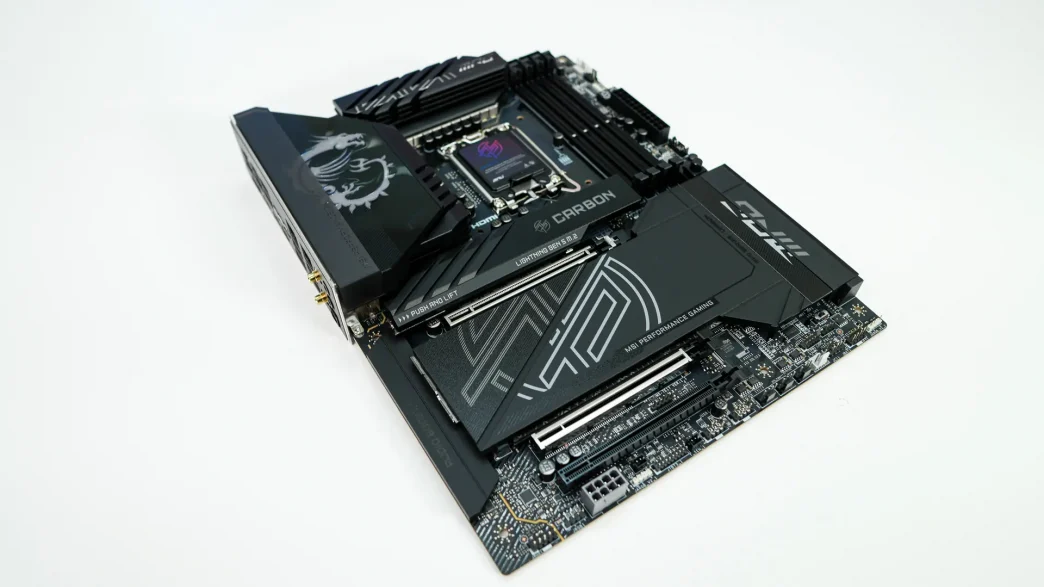
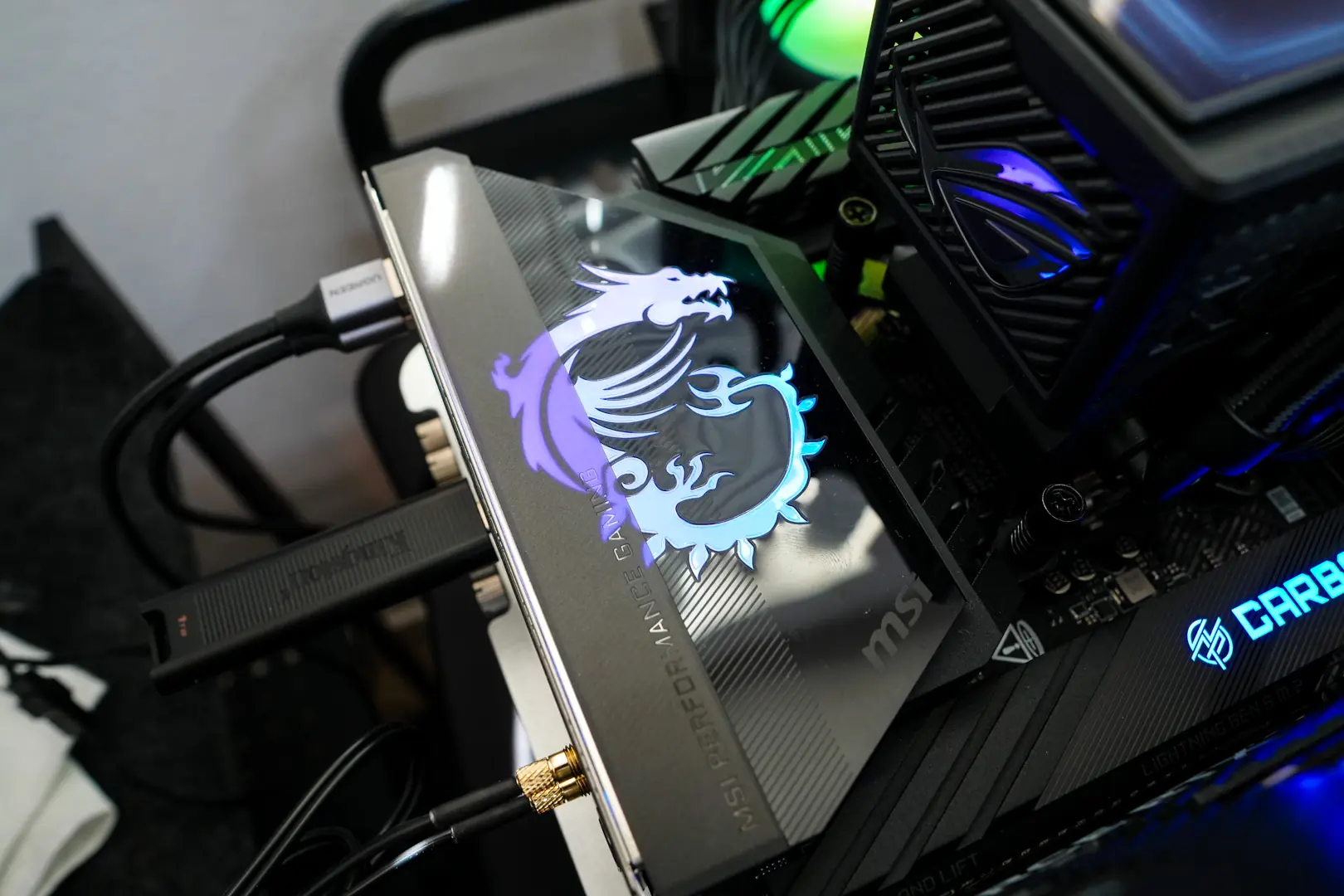
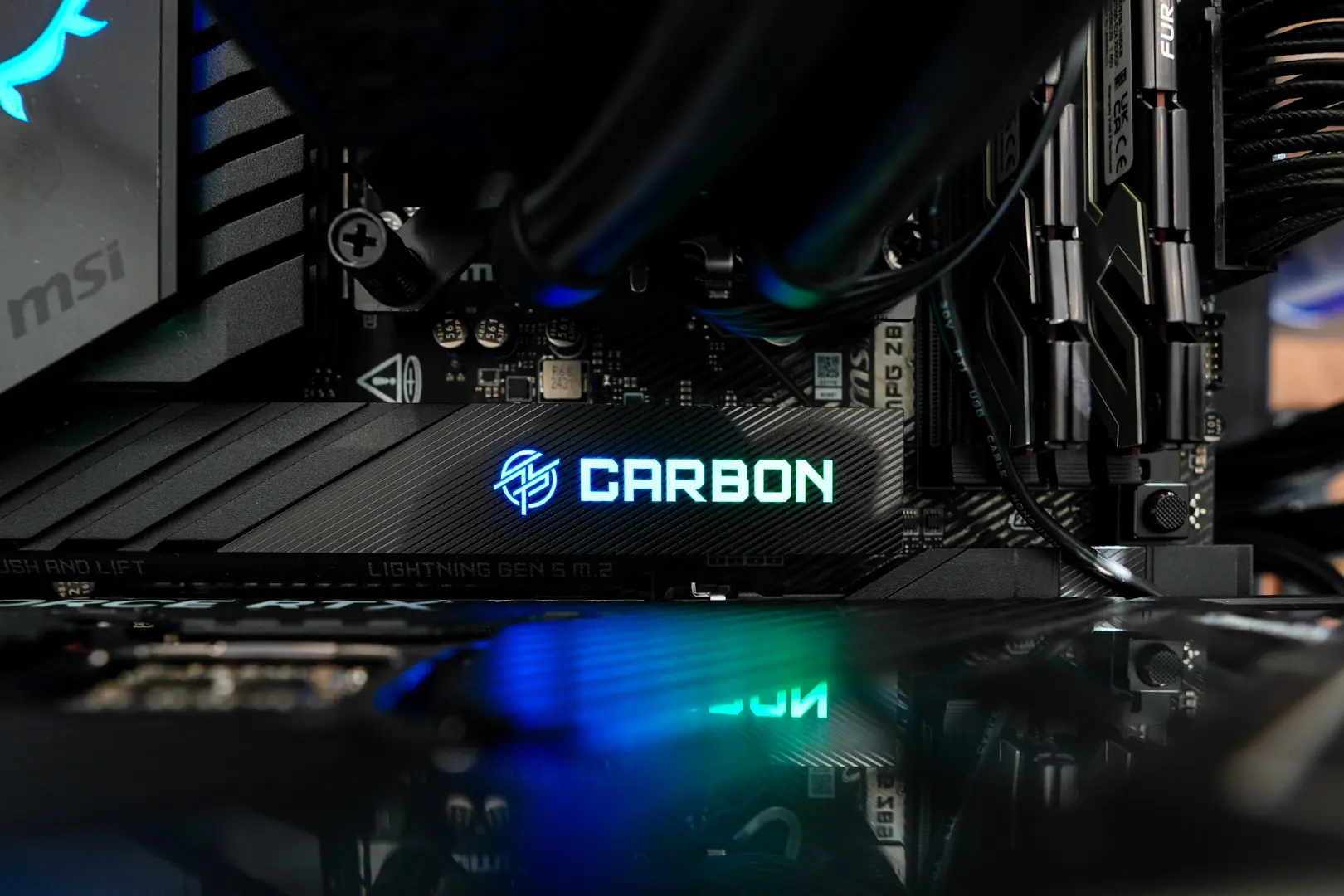
For lighting on the motherboard the MSI dragon logo on the rear I/O cover is going to light up as well as the “Carbon” test on the top M.2 heatsink. You can of course control this lighting with MSI’s Mystic Light software.
MSI MPG Z890 Carbon WiFi Motherboard Companion Software
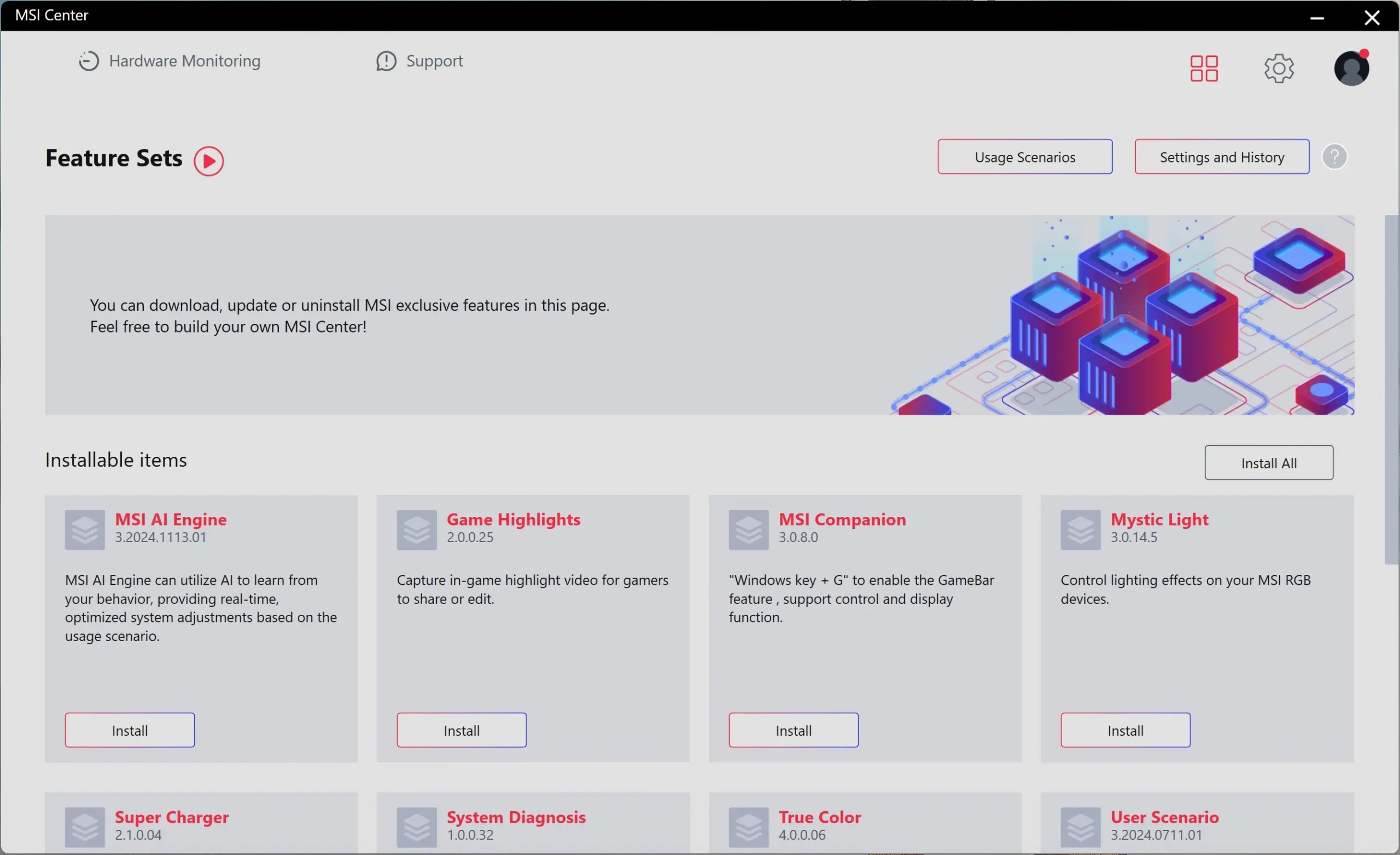
The MSI Center is what you’ll want to download to get access to all of the drivers and software for your motherboard.
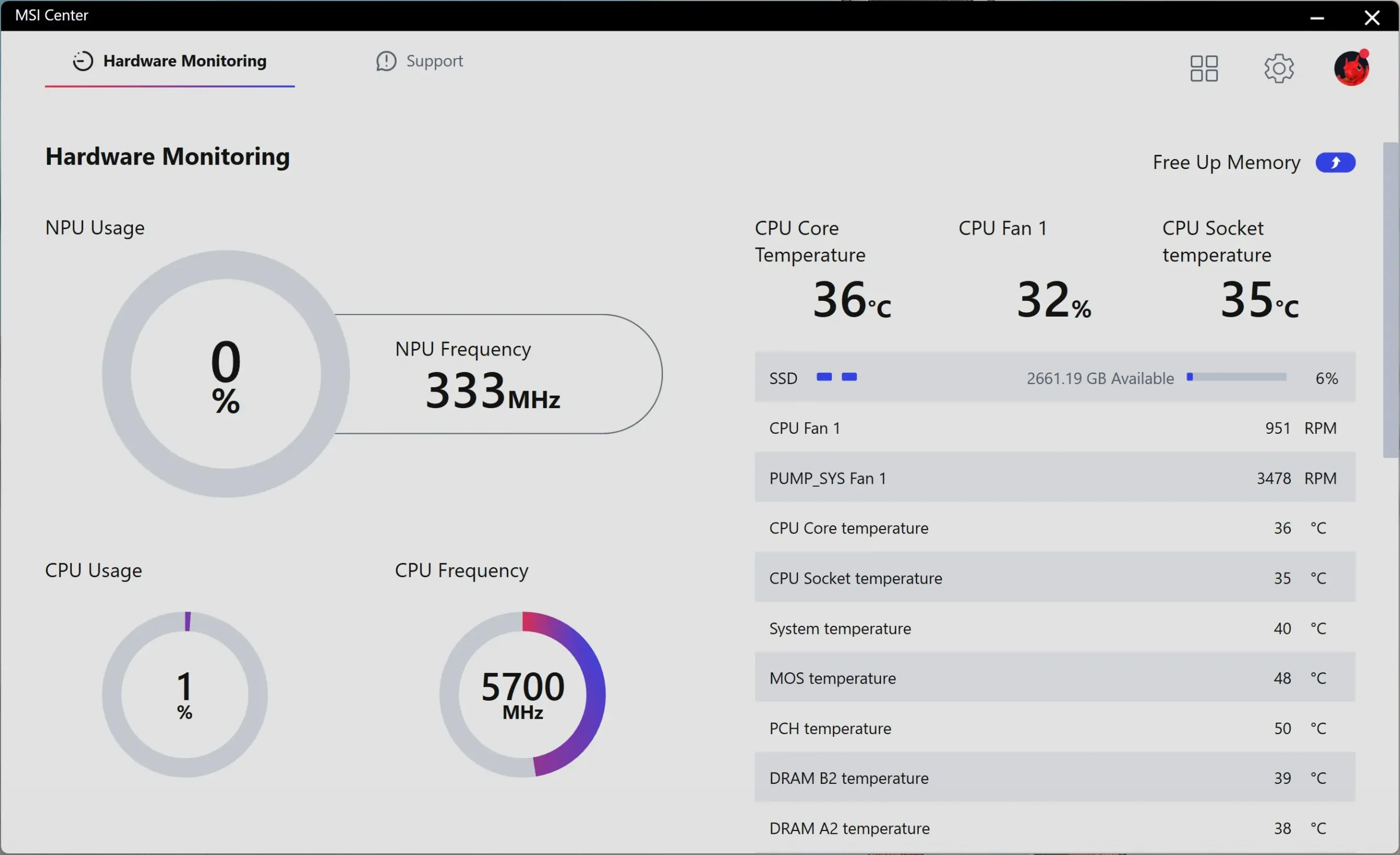
There is a hardware monitor built into the software which will show you your clock speeds, temperatures, and voltages.
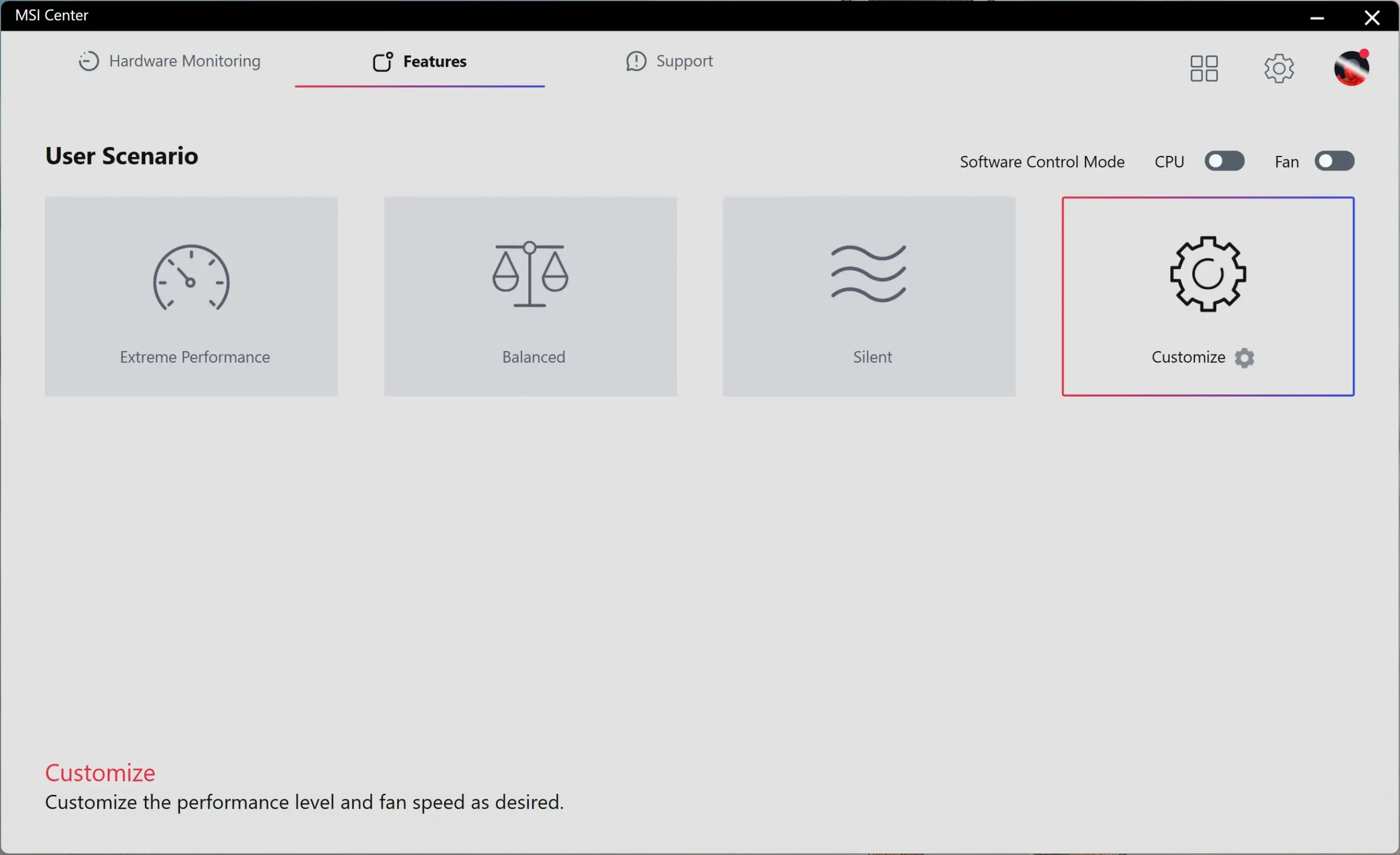
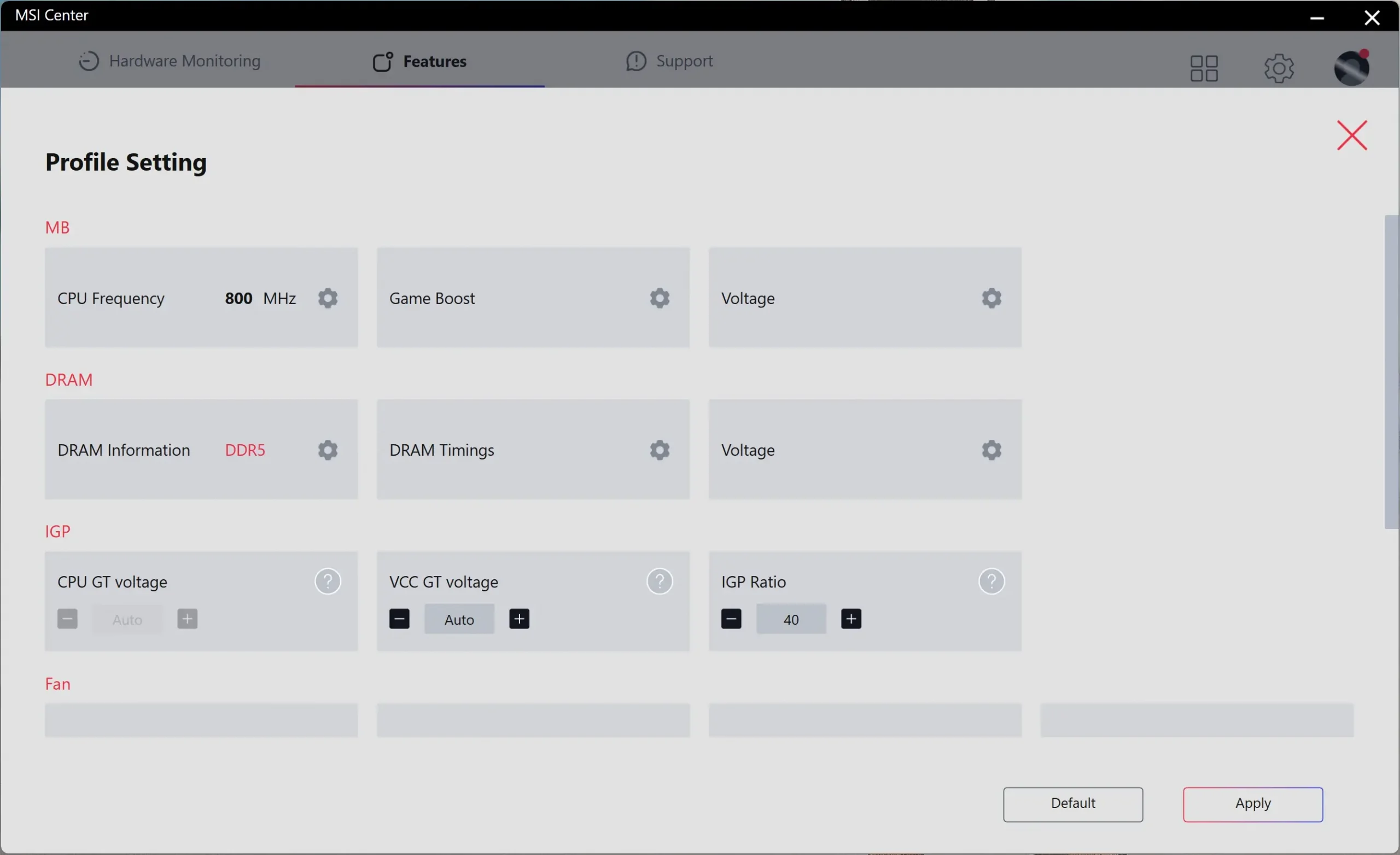
You’ll need to install User Scenario, which allows you to tune / overclock your system. Here you can set a basic user scenario (Extreme Performance, Balanced, or Silent) or go into Customize do your own system tuning.