


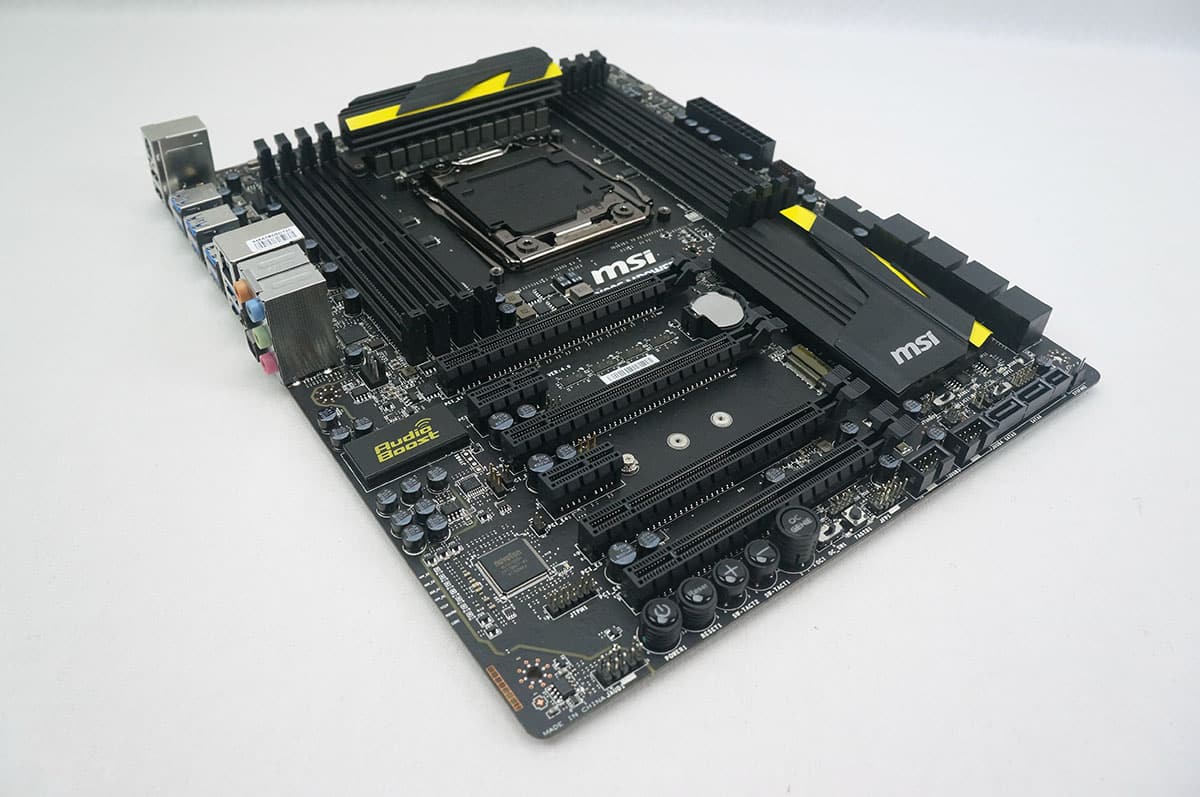
Included Software & Features
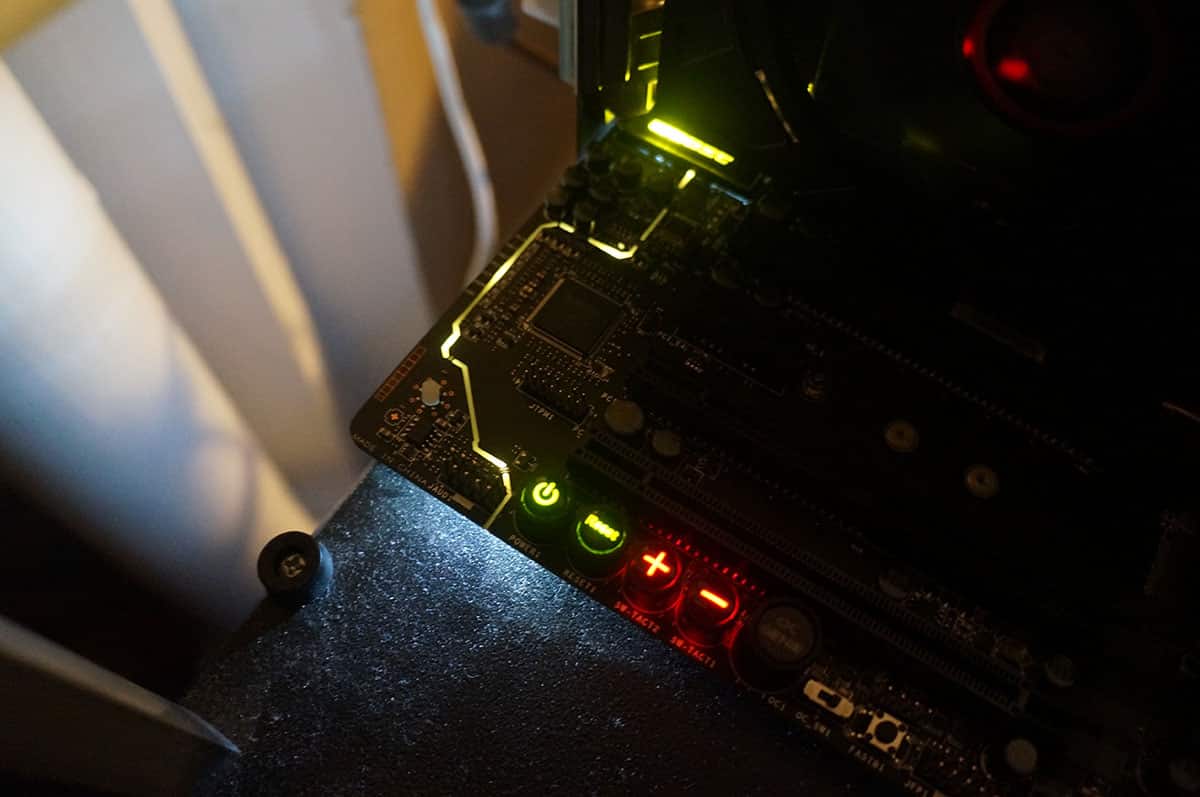
One really cool feature of the Z97 MPower is its illumination when its turned on. As I said earlier in this review the audio components of the board are completely separated from the rest of the board and the PCB isolation actually lights up yellow.
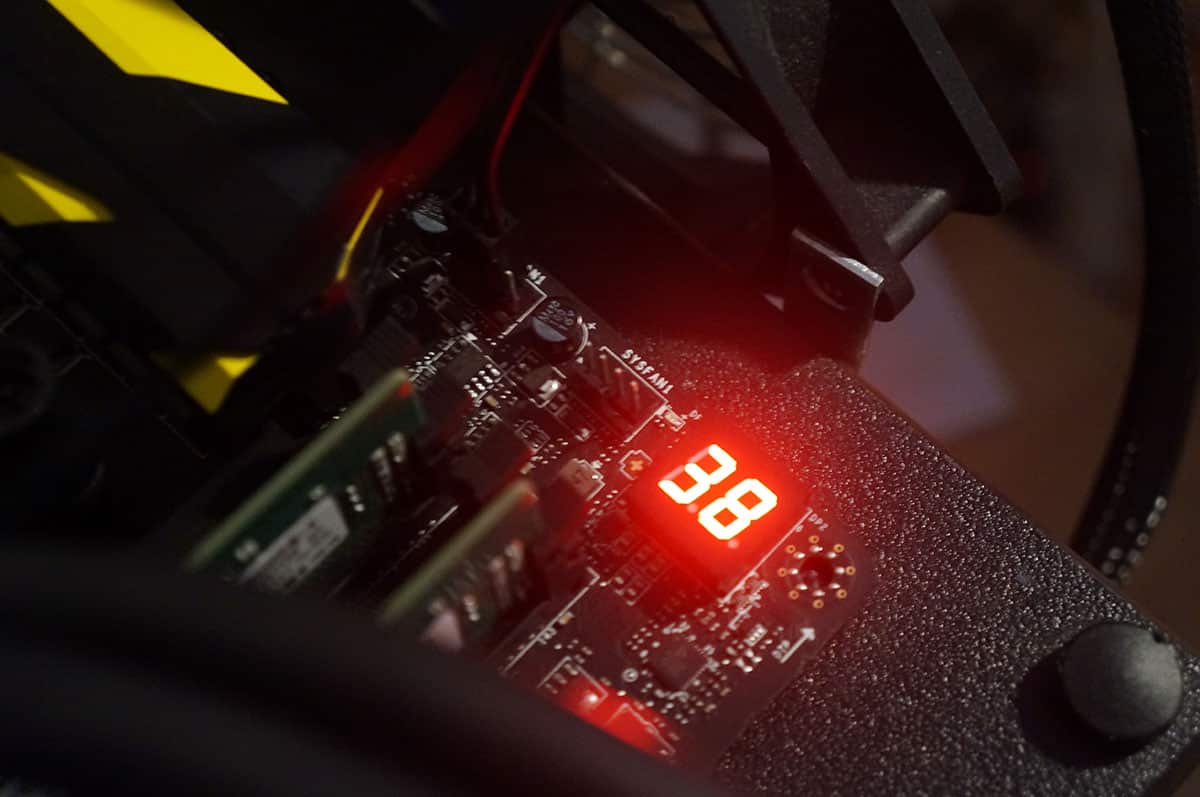
Another cool thing about this board is that the DEBUG LED will show you a real time temperature reading of your CPU temperature. The DEBUG LED on this board is red unlike the yellow DEBUG LED that we saw on the MSI Z97 MPower board.
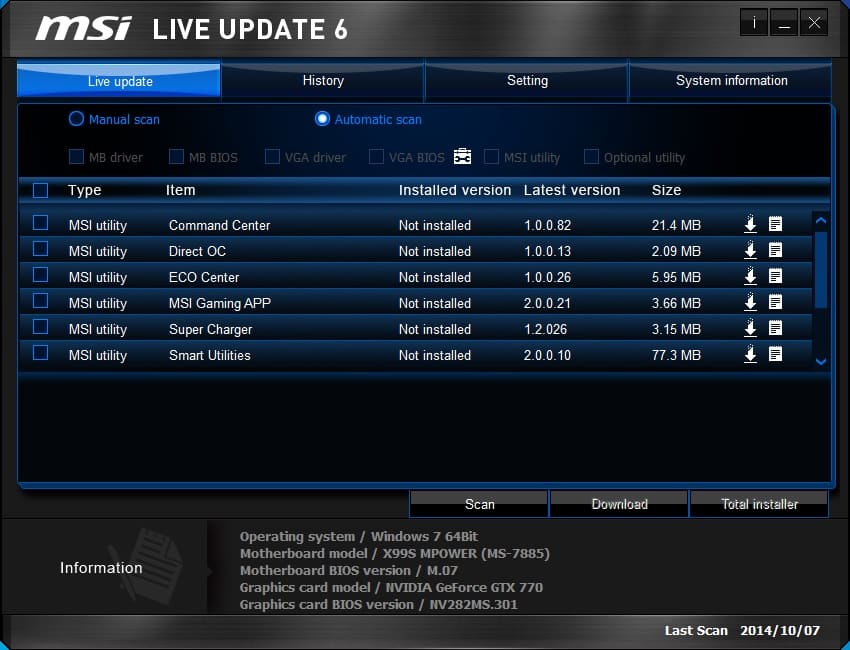
MSI’s live update software will easily allow you to update your BIOS, drivers and utilities to the latest versions available.
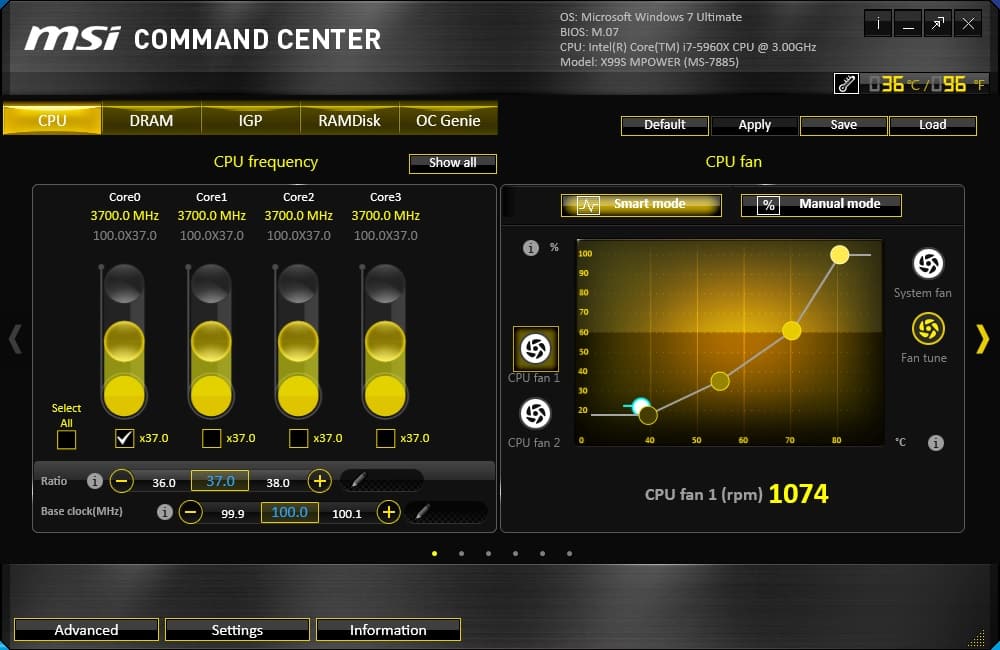
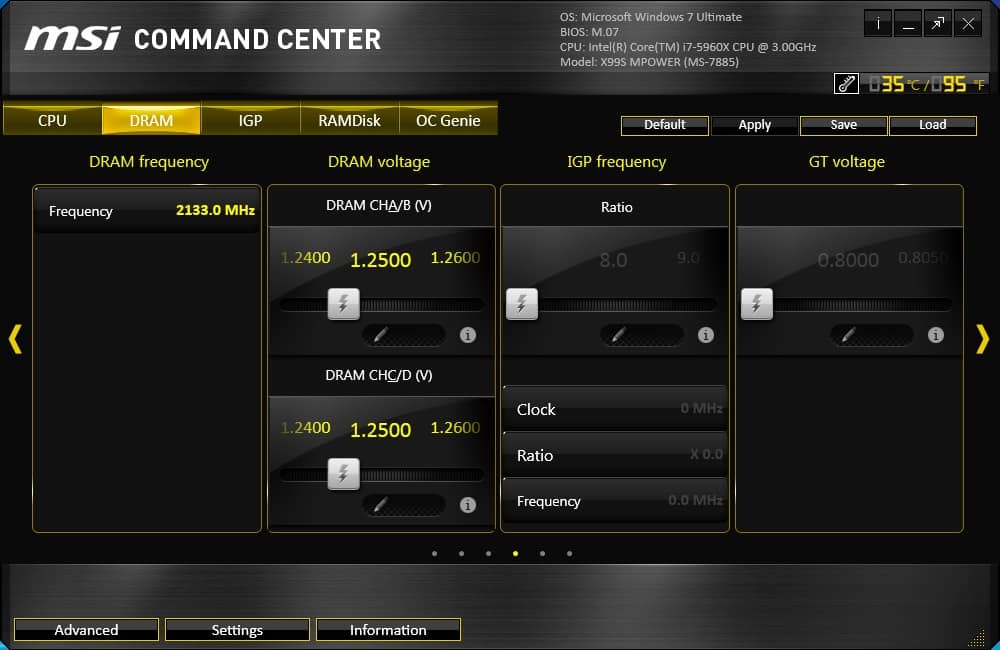
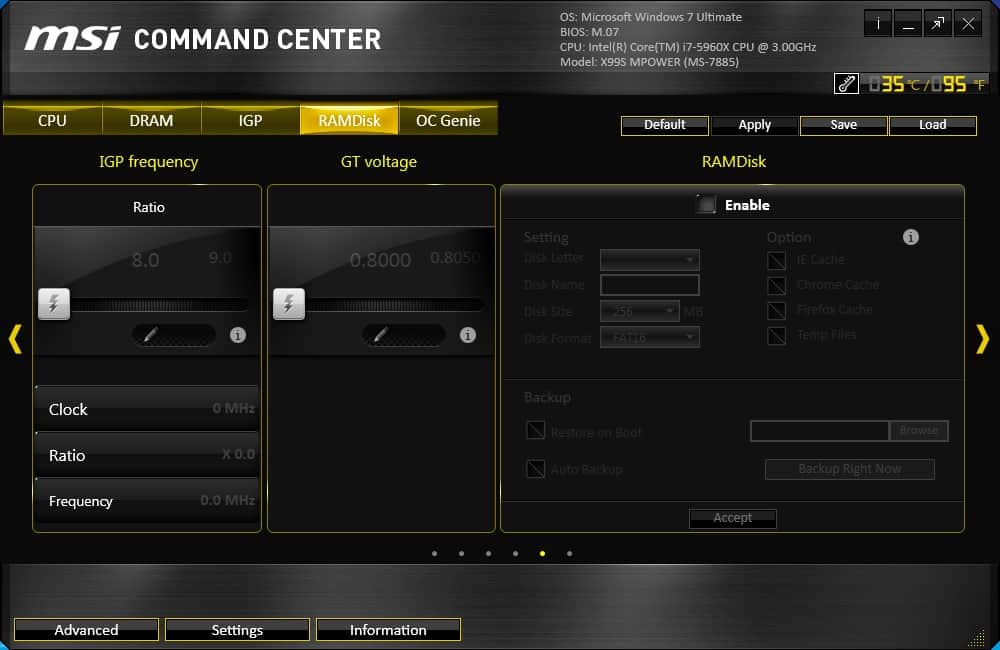
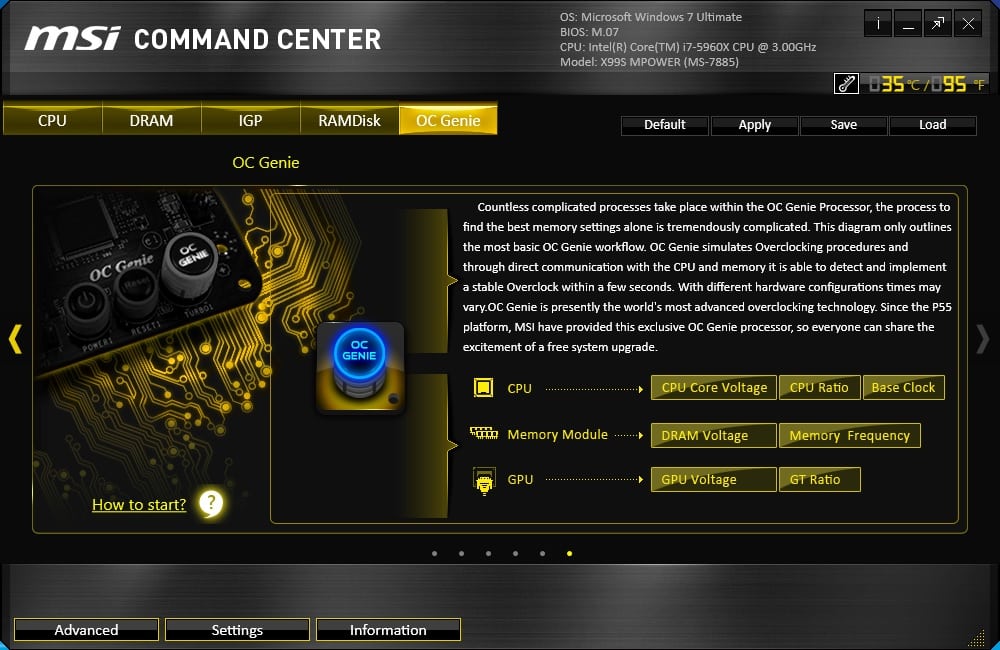
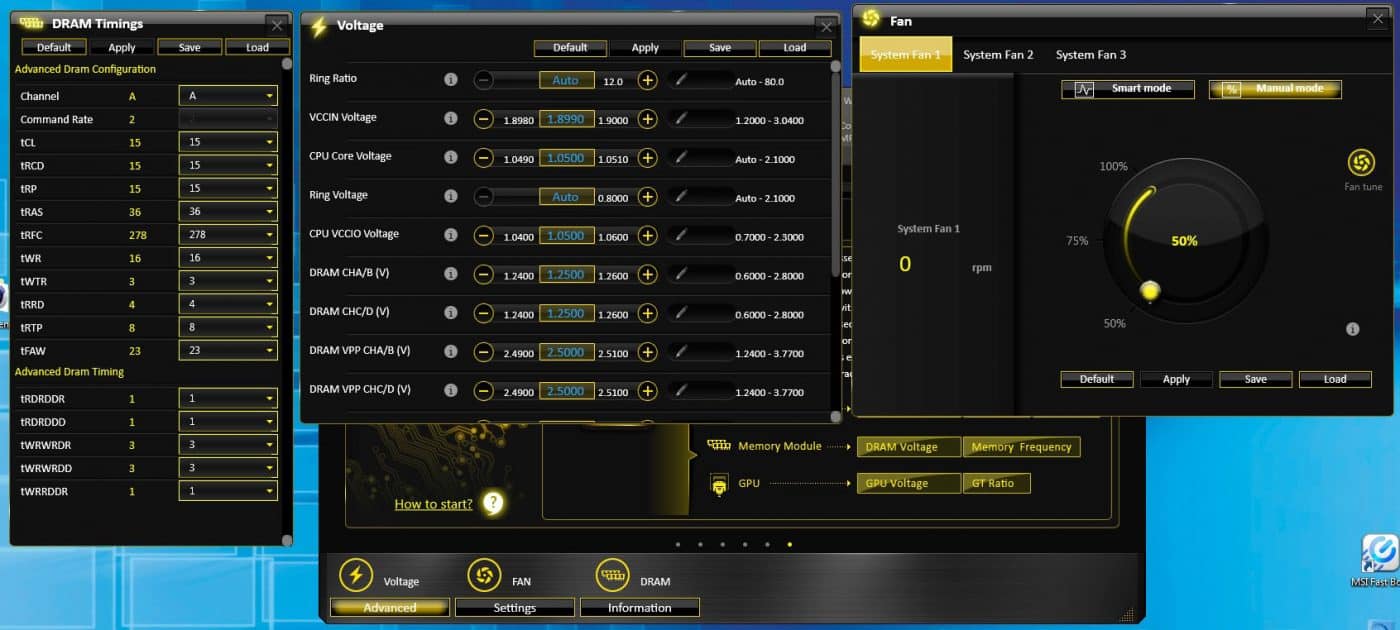
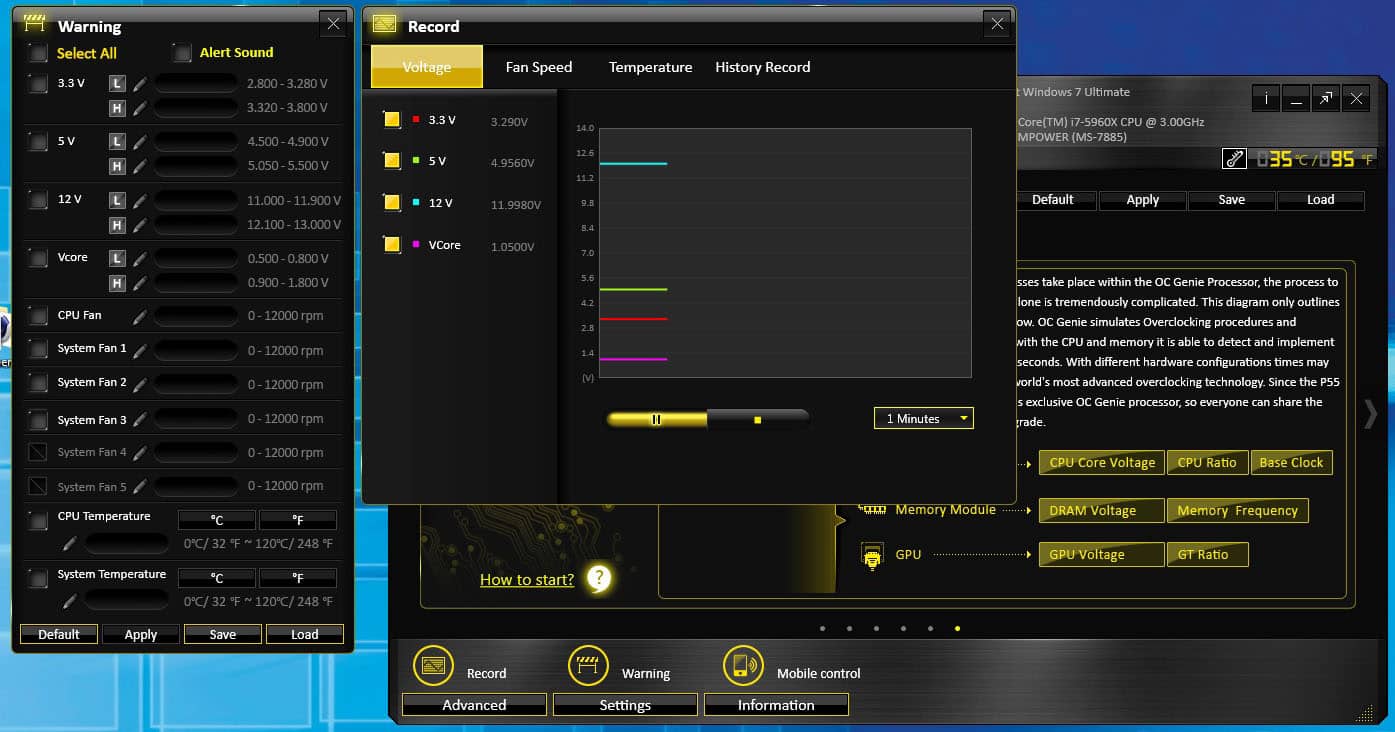
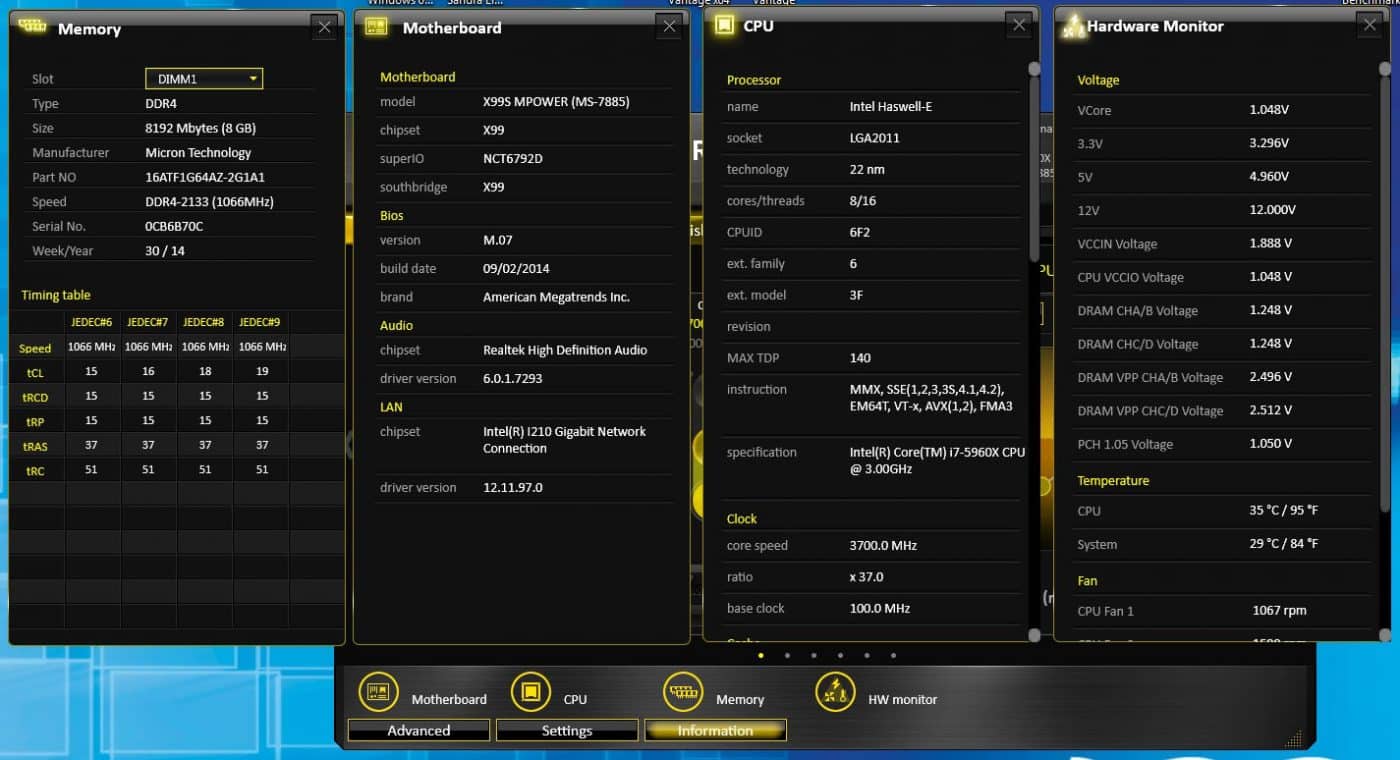
MSI includes their Command Center software with the X99S MPower. It actually gives you a lot of options and allows you to change many settings without having to go into the BIOS.

I really regret building this years Dream Machine using the Z97 Chipset and even more picking the Asus Maximus VII Hero for the duty, get it duty because that’s exactly what it is crap. Next System Build will be with Gigabyte and everything opposite of what I have now. Good Review Bob.
PhoneyVirus
https://twitter.com/PhoneyVirus
https://phoneyvirus.wordpress.com/
i have couple questions: 1.) does this board support 3-pin fan control?
2.) is it possible to set a negative offset voltage (to lower cpu voltage at idle) and at the same time override cpu voltage at high frequency to achieve high overclock?