


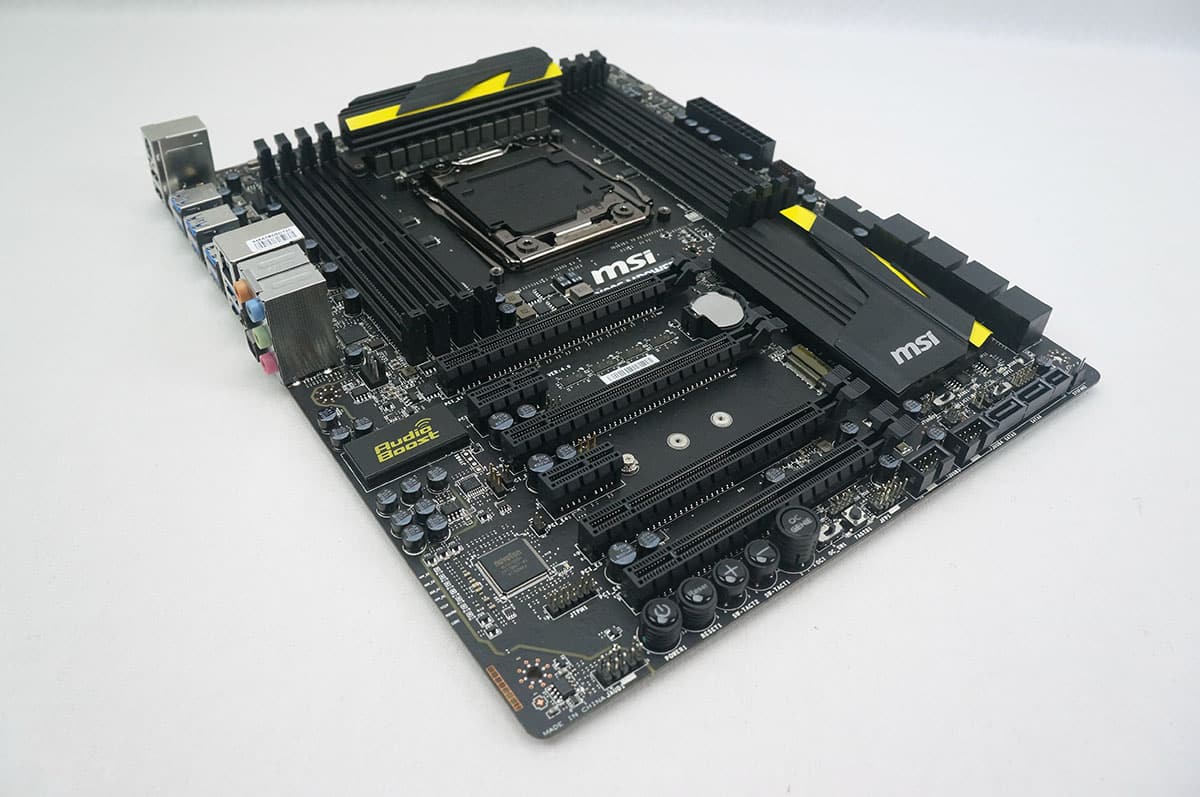
Overclocking
There are a few ways to overlock the X99S MPower. The easiest way would be to enable OC Genie. This can be done by powering off your system and pressing the OC Genie button towards the bottom of the board then powering your system on. Doing this it brought our Core i7-5960X from 3.0 GHz up to 3.7 GHz.
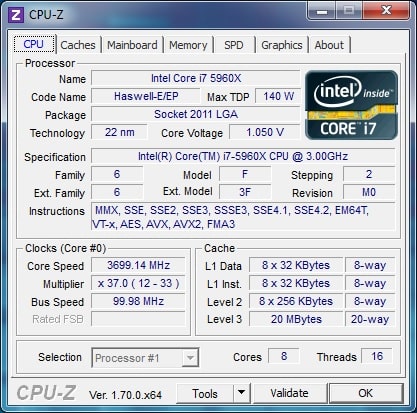
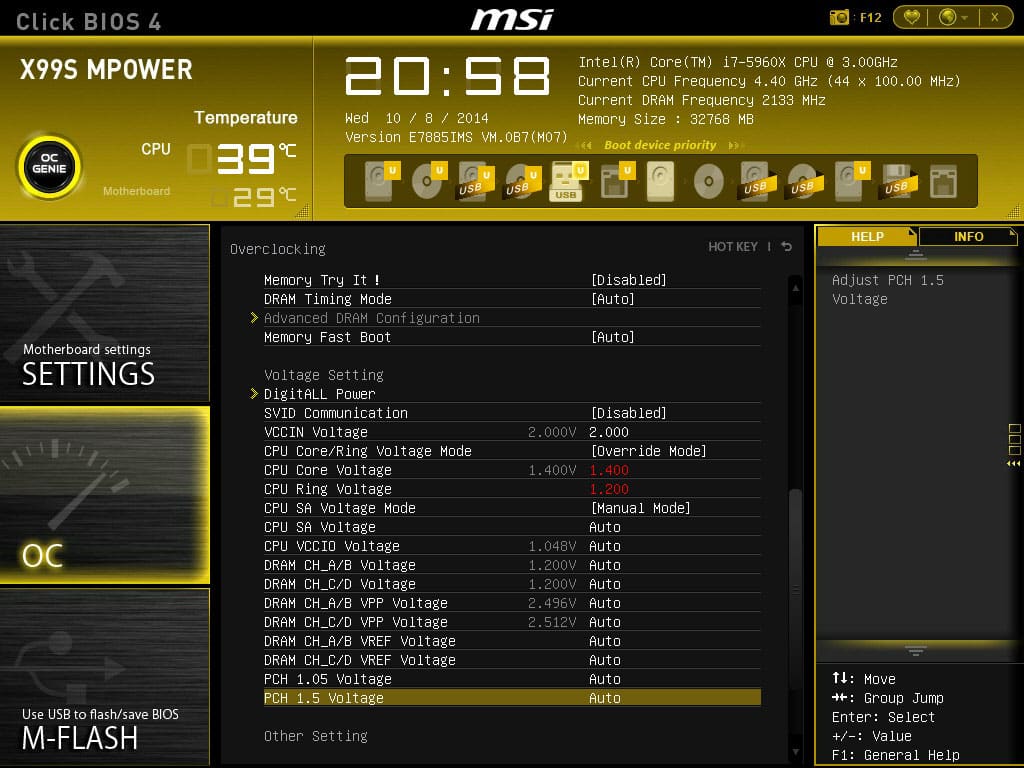
Of course we knew we could do better than that and went into the BIOS and did some tweaking. To start I set the CPU Core Voltage to 1.4V, the CPU Ring Voltage to 1.2V and the VCCIN Voltage to 2.0V. Then I started moving the CPU multiplier up until the system was not stable.
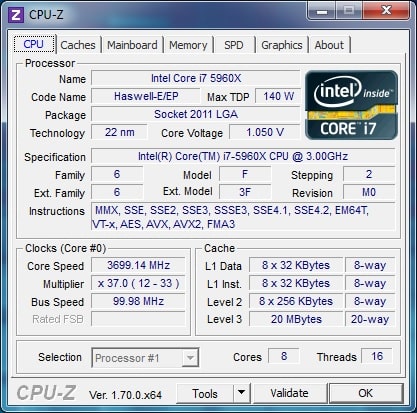
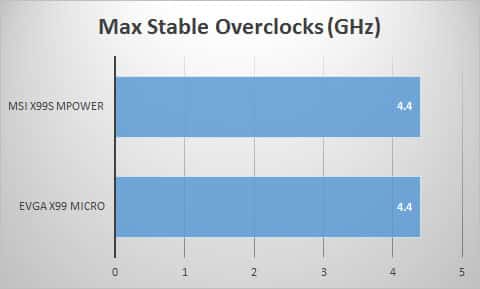
I ended up crashing at 4.5 GHz, so I moved down to 4.4 GHz for a stable overclock. That is a 1.4 GHz overclock, not bad at all!
If we compare that to the other X99 motherboards we have tested with this processor you can see that it is on par with the EVGA X99 Micro as far as overclocking potential.


I really regret building this years Dream Machine using the Z97 Chipset and even more picking the Asus Maximus VII Hero for the duty, get it duty because that’s exactly what it is crap. Next System Build will be with Gigabyte and everything opposite of what I have now. Good Review Bob.
PhoneyVirus
https://twitter.com/PhoneyVirus
https://phoneyvirus.wordpress.com/
i have couple questions: 1.) does this board support 3-pin fan control?
2.) is it possible to set a negative offset voltage (to lower cpu voltage at idle) and at the same time override cpu voltage at high frequency to achieve high overclock?