NZXT Kraken Core 360 RGB Overview
The Kraken Core comes in both 240mm and 360mm versions, with our sample being the larger of the two. This cooler is only available in a black colorway, but the single-piece 360mm RGB fan and RGB lighting on the pump housing should do quite a bit of work towards adding some color to your build. The overall look of the Kraken Core AIOs doesn’t scream “Look at me!” – this is an AIO that will fit right in with the crowd at first glance, but stands out on its own once you take a closer look.

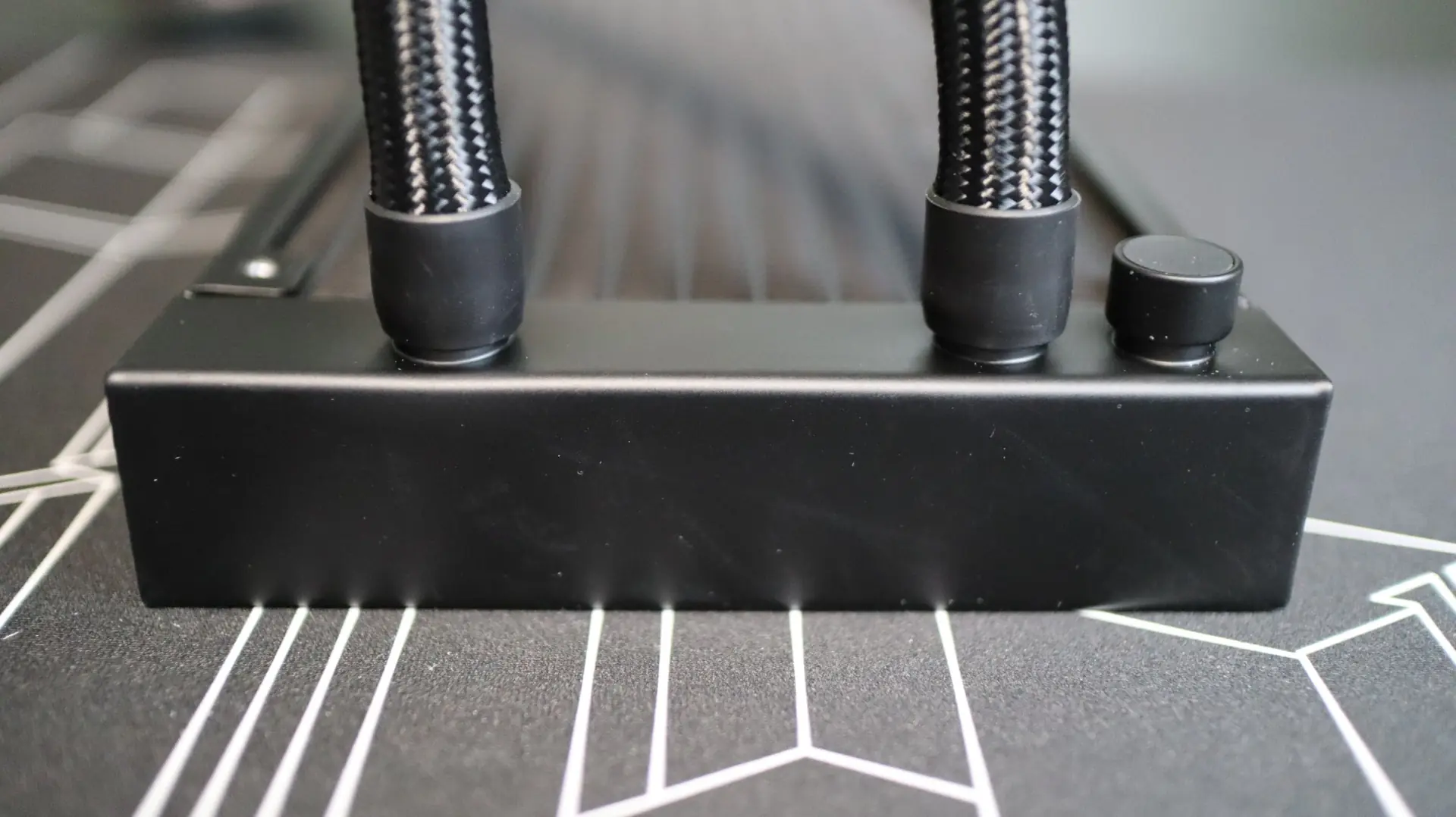
The first component up in our overview is the 360mm aluminum radiator. This radiator is very straight forward in it’s design, with a black paint job and a stamped NZXT logo on each side.

The 27mm thickness is pretty much the standard size we see on most AIOS, and should work quite well specs-wise with the included F360 RGB Core Fan. With 18 fins-per-inch, the Kraken Core 360’s radiator has a bit less fin density that most other AIOs we look at with 20-22 fins-per-inch. The included 360mm F360 RGB PWM fan should be able to push plenty of air through the radiator, which has helped some other AIOs perform well in the past.

The nylon-braided EPDM cooling lines exit from one end of the radiator’s end cap, and connect to the radiator via crimped connectors. These EPDM lines are some of the most flexible I have ever encountered in my years of reviewing AIOs, and it was such a nice feature during installation.
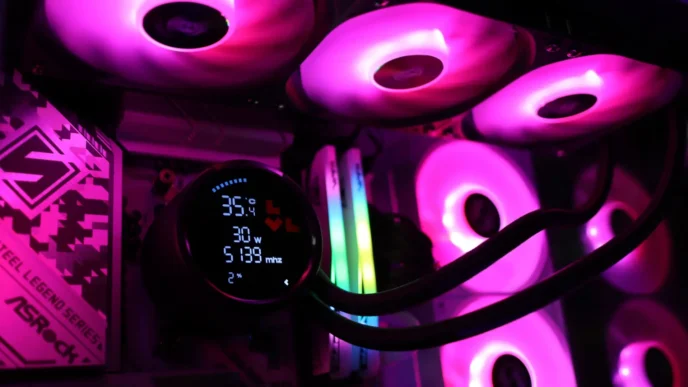
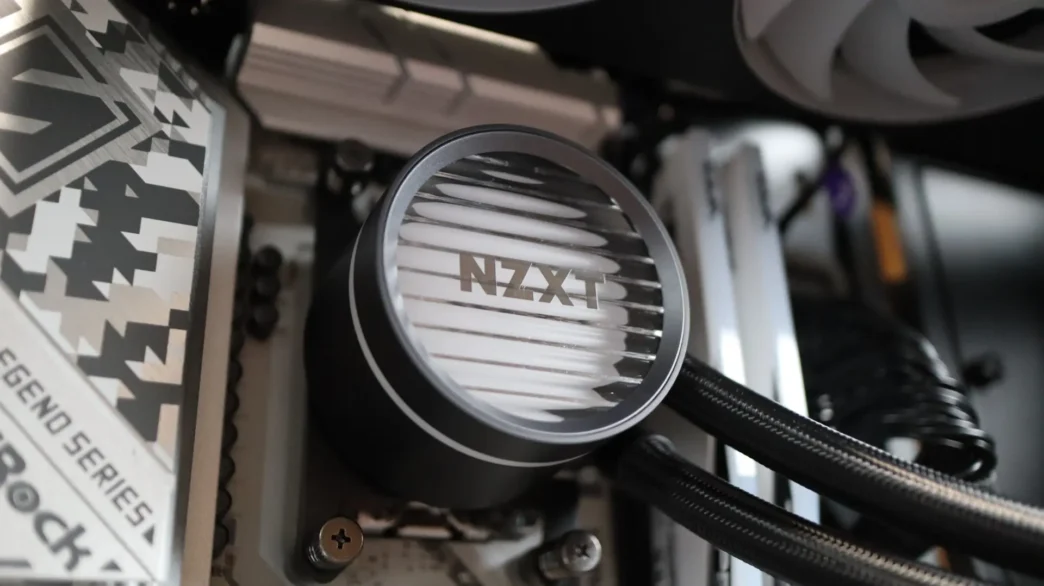
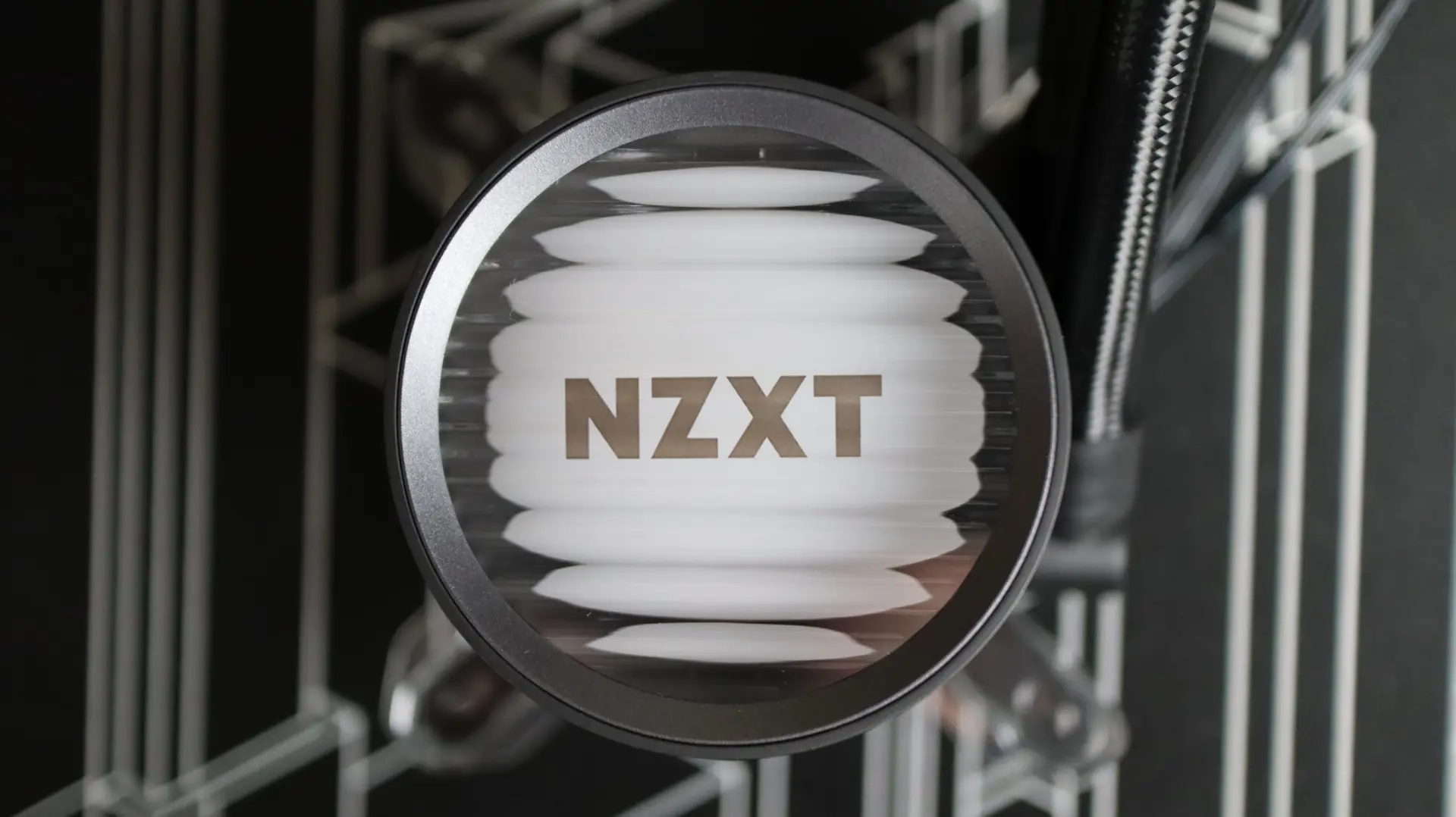
Moving over to the pump housing we find a circular design that is much like NZXT models of the past. This round design transfers along to the body of the pump housing, and pairs nicely with the transparent cover at the top. This cover has a bit of a wavy design to it, providing a rippled look at the internal lighting zone with 19 RGB LEDs.
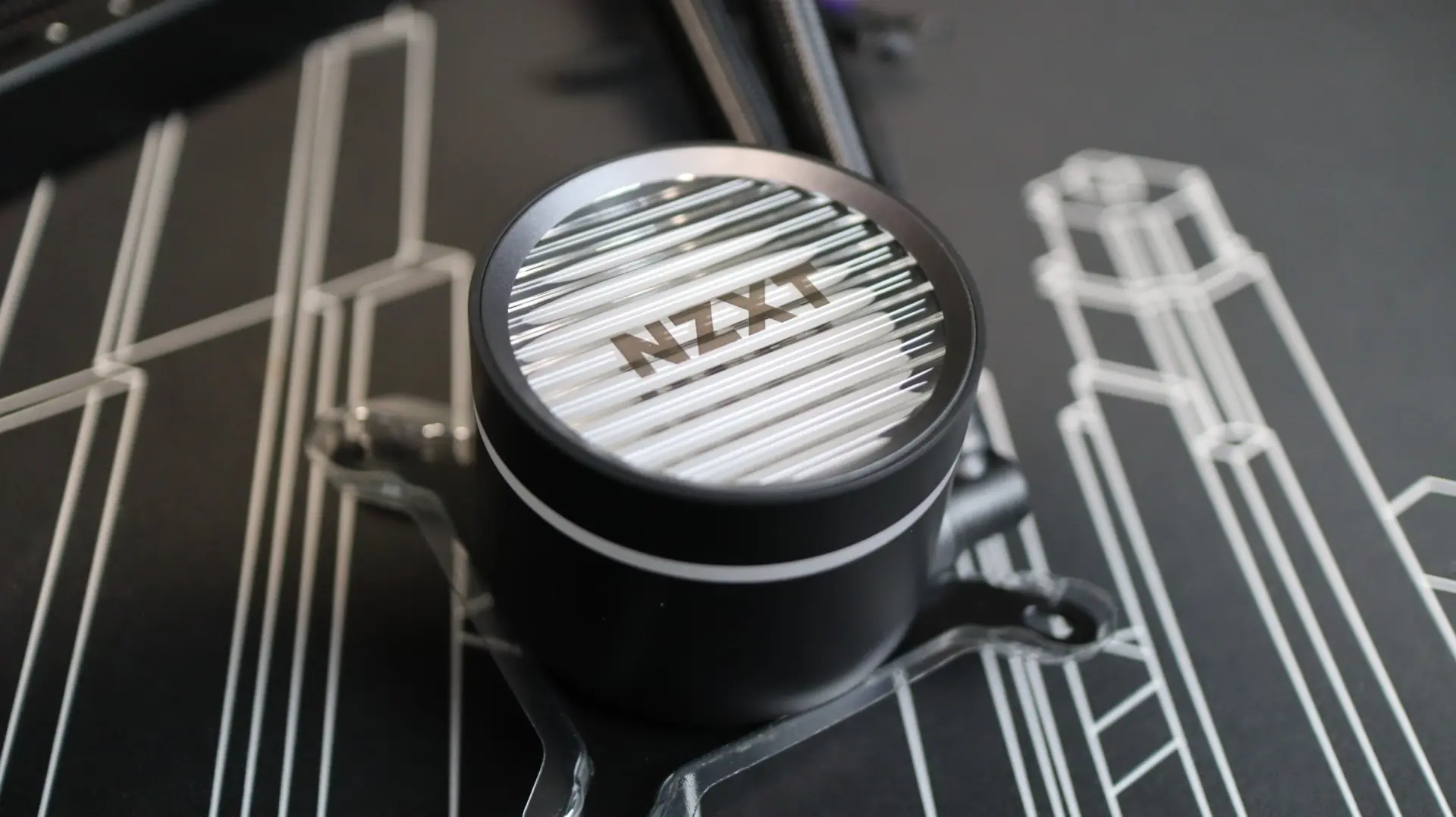
Centered on the pump housing cap is the NXZT nameplate that sort of hovers over the lighting zone.
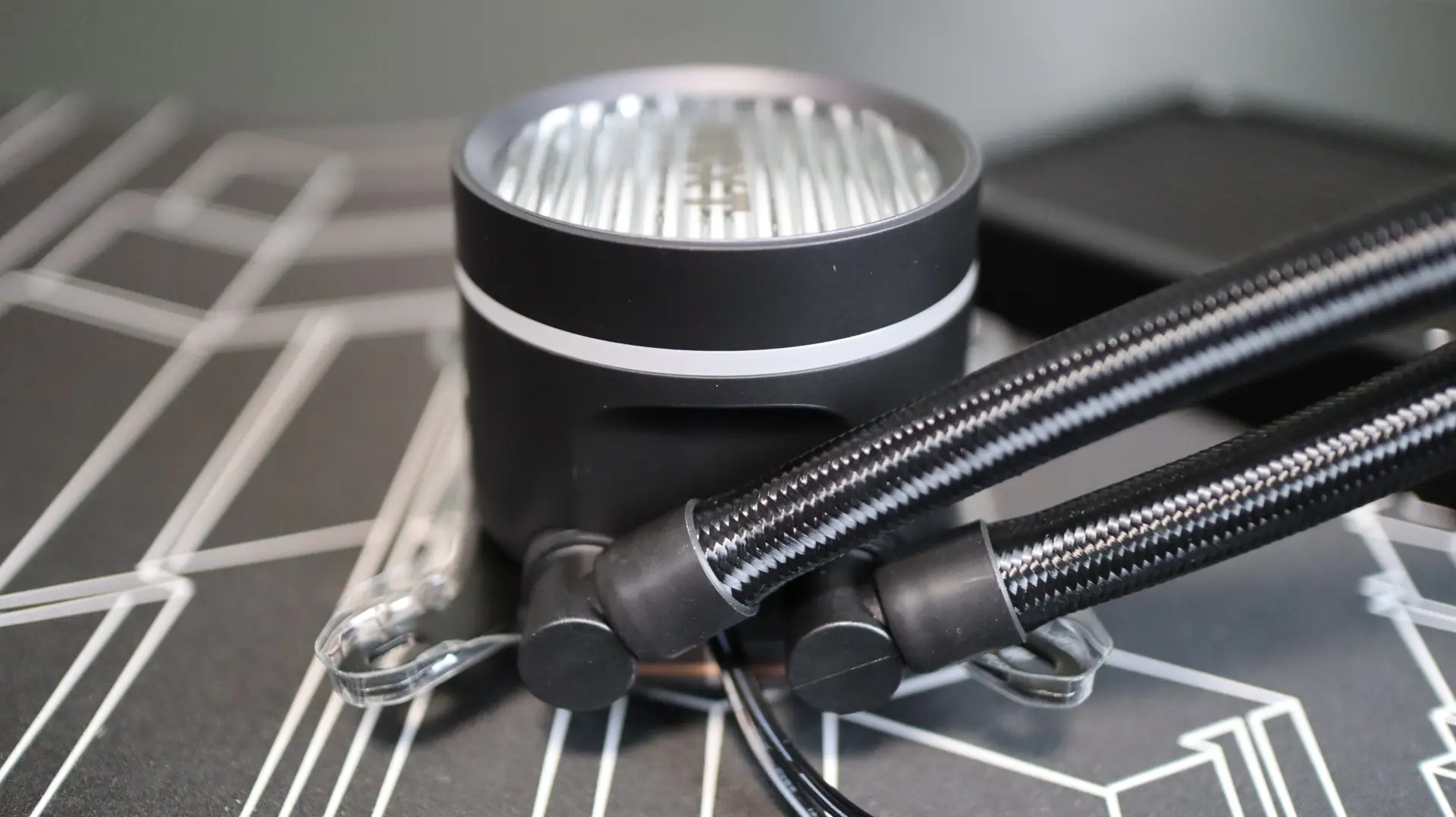
Moving around to the sides we find the two cooling lines exiting from the bottom side of the pump housing. Each line is paired up with a swiveling fitting to make installation and fitment much easier than with fixed connections. Internally, the pump provides an operating speed of 3100 RPM. Exiting between the two cooling lines are the 3-pin pump power cable and standard 3-pin RGB cable.
The other sides of the pump housing are free from any features, simply providing a seamless curved surface that adds to the sleek look of the housing. There is a thin ring that circles the pump housing, adding an additional lighting zone that pairs up nicely with the top of the pump housing.
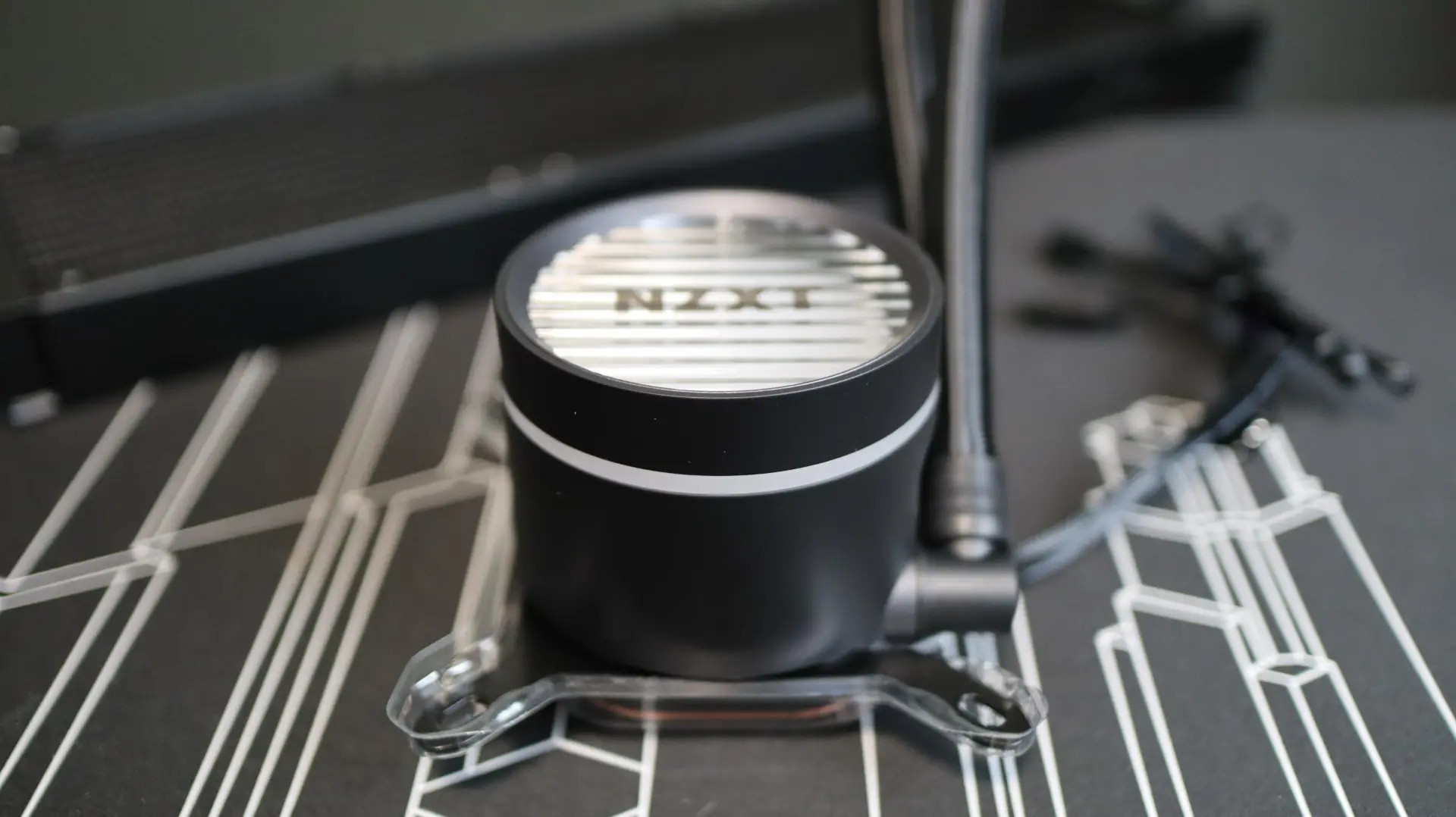
Taking a look at the base of the cooler, we find a large copper base, with pre-applied thermal material. The copper base has a satin finish to it, which I tend to prefer over a polished base, as it has a bit more texture and therefore surface area for the thermal paste to make contact with. Unfortunately, there is no additional thermal paste included with the cooler, so you’ve only got one shot on installing this cooler if you don’t already have some on-hand. Spoiler alert – the installation is really easy, so you shouldn’t have any issues here.
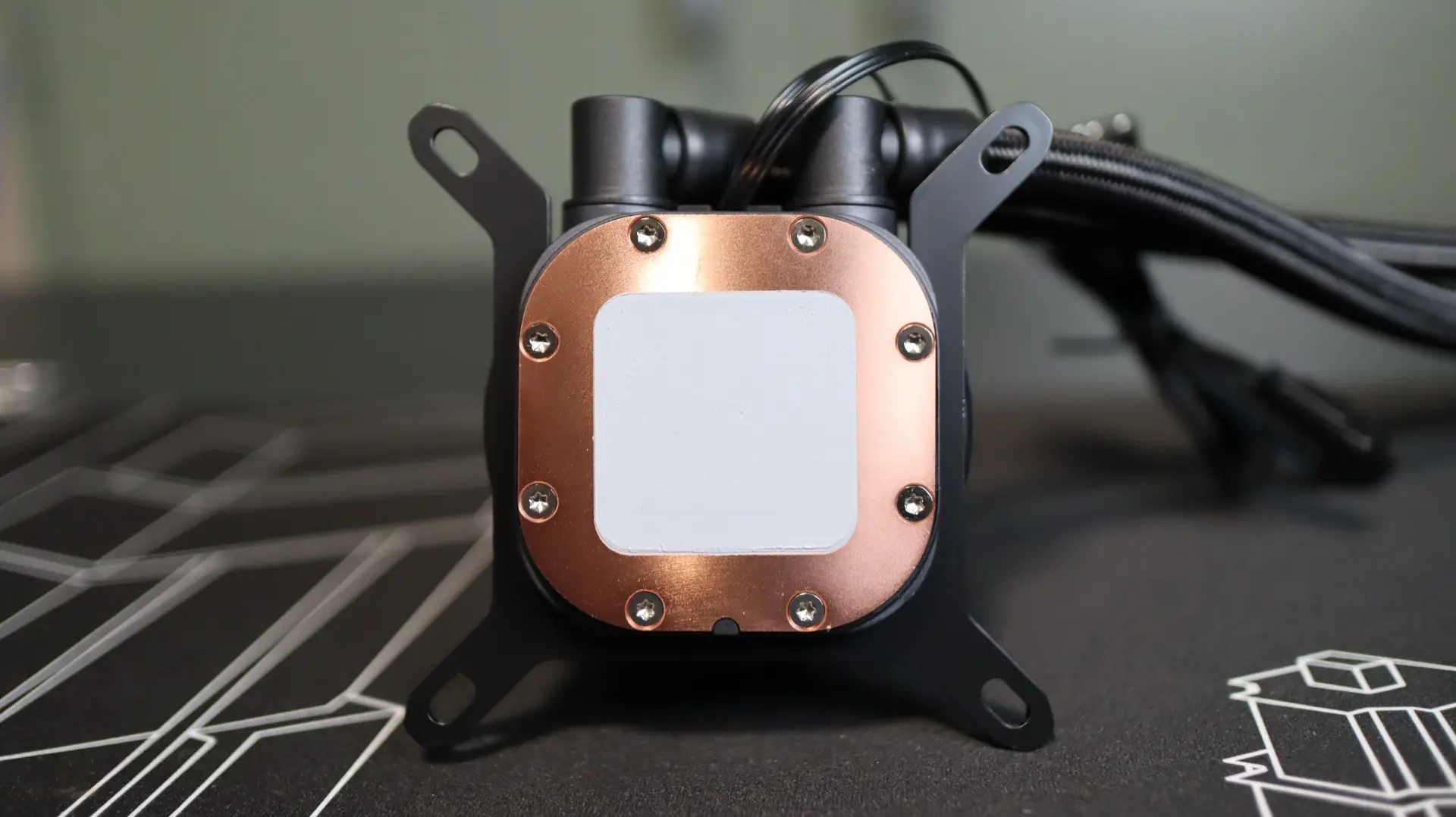
From the factory, NZXT has attached an Intel mounting bracket to the pump housing, but an AMD bracket is also included, and we put it to use in our test system.
As far as the included fans go, or should I say “fan” goes, NZXT has included their F360 RGB Core Fan, a single 360mm design that essentially combines three 120mm fans into a single unit. This fan provides up to 75.05 CFM of airflow (per fan) with up to 3.07mm-H2O of static pressure at its full speed of 2,400 RPM.
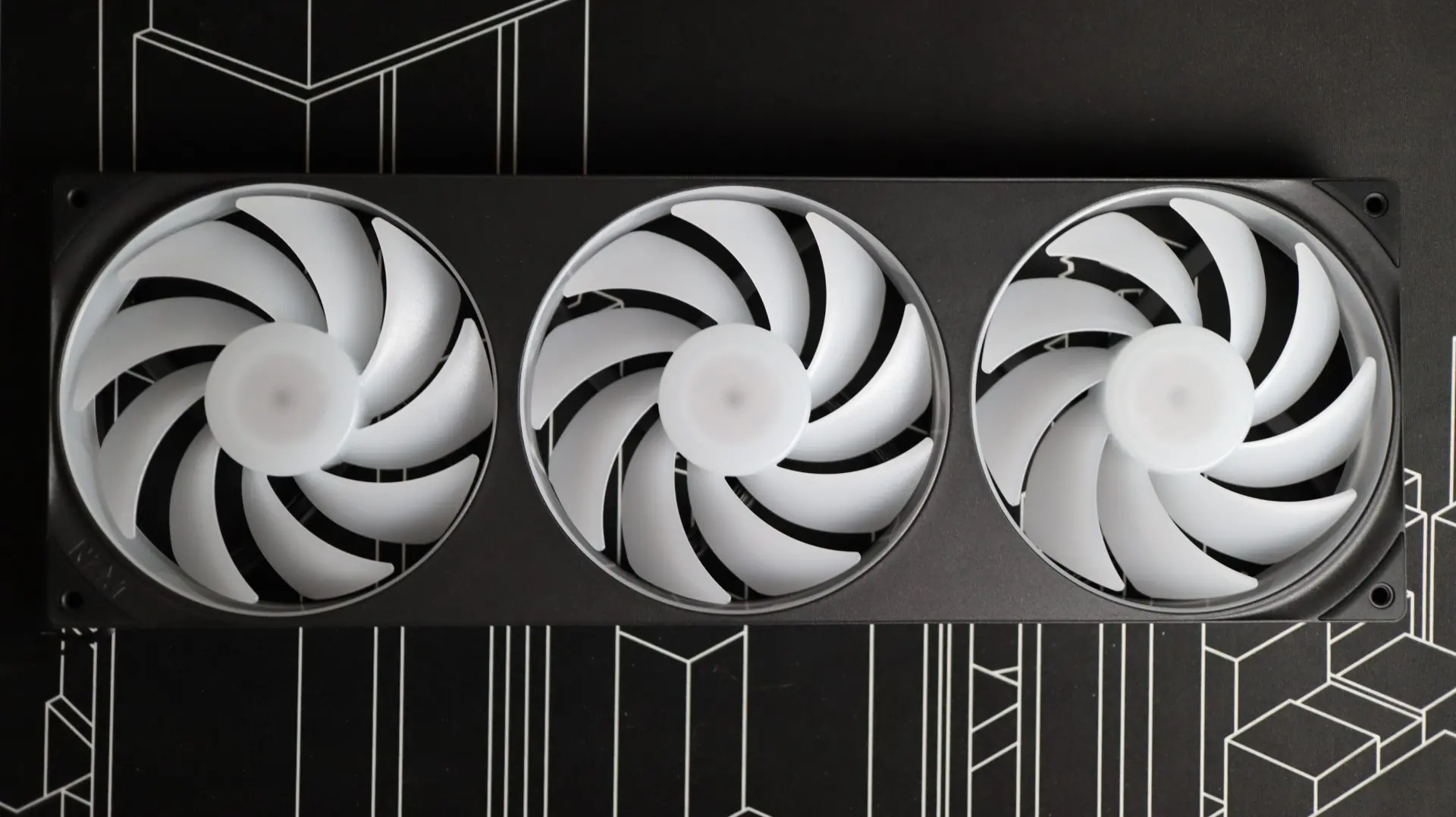
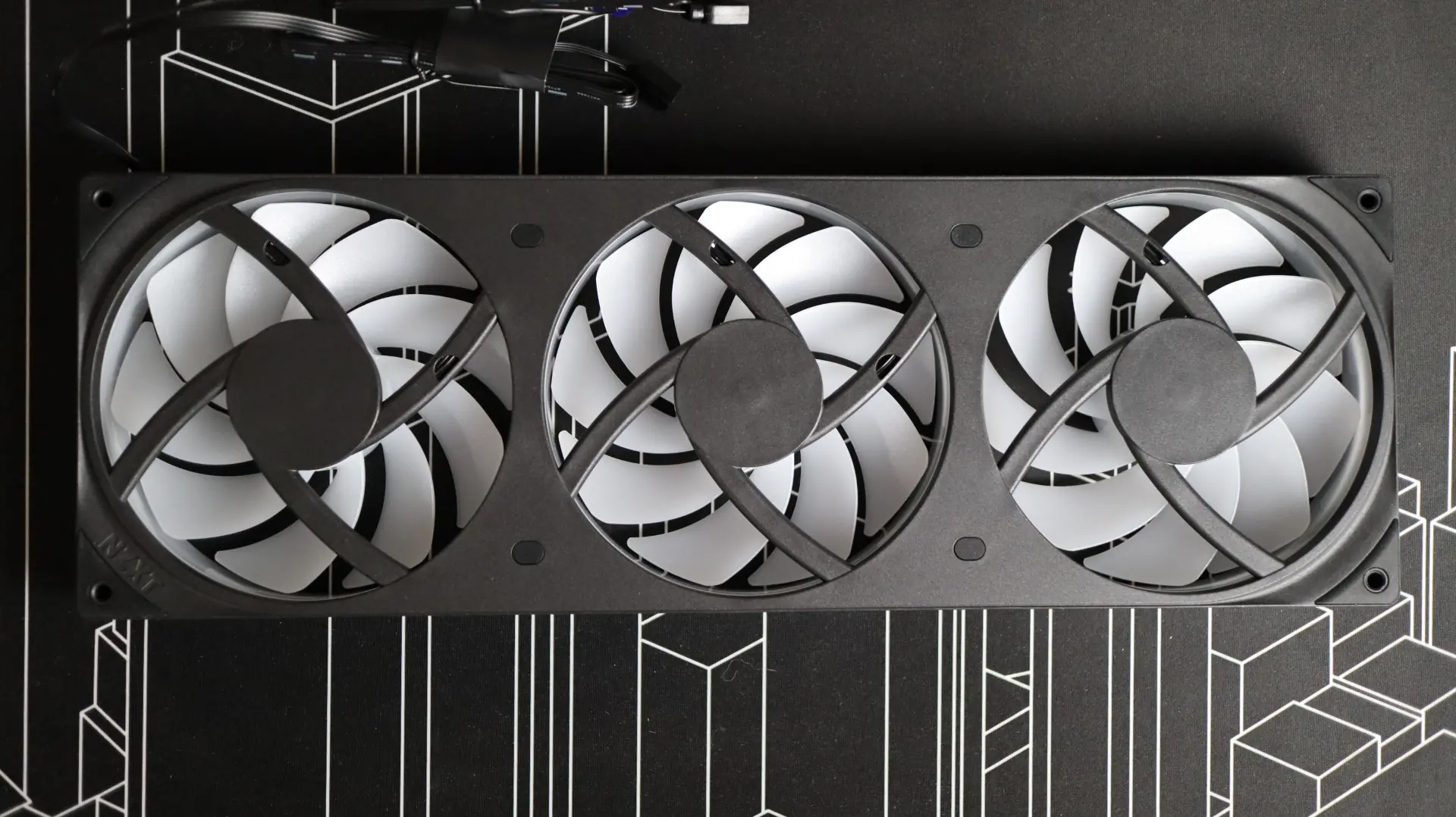
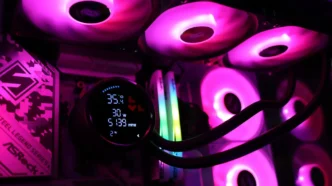
Aside from the performance characteristics of the F360 RGB Core Fan, each individual fan section has 8 RGB LEDs, and the edges of the fan body all have a translucent strip to add a bit of lighting to the outside of the fan, without the need for additional LEDs.
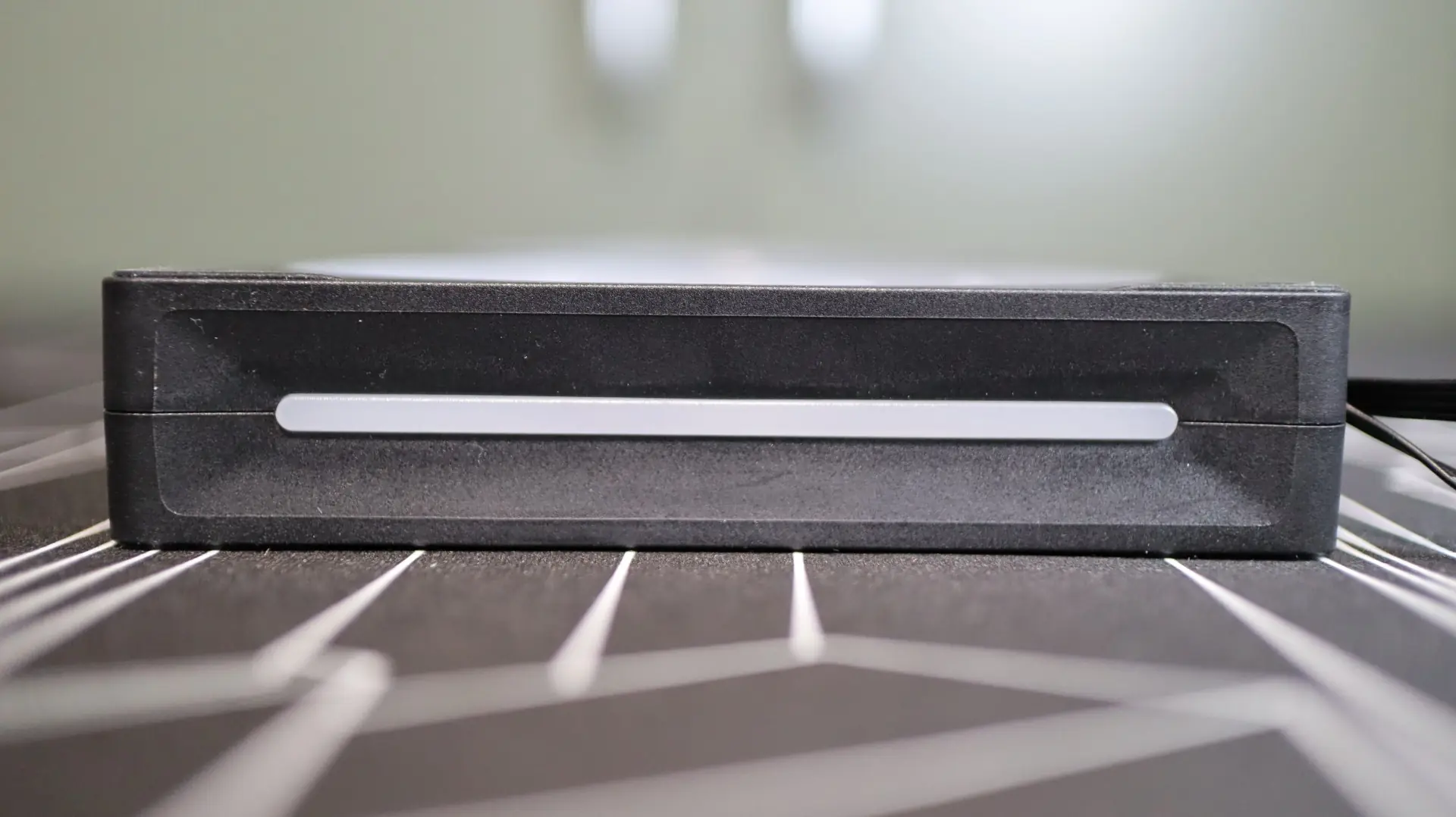
The rubber feet at each corner of the F360 help isolate any vibrations that may come from the nine fan blades, which is always a welcome feature. A maximum noise level of 31.9 dBA is claimed by NZXT, and we will see just how that translates in our noise testing.
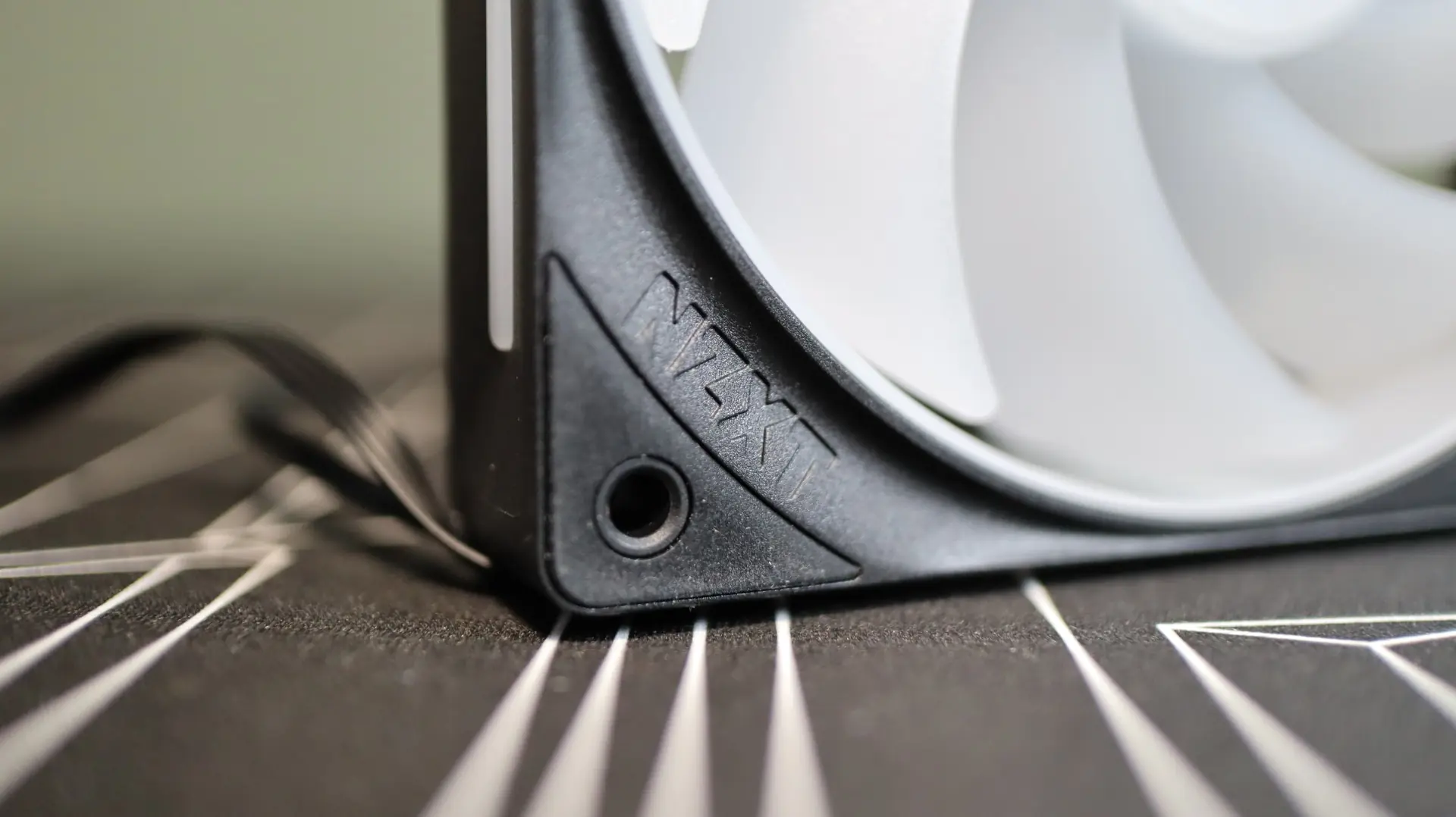
I do wish this F360 fan came attached to the radiator from the factory, but the fact that it only takes four screws to install is a nice relief. Additionally, only a single 4-pin PWM cable is needed to power and control the fans, while a single 3-pin RGB cable is utilized for lighting. This reduction in cable clutter makes installation so much easier and cleaner.