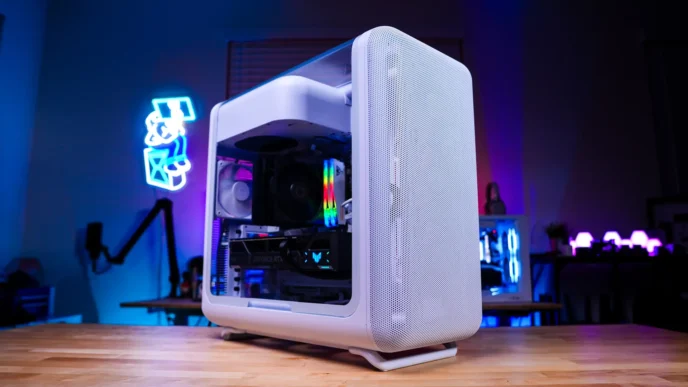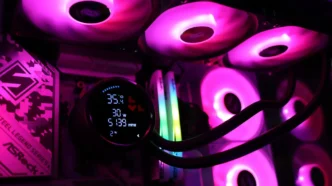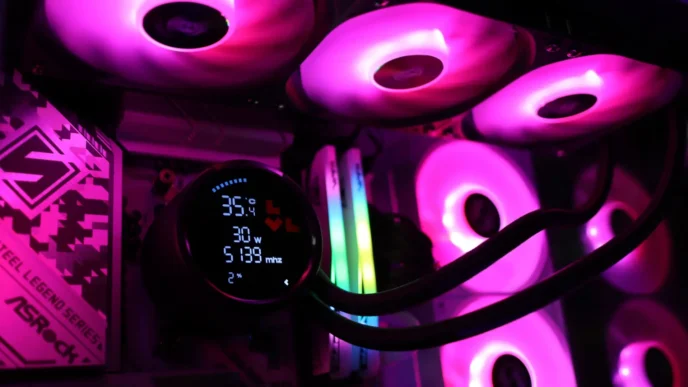
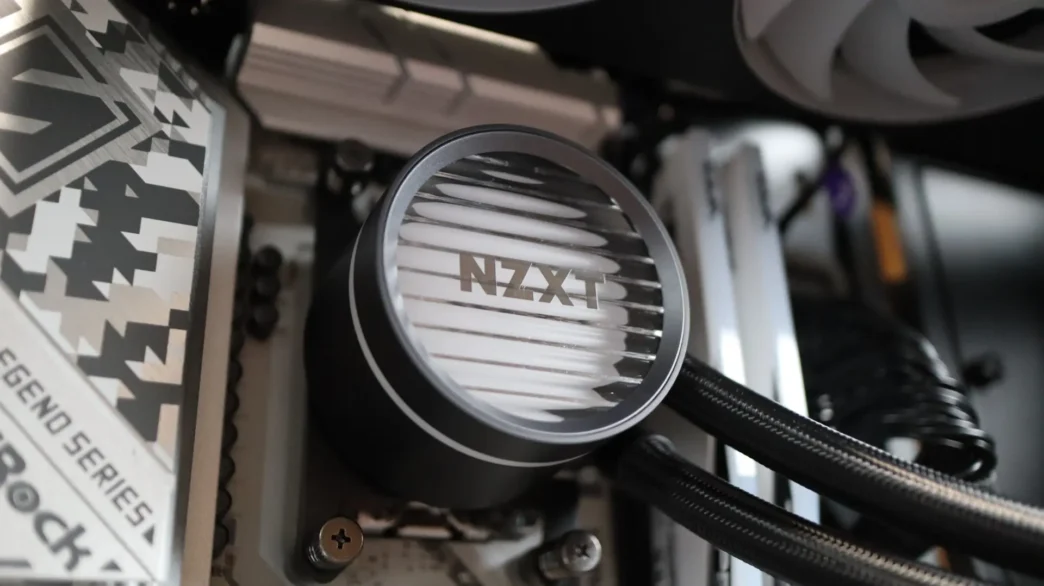
Starting off the year with an all-in-one cooler from NZXT seems like a pretty good way to get things going – so let’s take a look at their new Kraken Core 360 RGB! We have looked at multiple AIOs from NZXT in the past, including models with integrated LCD screens, LED lighting, and more. One of NZXT’s newest lines of AIOs is the Kraken Core, which is designed to provide powerful and quiet cooling for your CPU, while also providing an easy installation and good looks to match. By utilizing your motherboard to control not only the performance aspects, but the lighting control as well, NZXT has provided a streamlined cooler for a builder-friendly experience. Let’s get a closer look at this cooler and see how it performs!
Special thanks to NZXT for providing the Kraken Core 360 RGB sample!
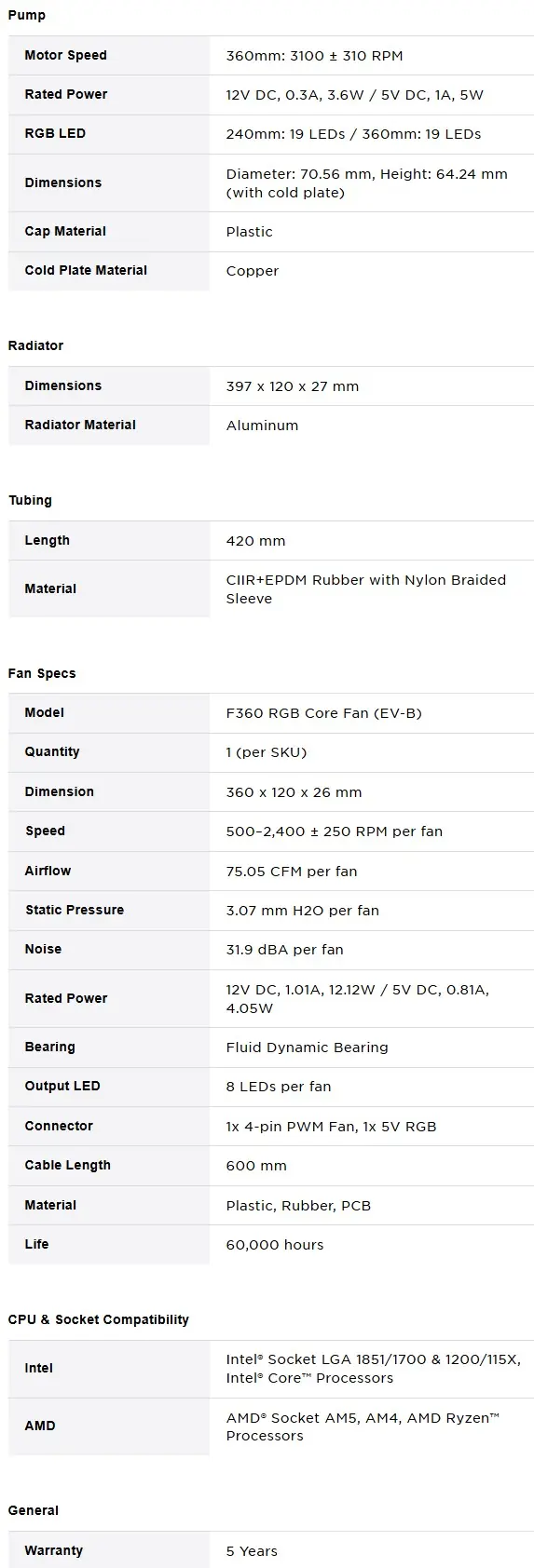
Specifications of the NZXT Kraken Core 360 RGB
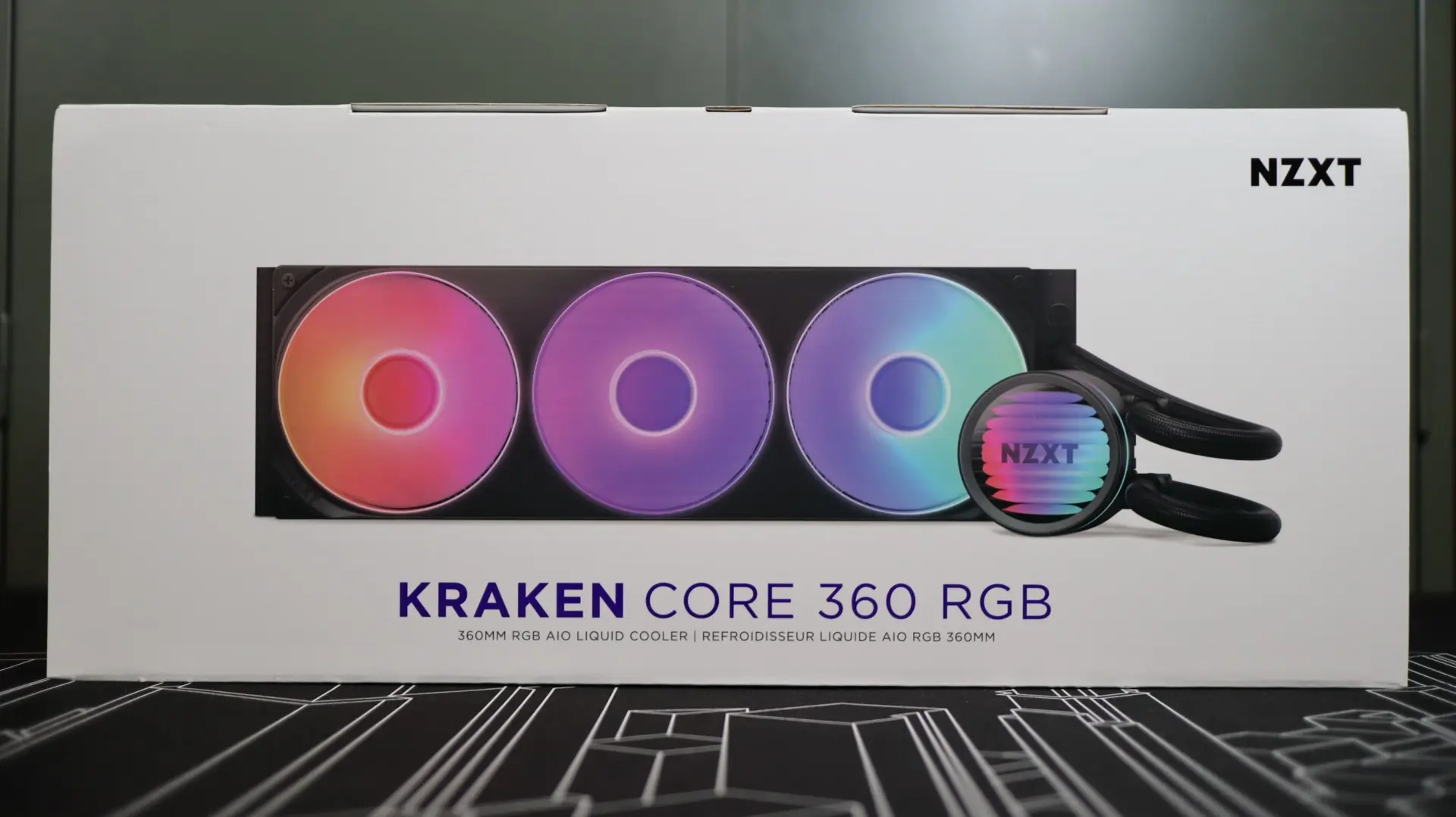
Packaging of the Kraken Core 360 RGB
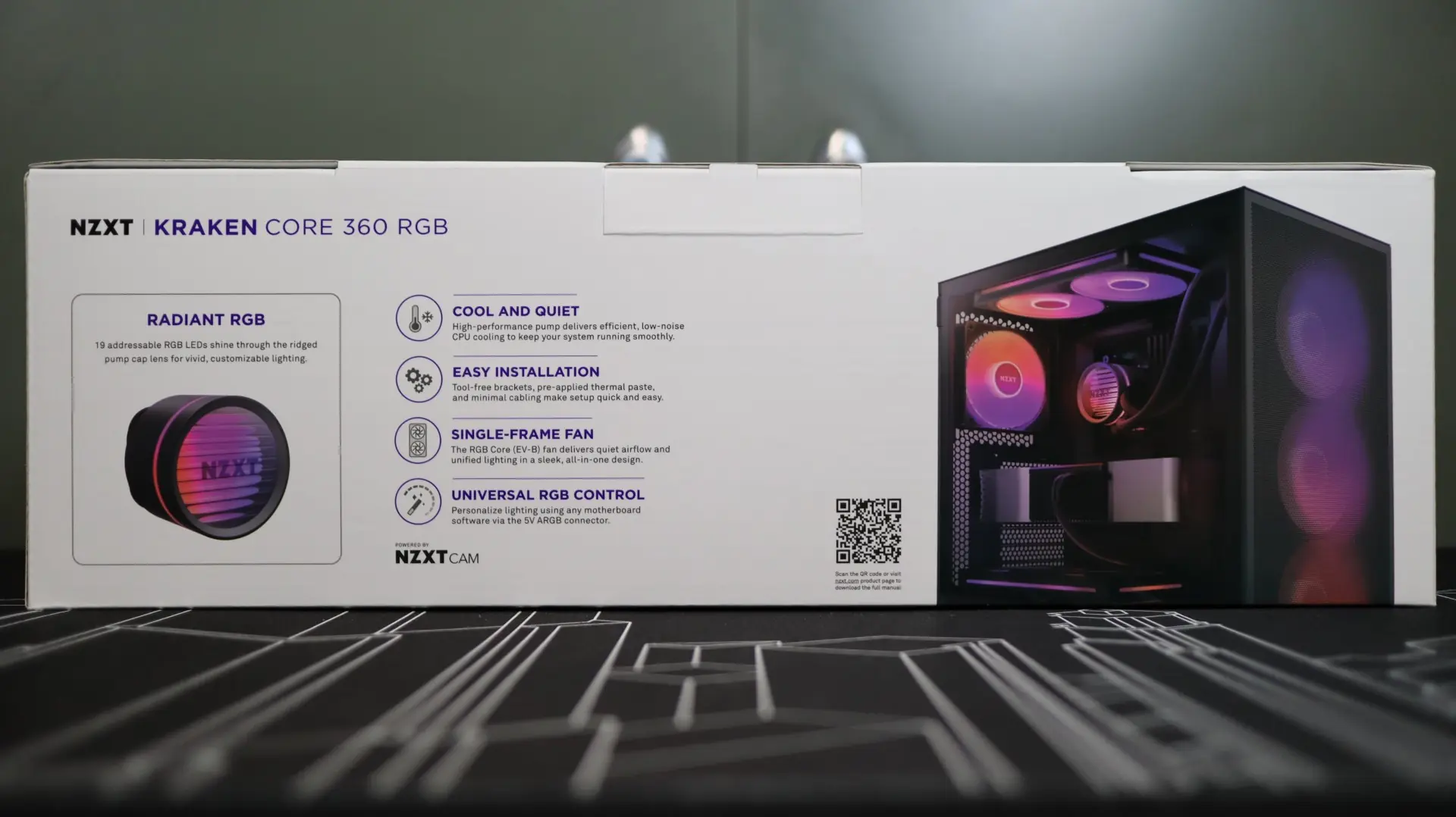
The Kraken Core 360 RGB comes from the factory in a pretty standard cardboard box with a nice large image of the cooler on the front, while the sides list some of the features of the cooler as well as the product specifications.
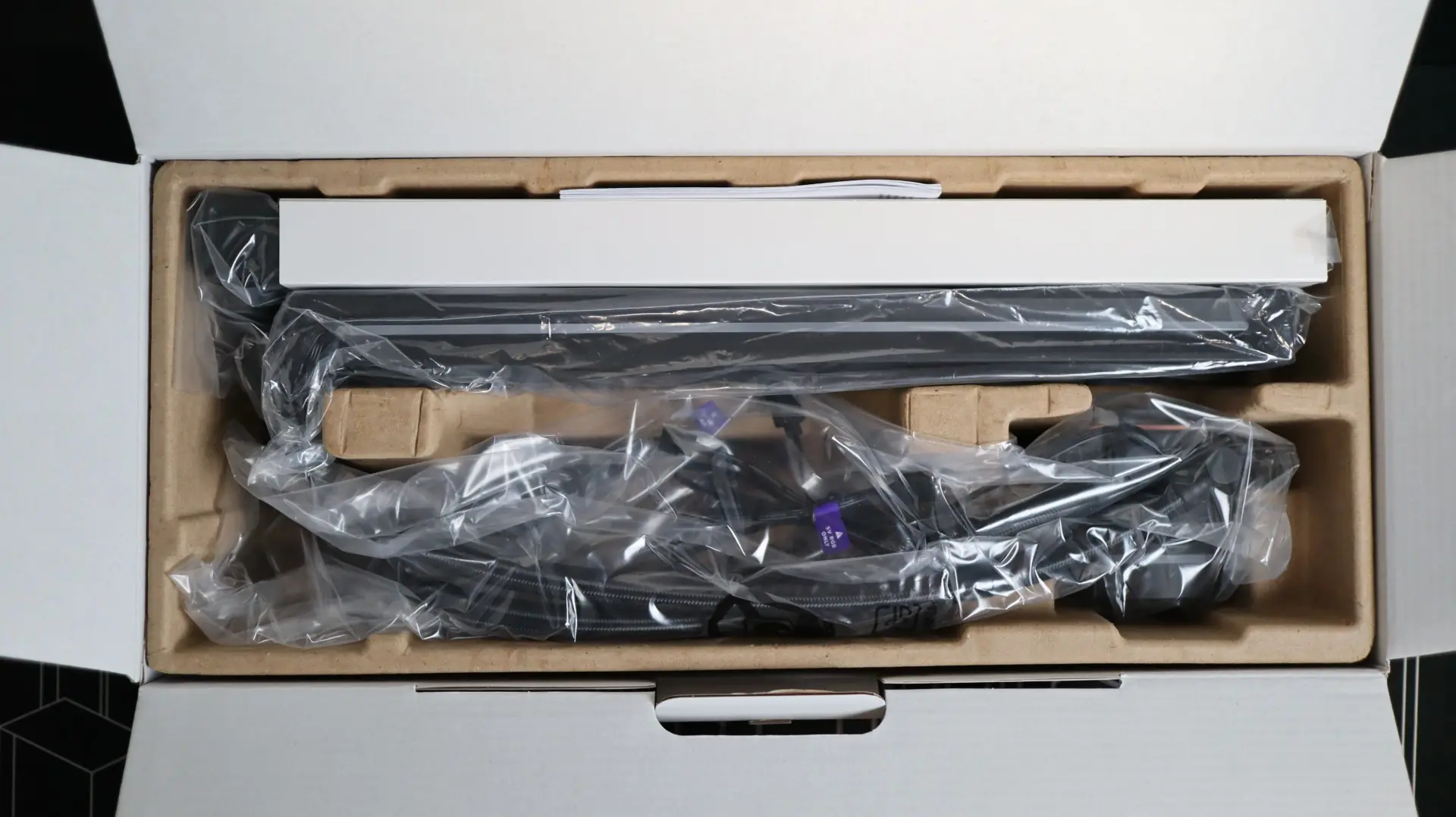
Inside the outer box is a molded cardboard tub that is pretty much the standard with most AIOs. This design keeps the cooler safe in transportation, while also being lightweight and recyclable. The entire cooler is protected by plastic, and the radiator’s fins are further protected by a cardstock sleeve.
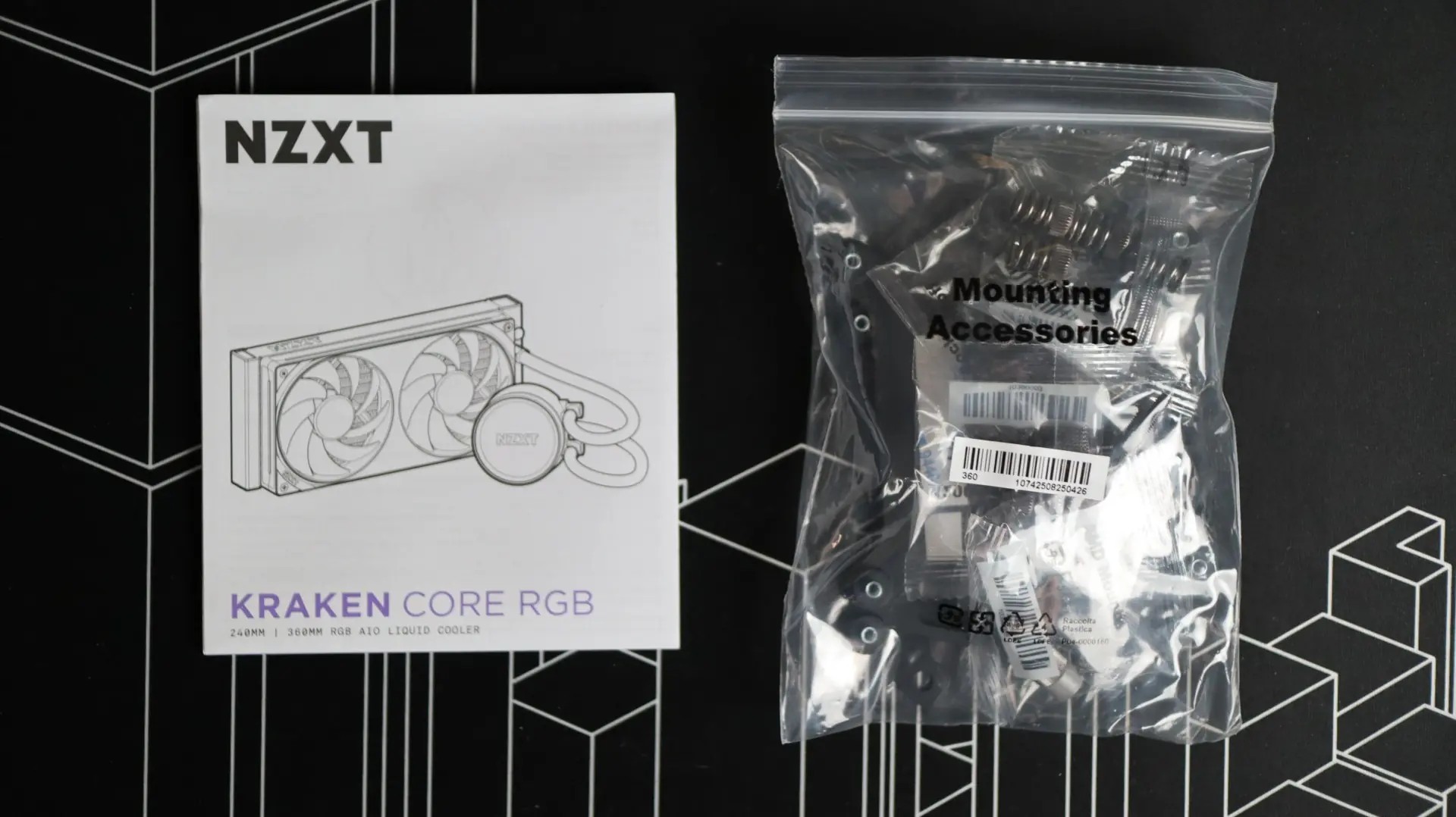
Accessories that come with the Kraken Core 360 RGB
Included with the cooler is a printed installation manual, which includes information for both AMD and Intel systems. I really like having a physical manual that you can have right next to your build area as an easy point of reference – this beats having to scroll across a PDF manual on your phone. Installation hardware and brackets are included for modern AMD and Intel systems, so you should be ready to install the Kraken Core 360 RGB as soon as you get it out of the box.