SteelSeries Arctis Nova Pro Omni Overview
First looks reveal that the Arctis Nova Pro Omni looks very similar to previous SteelSeries headsets, and rightfully so. You see, SteelSeries considers the Arctis Nova Pro Omni to be a successor to their existing Nova Pro, but in its own class.
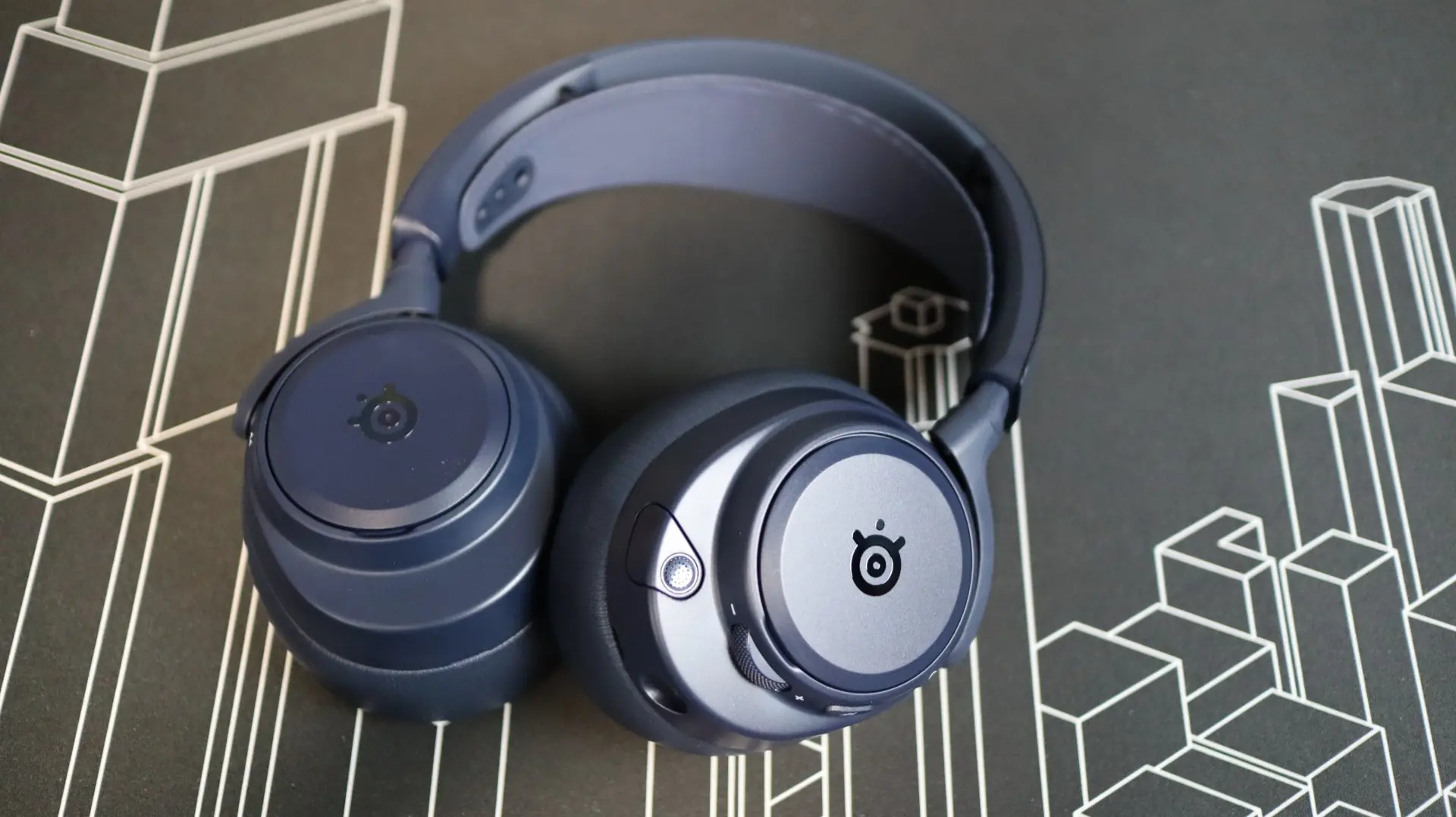
A metal strap along the top connects the two sides, with plastic tilt and swivel arms attaching to the earcups, while a suspended inner headband is on duty for keeping the headset in place atop your head, as opposed to a foam pad. The headband can also be adjusted up and down independently on each side to get just the right mix of comfort. And comfort really shouldn’t be too much of an issue with regards to weight, as the Omni comes in at just 339g.
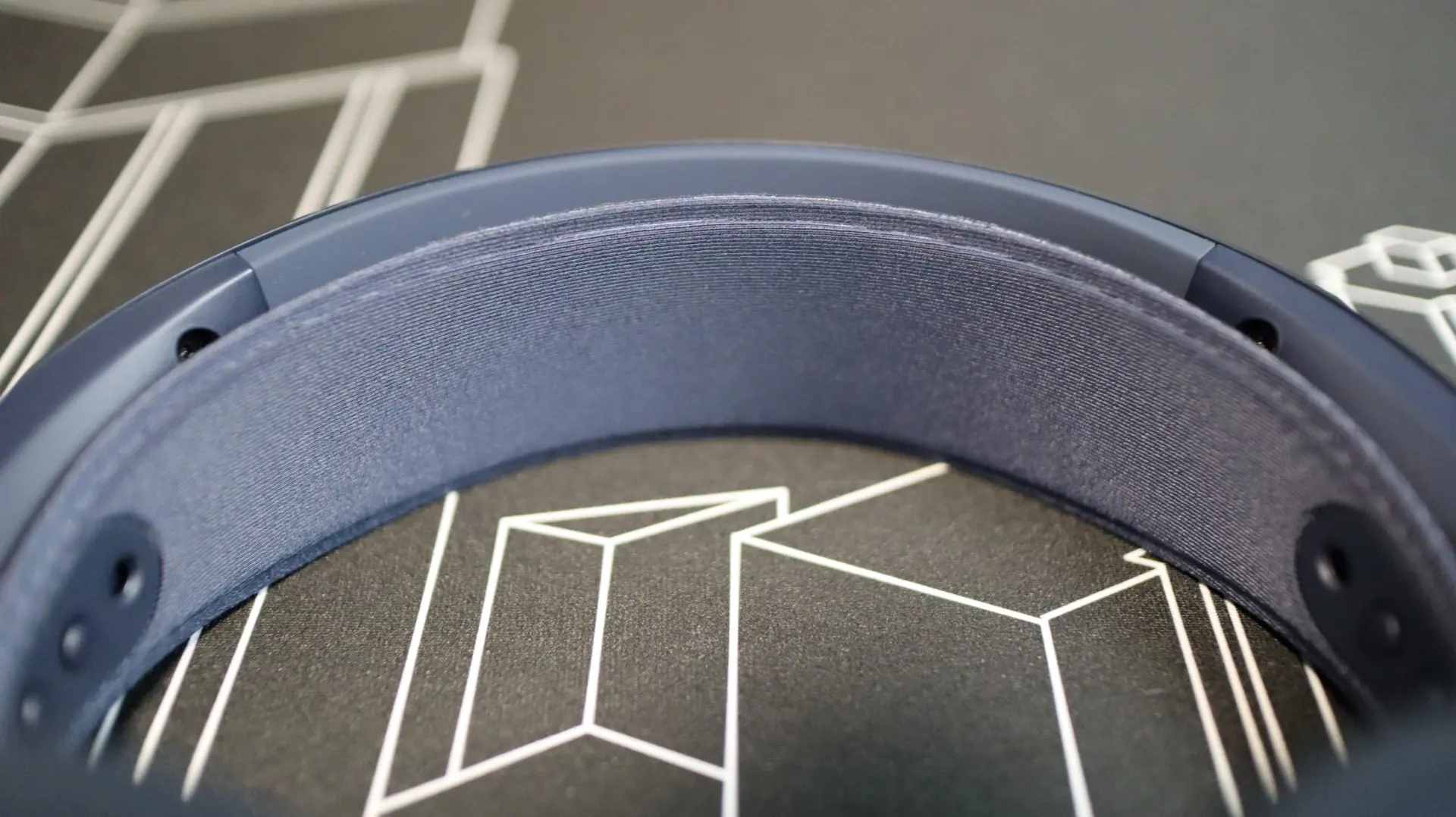
The Arctis Nova Pro Omni can transform into a lay-flat configuration for easier packing in your bag, or just when resting off your head around your neck.
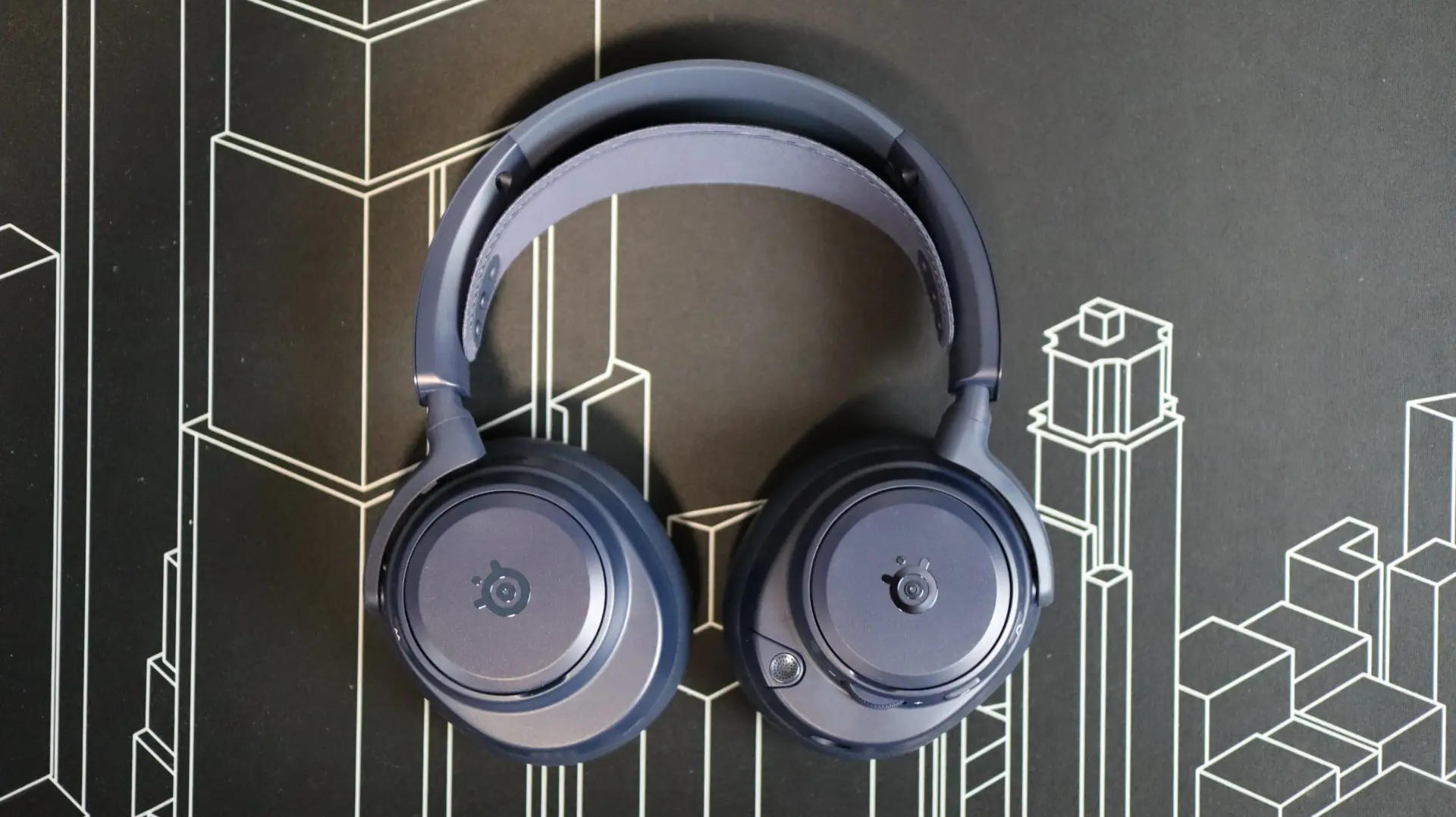

Moving over to the earcups, we find that they have a closed-back design, which makes perfect sense, especially when you consider the built-in active noise cancellation. No worrying about outside distractions getting in your way with this headset. Not only does the closed-back setup help with keeping outside noise out, it also helps keep the audio you want inside. The earcups have a bit of an oval shape to them, sitting in between circular and egg-shaped offerings from other companies.
Internally, SteelSeries has outfitted the Arctis Nova Pro Omni with 40mm Neodymium drivers, boasting a frequency response range of 10-40,000 Hz – solidly covering the accepted 20-20,000 Hz range of frequencies audible to the human ear. SteelSeries notates that these drivers assist with the Arctis Nova Pro Omni’s ability to offer Hi-Res wired and wireless audio. And that isn’t just a badge or logo that they have slapped onto the headset. It means they are certified by the Japan Audio Society to provide up to 96kHz/24bit audio in wireless mode thanks to the LC3+ codec.
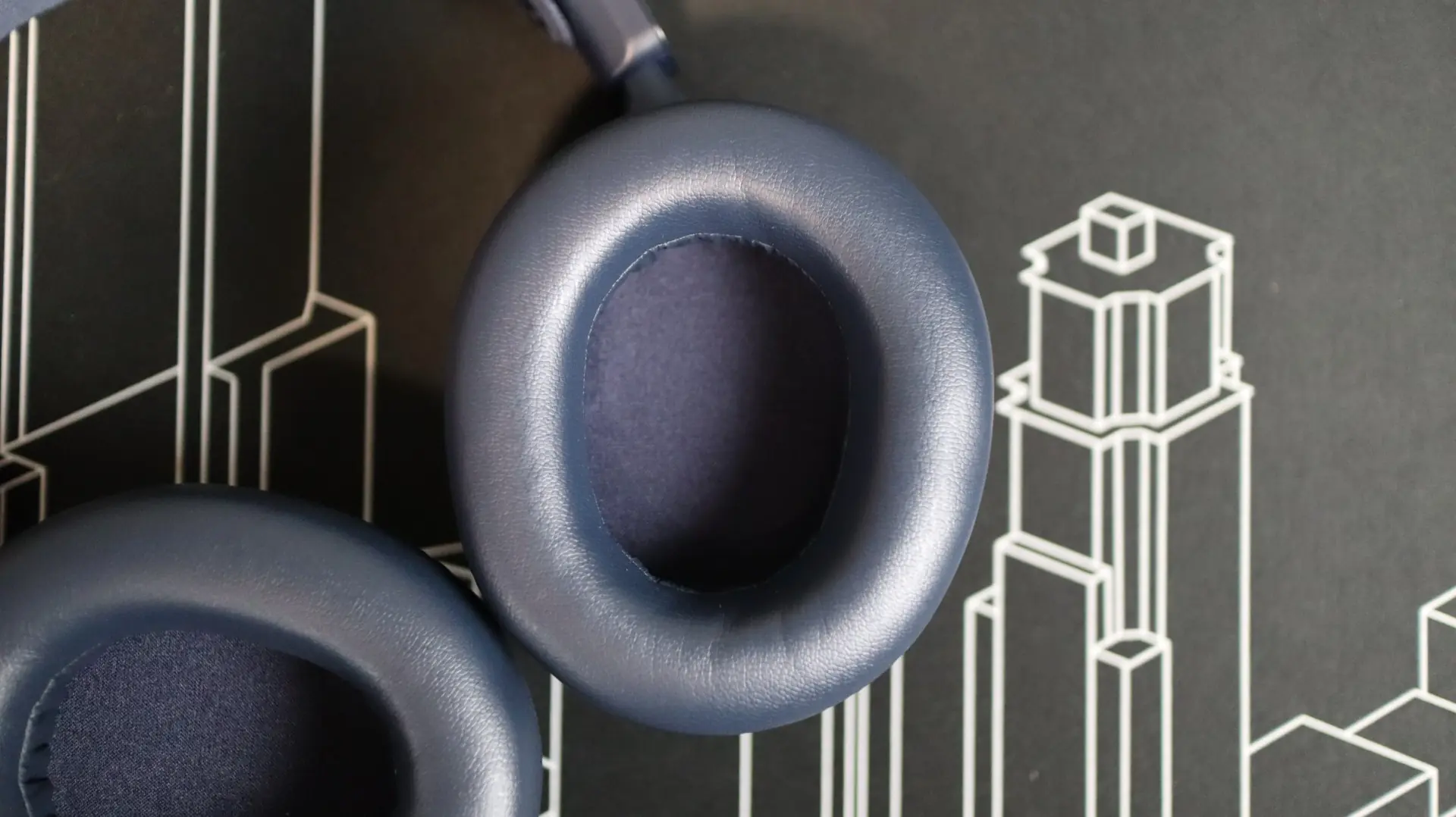
Making contact with your head are synthetic leather ear cushions, padded with a soft memory foam. These earcups are designed to go around your ear, not sit on top of them, which helps seal in audio. SteelSeries does offer replacement ear cushions for this headset, though they are only available in the synthetic leather material – I would have loved to see an option for a more breathable design, such as their own Airweave material.
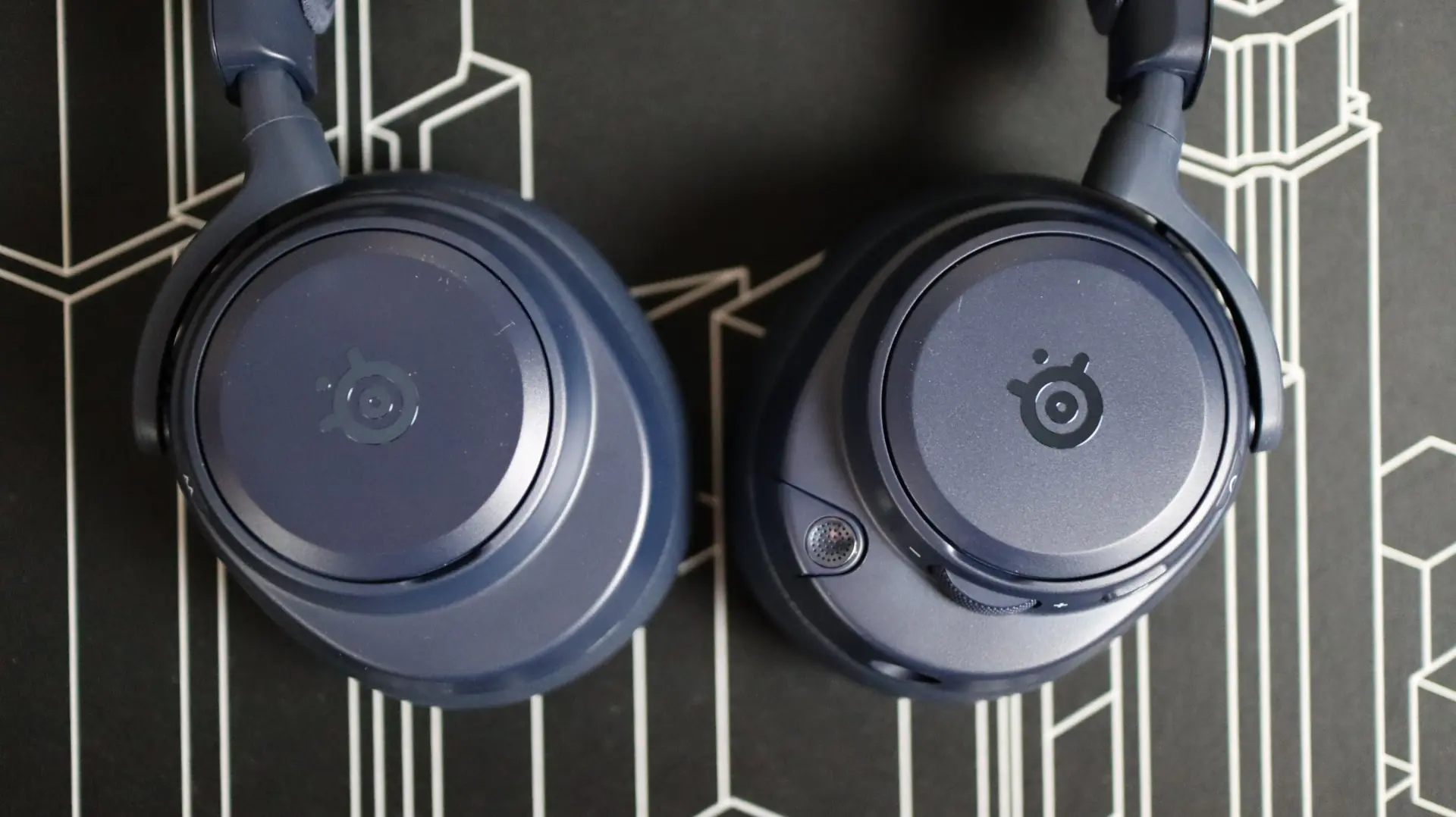
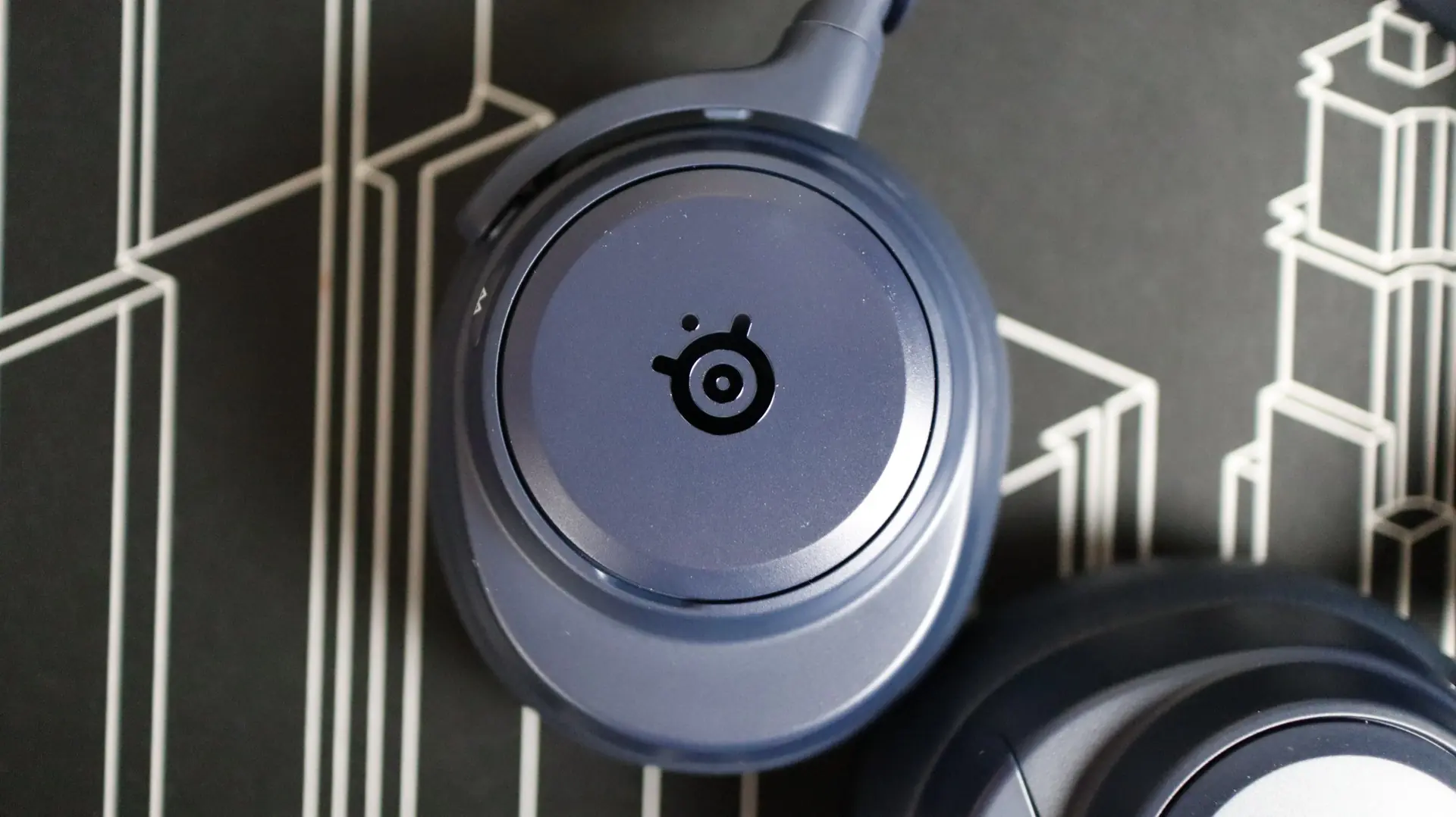
With the basics out of the way, let’s look at the details for each side of the headset, as there are quite a few on-headset controls to cover. Starting on the left side, we have a removable cap with a polished SteelSeries logo.
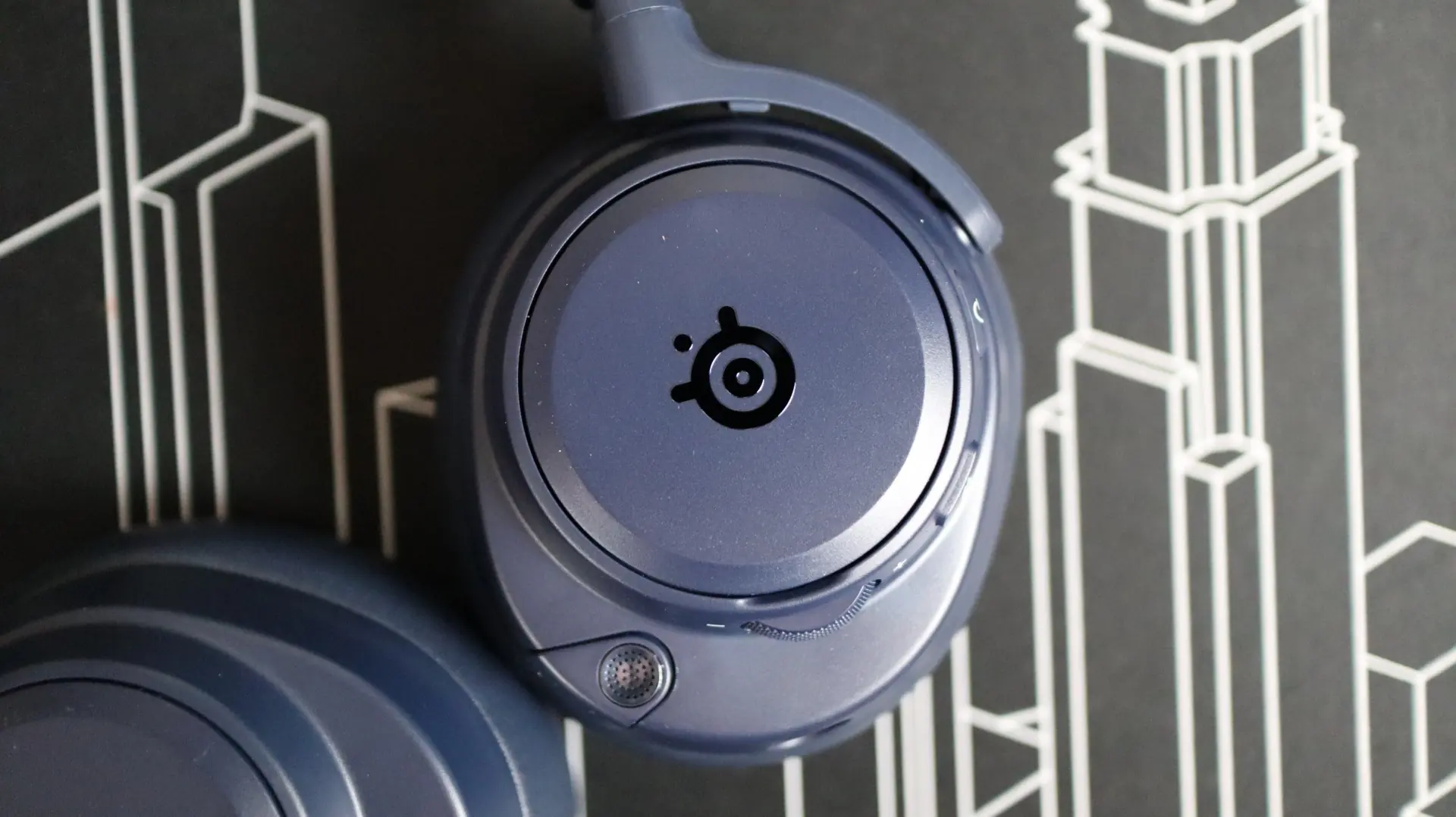
With the cap out of the way, you gain access to the USB Type-C port that can be used to charge the headset should you not have the GameHub with you – more on that later.
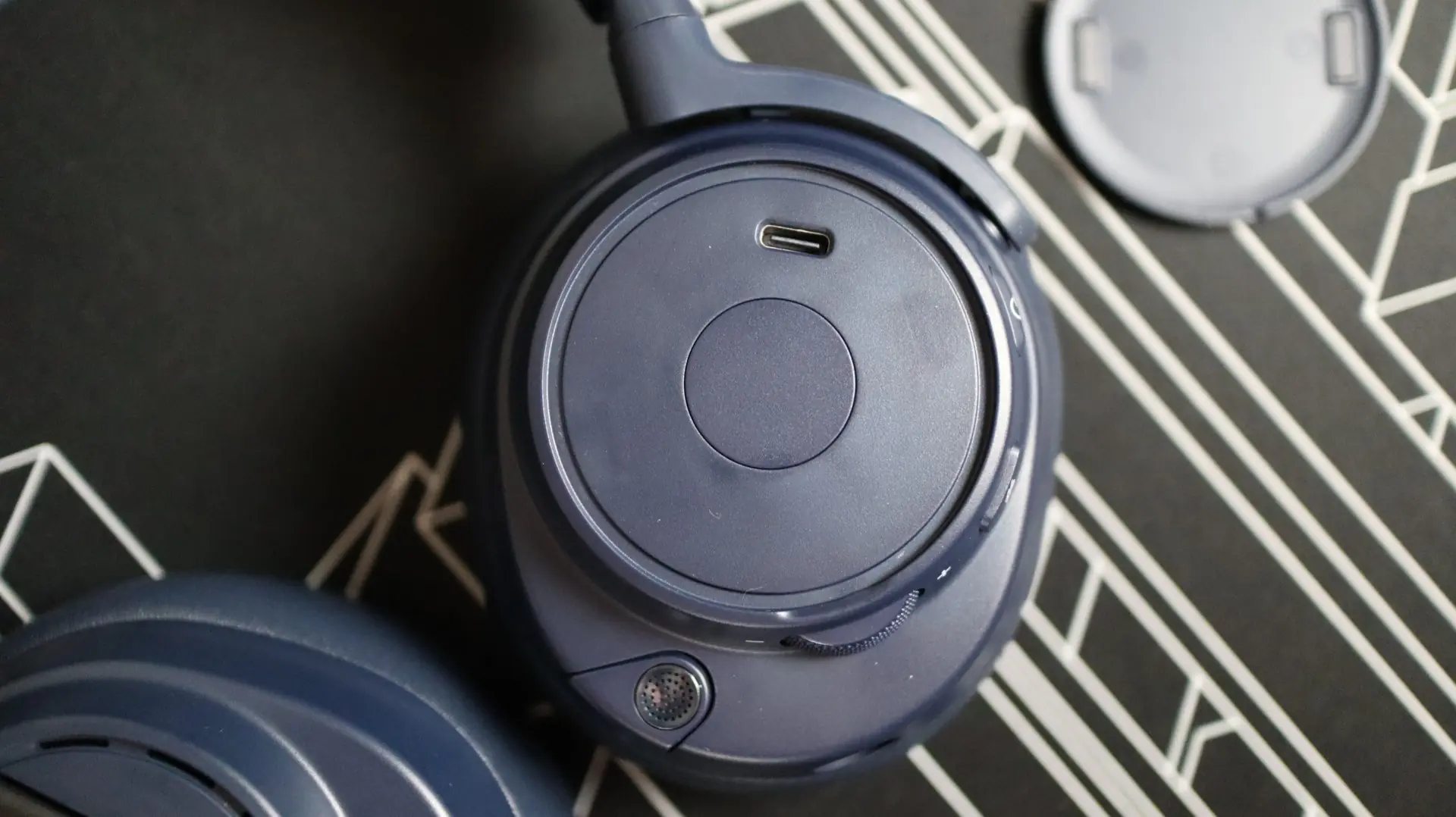
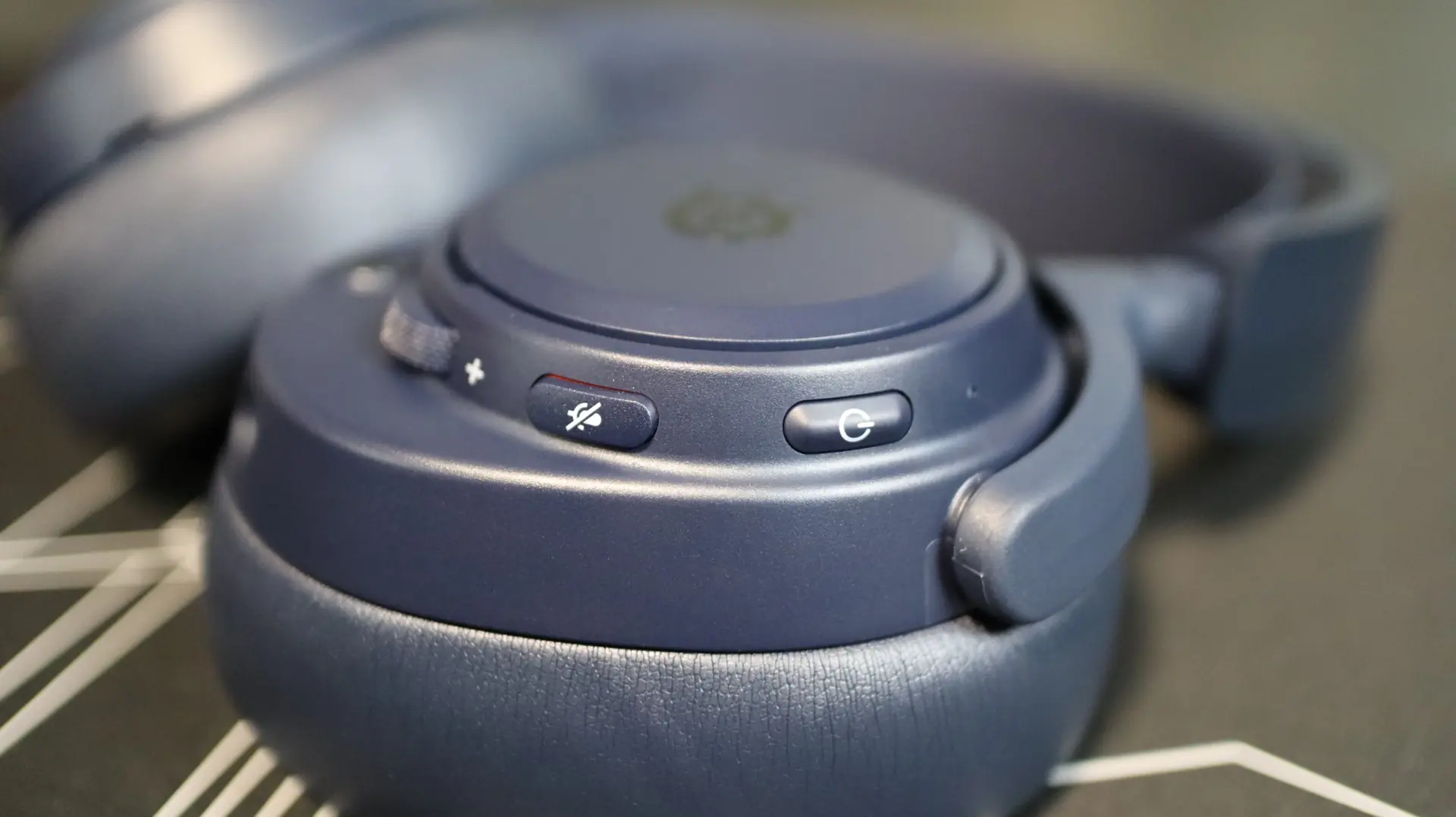
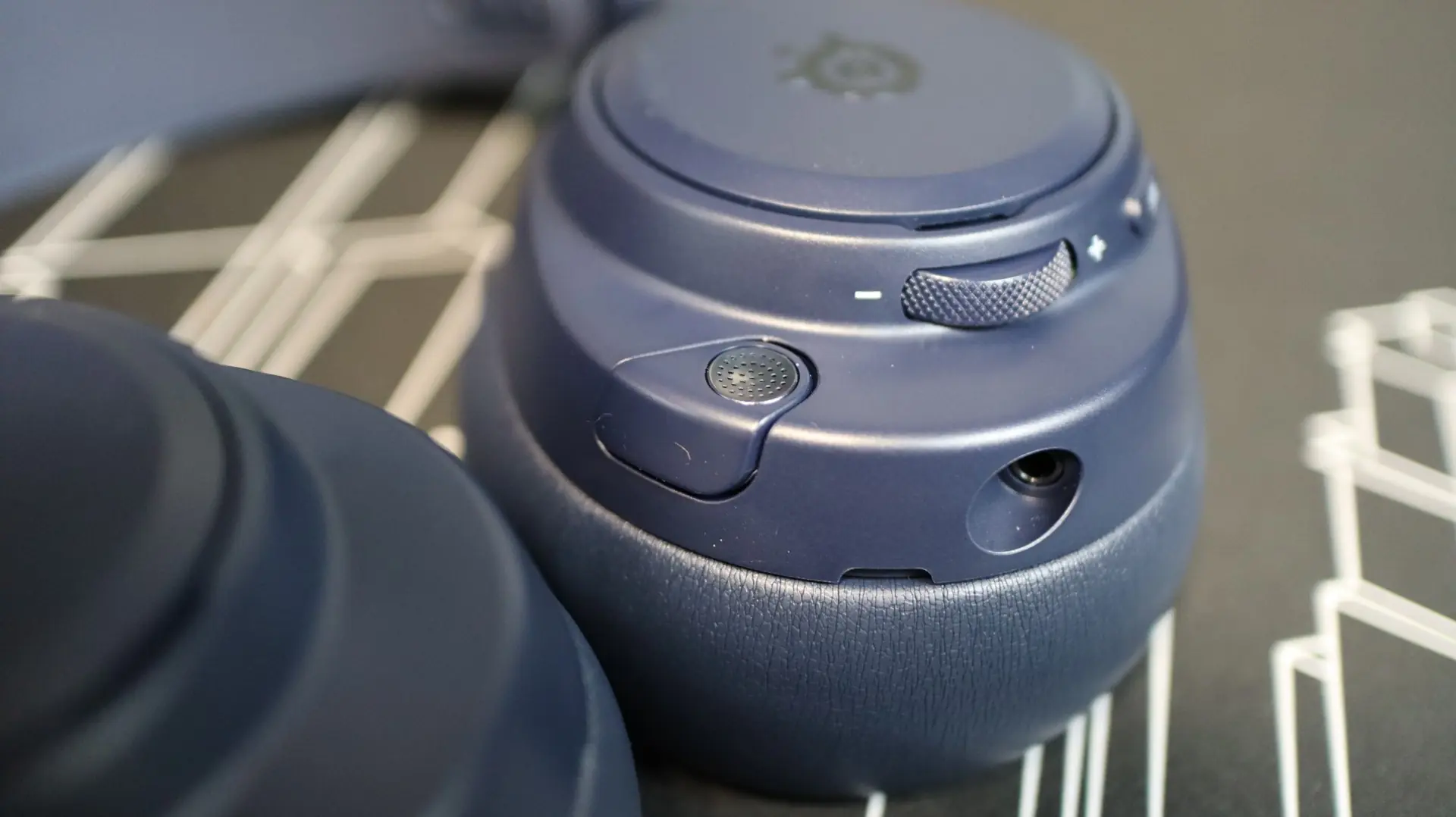
Surrounding the center cap is a volume and control scroll wheel that can not only be used to adjust the volume of the headset, but can also be used to adjust certain settings on the GameHub without having to interact with that device itself. Next up is the microphone mute button, and then the power button. A small LED indicator is also found on this side of the headset.
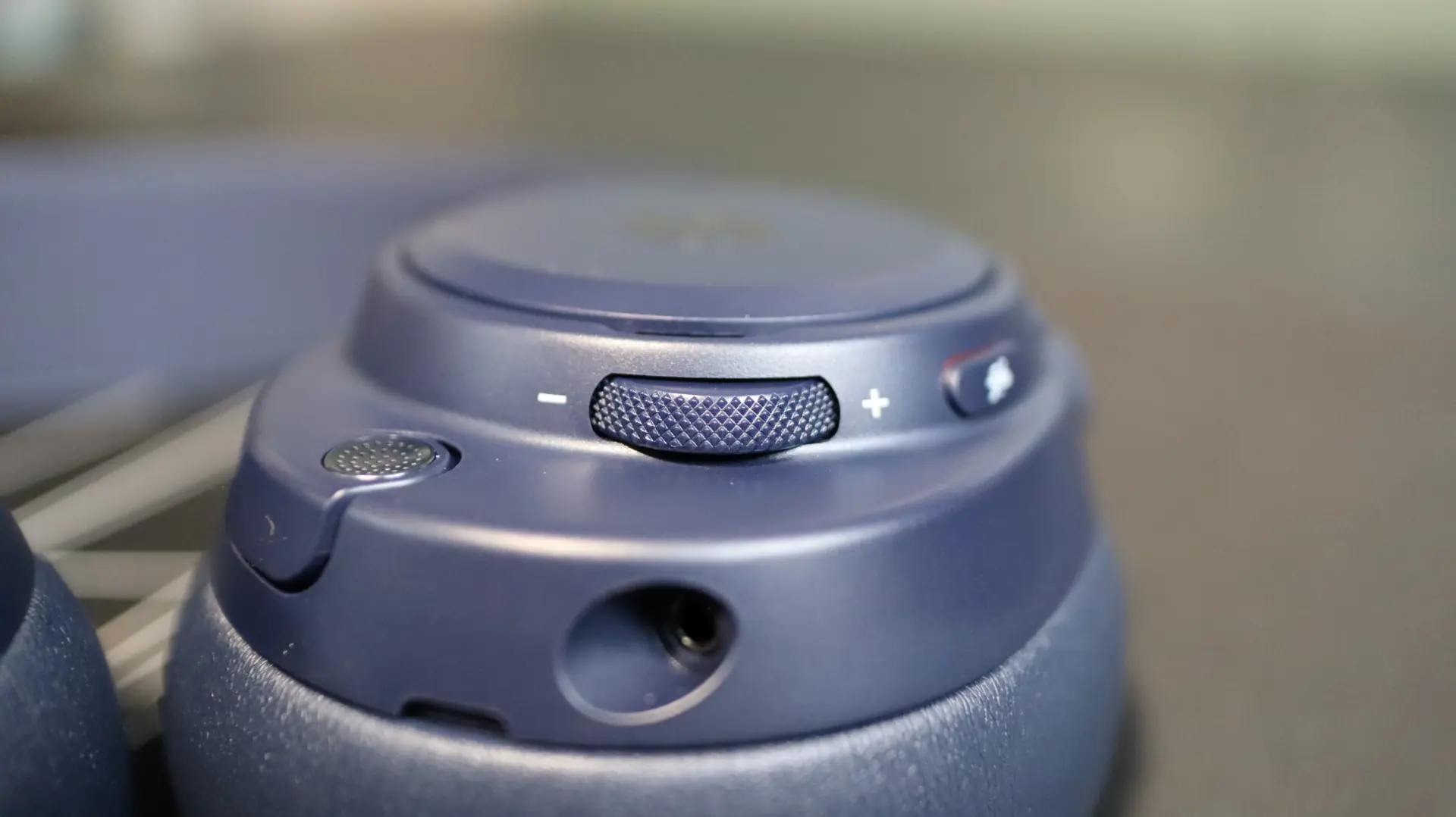
Further out on the earcup body we have the integrated ClearCast Pro microphone that easily slides in and out of the earcup, and automatically mutes itself when retracted. A 3.5mm audio jack is also present for those that may want to use this headset in a wired manner.
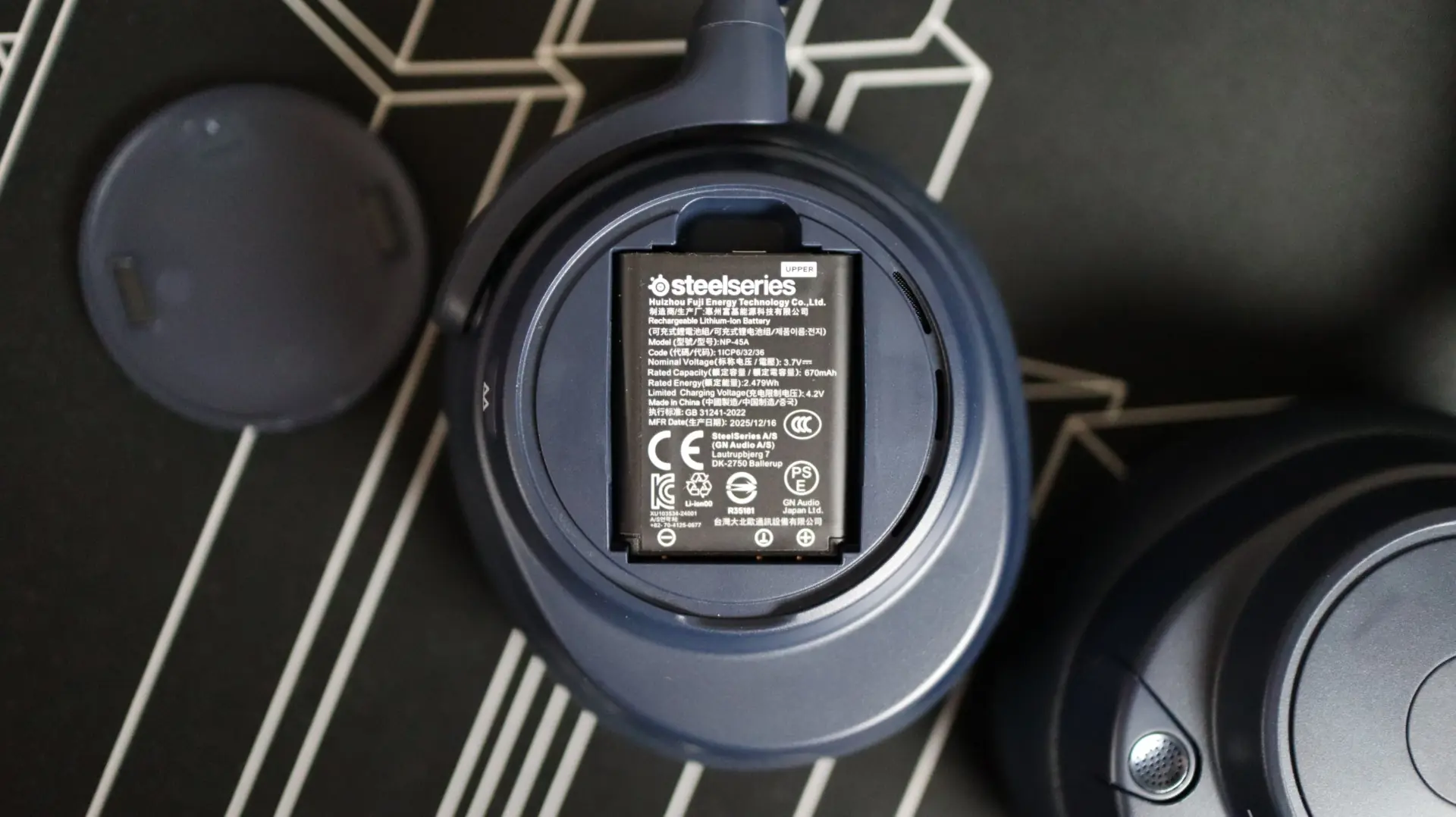
Moving over to the right side of the headset, we again find another removable cap, this time hiding the swappable battery area. SteelSeries includes two 670mAh lithium-ion batteries for always-on action, and putting a fresh battery in the headset is easily done, even with the headset still on your head. This side also houses the Bluetooth indicator LED, which pairs nicely with the Bluetooth button right beside it.
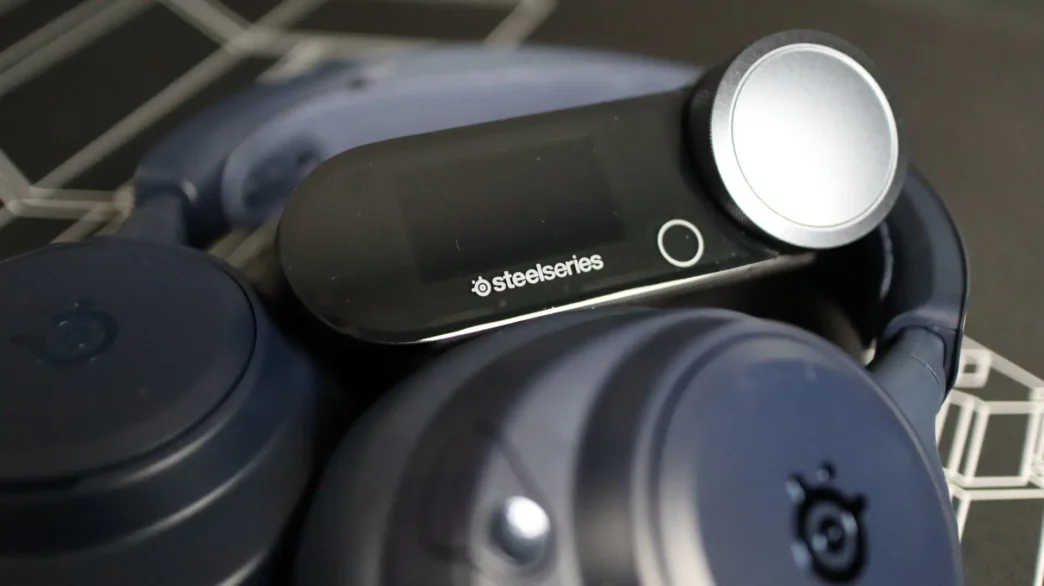
The headset is only part of the hardware equation, with the other portion being the GameHub. The GameHub provides the core connectivity to not only your PC, but multiple other hardwired sources. With three USB Type-C connections, as well as Bluetooth and line-in, you can mix up to four audio sources all at once for simultaneous audio immersion. No longer do you have to swap inputs via software or hardware each time you want to listen to a different source. With the GameHub you can set your levels how you like initially, and then never have to think about them again. As far as outputs go, there is a single 3.5mm line-out option, and of course the USB Type-C connection for your PC.
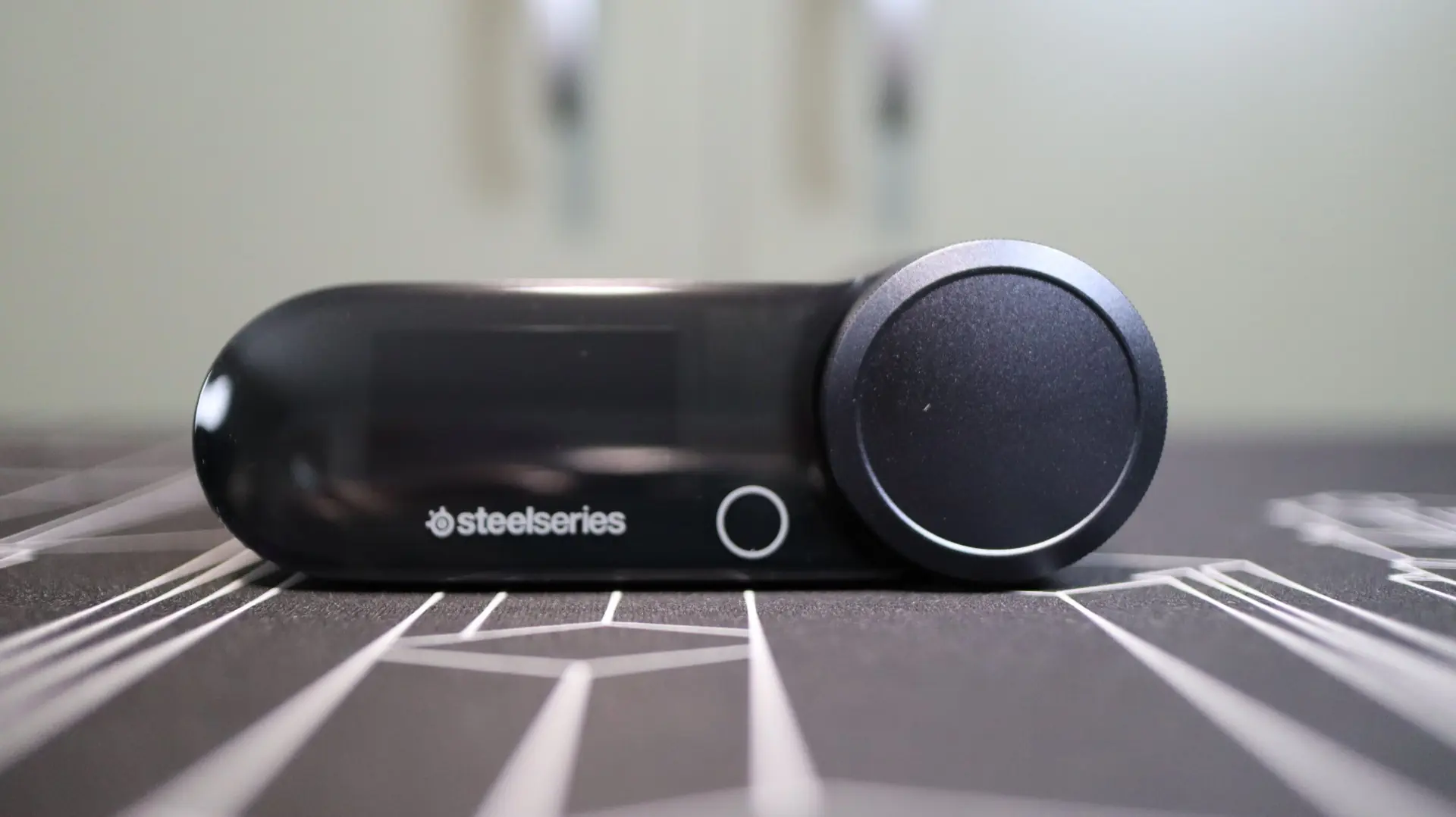
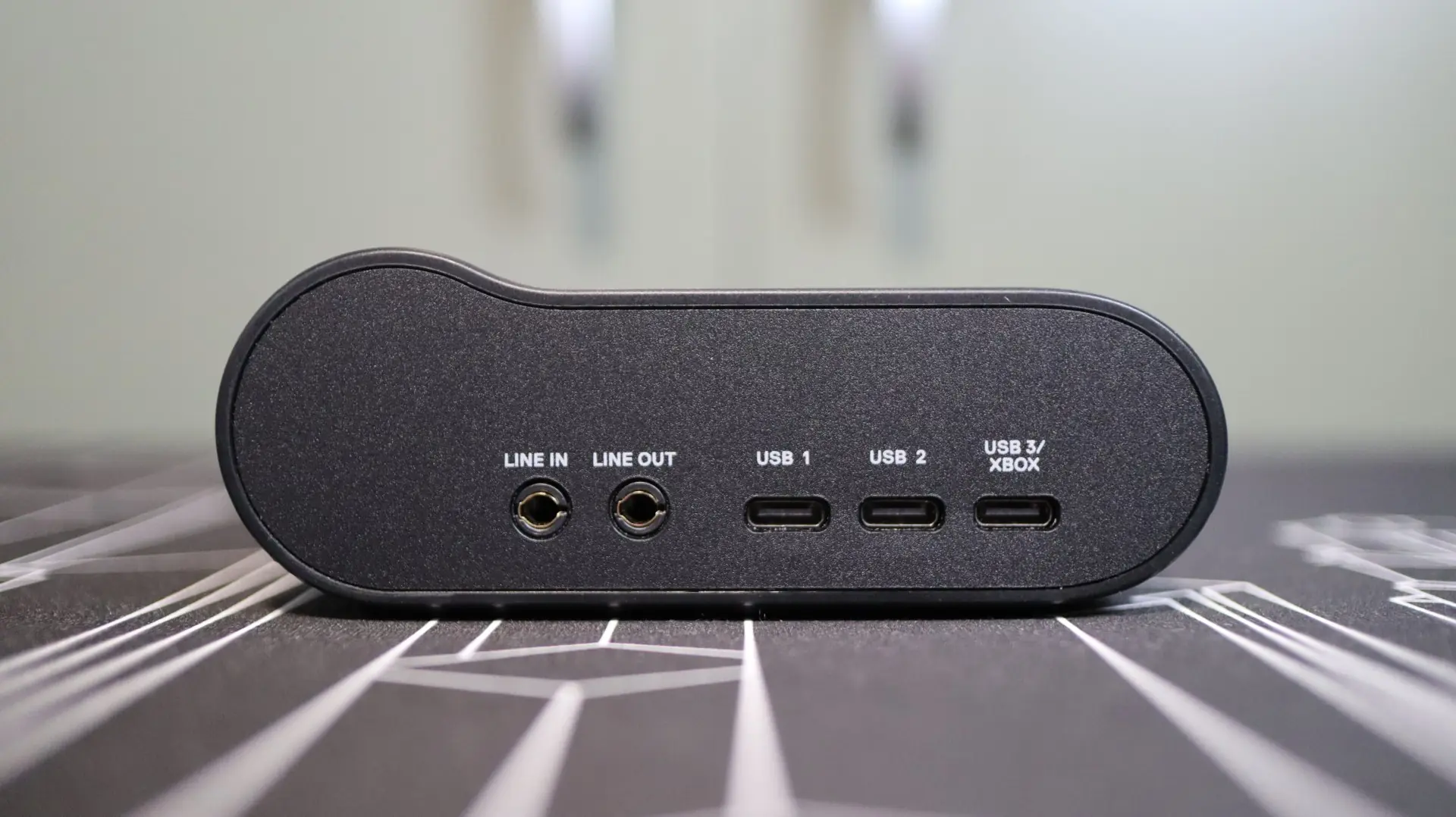
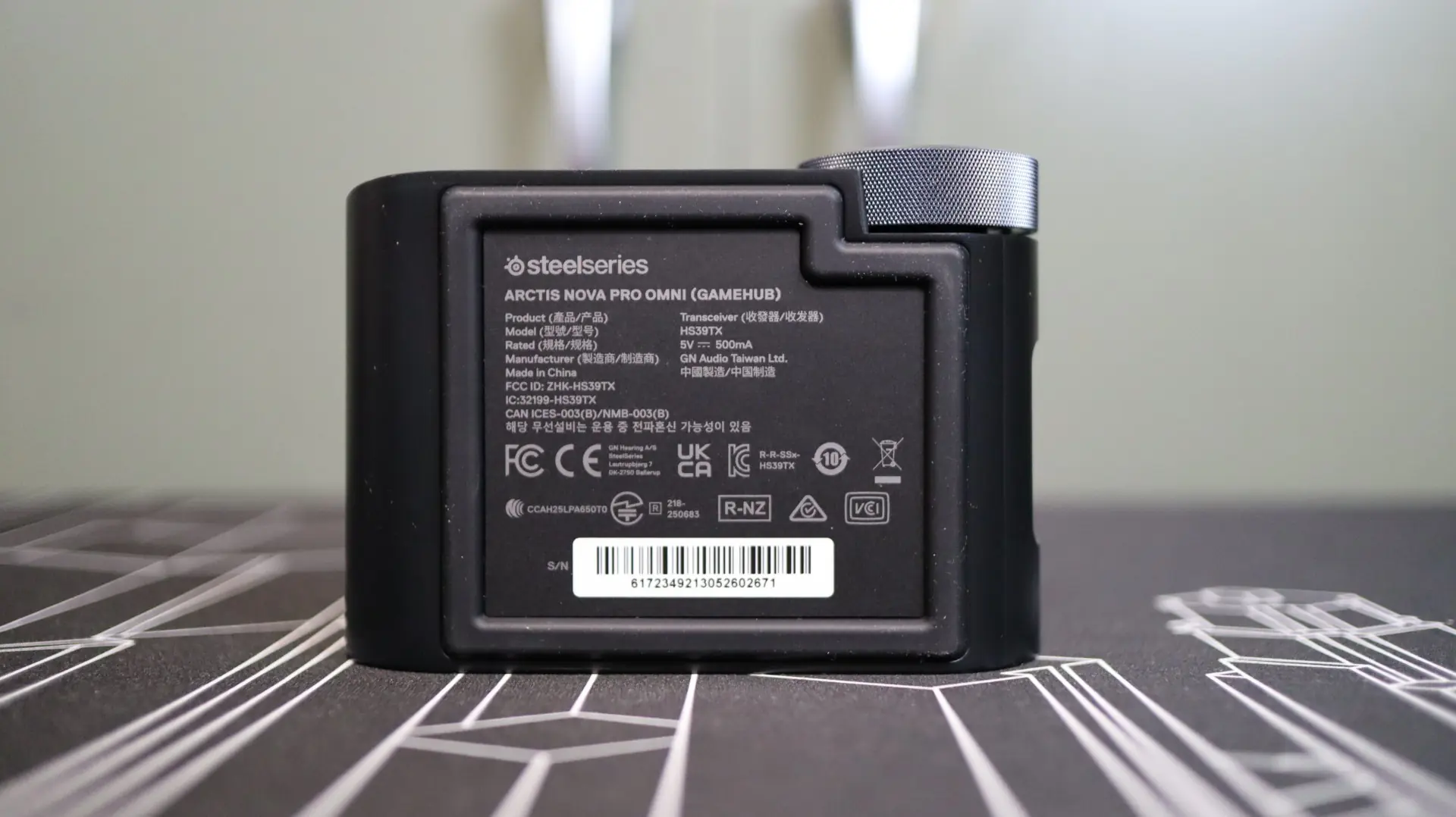
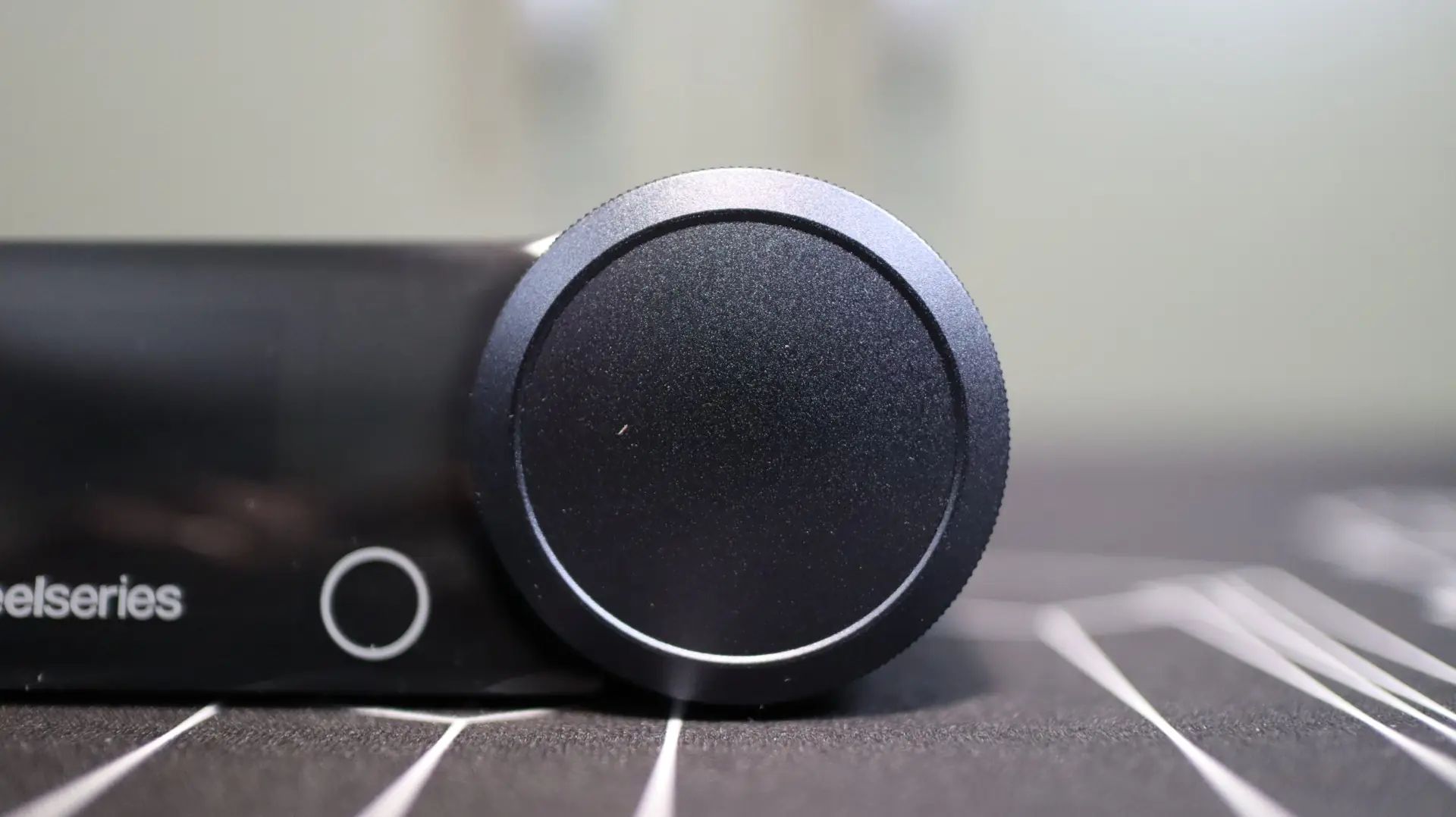
Of course, if you want to adjust your levels, you can easily do so via the control knob on the front. A small OLED display provides real-time monitoring and control to pair up with your control knob inputs.
Tucked away on the right side of the GameHub is a small opening that provides a home for the spare lithium-ion battery to get recharged. Simply slide the battery into the slot and press it down a bit, and the GameHub will start charging, while simultaneously showing the charge status of the battery on the OLED display – Nice!