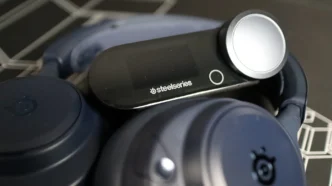
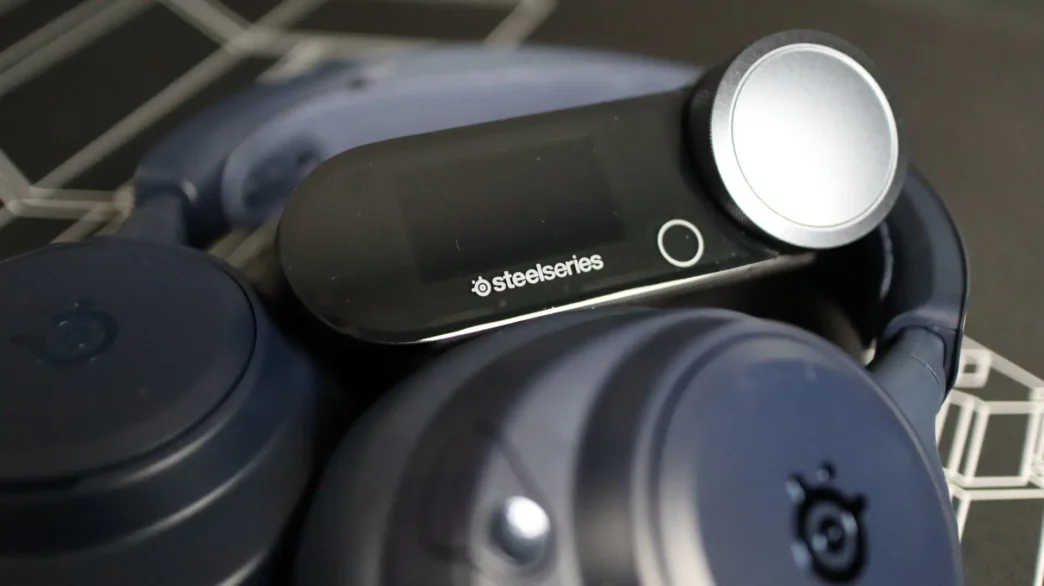
Testing the Arctis Nova Pro Omni Headset
Before we get to the audio portion of the review, I want to touch on the comfort aspect of the Omni. Each gaming and listening session with this headset was very comfortable. The memory foam of the earcups did a good job conforming to the sides of my head, and the suspension strap on the headband was very comfortable as well. Clamping force was just the right amount for me, offering a snug fit while not causing any discomfort. The lightweight nature of the headset paired up with this fit made me feel very confident wearing it not just sitting at my desk, but running up and down the stairs, and walking around my office. Some headsets don’t have a great fit and feel like they might fall off or slide around when moving around, but the Arctis Nova Pro Omni did none of those things in my testing.
My audio testing consists of both gaming and music listening, and starting off with gaming, I utilized my trusty Apex Legends, as well as Battlefield 6, 7 Days to Die, and World of Warcraft. While the latter two don’t really have the same precision audio needs of the first two, they both still sounded amazing on this headset. Now moving over to the two FPS titles, Apex and BF6, I utilized each game’s custom EQ found in the Sonar section of GG. I didn’t make any changes to either preset during my testing, and I found each to offer a bit of a difference that I could certainly notice, but didn’t necessarily think made a huge difference to my situational awareness or quality of play. That said, I have spent a ton of time in Apex, less in BF6, and have really become accustomed to my existing sound settings that I have them dialed in just where I like. That said, the headset did a great job with and without the custom presets for all of my game testing – large explosions featured sharp initial cracks, and rumbling bass, while footsteps of nearby players, and the surfaces they were walking on, were easily able to be identified.
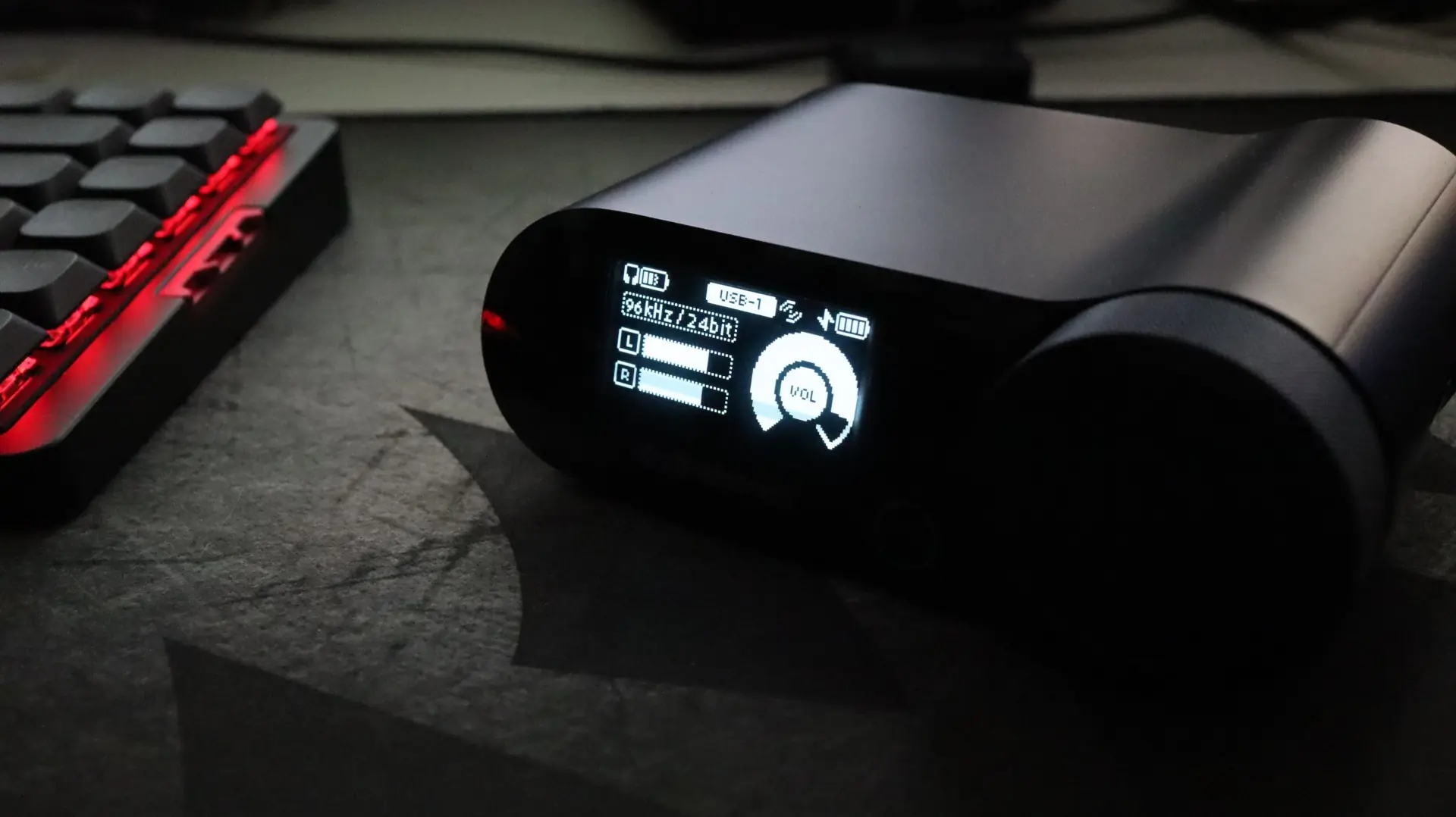
While my music listening library isn’t as sophisticated as a true audiophile, my mix of hip-hop and rap, classic rock, country, and EDM tracks gave me a good range of genres and songs to sample from. I was a bit concerned about the amount of bass available from the 40mm drivers, but was pleasantly surprised by not only the amount of bass, but it’s clarity. These aren’t headphones that are going to rattle your teeth out, but they definitely have a good amount of low end for nearly all use cases. Vocals and acoustic stringed instruments were very clear, and when reviewing dialogue scenes from a few movies, I had no complaints.
When it comes to background noises, the Acrtis Nova Pro Omni does offer active noise cancellation, which utilizes a 4-mic setup to cut out background sounds like keyboard typing, PC fans, AC units, and more. This feature is super easy to enable and disable by simply tapping the power button on the headset. I have a pretty quiet basement office at home, so I typically don’t utilize ANC with headsets, but when I utilized the Omni at my work office, the ANC setting was great for drowning out the constant drone of the HVAC system and nearby breakroom.
Microphone
SteelSeries has upgraded the microphone in the Acrtis Nova Pro Omni, utilizing their retractable boom ClearCast Pro. This microphone has an omnidirectional pickup pattern which will help make sure it is picking up your voice no matter how you have the boom positioned. Included with the headset is a small foam pop filter to help cut down on those plosives, but this will really only be handy if you are using the microphone full-time, as the mic won’t go back into the headset with the filter installed. Below is an audio sample of the ClearCast Pro microphone so you can hear exactly how it sounds.
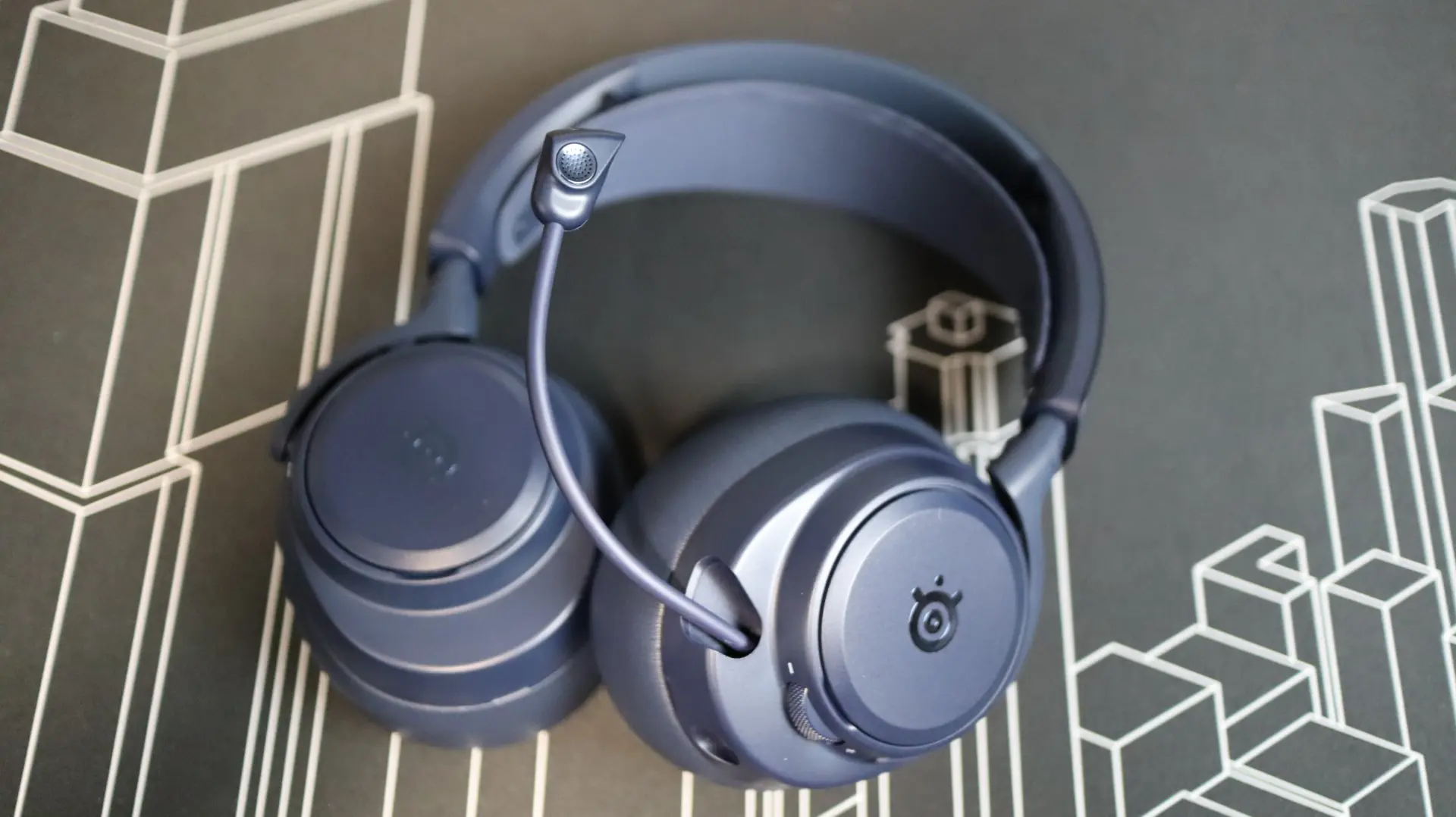
Audio Sample – SteelSeries Arctis Nova Pro Omni
When it comes to microphone noise reduction, SteelSeries has baked that into the headset itself, which is great for PC gamers that can’t rely on a dedicated GPU for things like NVIDIA Broadcast, or for console gamers that simply don’t have any other options. Enabling this feature is a gamechanger in my opinion, as there is nothing more annoying that jumping into a public lobby and getting paired up with the gamer that plays with a hot mic in the most crowded household of all time. You know who you are 😉
Battery & Signal
With regards to battery life, SteelSeries touts a up to 60 hours of using the two battery packs (30 hours each) via 2.4GHz with ANC off, and 50 hours on Bluetooth with ANC off, and up to 19 hours per battery with both 2.4GHz and Bluetooth connections and ANC enabled. I found I was more or less able to use the headset for these advertised lengths, depending on whether or not I left them on to walk away from my system for a while, and when used in a combination of connectivity modes throughout my trial period. Testing wireless range is always a bit of a challenge, and every environment is going to be a bit different regarding layout, etc. That being said, my test PC is located in my basement office, and I was able to move around all areas of my basement and first floor with no cutout or noticeable degradation in audio quality. Moving to my second level was quite the surprise, as I was still able to listen to the headset to nearly every corner of the floor without any signal loss. There were a few outliers at the furthest distances, but at that point, the signal is travelling through multiple walls and floors, can I don’t feel like I can really complain at all.