Thermaltake TR100 Mini Tower Chassis Overview
As I mentioned we received the Snow or white version of the TR100 Mini. It is also available in Black, Hydrangea Blue, and Matcha Green. The case itself has what I like to call the external graphics card enclosure form factor, albeit it is a bit larger than other cases we’ve reviewed with this design. The official dimensions of the case are 294 x 179 x 391 mm.

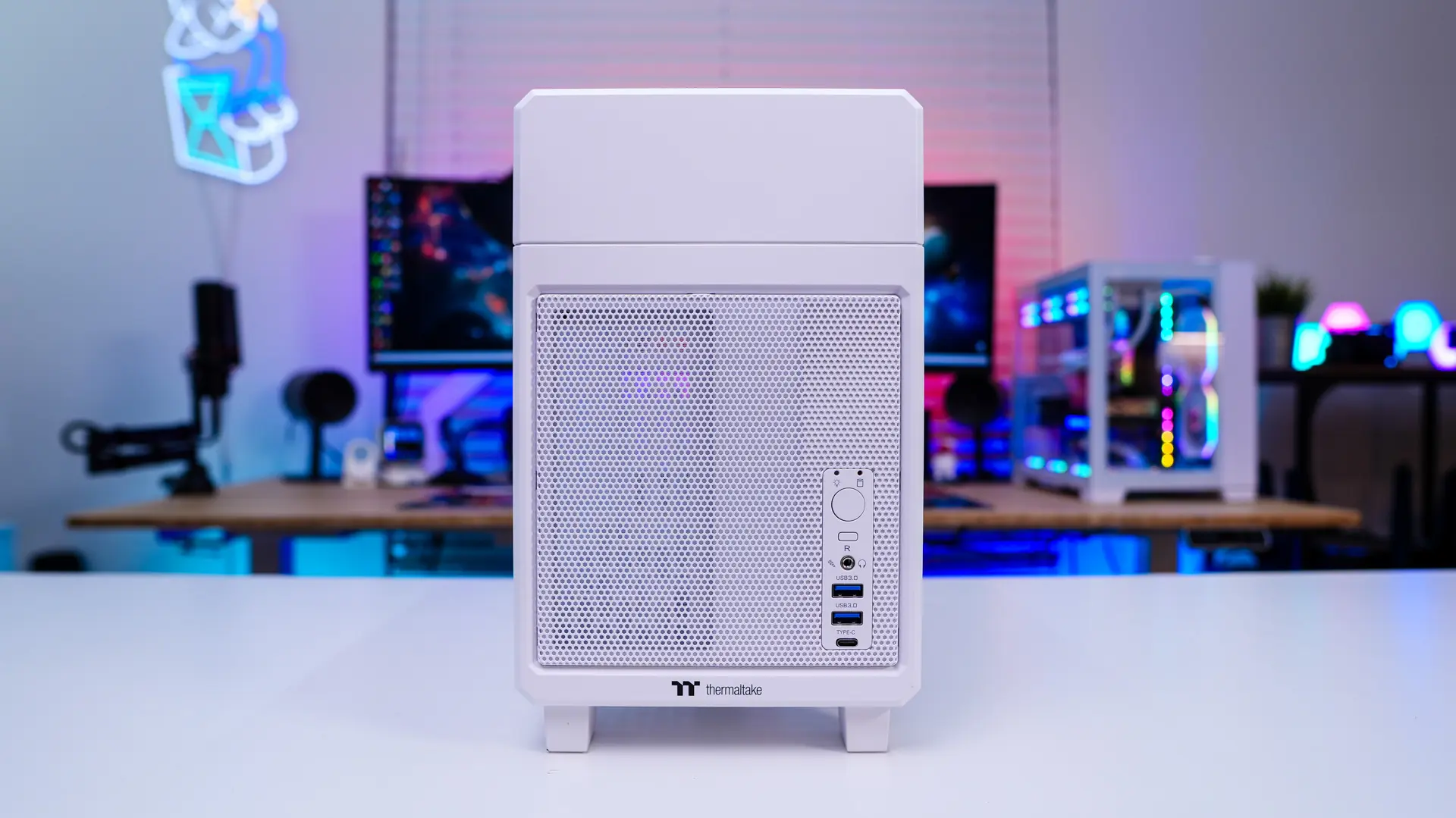
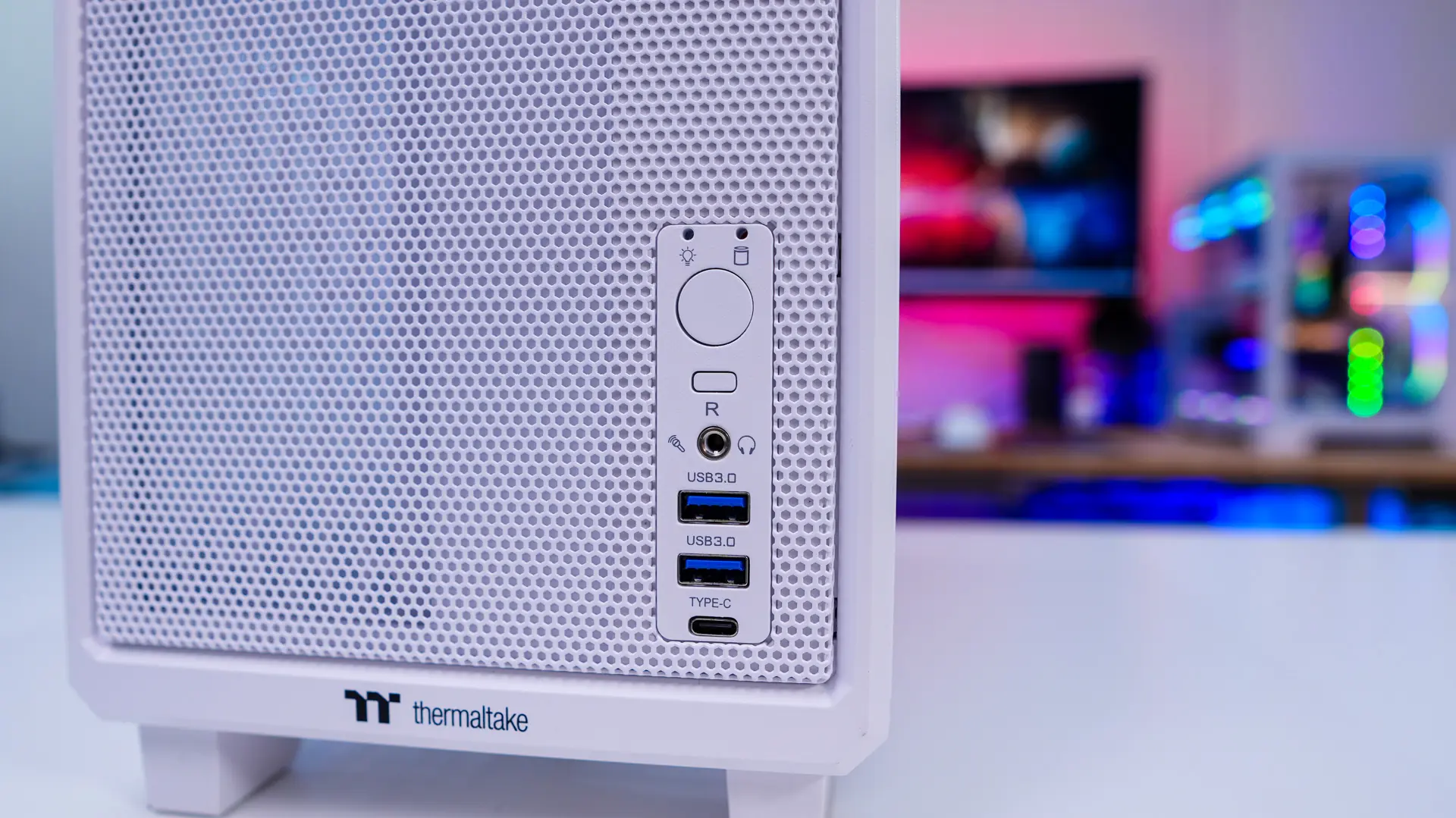
Starting at the front of the case we have a section at the top where you would install the included plate if you planned on using the Thermaltake LCD screen (sold separately). Below that is a ventilated section and a small Thermaltake logo towards the center. On right side you’ll find your buttons and connections which include a large power button, smaller reset button, combination headphone / microphone jack, two USB 3.0 ports, and a single USB 3.2 gen 2 Type-C port.
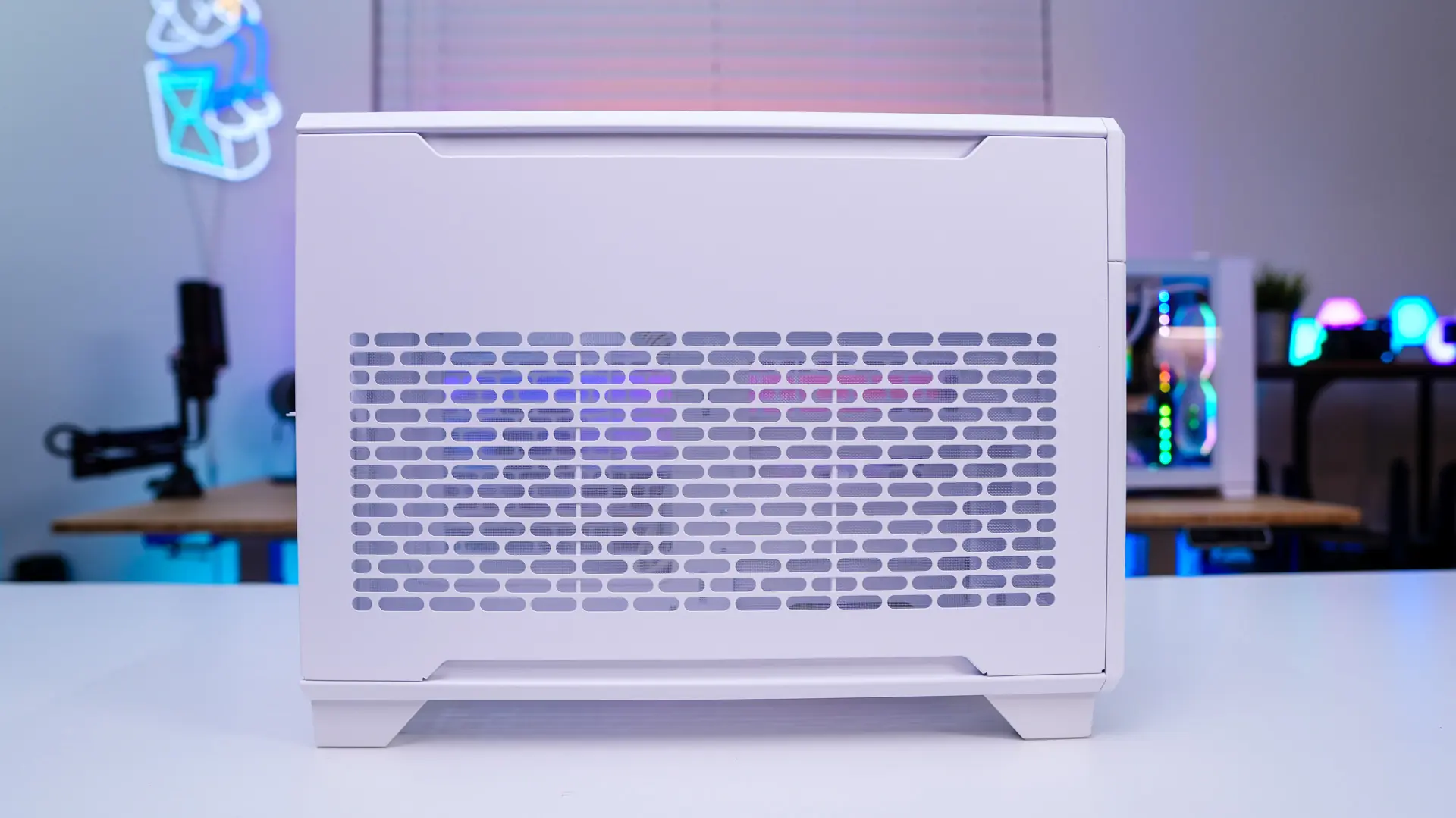
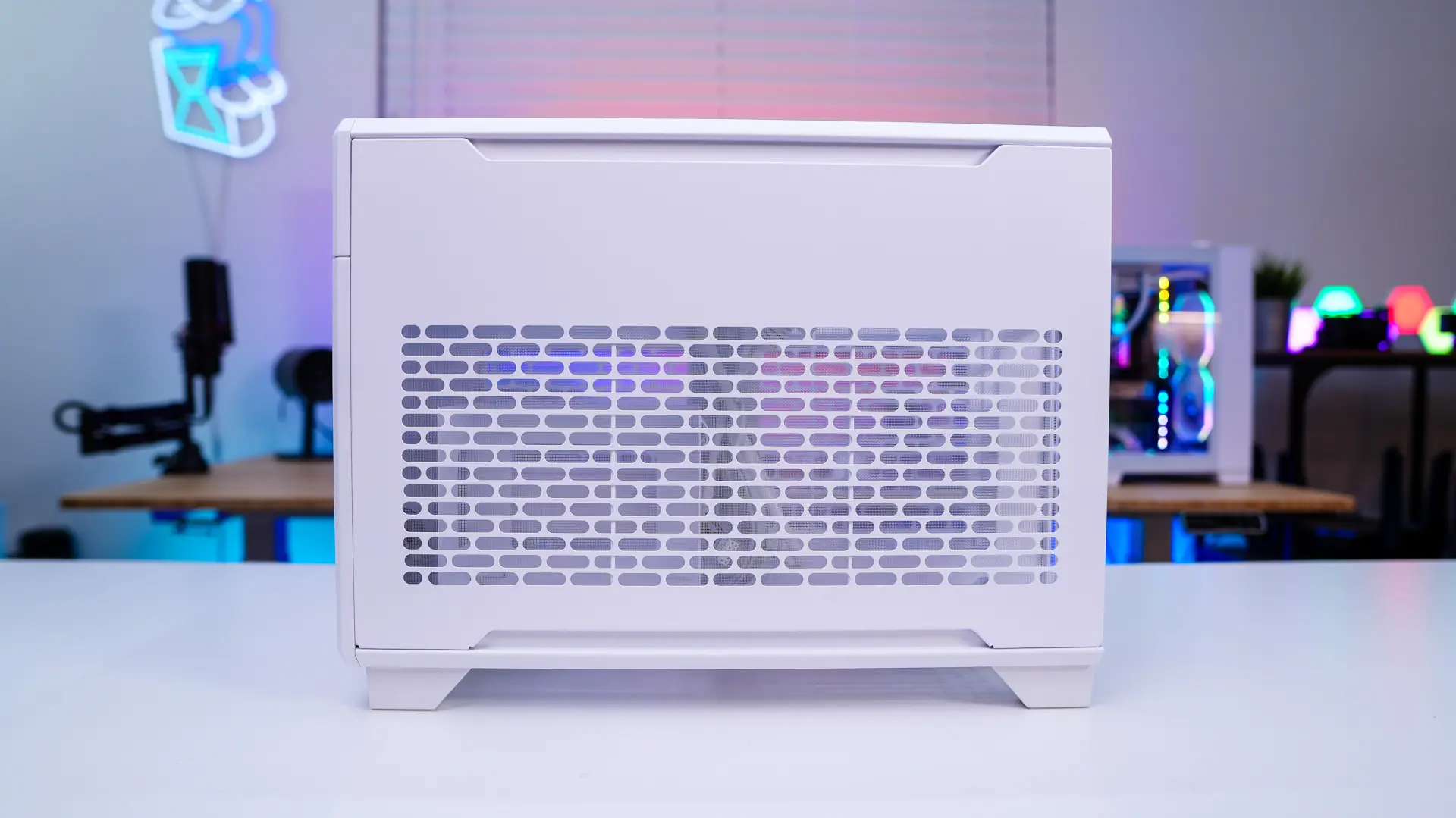
Moving on to the sides of the case, they are the same and feature ventilated panels that are held into place with magnets so they are quite easy to remove so you can access your system.
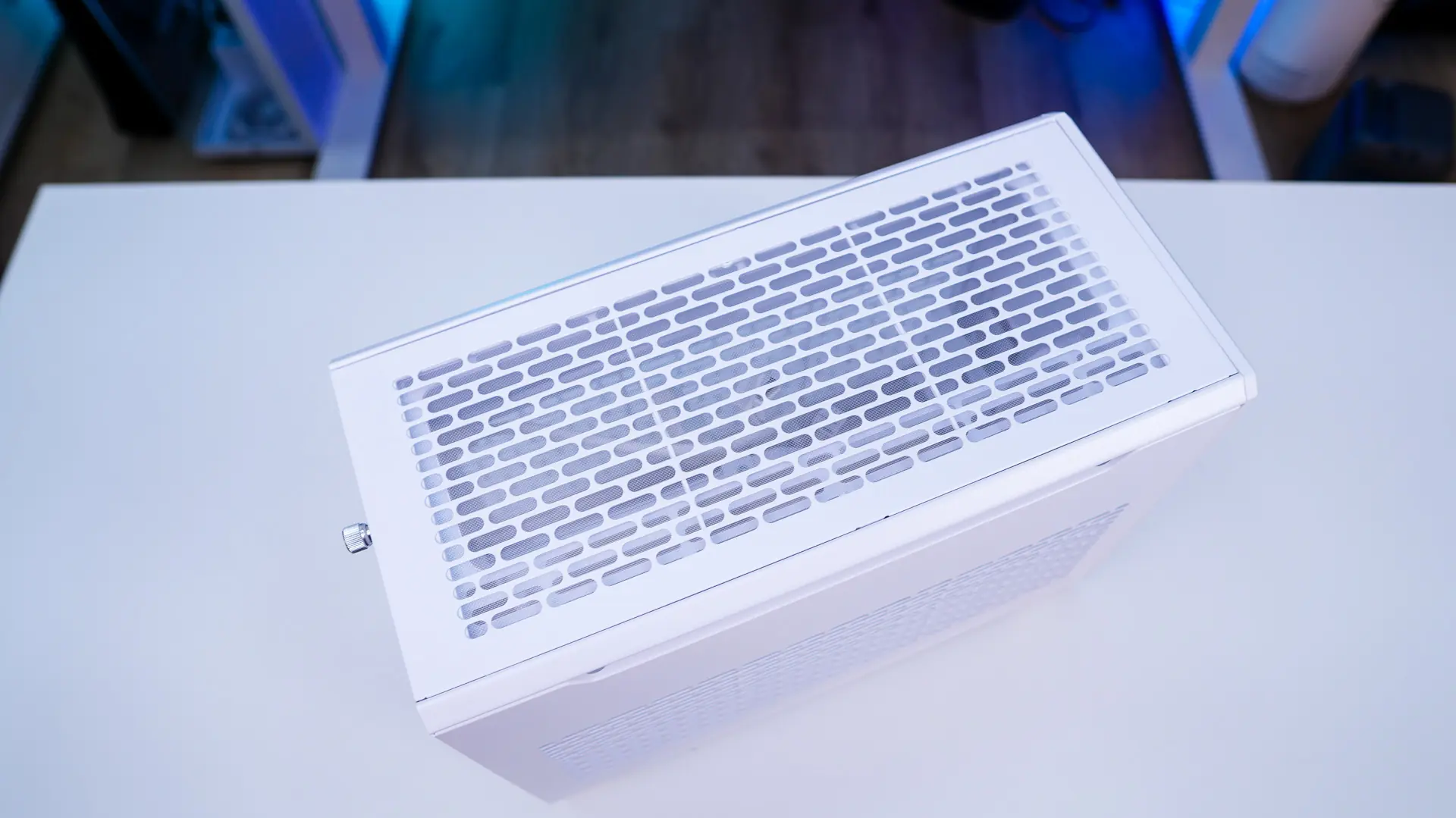
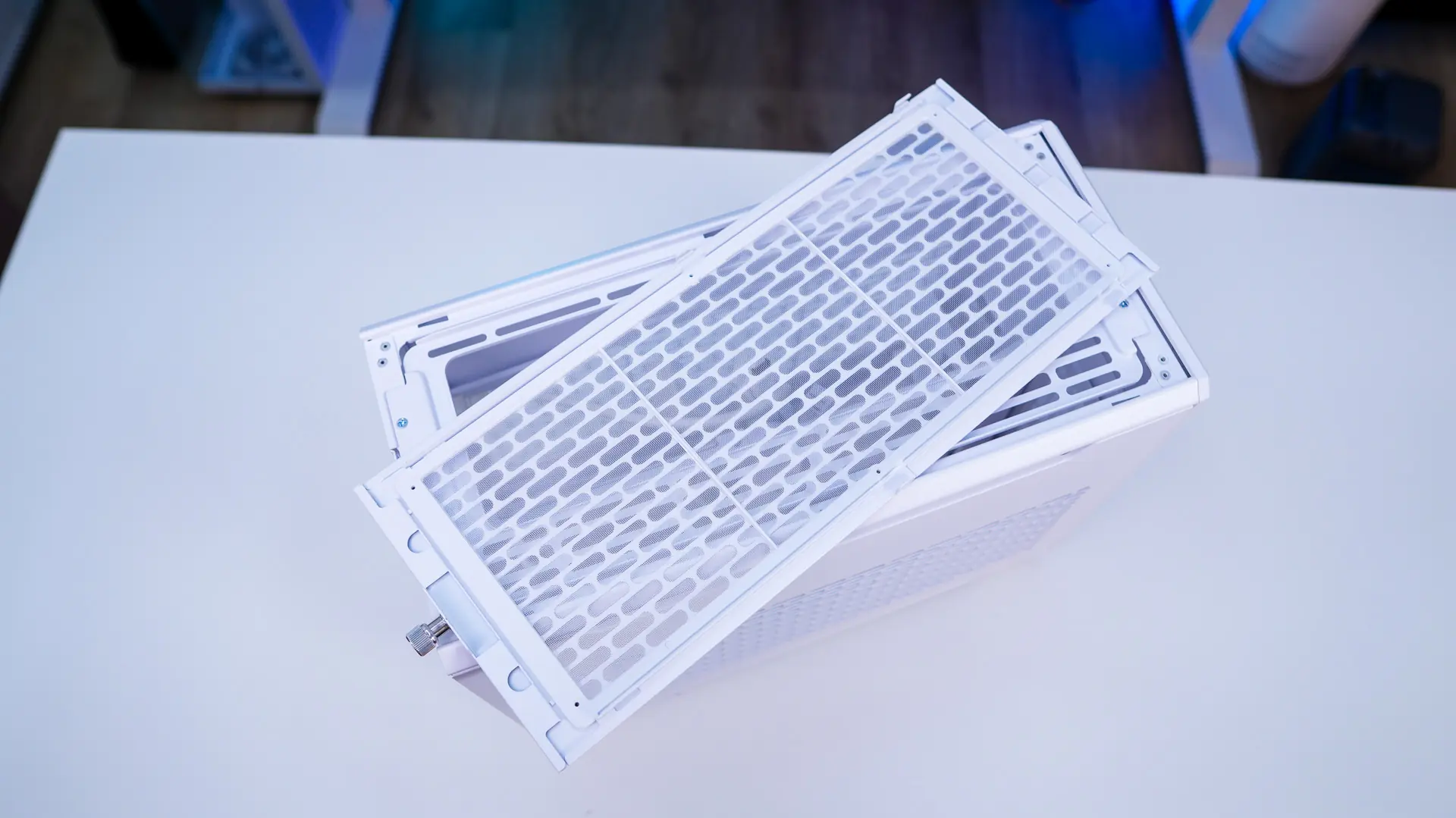
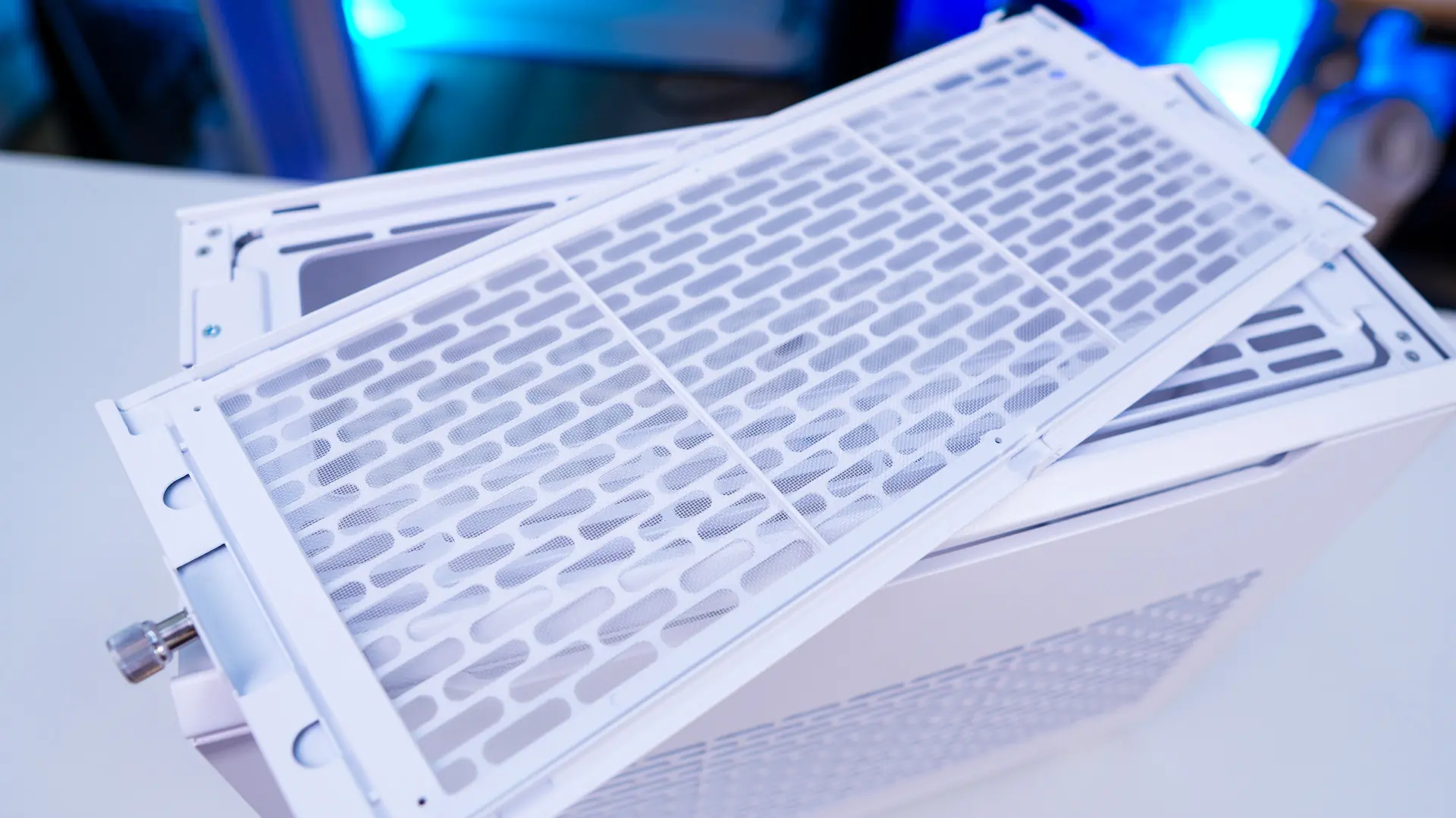
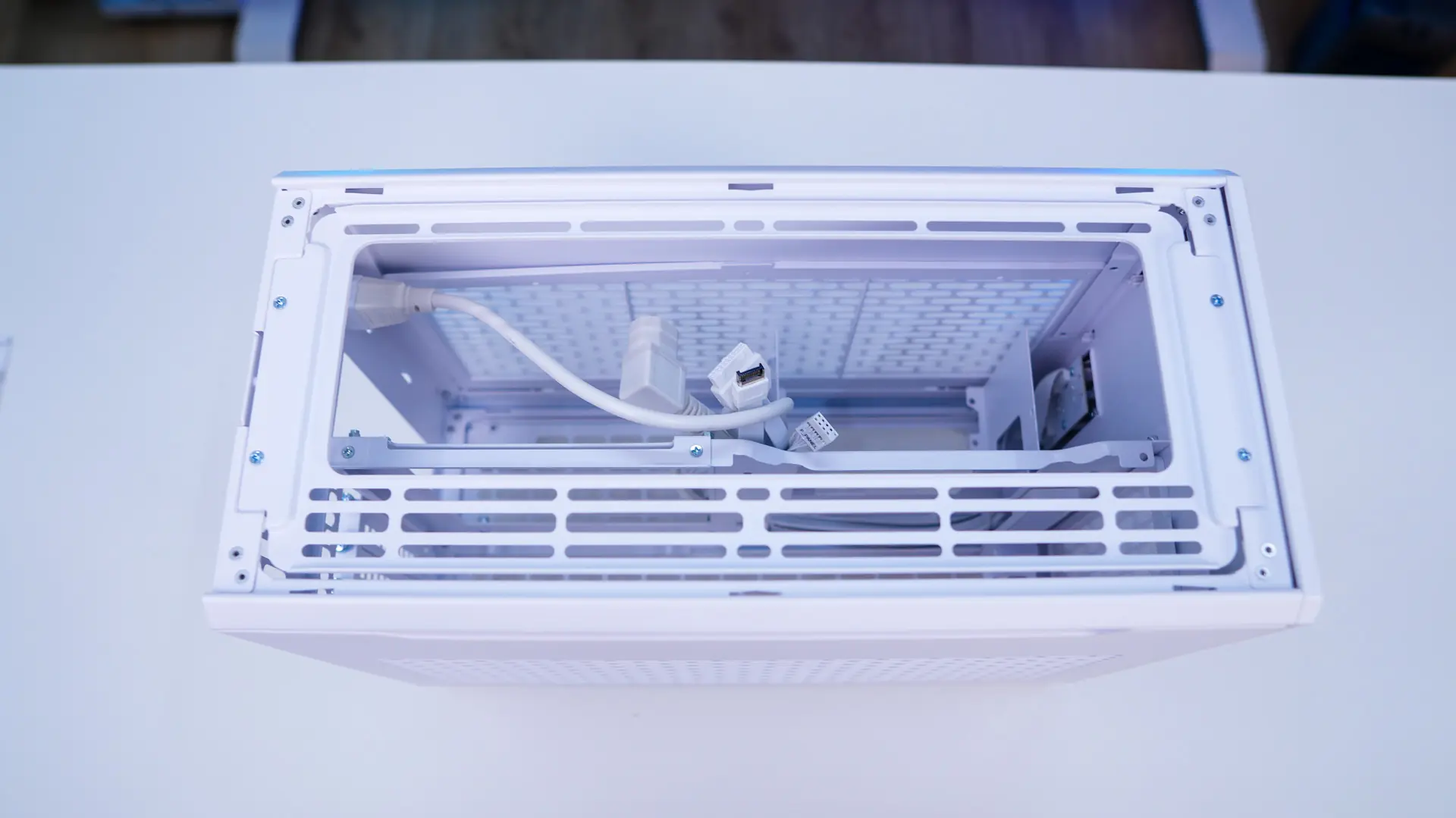
The top of the case features a similar ventilated panel, except this one is held into place by a captive screw. If we remove the panel we can see that it features a removable filter. Below this we do find a cooling panel that supports either two 120 / 140mm fans or radiators up to 280mm. This cooling panel is removable for easy installation of your fans / radiator.
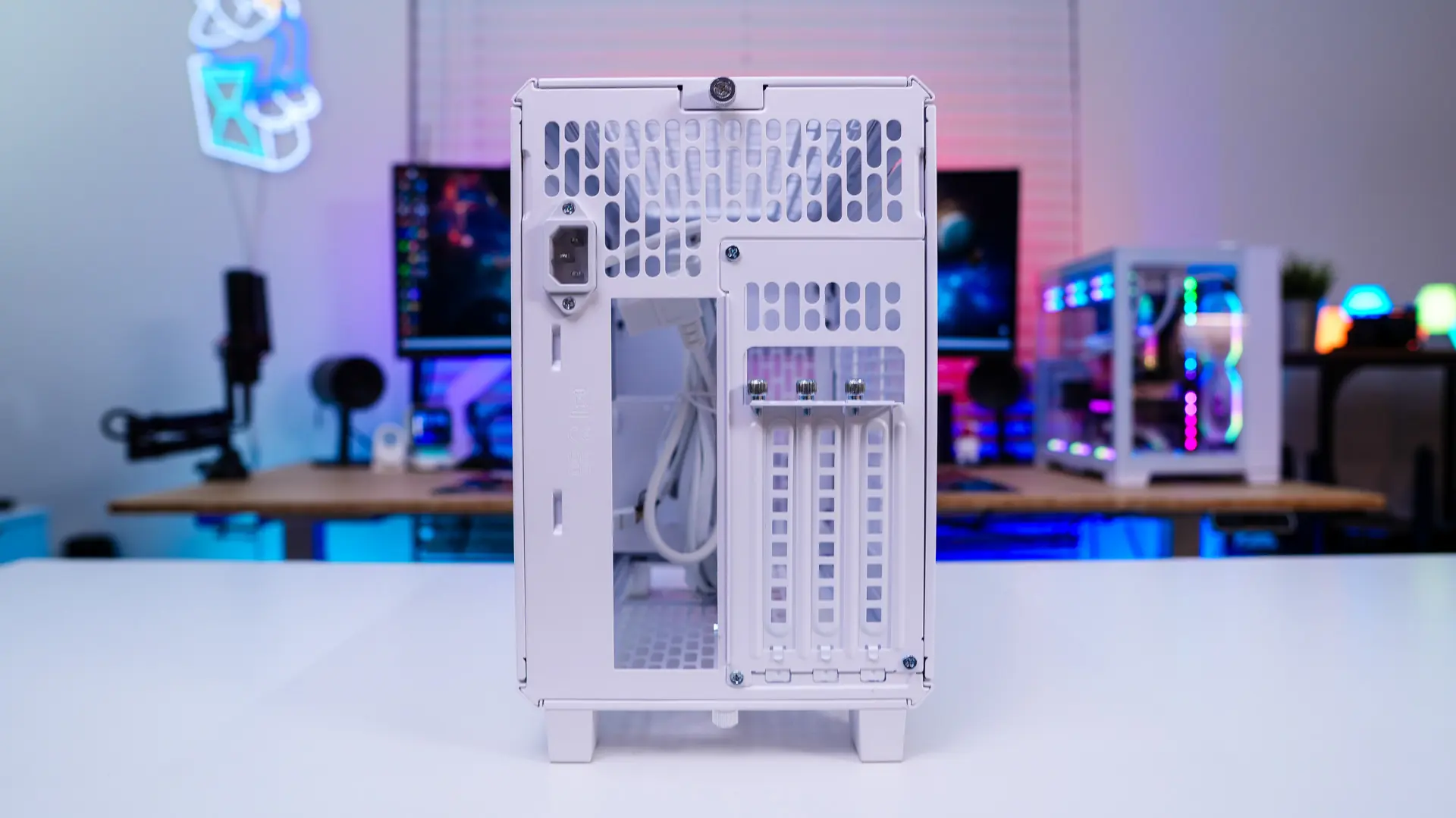
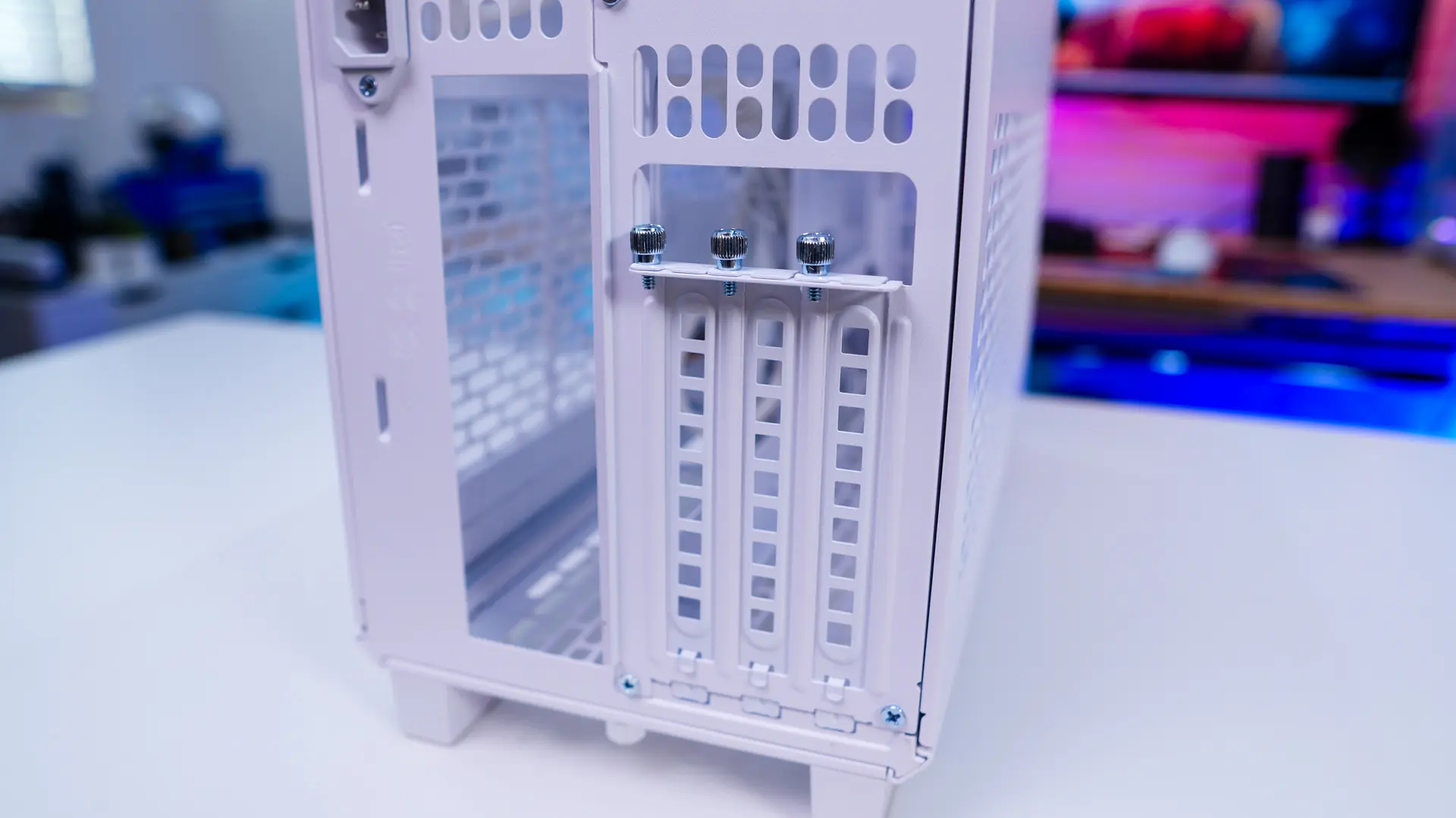
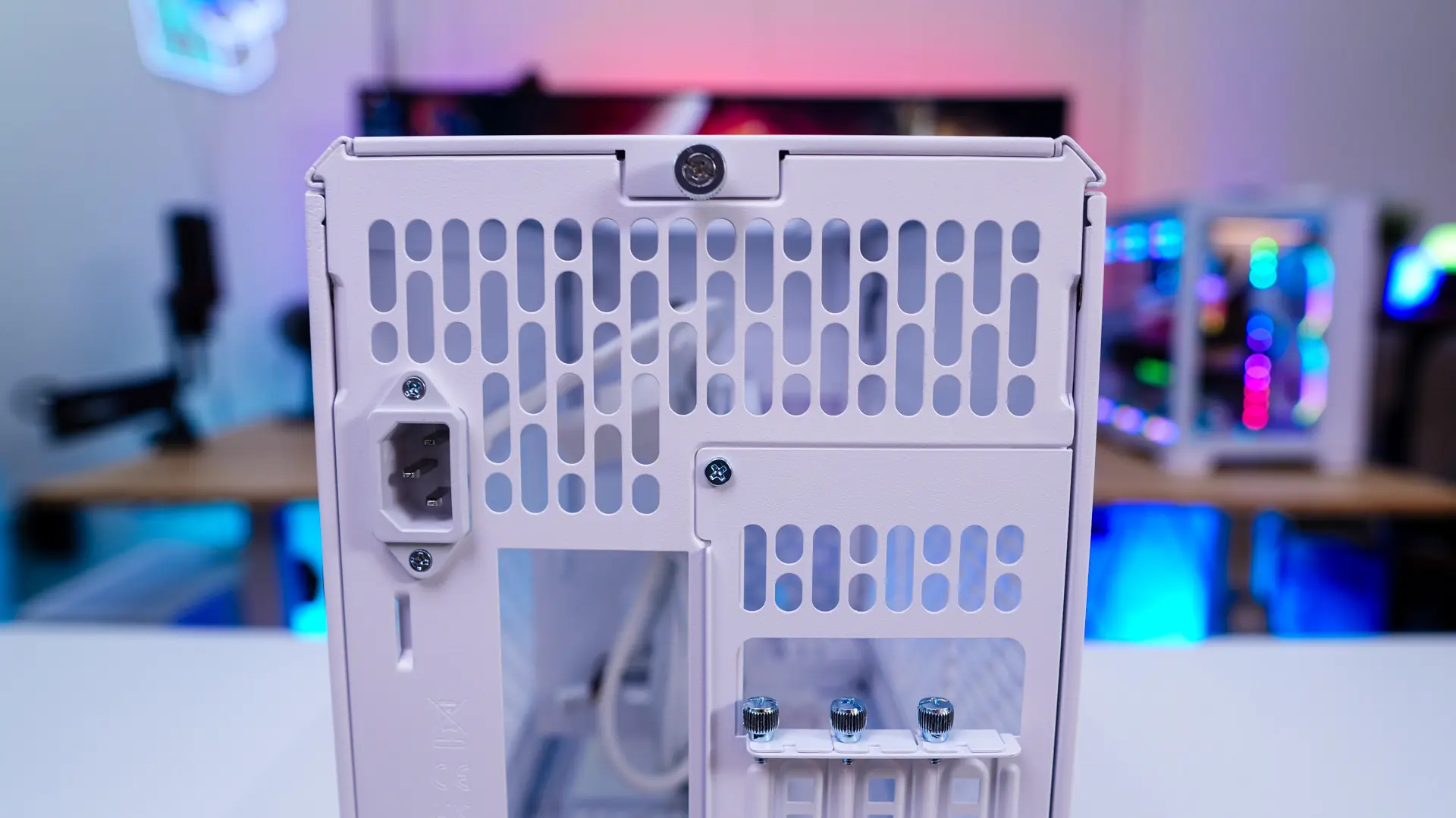
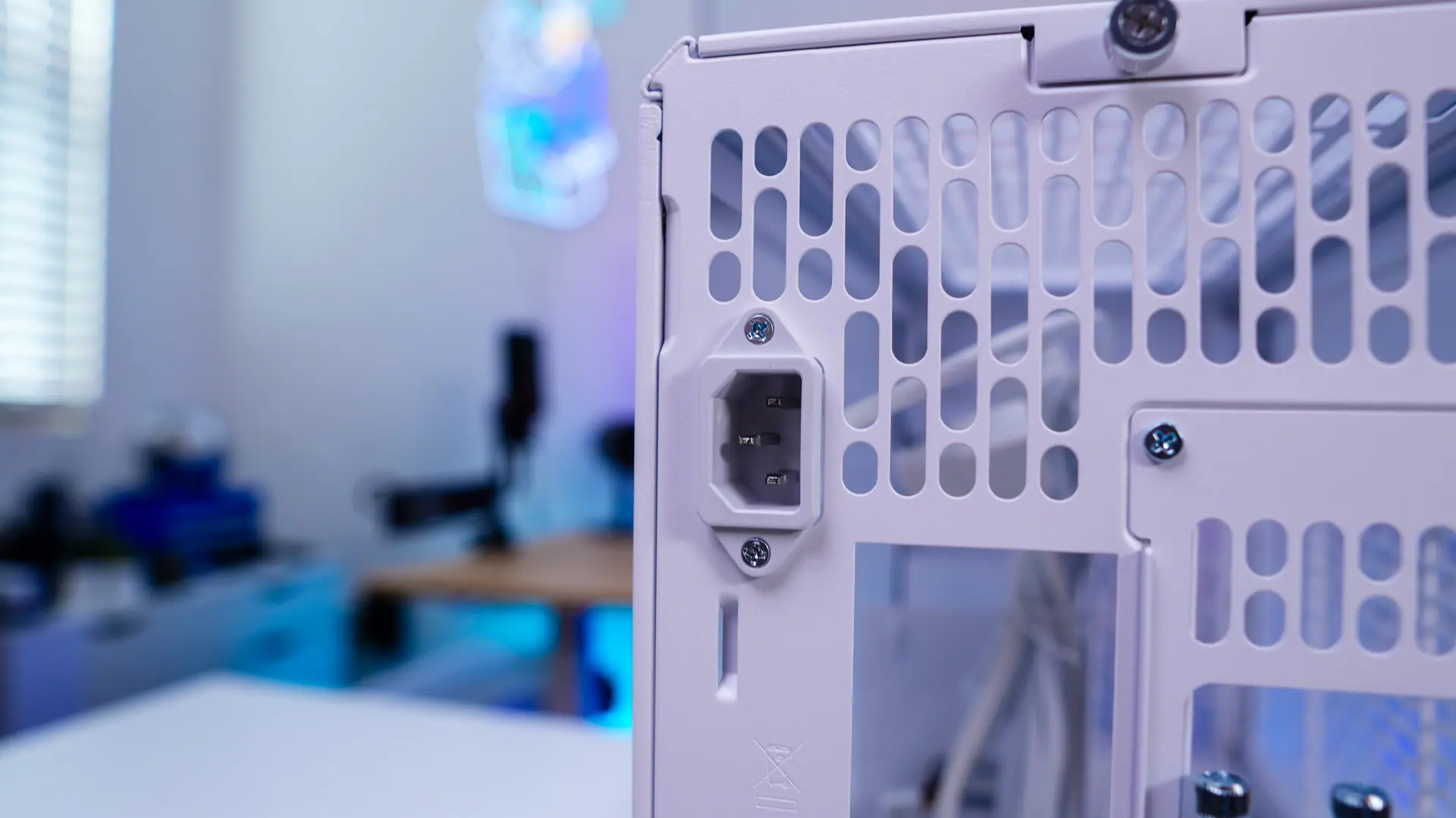
Looking at the back of the case we can get an idea of how the internals of the case are designed with the graphics card on one side and motherboard on another. As far as graphics card support goes you have the ability to install triple-slot graphics cards. The graphics card section of the case is removable so you can install your graphics card outside the case. These is plenty of ventilation back here as well as your power connection which of course will get routed to your power supply once you install it.
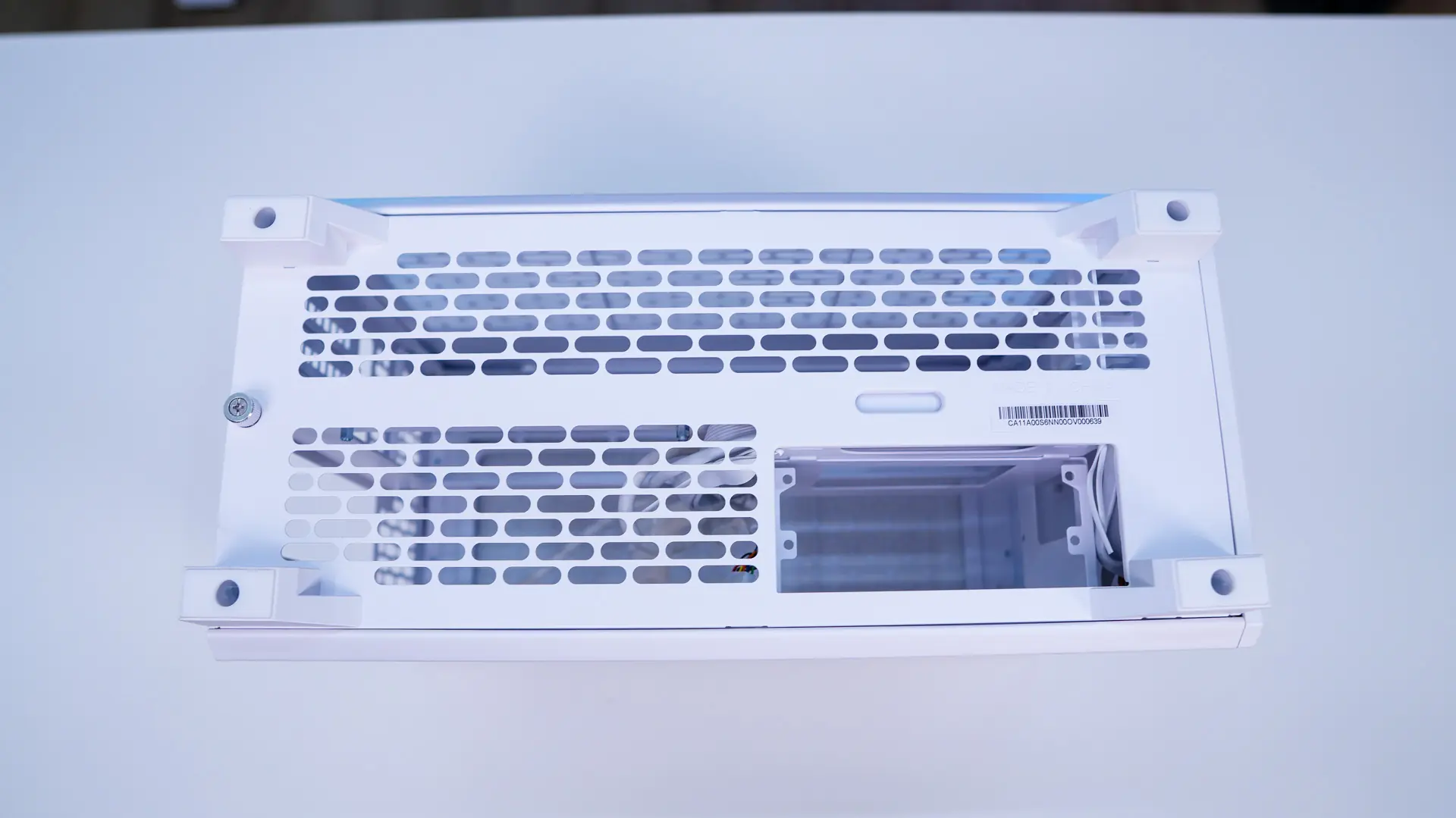
The bottom of the case features four feet and is ventilated as well.