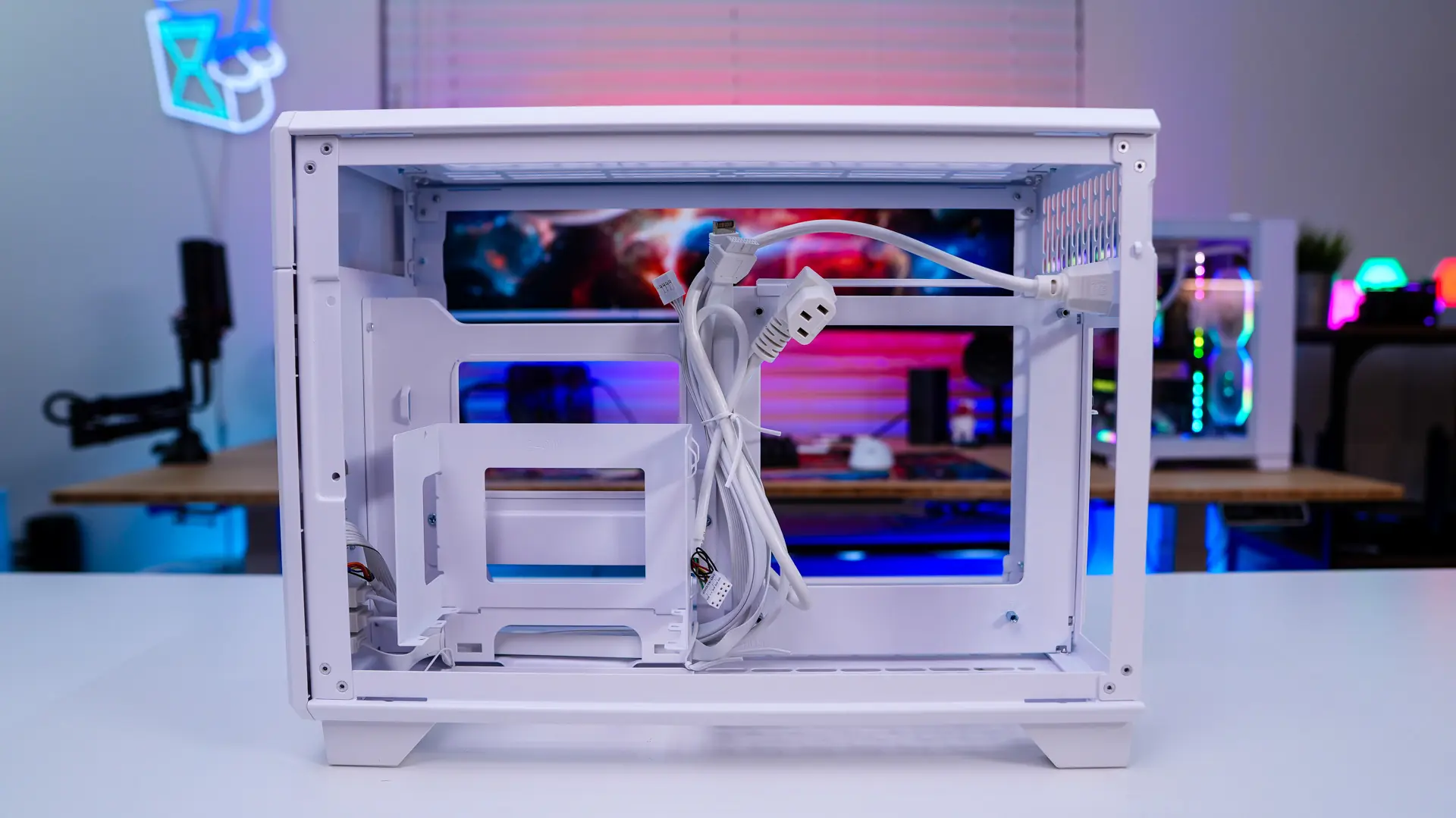
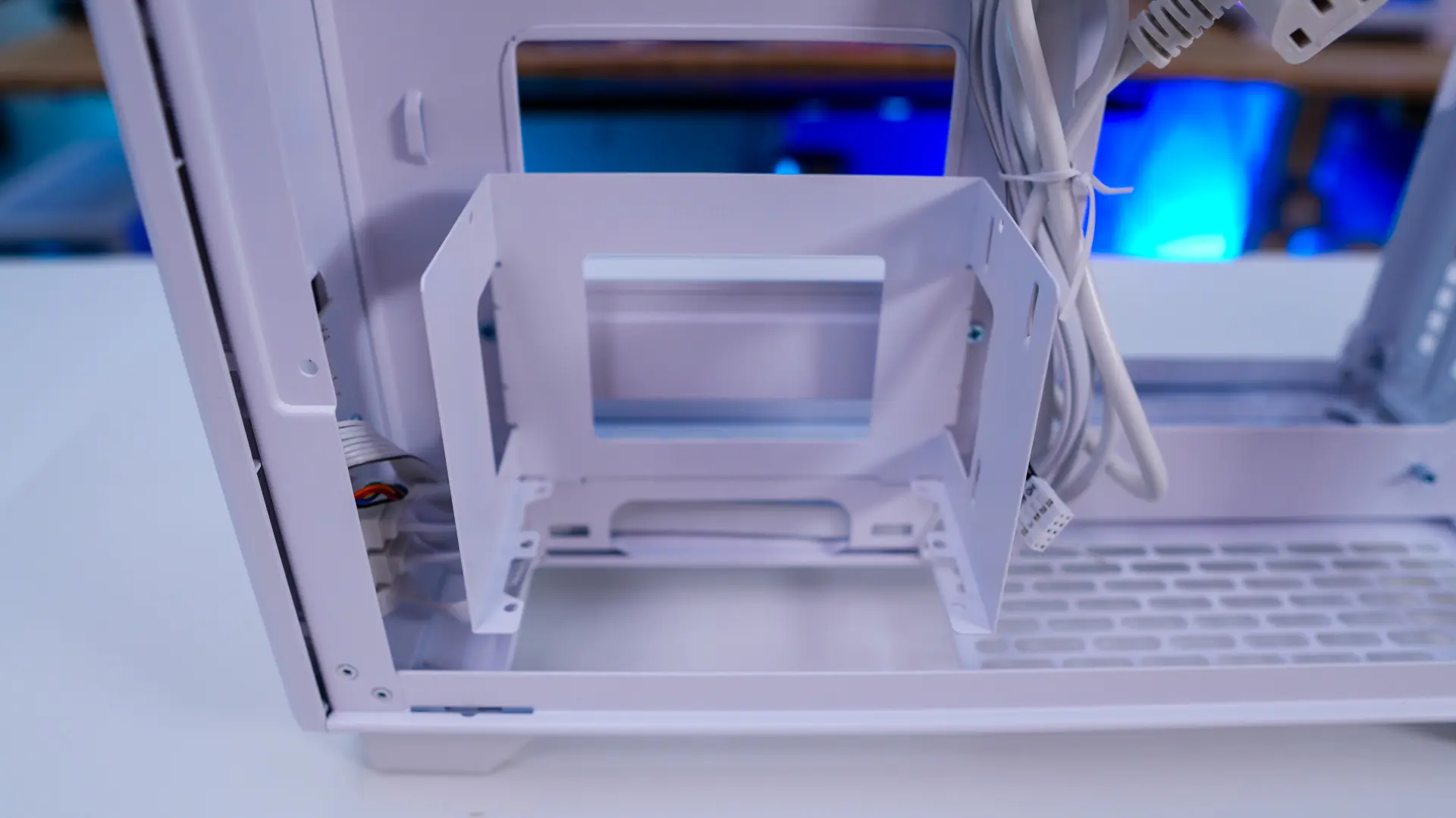
A Look Inside the Thermaltake TR100 Mini Tower Chassis
As I said getting inside the TR100 Mini is quite easy as the side panels are held into place with magnets. Removing the side panels each has a removable filter, which is definitely nice to see.

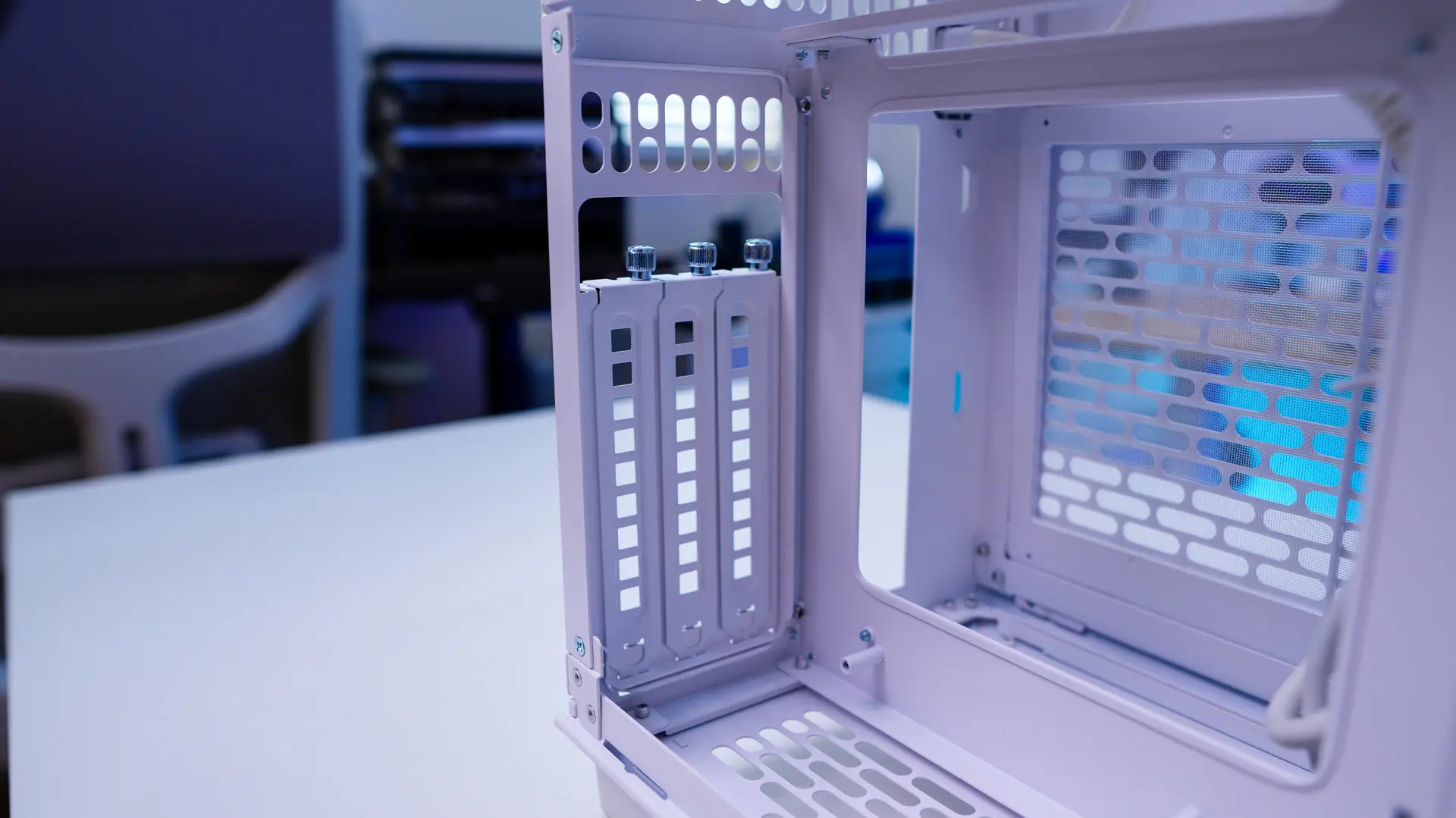
The left side of the case is where you’ll install your graphics card. As I mention you can install 3 slot graphics cards, but the length limitation is 360mm. There is also a plastic adjustable VGA support bracket. Towards the front of the case is a smaller filter that is also removable. The I/O covers on the back of the case are held into place with thumbsrews.
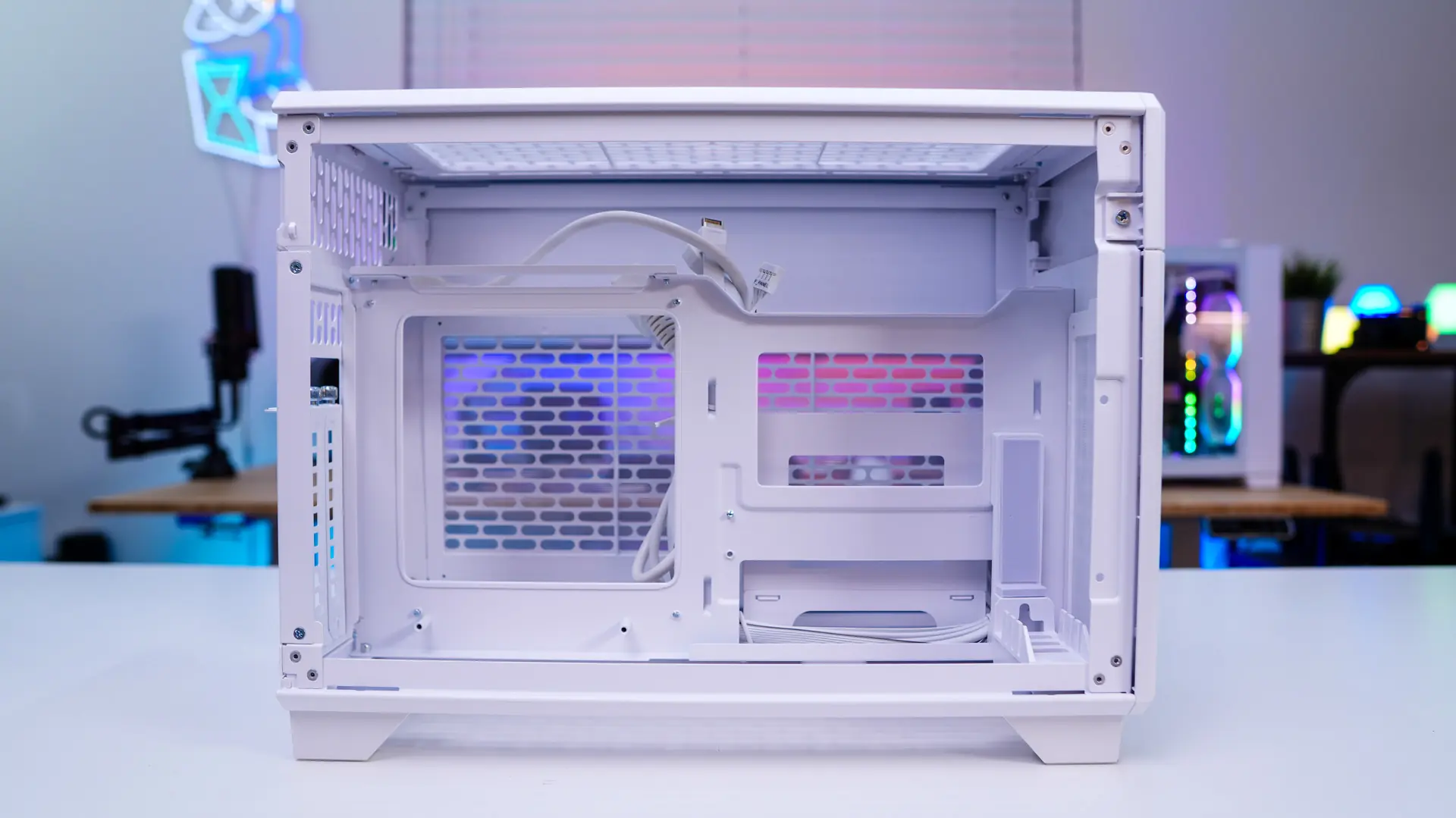
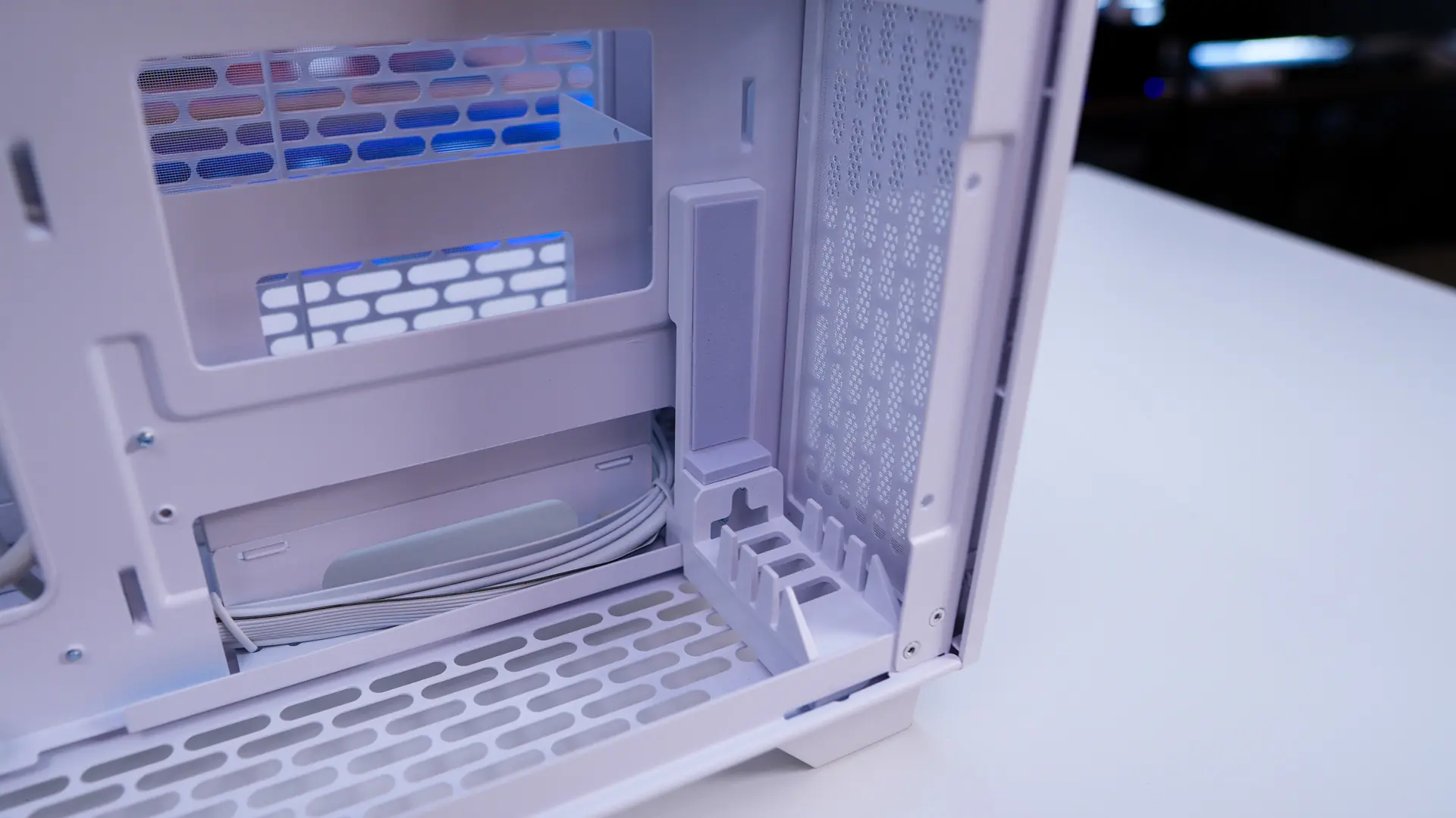
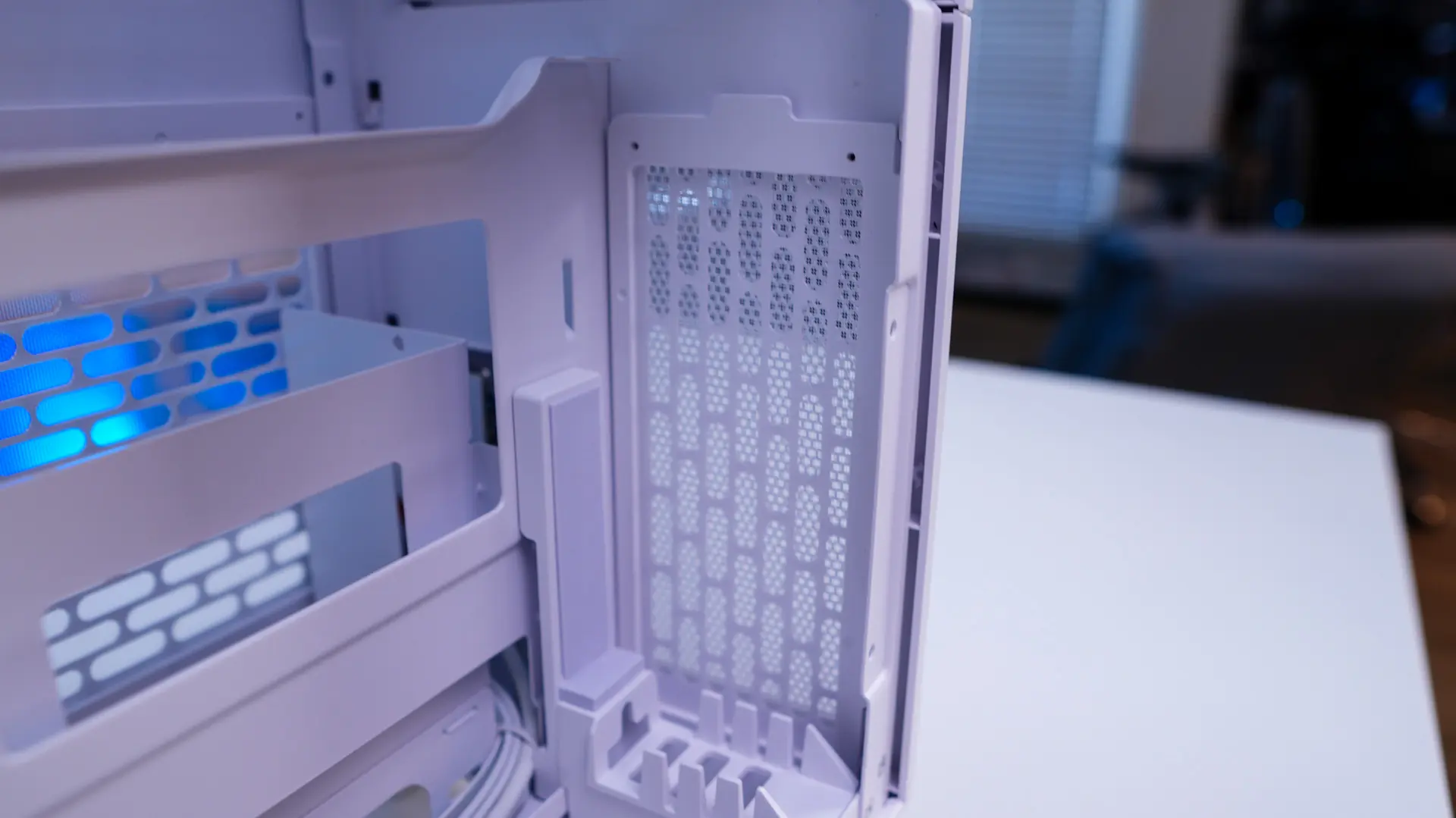
Moving over to the other side we have our motherboard mount and power supply mount. As you can guess this case only supply mini ITX motherboards. The power supply mount is removable and will support either an SFX or SFX-L unit. We can also see how the power cable is routed inside the case.