


Initial Setup & Installation
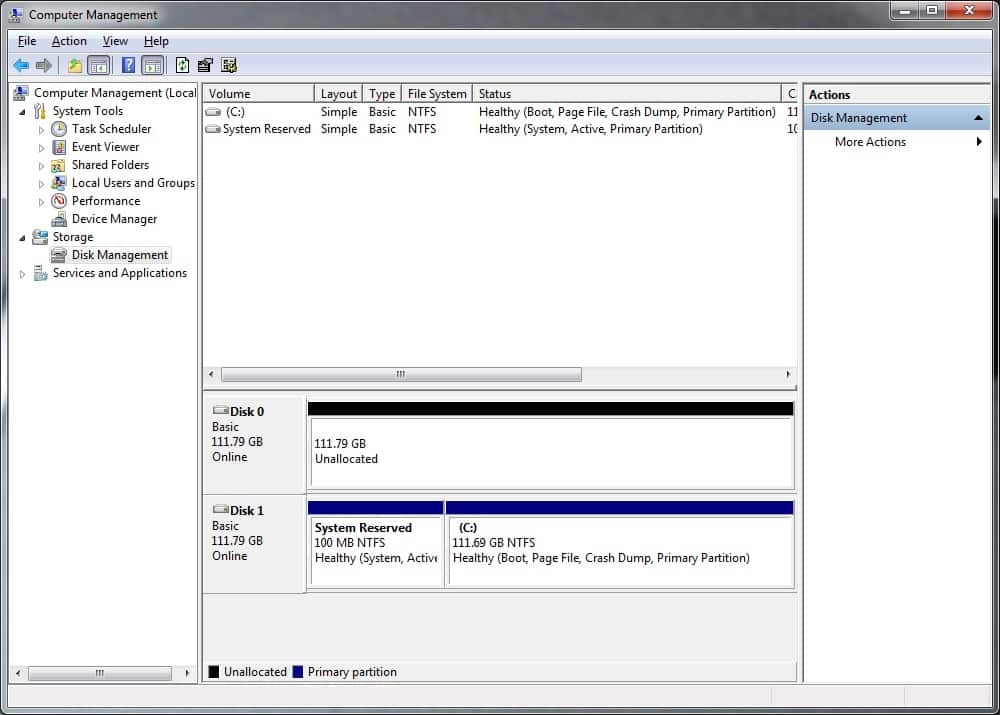
So just like any normal drive you go ahead and install the WD Black2 dual drive in your system. When you first turn your system on the SSD portion of the drive will be recognized only.
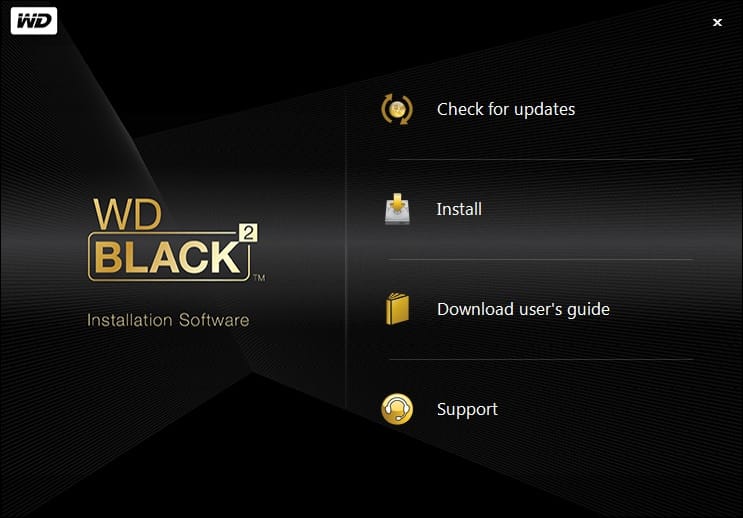
What you will need to do is download the WD Black2 software to unlock the rest of the drive. Now you can use the included USB drive, which will actually just opens the WD Black2 drive product page. From there you can navigate to download the page and get the software installed. This is quite odd as this is the only way to unlock the drive, so you will need to have an internet connection to do this.
Once the software is installed (requires a system reboot) you will now see that the drive is partitioned into two separate drives, pretty nifty.

Now let’s get into testing!



So to clarify, you use the term Unlock, once the drive is unlocked with the windows software, can it be removed and/or booted to Linux and have it see both partitions? Or is this more of a windows only driver bit that enables the 2nd HDD to be seen?
@andrewhadjipetrou:disqus yes once you run the Windows software you can take the drive out and both drives will be seen in Linux
Are you sure?