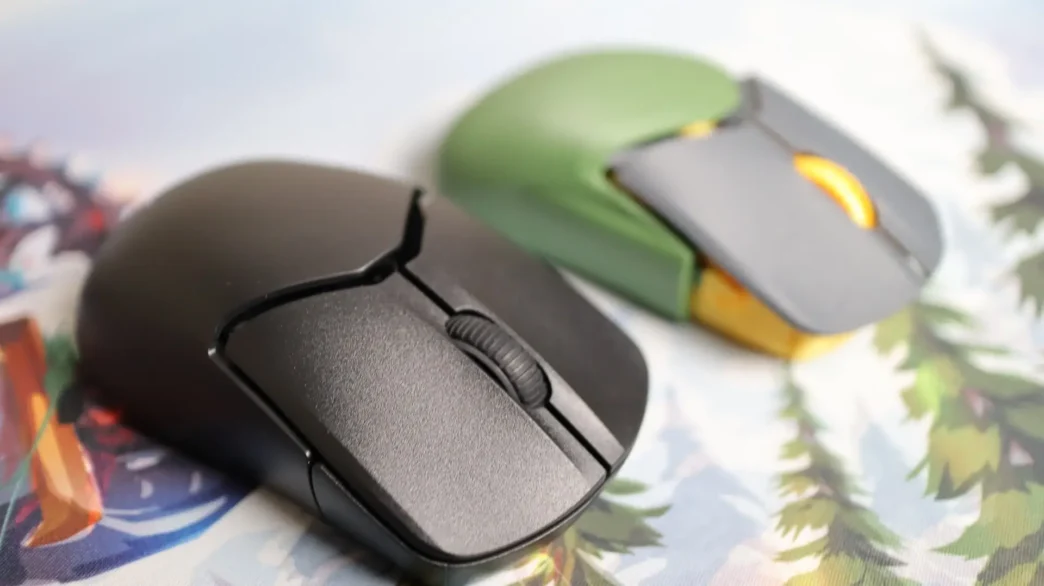
HyperX has been steadily expanding their Pulsefire lineup of gaming mice, and in this review, we are taking a look at the Saga Pro. The main feature of the Saga Pro is the modular design that allows gamers to swap out multiple exterior body components to get a fit and feel that meets their needs – you can even 3D print your own components and make modifications to files that HyperX provides. Now, it’s not just Transformer-like options that this mouse has going for it. There are multiple connectivity options, optical switches, and more. I spent a bit of time tweaking the components of the HyperX Pulsefire Saga Pro, so let’s take a look at what I came up with for my most optimal layout.
Special thanks to HyperX for providing the Pulsefire Saga Pro review sample!
Specifications of the HyperX Pulsefire Saga Pro

Packaging of the HyperX Pulsefire Saga Pro
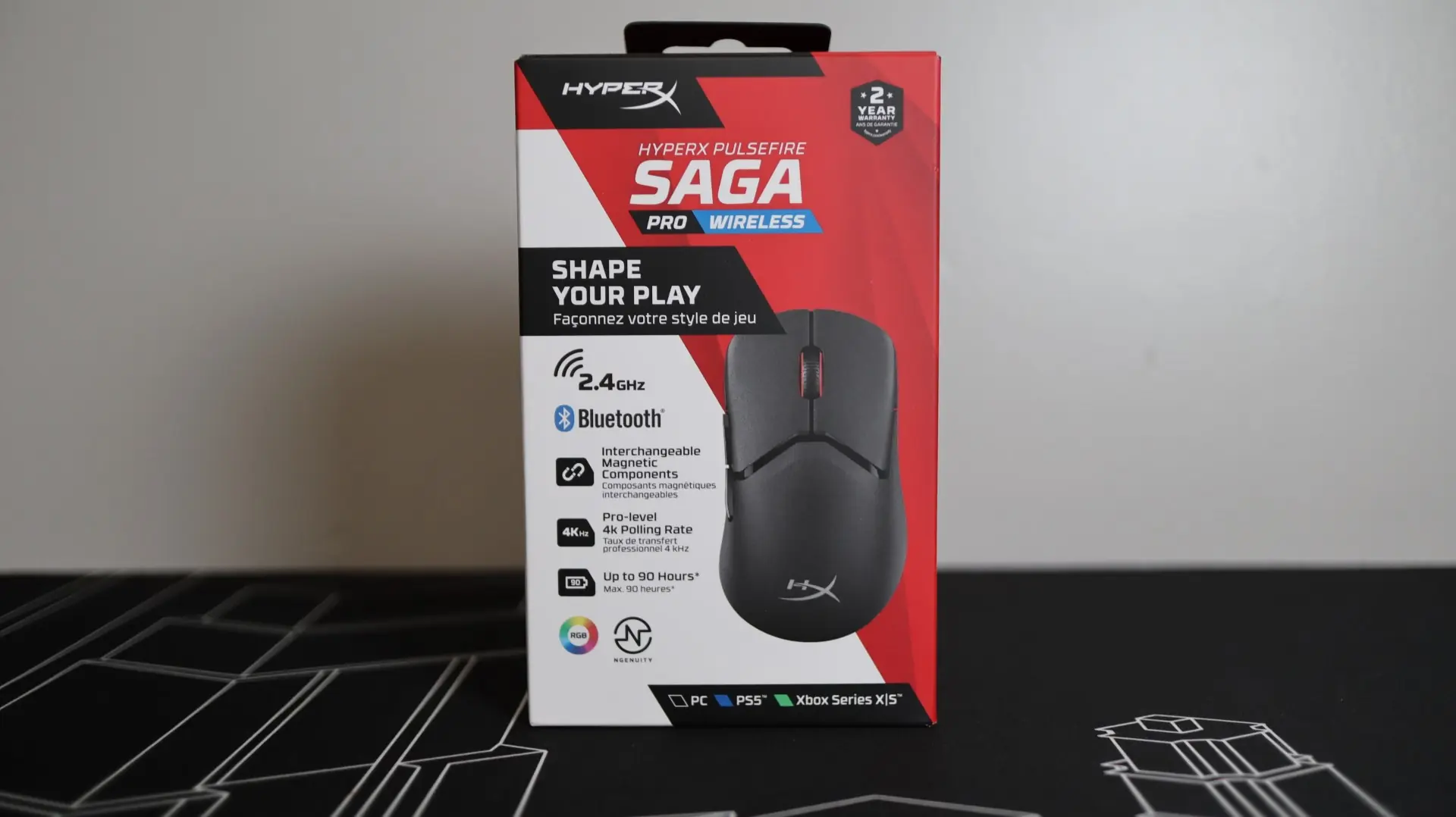
The Pulsefire Saga Pro’s retail packaging is very similar to previous Pulsefire mice we have looked at in the past, as the front of the box features the same overall layout, with a white and red color scheme. Multiple callouts and images let you know that the Saga Pro features both 2.4GHz and Bluetooth connectivity, interchangeable magnetic components, 4K polling, and up to 90 hours of battery life. Additional notes highlight RBG lighting, NGENUITY software support, and console and PC compatibility. Other panels of the box mention the use of HyperX’s optical switches, their 26K DPI sensor, and weight of 72 grams.
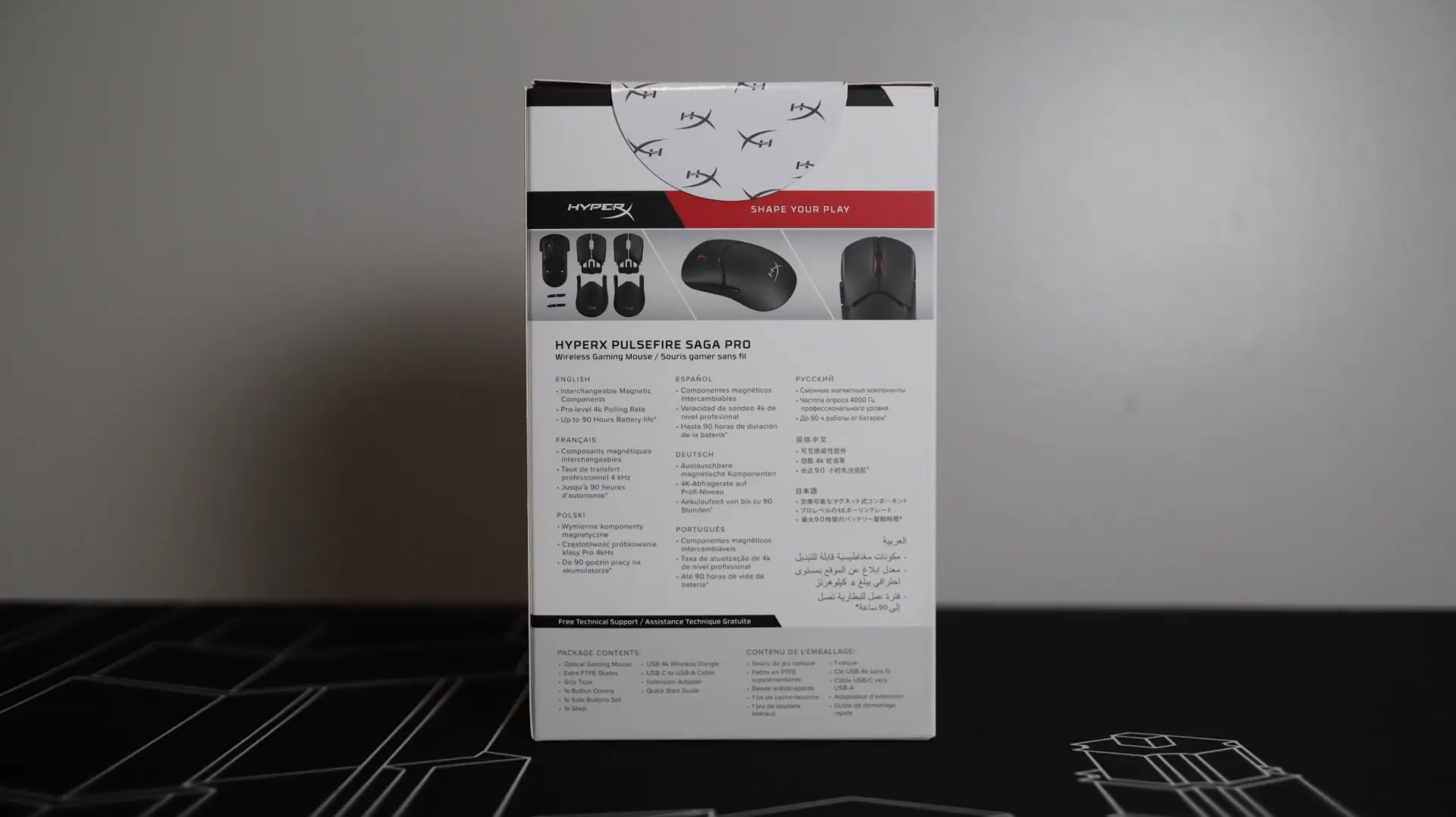
The backside of the box highlights the mouse with a few additional images and features, along with a listing of the items included with the mouse itself, which is a bit longer than most other mice, due to the extra exterior components.
Accessories for the HyperX Pulsefire Saga Pro
Included with the Saga 2 Pro are quite a few additional accessories. First up is an additional set of PTFE feet should the original feet become worn out or damaged. This is a really nice touch that probably doesn’t add much to the cost, but will extend the mouse’s life. The second accessories, are the four optional grips for the mouse body. Both the left and right sides of the mouse, as well as the left mouse button can be outfitted with adhesive grips for better control and comfort. This grip material has more of a rubber feeling to it compared to the almost foam feeling the previous generation had. While I wasn’t a fan of the change from softer grips on the original Haste to the rubber-style on the Haste 2 and Haste 2 Pro, I have grown to like them quite a bit over the years, and applied them to the body of the mouse just shortly after taking the review images.

Since this is a wireless mouse, the Pulsefire Saga Pro comes with a few more accessory items than your standard wired mouse. First up is the included HyperFlex 2 cable with USB Type-A connectivity for your PC, and USB Type-C for use with the mouse. This lightweight cable is great for reducing any drag that you might feel with non-lightweight cords. I am often forgetting that I have this cable connected to the mouse, even when it is fully charged, which shows just how unintrusive it is.
In order to support the 2.4GHz wireless connection, a small USB Type-A dongle is included with the Saga Pro. Paired up with this dongle is a weighted wireless adapter that allows you to extend the positioning of the wireless dongle to your desk or another location. This adapter, when used with the HyperFlex 2 cable, makes having a charging cable available that much easier, while providing a line of sight shot for 2.4GHz communications.

Also included with the Saga Pro is a fresh set of PTFE feet that can replace the factory-installed pads if they become worn or damaged, or placed on a freshly printed outer shell of your choice.
Now, obviously I have left out the most obvious accessories that come with the Saga Pro, the extra grip, mouse button combo, and thumb buttons. Don’t worry, I’ll be covering those in more detail very soon.