A Look Inside the Antec Flux Pro Noctua Edition Case
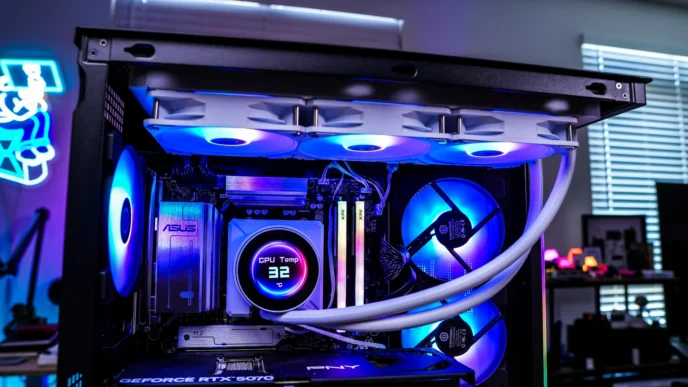
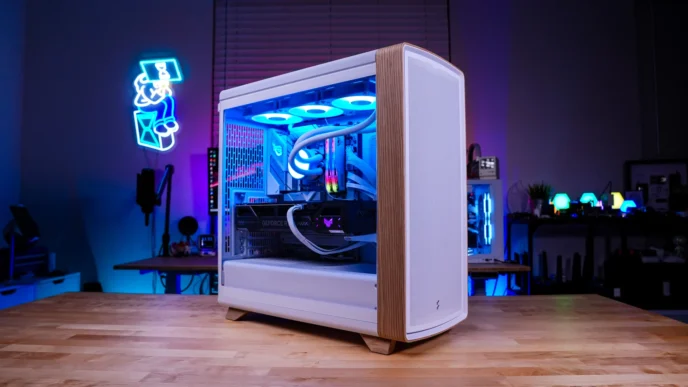
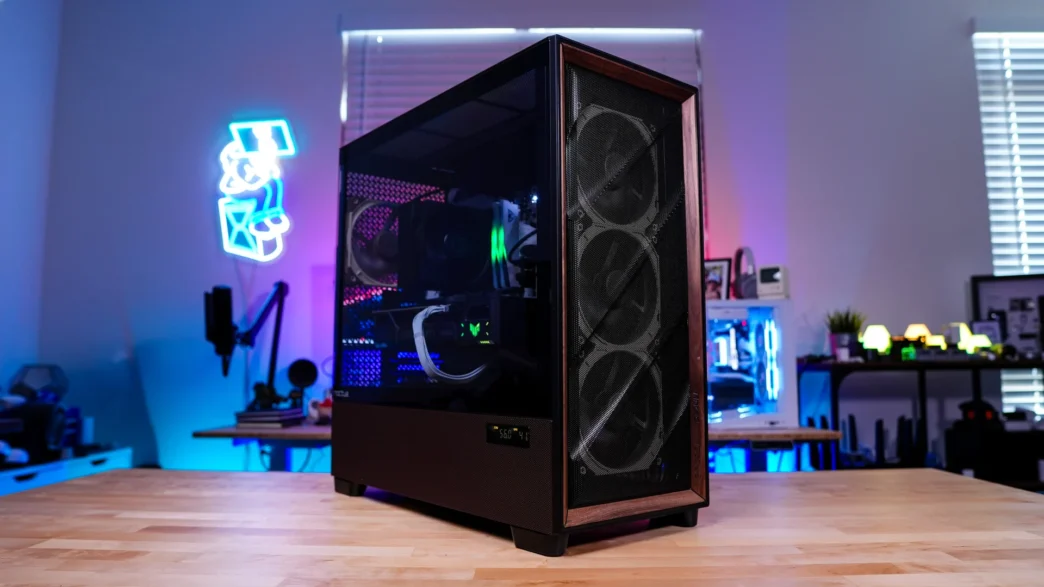
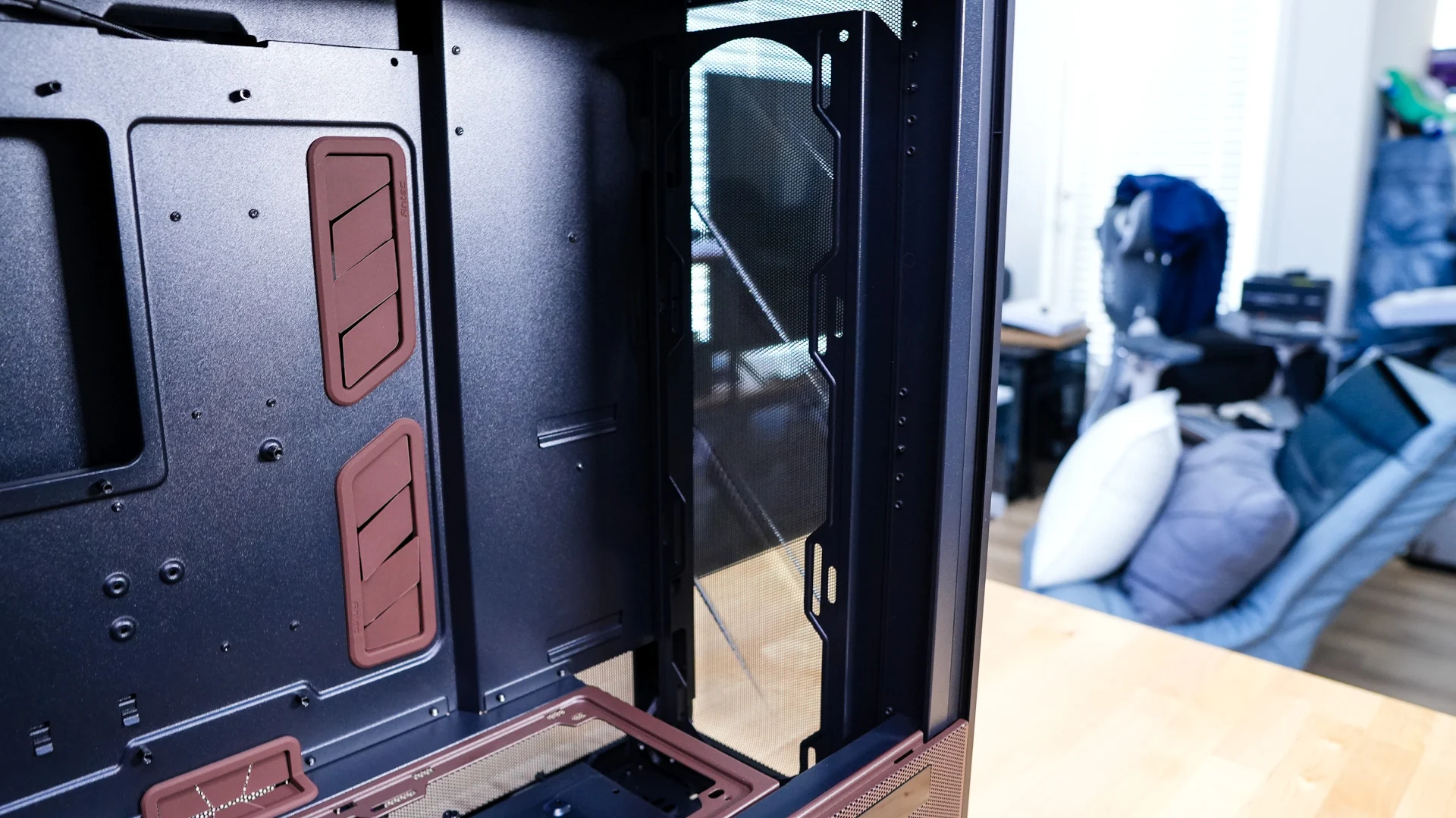
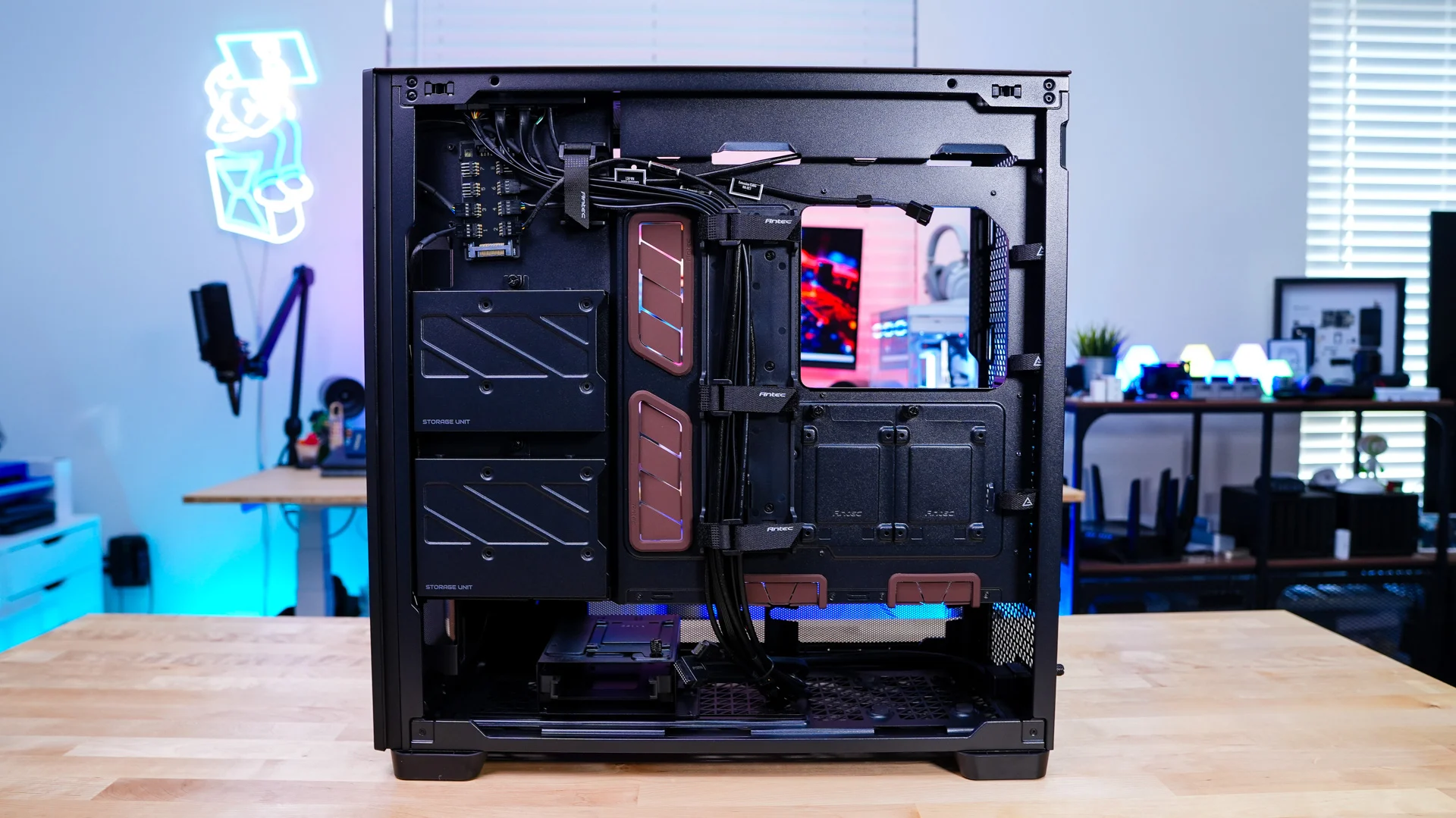
Removing the main side panel of the case is quite easy. Simply pull on it, and it will release. With it removed we can get a look at the main compartment of the case. Antec has made some color changes here too, most notably the rubber cable routing inserts and power supply cover are now the Noctua brown color. As far a motherboard support goes this case will support Mini-ITX, Micro-ATX, ATX, and E-ATX motherboards. There is no back-connect motherboard support however.
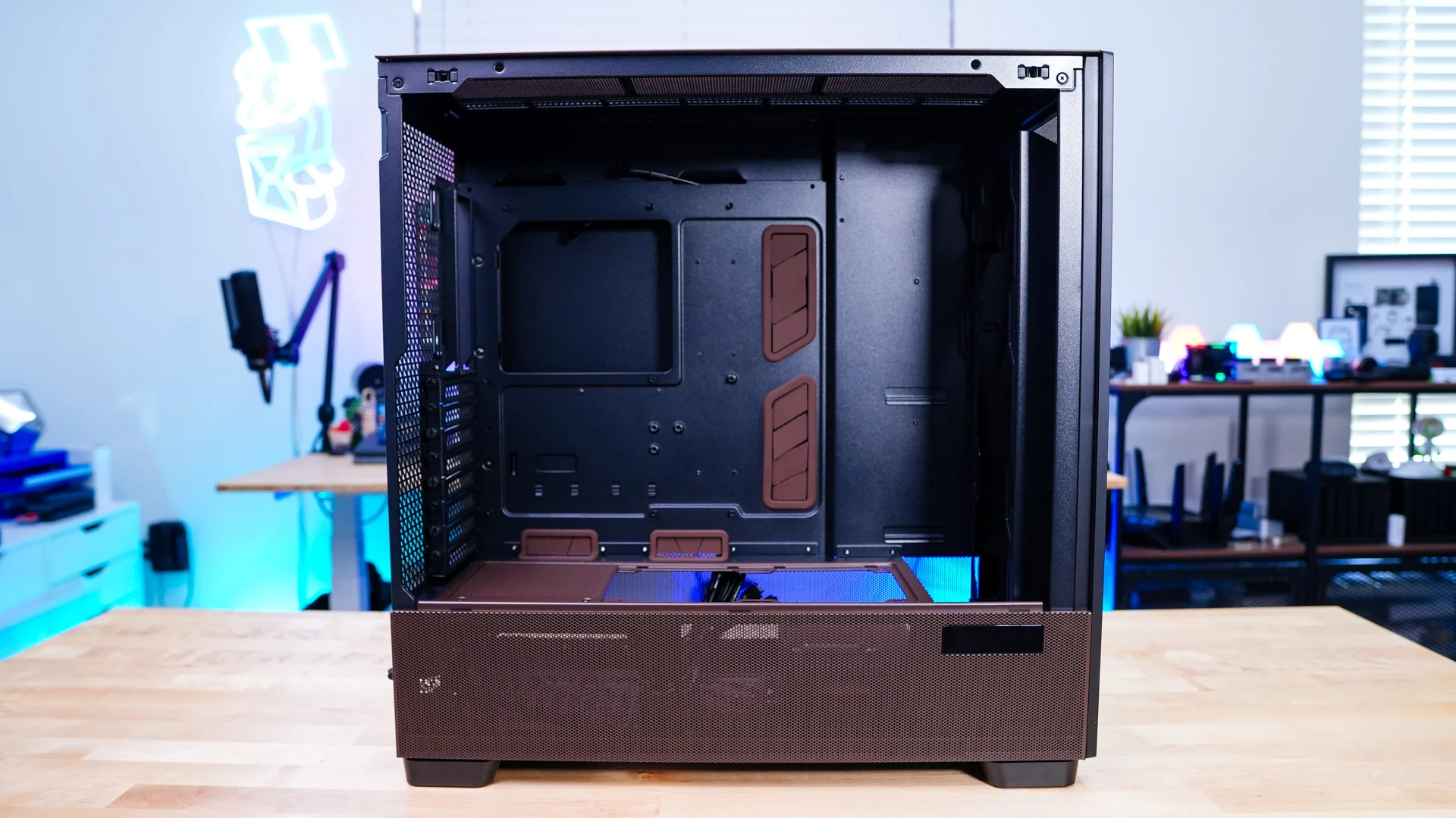
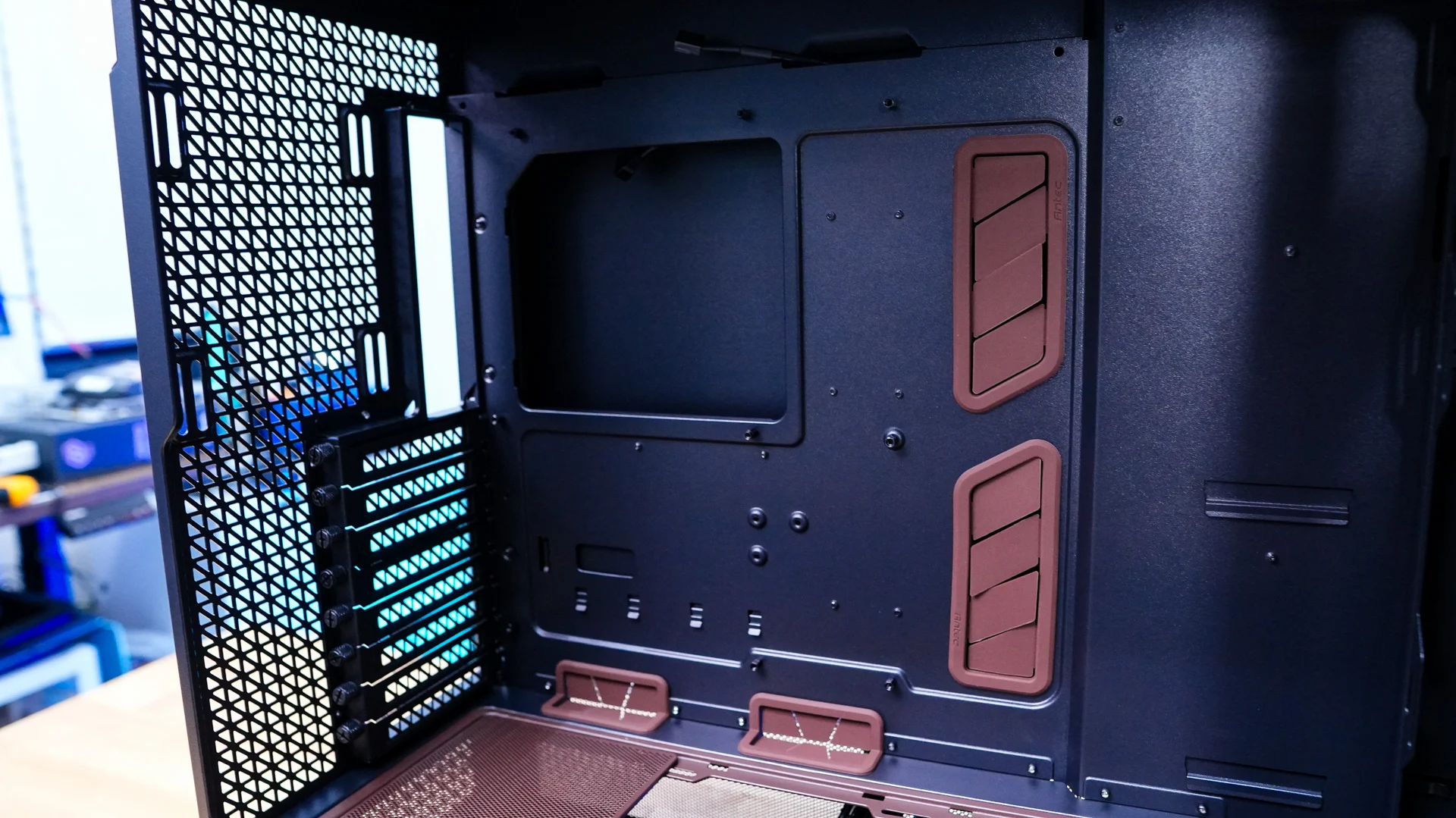
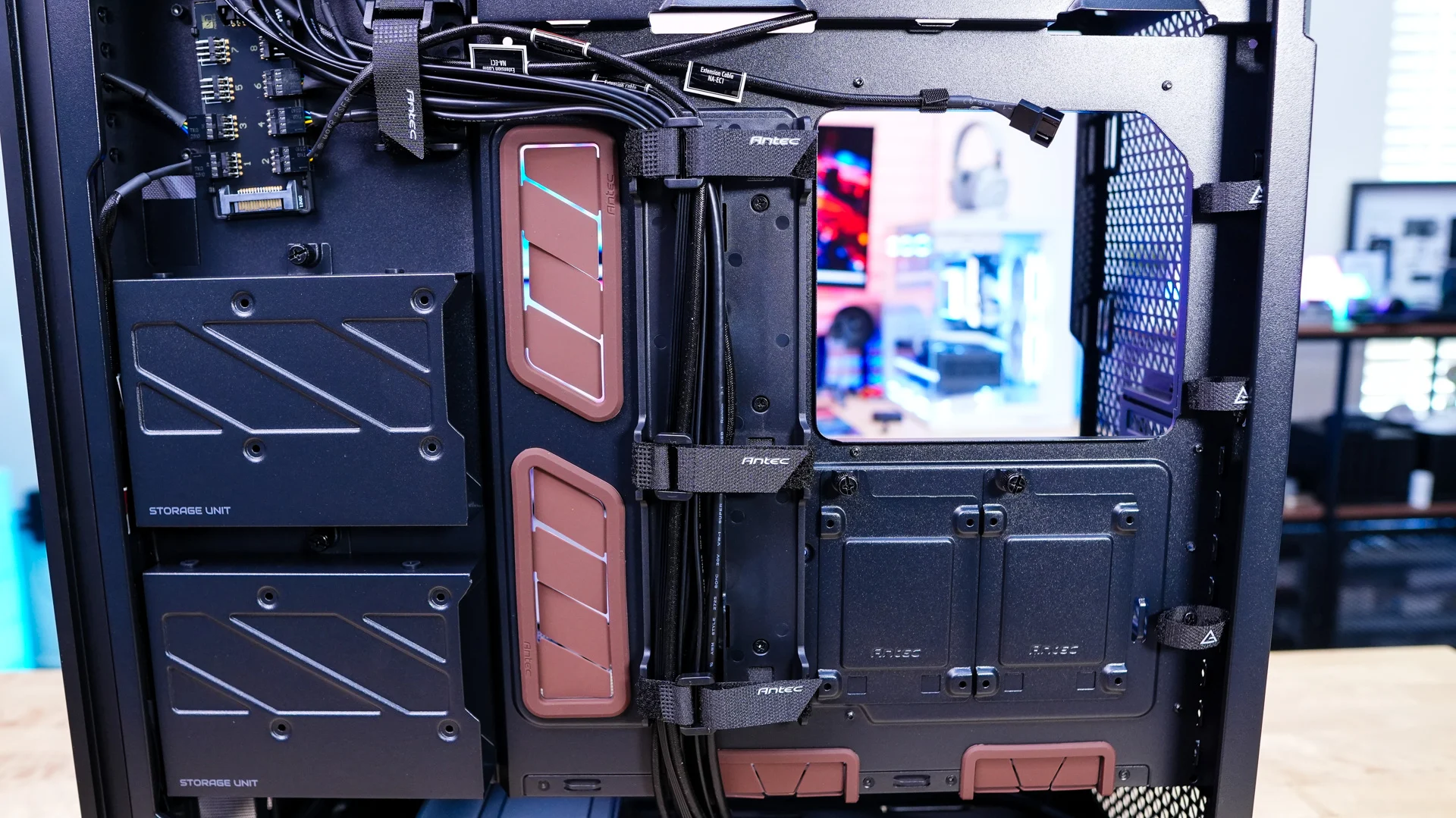
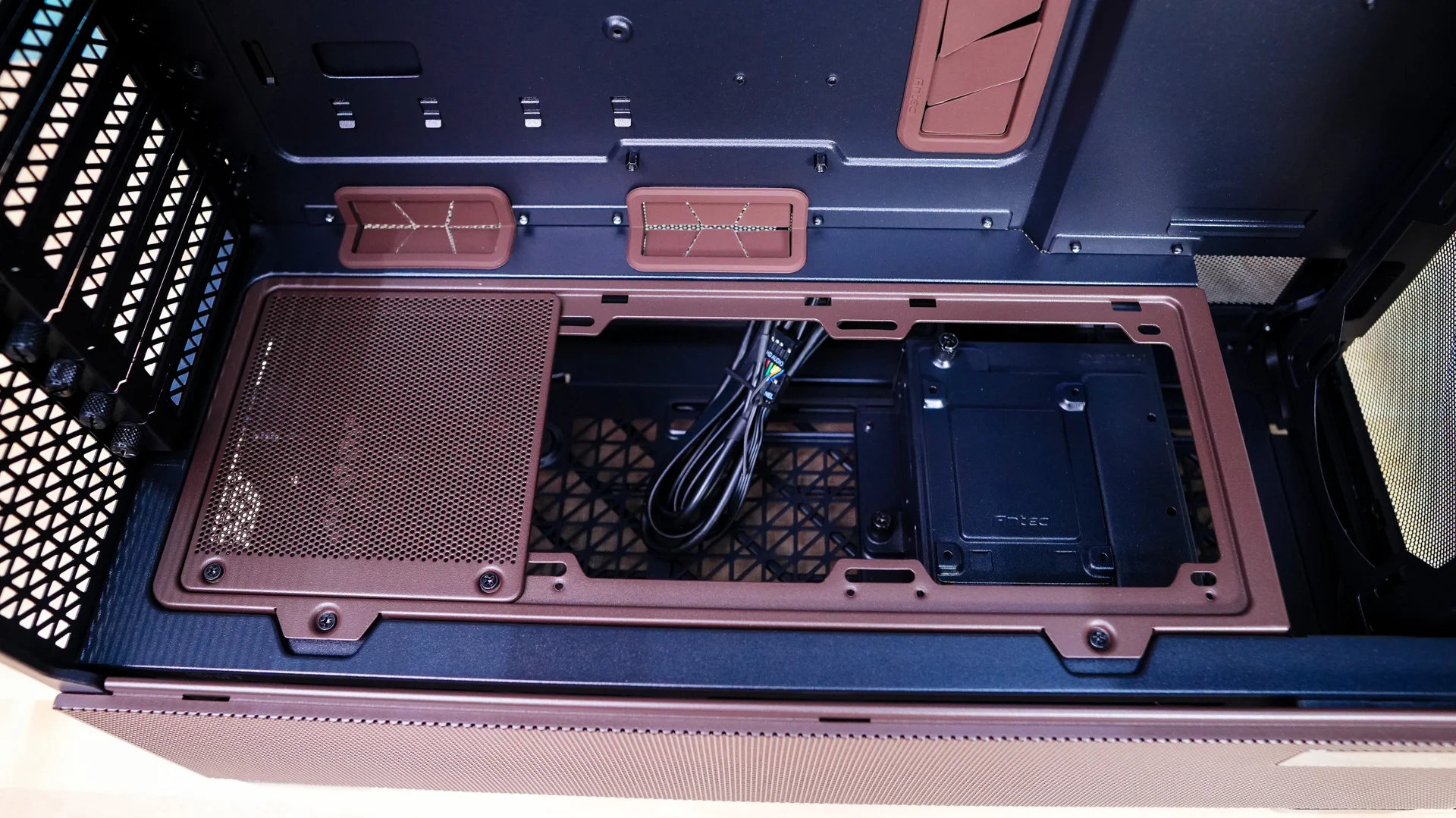
Looking at the power supply cover we can see that there is a removable cooling bracket here. It does have one cover plate installed, but you can install two 120 mm / 140mm fans or even a 240mm radiator. It can be fully removed from the case by removing two screws. We can also see that the power supply cover is cut at the front so you have room for radiators up front.
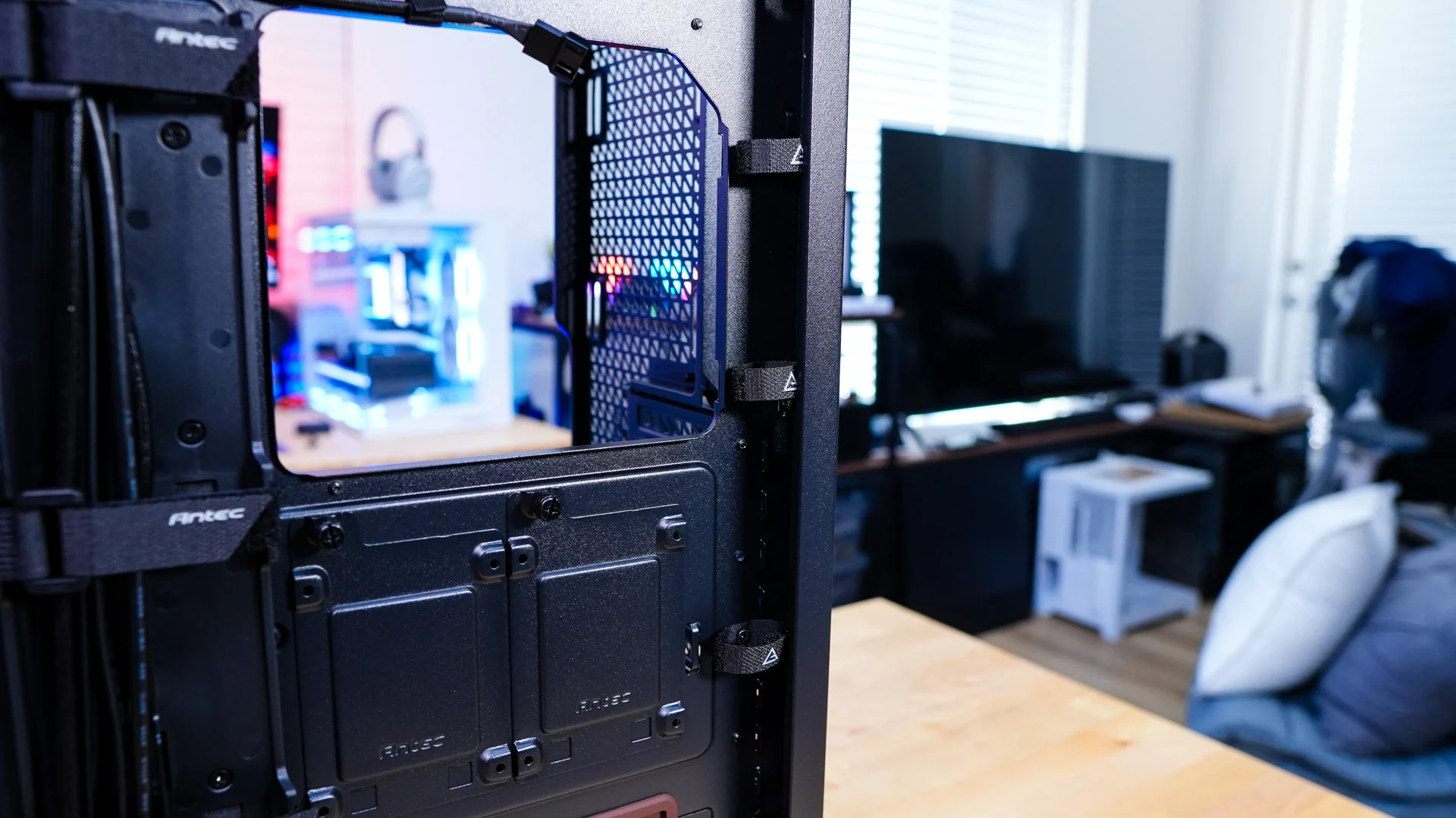
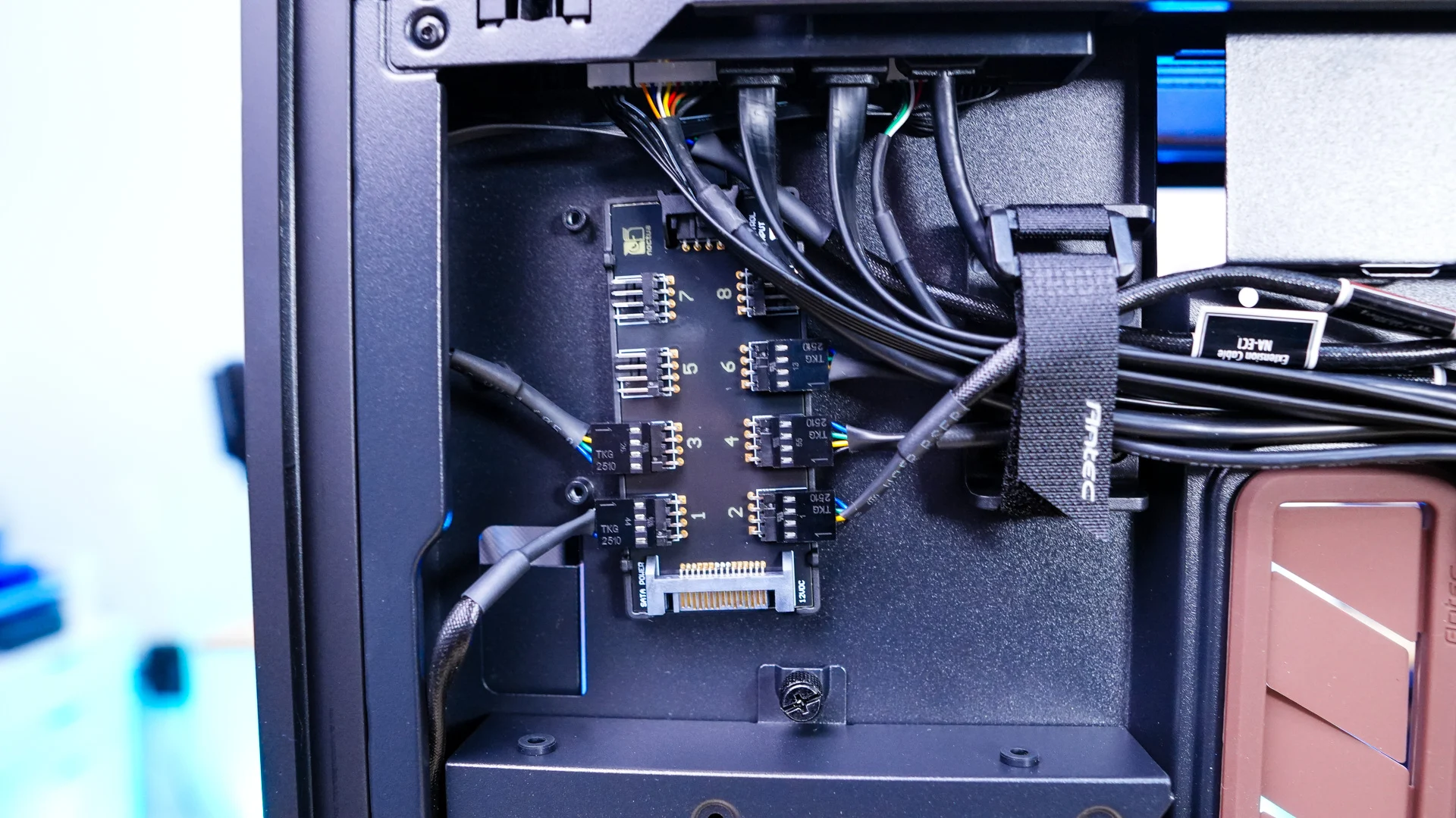
The opposite side panel of the case comes off just as easily as the main side panel. With this panel removed we can see how the rest of the case is designed. Antec has pre-installed the Noctua NA-FH1 fan hub, which allows you to connect up to eight fans to it and control them through a single header on your motherboard. The extension cables for the included fans have already been run so essentially all you have to do is mount your fans then connect them to the extension cables and then connect a SATA cable to the fan hub for power.
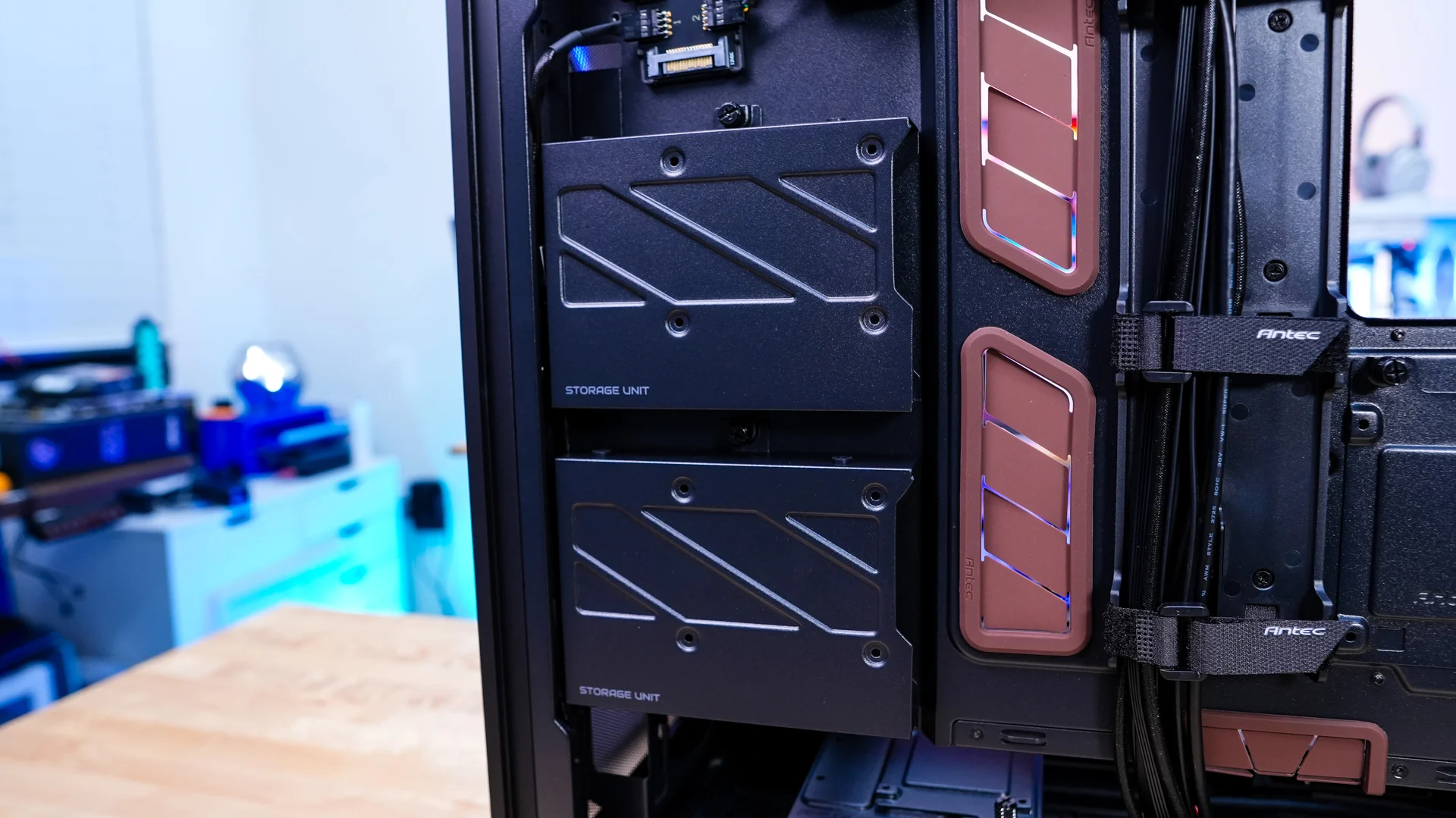
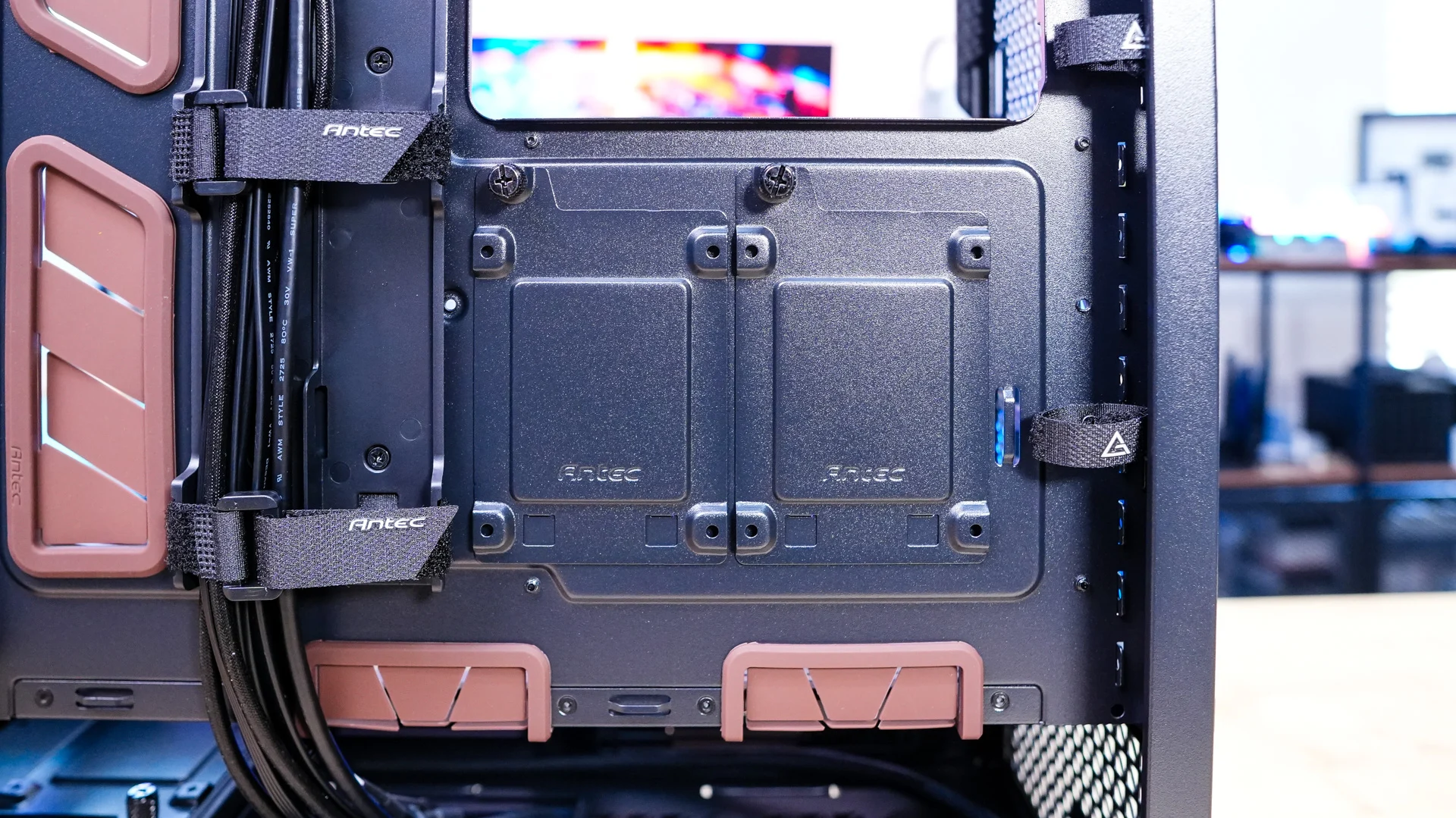
There are multiple different storage brackets on the backside of the case. There are two larger ones which support either a 3.5-inch drive or 2.5-inch drive and then you have two smaller 2.5-inch SSD brackets. All of these storage brackets are fully removable from the case for easy drive installation.
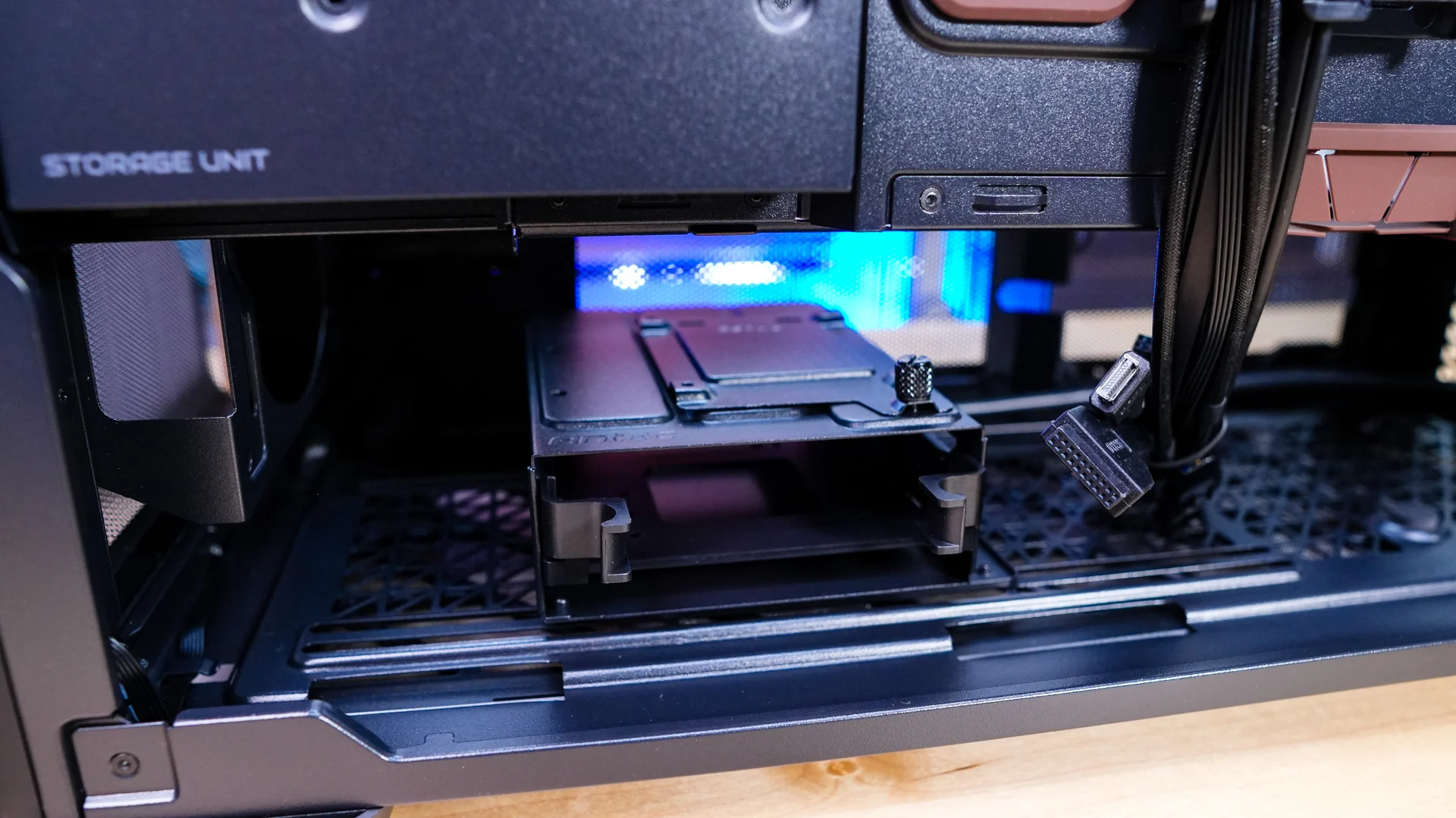
Moving down to the bottom of the case we find a hard drive cage with a removable tray which supports either a 3.5-inch or 2.5-inch drive. On top of the cage is another 2.5-inch SSD bracket. This means that out of the box this case supports a total of six drives, which is impressive. This bottom cage can be adjusted to either make room for a longer power supply or front-mounted water cooling. Also on the bottom of the case is where you’ll mount your power supply.
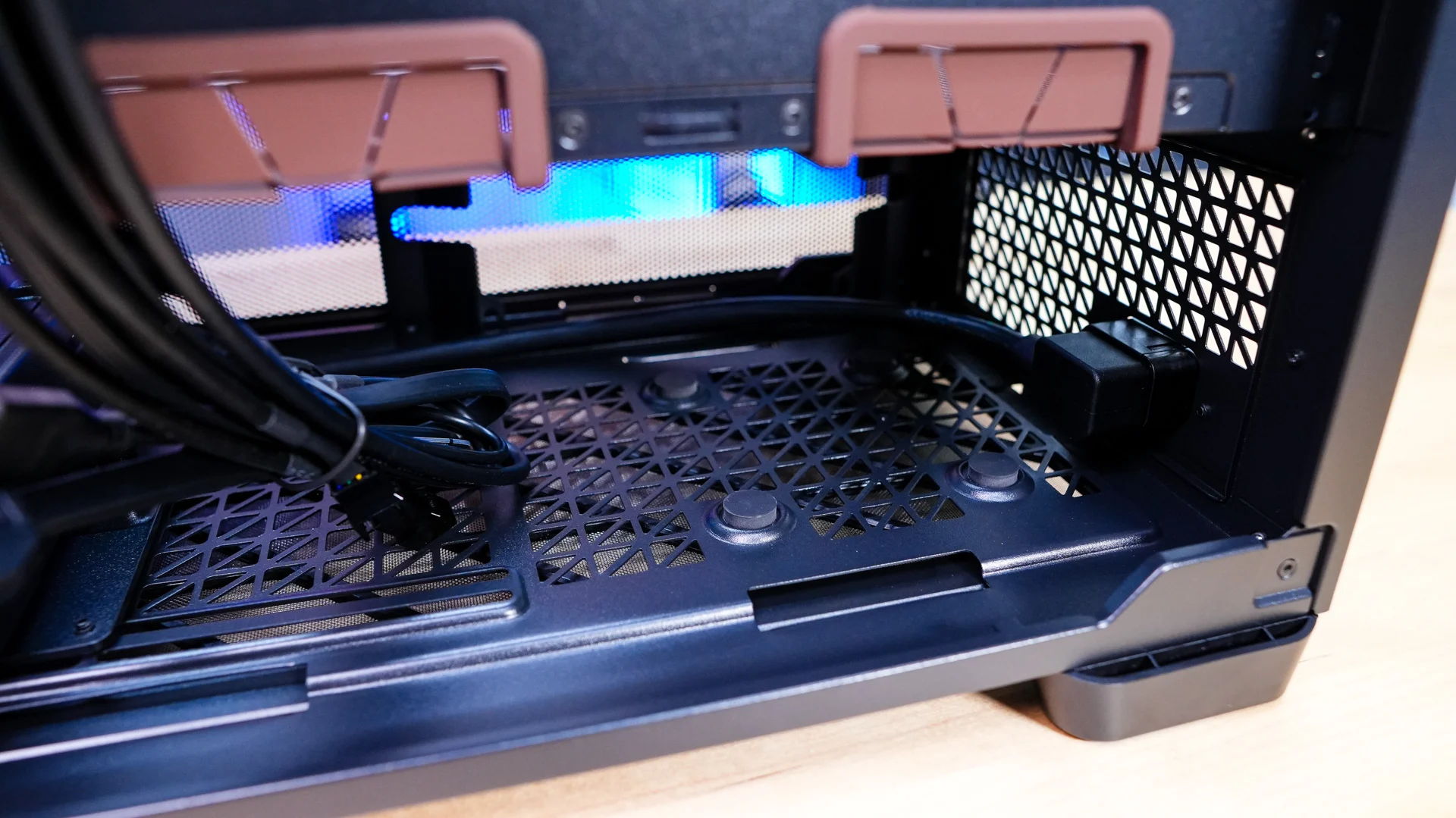
Another thing that is nice to see is that we have a main cable routing channel with 4 large Velcro straps which will make routing your cables and keeping things tidy very easy. There are also cable routing straps towards the back of the case to route those pesky EPS cables.