Can You Monitor Temperatures with the Antec Flux Pro Noctua Edition Case
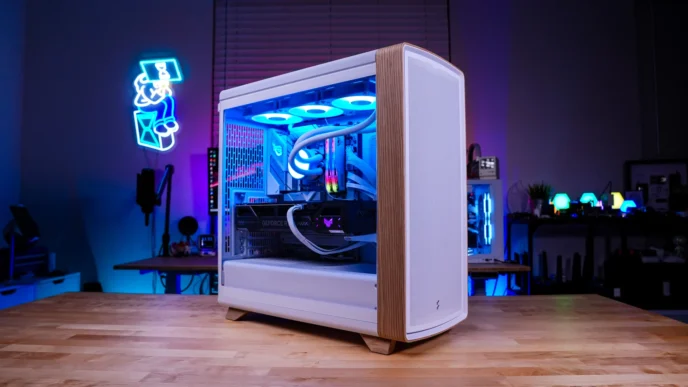
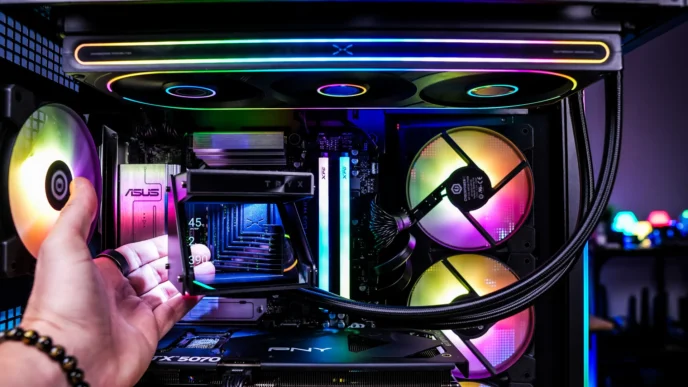
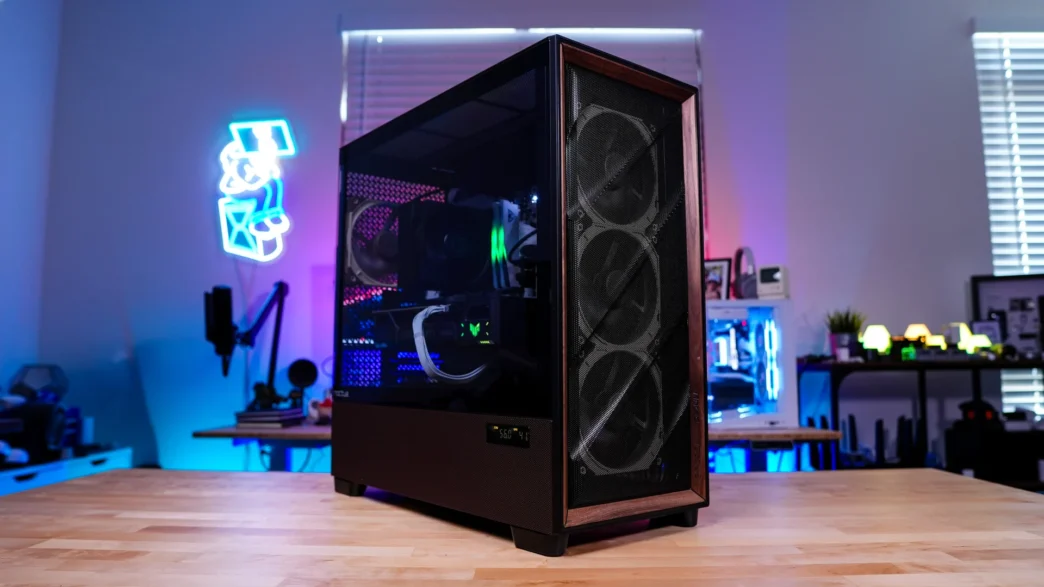
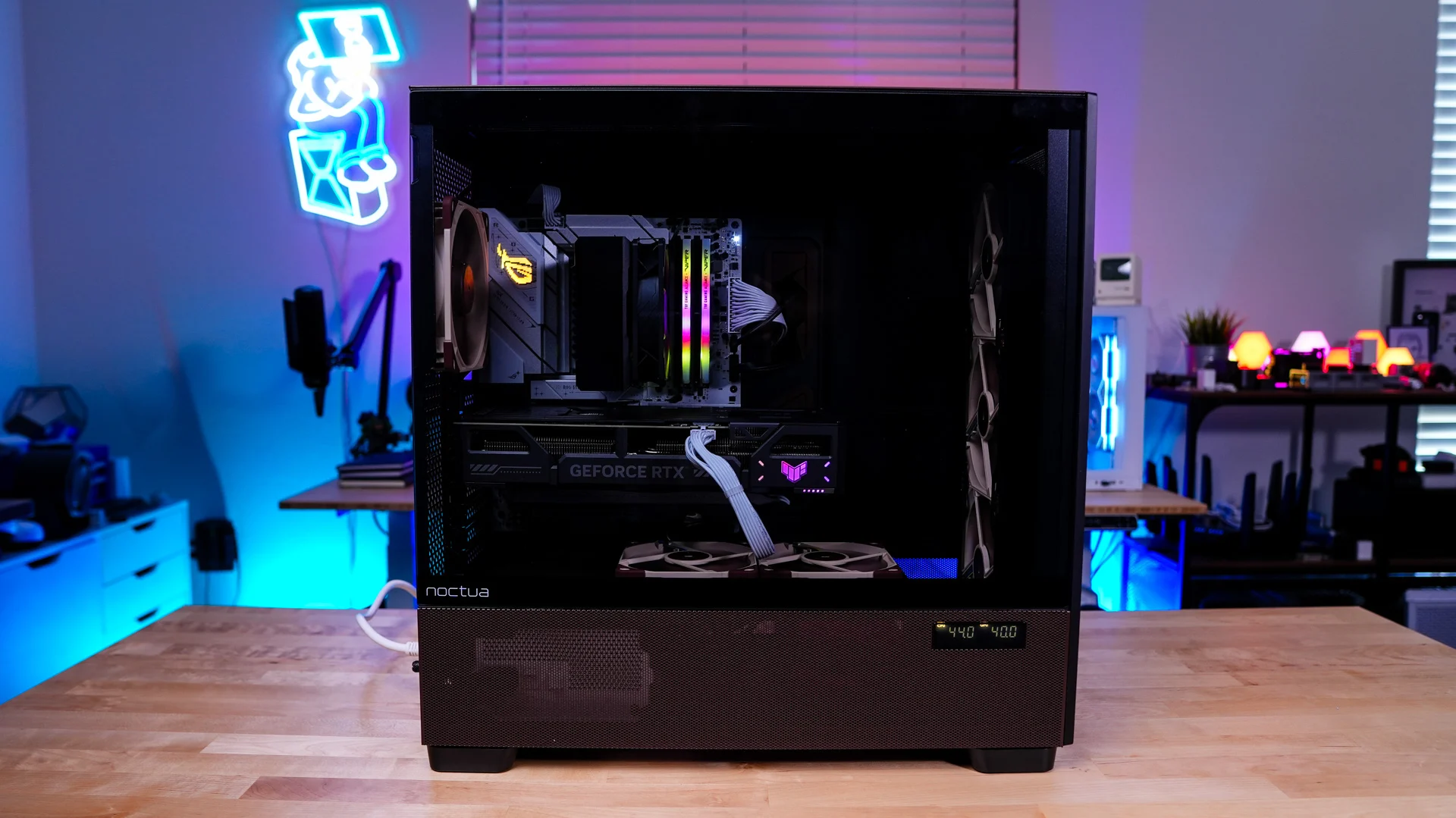
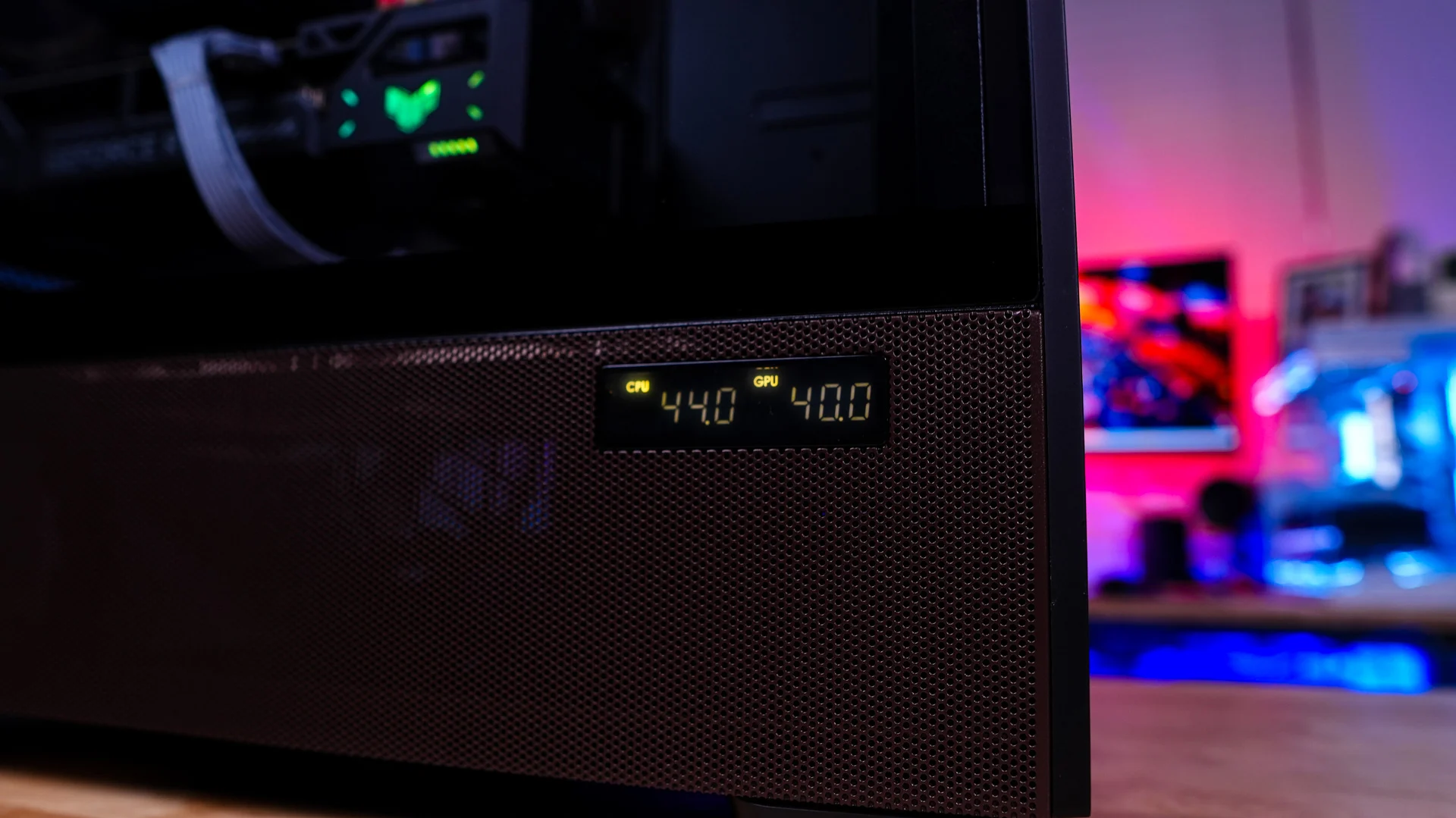
Embedded into the bottom section of the main side panel is a small digital display. It will display your CPU and GPU temperature once you install Antec’s iUnity software. If you don’t install this software it will not display anything. You do have the ability to only display either CPU or GPU temperature or turn the display off completely. In the world of LCD screens with lots of customization this “display” seems a bit archaic at this point.
What is the Performance like on the Antec Flux Pro Noctua Edition Case?
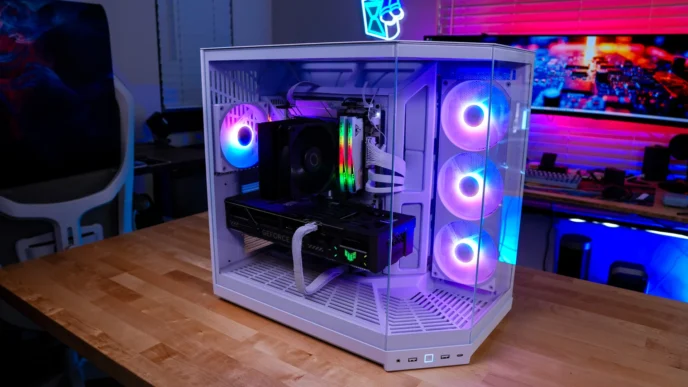
Our test system for this case is based off the following components…
Processor: AMD Ryzen 5 9600X
Motherboard: ASUS ROG STRIX B850-A Gaming WiFi
Graphics Card: ASUS TUF Gaming GeForce RTX 5070 OC Edition
Memory: Patriot Viper Elite 5 TUF Gaming RGB 48GB
Storage: Samsung 870 QVO
Cooling: Cooler Master Hyper 212 Black Edition, 4 fans
PSU: Fractal Design Ion 3 Gold 1000W
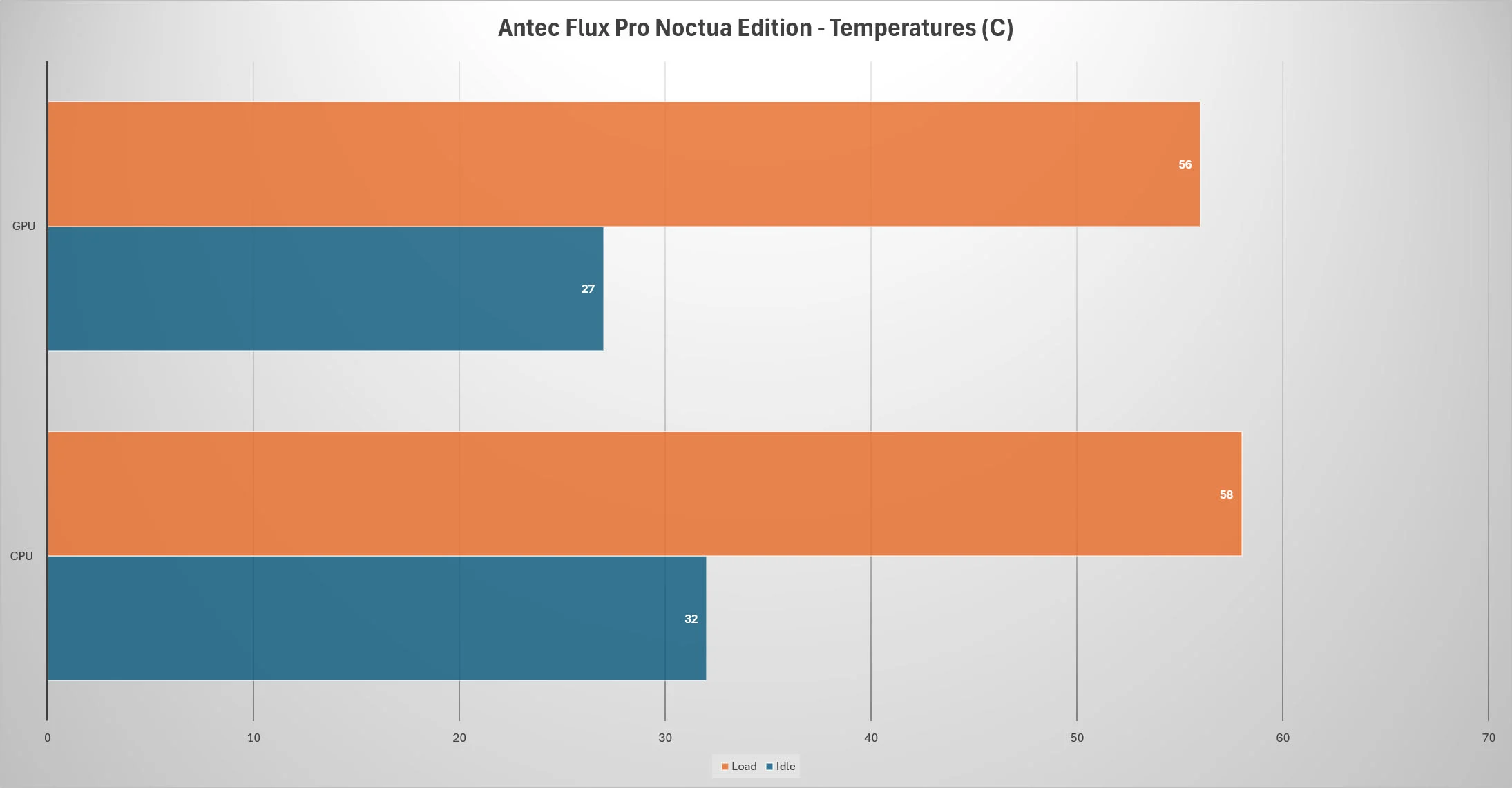
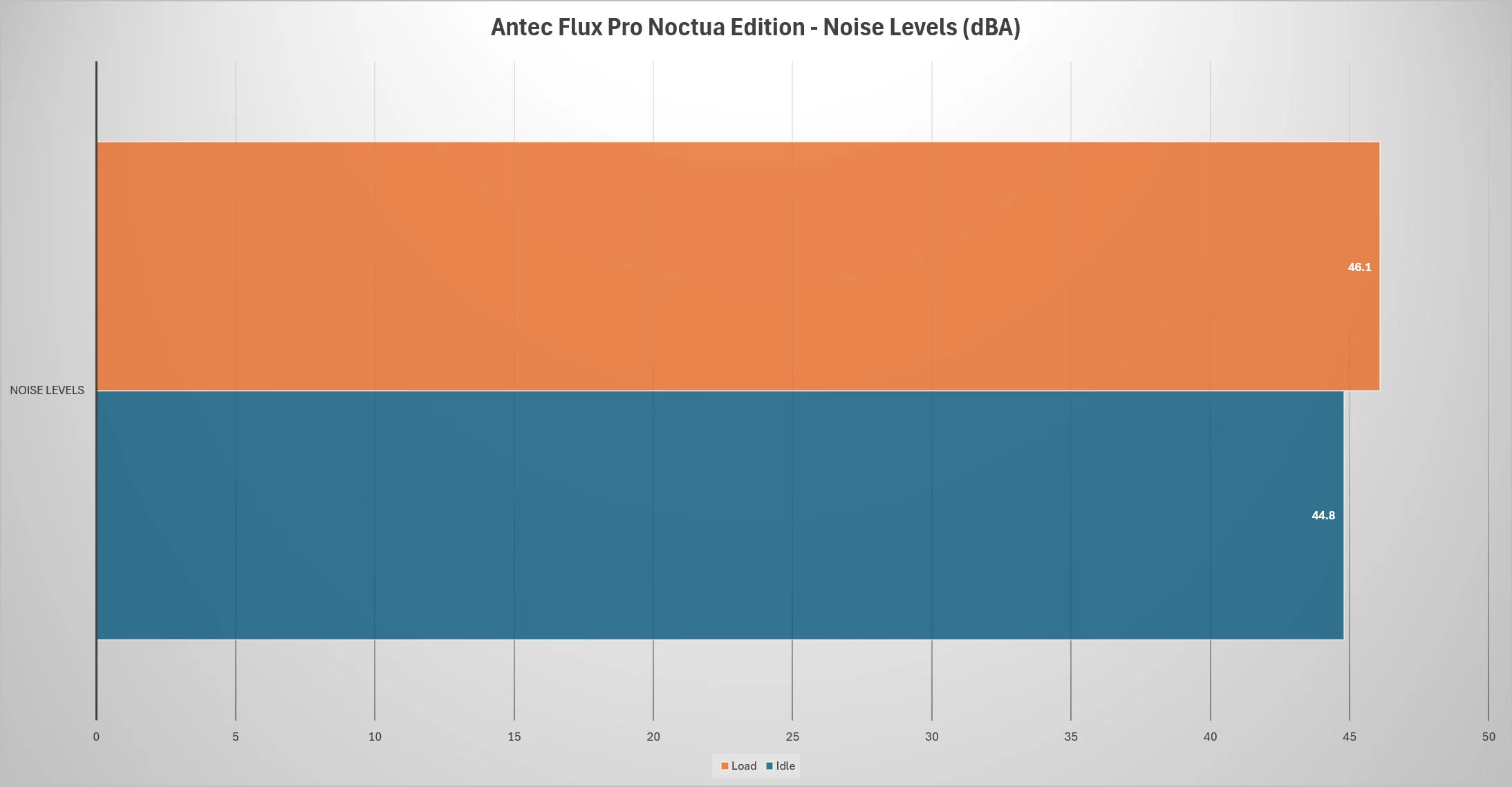
We will be using AIDA64 to measure temperatures for the CPU and graphics card and a RisePro Sound Level Meter to record sound levels. For idle we just have the system sitting on the Windows 11 desktop and for load we run the AIDA64 system stability test (CPU), while at the same time we run a 3DMark Stress test for 1 hour.