ASRock Steel Legend 360 LCD Overview
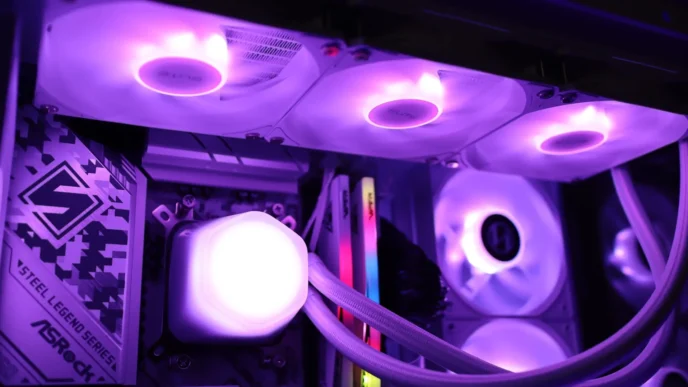
The Steel Legend lineup of coolers only includes the 360 LCD, but you do have the option of black or white colorways. With the two color options at the 360mm size, I think it would be a great option to also offer a 240mm version in the future. The overall look of the Steel Legend 360 LCD reminds me of the Phantom Gaming 360 LCD, and for good reason – they look to be built on the same underlying platform. The overall “industrial” look found across the various components of this cooler will help it fit well into an all-Steel Legend build.
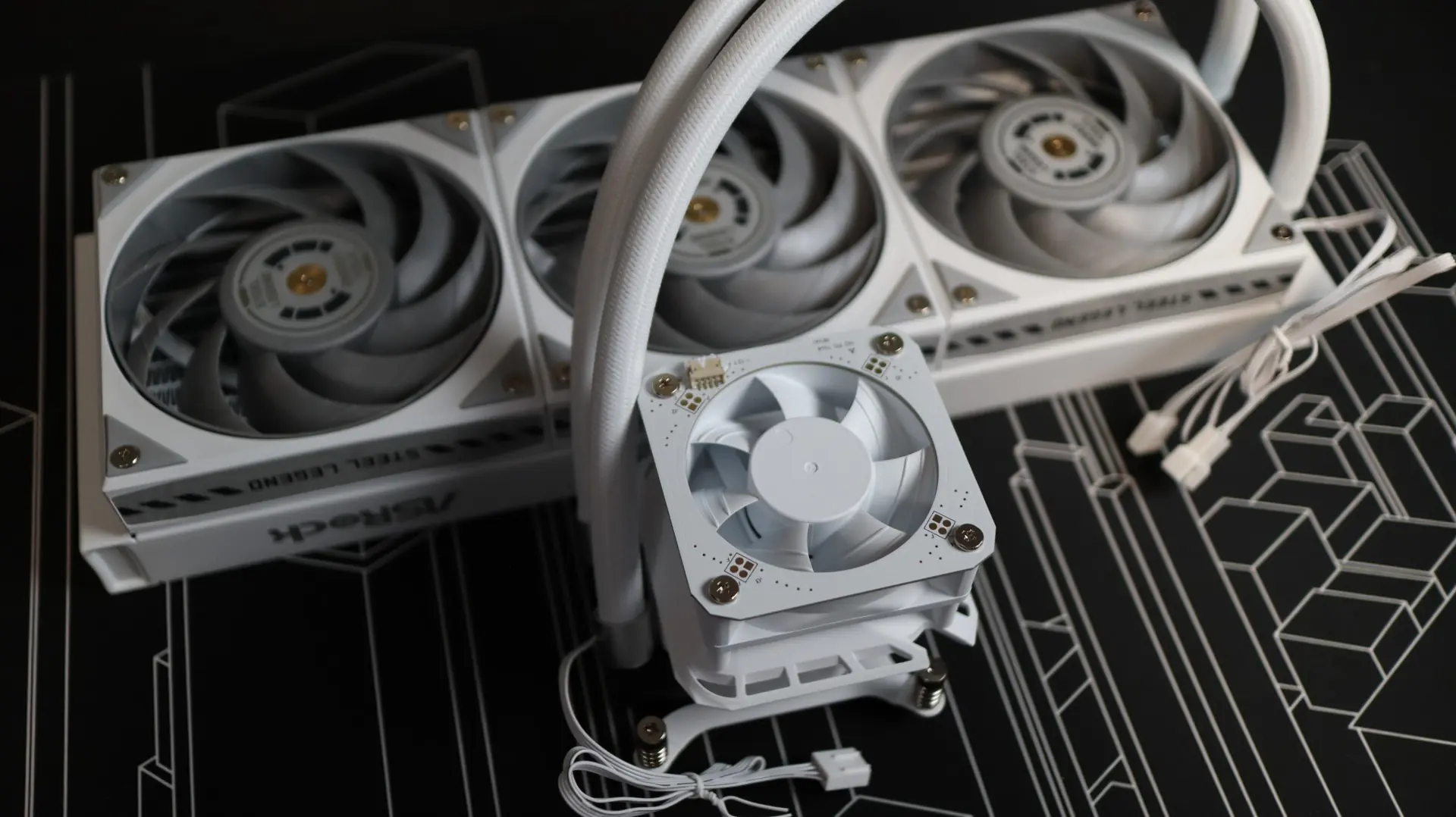
The first component up in our overview is the 360mm aluminum radiator. This radiator is very straight forward in it’s design, with a white paint job and a small ASRock badge painted on each side.
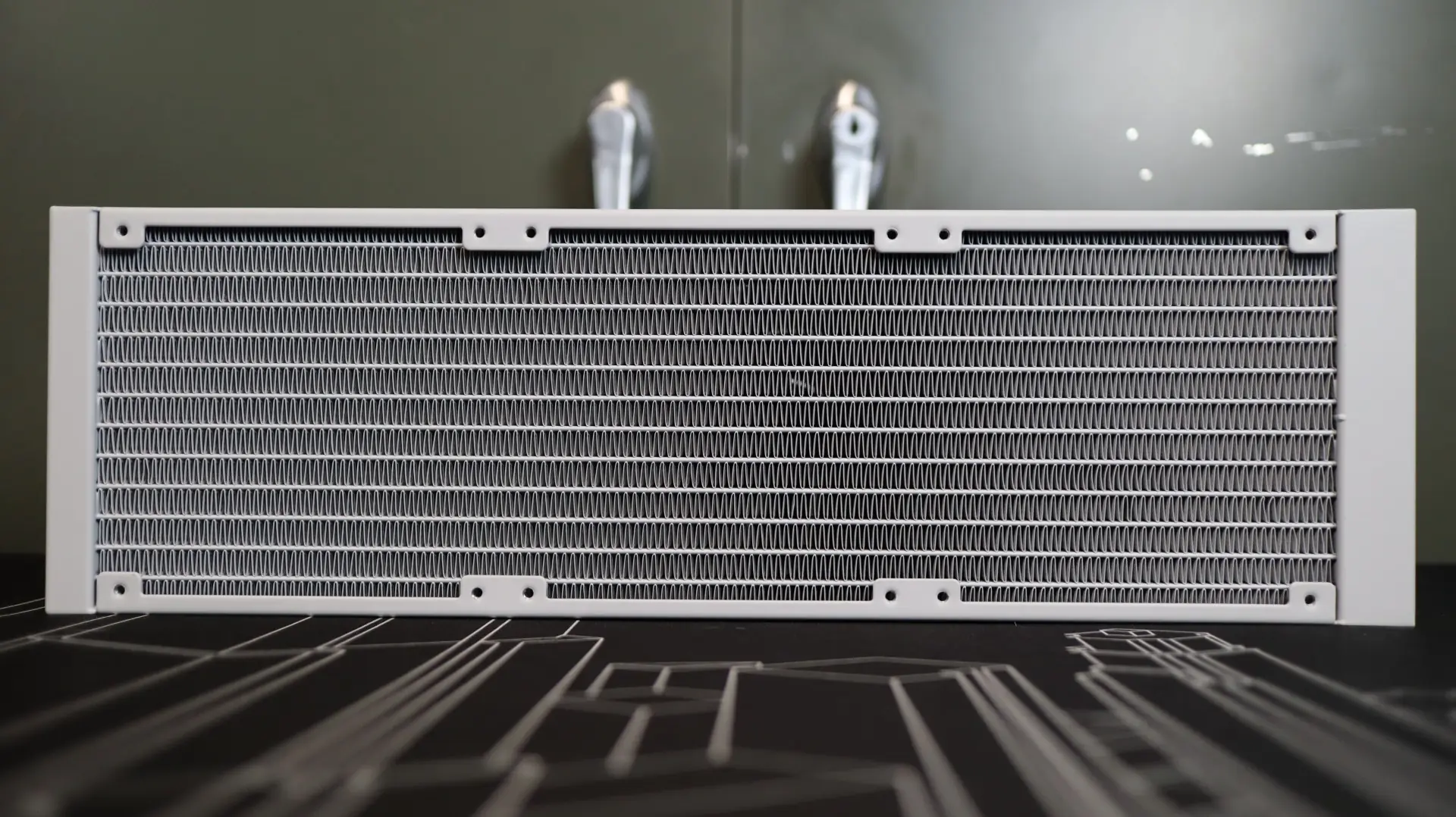
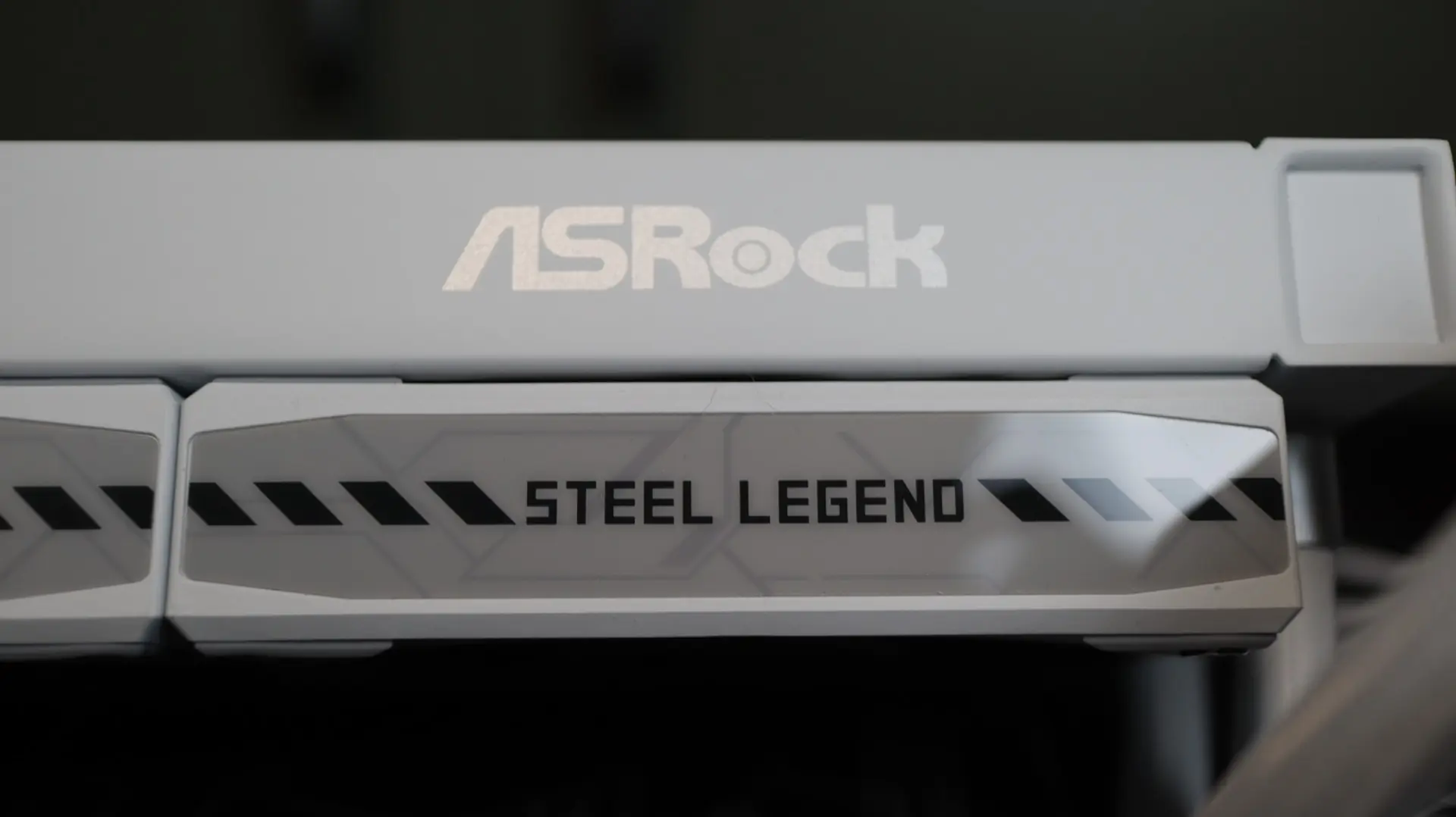
The radiator’s thickness is 27mm – the industry standard for AIO coolers. With a fin-per-inch density of 20 FPI, the included 120mm fans, which will be covered later on, should have no trouble moving air through the fin array. Thankfully the fans come attached to the radiator from the factory, which simplifies the installation process.
The nylon-braided cooling lines exit from one end of the radiator’s end cap, and connect to the radiator via crimped connectors. These lines are nice and flexible, utilizing a EPDM core material that is resistant to coolant evaporation and deformation.
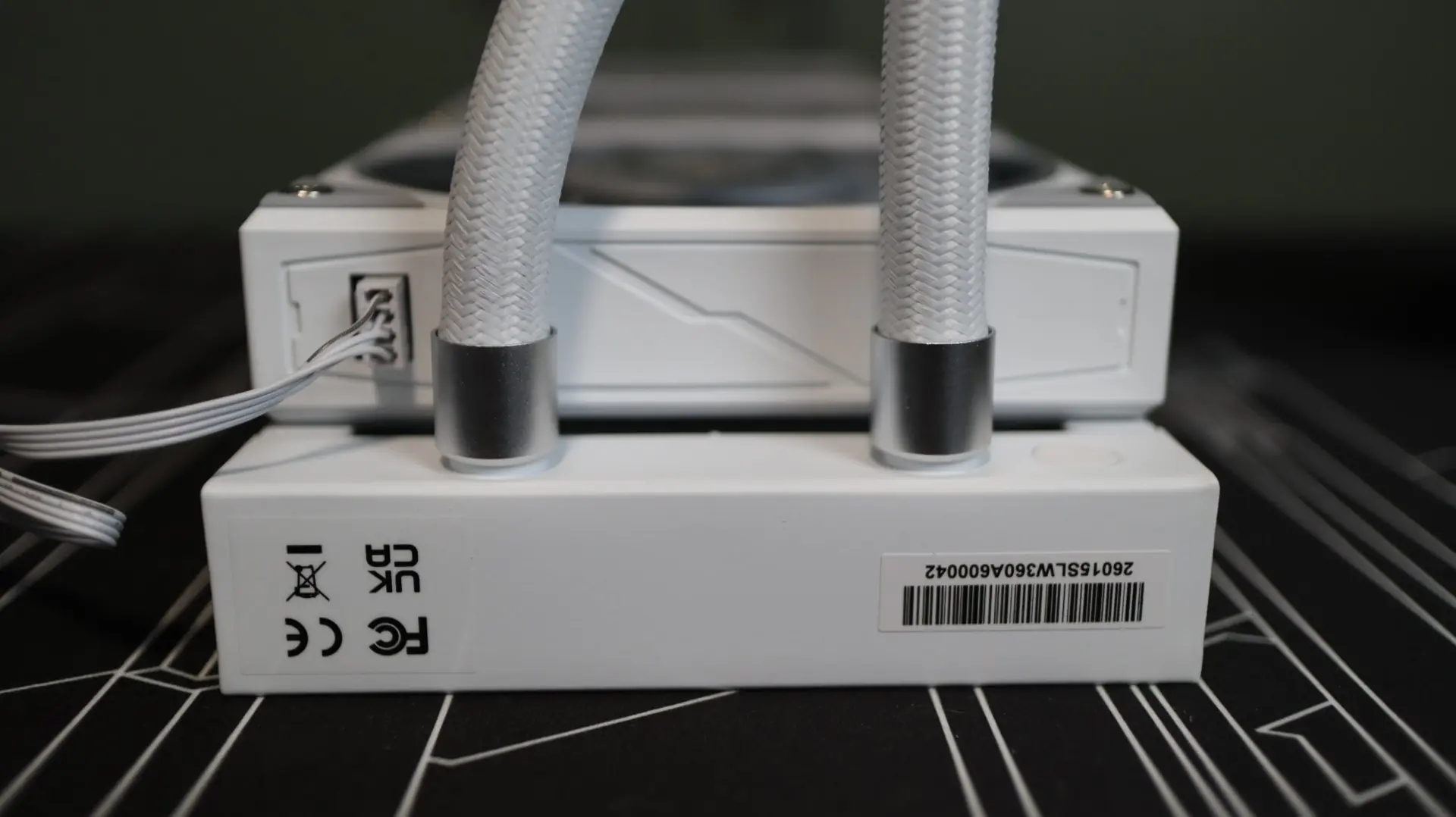
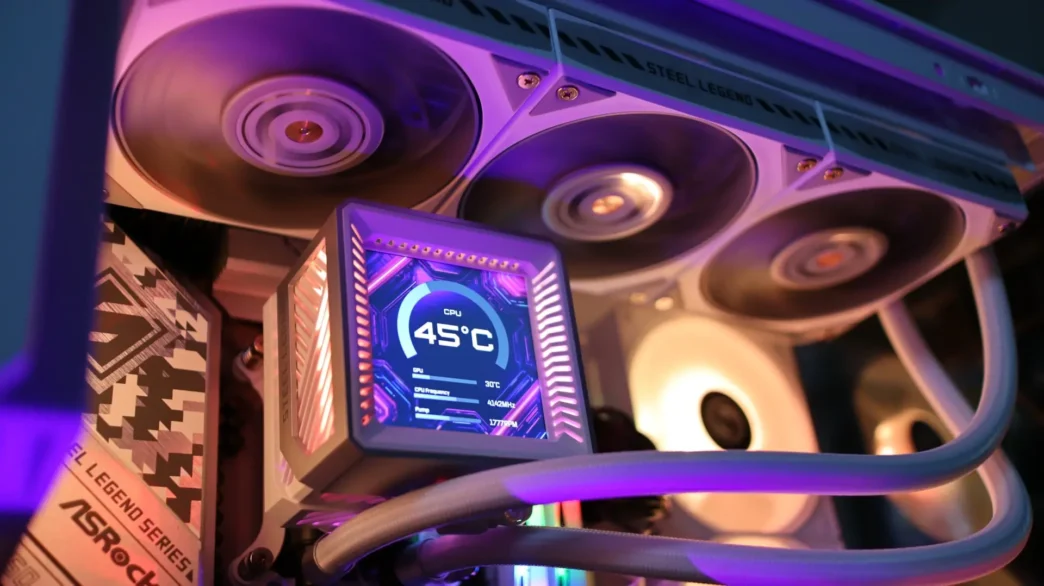
Moving over to the pump housing we find a two-piece cube design that brings together two very important components on this cooler – a VRM fan and a 3.4″ LCD display. This square design transfers along to the body of the pump housing, and culminates with a square screen at the top. As previously mentioned, the Steel Legend 360 LCD and Phantom Gaming 360 LCD appear to be built on a nearly identical base platform, but do offer a few differences besides aesthetics.
With the LCD display portion removed from the pump housing, we can see that there is a 70mm PWM fan that sits atop the pump and water block section. This fan has a PCB mounted on top of it, which utilizes multiple contact pads for connectivity between the PCB and the LCD display that is mounted on top of it.
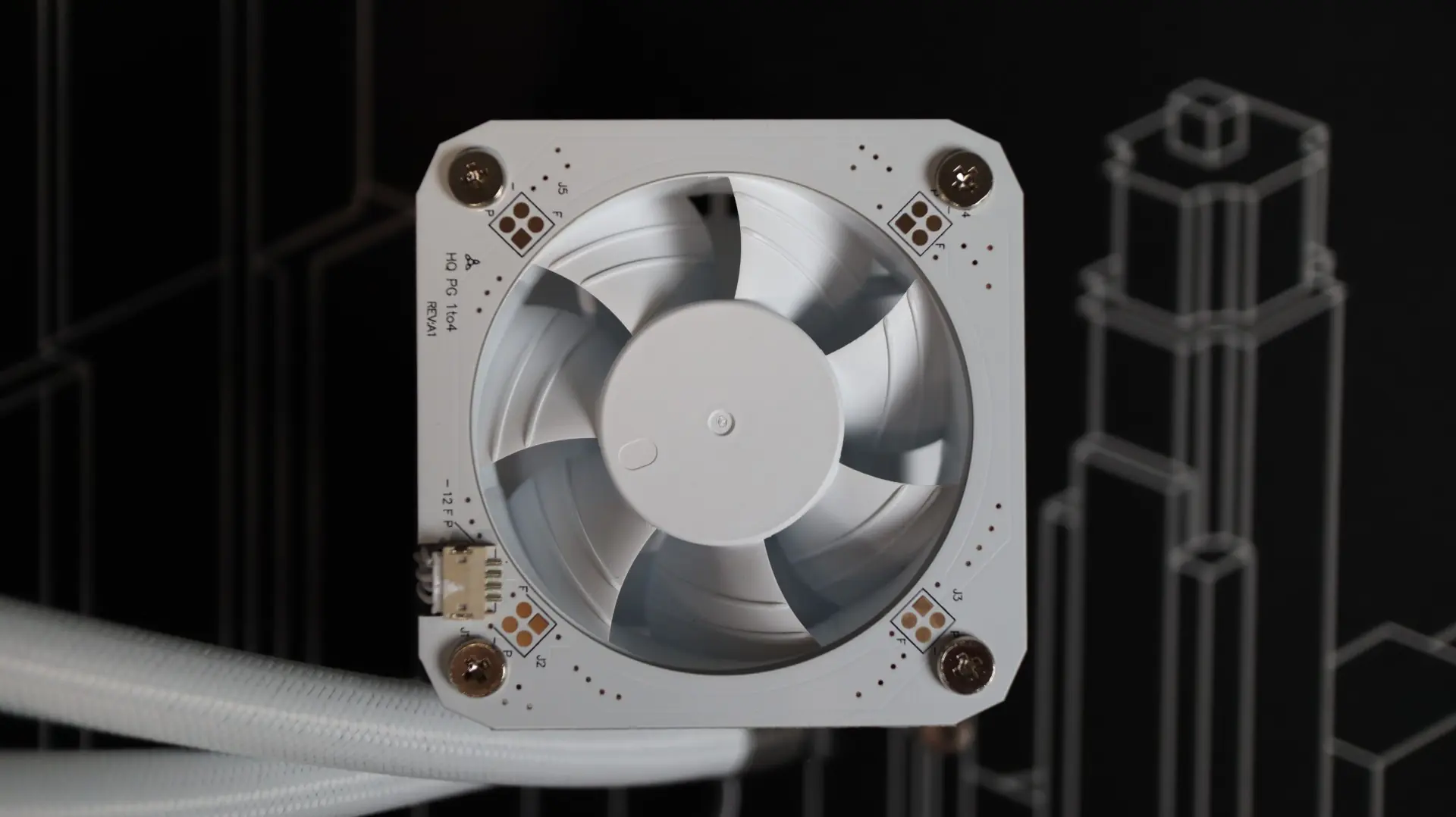
With an operating speed of 3000 RPM, if you leave this fan running full speed it will produce quite a bit of noise – I suggest bumping it down to the 750-1000 RPM range. This will still provide some cooling for your power components, while not driving you nuts listening to the fan noise. That said, you will need to utilize a third motherboard PWM header if you want to do this, as the pump will need its own, and the radiator fans will require one as well.
Moving around to the sides we find the two cooling lines exiting from the bottom side of the pump housing. Each line is paired up with a swiveling fitting to make installation and fitment much easier than with fixed connections. Exiting between the two cooling lines is a 4-pin pump power cable.
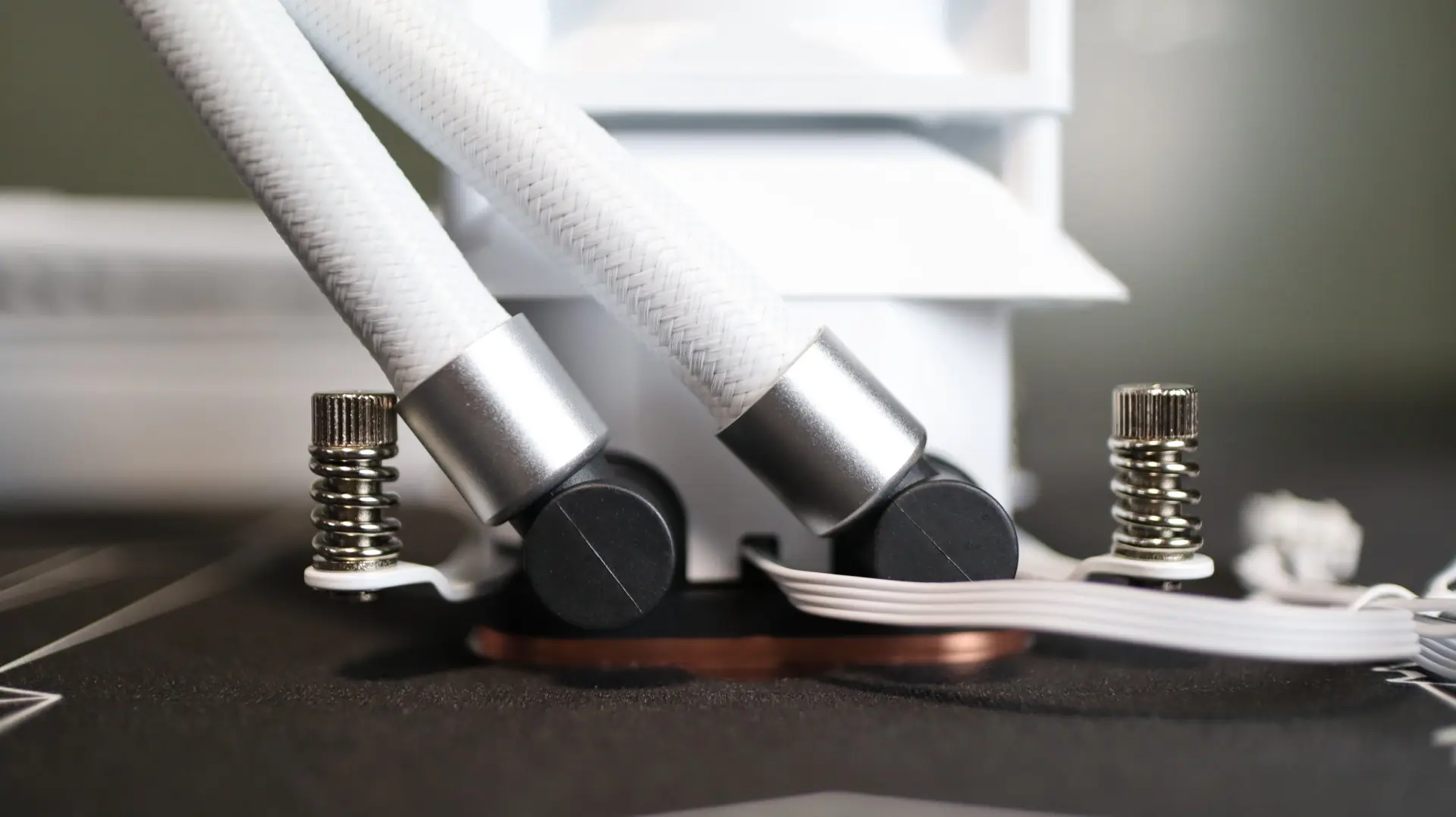
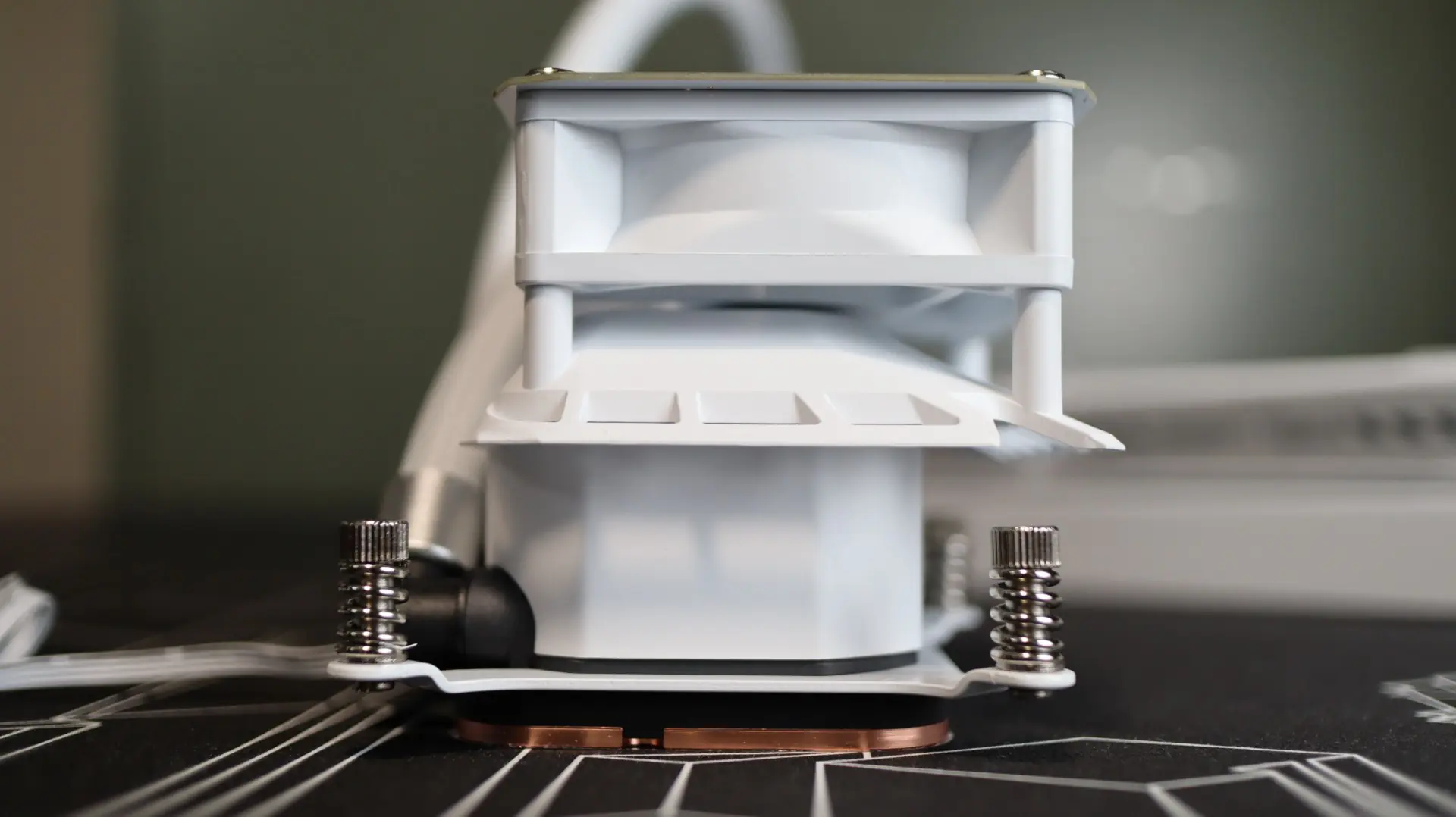
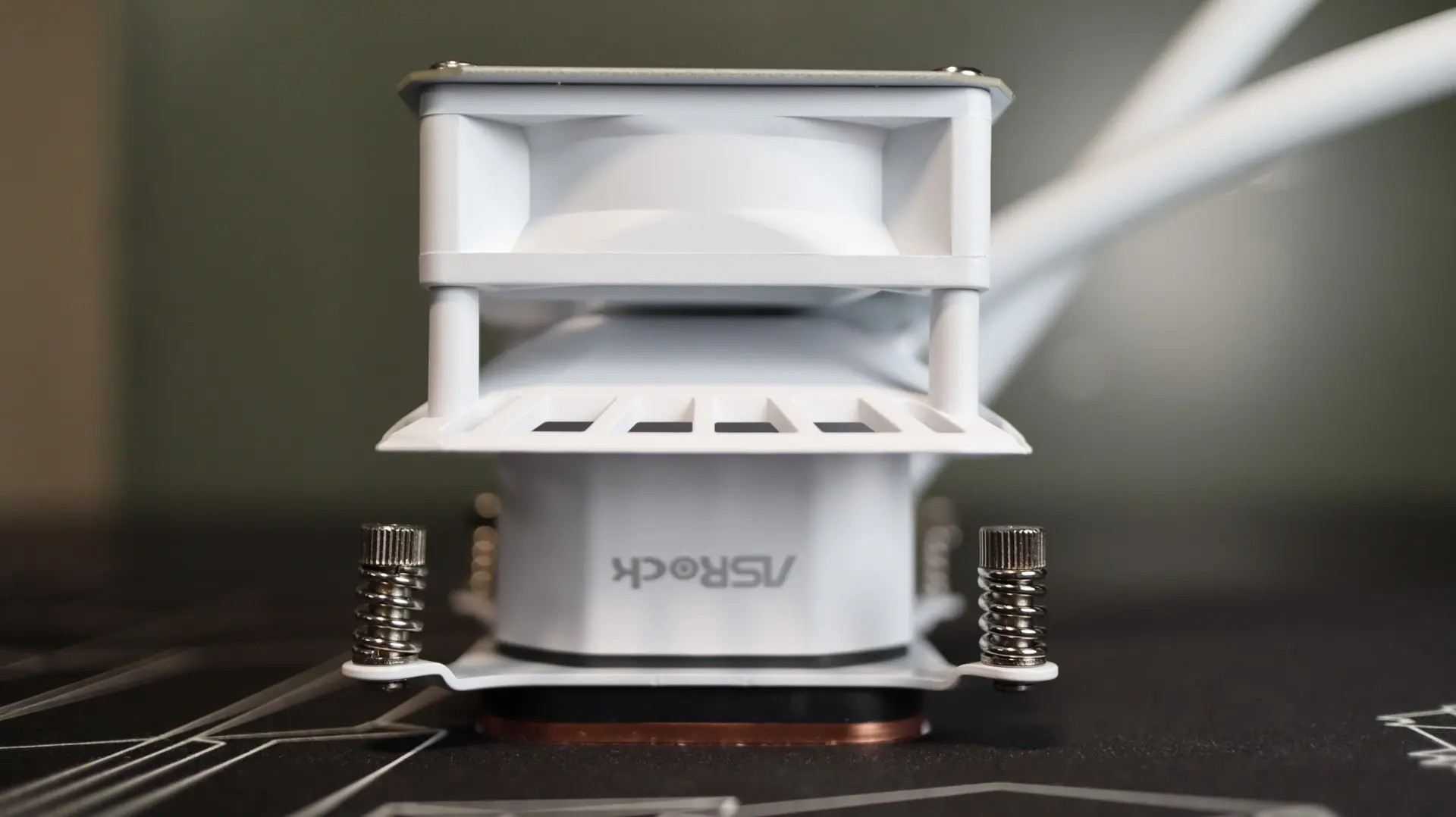
Internally, the pump provides an operating speed range of 1200-3100 RPM. The other sides of the pump area are plain, but above them is a different story. Just between the pump and the fan sits an angled plastic divider. This divider is designed to direct airflow from the fan out towards the surrounding power components, specifically the motherboard VRM heatsinks. This additional cooling for the power components can significantly help with overclocking and overall system stability when pushing your system to its limits.
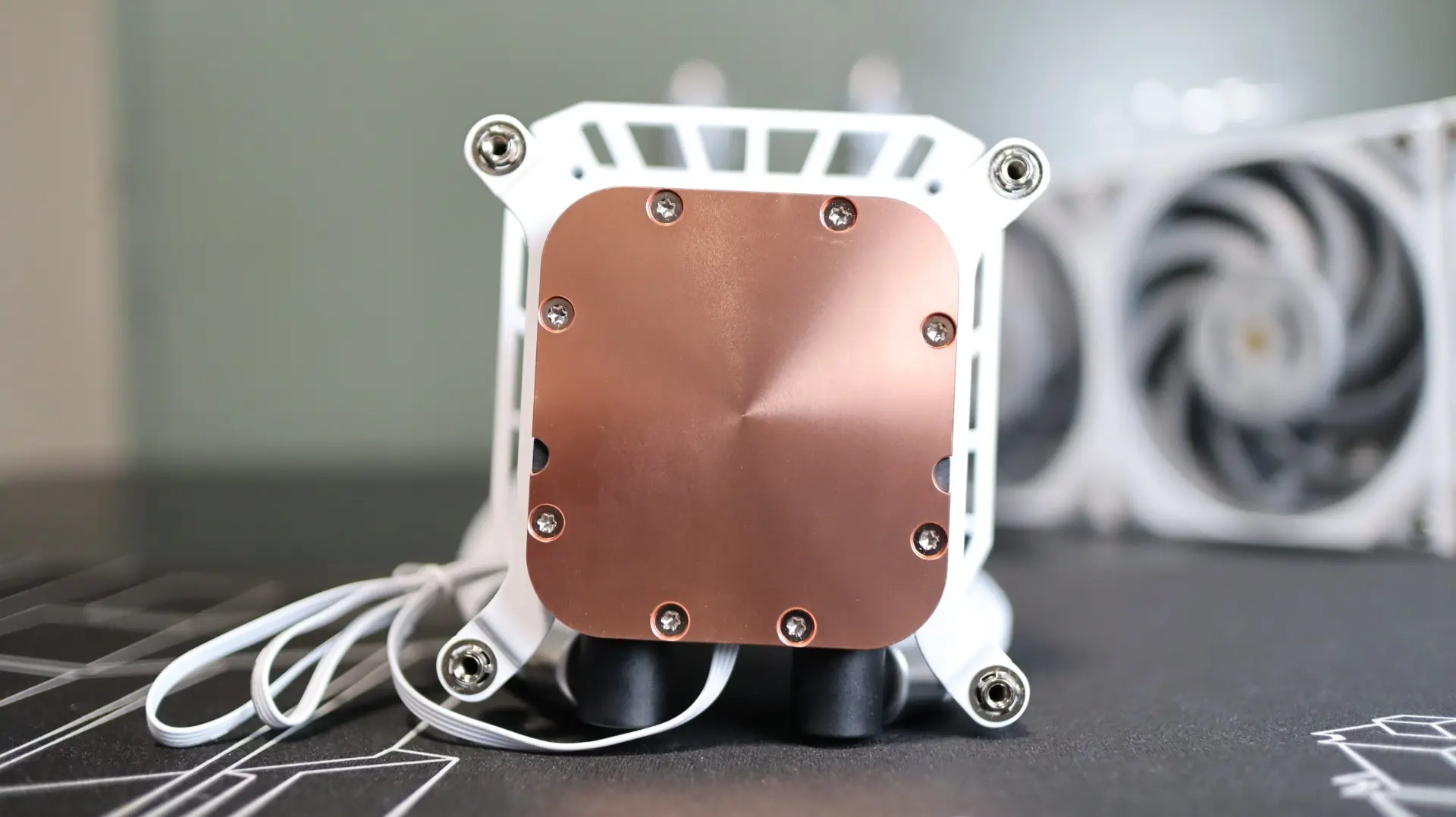
Taking a look at the base of the cooler, we find a large copper base, free from any pre-applied thermal material. The copper base has a satin finish to it, which I tend to prefer over a polished base, as it has a bit more texture and therefore surface area for the thermal paste to make contact with. ASRock has included a small thermal paste syringe with the cooler, so you’ve got got more than one chance to install the cooler compared to pre-applied paste, which I really appreciate.
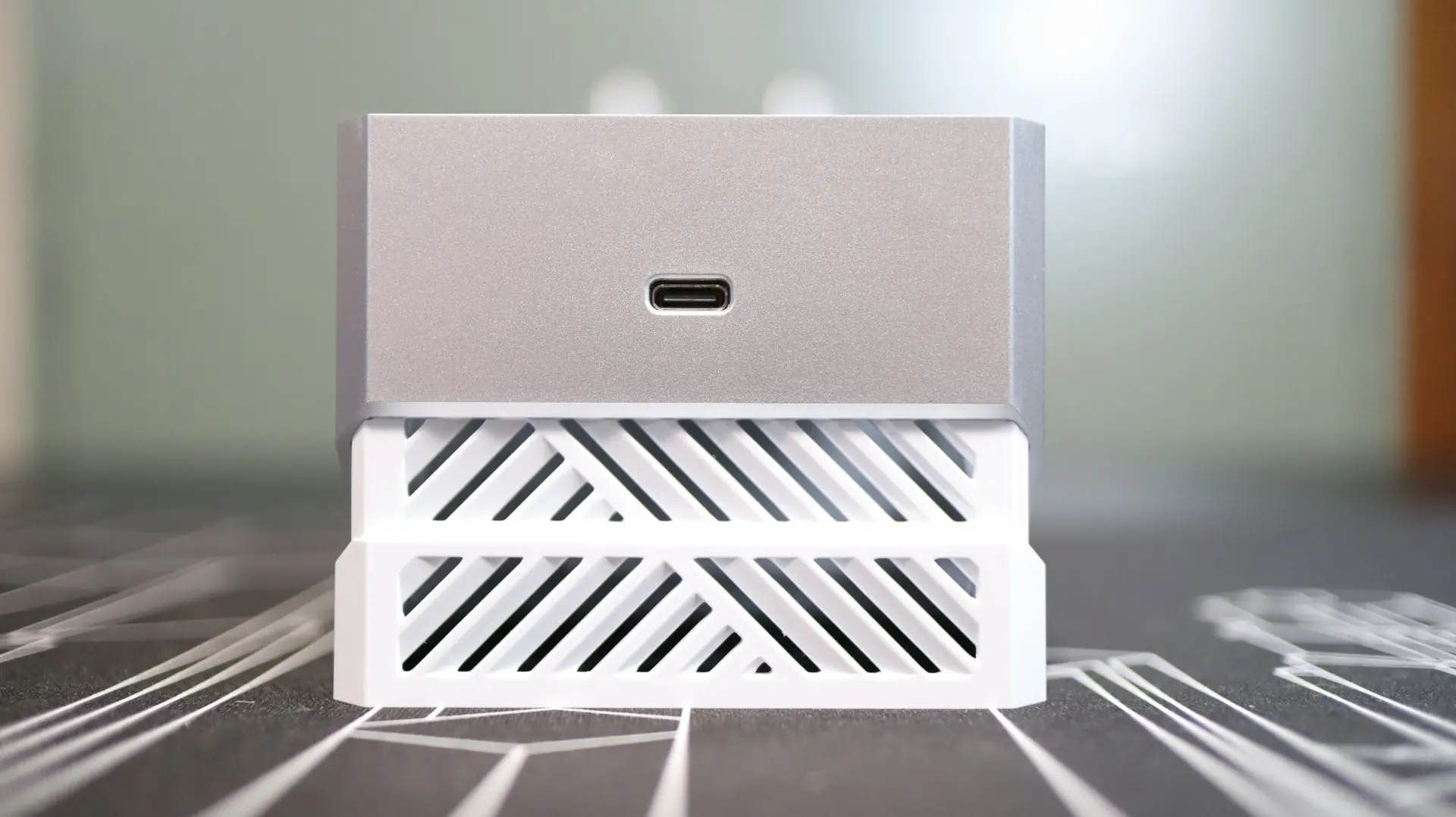
Moving over to the top portion of the pump housing, we find the 3.4″ square LCD placed on top of a large cube that slides over the aforementioned fan and pump. The sides of the cube have many ventilation slats that allow the internal fan to bring air in for VRM cooling.
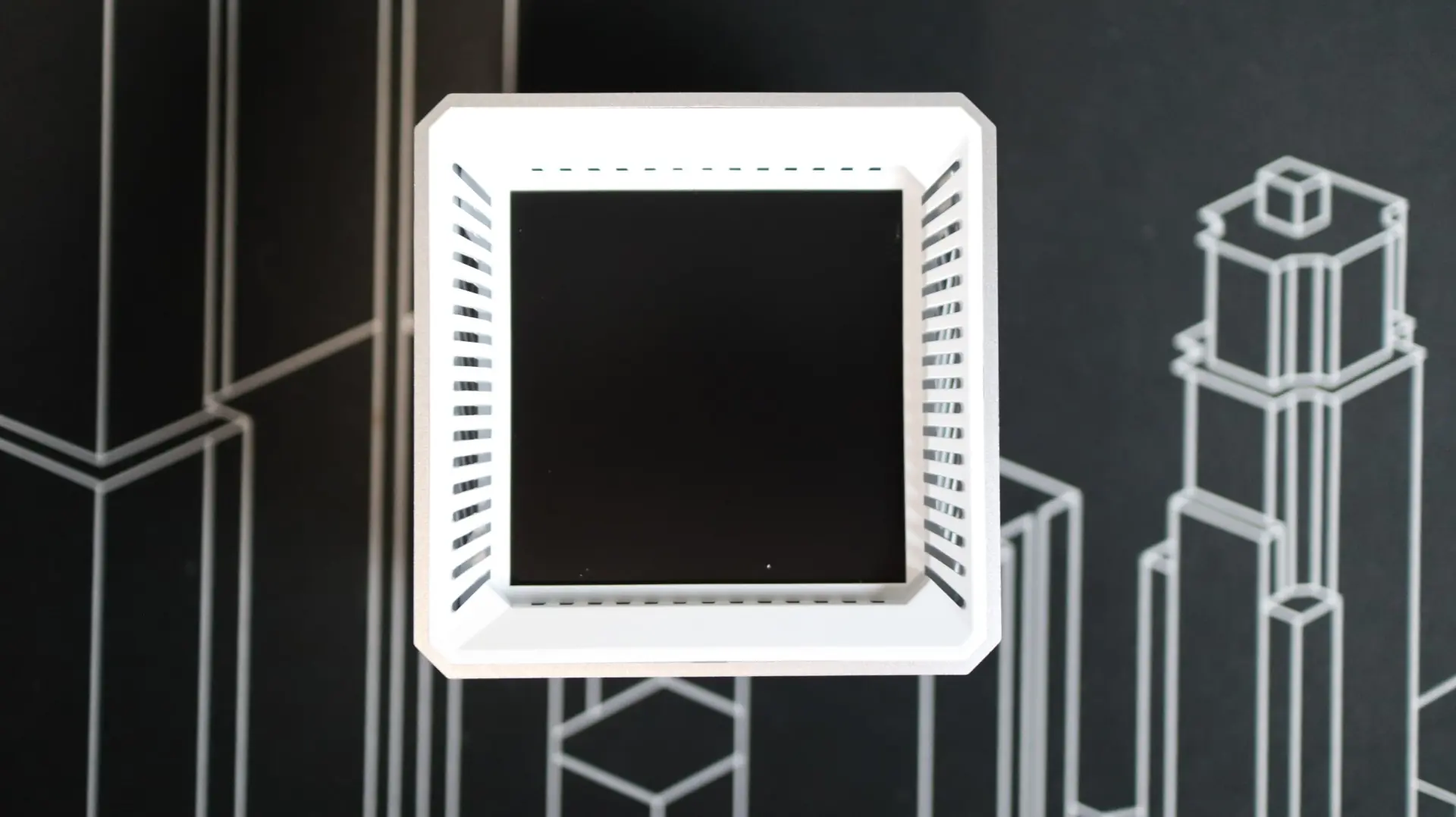
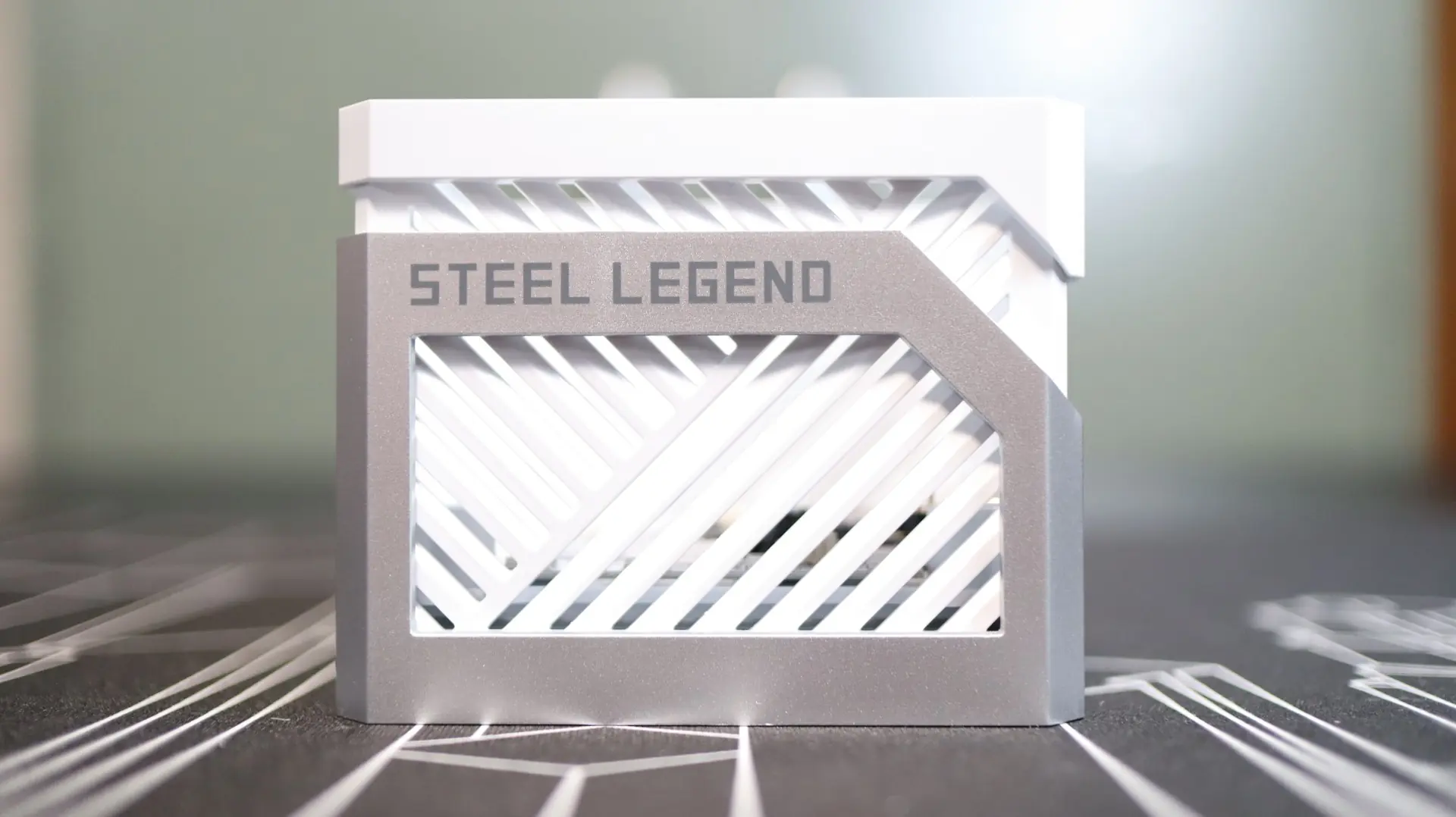
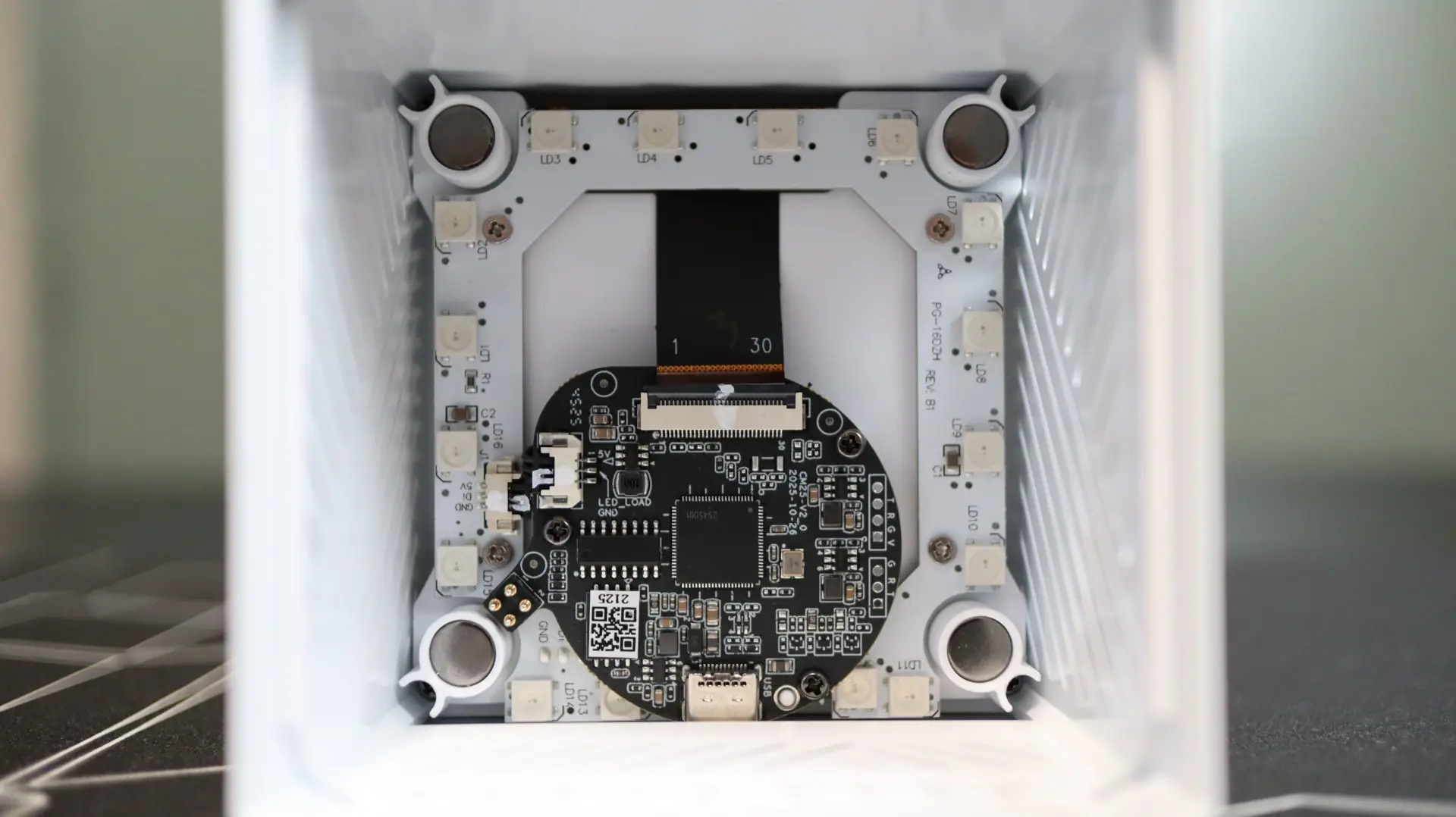
Inside this cover are the components used to facilitate the LCD functionality, as well as an ARGB lighting array with 16 LEDs. This cover is held onto the pump housing base via four magnets that are placed at the inside corners.
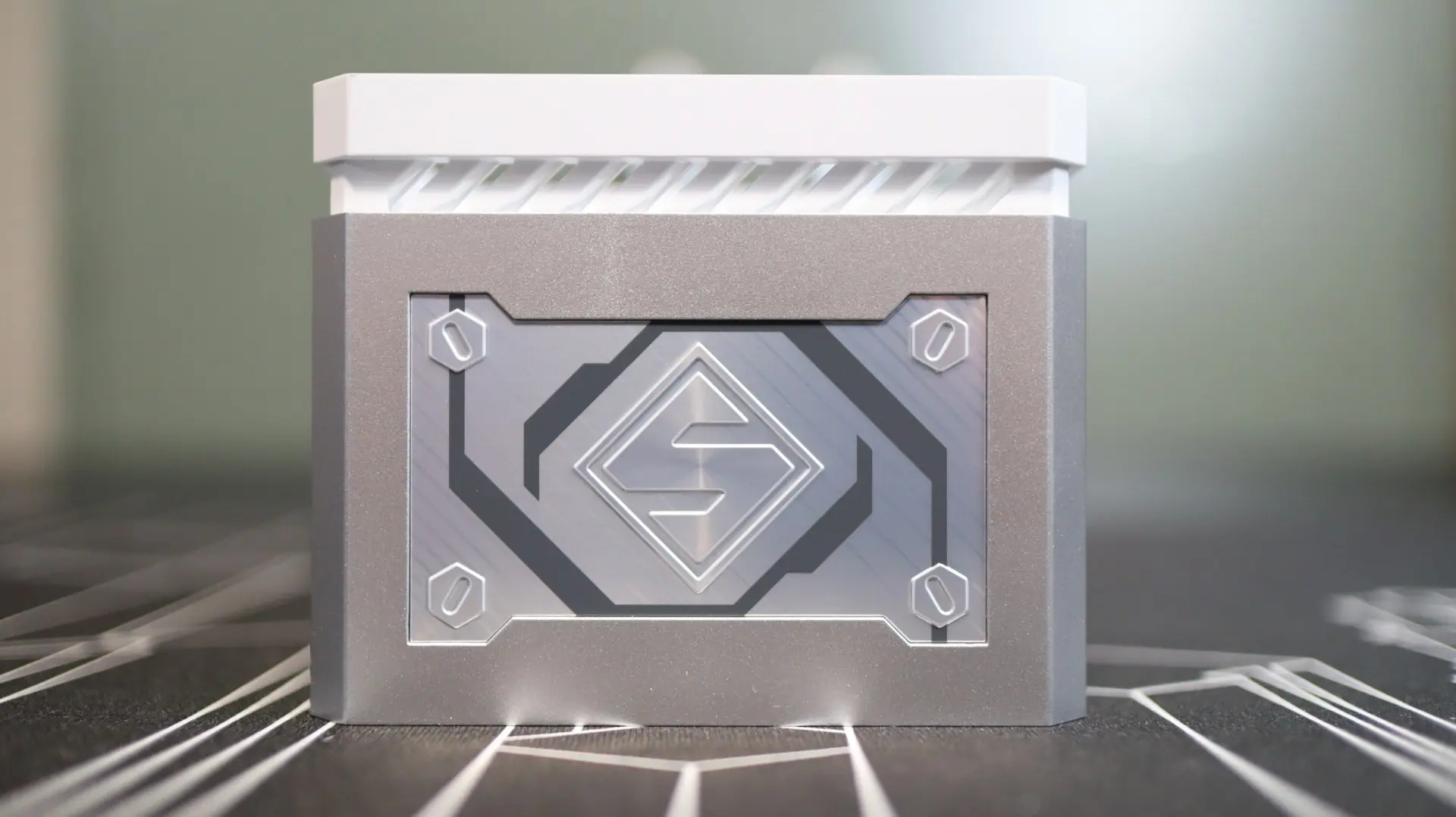
On one exterior side of the cube is a Steel Legend logo badge – I just wish you were able to see it better when the cooler is installed in your system.
The opposite side of the cube is home to a USB Type-C port that is used to connect a Type-C breakout cable. This cable converts into an internal USB 2.0 plug, a 3-pin ARGB connector, and a 4-pin PWM connector.
As far as the screen goes, it is a square 3.4″ display with a resolution of 480 x 480, running at 60 Hz, and a 24-bit color depth. These stats should translate into crisp, smooth graphics.
Regarding the included fans, ASRock has included three 120mm fans that feature nine LCP blades that are connected along the edges to help with channeling airflow through the radiator. These fans have an operating speed of 0-2500 RPM, and offer up to 76.7 CFM of airflow and 4.16mm-H2O of static pressure. These are great statistics for radiator fans, and they should pair nicely with the 20 FPI radiator. Additionally, the fans utilize a dual ball bearing design with a copper alloy bearing hub, both of which should help with longevity and smooth operations.
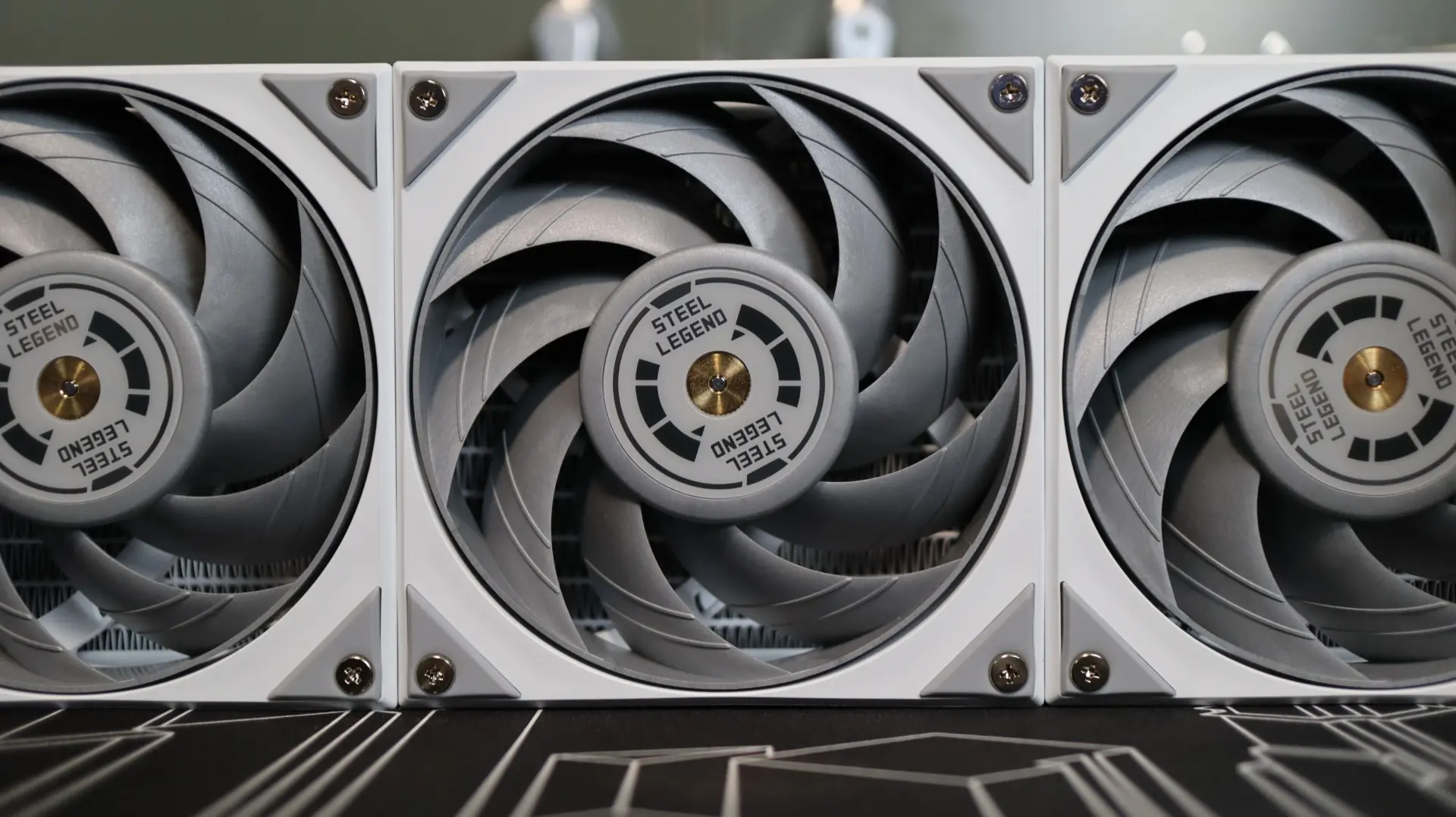
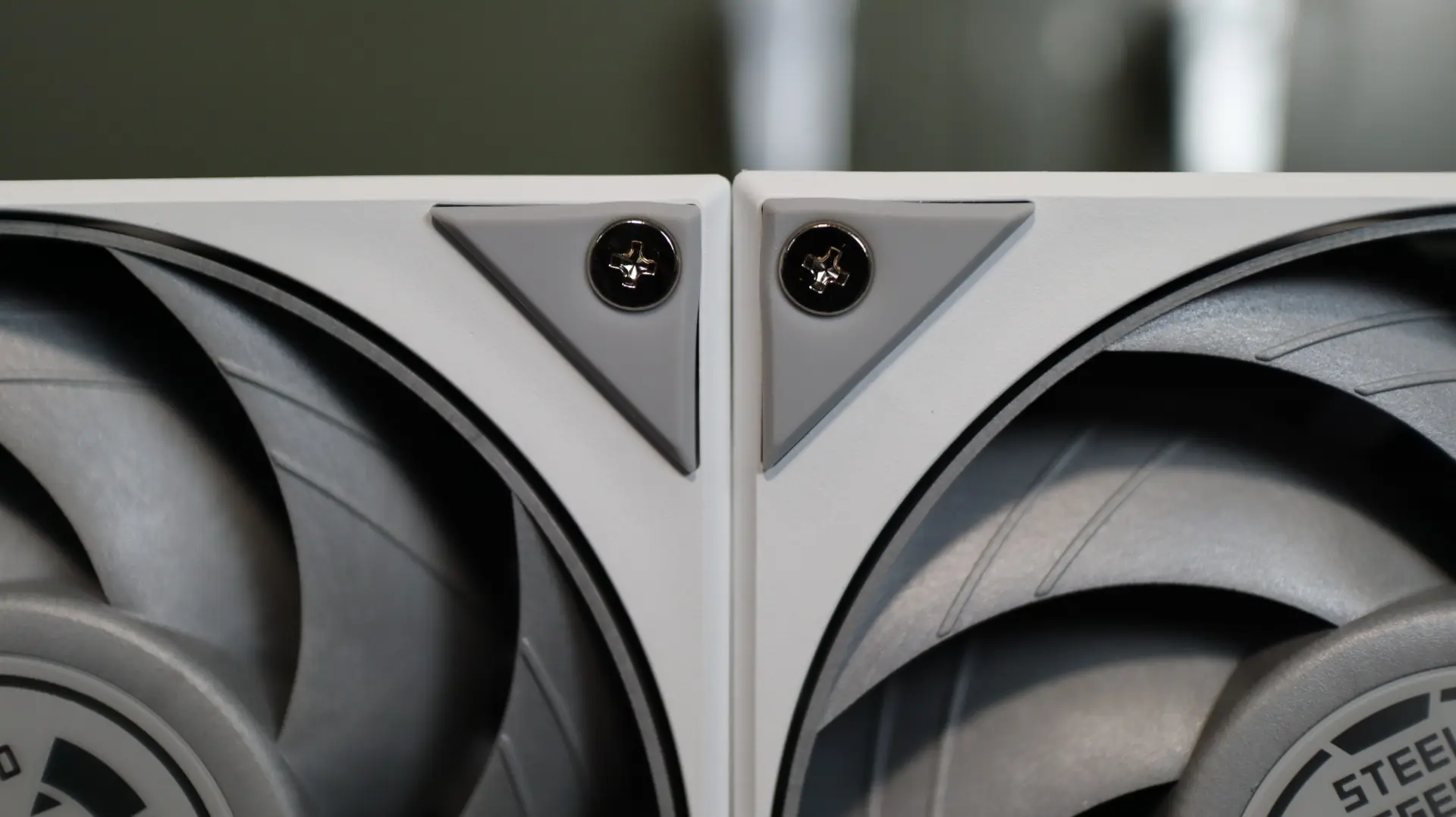
Rubber pads are found at each corner of the fans, which should help reduce any unwanted vibrations from adding any unwanted sound to the running system. A maximum noise level of 38.3 dBA is claimed by ASRock, and we will see just how that translates in our noise testing when it is paired up with the radiator.
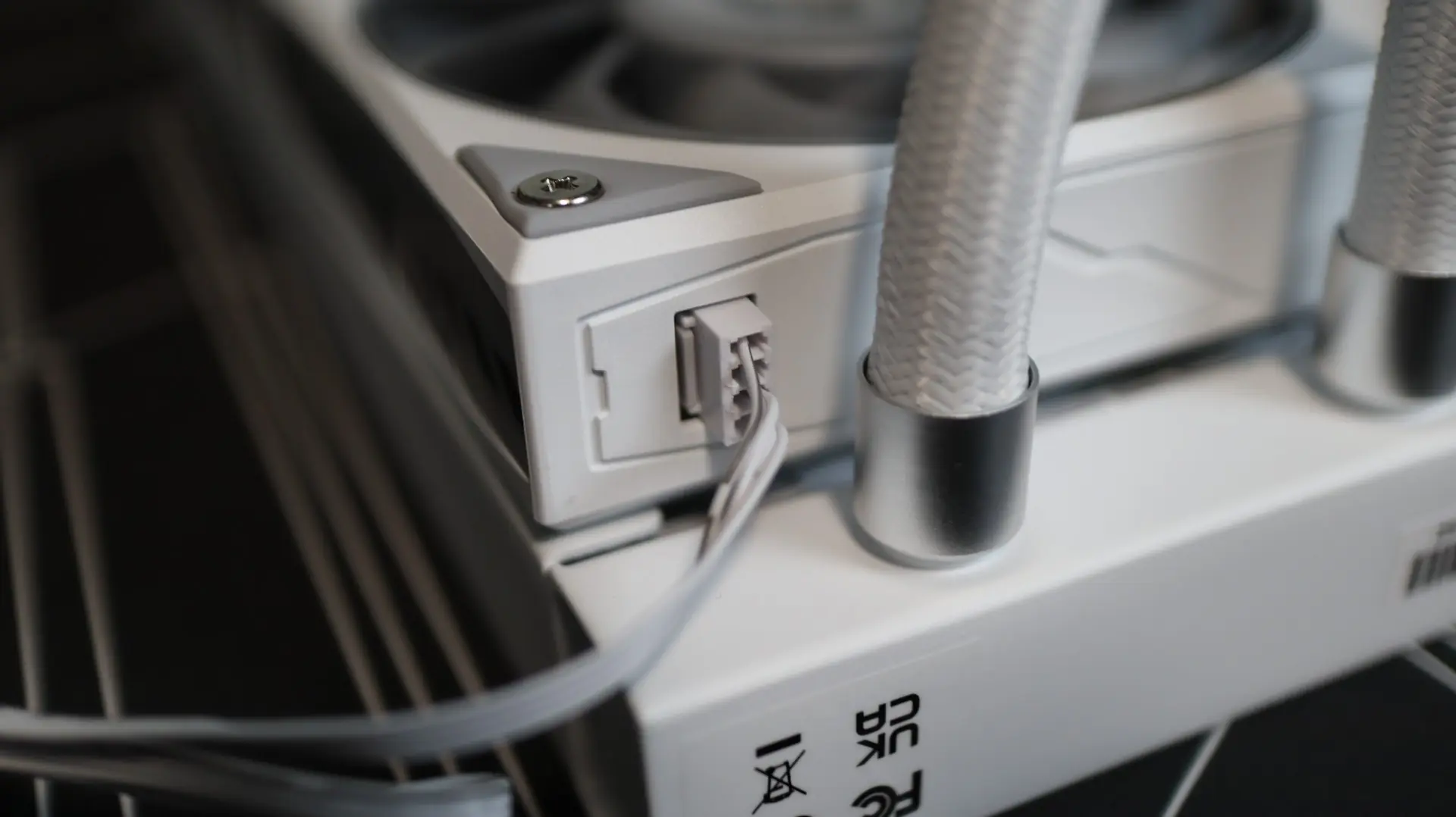
You won’t find any ARGB lighting on these fans, and a single removable 4-pin PWM cable exits the end of the fan chain to provide power for the fans. Another great benefit of these fans is that they are daisy chained together, reducing cabling clutter and wiring headaches during installation.