Polychrome Display Software
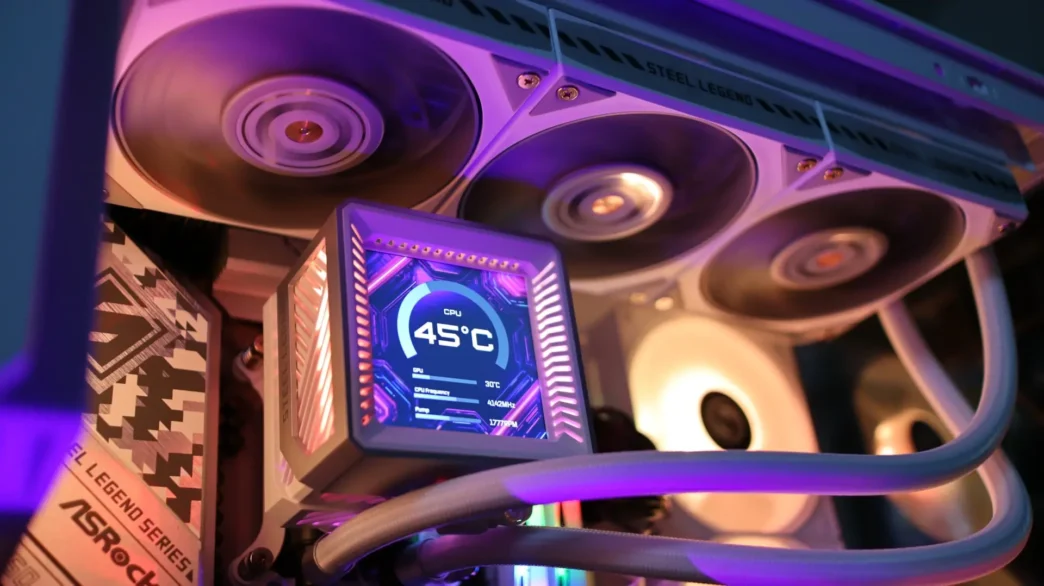
The Steel Legend 360 LCD is fully compatible with ASRock’s Polychrome Display and Polychrome Sync applications for AIO control, as well as their universal RGB software, SignalRGB. For our test purposes, Polychrome Sync is used to control all of the ARGB lighting on the pump, while Polychrome Display is used to control the 3.4″ LCD display, and that is what we will be focusing on here. That said, neither of these applications is used to control the pump or fans themselves, and you will need to utilize yet another application or discreet controller to adjust those settings.
Overview
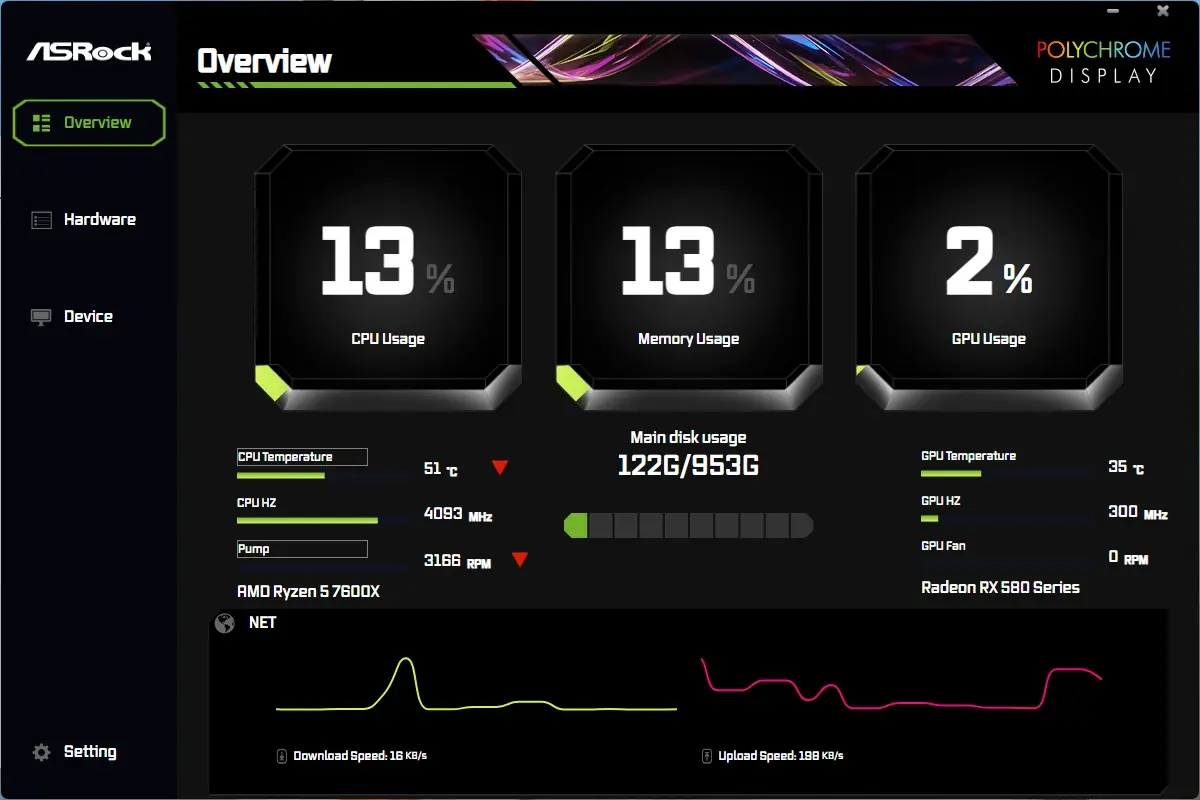
The Overview menu gives a Task Manager-esque display of CPU, Memory, and GPU usage, as well as some temperature information, storage capacity, and network utilization.
Hardware
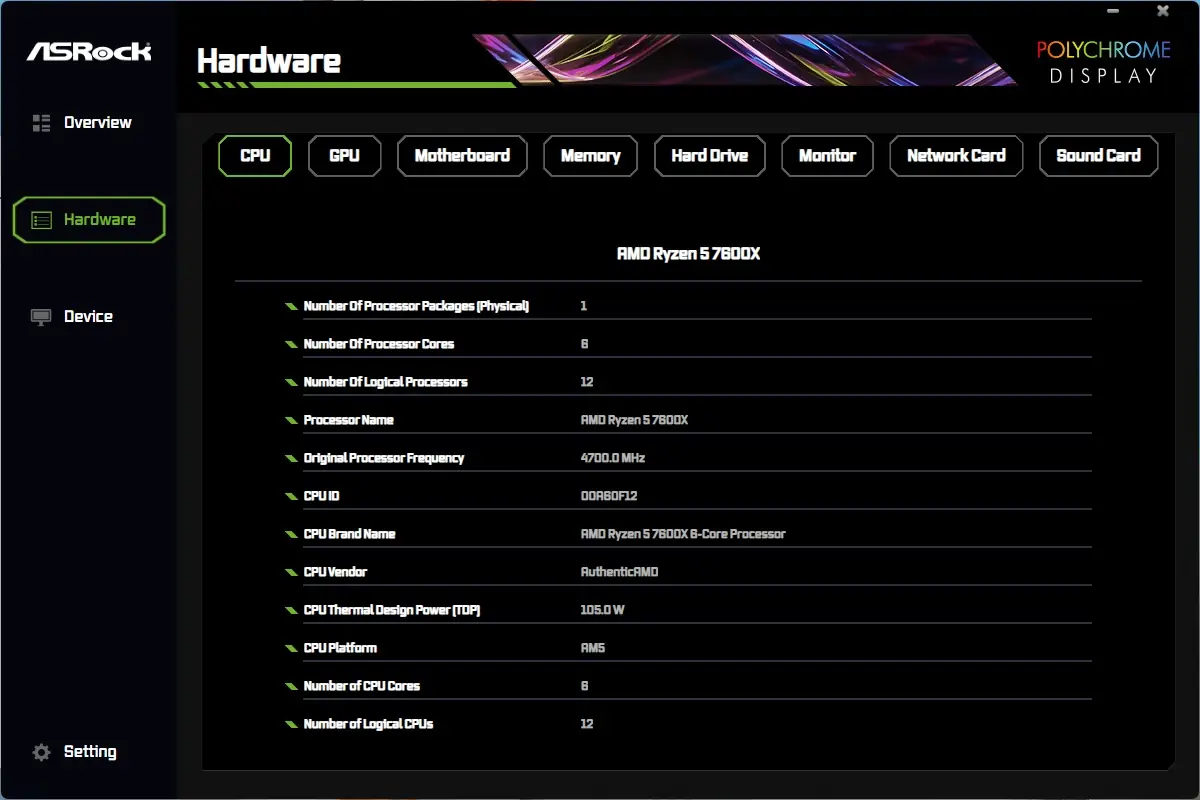
The Hardware menu shows more detailed information of your system components, separated by additional tabs at the top. This is a nice collection of system information in one location.
Device
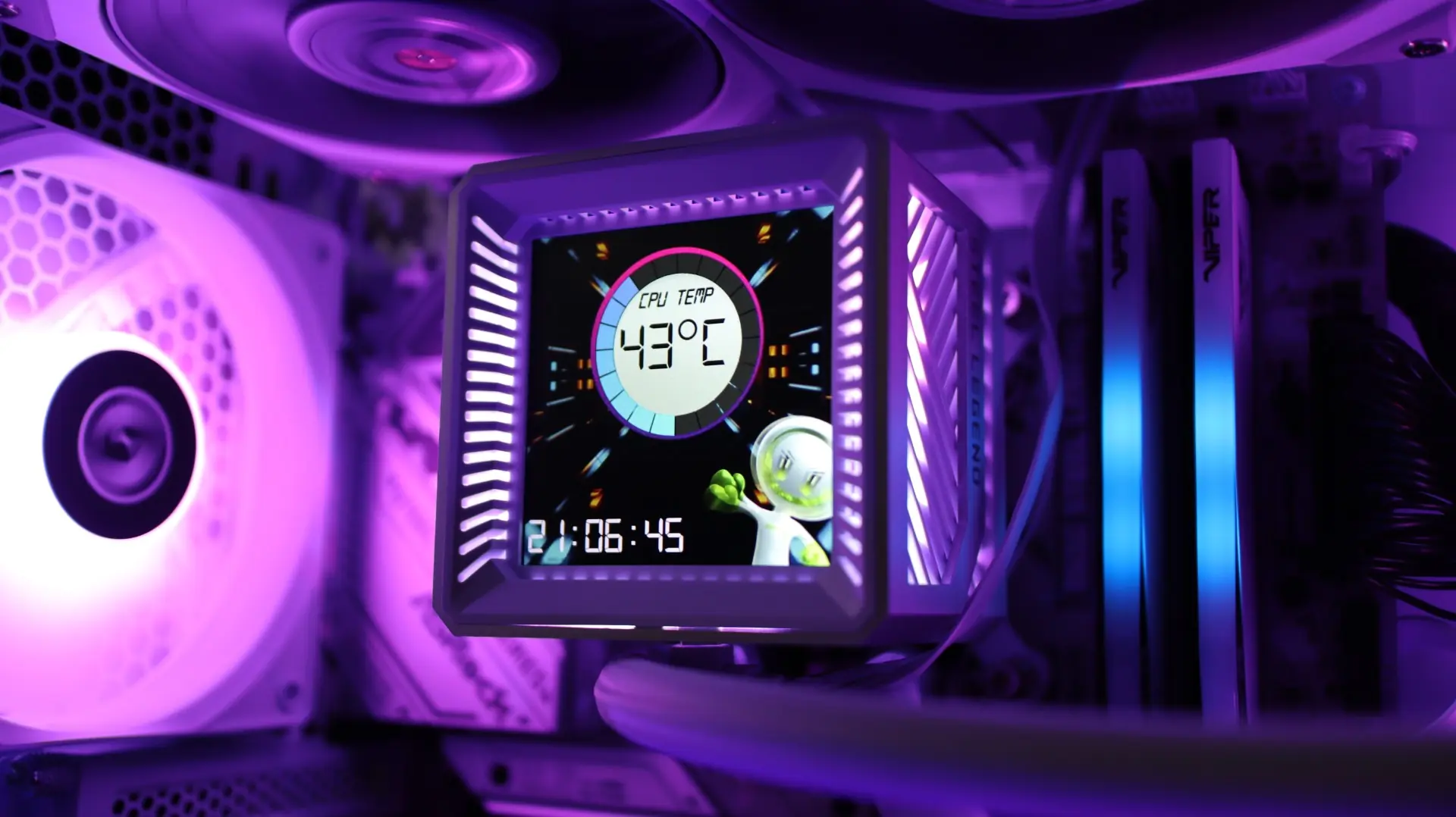
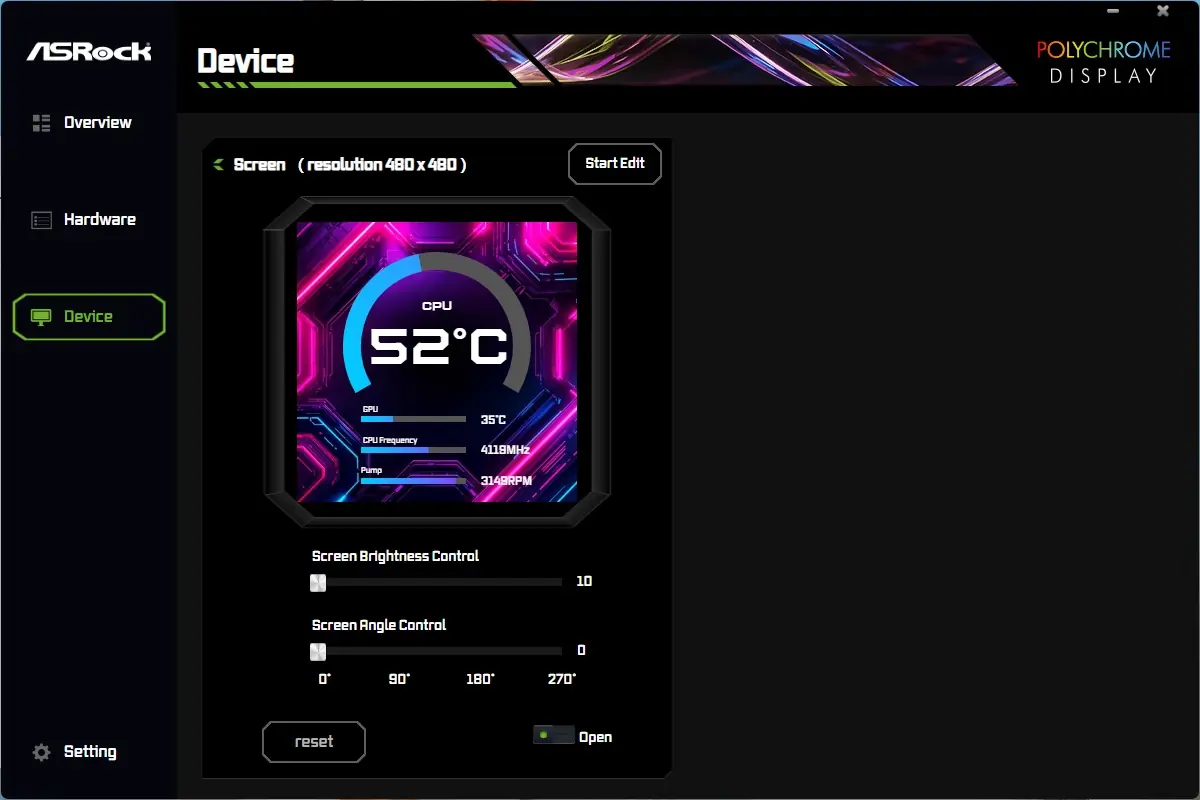
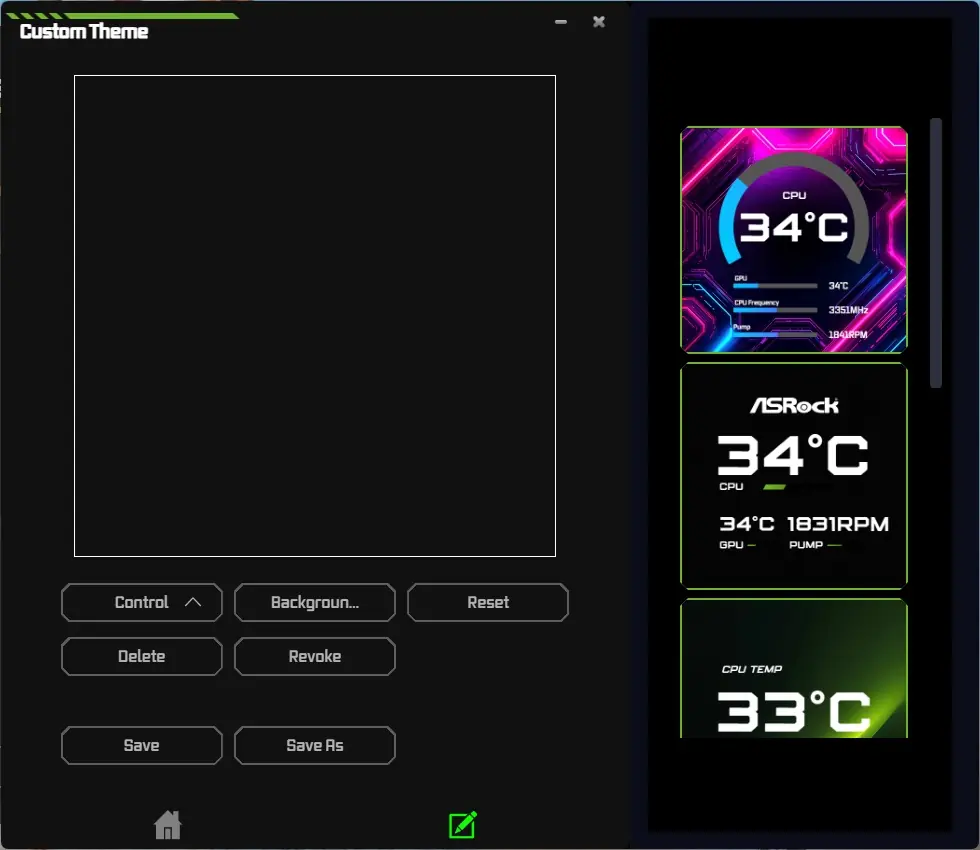
The Device menu is where you can adjust the LCD display of the Steel Legend 360 LCD. There are six pre-configured designs that you can choose from, and you can also create your own with custom backgrounds, text, and imagery. While the screen does support images and gifs, video files are limited to just 20MB in size, and must be 1080p or smaller. You can also import custom themes or export your own designs to share with others.
Gallery
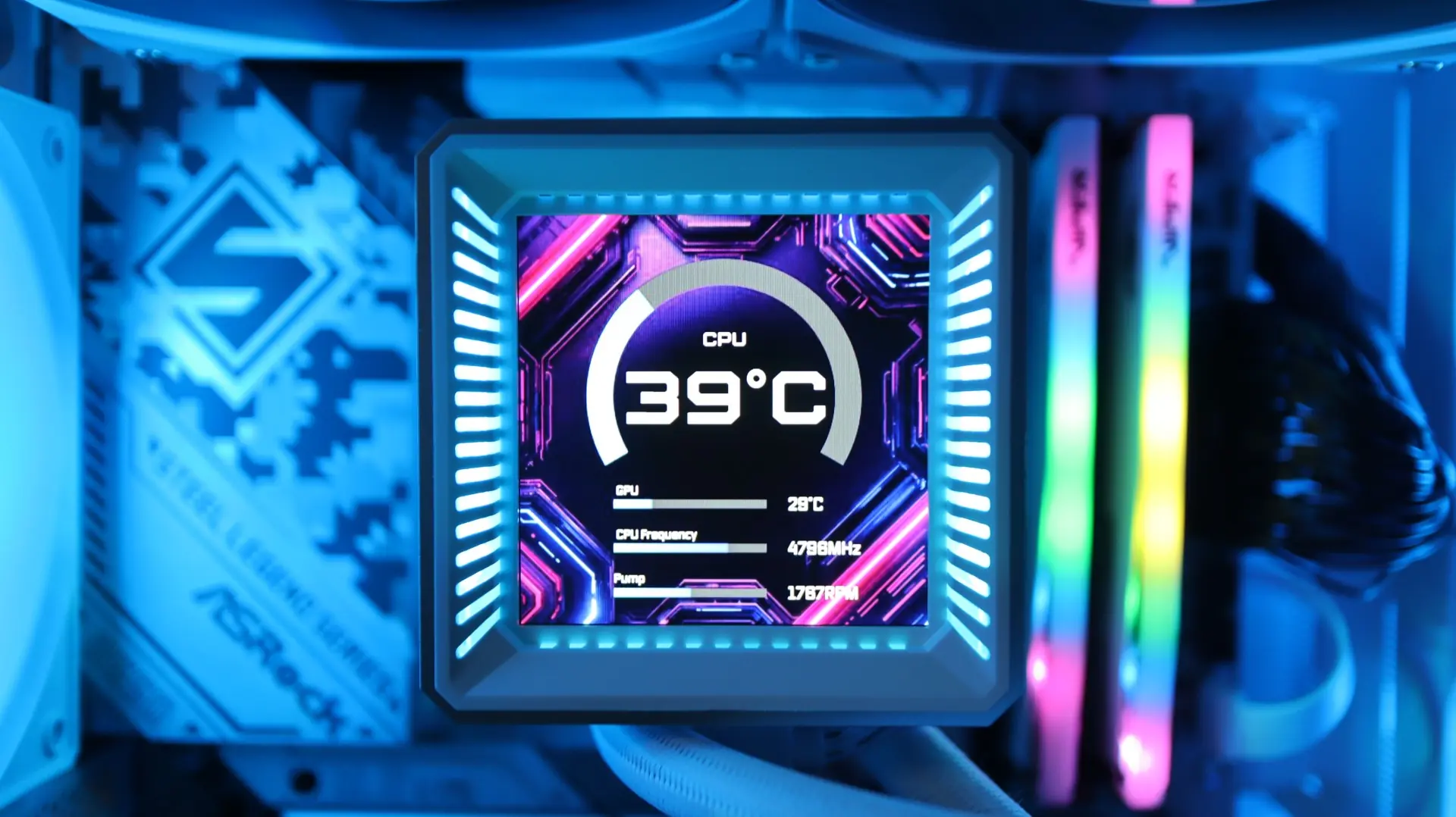
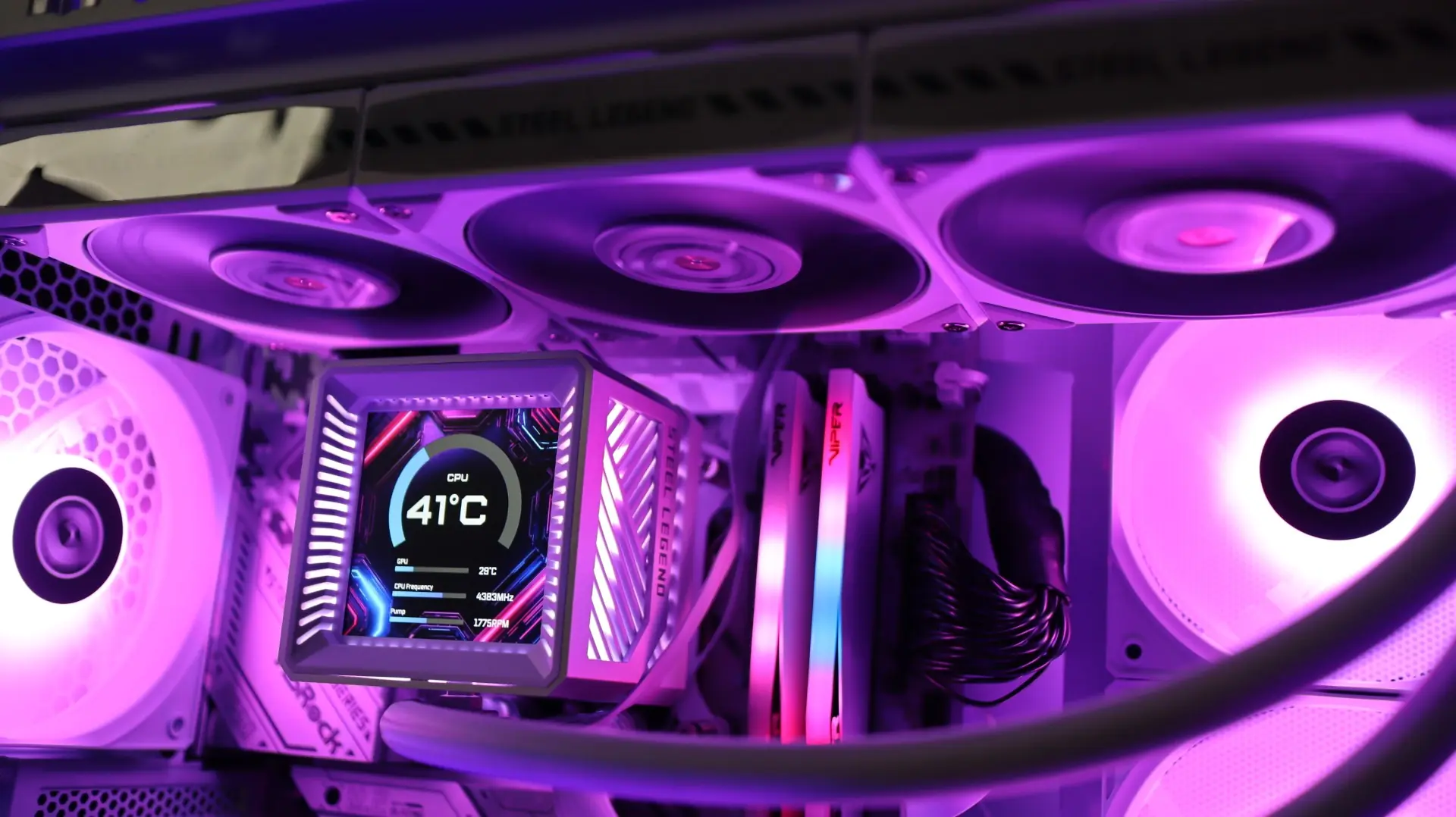
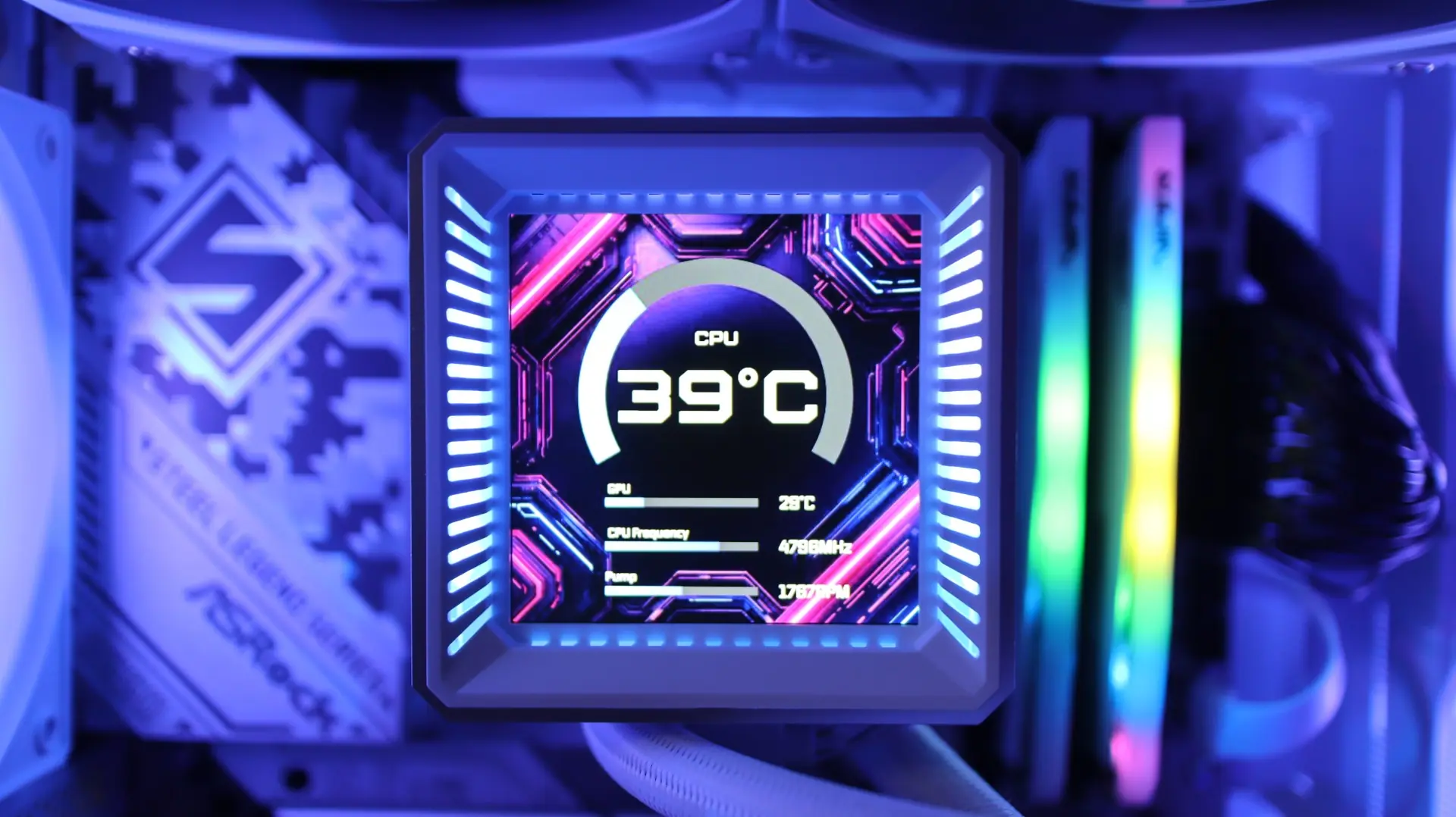
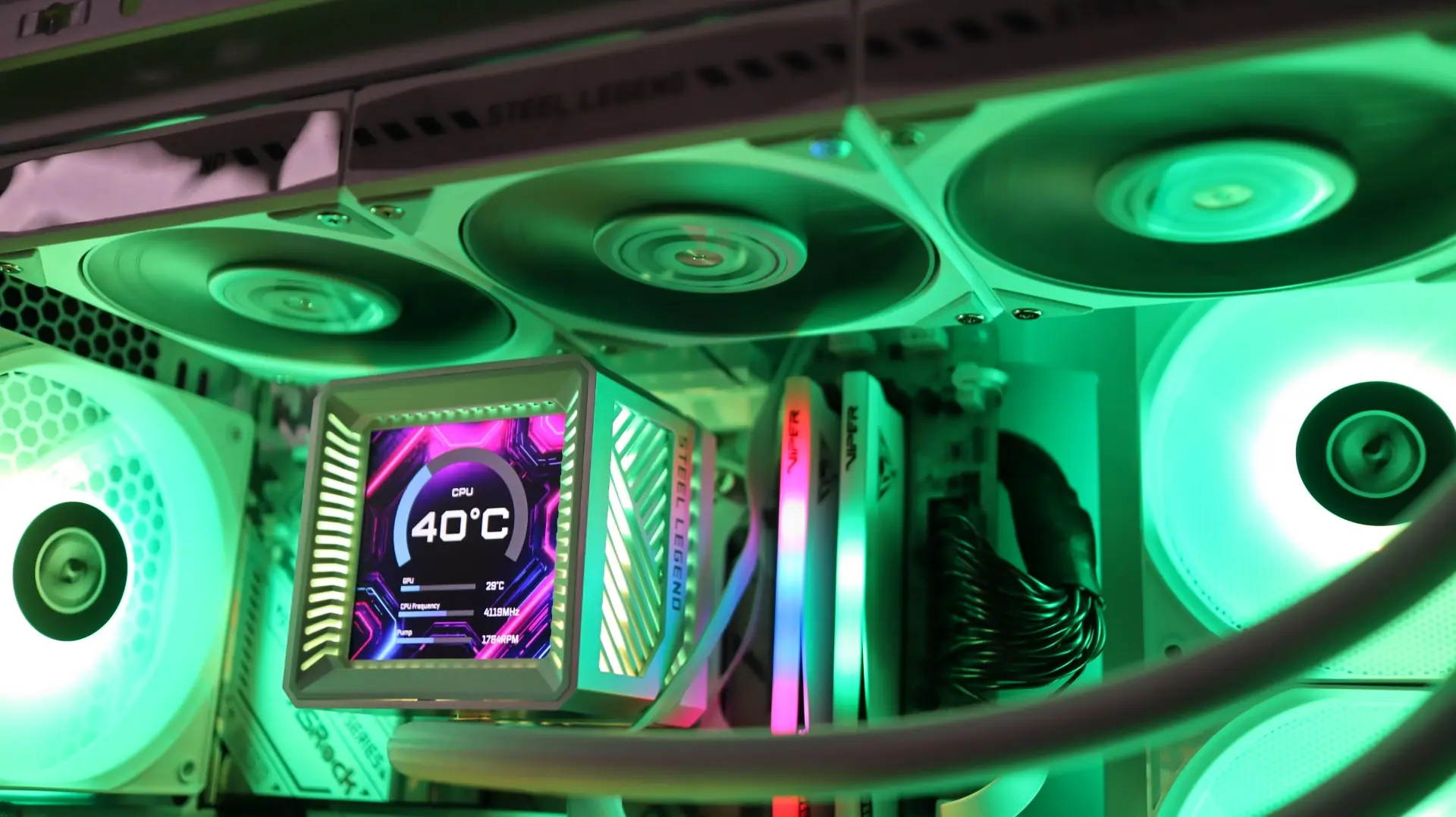
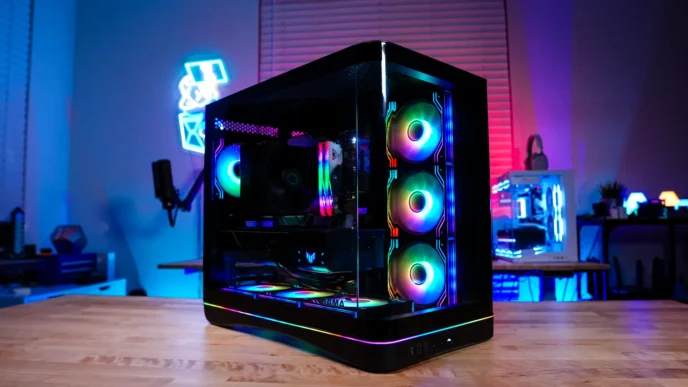
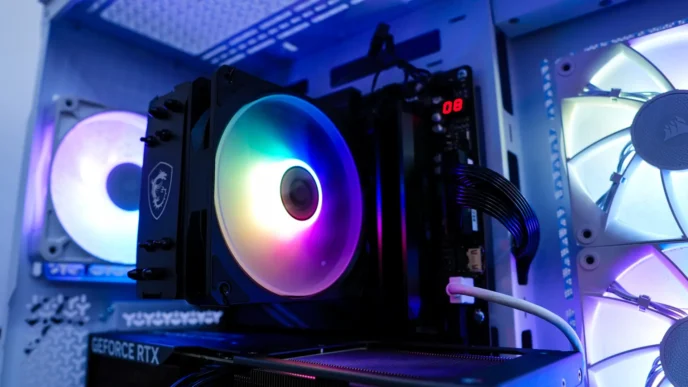
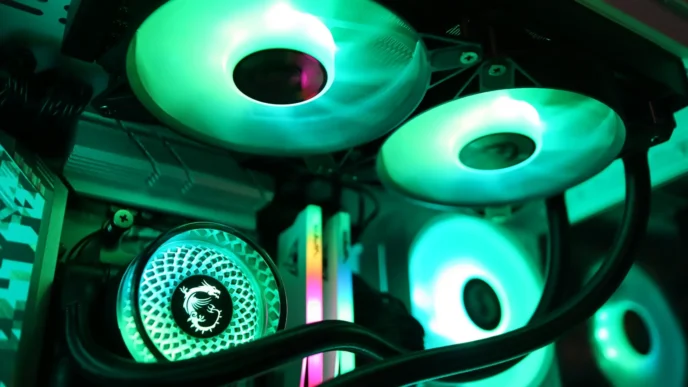
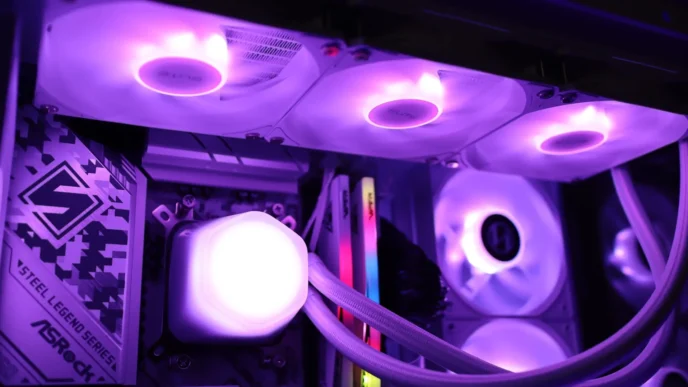
Here are a few shots of the ASRock Steel Legend 360 LCD up and running.