be quiet! Dark Mount Gaming Keyboard Overview
As I mentioned the Dark Mount is a modular keyboard, so we are going to go over the different parts. Let’s start with the actual keyboard first. The main keyboard feels quite solid when you take it out of the box. It is a tenkeyless or TKL keyboard and as of right now there is only a single colorway, which is black. So you have a nice black brushed aluminum top plate with black keycaps. There is also an included magnetic palm rest.
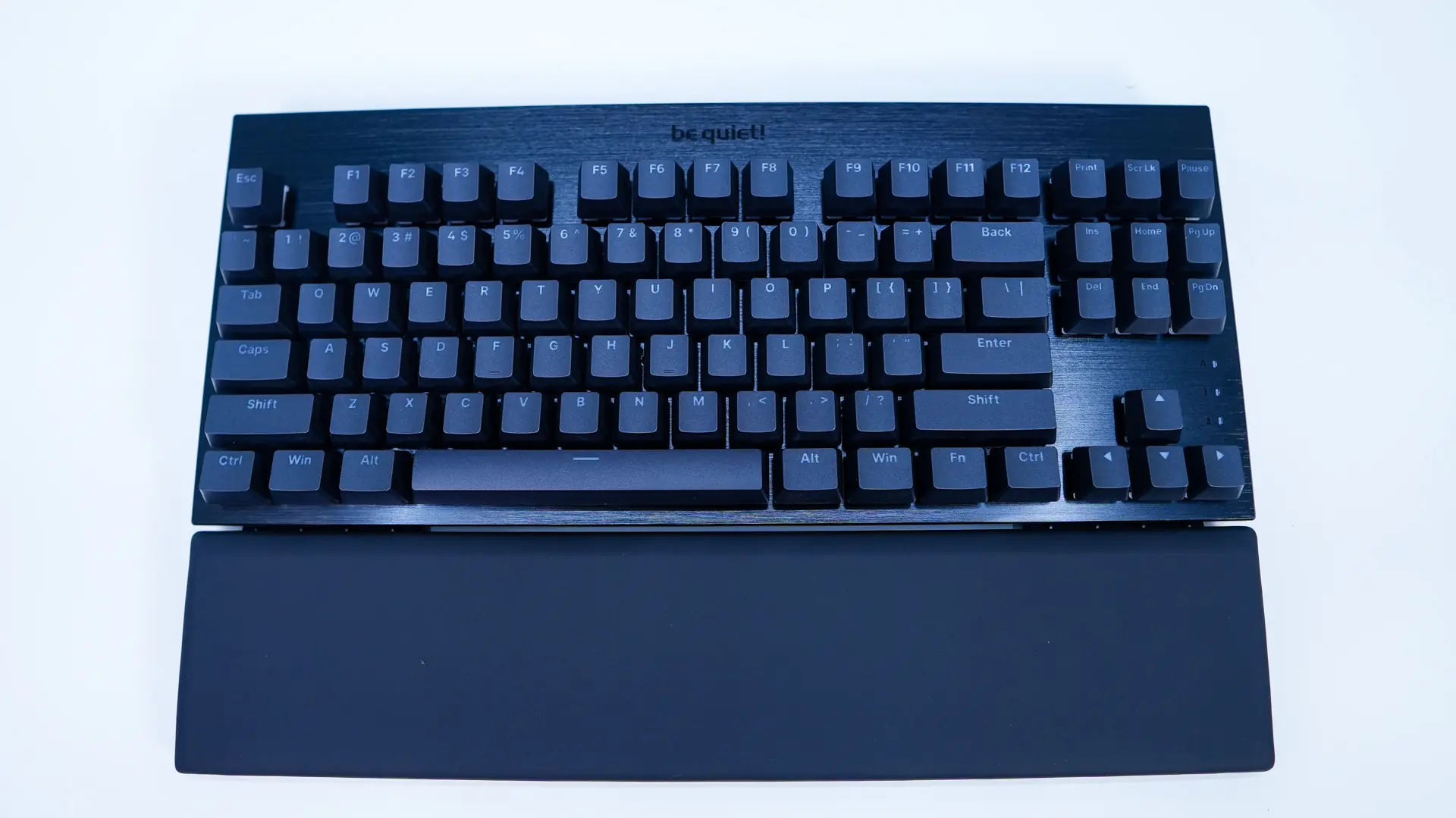
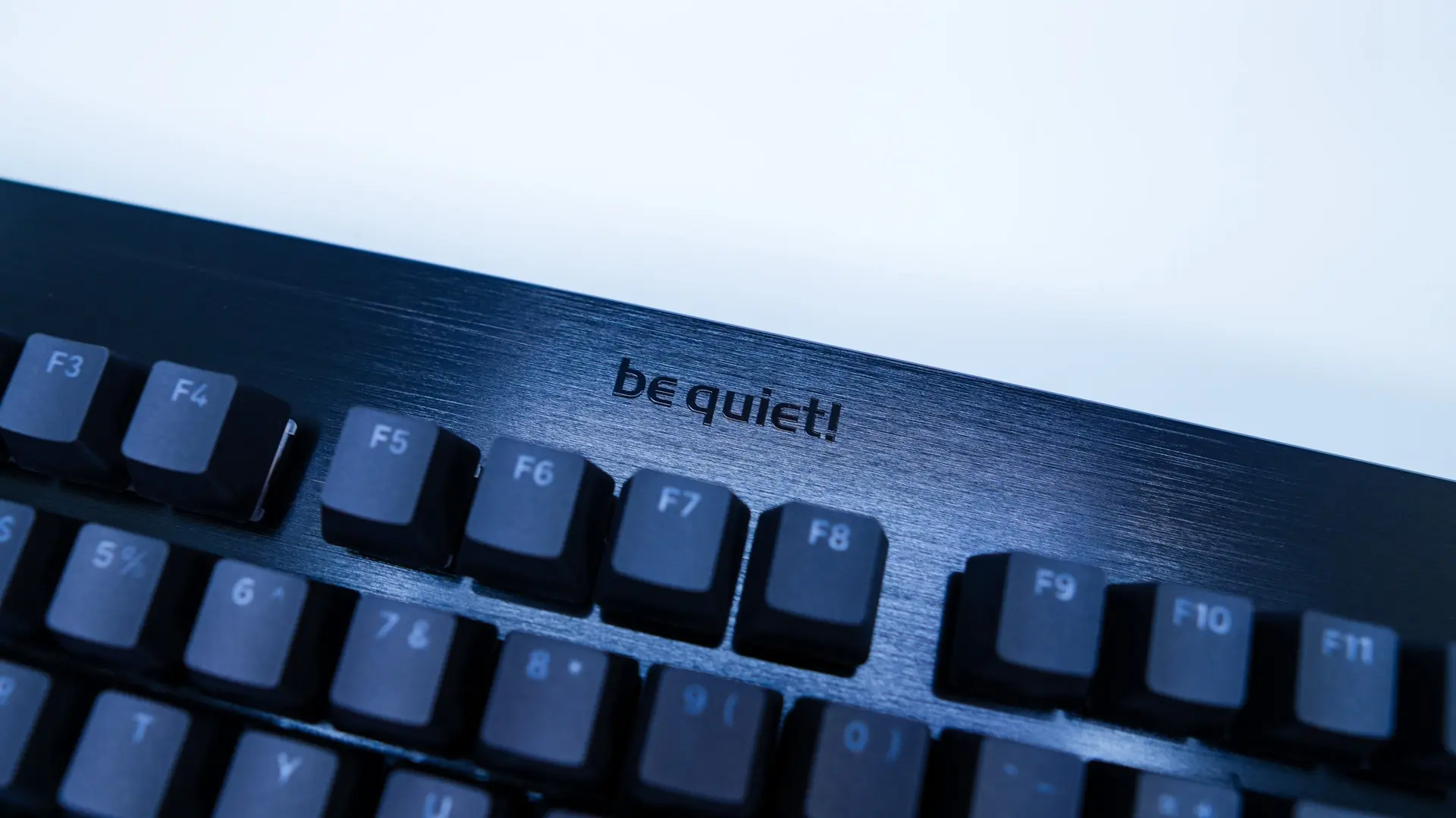
The brushed aluminum top plate looks great and there is a very nice be quiet! logo in the top center of the keyboard. Beyond that all you’ll find is three small indication LEDs on the far right of the keyboard near your arrow keys. Like any type of brushed aluminum this is going to be a fingerprint magnet, so keep that in mind.
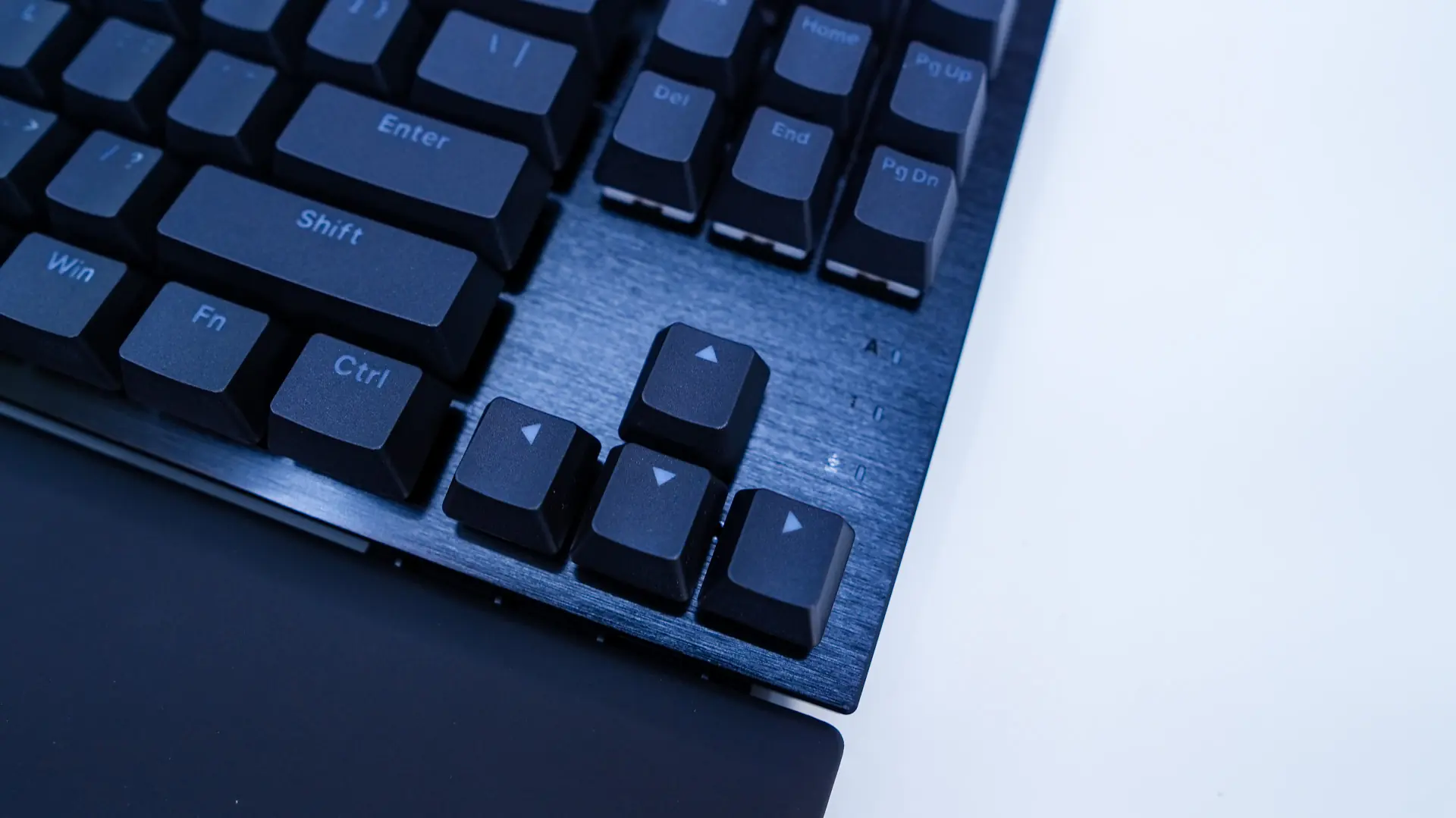
The keycaps themselves have a Cherry profile and are double-shot PBT. They do have a rougher texture, which I do prefer. PBT keycaps, compared to traditional ABS keycaps don’t show shine or wear so your keyboard is always looking brand new. The keycaps have see-through legends.
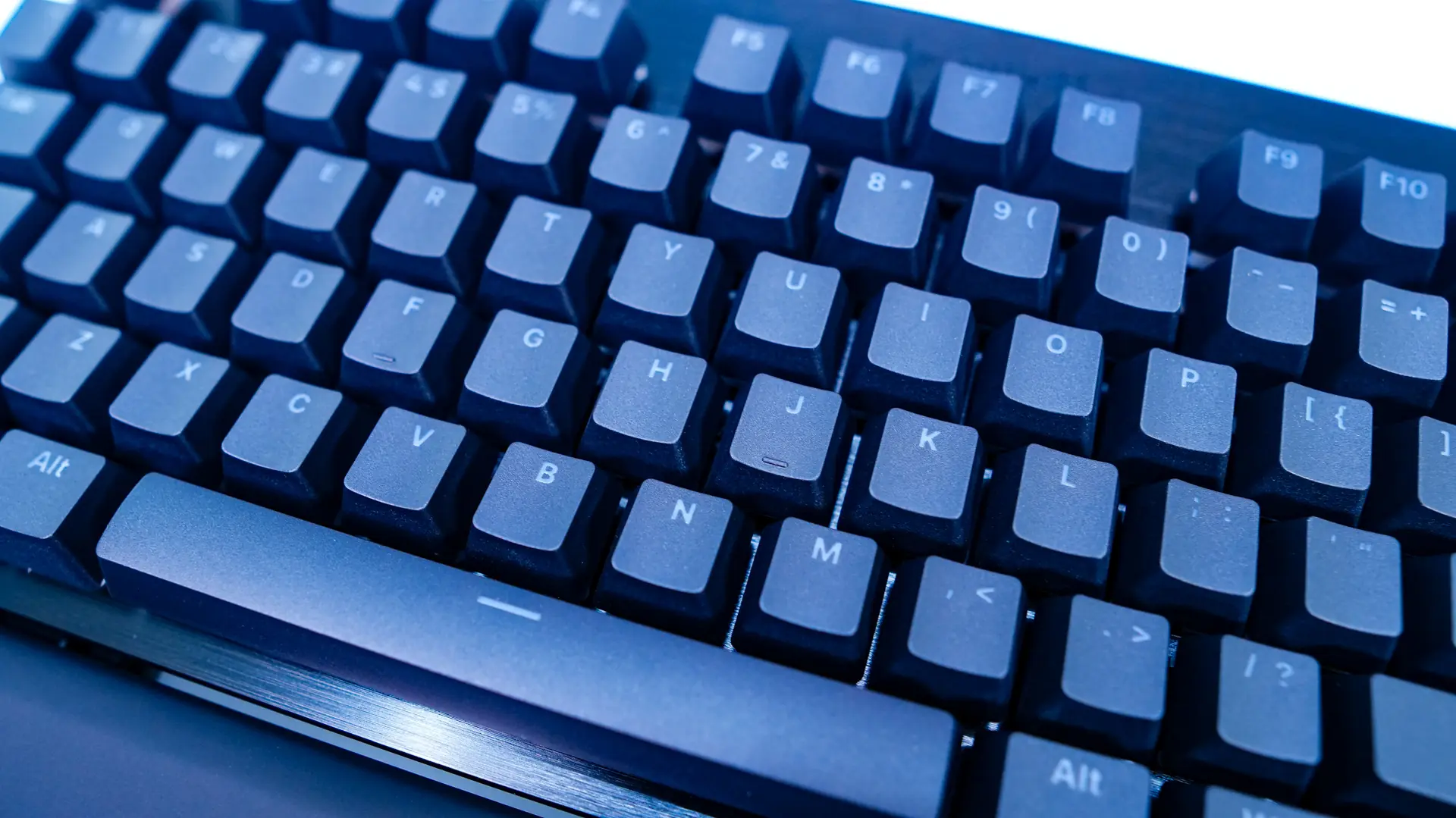
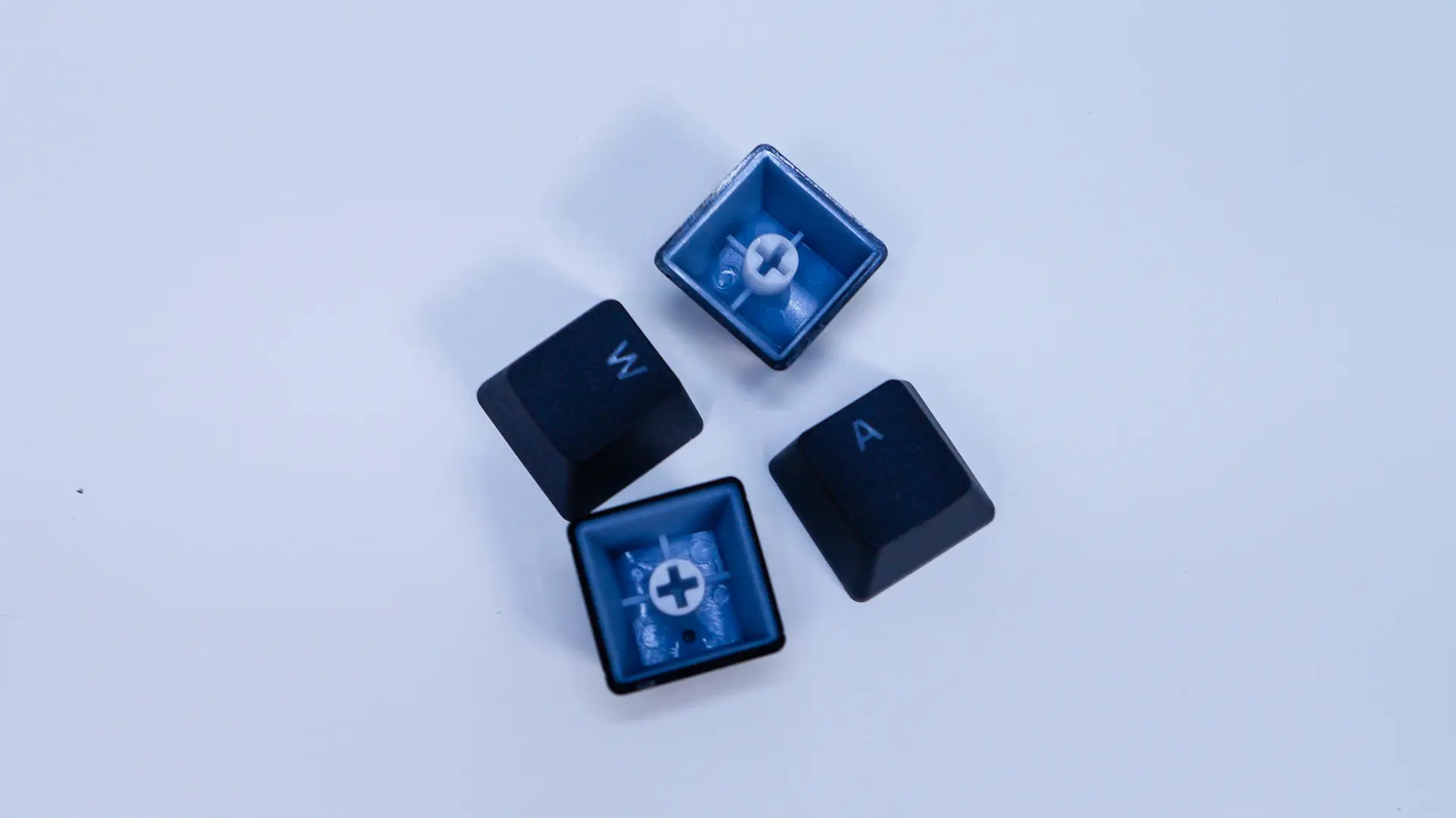
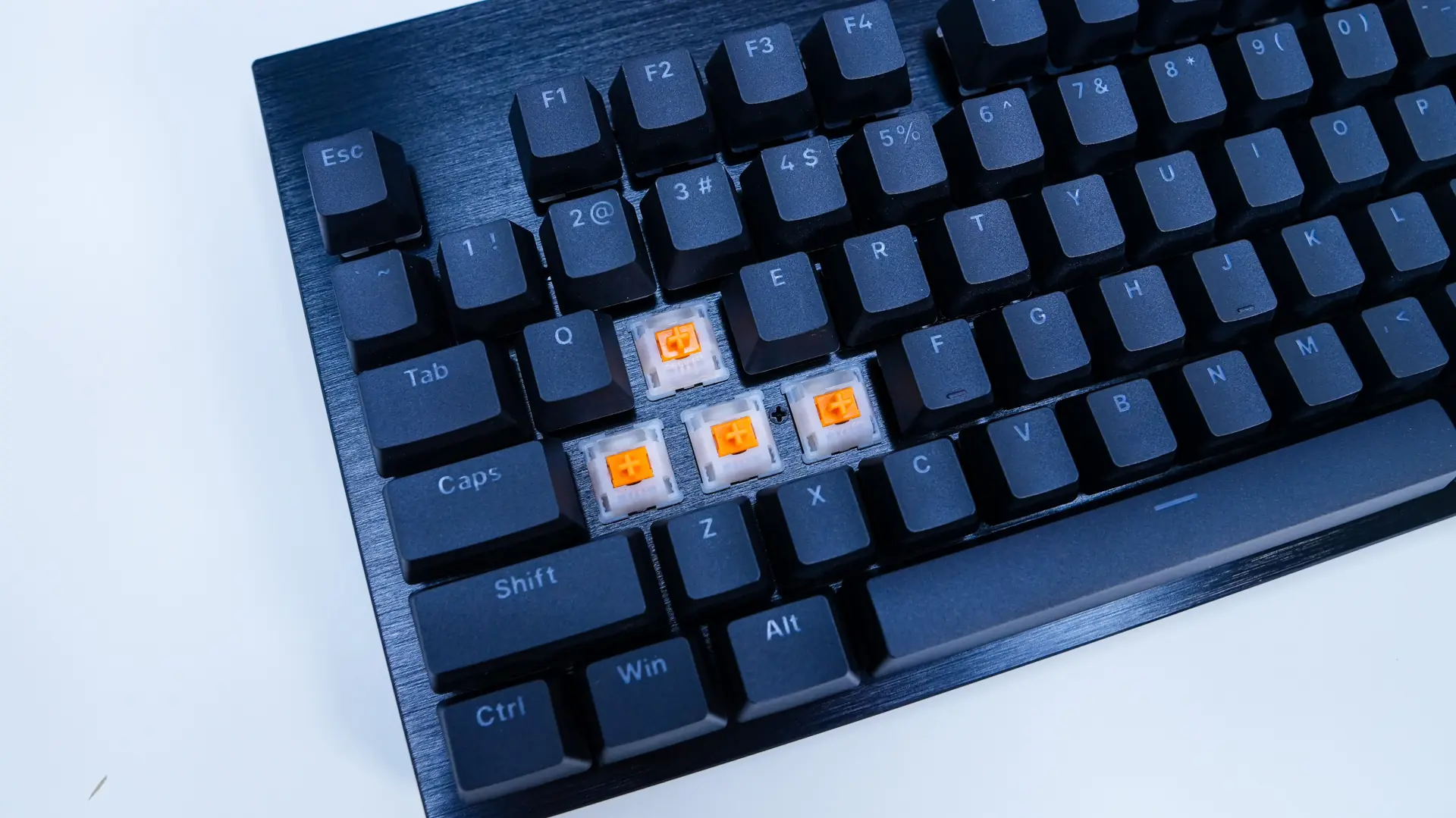
Under those keycaps you are going to find your mechanical key switches. be quiet! offers this keyboard with their silent linear switches (orange) or their silent tactile switches (black). The sample we received has the silent linear switches. These switches have an actuation force of 45g and do make use of a POM stem, which makes for a very smooth actuation. The switches are hot-swappable.
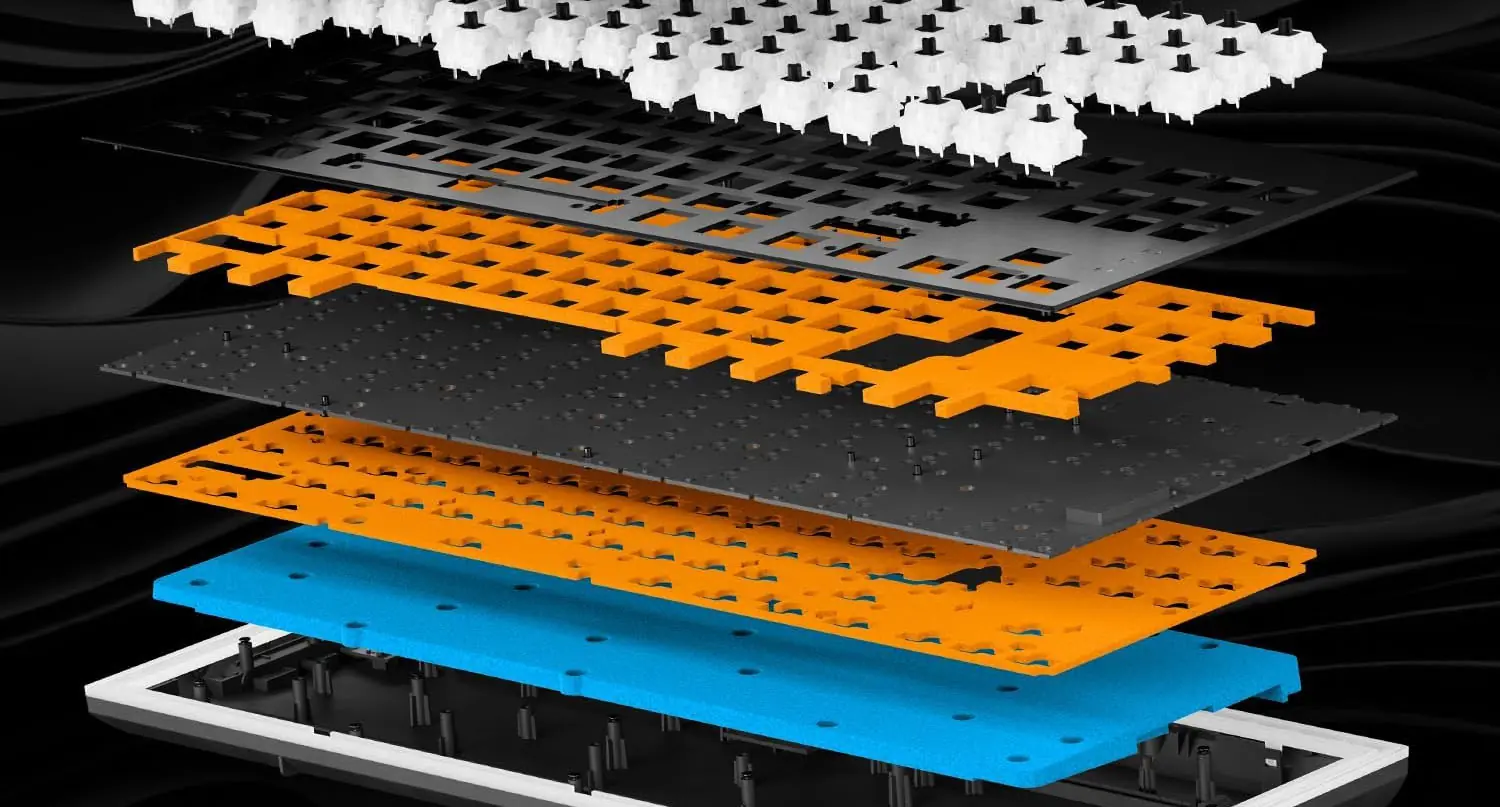
If you are wondering what else is under the hood, be quiet! is making use of a triple-layer sound dampening system. So you have foam is between the switches and the PCB, another foam layer under the PCB, and then finally silicon padding that fills the bottom housing. There is also foam inside the space bar keycap, which will reduce echo effects.
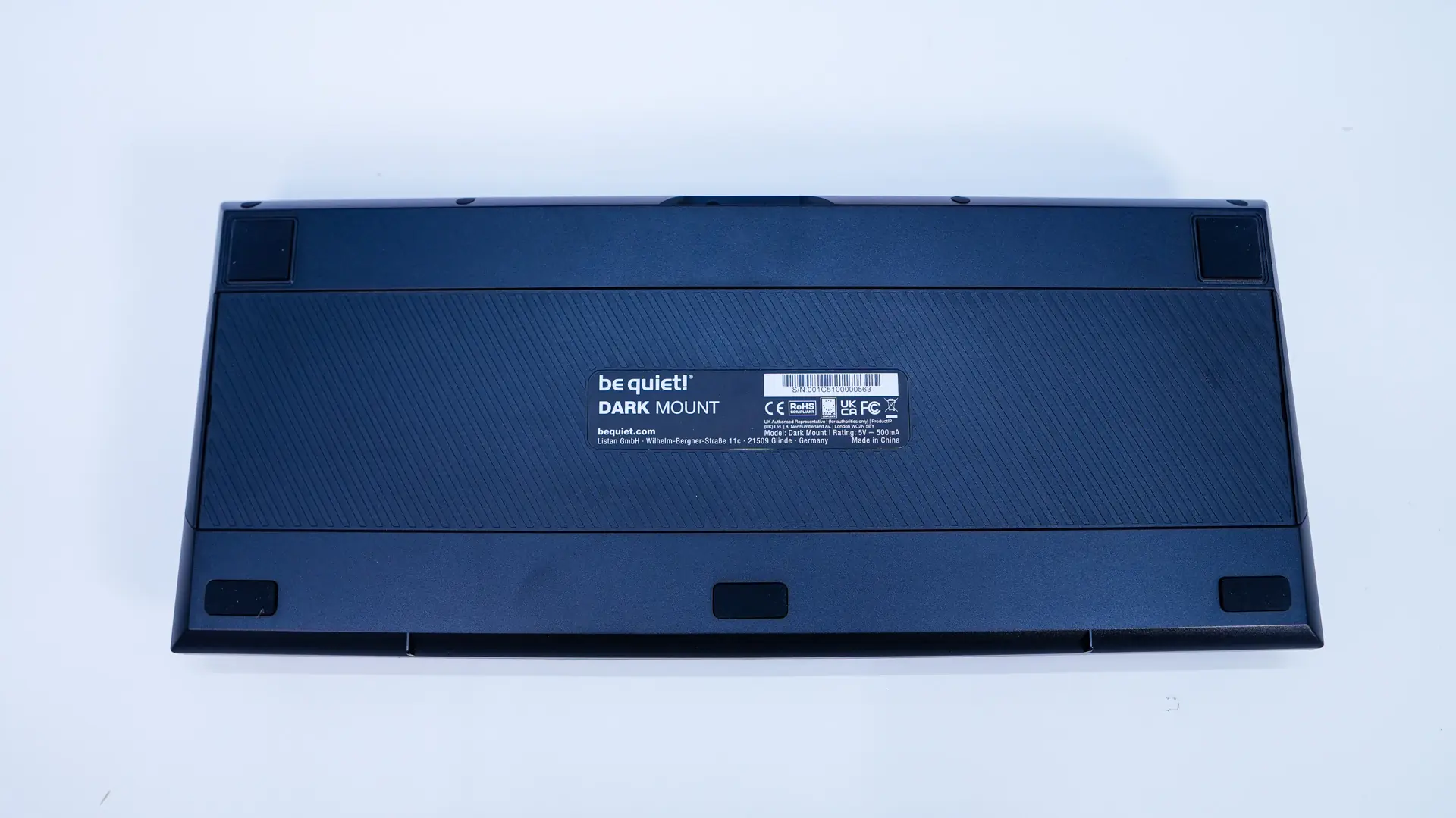
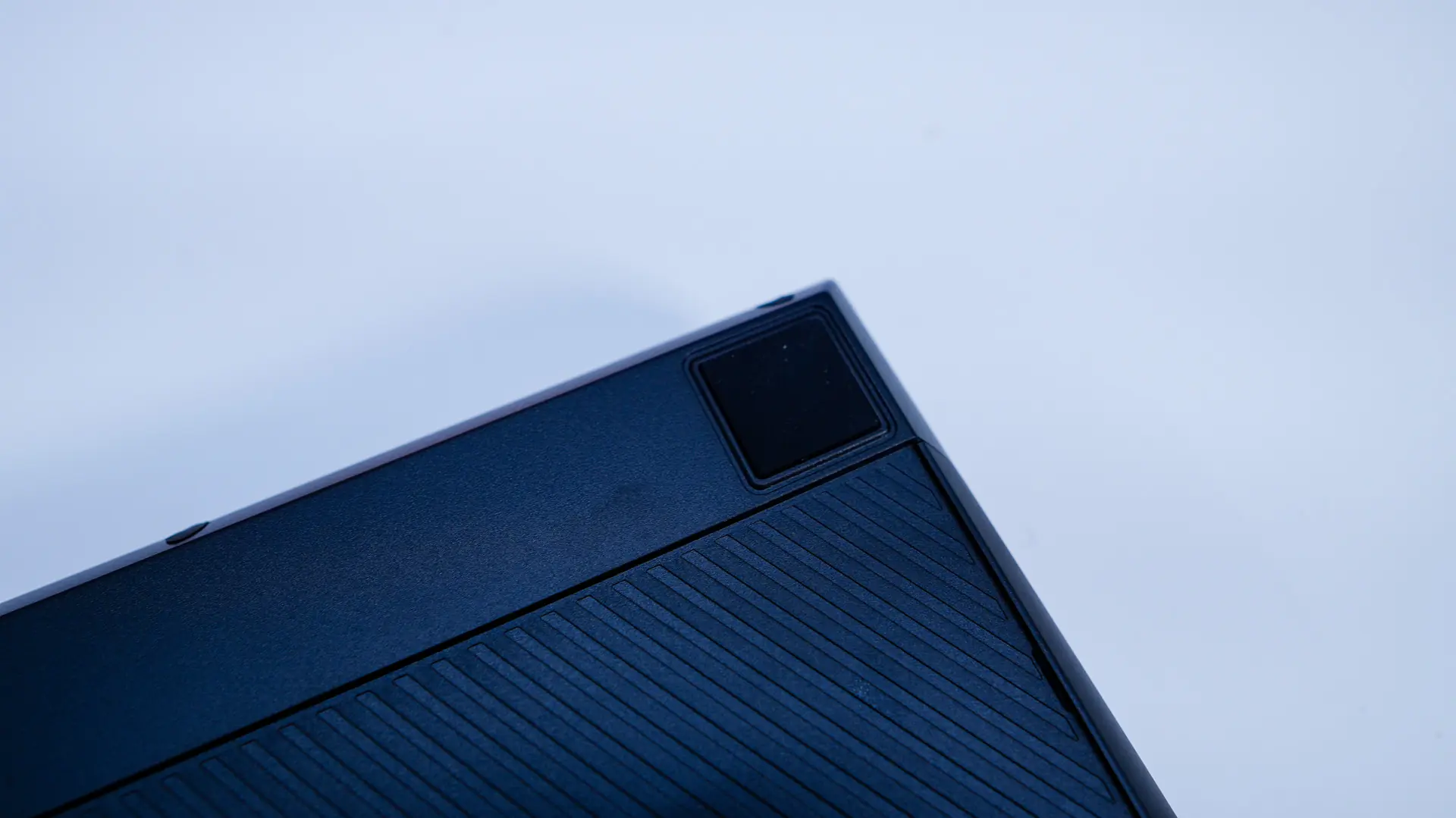
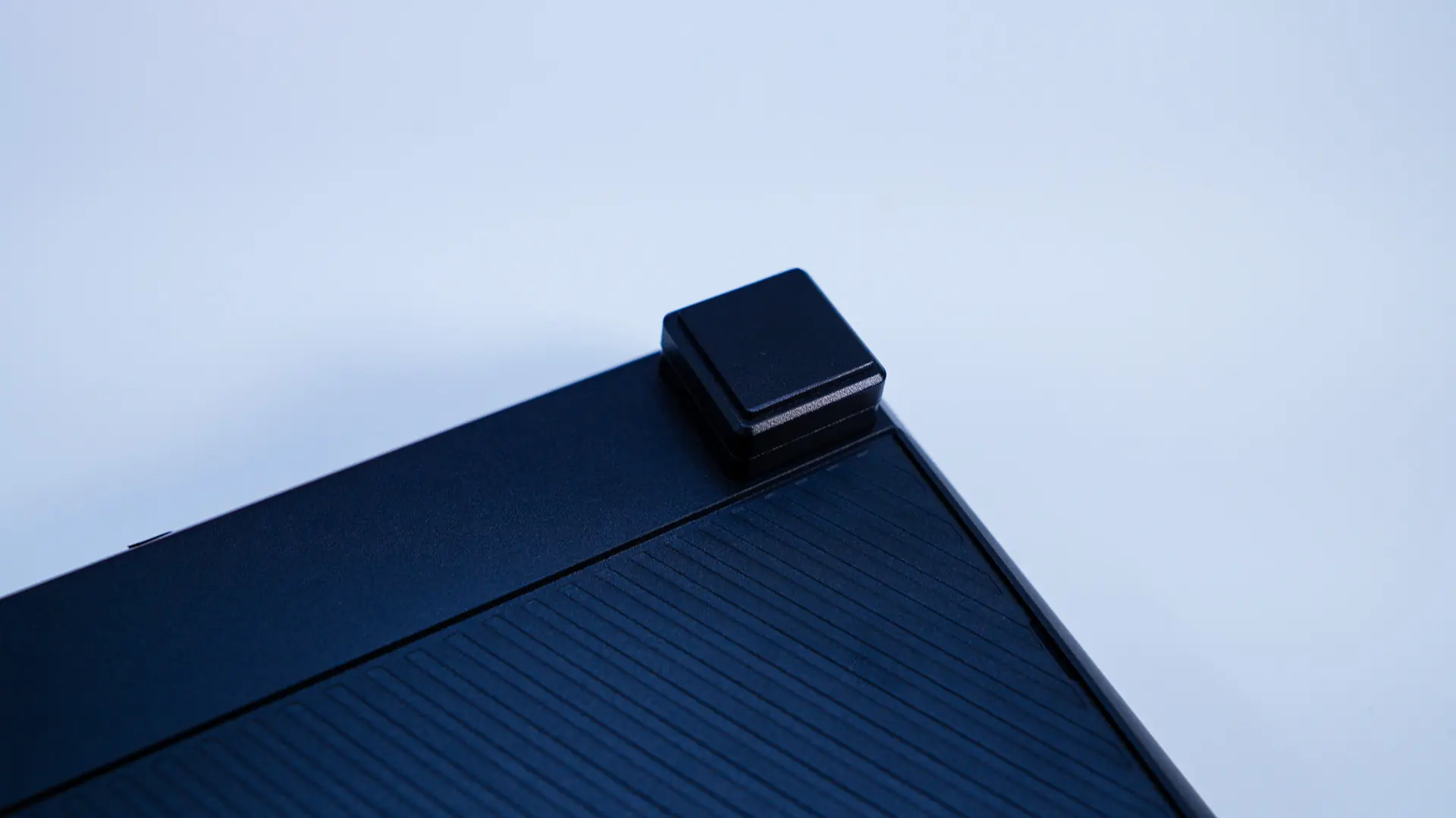
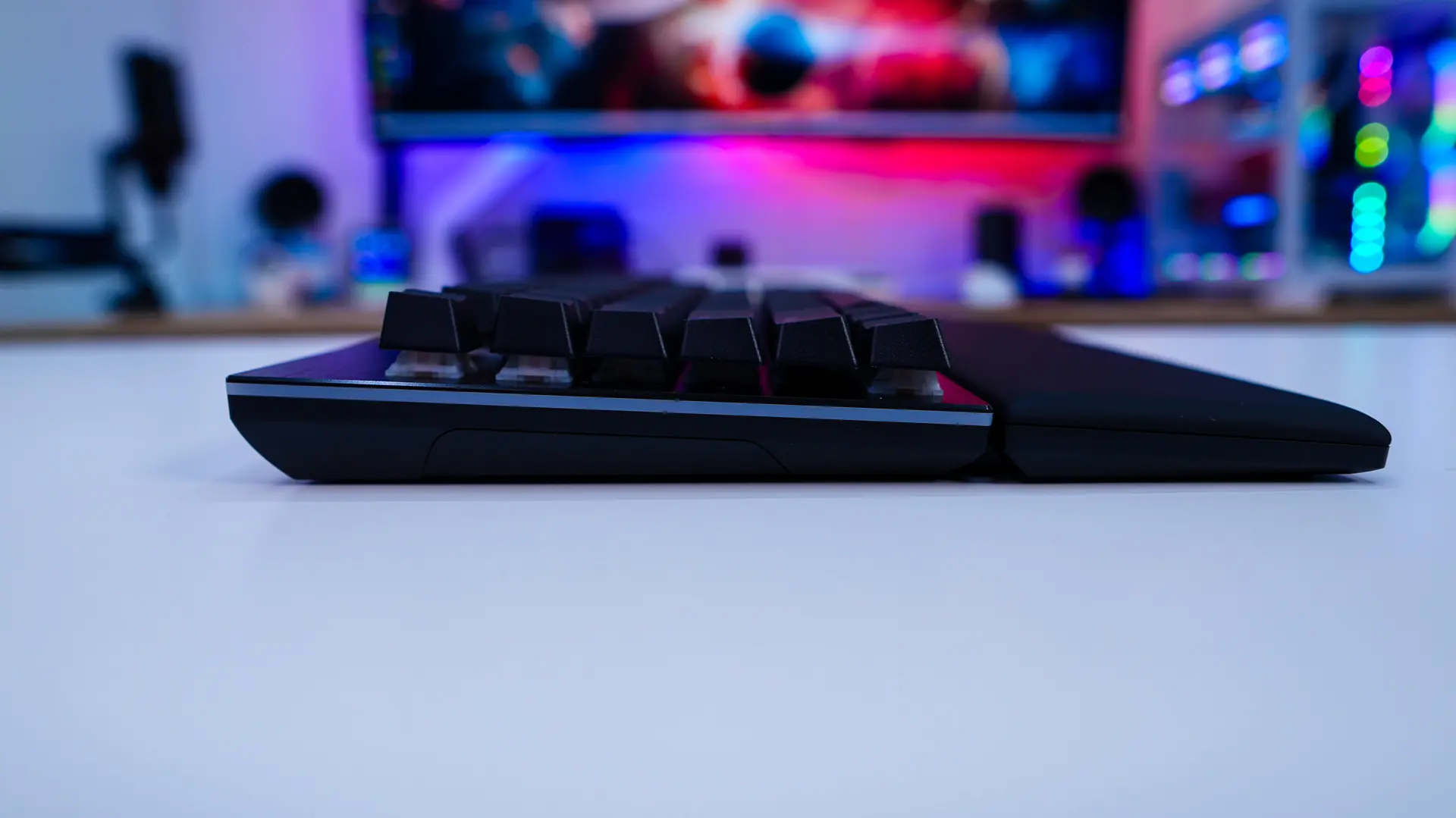
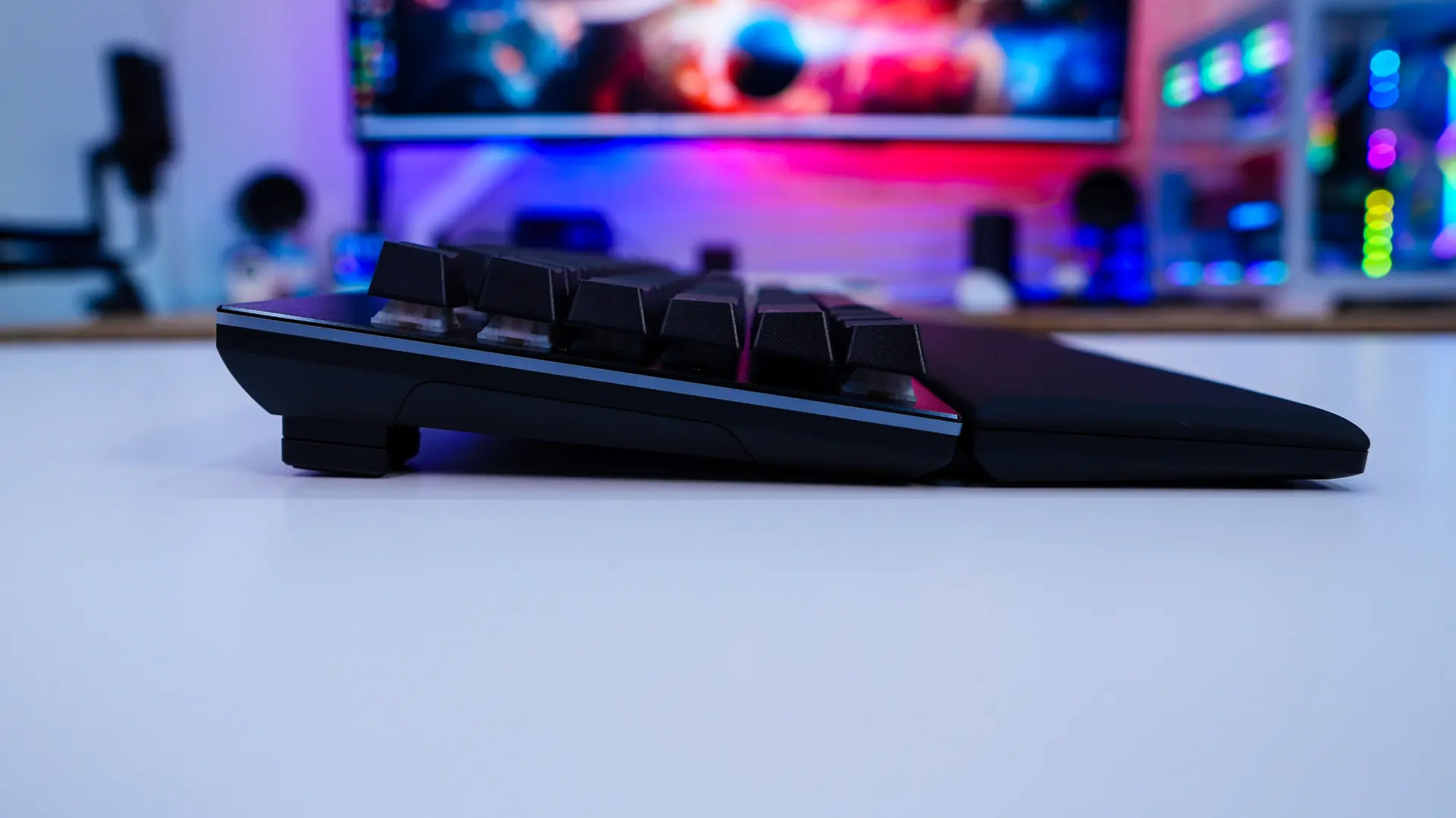
Flipping the keyboard over you can see that we have rubber feet, but no pop-out feet. This is because be quiet! includes magnetic feet, which allow you to adjust the angle of the keyboard. By default the keyboard is set at a 3-degree angle, but you can adjust it to 6-degrees, or up to 9-degress.
Moving on to the number pad, it has the exact same design as the keyboard itself and it has its own palm rest. You are going to have the same keycaps, switches, and sound dampening.
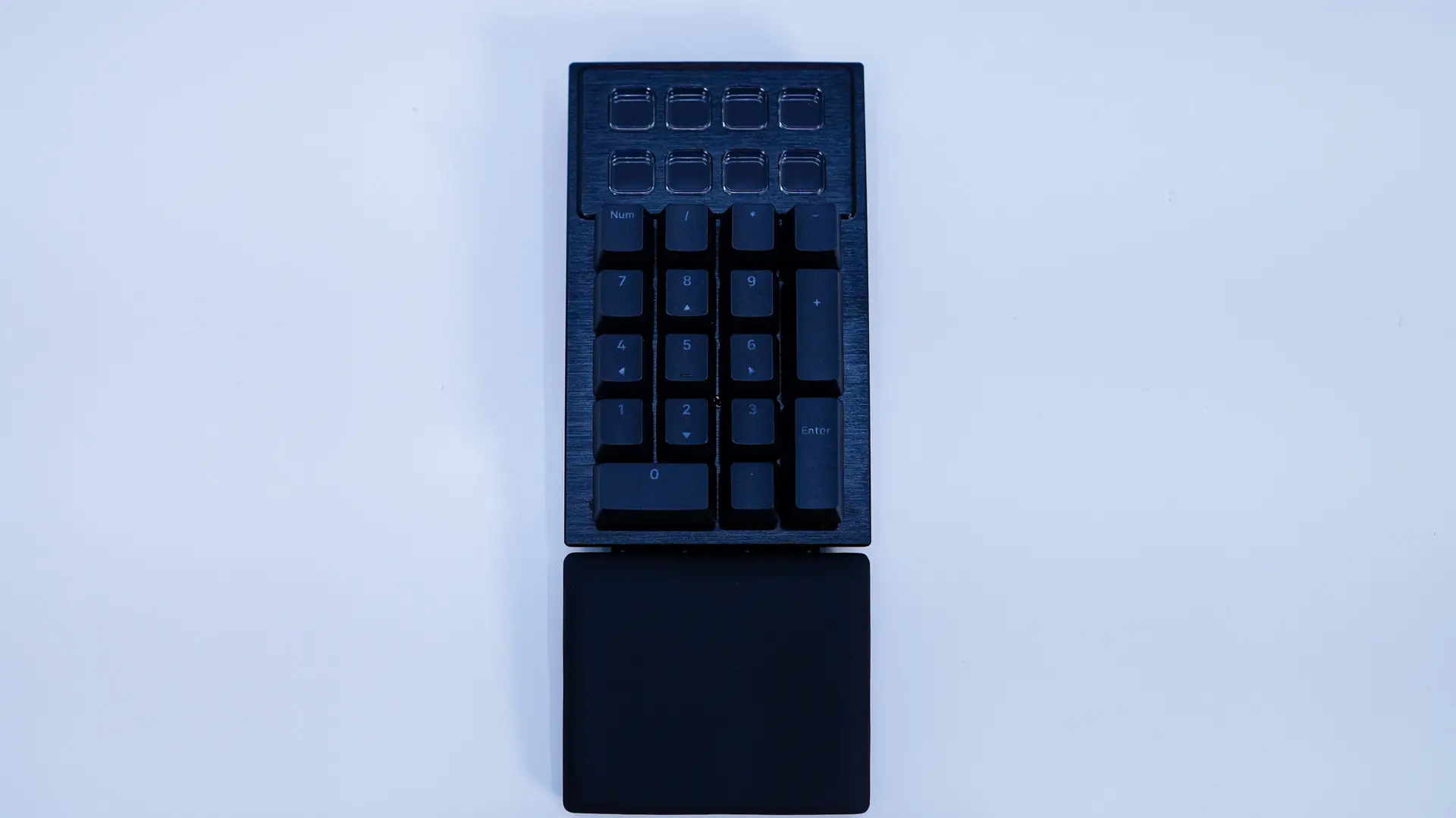
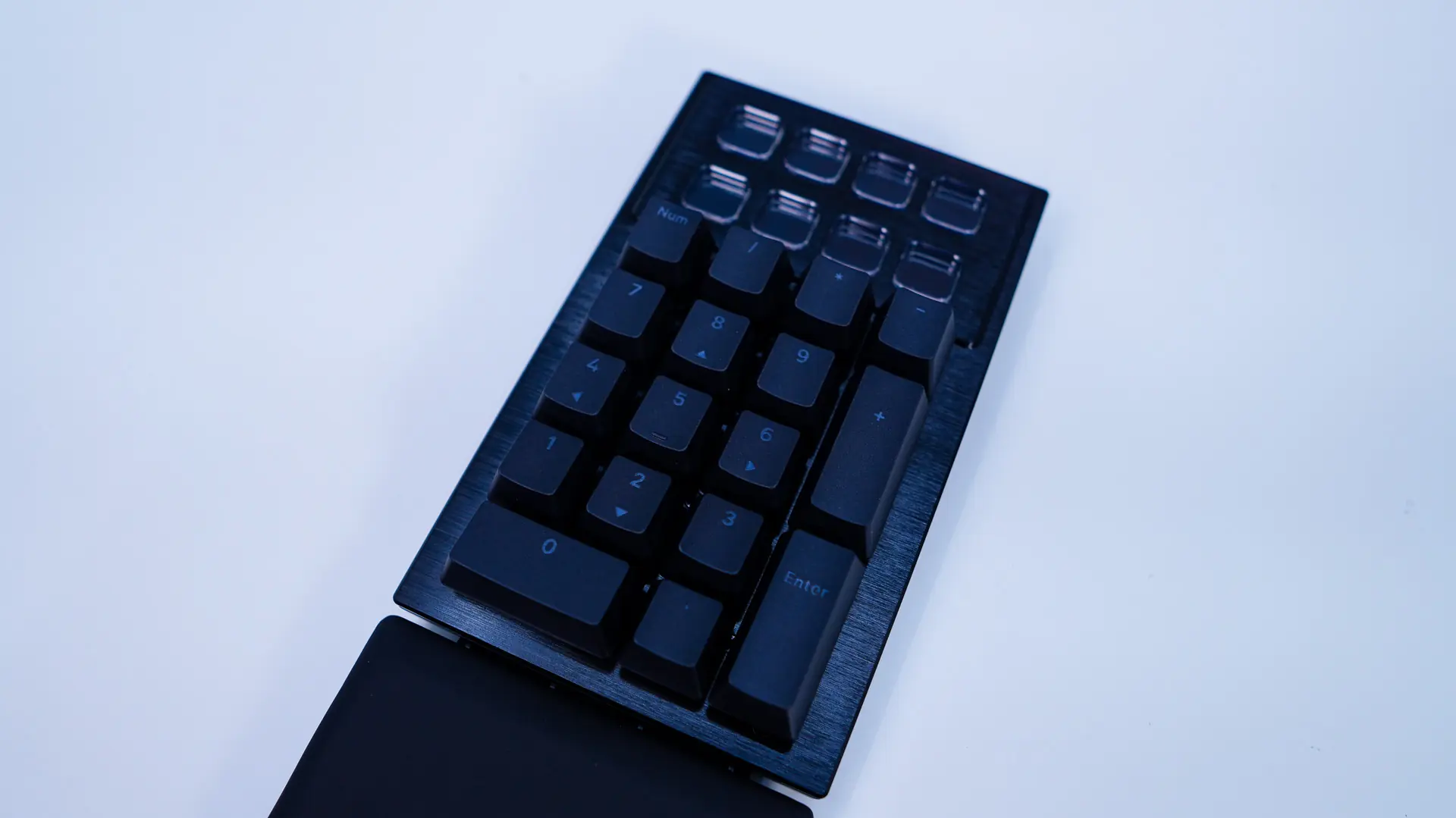
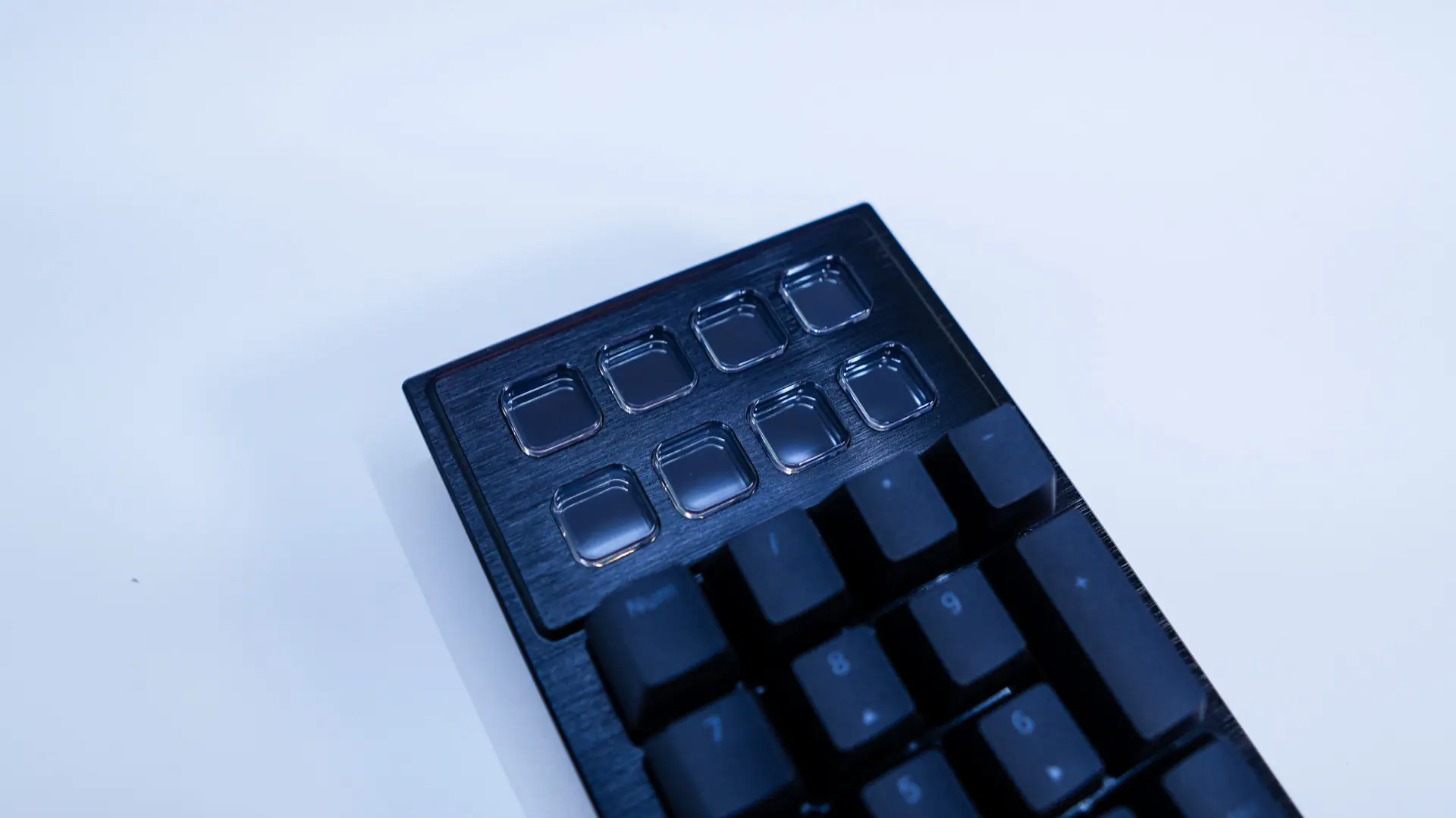
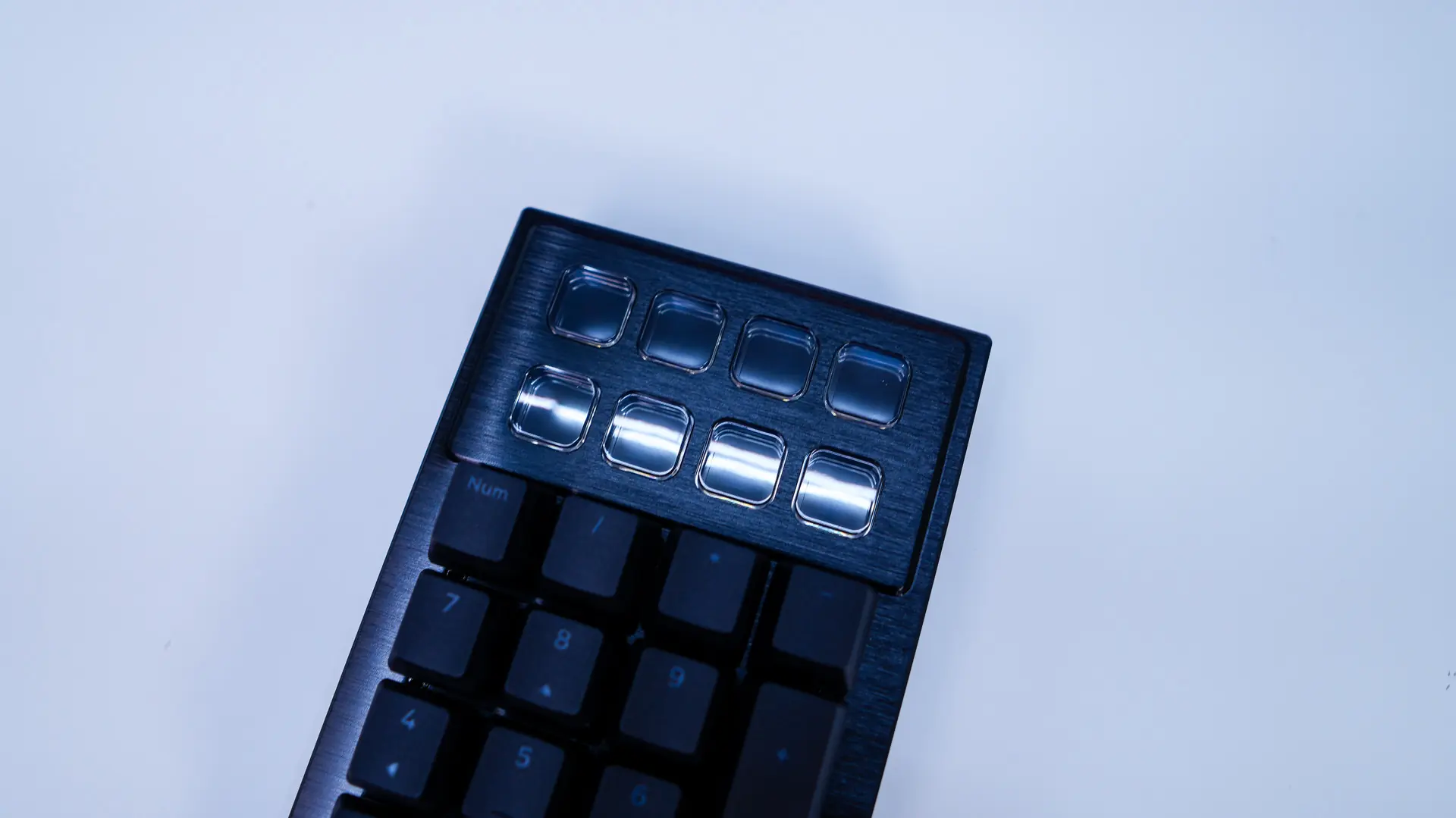
Above the normal keys on the number pad are eight display keys. These offer a 140×140 resolution and can be completely customized with support for animated GIFs, JPGs, PNGs, and other common image formats.
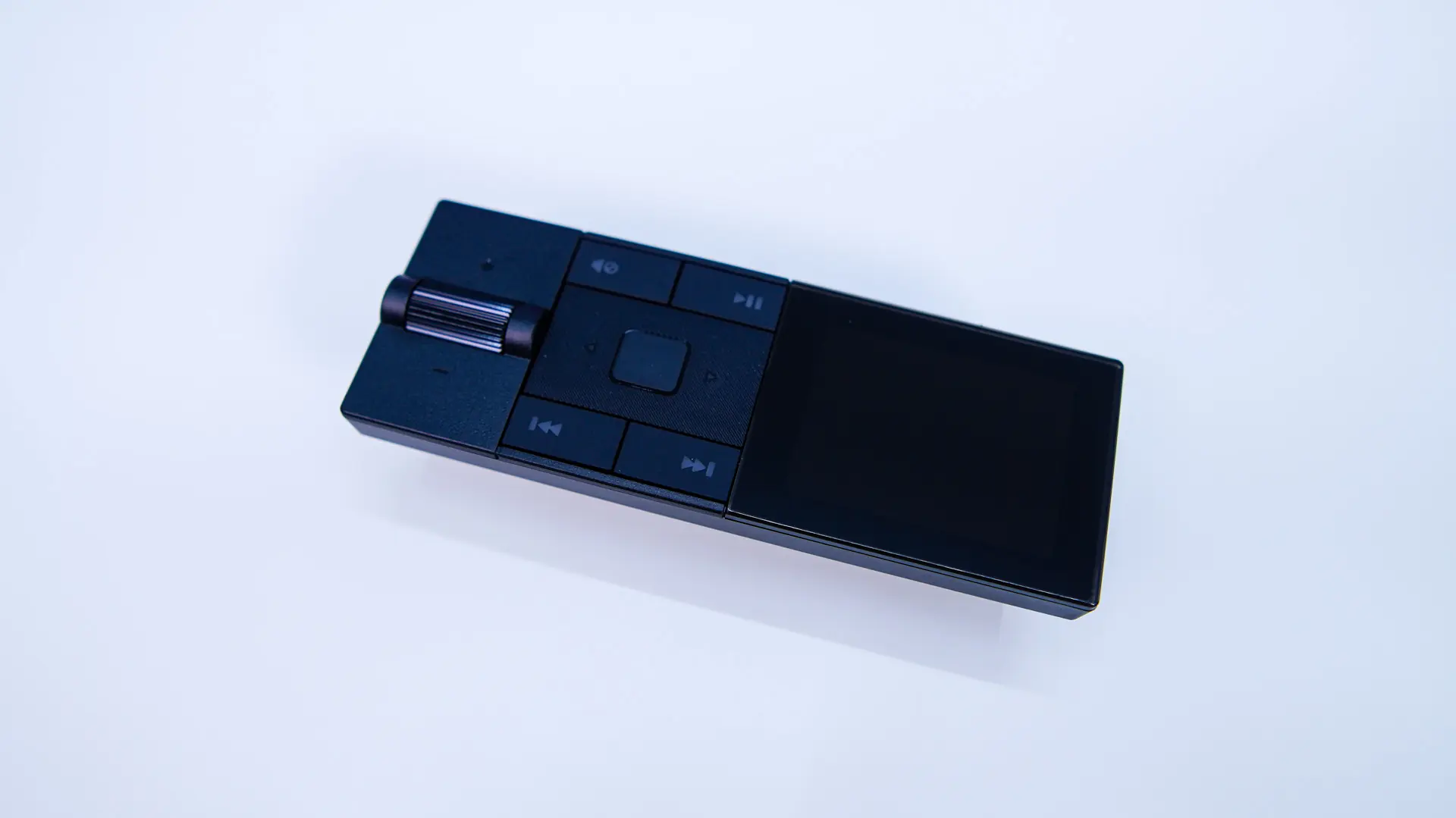
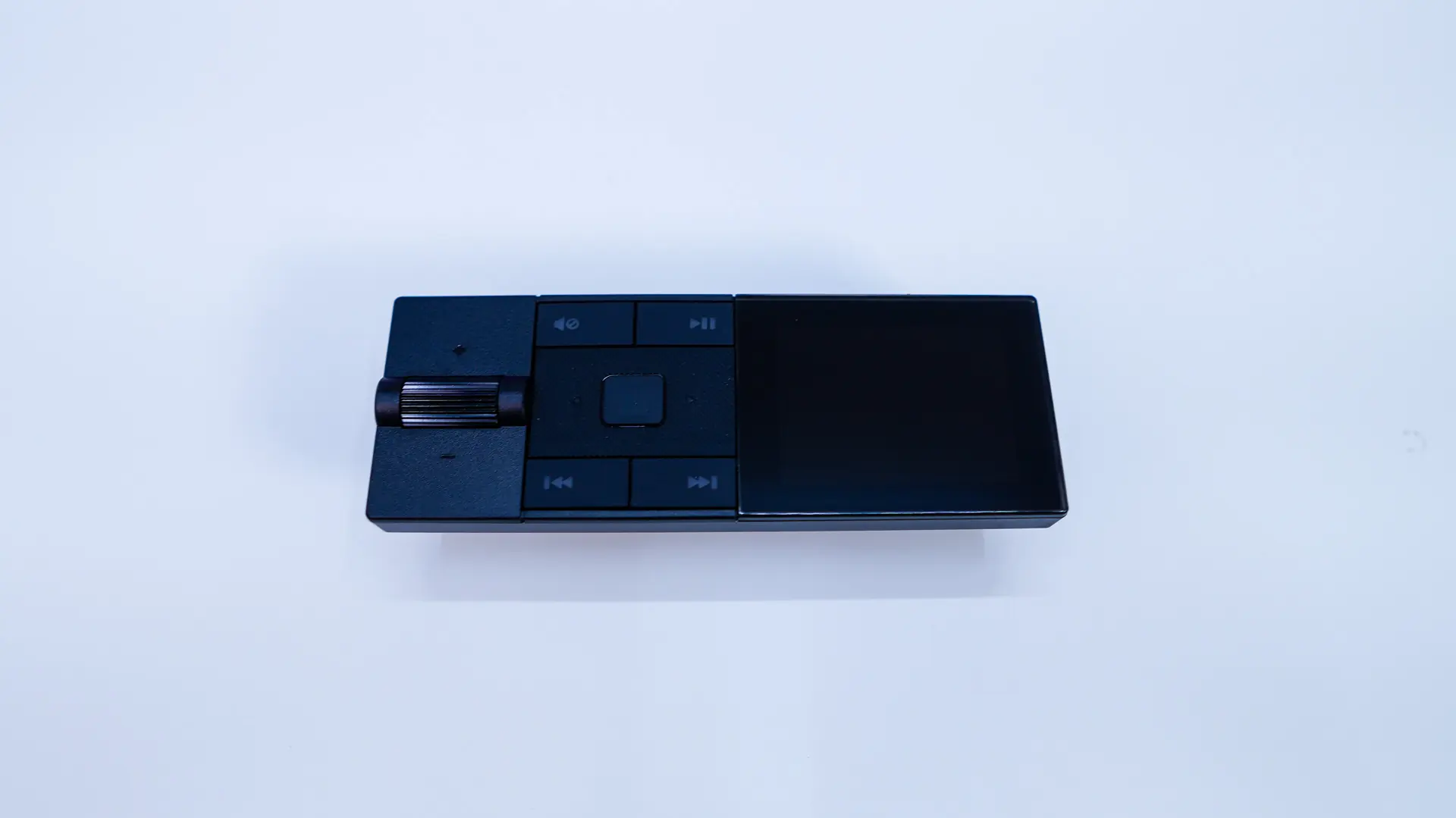
The last piece of the puzzle is the media dock. It features small display, tactile scroll wheel, as well as a number of different multimedia controls.