be quiet! Dark Mount Gaming Keyboard Software
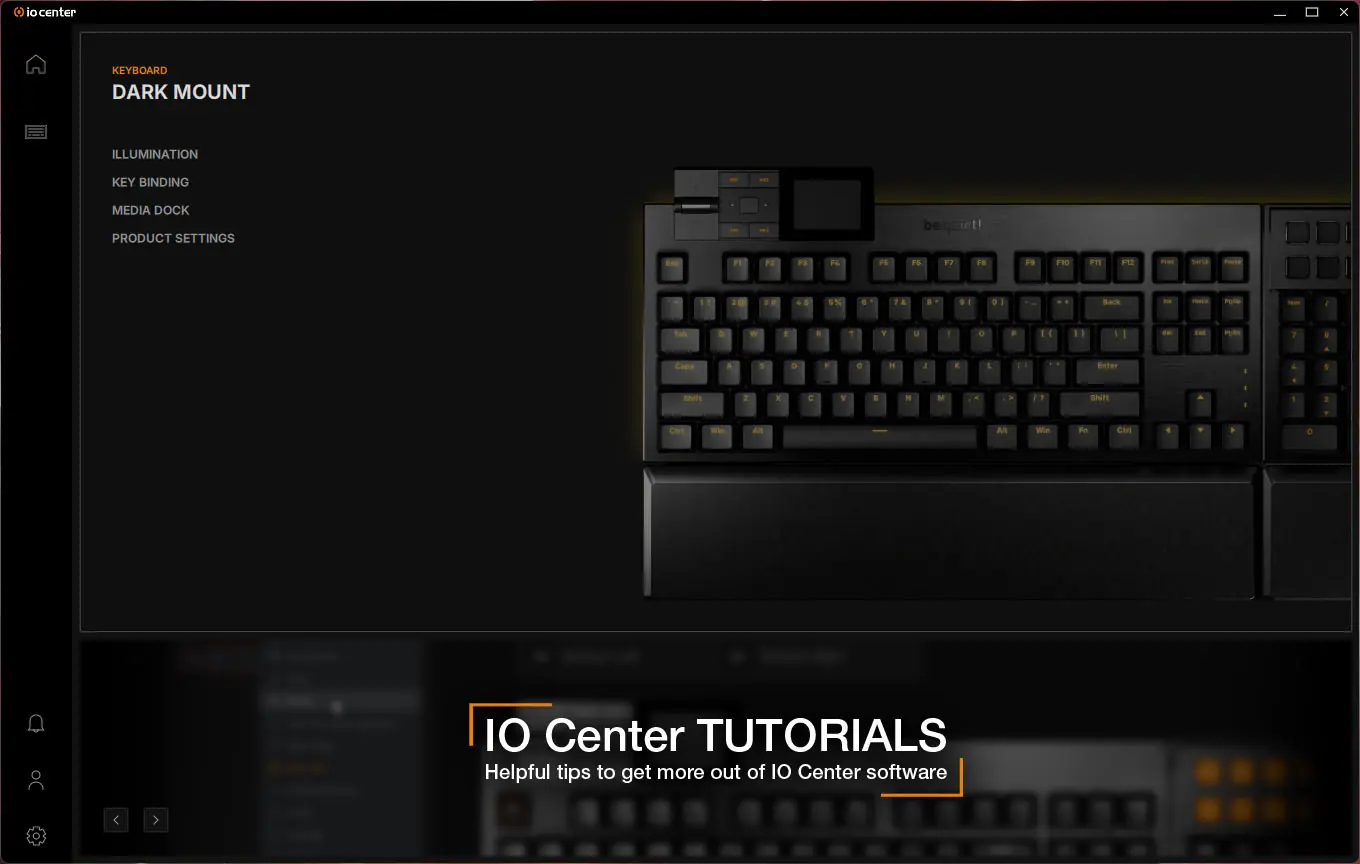
be quiet! gives you two options when it comes to software for the Dark Mount. You can either download the IO Center software on your PC or use the web-based IO Center. While you may prefer the web-based version it is limited. From what I saw it has limited lighting control (no per key) and you cannot save or set macros either. For this reason I opted for the actual software.
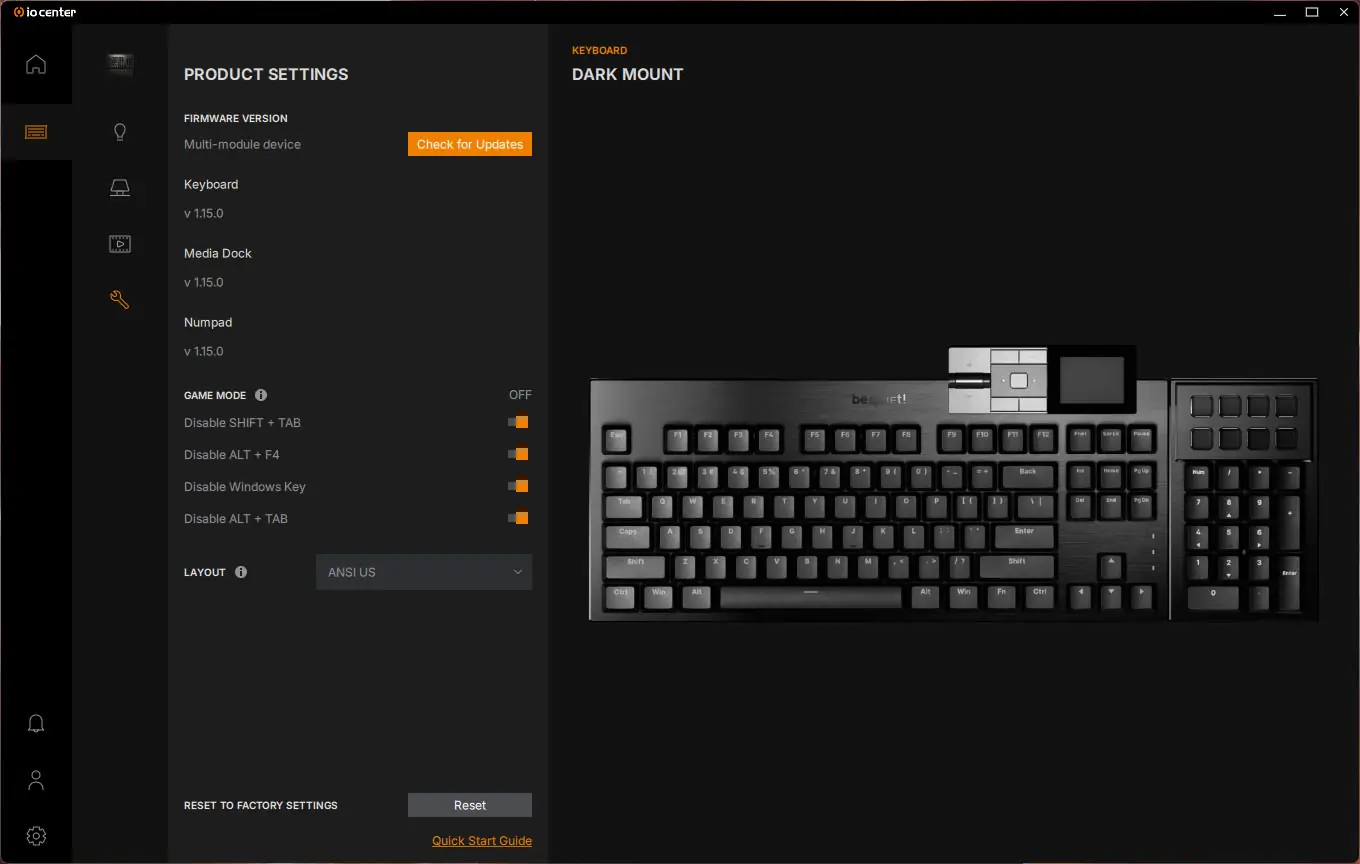
Opening the software you should see the Dark Mount there and you’ll have your setting menu on the side.
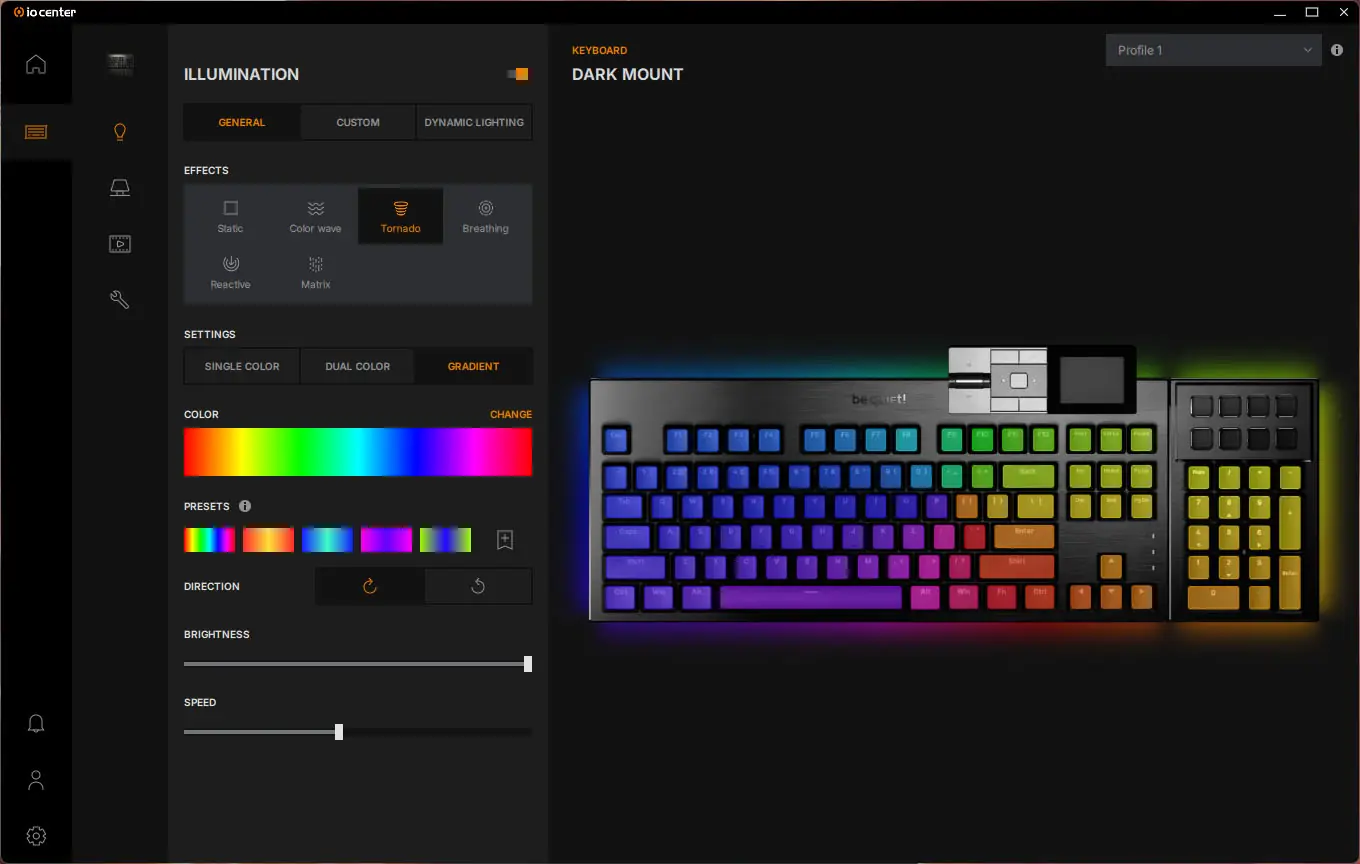
The first setting is Illumination. Here you can either set an effect for the entire keyboard or select custom to do per-key customization. This keyboard also supports Windows Dynamic Lighting.
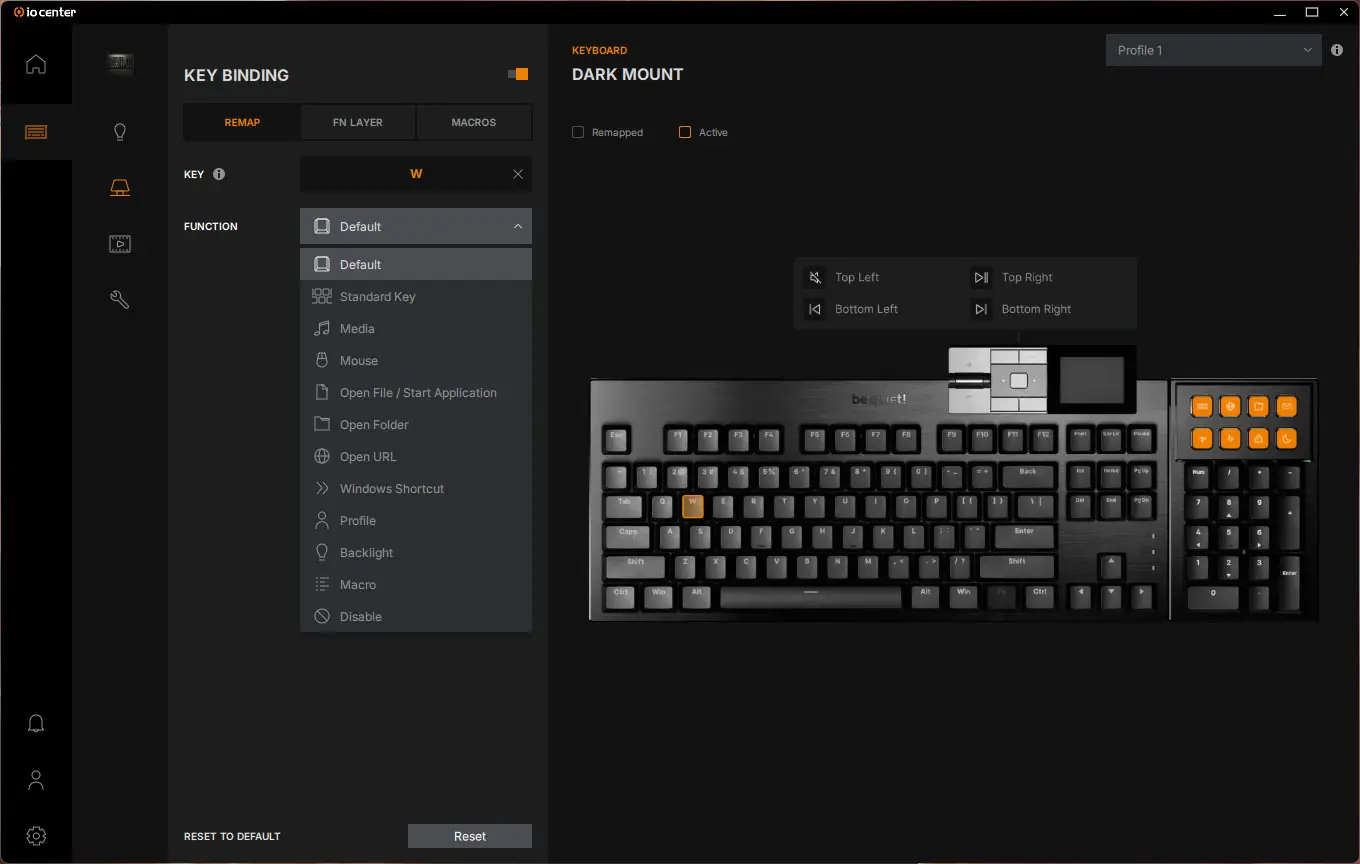
After Illumination we have Key Binding. Here you can fully reprogram the keyboard and there is a built-in macro editor. This is also where you’ll configure the media dock and display keys.
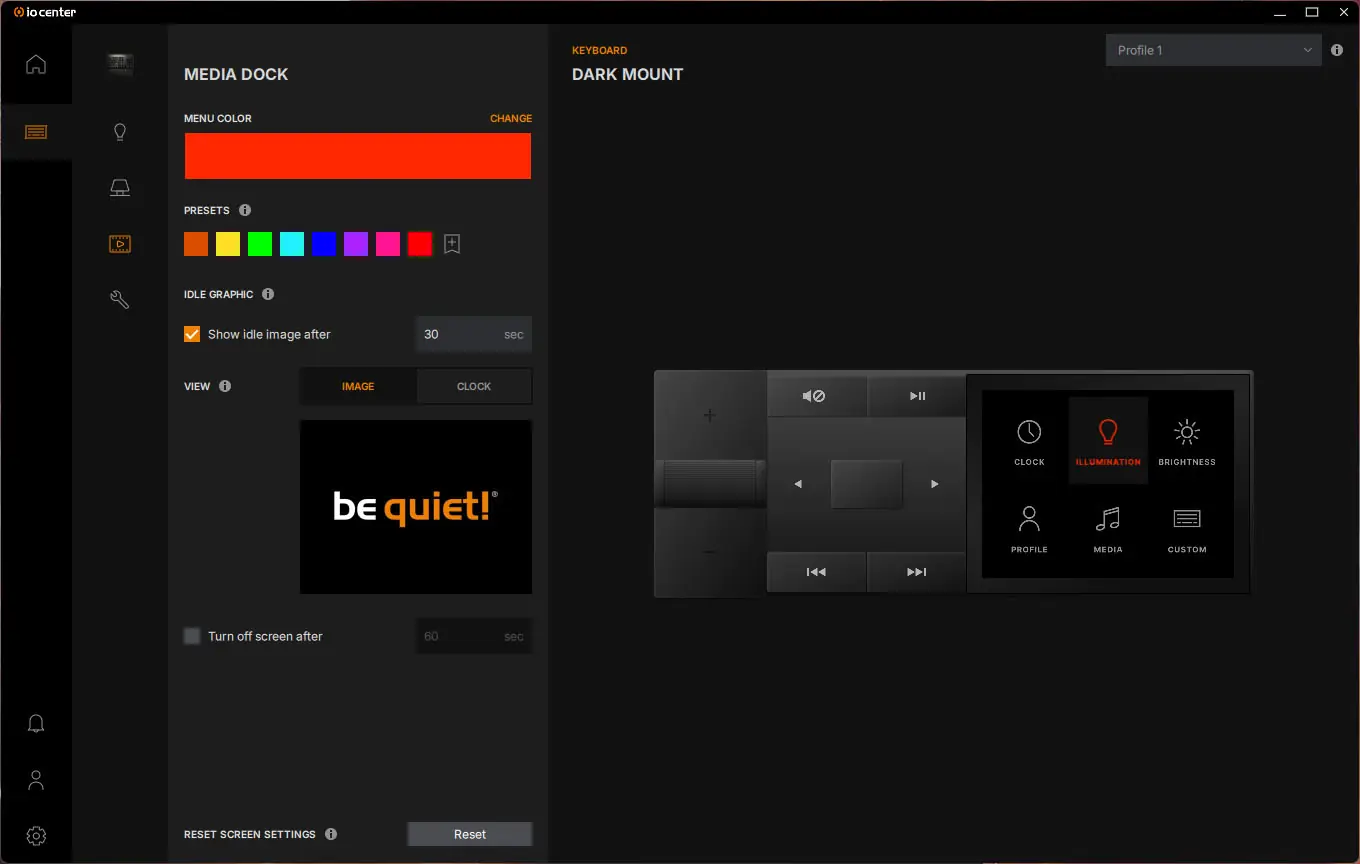
Next is the Media Dock. You can set a color for the menu system, change the main image, and configure the clock.
Finally we have the Settings menu. Here you can check for firmware updates, enable or disable certain key combinations, and change the layout.