Putting the be quiet! Dark Mount Together
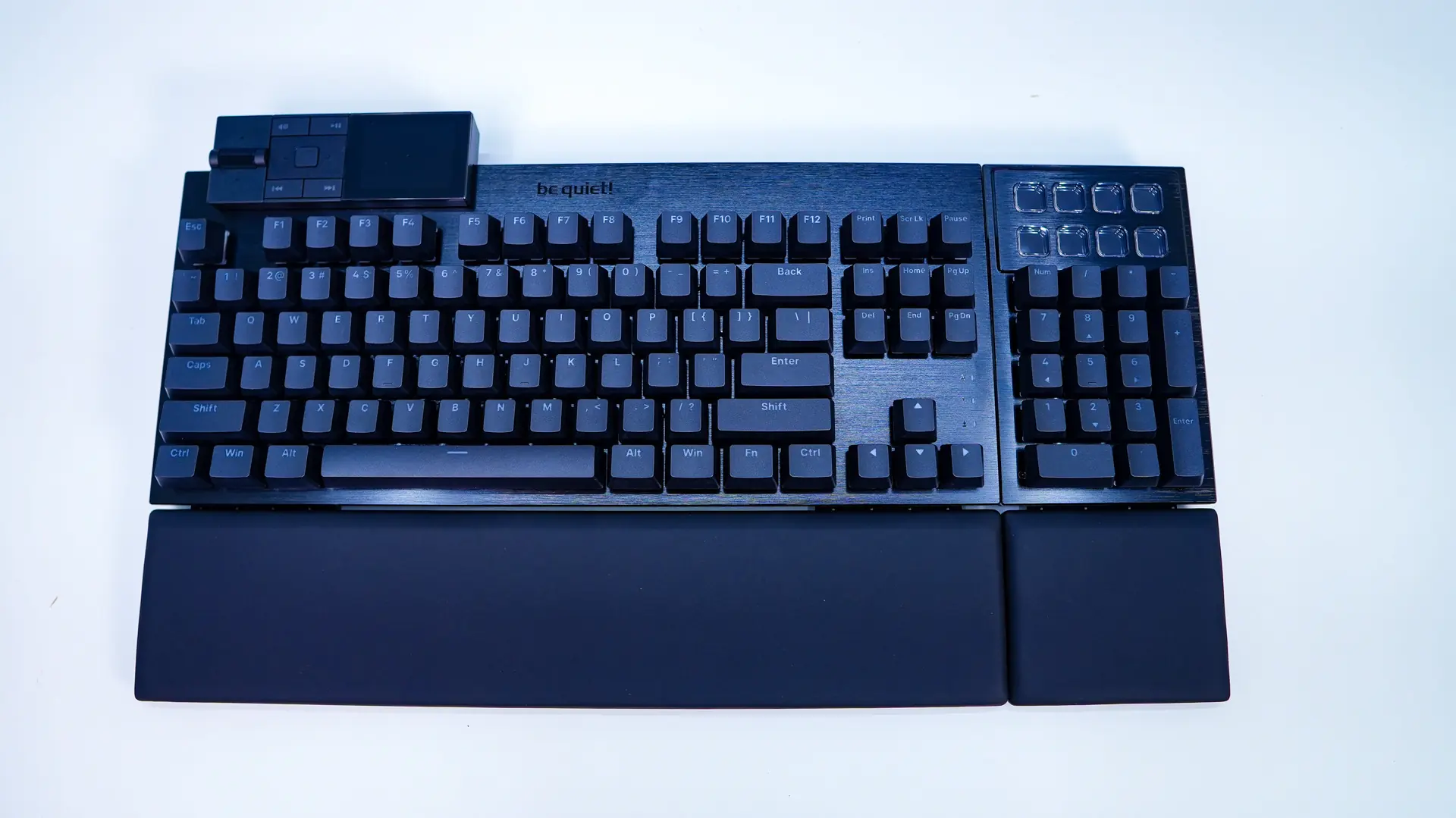
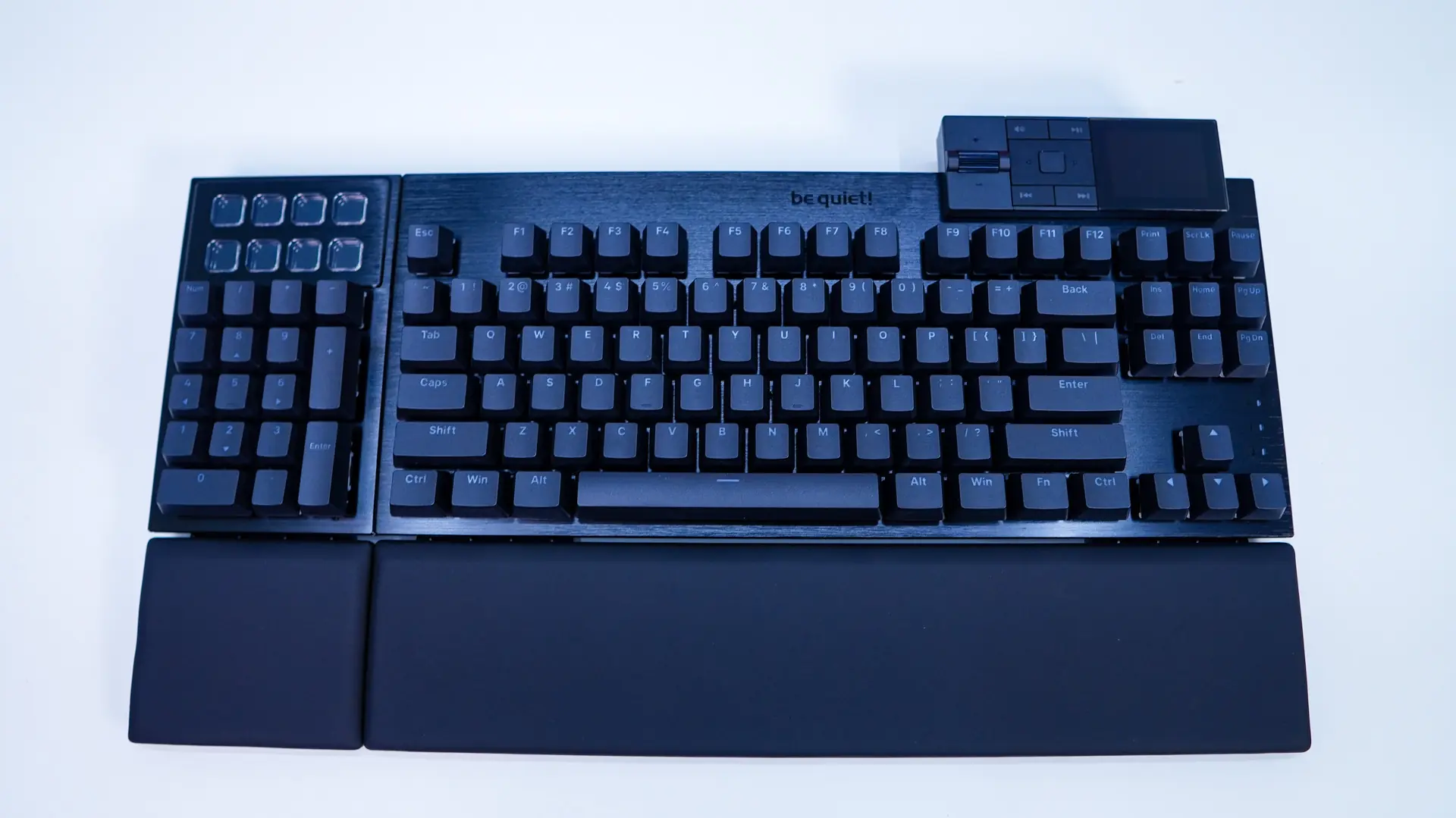
On each side of the keyboard are small removable sections which are held into place by magnets. These allow you to connect the number pad to either side of the keyboard and have a USB-C connector inside.
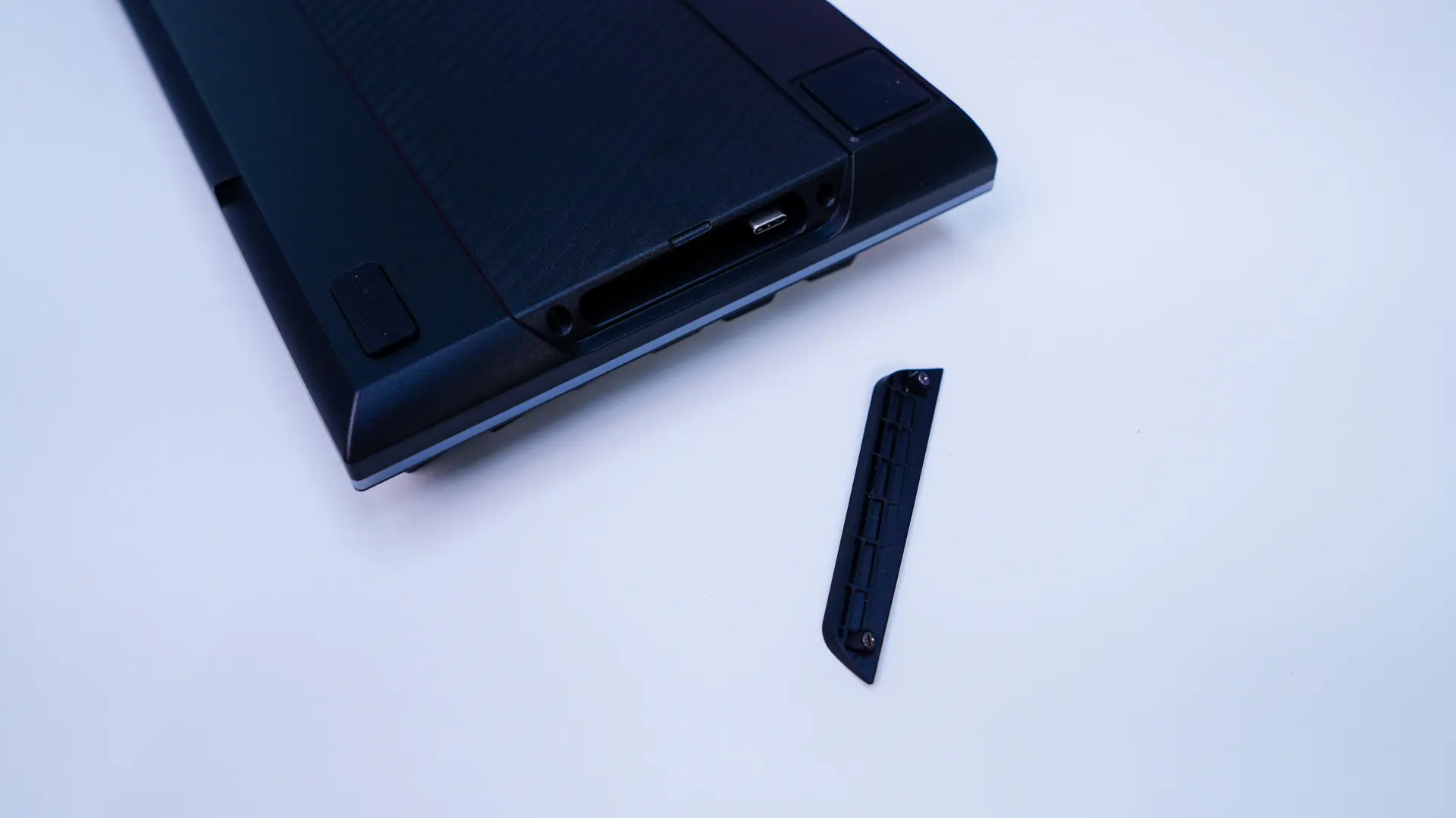
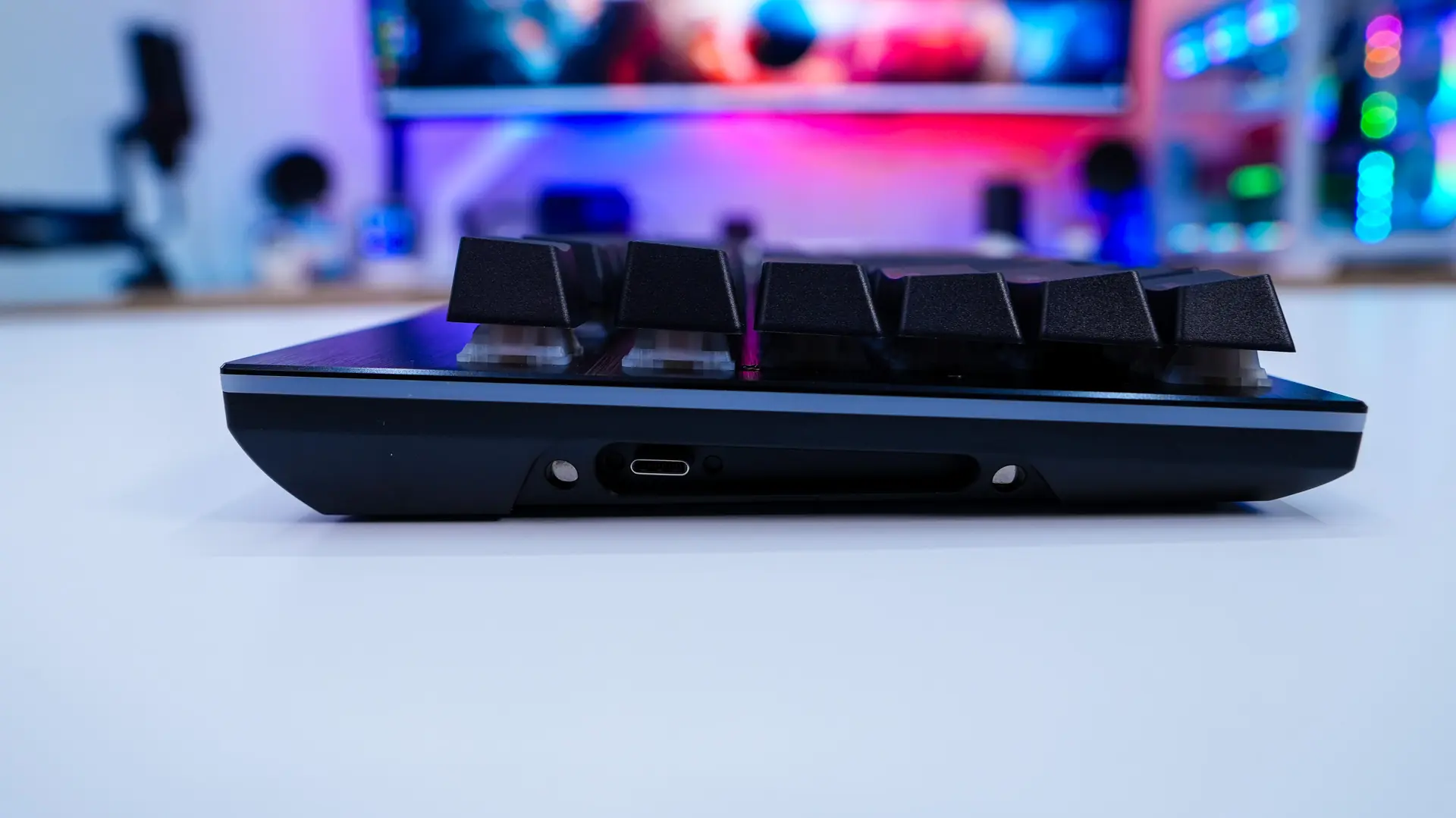
The number pad also has these removable sections, but there is a slider on the bottom of the number pad. This slider allows you to move out the connector piece of the number pad to either side depending on how you are attaching the number pad to the keyboard.
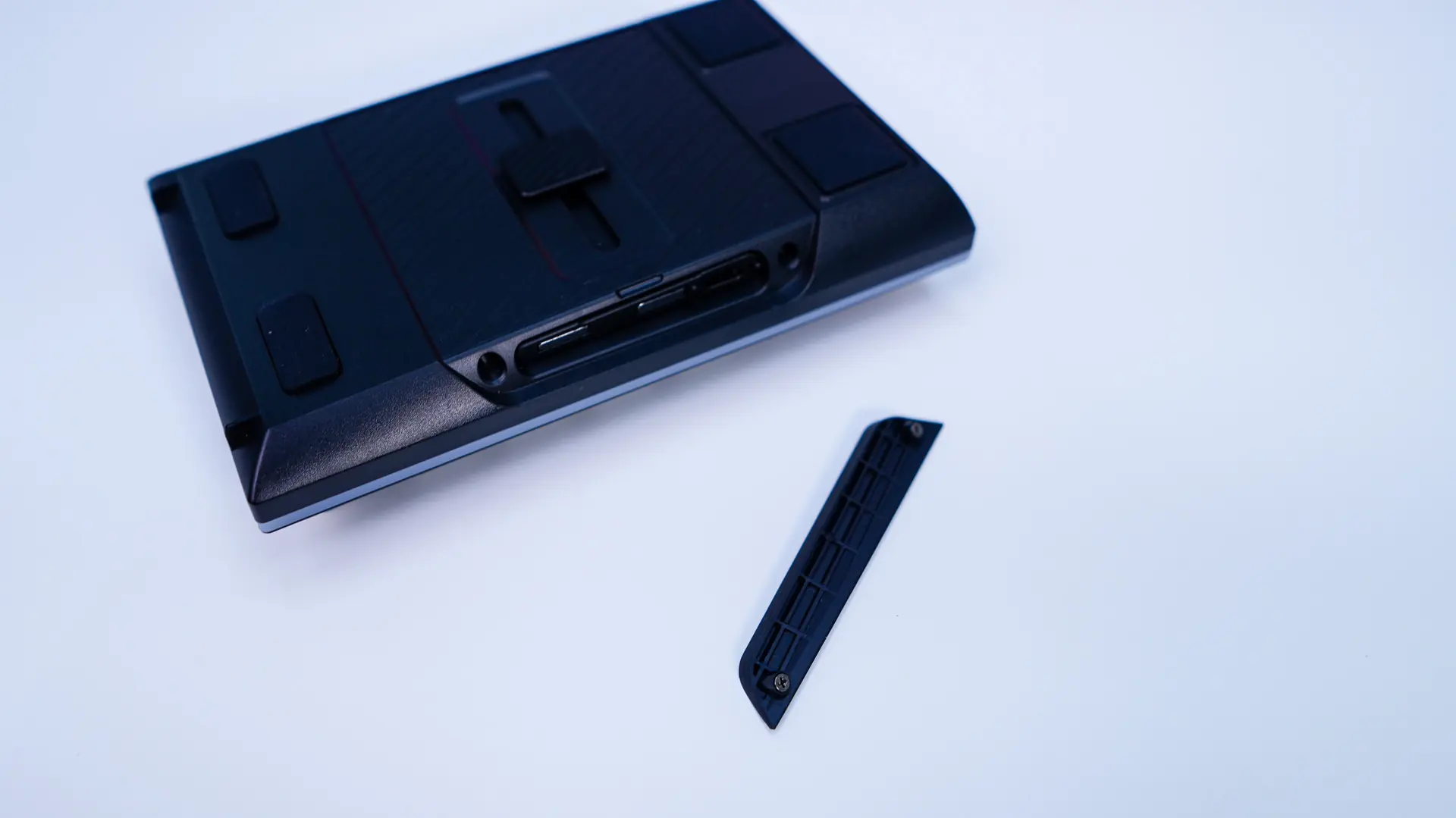
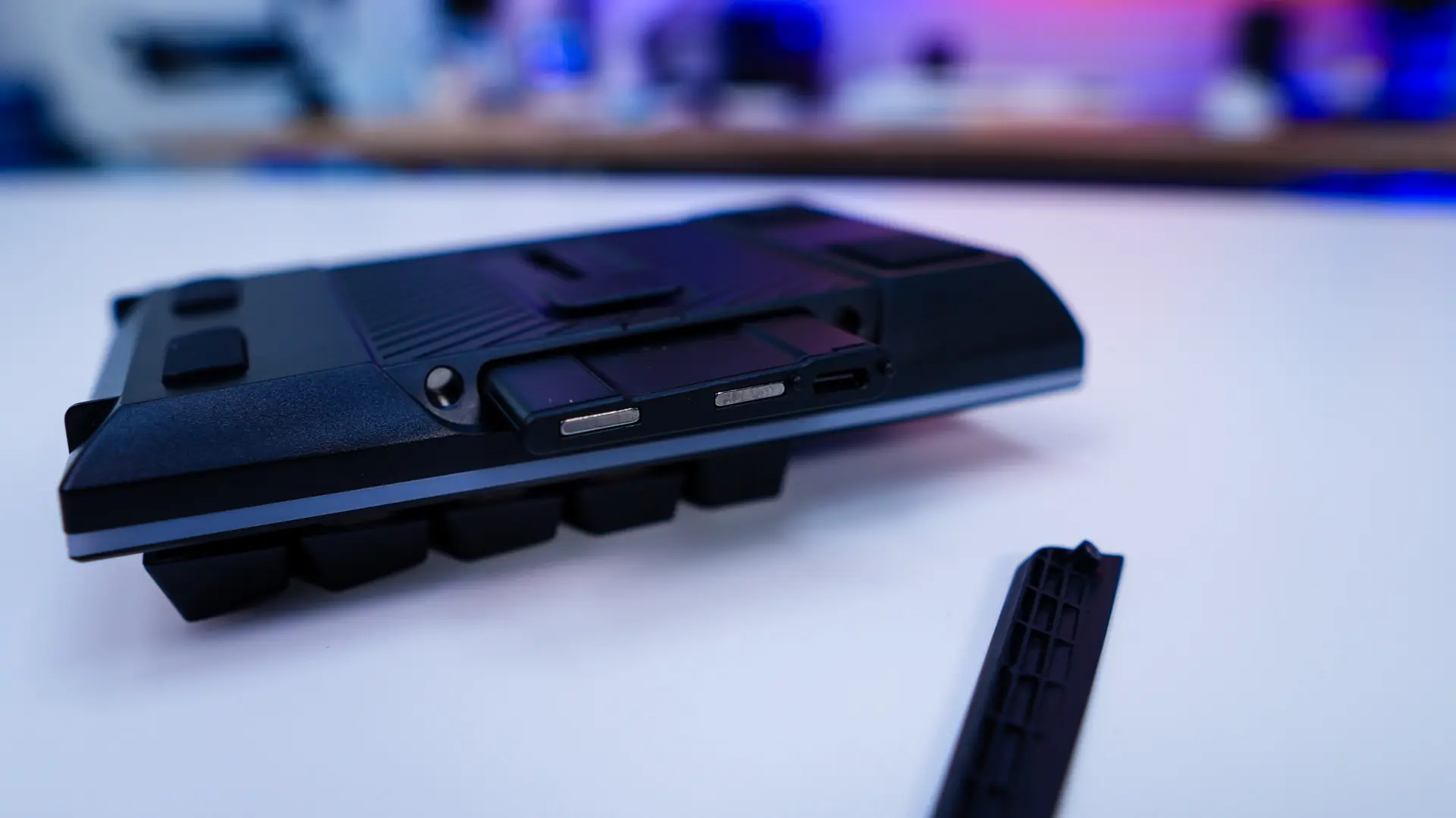
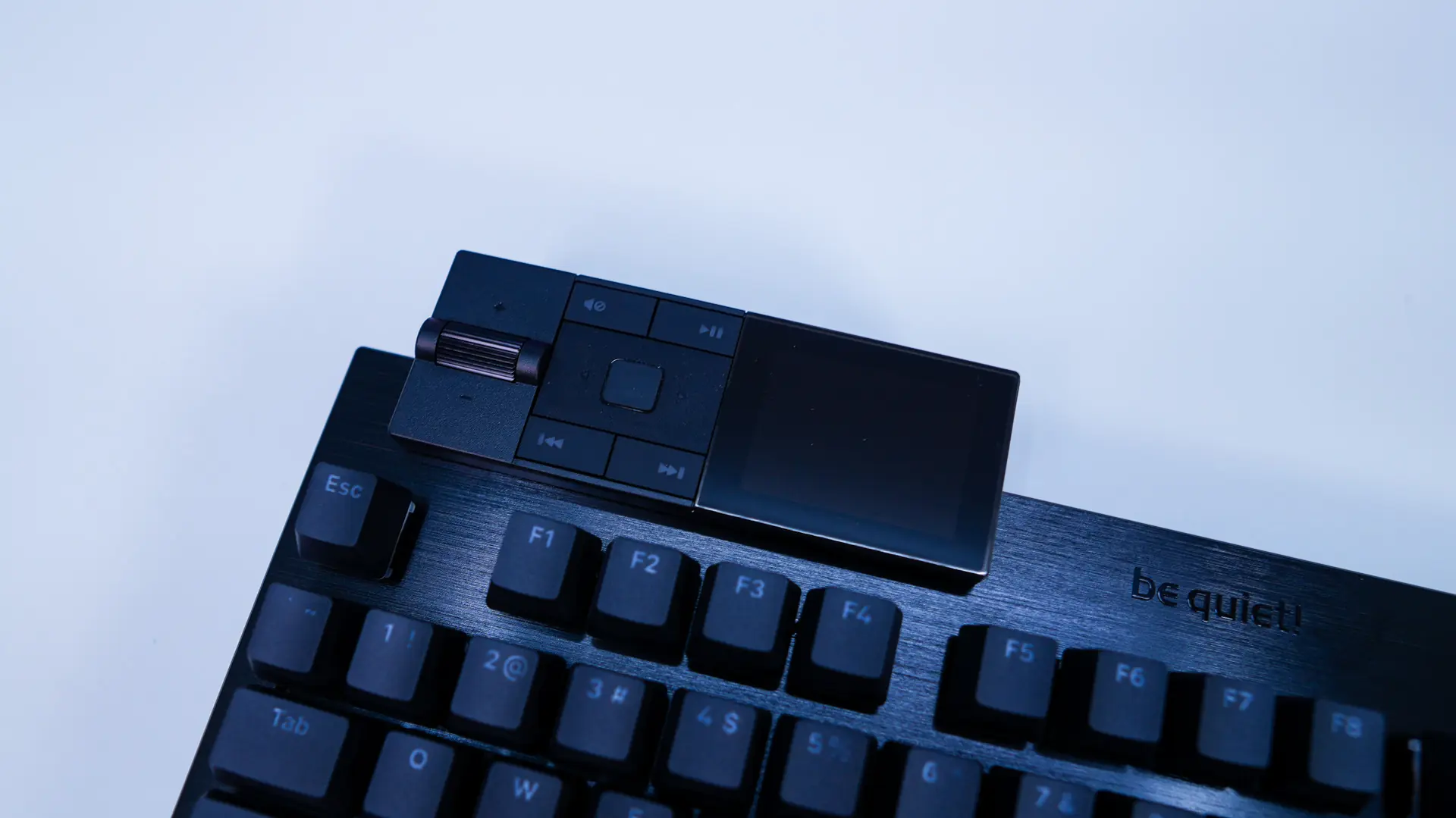
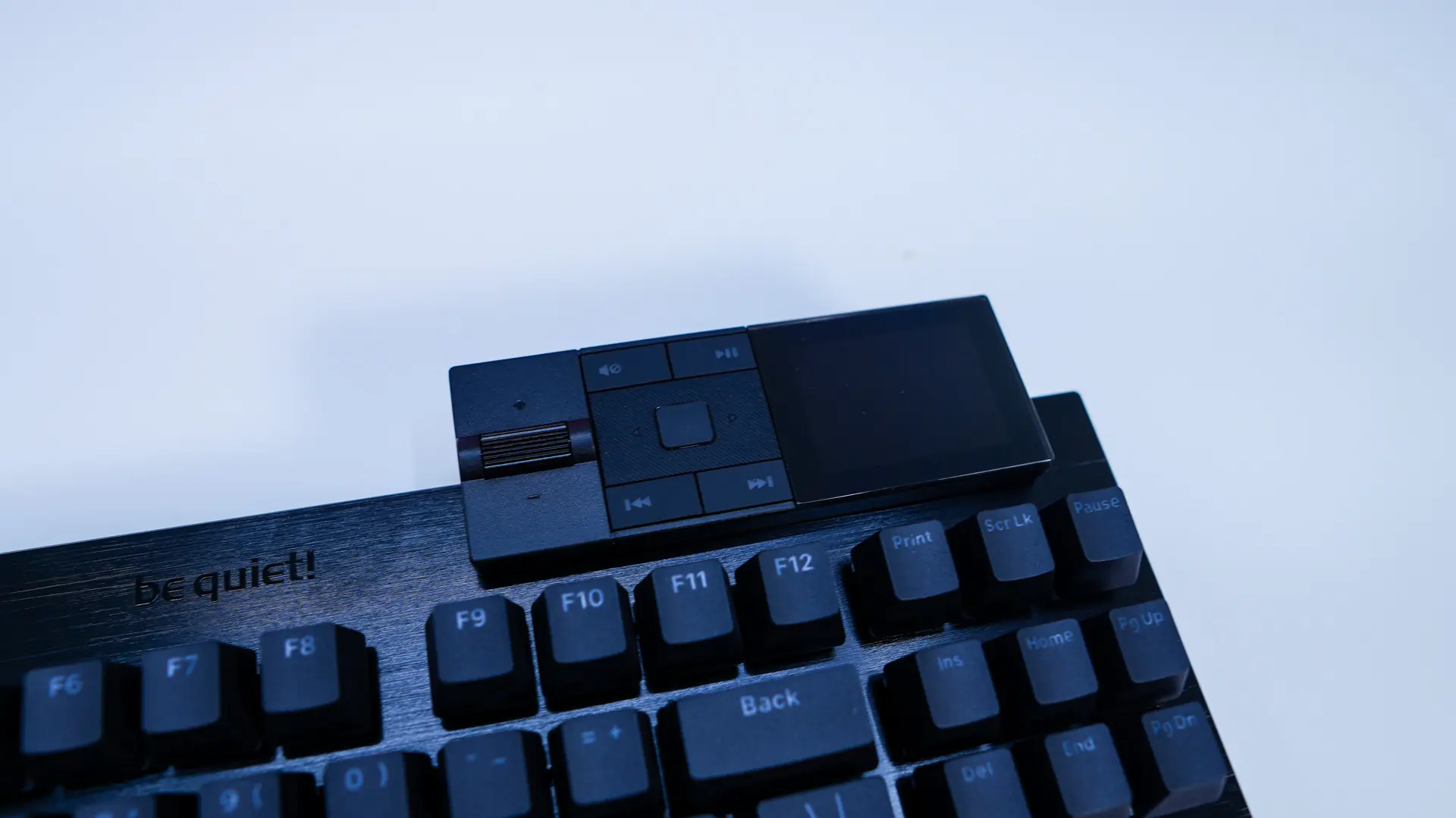
The media dock has USB-C connector on it and that’s how you’ll attach it to the top of the keyboard.
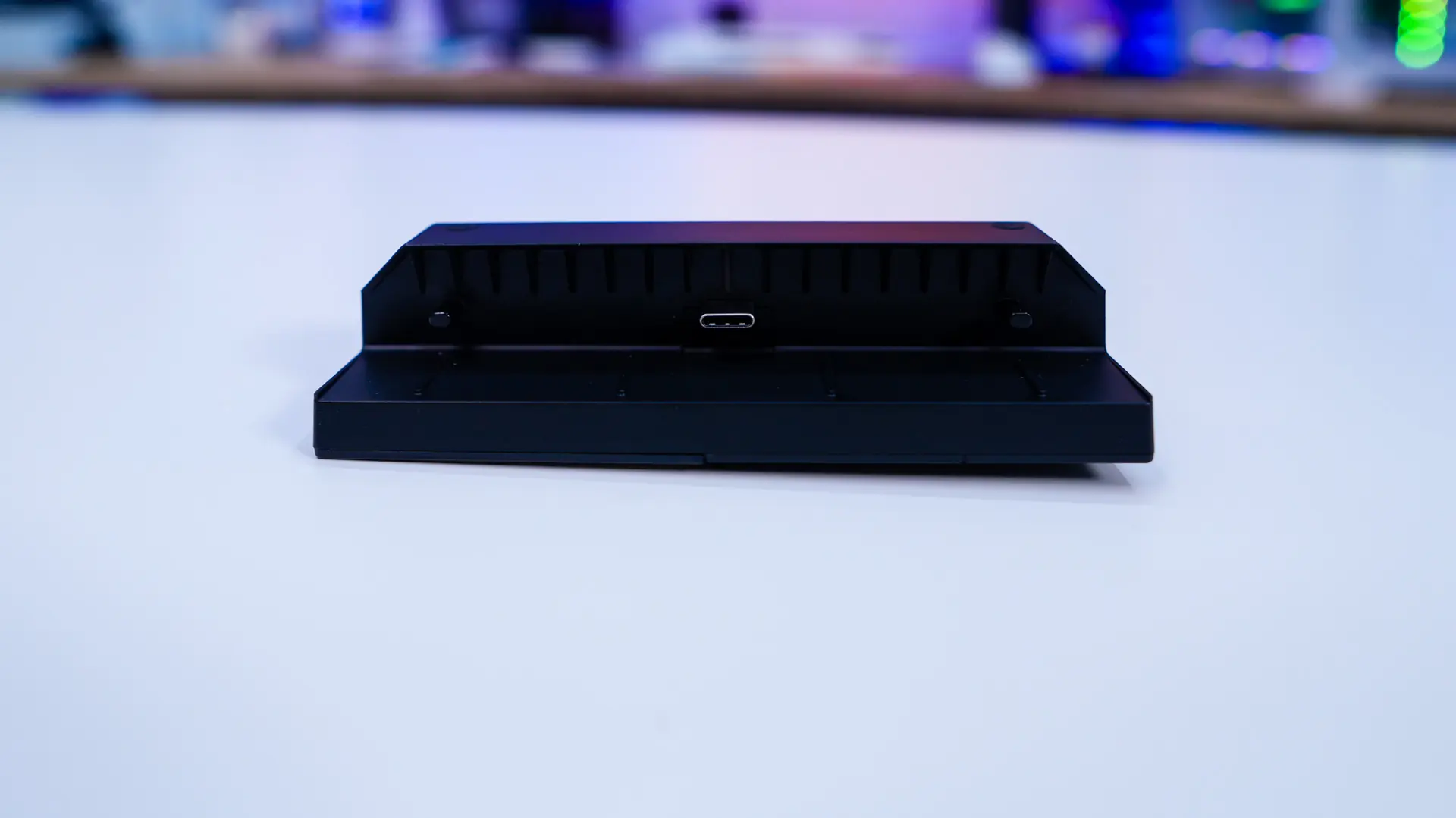
Adding the sections to the keyboard is quite easy. As I mentioned the number pad can be added to either side of the keyboard and then the media dock can be added to either the top-left or top-right of the keyboard.