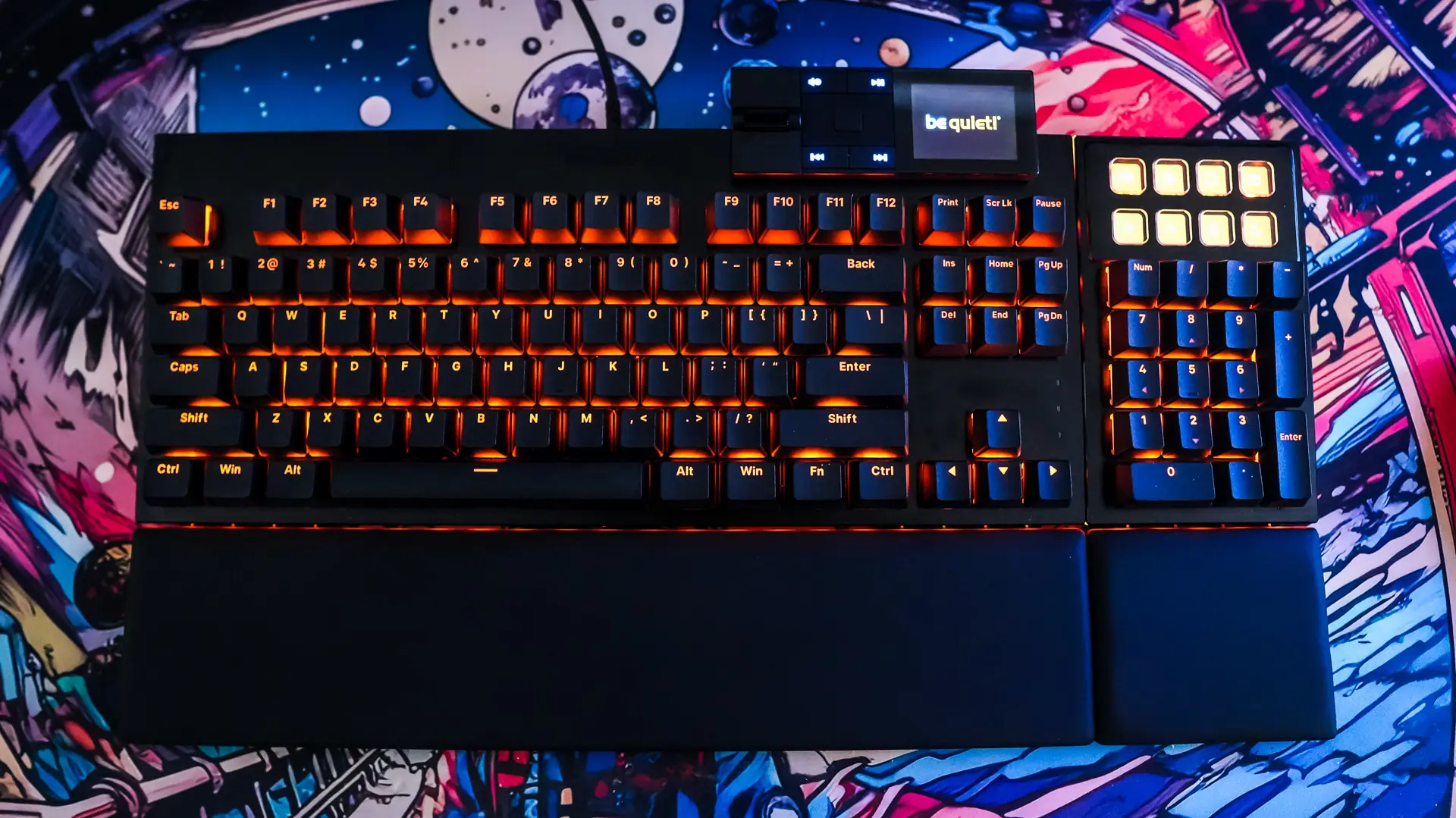
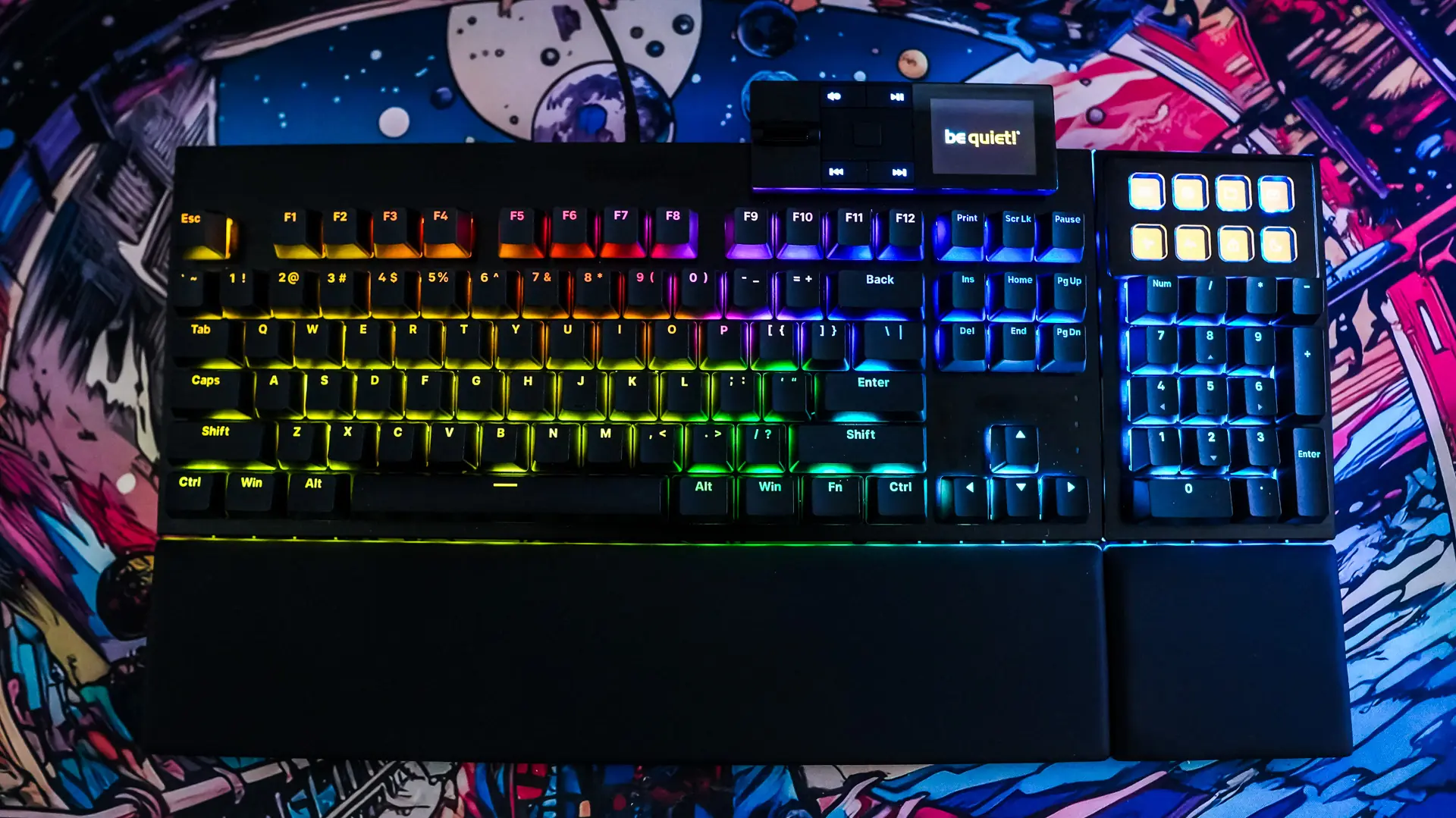
Setting up the be quiet! Dark Mount Gaming Keyboard
Like most gaming keyboards all you have to do is plug the Dark Mount into an open USB port in your PC and you’ll be good to go. Unlike many other full-size keyboards the Dark Mount does have a removable USB cable, but the actual connector on the keyboard is recessed so you really can’t use something like a coiled cable.
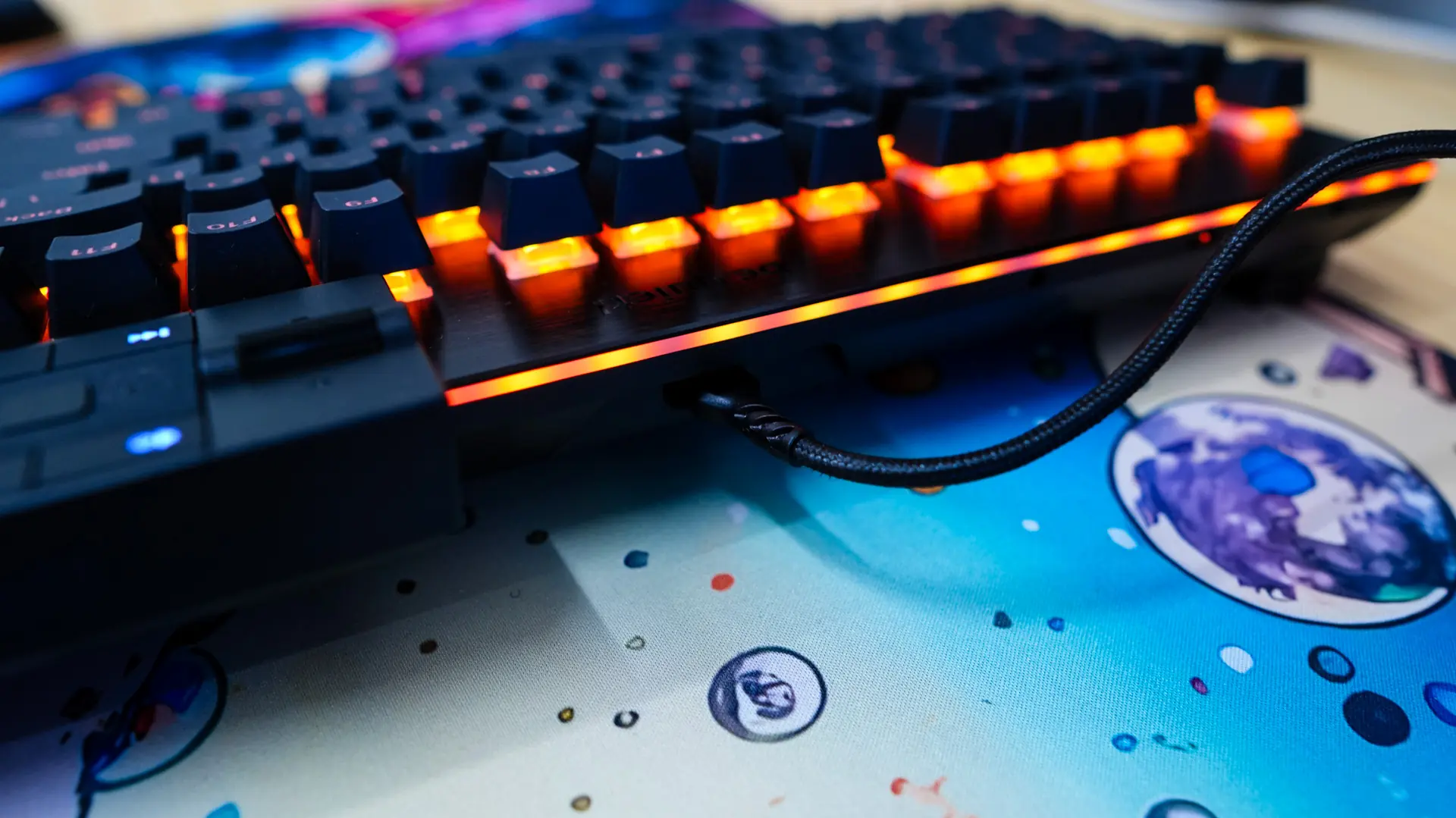
With the keyboard plugged in it will automatically be detected by Windows and you’ll be good to go.
The Media Dock
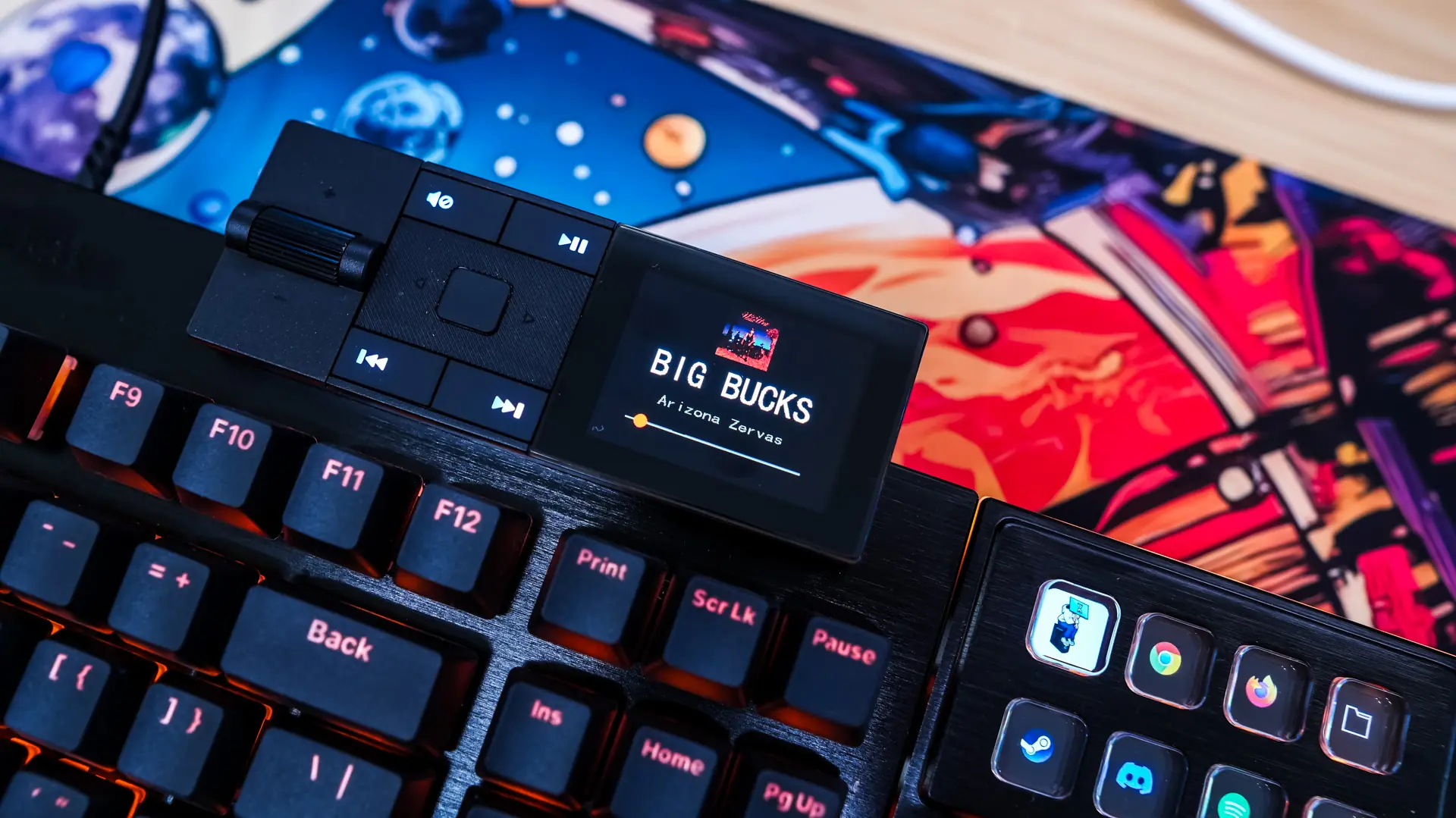
The media dock is a pretty cool section of the keyboard. You can of course use it to control media with its volume and multimedia controls. The screen can either display an image of your choice or a clock.
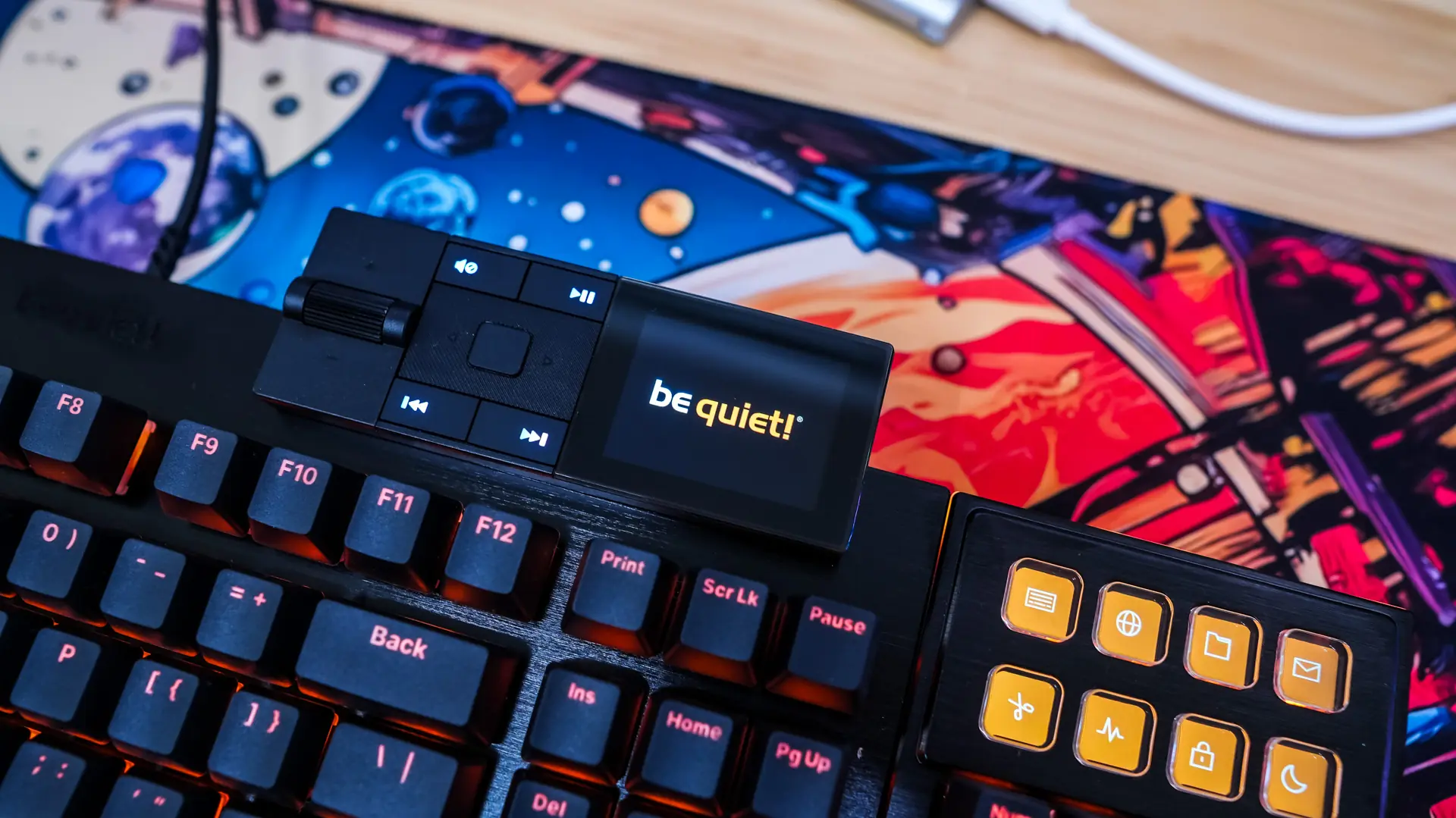
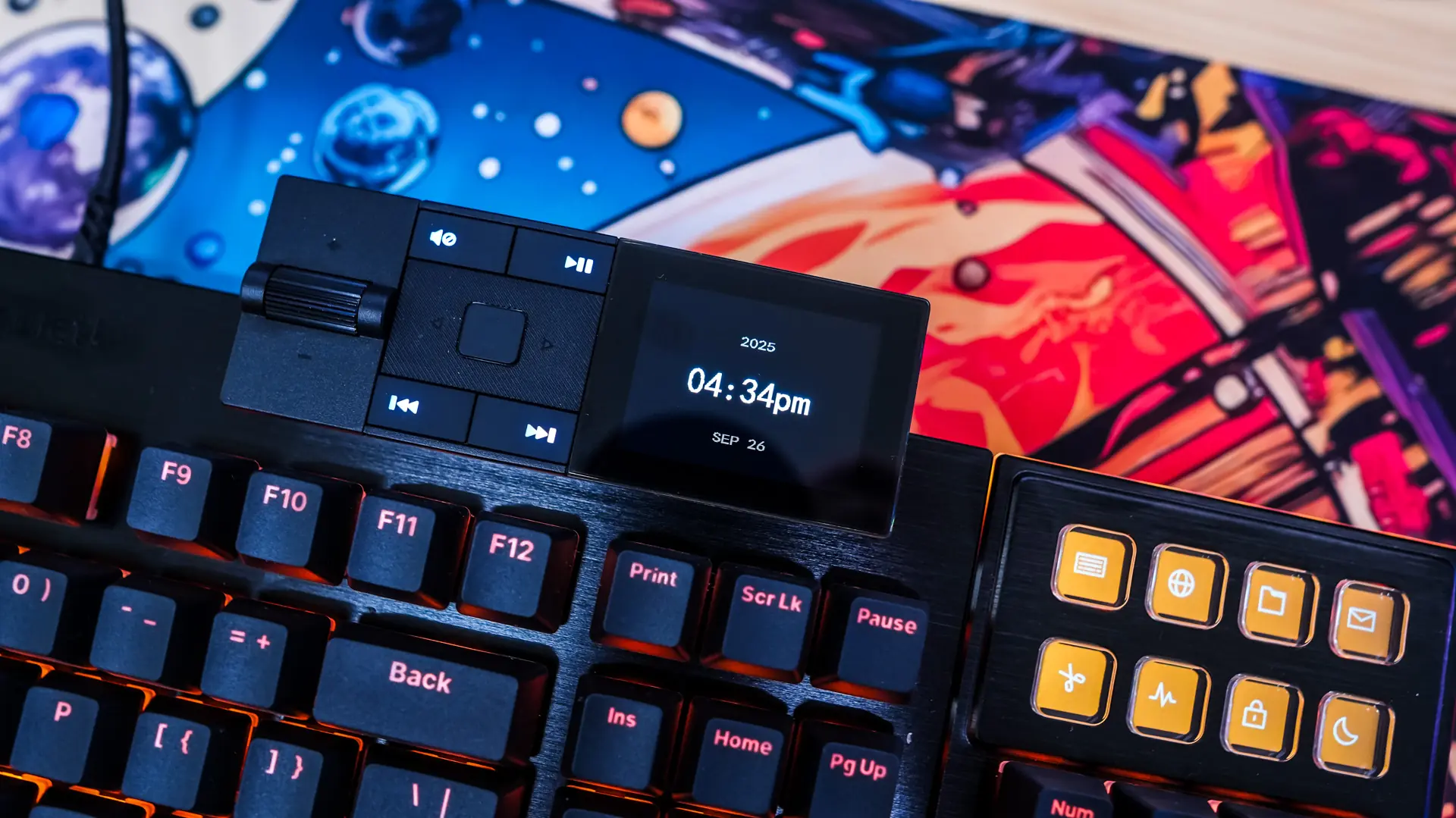
The media dock also has a full menu system to change different settings on the keyboard. You press the main button on the dock to bring it up and double tap that same button to go back. You can change the clock, lighting, and profile settings as well as display information on the media that you are playing.
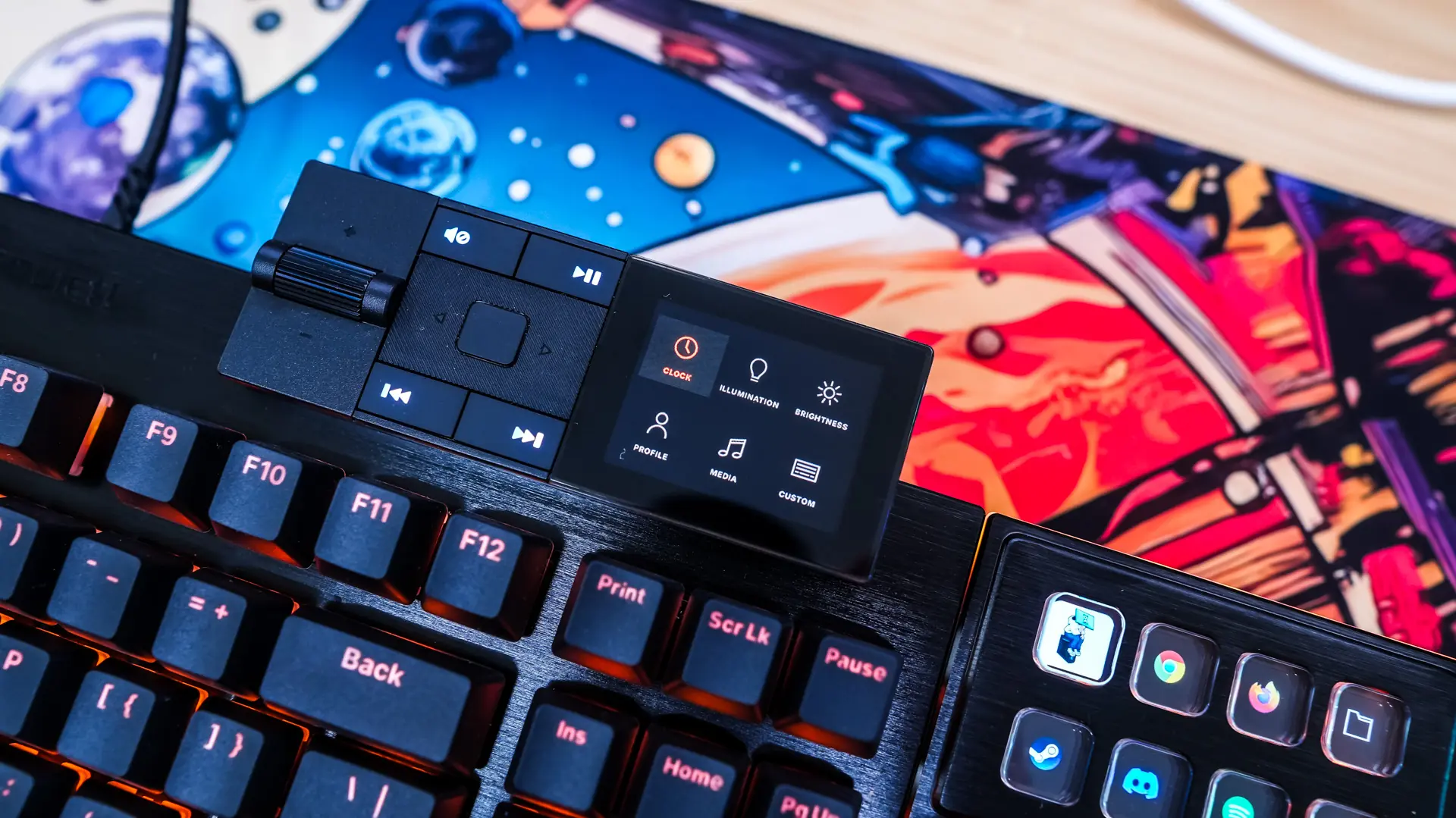
The Display Keys
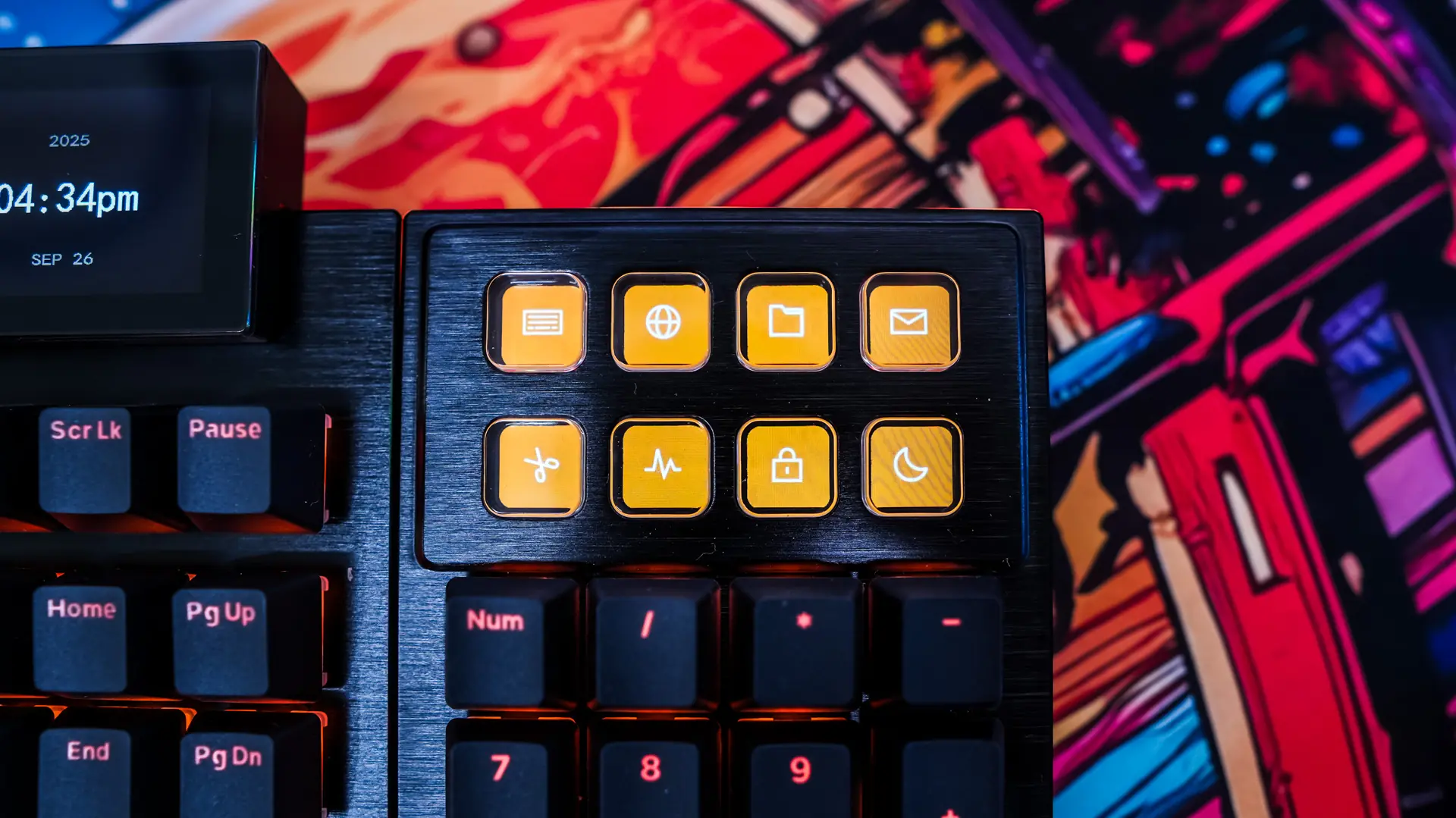
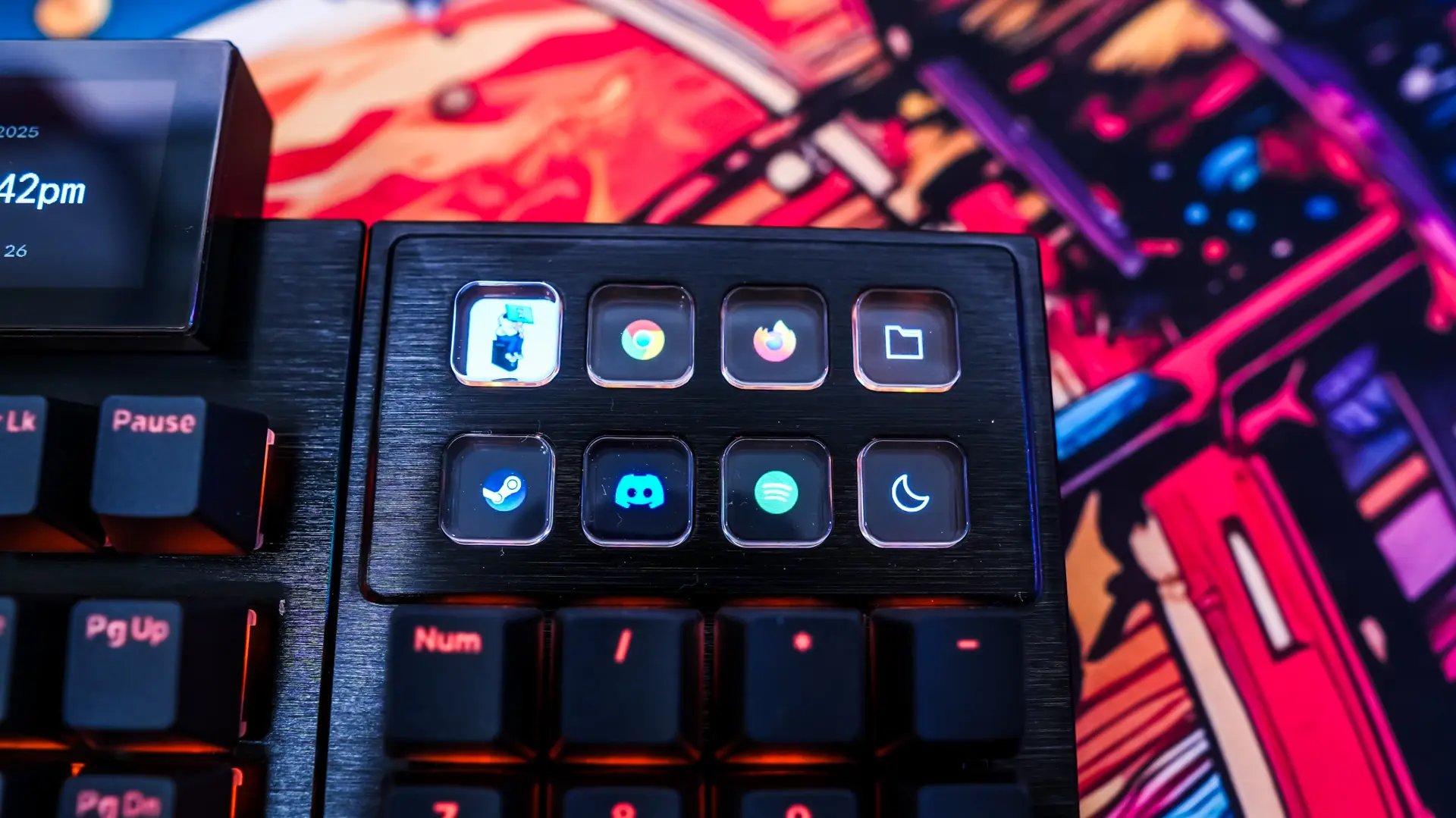
The eight display keys are great for shortcuts. be quiet! has the setup for you by default, but you can change them as well as their icons quite easily.
Lighting on the be quiet! Dark Mount Gaming Keyboard
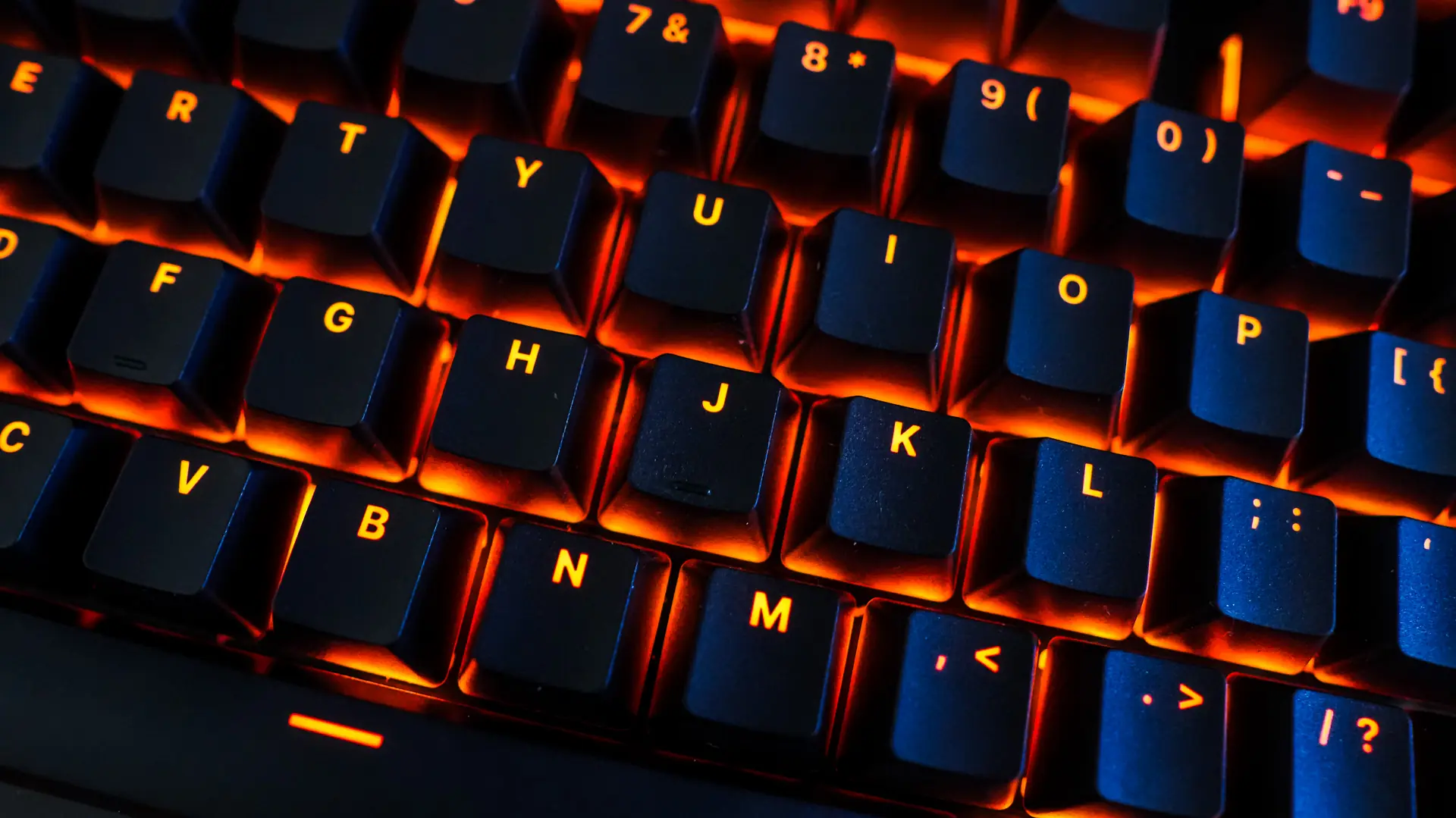
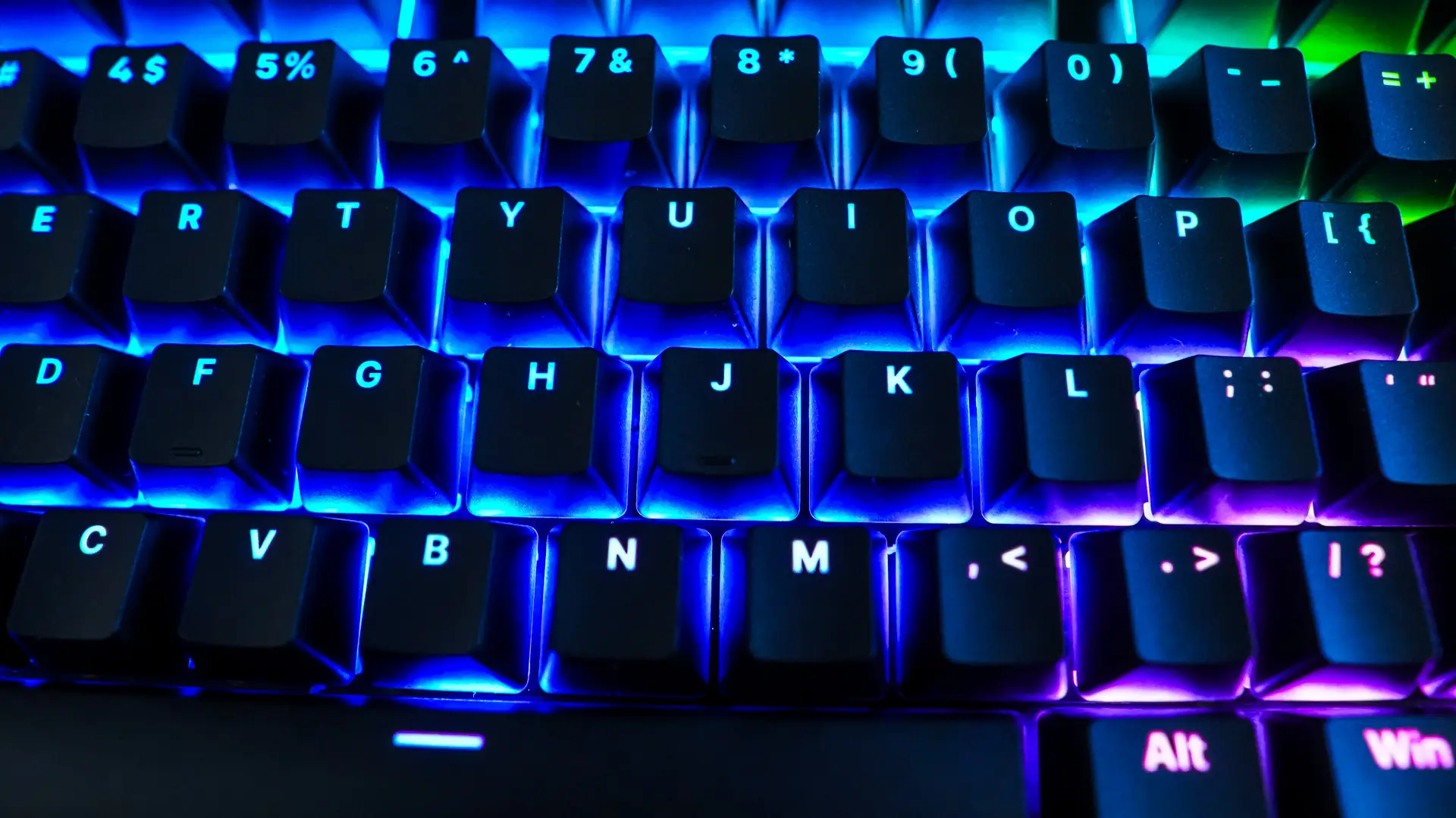
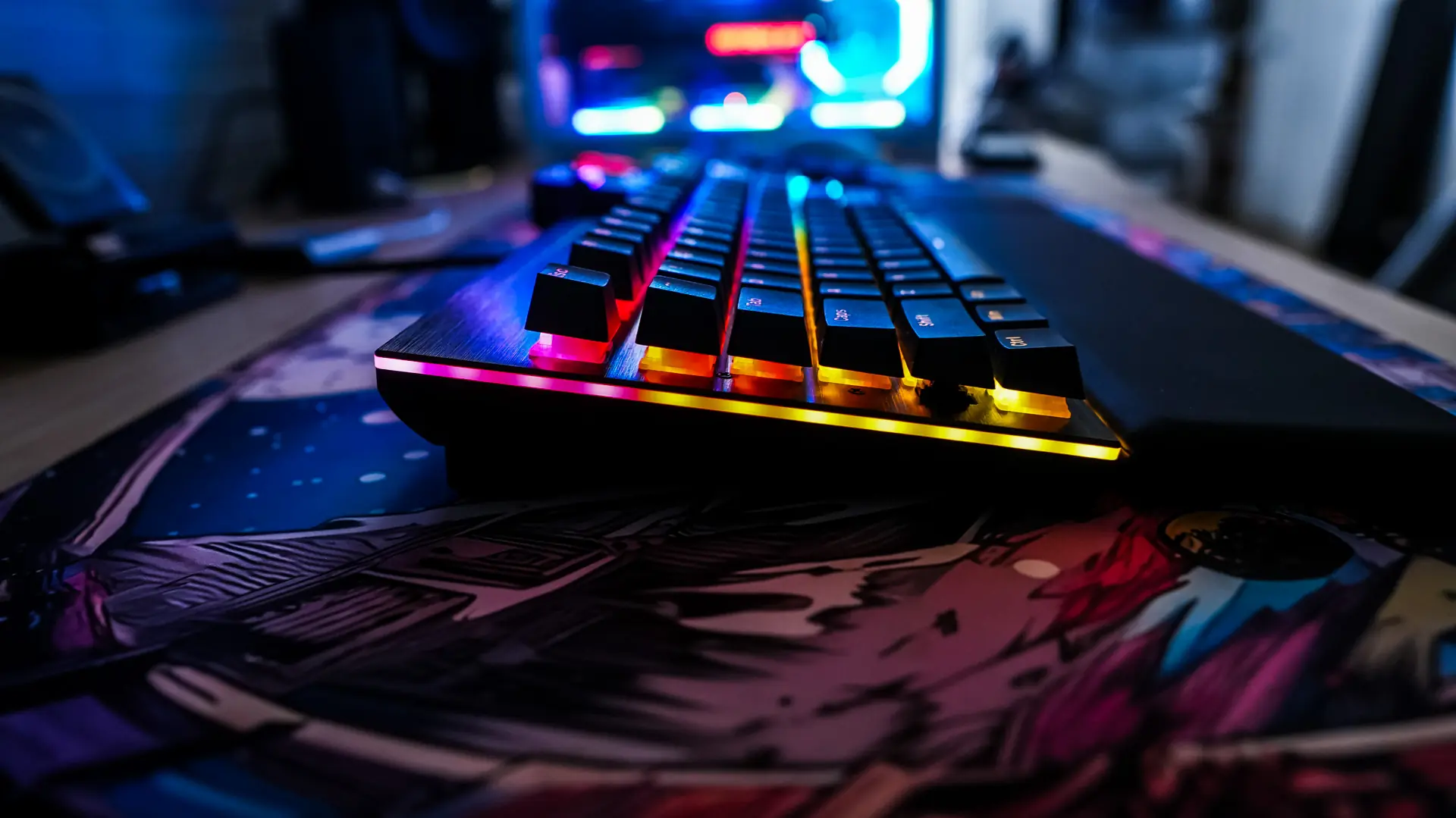
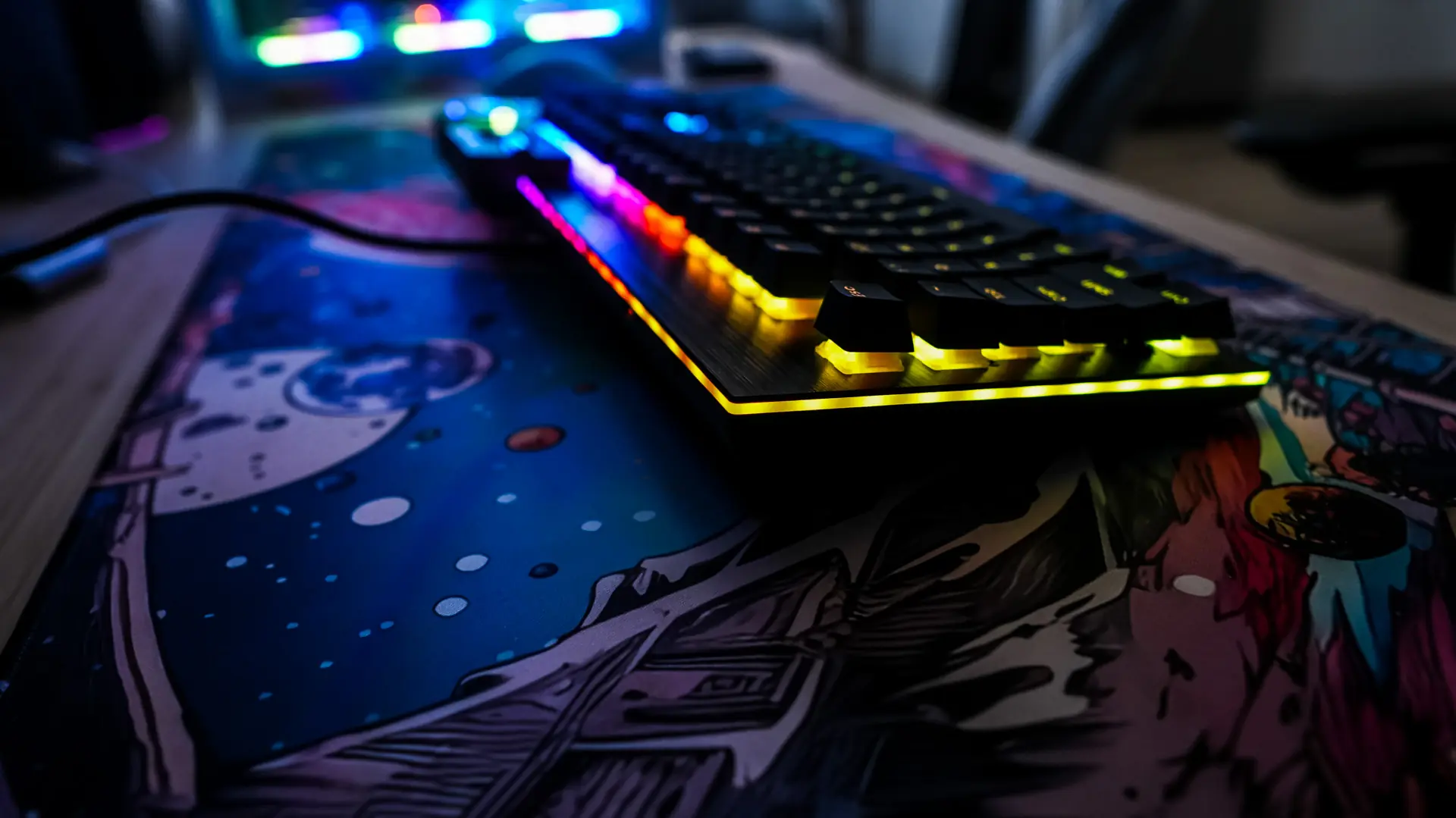
Like most gaming keyboards you are going to get per-key RGB lighting. With the see-though legends on the keycaps it is going to look quite good. Beyond that you have RGB lighting that goes around the entire keyboard including the number pad. It definitely makes the keyboard stand out on your desk!