


be quiet! Pure Rock Overview
The Pure Rock is a single tower cooler and is not overly large at all, the dimensions of the heatsink without a fan installed is 62.5 x 121 x 155 mm then when you add a fan it only goes up to 87.5 x 121 x 155 mm. The entire cooler only weighs in at 660 grams.
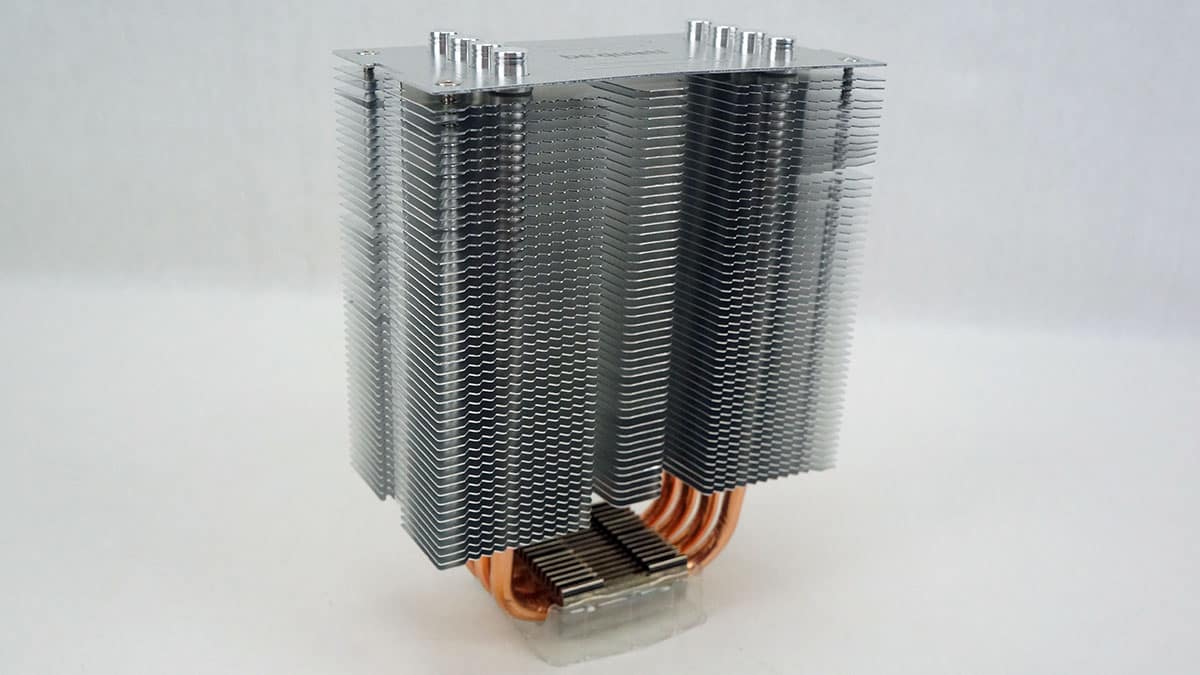
The heatsinks is made up of 48 aluminum fins and like many other be quiet! coolers there is a brushed aluminum top plate with the be quiet! logo on it.
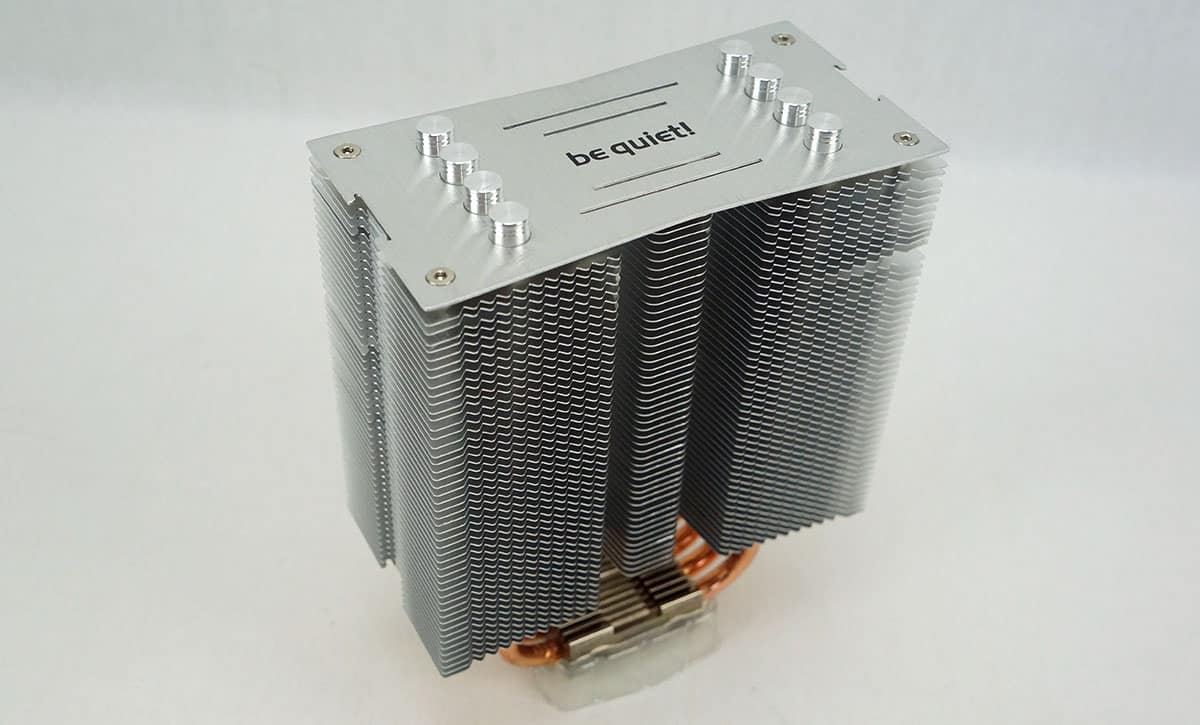
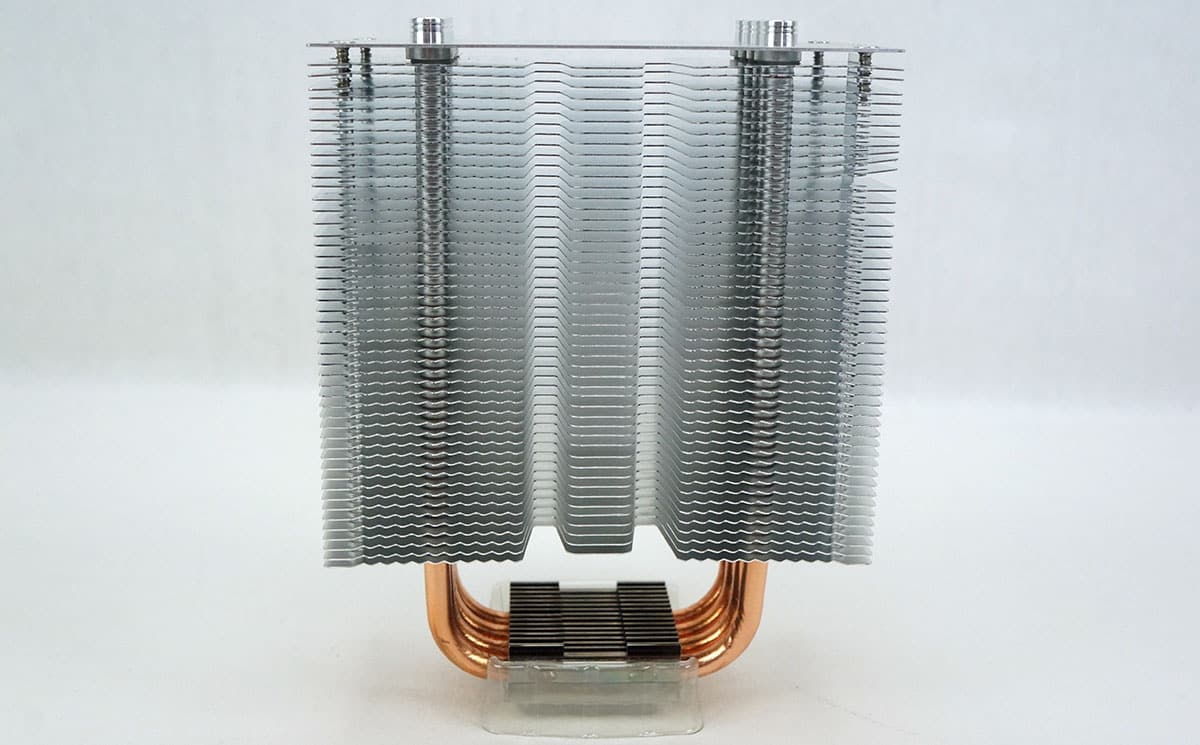
The heatsink itself is only 62.5 mm at its widest point so you really should not have any issues with memory clearance on any system.
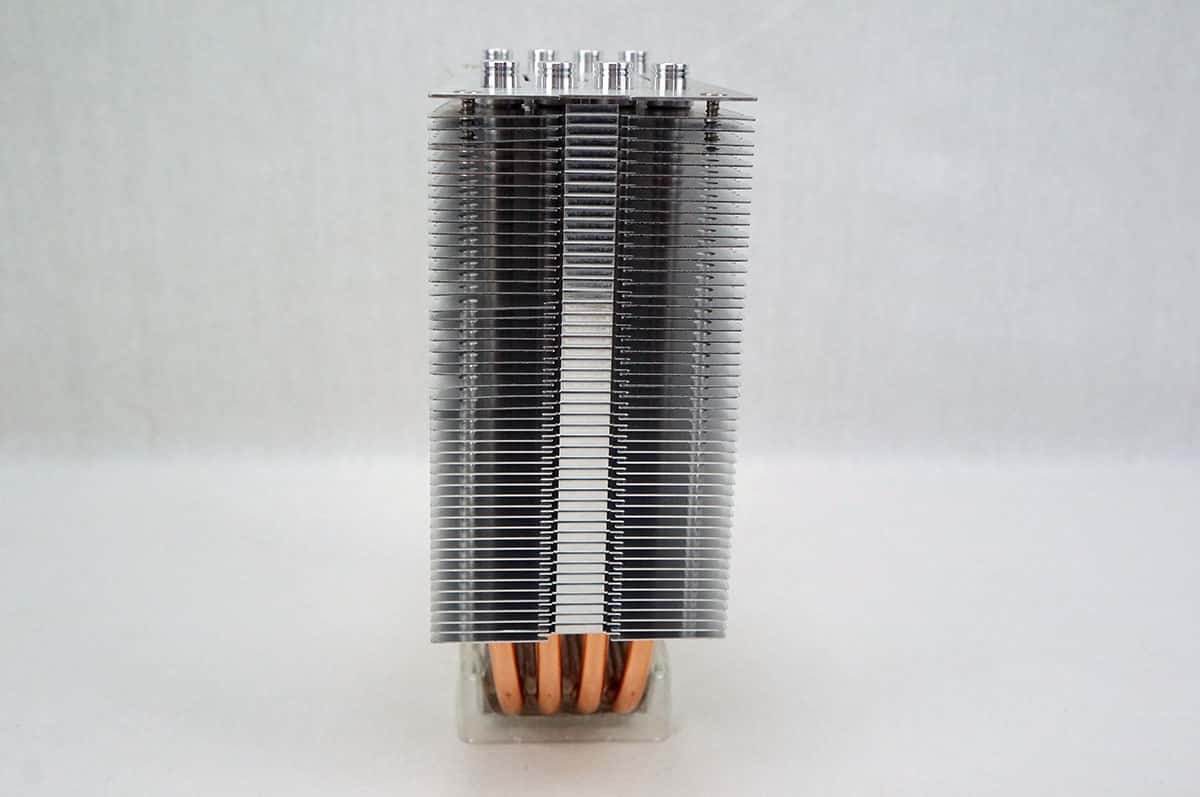
There are four 6 mm copper heatpipes that start at the base of the cooler and go up into the heatsink in the typical “U” shape.
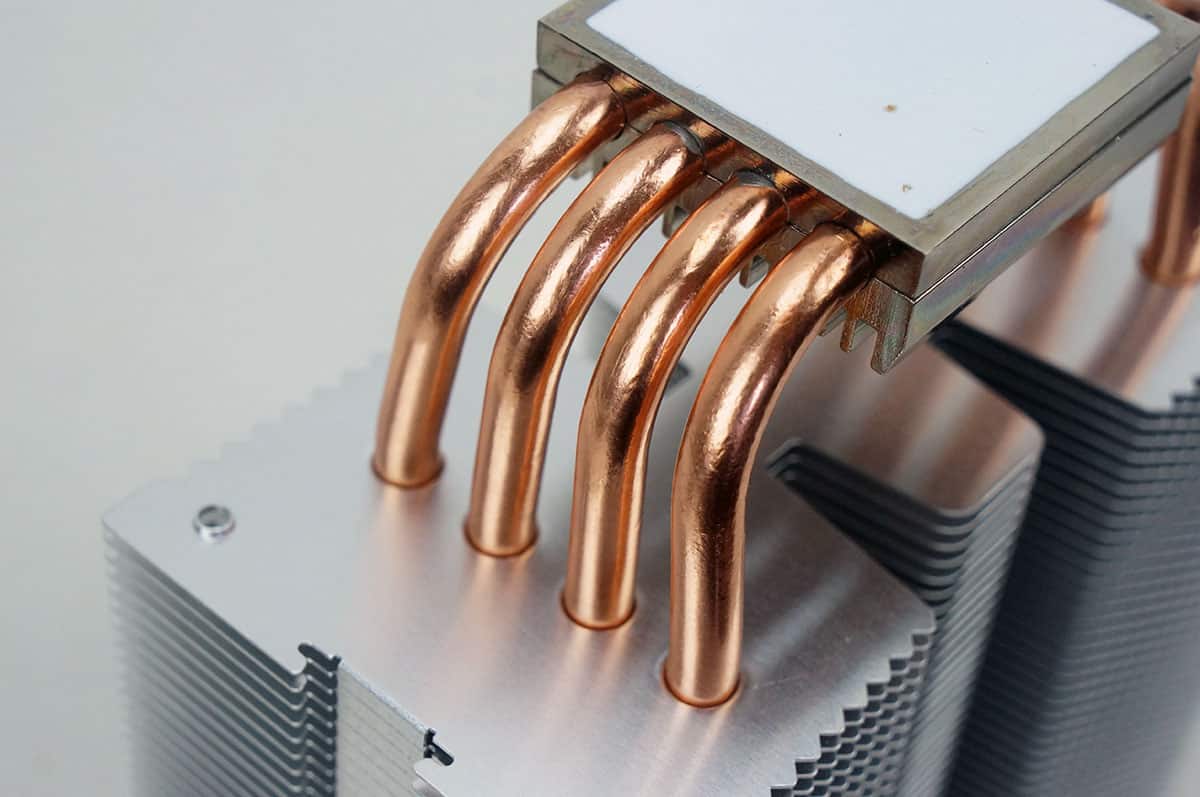
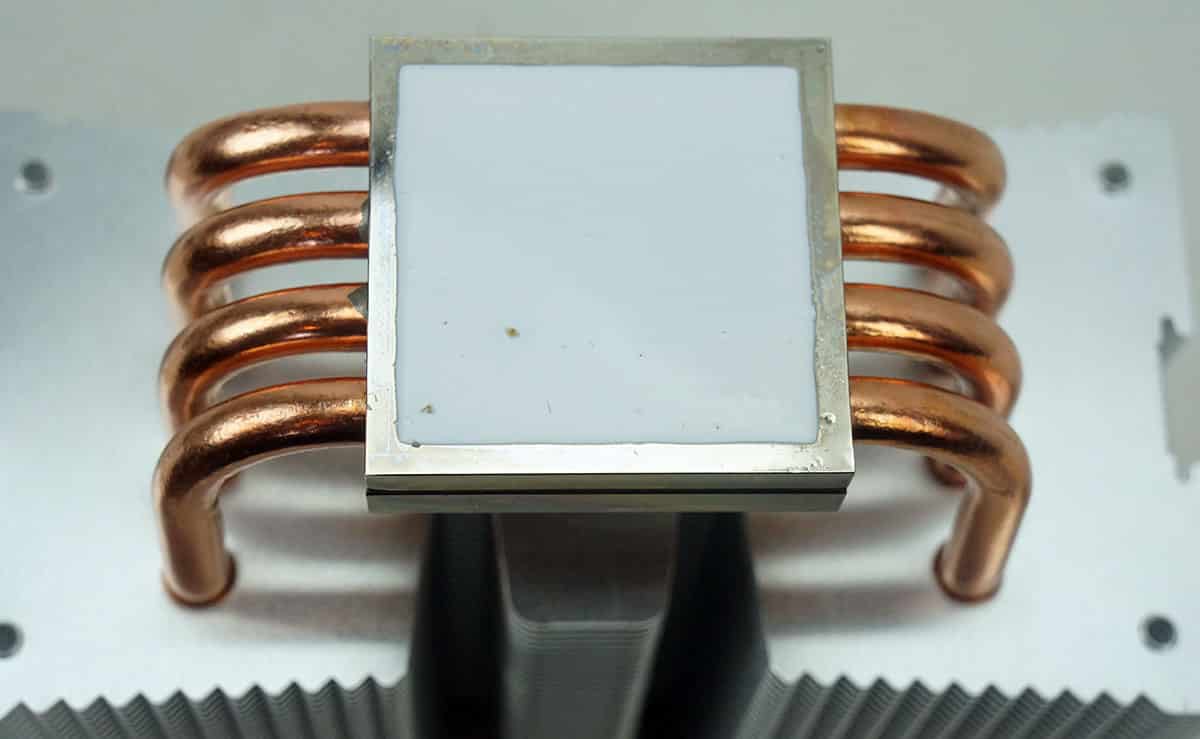
The bottom of the cooler comes with pre-applied thermal paste. I can see be quiet! doing this because this is more of an entry-level cooler, but I am not a fan of this. As you can see there was already some debris that got stuck in the thermal paste when we took it out of the package.
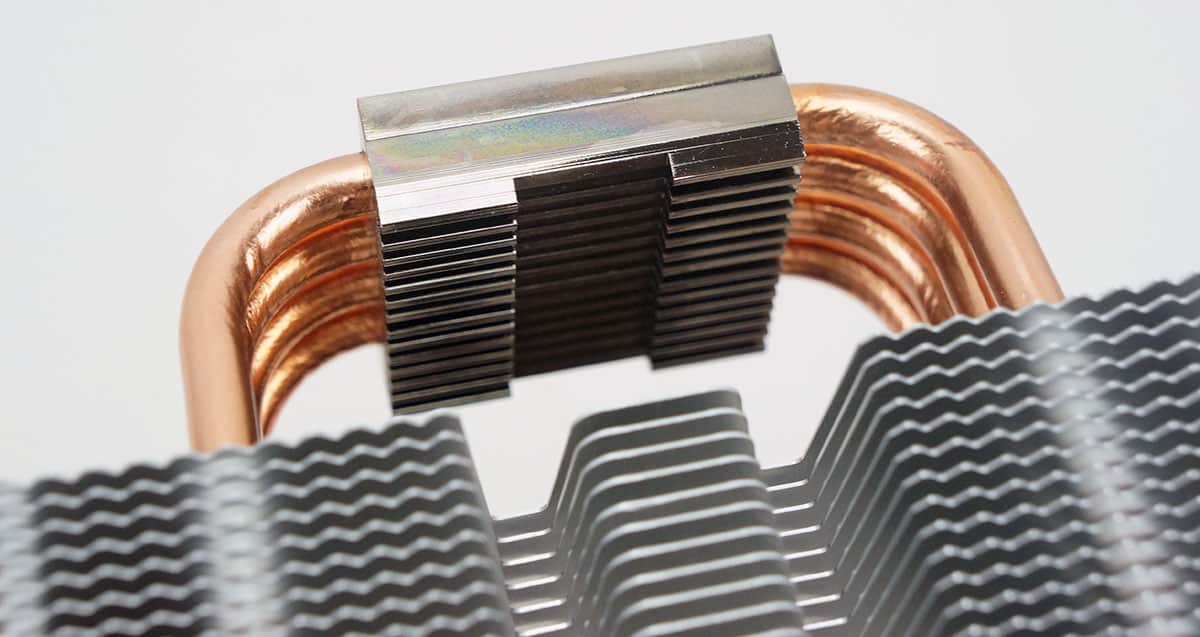
The base of the cooler also has a small heatsink built into it, which should aid in cooling as well.

Could you clarify what you meant with the thermal paste? I’m not sure I understand what the issue is with the debris. I’m interested in this cooling solution as it’s affordable and would probably be a great improvement over the stock i7 fan/heatsink.
Yeah its just a thing you need to be careful with, since I install a lot of CPU coolers I prefer them to come with separate thermal paste so I can apply it myself.
Any advice when you apply thermal paste yourself so that you know you applied not too little, not too much? I’ve applied it on probably 2 previous builds years ago and don’t remember having an issue with overheating CPU and whatnot, but having not done it in a while and taking extra care with my newer build, I wouldn’t mind having extra advice on that.
I was thinking of removing the thermal that comes with the cooler and applying my own instead… Not sure if that’s a better way to go.
The best way to do it would be to apply a circle in the center of your processor, then install your CPU cooler.
Thanks.