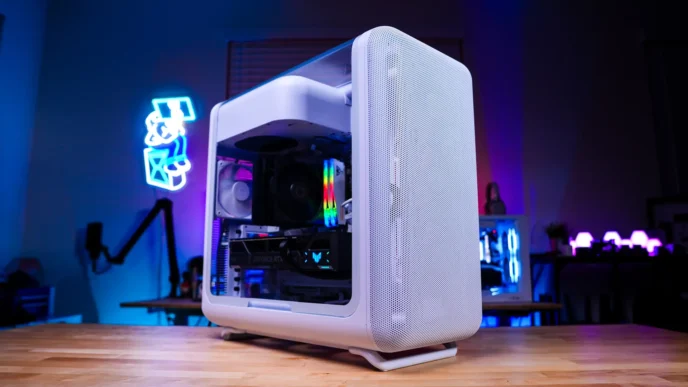
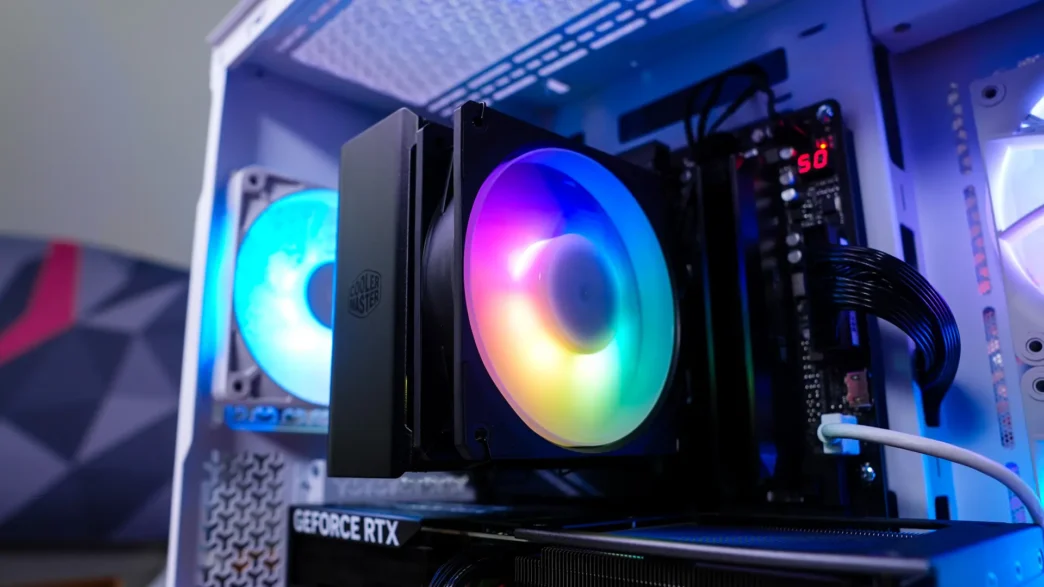
Installing the the Cooler Master Hyper 212 3DHP Black ARGB CPU Cooler
We will be installing the Hyper 212 3DHP Black ARGB on an AMD X870 motherboard so this installation will be for the AM5 socket.
The first thing you are going to want to do is remove the AM5 mounting brackets that are on your motherboard. You will keep the backplate in place though, so your motherboard will look like the photo you see below.
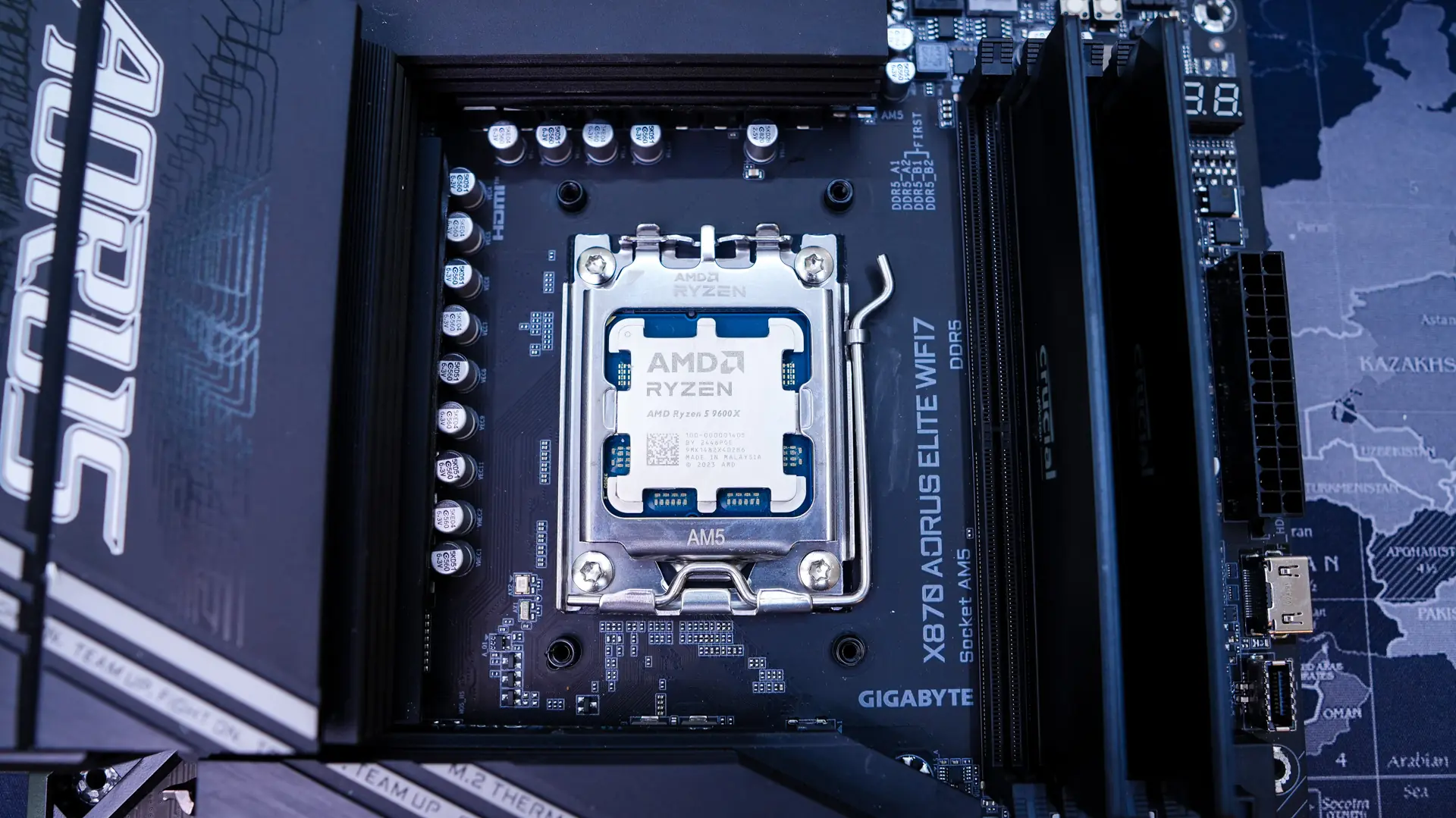
Next install the AMD mounting bars on the bottom of the cooler. They can only be installed one way so you don’t have the guess if they are installed correctly.
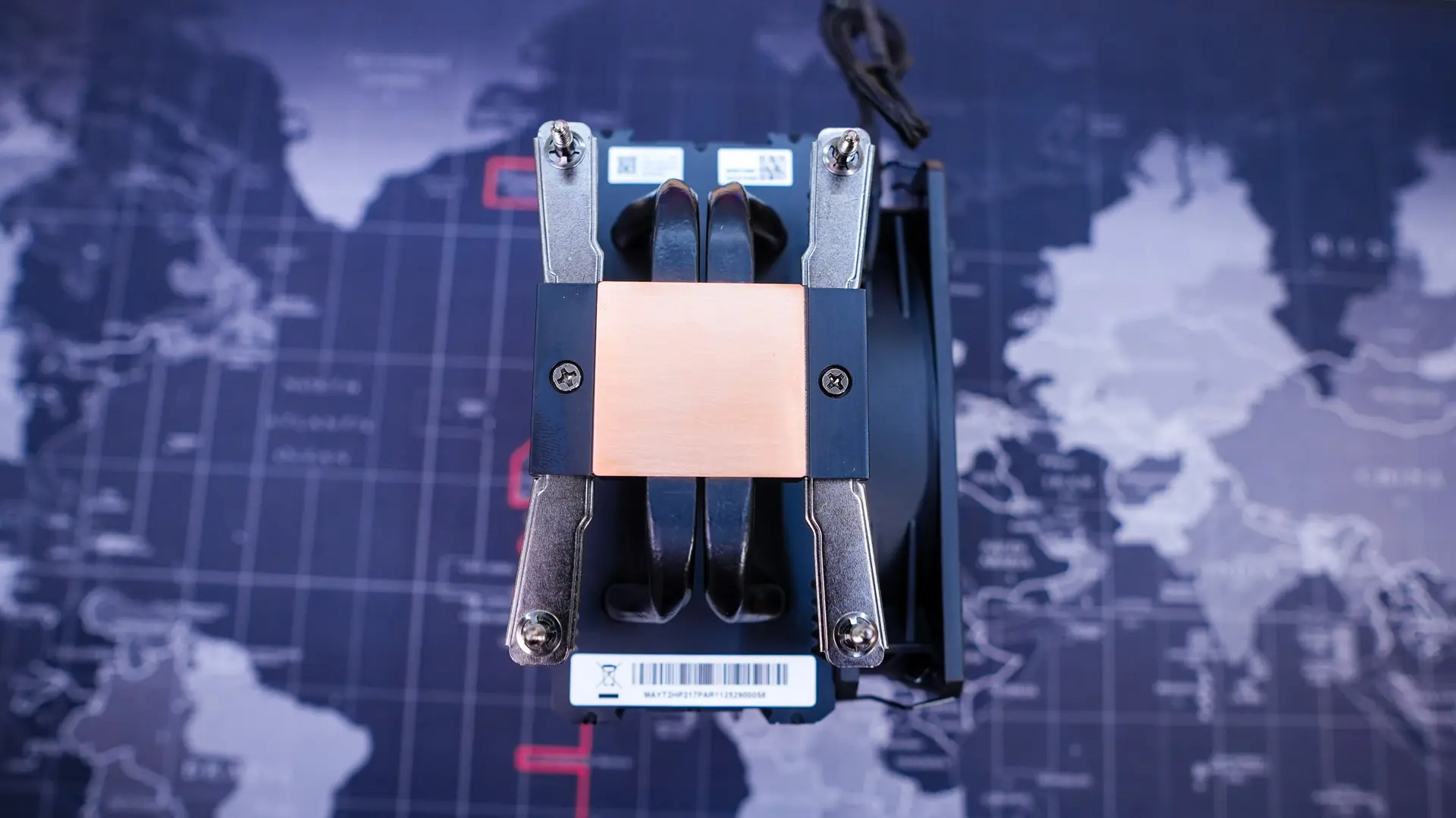
After you have the mounting bars installed go ahead and apply the included thermal paste. From there remove the fan from the cooler, and then carefully place it on top of your CPU, lining up the screws in the mounting bars with the holes in the backplate of the motherboard. Once lined up go ahead and secure the cooler by tightening the screws.
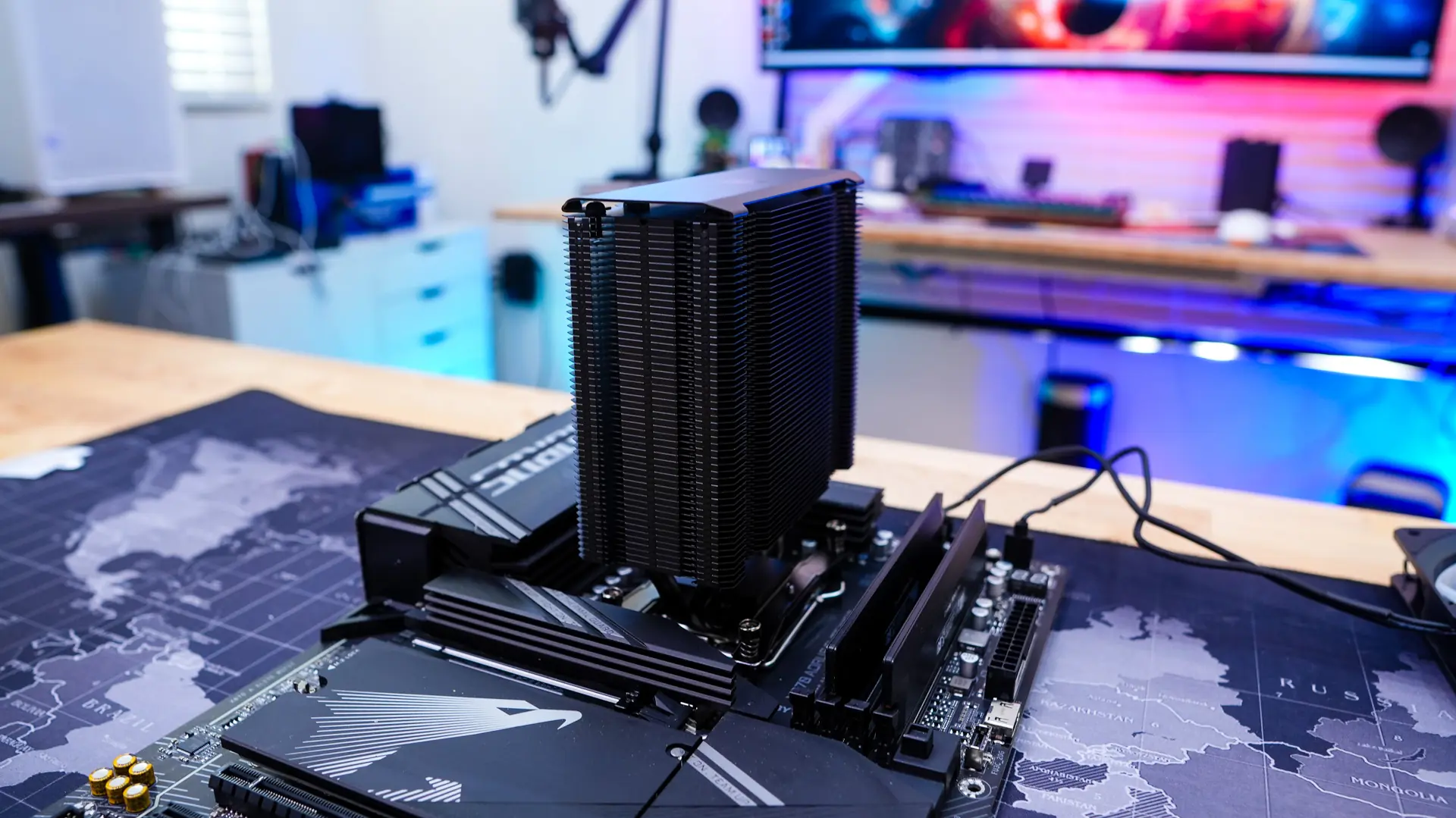
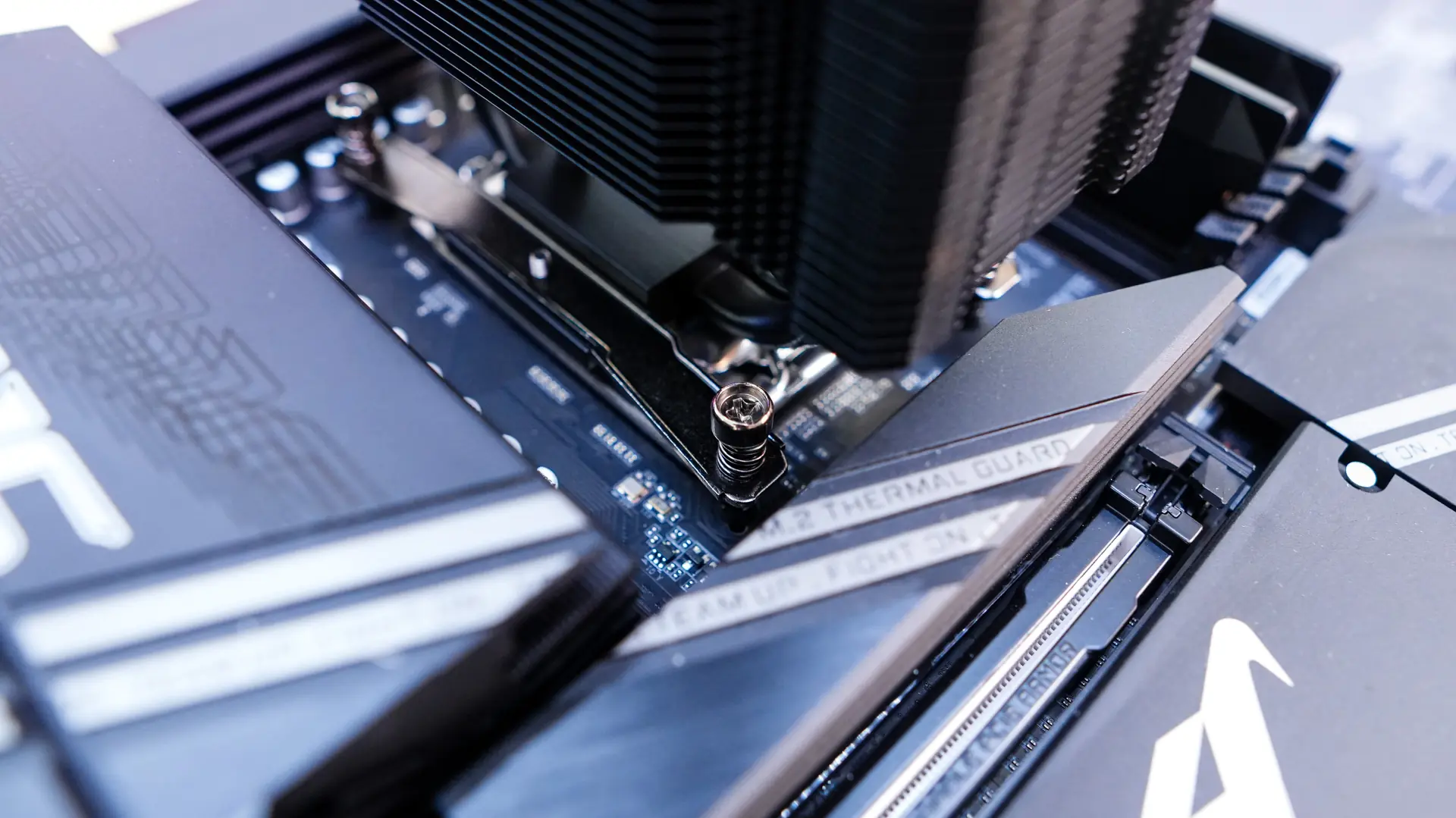
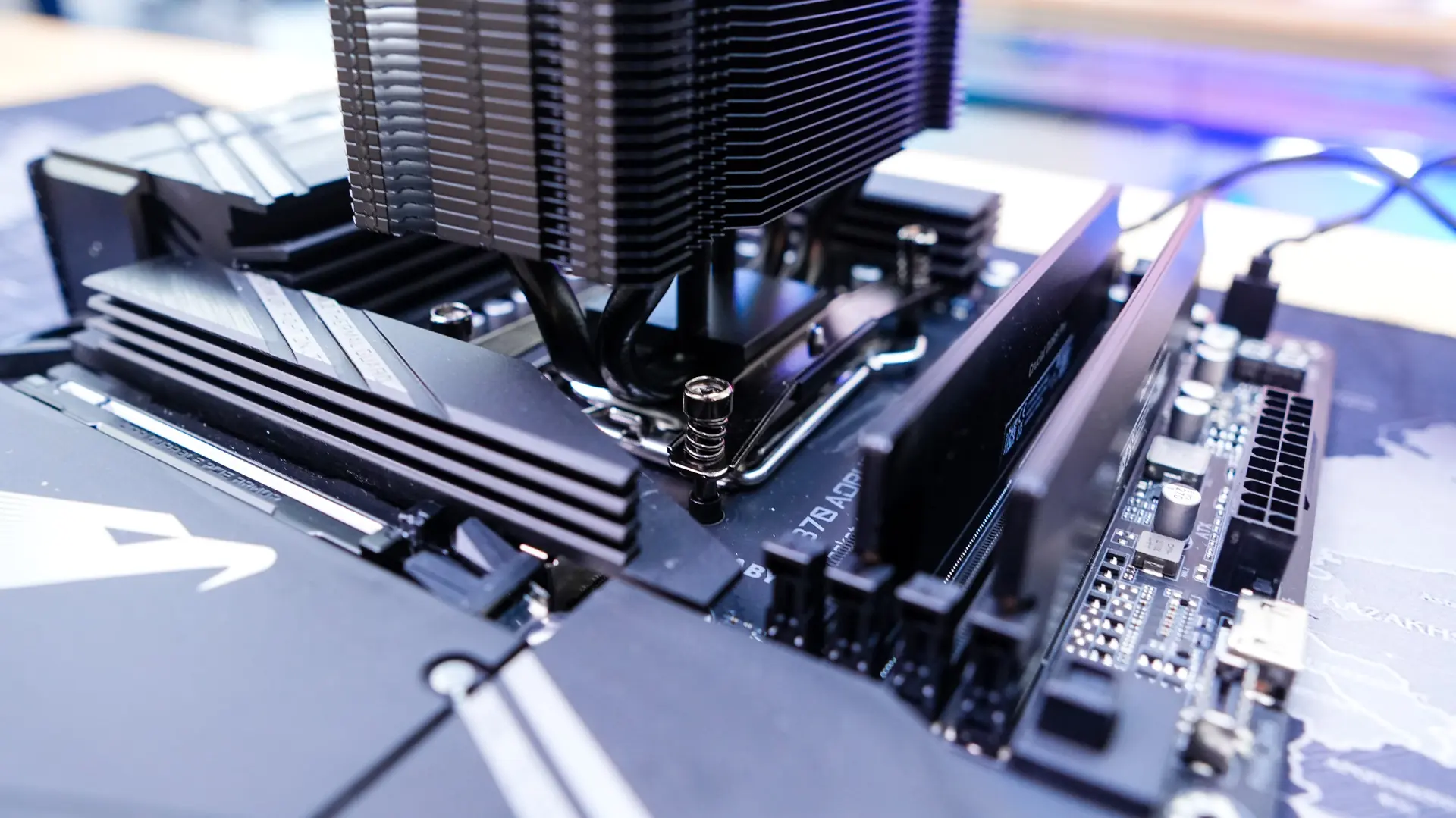
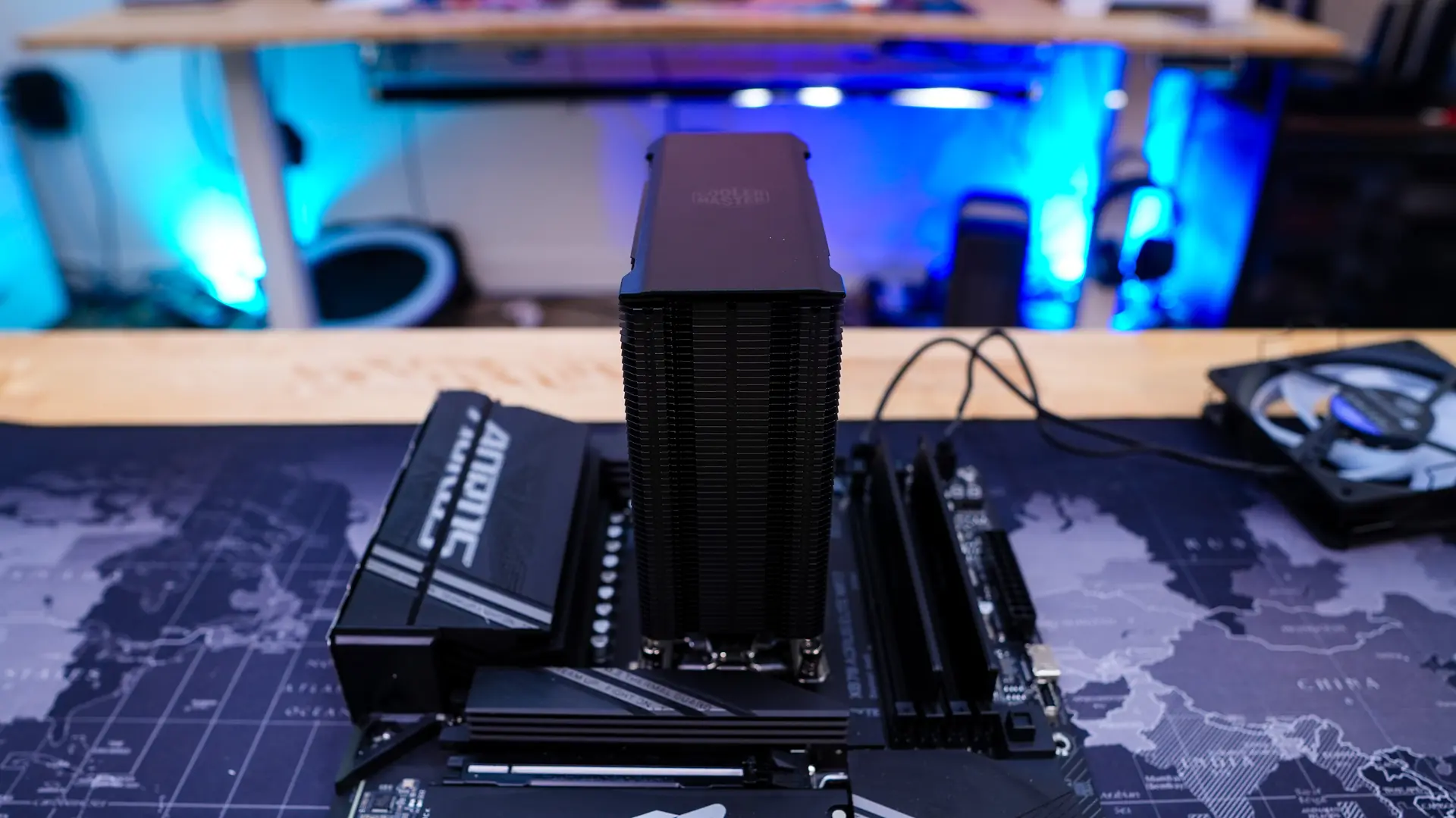
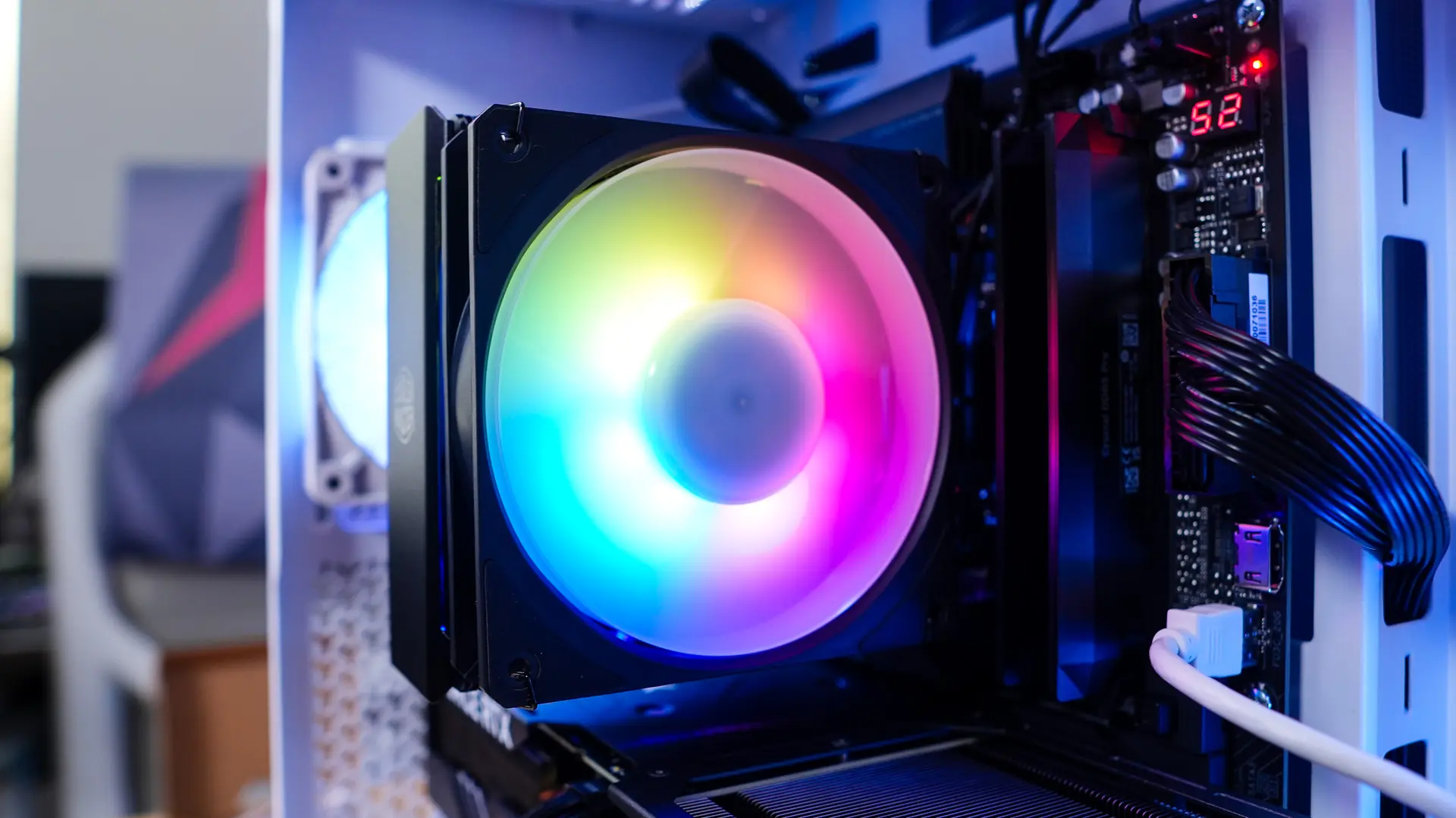
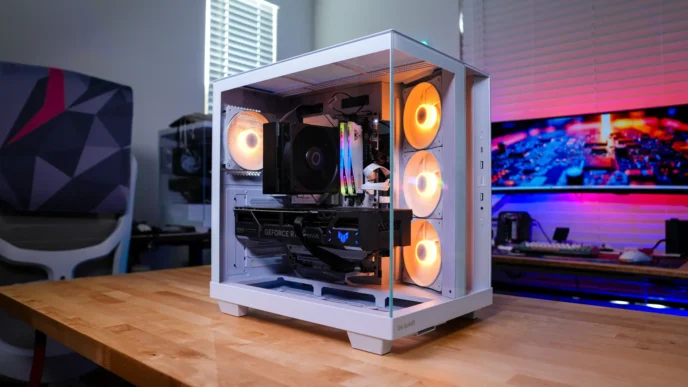
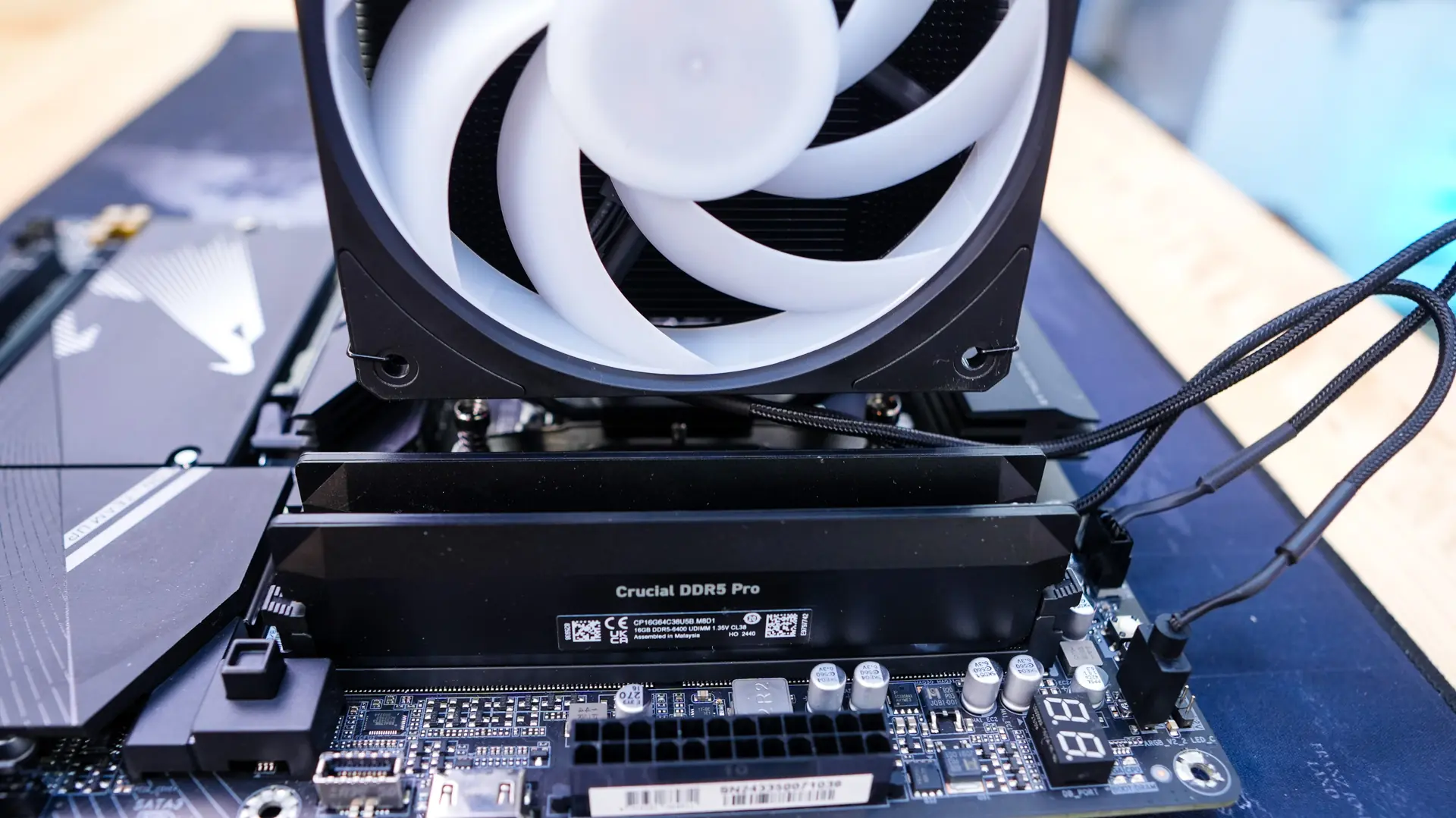
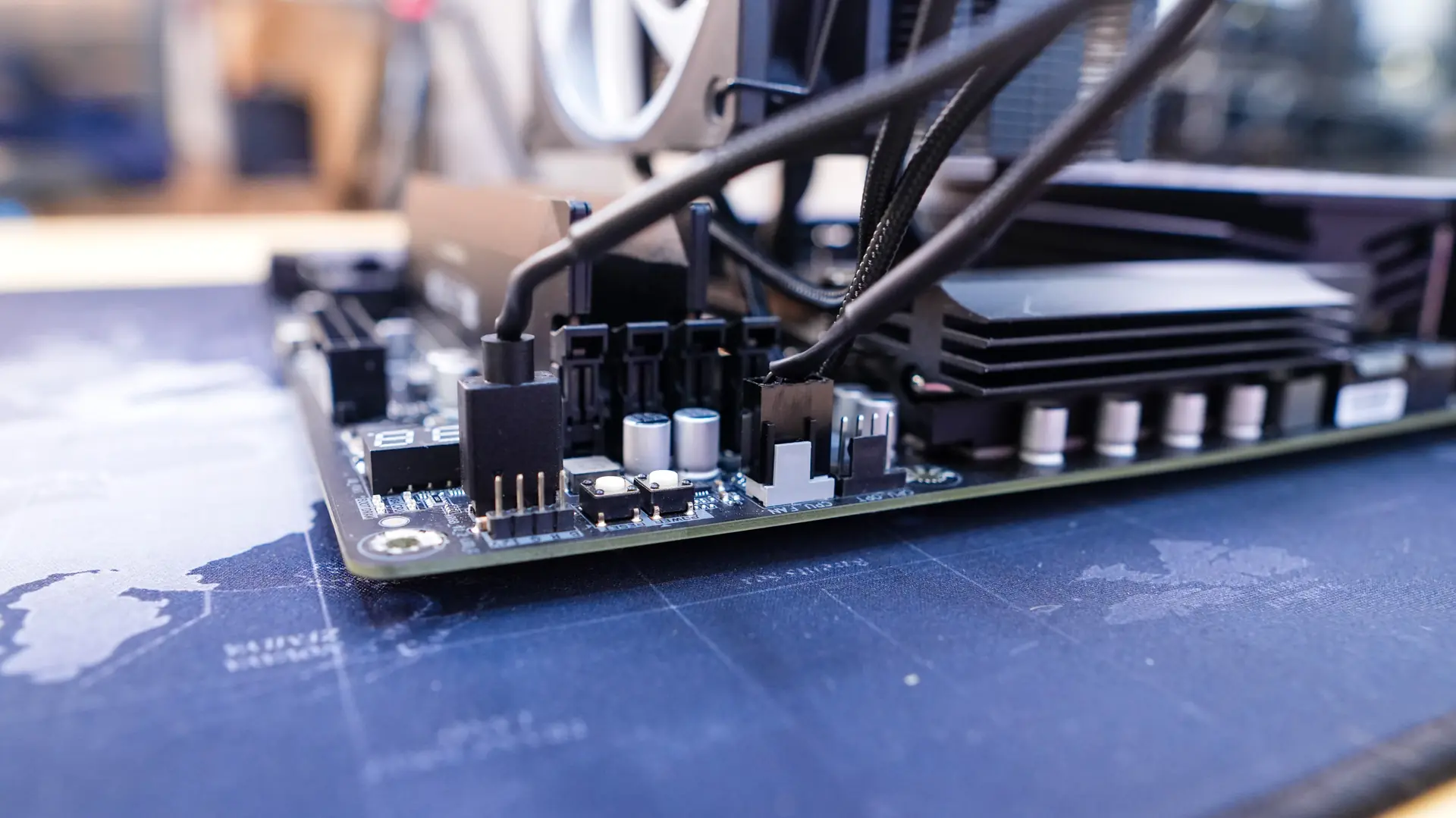
Reinstall your fan and be sure to plug it into the CPU fan header on your motherboard and the ARGB connection to an ARGB header. With the fan installed you can see that we do have 100% memory clearance.
Lighting
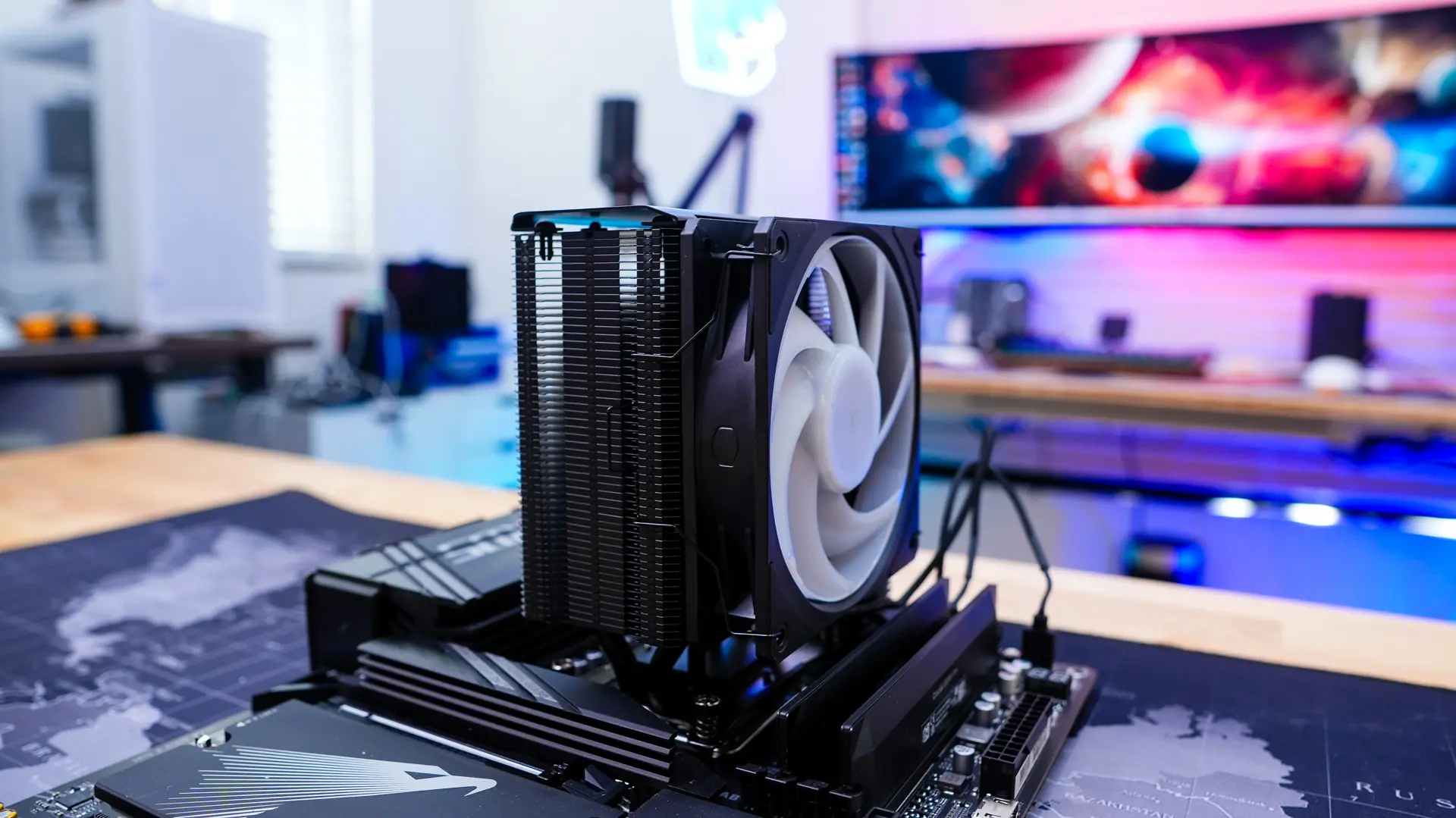
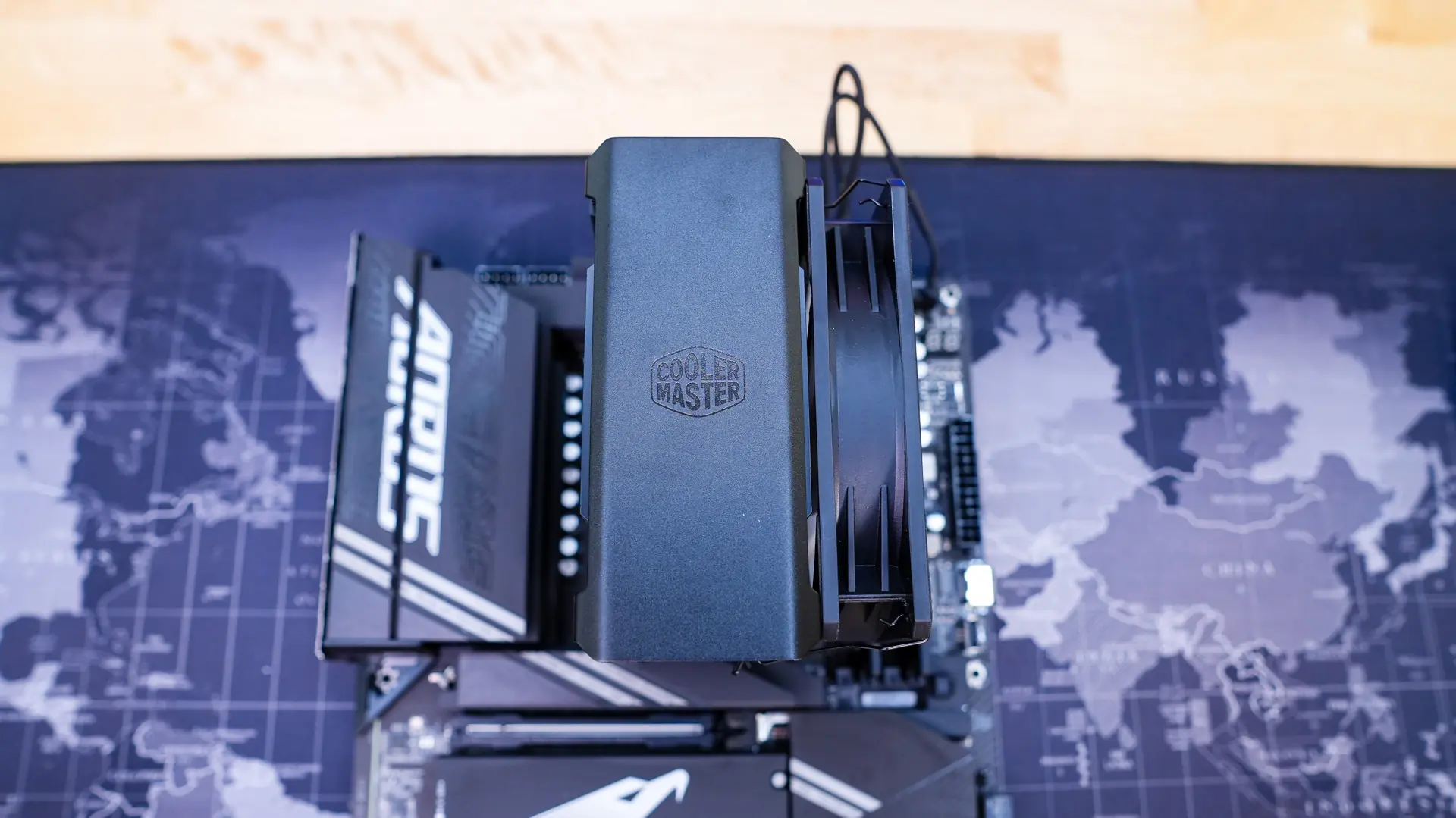
When it comes to lighting on the cooler of course we have the ARGB fan. With no controller supplied you can easily control the lighting with your motherboard’s RGB software.