A Look Inside the Corsair iCUE LINK 3500X RGB Case
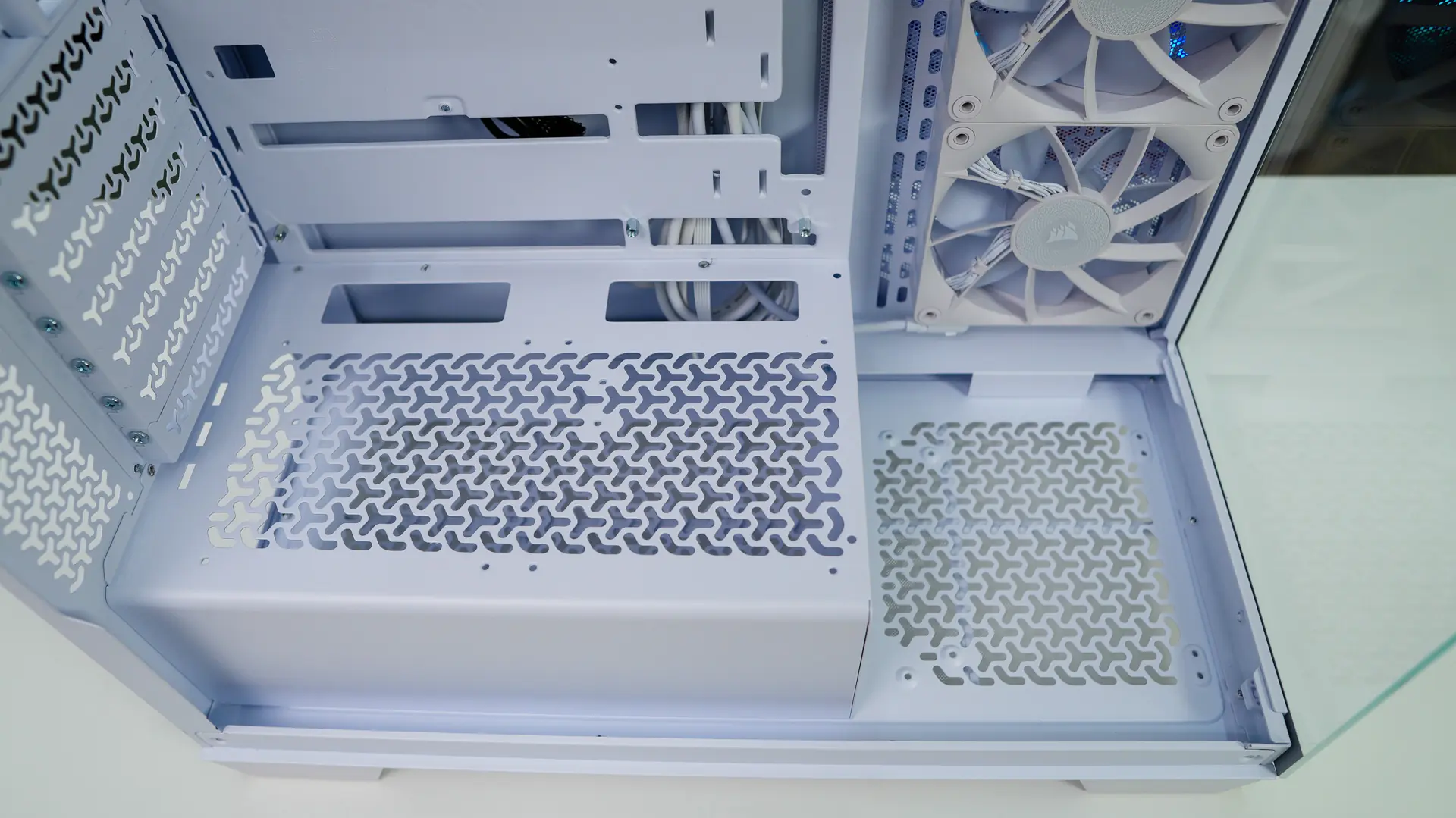
If we remove the main side panel we can take a look inside the case. We have an all-white interior and a sort of two compartment design. Typically we see the power supply cover extend the entire length of the case, but Corsair opted to cut it about 60% of the way.

This gives you room for a 120mm or 140mm fan in the front section of the case with unobstructed airflow. The power supply cover does have ventilation on it and you can install two 120mm fans here. There are also screw holes for an optional vertical GPU mount as well as two large cable routing holes.
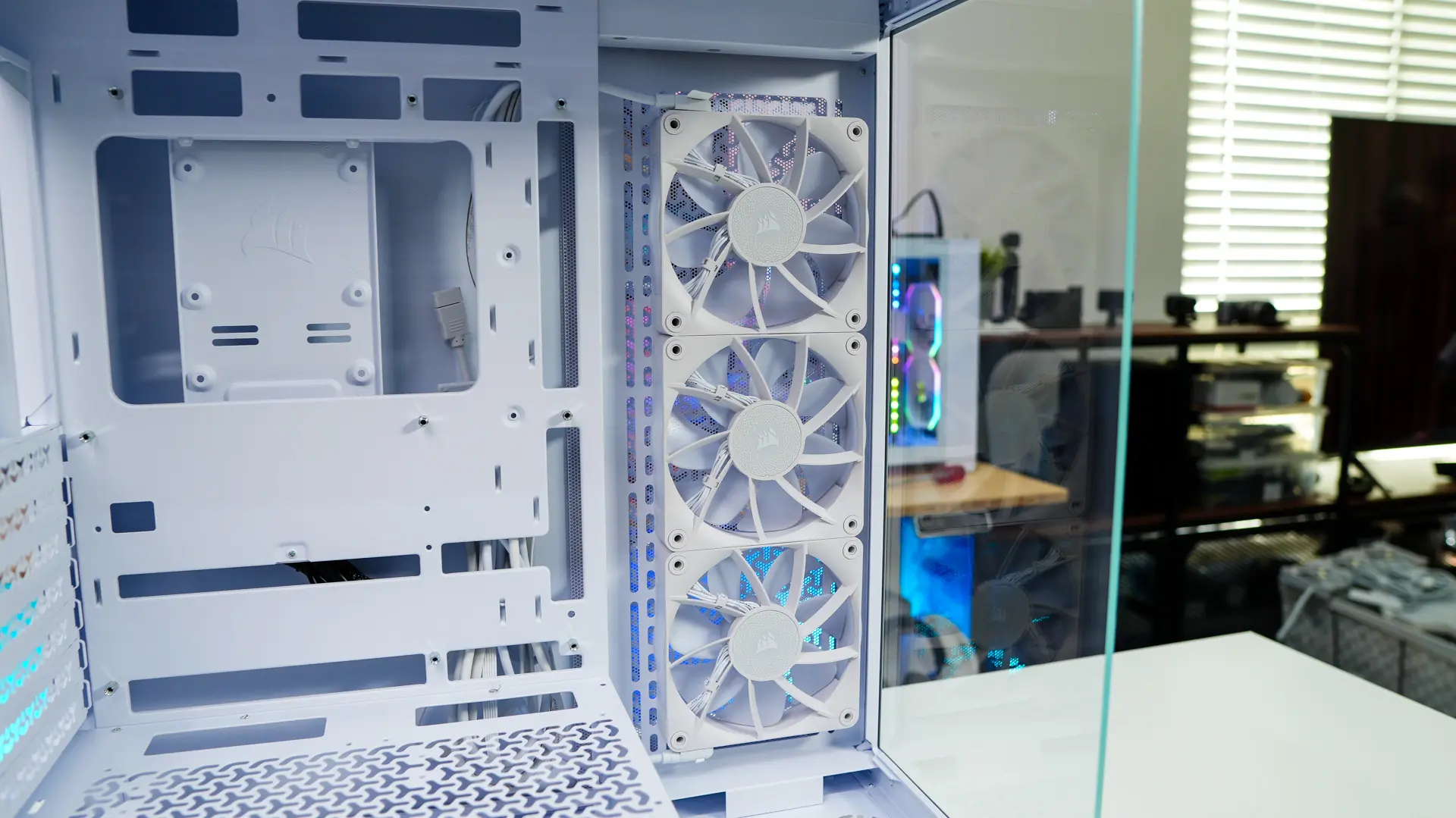
Pre-installed in the side mount we have three of Corsair’s iCUE LINK RX120. While Corsair has taken the hard work out of mounting these, they do simply snap together and you have a single connection coming off of them which really cuts down on cable mess. If you are wondering this side mount will also support two 140mm fans and radiators up to 360mm.

If we look at the motherboard tray it will support Mini-ITX, Micro-ATX, ATX, and E-ATX (305mm x 277mm) motherboards. You will notice quite a lot of cut-outs in the motherboard tray. While some are for cable routing, most of them are to support back-connect motherboards like ASUS BTF and MSI’s Project Zero. For those wondering about GPU support this case will support graphics cards as long as 410mm.
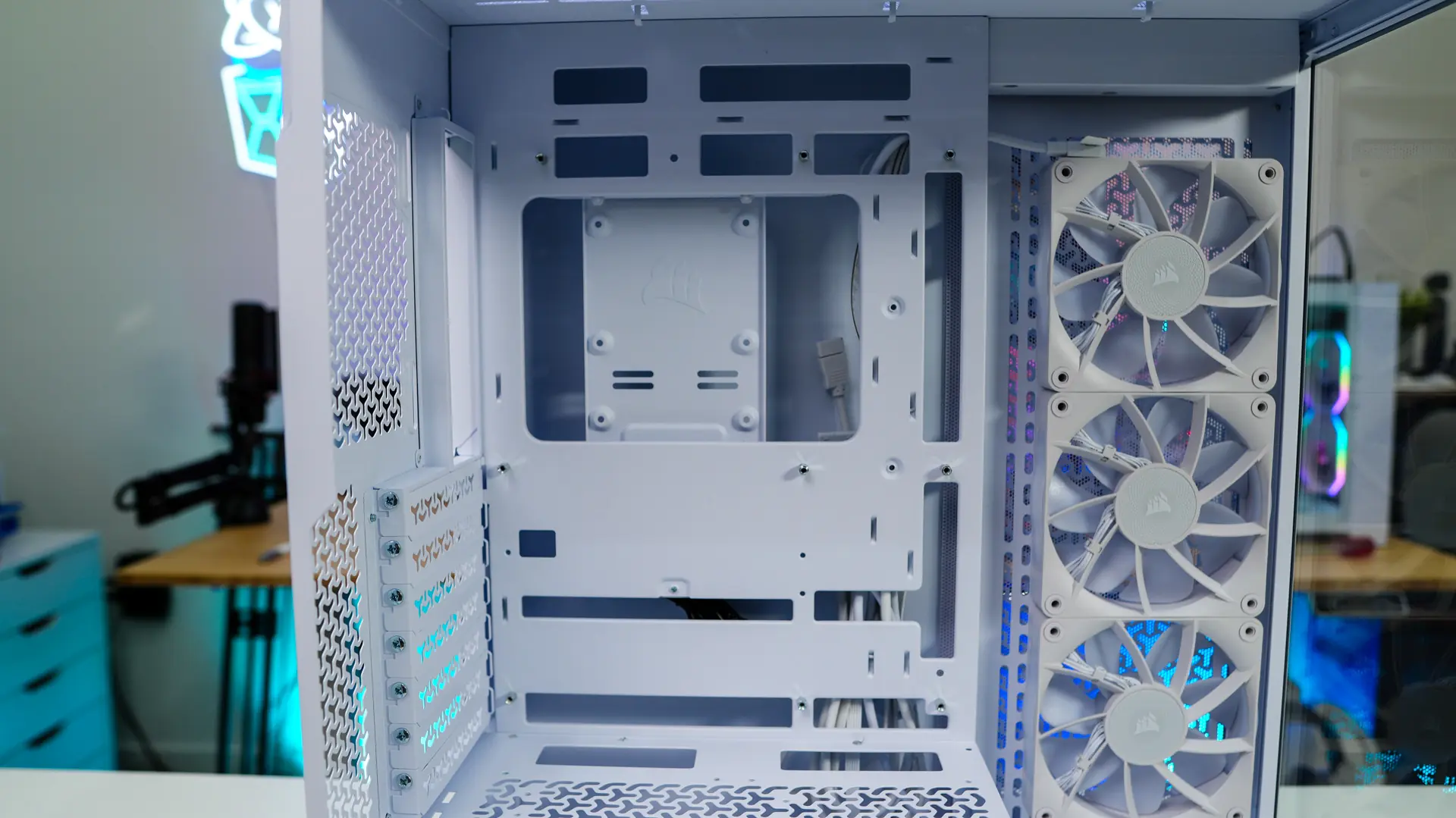
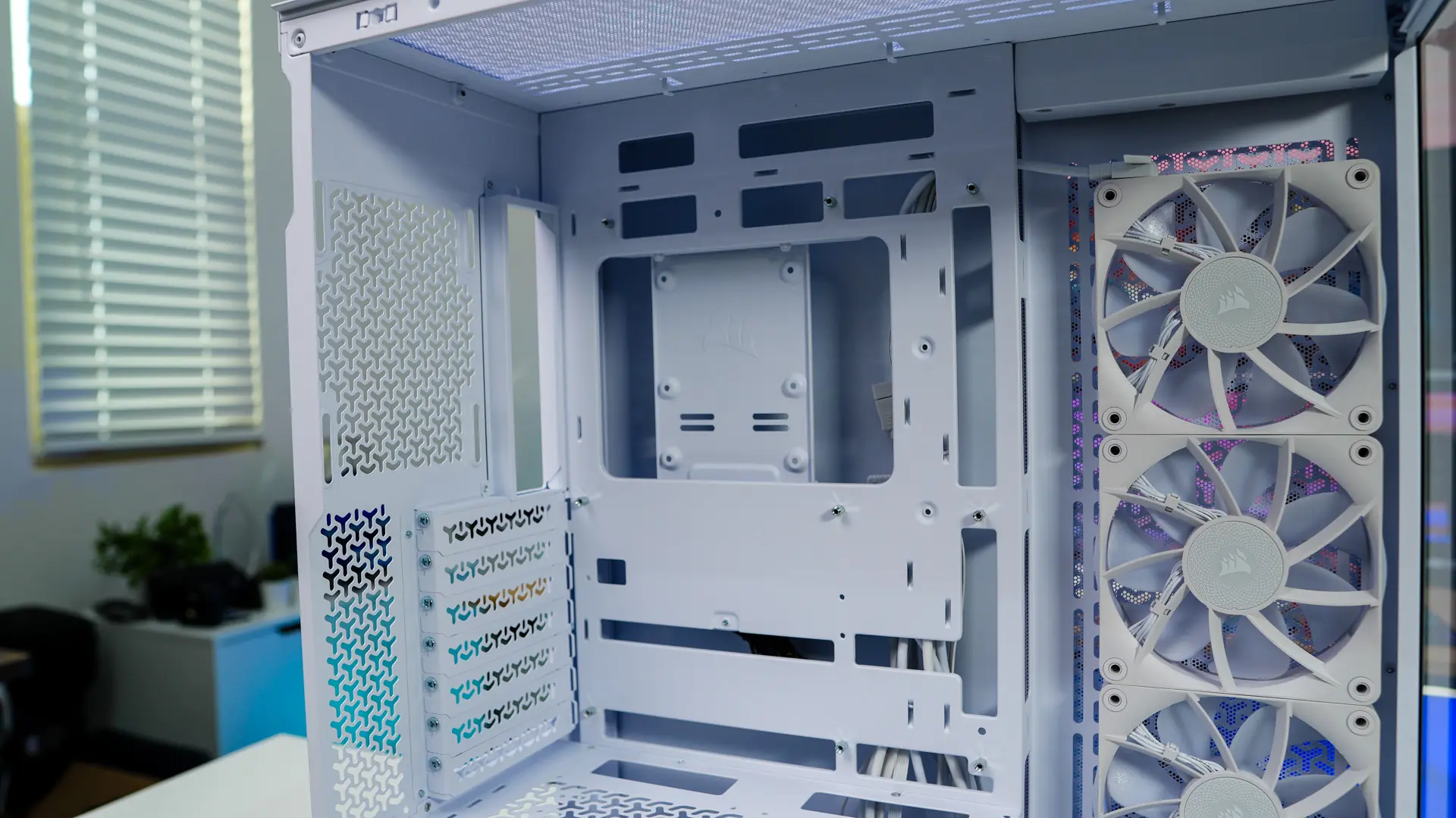
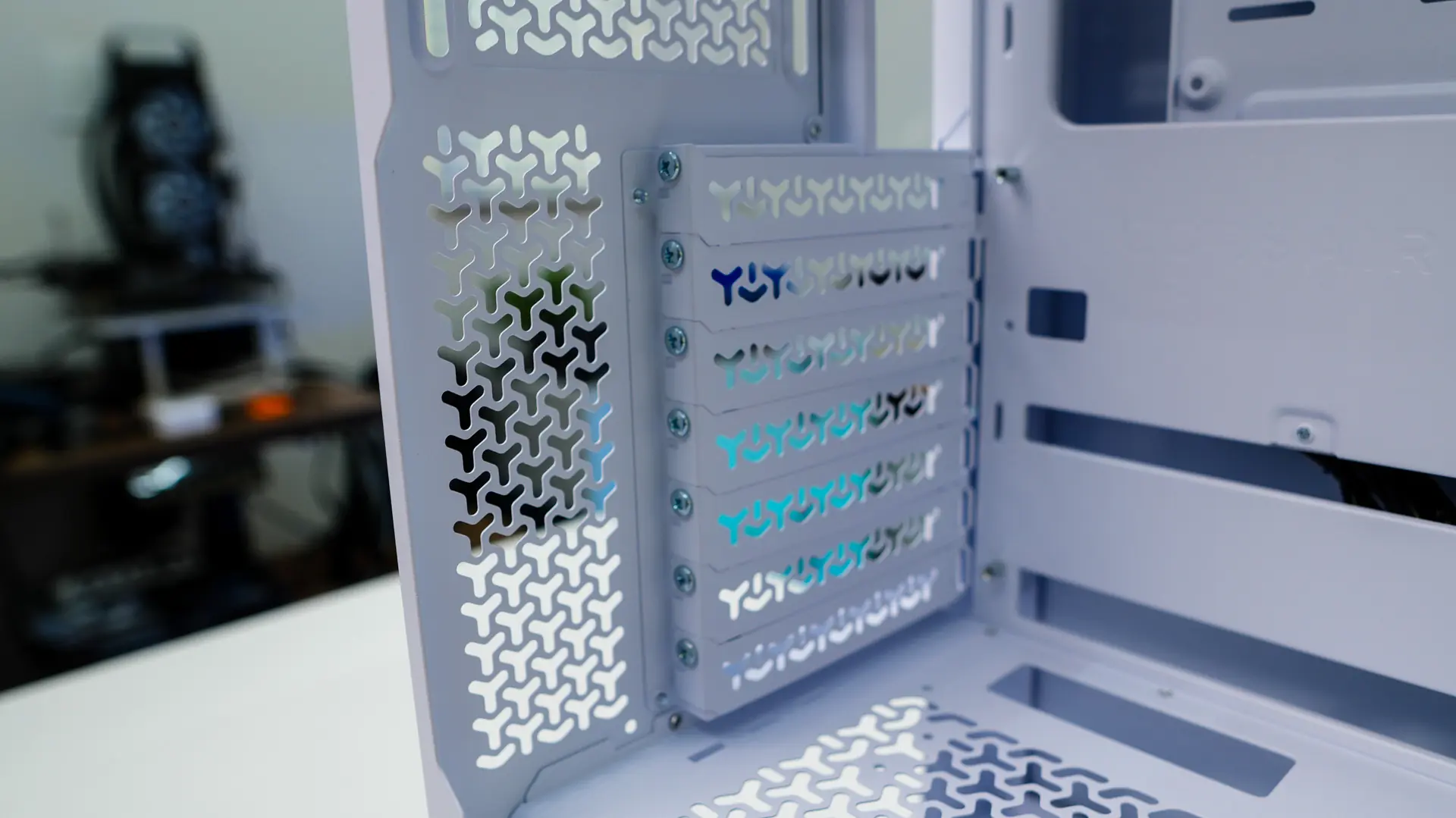
Looking at our rear slot covers we have a total of 7 and they are held into place with normal screws. Also at the back of the case we have our the fan mount, which again does support a single 120mm fan.

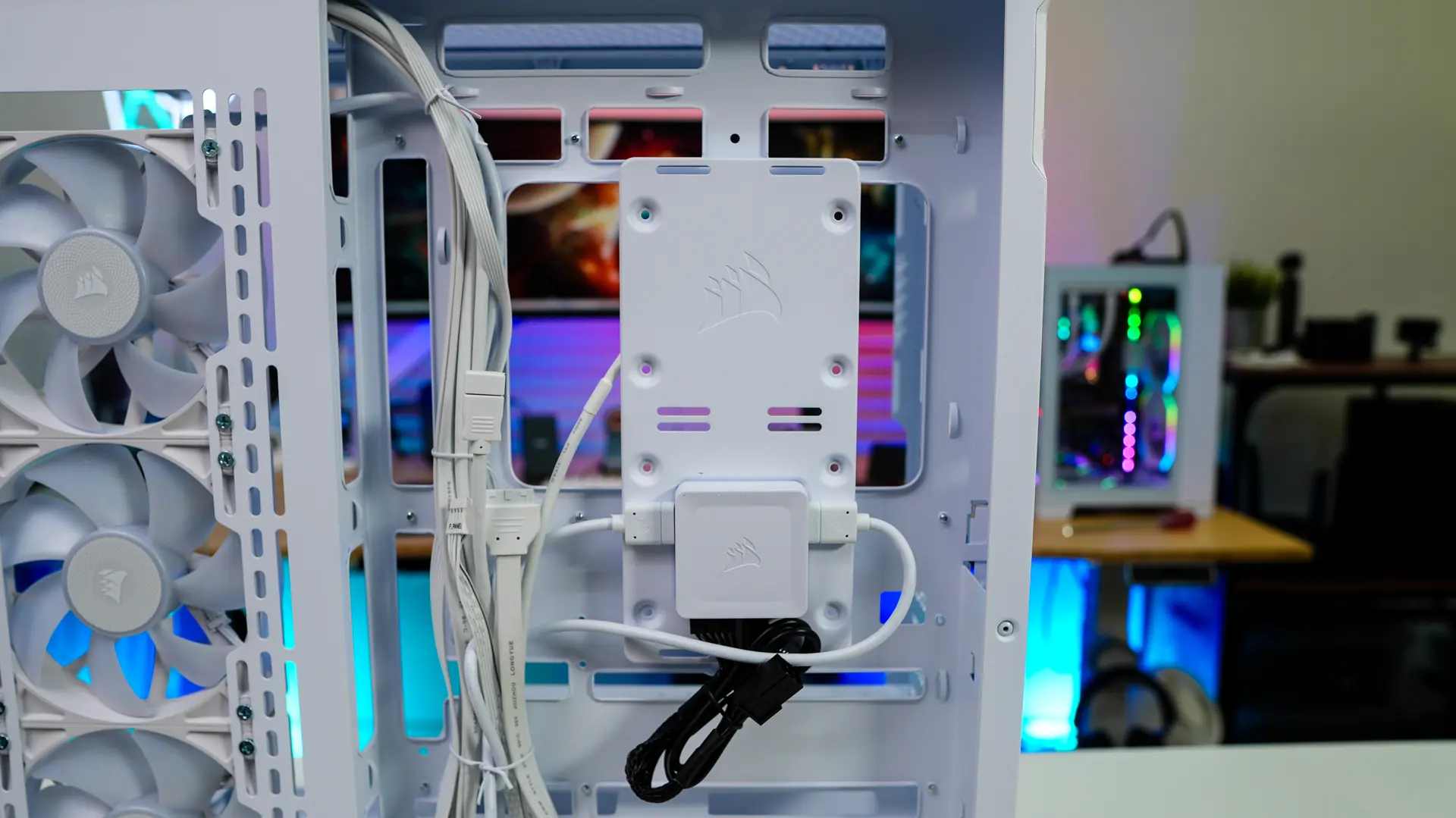
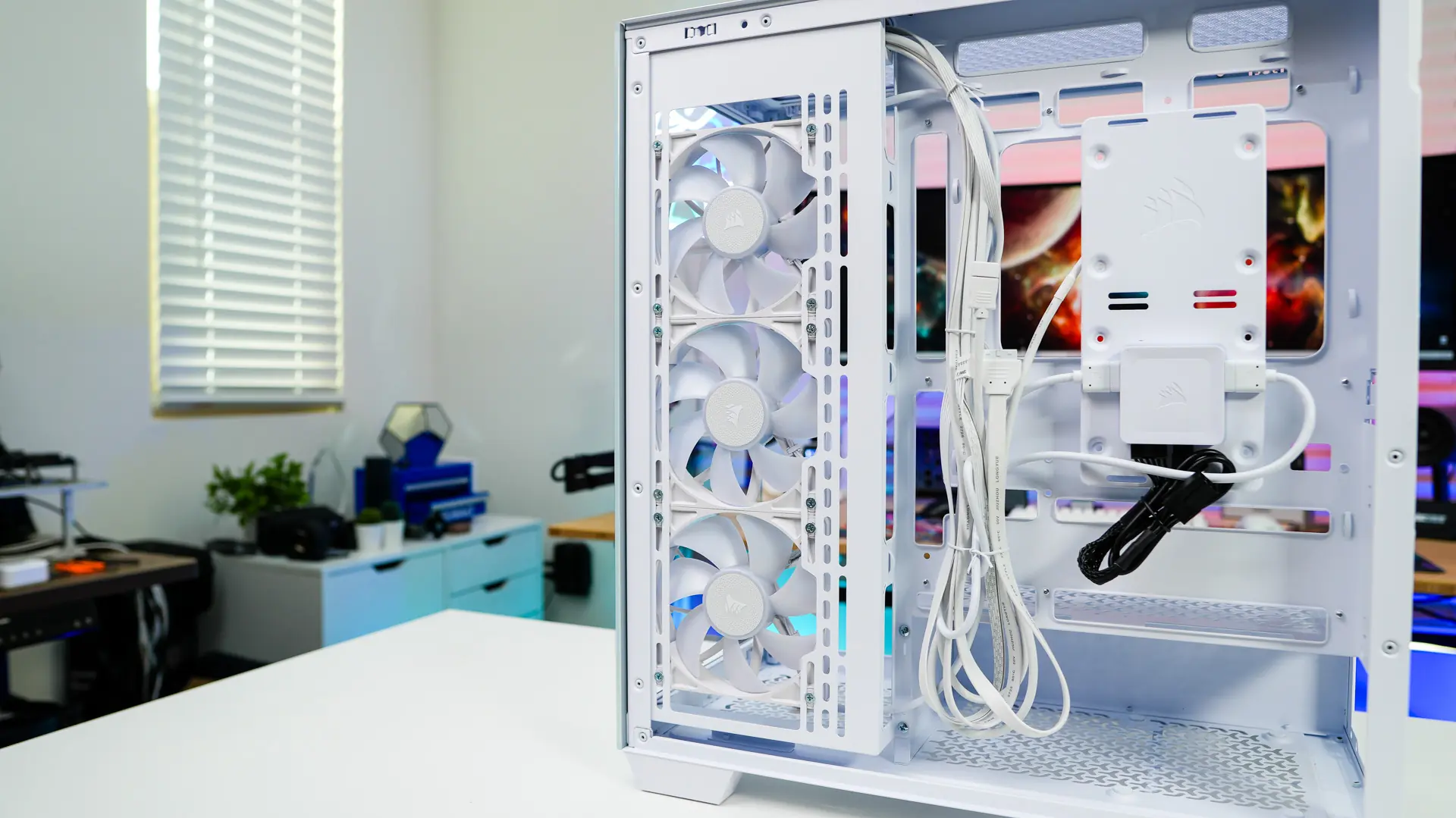
Removing the opposite side panel we can see how the rest of the case is laid out. The first thing that caught my attention was the iCUE LINK System Hub which is mounted in a small recess on the storage bracket. It easily mounts there as it is magnetic. This iCUE LINK System Hub features two ports so you can easily connect more iCUE LINK products really easily.
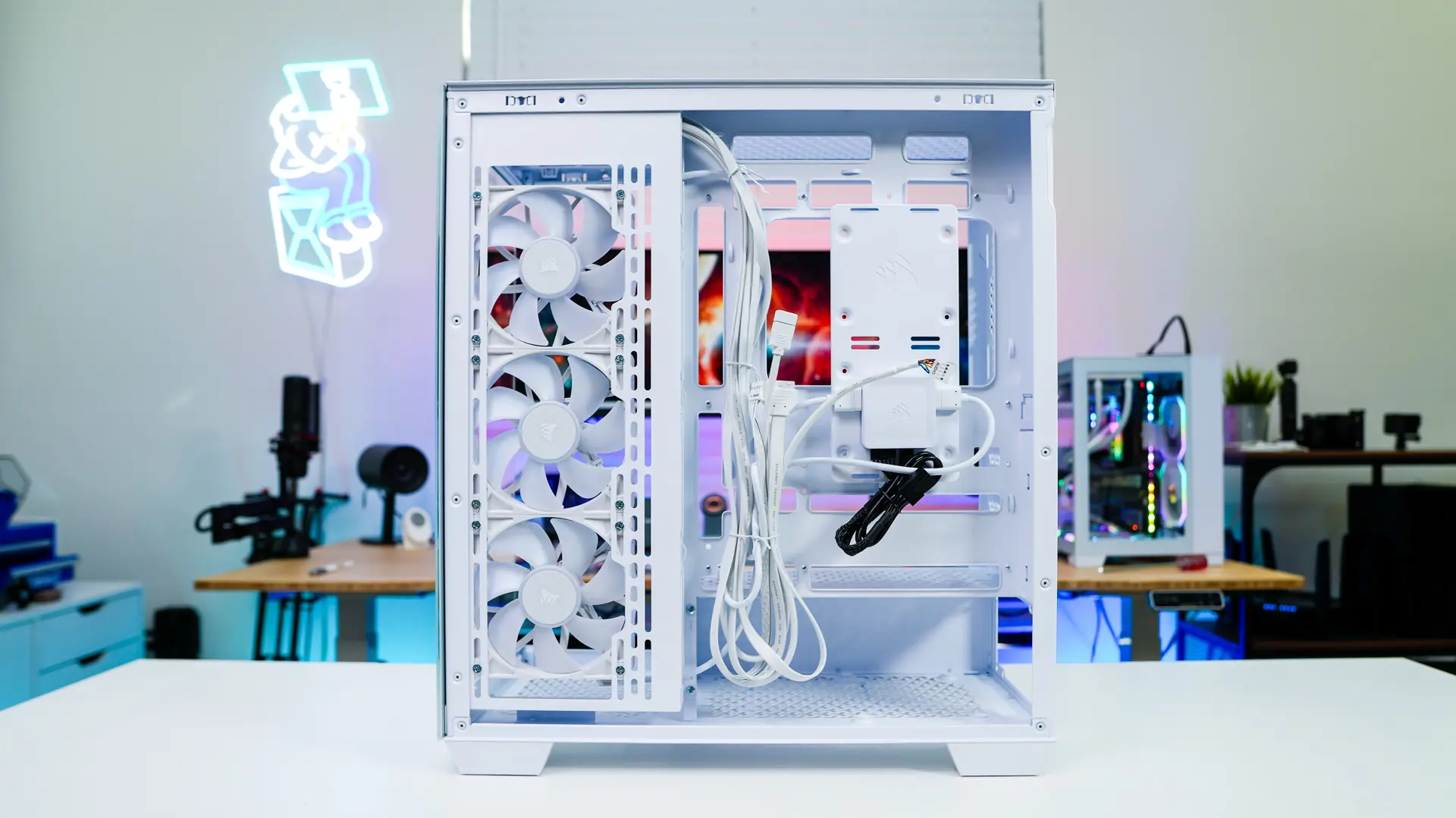
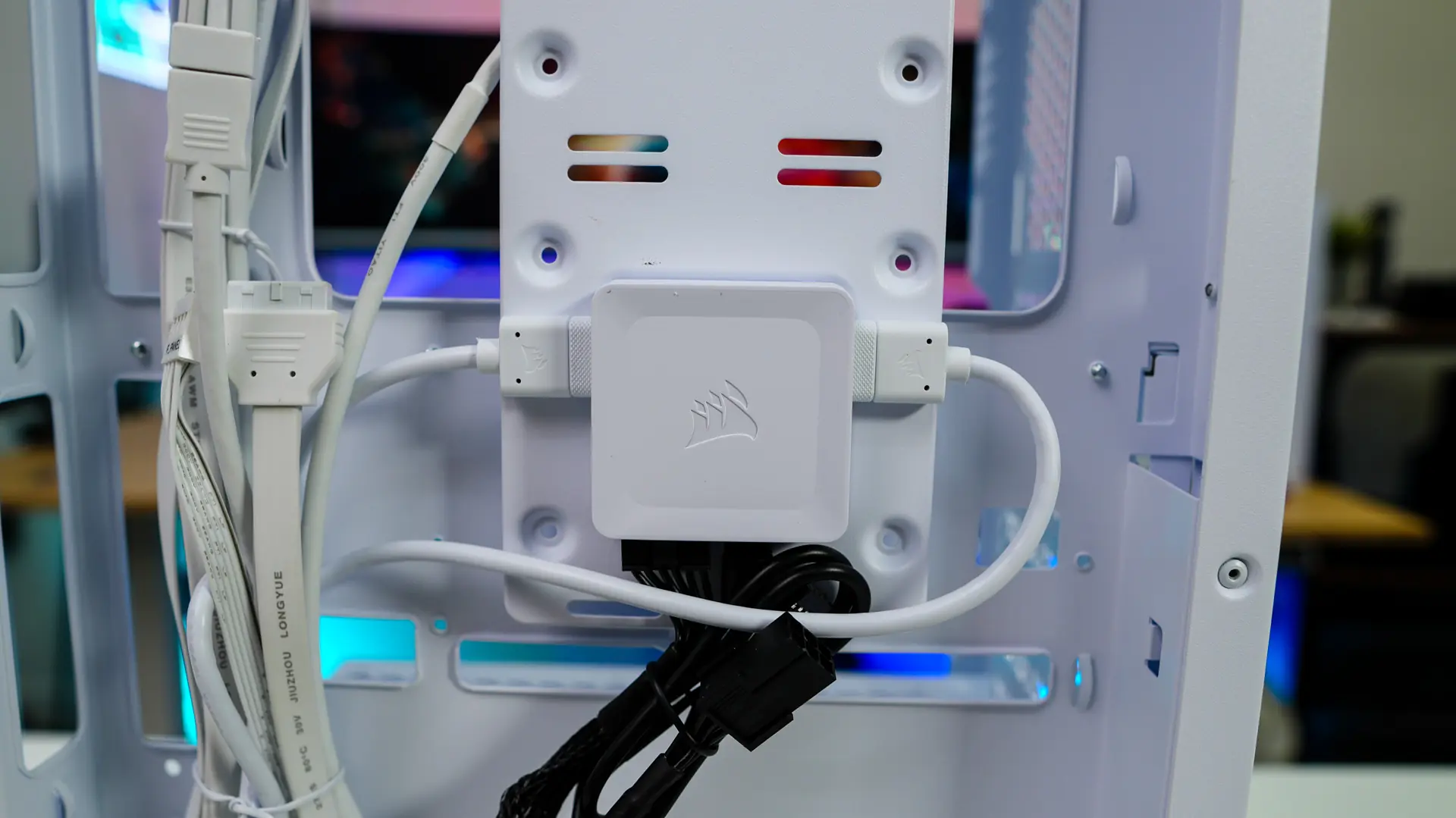
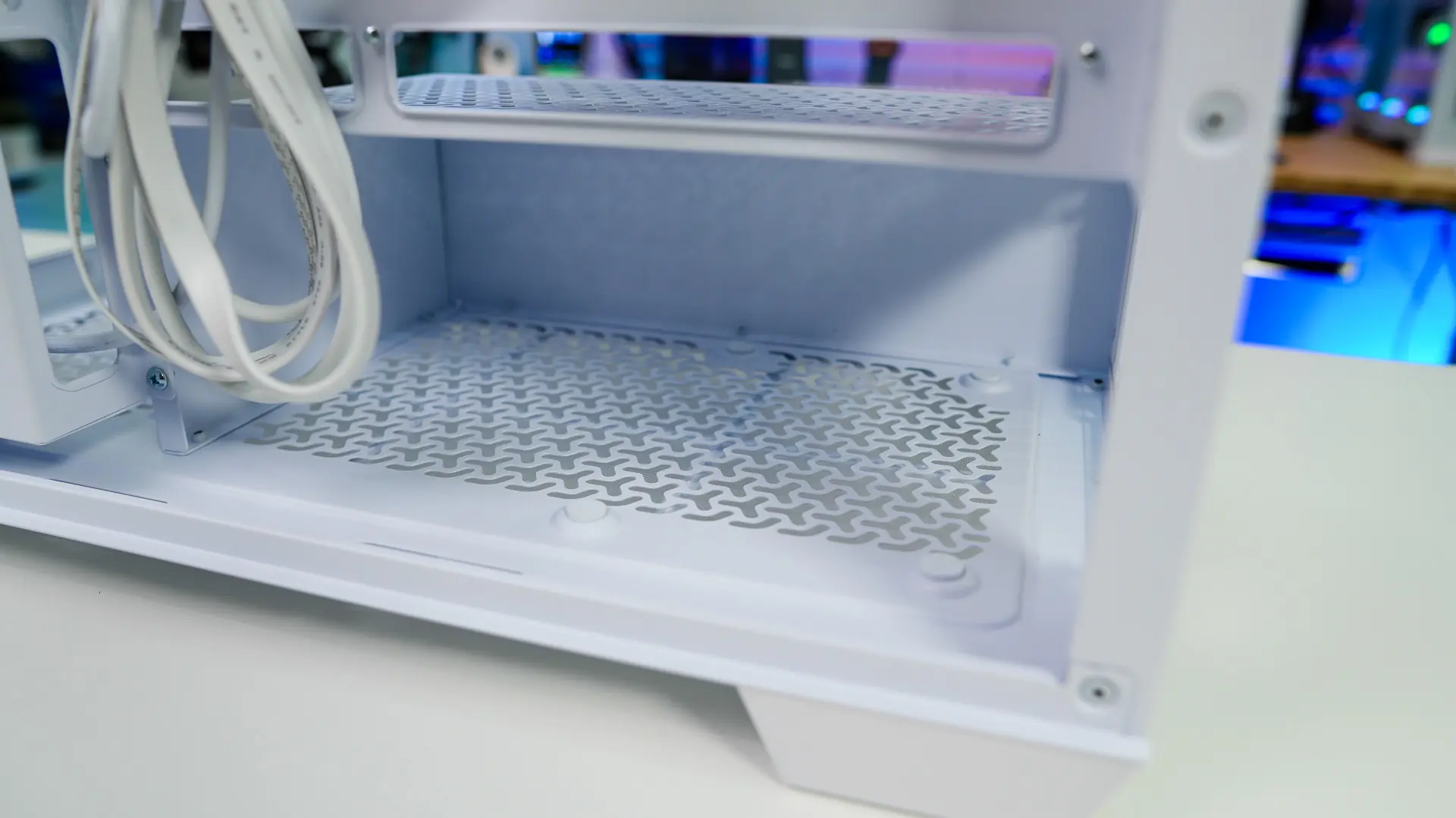
Talking about the storage bracket it is removable with a single thumbscrew. It supports either two 2.5-inch SSDs or two 3.5-inch hard drives. We can also see how all about the cabling from the case gets routed to the back. Definitely nice to see the white cabling on most of these cables.
The power supply mount at the bottom of the case will support ATX power supplies as long as 180mm.