Installation in the Corsair iCUE LINK 3500X RGB Case
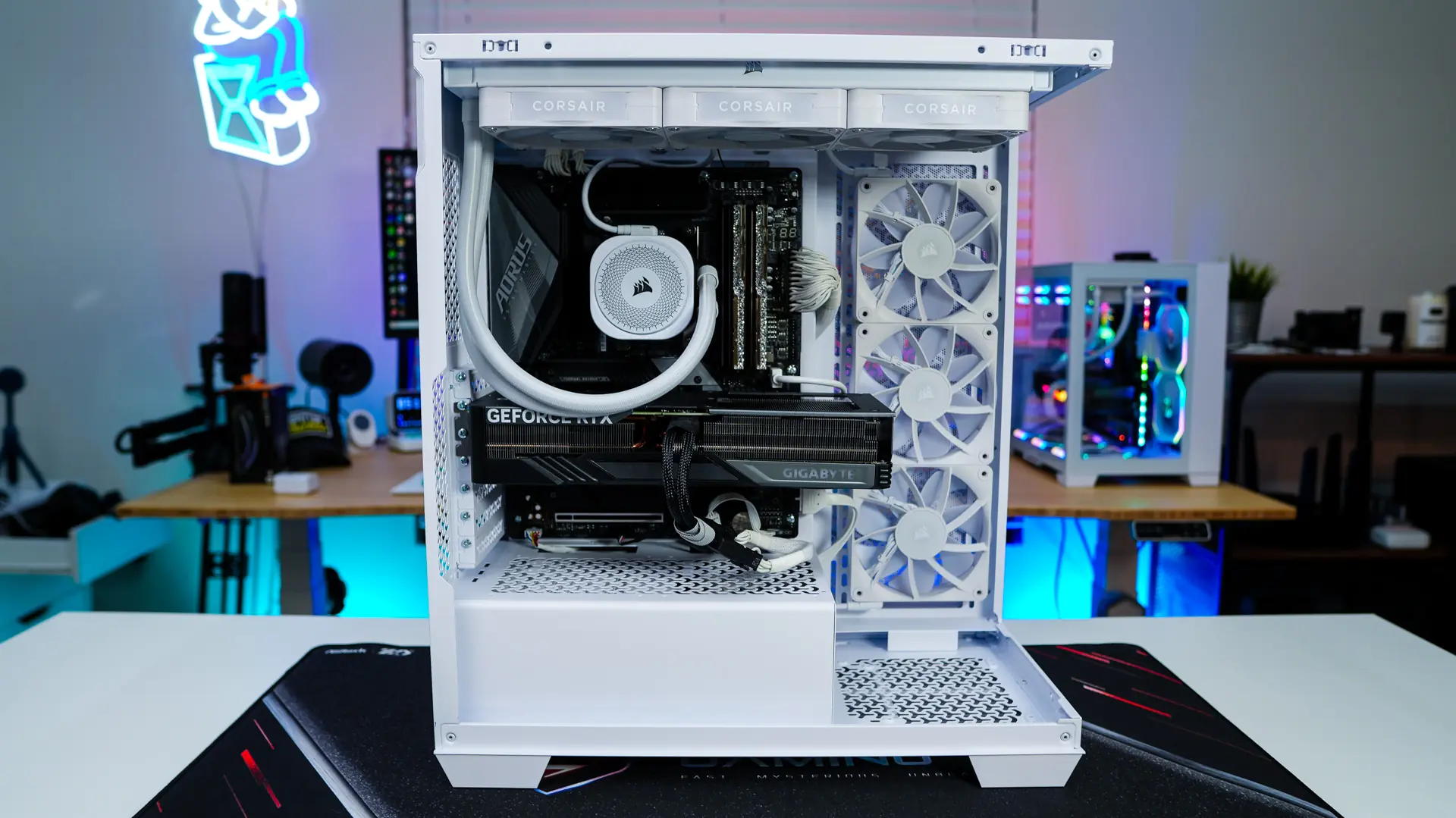
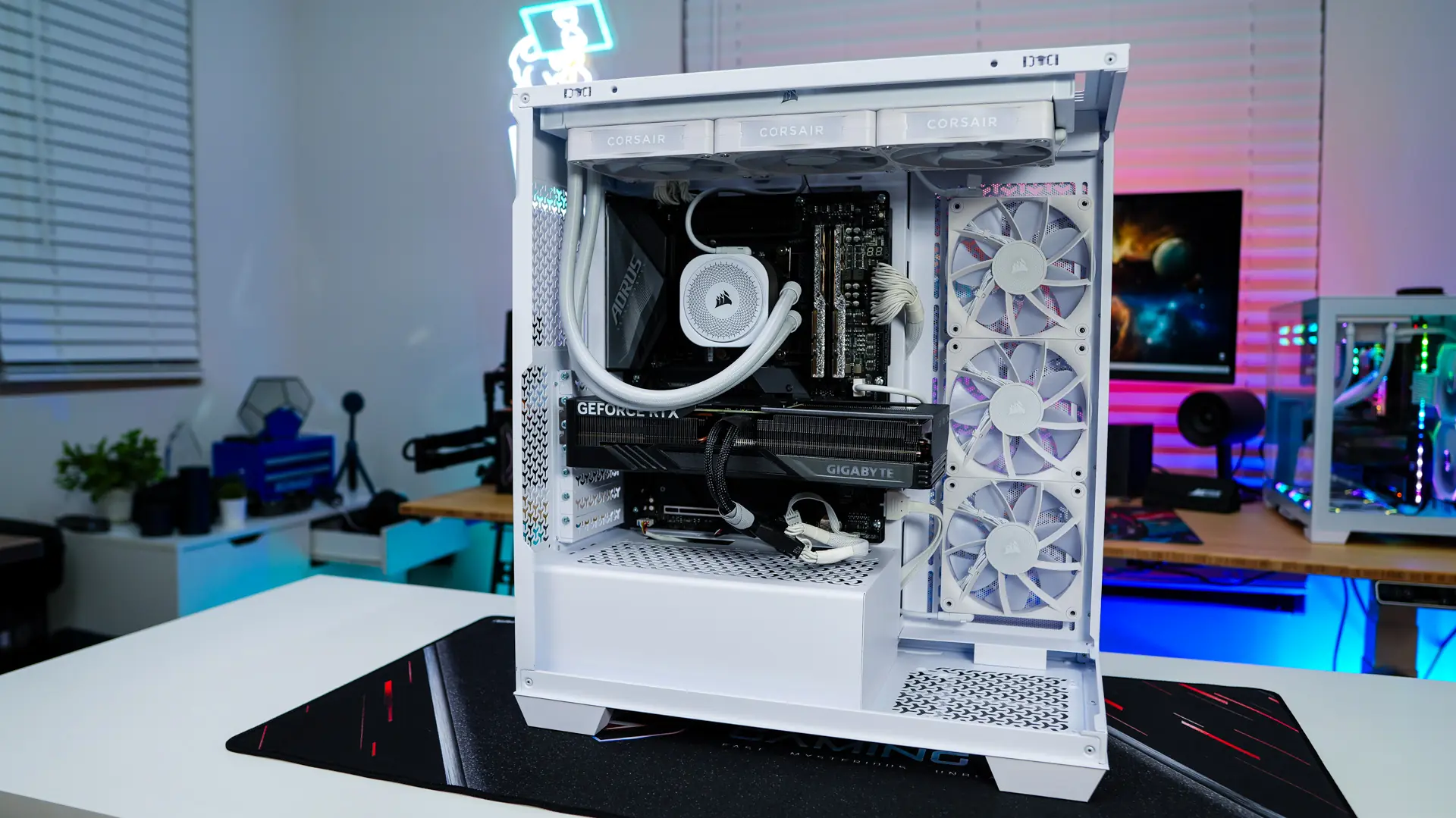
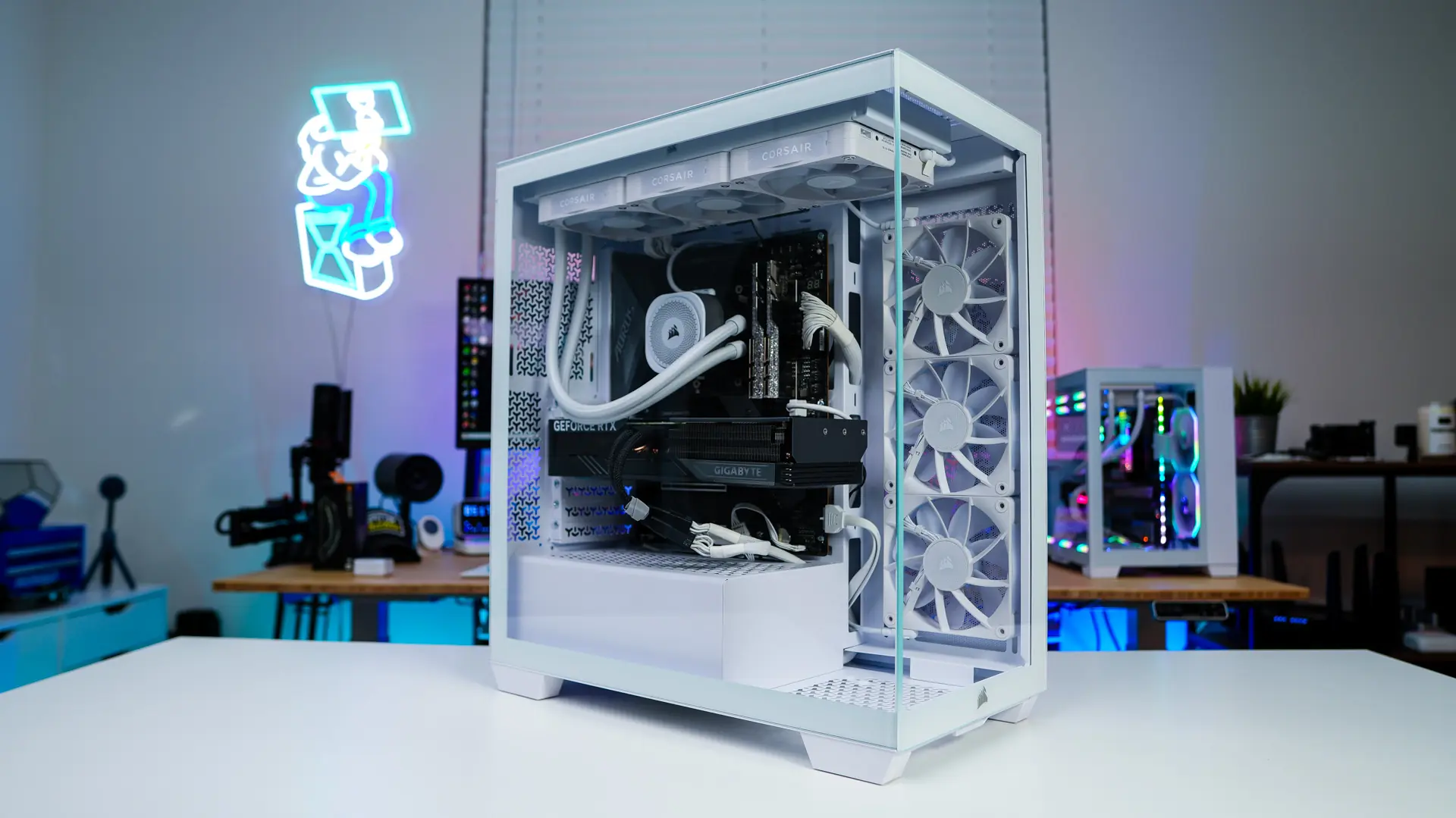
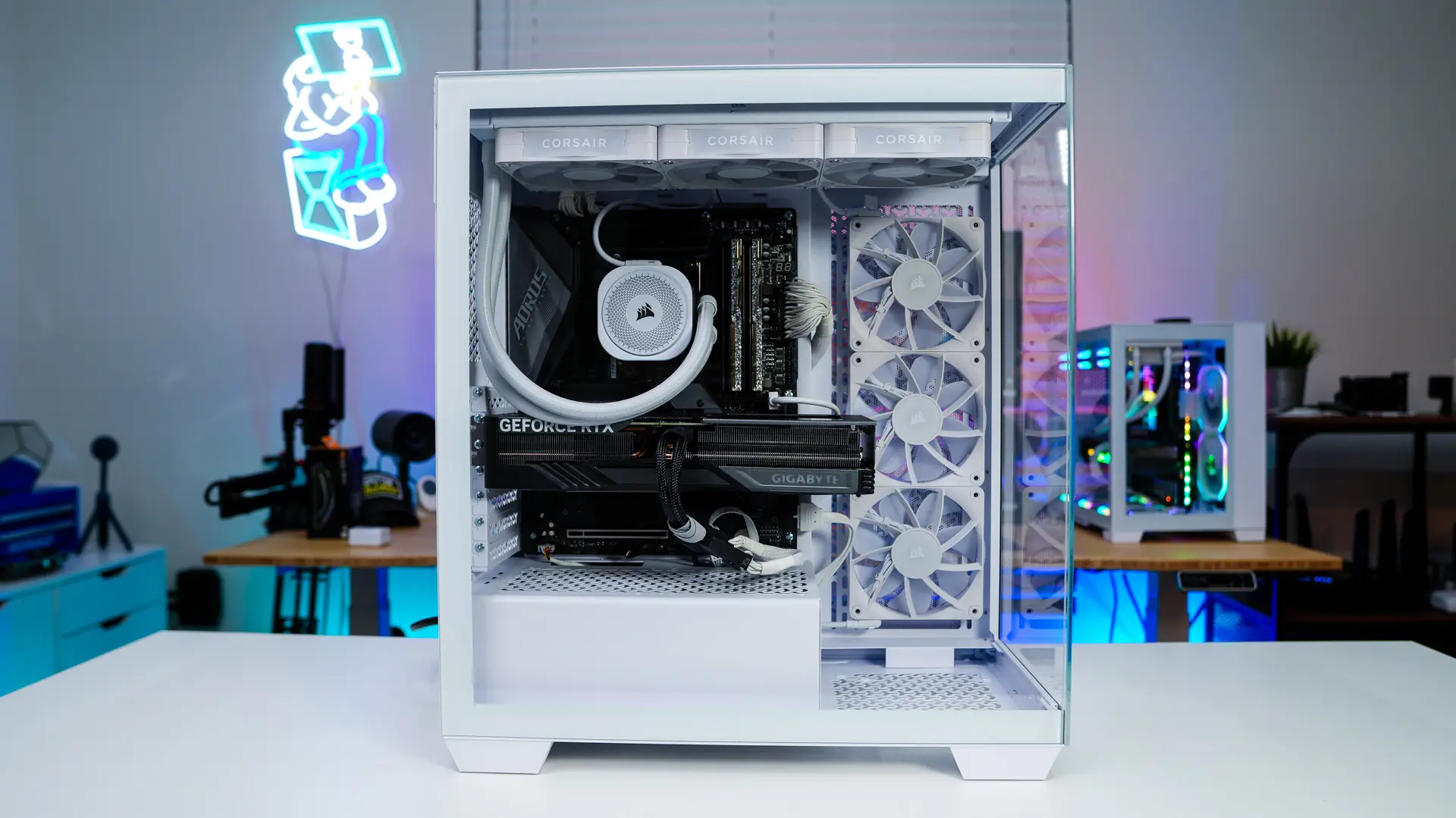
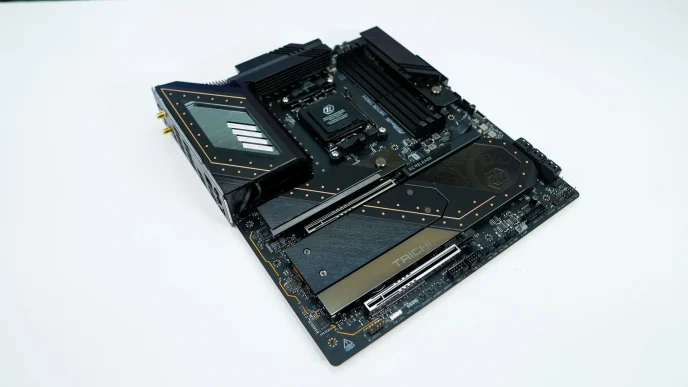
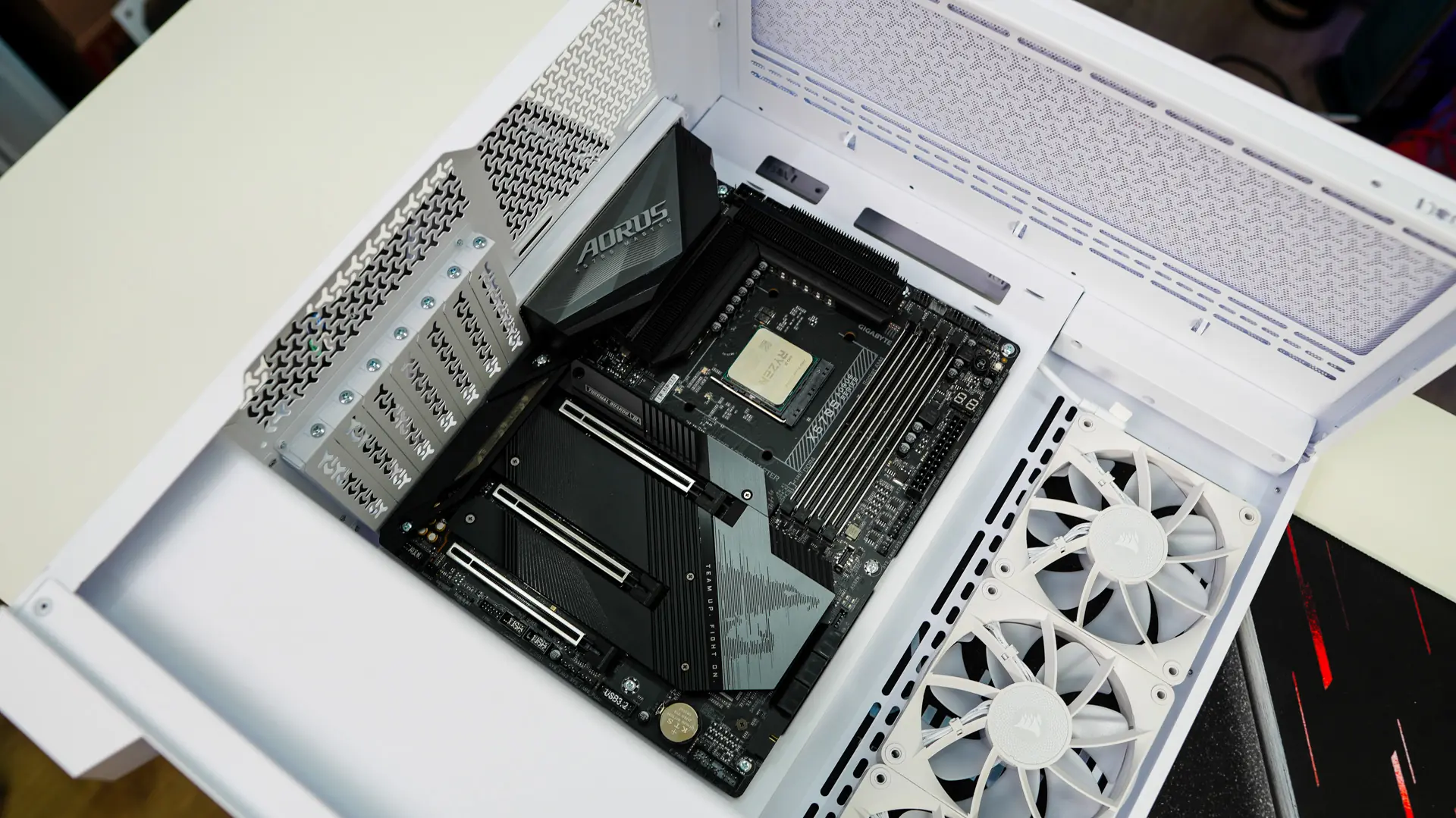
Hardware installation in the iCUE LINK 3500X RGB is pretty straight-forward. To make things easier you are going to want to remove all of the panels. They all come off very easily, which is nice. With them all removed let’s go ahead and install our motherboard.
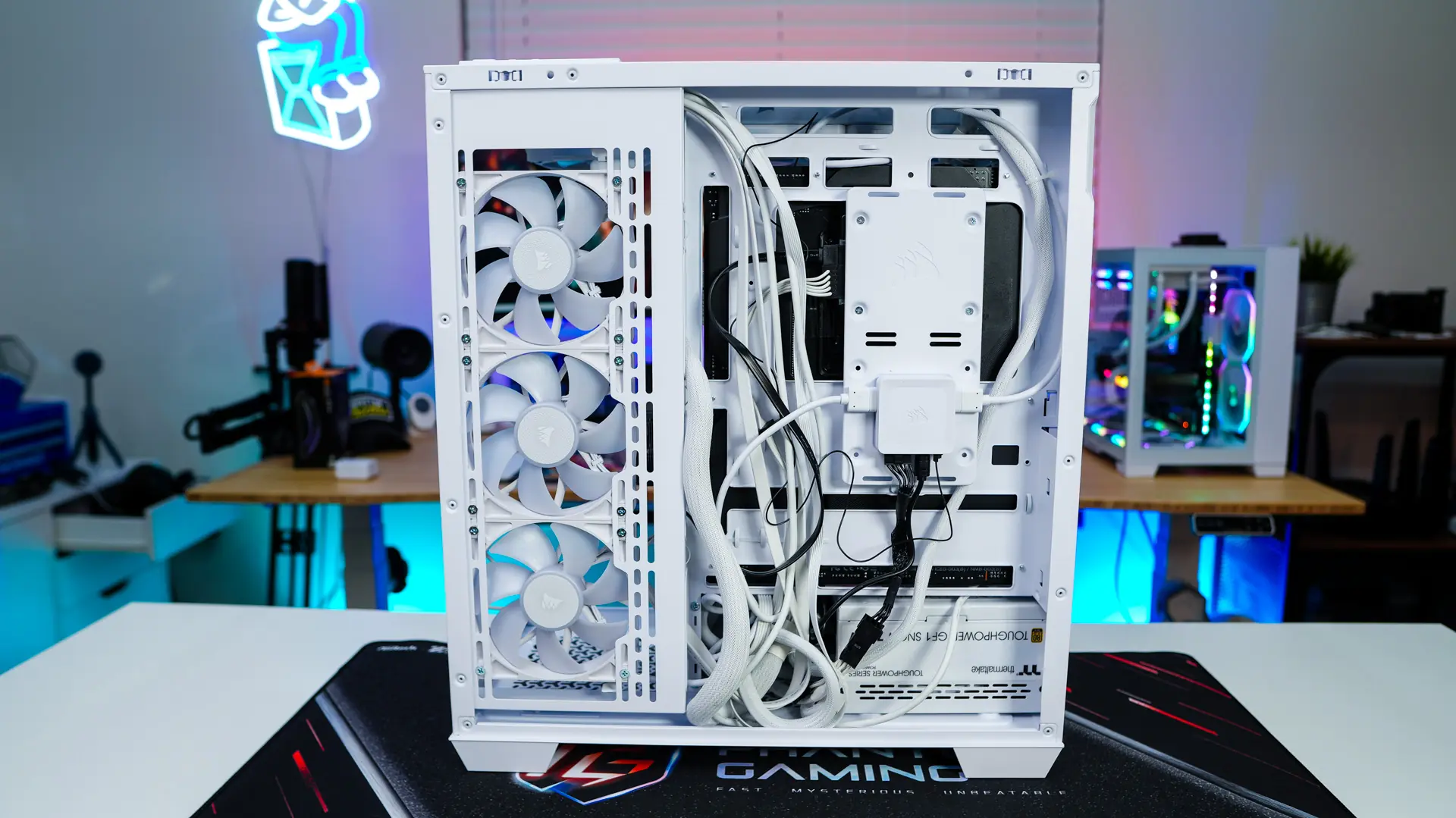
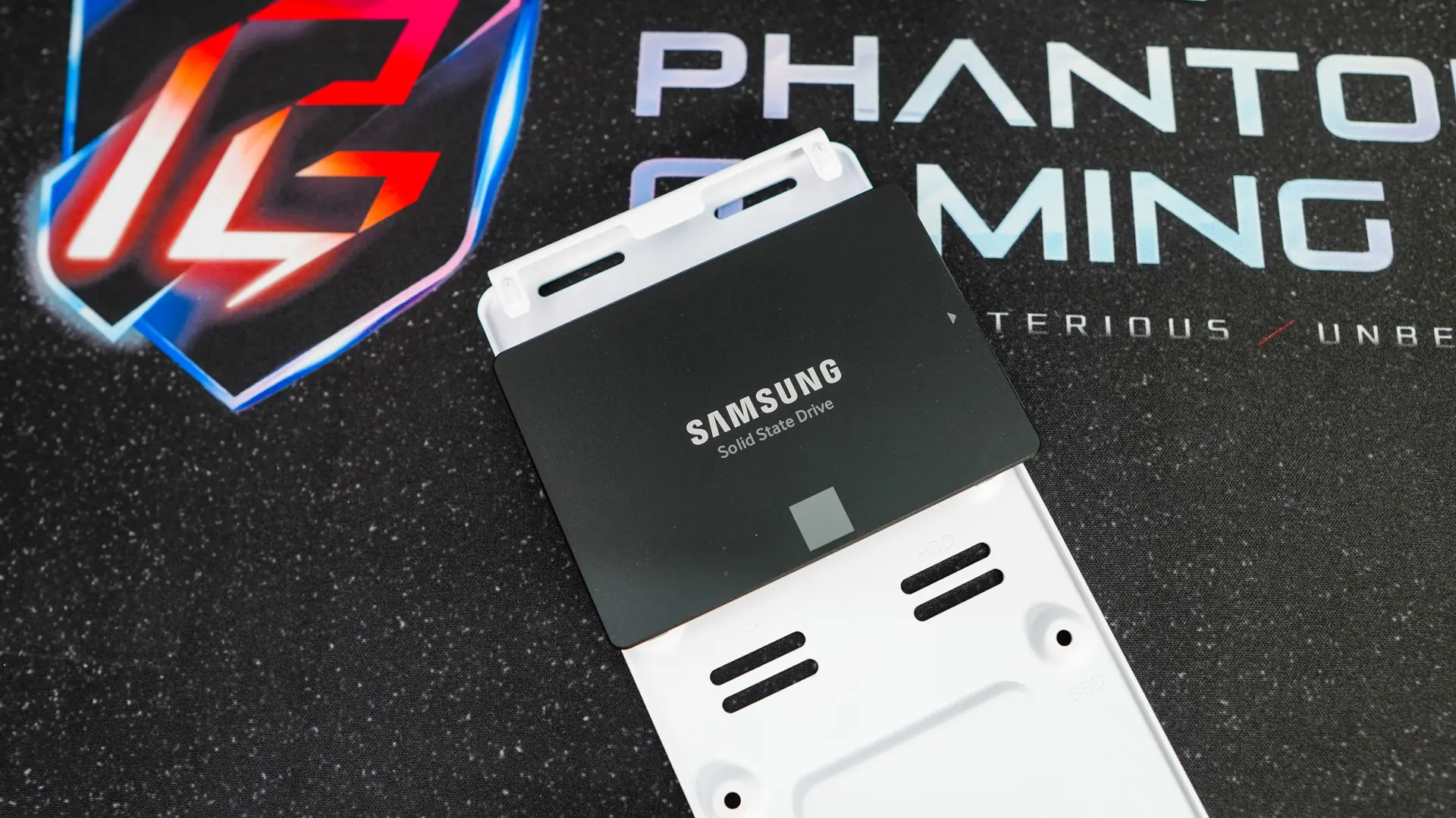
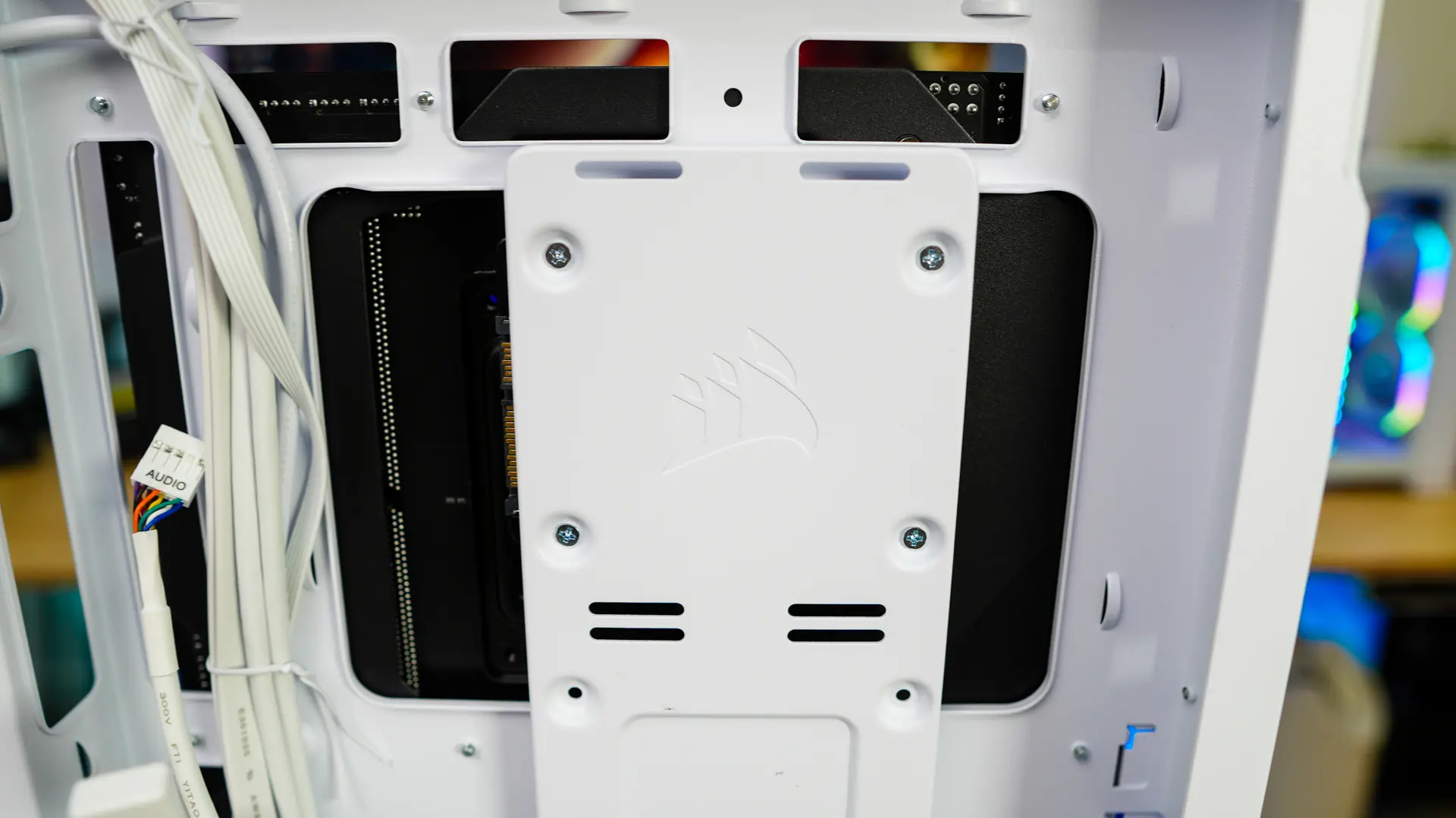
For storage we will be installing a 2.5-inch solid state drive on the removable storage bracket. Since it is removable we can easily install our drive outside of the case. Now this storage bracket does go over the CPU cutout in the motherboard tray so if you need to install a backplate for a CPU cooler don’t re-install the storage bracket just yet.
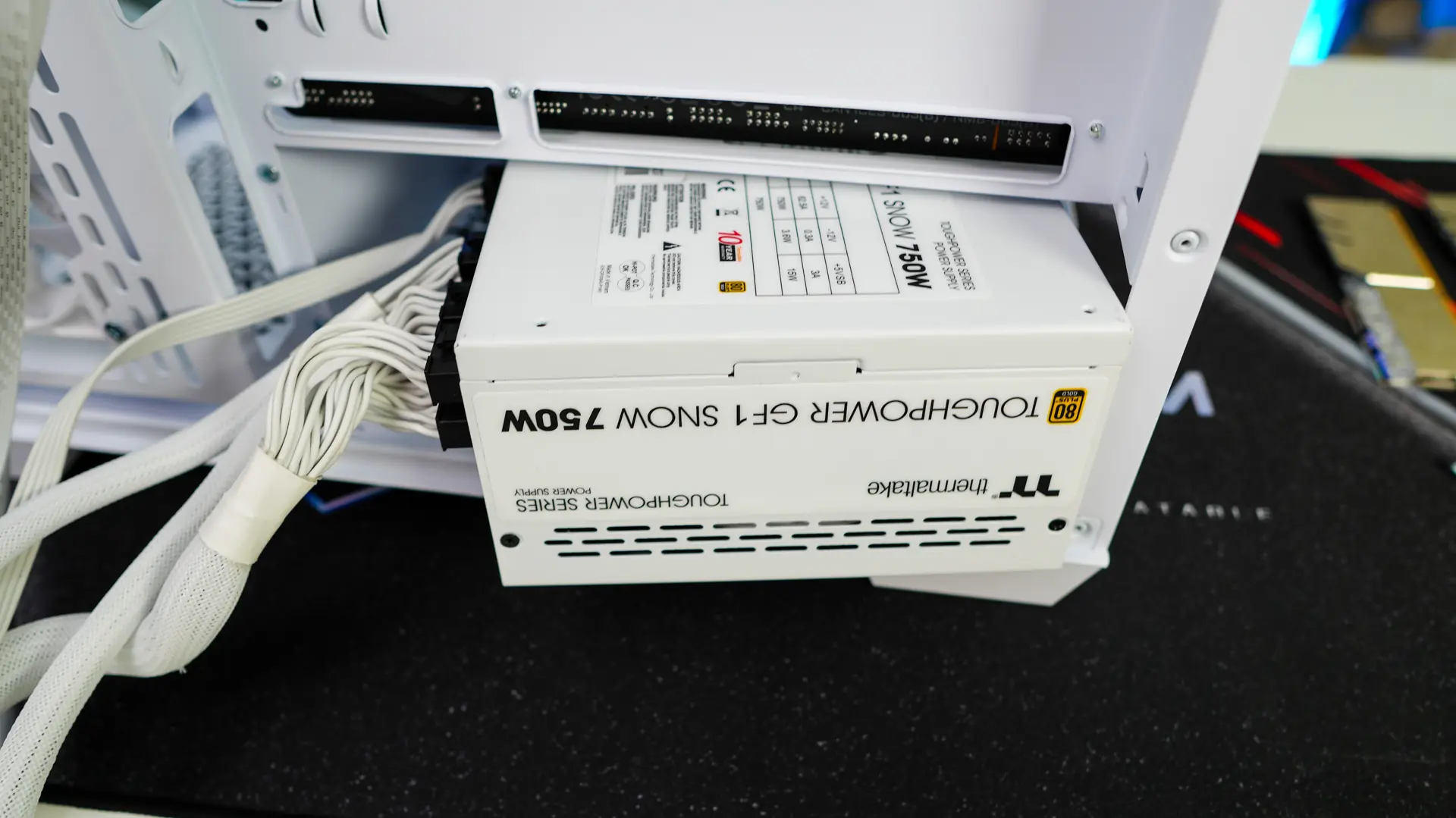
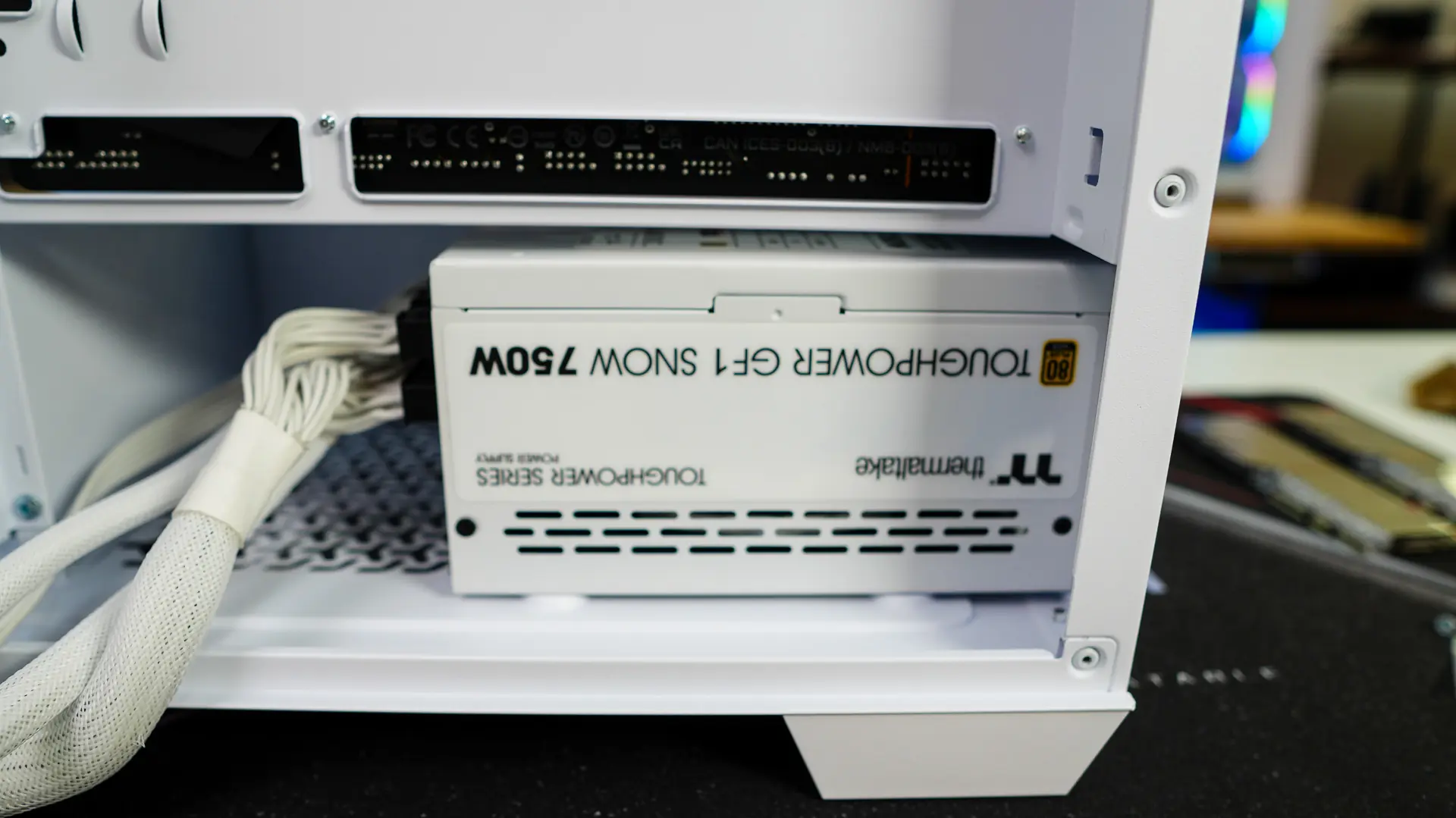
Your power supply is going to slide in from the back of the case. We had no issues sliding in the Thermaltake Toughpower GF1 Snow 750W unit.
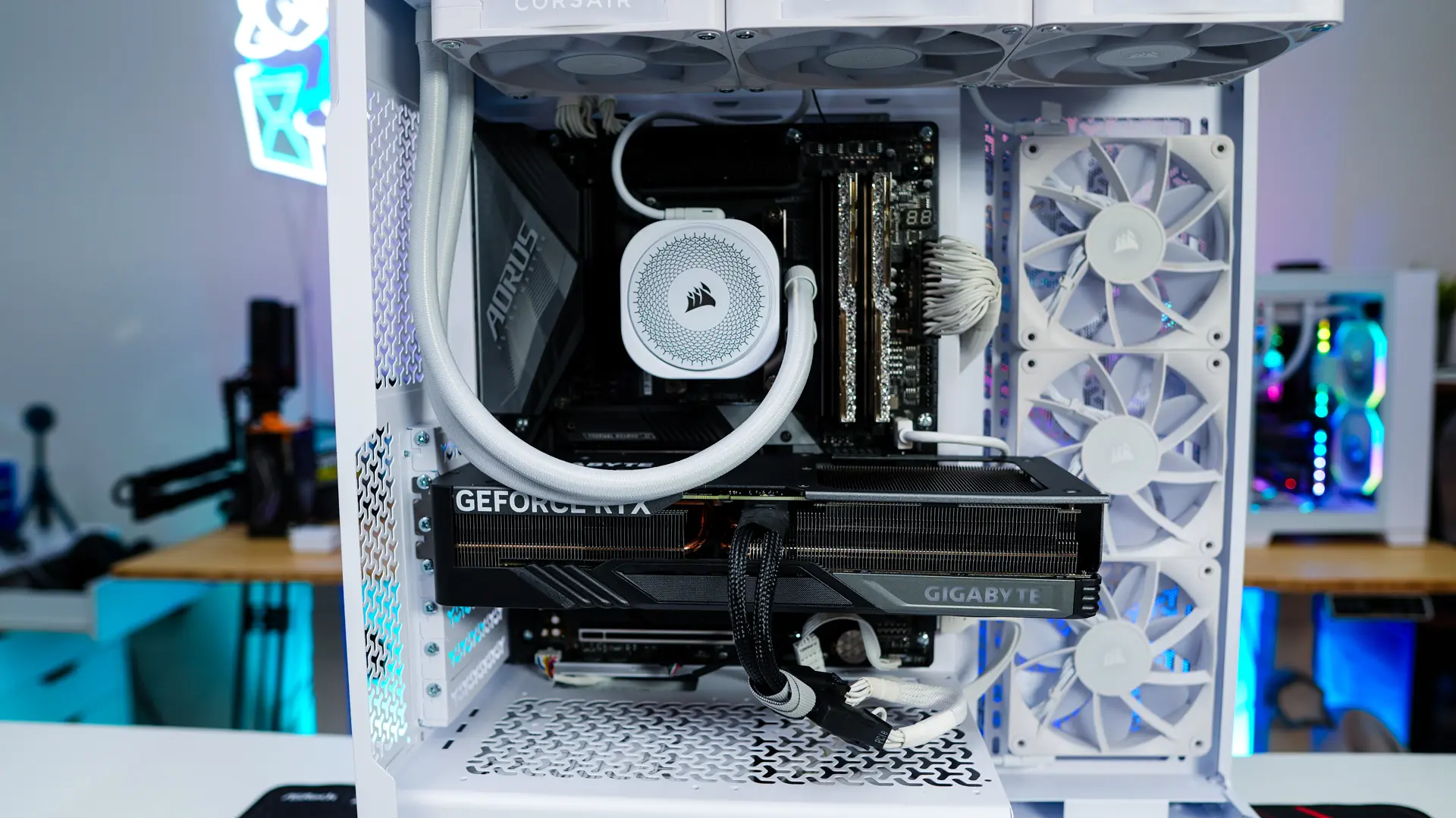
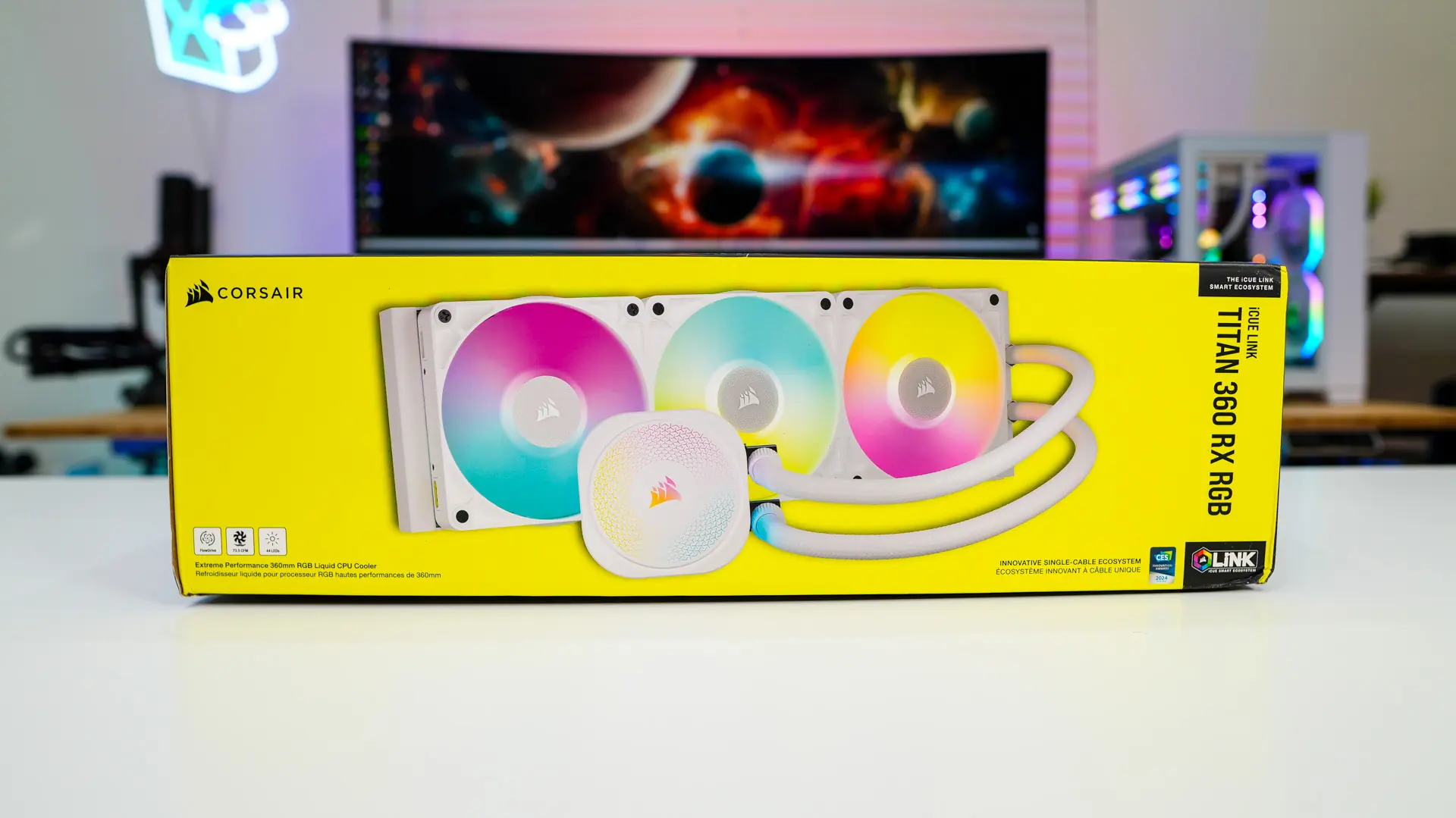
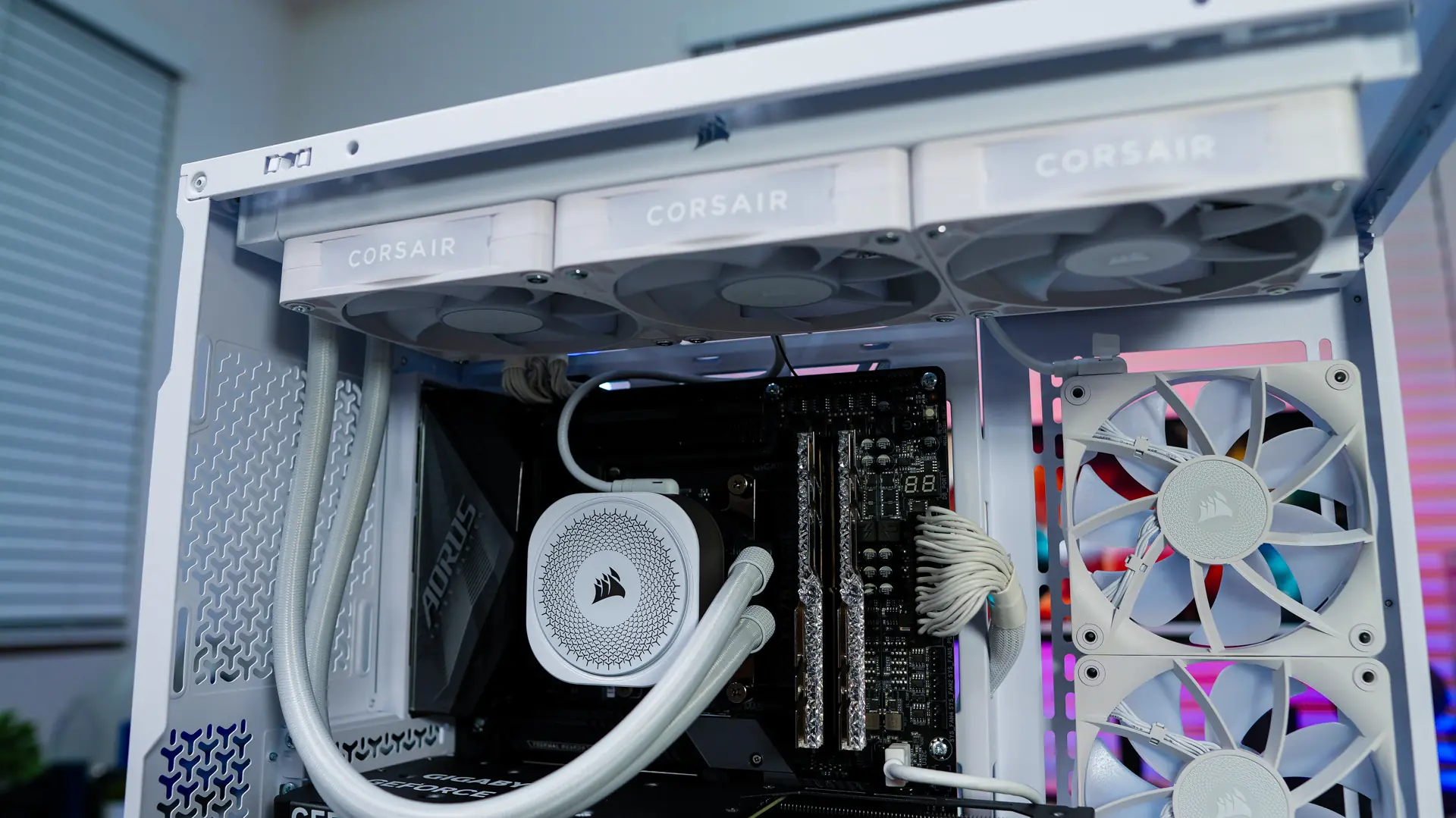
Corsair was nice enough to send over their iCUE LINK TITAN 360 RX RGB Liquid CPU Cooler. Installing this 360mm unit was quite easy as the top part of this case is easily accessible.
Finally we install our graphics card. Since this case has support for a graphics cards as long as 410mm we did not run into any issues.
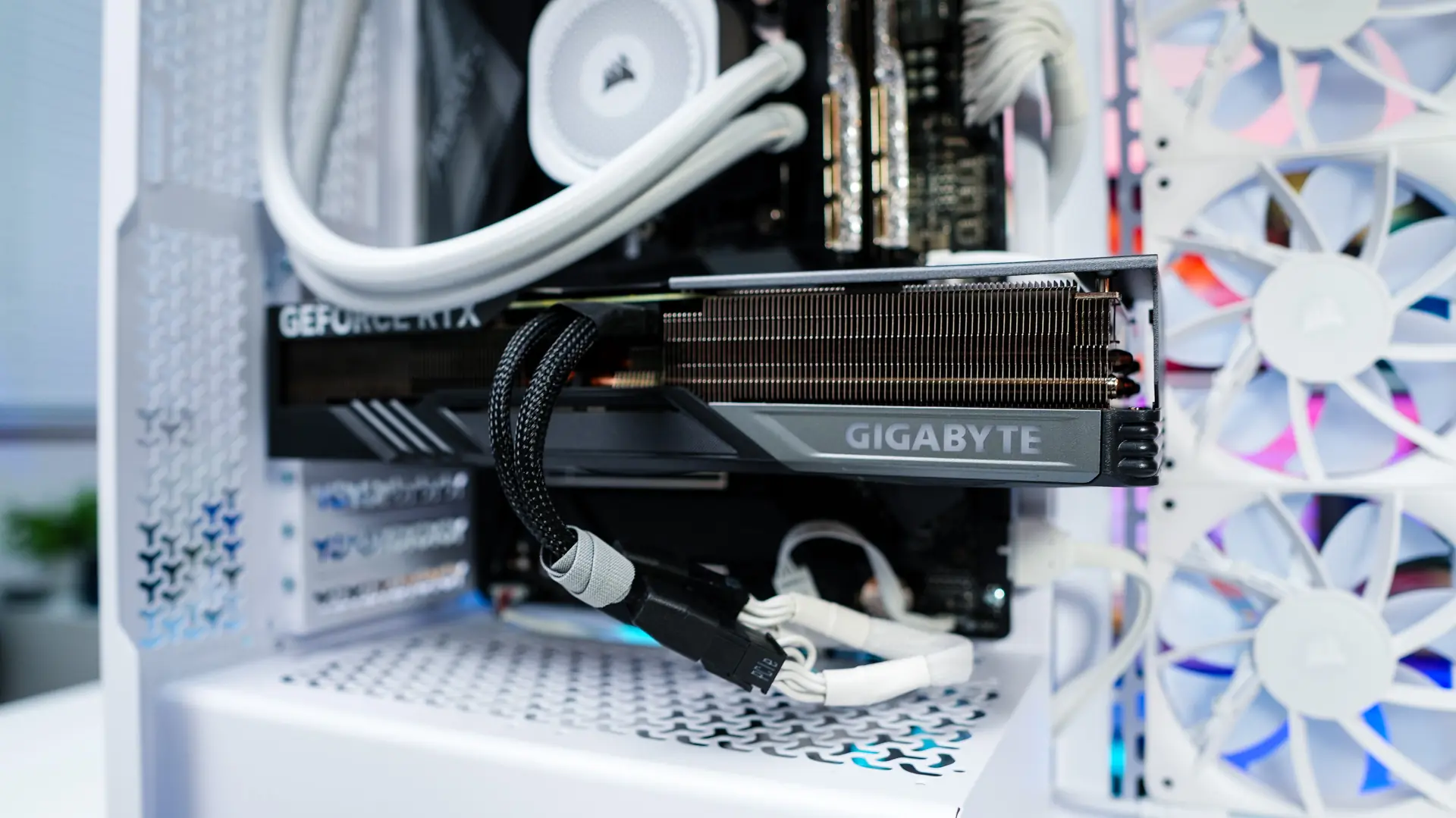
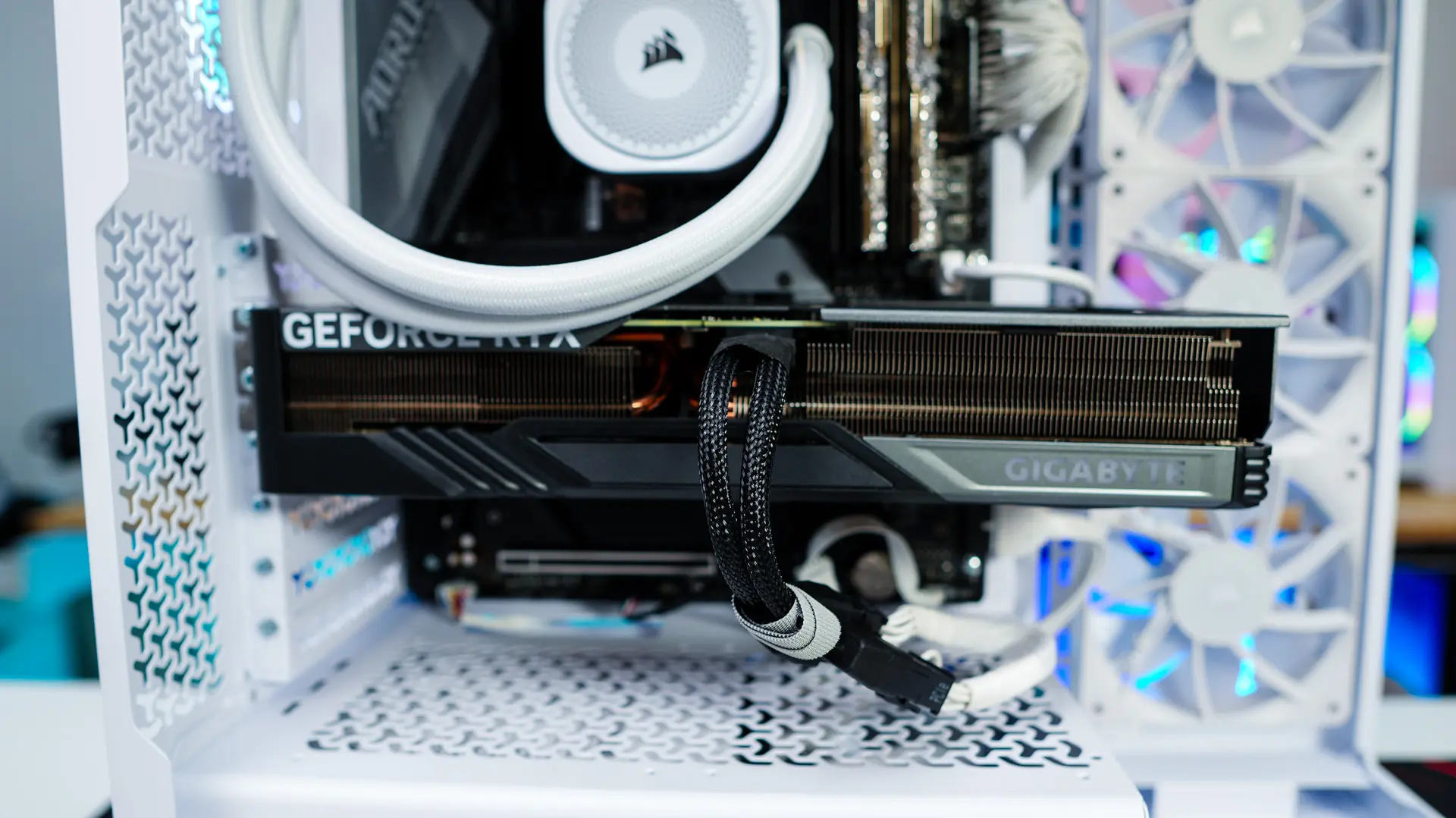
The last thing to do was connect and route all of our cables. There are plenty of cable routing holes and tie-downs that make this process quite easy. I actually did not even use the tie-downs on the backside of the case at all. Overall I think we ended up with a very clean build.