Lighting on the Corsair iCUE LINK 3500X RGB Case
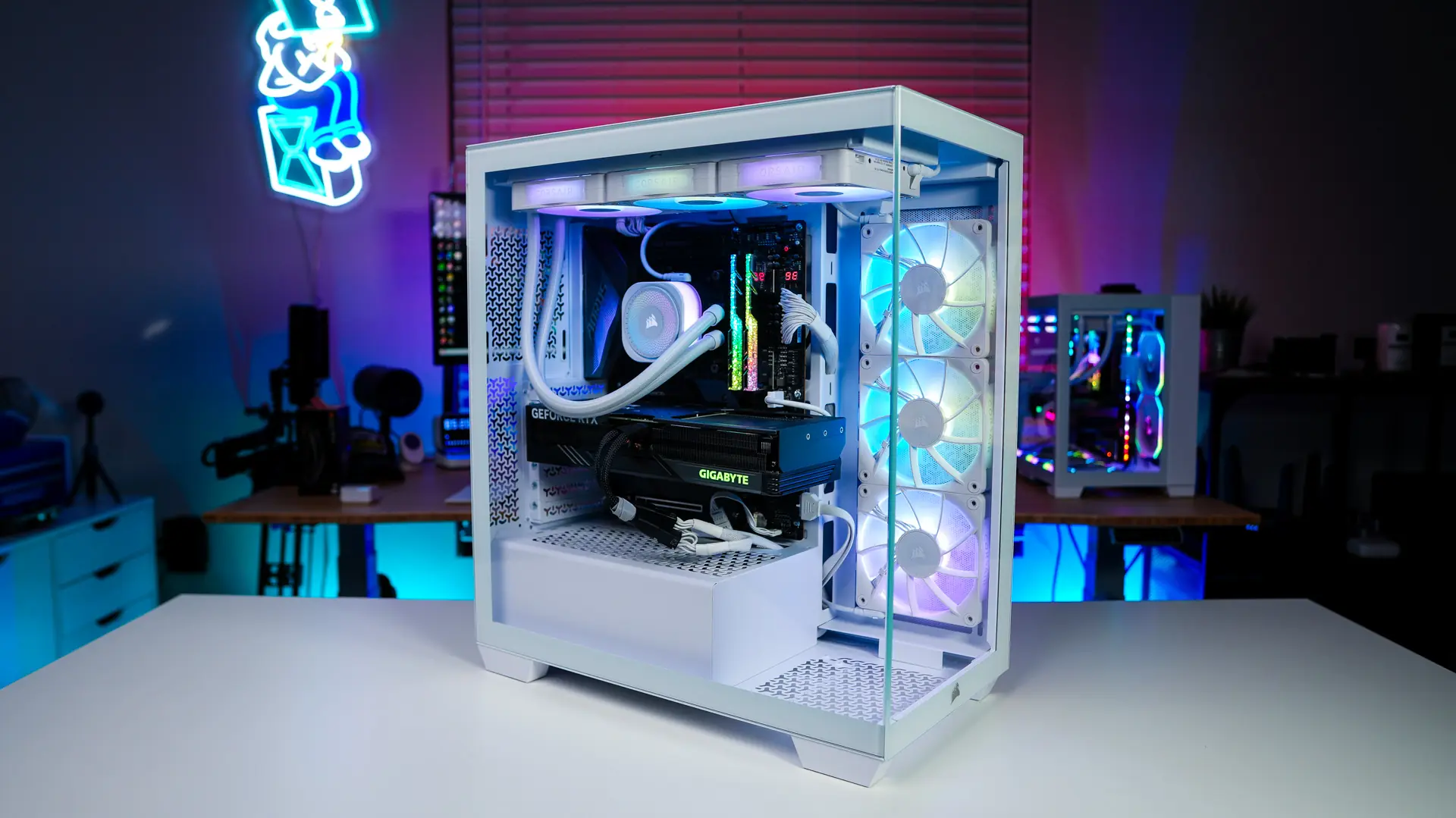
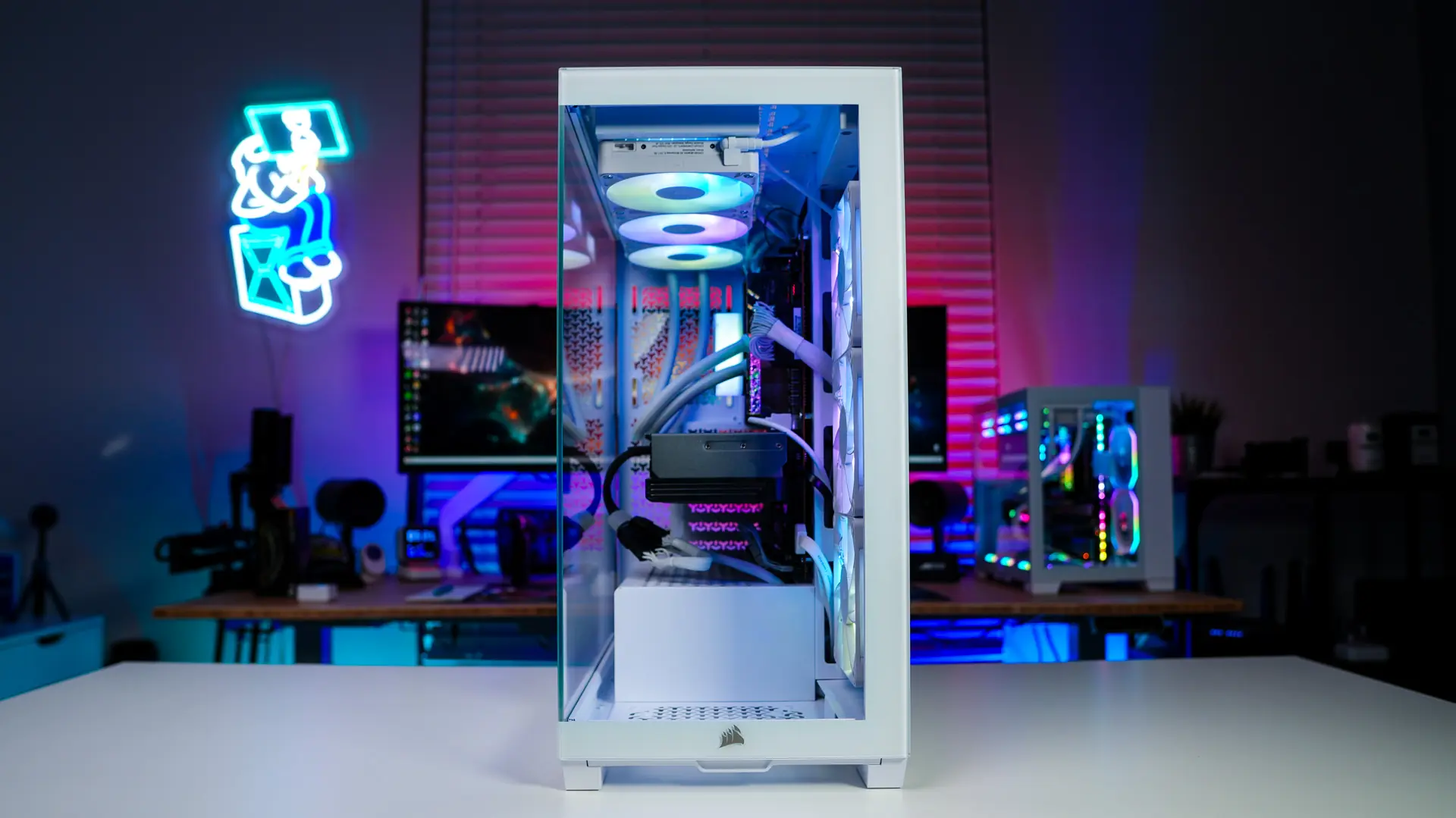
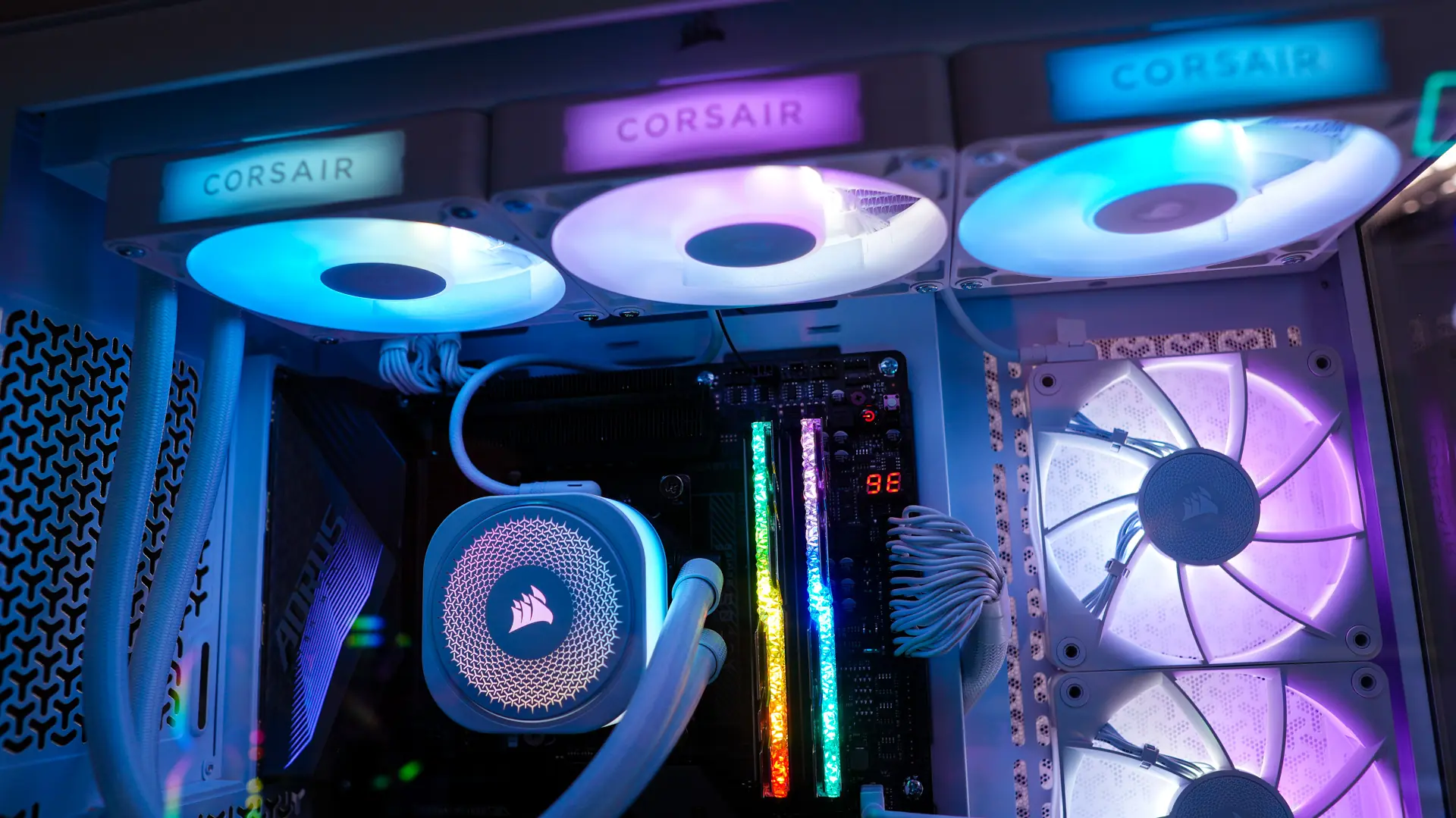
When it comes to lighting on the iCUE LINK 3500X RGB you of course have those three 120mm fans towards the front. These are going to look great when you have your system turned on and you can even see the lighting through the ventilation on the opposite side panel.


We of course installed the iCUE LINK TITAN 360 RX RGB Liquid CPU Cooler which not only has lighting on the pump block, but also we have three more 120mm RGB fans. Staying in the Corsair ecosystem not only allows things to match, but with the iCUE LINK products you can easily daisy-chain them and we only needed to use the single iCUE LINK controller that came with the case.

Corsair iCUE LINK 3500X RGB Performance
Our test system for this case is based off the following components…
Processor: AMD Ryzen 7 5800X
Motherboard: Gigabyte X570S AORUS Master
Graphics Card: ASUS ROG Strix RTX 4080 Super OC
Memory: G.SKILL Trident Z Royal DDR4-3200
Storage: Samsung 870 EVO
Cooling: Corsair iCUE LINK TITAN 360 RX RGB
PSU: Thermaltake Toughpower GF1 Snow
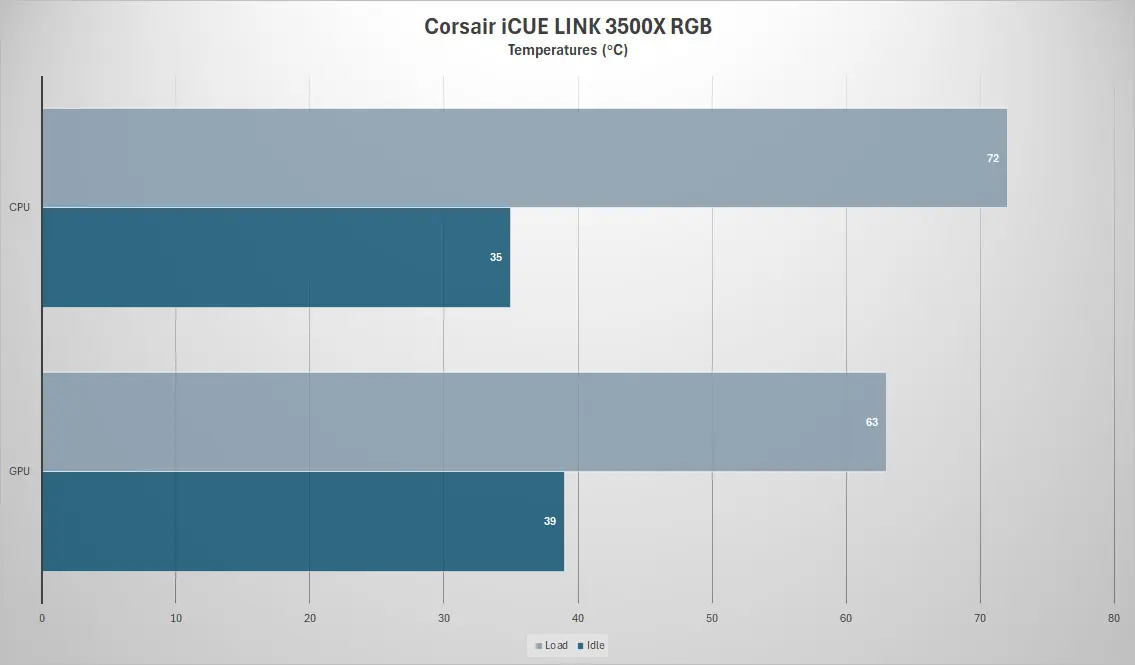
We will be using AIDA64 to measure temperatures for the CPU and graphics card. For idle we just have the system sitting on the Windows 11 desktop and for load we run the AIDA64 system stability test for 1 hour with just the CPU and GPU selected.
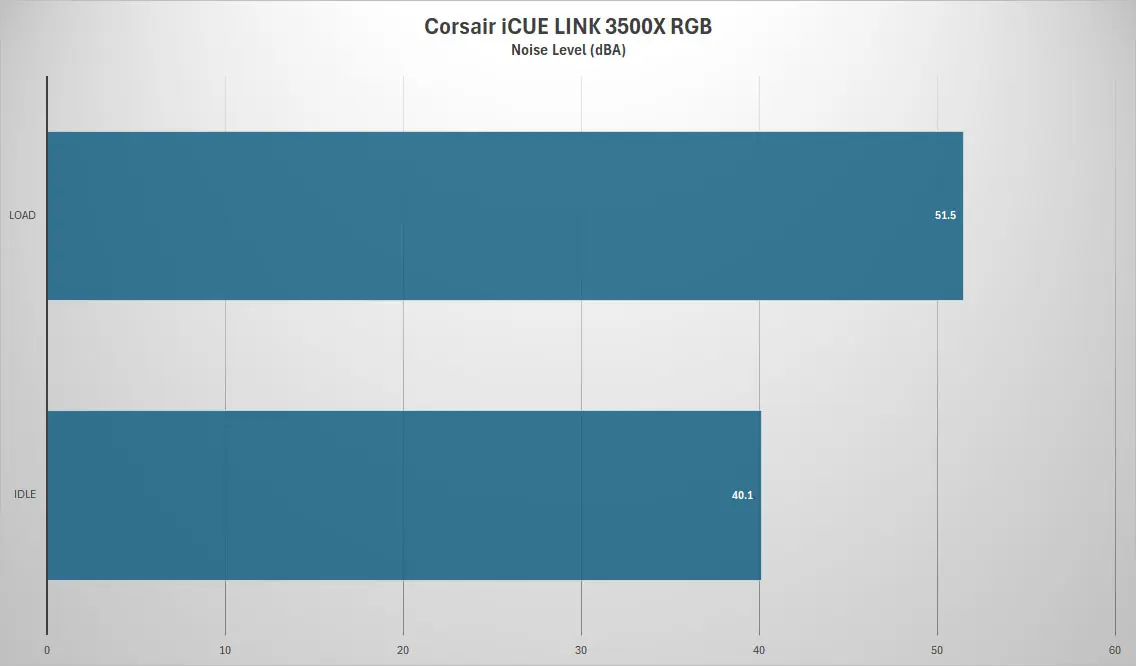
For noise levels we will be using a RisePro sound level meter. We place it 6 inches in front of the rear fans.