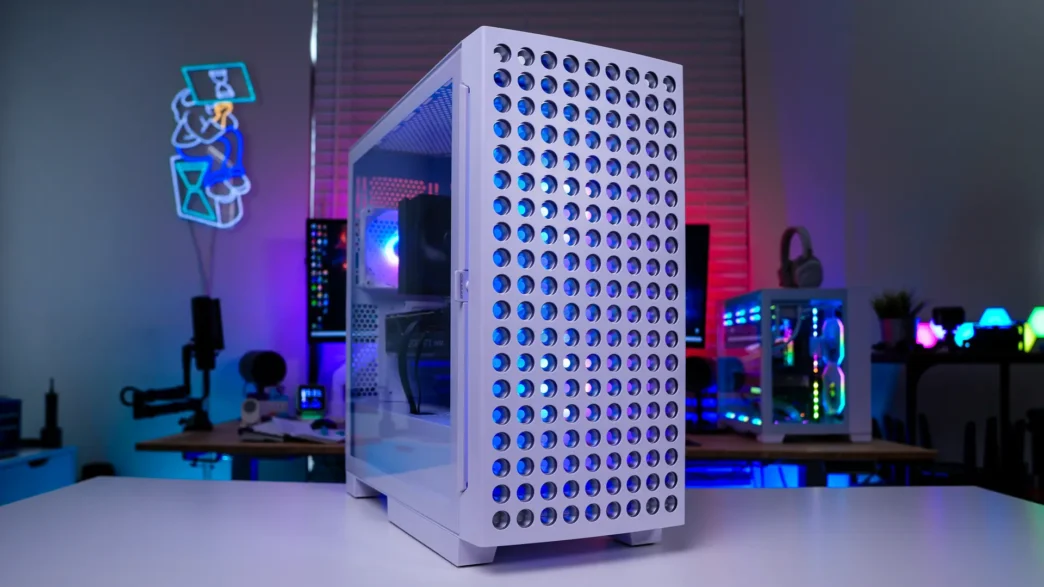
A Look Inside the Cougar Airface Eco RGB Case
Removing the main side panel of the Airface Eco RGB is quite easy. You loosen the captive screw on the back of the case and pull the panel towards you. It will release and sort of sit there. This allows you to pick it up from the center and remove it from the case. With it removed you can see that we have a pretty standard two compartment design.
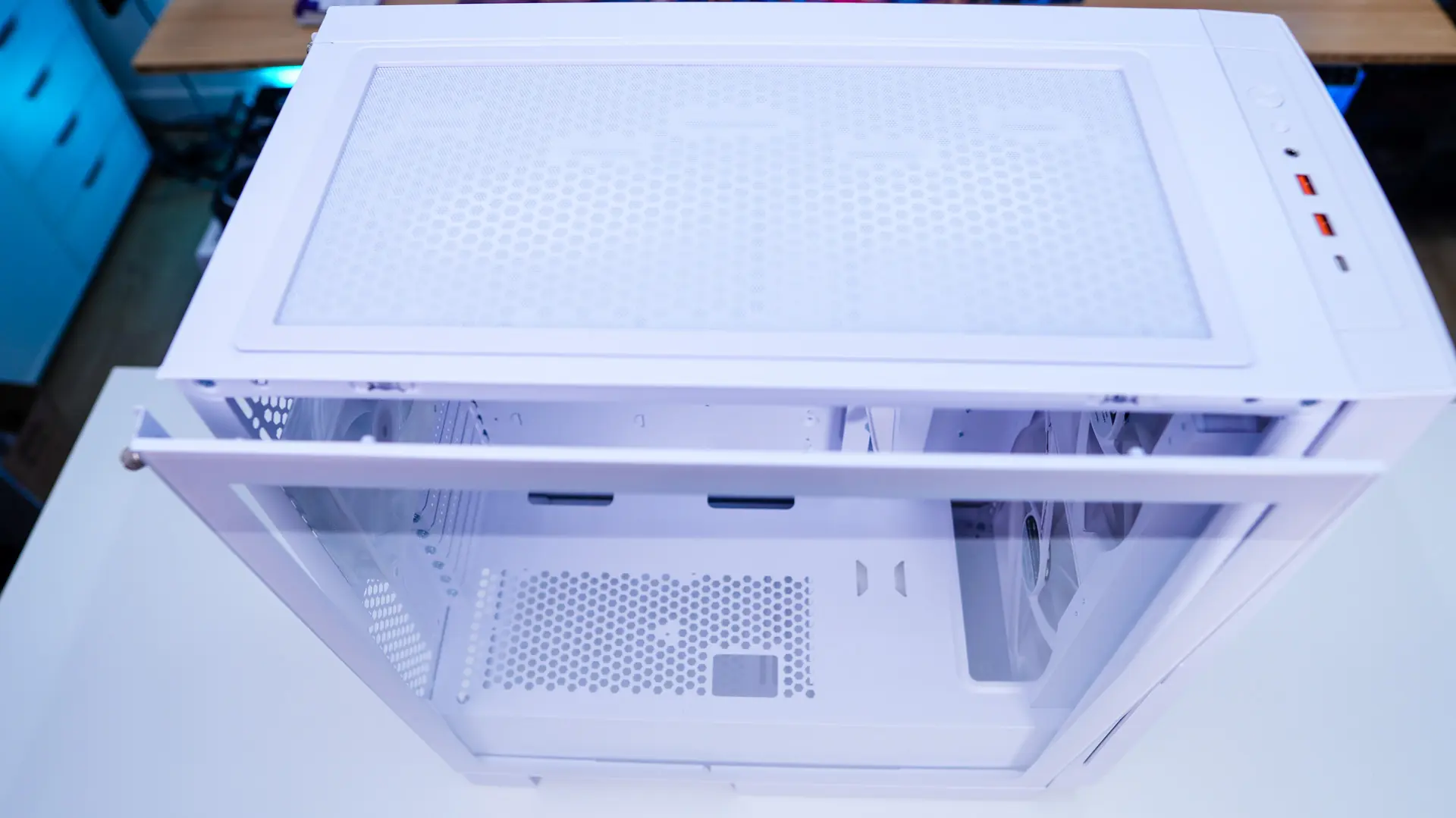
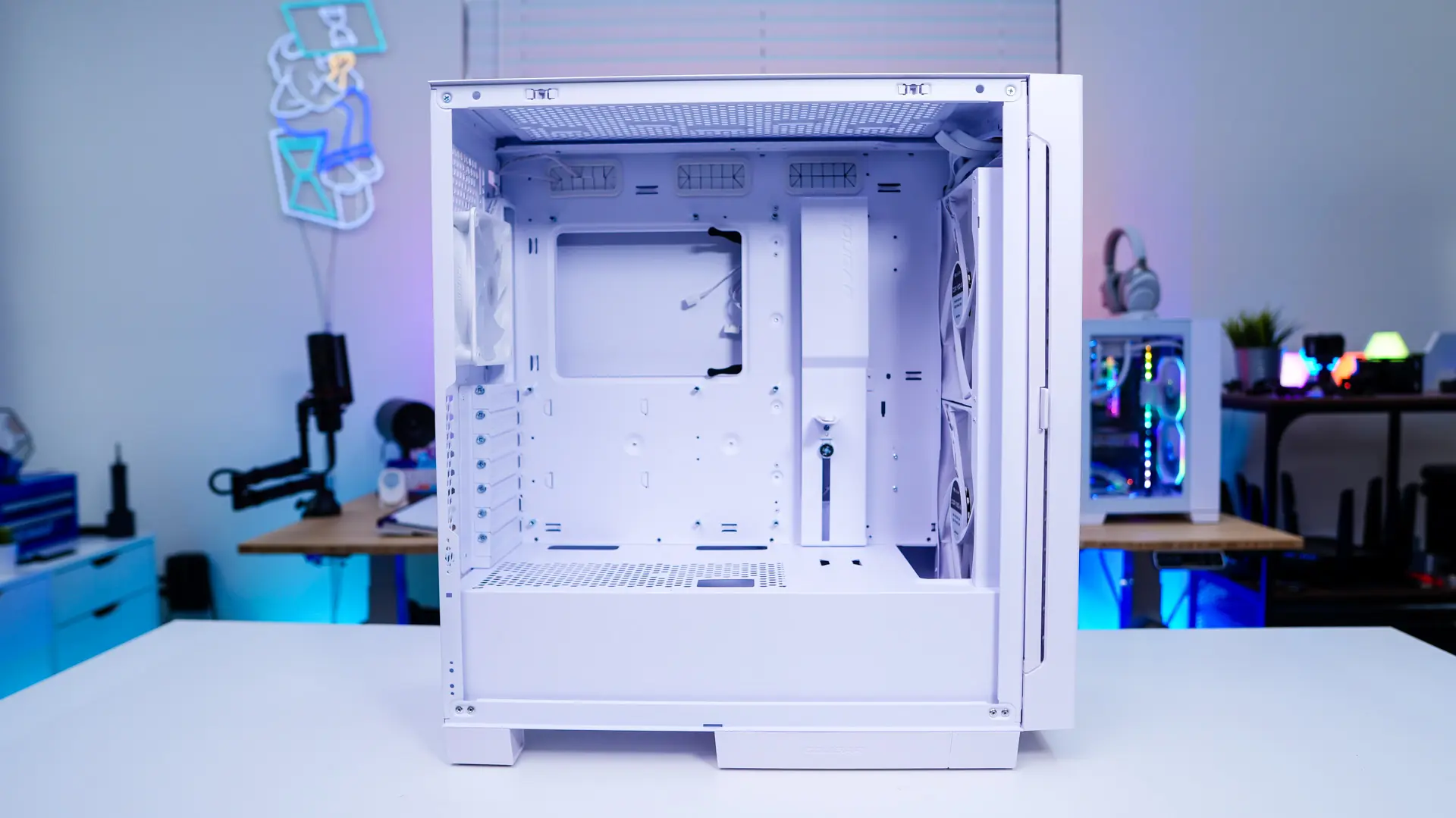
When it comes to motherboard support the Airface Eco RGB will support Mini ITX, Micro ATX, ATX, CEB, and E-ATX motherboards. We can see there are three main cable routing holes towards the top of the motherboard tray which do have rubber inserts installed. There is also a “cable bar” which hides a larger cable routing hole towards the front edge of the motherboard tray. Mounted on this cable cable is also a GPU support, it can be adjusted by loosening a screw.
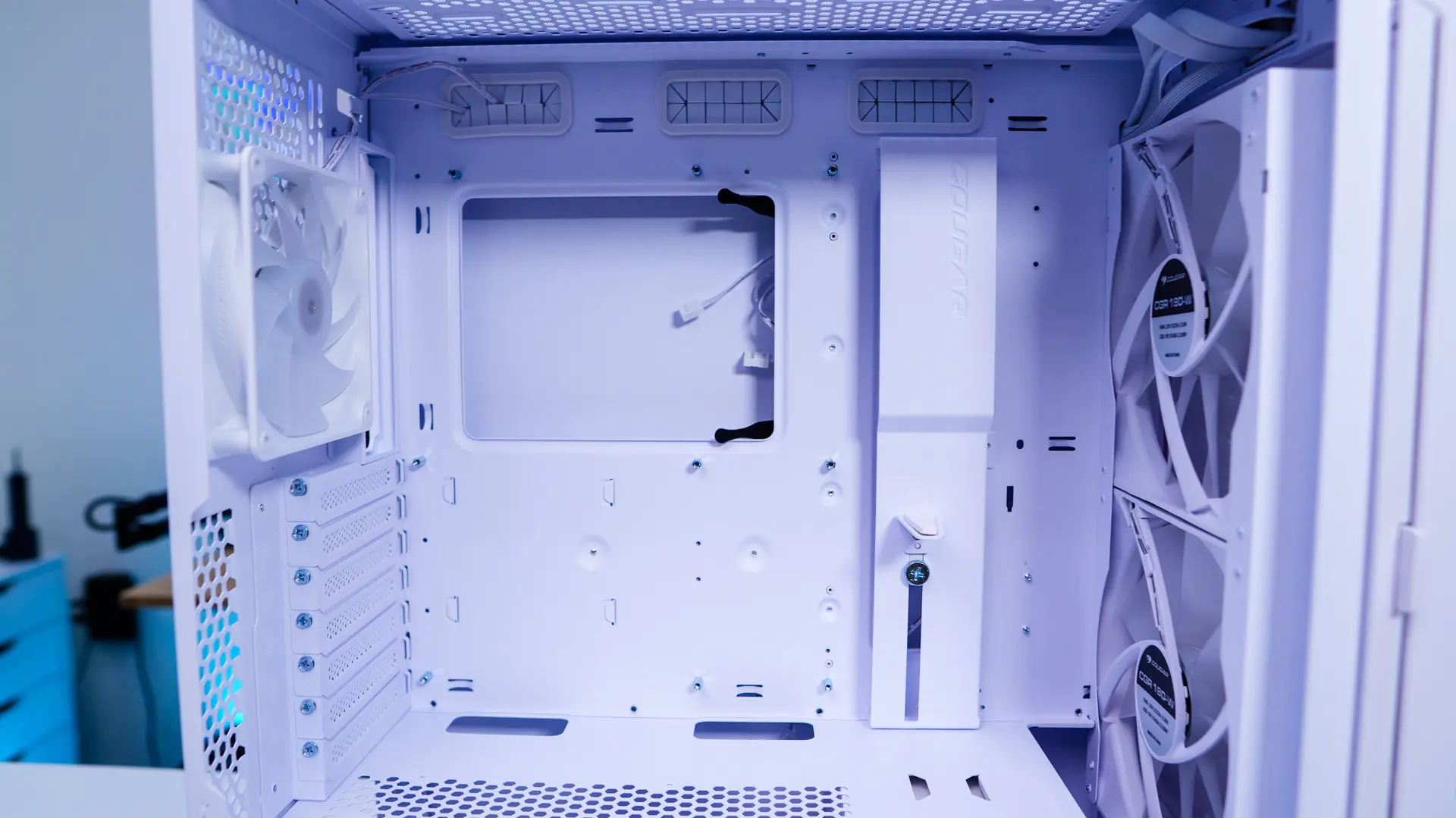
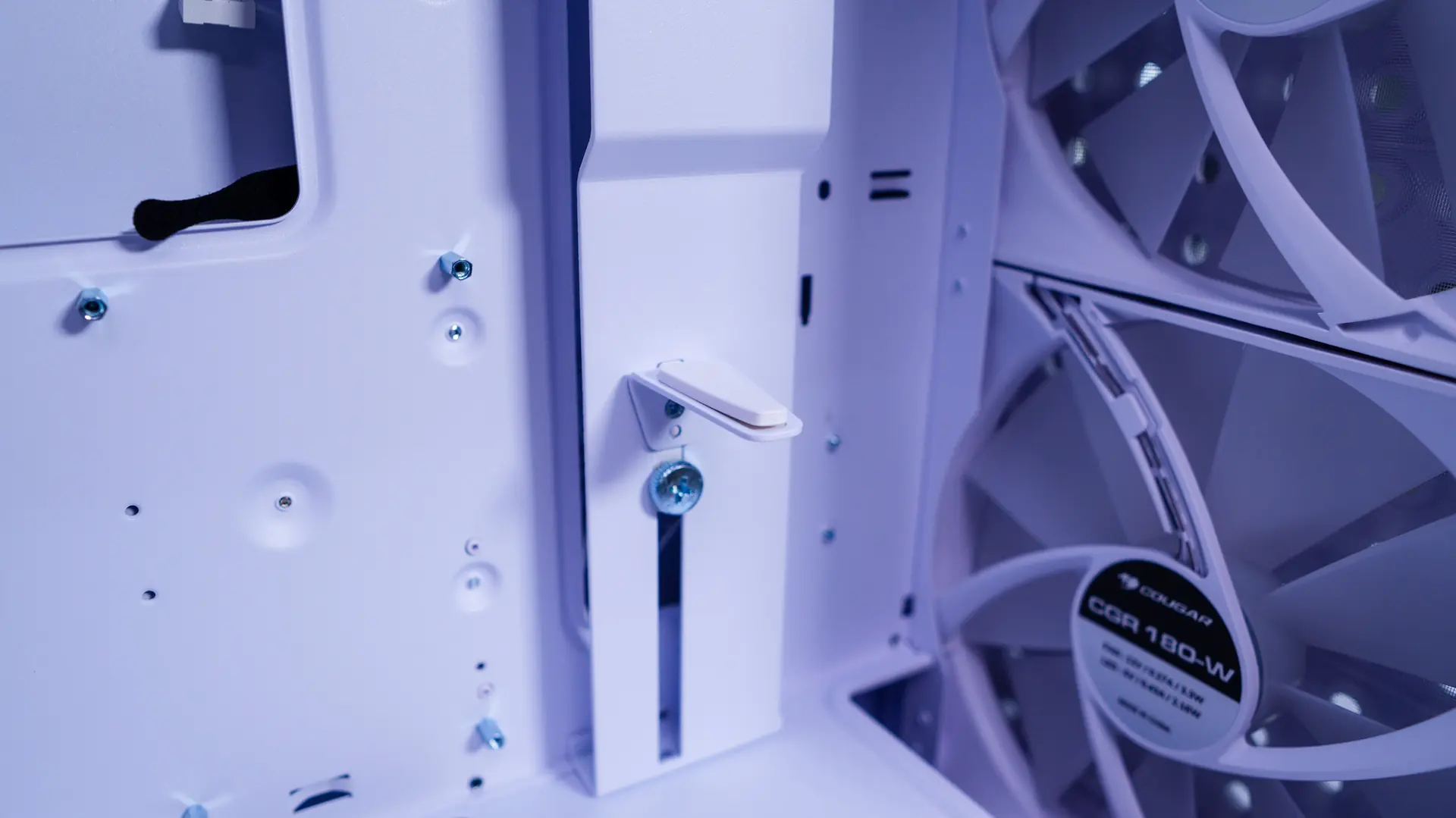
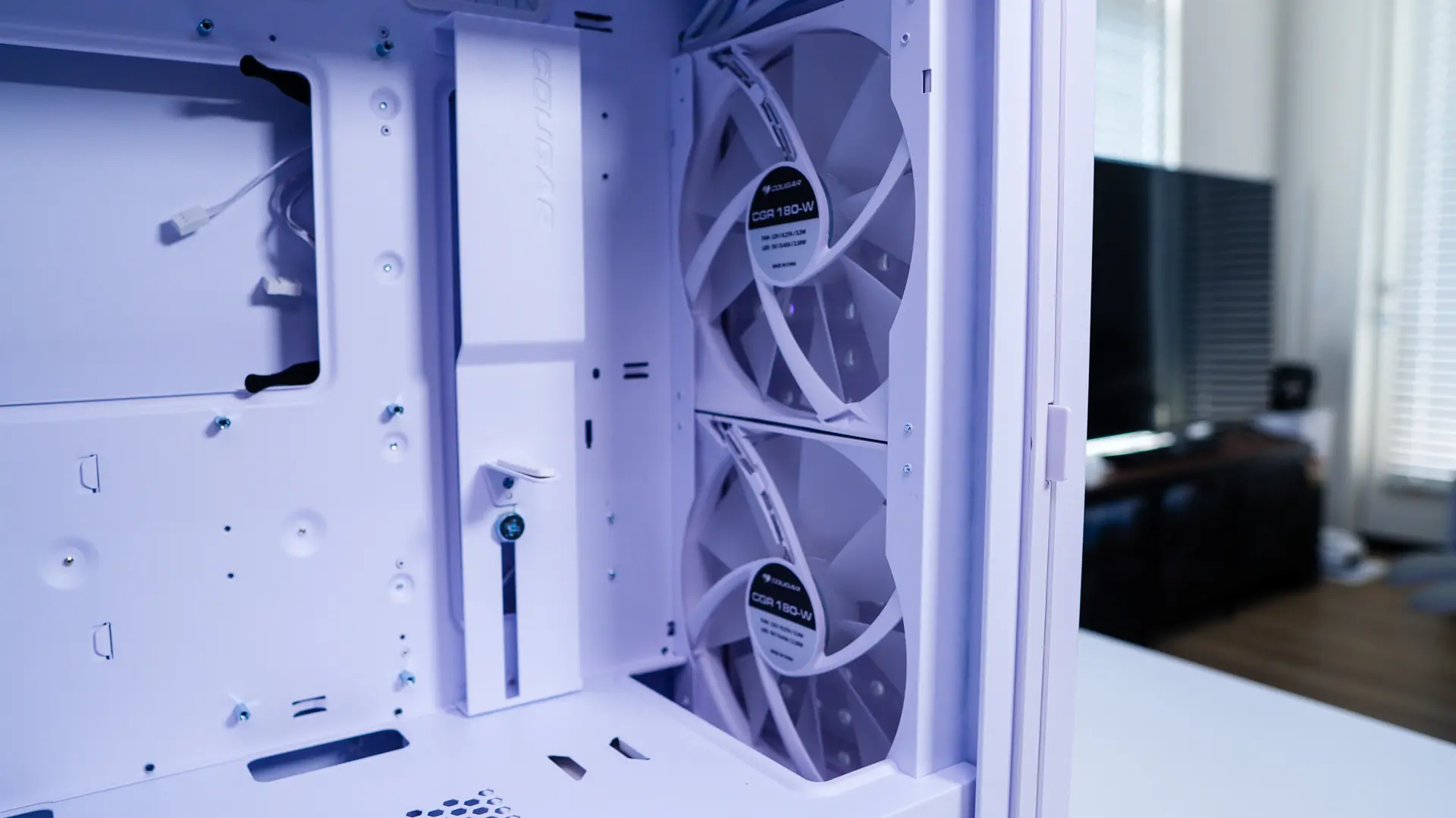
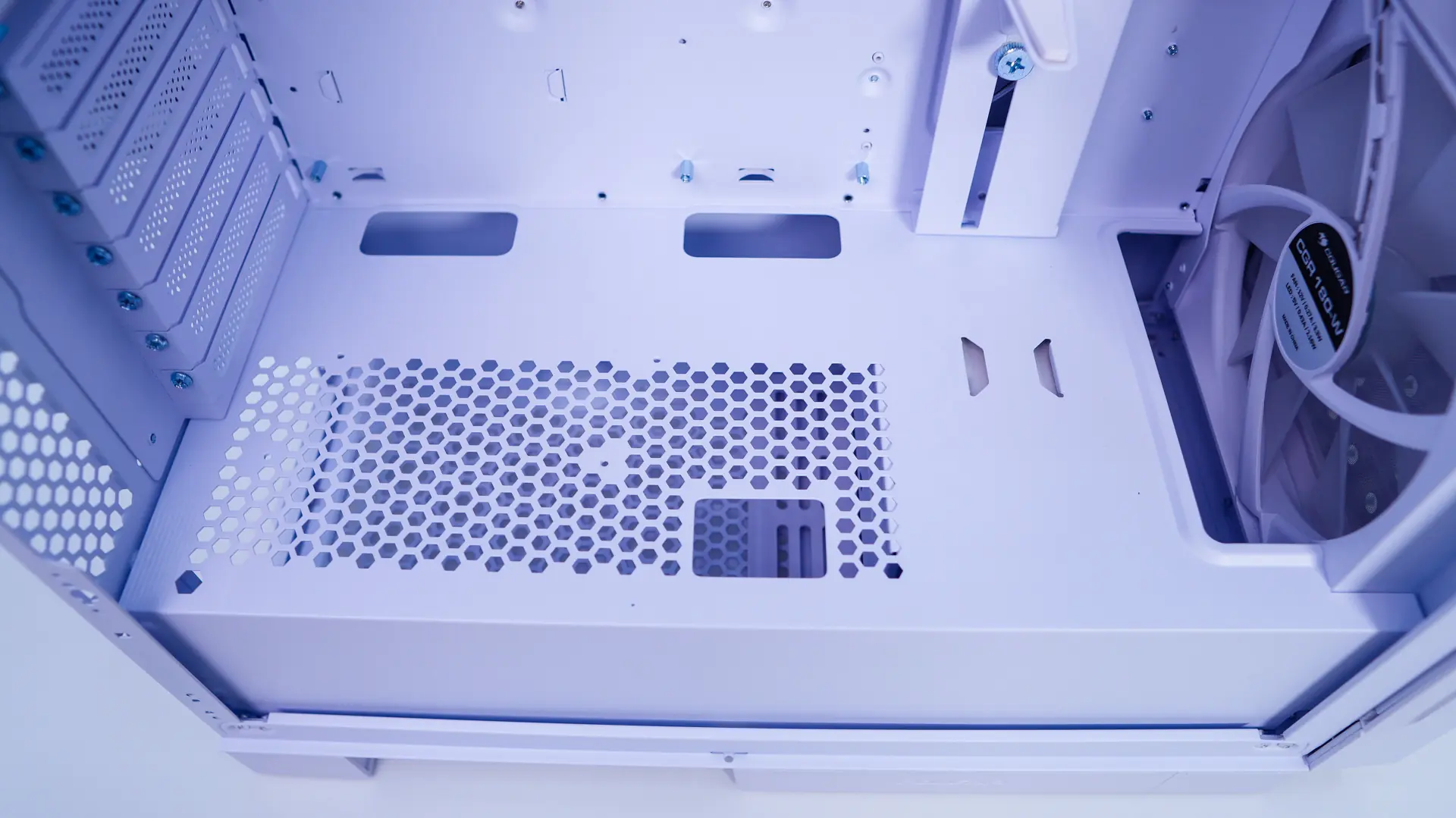
At the front of the case we of course have those two 180mm fans. There is a small cut out if you wanted to install a radiator in the front of the case. As I mentioned we do have a dual compartment case here so there is a full-length power supply cover. It has ventilation as well as some cable routing holes built into it.
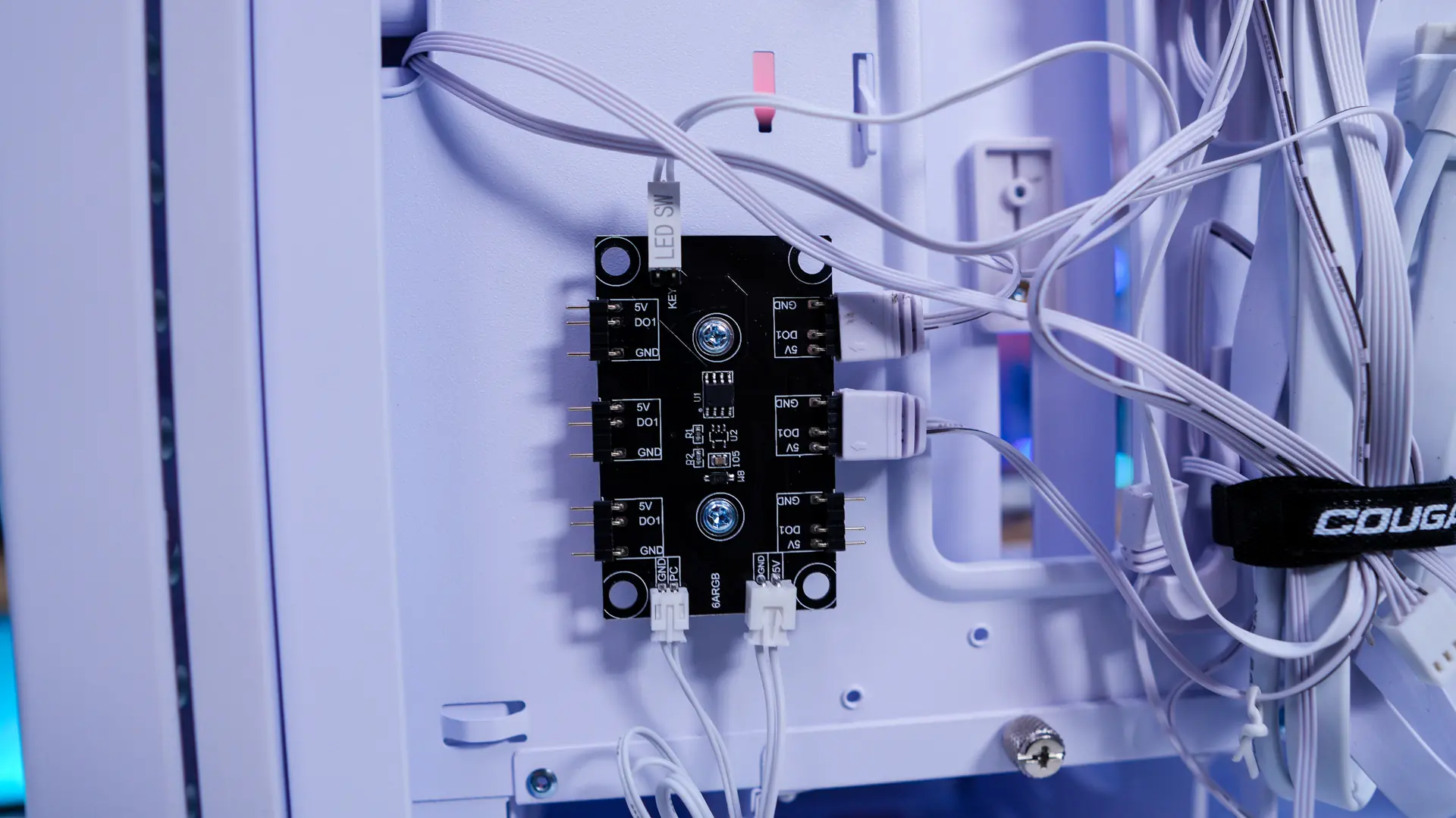
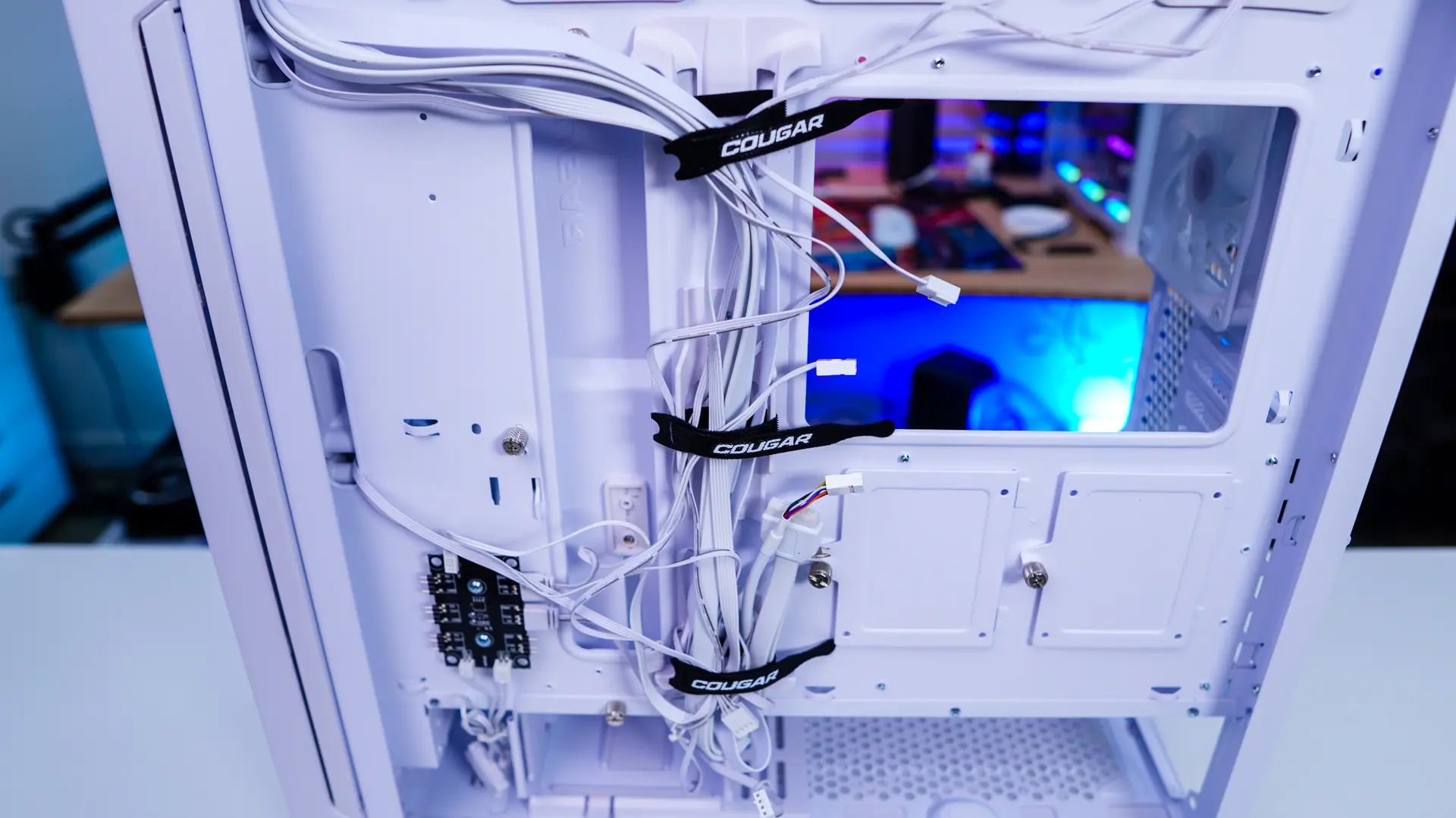
Removing the second side panel we can see how the rest of the case is designed. The first thing that caught my attention was the ARGB hub. This allows you to connect up to six different ARGB devices and either control them via the reset button on the case or pass through the connection to the ARGB connection on your motherboard. I was a bit disappointed to not see a fan hub so you’ll need at least three fan headers on your motherboard to make use of the included fans in this case.
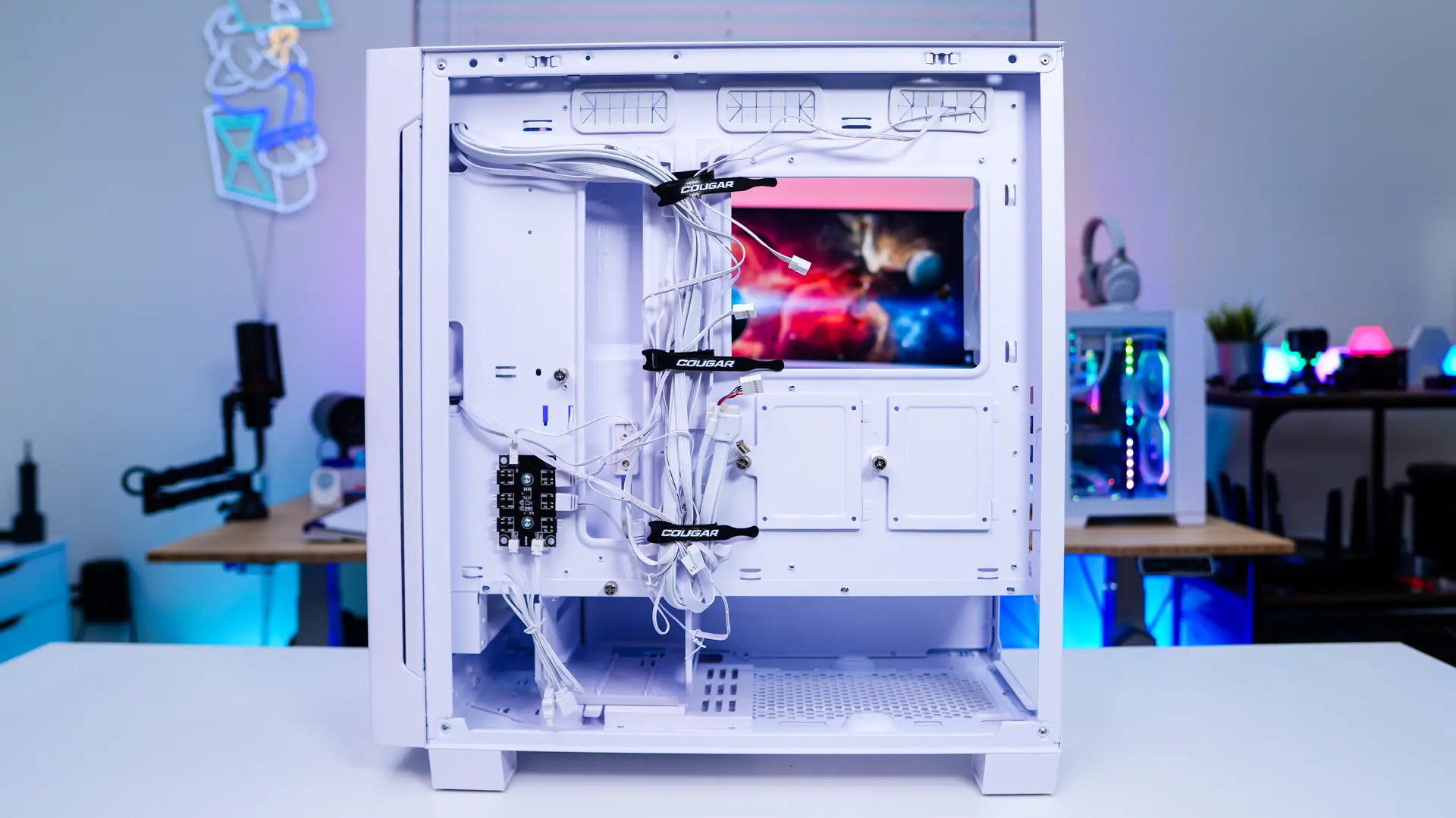
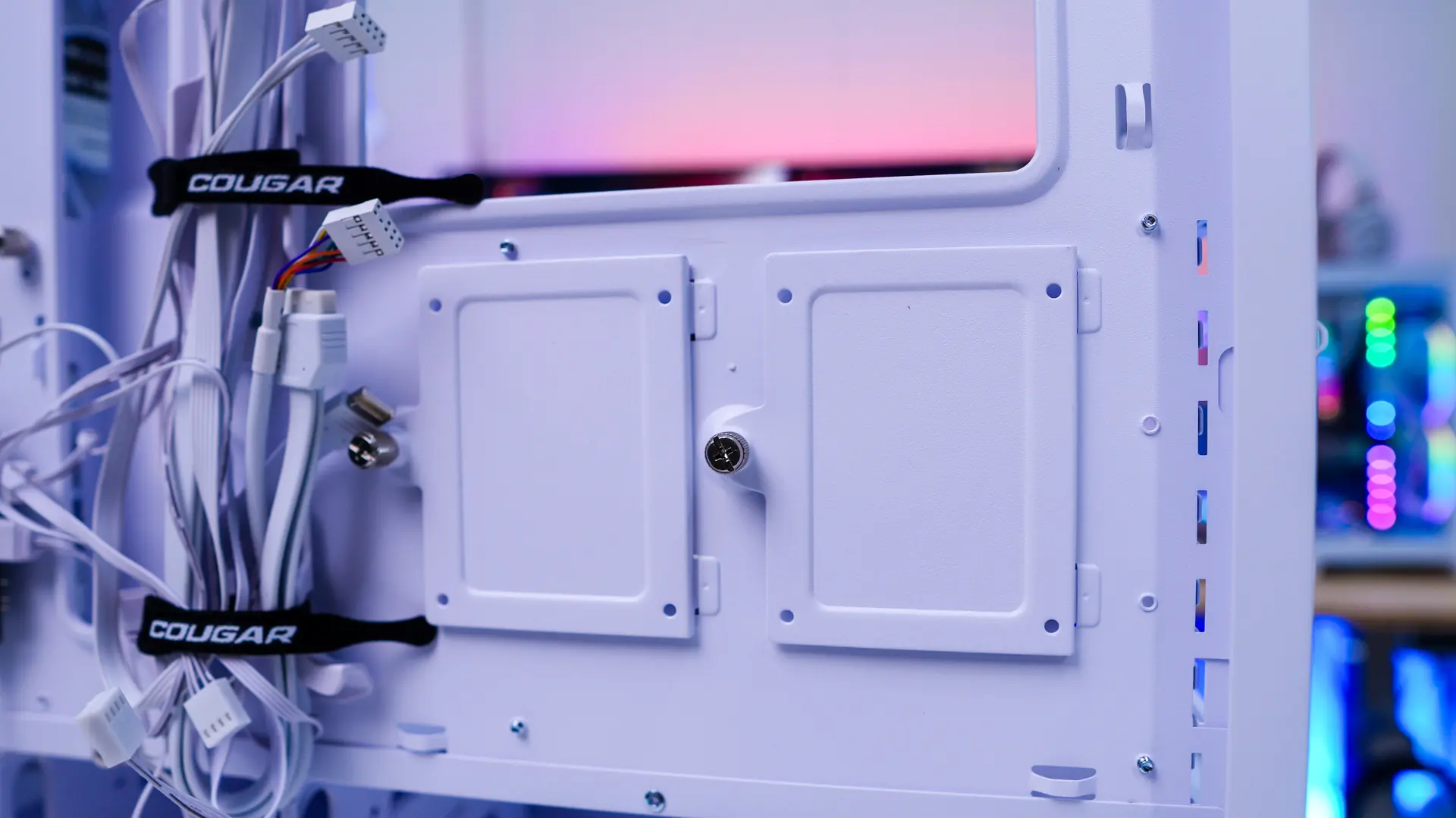
Also mounted on the back of the motherboard tray are two removable SSD trays. These of course support a single 2.5-inch SSD each. Cougar has built-in channels to the case which allow you to easily route all of your cables. There are three Velcro ties that connect to these channels so you can organize things better.
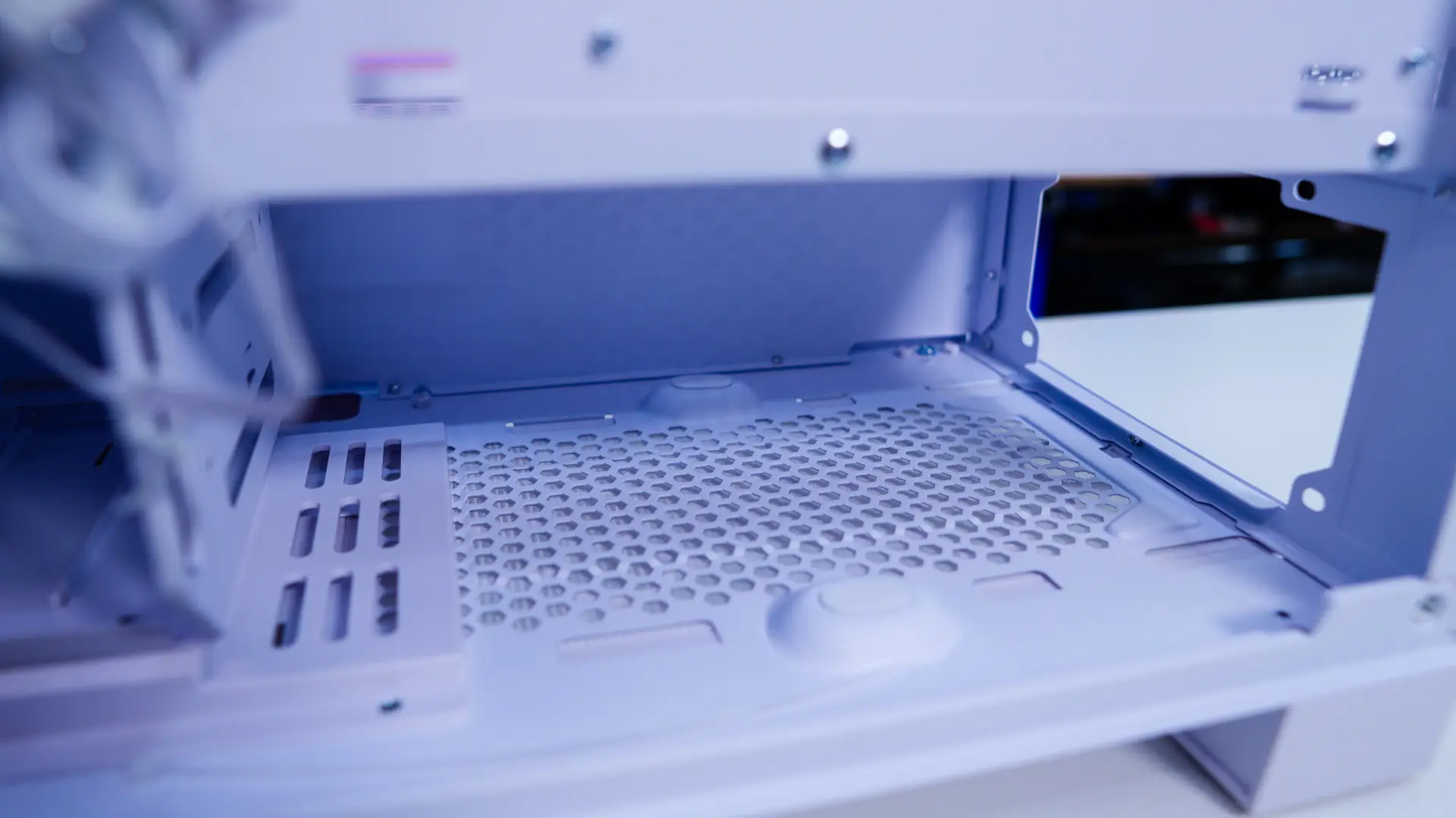
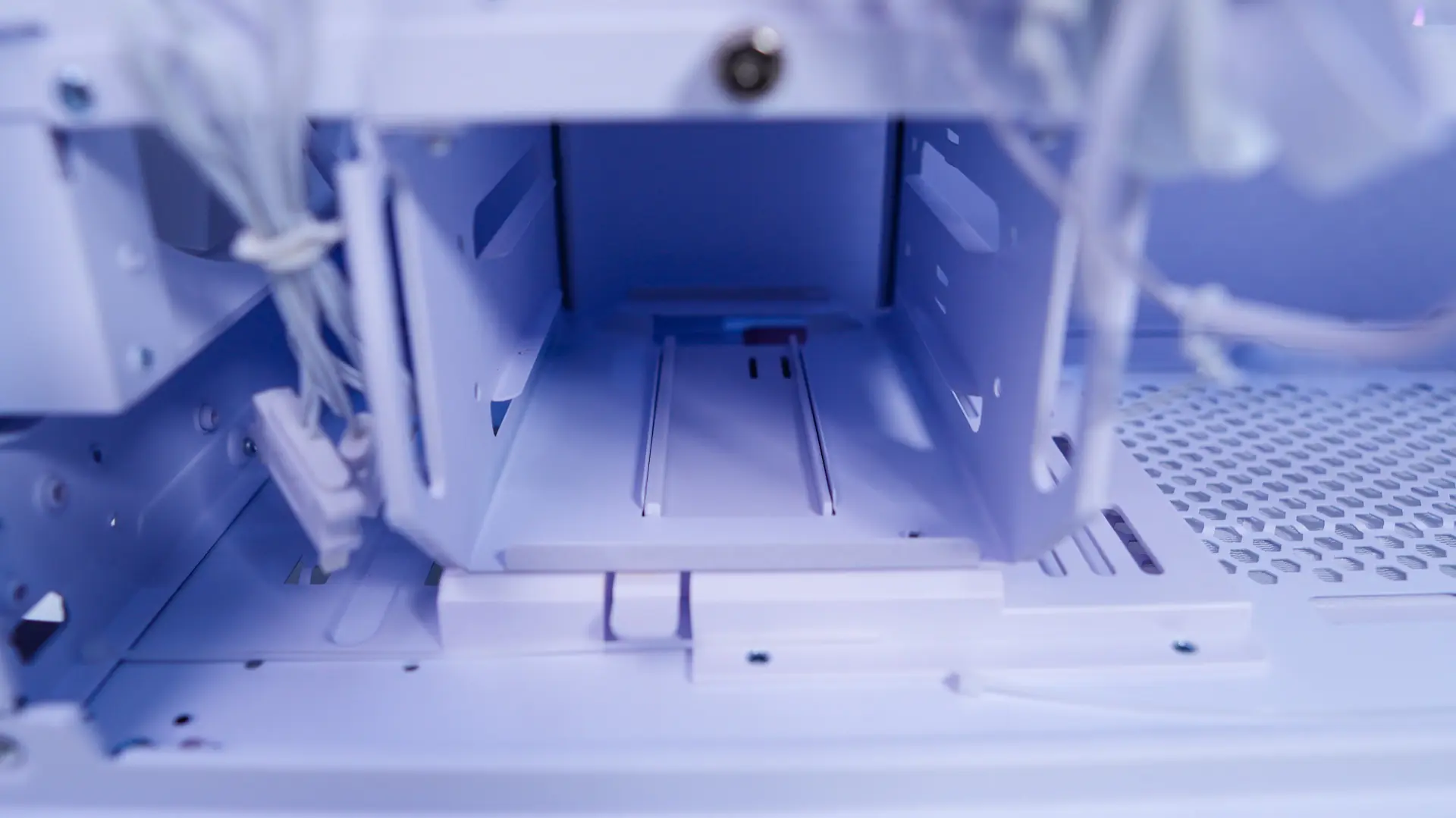
At the bottom of the case you have your power supply mount, which supports ATX power supplies up to 200mm. Then towards the front of the case is a removable hard drive cage that does support two 3.5-inch standard hard drives.