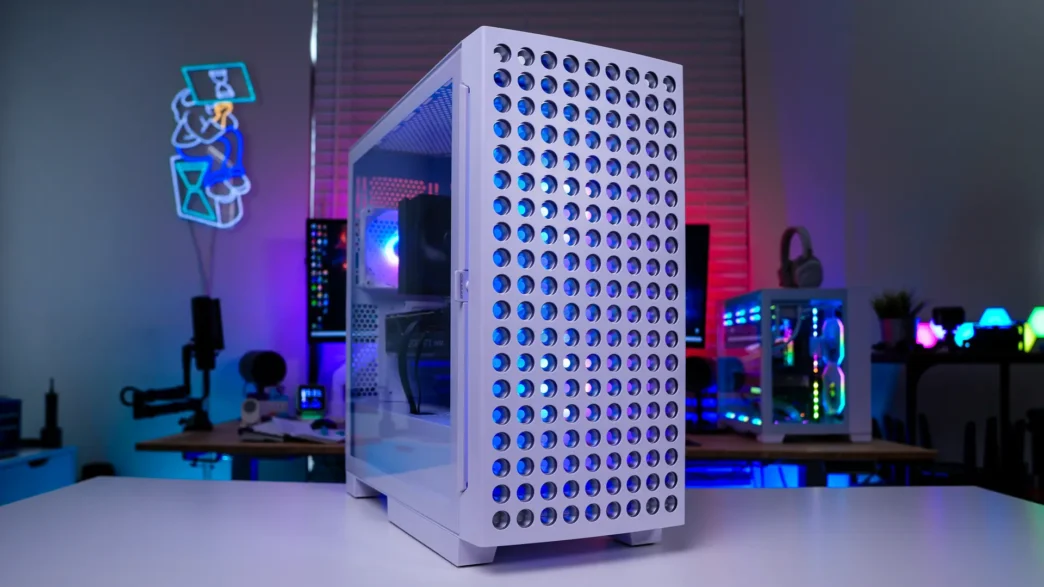
Installation in the Cougar Airface Eco RGB Case
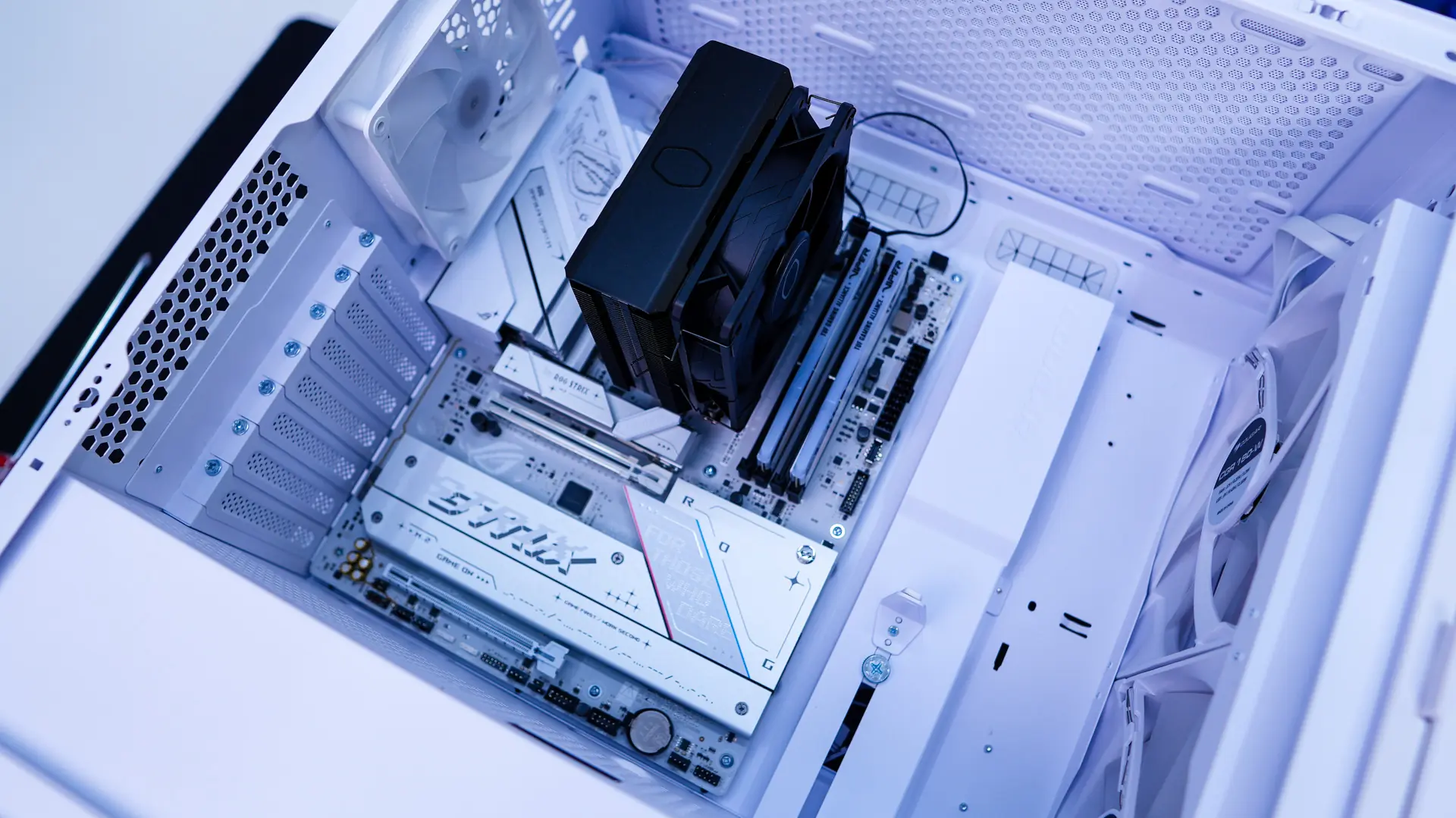
Getting your hardware installed in the Airface Eco RGB is pretty straight-forward. We first install our motherboard, which slots in very easily.
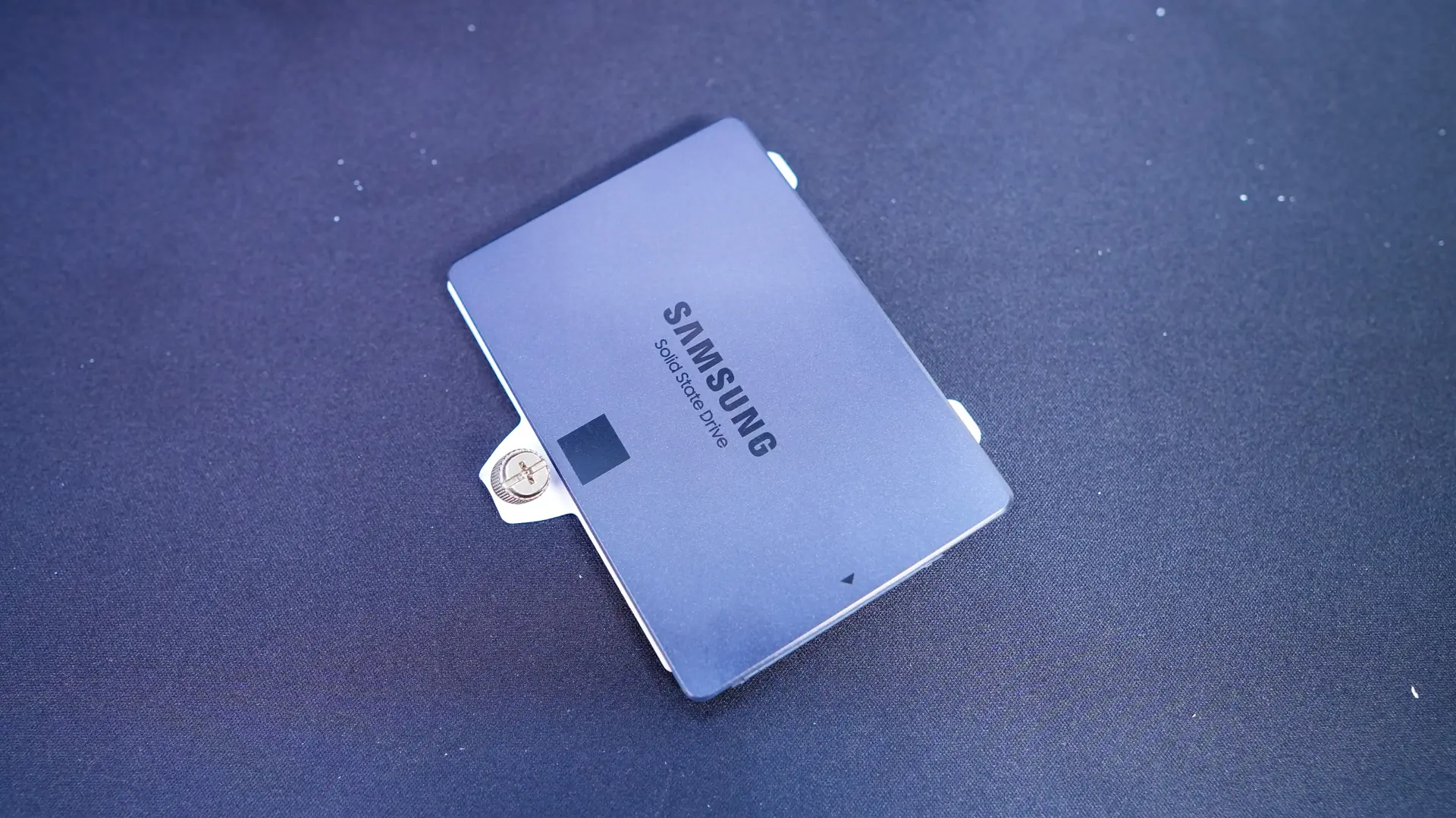
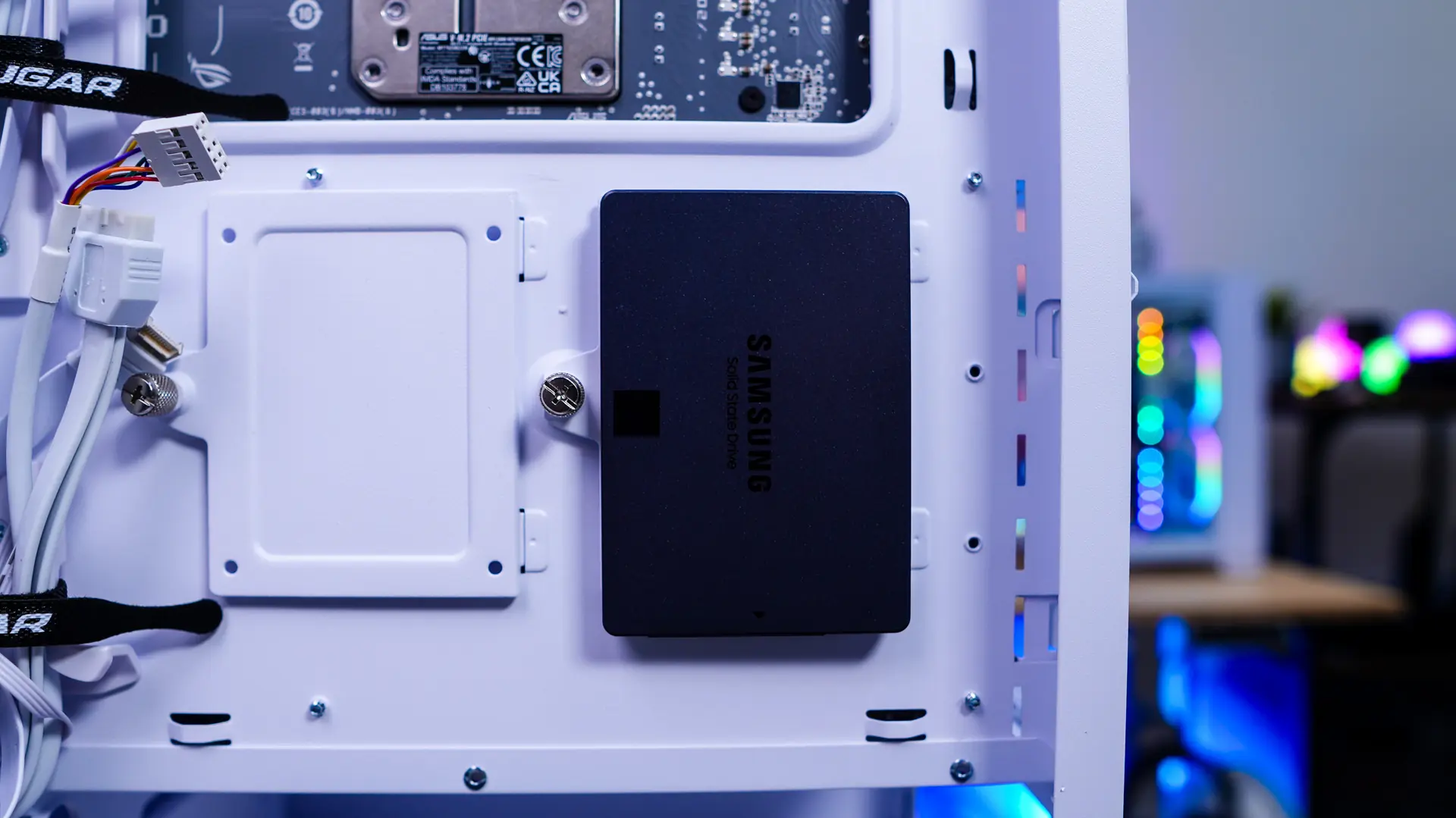
Next we have our SSD. You can easily remove one of the SSD mounts to get your drive installed. Once installed you simply re-install the mount.
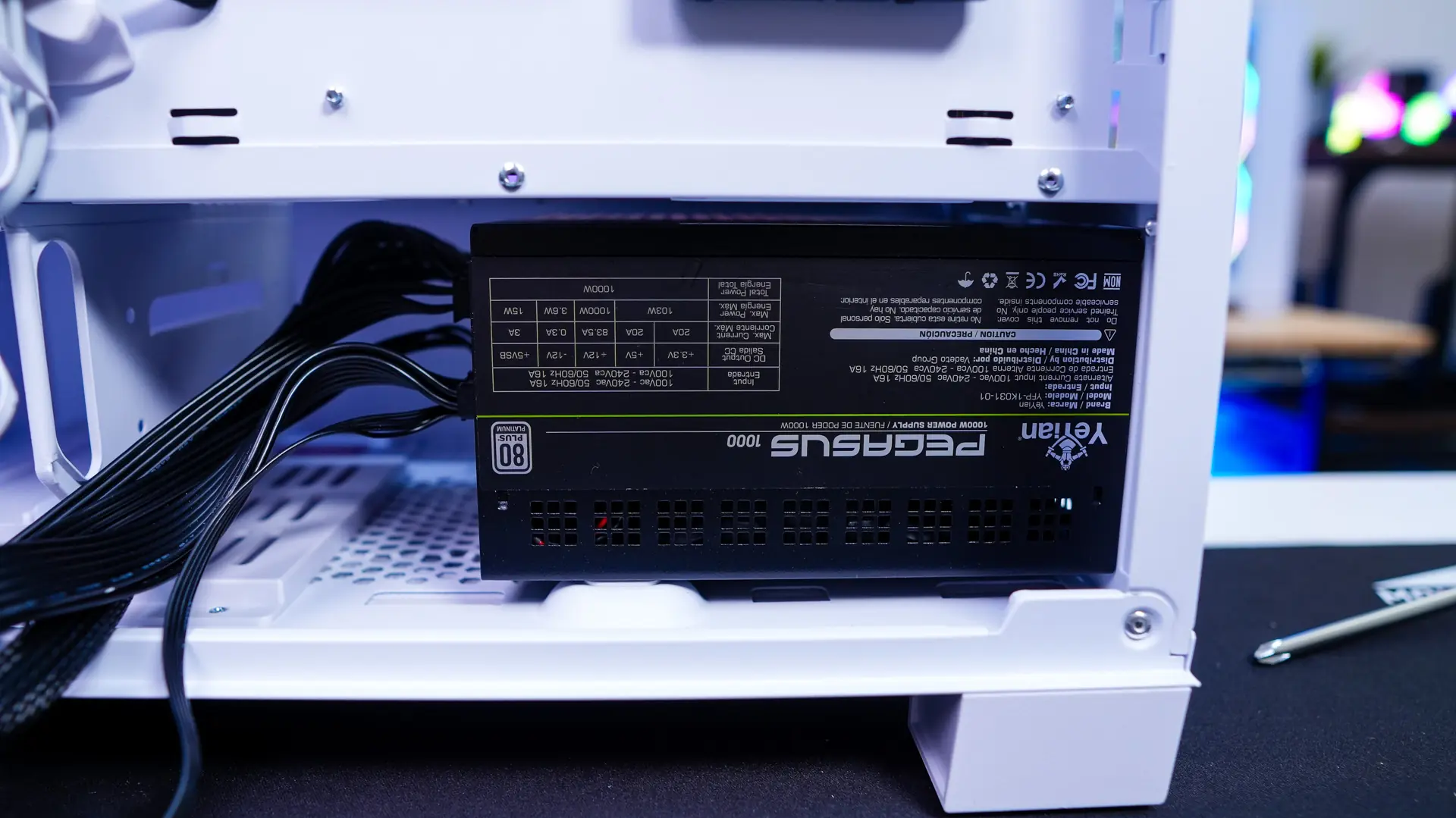
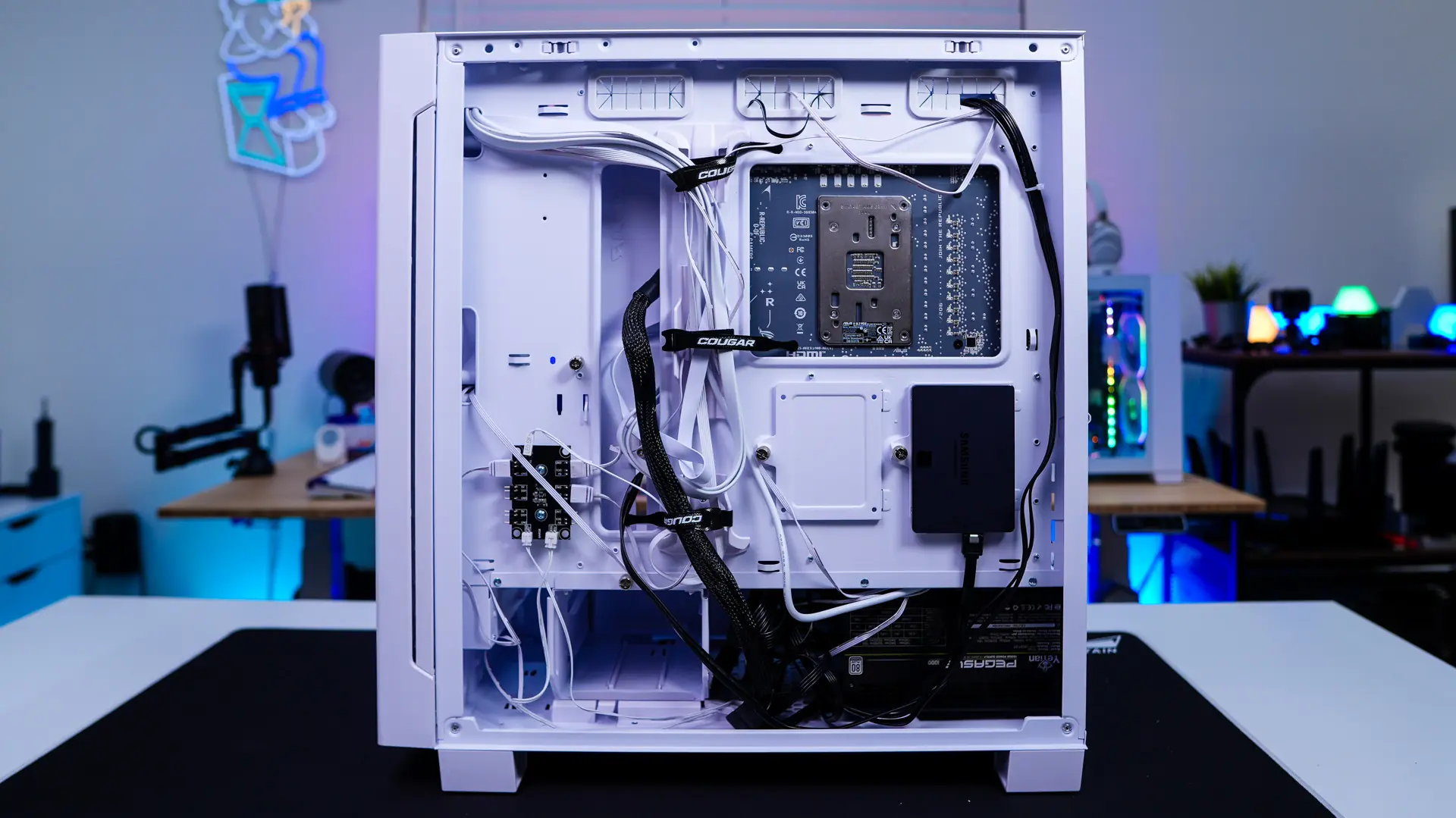
Your power supply slides in from the rear of the case. Once placed you simply secure it with four screws. With the power supply installed it is time to route all of our cables. The Velcro cable ties and all of the cable routing holes make things quite easy.
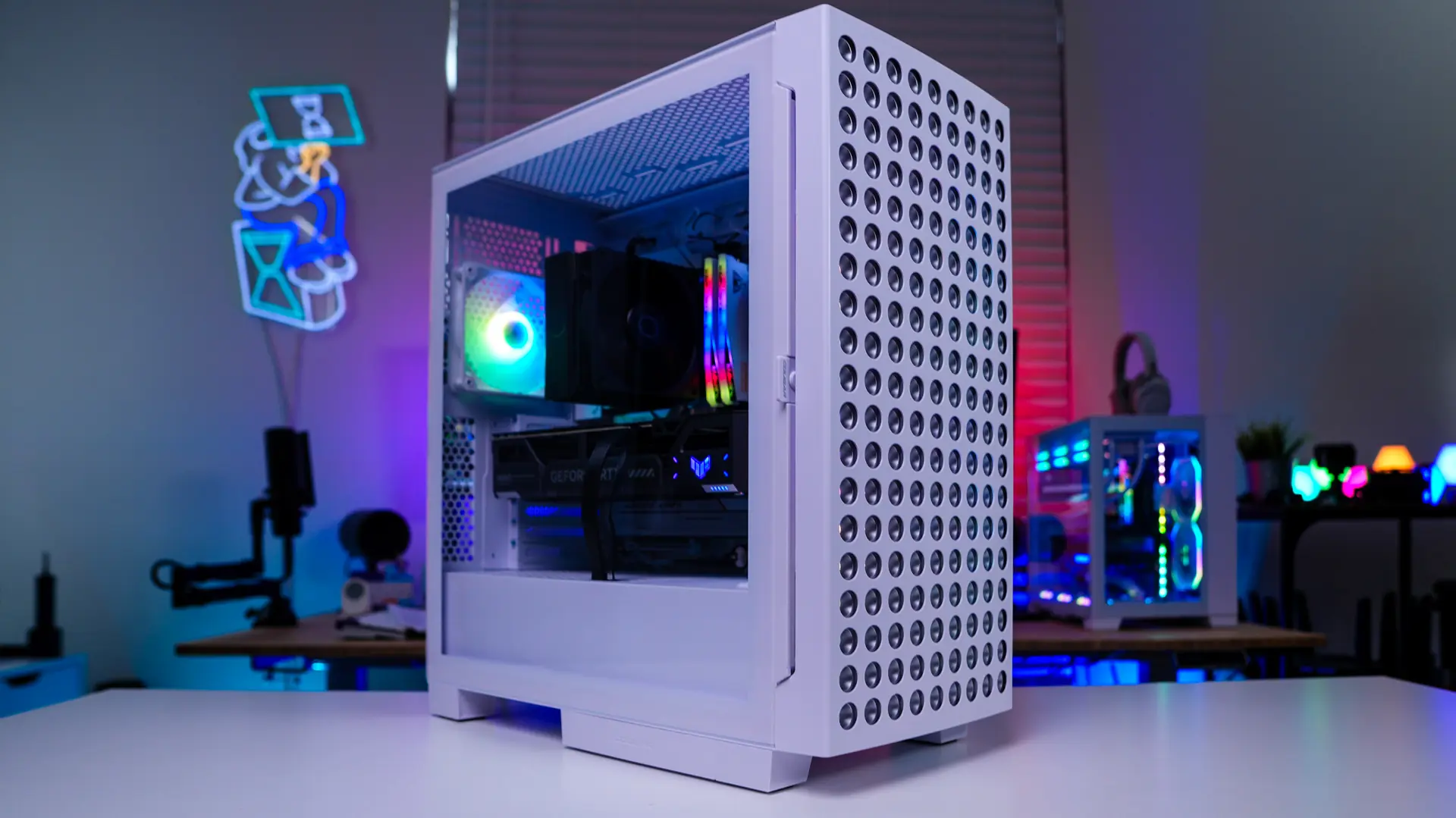
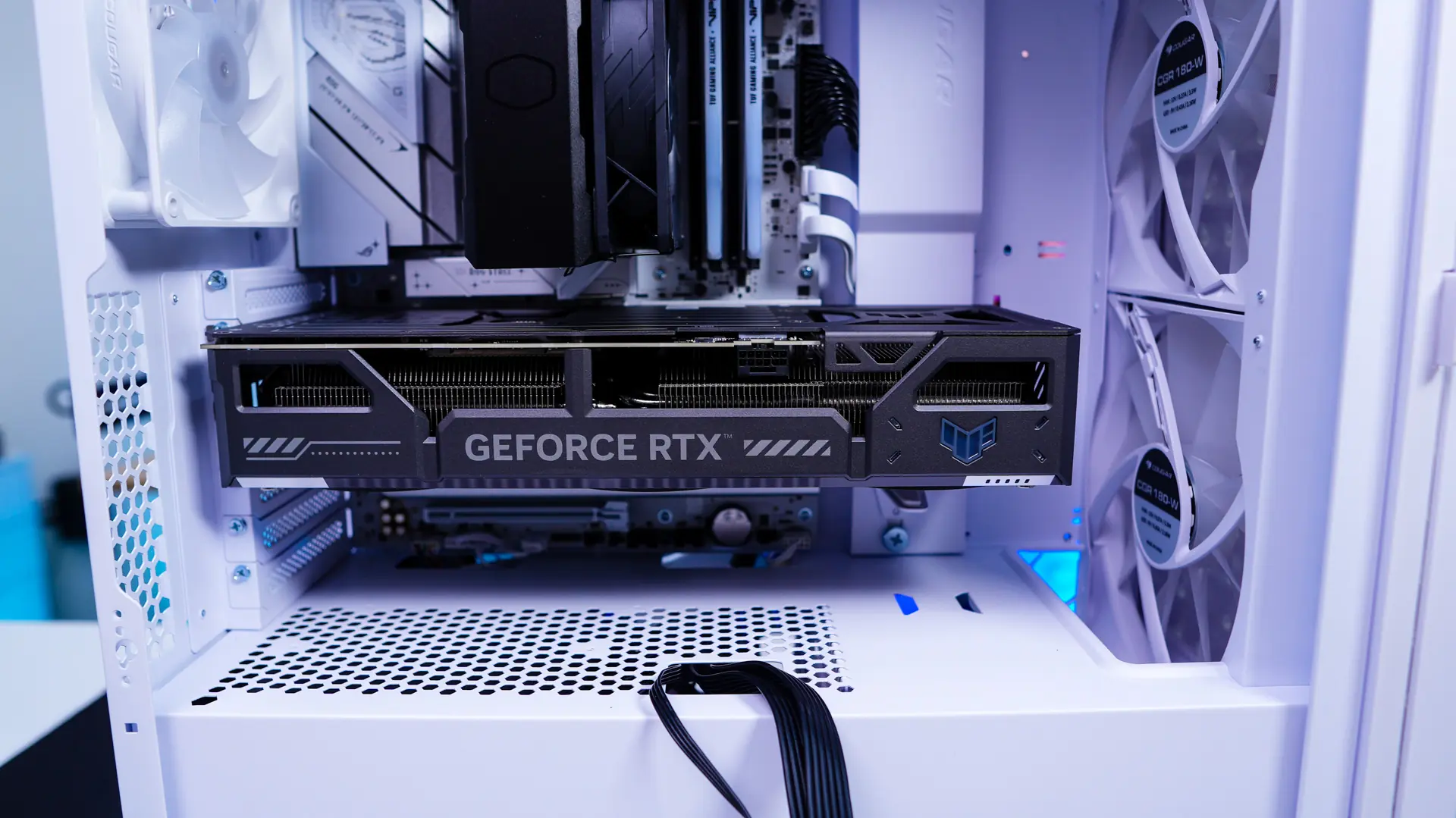
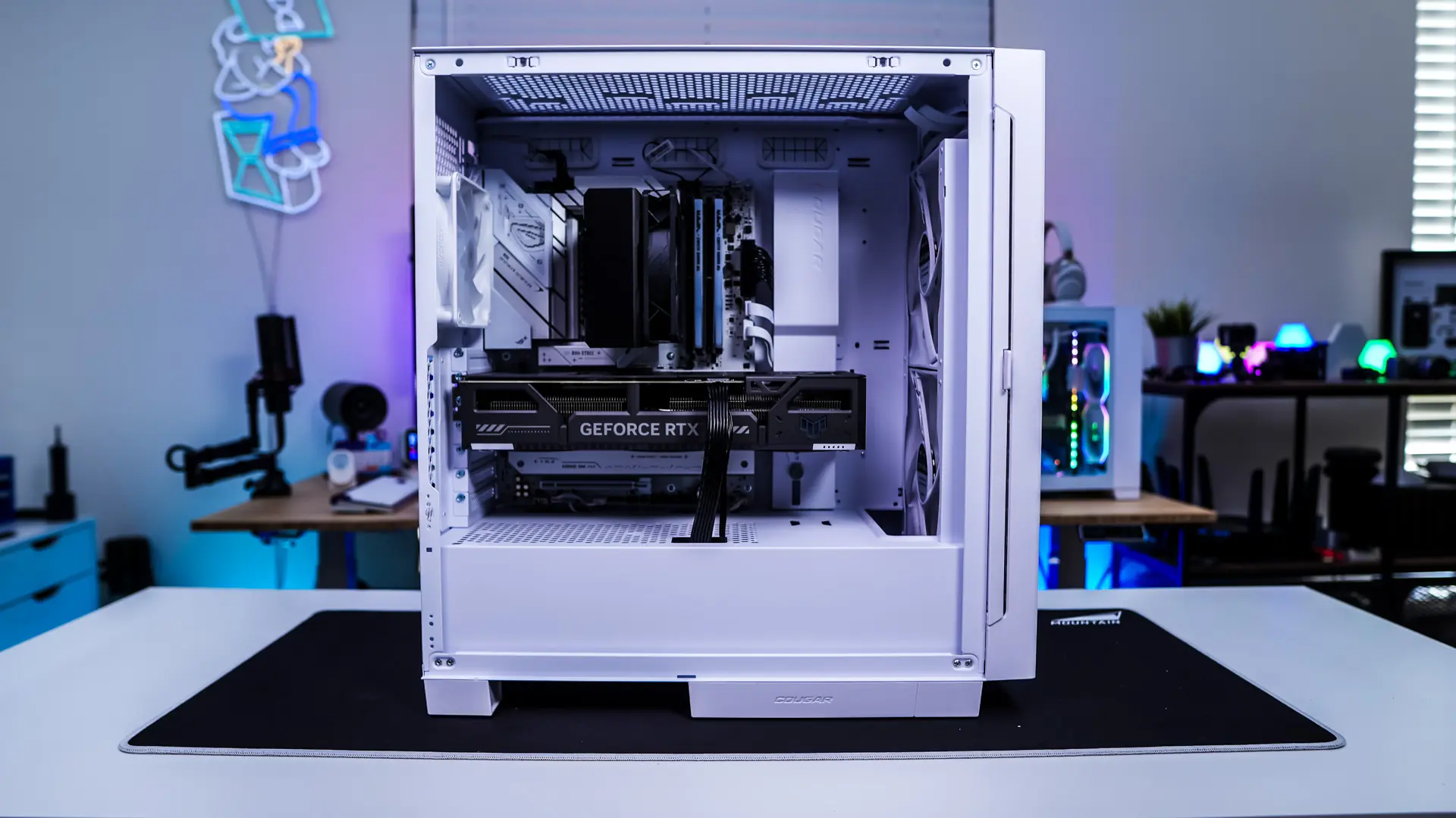
The last thing we need to install is our graphics card. If you are wondering this case supports graphics cards as long as 390mm. You are going to want to move down the GPU support before you install your graphics card then move it back up into place. With our graphics card installed you can see we have a very clean build.
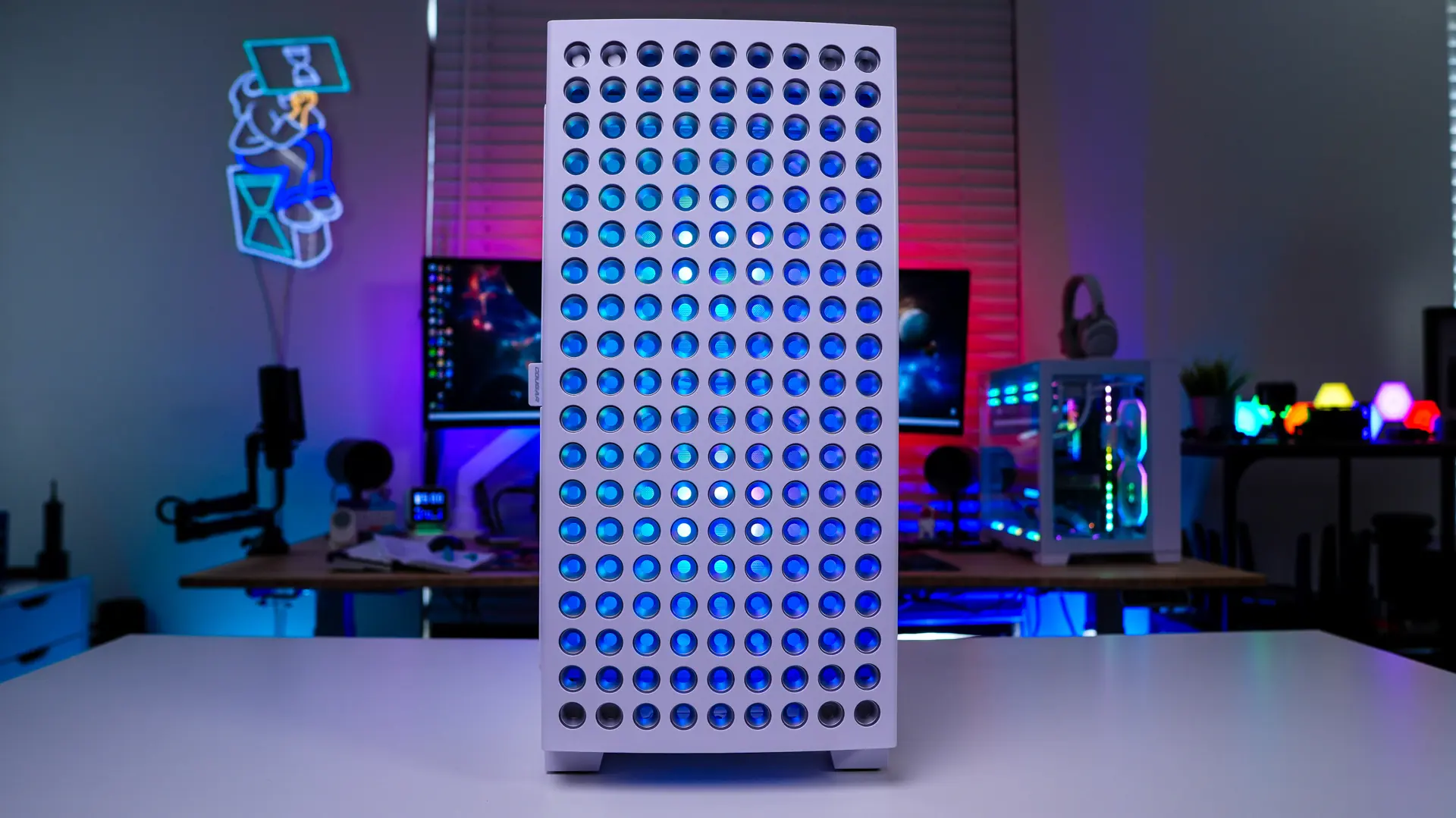
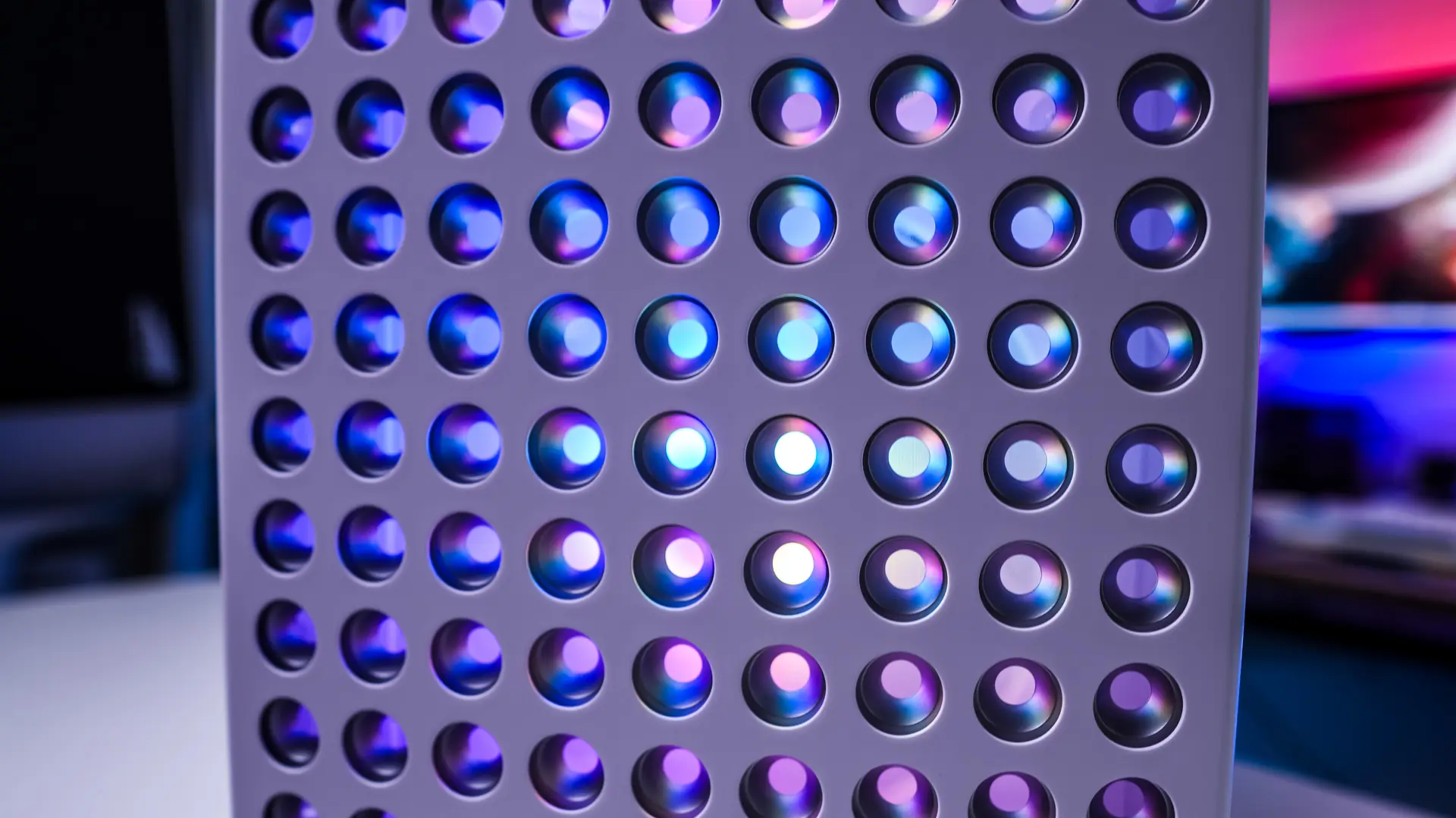
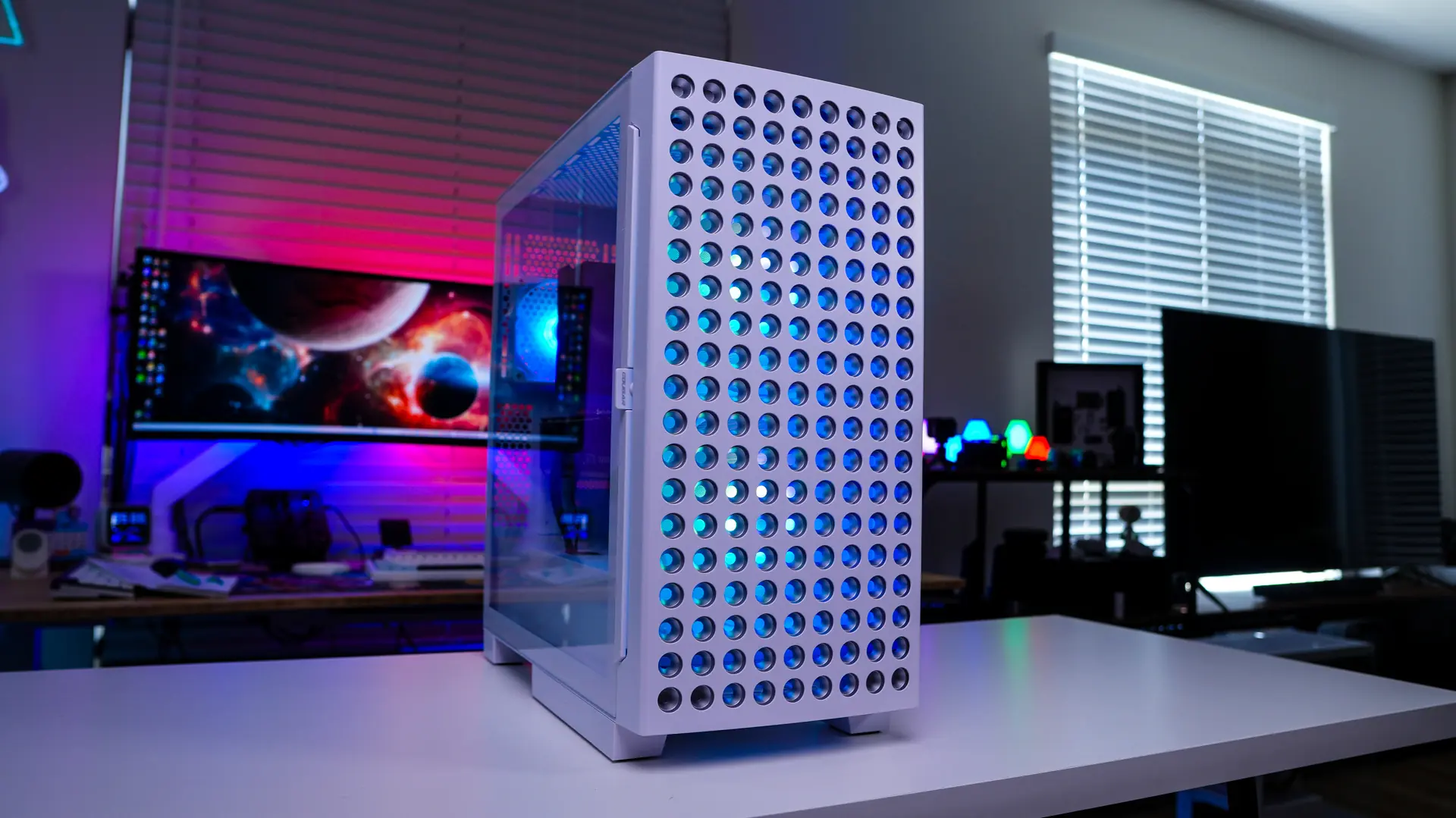
Lighting on the Cougar Airface Eco RGB Case
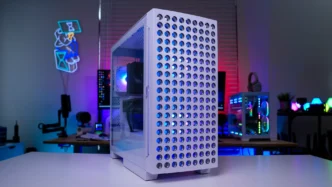
When you power your system on you’ll notice the fans light up with RGB lighting. This especially looks good on the front of the case.