Temperatures & Overheating
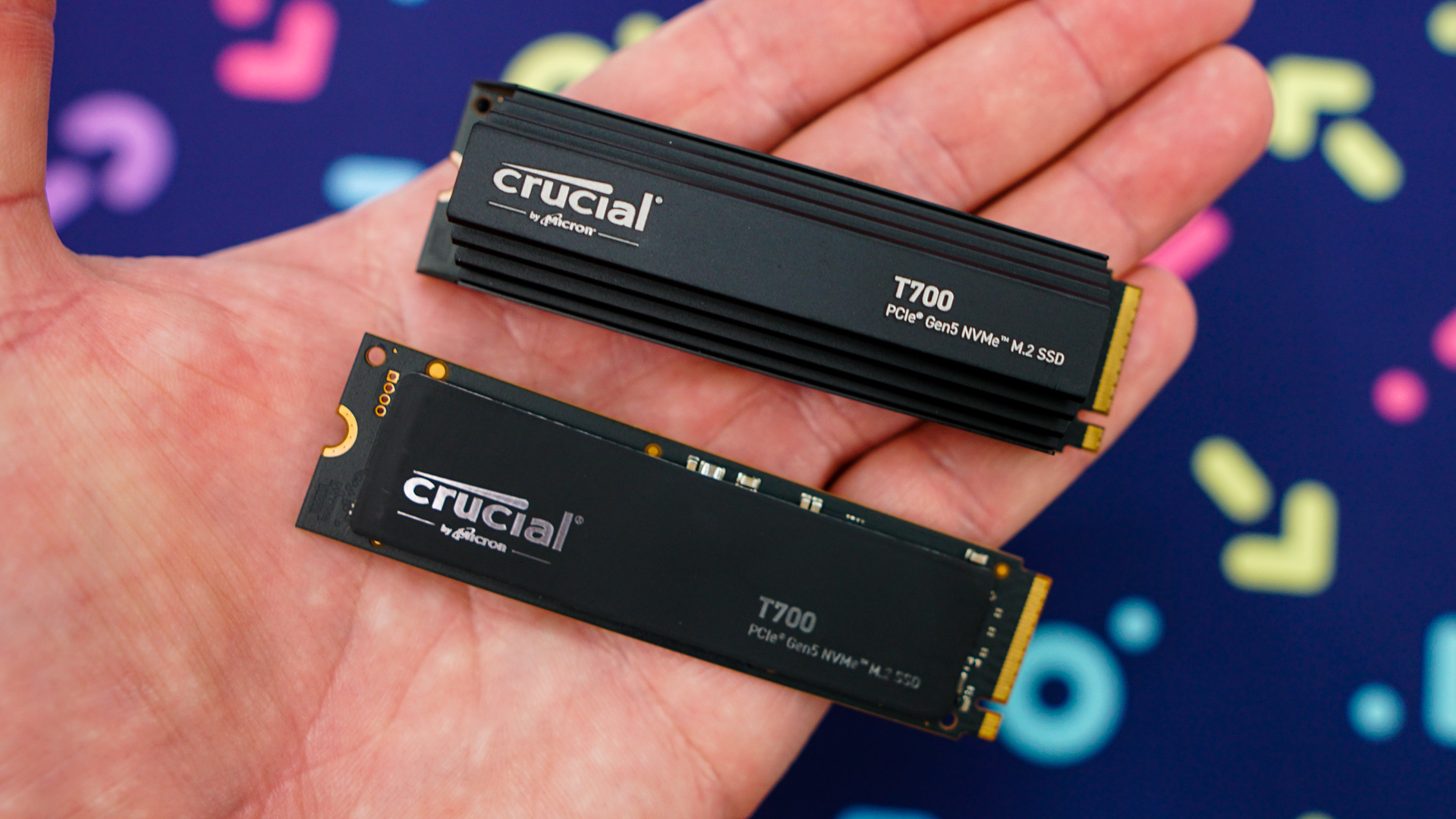
Before we get into testing I did want to talk about the temperatures of this drive. When Crucial sent these drives over I was a bit surprised to not see an active cooling solution on the heatsink version of the drive. Especially since pretty much every other Phison E26-based drive we’ve seen has had an active cooling solution. The heatsink version of the T700 is just that, a heatsink. While it does provide decent cooling, if you don’t have any air running over it, it will overheat and cause the drive to throttle. You can see that in our ATTO Disk Benchmark test below.

We tested the drive on a test bench, which really does not have a whole lot of air running around where our Gen5 slot it. It also does not help that the slot sits right above our graphics card slot. If you are installing the heatsink version in a system that does not have great airflow it is likely that it will overheat.

I went ahead and put a simple case fan over the drive and to my surprise it did not overheat at all. It ran through the ATTO Disk Benchmark test without any issues.

Finally I wanted to see what the difference would be if Crucial did have active cooling on the heatsink itself. ASRock sent us over their Blazing M.2 cooler back when we reviewed the Z790 Taichi. It is essentially a larger M.2 heatsink with a small active cooling fan. Again with this cooling solution the drive did not overheat or throttle.

To give you an idea of temperatures below is a graph showing the max temperatures using the heatsink version of the drive, the heatsink version of the drive + a fan, the plain version of the drive using our motherboard’s normal M.2 heatsink, and finally using the Blazing M.2 heatsink.

I think if you plan to use either the heatsink version of the drive or the plain version using your motherboard’s M.2 heatsinks you’ll need some type of air flowing over the drive to keep it from overheating.