


System Overview & Testing Procedures
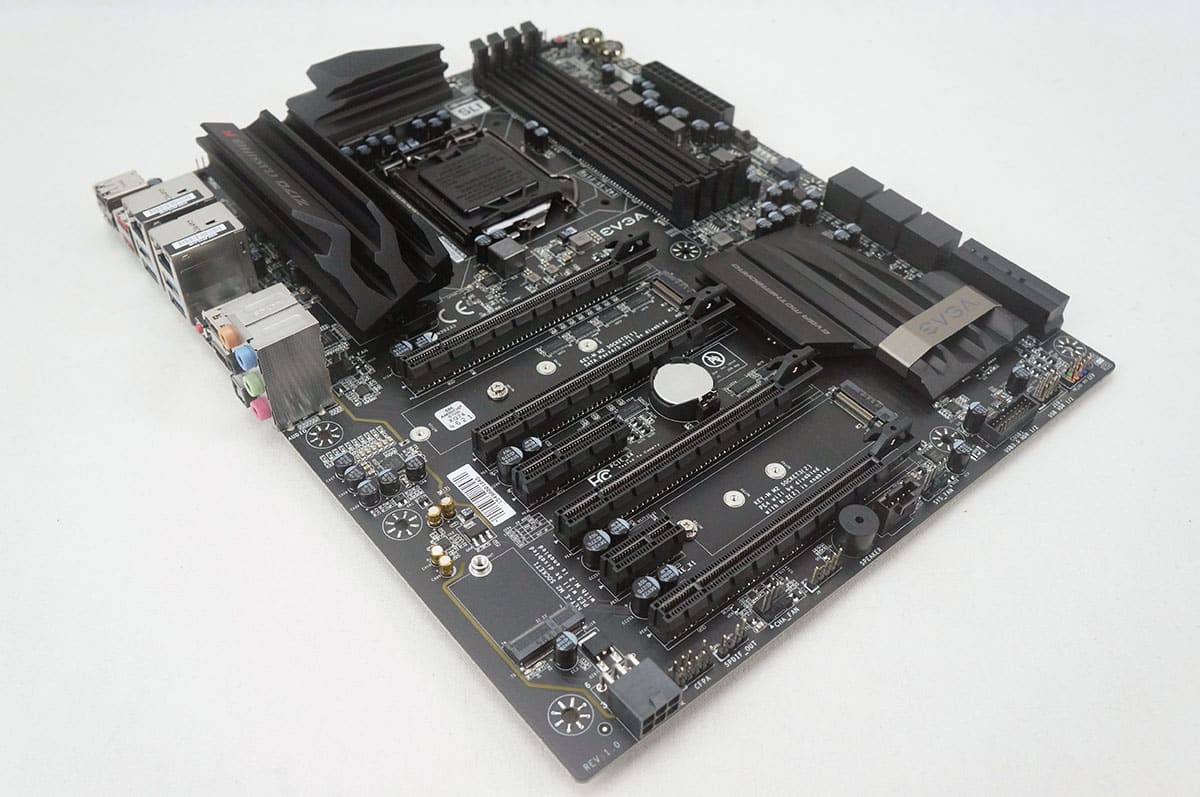
The Z170 Classified K was installed in our test bench, which we use to test all of our motherboards. All of the hardware besides the motherboard stays the same to keep things uniform.
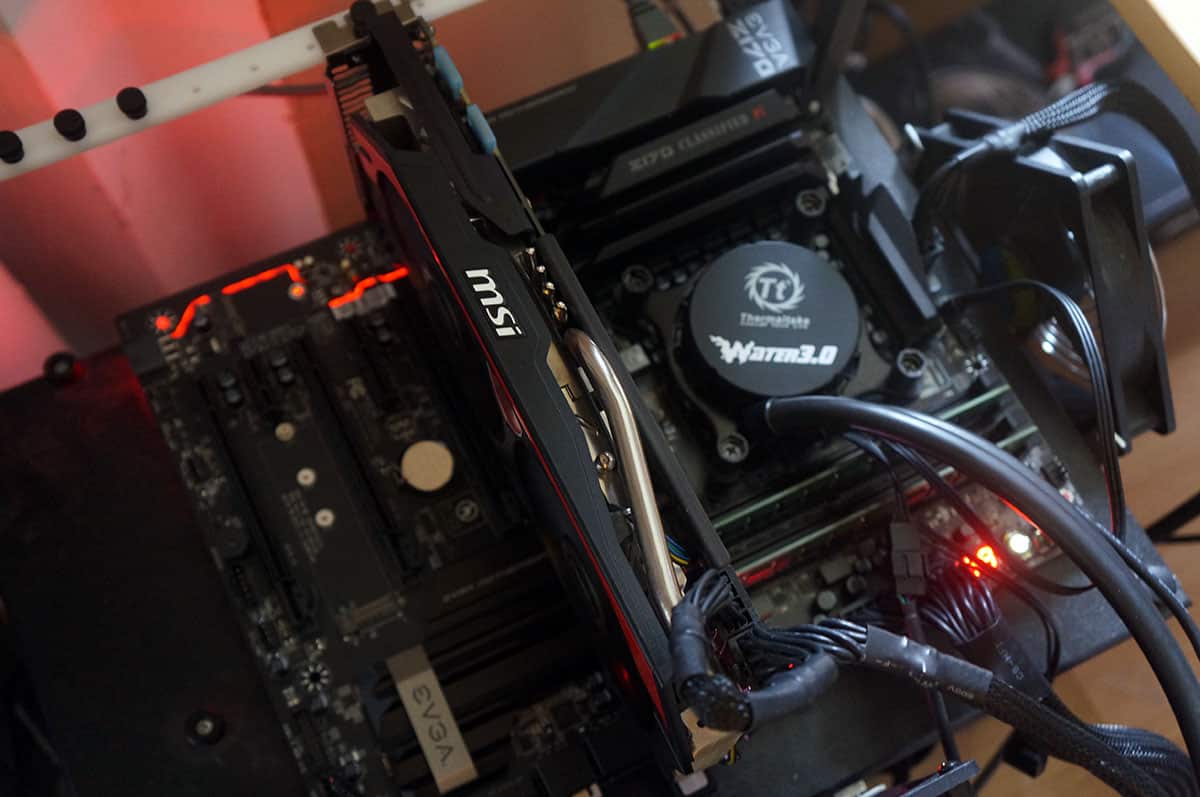
Test System Specs
Processor: Intel Core i7-6700K
Video Card: MSI GTX 770 Gaming
Motherboard: MSI Z170A SLI Plus
Memory: 16 GB Crucial DDR4
Storage: 120GB Kingston HyperX 3K
Power: Corsair AX860i
Cooling: Thermaltake Water 3.0 Extreme
Case: HighSpeed PC Top Deck Tech Station
First off we will running the processor and motherboard and the default optimized settings in the BIOS (as if you would restore the defaults on the board). We feel that this is how most users will have their systems configured. So everything will be on auto.
We will be comparing the following motherboards:
ASRock Z170 Extreme 7+
ASUS Z170-A
EVGA Z170 Classified K
Gigabyte Z170N-Gaming 5
Gigabyte Z170X-Gaming G1
MSI Z170A Gaming M5
MSI Z170A SLI Plus
Our testing procedures have been updated, I have organized them into the following sections below.
Overall System Testing
PCMark 8
– Home Benchmark
– Work Benchmark
– Creative Benchmark
PCMark 7
SiSoftware Sandra
– Overall System Benchmark
CPU Testing
SiSoftware Sandra
– Processor Arithmetic
– Processor Multi-Media
CINEBENCH R11.5 64-bit
x264 HD Benchmark 5.0
Graphics Testing
3DMark
– Fire Strike Extreme Benchmark
– Fire Strike Benchmark
– Sky Diver Benchmark
Heaven Benchmark 5.0
SATA, USB & Network Testing
CrystalDiskMark
SiSoftware Sandra
– Network (LAN) Benchmark
Now let’s get to testing!


You cannot install the i/o cover if you use the top slot for any of the new 1070 or 1080 cpu’s. The card gets in the way of the i/o cover on this mobo. And you want to use the top slot for your video card, closest to the CPU.