A Look Inside the HYTE Y50 RGB Case
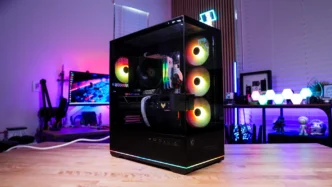
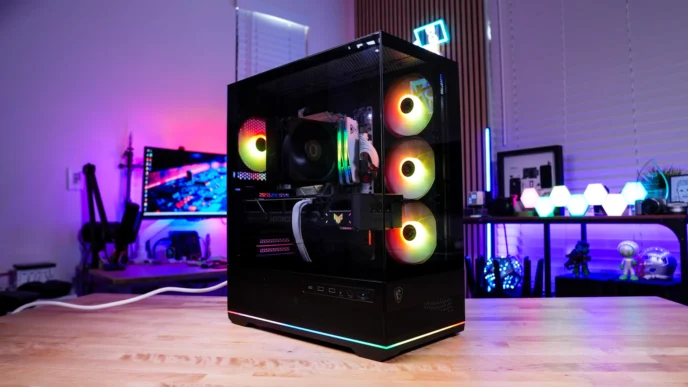
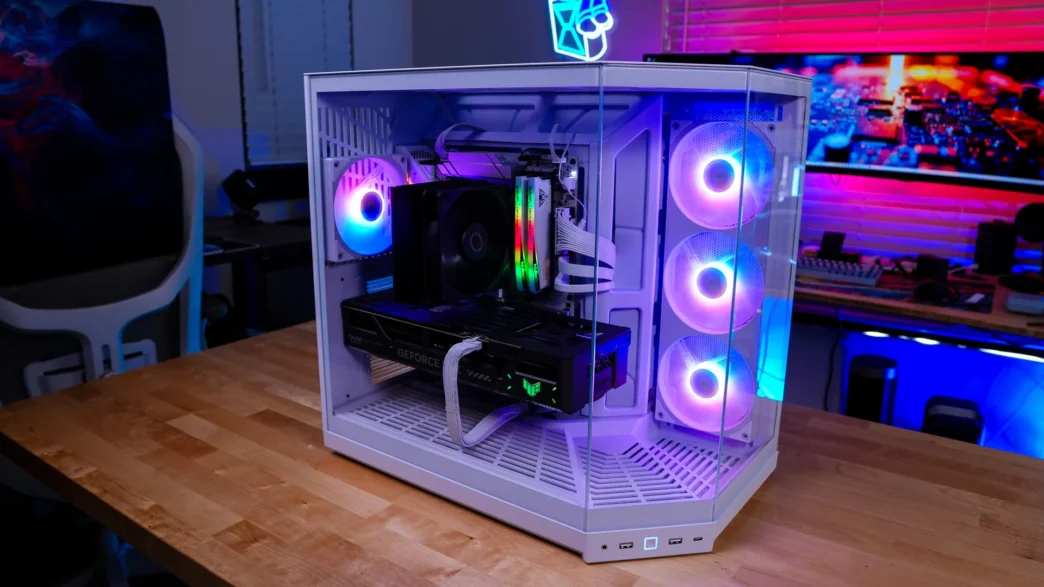
The main tempered glass side panel of the Y50 RGB is easily removed from the case. You can remove the 45-degree panel and front panel if you want, but you’ll have to bust out your screwdriver to do so. Keep in mind you should have no issues getting your hardware installed with those two panels still attached to the case.
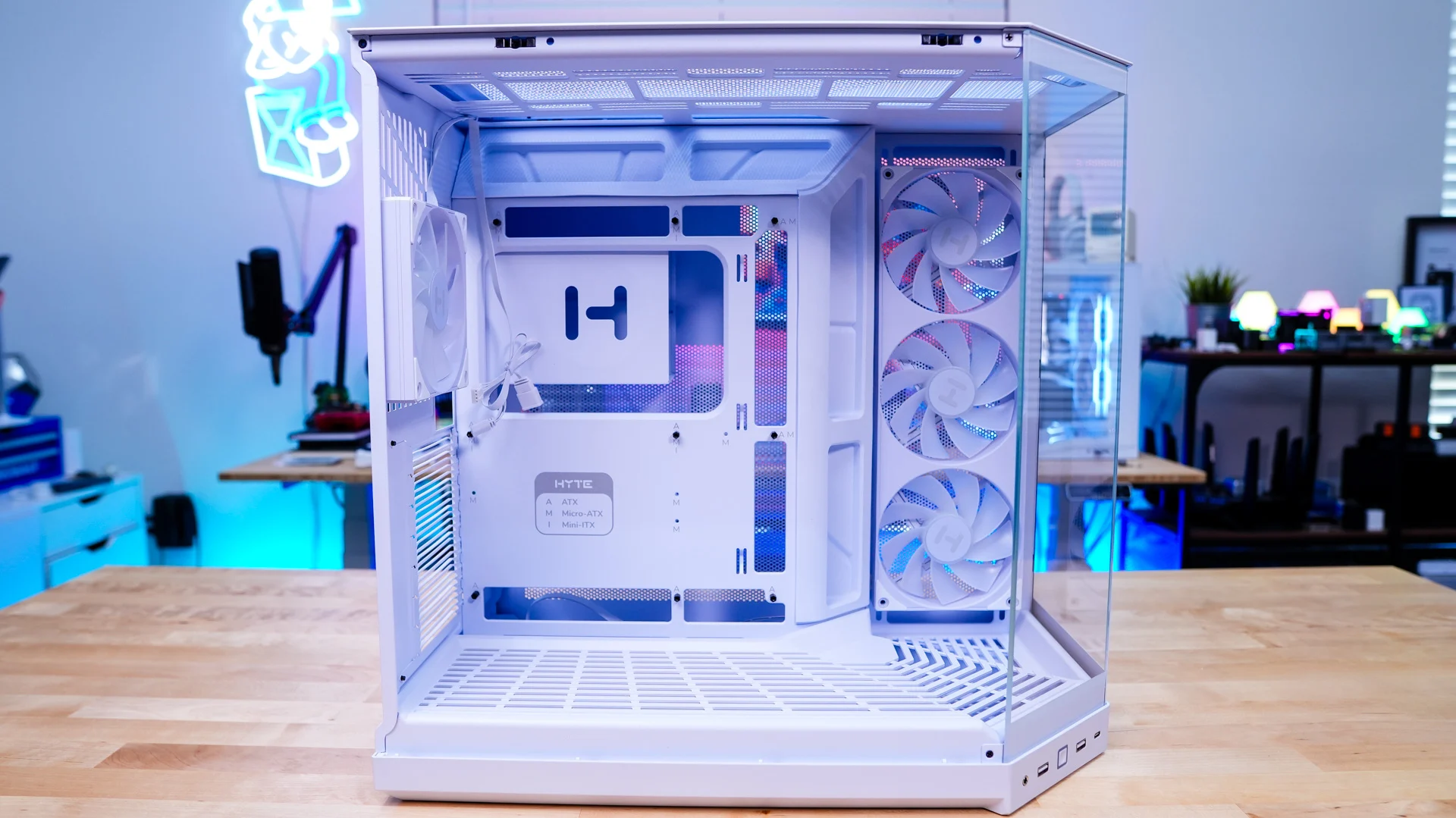
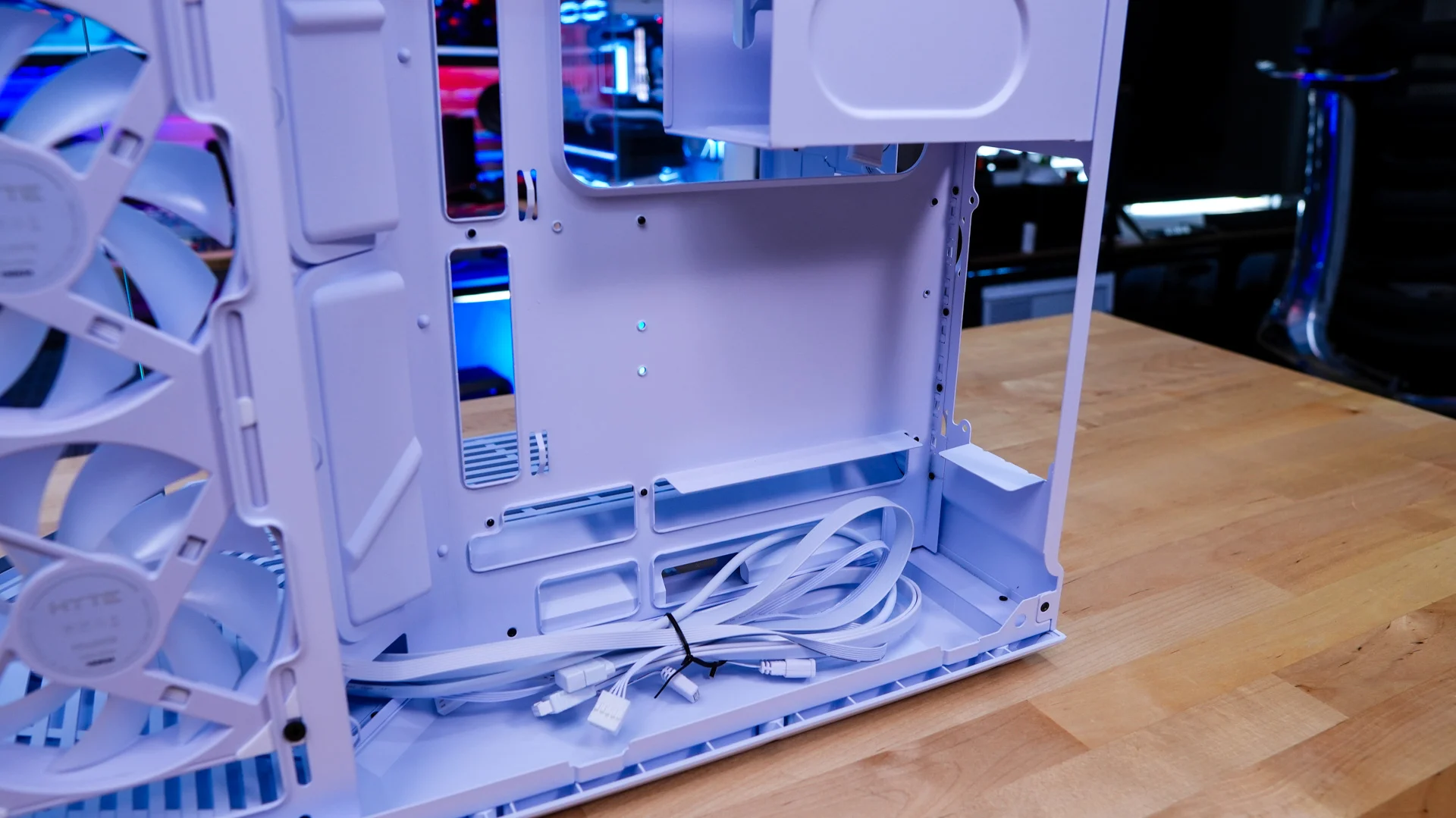
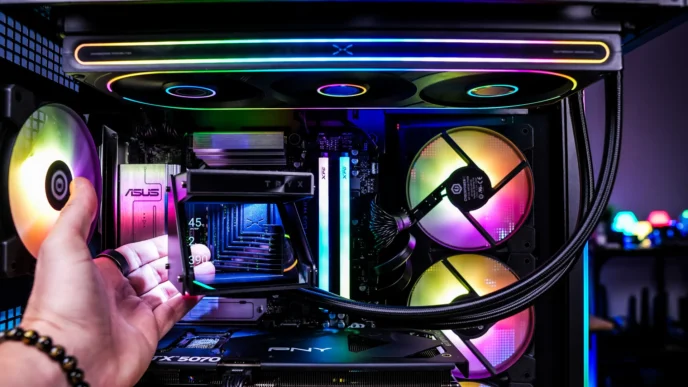
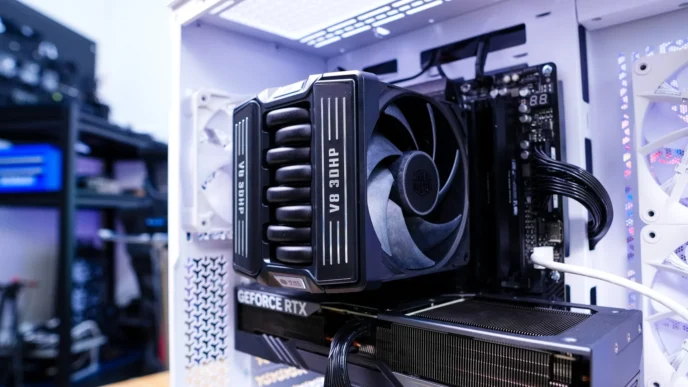
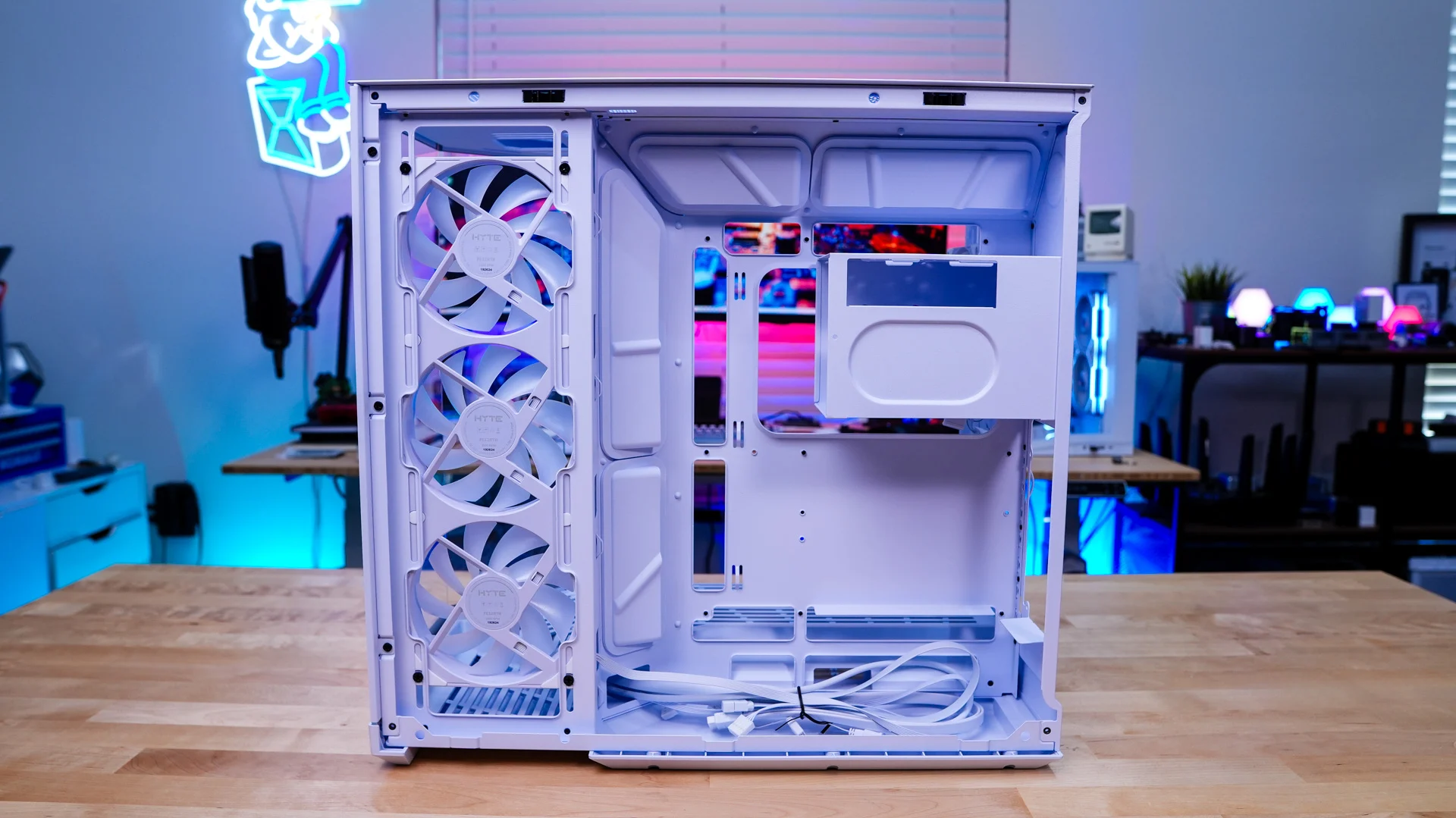
With the panel removed we can get a look at the motherboard tray. We do have support for mini-ITX, Micro-ATX, ATX, and E-ATX motherboards as well as back-connect motherboards. It is great to see back-connect support here as all other cases in the Y-Series do not offer it. Around the motherboard tray there are multiple cable routing holes. If you were wondering the case will support CPU coolers as tall as 160mm and graphics cards as long as 360mm in length.
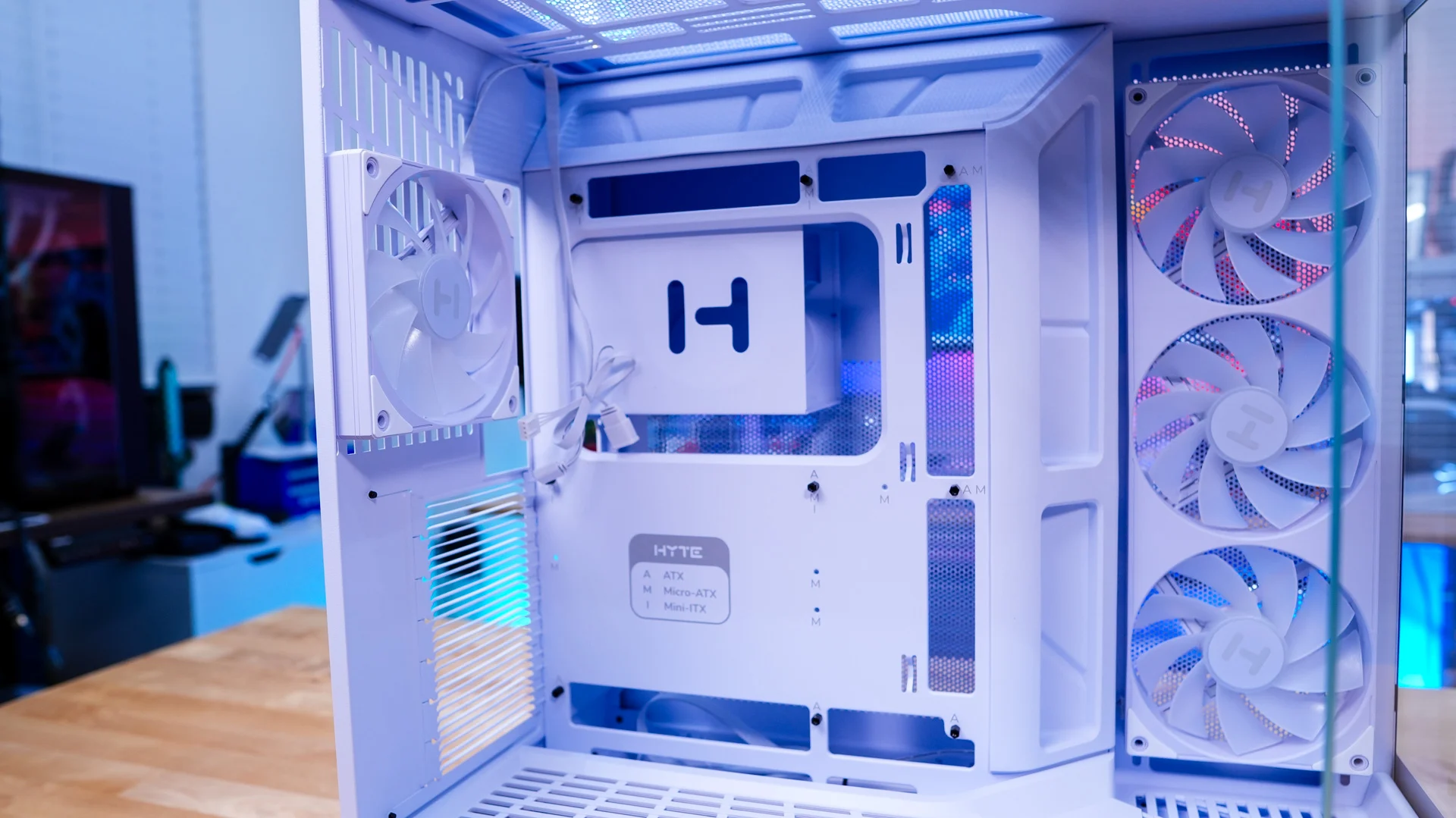
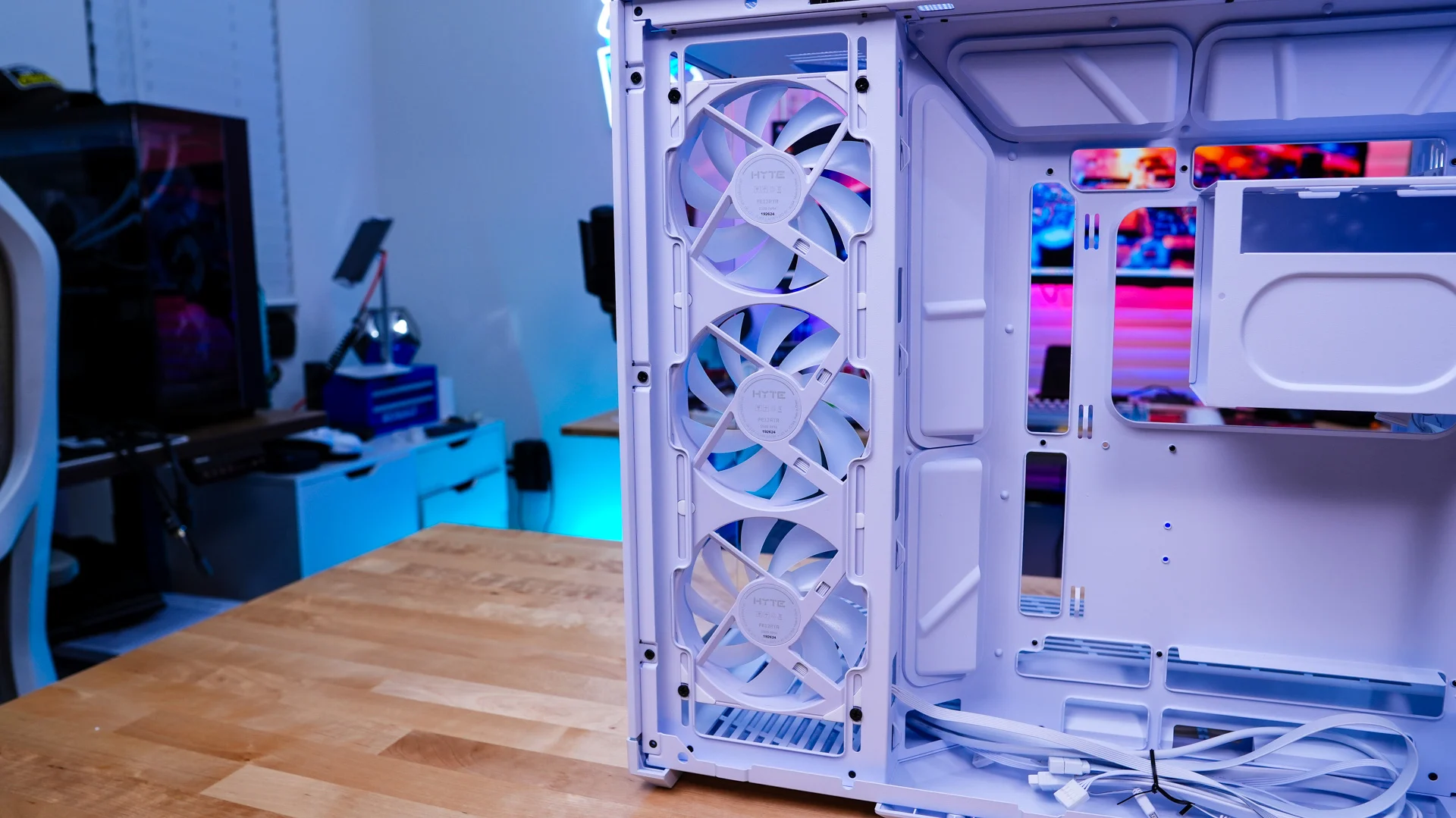
Towards the front of the case you’ll find your pre-installed side-mount cooling which is a single 360mm ARGB unit. So with this cooling unit and the rear 120mm fan this case technically comes with a total of four fans out of the box.
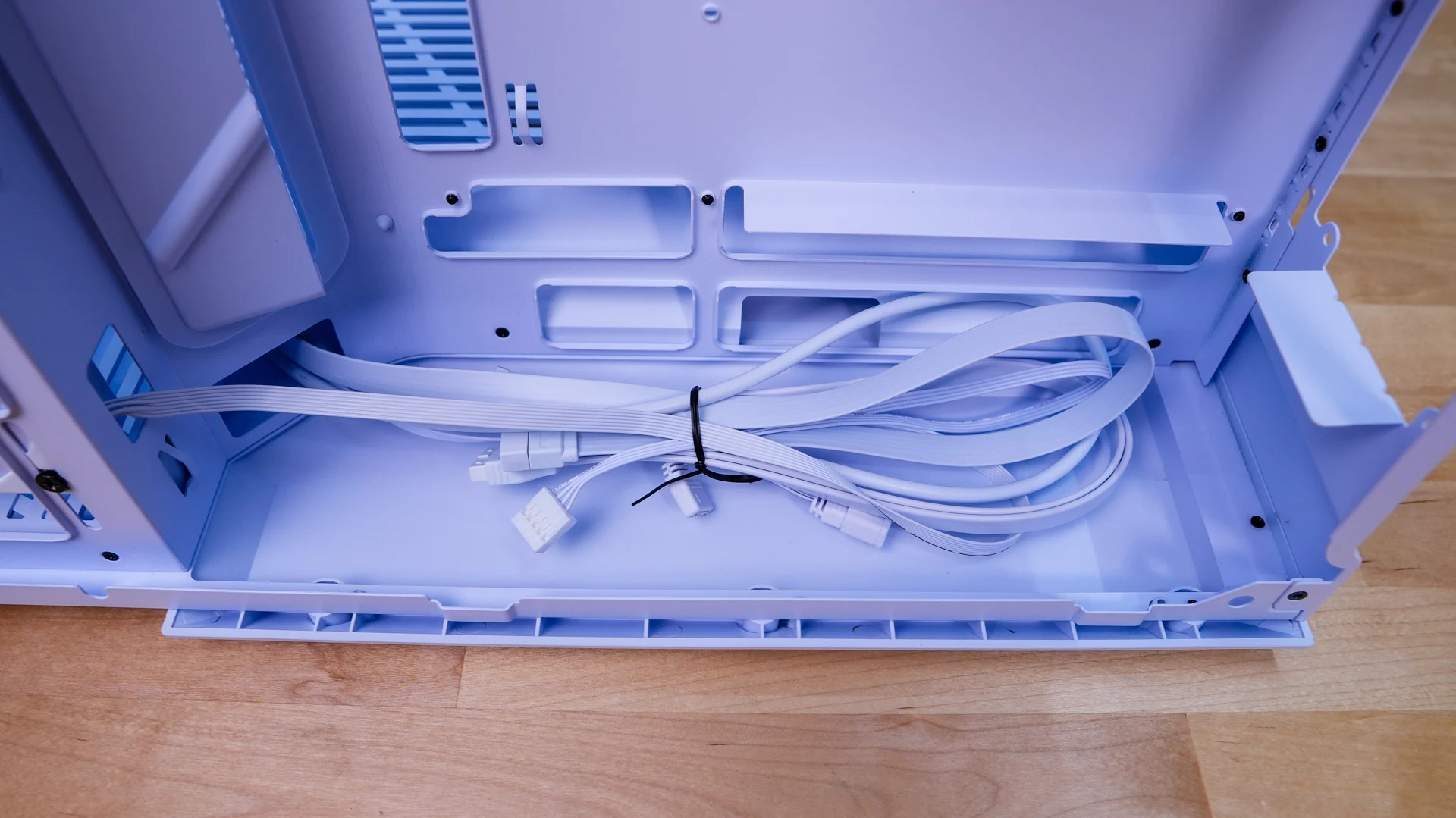
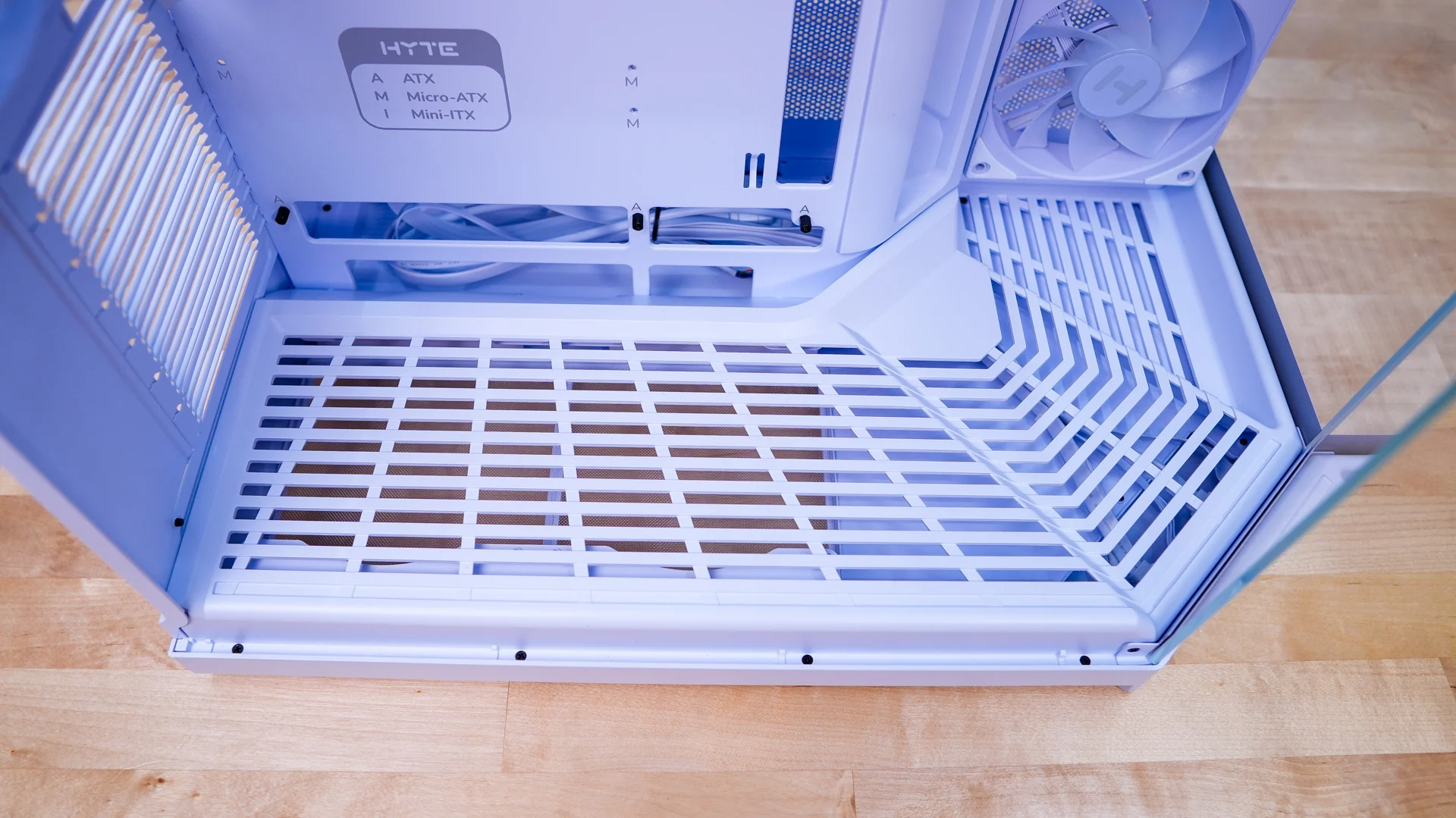
The bottom of the inside of the case features a “floor” with a stepped design. It has ventilation built in for the fan mounts below it. It also serves as a space to hide cables.
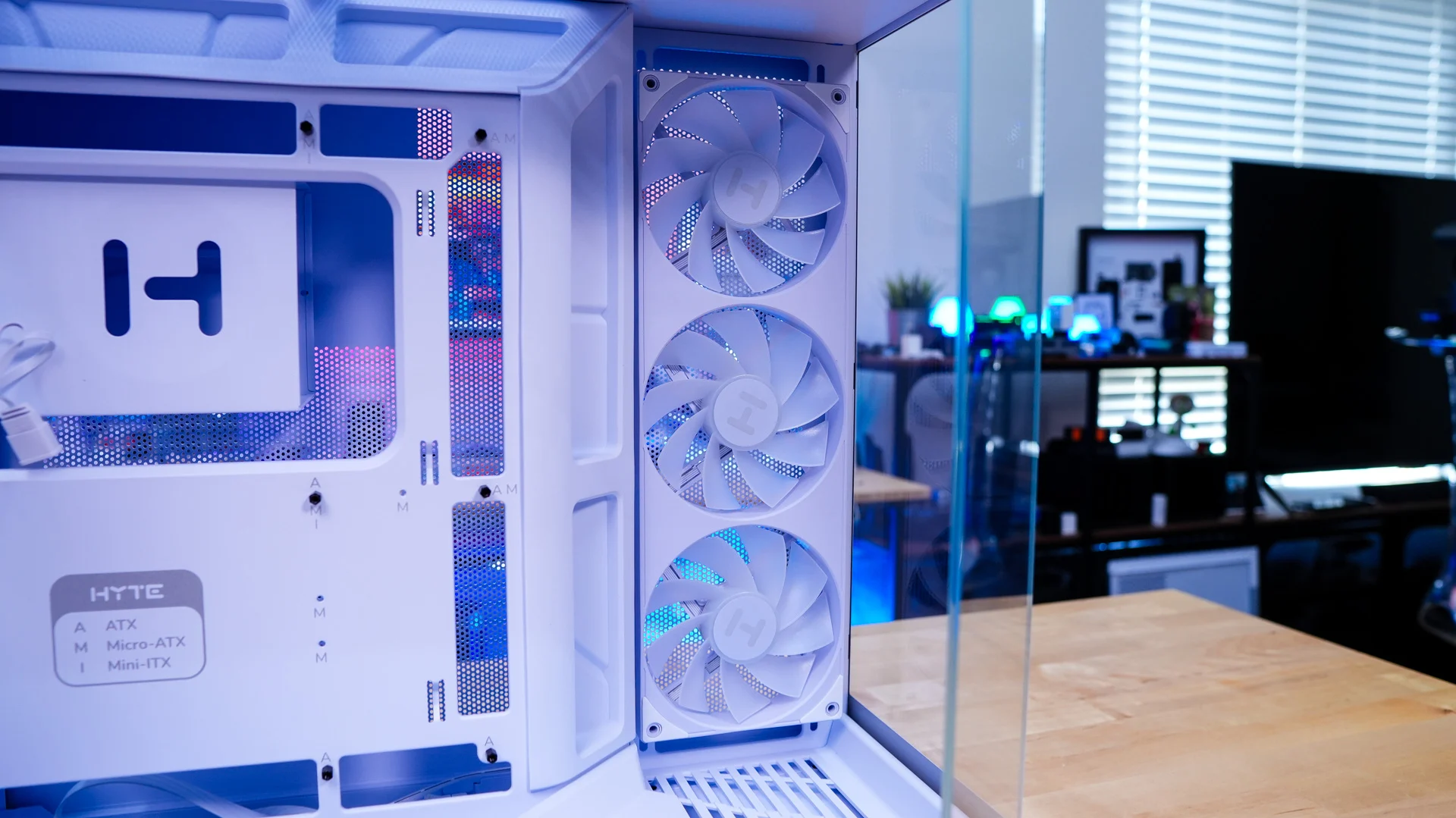
Removing the opposite side panel we can see how the rest of the case is designed. Taking a look towards the front of the case we get a better look at the side cooling bracket. If you were wondering it does support three 120mm fans as well as radiators as long as 410mm and 83mm thick.
Behind the motherboard tray is a large hard drive cage. This cage can be fully removed from the case. It supports either six 2.5-inch drives or two 2.5-inch drives and two 3.5-inch drives.
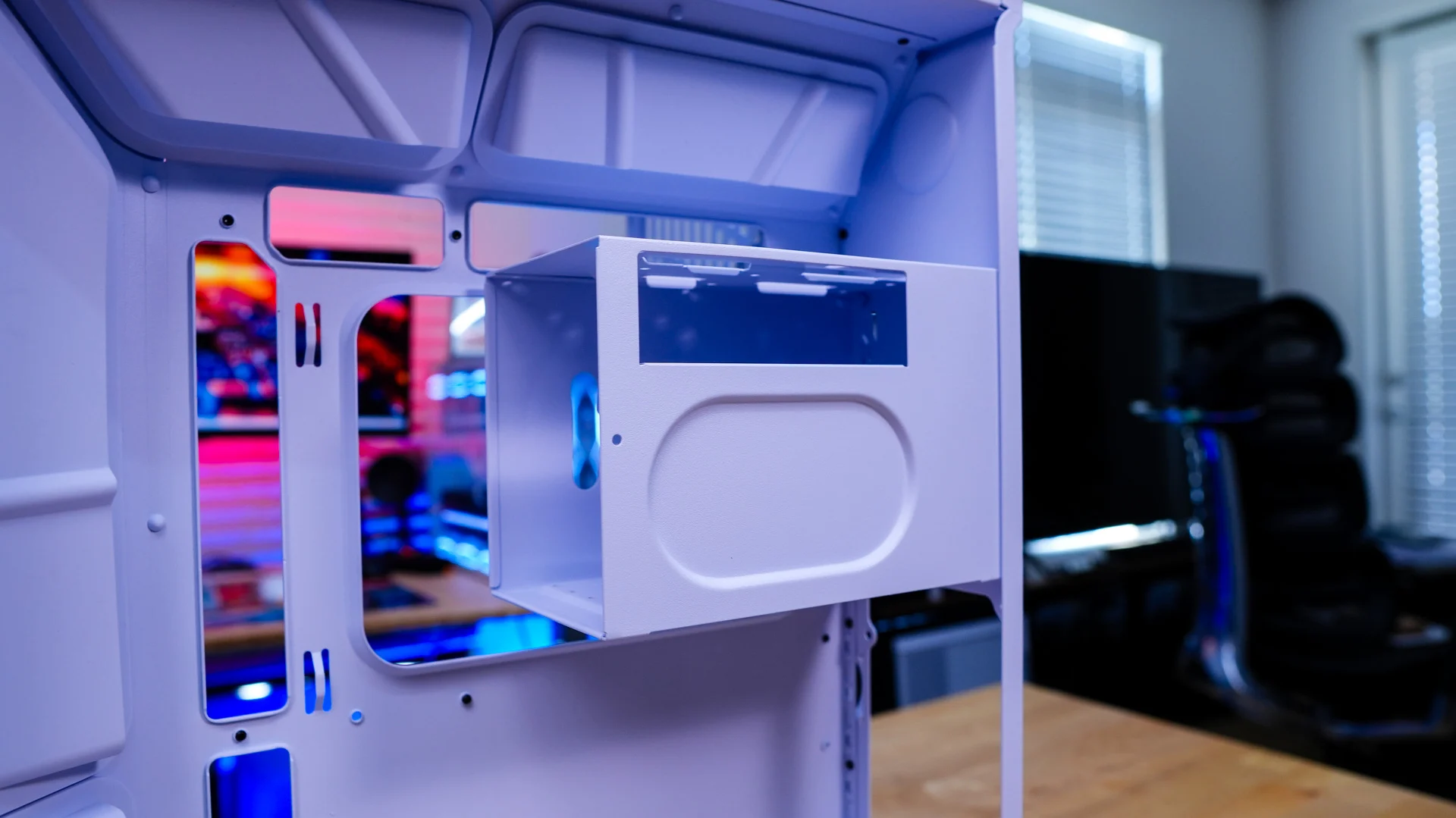
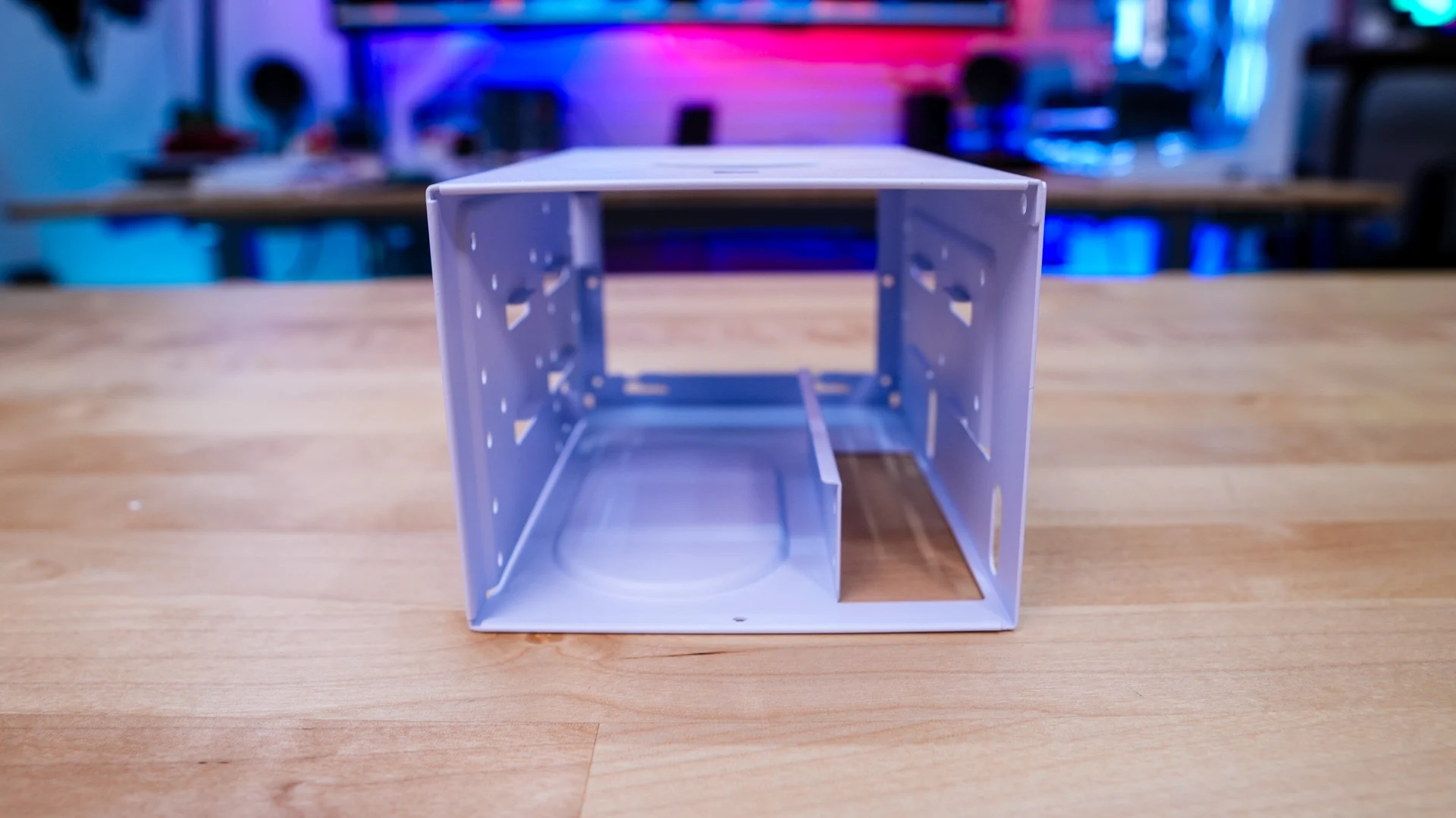
Below the hard drive cage is where you’ll mount your power supply. We have full ATX power supply support for units up to 250mm with normal motherboards and if you are using back-connect motherboards that goes down to 225mm. At the bottom of the case you’ll also find all of your cables, which are white of course.