MSI MAG Pano 120R PZ PC Case Overview
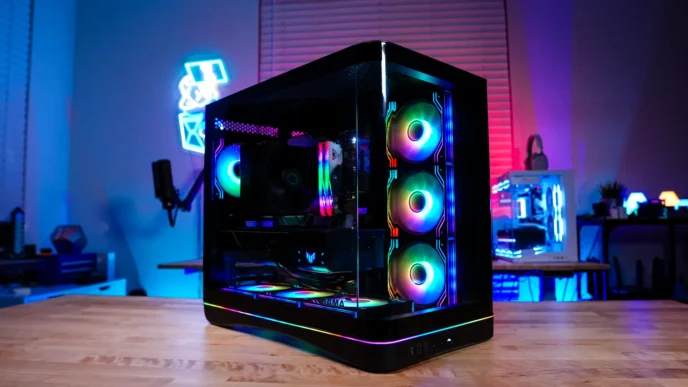
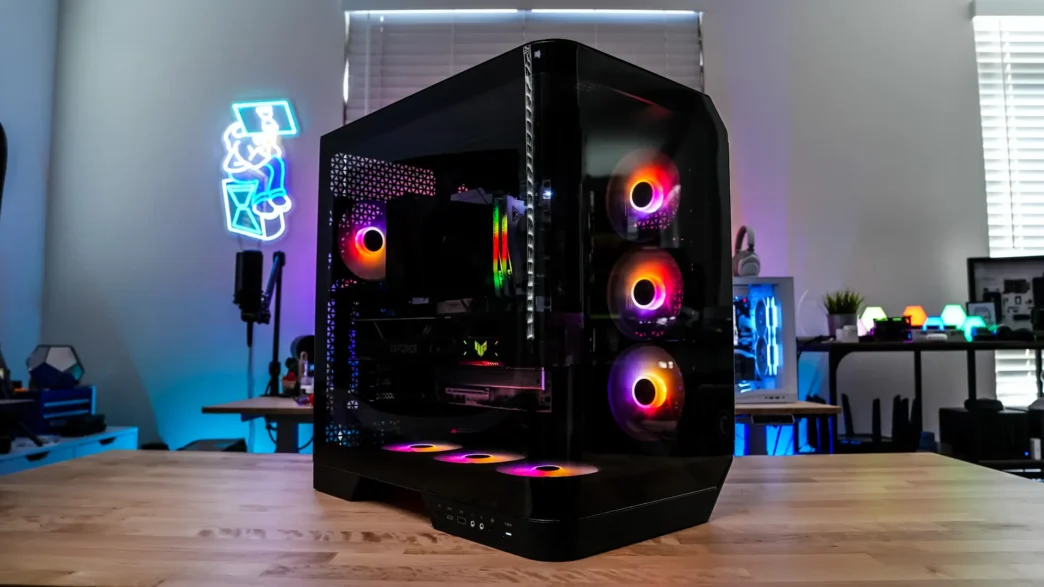
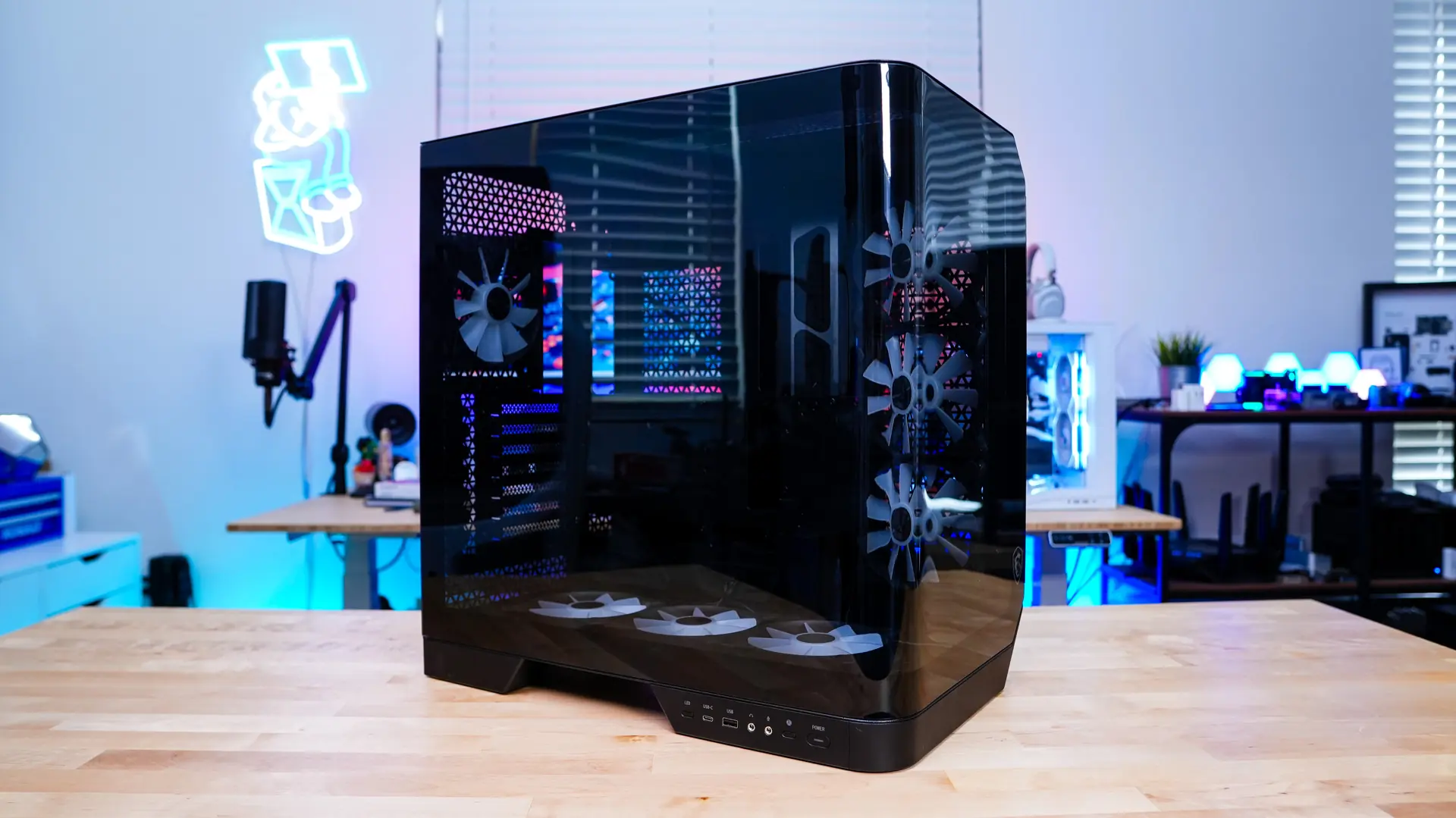
Taking a first look at the MAG Pano 120R PZ it is what I would call a medium-sized mid-tower. So it is not massive by any means, but also not super compact either. If you are wondering the official dimensions of the case are 470 x 301 x 496 mm. We received the black version of the case, and currently that is the only color available.
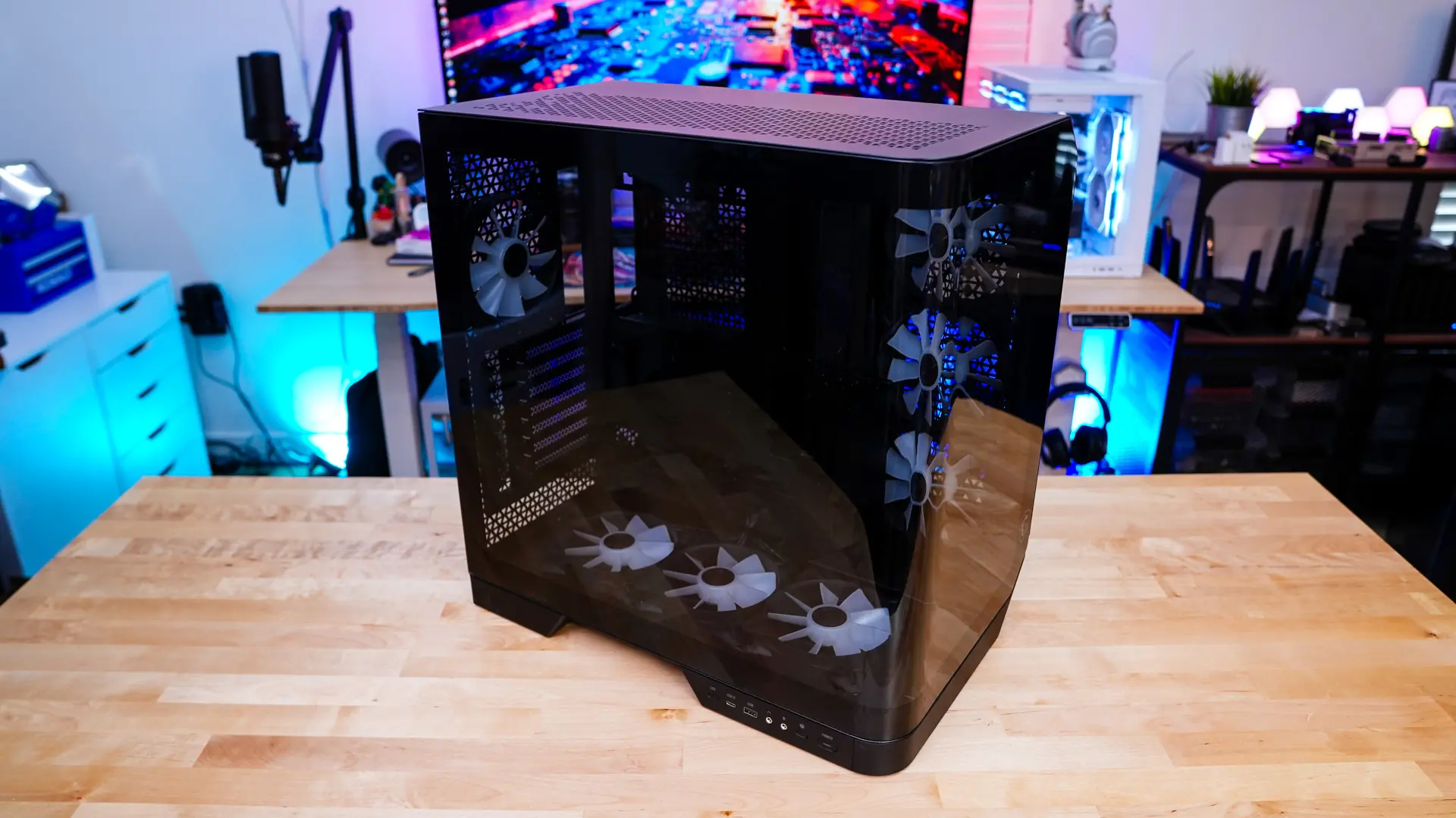
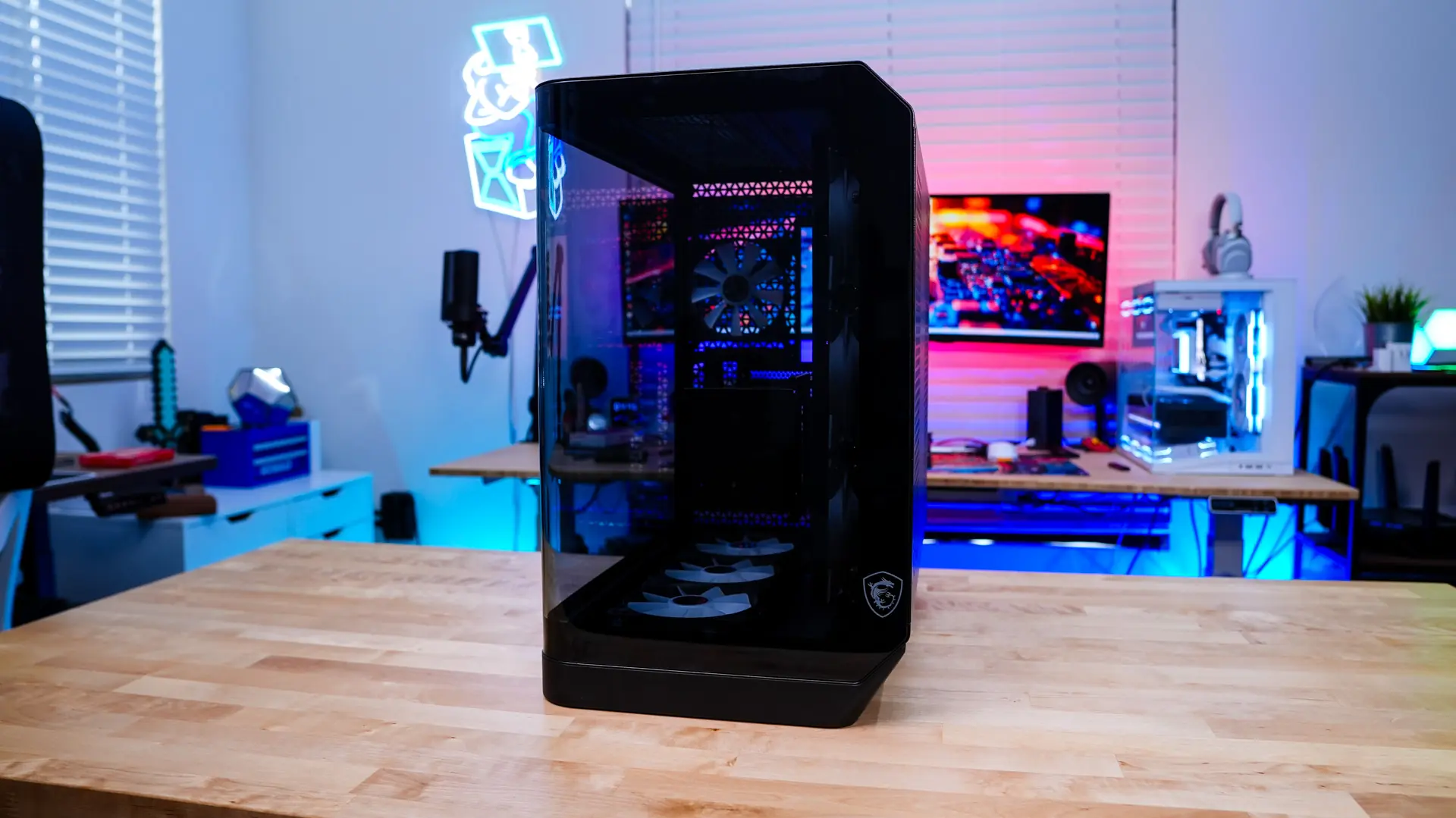
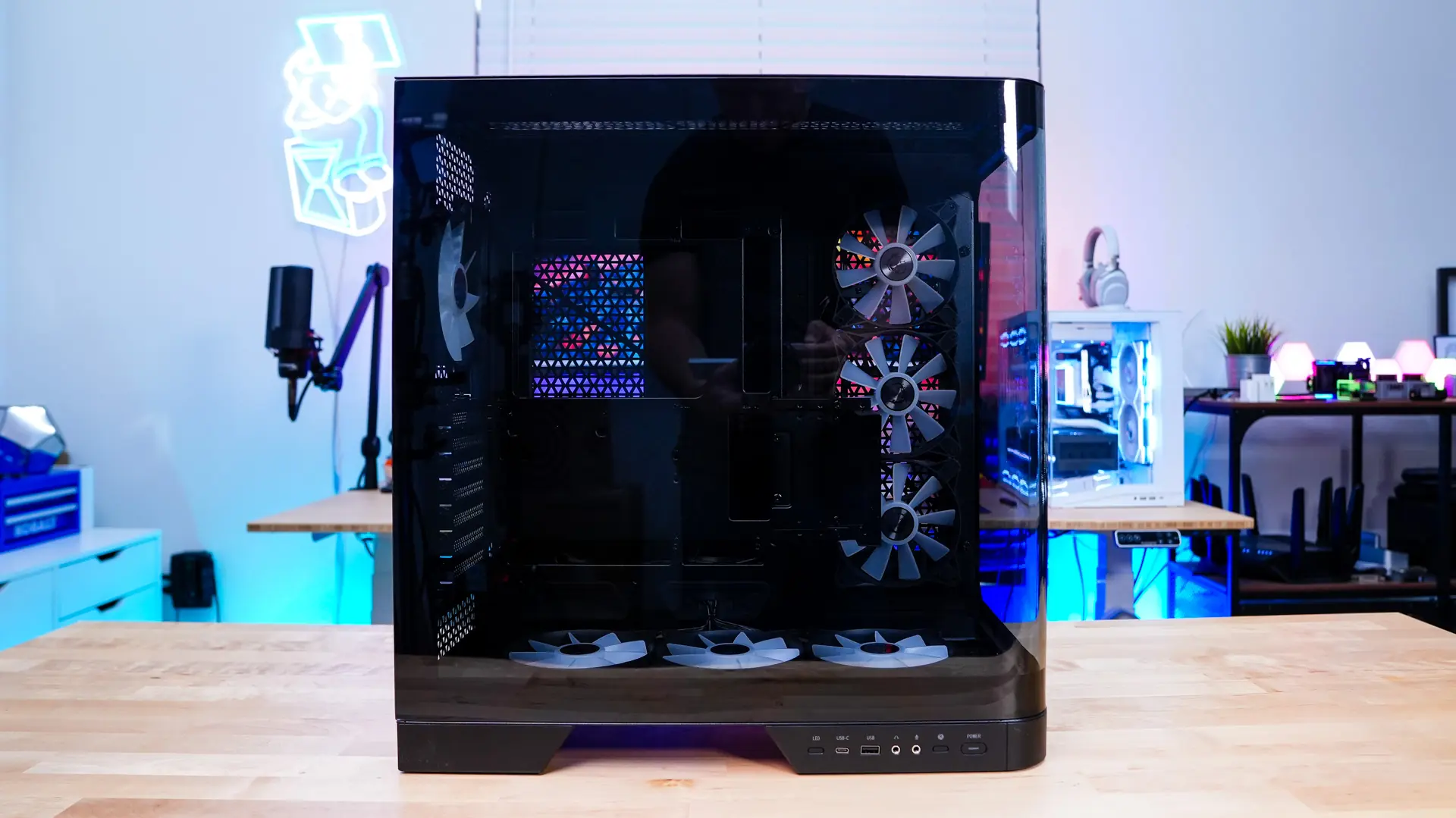
The main showcase of the MAG Pano 120R PZ is going to be the curved tempered glass panel that extends from the side of the case around to the front. This gives you a 270-degree unobstructed view into your system. This glass also has a safety film on it to protect it.
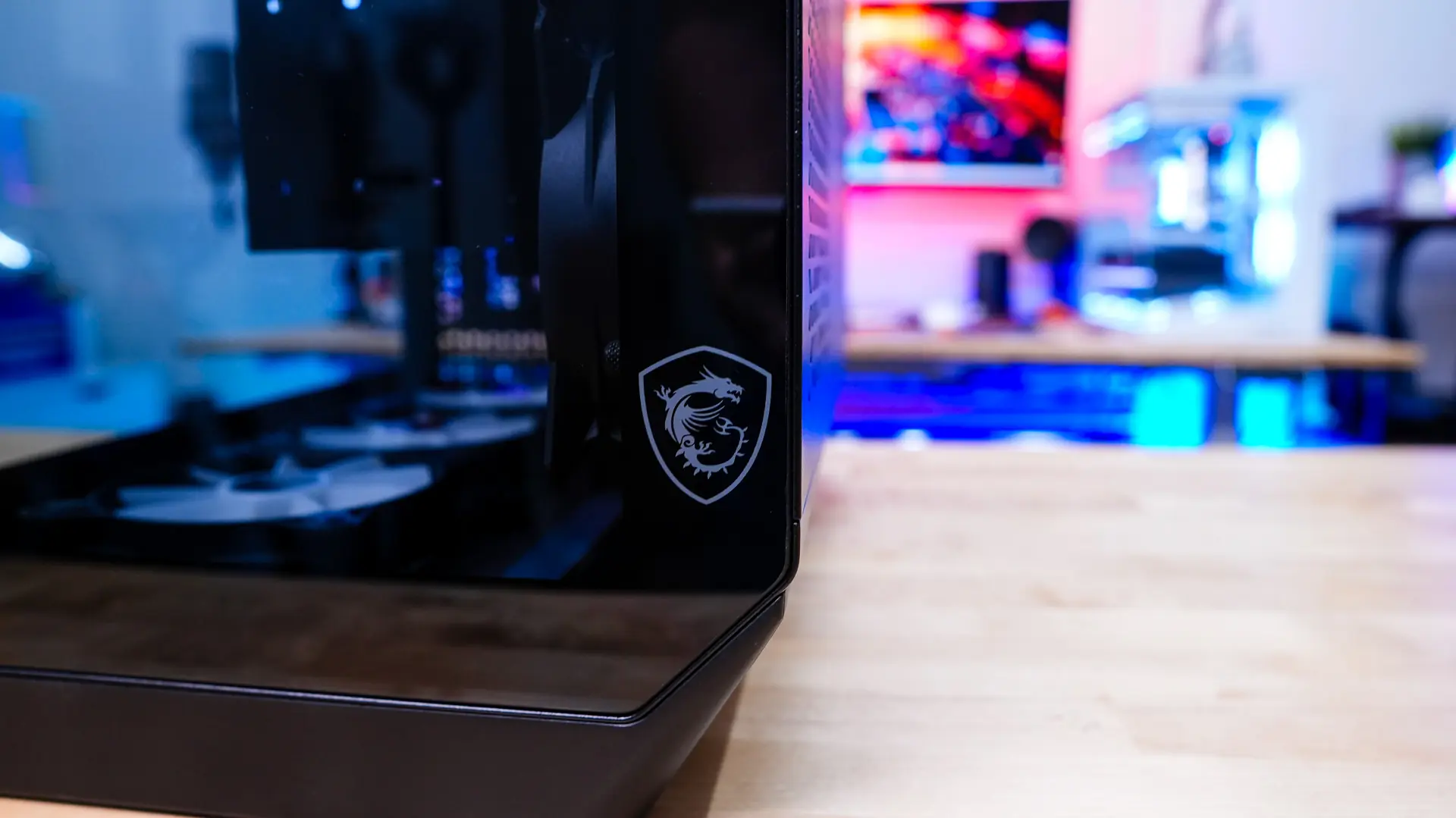
The front of the case, since it does have that tempered glass panel gives you a nice look into your system. The right-hand corners sort of angle-in giving the case a unique shape. Towards the bottom of the front of the case there is a MSI Dragon logo.
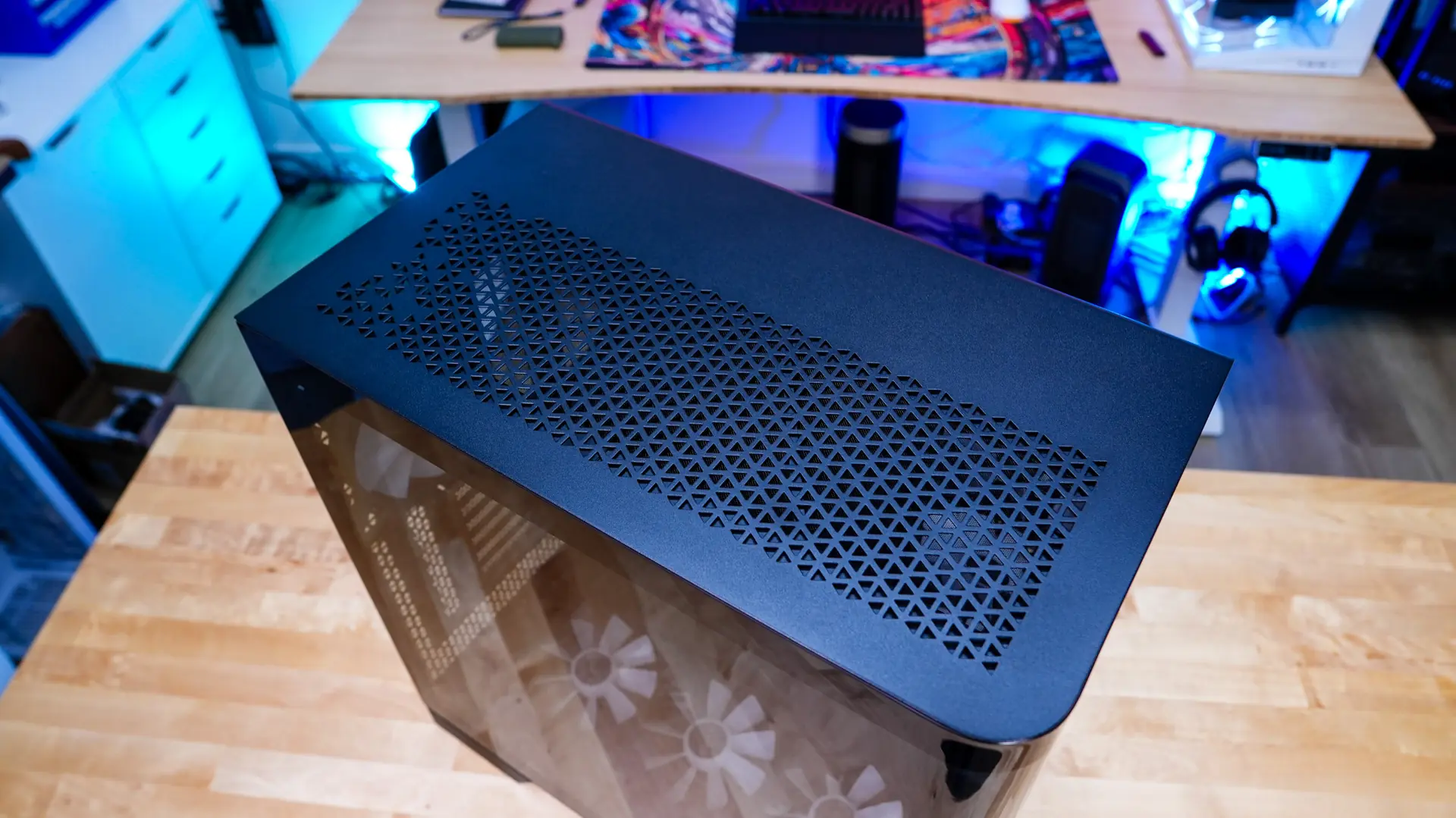
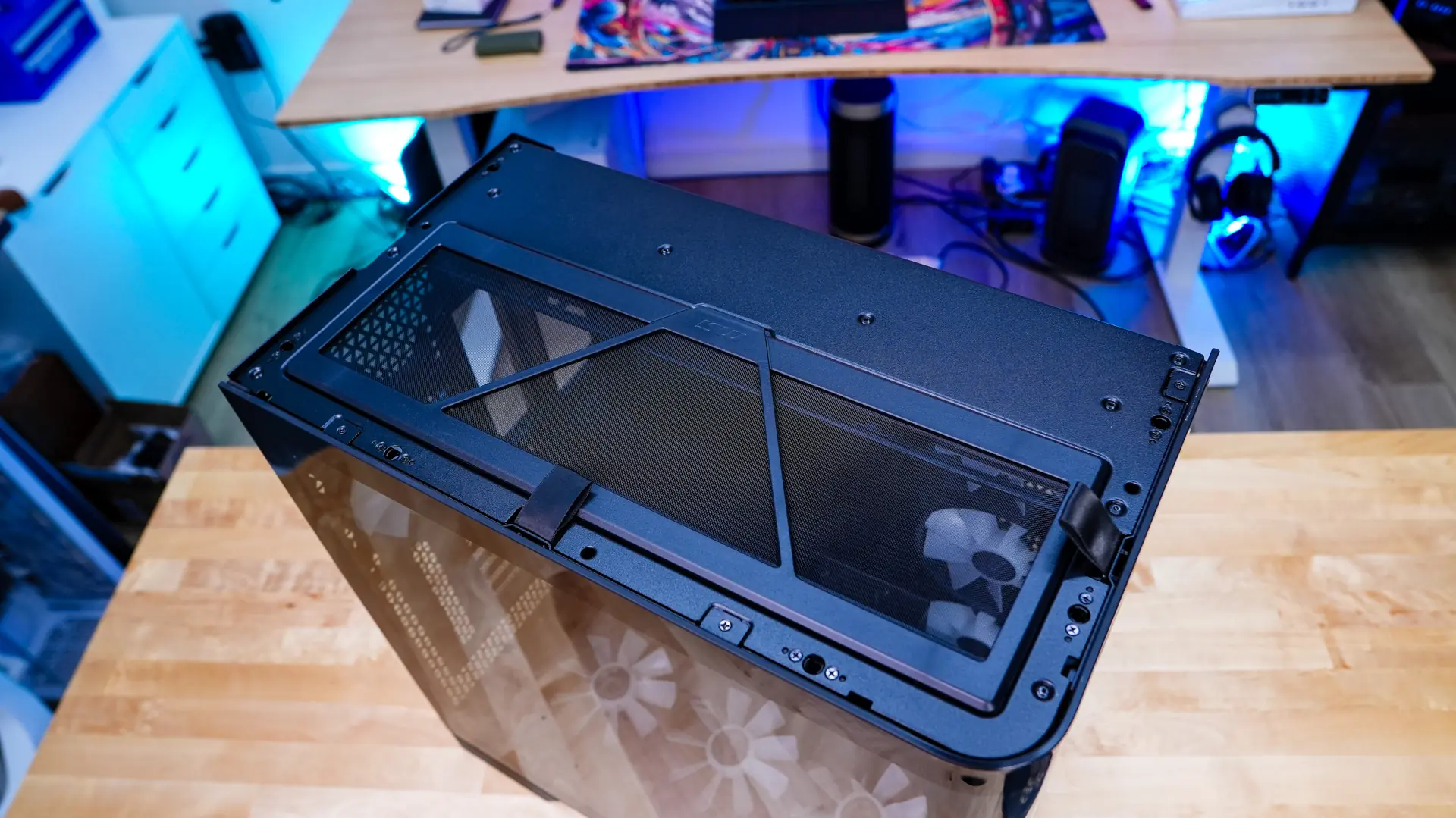
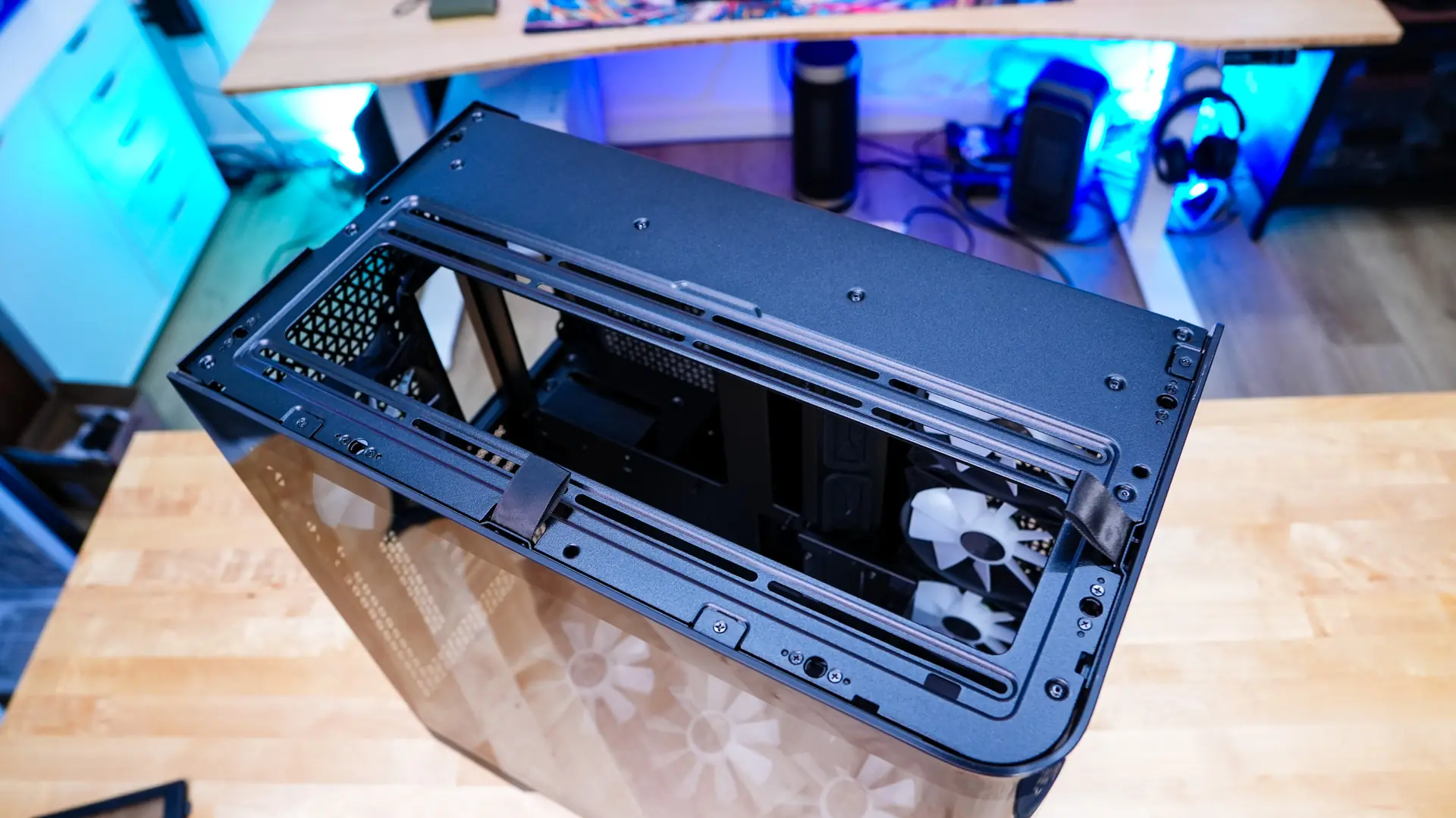
Moving up to the top of the case there is a large ventilated section. You can actually remove the top panel easily to reveal a filter for the top cooling mount. The top cooling mount will support three 120mm fans as well as radiators up to 360mm.
Of course the side of the case has the big side panel to show off your system. Also on the side of the case you’ll find all of your buttons and connections. There is a LED button, USB 3.2 gen 2 Type-C port, USB 3.2 gen 1 Type-A port, headphone and microphone jacks, a small reset button, and a large power button.

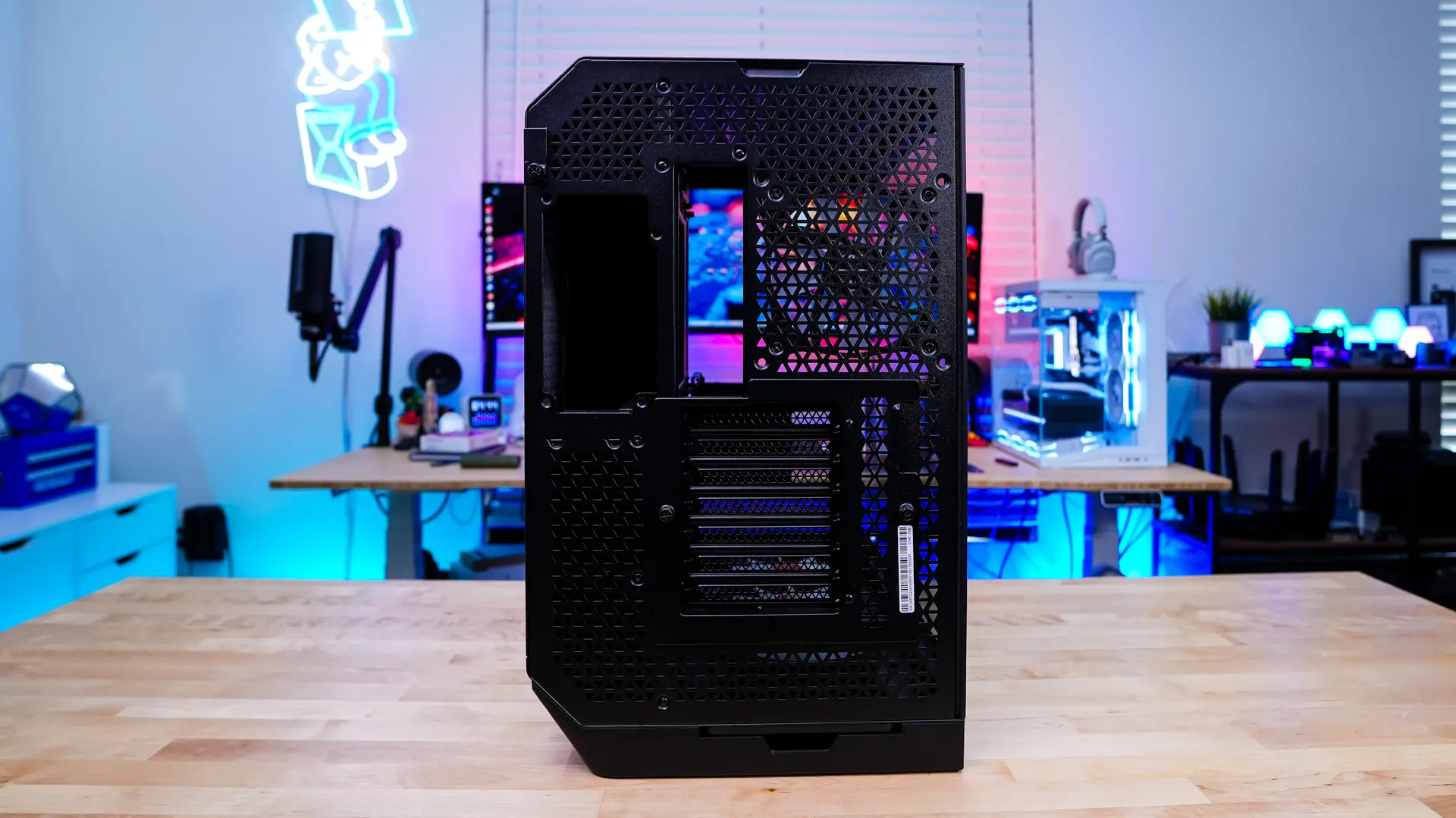
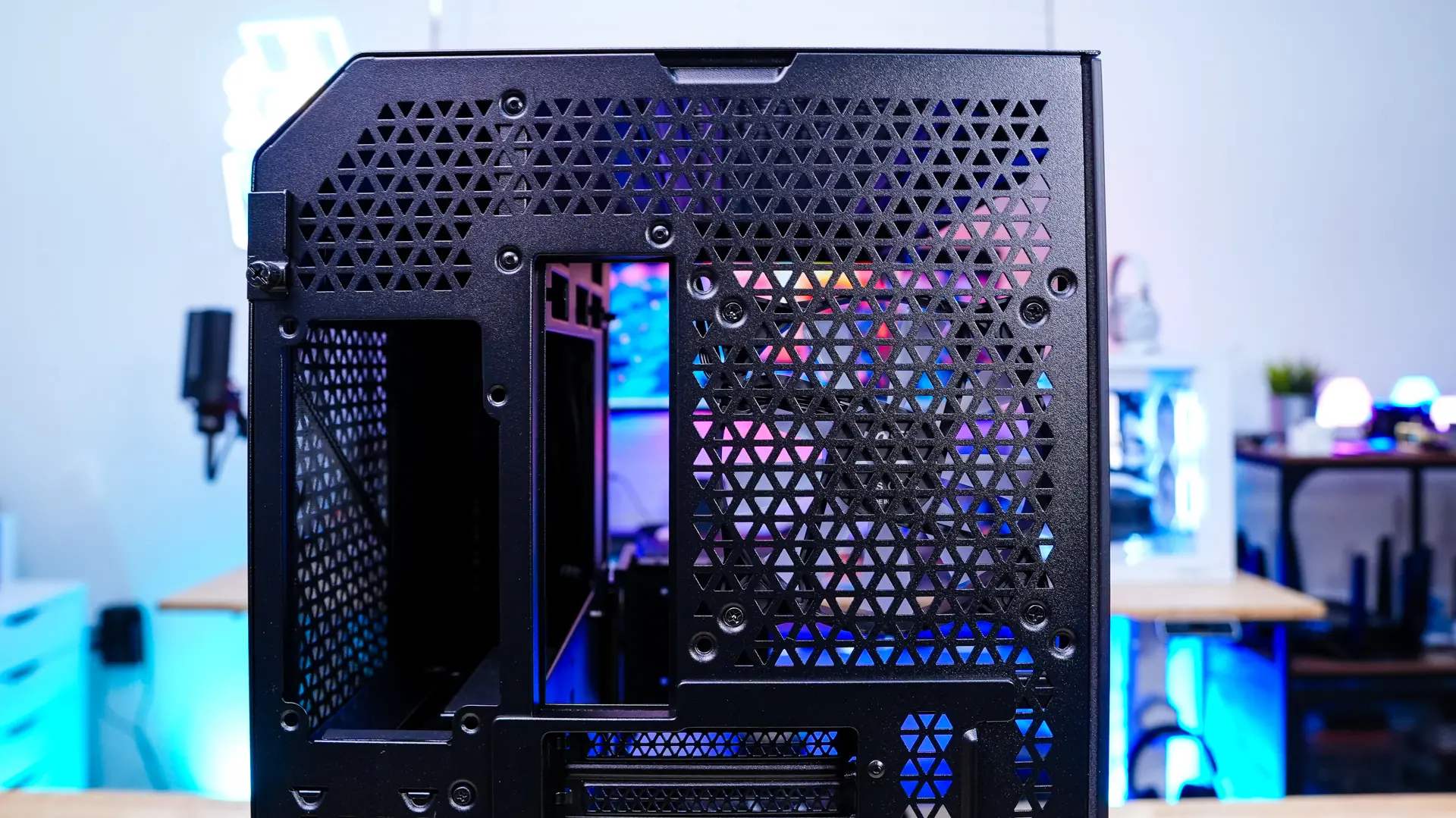
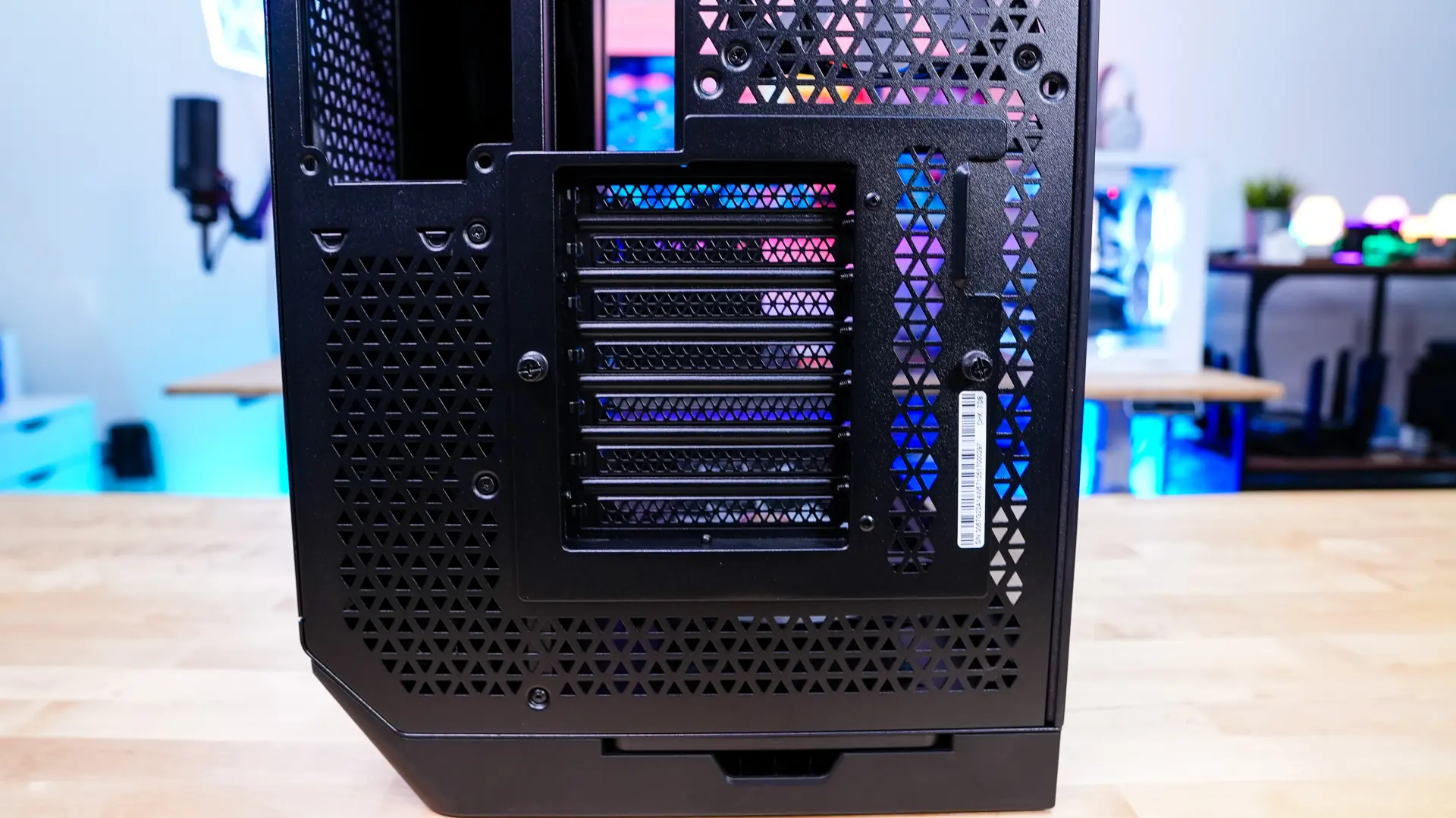
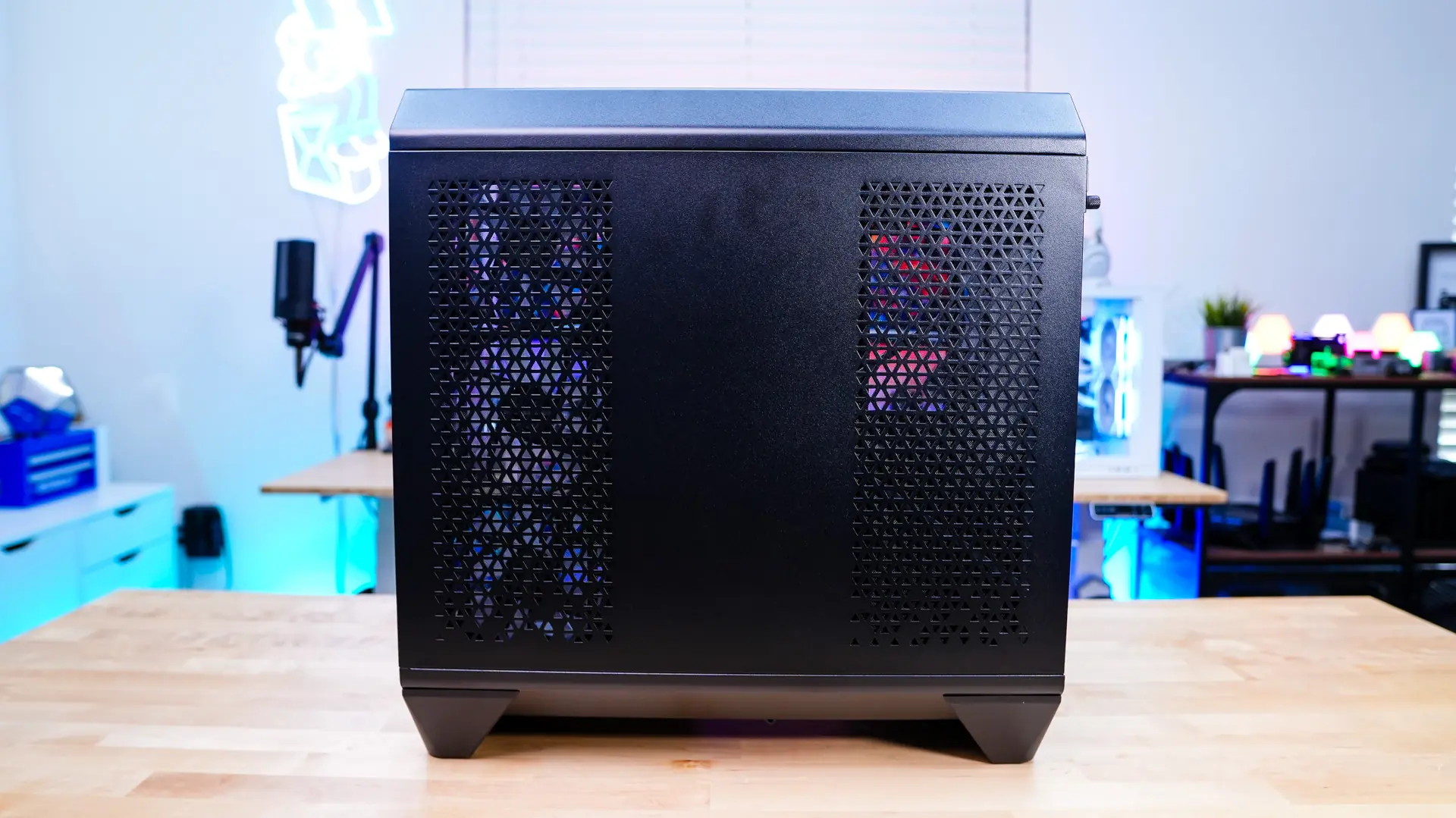
The opposite side panel is a normal steel panel, but you have ventilation where your side mount will be as well as where your power supply will be mounted.
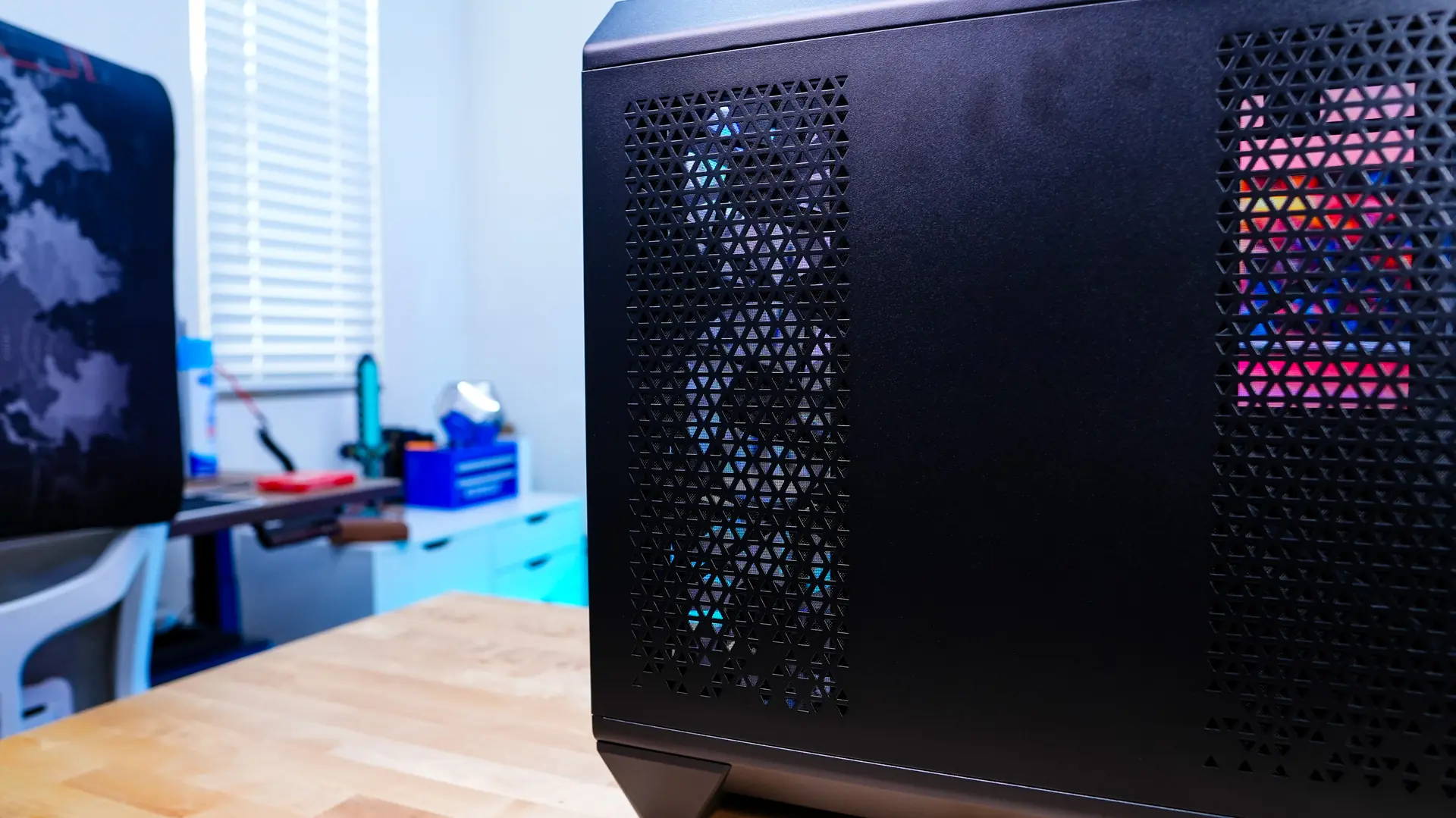
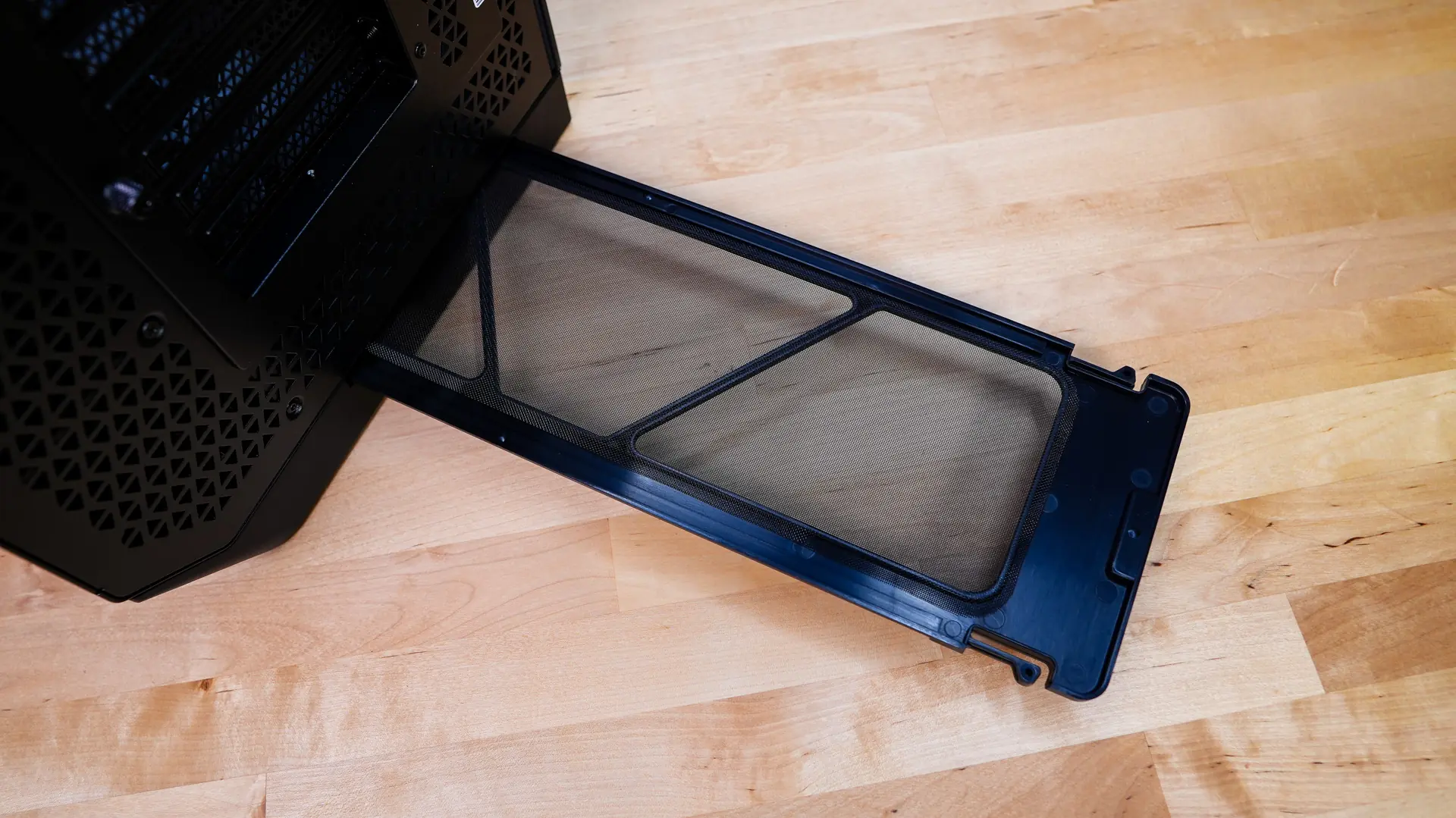
Moving to the back of the case we can see the multi-compartment design of the case. On one side there is a cooling bracket with a pre-installed 120mm ARGB fan, then we have our motherboard mount, and then next to that is a power supply mount. The expansion slot cover section can actually be rotated if you wanted to mount your graphics card vertically, you’ll have to of course provide your own riser cable. There is also a filter that pulls out from the bottom of the case.