A Look Inside the MSI MAG Pano 120R PZ PC Case
Getting inside the MAG Pano 120R PZ is a bit different than other cases. To remove the curved panel you’ll need to first remove the top of the case. Once removed find the three screws and remove them. Finally when those are removed you’ll see two fabric tabs, pull up on them and the curved panel will release. Then you can carefully remove the panel.
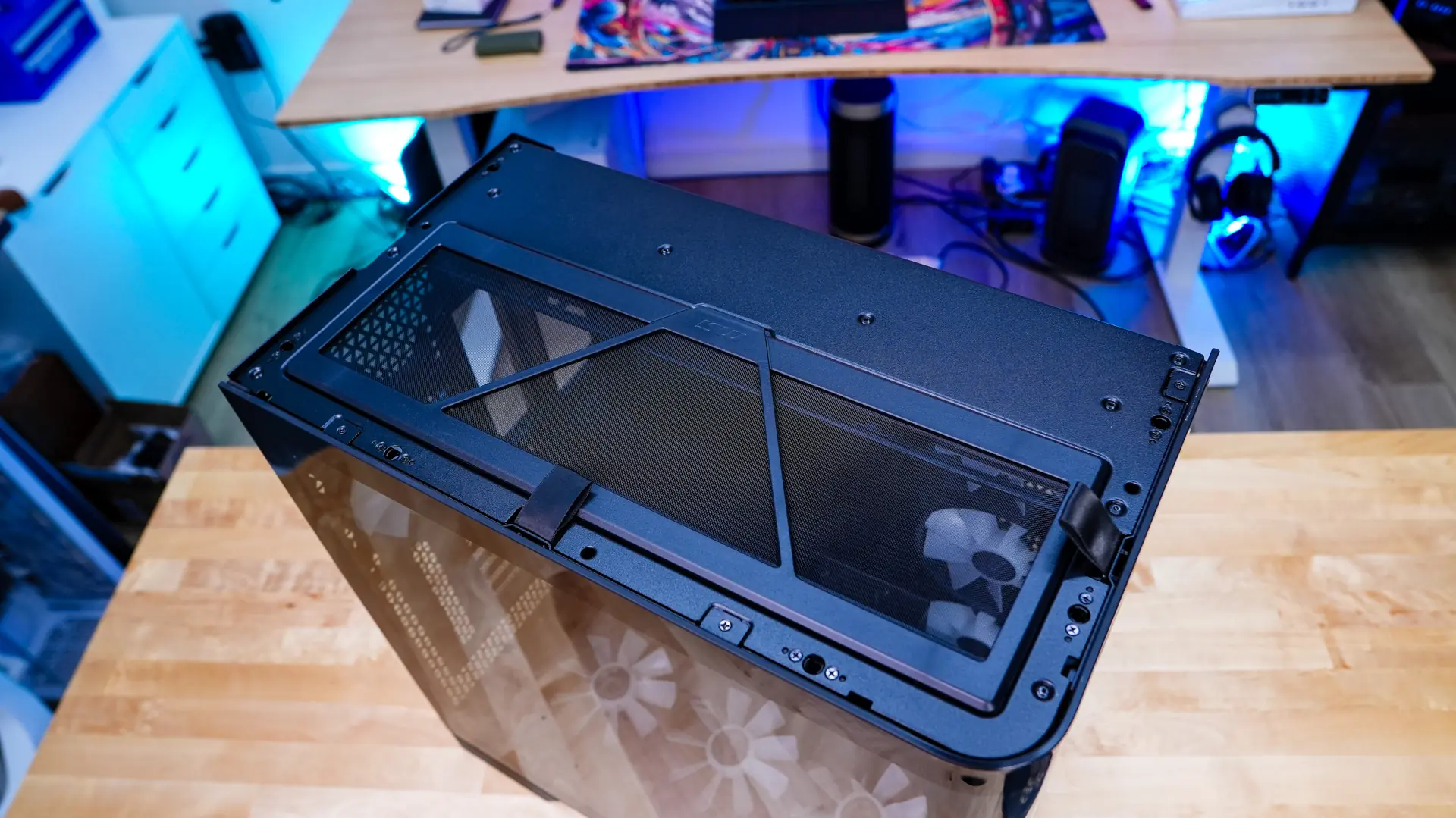
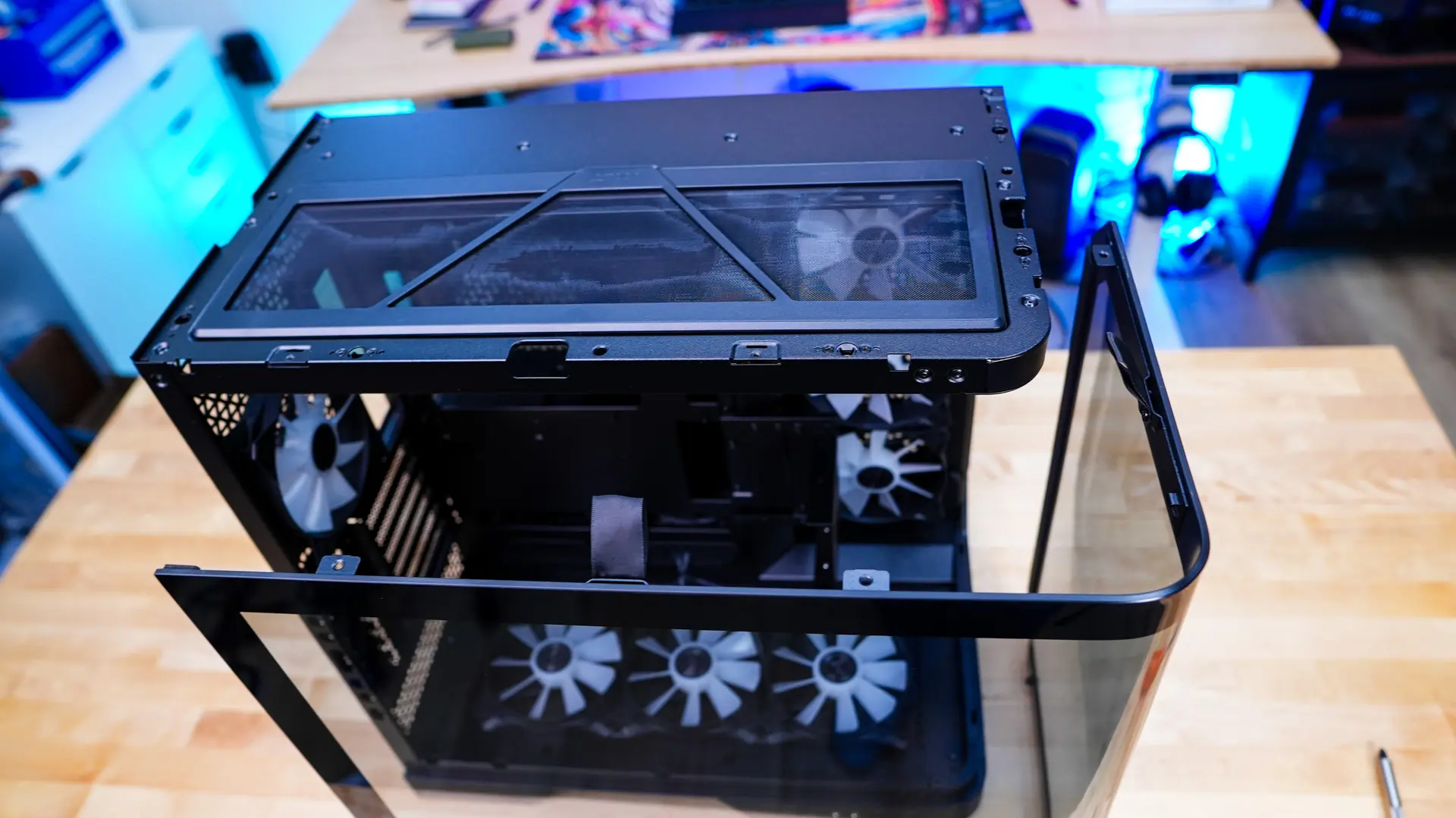
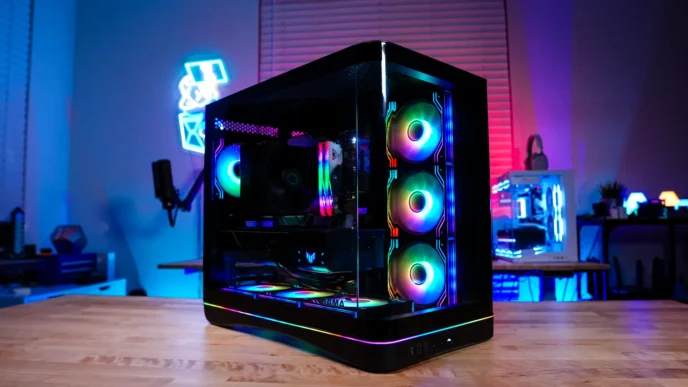
With the side panel removed we can get a look at the main compartment of the case. Of course this is where you’ll mount your motherboard and we have support here for E-ATX (up to 305 x 280 mm), ATX, Micro ATX, and mini ITX motherboards, as well as back-connect motherboards. We also have support for graphics cards as long as 338 mm and there is a built-in GPU support bracket.
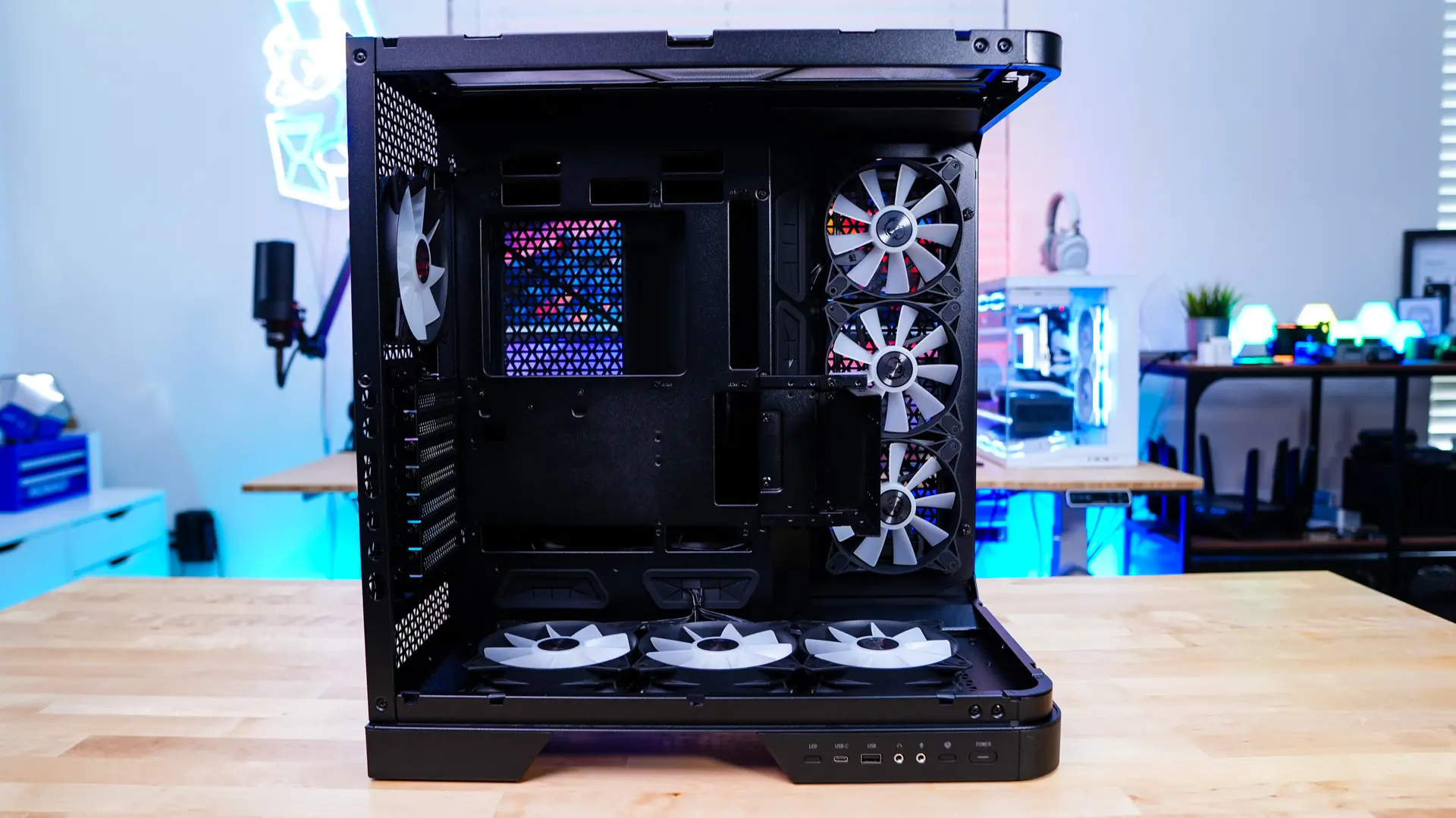
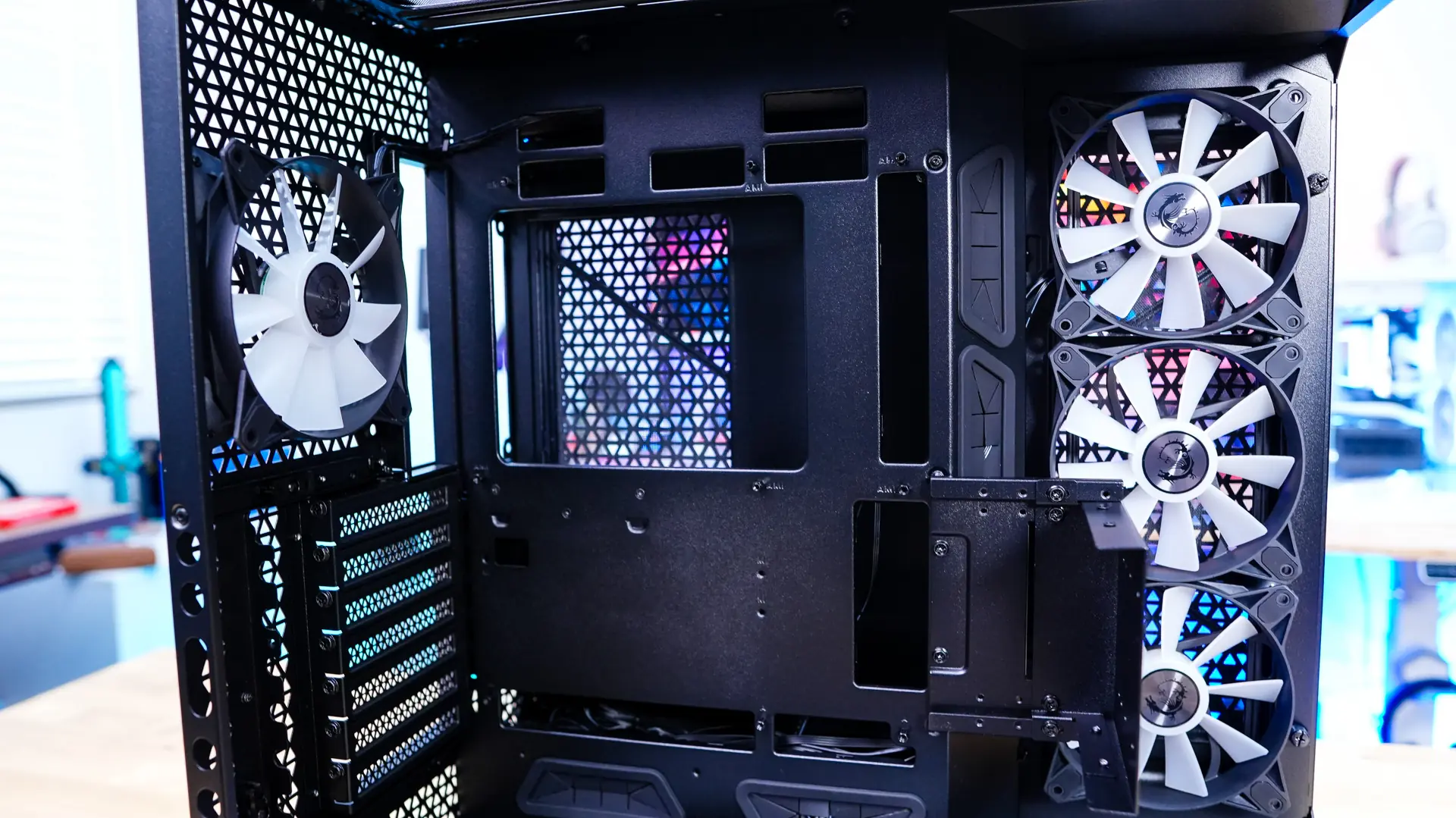
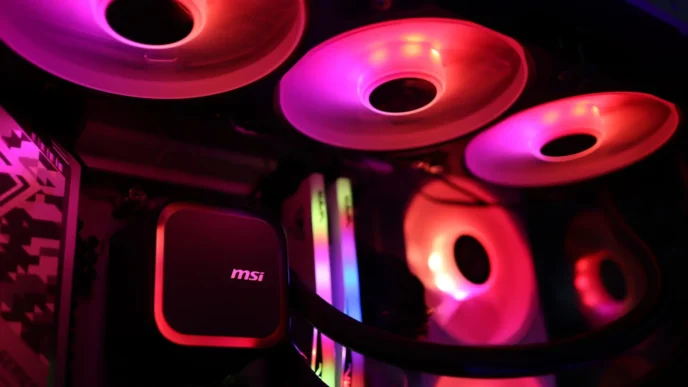
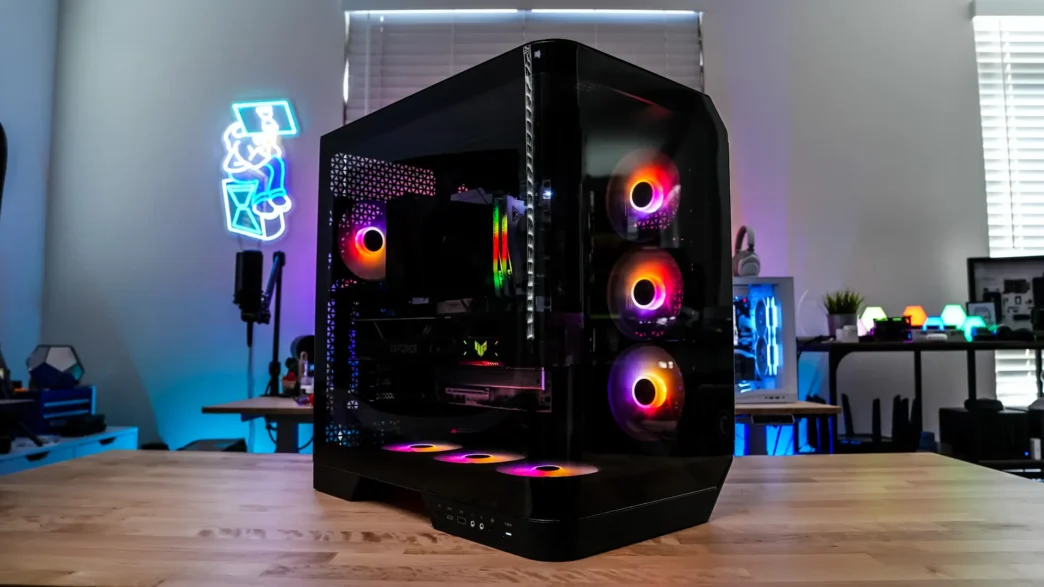
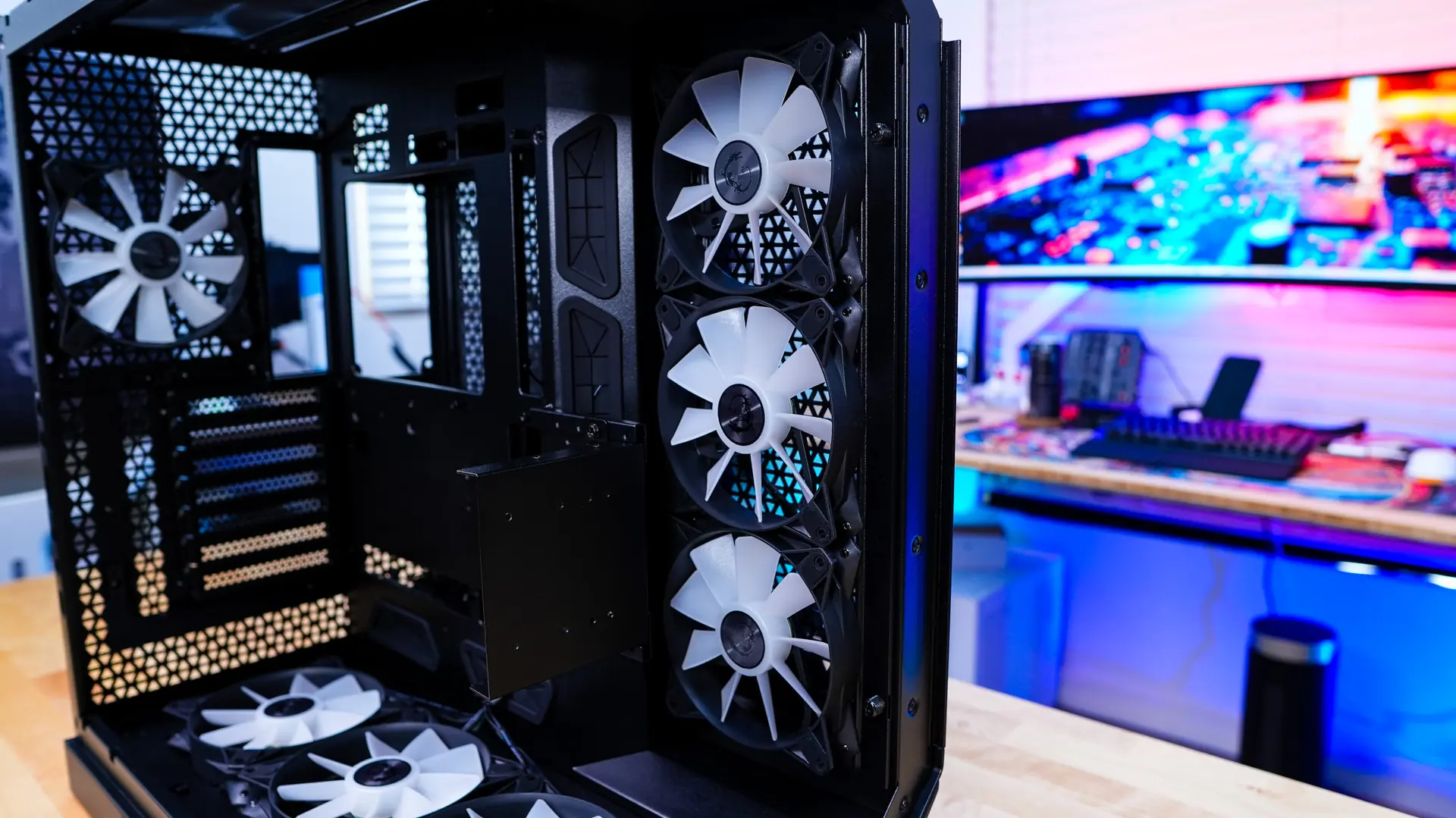
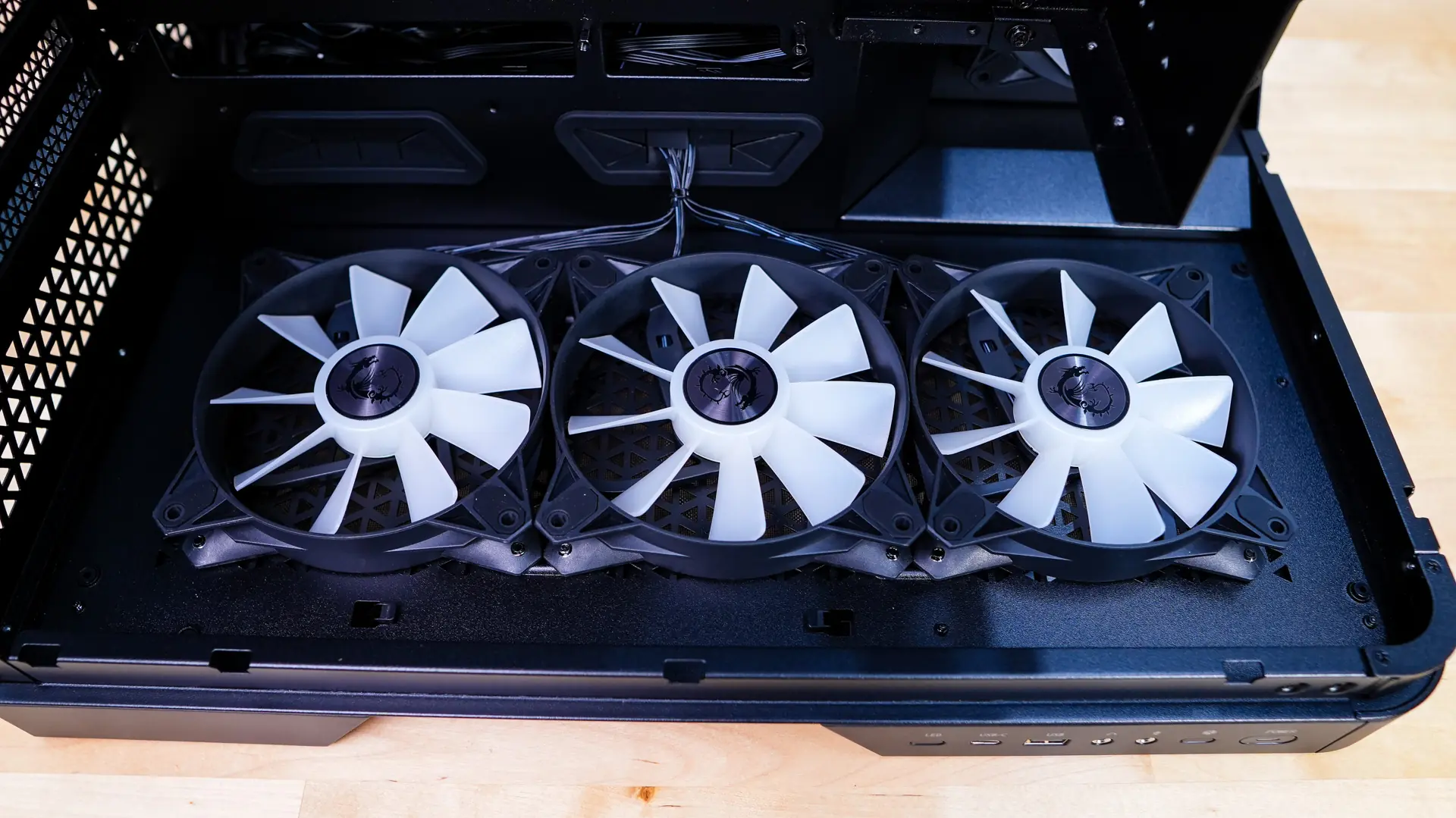
Towards the front of the case we have our side mount, which has three 120mm ARGB fans pre-installed. This side mount will also support 360mm radiators. You’ll find a cooling mount in the bottom of the case too, which supports the same configuration and once again we have three pre-installed 120mm ARGB fans.
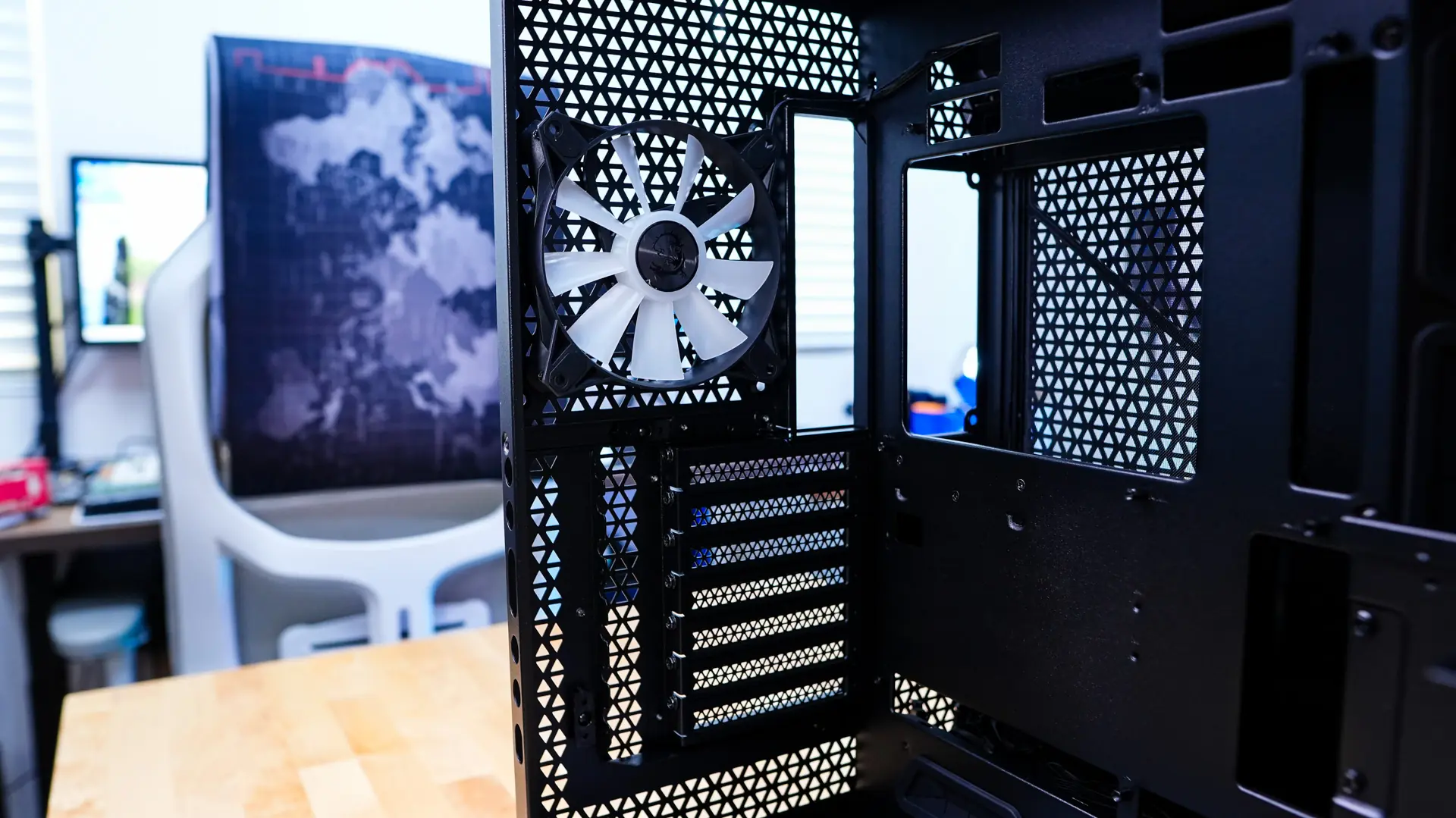
At the back of the case we can see our final pre-installed fan which is our 7th 120mm ARGB fan. We can also see all of the ventilation on the back panel of the case.
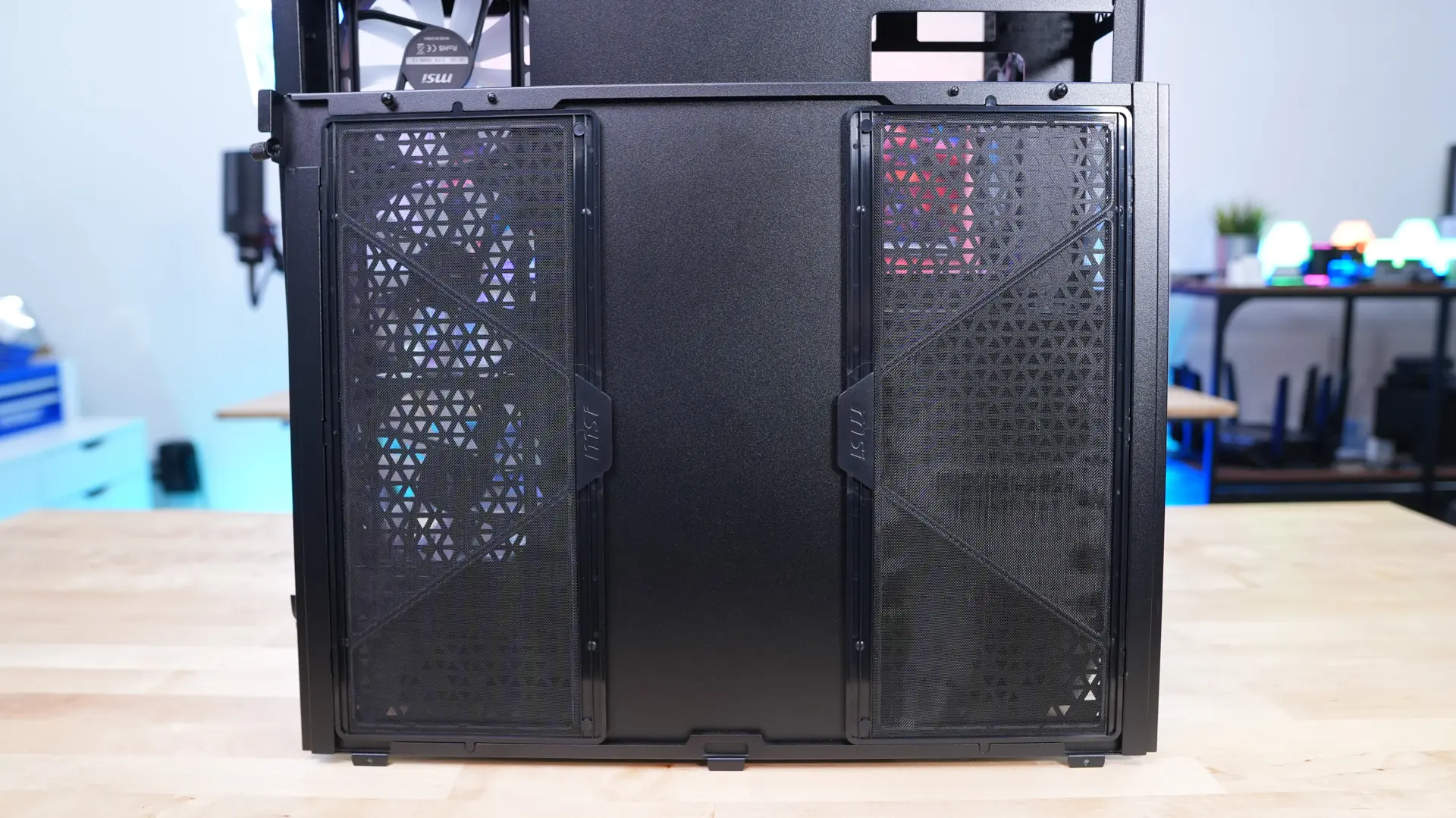
The opposite side panel is held in place with a single thumbscrew and is very easy to remove. Once you remove it you’ll find two removable filters on the inside of the panel.
With the panel removed we find most of the back of the case covered by a panel. You can remove two thumbscrews and slide this panel out to reveal the rest of the interior of the case.
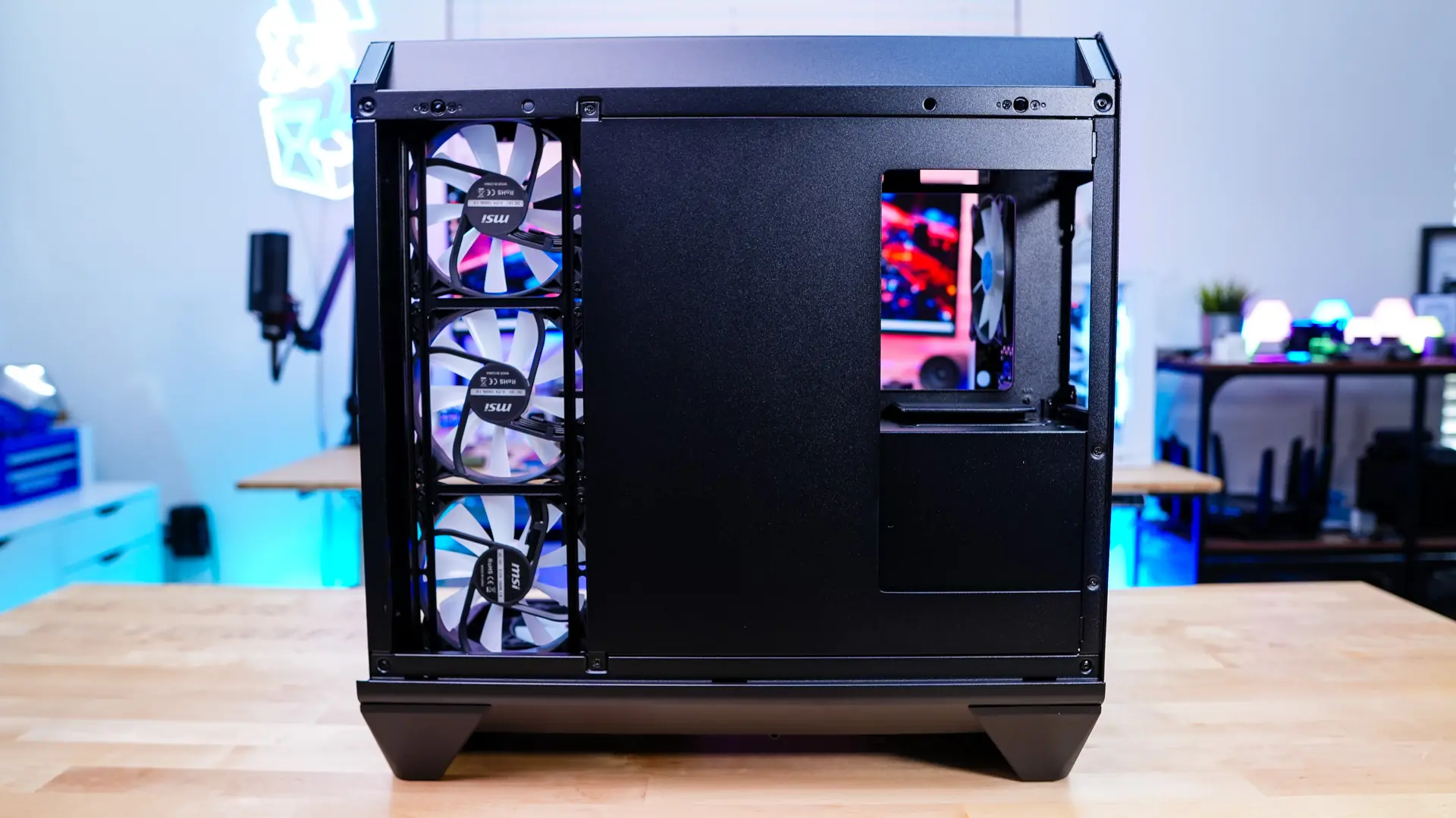
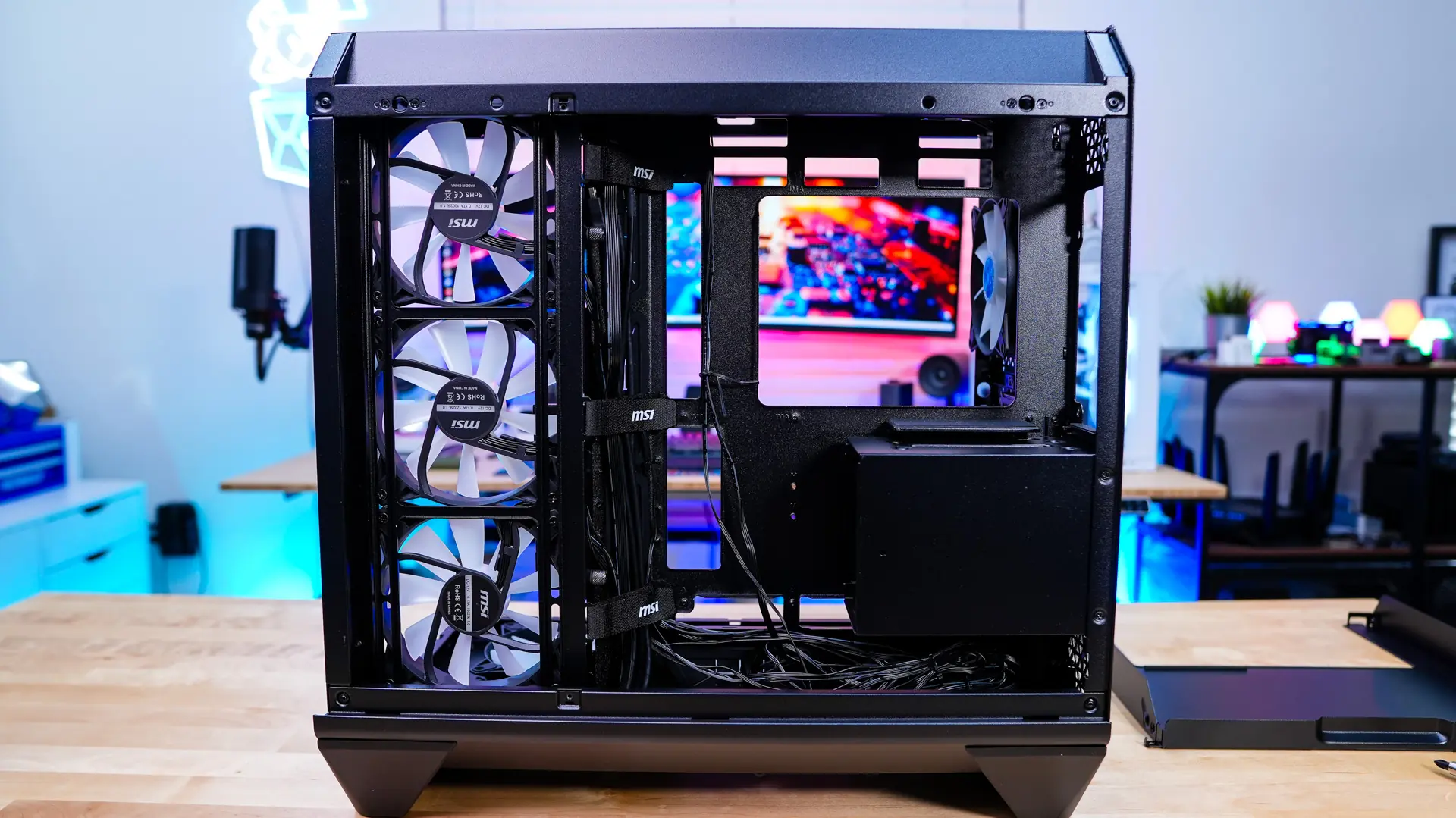
On the back of the motherboard tray towards the top you do have your power supply mount. This mount will support power supplies as long as 200mm and is designed so if you do use a back-connect motherboard it will not block and of the connections. Below that is a removable hard drive cage which supports two 2.5-inch drives and a single 2.5-inch drive.
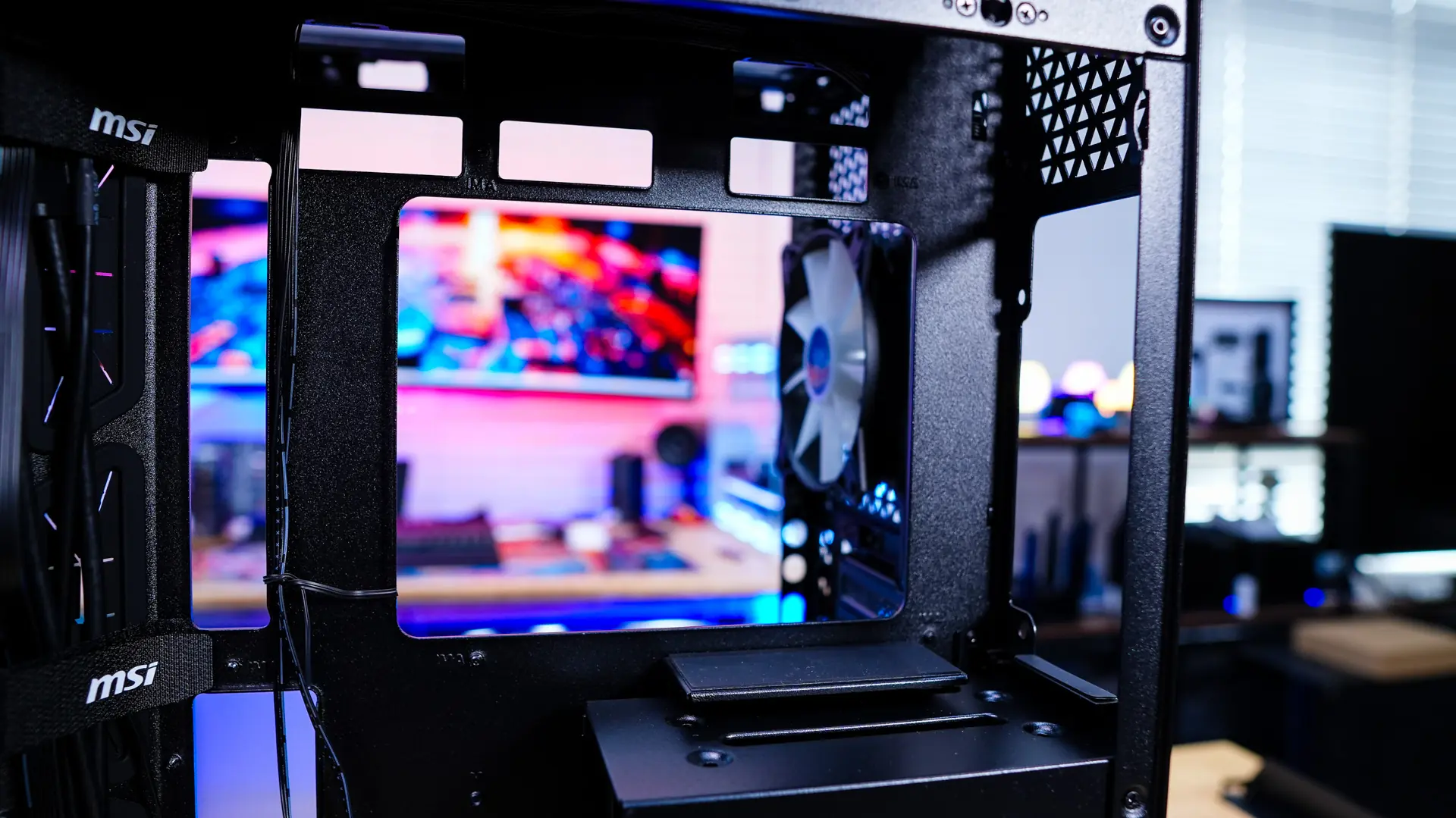
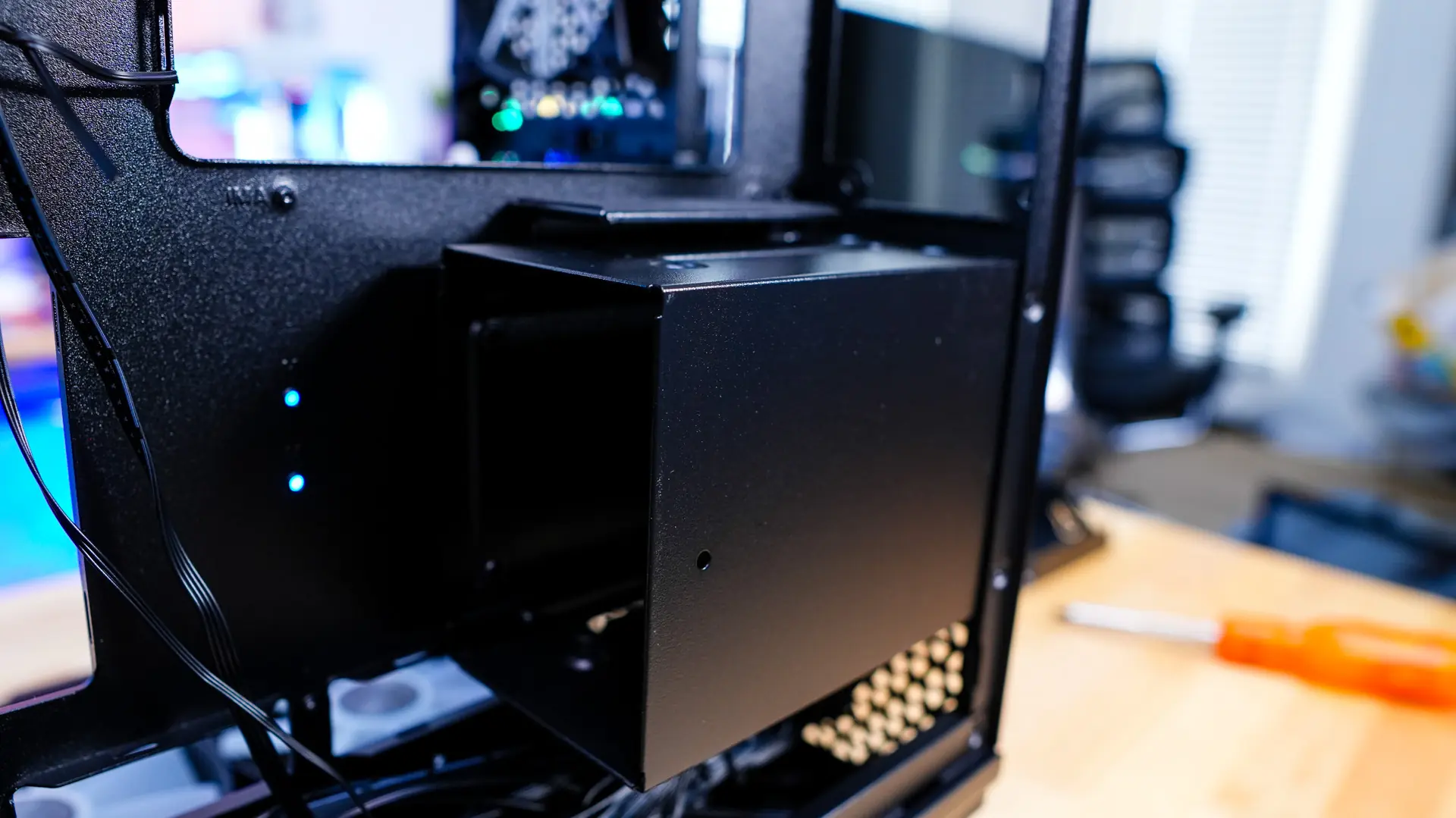
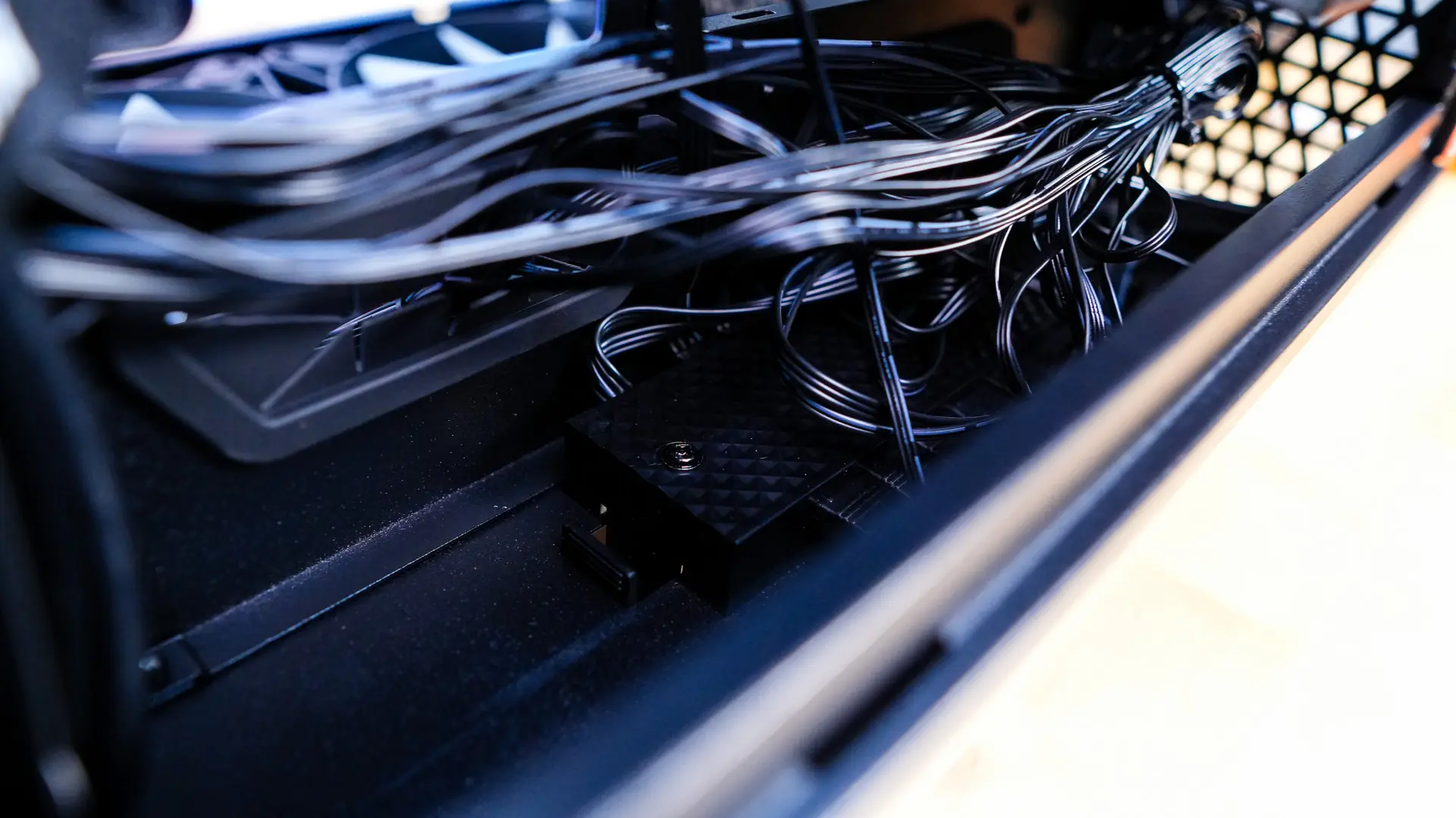
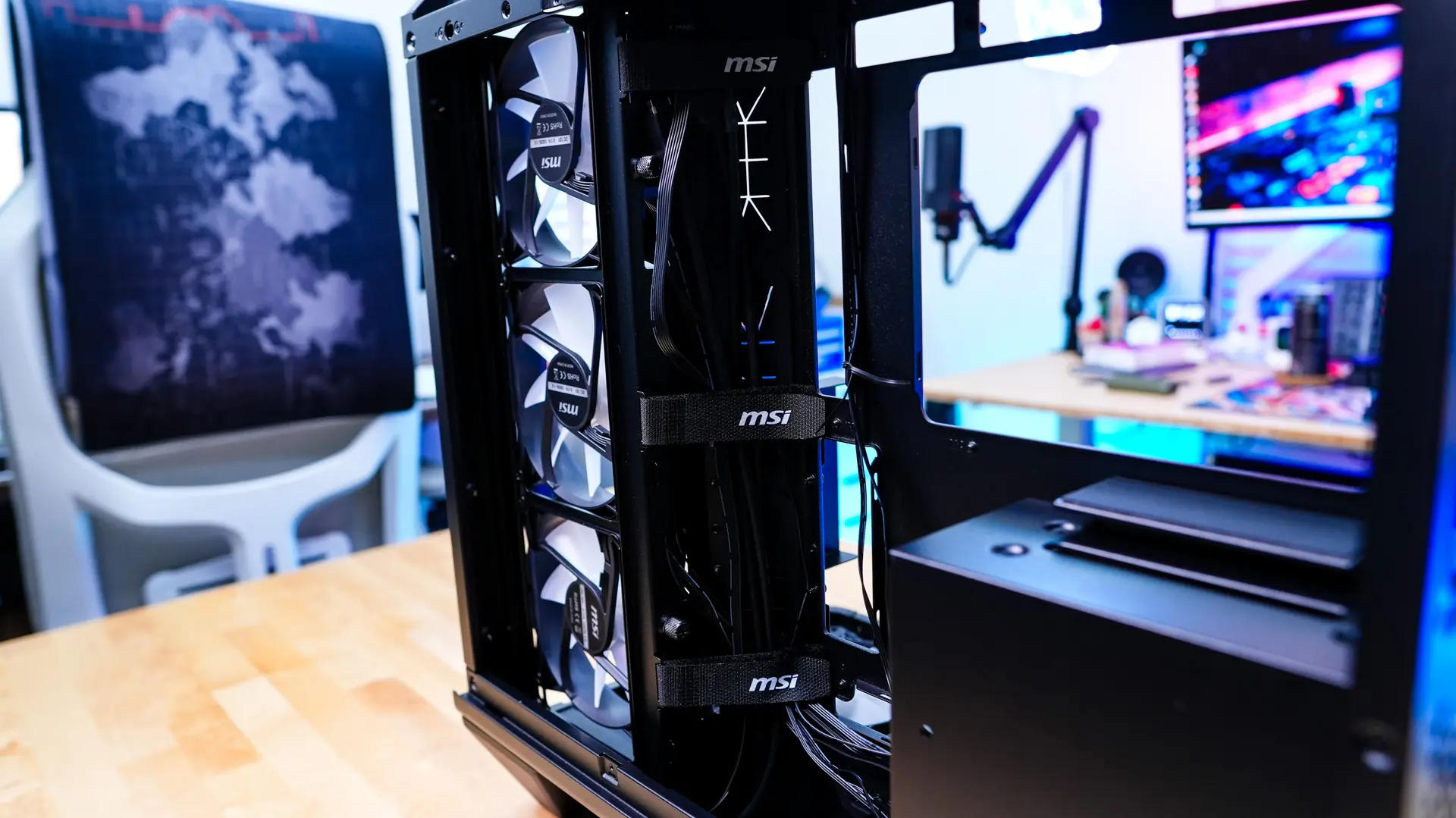
Below the hard drive cage mounted to the bottom of the case is a fan and ARGB hub. All of the pre-installed fans are connected to this hub by default, but I would say with all the wiring it is a bit messy down there. Also if you did need to make any changes or disconnect anything it is a bit hard to reach. As we look towards the front of the case we see grommeted cable routing holes and three large velcro straps to make routing your cables quite easy.